


If you've tried to use TubeNinja recently, you've likely been met with error messages, timeouts, or a completely non-functional site. The once-popular video downloader is no longer a reliable option, leaving many users searching for a replacement. The issue of TubeNinja not working isn't just an inconvenience; it's a sign that the service is unmaintained, which raises significant security questions. Using a defunct online tool can expose you to serious risks.
This article will explain why TubeNinja is obsolete, explore the safety risks of similar sites, and provide a thoroughly tested list of the 10 best TubeNinja alternatives for 2025.
Table of Contents
Part 1. Why You Need a TubeNinja Alternative
Evaluate an alternative beyond the domain name
TubeNinja alternatives searches emphasize whether a service still works, platform coverage, safety, output quality, and legal use. Check current source-site support, redirects, file destination, privacy disclosures, ads or deceptive controls, output format, and whether the service requires an unnecessary login. Test a non-sensitive, authorized file before using a larger workflow.
When it fails: If the tool returns an empty file or redirects repeatedly, do not install an unknown extension or disable security controls; check the source permissions and use an official export path where available.
Evaluate an alternative beyond the domain name: Check current source-site support, redirects, file destination, privacy disclosures, ads or deceptive controls, output format, and whether the service requires an unnecessary login. Test a non-sensitive, authorized file before using a larger workflow.
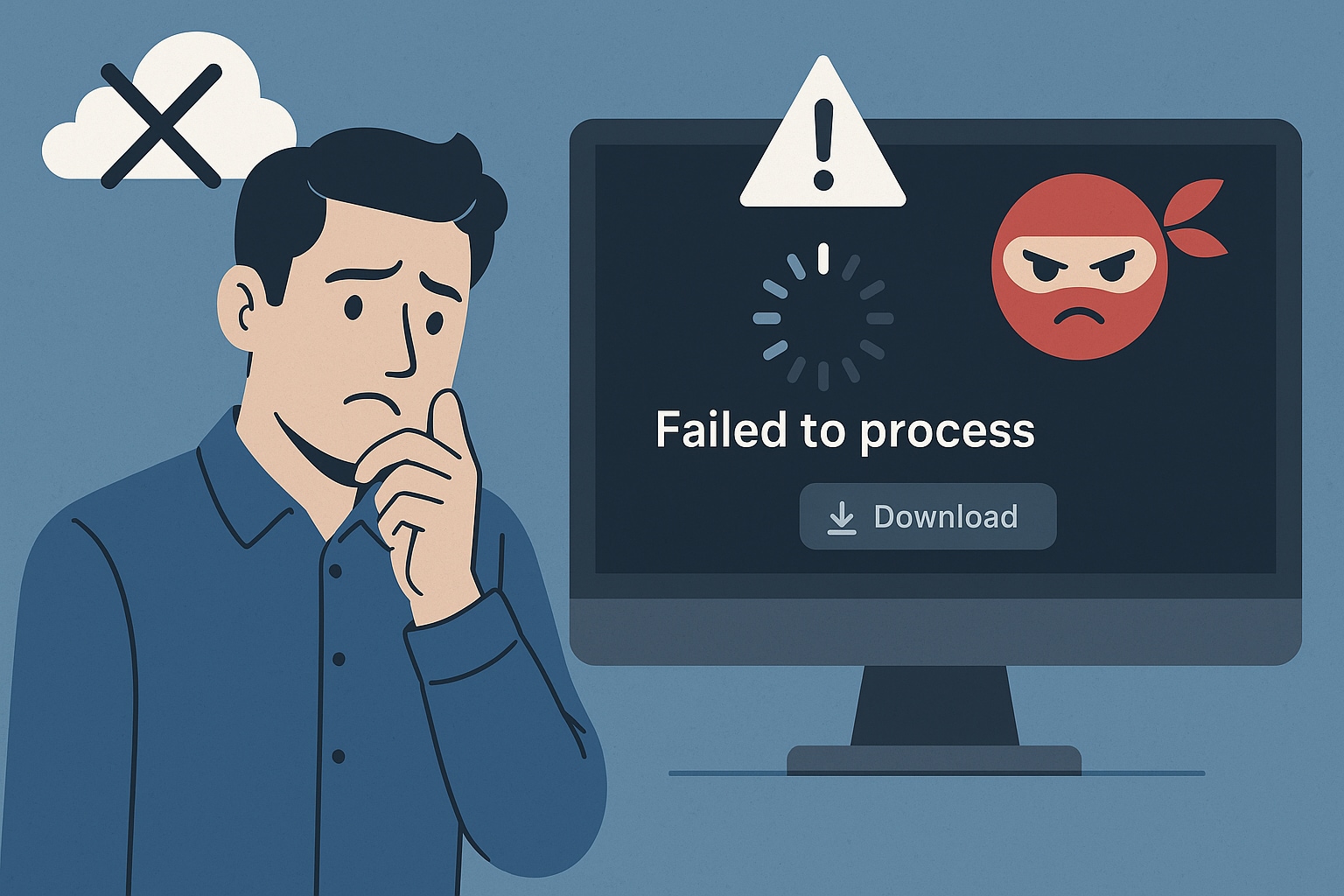
The service being permanently down or offline
Many users report that the TubeNinja website itself is frequently inaccessible or has been taken down completely, making it impossible even to attempt a download.
Server errors and timeouts when processing links
On rare occasions, when the site is reachable, pasting a video link often results in a "failed to process" error or an indefinite loading spinner that ultimately times out. The backend servers are no longer functioning.
The download button not appearing or functioning
A common complaint is that after pasting a link, the site fails to generate any download buttons or quality options, leaving the user at a dead end.
Inability to handle new video formats or website updates (e.g., YouTube changes)
Video platforms like YouTube, Vimeo, and Twitter constantly update their site structure and video delivery methods to prevent third-party downloading. A service must be actively developed and updated to keep up. TubeNinja has not been, so it can no longer parse links from any major platform.
These issues collectively mean TubeNinja not working is the new normal. It's time to accept that it's gone and find a safe, functional TubeNinja net alternative.
Part 2. Is TubeNinja safe to use for downloading videos
This is a critical question. When a free online tool stops receiving updates and is abandoned by its developers, it doesn't just cease to function—it becomes a security risk. The answer to "is TubeNinja safe?" is a definitive no. Here's why:
Increased likelihood of intrusive pop-up ads and malicious redirects
Unmaintained websites are prime targets for ad-hijacking. Even if the original creators had good intentions, the site's domain could now be used to serve aggressive pop-ups, browser-locking ads, or redirects to phishing sites, gambling portals, or malware-infected pages.
Potential for outdated software to have security vulnerabilities
The underlying software that ran TubeNinja is now outdated. This means it could have unpatched vulnerabilities that hackers can exploit to gain information from users who visit the site, potentially compromising your browser or data.
The ambiguity surrounding data collection
With no active operator, there is no one to hold accountable for data. You have no idea who (if anyone) is monitoring the links you paste, what they are doing with that data, or if your IP address is being logged for nefarious purposes.
When a tool stops working reliably, its safety can no longer be guaranteed. Any site TubeNinja similar in its lack of maintenance should be treated with extreme caution. The risk of a malware infection or data theft is not worth the convenience of a "free" tool.
Part 3. What should you look for in a safe TubeNinja alternative
When searching for a reliable TubeNinja alternative, you must prioritize security and functionality. A trustworthy tool isn't just one that works—it works safely. Look for these key features:
A reliable video downloader should exhibit clear signs of active development, indicating that it is regularly updated to accommodate changes from platforms like YouTube. A clean interface is crucial; this means minimal, clearly-labeled, non-misleading ads and absolutely no forced redirects or pop-ups. The tool must have broad format and quality support, offering choices such as MP4, MP3, and WEBM, as well as resolutions ranging from 480p to 1080p and 4K. It should also have wide platform compatibility to work on all the sites you use. Finally, safety is paramount: look for a clear privacy policy for web-based tools or, even better, desktop software that operates offline, keeping your activity private.
Part 4. Top 10 TubeNinja Alternatives 2025
Here are the best TubeNinja alternatives, sorted by device and use case. We'll start with the most powerful and secure options and move to on-the-go solutions.
Best For: Choosing a Safer TubeNinja Replacement
Group 1: All-in-One Desktop Suites (Best for Power Users & Safety)
Desktop software is inherently safer than online sites as it doesn't rely on ad-filled web pages and runs securely on your machine.
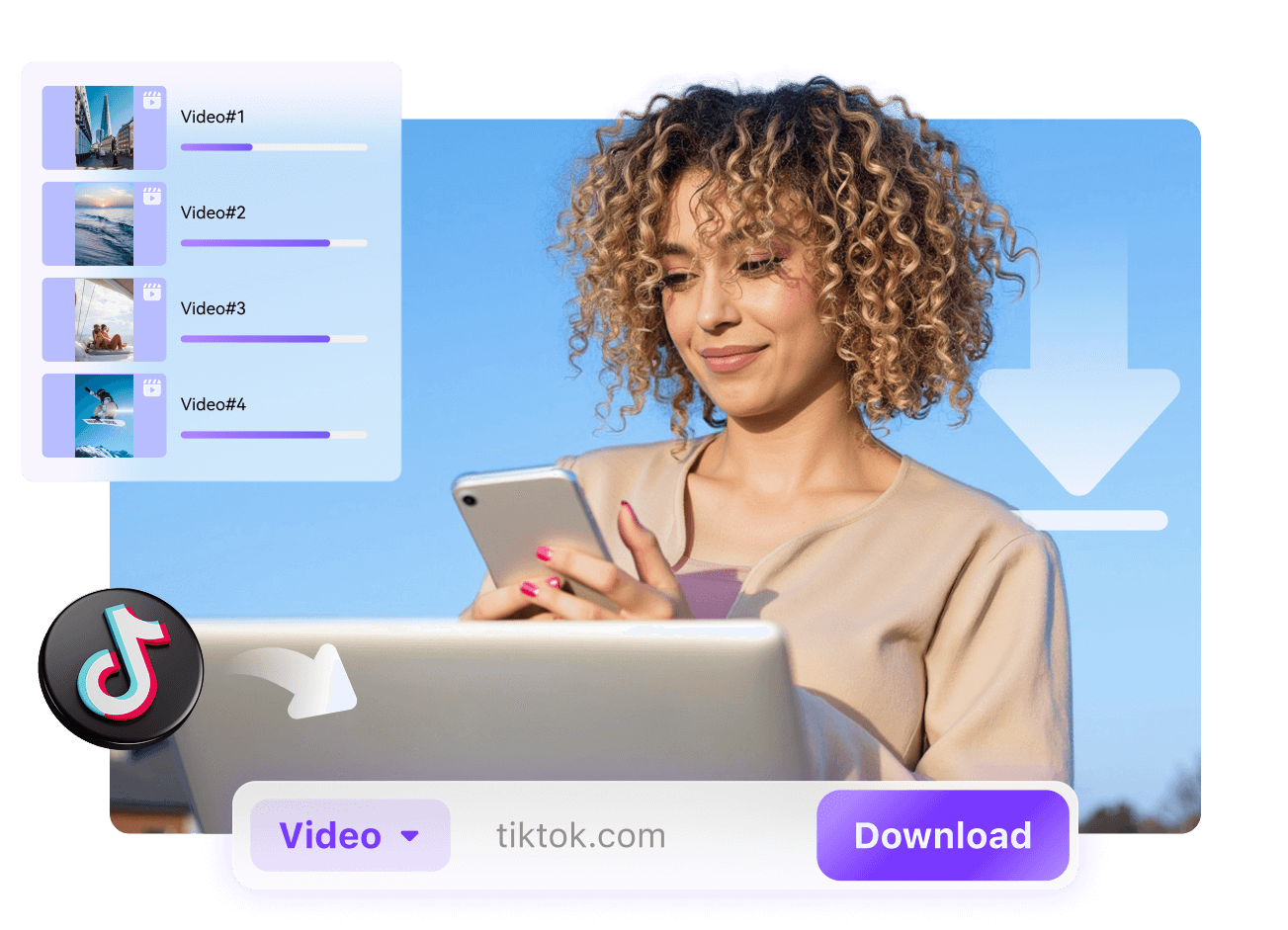
1. Wondershare UniConverter
Wondershare UniConverter is a full media toolbox that replaces simple online downloaders with a powerful desktop hub for handling almost any video task. Beyond grabbing clips from popular video platforms, it converts between hundreds of formats, compresses large files, and includes basic editing like trimming, cropping, and subtitle handling in a single workflow. Hardware acceleration and batch processing help you move entire playlists or libraries offline quickly while preserving quality. With DVD support, screen recording, and device‑friendly presets, it suits users who want professional‑grade control instead of a minimalist one‑click downloader.
Safety Review: 5/5
Starting Price: Free Trial; starting from $43.19/year.
Supported Device: Windows, macOS

Easy to Use KineMaster Alternative for PC
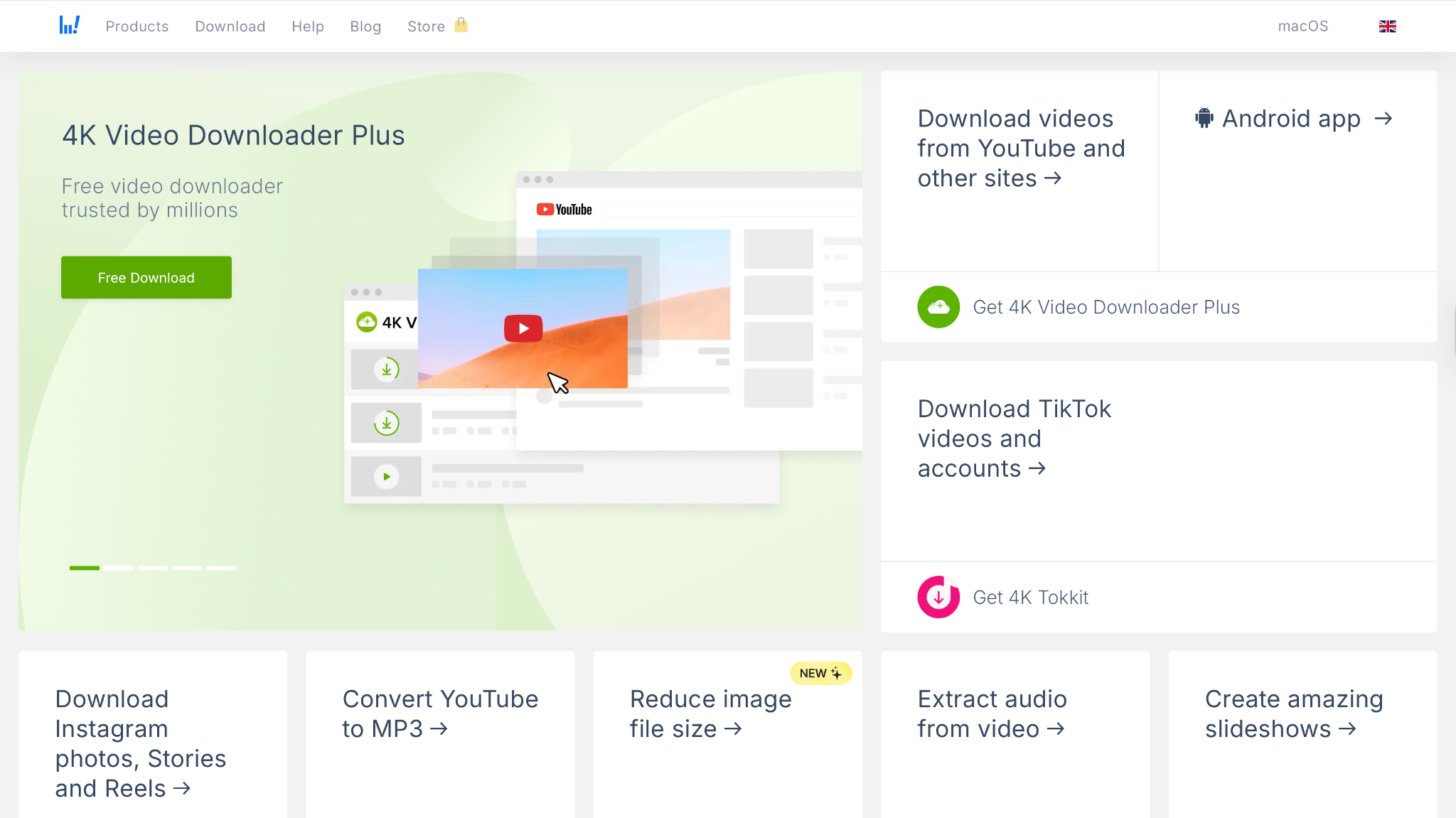
2. 4K Video Downloader
4K Video Downloader focuses on reliable, high‑quality saves from major video sites with minimal setup, making it a popular choice for users who value clarity and resolution. It can download individual videos, entire playlists, channels, and even subtitles while preserving up to 4K or higher quality where available. The interface stays intentionally simple: paste a link, pick the format and quality, then let the software handle the rest. Support for multiple audio options, smart naming, and bulk processing means it scales from casual offline viewing to systematic archiving of long‑form content.
Safety Review: 4.5/5
Starting Price: The free version; paid licenses start at $15/year.
Supported Device: Windows, macOS, Ubuntu Linux
Group 2: Free Desktop Software (Best for Budget-Conscious Users)
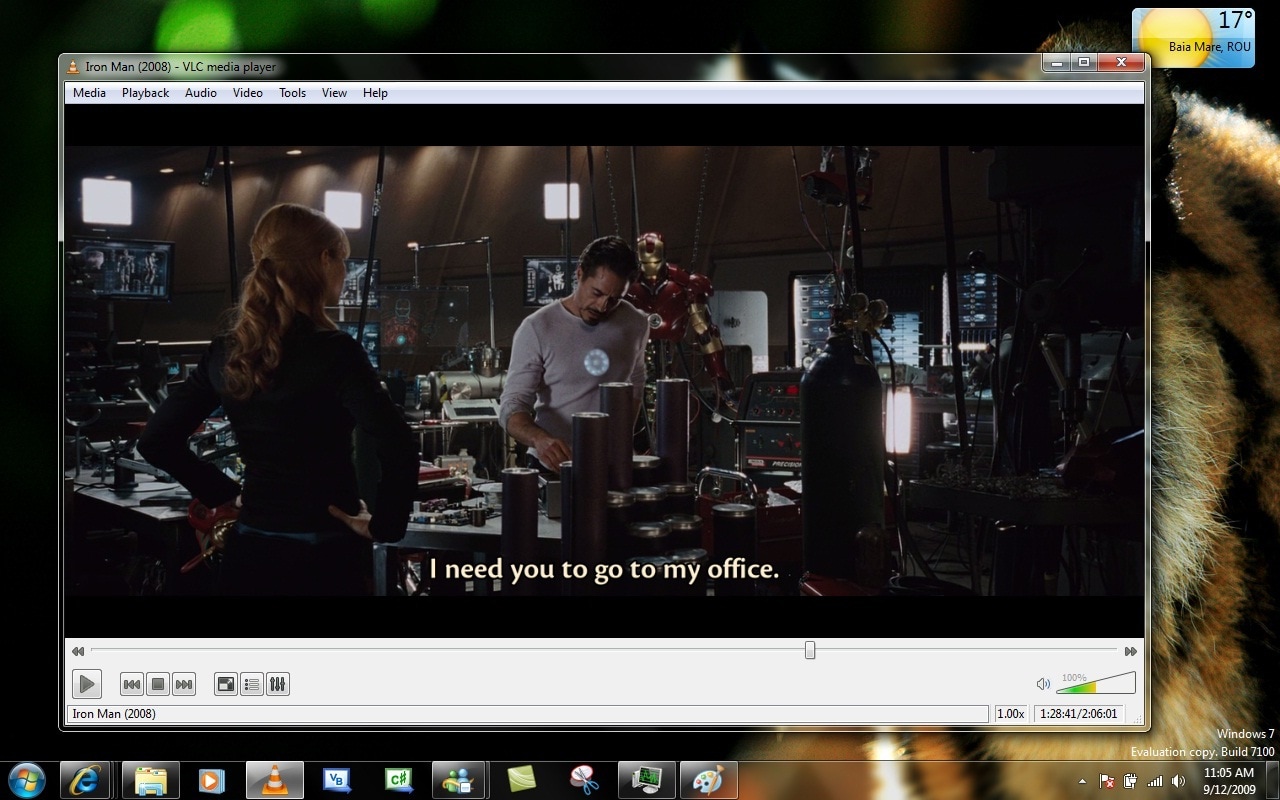
3. VLC Media Player
VLC Media Player doubles as a flexible downloader and converter in addition to being a universal playback app. By opening network streams and saving them locally, VLC allows you to capture online videos without relying on browser add‑ons. Its built‑in transcoder converts downloaded files into many formats suited for phones, tablets, or editing software, simplifying your workflow. Because it is open source, cross‑platform, and highly customizable, VLC appeals to users who prefer free, community‑maintained tools that remain lightweight yet powerful enough to replace several single‑purpose utilities at once.
Safety Review: 5/5
Starting Price: 100% Free
Supported Device: Windows, macOS, Linux
4. ClipGrab
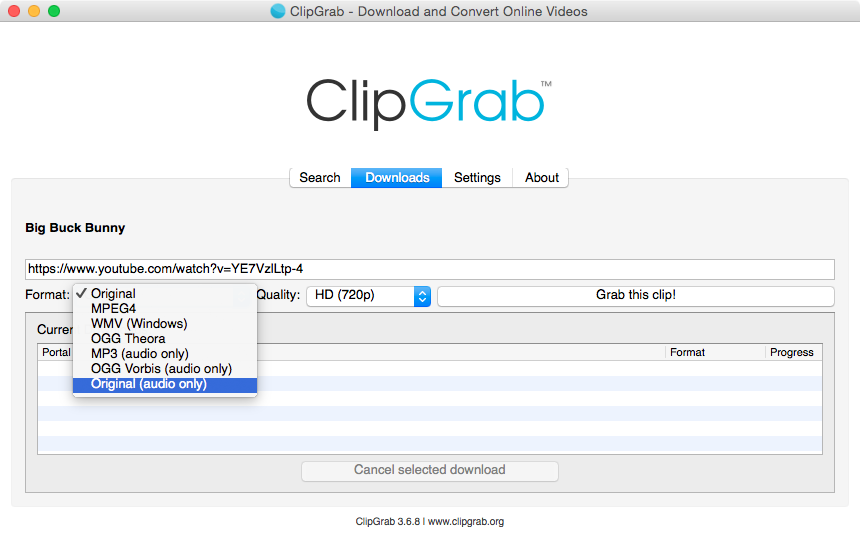
ClipGrab is a lightweight desktop downloader that emphasizes ease of use, quick conversions, and support for a wide range of popular video sites. The application lets you paste a URL, choose between common output formats like MP4, WMV, or MP3, and then automatically converts the result for offline playback or audio‑only listening. A simple, uncluttered interface makes it approachable for beginners who only need core features rather than a large feature set. Because it runs locally and handles both downloading and transcoding, ClipGrab offers a straightforward, no‑frills alternative to browser‑based tools.
Safety Review: 4/5
Starting Price: 100% Free
Supported Device: Windows, macOS, Linux
Group 3: Online Video Downloaders (Best for Quick, One-Off Downloads)
Warning: Online downloaders are the most direct TubeNinja similar tools, but they carry the same risks. They are funded by ads, which are often aggressive and misleading. Use them with caution and an ad-blocker.
5. Converto.io
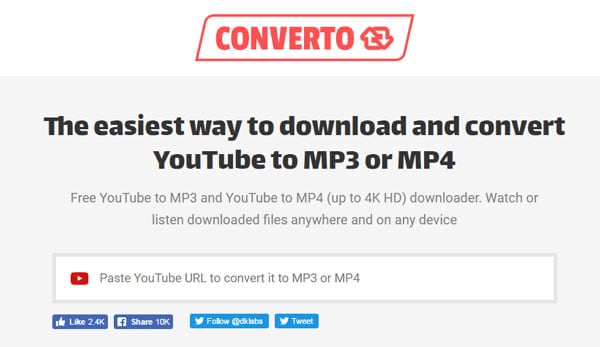
Converto.io is a browser‑based downloader that specializes in turning online videos into MP4 or MP3 files without installing software. It focuses on speed and simplicity: users paste a link, adjust basic options like quality and file name, then receive a processed file ready for download. Operating entirely in the browser makes it handy for quick conversions on shared or locked‑down computers where desktop apps are not allowed. As a TubeNinja alternative, Converto.io suits users who want fast, occasional downloads with minimal configuration or technical overhead.
Safety Review: 2.5/5
Starting Price: Free (Ad-supported)
Supported Device: Web Browser (Any device)
6. SSYouTube (from SaveFrom.net)
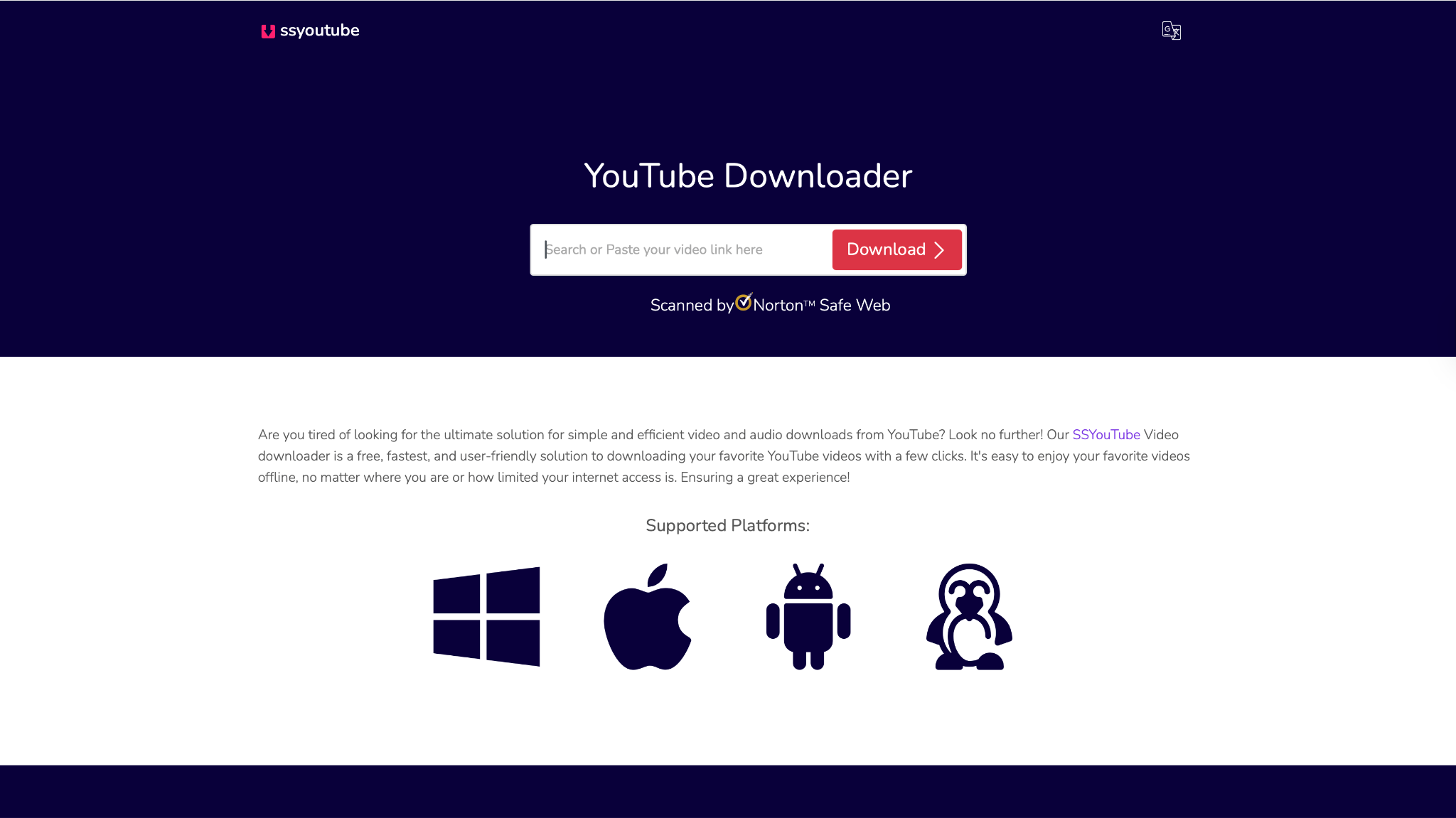
SSYouTube is a URL‑based shortcut service that turns the normal YouTube address into a downloadable link by adding “ss” in front of it. Instead of copying and pasting into a separate site manually, users adjust the URL and are redirected to a download page where they can choose video or audio formats. This pattern makes it convenient for frequent downloading directly from the address bar. While it is not as feature‑rich as dedicated desktop utilities, SSYouTube offers a fast, familiar workflow for casual users wanting simple, one‑off saves.
Safety Review: 1/5
Starting Price: Free (Ad-supported)
Supported Device: Web Browser (Any device)
7. Y2Mate
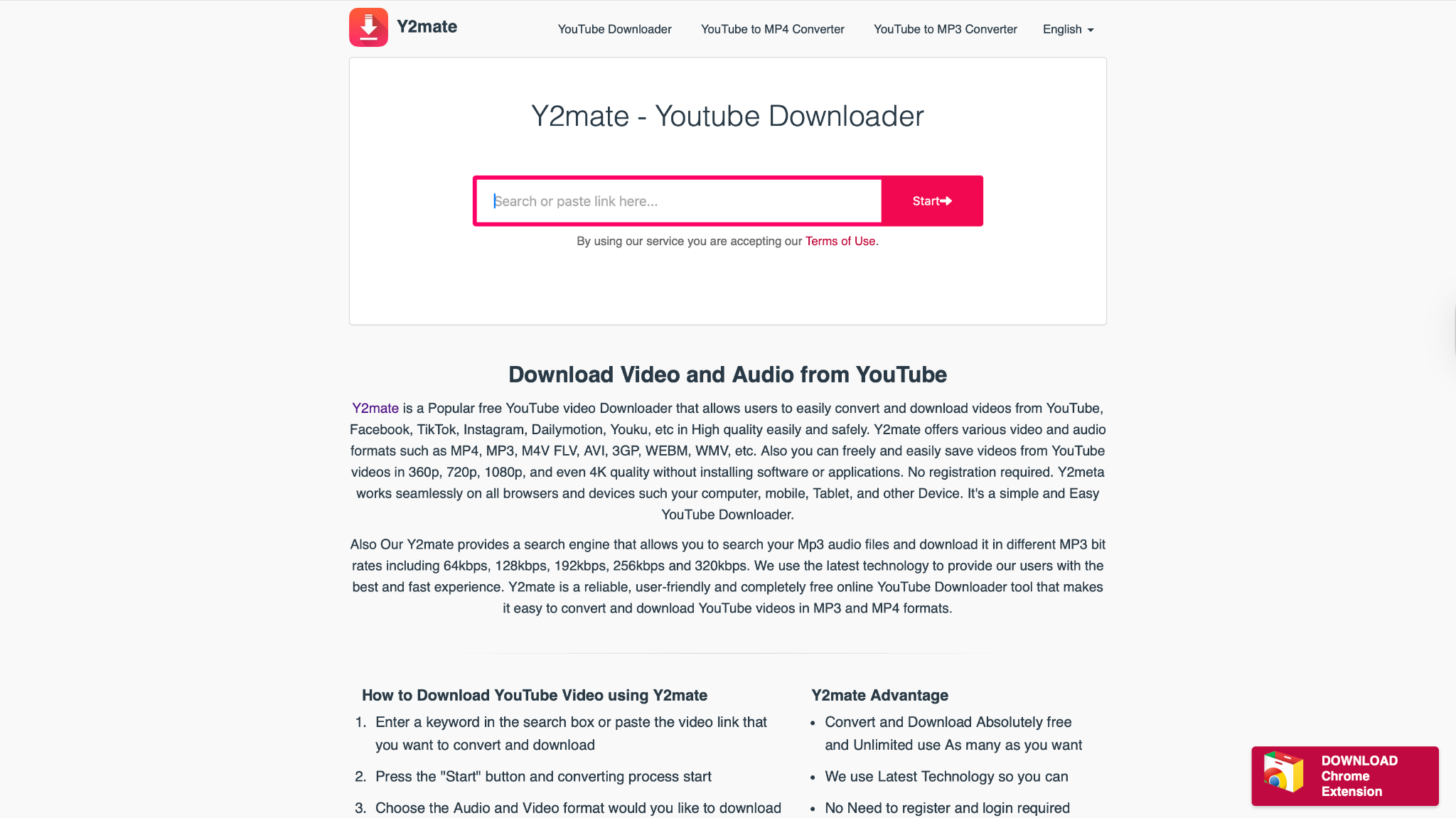
Y2Mate is a popular web service that converts streaming links into downloadable MP4 or MP3 files entirely online. Its interface allows users to paste a URL and immediately see multiple quality options, including different resolutions and audio‑only variants. Because it runs in any modern browser, Y2Mate is accessible on mobile and desktop without installation. This flexibility, combined with fast processing and straightforward steps, makes it attractive as a TubeNinja alternative for people who frequently grab clips, music, or short videos for offline viewing.
Safety Review: 1/5
Starting Price: Free (Ad-supported)
Supported Device: Web Browser (Any device)
Easy to Use KineMaster Alternative for PC
8. Video DownloadHelper
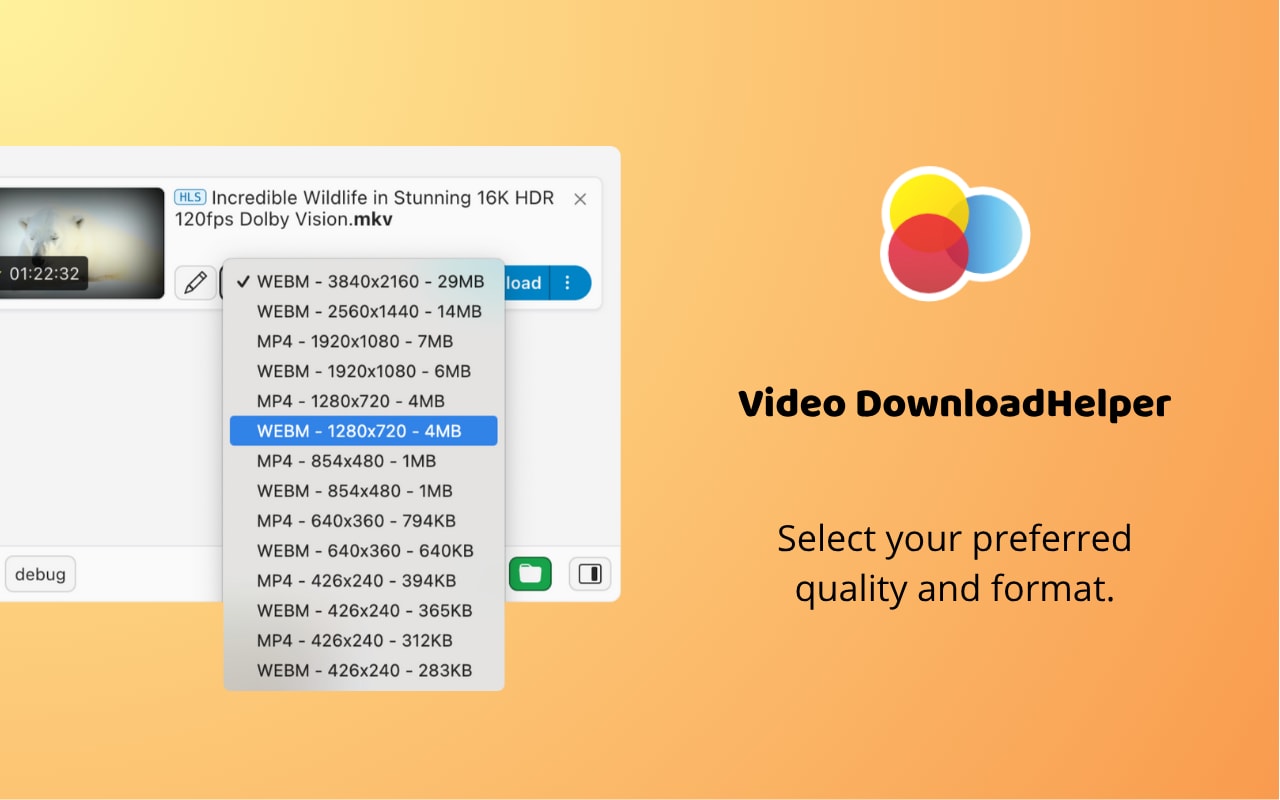
Video DownloadHelper is a browser extension that detects media on pages and exposes direct download options within the toolbar. Rather than copying links into external sites, users trigger the add‑on when a page starts streaming video, then choose the format, quality, or aggregation mode. It supports various streaming technologies and can handle multiple simultaneous downloads. Paired with its companion app, Video DownloadHelper also performs conversions and more complex captures, turning the browser into a compact yet versatile download workstation for frequent web video consumers.
Safety Review: 3.5/5
Starting Price: Free; Premium version (one-time fee) to unlock all features.
Supported Device: Browser Extension (Windows, macOS, Linux)
Group 4: Advanced & Mobile Tools
9. yt-dlp
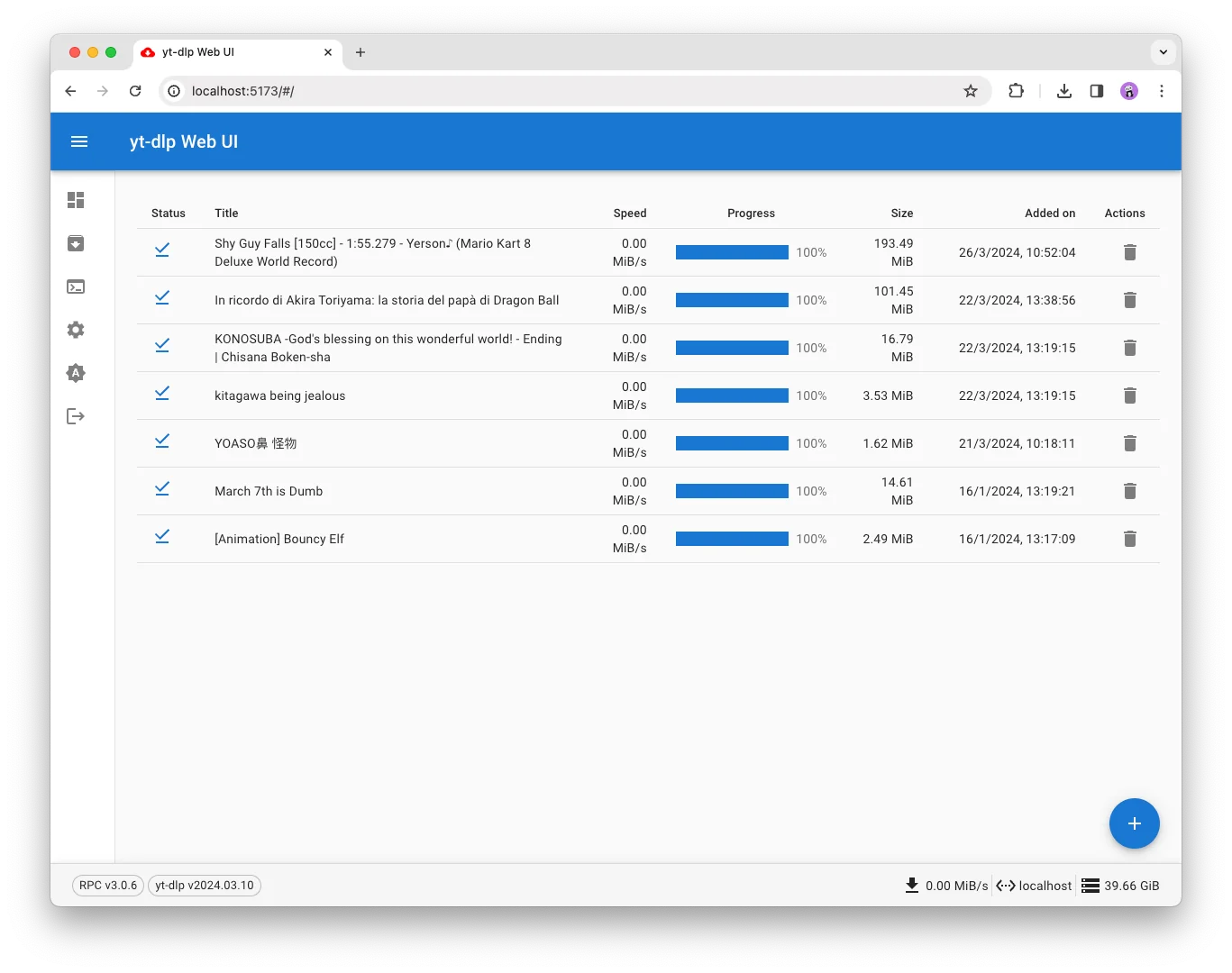
yt‑dlp is a modern command‑line downloader derived from youtube‑dl, designed for users who want maximum control and extensive site support. It can pull video or audio from a huge number of platforms, handle full playlists, preserve metadata, and apply custom naming templates or post‑processing steps. The tool integrates well with scripts and automation, making it ideal for power users archiving channels or building automated workflows. Because it is open source and frequently updated, yt‑dlp stays resilient against site changes while remaining free and highly configurable.
Safety Review: 5/5
Starting Price: 100% Free
Supported Device: Windows, macOS, Linux (Command Line)
10. Seal (Android)
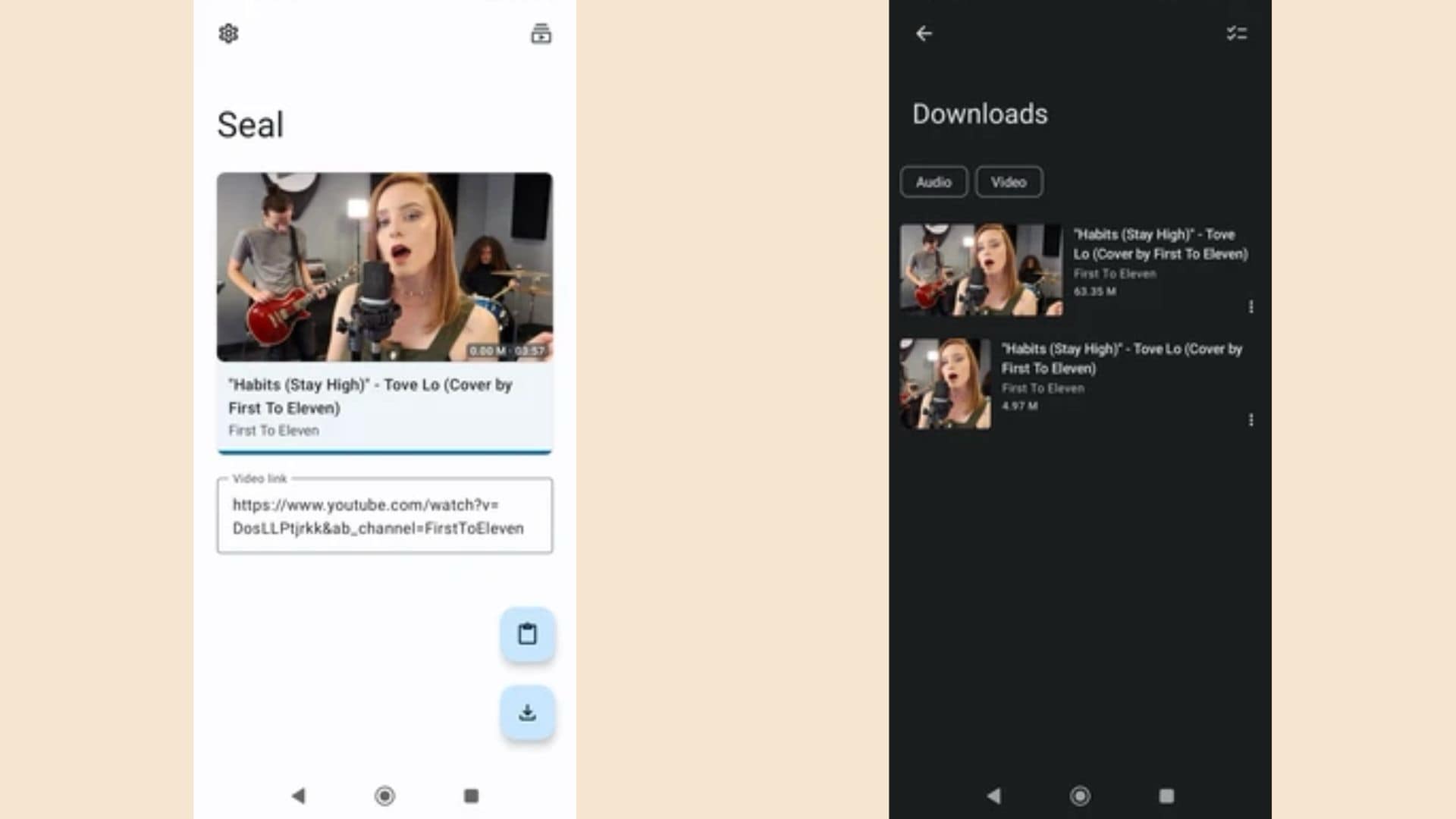
Seal is an Android app that provides a privacy‑minded, open‑source way to download online videos directly to a mobile device. Built as a graphical front end for command‑line downloaders such as yt‑dlp, it offers a touch‑friendly interface while inheriting strong site compatibility and advanced options. Users can select resolutions, formats, subtitles, and output locations without typing commands. With a focus on local processing and avoiding unnecessary tracking, Seal appeals to Android users who want powerful, script‑level capabilities wrapped in a clean, modern downloader experience.
Safety Review: 5/5
Starting Price: 100% Free
Supported Device: Android
Part 5. At-a-Glance Comparison Table for Top 10 TubeNinja Net Alternatives
| App Name | Supported Format | Unique Edge | Best For |
|---|---|---|---|
| Wondershare UniConverter | MP4, MP3, MOV, AVI, +1000 more | All-in-one video suite (convert, edit, compress) | Power users who need a safe, all-in-one toolkit. |
| 4K Video Downloader | MP4, MKV, MP3, 3GP | "Smart Mode" for one-click playlist downloads. | High-quality (4K/8K) batch downloading. |
| VLC Media Player | Any (it's a player) | 100% free and safe; already on your computer. | Technical users for occasional, simple downloads. |
| ClipGrab | MP4, MP3, WEBM, OGG | Built-in YouTube search function. | A simple, free, and dedicated desktop downloader. |
| Converto.io | MP4, MP3 | Online tool that can cut video/audio before download. | Quick, one-off YouTube to MP3/MP4 conversions. |
| SSYouTube | MP4, 3GP, WEBM | (UNSAFE) Was known for its "ss" URL trick. | (NOT RECOMMENDED) Users unaware of the high-security risks. |
| Y2Mate | MP4, MP3 | (UNSAFE) Fast online parsing. | (NOT RECOMMENDED) Users unaware of deceptive ads and spam. |
| Video DownloadHelper | MP4, WEBM, M3U8 (HLS) | Browser extension that detects streaming video. | Advanced users who need to download obscure or streaming (HLS) videos. |
| yt-dlp | Any (via command) | Command-line tool; most powerful engine available. | Technical users and developers. |
| Seal | Any (via yt-dlp) | Open-source, ad-free, and uses the yt-dlp backend. | Android users who want a safe and powerful tool. |
How We Tested TubeNinja Alternatives
To create this guide, we reviewed TubeNinja alternatives based on reliability, safety, output quality, supported formats, and long-term usability for repeat downloads.
This section clarifies why we give extra weight to tools that still work reliably in 2026 and avoid the trust issues common on abandoned downloader sites.
Conclusion
The era of TubeNinja as a reliable tool is over. The TubeNinja not working errors are a clear sign the service is defunct, and the answer to "is TubeNinja safe" is a resounding no. Continuing to use it or similar ad-riddled online downloaders exposes you to malware, phishing, and spam.
The best path forward is to adopt a secure and actively-maintained TubeNinja alternative. For quick, risky, one-off downloads, an online tool can work, but it's a gamble. For a truly safe, fast, and reliable experience, desktop software is the undeniable winner.
If you're looking for one solution that handles everything—downloading in 8K, converting to any format, downloading full playlists, and keeping you 100% safe from ads and malware—Wondershare UniConverter is the best-in-class choice. It's a professional tool that guarantees performance and security.
Easy to Use KineMaster Alternative for PC
FAQs
-
Q1: Why do so many online video downloaders, the TubeNinja similar sites, have so many ads?
These sites are free, so they use aggressive advertising as their only revenue source. This often includes pop-ups, redirects, and deceptive ads that can lead to malware, as ad networks tend to pay more for these types of ads. -
Q2: Is it legal to download videos using these TubeNinja alternatives?
It's a legal "gray area." It is almost always against the platform's terms of service (e.g., YouTube's). It is illegal to download and distribute copyrighted content. Downloading for personal, offline use is generally tolerated but still technically violates the ToS. -
Q3: What is the absolute safest TubeNinja alternative?
Any reputable, paid desktop software is the safest. UniConverter is our top pick because its business model is selling software, not your data or ad views. For a free option, open-source tools like yt-dlp or Seal(for Android) are 100% safe as they are ad-free and community-vetted.
Frequently Asked Questions
Are TubeNinja alternatives safe?
Safety varies by site and can change. Check the domain, connection, download controls, privacy terms, and required permissions before using one.
Can I download any online video?
Only save content when the service and the rights holder permit it; a technical download method does not create permission.

