


Ever come across a must-watch video on Dailymotion, but there is no handy way to save it for later? Unlike YouTube, Dailymotion does not offer a built-in download button, which can be a drawback if you want to access content offline. The good news is that numerous Dailymotion video downloaders and methods are available to save clips.
In this guide, we will explore three top online tools, three desktop apps, and three Chrome extensions for Dailymotion. You will also get a fair comparison of tools to help you make the right choice.
In this article
Key Takeaways
- [Offline Viewing Needs] Downloading Dailymotion videos solves the lack of a built-in save option, enabling users to access content anytime without internet.
- [Quick & Free Solutions] Online tools like SaveTheVideo, dmvideo, and SaveFrom.net offer simple, no-install downloads, but may include ads, limits, or lack batch features.
- [Convenience While Browsing] Chrome extensions such as dmsave, Dailymotion Video Downloader, and FetchV allow one-click downloads, though they may face stability or feature limitations.
- [Power & Efficiency] Desktop tools like Wondershare UniConverter, YTD Video Downloader, and SnapDownloader provide faster speeds, batch downloads, and higher quality, ideal for users needing advanced control and reliability.
Part 1. 3 Easy Ways to Download Dailymotion Videos on Desktop
Separate official saving from third-party downloading
Dailymotion downloader searches are task-focused on saving authorized videos, format selection, quality, and browser-based versus desktop workflows. Confirm that the video can be saved, then choose browser or desktop processing based on file size, privacy, batch needs, and output control. Test one authorized file and retain the original URL and permission context.
When it fails: If the file is empty, low quality, or missing audio, inspect the source availability and downloaded streams; do not treat a changed extension or repeated retry as a repair.
Separate official saving from third-party downloading: Confirm that the video can be saved, then choose browser or desktop processing based on file size, privacy, batch needs, and output control. Test one authorized file and retain the original URL and permission context.
A reliable Dailymotion video downloader for desktop provides more power, speed, and quality control than browser-based tools. If you want batch downloads, subtitle options, or HD/8K formats, these apps for Windows and Mac are your best bet.
How We Tested Dailymotion Video Downloaders
For this guide, we evaluated Dailymotion download tools based on download stability, output quality, workflow convenience, and how practical each option is for offline viewing, link-based saving, and repeat-use video collection.
Download Reliability
We checked how consistently each tool handles Dailymotion links and whether downloads complete smoothly without repeated failures.
Quality & Format Options
We compared output resolution, audio choices, and whether the downloader offers practical format flexibility for different devices and use cases.
Tool Convenience
We reviewed browser tools, desktop apps, and extensions to see which ones feel fastest and most manageable in real everyday use.
Advanced Workflow Value
We also considered batch support, subtitle handling, conversion extras, and whether the tool works well beyond a one-time download task.
This page gives extra weight to download reliability and practical flexibility, since users looking for Dailymotion downloaders usually want a method that stays usable across different links, formats, and devices.
1. Wondershare UniConverter
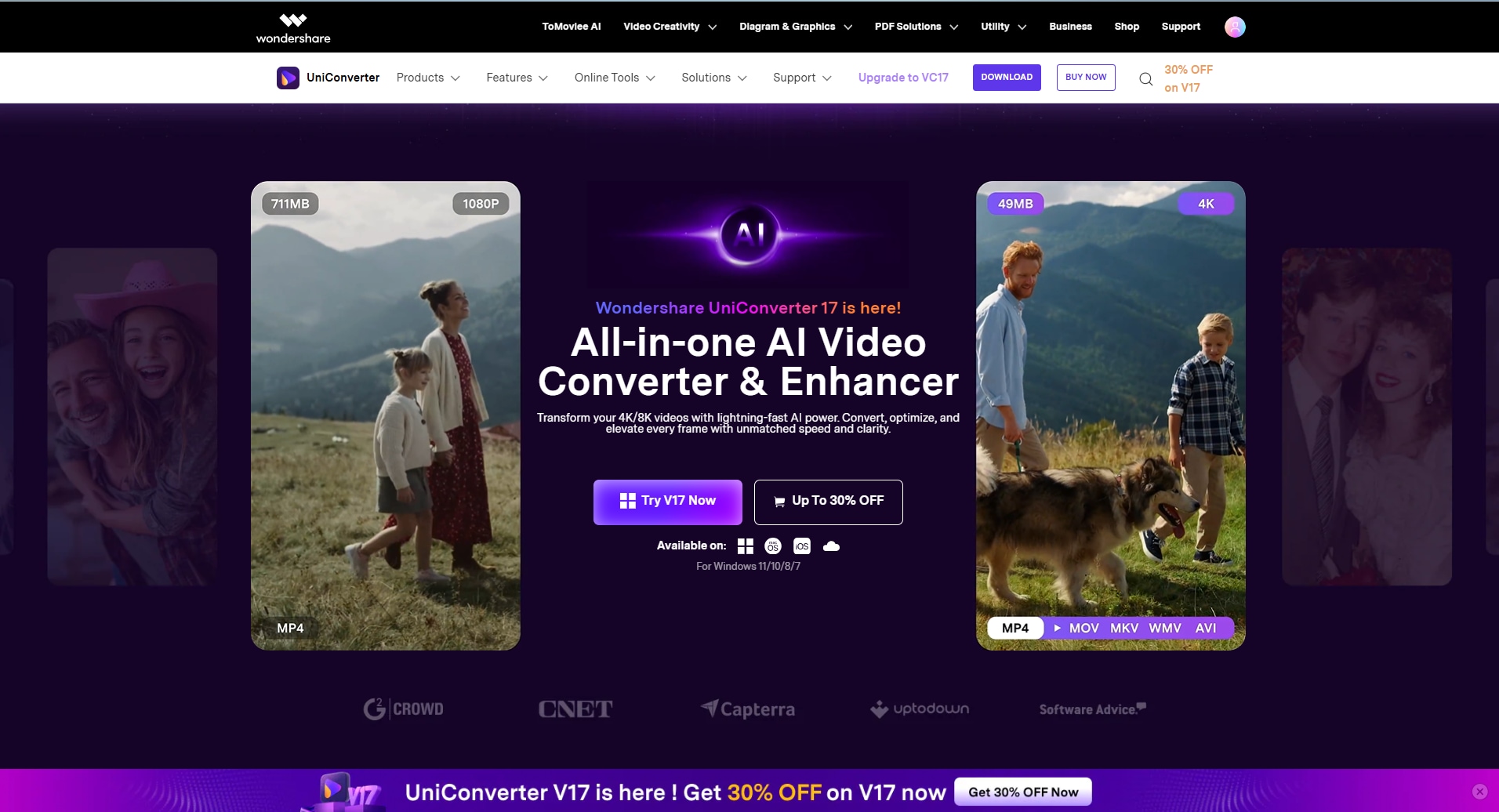
Wondershare UniConverter is a comprehensive video toolbox for Windows and Mac. It is not just a Dailymotion video downloader, you can also use it as Dailymotion to GIF converter, or Dailymotion to MP4 converter. Except from Dailymotion, It can also download MP4 by links from many streaming websites, and convert, edit, and compress video files. In its “Download” mode, you can grab videos from Dailymotion in high quality. It outputs to over 1000 formats without quality loss. You also get additional features, including trimming, merging, and a built-in screen recorder.
Key Features
- It offers batch processing with conversion to over 10 formats, including AVI, MP4, etc.
- With its subtitle generator, you can add and translate subtitles with a single click.
- The video trimmer allows you to trim unnecessary segments of the video and remove the background from the footage.
- Its noise remover makes video and audio clean and enhances the audio quality.
How to Download a Dailymotion Video Using Wondershare UniConverter
Take these simple steps to download your Dailymotion video using Wondershare UniConverter:
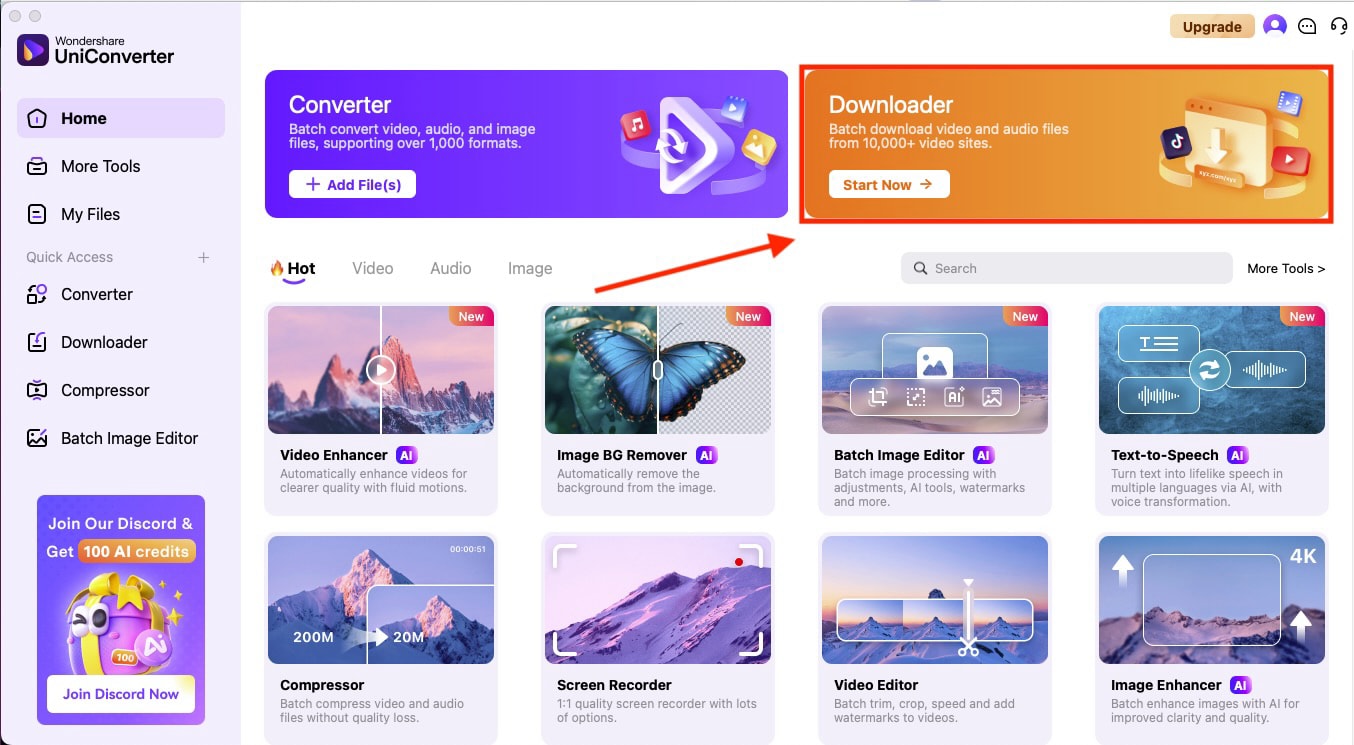
Step 1: On the homepage, navigate to the "Downloader" option in the upper right corner.
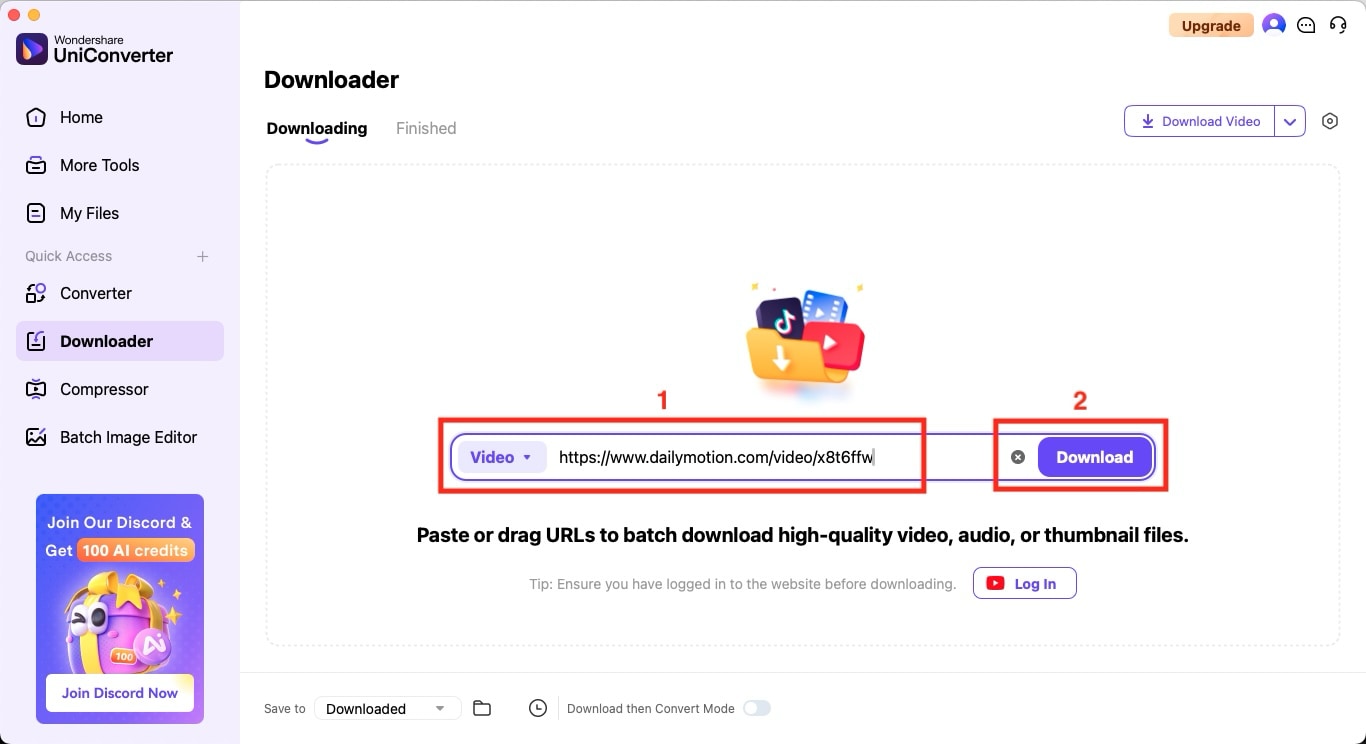
Step 2: Paste the Dailymotion video link and click the "Download" button.
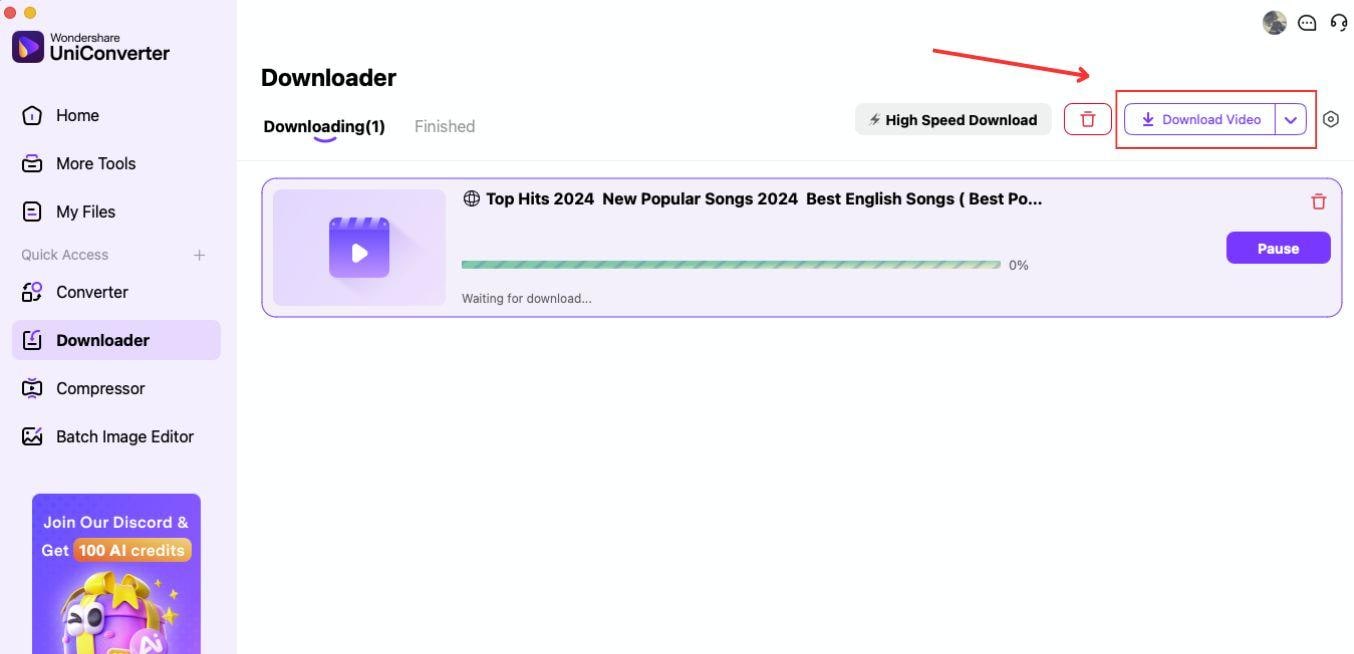
Step 3: After clicking the “Download” button, your video will be processed. Then, click on the “Download Video” button to get your Dailymotion video.


Pros and Cons

Easy to Use Dailymotion Video Downloader
2. YTDDownloader
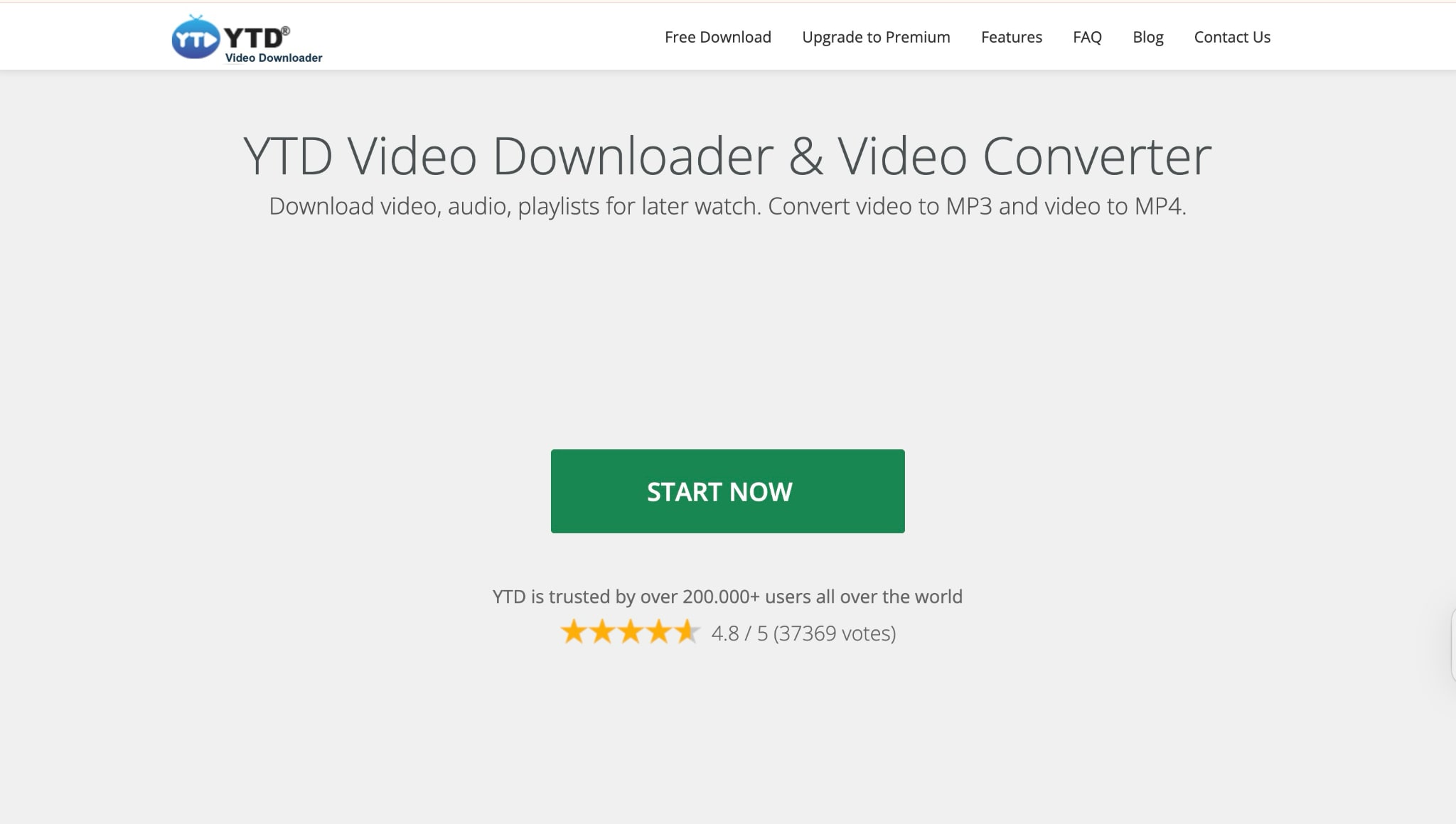
A popular, simple video grabber (Windows/Mac/Android) that now fully supports Dailymotion. YTD can download entire Dailymotion playlists and save videos in various formats, including MP4, AVI, and MP3. It even handles up to 8K quality if available. The interface is minimal. You simply paste a link, select a format, and then download. It's free with an optional Premium upgrade for ad-free use.
Key Features
- It offers a bulk playlist download option.
- You will receive fast, high-quality downloads, as it supports resolution up to 8K.
- It lets you convert formats of MP4, MP3, AVI, and more.
- It works on PC, Windows, Mac, Android, and iOS.
How to Download a Dailymotion Video Using YTD Video Downloader
Here is the step-by-step guide to downloading Dailymotion videos using YTD Video Downloader:
Step 1: Install the app. On the homepage, click the "Download" tab, paste the Dailymotion URL, and select the quality up to 8K.
Step 2: Click the "Download" button and wait for the download to complete.
Step 3: The file will be saved to your specified folder. You can switch to the "Convert" tab if you want to change its formats later.
Pros and Cons
3. SnapDownloader
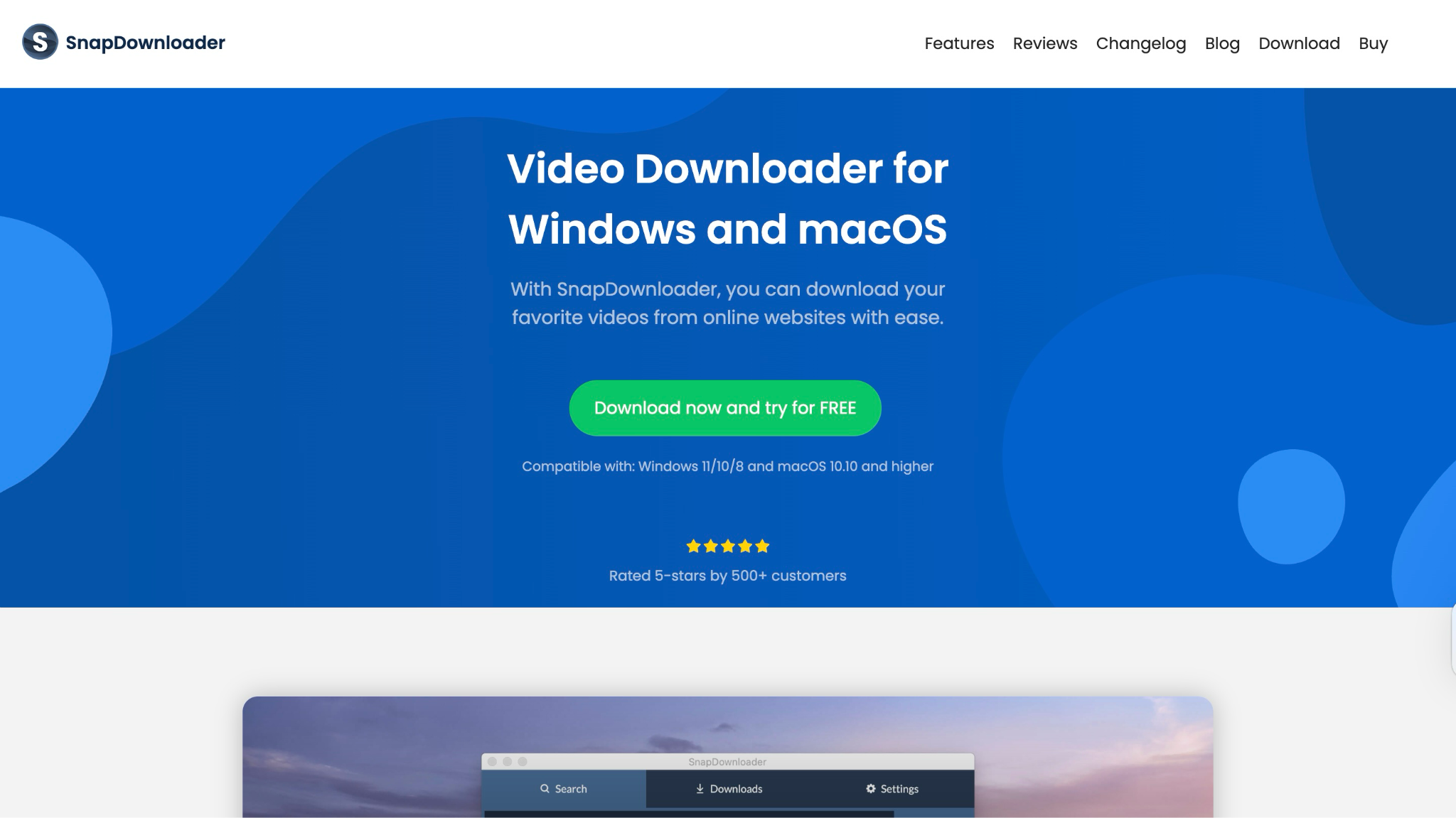
A newer cross‑platform downloader with 900+ site support (Windows/Mac, Linux version coming soon). SnapDownloader can fetch Dailymotion videos in resolutions up to 8K. You can download multiple videos simultaneously (in batch mode) and even trim videos before saving. It also features scheduled downloads and a built-in video-to-MP3 converter. The interface is clean and runs locally (no web browser needed).
Key Features
- It allows you to download videos from over 900 sites.
- You can capture high-quality videos in resolutions up to 8K/4K/HD.
- It offers a batch queue of videos/channels, playlist/channel downloads, and an in-app cutter to trim your clip.
- It converts to MP4 or MP3 formats.
How to Download a Dailymotion Video Using SnapDownloader
Here are the simple steps to download your Dailymotion video using SnapDownloader:
Step 1: Launch the app and paste the Dailymotion URL into the Search field.
Step 2: Choose the desired quality and format in the interface.
Step 3: Click the "Download" button, and the video will appear in the Downloads tab once the download is complete.
Pros and Cons
Part 2. Top 3 Dailymotion Video Downloaders Online
These online tools make Dailymotion film downloads simple. There is no software, no sign-up, and no fuss. Whether you want to grab a clip for offline viewing or convert it to MP4 or MP3, these free websites do the job in seconds.
1. SaveTheVideo
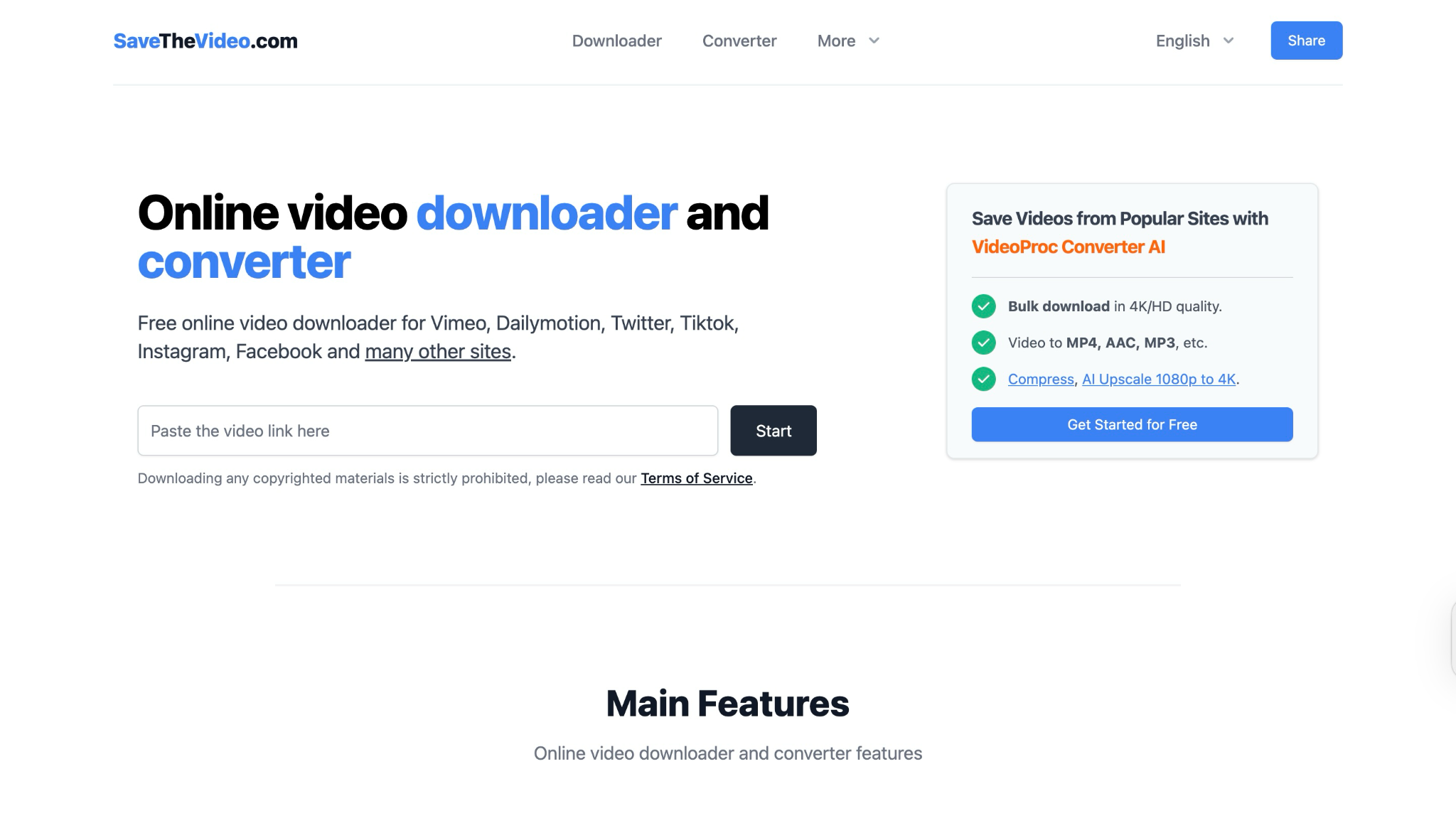
SaveTheVideo is a free online Dailymotion downloader. Apart from Dailymotion, it lets you download videos from Vimeo, TikTok, Facebook, Twitter, and more. You can also convert videos online to MP4, AAC, 3GP, M4A, and MP3. You can also merge video and audio formats, cut videos, and download subtitles.
Key Features
- One stop to download videos from Vimeo, Dailymotion, TikTok, Facebook, and more.
- It lets you merge video and audio formats in high quality, post downloading the files.
- You can convert and cut the video and audio files.
- If your video has closed captions and subtitles, it downloads them with one click.
How to download videos from Dailymotion with SaveTheVideo
Here is how you can download your Dailymotion video using SaveTheVideo:
Step 1: Copy the Dailymotion video URL and open the SaveTheVideo webpage, and paste the link.
Step 2: Click the "Start" button.
Step 3: After processing, select a format/quality, and then click "Download" to save the file.
Pros and Cons
2. dmvideo
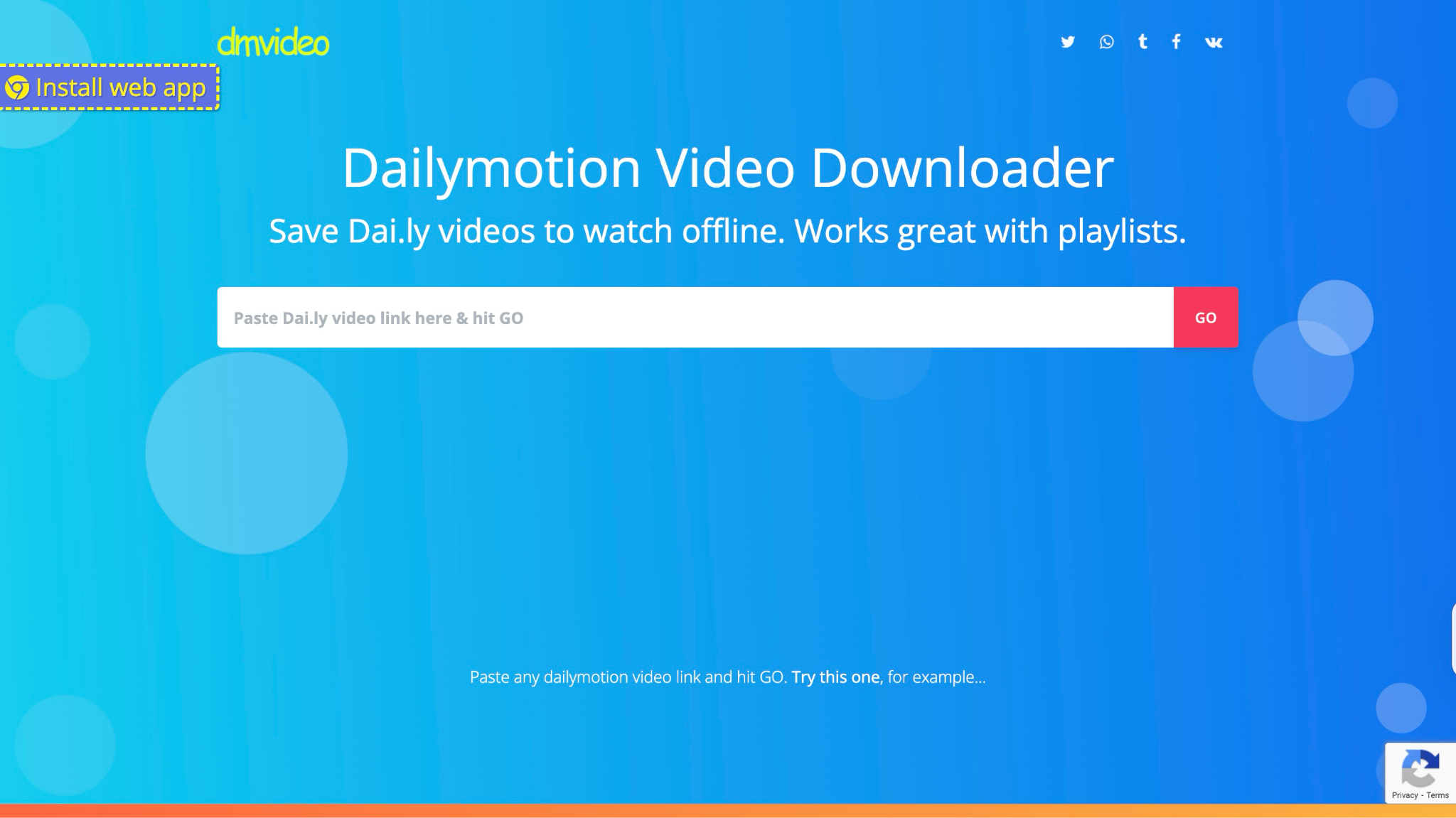
dmvideo is an online Dailymotion downloader. You simply need to paste the video link into the dmvideo site and click the "Go" button to view the download links. It supports daily short links and full Dailymotion URLs. The tool has no length or number limits. You can even fetch entire playlist videos, one by one.
Key Features
- It works for all video qualities, including HD.
- dmvideo supports Dailymotion playlists.
- You do not need to register to use this service.
How to Download a Dailymotion Video Using dmvideo
Here is how you can simply download the video with dmvideo:
Step 1: Copy the link and paste it into the dmvideo.
Step 2: Click the "Go" button.
Step 3: Pick the resolution and click the "Download" button to save the video.
Pros and Cons
3. SaveFrom.net
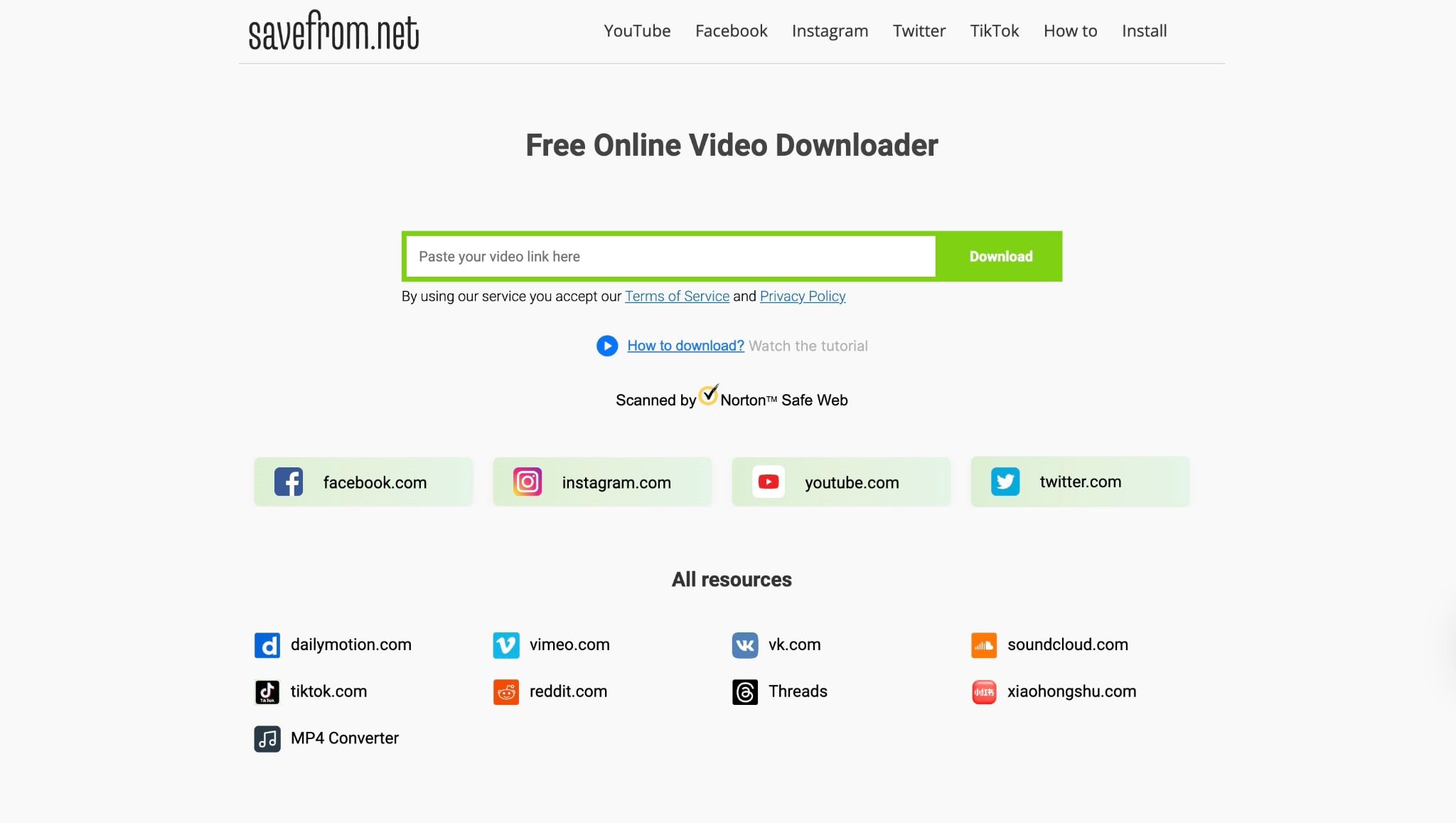
SaveFrom.net is another free and easy-to-use online video downloader for Dailymotion videos. This platform adds a convenient download button directly to Dailymotion pages, allowing for quick downloads via its website or Android app.
Key Features
- Available in certain versions, its browser extension adds a direct download button to Dailymotion, enabling one-click video saving.
- It allows you to download videos without requiring registration or sharing personal data.
- It supports MP4 and WebM options with selectable quality.
- There are no restrictions on the number or length of videos you can save.
How to Download a Dailymotion Video Using SaveFrom.net
Take these simple steps to download your Dailymotion video with SaveFrom.net:
Step 1: Copy the link from Dailymotion and paste it.
Step 2: Click the download button and get your Dailymotion video in MP4 format.
Pros and Cons
Part 3. Most Popular 3 Chrome Extensions to Download Dailymotion Videos from Links
These Chrome extensions let you save videos with just one click. You don’t have to switch tabs or copy-paste links. They're perfect for anyone who wants quick, hassle-free downloads while browsing Dailymotion.
1. Dmsave Dailymotion Video Downloader
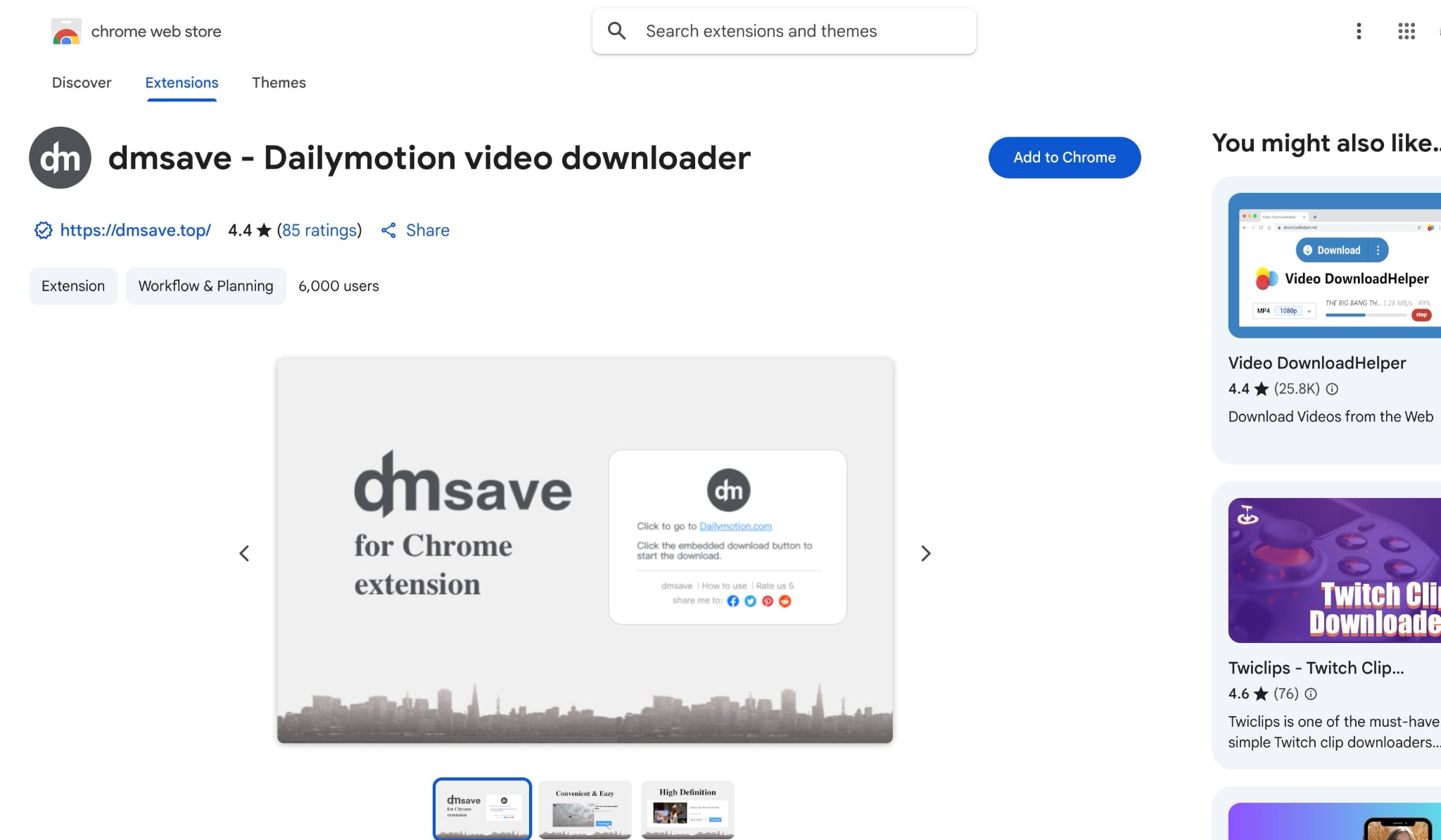
A Dailymotion-specific downloader extension. It automatically recognizes Dailymotion video links and places a download icon on the page. It's 100% free with no sign-up or ads. When you click the download button, you can choose from the available video qualities.
Key Features
- It instantly recognizes Dailymotion video links and adds a download button directly on the video page for quick access.
- It is 100% free. No sign-ups, credit card information, or personal details are required.
- Easy-to-use design with straightforward steps, which makes it ideal for any user.
- It offers a quick and efficient download process right from your browser toolbar.
How to Download a Dailymotion Video Using the dmsave Chrome Extension
By following these steps, you can download a Dailymotion video with the dmsave Chrome Extension:
Step 1: Install dmsave from the Chrome Web Store.
Step 2: Visit the Dailymotion video page. You'll see a small download icon near the video player. Click it, pick your quality (HD or SD), and the video will be saved to your downloads folder.
Pros and Cons
2. Dailymotion Video Downloader
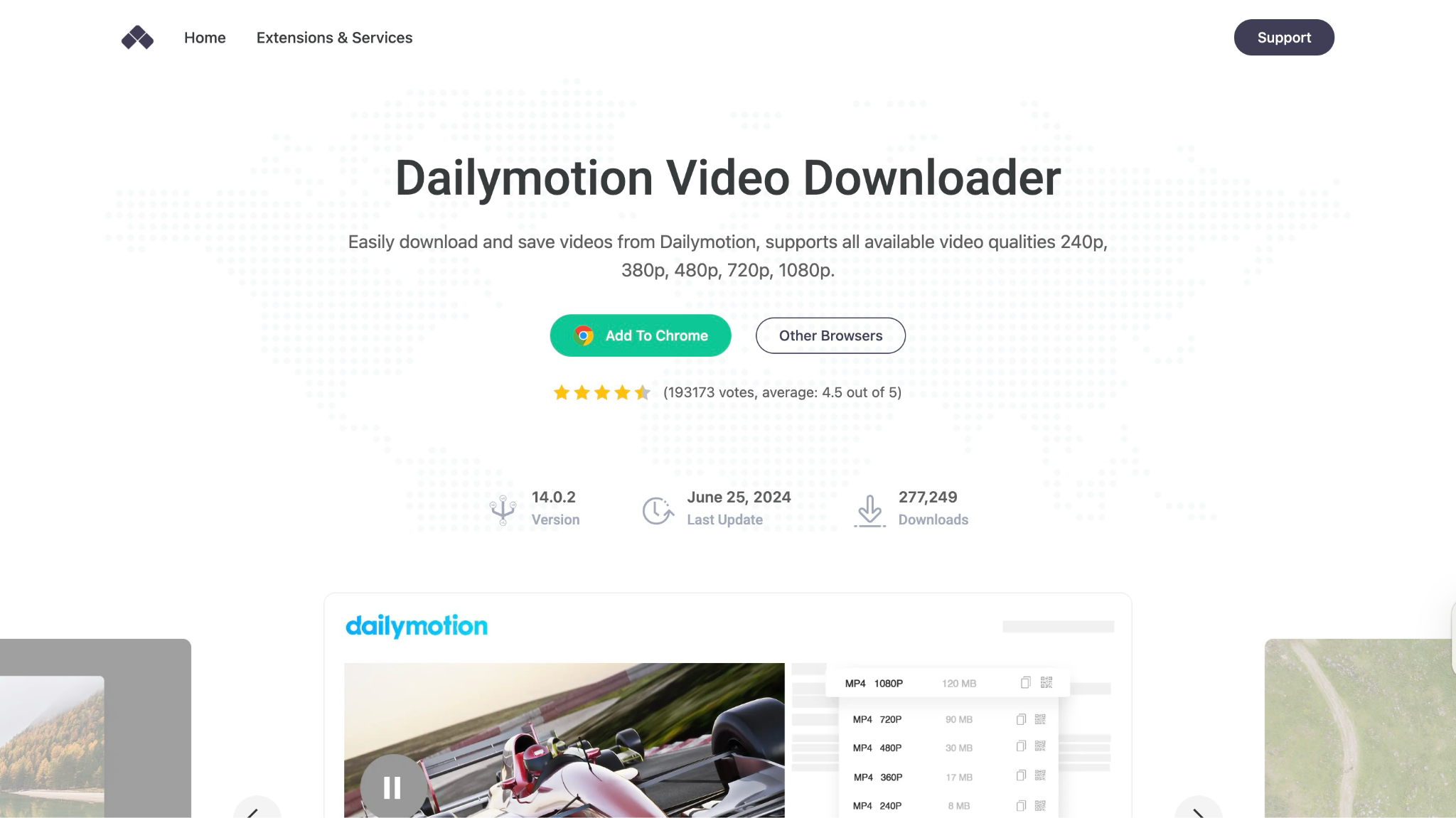
Dailymotion Video Downloader is a feature-rich Chrome extension explicitly designed for Dailymotion. In addition to basic downloading, it offers extras such as extracting audio to MP3, cutting clips (with set start/end times), looping videos, and even a cinema/picture-in-picture mode. It works on Chrome, Edge, and other browsers (via the CrossPilot add-on).
Key Features
- Adds a Download button and menu on Dailymotion pages for any quality up to 4K.
- You can convert videos to MP3 on the fly.
- It offers video trimming, allowing you to select a specific segment.
- Its special playback modes offer loop, cinema mode, and PiP.
How to Download a Dailymotion Video Using Dailymotion Video Downloader
Take these simple steps to download Dailymotion videos using Dailymotion Video Downloader:
Step 1: After setting up (installing CrossPilot and then the Addoncrop Dailymotion extension), open a Dailymotion video.
Step 2: Click the “Download” icon (a blue circle) below the video. A dropdown will list all available qualities. You can click one to download. You can also click the MP3 icon to save audio only or use the trim icon to cut the clip before downloading.
Pros and Cons
3. FetchV
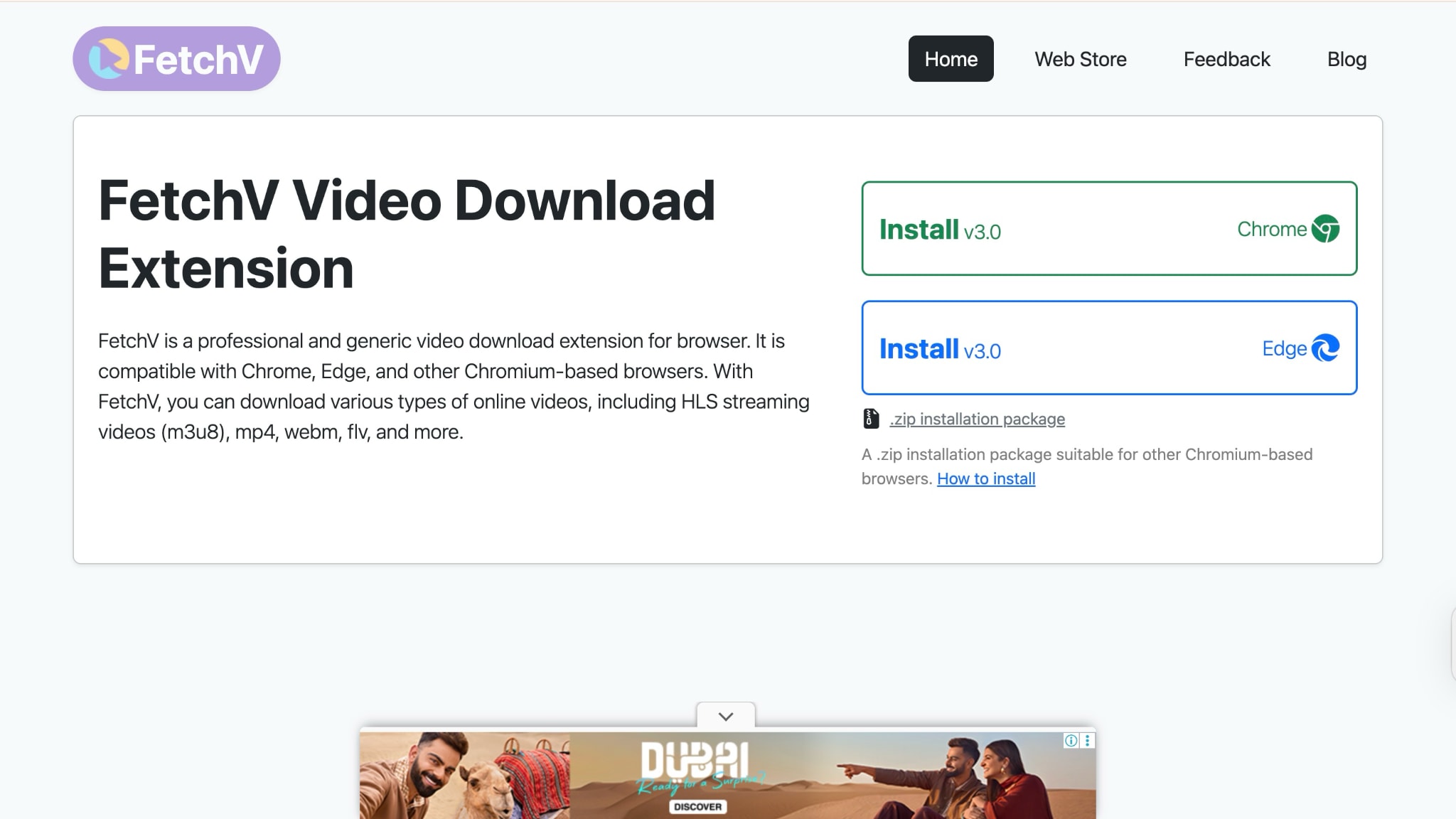
FetchV is a versatile browser extension that allows you to download a wide range of web videos, including streaming and static content, from platforms such as Dailymotion, Vimeo, TikTok, and more. Compatible with Chrome, Edge, and other Chromium-based browsers, FetchV is well-regarded for its speed, ease of use, and ability to handle both common and complex video formats.
Key Features
- It supports multiple formats for downloading videos in MP4, WEBM, FLV, and more.
- It handles live streams and complex video sources by merging segments into a single MP4 file.
- It uses multiple threads for significantly faster downloads.
- If the source video offers multiple resolutions, FetchV can record the playback and save it as an MP4 file.
How to Download a Dailymotion Video Using FetchV
By taking these steps, you can easily download Dailymotion videos using FetchV:
Step 1: Download the FetchV extension and add it to your browser. Pin the extension icon for quick access.
Step 2: Click the FetchV extension icon in your browser toolbar. The extension will detect available videos and list them in its menu.
Step 3: Select your desired video, choose the resolution, and click "Download."
Pros and Cons
Part 4. Quick Comparison of Ways to Download Dailymotion Videos
Here is a quick comparison of all Dailymotion video downloaders so that you can make the right choice before hurrying for a subscription:
Best Dailymotion Video Downloader Options
The better choice here depends on whether you want a desktop app for stability, an online tool for convenience, or a browser extension for faster access.
| Method/Tool | Pricing | Batch Download | Ad/Popup Density | Save |
|---|---|---|---|---|
| TheVideoFree | Free | No | Some ads | ✔ |
| dmvideo | Free | No | Minimal | ✔ |
| SaveFrom.net | Free | Yes | Minimal | ✔ |
| Wondershare UniConverter | Freemium | Yes | None | ✔ |
| YTD Video Downloader | Freemium | Yes | Some ads in the free version | ✔ |
| SnapDownloader | Freemium | Yes | None | ✔ |
| dmsave | Free | No | None | ✔ |
| Dailymotion Video Downloader | Free | Limited | None | ✔ |
| FetchV Chrome Extension | Free | No | Minimal | ✔ |
Conclusion
No matter your device or skill level, there's a Dailymotion video downloader that suits your needs, whether it's online tools for quick one-off saves, desktop apps for batch downloads and editing, or Chrome extensions for effortless one-click ease. Tools like SaveTheVideo, YTD, and FetchV offer plenty of flexibility, whether you're downloading HD content, trimming clips, or converting to MP3.
If you're looking for a feature-packed solution, Wondershare UniConverter is a top pick. It goes beyond simple downloading, offering batch processing, subtitle support, and conversion to over 1,000 formats. Give it a try to simplify your video-saving workflow!
FAQ
-
Are these Dailymotion video downloaders safe to use?
Yes, most reputable tools, such as Wondershare UniConverter, are safe. Always download software from official sites and avoid entering personal data or installing suspicious files. -
Is it legal to download videos from Dailymotion?
Yes, it is legal to download videos from Dailymotion as long as you only download content for personal offline use and do not distribute or share copyrighted material without permission. -
Why does my downloaded video have no sound (or poor quality)?
Some downloaders capture only specific streams (video/audio separately). You should try tools like Wondershare UniConverter, which allows you to download the video without compromising quality. -
Which method is best for creating a playlist or downloading multiple files?
Desktop programs like YTD and SnapDownloader support playlists and batch queues. For example, YTD can download an entire Dailymotion playlist in one go. Browser extensions like SaveFrom also support playlists, whereas online tools generally handle one video at a time.
Download, then convert with UniConverter
When the current UniConverter build supports the relevant download workflow, it can help save an authorized online video locally before conversion. Use the downloader only for content you own or have permission to use, then open the local file in the Video Converter module and select the format, resolution, or device profile required for the next step.
If the downloaded file has no audio, a missing extension, or an unsupported stream, inspect the local file first; re-downloading or renaming the file does not repair a damaged source.

