


In the fast-paced world of short-form video, the TikTok caption downloader has become an essential tool for creators, marketers, and accessibility advocates. While visual content is king, TikTok video captions often hold the key to engagement, with recipes, instructions, or witty context that viewers want to save. Unfortunately, TikTok does not offer a native "save text" button. This drives the need for third-party solutions to handle TikTok subtitles download requests efficiently.
Whether you need to extract a caption on TikTok videos for translation, repurpose subtitles TikTok creators have used for a blog post, or simply archive TikTok closed captions for offline reference, having the right software is crucial. This guide explores the top 10 tools to download a TikTok subtitle or caption in TikTok, ensuring you find the perfect match for your device in 2025.
Table of Contents
Part 1. Why Save Text from TikTok Videos?
Reuse Creative Captions: Content creators often struggle with writer's block. By saving captions on TikTok, you can analyze trending structures and clever hook formulas to inspire your own content creation strategy without copying content directly.
Improve Accessibility: For users with hearing impairments or auditory processing disorders, having a text file of TikTok video captions allows for the use of specialized screen readers and Braille displays that might not be compatible with the mobile app's overlay.
Accurate Translation: The built-in translation tools on social platforms are often basic. When you download TikTok subtitles, you can copy the text into professional translation software (like DeepL) to understand nuances, slang, or specific dialects better than in-app tools allow.
Share or Repost: Sometimes the text is the funniest or most insightful part of the post. You might want to share a quote found in a caption in TikTok with friends in a text chat or on a text-based platform like X (formerly Twitter) without sending a large video file.
Save Instructions/Recipes: DIY tutorials and cooking videos often flash instructions on the screen too quickly. Saving the TikTok subtitle stream allows you to keep the text-based steps, ingredient lists, or measurements for offline use, creating a personal cookbook or manual.
Part 2. Understanding TikTok's Built-in Subtitle Features
Before diving into the tools, it is vital to understand the different types of text data associated with a video, as this affects how a TikTok caption downloader functions.
What are "TikTok Subtitles" or "TikTok Captions"?
There is a technical difference between the two, although the terms are often used interchangeably.
TikTok Subtitles (Auto-Generated): These are the TikTok closed captions automatically generated by the app. They are created by TikTok's speech-to-text AI, which listens to the audio and transcribes it. These are usually embedded as a separate track layer over the video.
TikTok Captions (Creator-Written): This refers to the static text the creator manually types into the description box before posting (where hashtags live). It is used to provide context, ask questions, or optimize for SEO. Some tools extract this metadata, while others focus on the spoken subtitles.
Part 3. Respect TikTok Creator Rights and "Fair Use"
Copyright Law is Paramount: You cannot claim ownership of downloaded captions or videos. The intellectual property belongs to the original creator.
Plagiarism is Unethical: Using someone else's script or caption on TikTok videos word-for-word for your own content without permission is plagiarism. Use downloaded text for inspiration or personal reference only.
Commercial Use is Strictly Prohibited: You cannot sell the downloaded text or use it in commercial advertisements without explicit license from the creator.
Always Give Credit: If you share the text or a screenshot of the TikTok subtitle, always tag and credit the original creator.
Risk of Third-Party Tools: Be cautious of web-based tools that ask for excessive permissions or install suspicious browser extensions. Always use reputable software.
Part 4. The Best 10 TikTok Subtitle Downloaders for All Devices 2025
When you're trying to save subtitles TikTok creators use in their videos, finding a reliable tool can feel like a mini treasure hunt. With so many apps out there—and half of them not working the way they promise—you need options that are fast, clean, and work across every device you own.
In this part, we're breaking down the 10 best TikTok subtitle downloaders for 2025, handpicked to help you grab captions effortlessly whether you're on mobile, desktop, or the web. Let's jump in and make your workflow a whole lot smoother.
1. Wondershare UniConverter (Desktop - Win/Mac)
Wondershare UniConverter is the gold standard for media processing in 2025. It is not just a TikTok caption downloader; it is a comprehensive video toolbox. UniConverter stands out because it allows you to download TikTok videos without watermarks while simultaneously extracting the TikTok video captions. It supports downloading subtitles as separate SRT files or burning them into the video (hardcoded) if you prefer. Its advanced "Subtitle Editor" also lets you modify the text, including the font, color, and timing, before exporting. For users who need to handle bulk downloads or require high-precision extraction of caption in TikTok videos, this is the professional choice.
Dialect Support: High (Supports global languages, including Arabic and its dialects via OCR features).
Live or File-Based TTS: File-Based (Processes downloaded links/files).
Starting Price: Free Trial / Annual Plan ~$59.99 for individual.
Supported Devices: Windows, macOS.

Easy to Use TikTok Subtitle Downloader
2. DownSub (Web-Based)
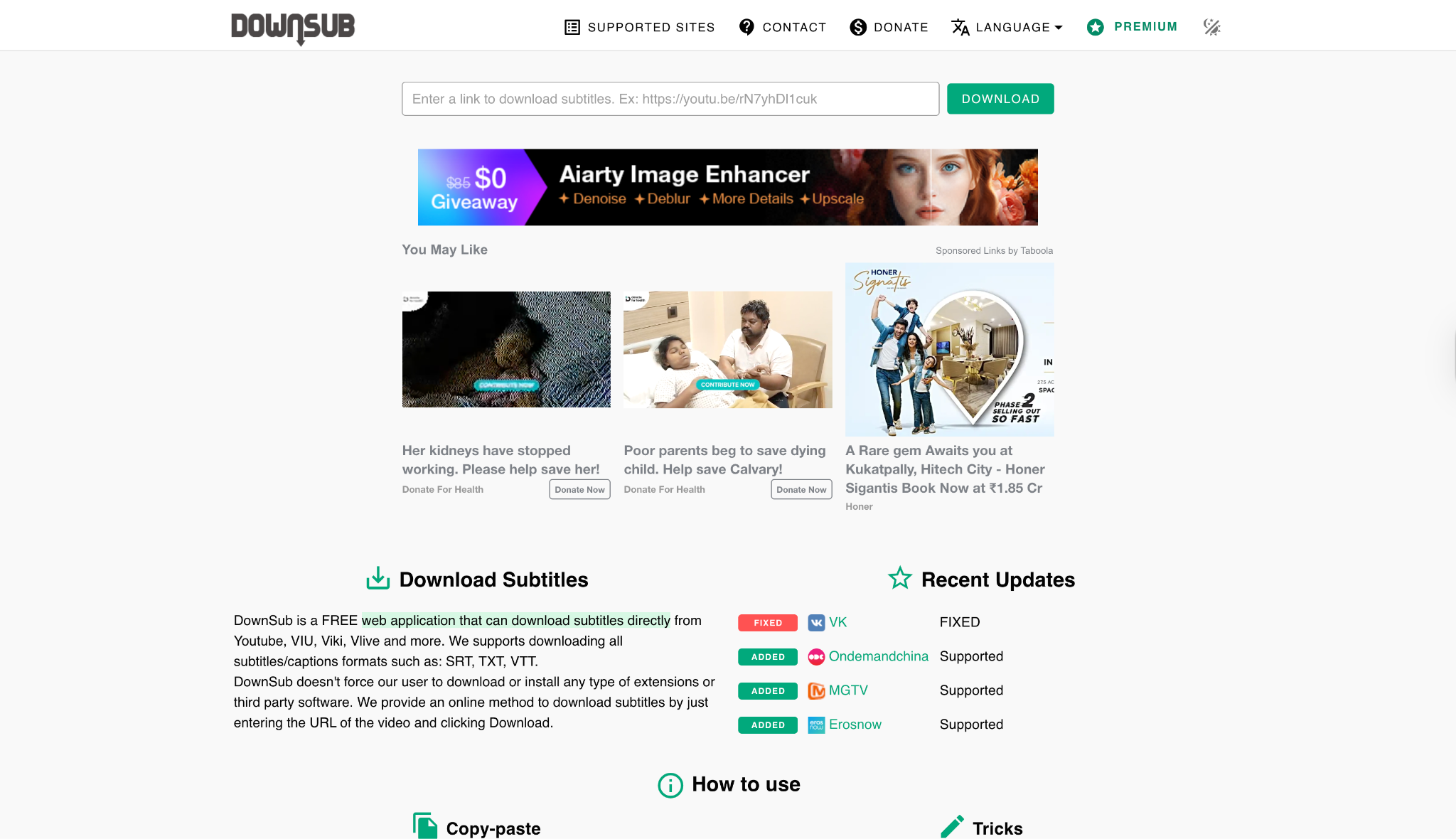
Dialect Support: Moderate (Depends on what is available in the source video).
Live or File-Based TTS: File-Based extraction.
Starting Price: Free; premium starts at $5/month.
Supported Devices: Web (Win, Mac, Android, iOS).
3. 4K Video Downloader+ (Desktop)
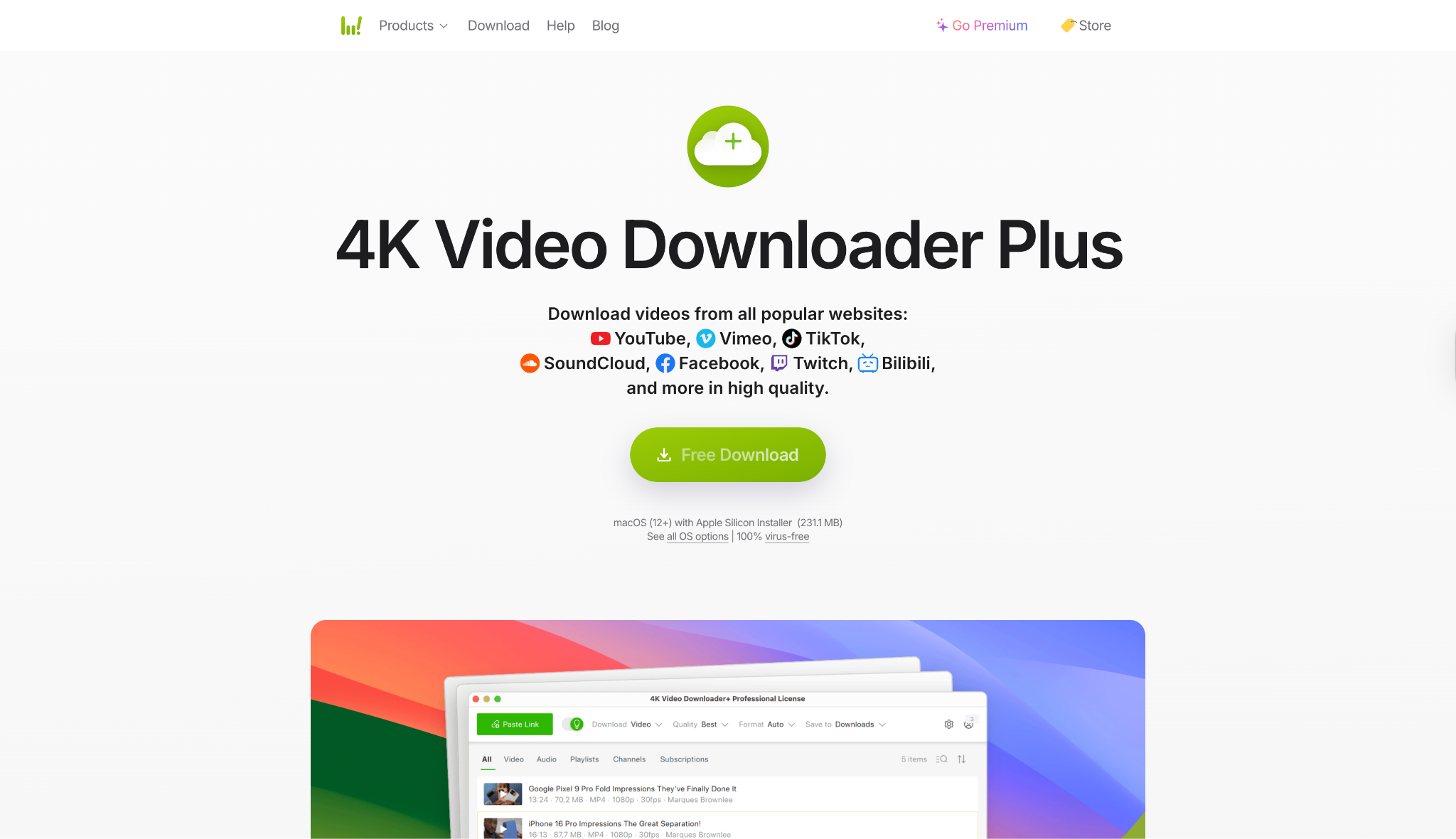
Dialect Support: Standard language support.
Live or File-Based TTS: File-Based.
Starting Price: Free / Lifetime License: ~$49.
Supported Devices: Windows, macOS, Ubuntu.
4. SaveSubs (Web-Based)
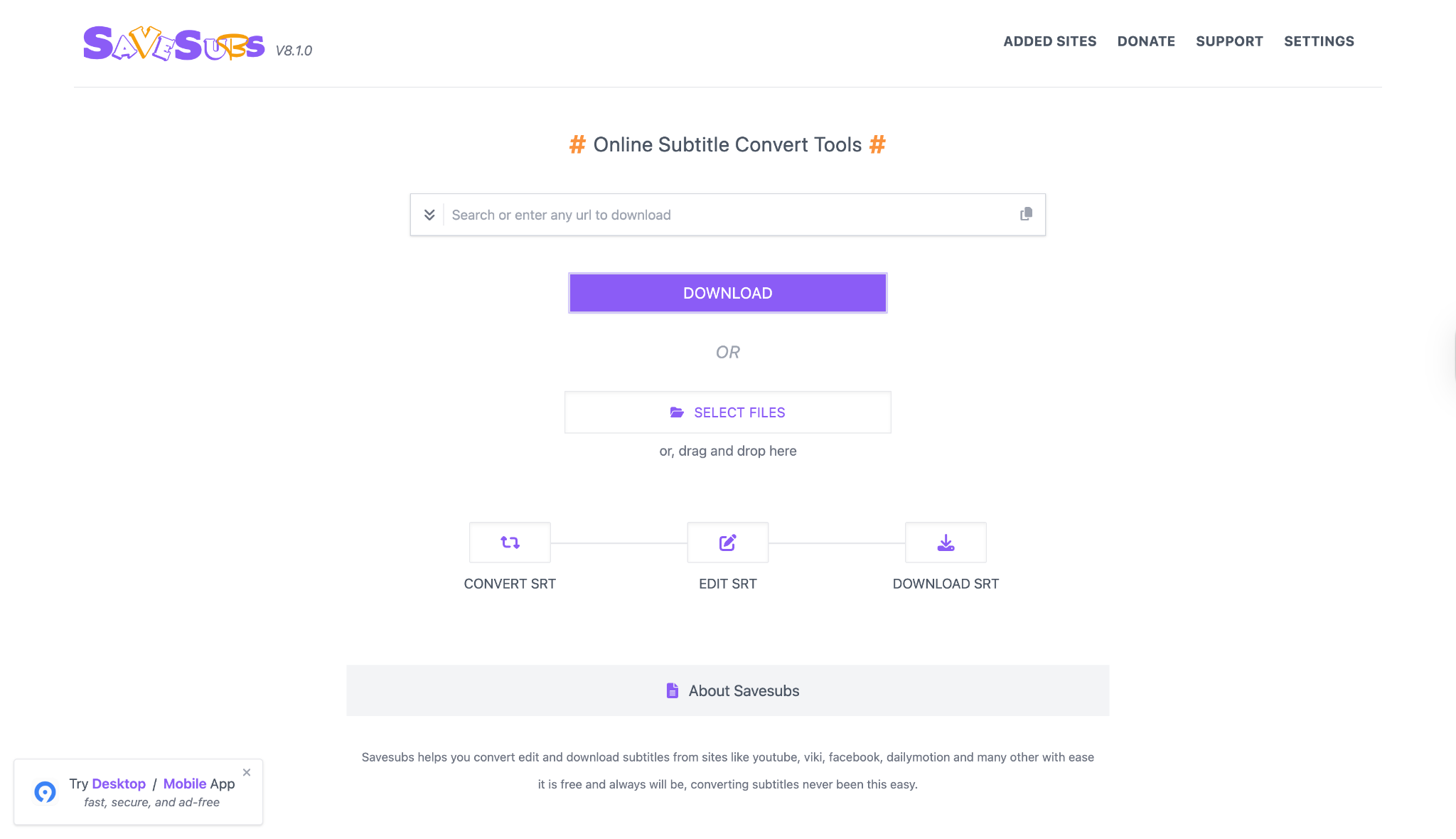
Dialect Support: Good (Multilingual support).
Live or File-Based TTS: File-Based.
Starting Price: Free.
Supported Devices: Web Browsers.
5. VideoProc Converter AI (Desktop)
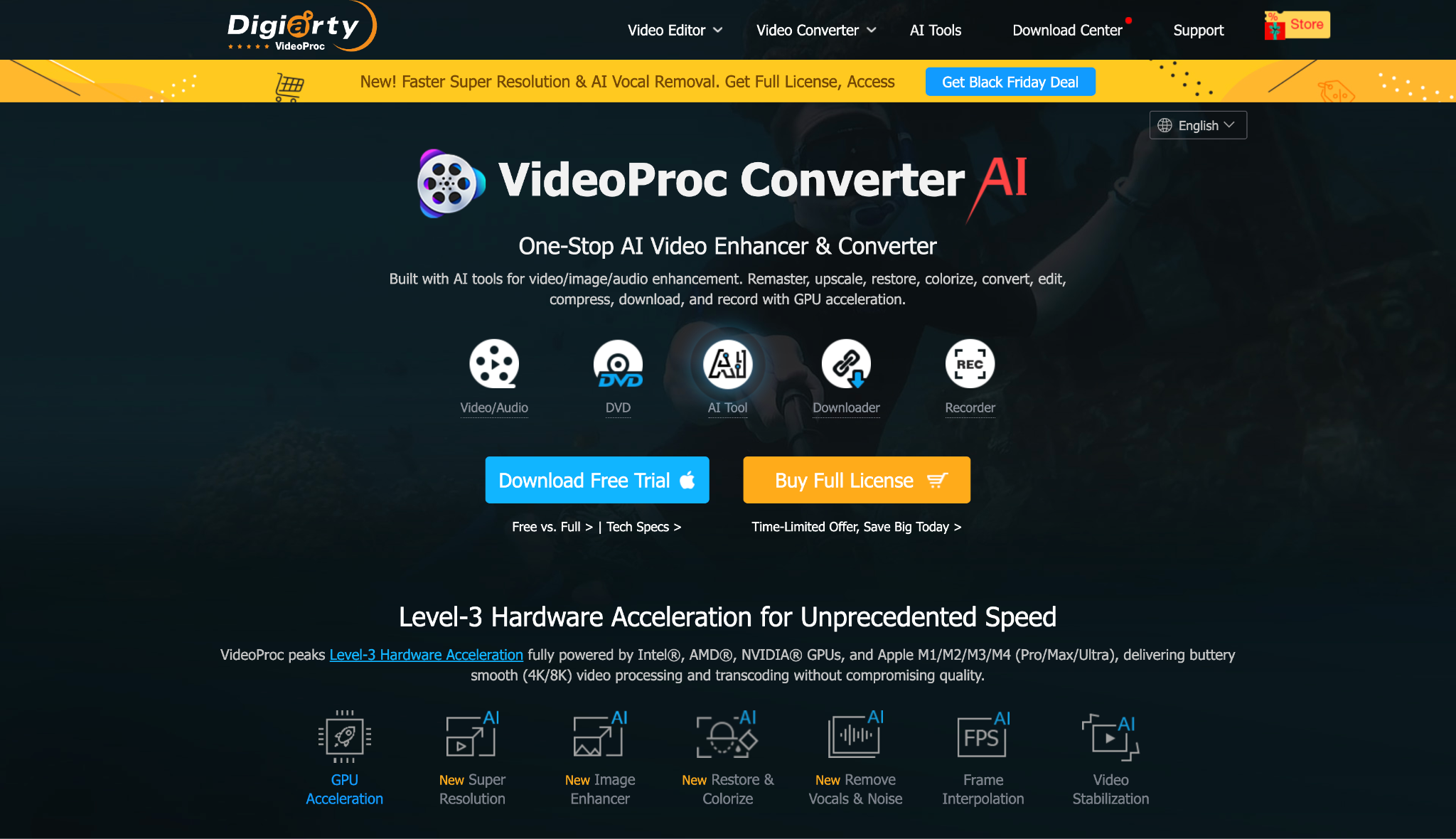
Dialect Support: Standard.
Live or File-Based TTS: File-Based (AI features available).
Starting Price: Free Trial / Lifetime License: ~$65.95.
Supported Devices: Windows, macOS.
Easy to Use TikTok Subtitle Downloader
6. GetSubs.cc (Web-Based)
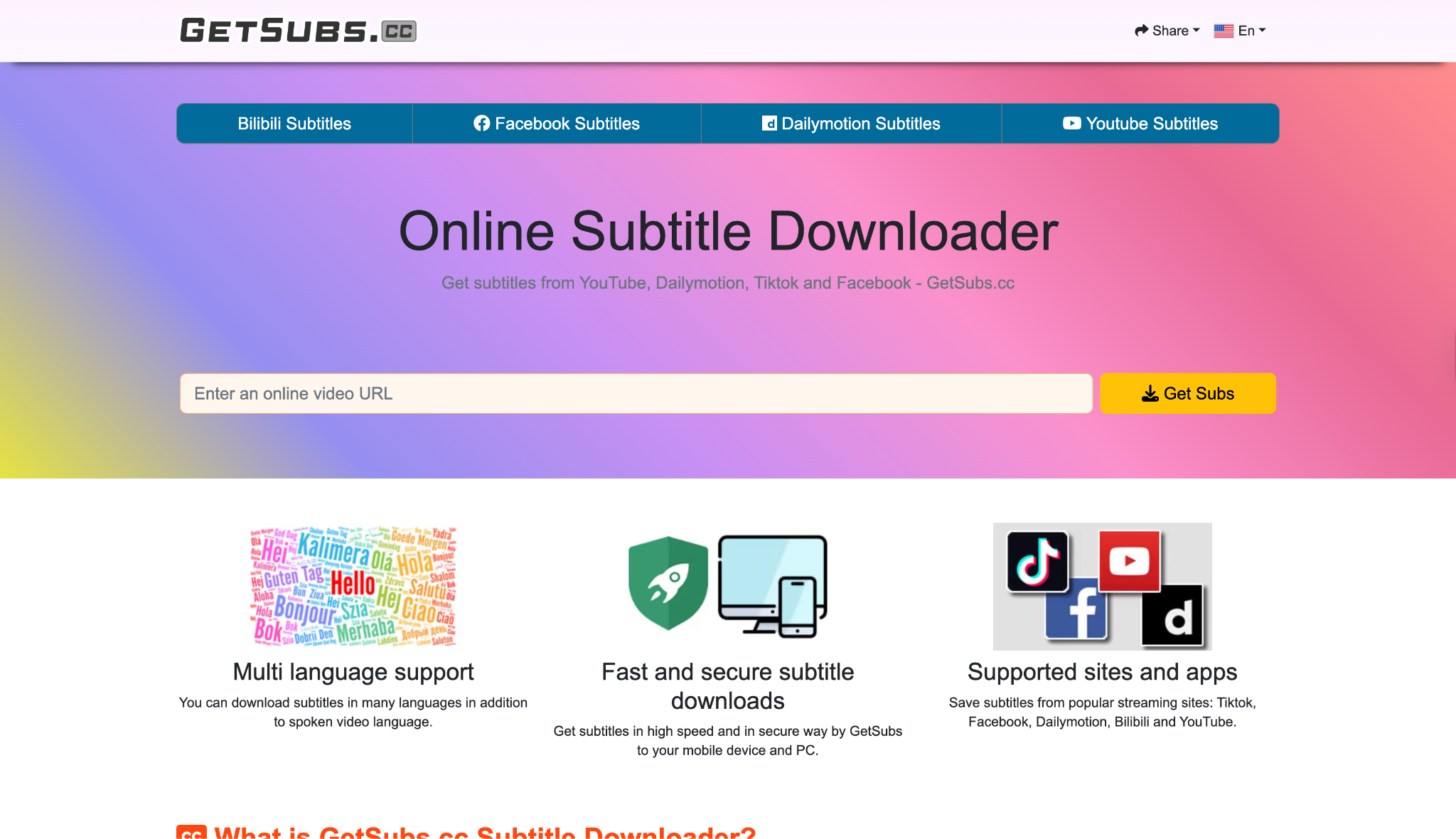
Dialect Support: Dependent on source video tracks.
Live or File-Based TTS: File-Based.
Starting Price: Free.
Supported Devices: Web.
7. LilSubs (Web-Based)
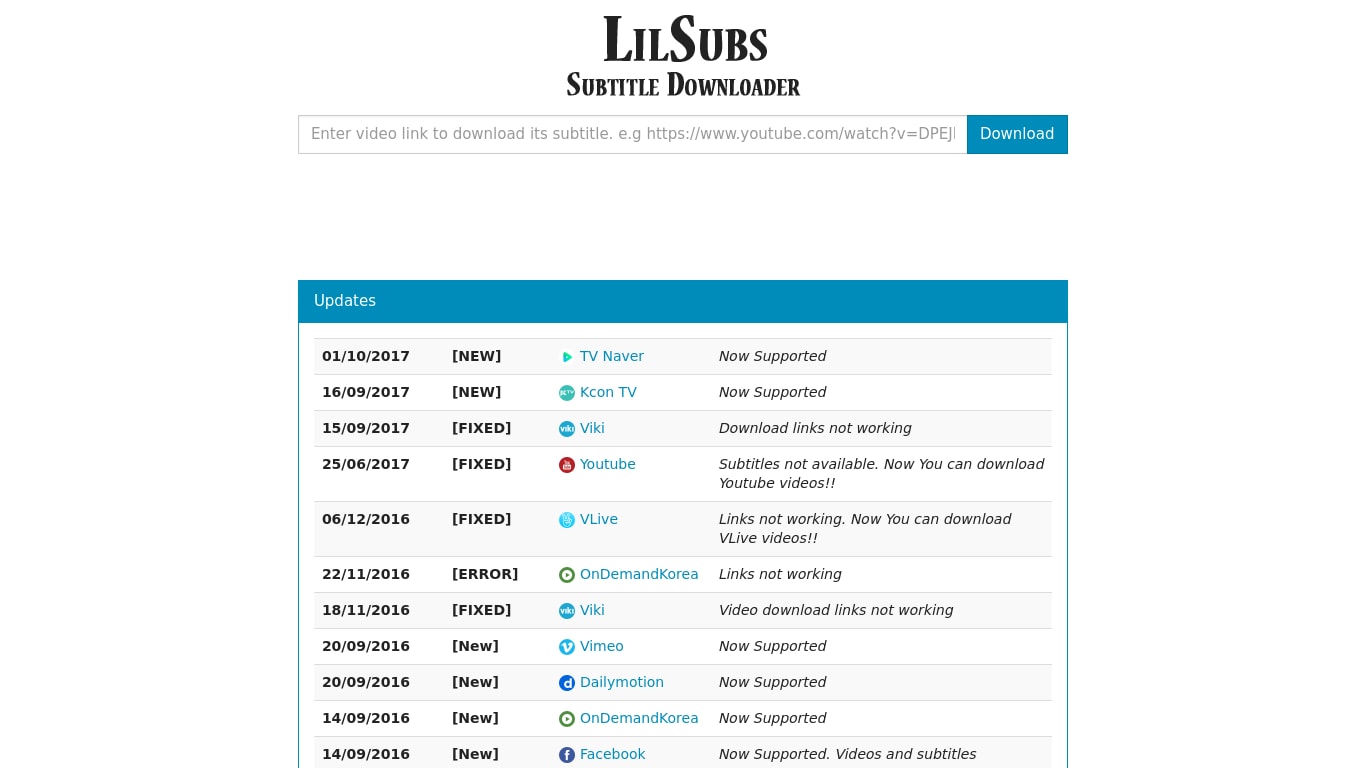
Dialect Support: Standard.
Live or File-Based TTS: File-Based.
Starting Price: Free.
Supported Devices: Web.
8. SnapTik (Mobile/Web)
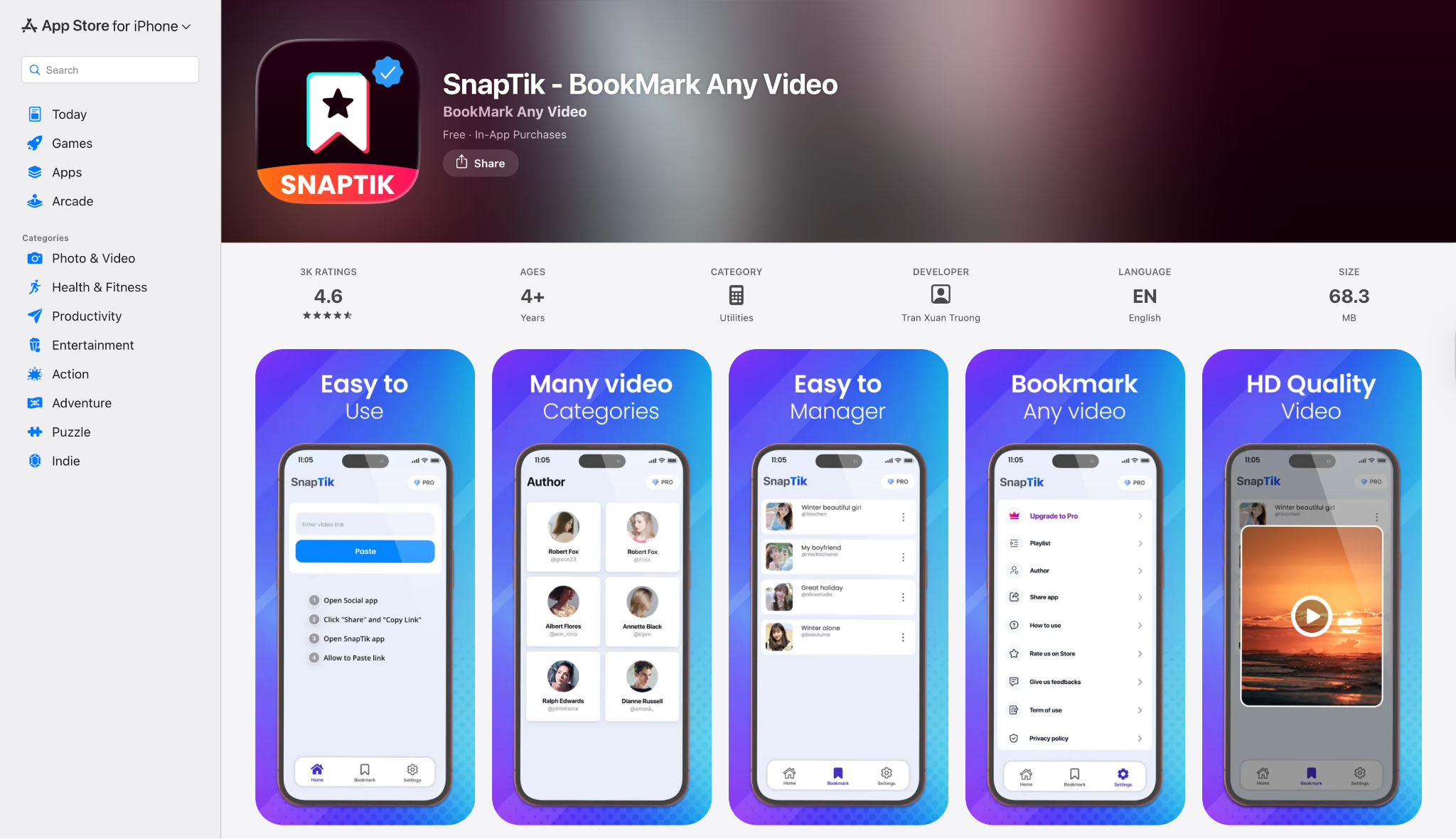
Dialect Support: N/A (Video only).
Live or File-Based TTS: N/A.
Starting Price: Free.
Supported Devices: Web, Android, iOS.
9. Qoob Clips (Desktop)
Dialect Support: Standard.
Live or File-Based TTS: File-Based.
Starting Price: Free Starter / Personal ~$10/month.
Supported Devicess: Windows, macOS, Ubuntu.
10. VidJuice UniTube (Desktop/Android)
Dialect Support: Broad.
Live or File-Based TTS: File-Based.
Starting Price: ~$9.95/month.
Supported Devices: Windows, macOS, Android.
Part 5. At-a-Glance Comparison Table for Top TikTok Subtitle Downloaders
| App Name | Supported Format (Subtitles) | Unique Edge | Best For |
|---|---|---|---|
| Wondershare UniConverter | SRT, TXT, SSA, ASS | Video Editing + Subtitle Editor + Batch Download | Professionals & Creators |
| DownSub | SRT, VTT, TXT | Simple Web Extraction | Quick text grabbing |
| 4K Video Downloader+ | SRT, VTT | Reliability & Smart Mode | Offline Archiving |
| SaveSubs | TXT, SRT | Instant Translation | Non-native speakers |
| VideoProc Converter | SRT, ASS | GPU Acceleration | High-speed conversion |
| GetSubs.cc | SRT, VTT | Language selection list | Language learners |
| LilSubs | SRT | Minimalist approach | Occasional users |
| SnapTik | (Video Only) | Watermark Removal | Clean Video Download |
| Qoob Clips | Metadata/TXT | Bulk Account Backup | Social Media Managers |
| VidJuice UniTube | SRT | 10k+ Site Support | Diverse platform users |
Conclusion
Navigating the world of content creation requires the right tools. Whether you are looking to translate a caption on TikTok videos or save a recipe for later, a reliable TikTok caption downloader is indispensable in 2025. While online tools like DownSub offer quick fixes, they often lack the precision and security required for regular use.
For a truly seamless experience that combines safety, speed, and advanced features, Wondershare UniConverter stands out as the superior choice. It doesn't just perform a TikTok subtitles download; it empowers you to edit, reformat, and repurpose that content effortlessly. You can export subtitles separately, fix typos, or convert the video format in one go. Don't let valuable content slip away. Download Wondershare UniConverter today to unlock the full potential of your TikTok content library!
FAQs
-
1. Can I download TikTok subtitles without the video?
Yes, tools like UniConverter and DownSub allow you to extract just the text file (SRT or TXT) without saving the full video file, saving storage space. -
2. Is it legal to use a TikTok caption downloader?
It is legal to download captions for personal use (like accessibility or offline viewing). However, reposting them or using them commercially without the creator's permission violates copyright laws. -
3. What is the difference between "Hardcoded" and "Soft" subtitles?
"Soft" subtitles (Closed Captions) can be turned on/off and extracted as text files. "Hardcoded" subtitles are burned into the video image and cannot be extracted as text without using OCR (Optical Character Recognition) technology found in advanced tools. -
4. Why can't I find the subtitle file for some TikTok videos?
If a creator hardcodes the text onto the video or simply writes a caption in the TikTok description without enabling the "Auto-Caption" feature, there is no subtitle track for the downloader to extract. -
5. Does UniConverter work on Mac and Windows?
Yes, Wondershare UniConverter is fully compatible with both macOS and Windows operating systems, offering the same robust TikTok video captions downloading features on both platforms.

