


If you want to save DeviantArt videos, animations, or visual references for offline viewing, you need a downloader that is safe, stable, and easy to use. This 2026 guide compares online DeviantArt video downloaders, desktop tools, browser extensions, and batch/gallery download options so you can choose the right workflow for public or authorized content.
In this article
Quick Answer: What Is the Best Way to Download DeviantArt Videos?
For most users: use a desktop downloader when you need stable MP4 saving, batch downloads, or post-download conversion. Use an online DeviantArt video downloader only for quick, public links and avoid tools with aggressive ads, forced extensions, or unclear privacy policies.
| User intent | Best option | Why |
|---|---|---|
| Download one public DeviantArt video | Online downloader | Fastest for a single URL, no installation needed. |
| Save DeviantArt videos as MP4 | Desktop downloader + converter | Better control over format, quality, and later editing. |
| Batch download galleries or collections | Desktop/gallery downloader | More stable for multiple links and folder organization. |
| Download on mobile | Mobile-friendly web tool | Mobile is convenient, but large or batch downloads are easier on desktop. |
| Private or login-restricted content | Authorized content only | Do not use tools to bypass access controls or redistribute artists’ work. |
What Can You Use a DeviantArt Video Downloader For?
A DeviantArt video downloader is most useful when you want to save public or authorized videos, animations, GIF-style posts, or visual references for personal offline access. Common use cases include:
- Offline viewing: Save a DeviantArt video link so you can watch it later without opening the page again.
- Creative reference: Keep animation, motion, color, and composition references in a local inspiration folder.
- MP4 workflow: Download and convert content to MP4 for easier playback on desktop or mobile devices.
- Gallery or batch organization: Queue multiple public links and manage downloaded files in folders.
- Personal archive only: Keep copies for private reference while respecting the artist’s copyright and usage terms.
How to Choose a Safe DeviantArt Video Downloader
Before you paste a DeviantArt URL into any downloader, check whether the tool is transparent, stable, and appropriate for the content you are saving. A safe downloader should meet these standards:
1. Clear privacy policy and no unnecessary permissions
Avoid online tools or extensions that force suspicious permissions, redirect you through ads, or ask for DeviantArt login details when they are not needed.
2. MP4 and quality options
Choose a tool that supports common formats such as MP4 and lets you keep the best available quality from the source video where possible.
3. Batch or gallery support
If you save multiple public links, look for batch downloading, folder organization, and stable retry handling instead of downloading each video manually.
4. Mobile and desktop compatibility
Mobile-friendly online tools are convenient for single links, while desktop software is usually better for large files, conversion, and repeated downloads.
5. Copyright and access control
Only download content you own, have permission to use, or can legally save for personal reference. Do not bypass login walls, remove watermarks, or redistribute artists’ work without authorization.

How can you download DeviantArt videos without losing quality?
Quick Comparison: Best DeviantArt Video Downloaders
Now let’s take a quick look at the top DeviantArt video downloaders comparison in the following table below:
How We Tested DeviantArt Video Downloaders
We evaluated these tools based on output quality, download reliability, safety, and workflow usefulness.
Quality
Whether videos keep their original clarity and framing.
Stability
How reliably each tool handles downloads.
Safety
Whether the downloader avoids unnecessary risk or permissions.
Workflow
Extra value like conversion or batch support.
We gave extra weight to safety and output quality.
This page gives more weight to safety and output quality, since users saving creative content usually care about keeping the material intact as much as downloading it successfully.
Use this table to choose a downloader based on your device, privacy expectations, and whether you need MP4 conversion, gallery saving, or batch downloading.
| Tool | Best for | Type | Batch support | Key advantage | Main limitation |
| Wondershare UniConverter | MP4 workflow, desktop downloading, editing, batch tasks | Desktop | Downloader, converter, enhancer, and editor in one workflow | Requires desktop installation | |
| DeviantArt Gallery Downloader | Public gallery downloads | Online | Simple gallery extraction and Download All workflow | Large galleries may require pagination or extension support | |
| Downloader BABA | Quick online URL downloads | Online | Limited | Beginner-friendly paste-and-download flow | May fail on large or restricted files |
| HD STOCK IMAGES | Simple online DeviantArt video saving | Online | Not always | Clean URL-based download flow | May not always keep original quality or handle restricted content |
| InStag | Online video, photo, and audio saving | Online | Limited / paid | Direct URL workflow for multiple media types | Bulk features may require account or paid access |
| GetFLV | Desktop multi-site downloading | Desktop | In-app browser, download detection, and recorder options | Higher price and older interface | |
| WFDownloader | Bulk downloads across images, videos, GIFs, and documents | Desktop | Folder organization and large link-list handling | Interface can feel complex for beginners | |
| Tube Ninja | Broad streaming-site downloads | Online | Varies | Simple browser-based paste-and-download flow | May show ads, errors, or quality limitations |
| Crx4Chrome DeviantArt Extension | Browser-based DeviantArt page downloads | Chrome extension | Varies | Adds download access inside the browser | Extension permissions and third-party source safety must be checked |
| SaveFrom.net | General online video downloading | Online / extension | Varies | Broad domain support and simple workflow | Ads, quality variation, and platform restrictions may apply |
Best 10 DeviantArt Video Downloaders for All Devices 2026
To help you choose the best, we've rounded up the best DeviantArt video downloaders available in 2026, as follows:
1. Wondershare UniConverter
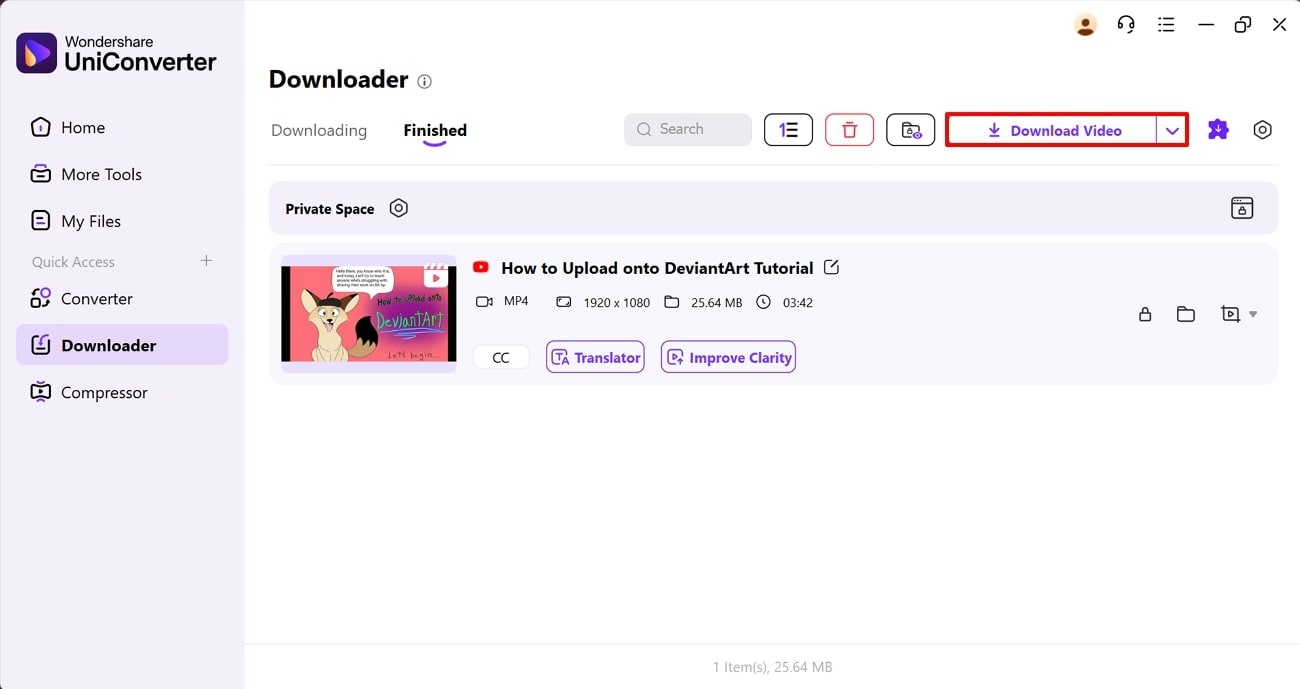
Wondershare UniConverter is best for users who want more than a one-click online downloader. It combines video downloading, format conversion, basic editing, enhancement, and batch processing in one desktop workflow, which is helpful when you need to save DeviantArt videos and then convert them to MP4 or organize multiple files.
To download a public or authorized DeviantArt video, copy the video URL, open the Downloader feature, paste the link, and start the download. After the file is saved, you can convert it to another format, enhance it, or keep it in your local archive.
How to Download DeviantArt Videos as MP4 with UniConverter
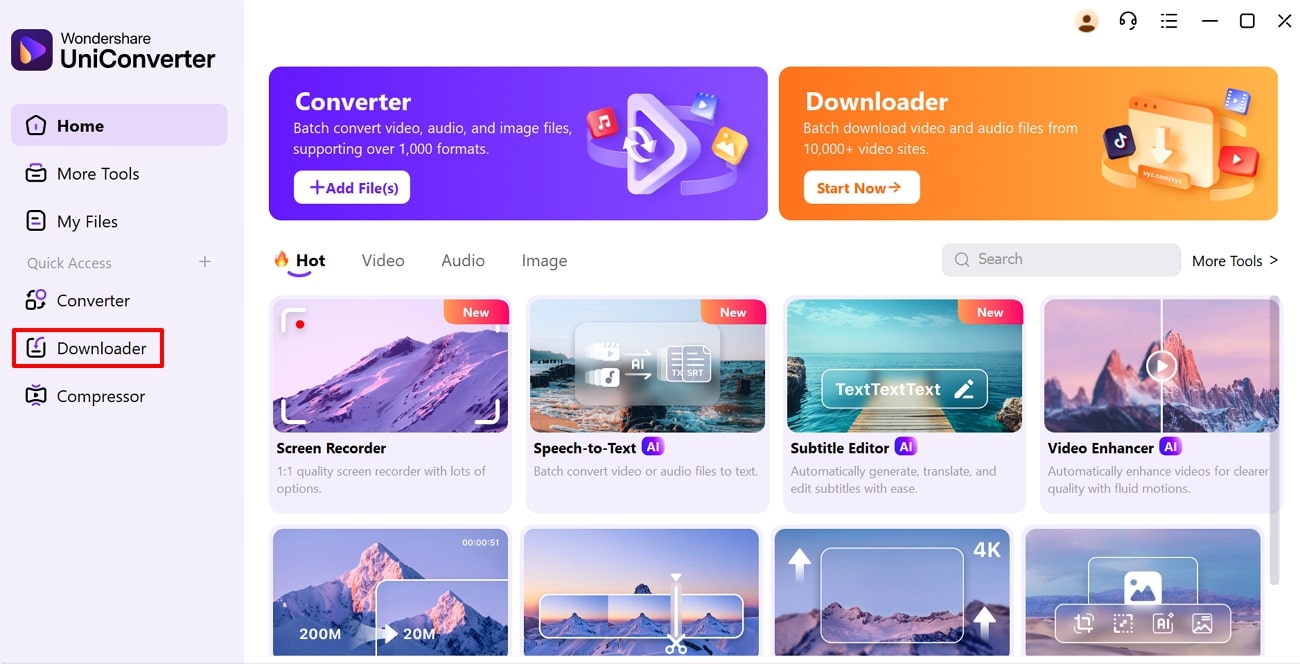
Step 1. Open the Downloader tab
Launch UniConverter and choose Downloader from the left-side panel.
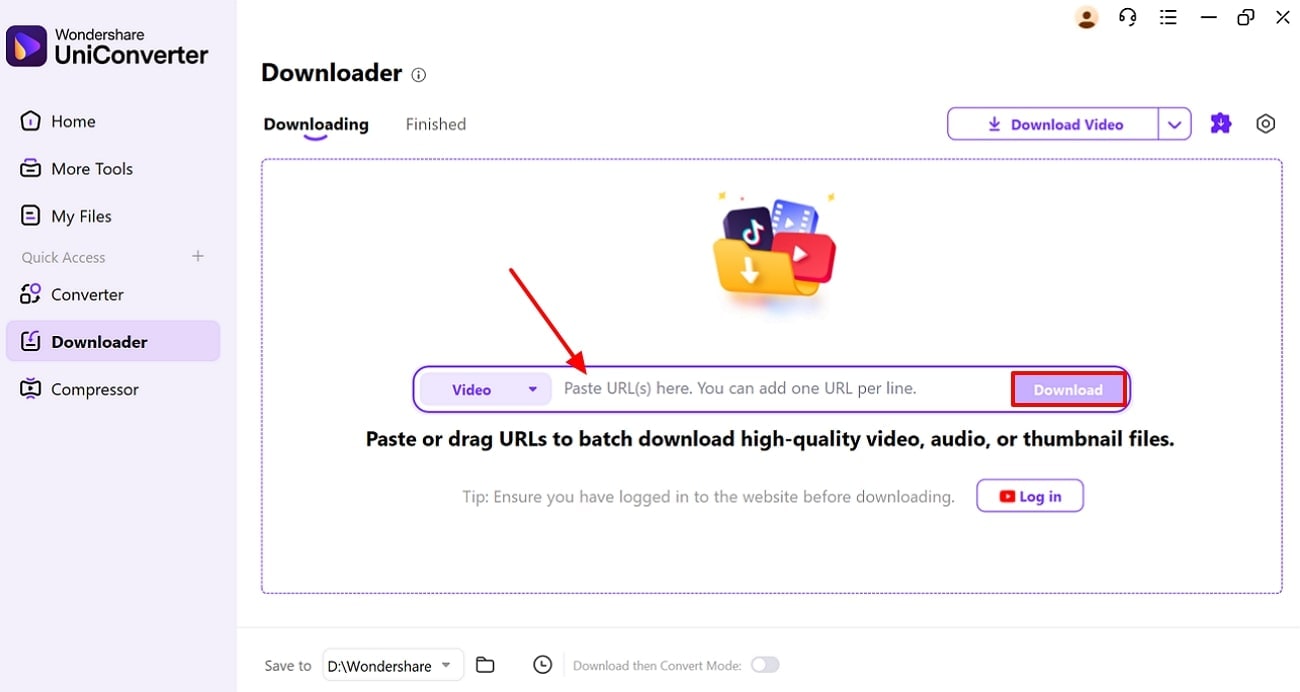
Step 2. Paste the DeviantArt video URL
Copy the public or authorized DeviantArt video link, paste it into UniConverter, and click Download.
Step 3. Save or convert the downloaded video
After downloading, save the file to your device. If needed, convert it to MP4 or use UniConverter’s editing and enhancement tools for your personal workflow.


Safety Review: 5/5
Starting Price: Free Trial and $9.99/month
Ads Density: None
Product Type: Standalone desktop application and AI-powered multimedia suite.
Easy to Use DeviantArt Video Downloader
2. Deviantart Gallery Downloader
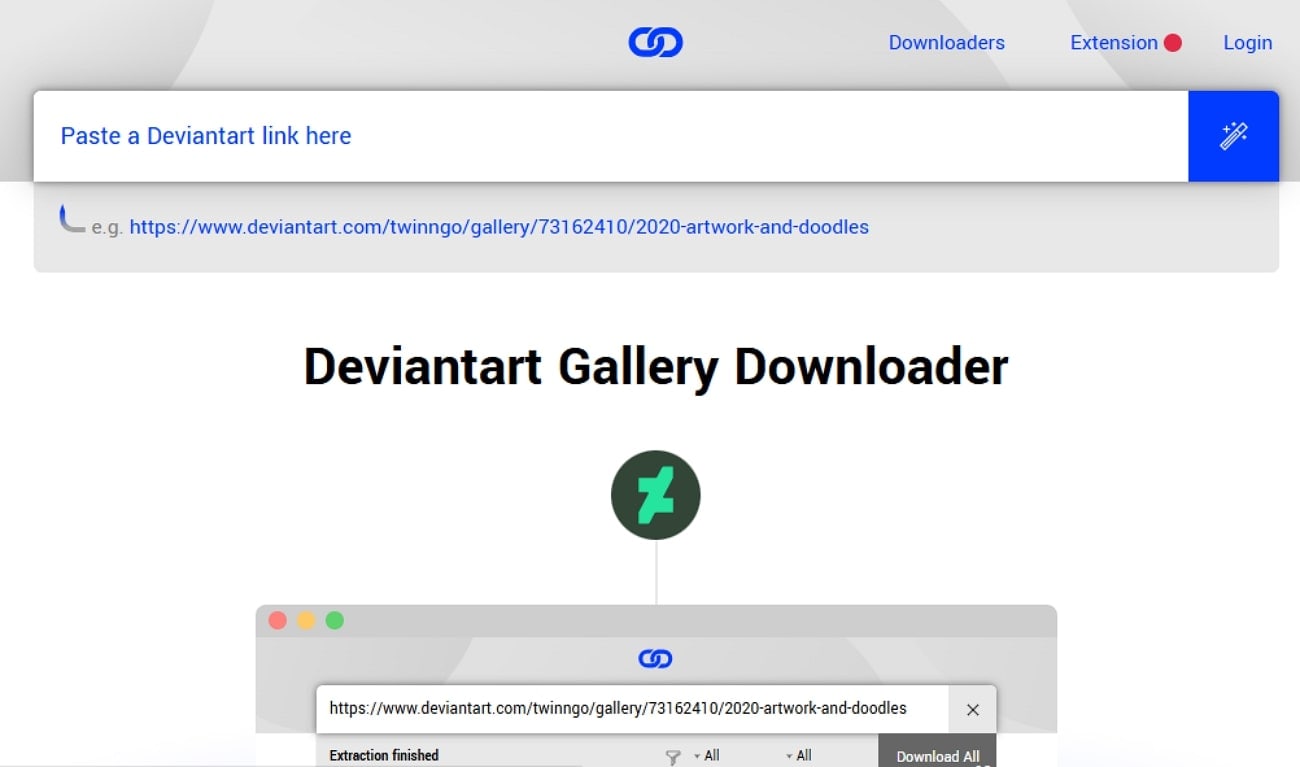
It is an efficient Deviantart archive browser-based tool that downloads an entire art collection by pasting the URL. Users need no technical expertise to use it, as it provides an intuitive interface with a streamlined procedure. This tool provides several download options, including single artwork, batch artwork, and full gallery download. Furthermore, it is capable of fetching the artwork with maximum quality possible, which is ideal for artists and students.
Safety Review: 4/5
Starting Price: Free
Ads Density: Low to None
Product Type: Online.
3. Downloader BABA
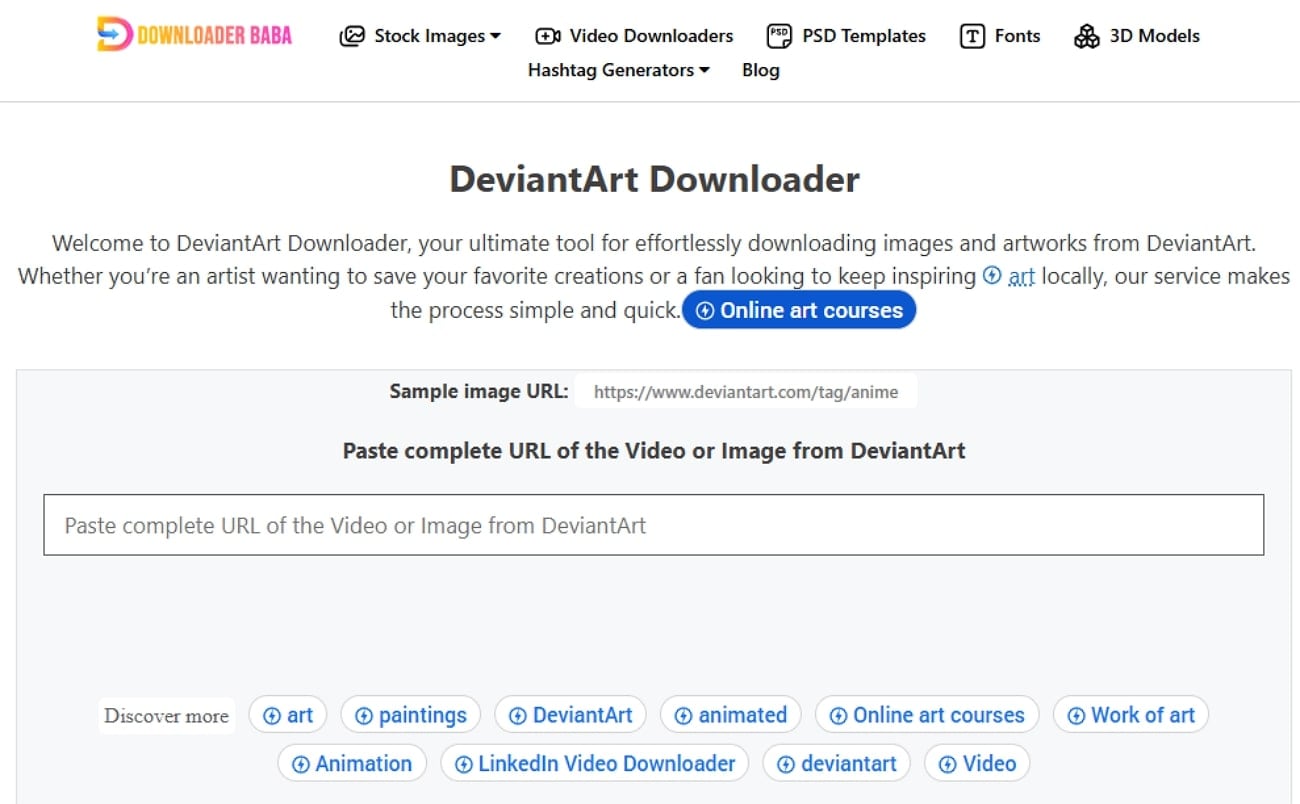
This Deviantart video downloader online requires no login and is specifically designed for beginners. It provides a straightforward procedure where users simply paste the URL of their video or image gallery to download it. Its processing system is trained to ensure quick URL processing and stable downloads with high quality. Plus, users can access this web-based tool on almost all major browsers, including Google, Safari, Edge, and Firefox.
Safety Review: 4.5/5
Starting Price: Free
Ads Density: Minimal
Product Type: Online
4. HD STOCK IMAGES
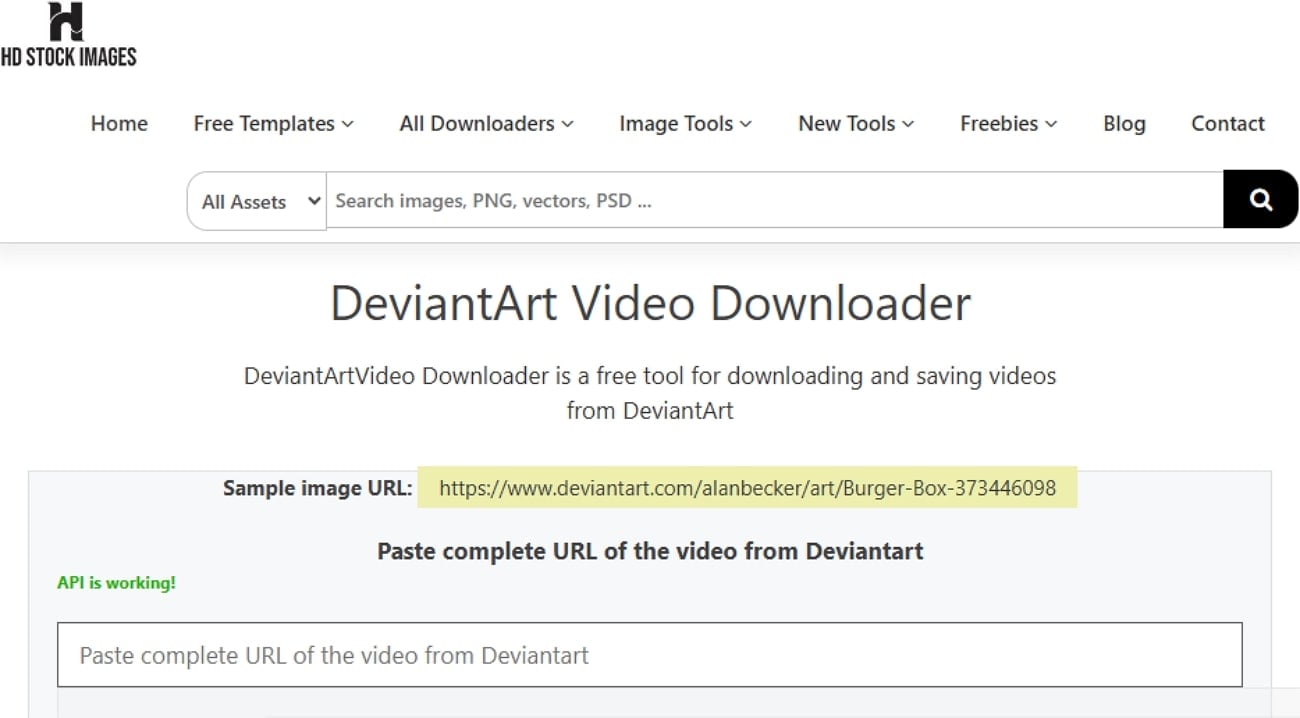
This tool allows users to download unlimited videos at no cost, with no hidden charges or trials. Without any complex steps, users simply insert their targeted video URL, and it fetches it for them. This tool has no restriction on video file size or duration. Moreover, it operates entirely online, requiring no personal information or login credentials, keeping user interactions anonymous.
Safety Review: 4.5/5
Starting Price: Free
Ads Density: Minimal
Product Type: Online
5. InStag
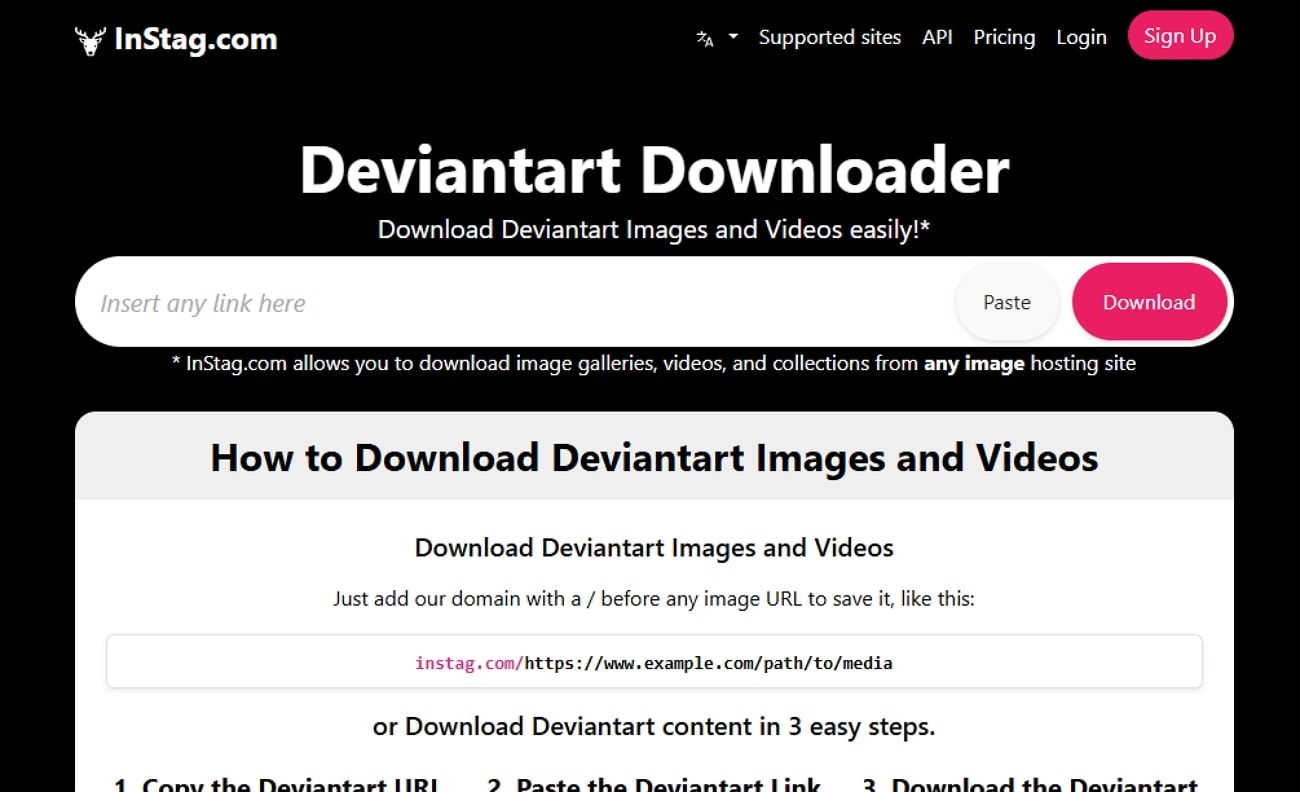
InStag Deviantart video downloader uses a direct URL-based method to deliver media instantly. It provides a shortcut feature that lets users download the Deviantart video without visiting its main interface. This tool streams media over HTTPS and base64 encoding to ensure data remains secure during transfers. Plus, this service supports a variety of DeviantArt media formats, including static images, animations, and video posts.
Safety Review: 4.7/5
Starting Price: Free
Ads Density: Minimal
Product Type: Online
6. GetFLV
GetFLV is a desktop software that efficiently works on both Windows and macOS systems. This tool can download videos at up to 10 times the normal speed, enabling bulk downloading. In addition to the basic URL downloader, it also provides a screen capture recorder that can record any streaming video directly. Furthermore, when users play a video in the in-app browser, the software automatically detects and lists the video for download.

Safety Review: 3.5/5
Starting Price: $59.95
Ads Density: None (In-App Prompts Only)
Product Type: Desktop
Safer Desktop DeviantArt Video Downloader
7. WFDownloader
This Deviantart video downloader mainly specializes in batch and bulk downloads of multiple file types, including images, videos, GIFs, and documents. The program automatically detects downloadable links directly from supported sites. This tool allows grouping of downloads into custom folders for better management of files. Moreover, its comprehensive proxy settings and connection configuration ensure compatibility with network-restricted environments.
Safety Review: 3.5/5
Starting Price: Free to use (official offers); some distributors may charge paid tiers in specific bundles.
Ads Density: Low to none
Product Type: Desktop-based tool
8. Tube Ninja
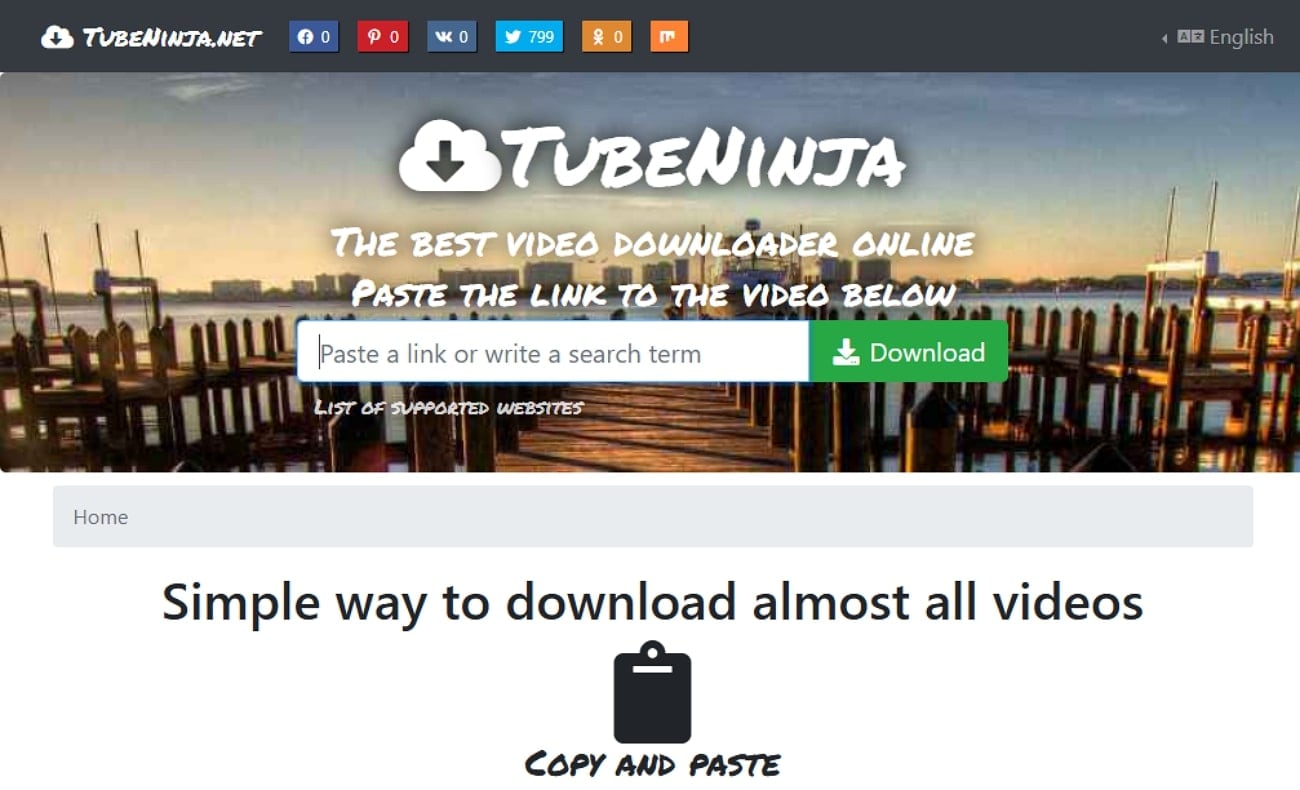
Tube Ninja is an intuitive web-based tool that lets users simply copy a video URL and paste it into the field. After that, it will instantly download the required file, which you can later use on other platforms. This tool claims to support over 60 streaming sites for downloading various video formats. This tool specifically emphasizes that content is delivered to the user without storing unnecessary data on servers.
Safety Review: 3.5/5
Starting Price: Free to use
Ads Density: Minimal
Product Type: Online
9. Crx4Chrome
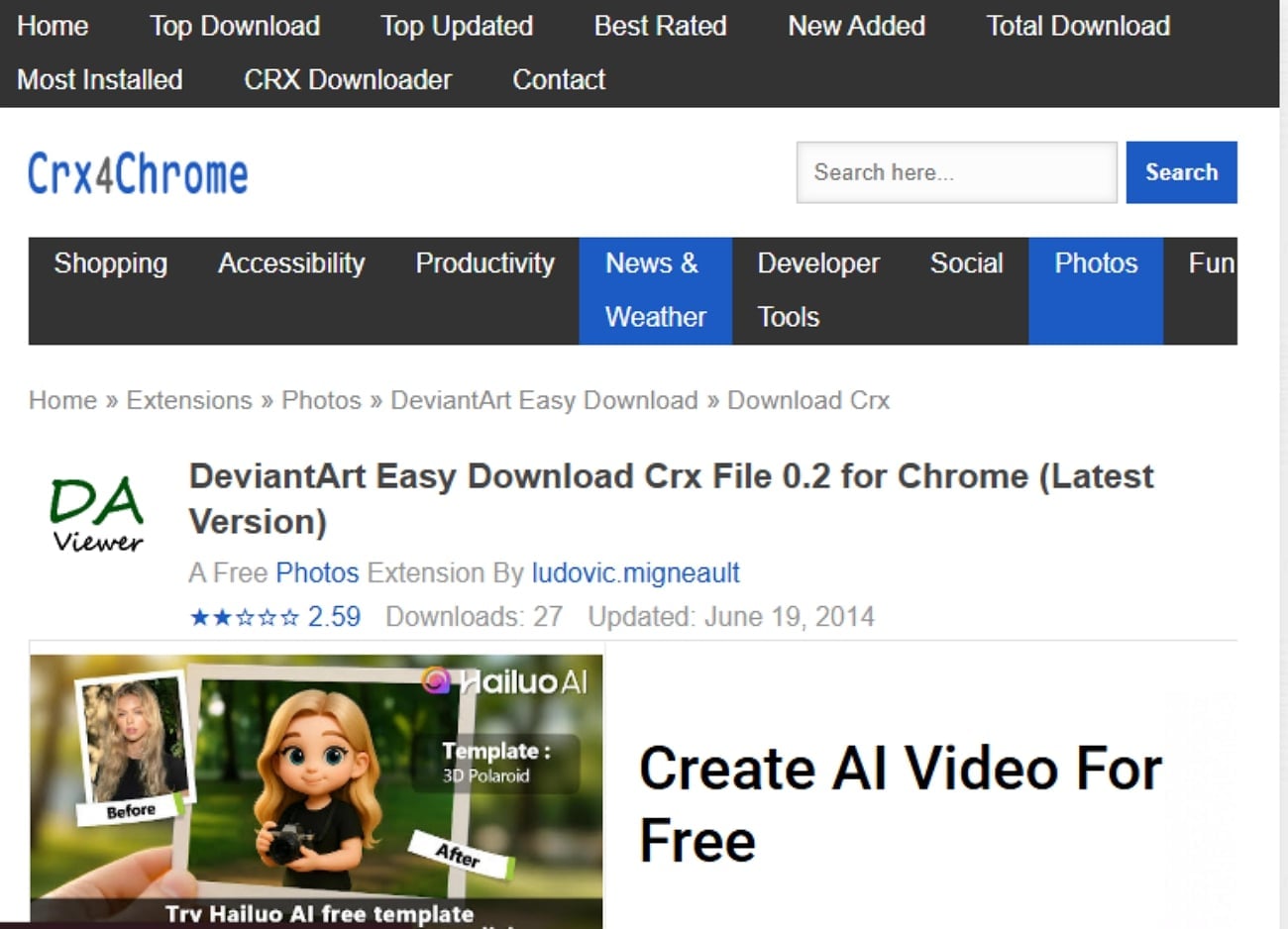
This is a Chrome-based extension that is specifically designed to download Deviantart videos instantly. After adding this extension, a download button will appear beside the DeviantArt images or videos, allowing you to download them. It also lets users choose the desired file format and even the video resolution to download.
Safety Review: 3.5/5
Starting Price: Free
Ads Density: Low to none
Product Type: Chrome extension
10. SaveFrom.net
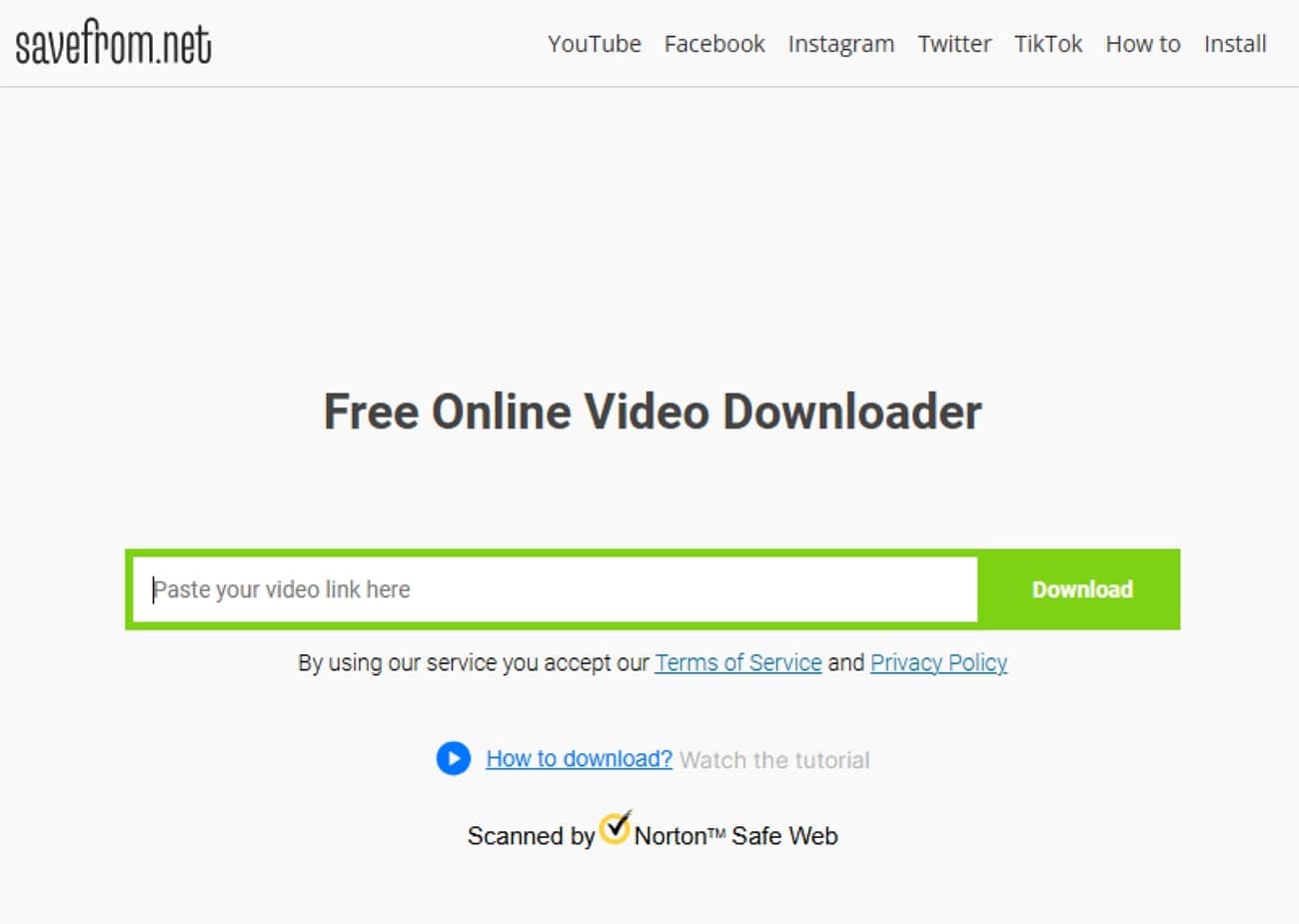
SaveFrom.net offers a web-based interface that allows users to save videos from various sites simply by entering the video URL. It will enable you to download videos in multiple formats and qualities, depending on the source and options offered. It can efficiently work on both desktop and web browsers to cater to broader audiences. Plus, this tool also provides a specific Chrome extension to enhance users' work experience.
Safety Review: 4/5
Starting Price: Free
Ads Density: Moderate to High
Product Type: Online
Important: Respect Artists and Copyright
While these downloaders make it easier to download Deviantart videos, you should also be aware of its ethical usage so have a look below:
Emphasize Ethical Use: These tools are intended for personal archiving and inspiration, so don't misuse the content.
Credit The Artist: Always give proper credit to the original artist and don’t remove watermarks to claim the work as your own.
Do Not Redistribute: Never re-upload downloaded videos to other platforms or use them for commercial purposes.
Support Artists: If you enjoy an artist’s work, the best way to support them is by commenting and following their DeviantArt ID.
Batch DeviantArt Video Downloader for Multiple Links
Conclusion
A good DeviantArt video downloader should match your actual workflow. If you only need to save one public video link, an online downloader may be enough. If you need MP4 conversion, batch downloading, cleaner file management, or post-download editing, a desktop tool like Wondershare UniConverter is a more stable choice.
Always download DeviantArt videos responsibly. Use these tools for personal reference, offline viewing, or authorized content only, and avoid redistributing an artist’s work without permission.
FAQs About DeviantArt Video Downloaders
-
1. How do I download a video from DeviantArt?
Copy the public or authorized DeviantArt video URL, paste it into a trusted downloader, and save the file. For repeated downloads or MP4 conversion, use a desktop workflow such as UniConverter. -
2. Can I download DeviantArt videos as MP4?
Yes, if the downloader can save the video file or convert the downloaded file afterward. UniConverter is useful when you need to download and then convert the file to MP4 in one workflow. -
3. What is the safest DeviantArt video downloader?
A safer downloader has a clear privacy policy, does not ask for unnecessary login details, avoids forced extensions, and supports stable downloads without aggressive ads or redirects. -
4. Can I use a DeviantArt video downloader on mobile?
Mobile-friendly online tools can work for quick public links, but desktop tools are usually more stable for batch downloads, large files, and format conversion. -
5. Can I download an entire DeviantArt gallery?
Some tools support gallery or batch downloads. For large galleries, check whether the tool supports pagination, retry handling, and folder organization. -
6. Is it legal to download DeviantArt videos?
Downloading public content for personal reference may be allowed in some cases, but you should follow DeviantArt’s terms, respect copyright, keep artist credit, and never redistribute or use downloaded content commercially without permission. -
7. Can downloaders save private or login-restricted DeviantArt content?
Do not use downloaders to bypass access controls. Only save content you own, have permission to use, or are already authorized to access.

