


What is the best way to download Pixiv videos or Ugoira files?
The best way is to use a Pixiv downloader that can handle Ugoira, MP4 videos, and GIF-like animations correctly, like Powerful Pixiv Downloader, because these formats work differently on Pixiv. If you download anything, you should keep it for personal offline use only and respect the artist’s rights.
Are you also someone who finds themselves scrolling through Pixiv only to discover an Amazon animated artwork or video that you want to keep? Frustration comes when Pixiv does not make it easy to grab these digital treasures directly from the platform. If you are a content creator or someone who simply wants to preserve their favorite animation for offline viewing, you need to choose the right Pixiv video downloader.
This guide will walk you through everything you need to know about Pixiv video downloader tools and how to safely save Pixiv GIFs, and the best ways to preserve animations. You will discover practical solutions across different devices, learn what makes each tool unique, and understand the ethical considerations of downloading artwork from creators.
In this article
Part 1. Is It Legal and Safe to Download Pixiv Videos or Ugoira Files?
When using any Pixiv GIF downloader, it's important to remember that every artwork on Pixiv belongs to its creator. These creations are protected by copyright, and respecting those rights is absolutely essential.
Respect Artist Rights: Every single piece on Pixiv belongs to the artist. This isn't negotiable. Pixiv's terms of service make it clear that artists retain full copyright over their work. When you download something, you're not taking ownership of it. You're just making a personal copy.
Intended Use: Downloaded content is strictly for your eyes only. Personal offline viewing, collection, and creative inspiration are fine, but the moment you think about resharing it, reposting it somewhere else, or claiming it as your own, you've crossed a line. Commercial use without explicit permission is absolutely forbidden.
Strictly Prohibited: Redistribution, re-uploading, claiming artwork as your own creation, or using downloaded content for commercial purposes without permission violates both Pixiv's terms and copyright law. Pixiv actively monitors for these violations. Artists can report infringement, and accounts are regularly banned. Some jurisdictions treat this as a criminal offense, not just a terms-of-service violation.
Supporting Artists: The best way to support the creators you love is to engage with them on their official platforms. View their work, like it, bookmark it, leave thoughtful comments. If they have a FANBOX account, consider supporting them there. Some artists sell prints or merchandise, which is another legitimate way to help them. This approach means they actually benefit from your interest.
Part 2. What’s the Difference Between Pixiv Ugoira, Video, and GIF?
Most people think Pixiv GIFs and Ugoira are the same thing. They're not, and understanding the difference matters because it affects how you download and what you end up with.
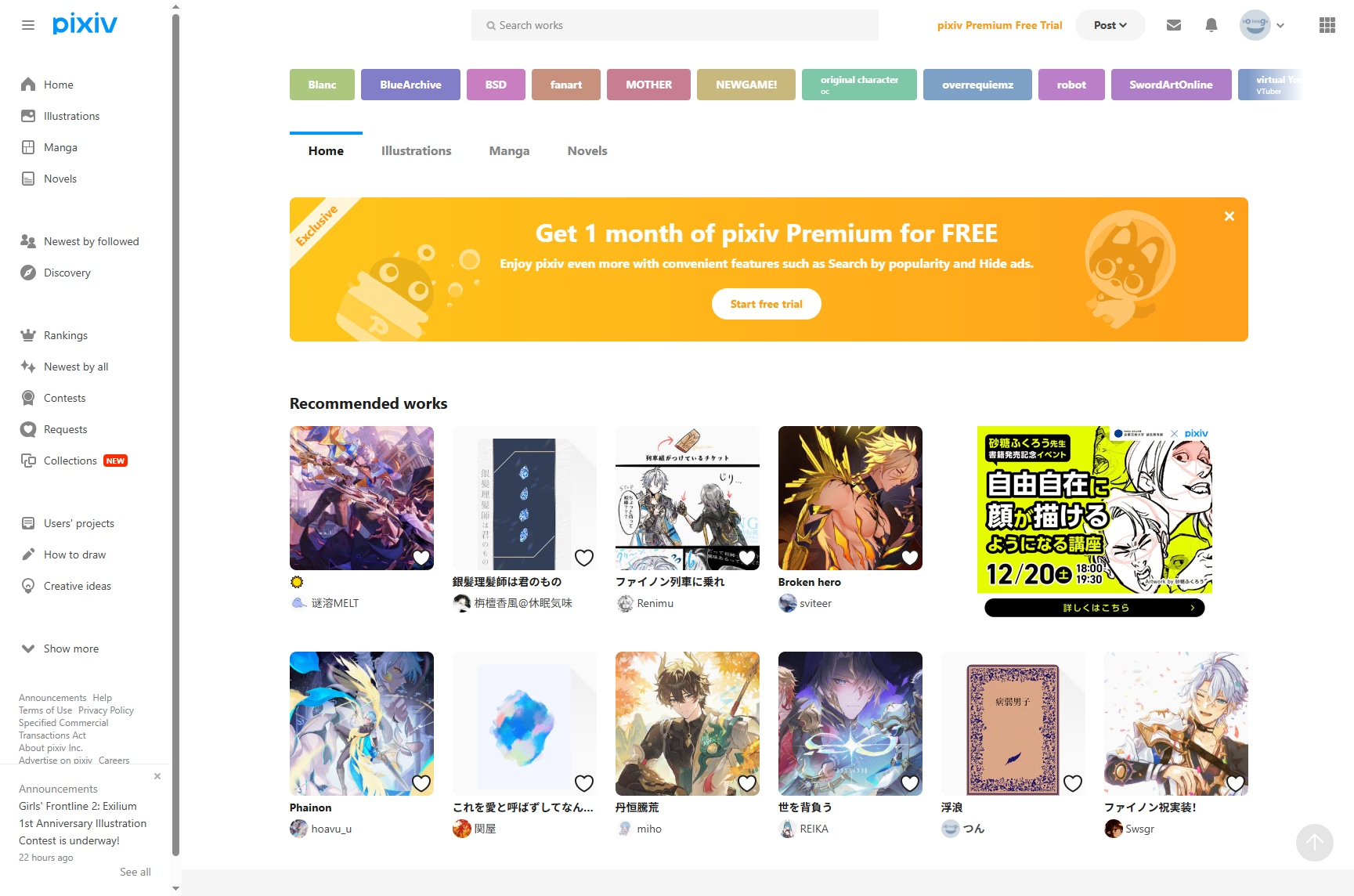
Ugoira (うごイラ): The Star of the Show
Ugoira is Pixiv's proprietary animated illustration format. Here's what actually happens behind the scenes: the platform stores a ZIP file containing individual image frames plus a timing definition file. This structure is brilliant because it maintains superior quality while keeping file sizes reasonable. Unlike traditional GIFs, Ugoira preserves color depth and clarity.
When you look at a Ugoira on Pixiv, the browser decompresses the frames in real time and plays them in sequence. It's lightweight, smooth, and looks significantly better than alternatives. Most animations on Pixiv that people call "GIFs" are actually Ugoira files.
MP4 Video
Some artists upload standard video files instead of Ugoira. These are actual MP4 videos hosted on Pixiv's platform. They offer excellent quality and compatibility with pretty much any device, but they take up more storage space than Ugoira files. You can download them like any other video file.
Animated GIF
True GIF animations exist on Pixiv, but they're relatively uncommon. That's because GIFs have serious limitations. They're stuck with 256 colors maximum, creating visible banding and color loss on complex artwork. File sizes balloon quickly. Most artists avoid GIFs precisely because they look worse and take up more space.
Part 3. The Best Pixiv Video Downloaders for All Devices 2025
Here are the best Pixiv video downloaders for desktop, mobile, and Chrome extension that meet your needs and help you easily download Pixiv videos:
Pixiv Downloader for Windows and Mac
1. Powerful Pixiv Downloader (Chrome & Firefox Extension)
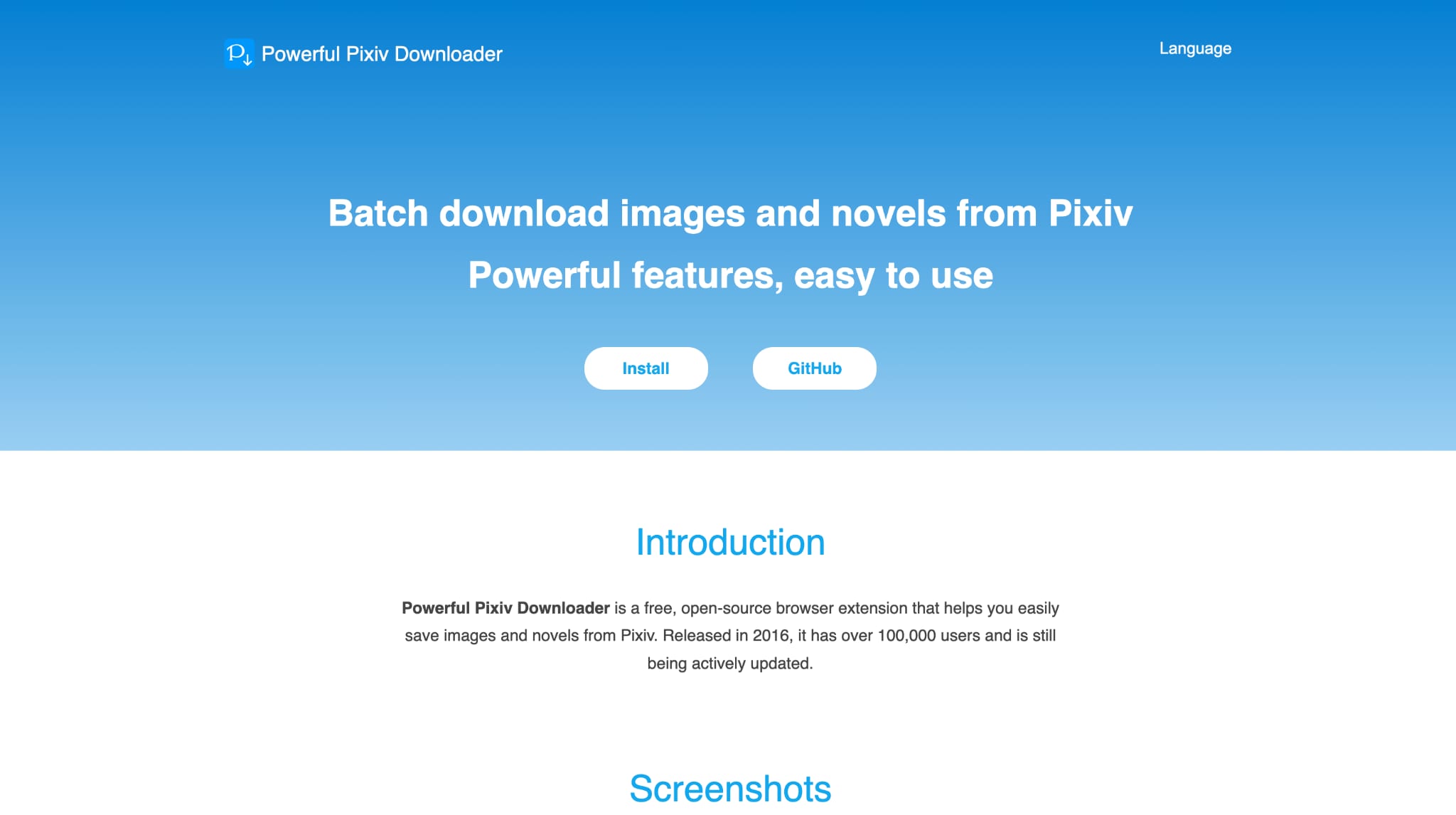
Powerful Pixiv Downloader is a browser-based solution available. The tool installs directly into your browser, eliminating the need to leave the page when downloading. Simply click the download button and the process begins immediately. The extension's strength lies in its batch capabilities. You can download multiple illustrations from an artist's profile, collection pages, search results, and rankings simultaneously.
Safety Review: 4.5/5
Starting Price: Free
Supported Devices: Windows, Mac, Linux (via Chrome/Firefox/Edge)
2. Illust Downloader for Pixiv.net (Chrome Extension)
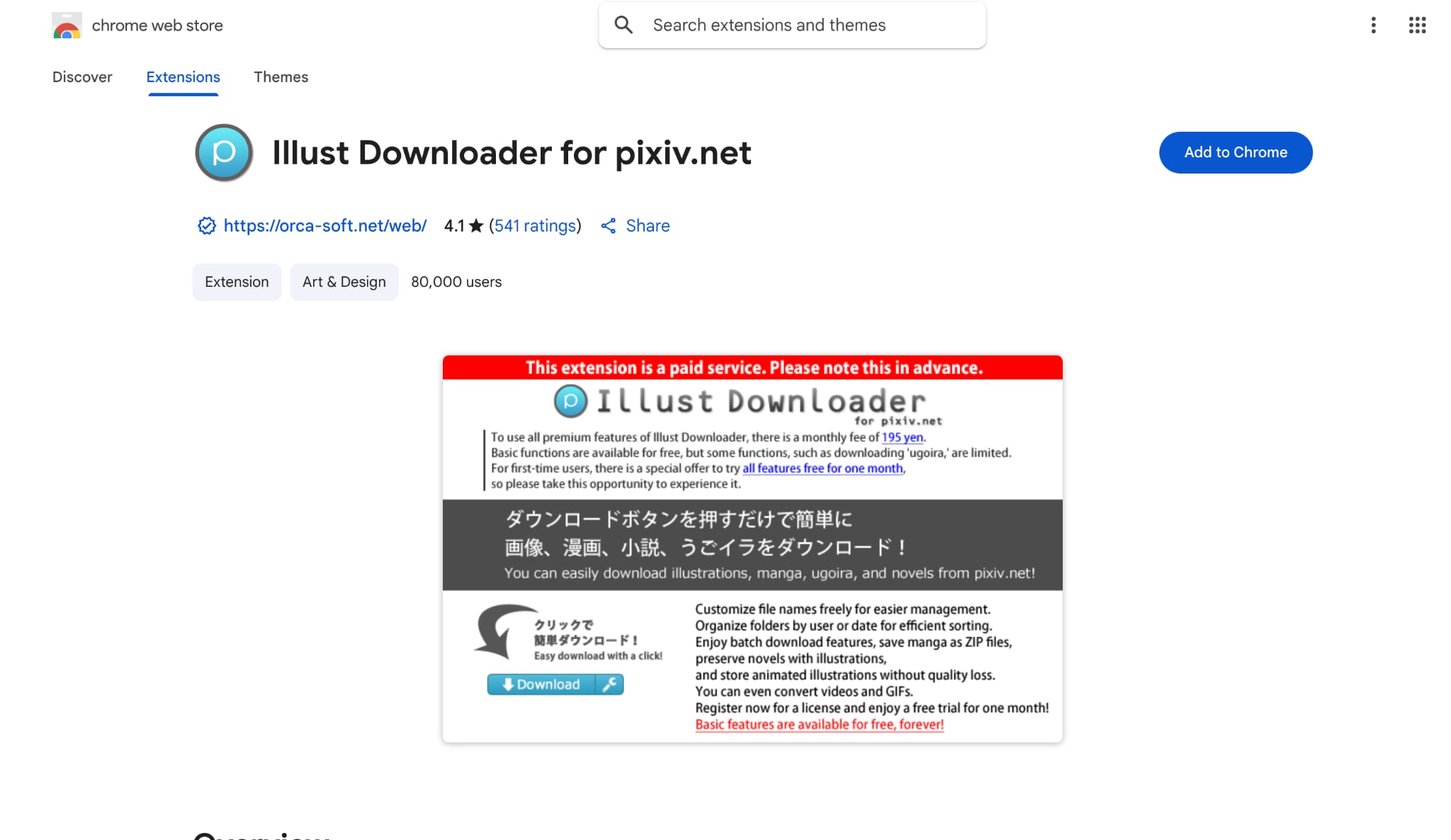
Illust Downloader focuses on simplicity without sacrificing functionality. This unofficial extension has earned 541 ratings on the Chrome Web Store and handles illustrations, manga, and novels with straightforward controls. This Pixiv downloader extension automatically assigns file names and downloads to your specified directory without constant dialog prompts.
Safety Review: 3.5/5
Starting Price: Premium: $1.27/month (¥195/month)
Supported Devices: Windows, Mac (Chrome only)

Safe & Easy to Use Video Downloader
3. Pixiv Toolkit Next
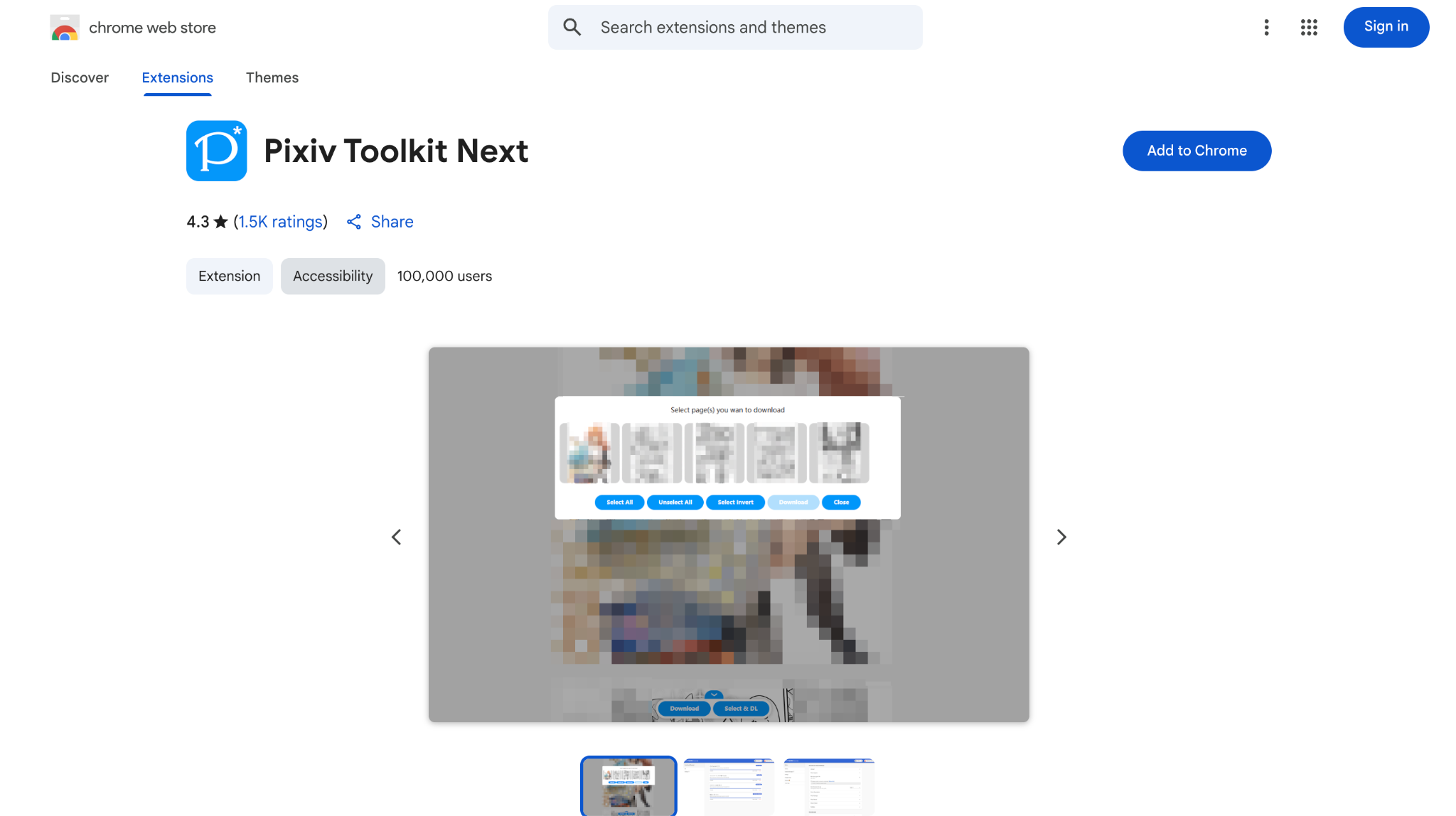
Pixiv Toolkit Next is a browser extension designed for downloading content from Pixiv, Pixiv FANBOX, and Pixiv Comic. Unlike tools that focus on batch downloading, Pixiv Toolkit Next emphasizes individual downloads with advanced format conversion features, particularly for Ugoira animations.
Safety Review: 4/5
Starting Price: Free
Supported Devices: Windows, Mac, Linux (Chrome, Edge, Firefox)
4. Pixiv Smart Downloader (Chrome Extension)
Pixiv smart downloader focuses on the core need: downloading multiple artworks at once without complexity. While browsing Pixiv, hover over artwork thumbnails and click "Select" to mark items for download. Alternatively, open any artwork and press "Select the currently opened artwork" from the pop-up. The interface doesn't include confusing settings or subscription requirements. It runs smoothly in Chrome and Vivaldi.
Safety Review: 3/5
Starting Price: Free
Supported Devices: Windows, Mac (Chrome, Vivaldi)
Pixiv Downloader For Android Mobile Devices
5. Downloader for Pivix (Android App)
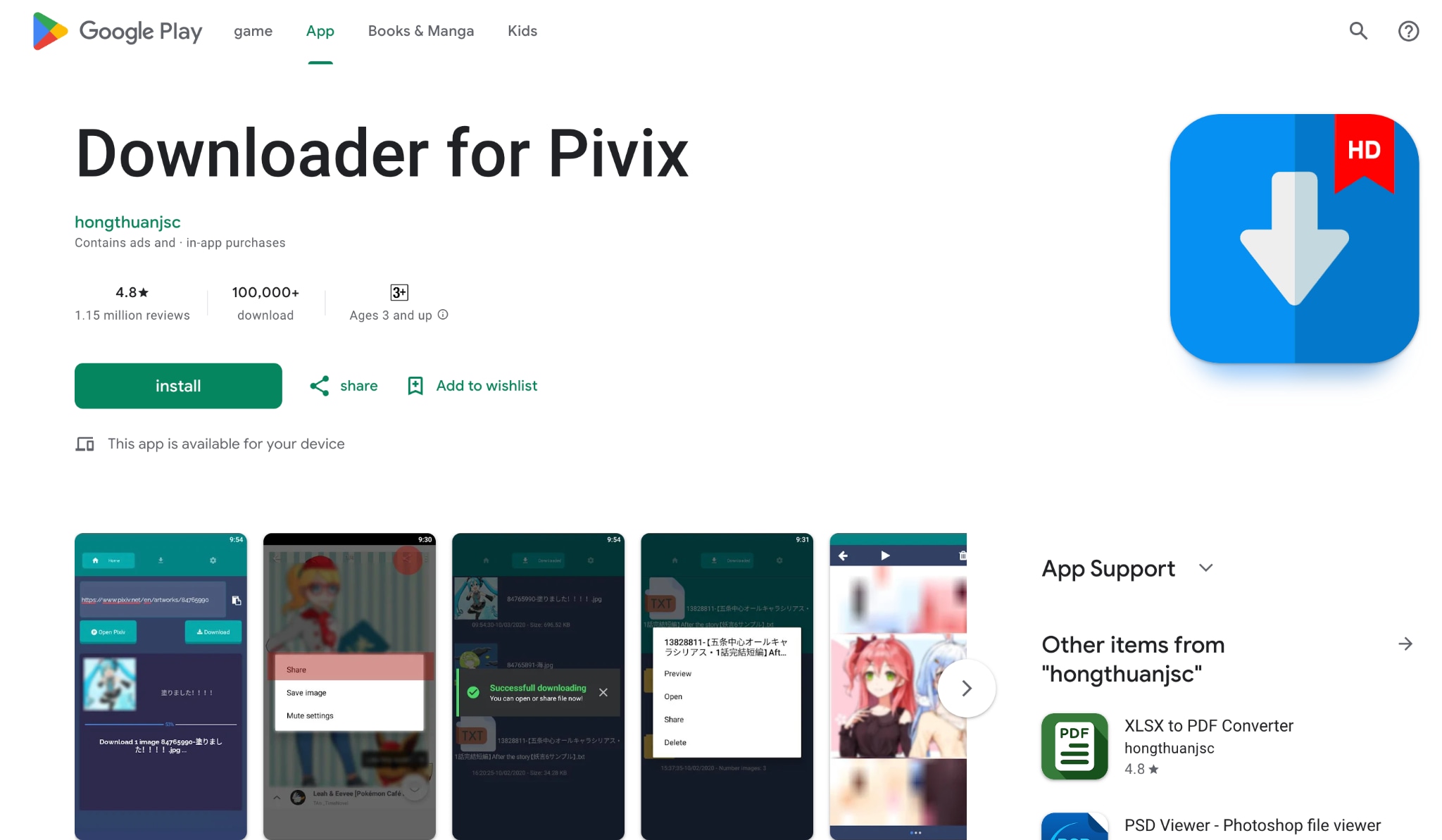
Downloader for Pivix ranks among Android's most popular Pixiv downloaders. The app transforms Pixiv content retrieval into a share-sheet operation. Open any content in the Pixiv app, tap Share, select Downloader for Pixiv, then click Download. The application converts Ugoira directly to GIF format natively, eliminating the need for external conversion tools. Manga downloads automatically combine multiple pages into a single file.
Safety Review: 4/5
Starting Price: $2.14/item
Supported Devices: Android
6. Batch Downloader for Pixiv (AndroidApp)
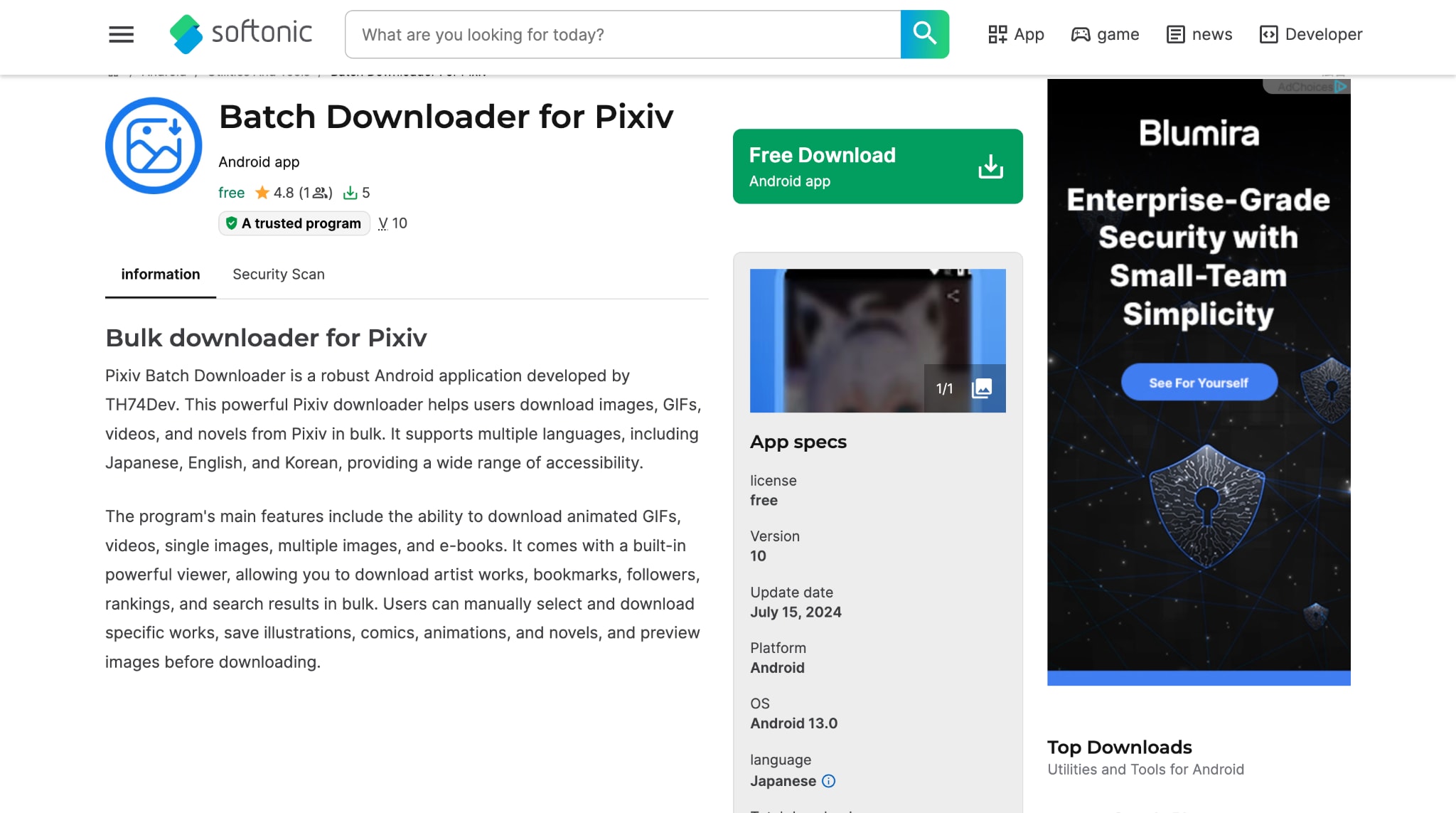
Batch Downloader for Pixiv downloads images, GIFs, videos, and novels in batch operations. The app supports multiple languages, including Japanese, English, Korean, Indonesian, Portuguese, Vietnamese, French, and German. Its key functionality includes batch downloading all an artist's works, bookmarks, followed users' content, rankings, and search results.
Safety Review: 3.5/5
Starting Price: Free
Supported Devices: Android
7. PixEz flutter (AndroidApp)
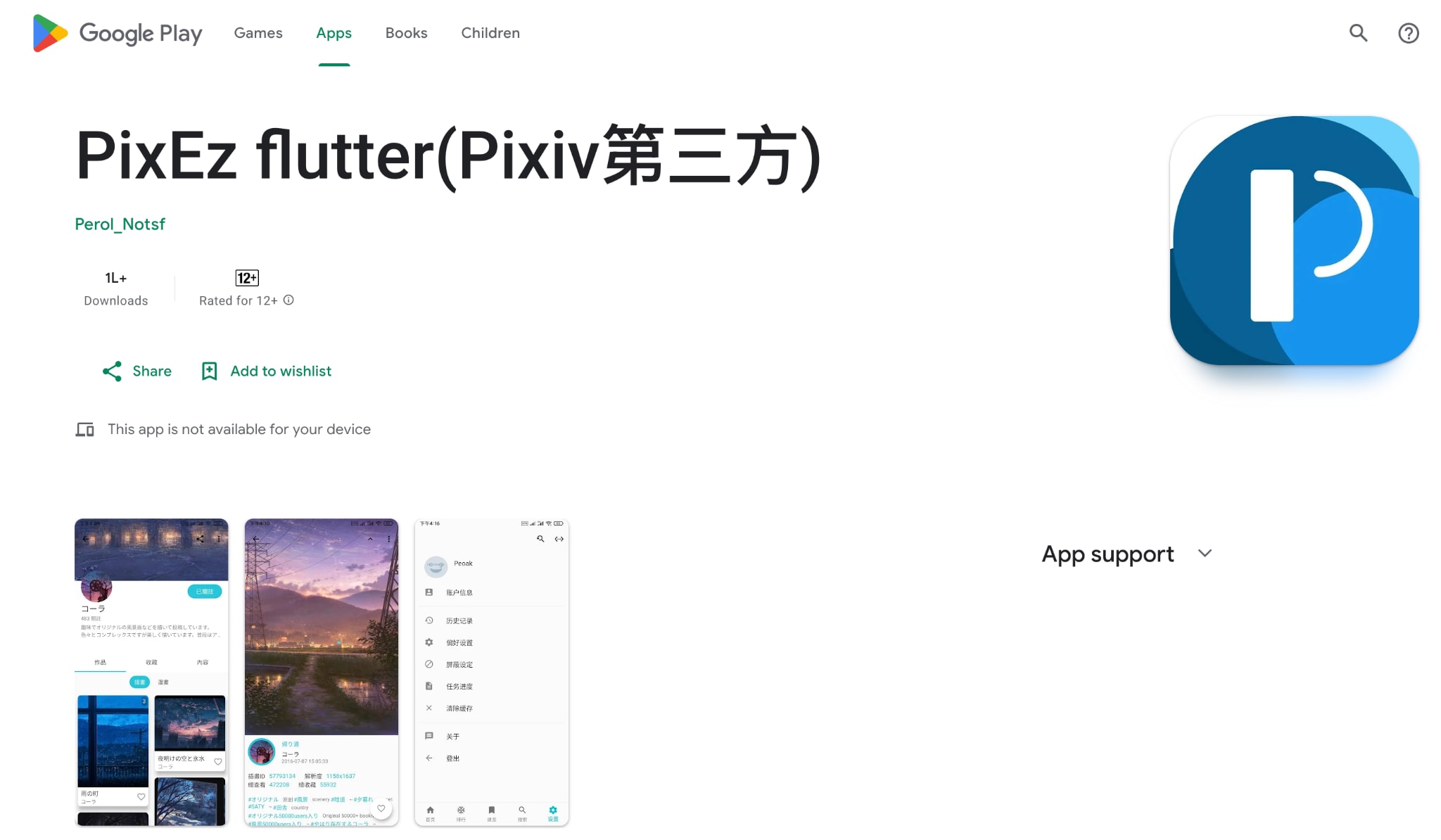
PixEz flutter is an open-source Pixiv GIF converter. The app handles browsing artwork, user profiles, favorites, and downloads. With its search functionality, you can easily search by tags, artist name, or specific words to quickly find artwork. Full user authentication lets you access your bookmarks and private collections. Dark mode and theme customization personalize your experience. Downloads integrate seamlessly into the app's workflow without the share-sheet limitation of other solutions.
Safety Review: 4.5/5
Starting Price: Free
Supported Devices: Android
Download Pixiv Video Online
8. Paste Download (OnlineTool)
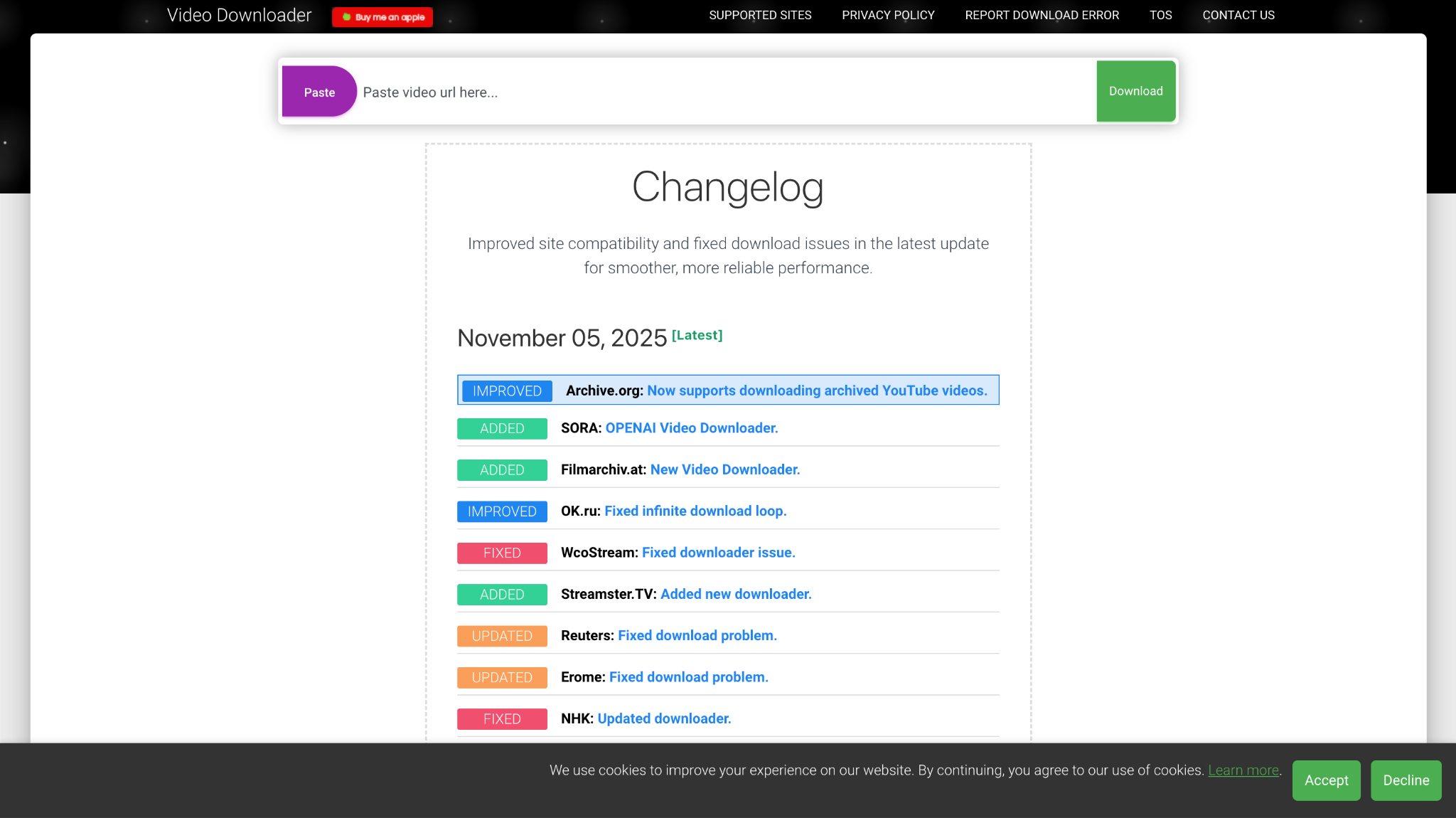
Pastedownload operates as a web-based downloader. It does not require installation, no software, no complications. Visit the site, paste a Pixiv URL into the input form, and the tool processes it automatically. The system extracts video, audio, and photo files from your link and prepares them for download. Multiple tabs can run simultaneously, allowing you to queue several downloads at once. The interface remains clean and ad-free.
Safety Review: 3/5
Starting Price: Free
Supported Devices: Any browser (Windows, Mac, Linux, Android, iOS)
Pixiv Downloader: Command-Line
9. Pixiv Utils (Python-Based)
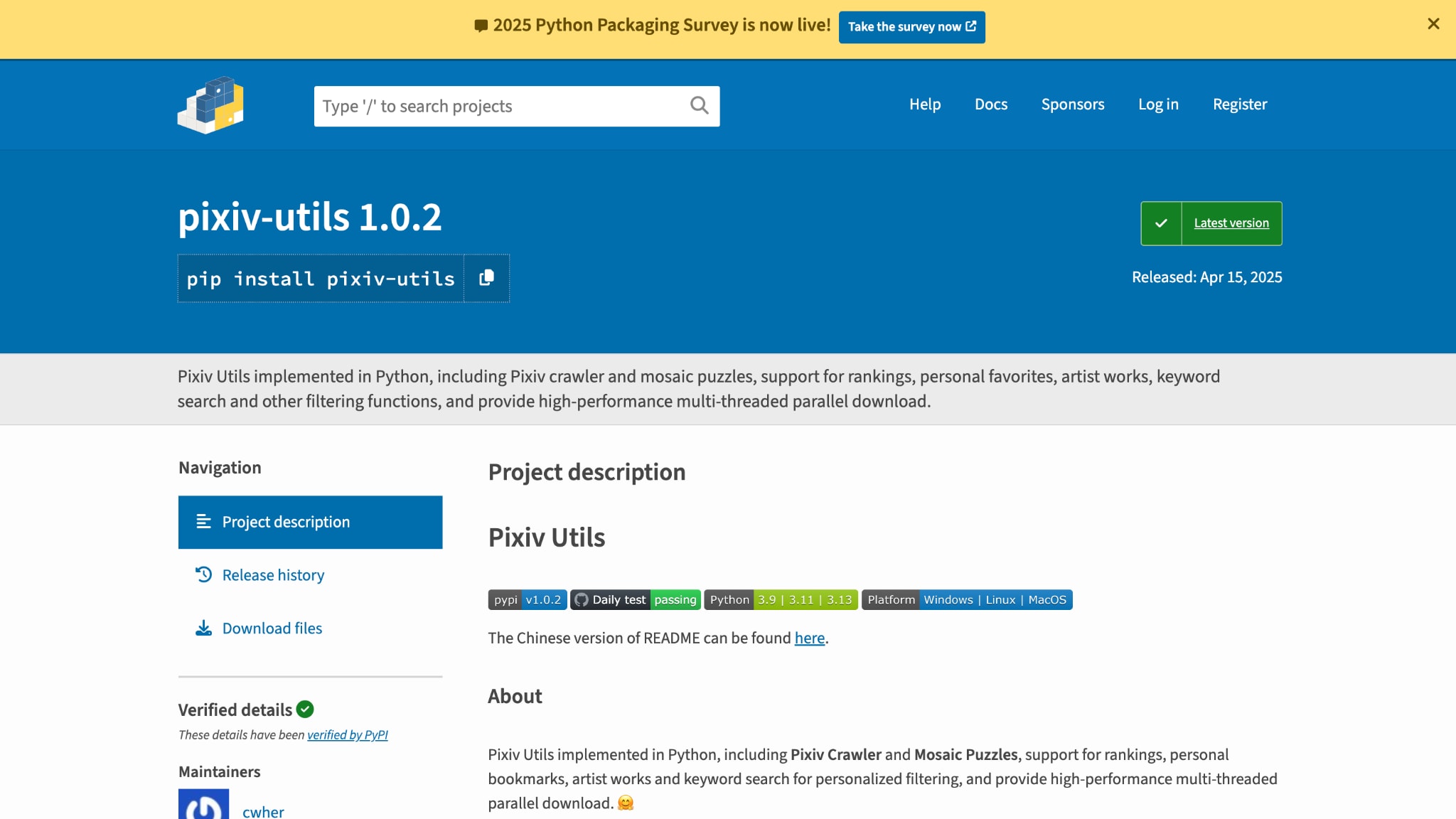
Pixiv Utils is a powerful option to download videos from Pixiv. This Python implementation includes both a Pixiv crawler and mosaic puzzle functionality. Installation happens through PyPI: `pip install pixiv-utils`. The command-line interface supports rankings (daily, monthly, yearly), personal bookmarks, and specific artworks by artists. Configure settings through Python imports and modify configuration objects before running. The tool provides substantial flexibility for those comfortable with code.
Safety Review: 5/5
Starting Price: Free
Supported Devices: Windows, Mac, Linux (requires Python)
10. Gallery DL (Multi-SiteDownloader)
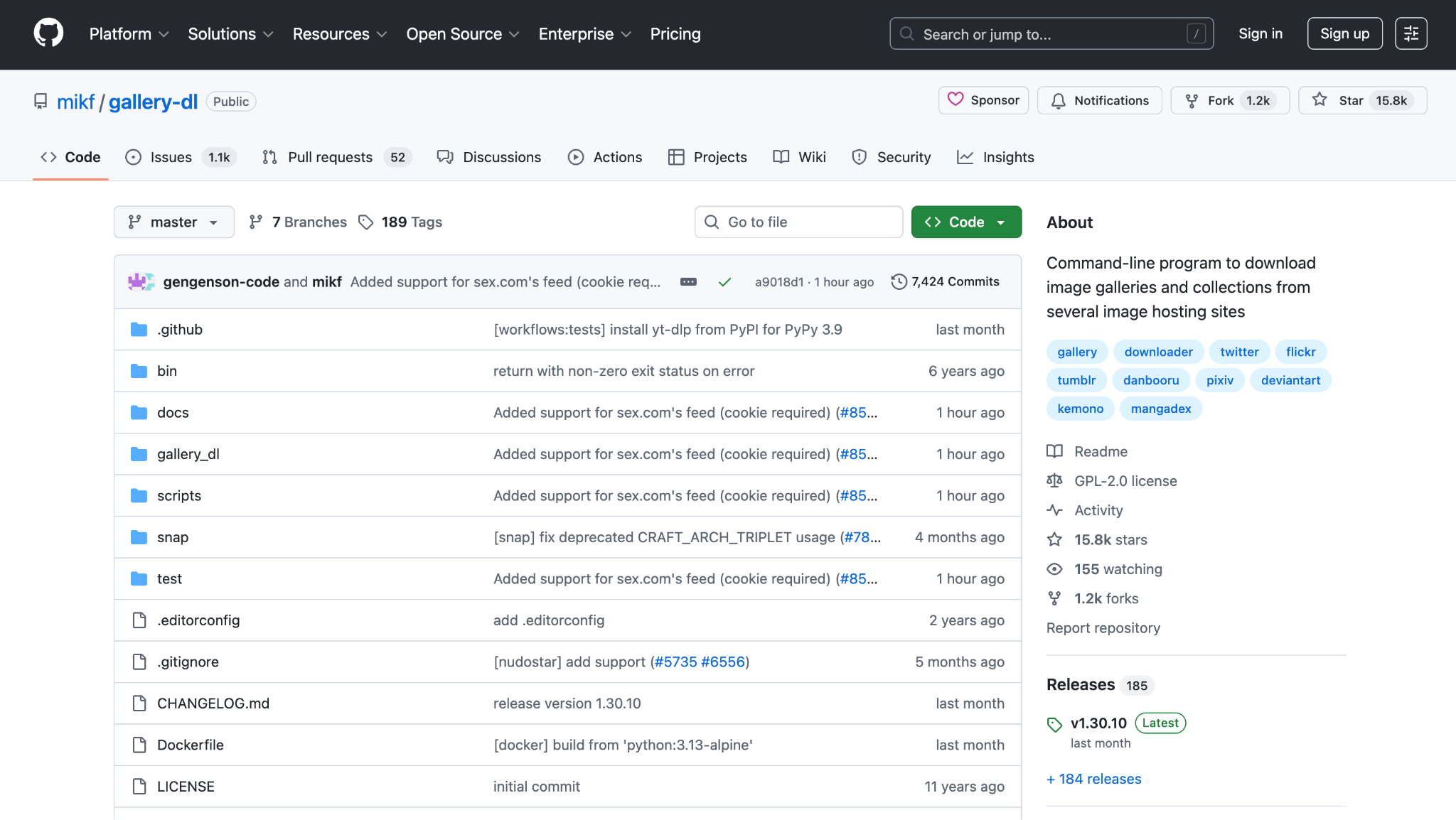
Gallery-dl is a command-line program that supports dozens of image hosting sites, including Pixiv. The tool works through command-line arguments and configuration files. Configuration happens through JSON files specifying your Pixiv credentials and preferences. It handles batch operations effortlessly and supports conversion capabilities for Ugoira formats.
Safety Review: 5/5
Starting Price: Free
Supported Devices: Windows, Mac, Linux (requires Python)
Part 4. Bonus: Easy to Use Social Media Video Downloader
Wondershare UniConverter
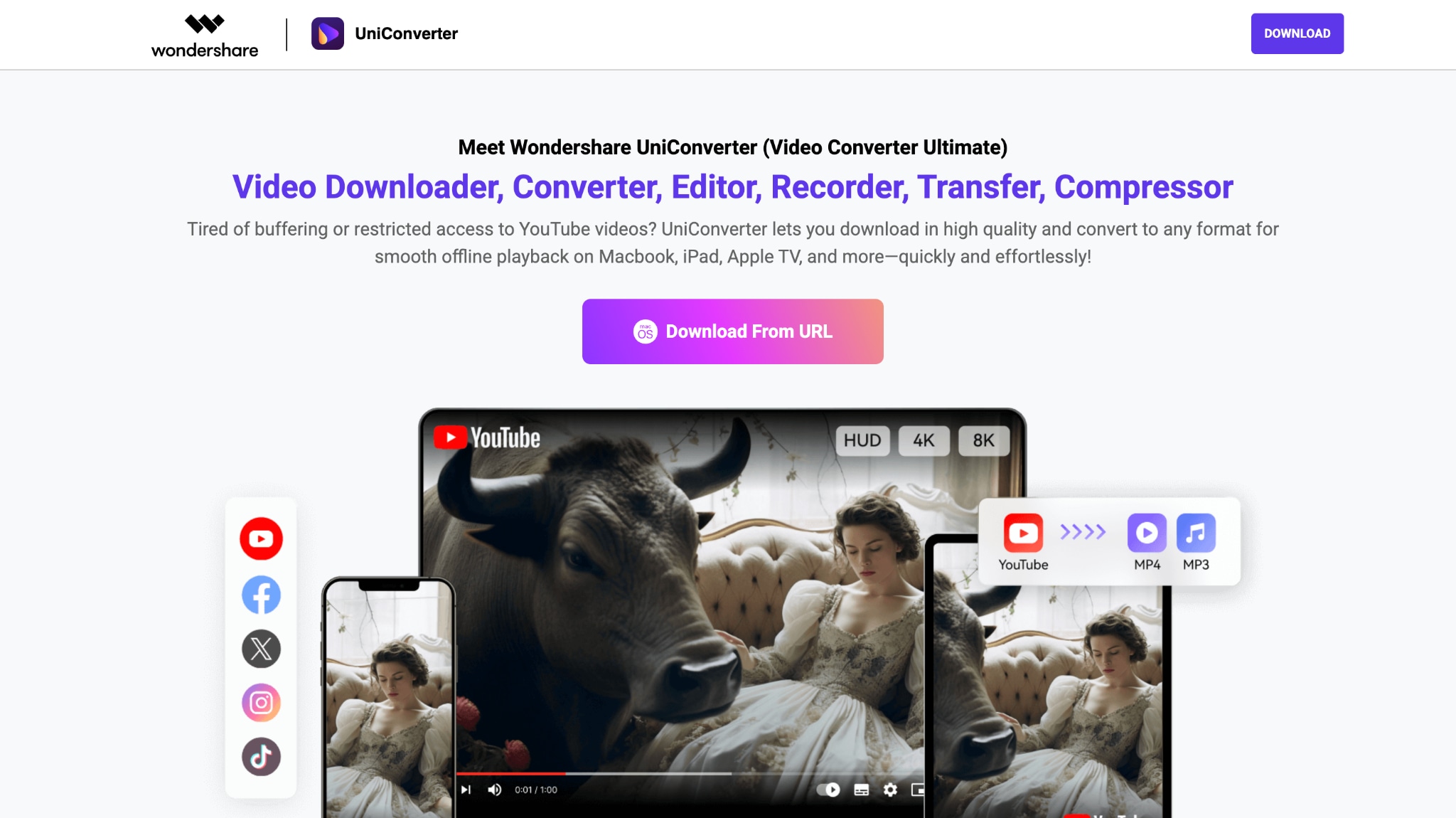
If you want to download videos legally and safely with just one click, the Wondershare UniConverter YouTube extension is a great choice. It allows you to grab videos directly from YouTube and over 10,000 other supported sites in full HD or even 4K quality. You can easily convert them to MP4, MP3, MOV, or any format you need. However, note that UniConverter's extension does not support Pixiv downloads, ensuring compliance and security.
Safety Review: 5/5
Starting Price: Free Trial with 50 AI credits
Supported Devices: Windows, Mac (requires Python)


Easy to Use Batch Video Downloader
Part 5. At-a-Glance Comparison Table for Top 10 Pixiv Downloaders
Here is a quick comparison table so that you can choose the right Pixiv downloader as per your requirements:
How We Tested Pixiv Video Downloaders
For this guide, we reviewed Pixiv downloaders based on format support, download reliability, ease of handling Ugoira and video content, and how practical each option is for personal offline saving across devices.
Format support
We checked whether each downloader can properly handle Pixiv-specific formats like Ugoira alongside standard video or GIF-style exports.
Download reliability
We reviewed whether tools can consistently fetch files without broken exports, failed conversions, or unstable multi-step workflows.
Ease of use
We compared how accessible each method feels for regular users, including extension setup, mobile use, and direct browser-based downloading.
Practical offline value
We also considered whether the final files are genuinely useful for personal archiving and offline viewing rather than just technically downloadable.
This page gives extra weight to Ugoira handling and dependable output, since users searching for a Pixiv downloader usually need something that works correctly with Pixiv’s unique content formats rather than a generic video saver.
| App Name | Supported Formats | Unique Edge | Best For |
| Powerful Pixiv Downloader | Illustrations, Manga, Novels (TXT/EPUB), Ugoira (GIF/APNG/WebM/ZIP) | Most customizable: naming, folders, batch ID list | Power users wanting full control |
| Illust Downloader | Illustrations, Manga, Novels, Ugoira (GIF/APNG/WebM/AVI/SVG – Premium) | Simple interface + premium upgrade option | Beginners with upgrade potential |
| Pixiv Toolkit Next | Illustrations, Manga, Novels (TXT), Ugoira (GIF/APNG/MP4/WebM/ZIP), FANBOX, Pixiv Comic | Ugoira-to-video conversion (FFmpeg.wasm), independent Download Manager, FANBOX support | Users needing quality format conversion and FANBOX downloads |
| Pixiv smart downloader | Illustrations, Manga | Zero-setup, one-click minimalism | Casual users |
| Downloader for Pivix | Illustrations, Manga, Novels (EPUB/TXT), Ugoira (GIF) | Android native + share-sheet workflow | Android users seeking simplicity |
| Batch Downloader for Pixiv | Images, GIFs, Videos, Novels (TXT), Ugoira (GIF/ZIP) | Multilingual (10+), all artist works | Android power users |
| PixEz Flutter | All formats | Full Pixiv replacement app | Users wanting a complete client experience |
| Pastedownload | Videos, Audio, Photos | 100% web-based | Users who avoid installs |
| Pixiv Utils | All formats + advanced search | Multi-threaded, keyword logic, CLI | Command-line enthusiasts |
| Gallery-dl | All formats (100+ sites) | Multi-site, Pixiv + FFmpeg Ugoira | Archivists & advanced users |
Conclusion
Downloading from Pixiv doesn't have to be complicated, but it does require responsibility. Your choice of tool depends on your specific needs, device, and comfort level with technology. If you are looking for a desktop application, you can get maximum flexibility through browser extensions like Powerful Pixiv Downloader. If you are using a mobile device, you can benefit from the simplicity of the Downloader for Pivix.
Regardless of which Pixiv GIF downloader you choose, remember the core principle: downloaded content is for personal use only. Support the artists whose work you love by engaging on the platform, leaving comments, bookmarking works, and considering FANBOX contributions. That connection between creators and fans is what makes Pixiv special.
Pick the Pixiv video downloader tool that matches your device and needs, follow the installation instructions, and begin building your offline collection responsibly.
FAQ
-
1. Can I share the artwork I downloaded from Pixiv with my friends?
No. Downloaded artwork remains the intellectual property of the original creator. Sharing it without permission violates copyright and Pixiv's terms of service. Encourage your friends to visit Pixiv directly and view it themselves on the official platform. -
2. Will downloading a lot of content get my Pixiv account banned?
Potentially, yes. Pixiv monitors for excessive automated downloads that could constitute server strain or abuse. Downloading files for personal use in reasonable quantities is generally accepted. However, downloading thousands of files using scripts or aggressive batch operations may result in an account suspension or a permanent ban. Always practice moderation. -
3. What's the difference between Ugoira and GIF format when I download?
Ugoira is Pixiv's original format, a collection of image frames stored as a ZIP with timing information. When you download Ugoira as a GIF, you're converting it to standard GIF format, which looks slightly lower quality but can be played on any device. Ugoira ZIP files preserve maximum quality. If the artist uploaded actual MP4 videos, those download as video files. Choose the format based on your playback device and quality preferences. -
4. Which tool works best if I want to download an entire artist's portfolio?
For Windows/Mac: Powerful Pixiv Downloader's artist profile download feature handles this elegantly. Input the artist URL and use batch download to get everything. For Android, both Batch Downloader for Pixiv and Downloader for Pixiv support downloading entire artist portfolios. For command-line: Gallery-dl and Pixiv Utils excel at this task with multi-threaded performance. -
5. Can you download from Pixiv FANBOX?
Yes, you can download from Pixiv FANBOX only if you're a paid supporter or accessing free posts. Downloading or redistributing paid, supporter-only content without permission violates Pixiv FANBOX's Terms of Use and creator rights.

