


Snapchat Spotlight has rapidly become a goldmine for viral, short-form content, rivaling TikTok and Instagram Reels. Whether you are a content creator looking to remix trending clips or a casual user wanting to save a funny moment offline, the need for a reliable Snapchat Spotlight video downloader is higher than ever. However, Snapchat's native app doesn't make it simple to download Snapchat Spotlight videos without their branded watermark, and many third-party tools are riddled with ads or malware.
In this guide, we dive deep into the top 10 tools that allow you to download Snapchat Spotlight video without watermark, ranging from powerful desktop software to quick online solutions. We'll also explore how to batch download entire playlists securely and high-quality options for every device.
In this article
- What to Look for in a Snapchat Spotlight Downloader
- The Top 10 Snapchat Spotlight Downloaders: Our Tested Picks
- At-a-Glance Comparison Table of Top 10 Snapchat Spotlight Downloaders
- How to Easily Batch Download Snapchat Spotlight
- Understanding Snapchat's Policies & Legal Considerations
- Conclusion
- FAQs
Key Takeaways
[Download Challenges] Snapchat doesn’t support direct downloads and many tools add watermarks, ads, or security risks, frustrating users.
[Quick Online Options] Tools like SnapSaver.cc, SnapTik, ExpertsPHP, and AceThinker offer fast, no-install downloads, but lack batch support and may include ads.
[Device-Specific Solutions] Apps like SnapVid, AhaSave, and iOS shortcuts provide mobile downloads, though setup, privacy, or stability can vary.
[Professional Workflow] Wondershare UniConverter enables high-quality 1080p/4K batch downloads with fast speed and editing tools, ideal for efficient and secure content saving.
Part 1. What to Look for in a Snapchat Spotlight Downloader
Supported Platforms: Does the tool work on your specific ecosystem? While online tools are universal, dedicated software for Windows and Mac often offers better stability. Android and iOS users usually need specific apps or workflow shortcuts.
Video Quality Options: A good downloader should retain the original upload quality. Look for the ability to download in 1080p or even 4K if the source allows.
Audio-Only Downloading: sometimes you want the viral sound, not the video. The ability to extract MP3 audio is a huge plus.
Download Speed & Batch Downloads: If you need to download Snapchat Spotlight video in bulk, speed is crucial. Desktop tools generally outperform web-based ones here, offering simultaneous downloads.
Ease of Use: The interface should be intuitive—paste the link, click download—no complex coding required.
Safety & Security: This is critical. Many free online downloaders are laden with "bloatware" or aggressive pop-ups. Ensure the tool is free from malware.
Cost: While free is good, paid tools often provide lifetime updates, support, and a cleaner experience.
Reddit Review: "I've been using desktop downloaders for a while because the apps are full of ads. The paid ones are usually worth it if you download a lot, but for one-offs, web tools are fine as long as you have an adblocker." —r/software
Part 2. The Top 10 Snapchat Spotlight Downloaders: Our Tested Picks
We have rigorously tested dozens of options to curate this list of the top 10 Snapchat Spotlight downloaders. Whether you need a professional tool for batch saving or a quick online fix, we have categorized them by device to help you find the perfect match.
Windows & Mac (Desktop Software)
1.Wondershare UniConverter
Wondershare UniConverter is a powerhouse video utility, often recognized as the "Swiss Army Knife" for digital content creators. Unlike basic web tools that struggle with high-resolution clips, this software is engineered to download Snapchat Spotlight video content in pristine 1080p or 4K quality. It goes far beyond simple downloading; the suite empowers you to convert, edit, and compress your media files for any platform instantly. A standout feature for power users is the batch download capability, enabling you to queue and save multiple Spotlight links simultaneously to save time. With a smart YouTube Chrome Extension to detect streams directly from social sites, UniConverter offers a fast, ad-free, and secure desktop solution for managing your entire media library efficiently.
Safety Review: 5/5
Starting Price: Free Trial / $44.99/Year for windows and $53.99/Year for mac (Limited-time deal)
Supported Device: Windows, Mac

Batch Snapchat Spotlight Video Downloader
2. napDownloader
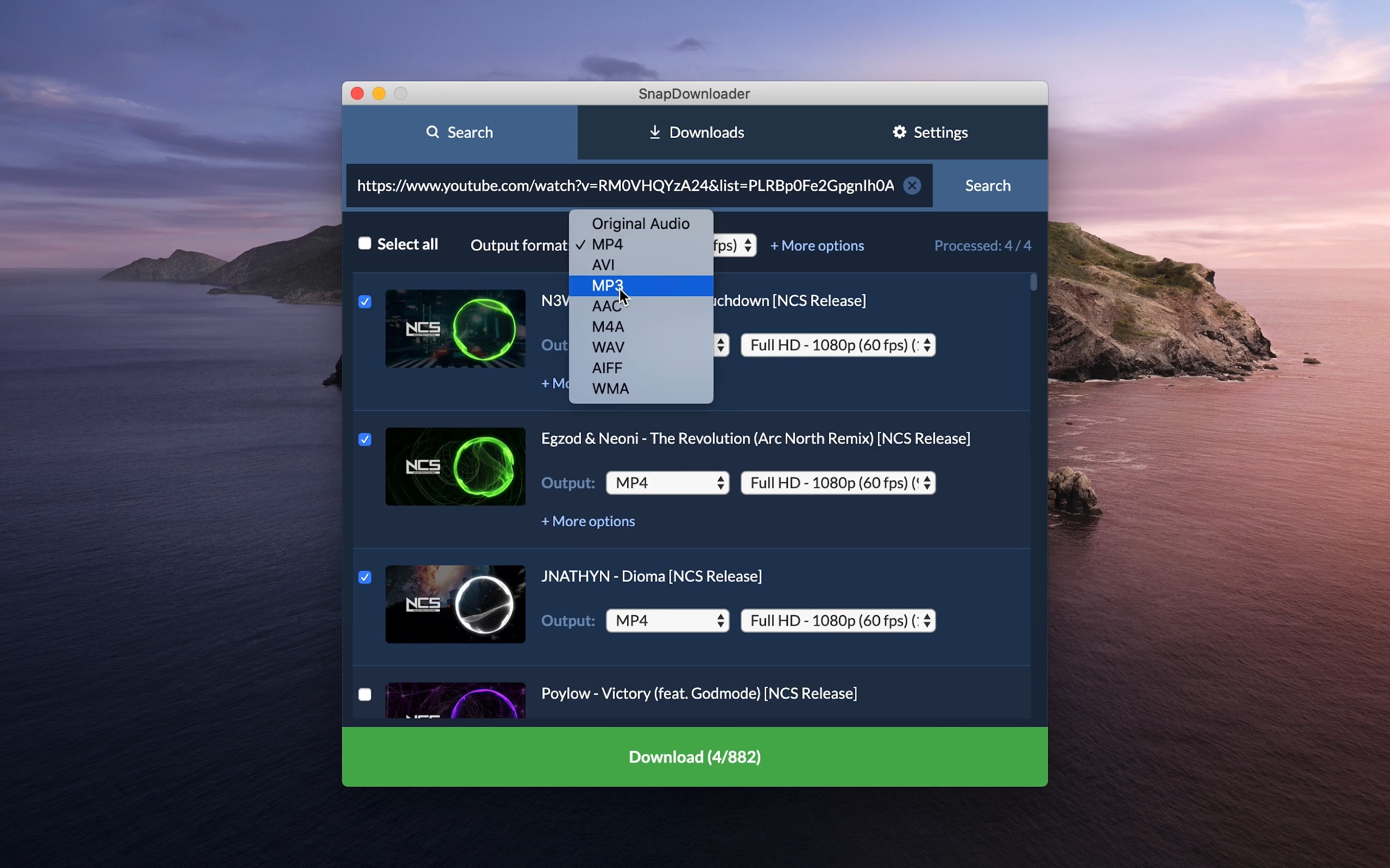
SnapDownloader is a dedicated desktop video downloader built specifically for users who want high-fidelity files without the fuss. It has gained a strong reputation for its ability to handle resolutions up to 8K, ensuring that when you download Snapchat Spotlight video without watermark, you are getting the absolute best visual quality available. The interface is modern and supports Dark Mode, making it easy on the eyes for late-night editing sessions. Beyond Snapchat, it supports over 900 other websites, making it a versatile tool for archiving content from across the web. Its built-in video trimmer allows you to cut out unwanted parts of a video before you even download it, which is perfect for grabbing just the funny segment of a long Spotlight clip.
Safety Review: 4.5/5
Starting Price: $29.99/year
Supported Device: Windows, Mac
3. 4K Video Downloader Plus
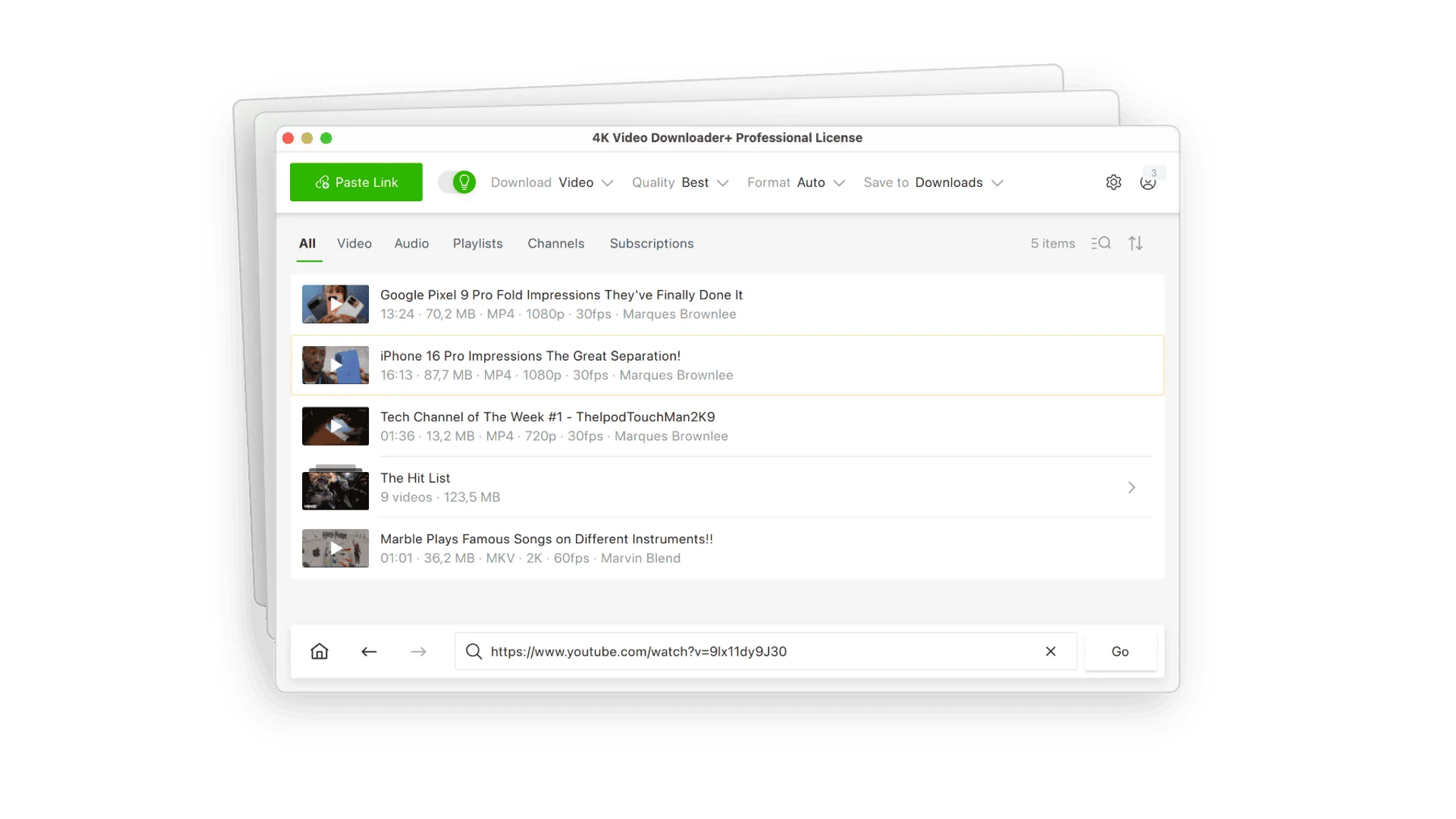
A veteran in the industry, 4K Video Downloader+ is widely trusted for its reliability and simplicity. While it became famous for downloading YouTube playlists, its updated "Plus" version handles Snapchat Spotlight video links with impressive stability. The standout feature here is "Smart Mode," which allows you to pre-define your preferred format (e.g., MP4) and quality (e.g., 1080p). Once set, every subsequent link you paste is downloaded instantly with those settings, removing the need to click through pop-up boxes every time. It is an excellent choice for users who want to build an offline archive of their favorite viral clips without repetitive manual inputs. It also parses hashtags and subtitles effectively, ensuring you get the complete context of the video.
Safety Review: 4.5/5
Starting Price: Free / $15 (License)
Supported Device: Windows, Mac, Linux
Online (Browser-Based)
4. SnapSaver.cc
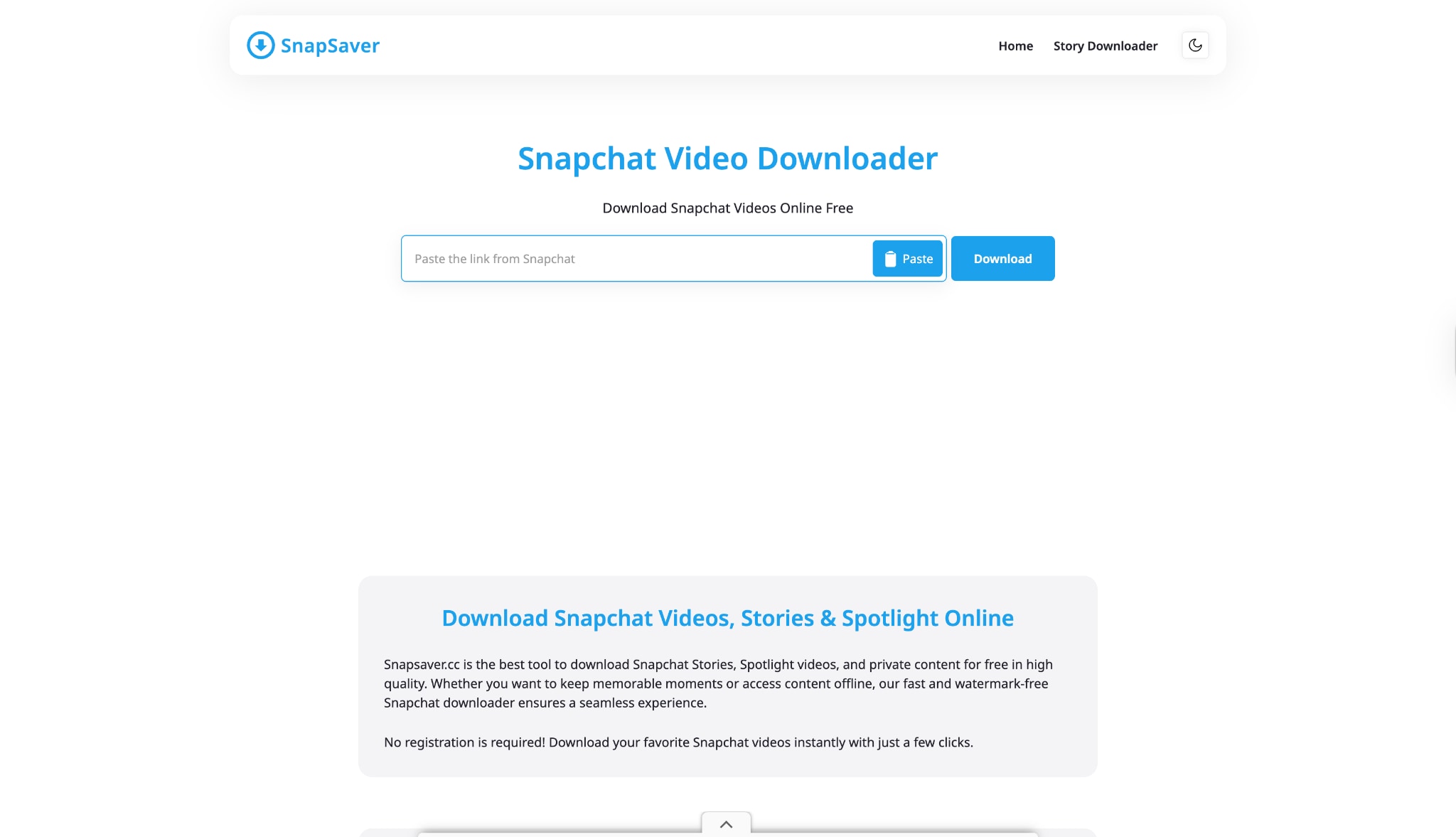
SnapSaver.cc is a niche, web-based tool designed with one singular purpose: to help you download Snapchat Spotlight video content quickly. Because it is purely browser-based, there is no software to install, making it a perfect solution for users on shared computers or those who need to grab one or two videos. The process is incredibly straightforward: you copy the link from Snapchat, paste it into the box, and hit download. It effectively strips the watermark, giving you a clean video file. While it lacks the advanced features of desktop software, its accessibility makes it a favorite for casual users. It works on any device with a browser, including Chromebooks and tablets.
Safety Review: 3/5
Starting Price: Free
Supported Device: Online (All Browsers)
5. SnapTik
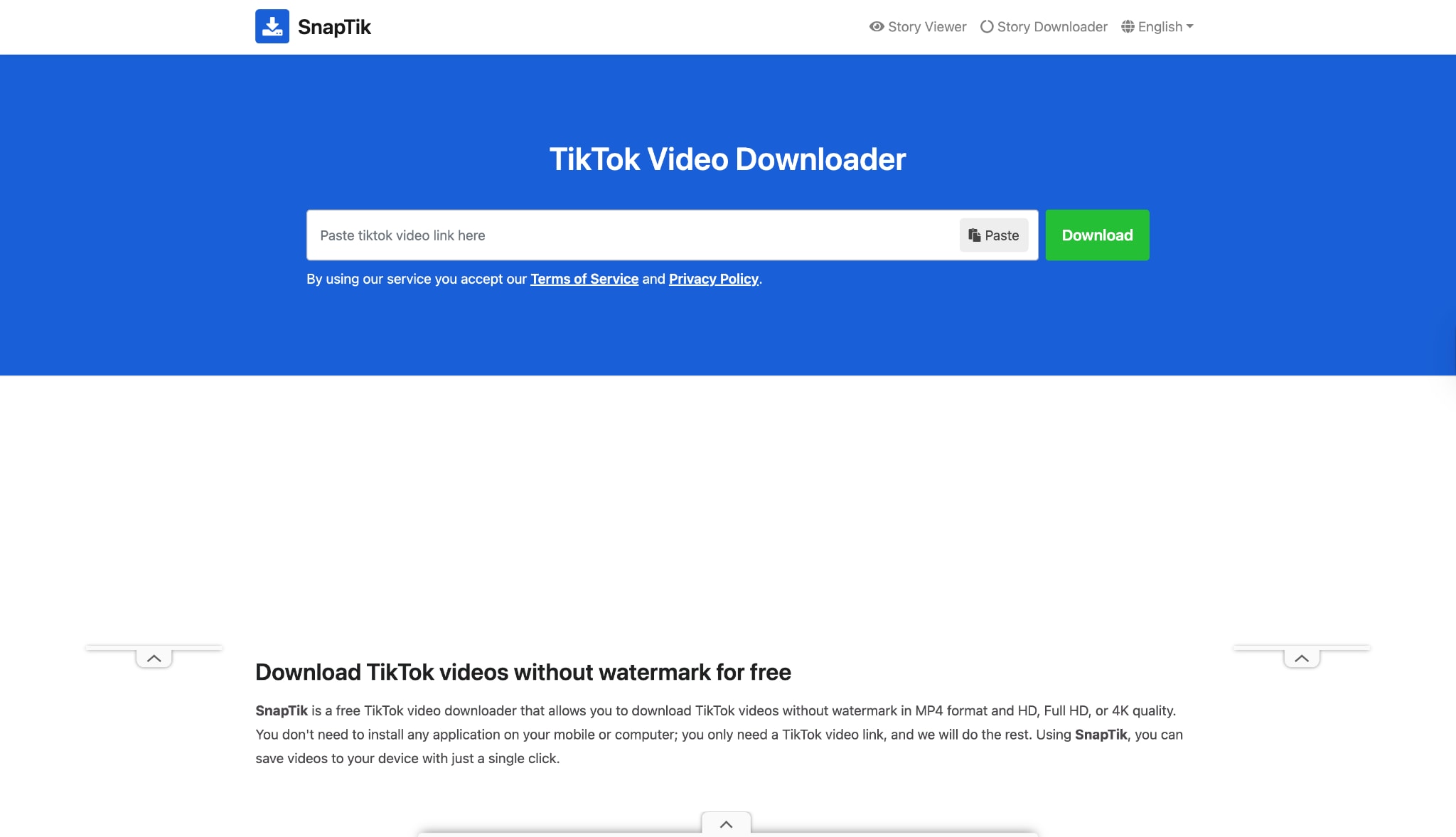
Originally dominating the TikTok downloader market, SnapTik has expanded its algorithms to support Snapchat Spotlight video download requests. It is one of the fastest online tools available; the server processing time is almost instantaneous. SnapTik is particularly beloved by mobile users because its website is responsive, effectively acting like an app within your mobile browser. It excels at removing watermarks, ensuring the final video looks like a raw file rather than a repost. If you are an influencer curating content for other platforms, SnapTik provides a quick way to get clean footage without complex software. However, be prepared to navigate through a few pop-up ads before you get your file.
Safety Review: 3/5
Starting Price: Free
Supported Device: Online
6. ExpertsPHP
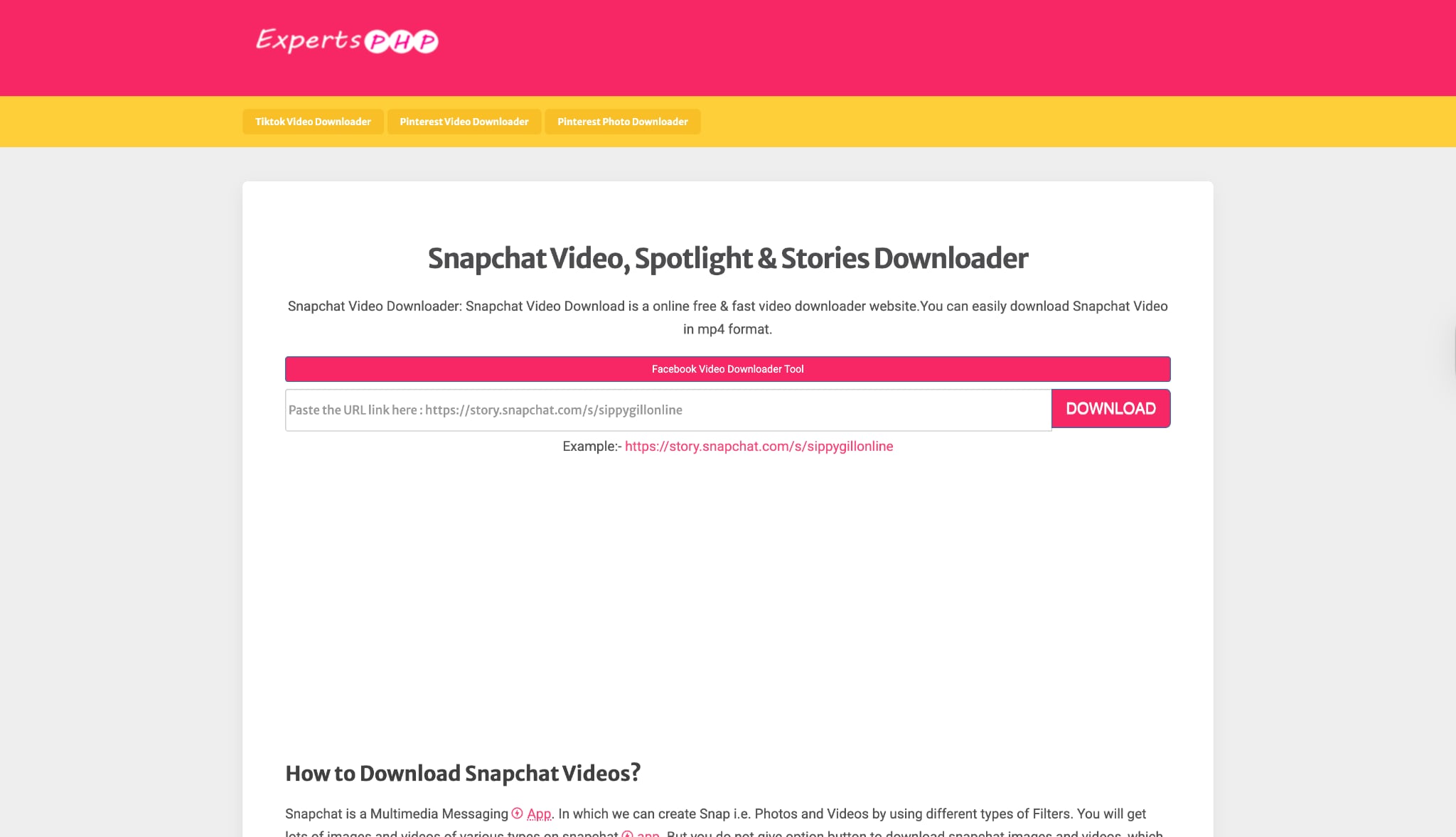
ExpertsPHP is a no-nonsense, script-based downloader that prioritizes function over form. Unlike flashy apps that may crash or require logins, ExpertsPHP works by directly scraping the video source code from the link you provide. It is widely considered a "reliable backup" by tech-savvy users; when other polished tools fail to parse a specific Snapchat link, ExpertsPHP often succeeds. The interface is admittedly dated and utilitarian, but it gets the job done efficiently, allowing you to download high-definition videos and even thumbnails directly to your device without installing any software. It handles Spotlight videos and public stories with ease, making it a go-to tool for quick, anonymous saves on any browser.
Safety Review: 3.5/5 (Safe and functional, though the site contains generic ads.)
Starting Price: Free
Supported Device: Online (All Browsers)
7. AceThinker
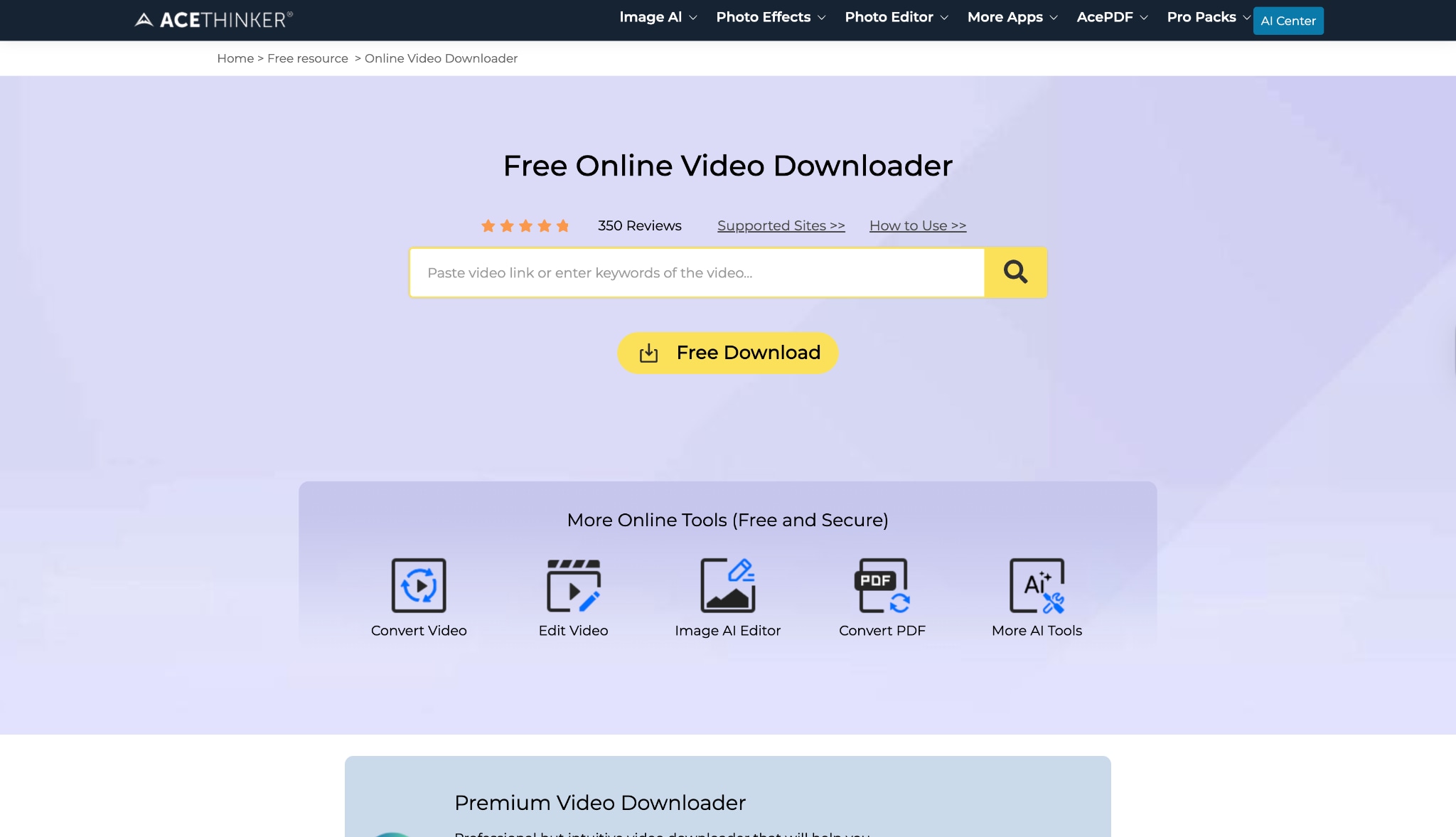
AceThinker provides a balanced ecosystem offering both a free online downloader and a premium desktop client. For quick tasks, their online "Free Video Downloader" is robust and supports Snapchat Spotlight video URLs effectively. It is known for its high success rate in parsing links that other downloaders might reject. The website is clean, modern, and backed by a legitimate software company, which adds a layer of trust regarding data privacy that anonymous downloader sites lack. While the online version is great for 720p downloads, it will often prompt you to download their desktop software for 1080p or 4K quality, acting as a "freemium" gateway.
Safety Review: 4/5
Starting Price: Free
Supported Device: Online / Windows / Mac
Mobile (Android & iOS)
8. SnapVid- All Video Downloader
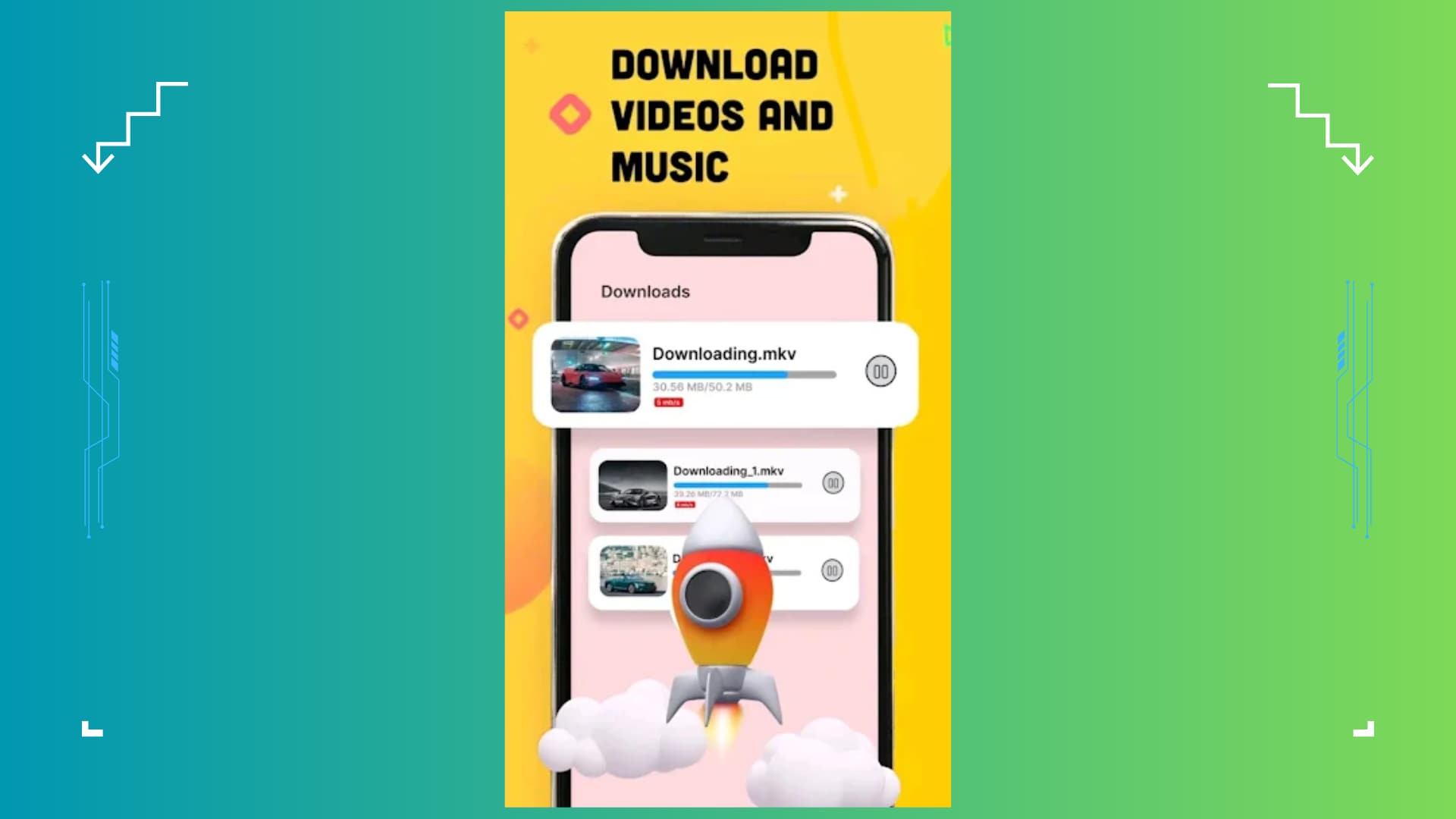
SnapVid is a versatile Android application designed to detect and download media from a wide variety of social networks, including Snapchat. Unlike basic single-function apps, SnapVid features a built-in browser that allows you to surf Snapchat's web interface securely; once it detects a playing video, a download button instantly appears. It supports multi-threading technology, which can boost download speeds significantly, ensuring your Spotlight clips are saved in seconds. The app also includes a robust download manager, allowing you to pause, resume, and manage background downloads efficiently, making it a great choice for users with unstable internet connections.
Safety Review: 2.5/5
Starting Price: Free (Ads)
Supported Device: Android
9. R Download (iOS shortcut)
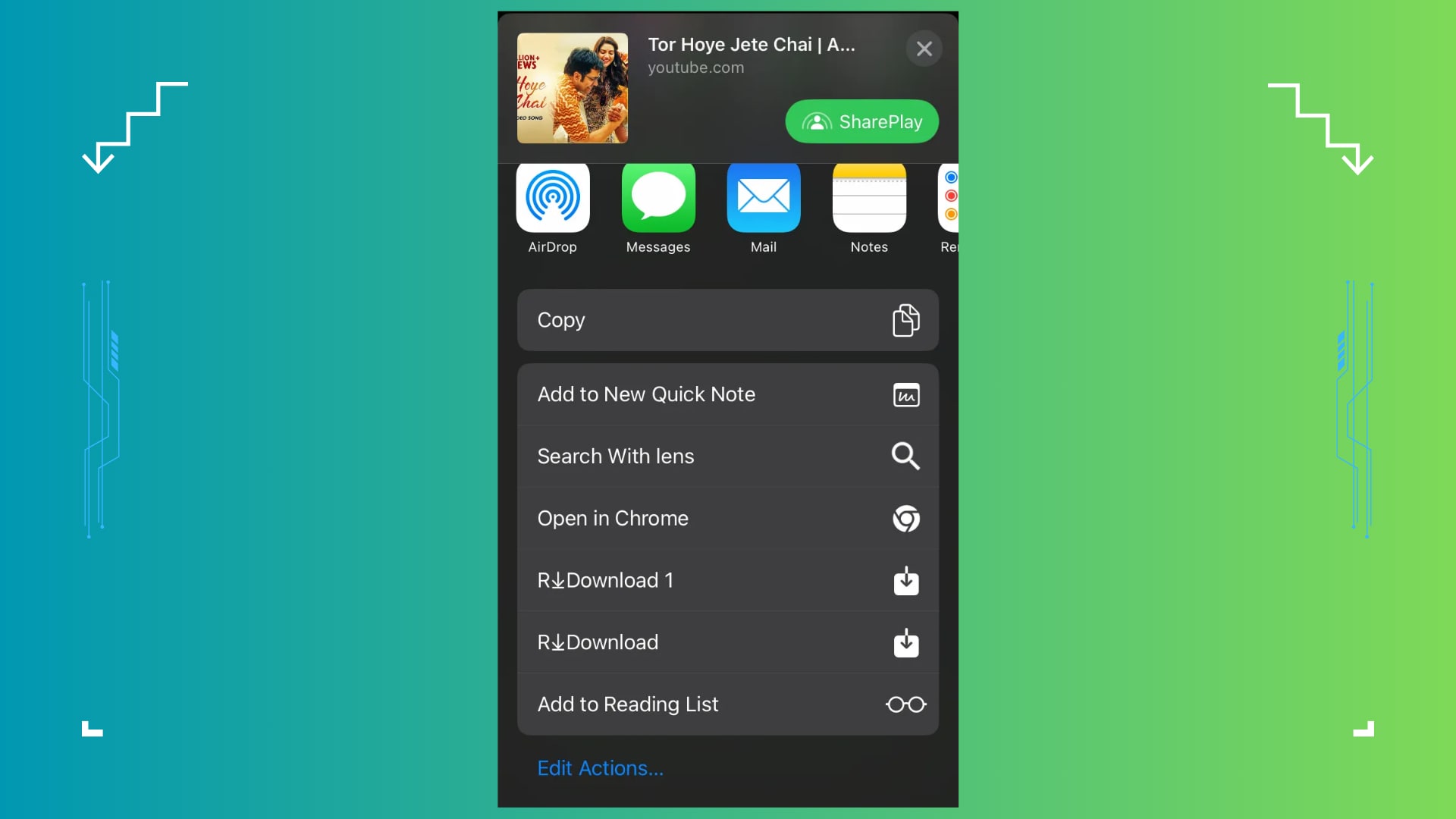
iPhone users face stricter restrictions, as Apple does not allow video downloader apps on the App Store. The workaround is using "Shortcuts," a native Apple app feature. Scripts like "R Download" is community-created shortcuts that you install once. To use them, you click "Share" on a Snapchat Spotlight video and select the shortcut from the list. The script runs in the background, extracts the video, and saves it to your Camera Roll. This is the most "native" way to download Snapchat Spotlight video on iOS without jailbreaking. It is completely free, open-source, and free of traditional ads, though setting it up requires following a few specific steps.
Safety Review: 4/5
Starting Price: Free
Supported Device: iOS
10.AhaSave (Android)
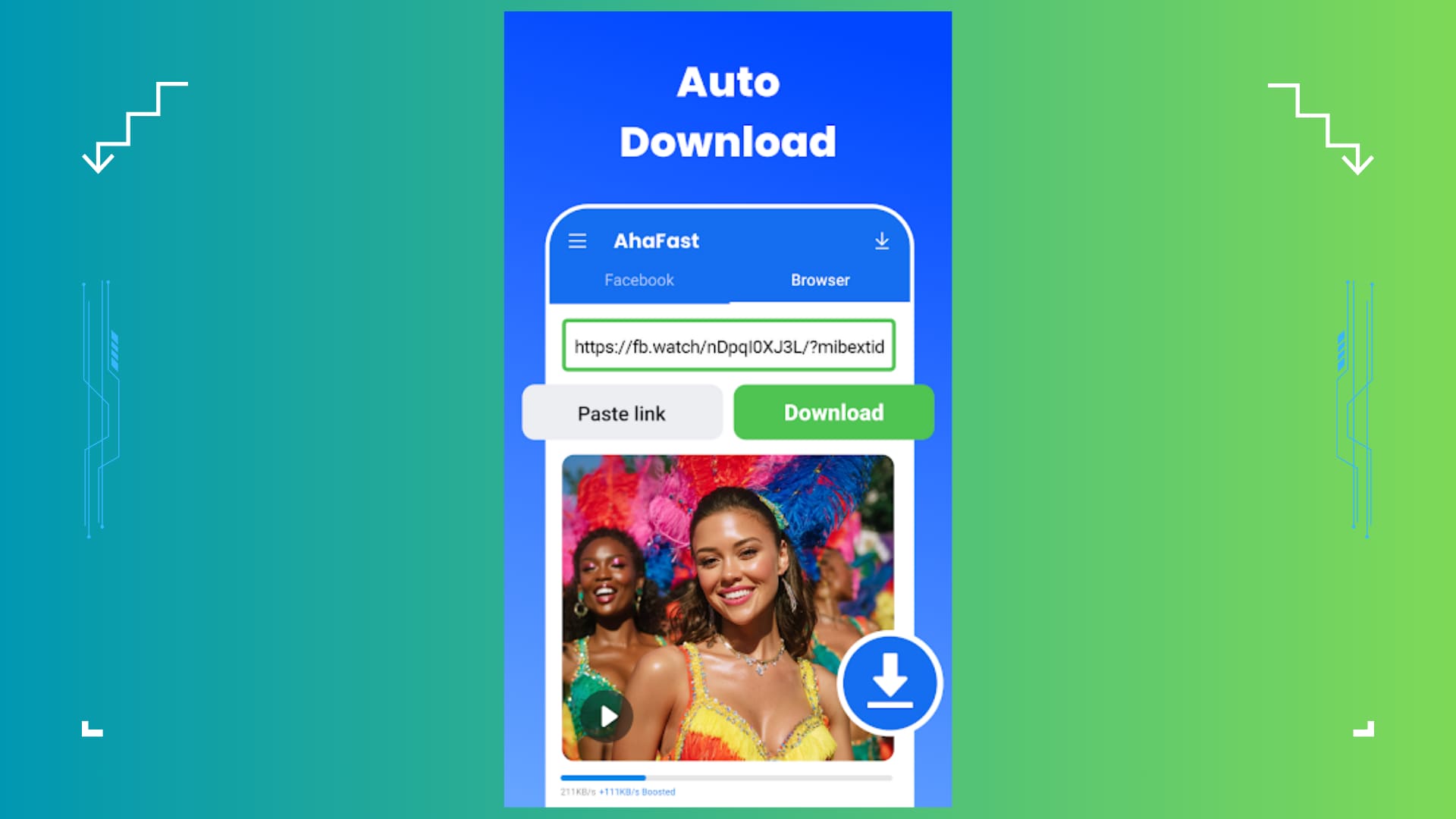
AhaSave is a highly-rated, universal video downloader for Android that supports a wide range of platforms including Snapchat. It stands out for its polished user interface and "Private Folder" feature, which allows you to password-protect the videos you download—a great feature for privacy-conscious users. AhaSave can automatically detect links copied to your clipboard; if you copy a Spotlight link and open AhaSave, it will prompt you to download immediately. It supports multi-thread technology, making it faster than standard browser downloads. While it does contain ads, they are generally less intrusive than other generic "downloader" apps, and a premium version is available to remove them.
Safety Review: 3.5/5
Starting Price: Free / In-app purchases
Supported Device: Android
Part 3. At-a-Glance Comparison Table of Top 10 Snapchat Spotlight Downloaders
How We Tested Snapchat Spotlight Downloaders
For this guide, we evaluated Snapchat Spotlight downloaders based on watermark removal, output quality, download speed, safety, and how practical each tool is for saving short-form videos across desktop and mobile workflows.
Watermark handling
We checked whether each tool can save Spotlight clips cleanly and whether branding or visual overlays remain in the final file.
Video quality
We compared retained sharpness, supported resolutions, and whether the downloader preserves the original viewing quality well enough for reuse or offline watching.
Speed & batch workflow
We reviewed how quickly each tool processes links and whether it supports batch downloads for users saving multiple Spotlight clips.
Safety & usability
We also considered ad load, pop-ups, malware risk, and whether the downloader feels manageable for regular short-video saving.
This page gives extra weight to clean output and downloader safety, since users saving Snapchat Spotlight clips usually want a fast workflow without low-quality exports or risky sites.
| App Name | Supported Format | Unique Edge | Best For |
| Wondershare UniConverter | MP4, MP3, MOV, AVI, +1000 more | Batch Download & Built-in Editor | Professional Quality & Bulk Saving |
| SnapDownloader | MP4, MP3, AVI, AAC, WAV, M4A, etc | Native Dark Mode & Schedule Downloads | Dedicated Desktop Users |
| 4K Video Downloader Plus | MP4, MKV, MP3 | "Smart Mode" for One-Click Settings | Playlist & Channel Archiving |
| SnapSaver.cc | MP4 | Zero Installation Required | Quick, One-off Downloads |
| SnapTik | MP4, MP3 | High-Speed Mobile Processing | Mobile Browser Users |
| ExpertsPHP | MP4, MP3, JPG | Direct Script Scraping (Reliable) | Users needing a reliable backup |
| AceThinker | MP4, MP3 | Good URL Parsing Success Rate | Users facing broken links elsewhere |
| SnapVid | MP4, MP3 | Multi-thread & Built-in Browser | Android Heavy Users |
| R Download | MP4, MP3, JPG | Runs Natively in iOS System | iPhone Power Users (Privacy Focused) |
| AhaSave | MP4, MP3 | Password-Protected Private Folder | Privacy-Conscious Android Users |
Part 4. How to Easily Batch Download Snapchat Spotlight
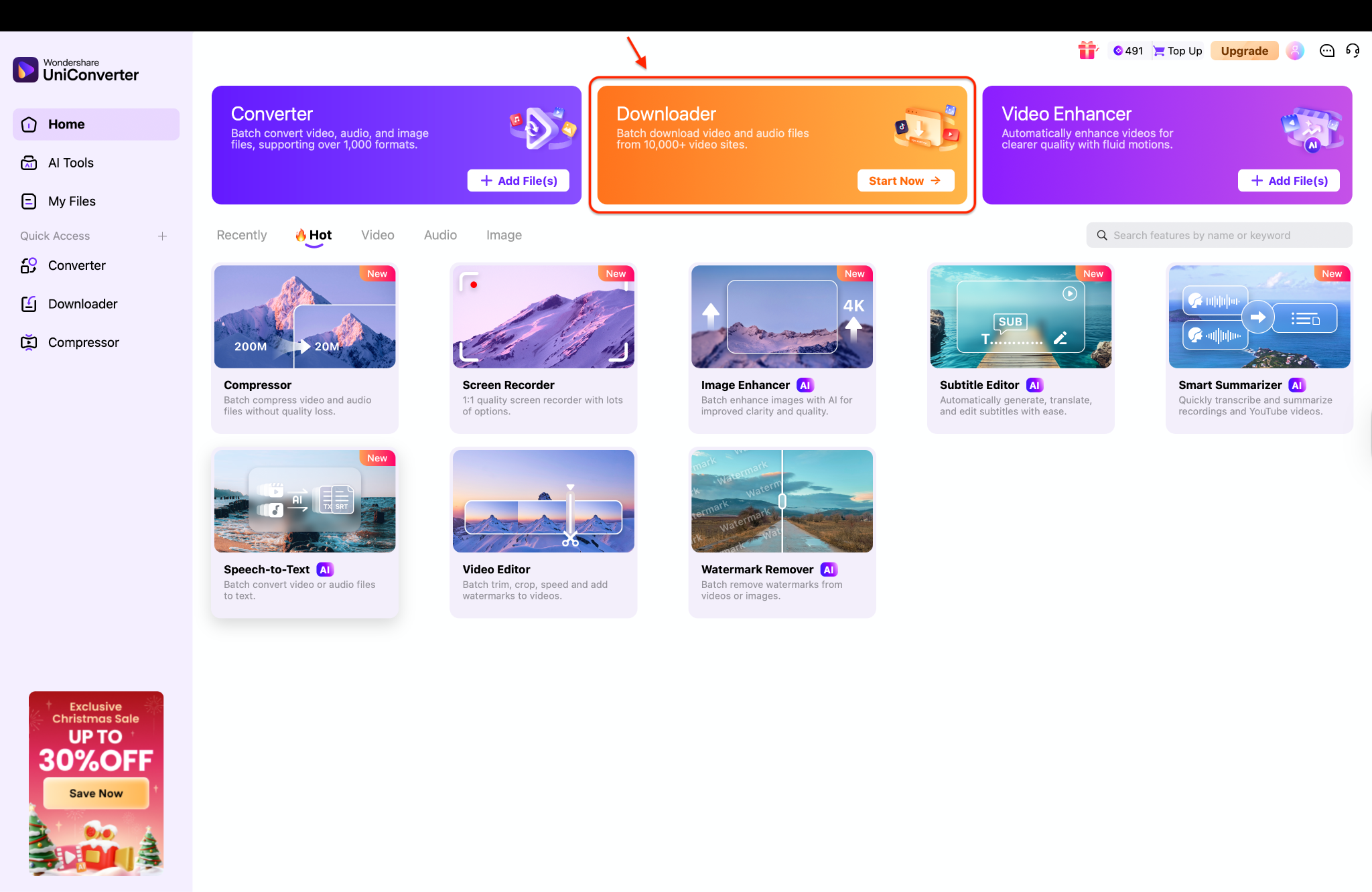
For users who need to download Snapchat Spotlight video in bulk—perhaps for archiving content or creating compilation videos—manual online tools are too slow. Wondershare UniConverter streamlines this with its powerful Downloader module.
Step-by-Step Guide with UniConverter
Step 1: Launch the Tool and Select Downloader
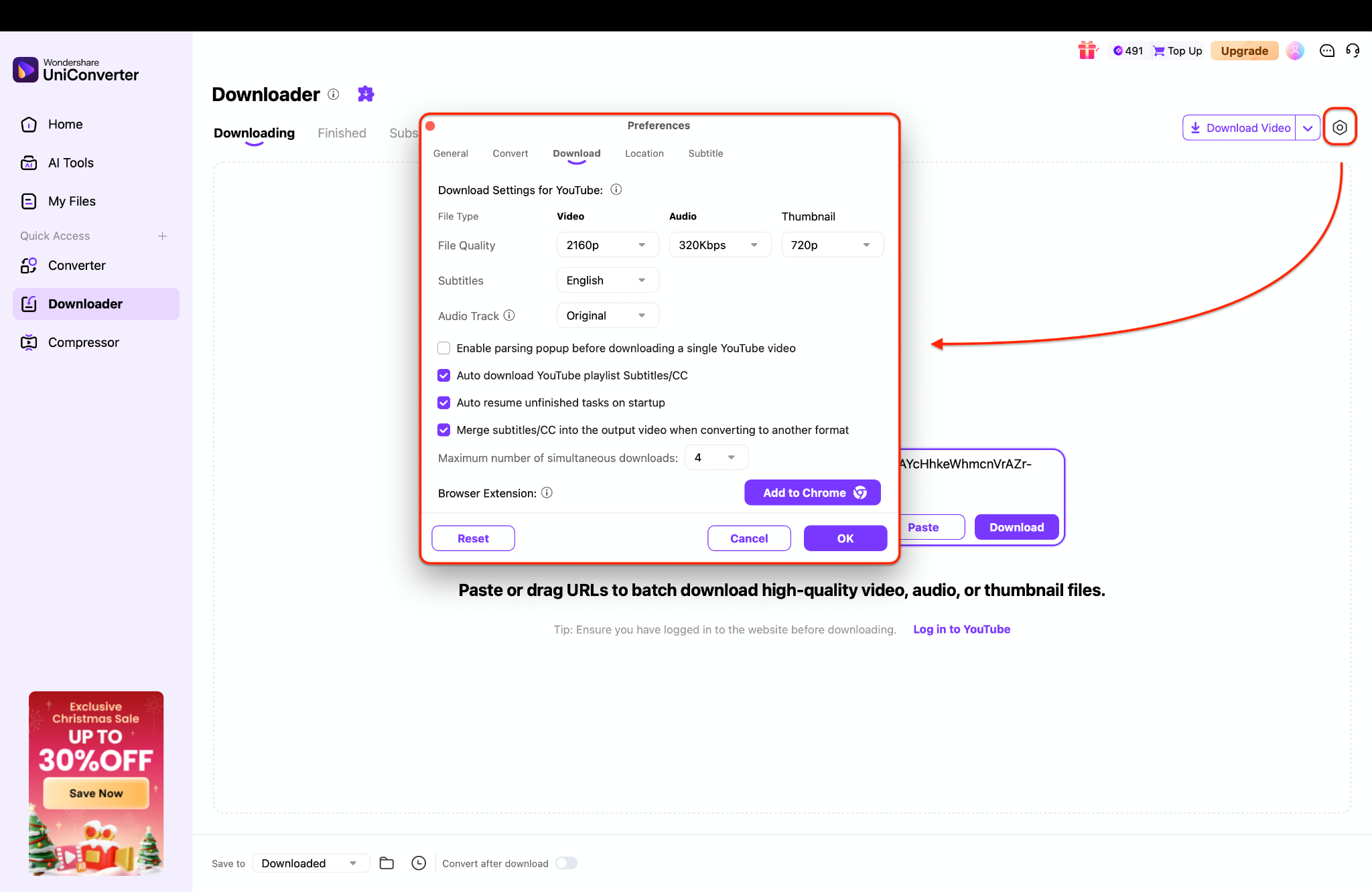
Step 2: Configure Preferences for Batch Tasks
Step 3: Paste Link and Execute Download
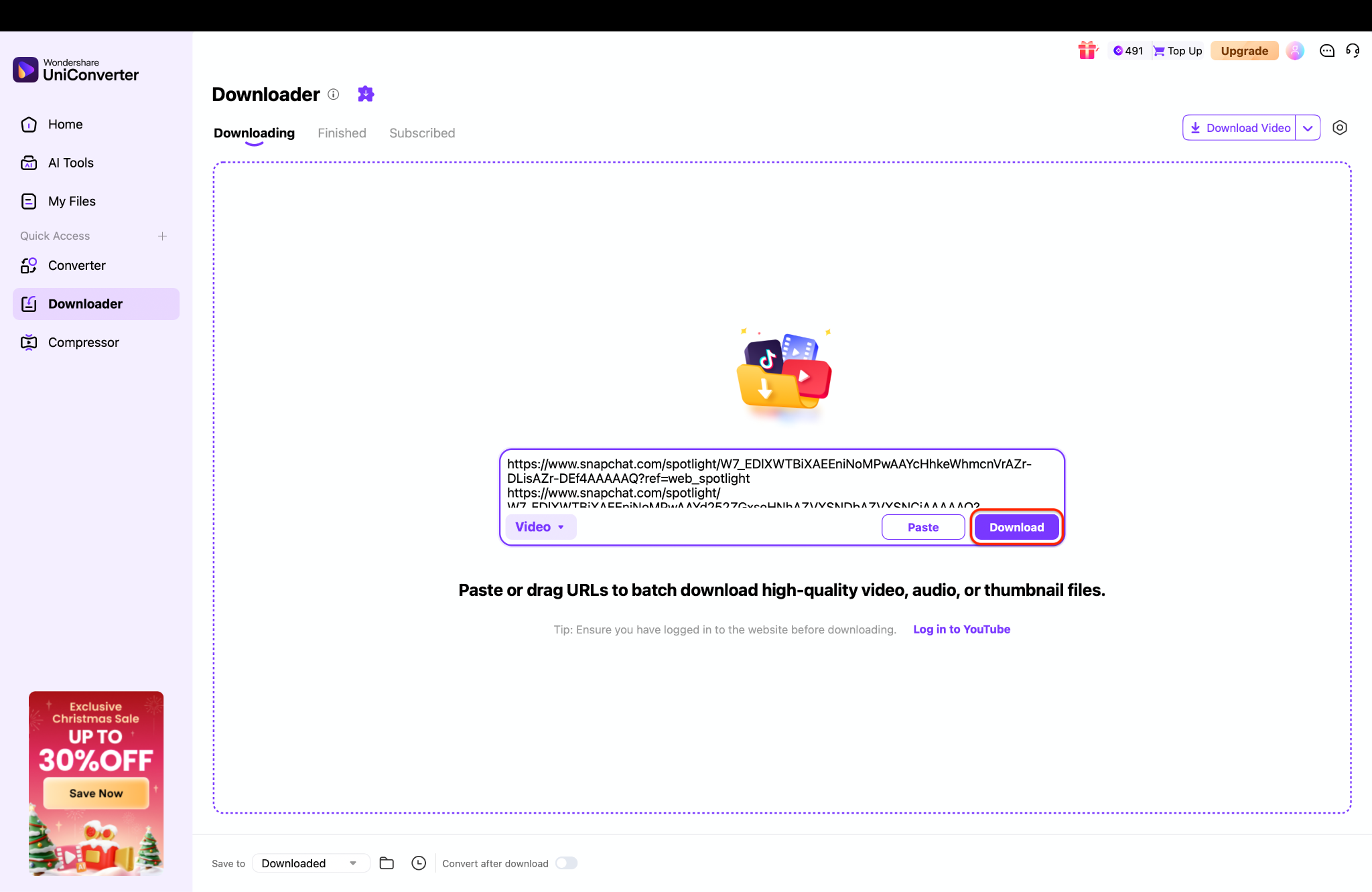
Copy the URL of the Snapchat Spotlight video you want to save, then return to the Downloader interface and click the "Paste" button to insert the link into the URL field. The software will instantly analyze the link—as shown in the image with the Snapchat URL—and identify the best available video quality without watermarks. Finally, click the purple "Download" button to save the file directly to your computer, where it will appear in the "Finished" tab once the process is complete.


Part 5. Understanding Snapchat's Policies & Legal Considerations
Before you start to Snapchat Spotlight video download, it is vital to understand the rules. Snapchat's Terms of Service generally prohibit the unauthorized scraping or commercial redistribution of content.
Snapchat's Terms: Technically, content on Spotlight is "Public Content," which Snapchat allows to be "remixed" within the app. However, downloading it to a third-party device breaches the standard license if you do not own the content.
Copyright Implications: The video's creator holds the copyright. Downloading a video to watch offline is usually considered "Fair Use" or personal archiving. However, re-uploading that video to YouTube, TikTok, or Instagram as your own work is a copyright violation and can lead to strikes or bans.
Ethical Use: Always credit the original creator when sharing content. Do not use downloaded videos to bully, harass, or misrepresent the original intent of the creator.
Risks: Using unauthorized third-party apps (especially those that require your Snapchat login) can result in your account being locked or permanently banned. Note: The tools listed above, like UniConverter, do not require your Snapchat login credentials, making them safer.
Conclusion
In this article, you've discovered various methods to download Snapchat Spotlight video without watermark effortlessly. From comprehensive Snapchat Spotlight video downloader like Wondershare UniConverter to quick online tools, there's something for everyone. Each option has its strengths and weaknesses, but one consistent factor is the importance of choosing the right tool for your needs.
If you want an effective, safe, and user-friendly solution, Wondershare UniConverter stands out as an excellent choice. Its ability to batch download and process high-quality video allows you to edit and archive your favorite content without the hassle of watermarks or ads. You can enjoy your Snapchat Spotlight video moments as they were meant to be seen—without distractions.
FAQs
-
1. Can I download Snapchat Spotlight videos without the watermark?
Yes. Third-party tools like Wondershare UniConverter or online services such as SnapTik can fetch Spotlight videos directly from Snapchat’s servers, which typically results in a watermark-free video instead of the in-app overlay. -
2. Is it legal to download Snapchat Spotlight videos?
Downloading Spotlight videos for personal, offline viewing is generally tolerated. However, reposting or using someone else’s content commercially, or without proper credit, may violate copyright laws and Snapchat’s Terms of Service. -
3. Why do online Snapchat downloaders sometimes fail?
Snapchat frequently updates its platform, code, and APIs to prevent scraping. These changes can temporarily break online downloaders until they are updated. Desktop software like UniConverter tends to be more stable because it adapts faster to such changes. -
4. Can I batch download Snapchat Spotlight videos?
Most free online tools only support downloading one video at a time. For batch downloading multiple Spotlight videos simultaneously, professional desktop software such as Wondershare UniConverter is required. -
5. Do I need a Snapchat account to download Spotlight videos?
No. As long as the Spotlight video is public and you have its link, you can download it without logging into a Snapchat account, which also helps protect your privacy.

