


Are your favorite Snapchat Stories and Spotlight videos disappearing before you can truly save them? That hilarious clip from a friend or that vital piece of temporary content is meant to be saved, not lost to the digital ether. This is where a reliable Snapchat to MP4 converter becomes essential. Whether you're a marketer analyzing competitor campaigns, a creator archiving your work, or simply someone who wants to keep precious memories, the ability to download Snapchat videos is a game-changer. But with countless tools online, how do you find a safe and effective solution?
This guide will walk you through the top 10 solutions for every need, from professional desktop suites to quick online tools. Keep on reading to have an overlook of Top 10 SnapChat to MP4 converters and choose the most suitable one for you.
Table of Contents
Part 1. How to Download Snap from Memories - Official Solution
We’ve all been there: you find an epic Snapchat video you have to save, but the built-in download button slaps a watermark right on it. Don't worry, you're not stuck with it! Here’s how to save snaps and some clever tricks to deal with that watermark with Snapchat official solution.

Your Go-To Guide for Saving Snaps:
Saving is the easy part! Just follow these quick steps right in the app:
-
Step 1: Find Your Video. Fire up Snapchat and hunt down that perfect video in Stories, Spotlight, or a chat.
-
Step 2: Hit the Download Button. While the video is playing, tap that little download icon (it looks like a downward arrow) to save it straight to your phone.
-
Step 3: Spot the Watermark. Check your gallery—your video is there, but so is the Snapchat watermark.
3 Clever Hacks to Beat the Watermark:
Since the app itself won’t let you save without a watermark, get creative after you download it!
-
The Sneaky-Snap Method: Time your download for when the watermark is in a busy part of the video, like over a dark or patterned area, so it blends in.
-
The Simple Crop: If the watermark is in a corner, just crop it out! Your phone’s basic photo editor can often do this in seconds.
-
The Editor's Touch: For a flawless finish, use a video editing app to blur the watermark or cover it with an emoji or a sticker.
Want a truly pristine, watermark-free video? Your best bet is to look into specialized video downloader tools that can handle Snapchat content directly.
Part 2. Compliance and User Responsibility for Downloading Snapchat Videos
Engaging with third-party services to download content from Snapchat entails significant compliance and legal risks. Users must be aware of the following critical points governing such actions.
A. Breach of Platform Agreement
Your use of Snapchat is conditional upon your agreement to its Terms of Service (ToS). This contract explicitly forbids the use of unauthorized third-party applications to access, scrape, or extract data from its platform.
-
Policy Violation: Utilizing a downloader service constitutes a direct breach of this agreement.
-
Enforcement Action: As a consequence, Snapchat reserves the right to impose account-level sanctions, including temporary suspension or permanent termination, to protect its ecosystem.
B. Intellectual Property and Privacy Violations
The act of downloading content engages complex intellectual property and privacy laws.
-
Creator Ownership: Copyright for any snap is retained by its creator, not by the viewer.
-
Authorized Use: While you retain the copyright to your own content, downloading it via an unauthorized method remains a violation of Snapchat's ToS, subjecting your account to penalty.
-
Unauthorized Distribution: Downloading another user's content without explicit permission is an infringement of their copyright and a potential violation of privacy laws. Such actions can lead to legal liability separate from any action taken by Snapchat.
Disclaimer of Liability: The user assumes all responsibility for ensuring their actions comply with Snapchat's Terms of Service and applicable local, state, and national laws. These points are intended for educational purposes regarding the preservation of one's own content or content used with the creator's full consent.
Part 3. What to Look For in a Snapchat Converter
Before you download the first tool you see, establish your criteria. A great Snapchat MP4 converter isn't just about the download button. Here's what matters:
No Watermark (The #1 Priority): This is non-negotiable. The entire point is to get a clean video file. Free tools often add a watermark as a "toll" to get you to upgrade. All tools on our list have a clear path to a 100% watermark-free output.
Video Quality: Don't save a 4K Snap only to have it output in 360p. Look for tools that preserve the original quality, supporting at least 720p and 1080p.
Ease of Use: How many clicks does it take? Is the interface clean or cluttered with ads? The best tools are intuitive, allowing you to get your snap mp4 in just a few steps.
Safety & Privacy: This is critical. Many free online snap download mp4 sites are data-harvesting traps, loaded with pop-ups and potential malware. Desktop software from reputable companies is almost always safer. For online tools, we prioritize those that process client-side (in your browser) or have a clear privacy policy.
Speed & Platform: The tool needs to be fast (especially for batch processing) and must work on your device, whether it's Windows, Mac, or a mobile browser.
Part 4. Top 10 Snapchat to MP4 Converters Without Watermark (2025 Edition)
We've structured our list starting with the most powerful and versatile desktop solutions, followed by the best free and online options.
Note: "Downloading" from Snapchat can mean two things:
Screen Recording: The only way to capture private Snaps (which will notify the user) or protected public content.
Link Downloading: Grabbing public content, like Spotlight videos, by pasting a URL.
Our list includes tools for both methods.
Desktop Converters (Highest Quality & Safety)
Desktop apps offer the most power, security, and features, including batch processing and screen recording.
1. Wondershare UniConverter
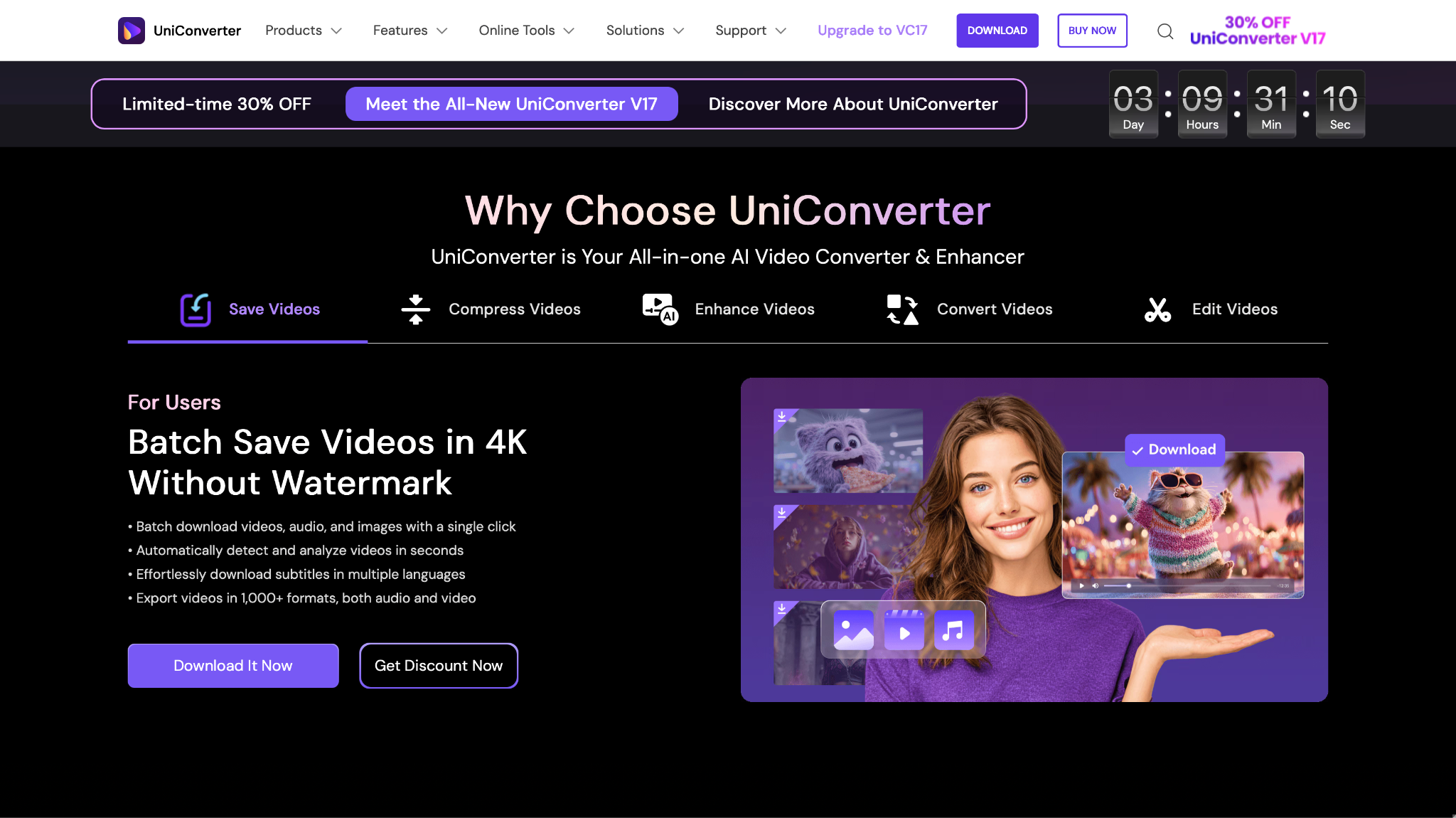
Safety Review: 5/5
Starting Price: $49.99/Year or $67.99/Lifetime for windows and $59.99/Year or $73.99/Lifetime for mac (Limited-time deal)
Supported Device: Windows, Mac
Capterra/TrustRadius Reviews: UniConverter holds a 5/5 star rating on Capterra, reflecting outstanding user satisfaction. On the similar review site TrustRadius, a verified user praises its core function: "For any kind of video converting UniConverter is the perfect tool. It is easy to use. The converting function is quick and precise and the result is excellent."

Easy to Use Batch Snapchat to MP4 Converter
2. 4K Video Downloader+
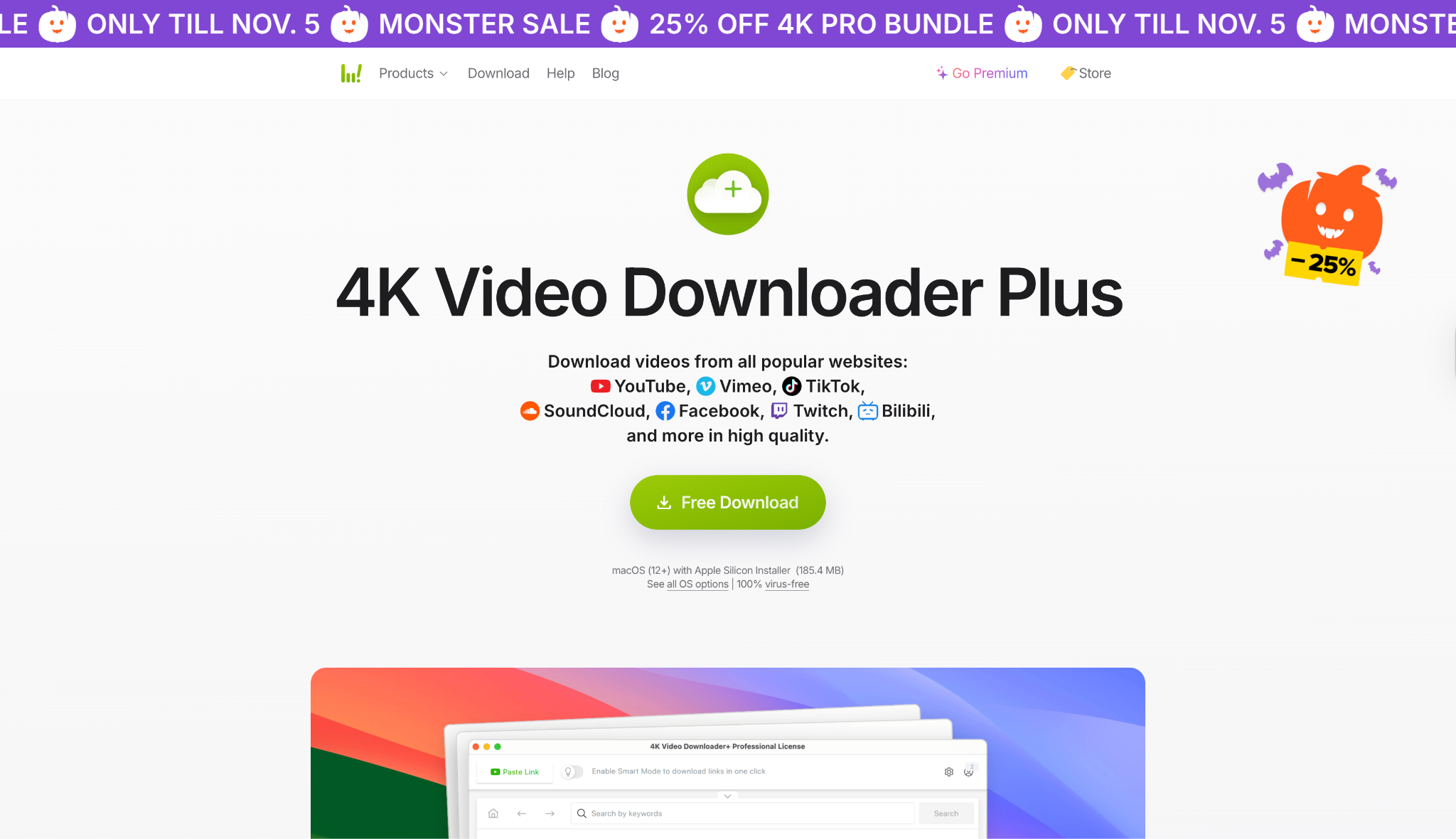
Safety Review: 4.5/5
Starting Price: $25 (Lifetime Personal License)
Supported Device: Windows, Mac, Linux
Reddit Review: In athread discussing the new "Plus" version, users confirm the tool's long-term reliability. User Responsible_Bee_8469 mentions, "Personal experience with it has been significantly positive, especially with conserving content from sources such as Bitchute and Rumble."
3. SnapDownloader
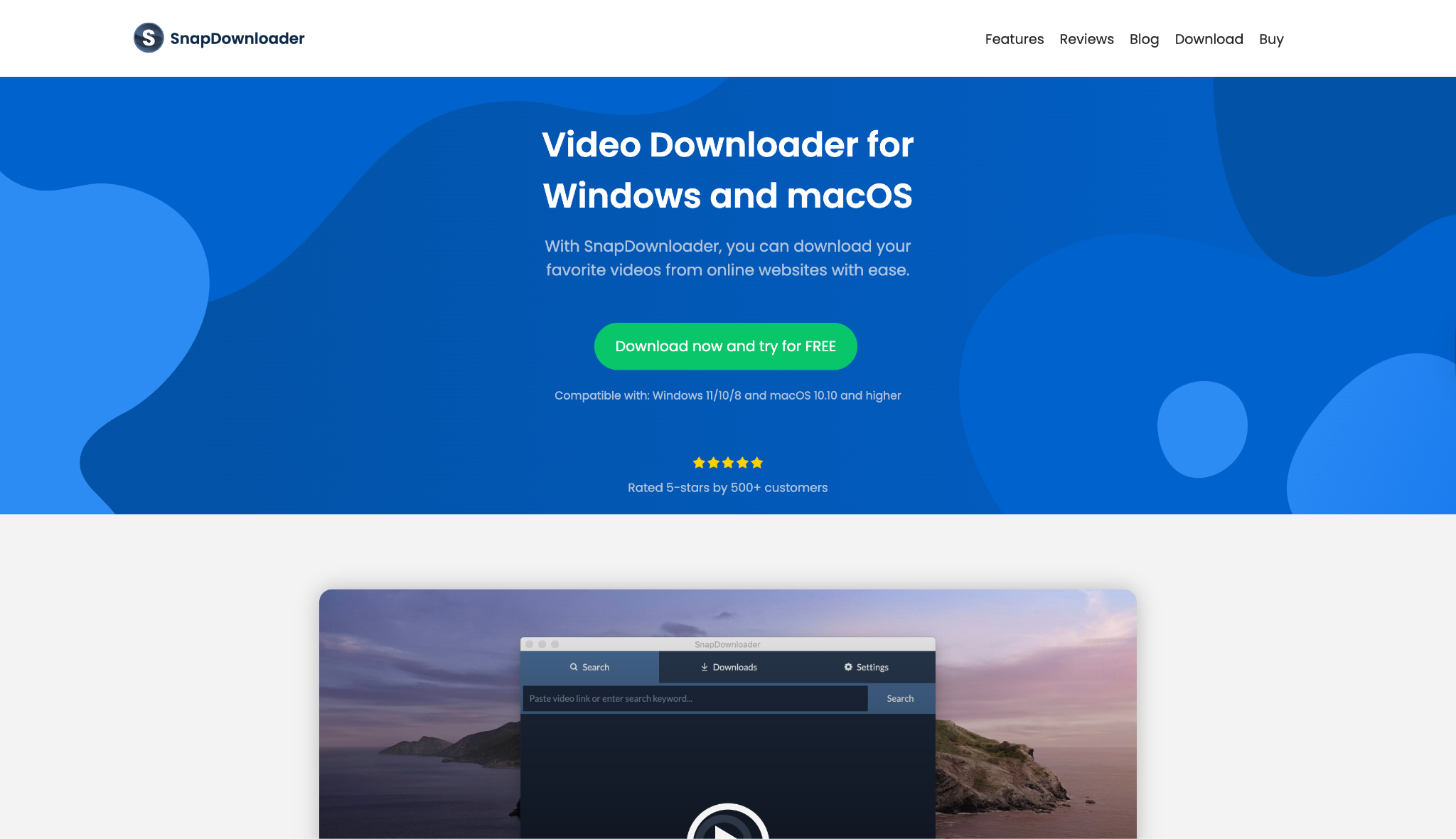
Safety Review: 3.5/5
Starting Price: $39.99 (Lifetime License) or $7.99/Month
Supported Device: Windows, Mac
Reddit Review: Reviews are mixed. While many praise its features, a thread from r/pchelp has some users (like Fit_Reception_43 and Strange_Speed_7550) calling it a "scam" with a lifetime license that "stopped working," while others in the same thread (Fun-Veterinarian-880) say they've used their lifetime license for "2 years" with no problems.
4. HitPaw Video Converter
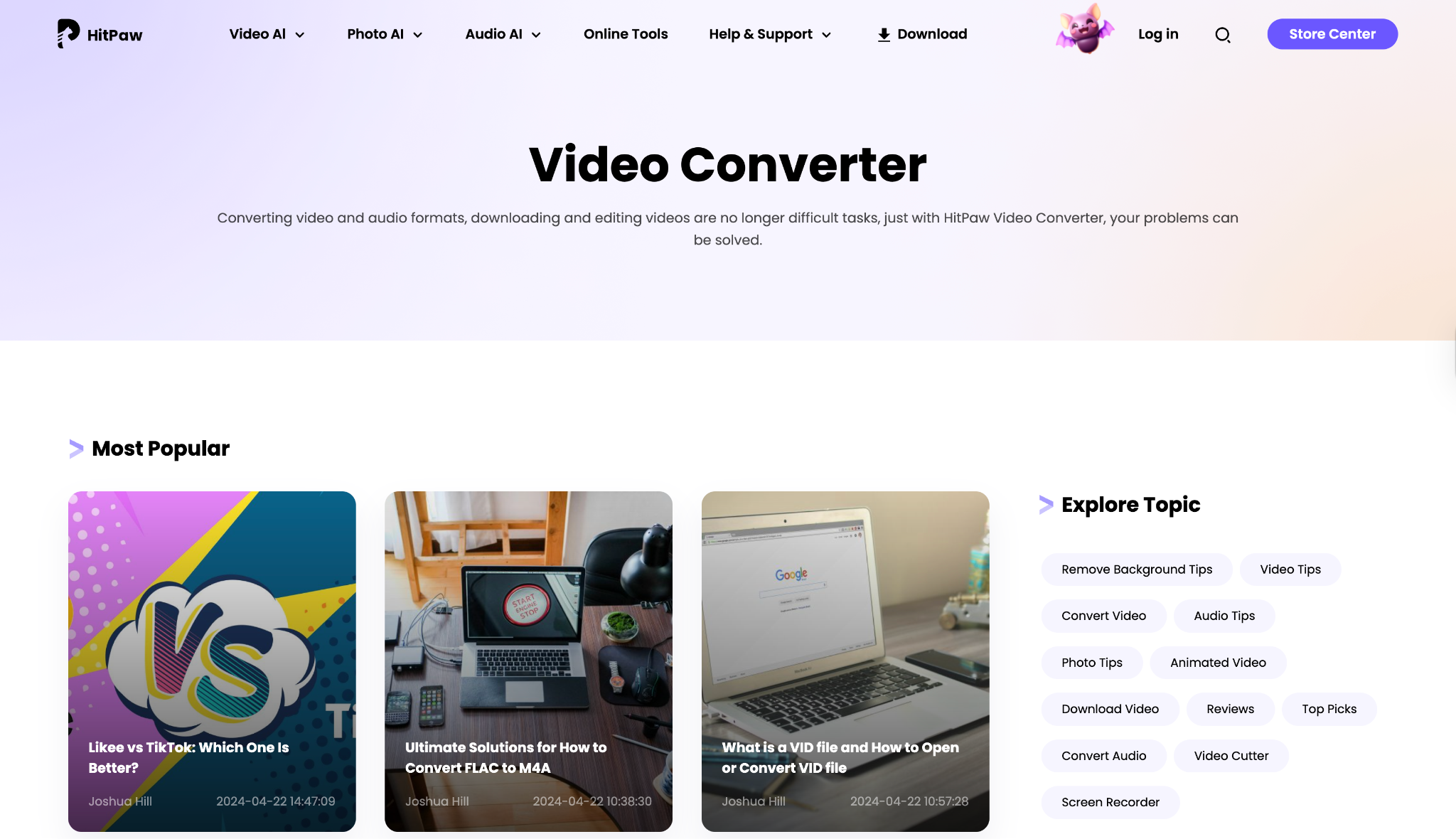
Safety Review: 3/5
Starting Price: $19.95/Month
Supported Device: Windows, Mac
Reddit Review: An obvious thread on r/VideoEditing warns users, "Beware of HitPaw - deceptive business practices." The user details a "perpetual license" that allegedly stopped working, requiring payment for the next version.
5. EaseUS Video Downloader
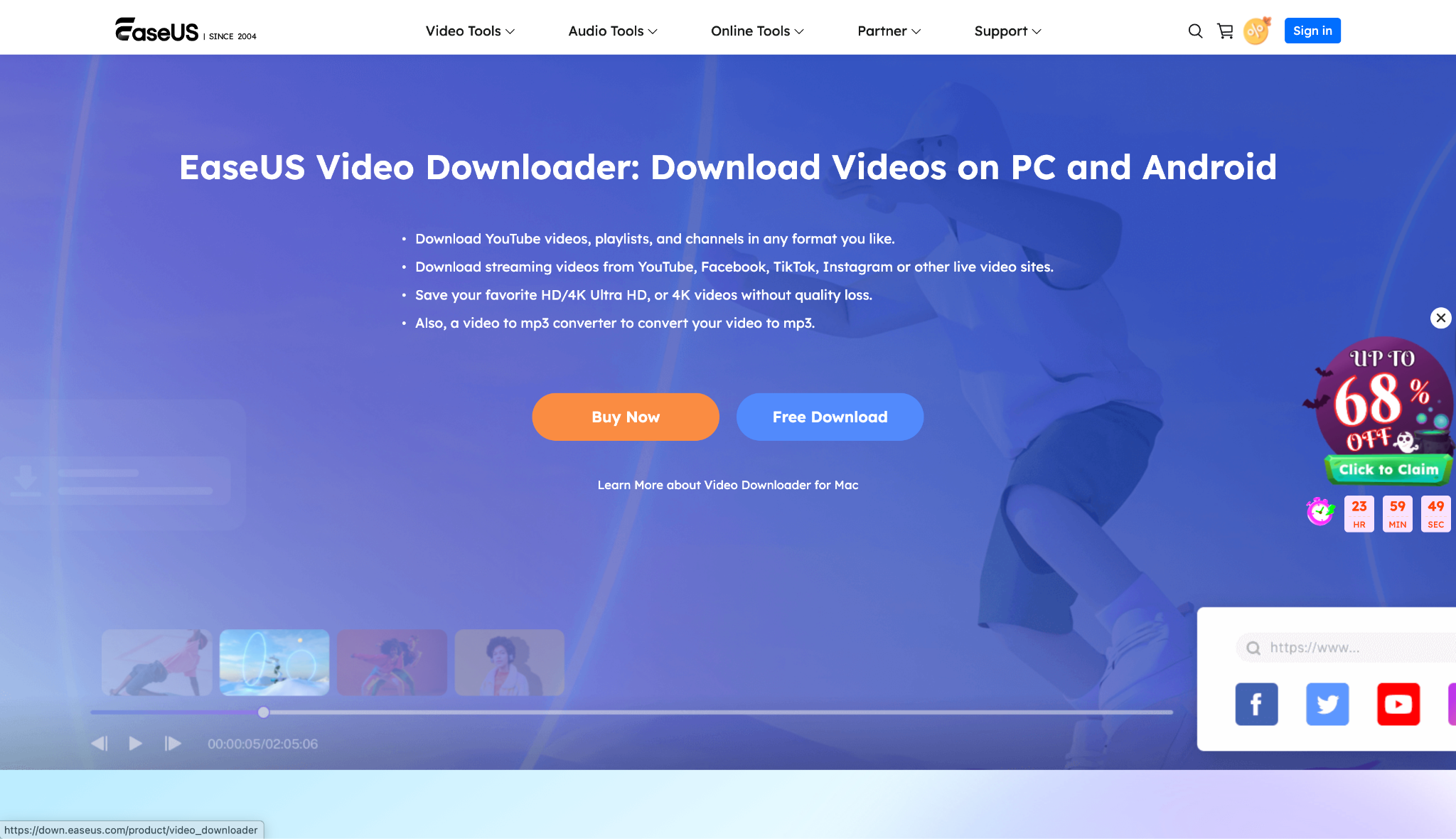
Safety Review: 3/5
Starting Price: $12.99/Month
Supported Device: Windows, Mac
Free Desktop Converters (Best Value & Safety)
If your budget is zero, these tools are your safest and most reliable options. They require a tiny bit more setup but are 100% free and 100% watermark-free.
6. OBS Studio
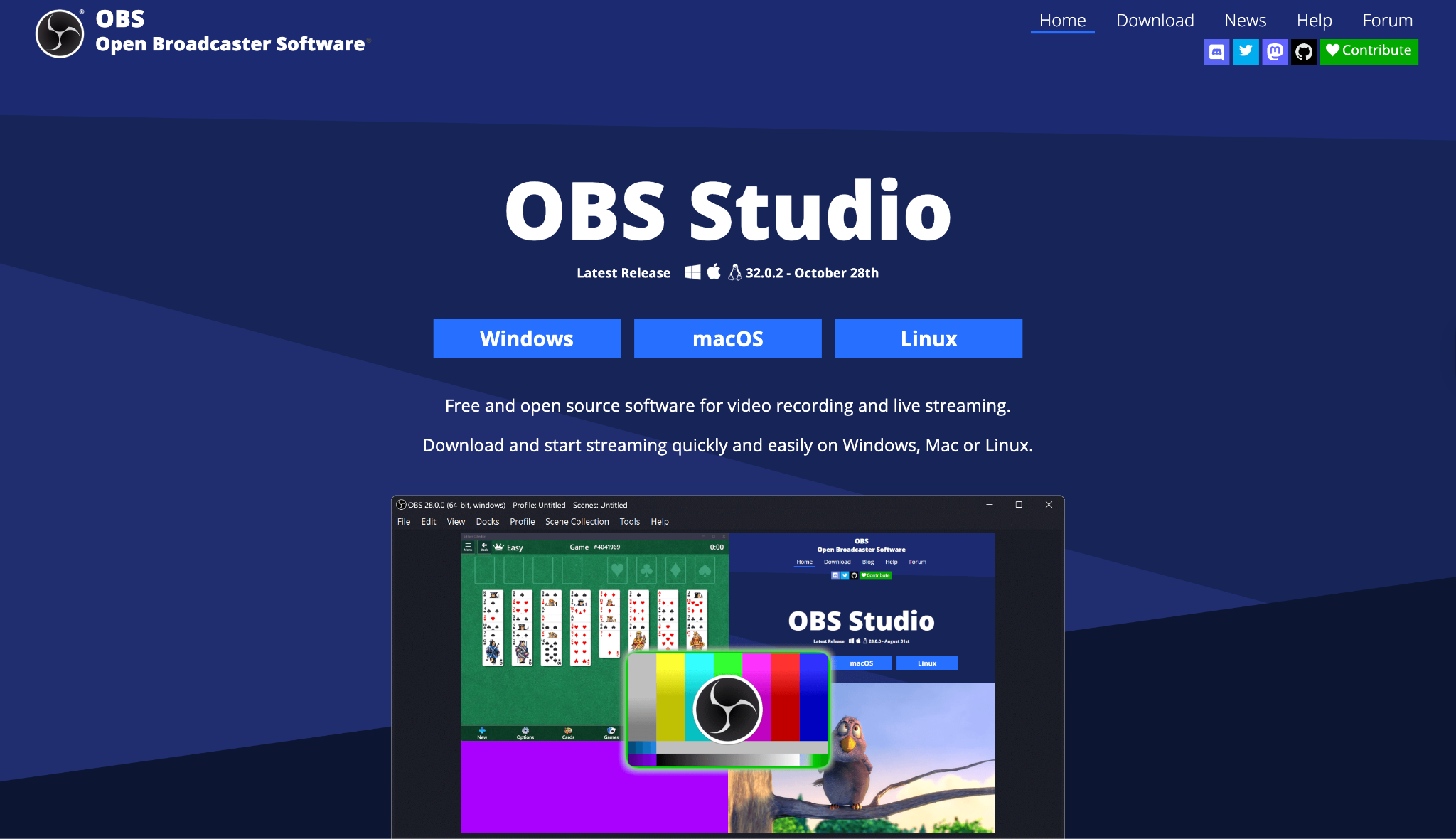
Safety Review: 5/5
Starting Price: Free
Supported Device: Windows, Mac, Linux
Reddit Review: In an r/VideoEditing thread about the best conversion tools, the consensus heavily favors free tools like OBS, with one user noting, "if you need a GUI... Shutter Encoder is your friend," (another FFMPEG-based tool), reinforcing that free, open-source tools are often the most trusted.
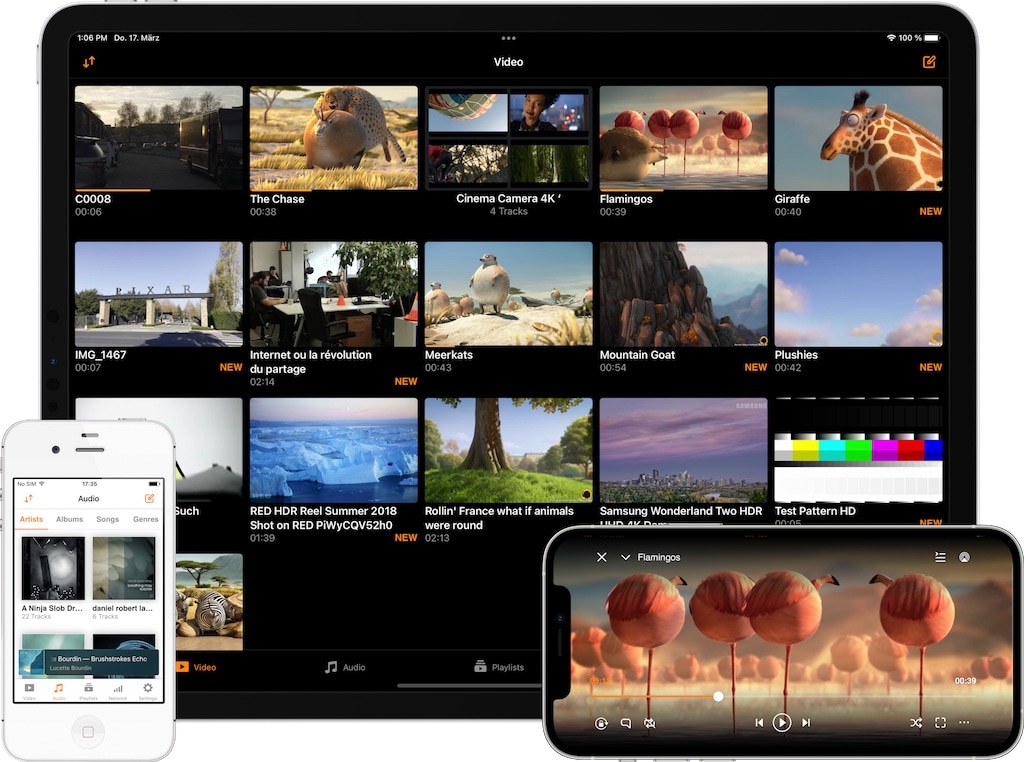
Safety Review: 5/5
Starting Price: Free
Supported Device: Windows, Mac, Linux
Online Converters (Quickest, but Use With Caution)
These tools work in your browser. They are best for one-off downloads of public Spotlight videos. Be wary of ads and their privacy policies.
8. Apowersoft Free Online Screen Recorder
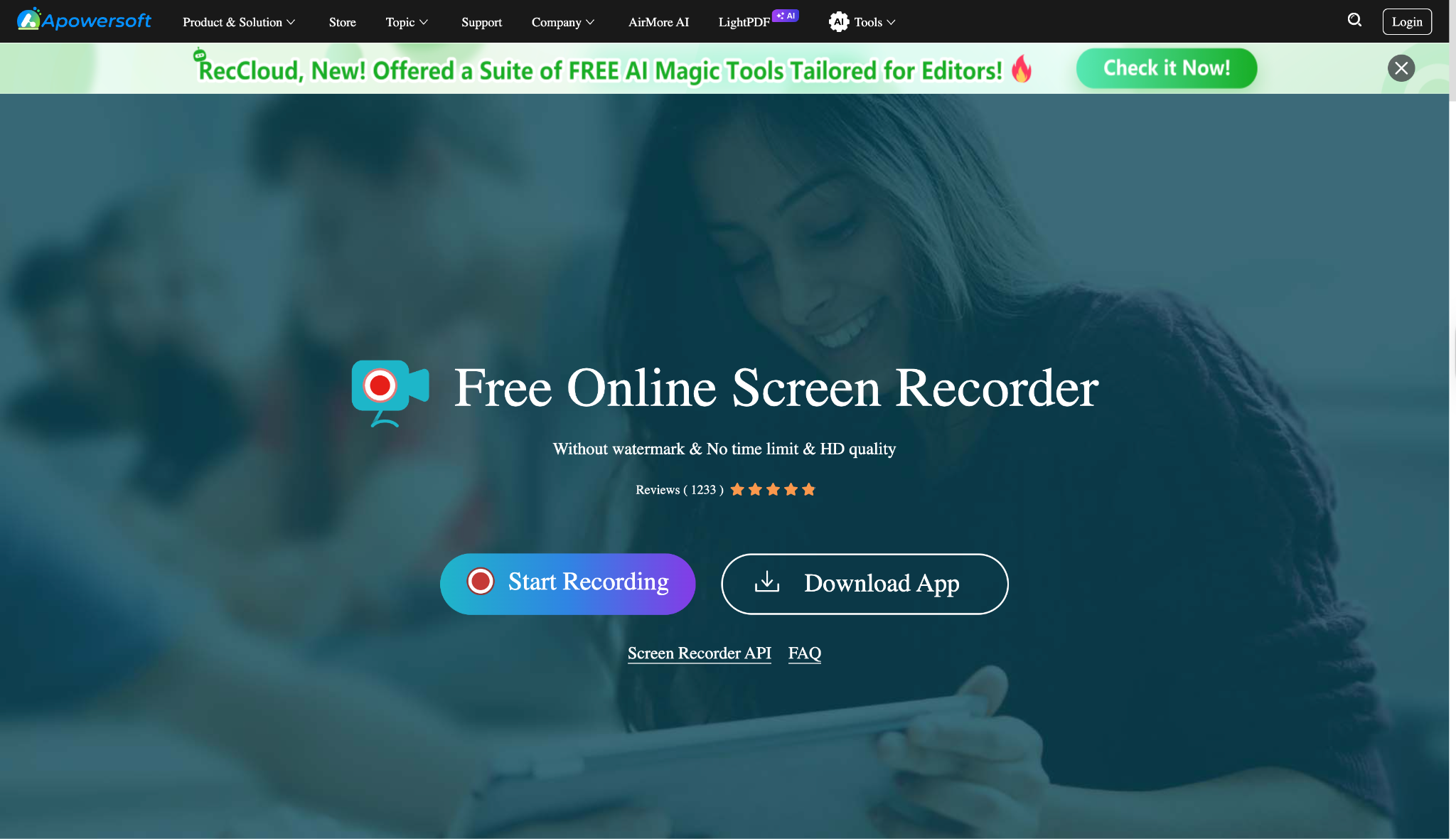
Safety Review: 4/5
Starting Price: Free
Supported Device: Web (Windows, Mac)
9. SnapSave.app
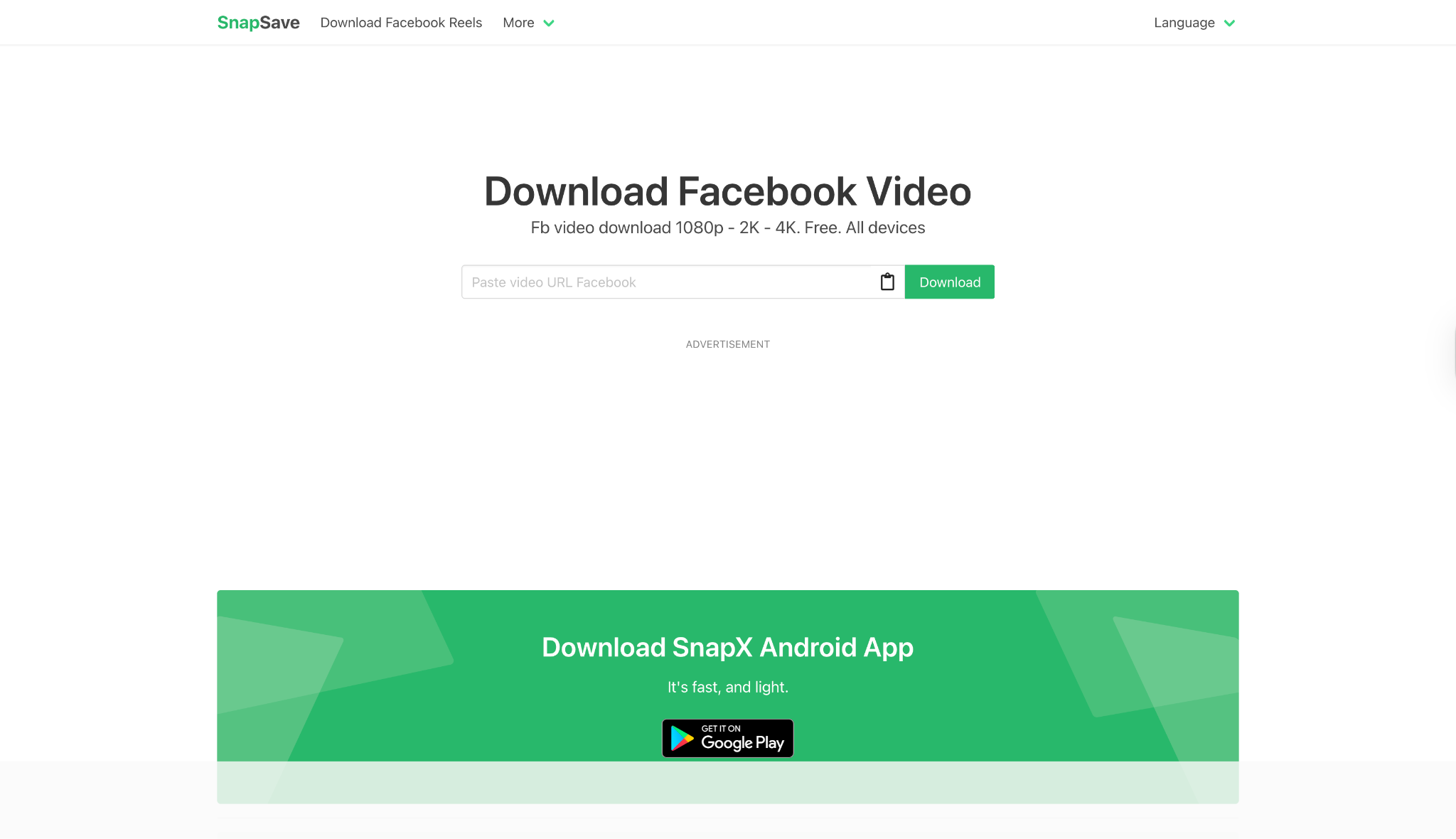
Safety Review: 1.5/5
Starting Price: Free (Ad-supported)
Supported Device: Web (Any)
Reddit Review: An r/techsupport thread shows a user worried the site gave them a virus, highlighting the legitimate fear users have of such tools.
10. SSSTikSnap
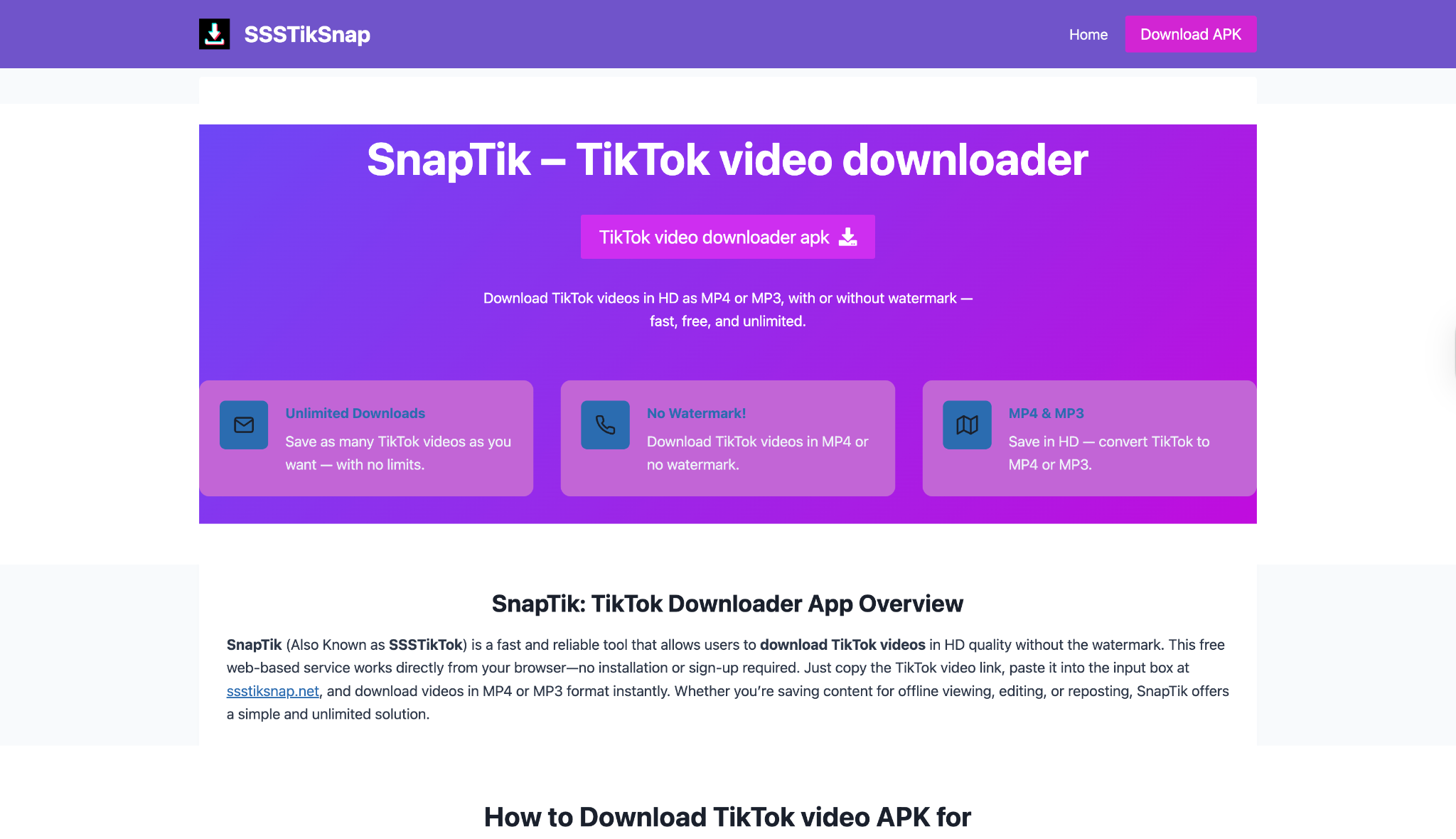
Safety Review: 1.5/5
Starting Price: Free (Ad-supported)
Supported Device: Web (Any)
Part 5. At-a-Glance Comparison Table of Best 10 Snapchat to MP4 Converters
| App Name | Supported Format | Unique Edge | Best For |
|---|---|---|---|
| Wondershare UniConverter | MP4, MOV, MKV, AVI, and 1000+ more | All-in-one suite (Record, Convert, Edit, and Download) | Batch converting your entire Memories archive |
| 4K Video Downloader+ | MP4, MKV, MP3 | 8K support & simple “Smart Mode” | High-quality downloads of public Spotlight links |
| SnapDownloader | MP4, MP3, AVI, MOV | Built-in video trimmer; supports more than 900+ sites | Trimming public videos before downloading |
| HitPaw Video Converter | MP4, MOV, and 500 more | 120x conversion speed in a modern UI | Users who want an all-in-one suite but prefer a subscription |
| EaseUS Video Downloader | MP4, MP3 | Simple UI from a known software brand | Basic, no-fuss link downloading |
| OBS Studio | MP4, MKV, FLV | 100% free, open-source, and professional quality | The highest-quality, safest screen recording (for free) |
| VLC Media Player | MP4, AVI, MPEG | Built-in to a common media player | Quick, free screen recording if you already have it |
| Apowersoft Online Recorder | MP4, AVI, WMV | Browser-based, no install, no watermark | The easiest free way to screen record a Snap |
| SnapSave.app | MP4 | Dedicated online Snapchat link downloader | Quick, risky downloads of public Spotlight videos |
| SSSTikSnap | MP4 | Alternative to SnapSave | Quick, risky downloads when other sites are down |
Part 6. How to Download Snapchat Videos Legally & Ethically
This is a critical point. Just because you can download a video, it doesn't always mean you should.
Use these tools ethically. The only 100% legitimate use cases are for saving your own Snaps (like from your Memories) or for archiving publicly available content (like a brand's Spotlight or a news story).
NEVER use these tools to download and reshare private content from your friends without their explicit permission. This is a severe violation of their privacy and Snapchat's Terms of Service. Screen recording a private Snap will notify the other user. Tools that claim to bypass this are almost always scams and should be avoided.
The primary use case for a Snapchat to MP4 converter is for personal archiving.
Part 7. How to Batch Convert Snapchat Videos to MP4
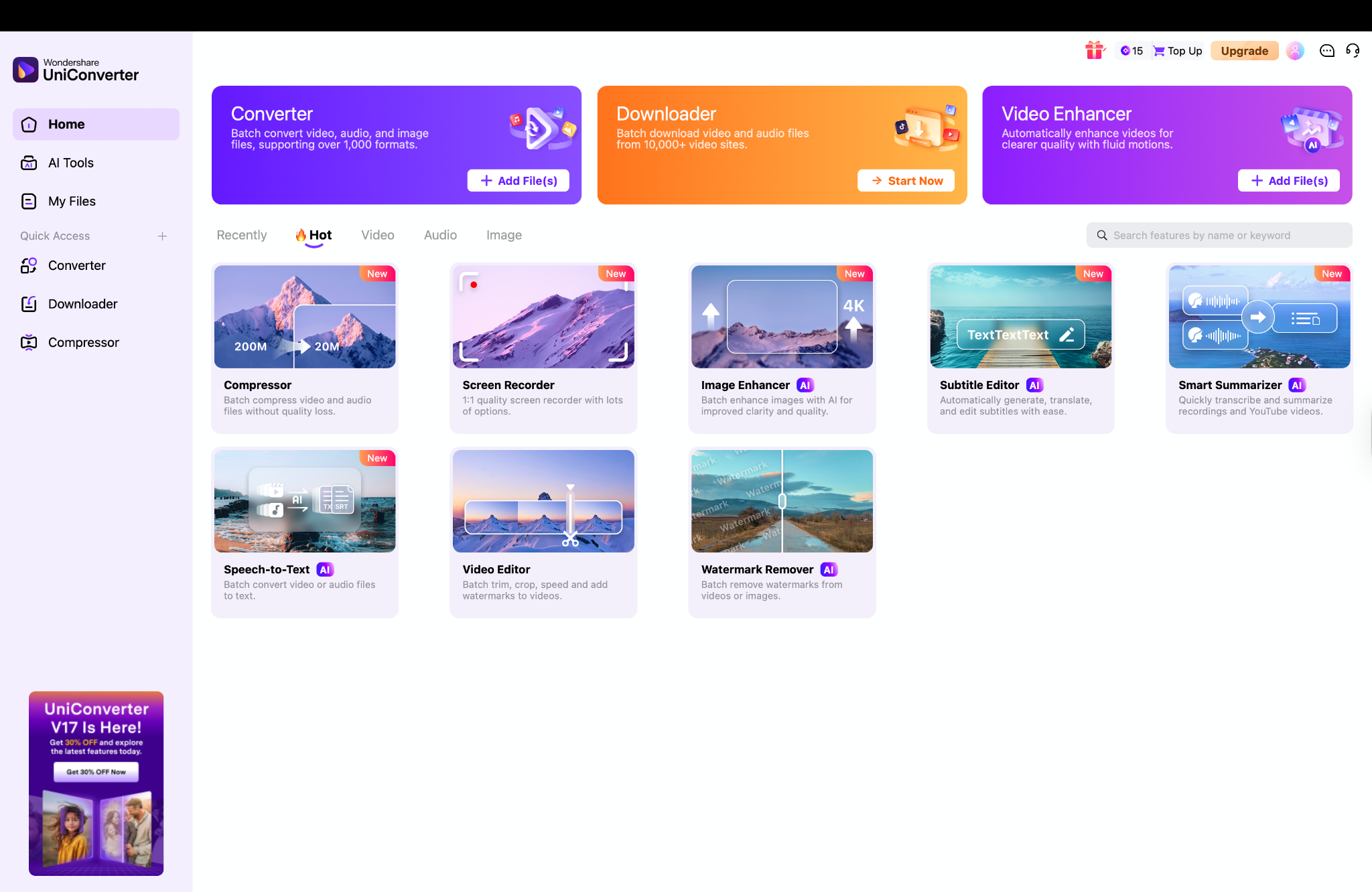
Step 1: Launch UniConverter and Add Your Memories
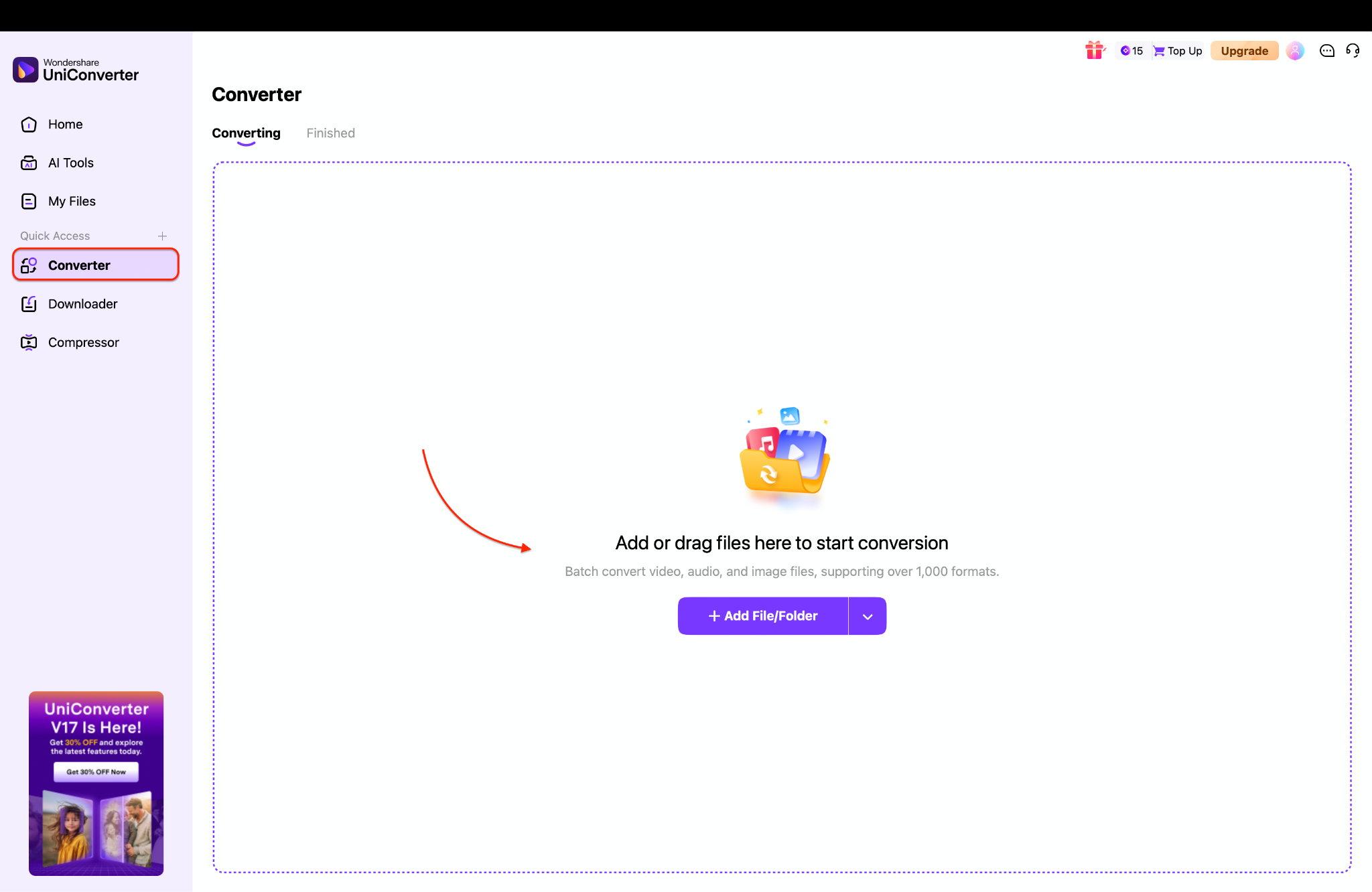
Step 2: Set Your Output Format to MP4
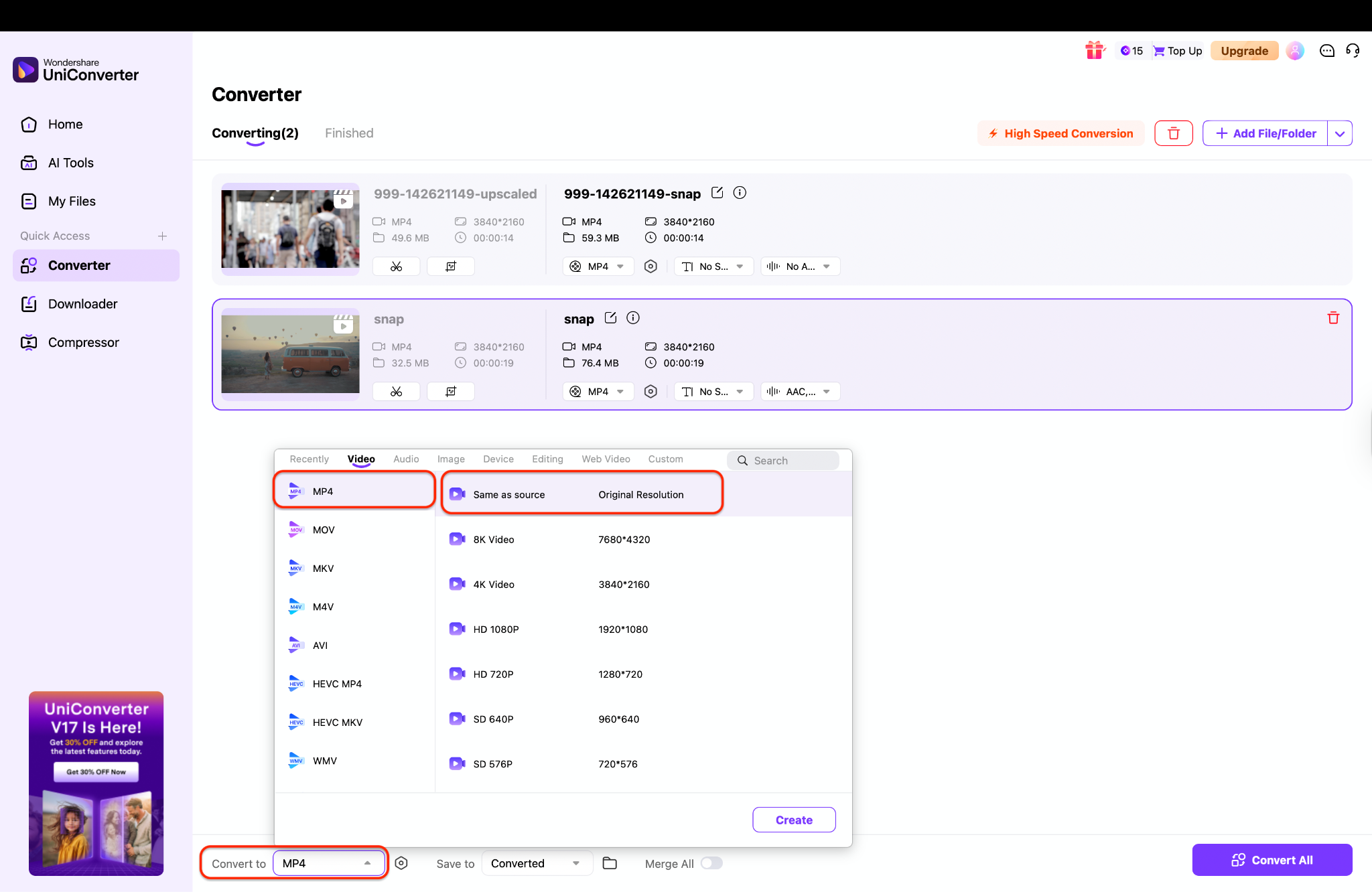
Step 3: Start the Batch Conversion
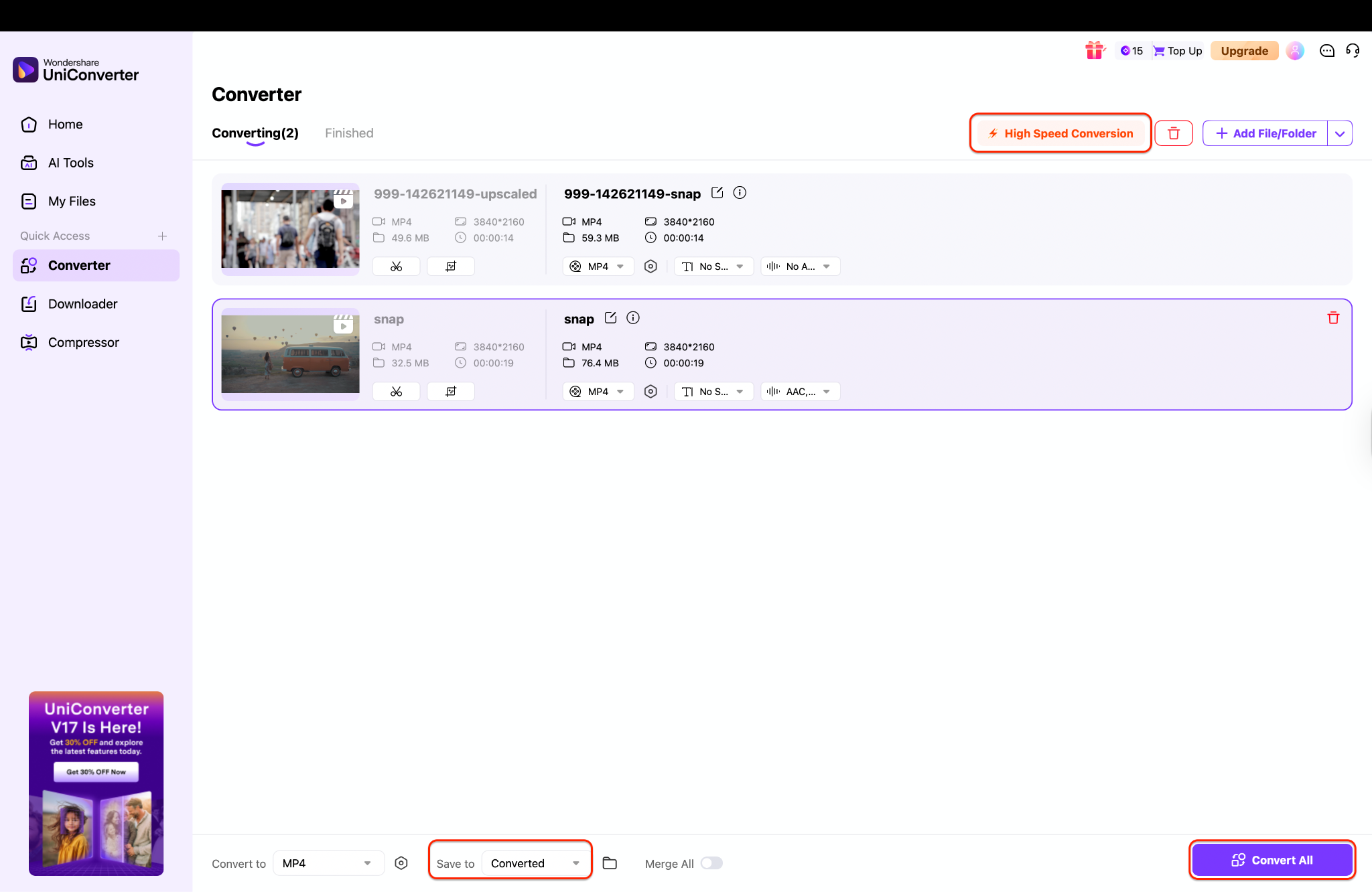
Before starting, make sure the "High Speed Conversion" toggle is enabled to use GPU acceleration for the fastest speeds. Choose your "File Location" at the bottom of the window to decide where your new MP4 files will be saved. Finally, click the "Convert All" button to begin processing your entire Snapchat archive at once.
Final Thoughts
Finding a clean Snapchat to MP4 without watermark doesn't have to be a risky gamble. While the web is full of ad traps, a few high-quality tools rise above the rest.
For the 100% free and safe route, OBS Studio is the undisputed champion for screen recording. For quick, one-off public videos, online tools like Apowersoft (for recording) are a safer bet than risky link-downloaders.
But if you're serious about your video workflow, need to convert your entire Memories archive, or want one tool that can both record and convert, then a premium suite is the clear winner. For its unmatched combination of speed, quality, and all-in-one features, Wondershare UniConverter is our top recommendation. It's more than just a Snapchat MP4 converter; it's a complete solution for every video task you'll face.
Download a free trial of UniConverter today and take control of your video library.
Easy to Use Batch Snapchat to MP4 Converter
FAQs
-
Q1: Is it legal to convert Snapchat to MP4?
It is legal to download and convert your own content that you created. It is a legal gray area and against Snapchat's Terms of Service to download other people's content. It is a violation of privacy to download and distribute someone's private content without their consent. -
Q2: Can I download private Snapchat videos without them knowing?
No. Any tool or website that claims to do this is a scam intended to steal your password or install malware. The only way to capture a private Snap is via screen recording, and Snapchat is designed to notify the user when their private Snap or Story is recorded. -
Q3: How do I get a Snapchat to MP4 without watermark for free?
The safest and most reliable free method is to use a free screen recorder like OBS Studio or VLC Media Player. These open-source tools will never add a watermark. -
Q4: Why did my online Snapchat MP4 converter stop working?
Online downloaders frequently break. Snapchat and other platforms actively block the servers and IPs used by these sites. This is why desktop software (both link-based and screen recorders) is a much more reliable long-term solution. -
Q5: Does UniConverter download video from Snapchat directly?
No, its "Downloader" tool isn't for Snapchat links. Instead, UniConverter 17 helps you save Snaps in two main ways:Screen Recorder: You can use this to capture any Snap in perfect quality as it plays on your screen.Converter: If you download your "My Data" archive from Snapchat, you can use the converter to batch convert all those files (even Live Photos) into standard MP4s.

