

Struggling to extract crisp PNG frames from your MP4 videos without losing quality or wasting hours editing? Whether you're a content creator, meme maker, or animator, finding the right tool to convert video to PNG sequences can be confusing.
From desktop software with precision control to mobile apps and free online converters, this guide explores the 9 best tools—free and paid—to help you transform MP4, MOV, WebM, or AVI into smooth PNG image sets effortlessly. Let's simplify your workflow and get you the clean frame grabs you need.
Table of Contents
Part 1. Popular 3 Video to PNG Converters for Desktop
Looking to convert MP4 to PNG sequences or extract crisp video frames from AVI, MOV, or WebM? Desktop tools offer precise control, batch support, and editing flexibility that online tools often lack. Below are three of the best video to PNG converters for PC and Mac, each with unique strengths suited to editors, animators, and content creators.
1. Wondershare UniConverter – Best MP4 to PNG Frame Converter
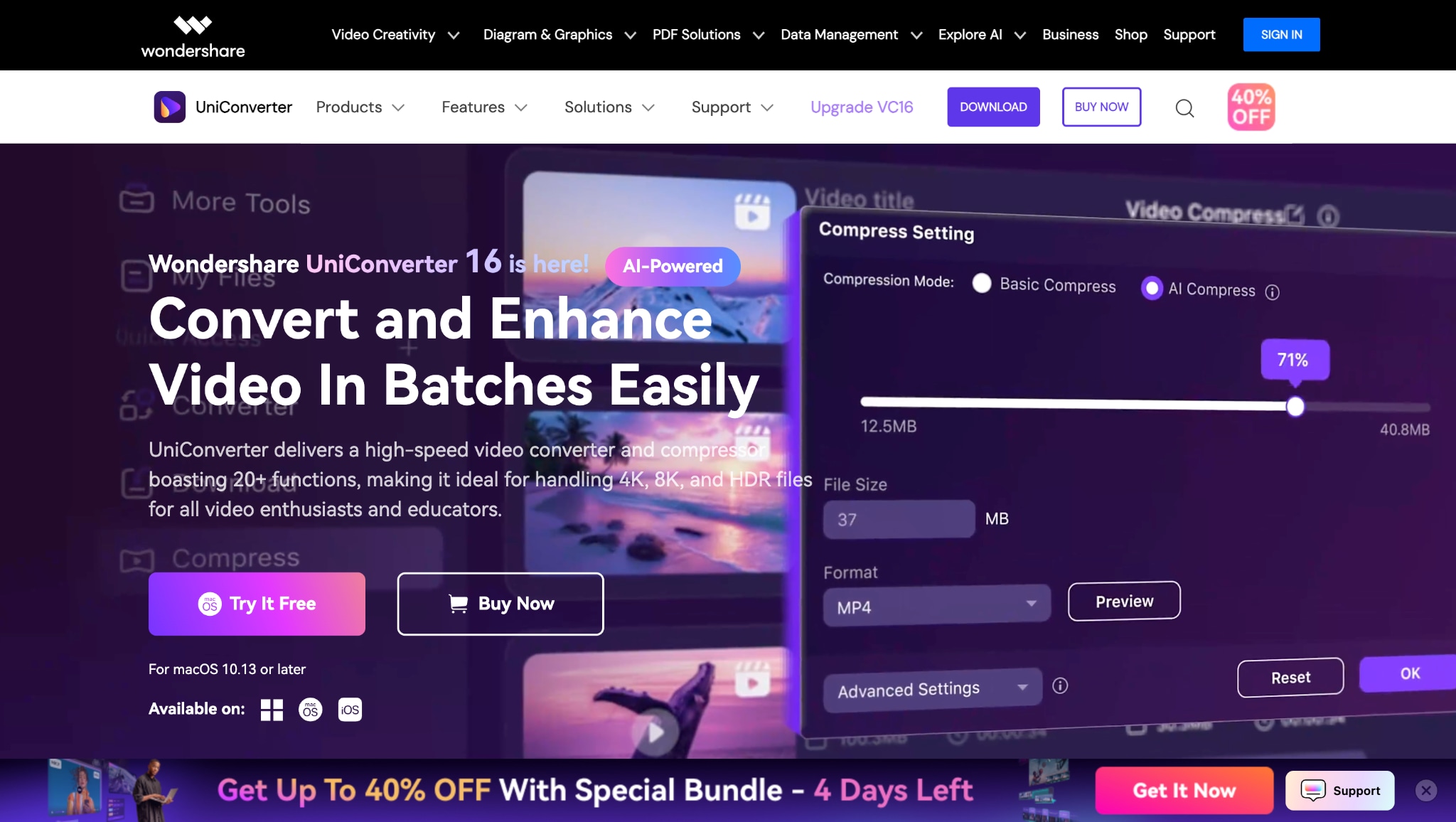
Key Features:
- Converts MP4 to PNG, BMP, and JPG sequences with ease
- Batch conversion and high-speed processing
- Built-in video editor with trim/crop options
- Frame interval and resolution customization
- Supports MP4, MOV, AVI, WebM, and more

Easy to Use MP4 Video to PNG Converter
2. Any VIdeo Converter – Best Free Video PNG Converter
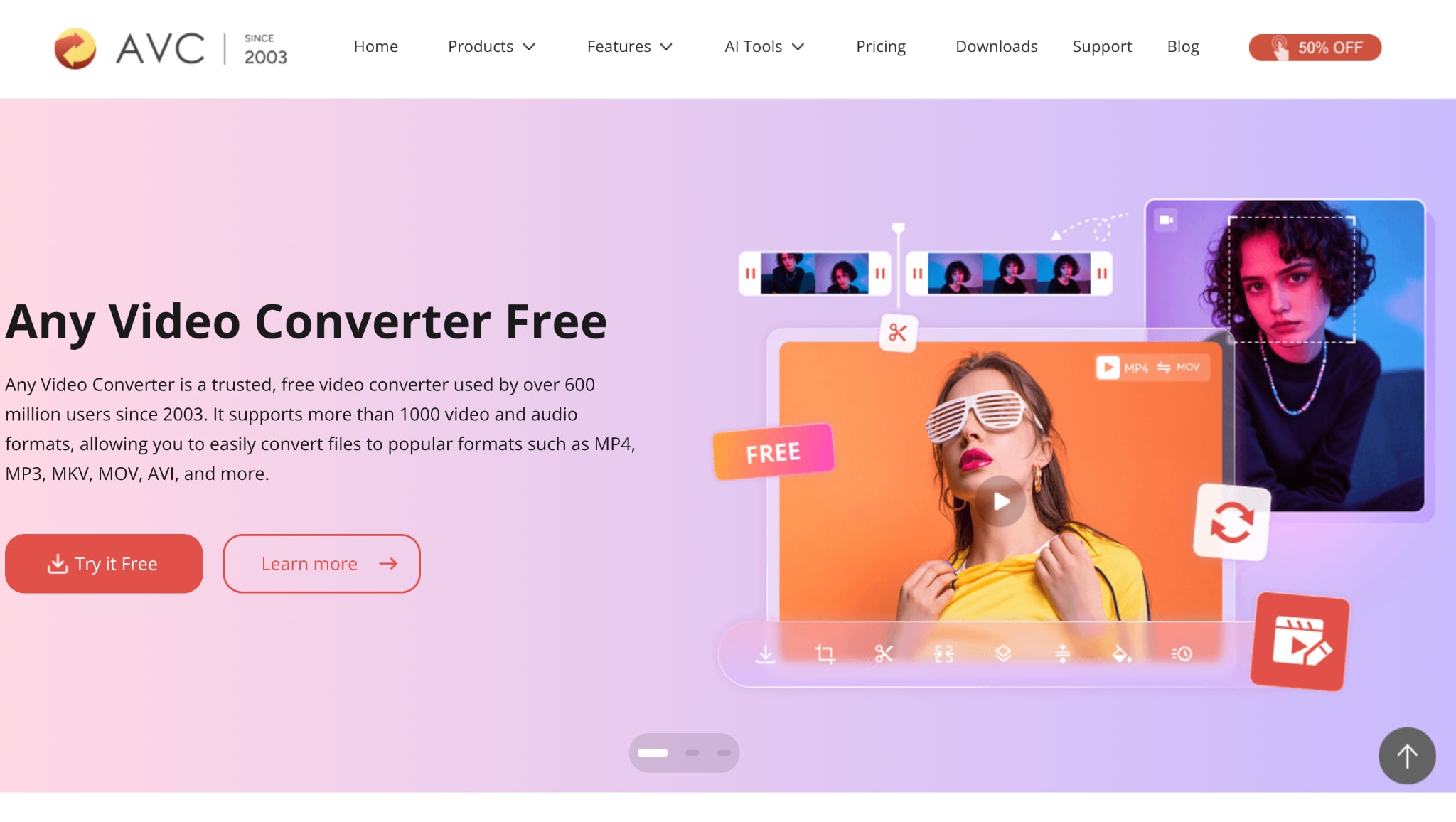
Key Features:
- Converts MP4, AVI, MOV, and WebM to PNG or APNG
- Frame rate and resolution settings for image extraction
- Free version available with solid functionality
- Batch mode supported
- Basic trimming and editing before PNG export
3. NCH Prism Video Converter – Light weight AVI/MP4 to PNG Tool
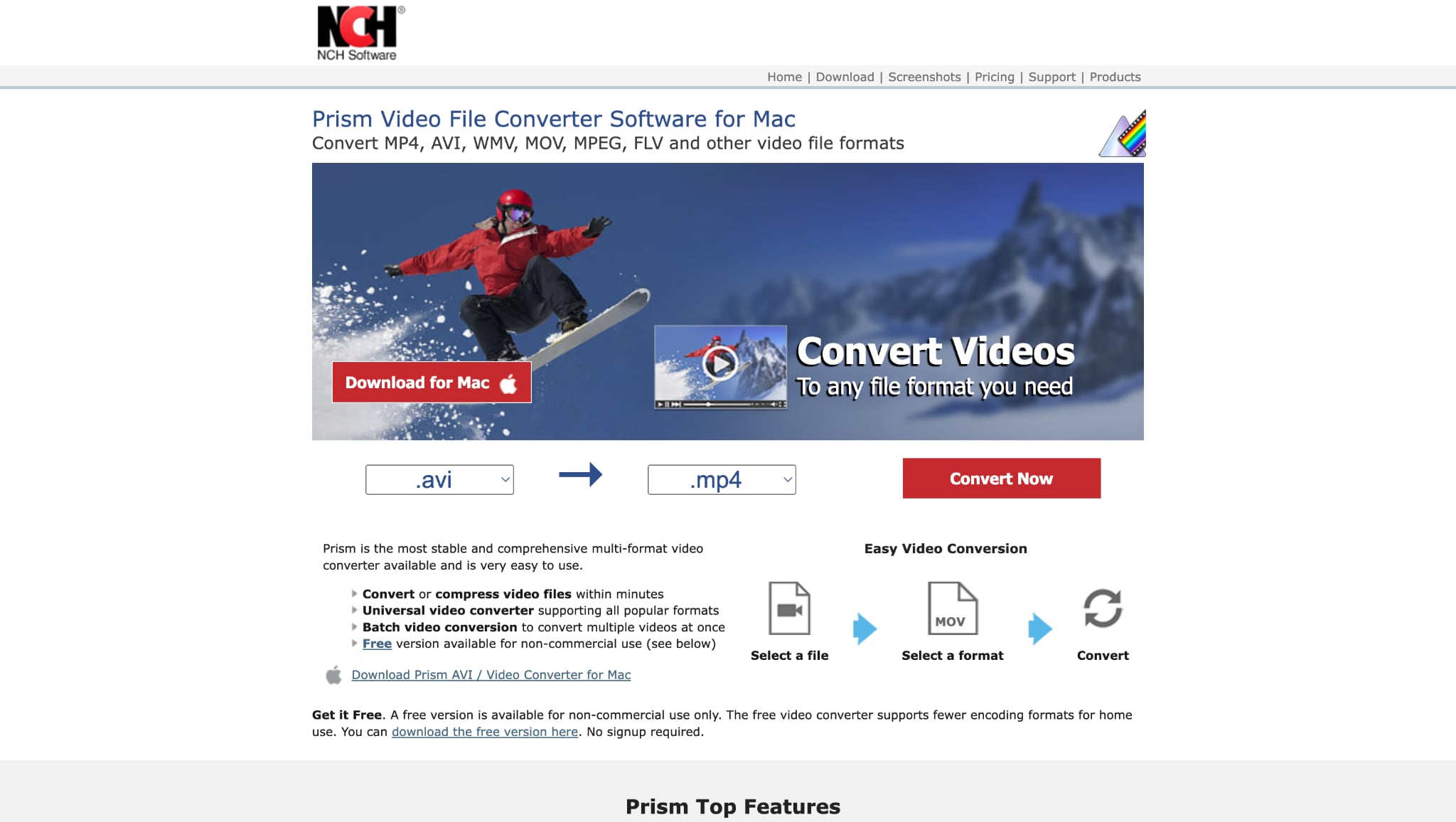
Key Features:
- Converts MOV, MP4, AVI, and WMV to PNG
- Custom output settings: frame rate, interval, quality
- Batch conversion and preview capabilities
- Simple interface, perfect for quick tasks
- Great support for older file formats
Part 2. Best 3 Apps to Convert MP4 Videos to PNG on Mobile
If you're on the go and need to convert MP4 to PNG using just your smartphone, these mobile apps offer reliable, user-friendly ways to extract frames and sequences directly from your videos. Whether you're an ASMR creator, meme editor, or motion designer, the tools below work on Android and iOS, allowing you to convert video to PNG or even MP4 to APNG with minimal effort.
4. Frame Grabber – iOS MP4 to PNG App
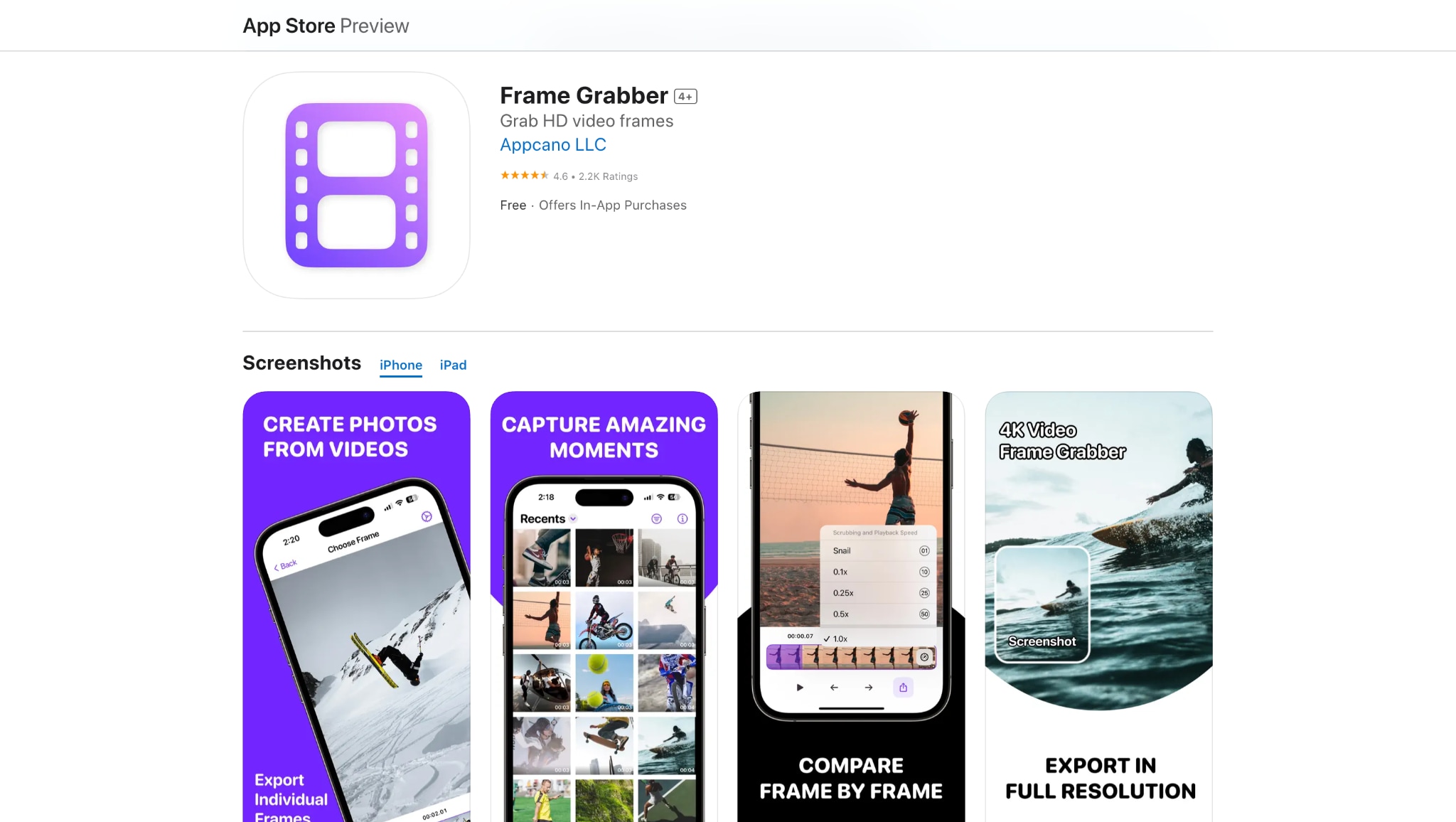
Key Features:
- Extract PNG frames from MP4, MOV, and iPhone videos
- Frame-by-frame scrubber for pinpoint accuracy
- Saves in PNG, JPG, or Live Photo format
- High-resolution image output
- No quality loss during export
5. Aptoide – Android MP4 to Image Sequence Converter
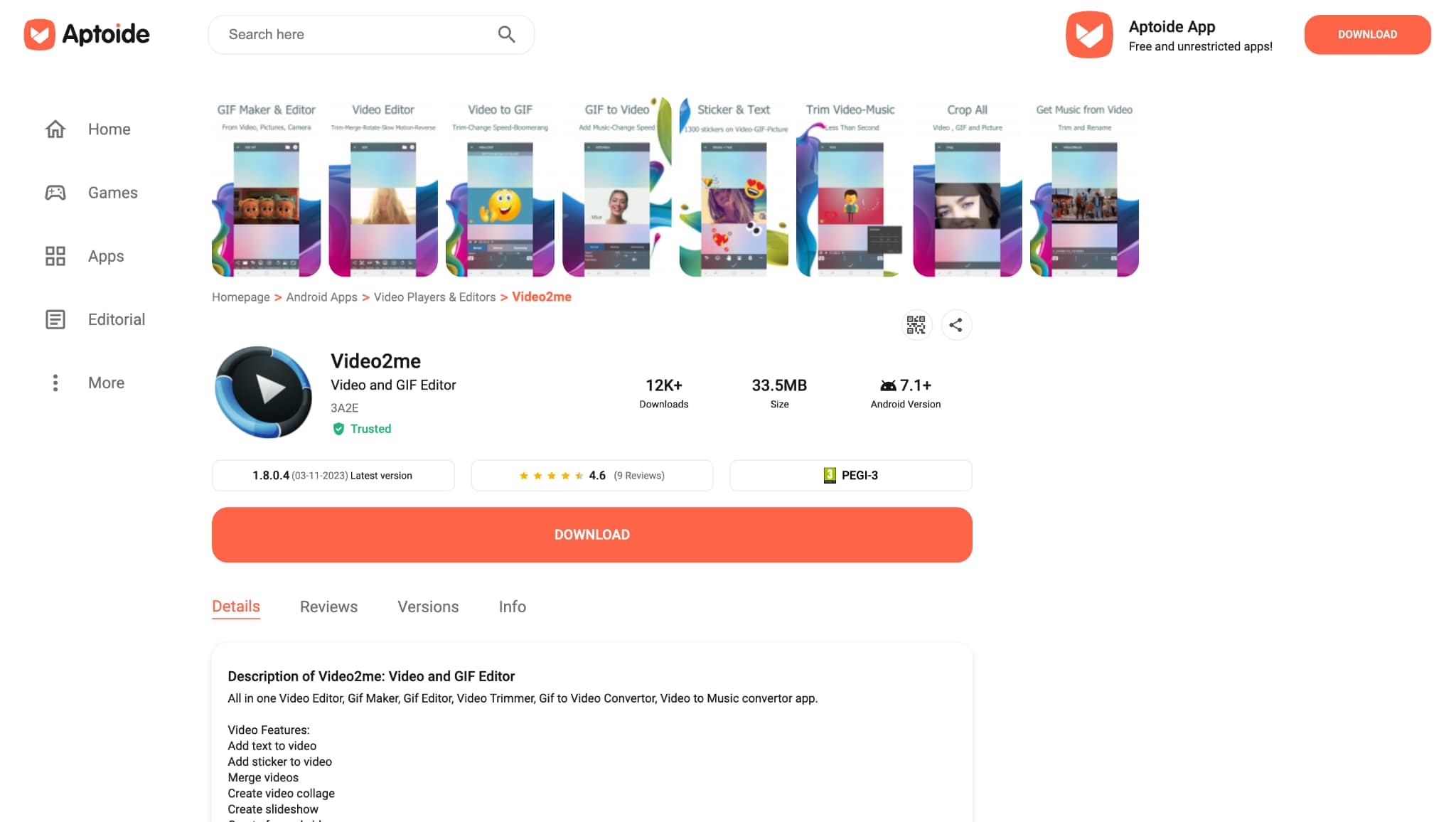
Key Features:
- Convert MP4, AVI, and MOV to PNG or JPG sequences
- GIF and APNG support included
- Trim and crop the video before extraction
- Share image sets or animations instantly
- Works on most Android devices
Easy to Use MP4 Video to PNG Converter
6. XnConvert – Cross-Platform Batch PNG Extractor
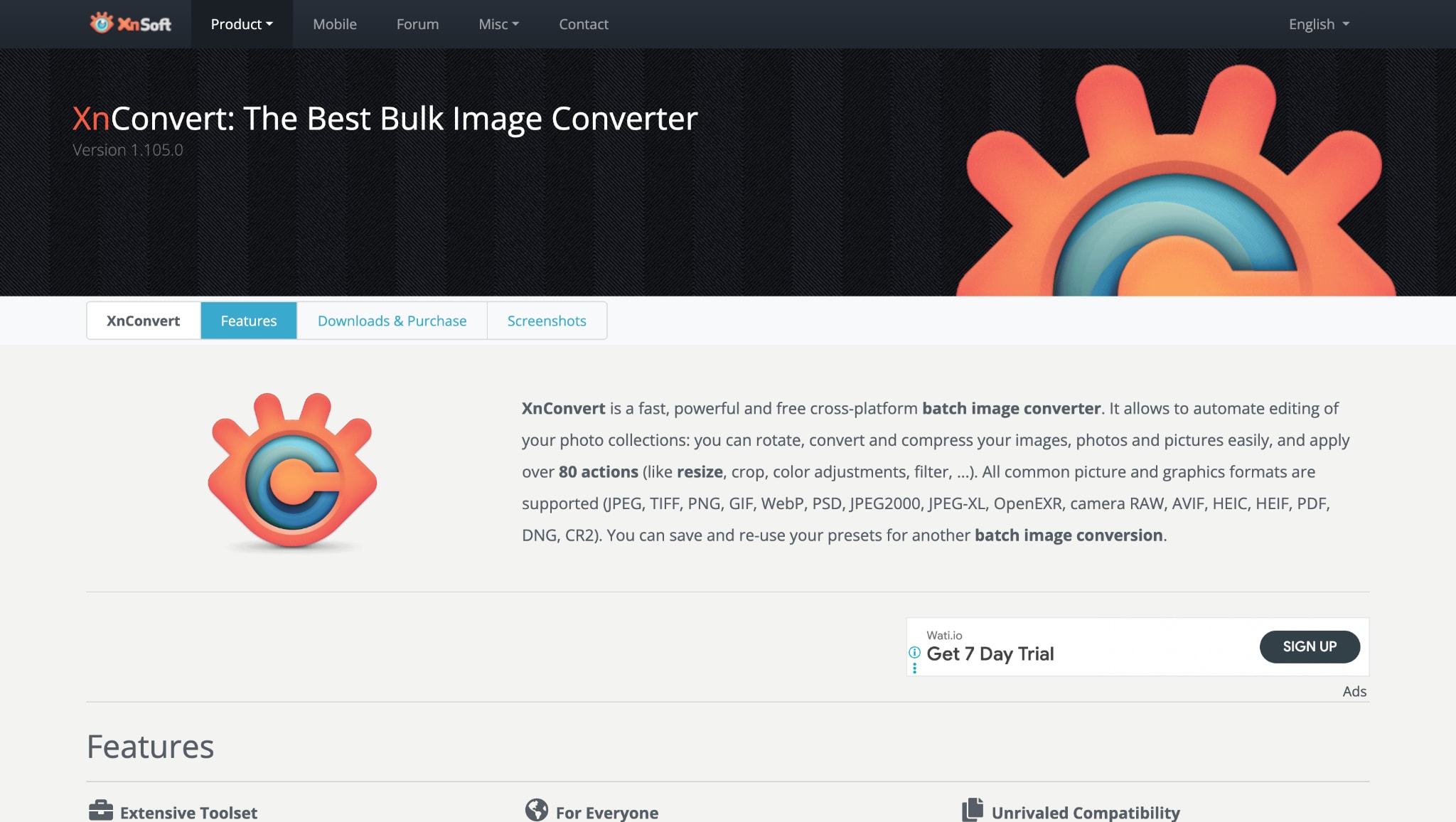
Key Features:
- Extract PNG frames from MP4, AVI, MOV, and WebM
- Apply filters, resize, and rename in bulk
- Batch processing for multiple videos
- Cross-platform (also available for iOS and desktop)
- Works offline with no watermark
Part 3. Easy to Use 3 Free Tools to Turn Videos to PNGs on Web Page
If you don't want to install software or apps, web-based tools allow you to convert video to PNG directly from your browser. These free platforms work seamlessly across various devices, including Windows, Mac, Android, and iOS. They are ideal for converting MP4 to PNG frames, WebM to PNG, or AVI to PNG sequences quickly and without any technical setup.
7. Ezgif – Online MP4 to PNG Converter
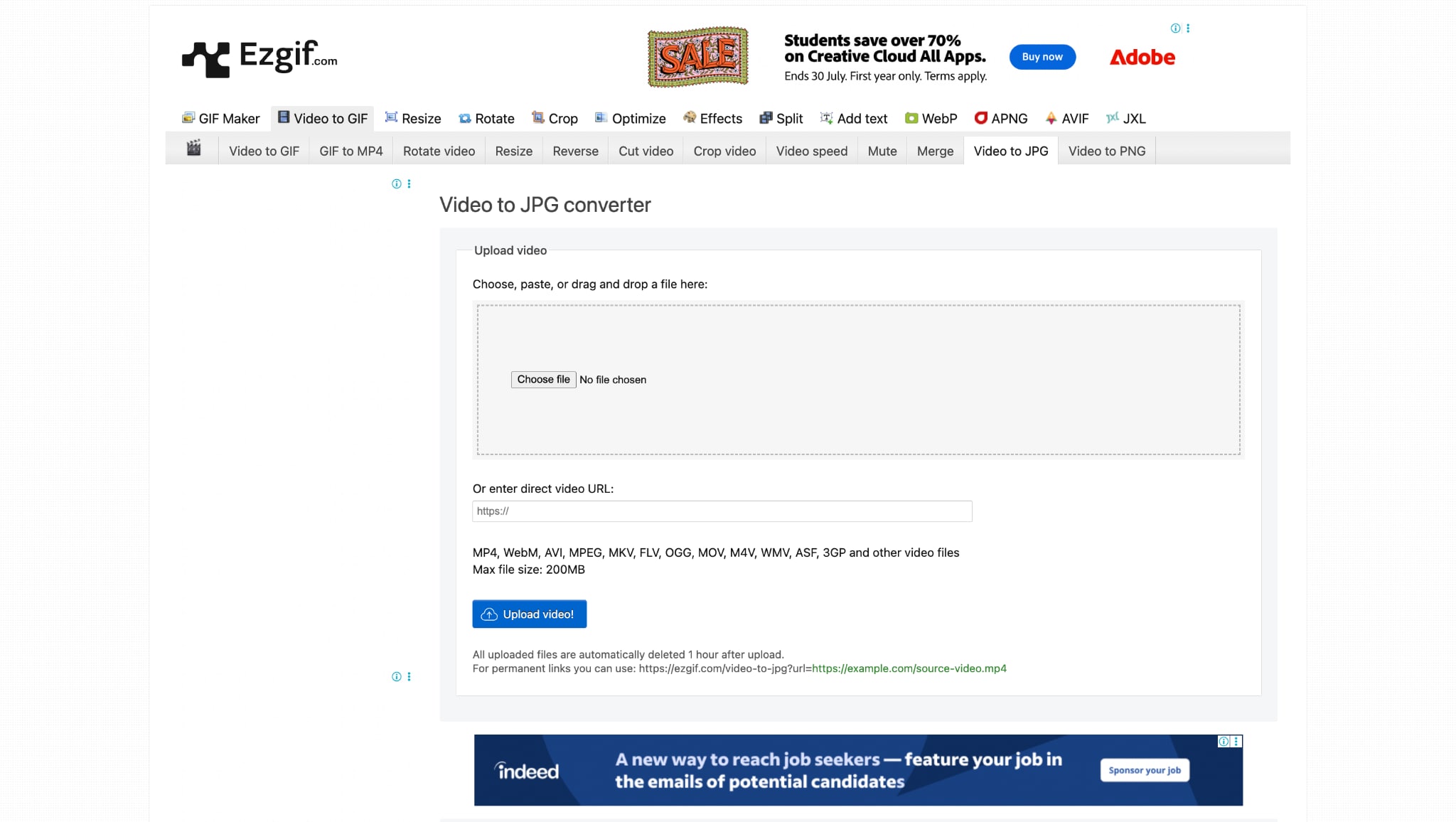
Key Features:
- Convert MP4, AVI, WebM, and MOV to PNG or JPG
- Select frame range or interval for export
- Preview frames before downloading
- Resize and crop during the conversion
- Works directly in the browser, no login required
8.Veed.io – Video to PNG Frame Export Tool

Key Features:
- Extract PNG images from MP4, MOV, or WebM
- Built-in video editor to trim, crop, or rotate before converting
- Supports subtitles and overlays if needed
- No software download required
- Save single or multiple frames
9. Online Convert – Universal Video to PNG Converter
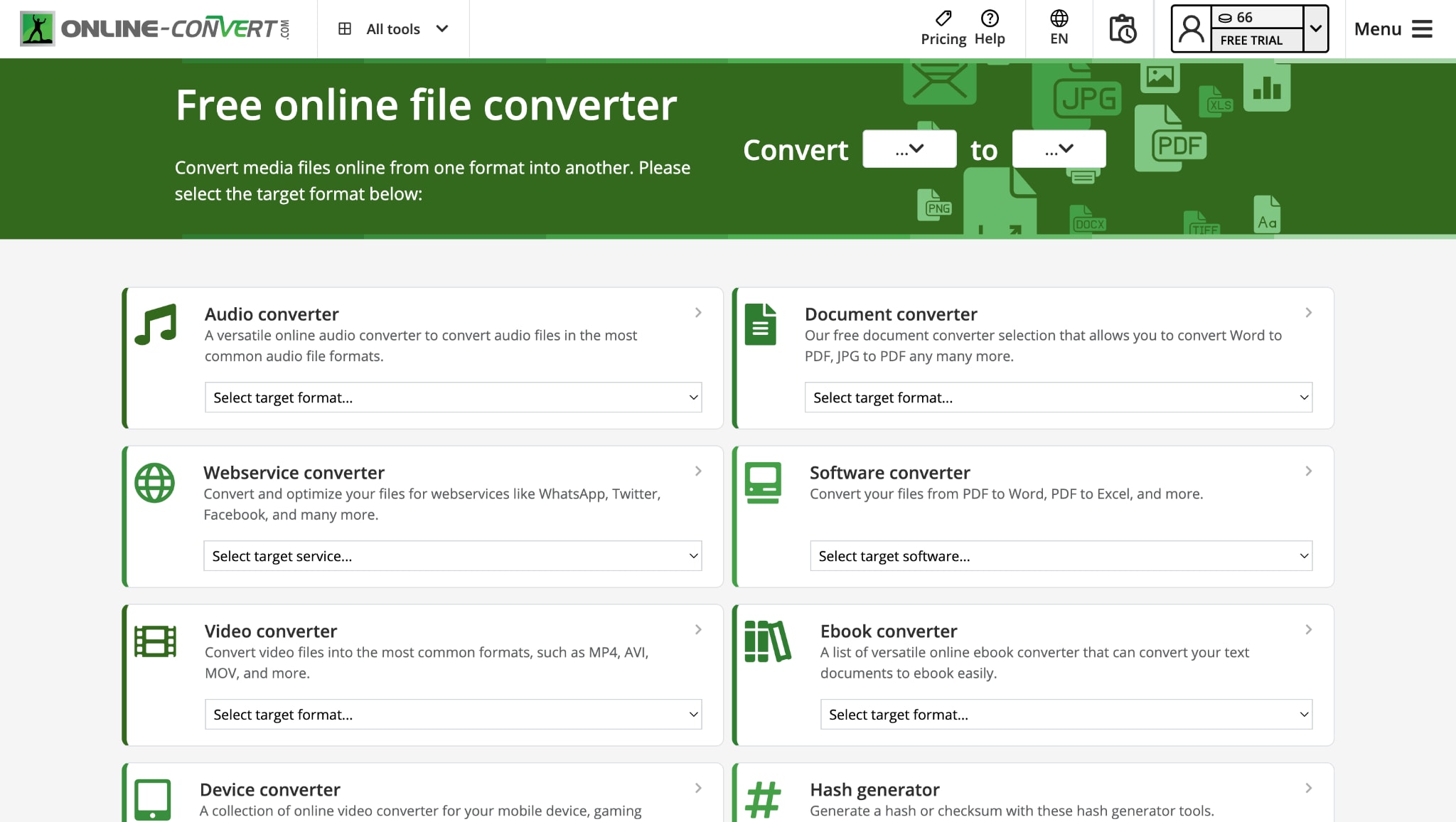
Key Features:
- Supports over 15 video formats (MP4, MOV, MKV, etc.)
- Advanced settings: resize, crop, color depth, DPI
- No account needed for basic use
- The batch frame download is available
- Works on all browsers and operating systems
Part 4. Quick Comparison of Video to PNG Converters
| Tool Name | Platform | Pricing (Windows / Mac) | Batch Frame Export | Watermark-Free Output |
| Wondershare UniConverter | Desktop (Win/Mac) | Free trial + $39.99 (Win) / $49.99 (Mac) | Yes | Yes |
| Any Video Converter | Desktop (Win/Mac) | Free + Premium upgrade | Yes | Yes (free tier) |
| Prism Video Converter | Desktop (Win/Mac) | Free for personal use / Paid commercial license | Yes | Yes (free tier) |
| Video to Photo Frame Grabber | Mobile (iOS) | Free + In-app purchases | No | Yes |
| Video2me | Mobile (Android) | Free + Pro version | No | Yes |
| XnConvert Mobile | Mobile (Android/iOS) | Free | Yes | Yes |
| Ezgif | Web | Free | No | Yes |
| VEED.IO | Web | Free + Paid tiers from $12/month | No | No (Free plan adds watermark) |
| Online-Convert | Web | Free + Paid (from $7/month for more features) | Yes | Yes |
Key Takeaways:
- Best All-in-One Desktop Tool: Wondershare UniConverter supports MP4 to PNG, batch processing, and format flexibility with AI acceleration.
- Lightweight Free Option: Any Video Converter works well for simple MP4 to PNG frame grabs.
- Web Simplicity: Ezgif is excellent for quickly extracting PNG frames without requiring a login or software.
- Mobile Frame Grabbers: Video2me and Frame Grabber give phone users practical options for creating PNG sequences on the go.
Easy to Use MP4 Video to PNG Converter
Conclusion
Converting MP4 and other video formats to PNG sequences is essential for editors, designers, meme creators, and motion graphic artists who need clean, high-quality frames.
For professionals and beginners alike, Wondershare UniConverter stands out with its seamless combination of batch processing, editing capabilities, and broad format support—all in one desktop tool. Meanwhile, mobile users can rely on apps like Video2me and XnConvert Mobile for frame-grabbing on the go, as well as free online tools like Ezgif or VEED.IOare perfect for quick, no-install conversions.
No matter your platform—Windows, Mac, Android, iPhone, or browser—there’s a reliable MP4 to PNG frames tool ready to fit your creative workflow. Ready to convert video to PNG with speed and precision? Try Wondershare UniConverter — the all-in-one video PNG converter trusted by creators worldwide.
FAQs
-
1. How can I convert MP4 to PNG frames easily?
To convert MP4 to PNG frames, use tools like Wondershare UniConverter, Ezgif, or Video2me. These platforms enable you to extract image sequences from videos without any loss of quality. Upload the video, set frame intervals, and export in PNG format. -
2. Does UniConverter support batch video to PNG conversion?
Yes, Wondershare UniConverter allows batch processing for converting videos to PNG. You can upload multiple MP4, AVI, or MOV files and extract high-resolution PNG frames simultaneously, making it ideal for animation and video analysis projects. -
3. Are there free tools to convert video to PNG online?
Absolutely. Websites like Ezgif, VEED.IO, and Online-Convert offer free video-to-PNG converter tools. These web-based platforms require no downloads and support multiple formats, including MP4, WebM, and AVI, though they may have size or feature limitations. -
4. What’s the best way to convert video to PNG on a phone?
For mobile users, apps like Video2me (Android) and Video to Photo Frame Grabber (iOS) are great for converting MP4 to PNG. They support video scrubbing, high-resolution output, and easy sharing—ideal for social content or frame-based storytelling.

