


Ever stumbled upon a Kwai video that’s just perfect, only to be frustrated by the watermark blocking your creativity? Many viewers face the same dilemma—wanting to save or share clips seamlessly but being limited by the app’s restrictions.
This guide is your key to unlocking smooth, high-quality downloads without the pesky marks. From Windows and Mac software to mobile apps and web tools, we’ll show you how to get clean videos effortlessly. You’ll also discover batch-download tricks, safety tips, and expert recommendations to make the whole process fast and secure. By the end, downloading Kwai videos will feel as easy as a single tap.
- [Why Third-Party Tools Are Used] Kwai’s built-in save feature is limited because it adds watermarks and may not store videos in the most convenient location for sharing or editing.
- [Tool Choices Across Devices] The article lists desktop software, browser-based downloaders, and mobile apps, giving users different ways to save Kwai videos on Windows, Mac, iPhone, and Android.
- [Desktop Tools Offer More Power] Computer software is positioned as the best option for high-quality downloads, batch processing, and extra features like format conversion and editing.
- [Batch Downloading Saves Time] Using a downloader that supports multiple URLs at once makes it much easier to save several Kwai videos quickly and without repeated steps.
- [Safety and Copyright Matter] The guide stresses using reputable tools, protecting your device from risky sites or apps, and respecting copyright and privacy when downloading or reusing videos.
In this article
Treat watermark removal as a rights and quality question
Kwai downloader searches focus on watermark expectations, source permissions, format, mobile versus desktop workflows, and file quality. Separate an official clean export from a third-party workflow. Compare desktop, browser, and mobile methods by permission, output quality, batch needs, privacy, and whether the result is a genuine downloaded file rather than a preview or recompressed copy.
When it fails: If the result still contains a watermark or loses quality, check the source mode and actual downloaded file; do not crop or remove creator marks unless the rights and use conditions allow it.
Treat watermark removal as a rights and quality question: Separate an official clean export from a third-party workflow. Compare desktop, browser, and mobile methods by permission, output quality, batch needs, privacy, and whether the result is a genuine downloaded file rather than a preview or recompressed copy.
Part 1: Why Need a Third-Party Kwai Downloader?
Does Kwai Have a Built-in Downloader?
Yes, Kwai offers an official “Save Video” feature that allows users to download videos directly from the app. While convenient, this built-in option comes with significant limitations. First, every saved video is stamped with the Kwai watermark, which can interfere with sharing, editing, or reposting. Second, videos are saved to Kwai’s internal storage rather than your phone’s gallery, making it harder to access or transfer them to other devices and platforms.
Why Do You Need a Third-Party Kwai Downloader?
Third-party downloaders solve these issues, giving you greater control over your content. They allow you to save videos without the watermark, preserving the original quality for personal or professional use. You can also download videos that creators have restricted from saving, ensuring you never miss a clip you love. Additionally, these tools store videos directly in your camera roll or gallery, making it easy to access, share, or edit them across social media platforms or video projects.
Part 2: Softwares to Download Kwai Videos on Win and Mac
Downloading Kwai videos on your computer is easier than you think, thanks to several reliable software solutions that work on both Windows and Mac. Let’s explore the top tools that let you save videos without watermarks, in high quality, and with added flexibility:
1. Wondershare UniConverter
Wondershare UniConverter is an all-in-one multimedia toolkit compatible with both Windows and Mac. It goes beyond basic downloading, offering a complete solution for video enthusiasts, including conversion, compression, editing, and DVD burning. Its built-in video downloader allows users to fetch high-quality videos from thousands of platforms, including Kwai, YouTube, and Vimeo. UniConverter also supports batch downloads, so you can save multiple videos simultaneously without compromising speed or quality. The tool’s AI-powered enhancements refine both video and image outputs, making it perfect for creators looking to maintain professional standards. With a user-friendly interface and versatile features, UniConverter ensures that downloading, editing, and sharing videos is seamless and efficient.

Unique Edge: AI-powered enhancement tools allow you to improve video and image quality effortlessly.
Starting Price: $39.95/year

Easy to Use Kwai Video Downloader
2. Movavi Video Converter
Movavi Video Converter is a fast, efficient, and user-friendly solution for Windows and Mac users who need to download, convert, and optimize videos. It supports over 180 formats and ensures high-quality output while maintaining the original clarity of the video. Beyond downloading Kwai videos, Movavi provides basic editing tools such as trimming, rotating, and adding subtitles. Its batch processing feature makes it easy to handle multiple files at once, saving time for creators and casual users alike. The software also includes AI-powered video upscaling to improve resolution and quality, making it ideal for professional and personal projects.
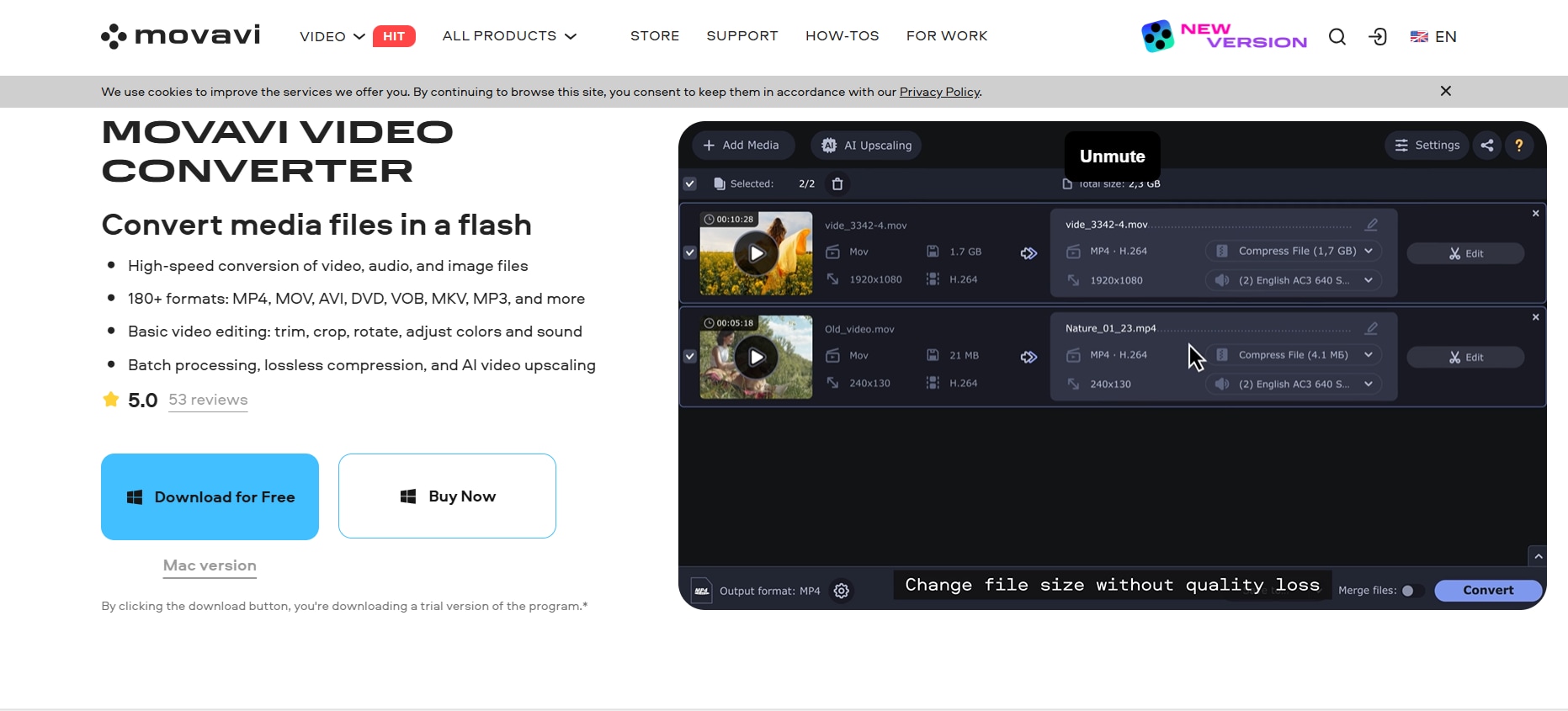
Unique Edge: AI upscaling allows videos to look sharper and more professional, even when downloaded from low-resolution sources.
Starting Price: $19.95/month
3. Allavsoft
Allavsoft is a versatile video downloader and converter for Windows and Mac that focuses on speed and compatibility. It supports downloads from hundreds of platforms, including Kwai, YouTube, Vimeo, and more. The software can handle batch downloads, allowing you to save multiple videos or playlists at once. Additionally, Allavsoft can extract audio from videos, convert files into various formats, and integrates with your browser for one-click downloads. Its straightforward interface makes it easy even for beginners to download high-quality videos without watermarks. With fast processing speeds and wide platform support, Allavsoft is perfect for users who need both flexibility and efficiency in video downloading.

Unique Edge: Its ability to download from a vast array of platforms, combined with batch processing, makes it highly flexible.
Starting Price: $19.99/year
Part 3: Webs to Download Kwai Videos on iPhone & Android
1. SnapFrom
SnapFrom is a versatile online video downloader that supports Kwai (Kuaishou) and other platforms like TikTok and YouTube. It allows users to download videos in various formats such as MP4, MP3, WEBM, M4A, and 3GP without the need for software installation. The platform is accessible via any modern browser on iOS, Android, or desktop devices. SnapFrom prioritizes high-quality downloads, offering resolutions up to 4K when available. Its simple interface makes it easy even for beginners to download videos quickly. Additionally, SnapFrom does not require any account or login, making the process fast and hassle-free. Users can also preview videos before downloading to ensure they get the correct content.
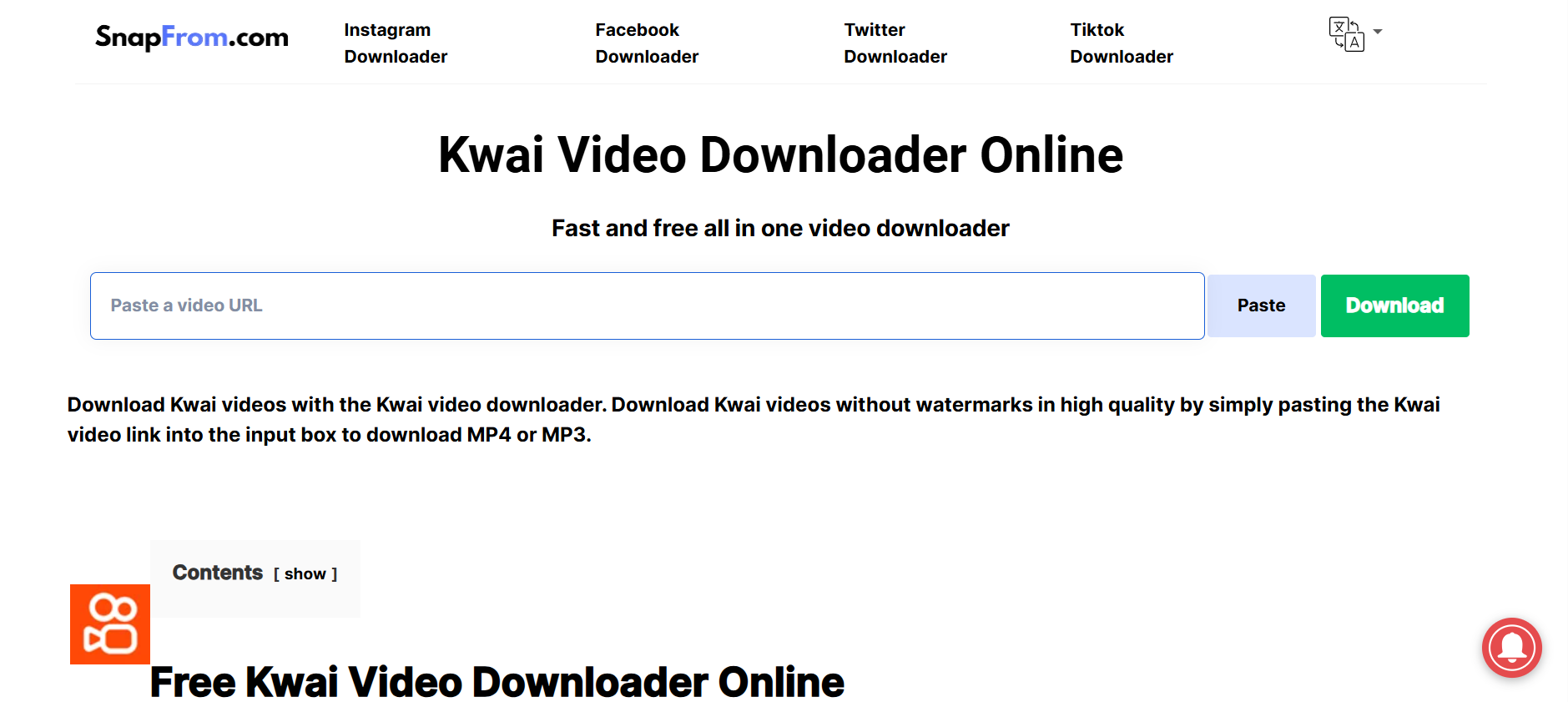
Unique Edge: Its ability to download from a vast array of platforms, combined with batch processing and multi-format support, makes it extremely flexible and convenient.
Starting Price: $19.99/year
2. DLBunny
DLBunny is an online video downloader that specializes in Kwai (Kuaishou) videos. It allows users to download videos without watermarks by simply pasting the video URL. DLBunny automatically selects the highest-definition resource available. The platform supports multiple languages, including English, French, German, Spanish, Arabic, Chinese, Japanese, Korean, and Vietnamese. It is accessible via any modern browser on iOS, Android, or desktop devices. The website also ensures fast download speeds without compromising video quality. Users can download multiple videos consecutively without waiting between downloads. Moreover, DLBunny is compatible with both mobile and desktop devices, providing flexibility for all users.
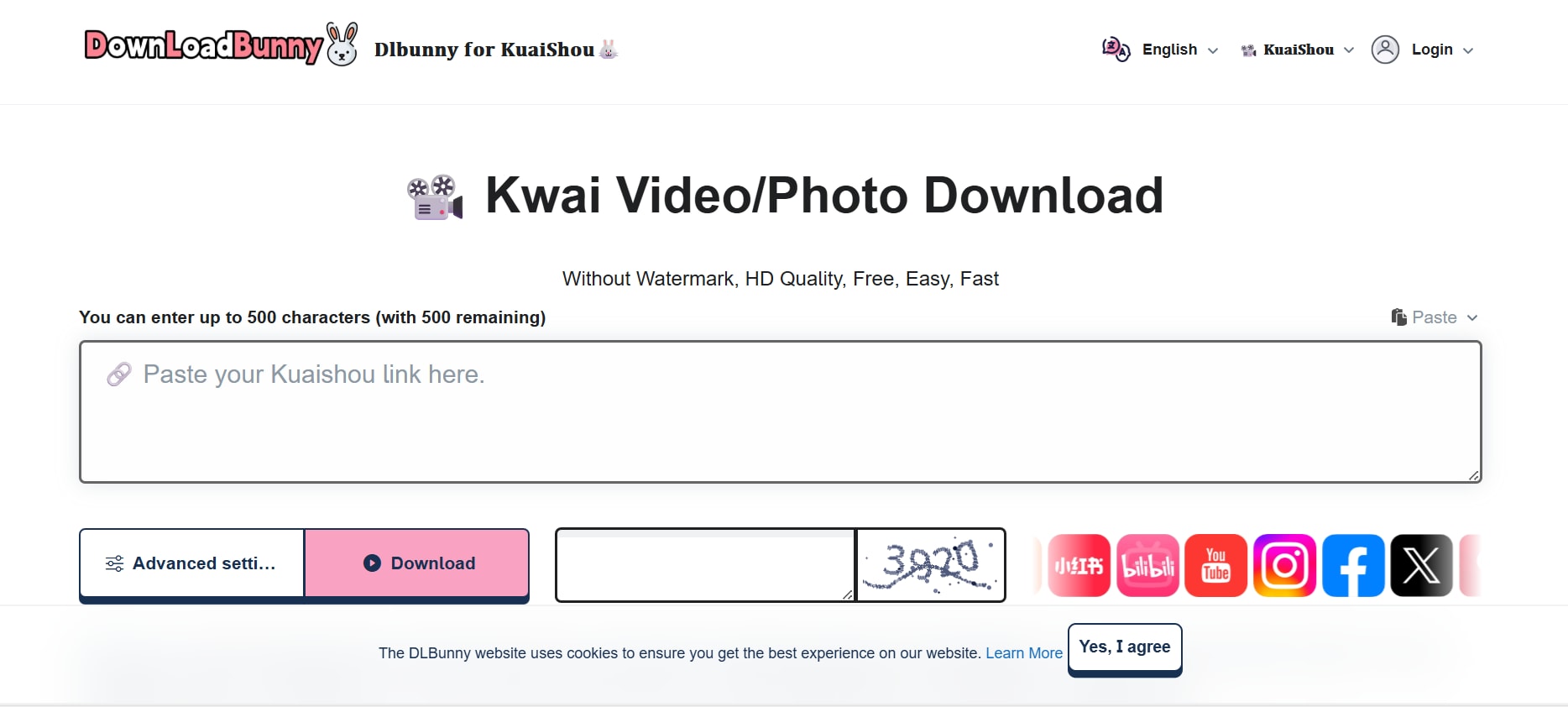
Unique Edge: Automatically selects the highest-definition resource and optimizes downloads for various devices, making it reliable and fast.
Starting Price: $14.99/year
3. PasteDownload
PasteDownload is a user-friendly, browser-based tool that allows you to download videos, music, and images from a wide array of platforms without the need for any software installation. Simply paste the URL of the desired content, and PasteDownload handles the rest, providing you with options to save files in various formats and qualities. This service supports popular sites like YouTube, Facebook, Instagram, TikTok, Twitter, Vimeo, Dailymotion, and many more. Whether you're looking to save educational videos, music tracks, or social media content, PasteDownload offers a convenient and efficient solution.
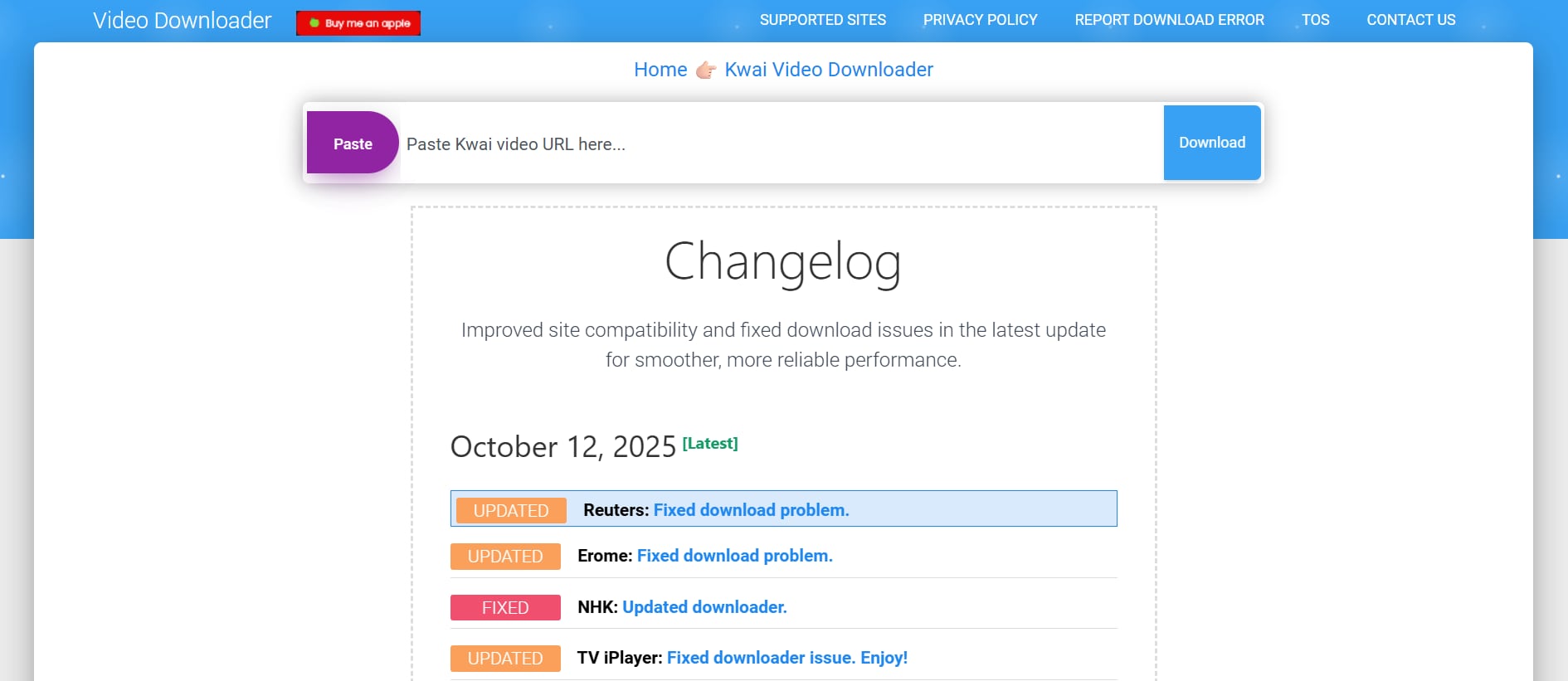
Unique Edge: PasteDownload stands out by offering a comprehensive, no-installation-required solution that caters to a wide array of platforms.
Starting Price: Free
4. Cisdem
Cisdem is a software company offering a diverse range of utilities designed to enhance productivity, data management, and multimedia handling on Mac and Windows platforms. Their suite includes tools for data recovery, video conversion, PDF editing, DVD burning, internet filtering, and even Kwai video downloading. With a focus on user-friendly interfaces and robust performance, Cisdem aims to provide solutions that cater to both casual users and professionals. Whether you're looking to recover lost files, convert media formats, download Kwai videos, or manage documents, Cisdem's software portfolio offers a variety of options to meet your needs.
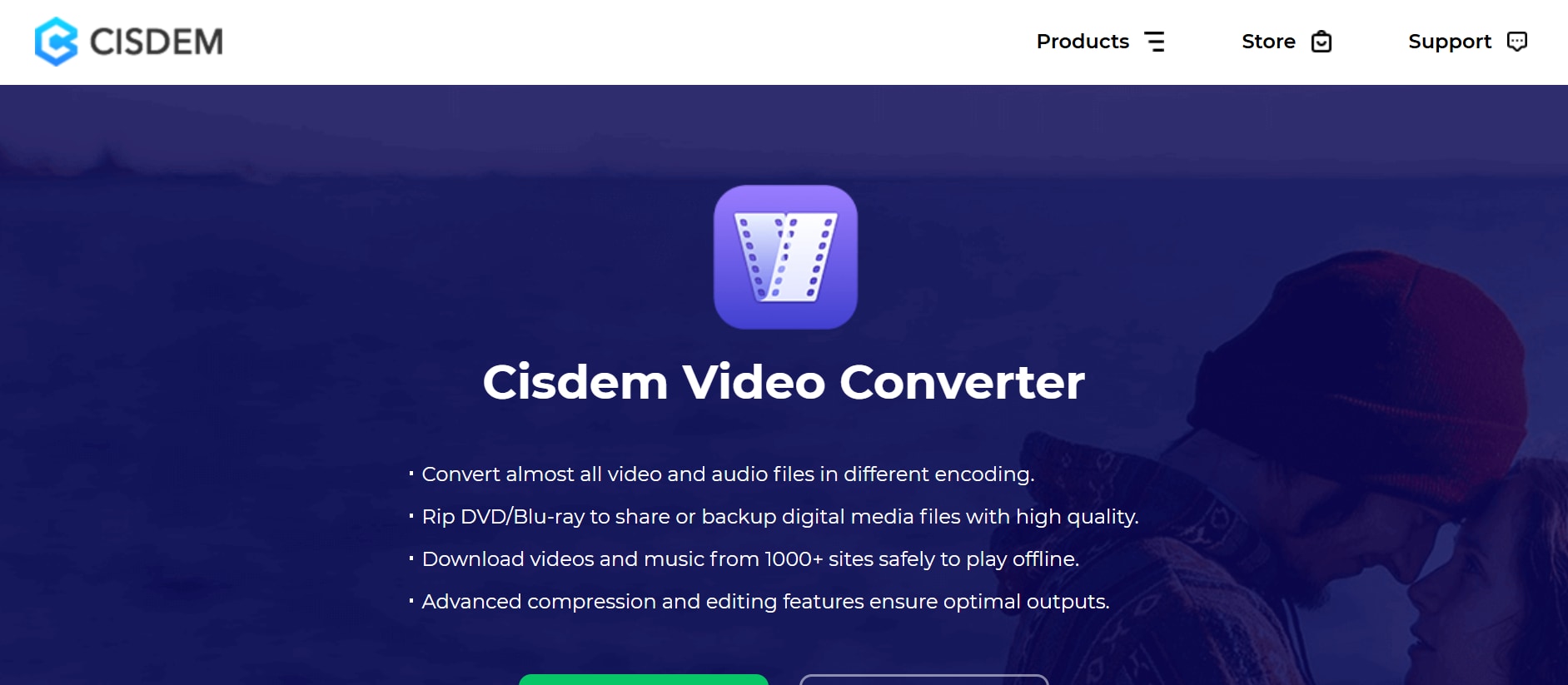
Unique Edge: Cisdem distinguishes itself by offering a comprehensive suite of software tools that cater to a wide range of user needs, from data recovery to multimedia conversion, all within a user-friendly interface.
Starting Price: $69.99/year
Easy to Use Kwai Video Downloader
Part 4: Apps to Download Kwai Videos on iPhone & Android
1. SnapSave
SnapSave is a video downloader that supports Kwai (Kuaishou) and other platforms. It allows users to download videos without watermarks by pasting the video URL. SnapSave offers high-speed downloads and supports various resolutions. The platform is accessible via any modern browser on iOS, Android, or desktop devices. S
napSave also provides a simple copy-and-paste workflow, making it convenient for users who are not tech-savvy. Users can save videos directly to their device storage without additional software. The platform occasionally updates to support new video formats and platforms, ensuring long-term usability. Additionally, SnapSave is optimized for mobile devices, providing smooth downloads even on slower networks.
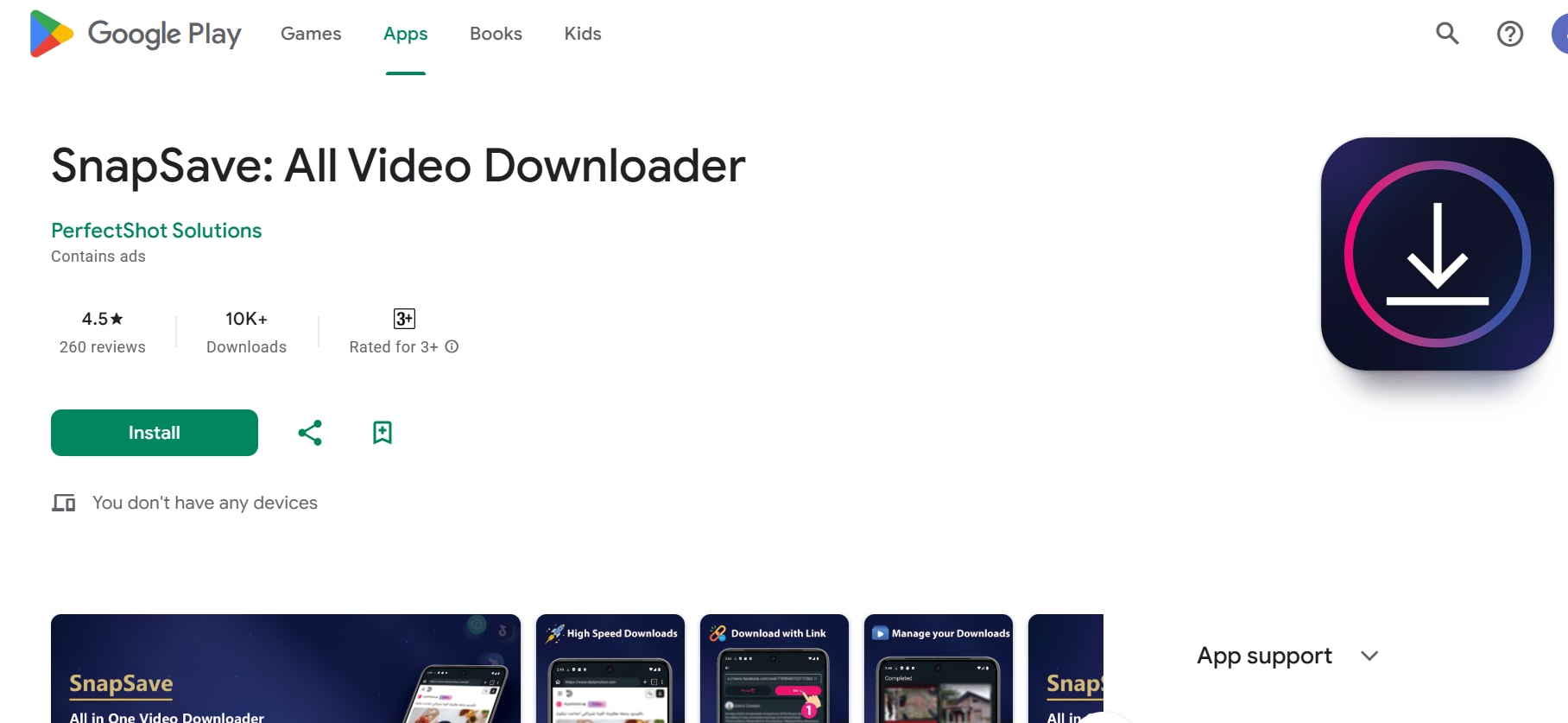
Unique Edge: High-speed downloads with multiple resolution options, optimized for mobile devices, and supports large file sizes efficiently.
Starting Price: $12.99/year
2. KwaiSave
KwaiSave is a lightweight and user-friendly Android application designed to download Kwai (Kuaishou) videos without watermarks. With a simple copy-paste interface, users can quickly save their favorite videos in HD quality for offline viewing. The app operates in the background, allowing for uninterrupted use of your device while downloads continue. It's particularly useful for those who wish to archive content or share videos without the Kwai branding. KwaiSave is available for free on platforms like APKPure, ensuring easy access without the need for account creation.
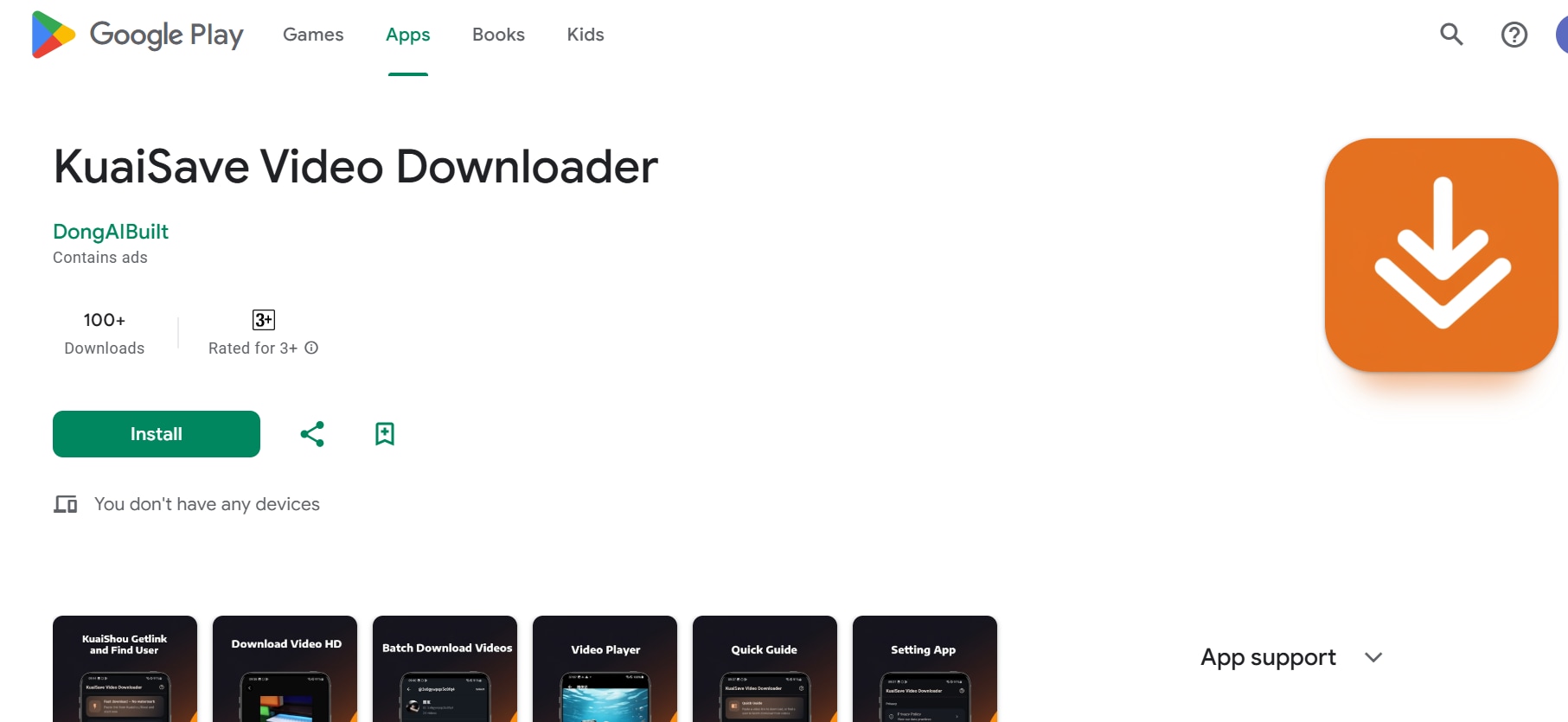
Unique Edge: KwaiSave stands out by offering a straightforward, no-frills approach to downloading Kwai videos, making it ideal for users seeking a hassle-free experience without unnecessary features.
Starting Price: Free
3. APKPure
APKPure is a popular third-party Android app store that allows users to download APK files for apps and games not always available in their region or on the Google Play Store. It offers a wide selection of apps, including those restricted in certain countries, beta versions, and older versions for compatibility. APKPure provides a secure, user-friendly interface, ensuring apps are scanned for safety before download. It also supports automatic updates for installed apps, making it a reliable alternative for Android users who want access to a broader range of applications beyond the Play Store.
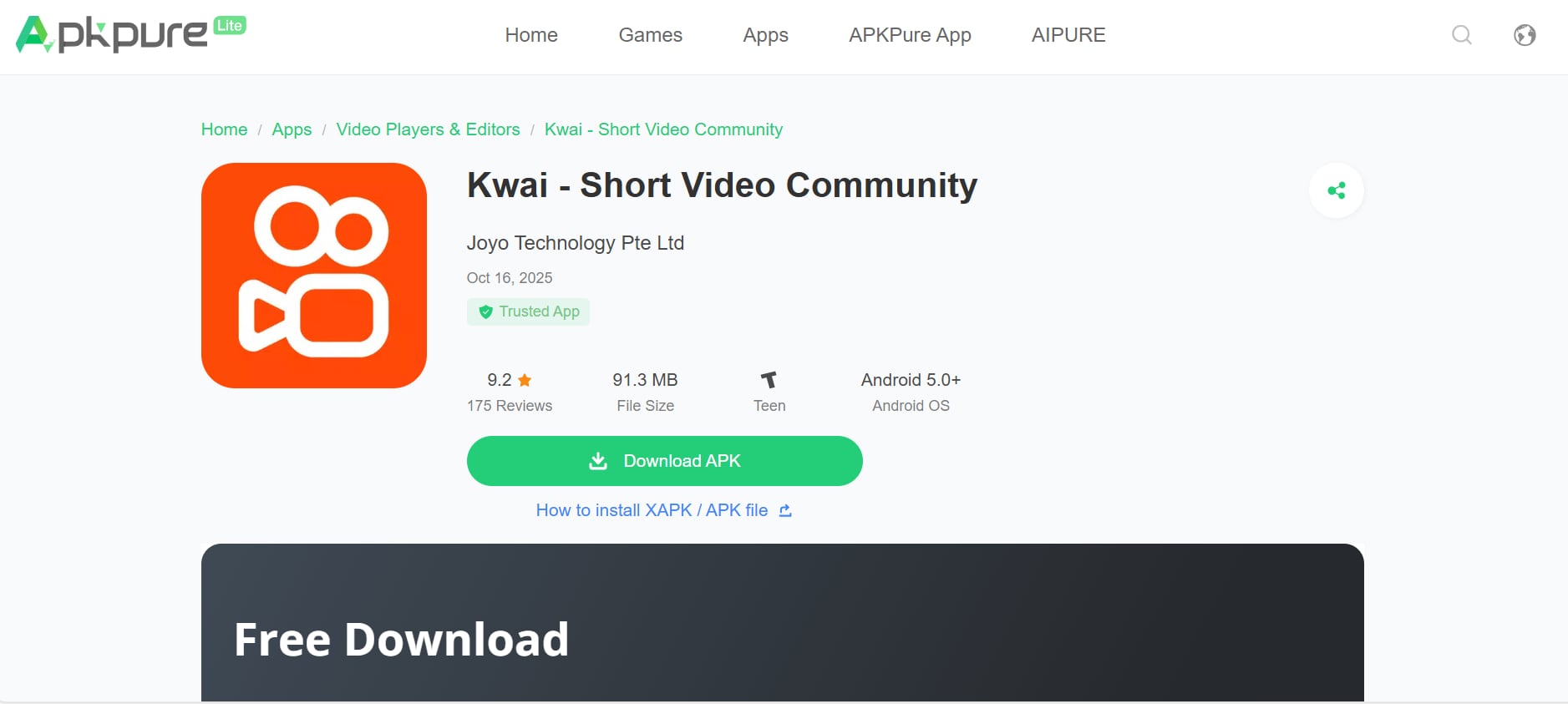
Unique Edge: APKPure stands out by providing access to apps and games unavailable in certain regions, including beta versions and older updates, all in a secure and easy-to-navigate platform.
Starting Price: Free
Part 5: How to Easily Batch Download Kwai Video Without Watermark
Downloading multiple Kwai videos at once can save time and help you organize your favorite content efficiently. With the right tools, you can grab high-quality videos without watermarks in just a few simple steps. Let's explore how to do it:
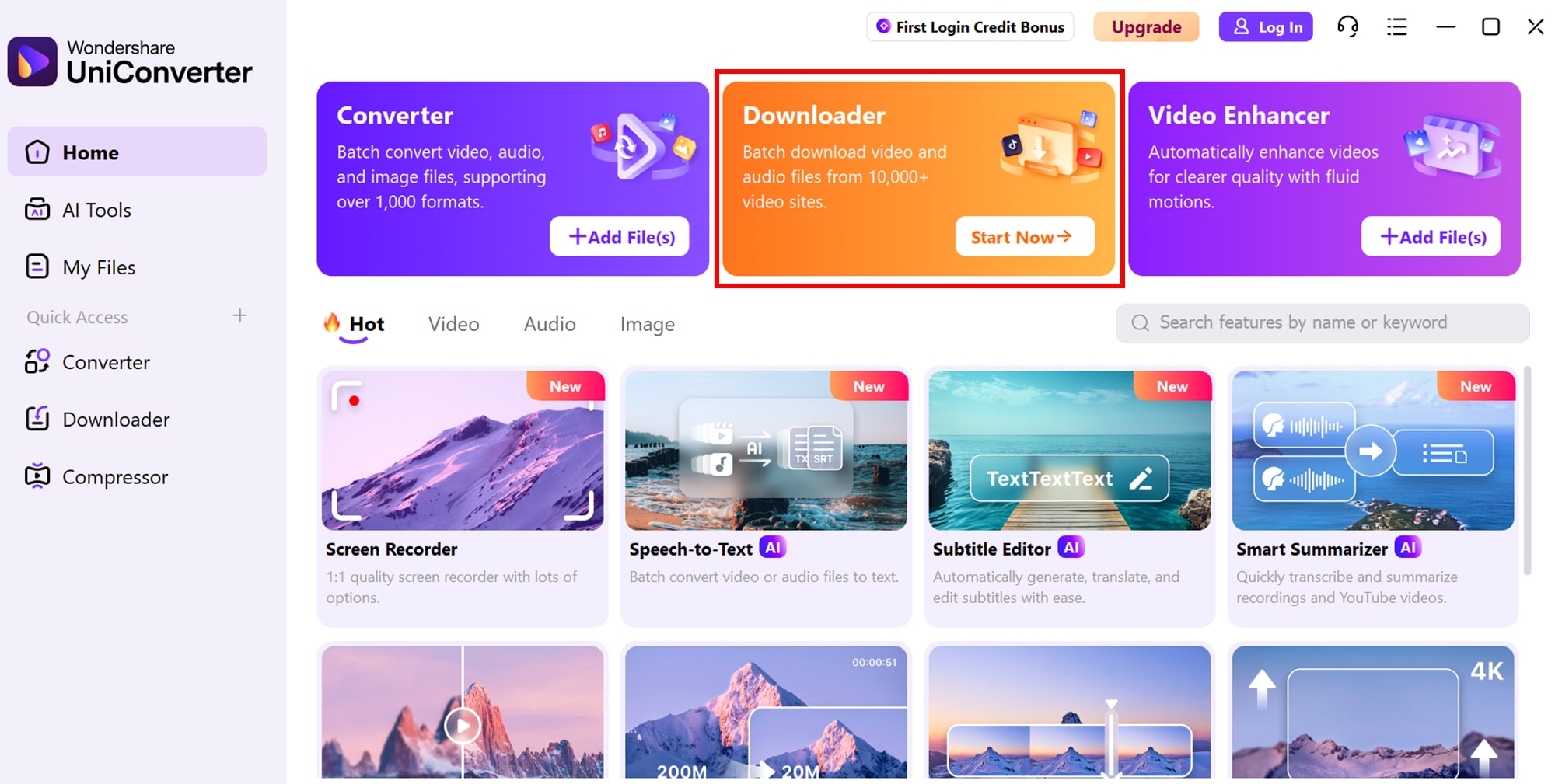
Step1: Access Downloader
Open your Uniconverter video downloader, either a web-based tool or an app. Ensure the downloader supports batch downloading so you can save multiple videos simultaneously without repeating the process.
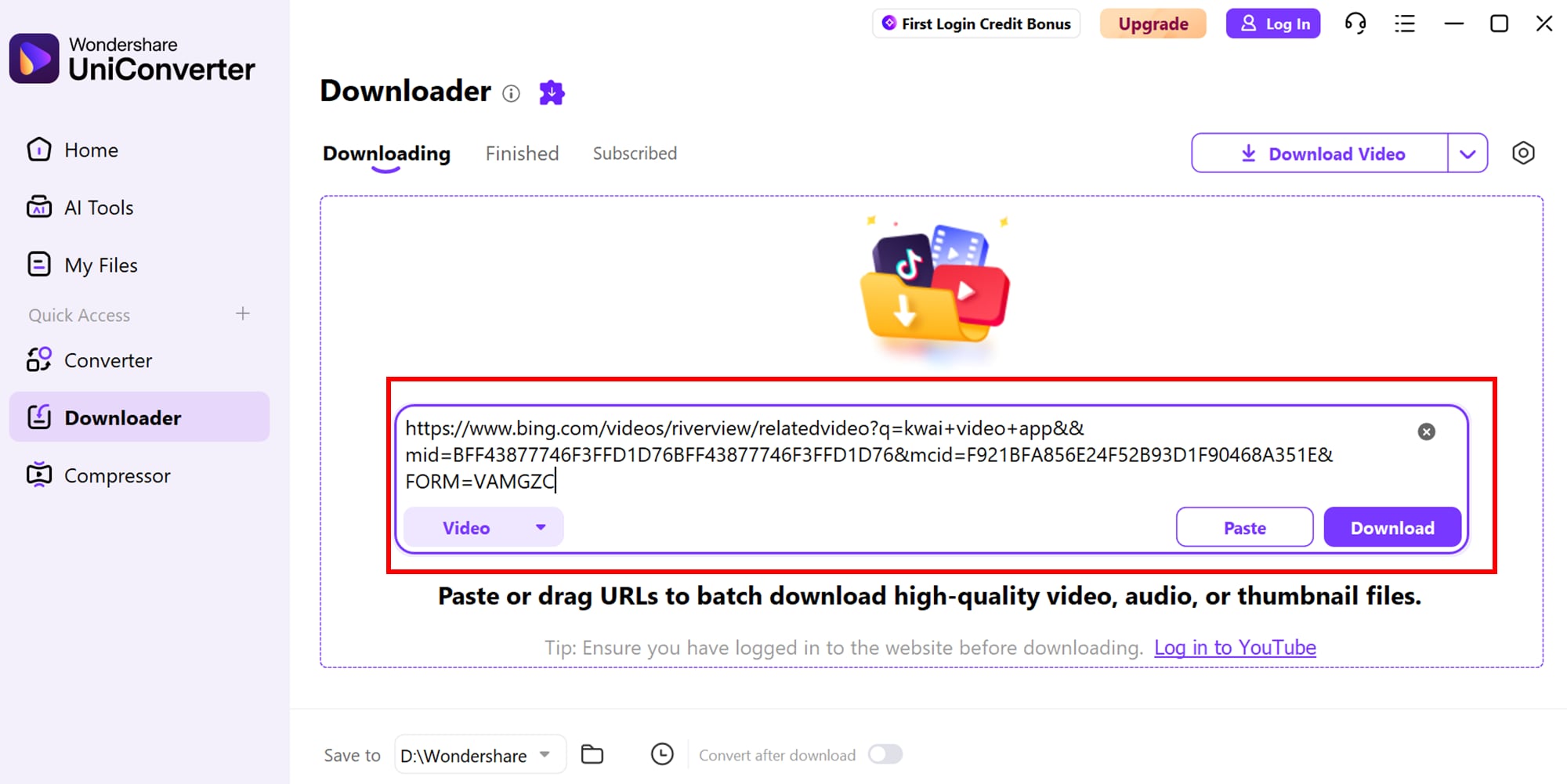
Step 2: Paste Kwai URL
Copy the link of the Kwai video you want to download and paste it into the downloader’s input field. Most tools also allow you to add multiple URLs at once, making batch downloading quick and convenient.
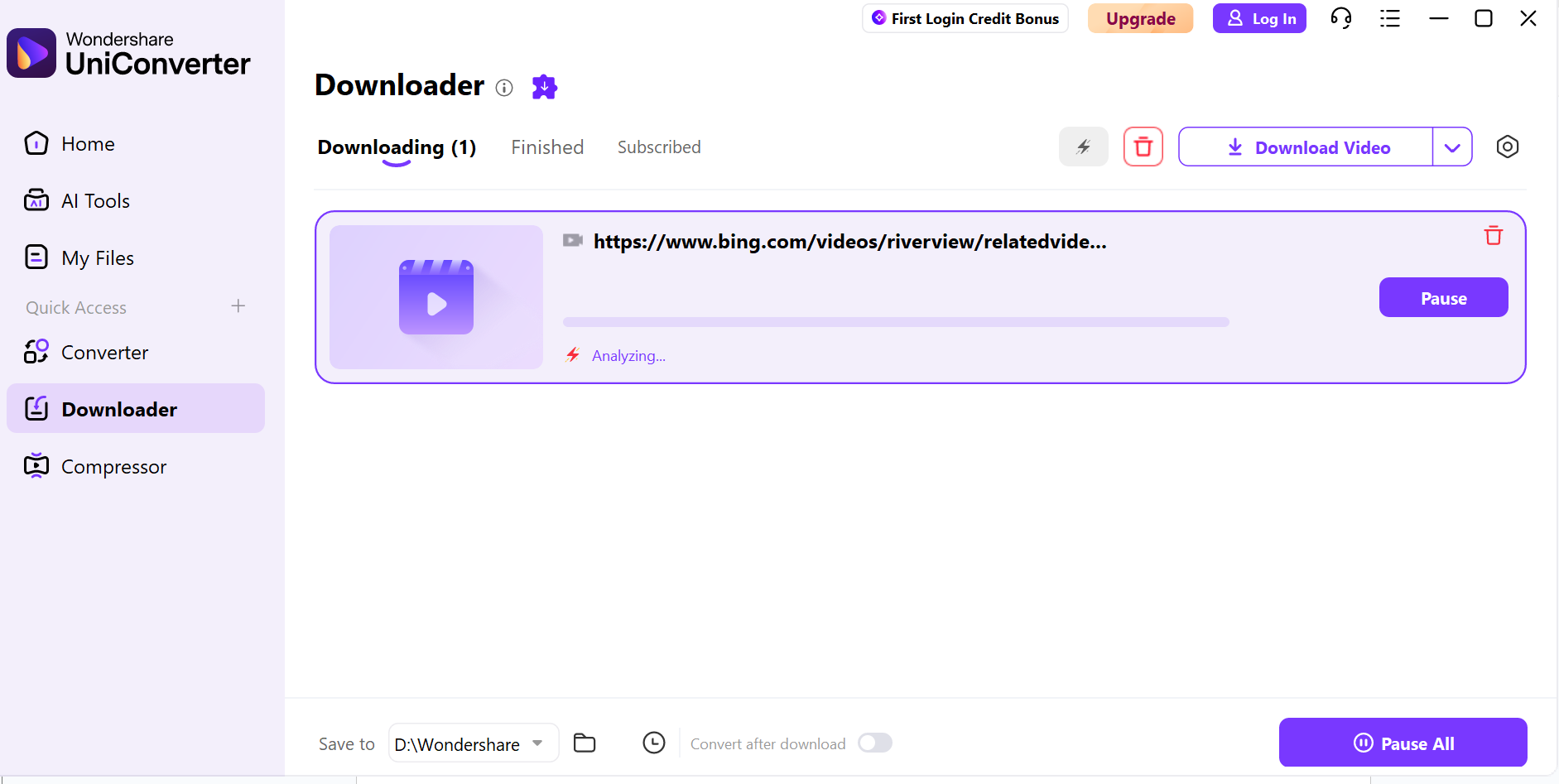
Step 3: Download videos
Choose the desired format and quality for your downloads, then click the download button. The videos will be saved to your device without watermarks, ready for offline viewing or sharing.
Part 6: Important Tips and Safety Warnings
Downloading Kwai videos can be quick and convenient if you follow the right steps and use trusted tools. Let’s explore some essential tips to stay safe and make the most of your downloads:
Respect Copyright and Privacy
Always ensure you have the right to download and use the video content. Avoid sharing or monetizing videos that belong to someone else. Being mindful of creators’ rights also fosters a supportive online community.
Choose Safe Downloader Tools
Use trusted apps or websites to avoid malware, phishing, or unwanted ads. Check reviews and ensure the platform is reputable before downloading. A reliable downloader also ensures faster and more consistent video downloads.
Check Video Quality
Select the appropriate resolution and format to maintain the best quality for offline viewing. Choosing the right settings also helps save storage space on your device.
Keep Your Device Secure
Regularly update your device and antivirus software to protect against potential threats while downloading files. This practice also improves overall device performance and stability.
Easy to Use Kwai Video Downloader
Conclusion
Downloading Kwai videos has never been easier with the right tools and careful attention to safety and copyright. By following the steps outlined above and using trusted downloaders, you can save high-quality videos without watermarks for offline viewing.
For a seamless and versatile experience, UniConverter is an excellent choice. It not only allows you to download Kwai videos quickly but also provides options to convert, edit, and manage your media files efficiently. Whether you’re a casual user or a content creator, UniConverter ensures a smooth, secure, and professional video downloading experience.
FAQs
-
1. Can I download Kwai videos without creating an account?
Yes! Many online tools and apps allow you to download Kwai videos without signing in. Simply copy the video link and paste it into the downloader. This makes the process fast and hassle-free for casual users. -
2. Will downloaded Kwai videos have watermarks?
Some downloaders remove watermarks automatically, while others may keep them. Always check the features of the tool you’re using to ensure watermark-free downloads. Removing watermarks ensures your videos look clean and professional for sharing. -
3. Can I batch download multiple Kwai videos at once?
Yes, several apps and online platforms support batch downloading. You can paste multiple URLs or select multiple videos for faster downloads. This saves time and effort, especially if you have a large playlist of videos. -
4. Is it safe to use third-party Kwai downloaders?
Using trusted and verified downloaders is important to avoid malware, unwanted ads, or privacy issues. Check user reviews and download from reputable sources. Staying cautious helps protect your device and personal information. -
5. Which tool offers a complete solution for downloading and managing Kwai videos?
Wondershare UniConverter is a reliable choice. It not only downloads Kwai videos without watermarks but also allows you to convert, edit, and manage media files efficiently on both Windows and Mac platforms. Additionally, it supports multiple formats, making it perfect for both casual viewers and content creators.
Frequently Asked Questions
Can every Kwai video be downloaded without a watermark?
No. Availability depends on the platform, source settings, tool behavior, and permission to reuse the content.
What should I verify after downloading?
Check the output container, resolution, frame rate, audio, duration, watermark state, and playback before editing.
Download, then convert with UniConverter
When the current UniConverter build supports the relevant download workflow, it can help save an authorized online video locally before conversion. Use the downloader only for content you own or have permission to use, then open the local file in the Video Converter module and select the format, resolution, or device profile required for the next step.
If the downloaded file has no audio, a missing extension, or an unsupported stream, inspect the local file first; re-downloading or renaming the file does not repair a damaged source.

