


(Disclaimer: Our tool is intended for personal use only. Users are solely responsible for using this tool to download videos, including compliance with video platform's terms of service and copyright laws and regulations. We are not liable for any consequences resulting from users' violation of any laws or infringement of others' rights.)
Snack videos are fun, fast, and endlessly scrollable—but what if you want to save them offline or repurpose them without the watermark? That’s where the right downloader comes in.
Whether you're on mobile, desktop, or just need a quick online solution, this guide brings you the 9 best tools to download Snack videos effortlessly. Tools like UniConverter make it easy with high-quality downloads, batch saving, and format conversion—all in just a few clicks.
In this article
Part 1: 3 Snack Video Downloaders Desktop
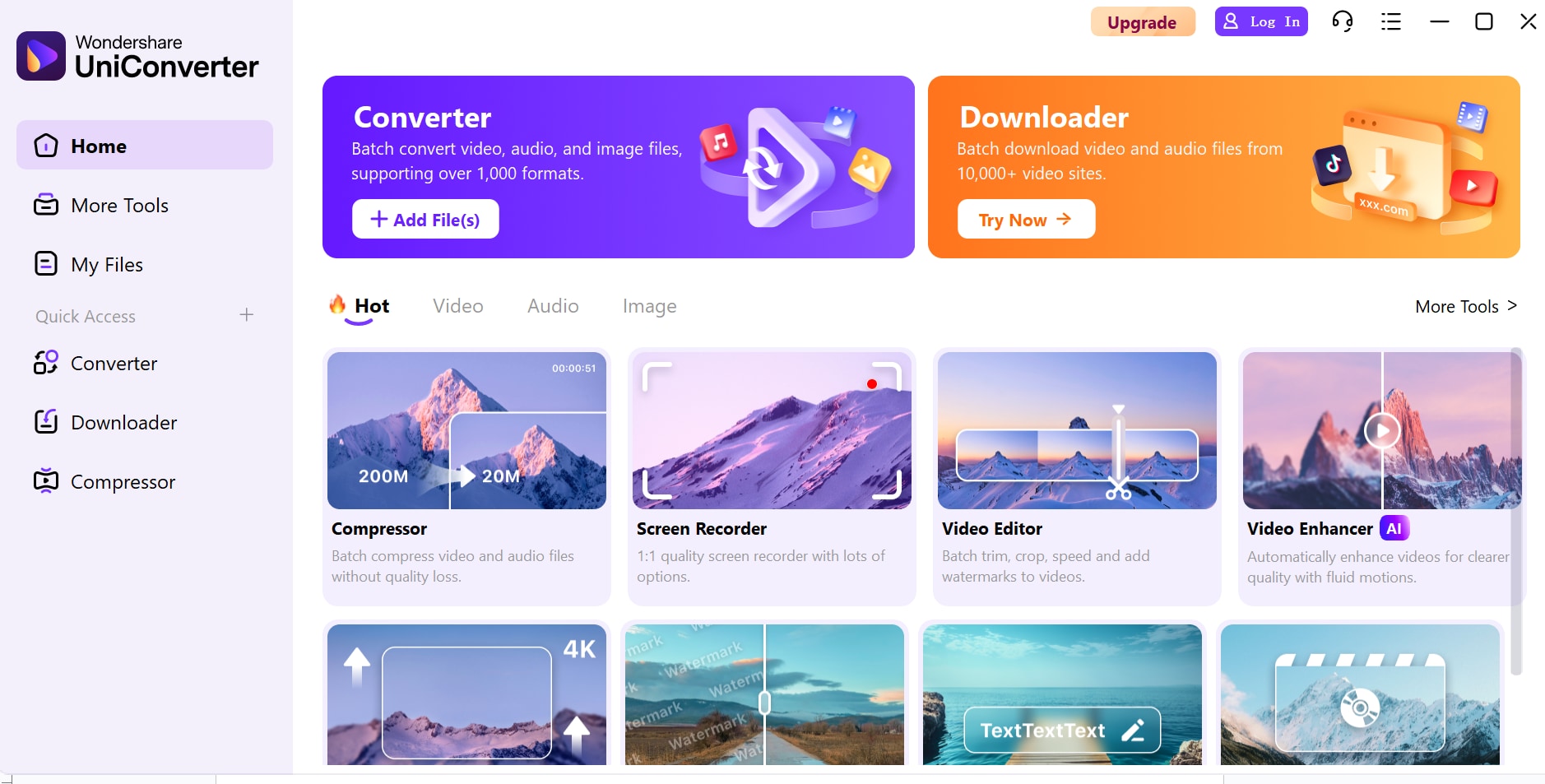
1. UniConverter by Wondershare
UniConverter is a premium all-in-one video software tailored for creators, marketers, and everyday users who want more than just downloads. It allows seamless Snack video download without watermark, along with editing, format conversion, and compression—all from a single dashboard. Whether you're repurposing content for social media, building offline archives, or sharing across platforms, UniConverter simplifies the entire process with high performance and professional-grade features.
Key features
- Video downloaderDownload videos from Snack Video by pasting the URL—choose your resolution before saving.
- Batch download supportFetch and save multiple Snack videos simultaneously, ideal for content managers or bulk collectors.
- Format conversionConvert downloaded videos into over 1,000 formats including device-optimized presets like iPhone, Android, YouTube, or TikTok.
- Built-in editorTrim, merge, add subtitles, filters, or watermarks—no need for third-party editing tools.
- High-speed modeGPU-accelerated downloads and conversion ensure minimal wait time and smooth processing.
- Smart file managementAutomatically sort and rename files based on format, type, or download source for easy navigation.
Pros & Cons
2. 4K Video Downloader
4K Video Downloader is known for its crisp interface, ease of use, and ultra-HD download capabilities. It’s perfect for users who want to save Snack videos in their original quality without needing complex settings. You can simply paste the download link Snack Video into the tool and fetch high-quality videos instantly. The tool supports video, audio, and even subtitle extraction, making it a go-to for casual downloaders, educators, or anyone who values clean output and simplicity.
Key features
- One-click downloadsPaste your Snack video URL and download in seconds with minimal setup.
- 4K and 8K supportPreserve original video quality—even from Snack Video—for crystal-clear playback on any screen.
- Smart ModeSet your preferred video quality, format, and folder once, and auto-apply them to all future downloads.
- Subtitles and captionsExtract embedded subtitles if present—useful for accessibility or translation.
Pros & Cons
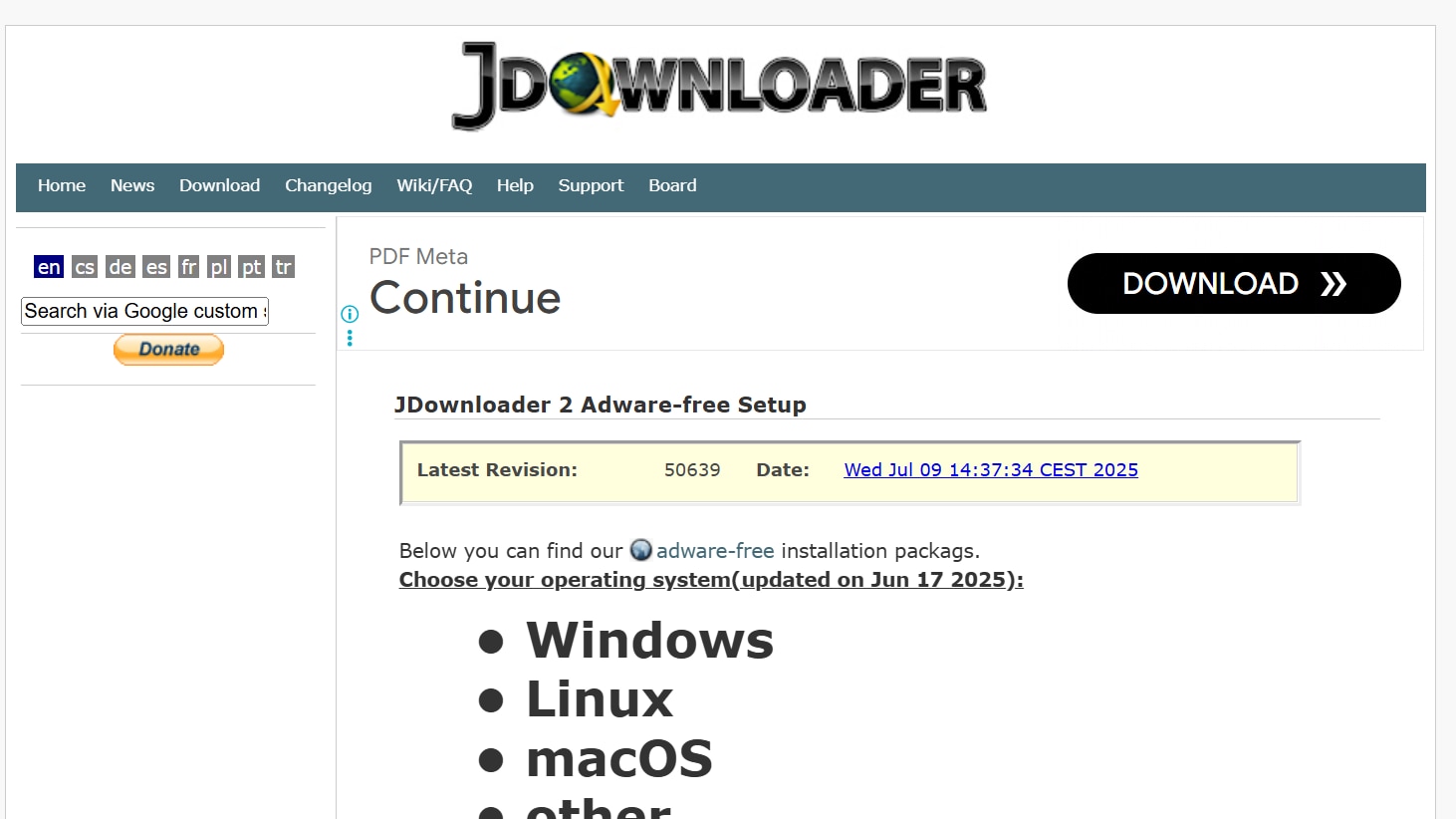
3. JDownloader 2
JDownloader 2 is a powerful open-source download manager tailored for users who prioritize flexibility and automation. It’s great for tech-savvy users who want full control over how their Snack videos are downloaded, sorted, and stored. With link-grabbing, batch support, and plugin capabilities, JDownloader 2 is ideal for those working with high volumes of content or wanting to integrate with browser tools. It also works well alongside external services like MusicallyDown Snack Video links, offering more versatility in handling URLs from various sources.
Key features
- Automated link detectionGrabs Snack Video links instantly when you copy them—no need to manually paste.
- Bulk downloadHandles playlists, multiple URLs, or even entire pages, ideal for researchers, content aggregators, or archivers.
- Captcha solverBypasses CAPTCHA challenges automatically for a smoother experience on some protected platforms.
- Custom bandwidth allocationSet download speeds and prioritize certain files—useful for multitaskers or limited bandwidth situations.
Pros & Cons
Part 2: 3 Apps to Download Snack Video on Mobile
For users who prefer downloading and saving Snack videos directly from their phone, mobile apps provide convenience, speed, and portability. These apps are especially useful for on-the-go content consumption or instant sharing. Below are three reliable mobile apps that make downloading Snack videos quick and easy:
1. VidMate
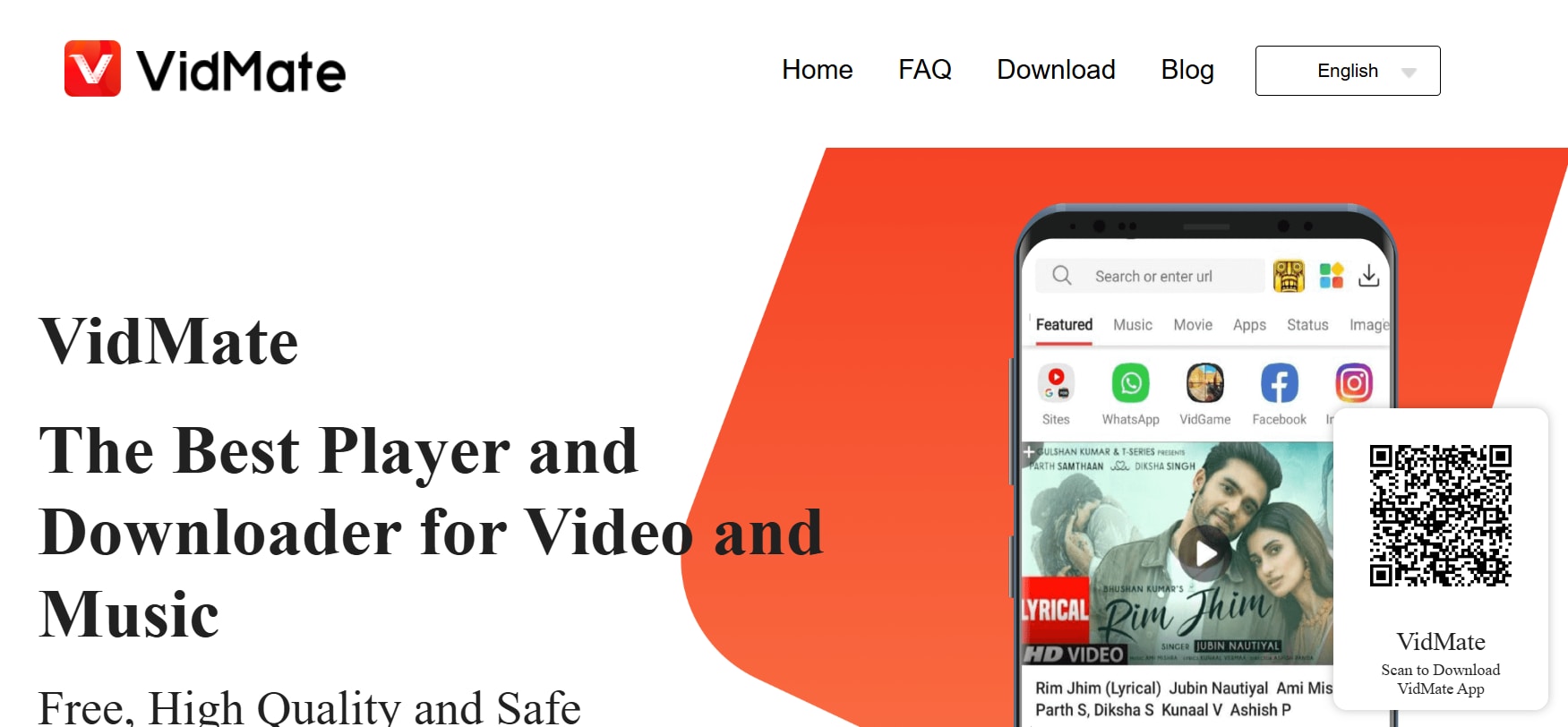
VidMate is one of the most trusted and widely-used mobile apps for downloading videos from various platforms—including Snack Video. It's especially popular among Android users for its speed, versatility, and ability to store videos offline in multiple resolutions. The app makes it easy to download Snack Video MP4 files in just a few taps, ensuring smooth playback across devices. Though it’s not available on Google Play, it’s easy to install via official APK sites.
Key features
- Multi-platform supportDownload from Snack Video, YouTube, Facebook, Instagram, and 20+ other sources within one app.
- High-resolution optionsChoose your preferred resolution before downloading—ranging from 144p to 1080p and sometimes even 4K.
- Fast download engineVidMate uses multi-thread acceleration to reduce download times and maintain stable performance.
- Built-in playerWatch any downloaded video without needing to switch to another video player app.
- Smart download managerManage multiple downloads simultaneously with pause/resume functionality and error recovery.
Pros & Cons
2. Snaptube
Snaptube is a smooth, multifunctional app that caters to both video and audio downloaders. Designed with simplicity in mind, it offers fast, secure downloads from a wide range of sites, including Snack Video. Users love Snaptube for its crisp UI, floating video player, and the ability to download in both video and audio formats. It's perfect for those who want a stylish, modern download tool that works without any complicated steps.
Key features
- Snack Video integrationYou can either paste the video link or browse Snack Video through the built-in search bar to find the clip you want.
- Multiple format choicesSupports video (MP4, FLV) and audio (MP3, M4A) so you can download full videos or extract soundtracks.
- Floating playerWatch videos in a small pop-up window while multitasking on your phone.
- Smart categorizationOrganizes your downloaded files into categories like music, videos, and recent, helping you stay organized.
- Dark mode interfaceAttractive dark theme ensures a comfortable viewing and browsing experience during night-time use.
Pros & Cons
3. All Video Downloader
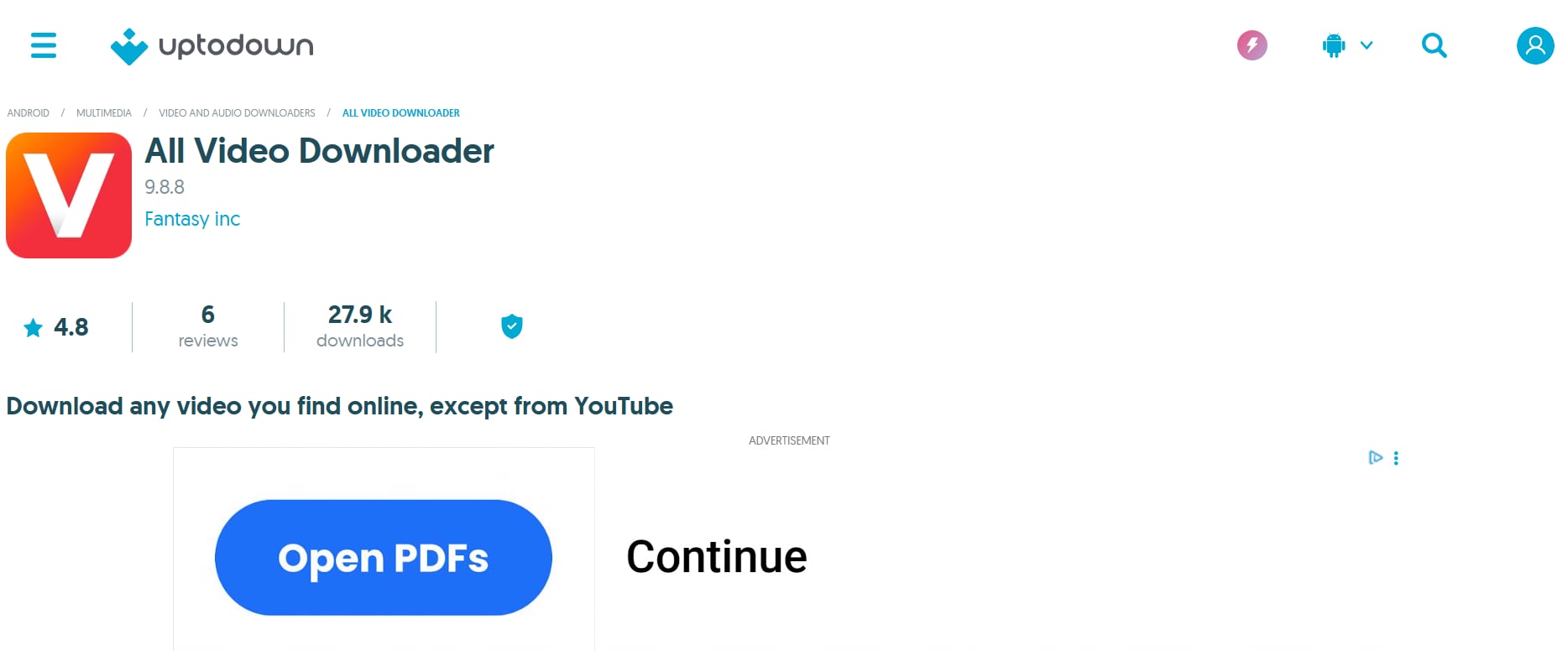
All Video Downloader is a universal video saver app ideal for Android users who want a simple, browser-based approach. It lets you browse Snack Video directly inside the app and download with a single tap. It’s built for users who prefer an all-in-one solution without the need to juggle between apps or tools. The interface is straightforward, and the app is light on storage—making it great for entry-level devices or casual use.
Key features
- Embedded browserOpen Snack Video within the app and navigate as usual—once the video plays, the app automatically detects it and prompts a download.
- One-click downloadNo need to paste links; just tap the download icon once the video loads.
- Multiple resolution choicesSelect from standard or high-definition quality depending on your preference and available storage.
- In-app previewWatch video previews before downloading to ensure you’re saving the right content.
- Multi-file downloadsSupports simultaneous downloads so you can queue multiple Snack videos at once.
Pros & Cons
Part 3: 3 Free Tools to Download Snack Video from Link on Web Page
If you prefer not to install apps or software, online downloaders are the simplest way to save Snack videos—just copy, paste, and click. These tools work directly in your browser, making them accessible on any device, whether desktop or mobile. Below are three reliable web-based tools that let you download Snack videos using just the video link:
1. SSSTik.io
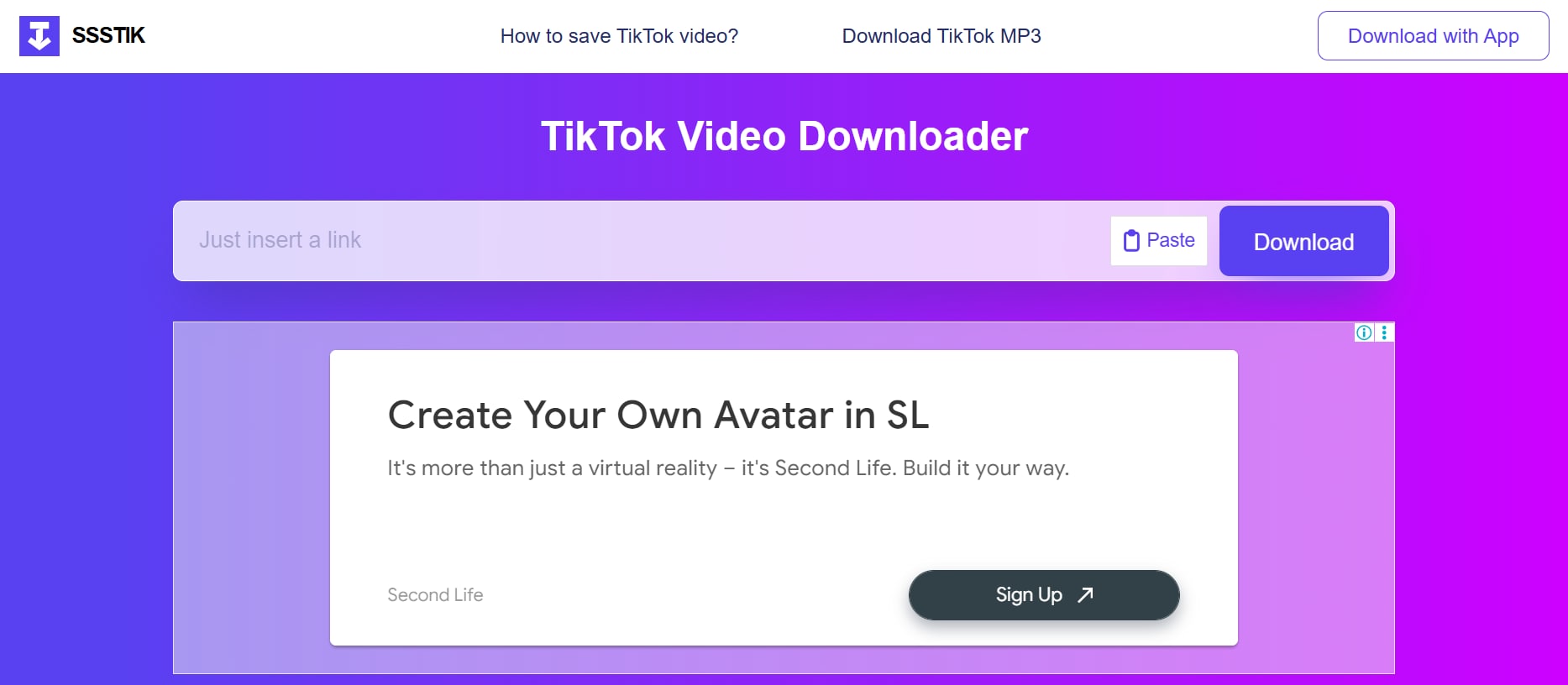
SSSTik.io is a fast, browser-based downloader that allows users to save videos from multiple short-form platforms—including Snack Video—without needing to install anything. It’s especially popular for its no-watermark downloads, which makes it ideal for creators who want clean content for repurposing or sharing. With support for both video and audio formats, SSSTik.io is perfect for users who want simplicity, speed, and versatility in one place.
Key features
- Direct link downloadJust copy your Snack Video link, paste it into the SSSTik.io homepage, and hit download—it takes only seconds.
- No watermark supportDownloads Snack videos cleanly without any platform branding, making them ready for professional or social use.
- Browser-based toolWorks across Chrome, Safari, Firefox, and mobile browsers—no installations or plugins required.
- MP4 and MP3 formatsYou can download full videos or extract just the audio if you're interested in voiceovers, songs, or sound bites.
- Multi-platform supportSSSTik also works with TikTok, Facebook Reels, and Instagram videos, making it a flexible tool for short-form content.
Pros & Cons
2. SaveFrom.net
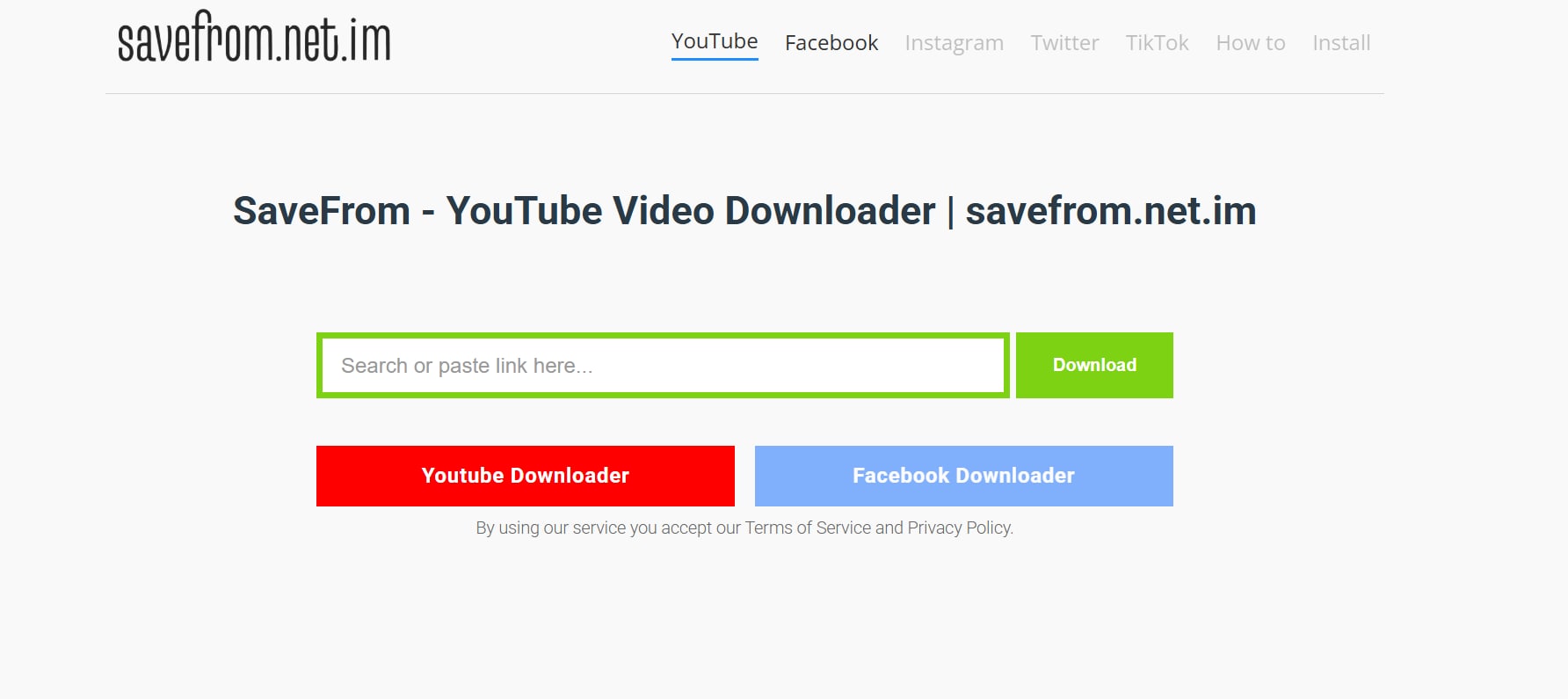
SaveFrom.net is a widely-used, long-established video downloader that supports dozens of platforms. While it’s best known for YouTube, it also allows Snack Video downloads through URL input. It can even function as a Snack Video downloader MP3, letting users extract audio from videos with ease. The tool is best for users who want basic control over video quality and a reliable interface that works across most devices and browsers. It's quick, consistent, and a good choice for people who download videos regularly but prefer to keep things simple.
Key features
- URL-based downloadPaste the Snack Video link and choose from available formats and resolutions—no account or app required.
- Multiple quality optionsDownload in 360p, 480p, 720p, or 1080p depending on the original upload and your data preferences.
- No installation neededFully web-based with no need for extensions or third-party software, making it accessible from any device.
- Preview before downloadDisplays a preview image, video length, and file size before you commit to downloading.
- One-click savingOnce your preferences are selected, the video downloads immediately with no extra steps.
Pros & Cons
3. SnapSave.io
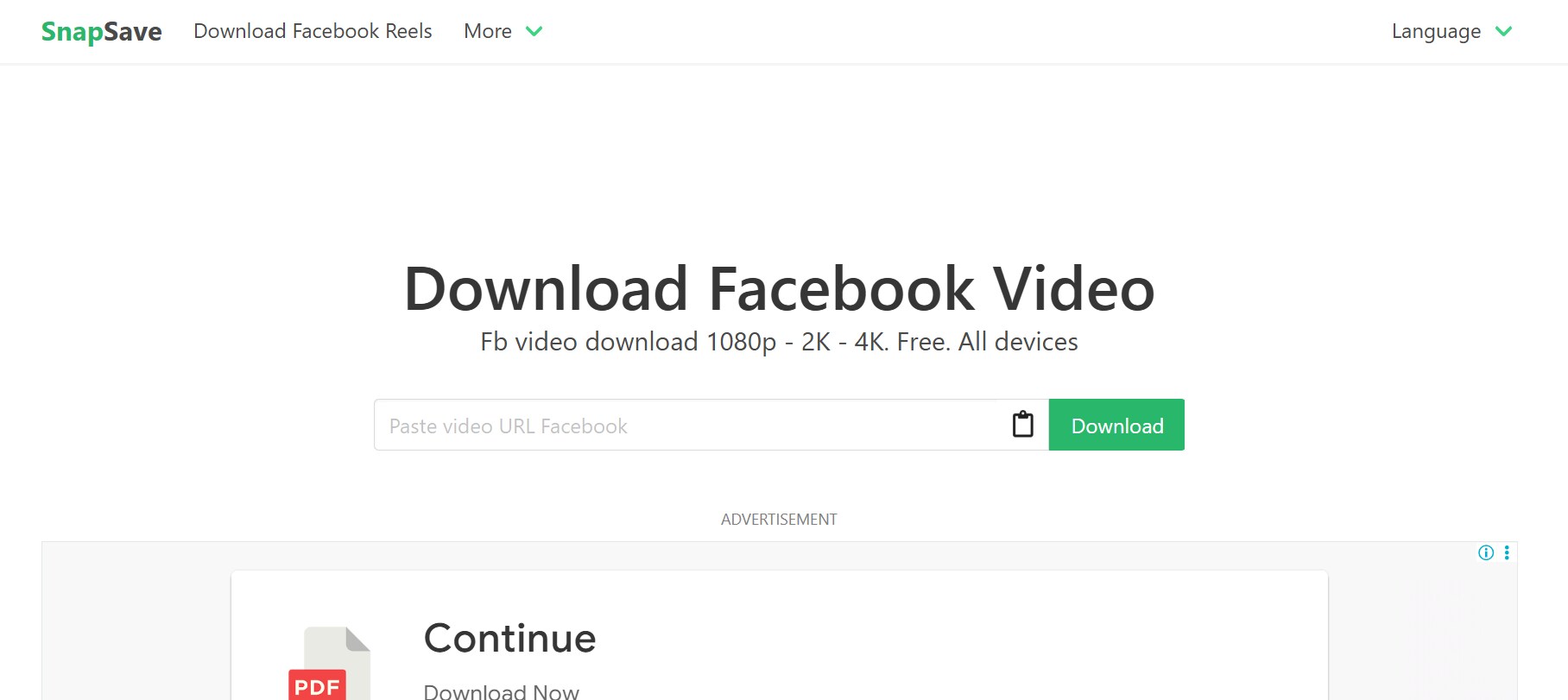
SnapSave.io is a sleek, user-friendly online video downloader that supports high-quality downloads from platforms like Snack Video, Facebook, and TikTok. What makes SnapSave stand out is its focus on HD and Full HD quality, making it an ideal choice for users who care about visual clarity. Whether you're reposting to another platform or building a high-resolution video library, SnapSave is built to deliver fast, high-fidelity downloads without software installation.
Key features
- Paste-and-download systemUsers simply paste the Snack Video URL into the tool and select the video quality—SnapSave handles the rest.
- HD and Full HD qualitySupports download resolutions up to 1080p+ for crisp video playback on both large and small screens.
- Instant processingThe tool processes most links within seconds, allowing fast downloads even for longer Snack videos.
- Mobile-optimized interfaceThe responsive design works smoothly on both Android and iOS mobile browsers—no app needed.
- Auto-format detectionAutomatically detects and selects the best video format based on what’s available from the link.
Pros & Cons
Part 4: Quick Comparison of Snack Video Downloaders
With so many tools available for downloading Snack videos, it can be tough to choose the one that best fits your needs. Whether you prioritize watermark-free output, batch processing, or high-resolution downloads, each tool brings something unique to the table.
To help you decide faster, here’s a side-by-side comparison of the top 9 Snack video downloaders—covering key metrics like pricing, platform support, format options, and editing capabilities:
| Tool Name | Platform | Pricing |
Batch Download |
Watermark -Free |
Format Support |
Built-in Editor |
| UniConverter | Desktop (Win/Mac) | Paid (Free trial available) | Yes | Yes | MP4, MOV, AVI, MP3, more | Yes |
| 4K Video Downloader | Desktop (Win/Mac/Linux) | Free / Paid Pro | Yes | Yes (Pro only) | MP4, MKV, FLV, MP3 | No |
| JDownloader 2 | Desktop (All OS) | Free (Open-source) | Yes | Yes | Video + audio (varies) | No |
| VidMate | Mobile (Android | Free | Yes | Yes | MP4, MP3 | No |
| Snaptube | Mobile (Android) | Free | Yes | Yes | MP4, M4A, MP3 | No |
| All Video Downloader | Mobile (Android) | Free (with ads) | Yes | Yes | MP4 (SD & HD) | No |
| SSSTik.io | Online (Web) | Free | No | Yes | MP4, MP3 | No |
| SaveFrom.net | Online (Web) | Free | No | Yes | MP4 (360p to 1080p) | No |
| SnapSave.io | Online (Web) | Free | No | Yes | MP4 (HD, Full HD) | No |
Why UniConverter Stands Out as a Best Snack Video Downloader?
- All-in-one video solution: Lets you download, convert, compress, and edit Snack videos without switching tools.
- Batch download support: Easily download multiple Snack videos at once—perfect for content repurposing or archiving.
- No watermark output: Downloads videos cleanly without any branding, ideal for reuse in marketing or social media.
- High-quality format options: Supports over 1,000 output formats including MP4, MOV, AVI, and device-specific presets.
- Built-in video editor: Trim, crop, add subtitles, or apply filters to your Snack videos—all before exporting.
- Fast and reliable performance: Powered by GPU acceleration for faster processing, even with large files.
- Trusted desktop tool: Backed by Wondershare, UniConverter is regularly updated and known for its stability and support.
Ready to download Snack videos fast and watermark-free? Try UniConverter now!
Conclusion
With short-form content gaining massive traction, having a reliable Snack video downloader can make all the difference—whether you're curating content, repurposing clips, or saving them for offline viewing. From powerful desktop tools like UniConverter to mobile apps and browser-based solutions, there's a tool for every need and device.
If you value speed, flexibility, and clean, watermark-free downloads, UniConverter clearly leads the pack with its all-in-one capabilities. No matter your content goals, the right downloader helps you stay ahead, organized, and ready to share with ease.
Ready to download smarter? Try UniConverter’s Snack Video Downloader and start saving high-quality videos in just one click!
FAQs
-
1. How can I download Snack videos without watermark?
You can use tools like or SSSTik.io to download Snack videos cleanly without any platform branding. These tools ensure the video remains high quality and ready for repurposing on any platform. -
2. Is it safe to use APK apps like VidMate or Snaptube for Snack video downloads?
Yes, if downloaded from their official websites or trusted sources. Always check app permissions and avoid third-party stores to keep your device secure. -
3. Can I download multiple Snack videos at once?
Yes, batch downloading is supported by tools like UniConverter, JDownloader 2, and 4K Video Downloader (Pro version). This feature is perfect for content managers or users saving videos in bulk. -
4. Do online Snack video downloaders work on mobile devices?
Absolutely. Web-based tools like SnapSave.io and SaveFrom.net are mobile-friendly and work directly through browsers like Chrome or Safari without needing any installation. Just paste the Snack Video link and download directly from your phone. -
5. Which tool is best for high-resolution Snack video downloads?
For Full HD and 4K quality, UniConverter and SnapSave.io are excellent choices. They preserve the original clarity of videos, making them suitable for professional or commercial use.

