


Tired of hopping from one torrent site to another, only to be hit with spammy ads, broken links, or worse—viruses? You’re not alone. In 2025, finding the best torrent sites for movies and TV feels like searching for a needle in a haystack. What should be a fun movie night often turns into hours of frustration and disappointment.
That’s why this guide is built around you—the everyday viewer who just wants safe, reliable, and fast downloads without the nonsense. From must-know safety tips to the most trusted torrent sites and even a trick to batch download video clips, everything here is designed to save you time and sanity.
In this article
Part 1: How to stay safe when looking for free movie sites online
Torrenting movies and TV shows may sound exciting, but it comes with hidden risks that can ruin your browsing experience—or worse, compromise your device. Malware, endless pop-up ads, and phishing scams are common traps lurking behind flashy download buttons. Staying safe isn’t optional—it’s essential if you want a smooth experience without headaches.
Malware threats
Hackers often embed harmful files in torrent downloads. Always verify file sources and read user comments before clicking "download." Pairing this habit with a reliable antivirus ensures your device stays protected. Many of these viruses run silently in the background, stealing data or slowing your PC. Once infected, it can take hours or even days to clean your system fully.
Annoying ads & pop-ups
Shady torrent sites bombard visitors with fake pop-ups that trick you into clicking malicious links. An ad blocker not only keeps your screen clean but also prevents hidden scripts from running in the background. Some ads even mimic “download” buttons to trick users into installing harmful software. By blocking them, you also improve page loading speed and browsing comfort.
Phishing attempts
Some torrent portals use fake login pages to steal your credentials. Never sign up with your personal email, and avoid providing any payment information on such sites. Scammers use these details for identity theft or spam campaigns. Keeping a separate, disposable email for such risky sites adds an extra layer of safety.
VPN protection
A VPN isn’t just for privacy—it shields your IP address, hides your activity from prying eyes, and secures you against potential ISP warnings. Without it, you’re basically browsing with your door wide open. Using a good VPN also lets you bypass geo-restrictions safely. Plus, it encrypts your traffic, making it nearly impossible for cybercriminals to track your activity.
Regular antivirus scans
Even with all precautions, slip-ups can happen. Running frequent scans with updated antivirus software ensures quick detection and removal of any hidden threats before they spread. Many modern antivirus tools also offer real-time protection, blocking dangerous files before they even download. Think of it as your 24/7 security guard against online risks.
Part 2: Best 10 Movie & TV Torrent Sites Reviewed
Finding reliable torrent sites for movies and TV shows in 2025 can feel overwhelming with so many fake or inactive platforms online. To save you time and frustration, we’ve reviewed the best torrent sites that are active, safe, and loaded with fresh content. Here’s a closer look at the top picks worth bookmarking today:
Quick Guide: Best Movie Download Source by Viewing Preference
1. YTS
YTS is one of the most popular torrent sites for movie enthusiasts, especially known for its high-quality video compression that delivers great resolution in smaller file sizes. It offers a wide range of movies, from Hollywood blockbusters to indie films, making it ideal for users with limited storage or slower internet connections. The site has a clean interface that’s easy to navigate, even for first-time users. While it focuses exclusively on movies, it provides multiple quality options like 720p, 1080p, and even 4K. However, users should always browse with caution as torrenting may expose them to security risks. With subtitles widely available and active community uploads, YTS remains a reliable choice for movie fans worldwide.

Subtitle availability:Often included
Library volume: Moderate (film-focused)
Ads density: Low
Pros & Cons
2. 1337x
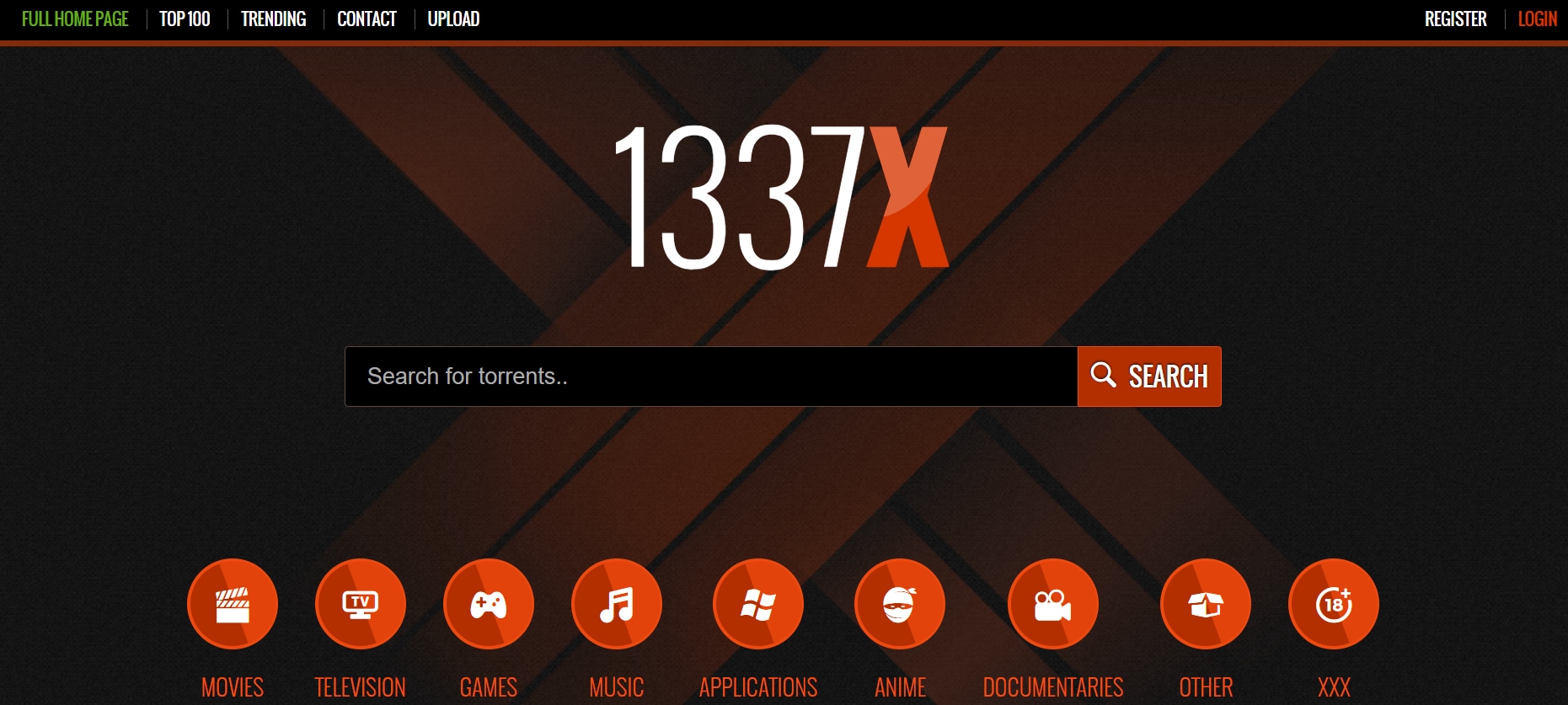
1337x is a long-standing torrent site trusted by millions of users for downloading movies, TV shows, games, software, and more. Its simple and well-structured layout makes browsing smooth, with categories neatly organized for quick access. Unlike many torrent platforms, 1337x maintains a relatively stable uptime, ensuring users can rely on it consistently. It has a massive library that spans both new releases and classic titles, appealing to a wide audience. The community-driven nature of the site also means torrents are regularly updated with new content and verified links. With its balance of variety and user-friendliness, 1337x has earned its place as one of the most dependable torrent sources today.
Subtitle availability: Varies by uploader
Library volume: Large and diverse
Ads density: Medium
Pros & Cons
3. NYAA
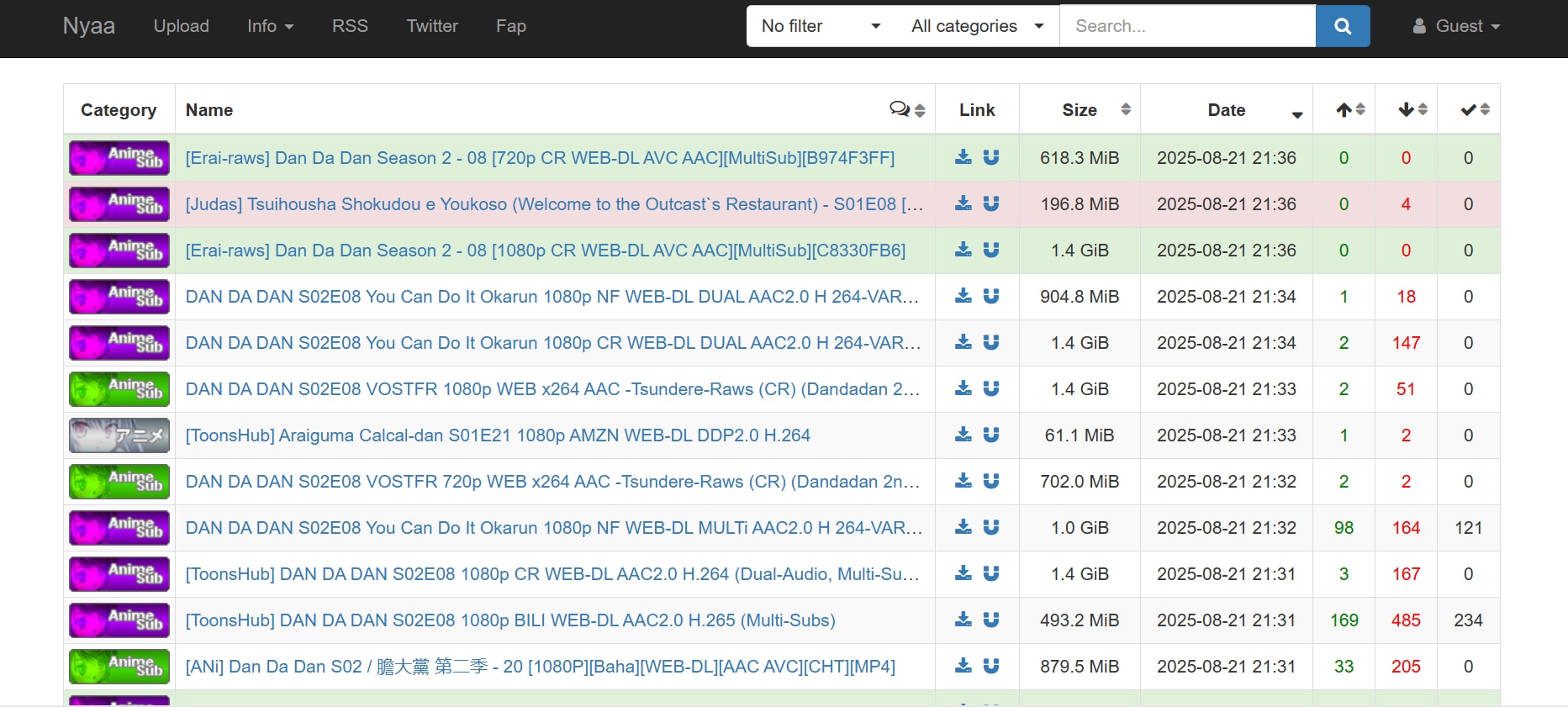
NYAA is the go-to torrent site for anime lovers, offering a massive collection of anime series, movies, manga, and fan-subbed content. It has built a reputation for high-quality releases and timely uploads, making it a favorite among the global anime community. The site is easy to navigate, with torrents organized by categories such as raw, subbed, and dubbed content. Unlike many torrent platforms, NYAA focuses purely on anime-related media, ensuring niche but reliable access to content. Its active community frequently updates and maintains torrents, which helps ensure quality and availability. For anyone seeking both mainstream and rare anime, NYAA remains one of the most reliable sources online.
Subtitle availability: Strong (subs and dubs)
Library volume: Large (anime-focused)
Ads density: None
Pros & Cons

Easy to Use Batch Video Downloader
4. IPTorrents
IPTorrents is a private torrent tracker known for its reliability, speed, and extensive library of movies, TV shows, software, games, and more. Unlike public torrent sites, it requires an invite or a donation to access, which makes it far more secure and less cluttered with fake or malicious files. IPTorrents maintains a highly active community, ensuring torrents are seeded well and downloads are consistently fast. Its clean interface and advanced search filters make browsing effortless compared to ad-heavy public sites. Because it’s private, users often find higher-quality files and fewer risks of malware or broken links. Overall, IPTorrents is a trusted choice for those who want a safer, premium torrenting experience.
Subtitle availability: Varies by release, many movie/TV torrents include subs
Library volume: Massive, multi-category
Ads density: Ad-free
Pros & Cons
5. The Pirate Bay
The Pirate Bay is one of the most iconic torrent sites globally, offering an enormous range of movies, TV shows, music, software, and games. It provides both magnet links and torrent files, making downloads flexible and user-friendly. The site features powerful search filters, allowing users to sort content by date, size, or health, which is useful given the massive library. Despite frequent domain changes due to legal actions, mirrored versions keep the platform accessible worldwide. The Pirate Bay is community-driven, with comments and ratings helping users identify safe and high-quality torrents. Its mix of variety, accessibility, and active updates keeps it a favorite among torrent enthusiasts.

Subtitle availability: most movies/TV torrents include subs
Library volume: Massive, multi-category
Ads density: High
Pros & Cons
6.
GloTorrents is a multi-category torrent site that offers movies, TV shows, games, software, and music with a focus on fast and reliable downloads. The site features a clean and organized interface, making it easy to search for content by categories, release date, or popularity. GloTorrents maintains a large and active library, ensuring torrents are well-seeded for smooth downloading. While ads are present, they are moderate and manageable with an ad blocker. The platform also provides basic torrent health information, helping users identify reliable files. Overall, GloTorrents is a solid choice for those seeking variety and ease of access in one platform.

Subtitle availability: Varies by uploader
Library volume: Large, multi-category
Ads density: Medium
Pros & Cons
7. Internet Archive
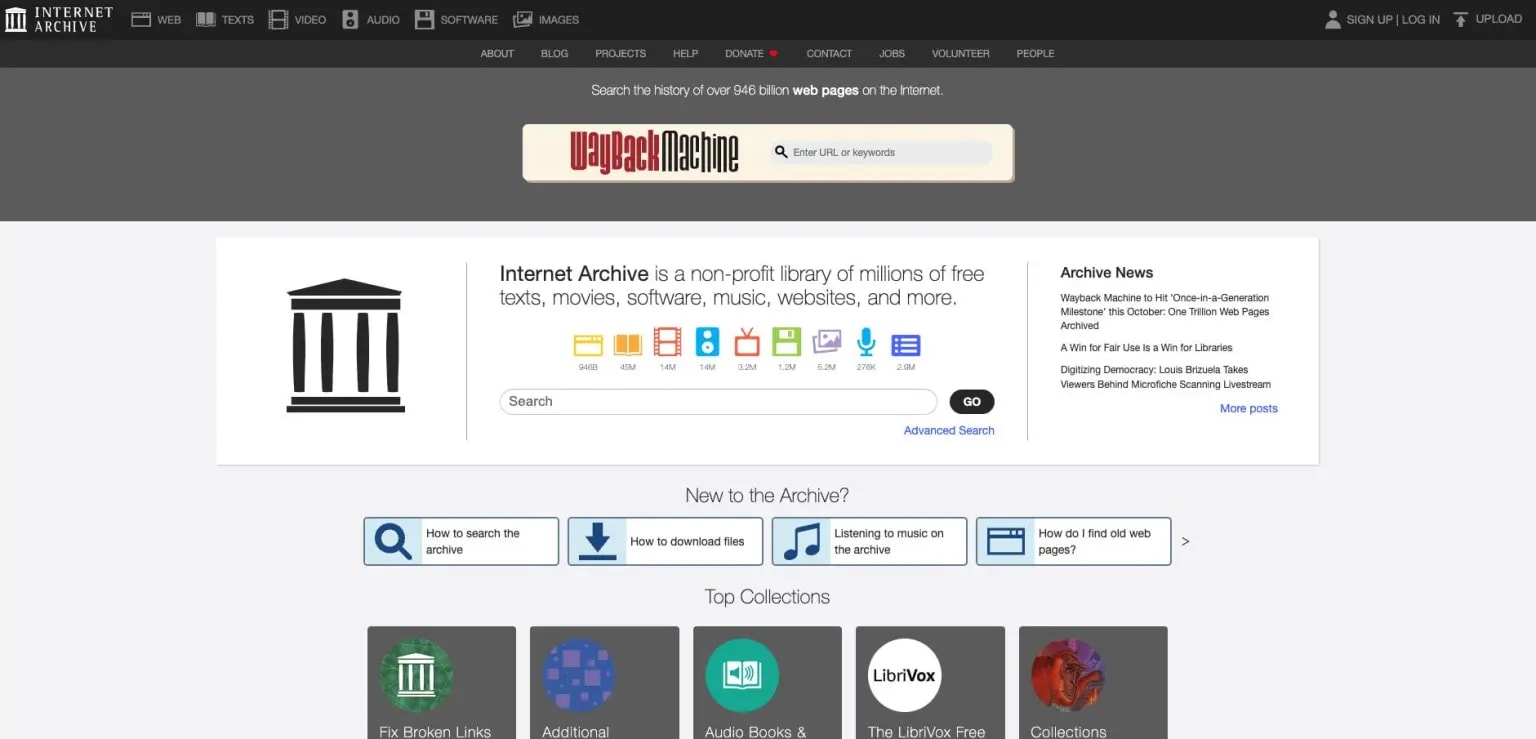
Internet Archive is a non-profit digital library offering free access to millions of movies, TV shows, books, music, and software. Unlike traditional torrent sites, it provides legally free content that spans classic films, documentaries, and historical footage. Users can download via direct links or torrents, making it a versatile platform for archival media enthusiasts. Its collection is constantly growing, curated from donations and public domain sources, ensuring both quality and authenticity. The site also features metadata, descriptions, and categorization for easy browsing. With minimal ads and a focus on preservation, Internet Archive is a safe and reliable resource for digital media.
Subtitle availability: Often included for movies and shows
Library volume: Massive
Ads density: Very low; mostly distraction-free browsing
Pros & Cons
8. EZTV
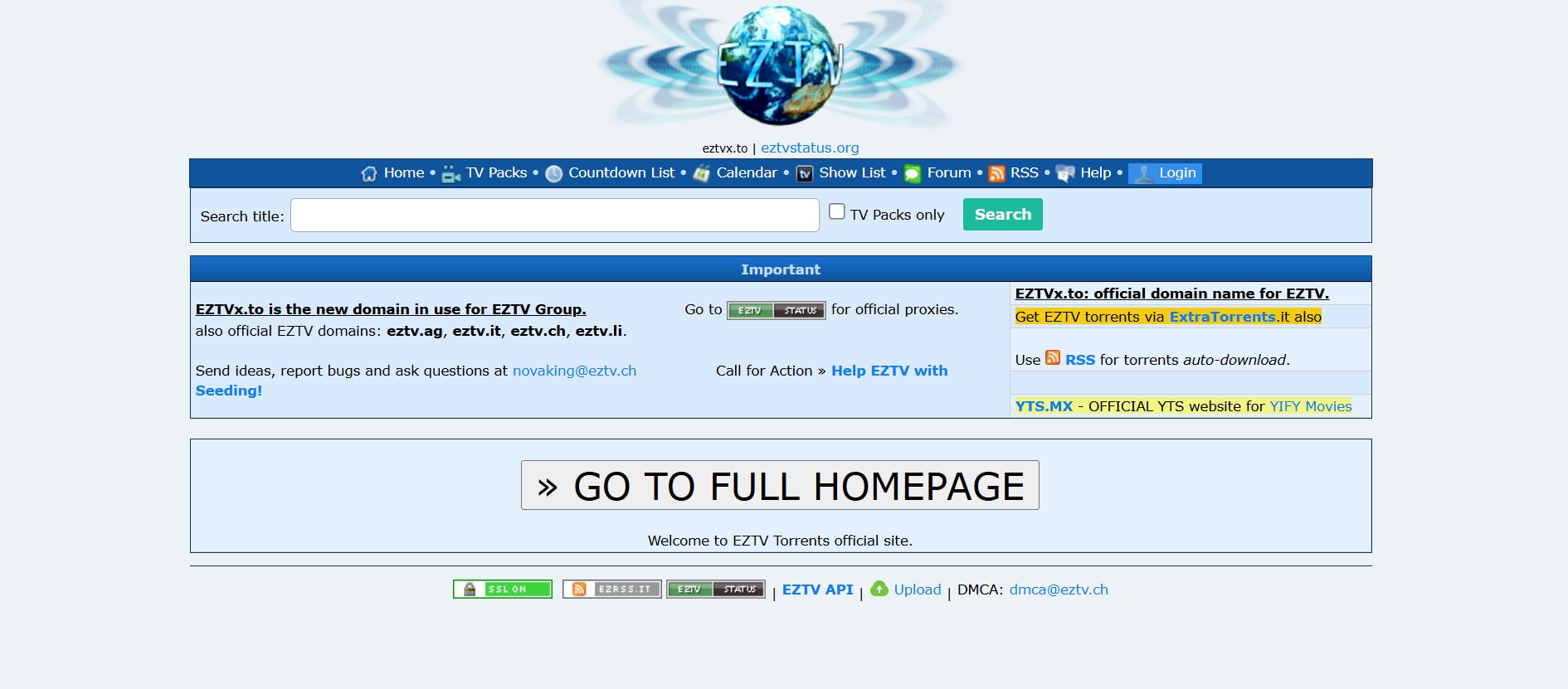
EZTV is a specialized torrent site dedicated to TV shows, providing quick and reliable access to the latest episodes across multiple genres. It supports both magnet links and torrent downloads, making it easy to add episodes to your favorite torrent client. EZTV frequently updates its library, ensuring viewers can keep up with ongoing series without delay. The site is simple to navigate, with a clean layout focused solely on television content. While it doesn’t host movies, its dedication to TV shows ensures a large variety and healthy seeder counts for smooth downloads. Fans of binge-watching series find EZTV a dependable source for consistent updates.
Subtitle availability: Varies
Library volume: Large (TV shows only)
Ads density: Medium
Pros & Cons
9. LimeTorrents
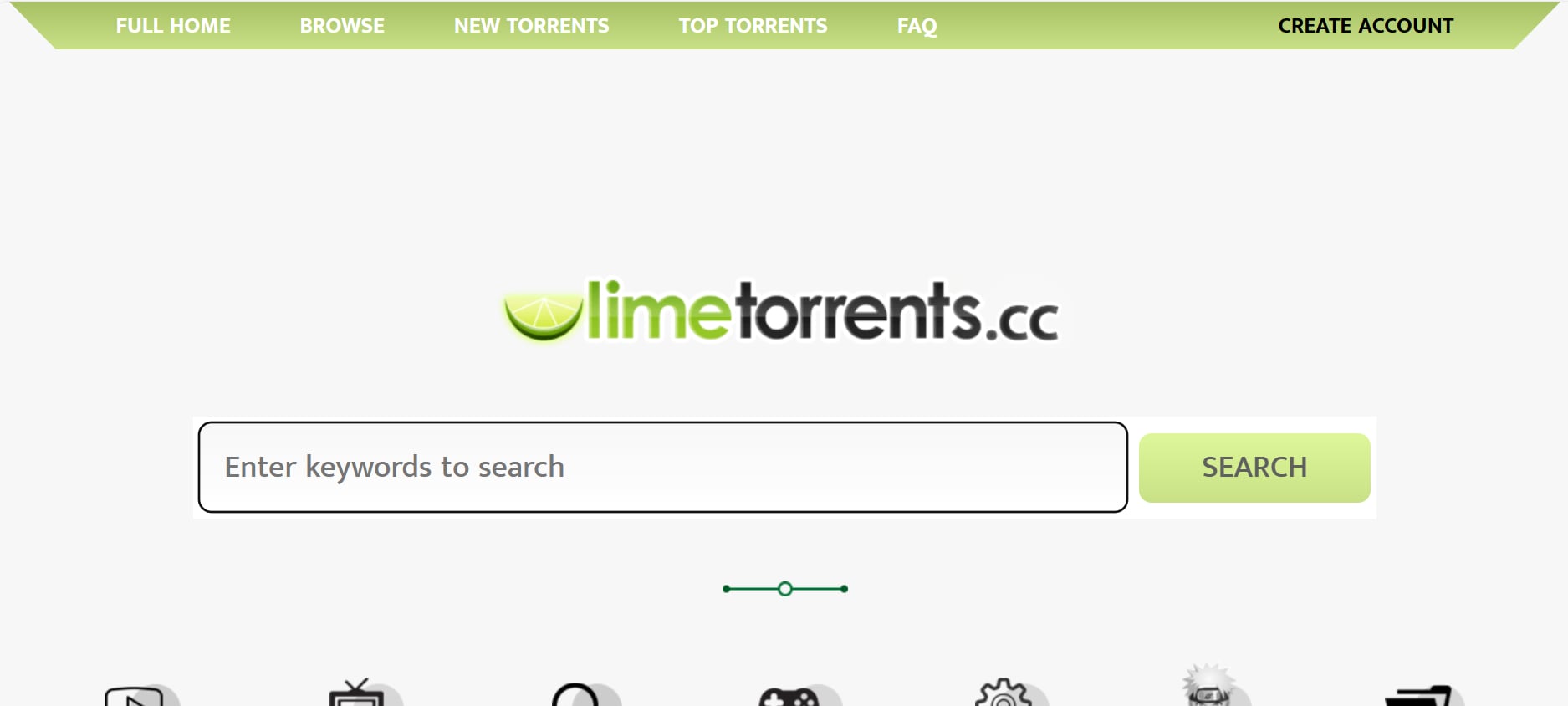
LimeTorrents is a versatile torrent site offering a wide range of media, including movies, TV shows, games, music, and software. Its homepage highlights trending and popular content, making it easier for users to discover new releases. LimeTorrents maintains a large, well-seeded library, ensuring fast and reliable downloads. The site is organized with categories and search filters, allowing users to quickly locate desired content. While it contains ads, using an ad blocker improves the browsing experience. Overall, LimeTorrents provides a balanced mix of variety, accessibility, and usability for torrent users.
Subtitle availability: Varies
Library volume: Large and varied
Ads density: Medium
Pros & Cons
10. WatchSoMuch
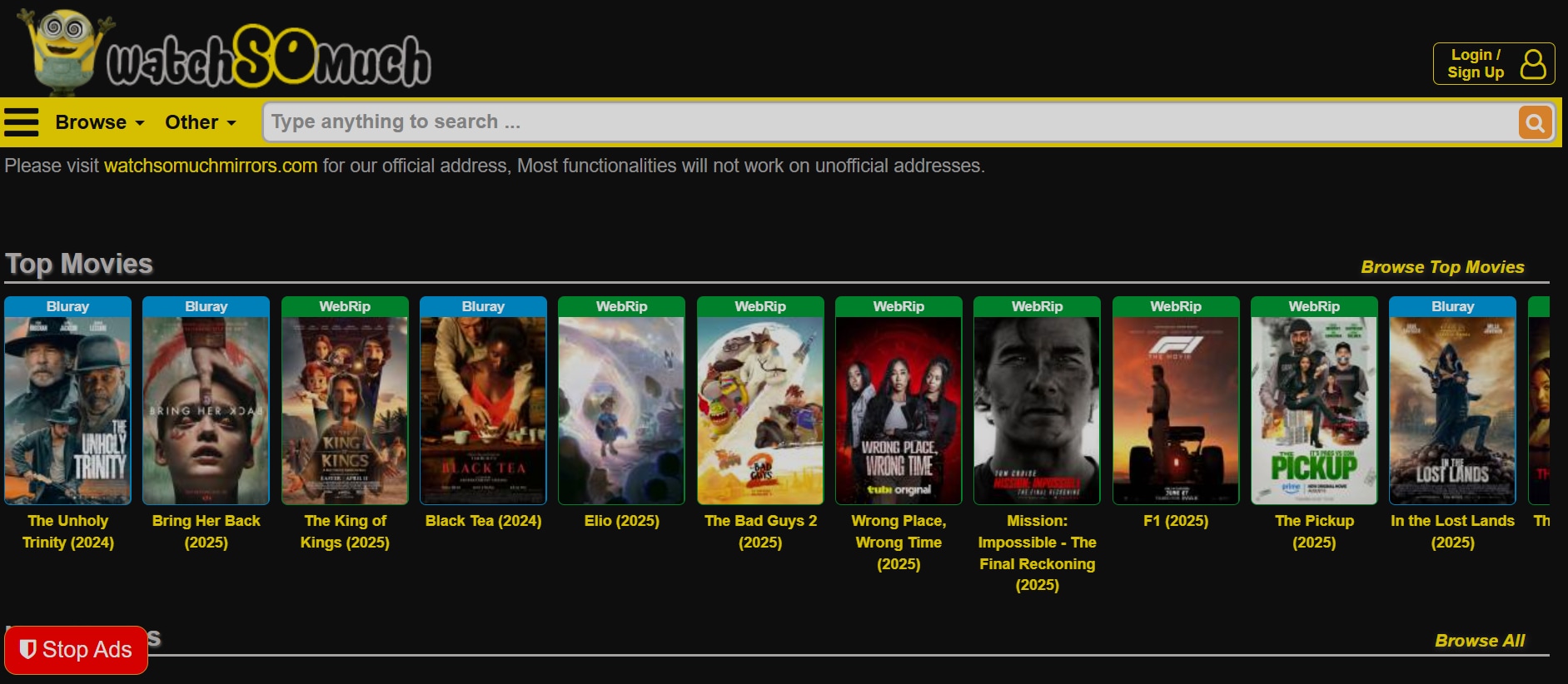
WatchSoMuch is a dedicated movie torrent site known for its clean interface and extensive film library. It allows users to browse and download a wide variety of movies, from Hollywood blockbusters to indie gems. The site is designed for easy navigation, with sorting options by genre, quality, and release year. WatchSoMuch often includes subtitles, making it convenient for international viewers. While it focuses solely on movies and not TV shows, the collection is regularly updated with the latest releases. Its minimal ad presence and well-organized layout provide a smooth, user-friendly experience for movie enthusiasts.
Subtitle availability: Often included
Library volume: Large, movie-dedicated
Ads density: Low
Pros & Cons
Easy to Use Batch Video Downloader
Part 3: Quick Comparison Table for 10 Torrent Sites
Here we offer a quick comparison table of best 10 torrents sites listed above for you to have a detailed comparison in terms of metrics like content type, update frequency, registration required, etc.
How We Tested Movie Torrent Sites
We evaluated popular movie torrent sites based on library size, download speed, safety, and user experience.
| Torrent Site |
Subtitle Availability |
Library Volume |
Ads Density |
Content Type |
Update Frequency |
Registration Required |
| YTS | Yes, multiple languages | Extensive, movies only | Moderate | Movies | Frequent | No |
| 1337x | Available for most | Very large | Medium | Movies, TV, Games, Software, Music | Frequent | No |
| NYAA | Widely available (anime subs) | Extensive, anime-focused | Very low | Anime series, movies, manga | Very Frequent | No |
| IPTorrents | Varies by release | Huge, multi-category | Very low | Movies, TV, Games, Software, Music | Frequent | Yes |
| The Pirate Bay | Varies by uploader | Massive, multi-category | High | Movies, TV, Games, Software, Music | Frequent | No |
| GloTorrents | Varies by uploader | Large, multi-category | Medium | Movies, TV, Games, Software, Music | Frequent | No |
| Internet Archive | Often included | Massive, multi-media | Very low | Movies, TV, Music, Books, Software | Frequent | No |
| EZTV | Varies by uploader | Large, TV-focused | Medium | TV Shows | Very Frequent | No |
| LimeTorrents | Varies by uploader | Large, multi-category | Medium | Movies, TV, Games, Music, Software | Frequent | No |
| WatchSoMuch | Often included | Large, movie-focused | Low | Movies | Frequent | No |
Part 4: How to Easily Batch Download Movie Clips From Social Media
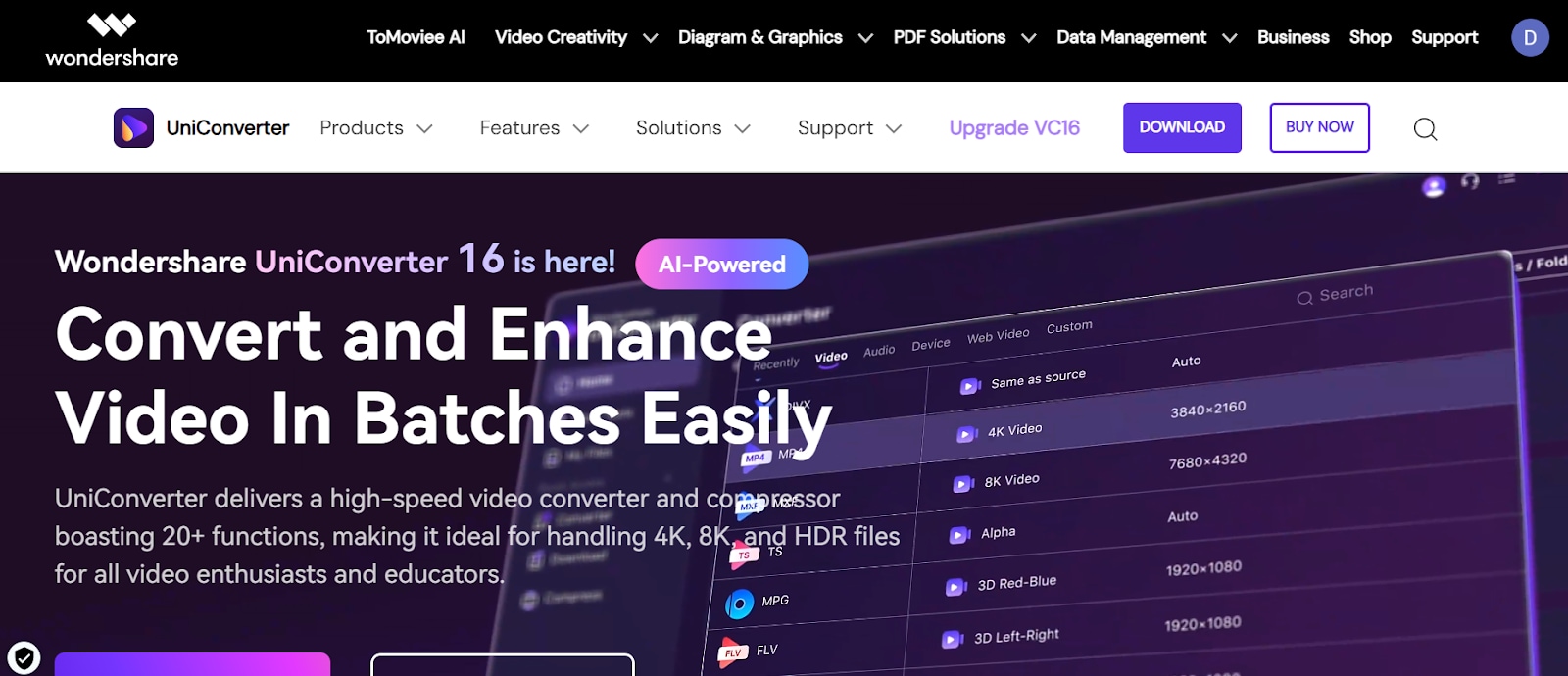
Downloading multiple movie clips from social media platforms can be tedious if done manually, especially when you want to save them in high quality and across different formats. UniConverter Downloader streamlines this process by allowing users to download several movies at once, maintaining original quality and ensuring smooth compatibility with various devices.
The tool supports a wide range of social platforms, eliminating the need for multiple downloaders or browser extensions. With fast processing speeds and reliable performance, UniConverter saves both time and effort, making it a go-to solution for content collectors, marketers, and social media enthusiasts alike.
Step by step guide to batch download movie clips with Wondershare Uniconverter:
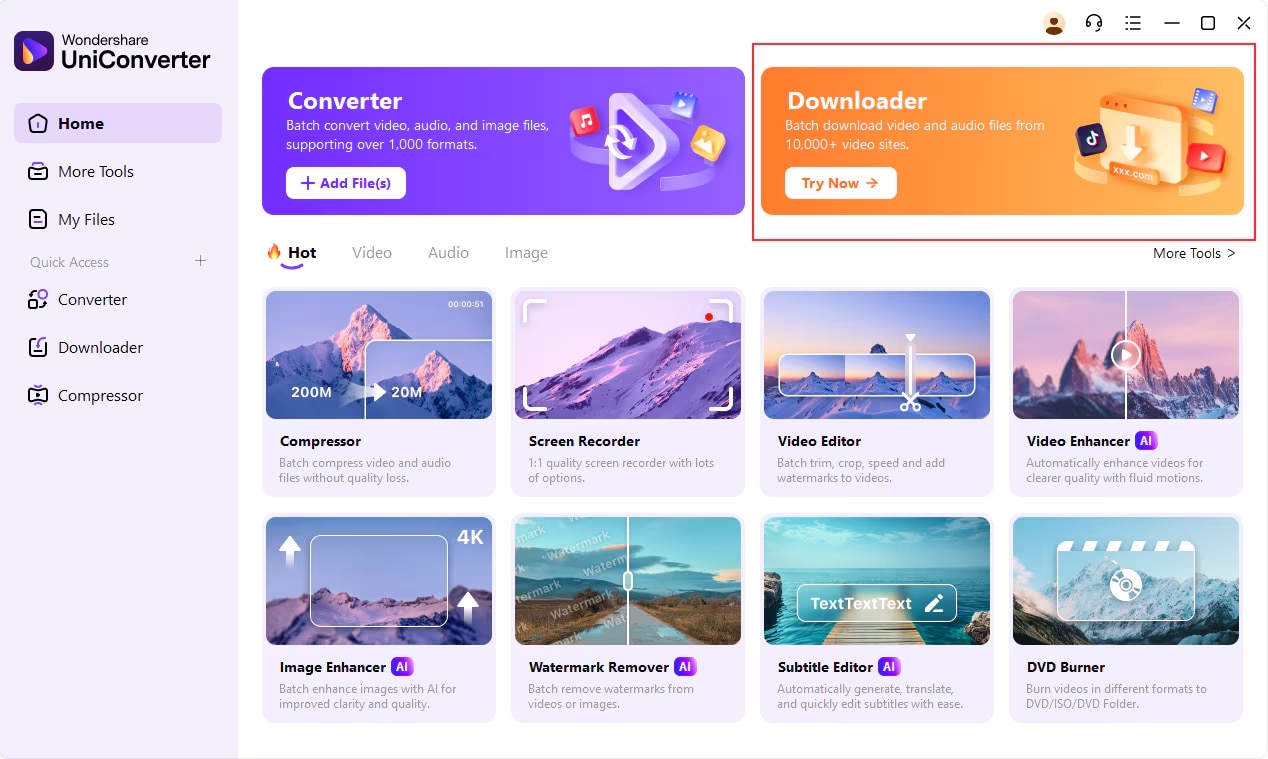
Step 1: Open UniConverter and go to the Downloader section
Launch Wondershare UniConverter on your computer after installation. When the dashboard loads, navigate to the Downloader section to begin downloading videos from social media platforms.
Step 2: Copy the video URLs from your browser
Visit the social media platform in your browser and locate the clips you want to save. Highlight and copy the full web address from the address bar to use in UniConverter.
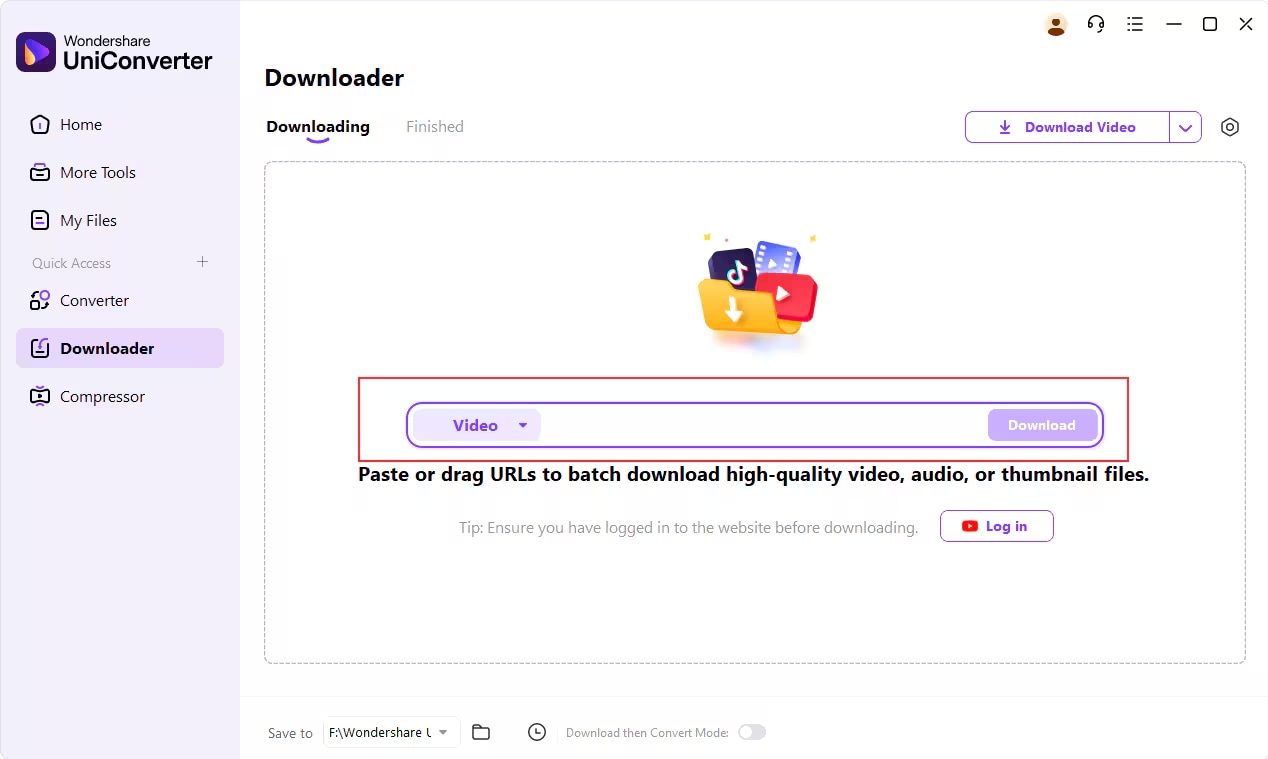
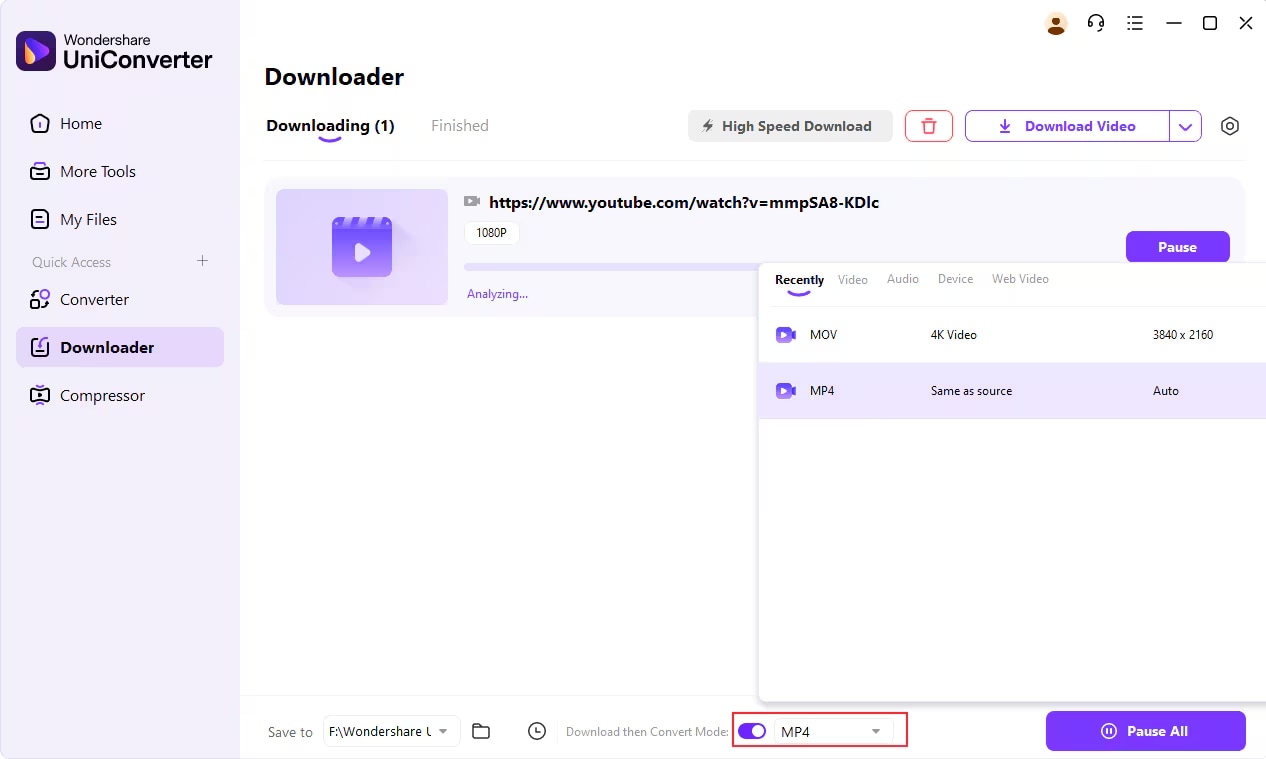
Step 3: Paste the link and set your download format
Return to UniConverter and open the Downloader tab. Click the Paste URL button, and the software will automatically detect the video link and prepare it for download. To choose a specific format like MP4, MOV, or audio MP3, enable Download then Convert Mode and select your preferred output before starting the download.
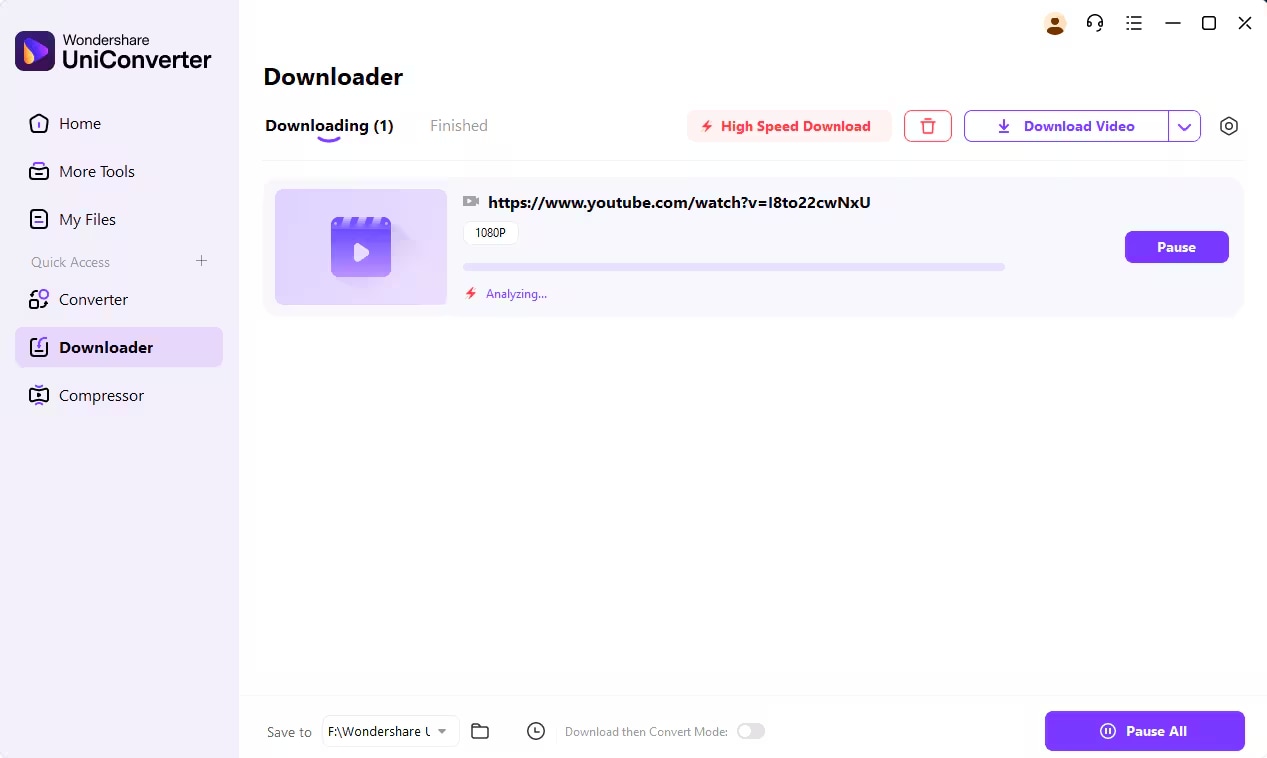
Step 4: Start downloading and monitor progress
After clicking Download, UniConverter will start processing the video clip. A progress bar will display the current download status and estimated time remaining. You can also pause, resume, or manage several downloads simultaneously using the Pause All and Resume All buttons.
Step 5: Find your saved clip
Once the clip finishes downloading, go to the Finished tab in UniConverter. From here, you can view, open, or manage your downloaded file. To quickly find its location on your computer, click File Location and the software will open the folder containing the file.
Conclusion
Downloading video clips from social media doesn’t have to be a time-consuming or complicated task. From locating the right URLs to managing multiple downloads efficiently, having the right tools can make all the difference. UniConverter streamlines the entire process, allowing you to save multiple clips at once, maintain high-quality formats, and manage your downloads with ease. By combining speed, reliability, and flexibility, UniConverter ensures a seamless downloading experience every time.
Easy to Use Batch Video Downloader
If you are also interested in movies or tv series streaming websites, you can also visit:
- 13 Best Free Sites Like M4ufree to Watch Movies Online
- 10 Best Sites to Watch Korean Dramas with English Subtitles 2025
- 15 Myflixer Alternatives 2025 - Free & Safe
FAQ
-
Can I download multiple video clips at once?
Yes, many modern downloaders support batch downloading, allowing you to save several clips simultaneously without losing quality or speed. This is ideal for content creators or users archiving multiple videos. -
Which social media platforms are supported?
Most popular platforms like Facebook, Instagram, Twitter, and TikTok are supported, ensuring smooth downloads from a wide range of sources. -
Can I convert downloaded videos into different formats using UniConverter?
Yes, allows you to convert videos into formats such as MP4, MOV, AVI, or even audio formats like MP3. You can select your preferred output format before starting the download, making it versatile for different devices. -
Is it safe to download videos from these tools?
Yes, reputable downloaders are designed to avoid malware and unsafe links, providing a secure way to save content while protecting your system. -
Can I manage paused or interrupted downloads?
Yes, most downloaders let you pause, resume, or manage multiple downloads at once. Interrupted downloads can be continued without losing progress, making batch saving convenient and efficient.

