


The 2026 release of Apple's budget-friendly laptop has redefined entry-level computing, but hardware is only half the story. You might love the fresh colors and lightweight design of the MacBook Neo, but finding optimized, low-memory apps is critical for this setup. Powered by the mobile-class A18 Pro chip running macOS and featuring 8GB of unified memory, this Machine requires highly efficient software to keep it running smoothly.
This guide covers the top 7 essential applications for Mac Neo, from heavy-duty media conversion with Wondershare UniConverter to essential daily productivity tools designed specifically for Apple Silicon.
Table of Contents
Part 1. Why App Compatibility Matters for Your New Mac Neo
The Apple Silicon Advantage
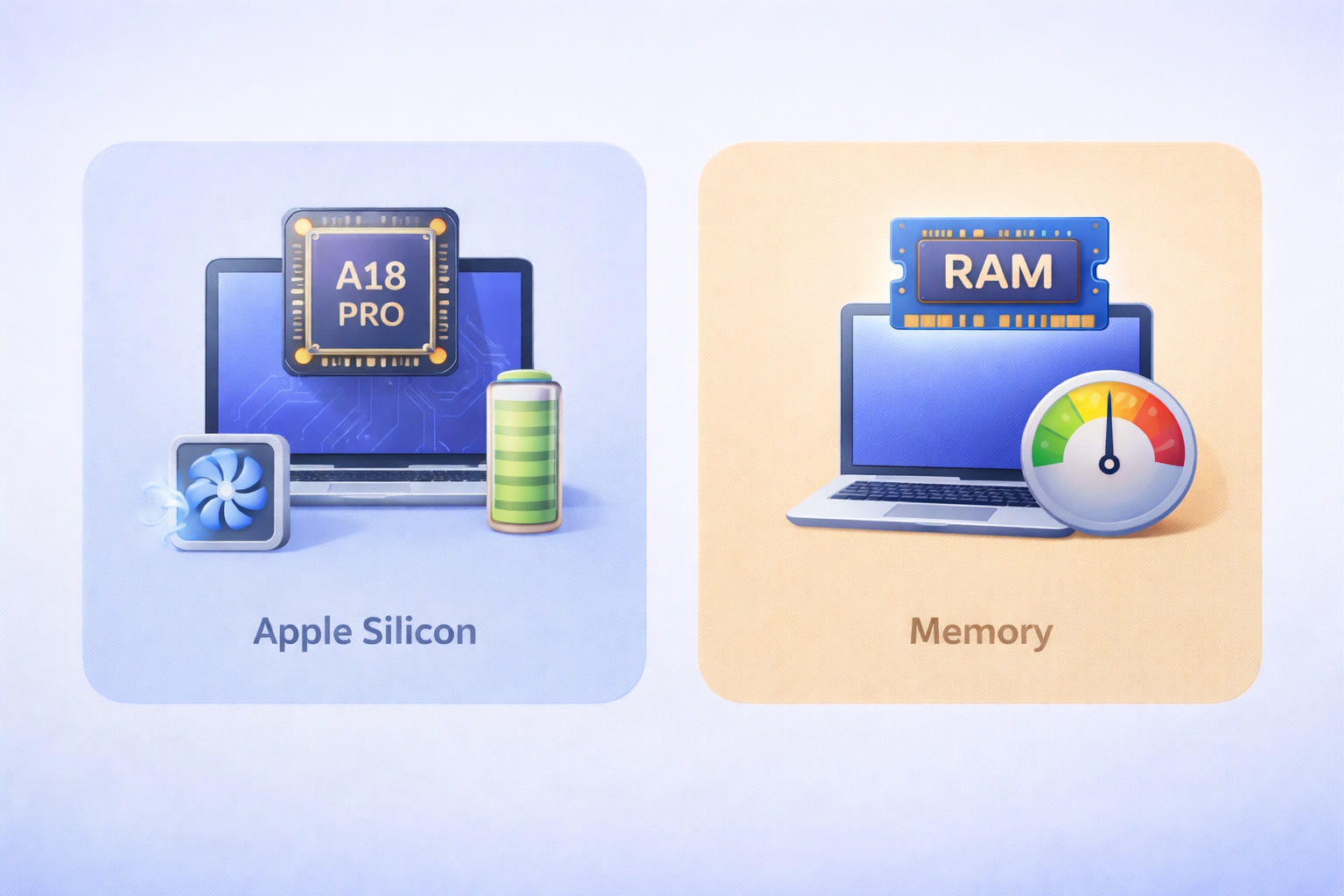
When you set up your new laptop, you want software that runs natively on Apple's ARM architecture. Native apps communicate directly with the A18 Pro chip, allowing you to bypass the Rosetta translation layer. This direct communication preserves battery life, keeps the fanless chassis cool, and uses much less CPU power. Using native tools on your Neo Mac ensures you get the full 16-hour battery life Apple advertises.
Memory Management
The base model features a strict 8GB of RAM. Because this memory is shared between the processor and graphics, you need to manage it wisely. You can avoid system slowdowns by choosing lightweight, multipurpose tools. Comprehensive suites reduce the need to run five different background apps at once. This strategy is essential for maintaining a smooth, stutter-free workflow during heavy multitasking.
Part 2. Key Features of a Modern 2026 App for MacBook Neo
Hardware Acceleration
You need software that taps into the hardware-accelerated media engine of the A18 Pro chip. This is a non-negotiable industry standard for 2026 software. Apps that use hardware acceleration can decode and encode video instantly without draining your battery or maxing out the 8GB of RAM.
AI Integration
Modern developers now include AI-driven background processing to save you time. Top apps use the 16-core Neural Engine for tasks like auto-framing, smart cropping, or background noise reduction. These smart features operate efficiently without hogging system resources, keeping your laptop fast and responsive.
All-in-One Capabilities
Storage space is valuable, especially on a 256GB SSD drive. You can reduce storage bloat by using comprehensive software suites instead of fragmented, single-use applications. Downloading one program that handles multiple tasks keeps your hard drive clean and your system organized.
Part 3. Quick Comparison: 2026 Mac Neo Essential Apps at a Glance
| App Name | Category | Native Apple Silicon Support | Key Feature | Best For |
| Wondershare UniConverter | Media Suite | Yes | AI-powered processing | Heavy media conversion and compression |
| Neo Office | Productivity | Yes | Open-source editing | Lightweight document creation |
| Neo HOTS | Finance | Yes | Real-time market data | Stock trading without lag |
| VLC Media Player | Video Player | Yes | Universal codec support | Playing unsupported video formats |
| Steam | Gaming | Rosetta / Native | Cloud saves & community | Casual gaming and marketplaces |
| Microsoft 365 | Productivity | Yes | Cloud syncing | Professional team collaboration |
| DaVinci Resolve | Video Editor | Yes | Advanced color grading | Free professional video editing |
Part 4. Top 7 Essential Apps to Download on Your MacBook Neo
1. Neo Office for Mac (The Legacy Productivity Choice)
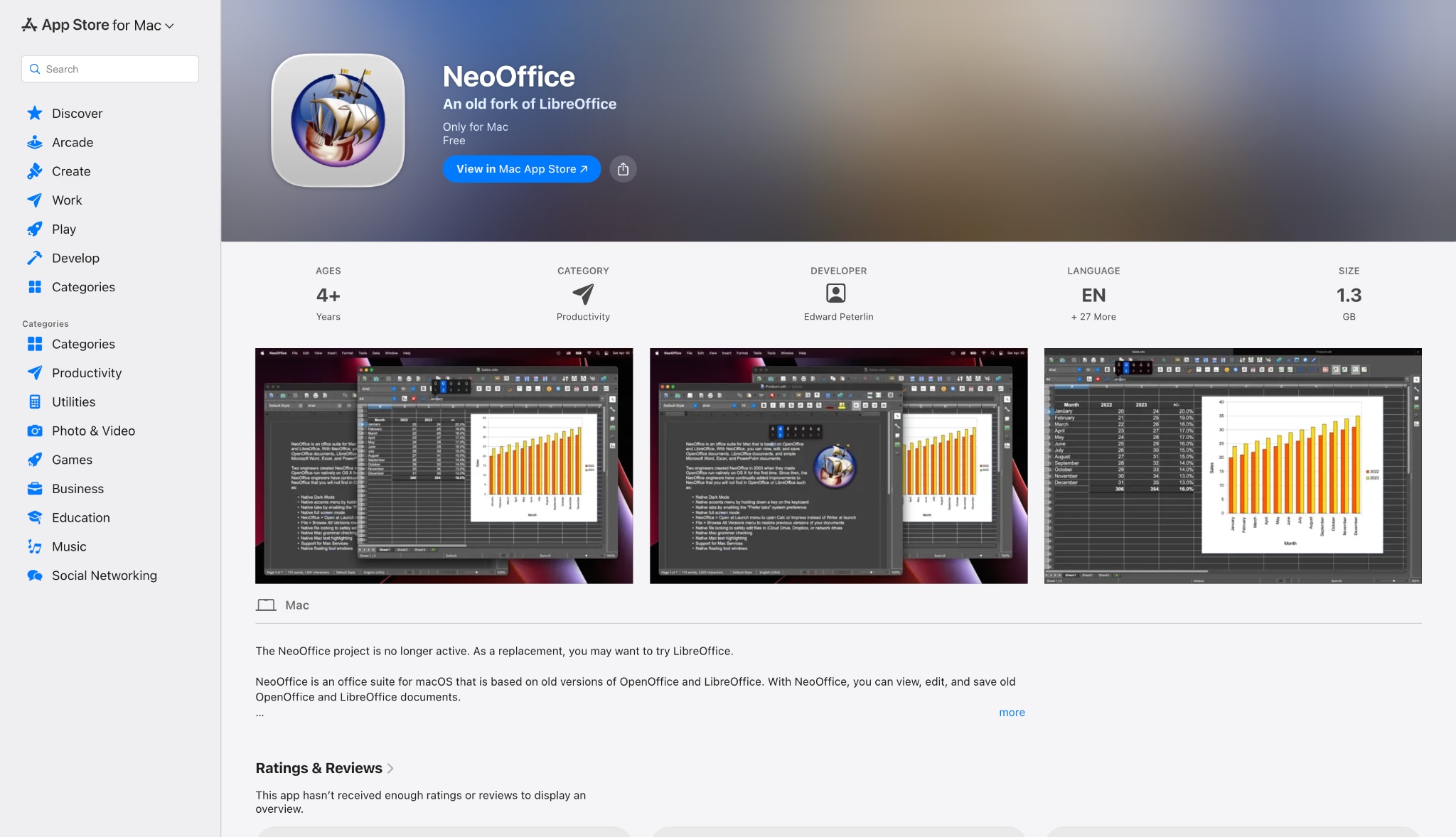
If you need an affordable way to write documents, Neo Office for Mac is a highly reliable choice. This classic, open-source office suite remains a viable, free alternative to Microsoft 365. It provides lightweight document editing and spreadsheet management. Because it uses very little system memory, Neo Office Mac is highly optimized for base-model Apple hardware.
Supported Devices: macOS 16.
2. Wondershare UniConverter (Top Recommendation for Media)
UniConverter is an all-in-one media processing toolbox that runs natively on Apple Silicon. It provides the fastest and most battery-efficient way to compress, convert, and edit 4K video on a budget Machine. You can easily manage heavy files with its Batch Convert feature without overloading your 8GB RAM. It also offers an AI video enhancer and an AI image enhancer to upgrade your media quality effortlessly.

Supported Devices: MacBook Neo, MacBook Air, MacBook Pro.

Fast & Smooth Video Editor & Processor for Mac Neo
3. Neo HOTS by Mirae Asset (Top Trading Platform)
Finance professionals and retail investors rely on this dedicated application for real-time market data. When you want to download Neo Hots Mirae Asset for MacBook, you get a platform that offers seamless portfolio tracking. It allows you to execute fast trades without the browser lag you might experience on heavy web portals.

Supported Devices: macOS (Apple Silicon models only), iOS, Android.
4. VLC Media Player (The Best Free Playback Fallback)
VLC maintains its reputation as the "play anything" software. Its minimal resource footprint is a great match for entry-level laptops. You can open almost any obscure video or audio file format without installing extra codecs. It runs lightly in the background, making it a very helpful media player for everyday use.

Supported Devices: Universal.
5. Steam (For Casual Gaming & Ecosystems)
The A18 chip offers surprising graphical capabilities. While not a dedicated gaming rig, you can still enjoy casual titles or manage your digital marketplace. If you are building a Neo Noir Mac aesthetic for your desktop, you can easily find moody, stylized indie games on Steam that match your vibe and run well on standard hardware.

Supported Devices: macOS 16.
6. Microsoft 365 (The Industry Standard)
Microsoft 365 is the go-to cloud-based solution for professional collaboration. You get access to Word, Excel, and PowerPoint, ensuring your documents sync perfectly across the Apple ecosystem. It is an excellent choice for remote workers and students who need standard formatting for their assignments.

Supported Devices: Universal.
7. DaVinci Resolve (For Heavy Video Editing)
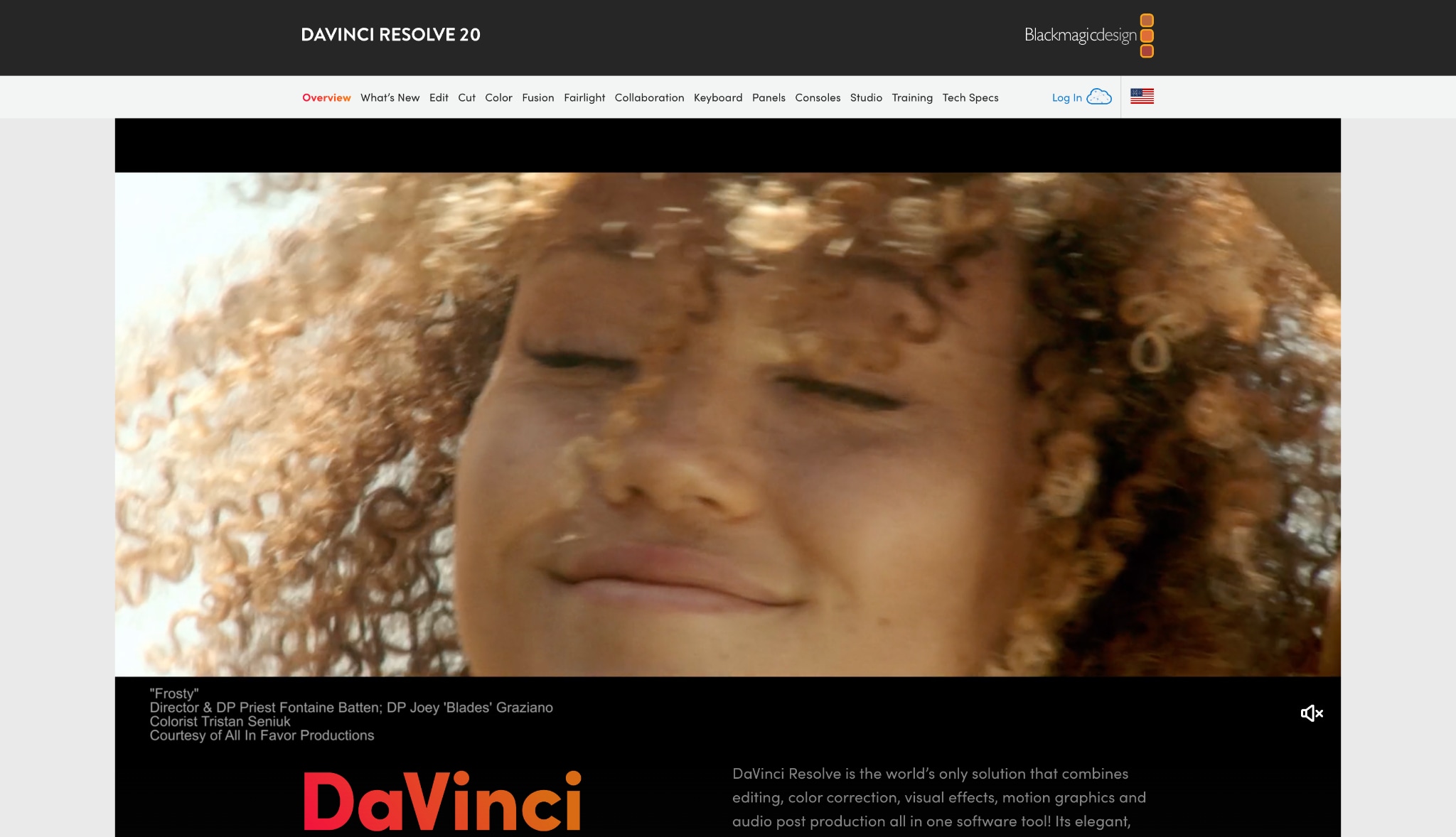
DaVinci Resolve is a highly capable professional grading and editing software. It magically runs exceptionally well on Apple's mobile-derived architecture. You can edit multiple video tracks and apply advanced color correction. It is an incredibly powerful tool provided you manage your timeline resolution carefully to respect the 8GB RAM limit.
Supported Devices: Mac Neo, Mac Pro.
Part 5. Bonus: Step-by-Step Guide to Optimize Videos with UniConverter
When you use a laptop with only 256GB of storage, large video files become a problem. You can solve this by shrinking your files with Wondershare UniConverter. This process saves you space while maintaining high visual quality.
Step 1: Access the Compressor Tool
Launch Wondershare UniConverter on your computer and locate the "Compressor" tool on the home dashboard. You can easily find it pinned in the left-side quick access panel for immediate use. If you do not see it there, simply use the top-right search bar to find the tool quickly.

Step 2: Add Files for Compression
Click the massive folder icon in the center of the screen to open your local drive. You can drag and drop multiple heavy media files directly into this workspace for batch processing. The software loads your files instantly and displays their original sizes for easy comparison.
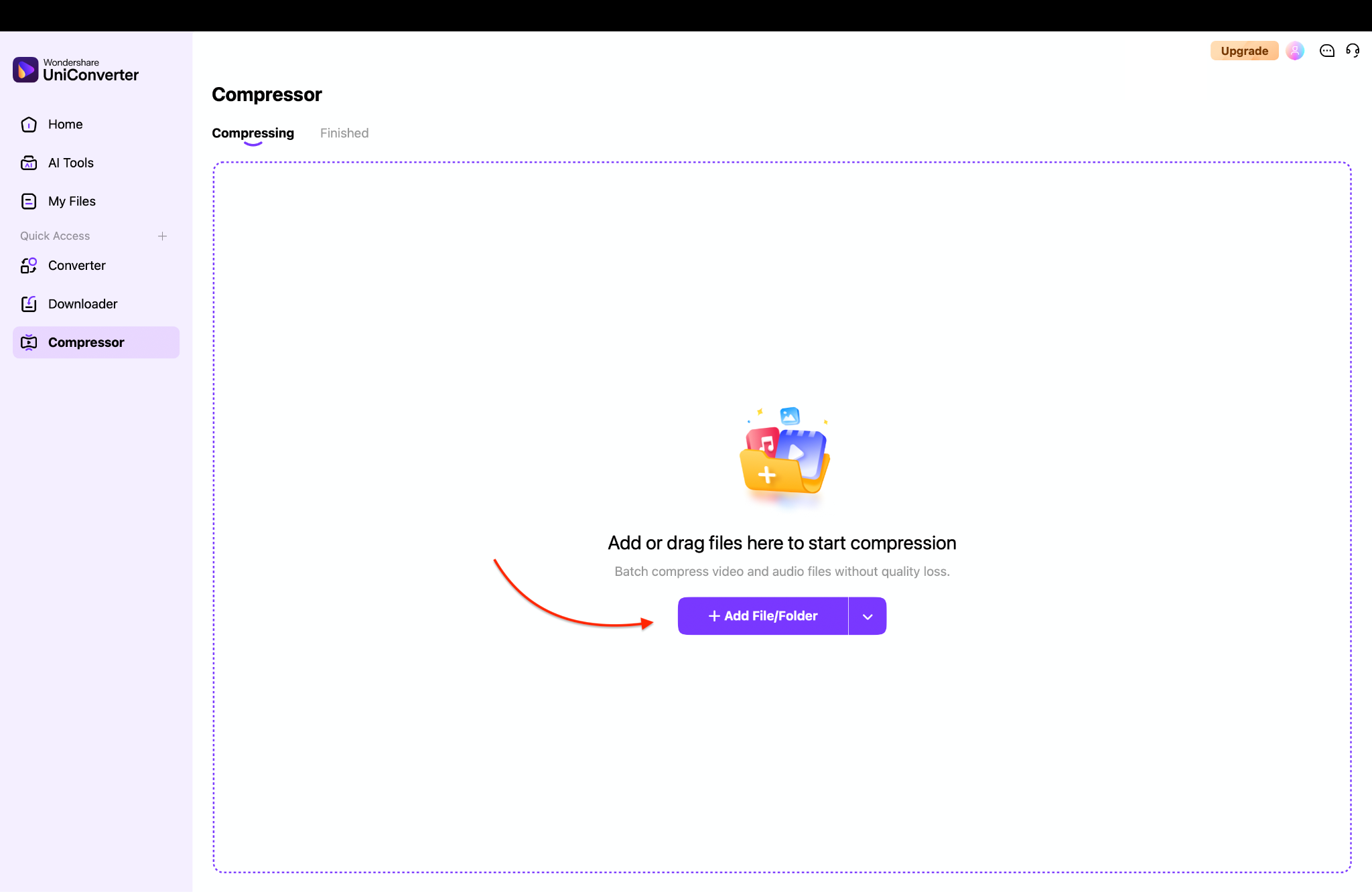
Pro Tip: You can also import entire folders at once to save time by using the "Add File/Folder" dropdown button in the top right corner.
Step 3: Choose Your Compression Model
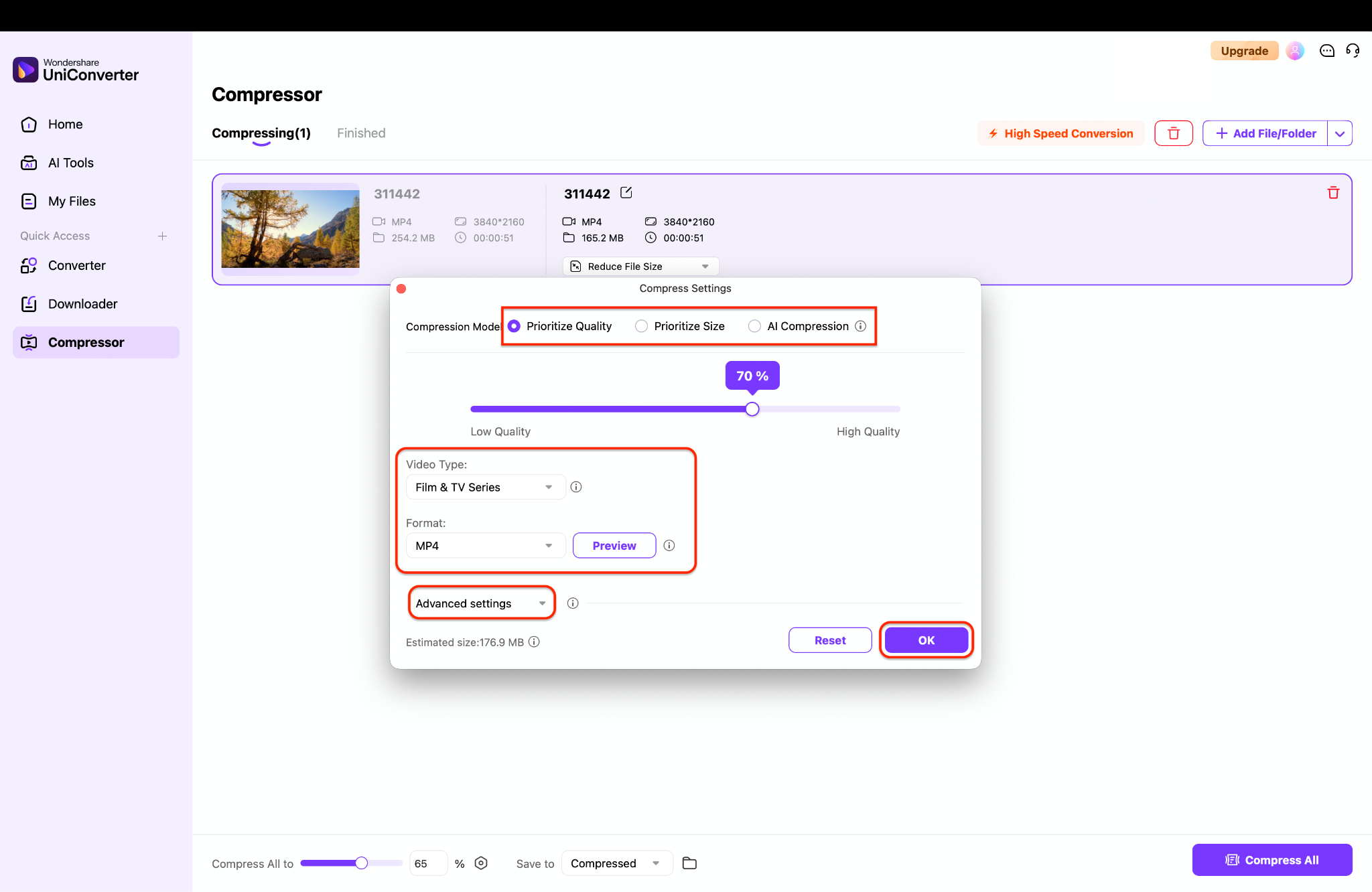
You can choose Prioritize Size to type an exact file size across eight formats, or Prioritize Quality to maintain visual fidelity for MP4, MKV, and MOV exports. Both of these manual models share identical advanced settings for fine-tuning your video and audio encoders. For a faster approach, select the AI Compression model to automatically balance size and clarity for MP4 files without any manual adjustments.
Step 4: Export Your Compressed Files
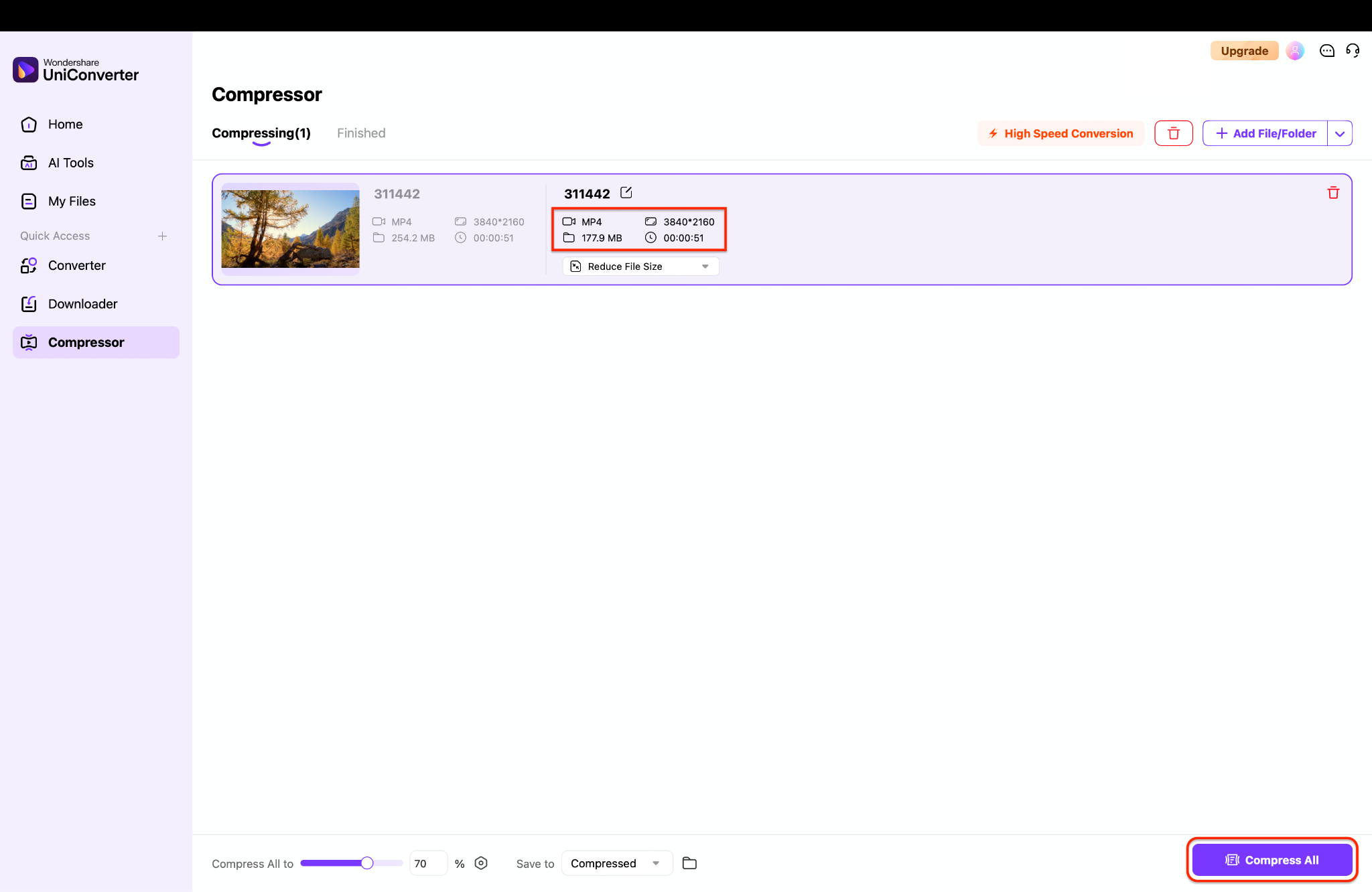
Review your estimated output sizes and choose a destination folder at the bottom of the screen. Click the purple "Compress All" button in the bottom right corner to start your batch export. The software processes your files quickly, allowing you to find the compressed videos in the "Finished" tab.
Part 6. Conclusion
Apple's newest $599 laptop offers excellent value, bringing reliable desktop performance to a budget-friendly price point. While the Mac Neo has strict memory limits, pairing it with highly optimized software solves that problem entirely. By utilizing the top 7 essential Mac Neo apps, you can handle daily productivity and media tasks without system lag. For the absolute best media experience, you should try Wondershare UniConverter. It allows you to shrink, edit, and enhance files natively, making it the smartest way to manage heavy media on your new MacBook Neo. Download UniConverter today and unlock your device's full creative potential.
Part 7. FAQs
-
What is the best media converter for a Mac Neo in 2026?
Wondershare UniConverter is the leading choice. It features native Apple Silicon support, ensuring fast video conversions and AI enhancements without draining your laptop's battery. -
Is Neo Office Mac still supported on Apple Silicon?
Yes, Neo Office for Mac is still supported. While it is a legacy open-source application, it functions beautifully as a lightweight, free productivity suite for modern macOS versions. -
How do I efficiently download Neo Hots Mirae Asset for MacBook?
You can download Neo Hots Mirae Asset for MacBook safely from the official Mirae Asset website. This ensures you install the verified, secure trading platform for real-time portfolio management. -
Can the new MacBook Neo handle gaming with a Neo Noir Mac aesthetic?
While it is not a dedicated gaming PC, the internal A18 Pro chip easily handles casual gaming. You can run Steam to play indie games that match a stylized Neo Noir Mac aesthetic smoothly. -
Will Neo Office for Mac run smoothly on 8GB of RAM?
Absolutely. It is highly optimized for lower-memory environments, making it an excellent word processing choice that will not cause your system to slow down.

