

Finding a reliable AI music generator is essential for modern content creation. Whether you need an AI music creator to score your cinematic vlog, or an AI song generator to spark a new lyrical idea, the technology has never been more accessible. You can even find an AI music generator free to test your ideas before committing to a paid plan. In this guide, we will explore the top ten platforms available today. We will help you choose the right AI music maker to elevate your audio projects quickly and safely.
Part 1. What is an AI Music Creator and How Does It Work?
Understanding the AI Music Creator Technology
An AI music creator uses advanced deep learning algorithms to produce original audio. Developers train these neural networks on vast datasets of existing music. The AI learns to predict patterns, melodies, and harmonies based on simple text prompts. You simply type a description of the mood or genre you want.
The latest models in 2026 have evolved significantly. They no longer just produce instrumental loops. Modern generators can now synthesize highly realistic human vocals and write coherent lyrics. This turns a simple text prompt into a fully mastered, radio-ready song in seconds.
Who Needs an AI Song Generator?
Content Creators: YouTubers and streamers constantly need royalty-free background music. Generating custom tracks helps them avoid frustrating YouTube copyright strikes.
Songwriters: Musicians often face creative blocks. An AI song generator provides instant backing tracks and lyrical ideas to kickstart the writing process.
Filmmakers: Indie directors need custom scores that match specific scene durations perfectly. AI allows them to generate precise emotional cues without hiring an expensive composer.
Part 2. Top 10 AI Music Generator Tools for You
1. Suno AI
Suno AI is currently a leading AI song generator in the industry. It excels at turning text prompts into complete songs, complete with impressive vocal synthesis. You can generate everything from pop anthems to heavy metal tracks in under a minute.

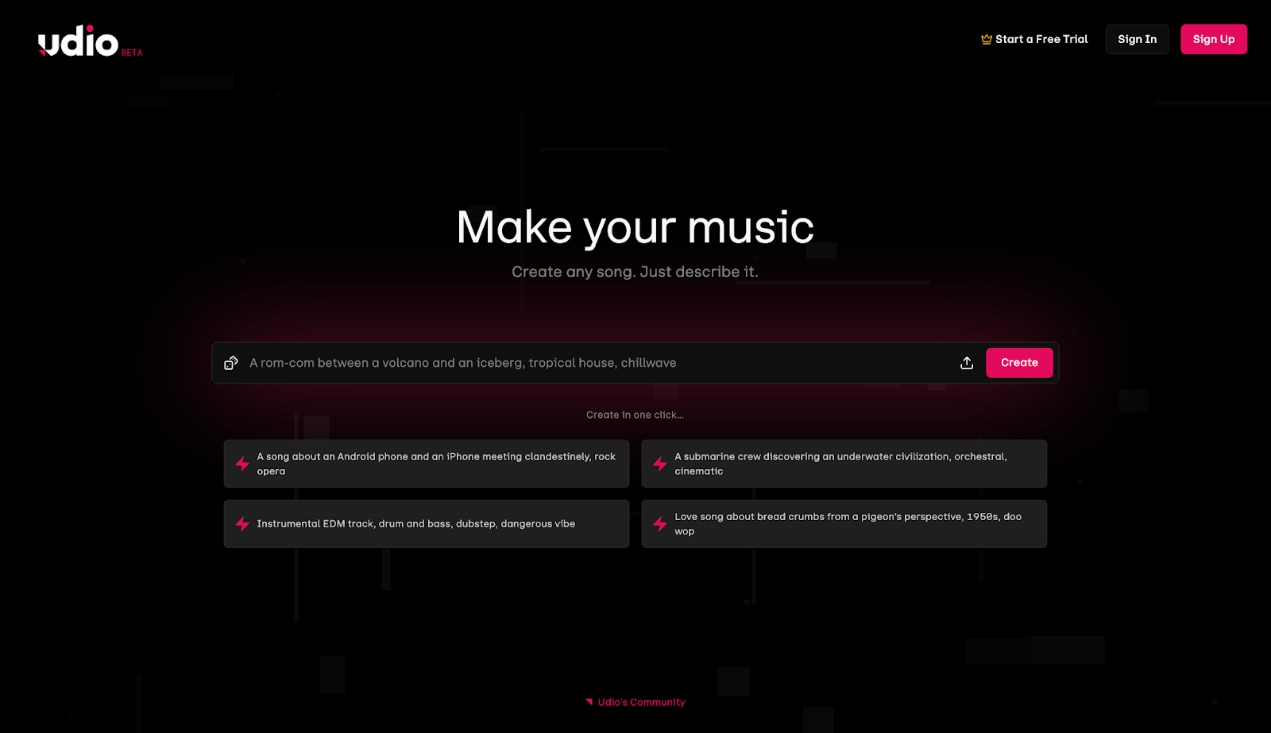
2. Udio
Udio offers exceptional audio quality and a unique iterative workflow. It allows you to generate a track and then continuously extend or modify specific sections. This makes it an excellent AI music maker for users who want more structural control.
3. AIVA
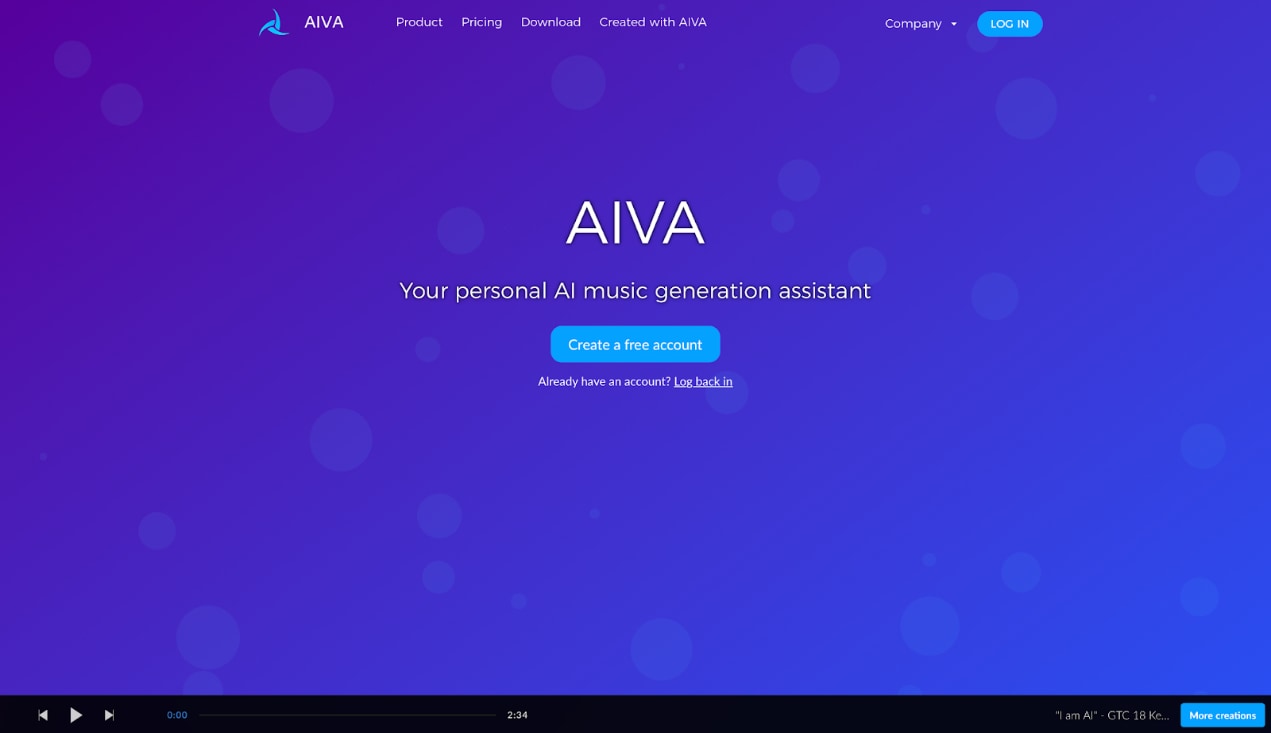
AIVA (Artificial Intelligence Virtual Artist) specializes in orchestral and cinematic compositions. It provides a built-in MIDI editor, making it a favorite among professional composers. You can deeply tweak the notes and arrangements it generates.
4. Soundraw
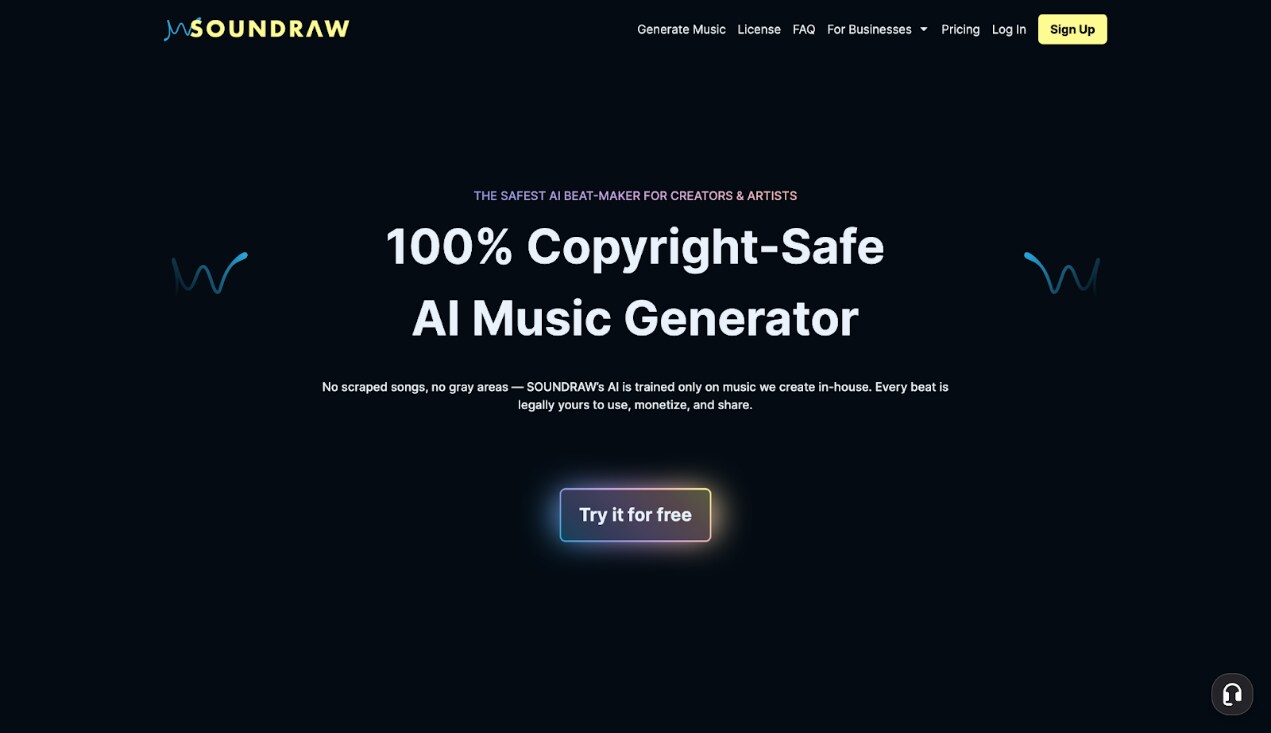
Soundraw focuses strictly on royalty-free background music. It uses a unique click-based interface instead of text prompts. You select a mood, genre, and length, and it provides dozens of customizable variations instantly.
5. Boomy
Boomy helps users create and distribute music directly to streaming platforms like Spotify. It simplifies the entire production pipeline. This tool is perfect for users who want to monetize their AI creations quickly.

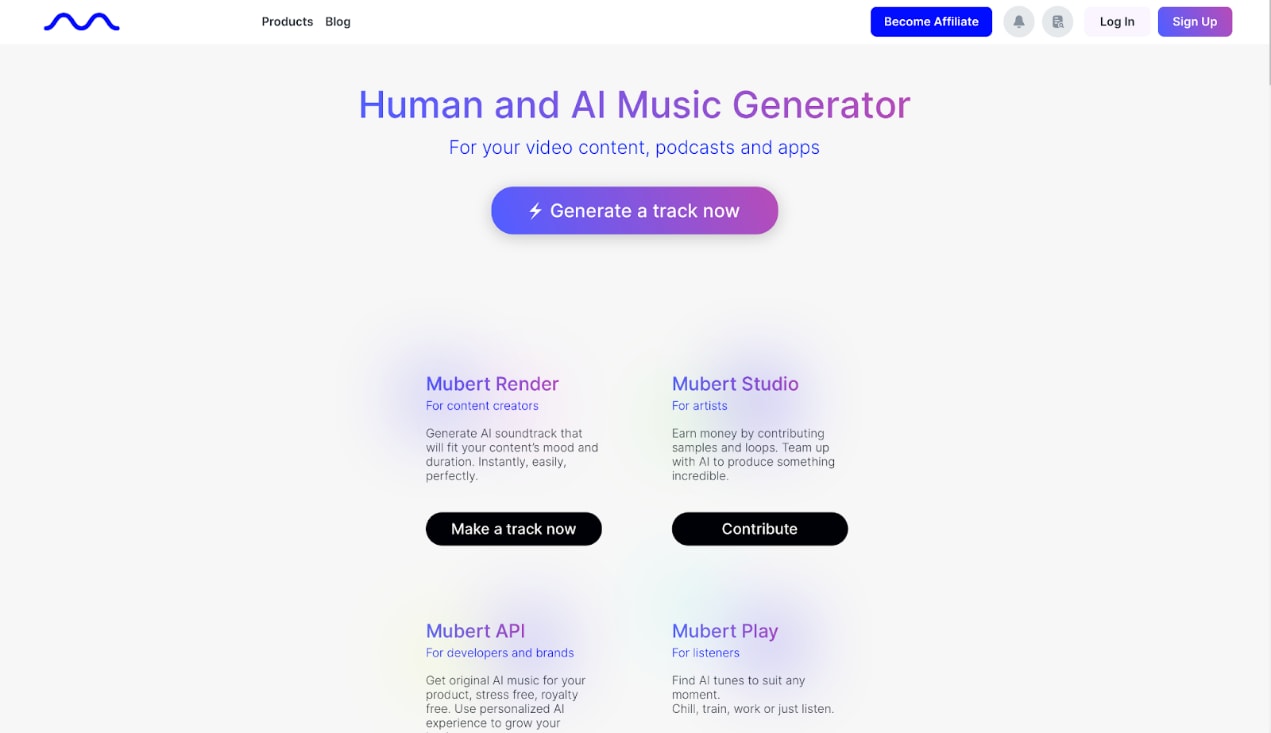
6. Mubert
Mubert is a specialized AI music maker that generates music in real-time. It relies on a massive database of human-made samples seamlessly blended by algorithms. It is highly popular among Twitch streamers who need continuous, endless background beats.
7. Beatoven.ai
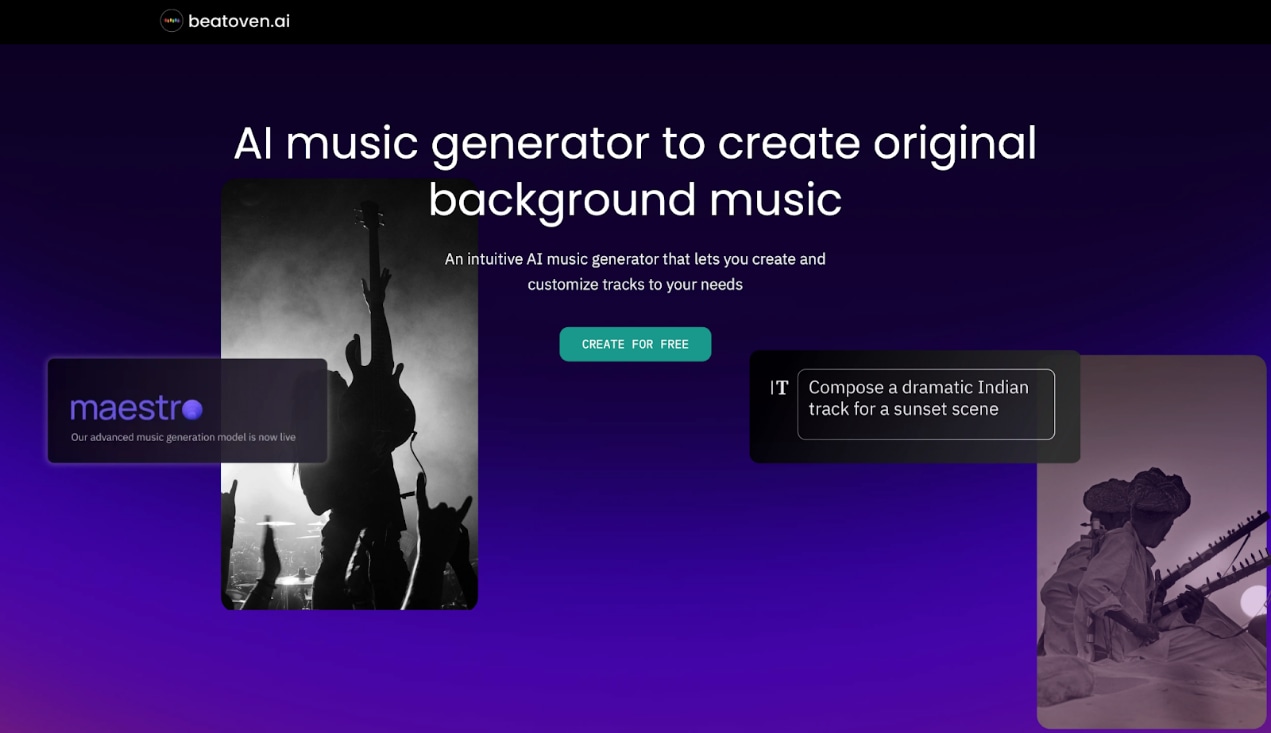
Beatoven.AI is tailored specifically for video creators and podcasters. It aligns its generated music with the emotional arc of your video. You can upload your video and tell the AI where the mood shifts from sad to uplifting.
8. Soundful
Soundful creates premium royalty-free beats aimed at modern producers and brands. It excels in genres like EDM, Hip-Hop, and Latin. The platform delivers tracks that sound professionally mastered and ready for digital ads.

9. Ecrett Music
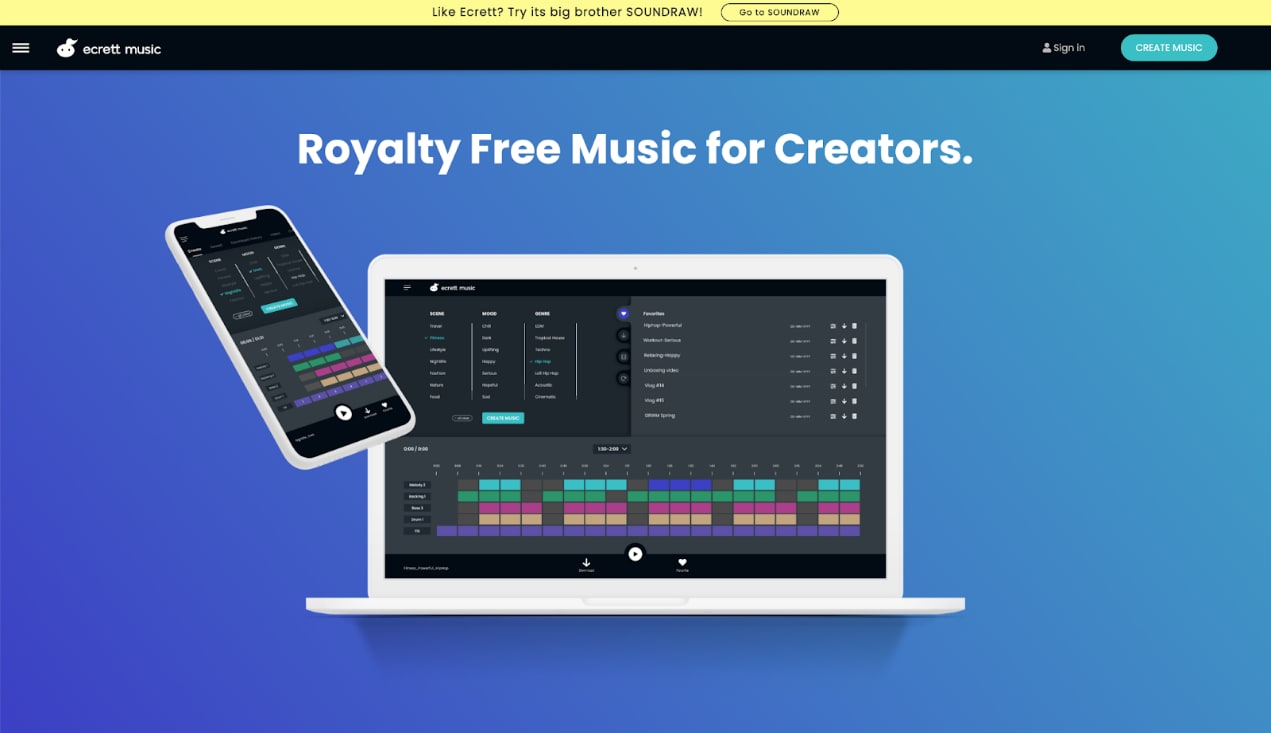
Ecrett Music provides a straightforward solution for quick video background scores. You select a scene, mood, and genre from visual tiles. The AI music generator free tool then crafts a track to match your selections instantly.
10. Loudly
Loudly combines a massive library of loops with intelligent generation algorithms. It allows you to blend entirely different genres together to create unique sounds. It also features a strong mobile web experience for creating on the go.

Part 3. At-a-Glance: Comparison Table
| Tool Name | Best For | Free Plan Available? | Commercial Rights? | Platform |
| Suno AI | Vocals & Full Songs | Yes | Paid Only | Web/App |
| Udio | Iterative Mixing | Yes | Paid Only | Web |
| AIVA | Cinematic & MIDI | Yes | Paid Only | Web/Desktop |
| Soundraw | Background Music | Yes | Paid Only | Web |
| Boomy | Streaming Distribution | Yes | Paid Only | Web |
| Mubert | Continuous Streams | Yes | Paid Only | Web/Mobile |
| Beatoven.ai | Video Scoring | Yes | Paid Only | Web |
| Soundful | Studio Beats | Yes | Paid Only | Web |
| Ecrett Music | Quick Video BGM | Yes | Paid Only | Web |
| Loudly | Genre Blending | Yes | Paid Only | Web/Mobile |
Part 4. How to Enhance Your AI Music
Now that you have used an AI song generator, you might notice some common issues. The file format might be wrong, or the audio may contain "robotic" noise artifacts. You might also need to repurpose your music video for different social platforms.
The Best Tool to Edit and Convert AI-Generated Audio:UniConverter
Key AI Features for Music Creators:
AI Vocal Remover: You can take a full song generated by Suno or Udio and split it flawlessly. Use A bunch of other AI tools to separate the AI vocals from the backing track. This allows you to replace the AI vocals with your own voice. You can also use the clean instrumental for karaoke tracks.
AI Noise Remover: Lower-tier AI generators often leave static or "hallucinated" fuzz in the audio. UniConverter cleans up this background noise instantly. It restores your tracks to studio-quality clarity.
Audio Converter & Compressor: You must ensure your file is compatible with all editing software, like Premiere or Final Cut. Use Batch Convert to change formats quickly. Then use Batch Compress to optimize the audio for fast uploading without losing any quality.
Auto Crop (Bonus): You can use auto-crop to reframe your content. It automatically crops wide (16:9) music videos into vertical (9:16) clips for TikTok and Shorts. The AI keeps the main artist centered, making it incredibly easy to promote your new AI tracks on social media.

All-in-One Multimedia Processing Tool

Part 5. Legal and Ethical Considerations of AI Music
Copyright Rules for the Best AI Music Generator
Can you actually copyright AI music? This is the "elephant in the room" for digital creators. In the US, the current legal stance emphasizes that copyright protection strictly requires human authorship. If a machine created the entire track from a single text prompt, you cannot claim a legal copyright on it. However, this does not mean the track automatically enters the public domain in the traditional sense; rather, it means the raw AI output lacks a human creator to claim exclusive legal ownership. To establish a copyright claim, the US Copyright Office looks for meaningful human involvement, meaning your creative selection, arrangement, or substantial modification of the AI output might constitute copyrightable elements.
Platform Rights vs. Copyright
Because of these rules, you must clearly understand the difference between a "Commercial Use License" and "Copyright Ownership." When you buy a premium subscription to an AI music maker, you are typically purchasing a commercial license that allows you to safely monetize the generated track on platforms like YouTube or Spotify. However, you do not own the underlying copyright of that raw audio. To claim true legal ownership, you must introduce significant human modification—such as writing and recording your own original vocals over the track, or using tools to split, rearrange, and heavily edit the composition into something entirely new.
How to Use AI Music Safely on YouTube
Always read the licensing terms of your chosen AI music generator free or paid tool. To avoid Content ID claims on YouTube, always ensure you have a commercial license linked to your channel. Modifying the track makes your content much safer. Try remixing the beat or using a vocal remover to extract stems. This makes your final audio unique and highly defensible against automated copyright bots.
Part 6. Conclusion
Finding the perfect AI music generator transforms how you produce content. From creating instant YouTube backgrounds to synthesizing full vocal tracks, these tools save you massive amounts of time and money. Remember that raw AI output often needs a human touch to shine. We encourage you to try UniConverter today. It is the perfect companion to any AI music creator. You can seamlessly remove artifacts, extract vocals, and format your new tracks for every platform. Download it now to build a fast, professional, and reliable audio workflow.

