


(Disclaimer: Our tool is intended for personal use only. Users are solely responsible for using this tool to download videos, including compliance with video platform's terms of service and copyright laws and regulations. We are not liable for any consequences resulting from users' violation of any laws or infringement of others' rights.)
Threads by Instagram has gained rapid traction among creators and micro-influencers for its short-form, high-engagement video content. From travel clips to tutorials, video content on Threads is quickly becoming a creative playground for influencers, marketers, and content creators.
With the rise of this platform, the demand for reliable Threads video downloaders has also increased, especially for those who want to save Threads videos so they can share them on Instagram reels.
However, Threads does not offer a native video download button, and although several tools claim to download Threads videos, most of them are filled with spammy ads. This guide will bring you a curated list of the top 10 Threads video downloaders that actually work.
In this article
Part 1.What are the best tools for downloading Threads videos in HD or 4K?
When it comes to downloading videos from Threads, not every tool delivers consistent quality, format compatibility, or offline flexibility. Several tools are limited to one-time use, while others direct you to third-party websites that are filled with spammy ads.
So, here’s a list of tried and tested Threads video downloaders that would help you download video content as required.
Quick Guide: Best Threads Video Downloader by Use Case
1. Wondershare Uniconverter
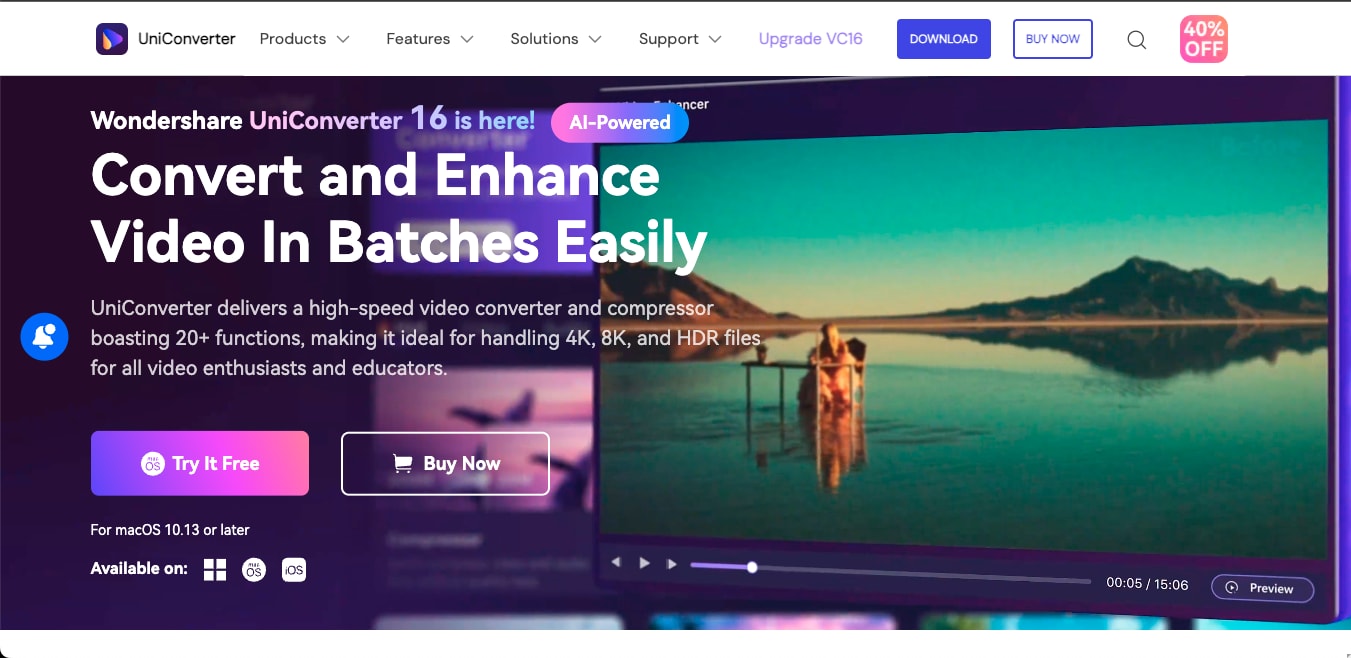
Wondershare UniConverter isn’t just a downloader; it’s an entire content toolkit designed for creators. With full offline functionality, it enables you to download videos directly from platforms such as Threads, TikTok, Instagram, YouTube, and others. However, what truly sets UniConverter apart is what it enables you to do after the download. Once the Threads video is downloaded, you can use UniConverter’s AI models to upscale the video quality or even remove watermarks from the video.
Key Features
- UniConverter’s AI-powered models enable you to sharpen blurred footage, upscale videos to 4K, and stabilize shaky videos.
- Batch conversion and download are available for all users.
- You can remove watermarks not only from images but from Threads videos.
- The tool works entirely offline, so there are no issues with unwanted spam.
2. Threads Downloader
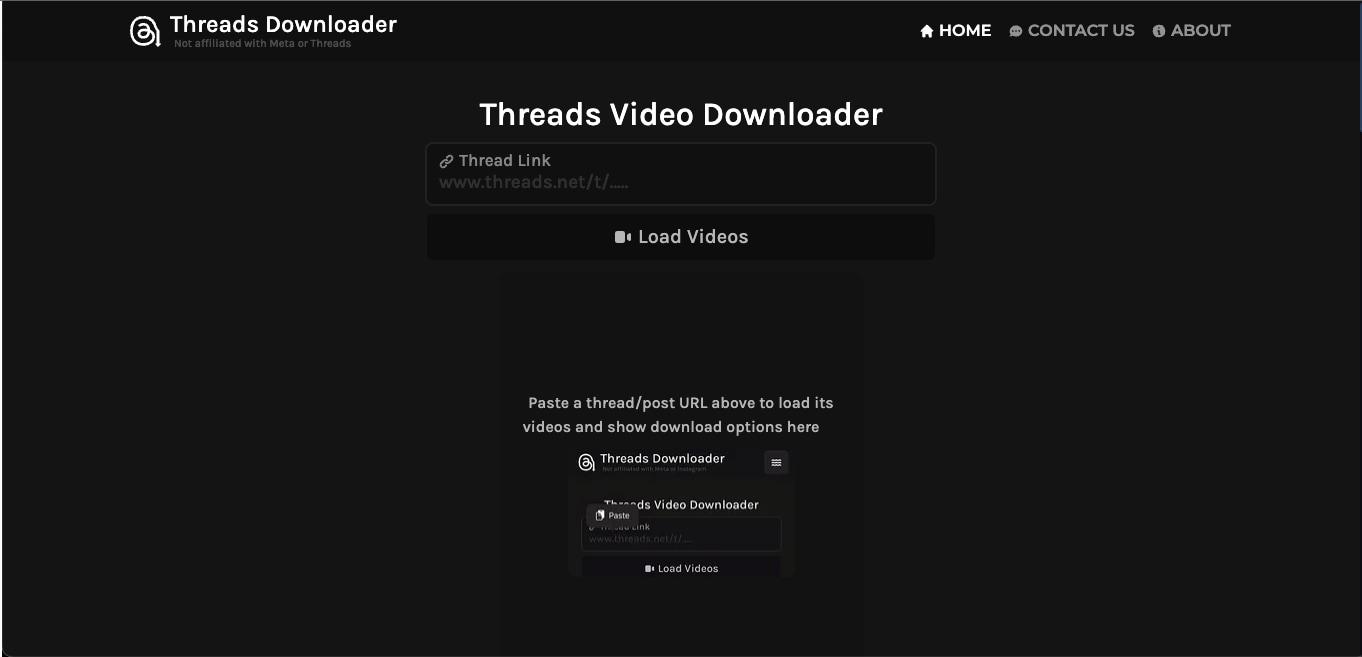
Threads Downloader is a free, browser-based tool built specifically for downloading videos, photos, and GIFs from the Threads app. The Threads Downloader website is ideal for those who do not wish to register and only want to download Threads videos. For creators looking for a quick, no-install solution, this is one of the most accessible tools available.
Key Features
- Users can choose the output quality and download Threads videos in MP4 format.
- It works on iOS, Android, Mac, Windows, and even Linux.
- The tool fetches video links directly from Threads’ servers without storing any information.
3. Threadster
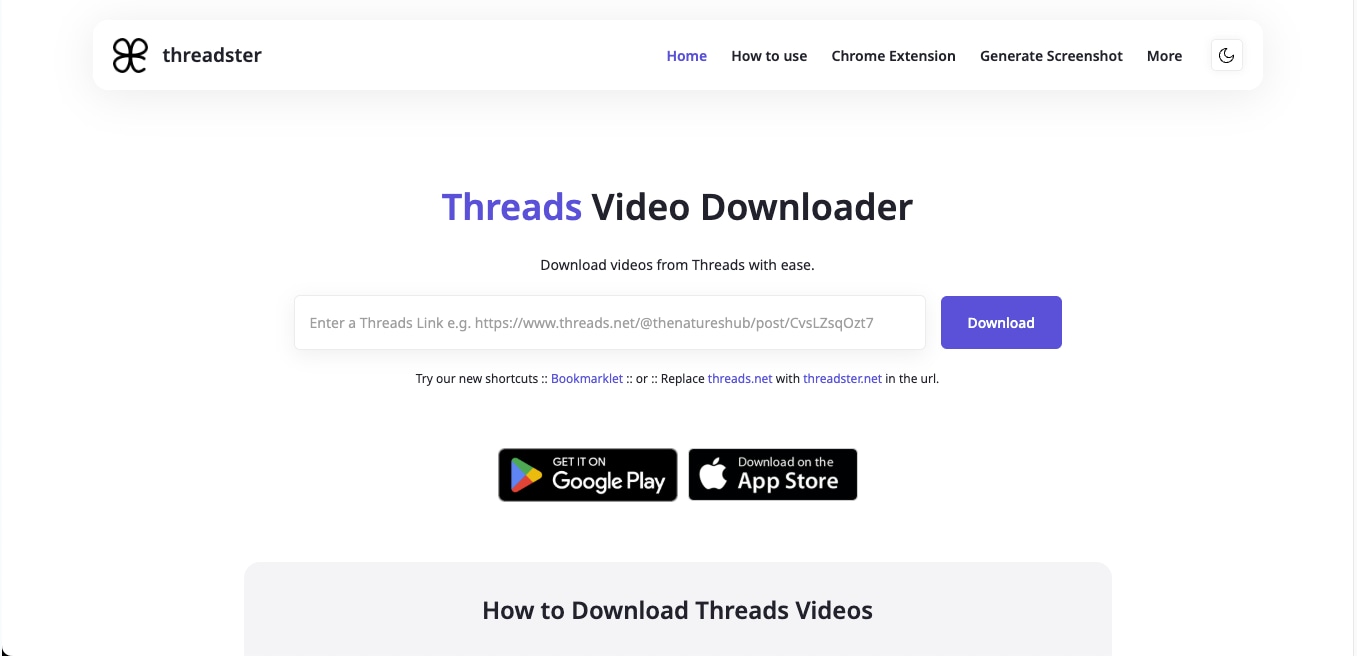
Threadster is a sleek tool designed exclusively for downloading videos and GIFs from Threads. Unlike cluttered downloader sites, it offers a minimal interface with one clear goal: to let you download Threads videos without any issues. With support for both desktop and mobile browsers, as well as Android/iOS apps, it provides a smooth experience across platforms.
Key Features
- Paste any Threads video link and download it instantly in HD.
- This Threads video downloader is available via Google Play, App Store, and desktop browsers.
- The tool also offers a Chrome extension for easy video downloads from Threads.
- Threadster is entirely free, with no hidden limitations.
4. ThreadsMate
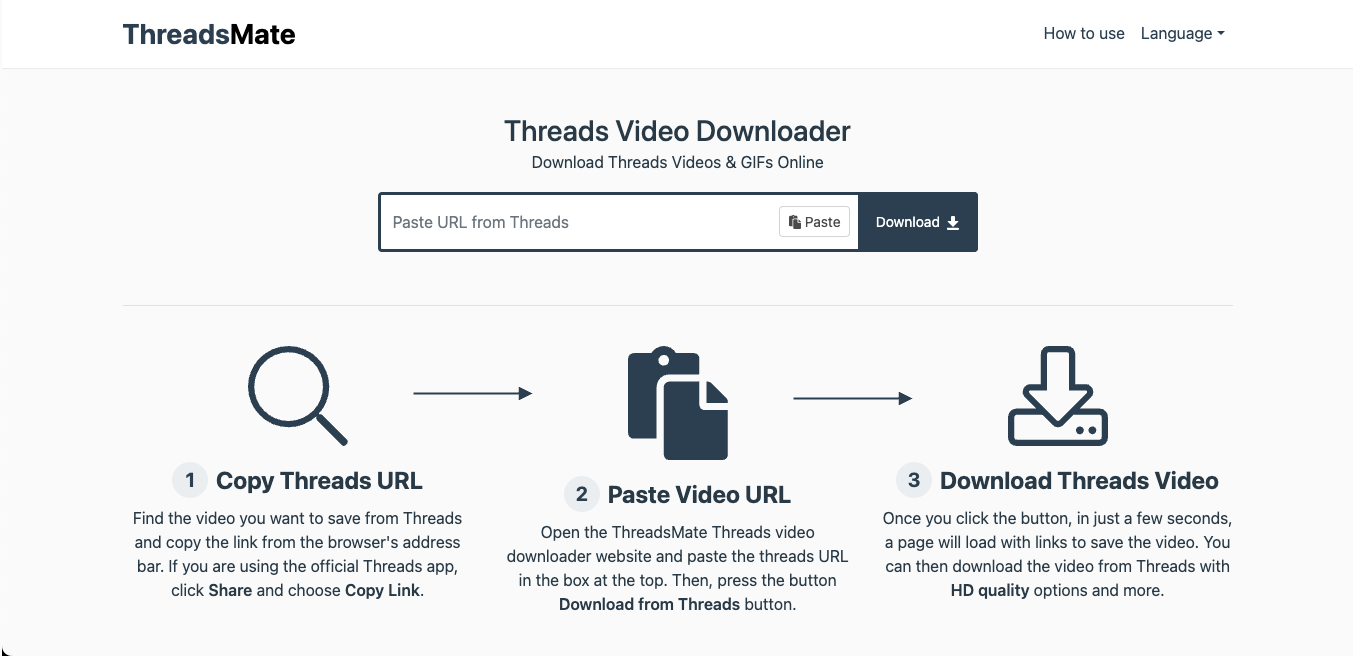
ThreadsMate is yet another browser-based downloader that keeps things straightforward, allowing you to download Threads videos in full HD MP4. This online downloader is designed for efficiency and works across all major platforms, including PC, Mac, Android, and iOS.
Key Features
- ThreadsMate supports high-quality output, including full HD and 4K MP4 formats.
- The tool works directly through your browser and does not require any extensions or plugins.
- There are no daily caps or account restrictions, and you can download as many Threads videos as you want.
5. sssThreads.pros
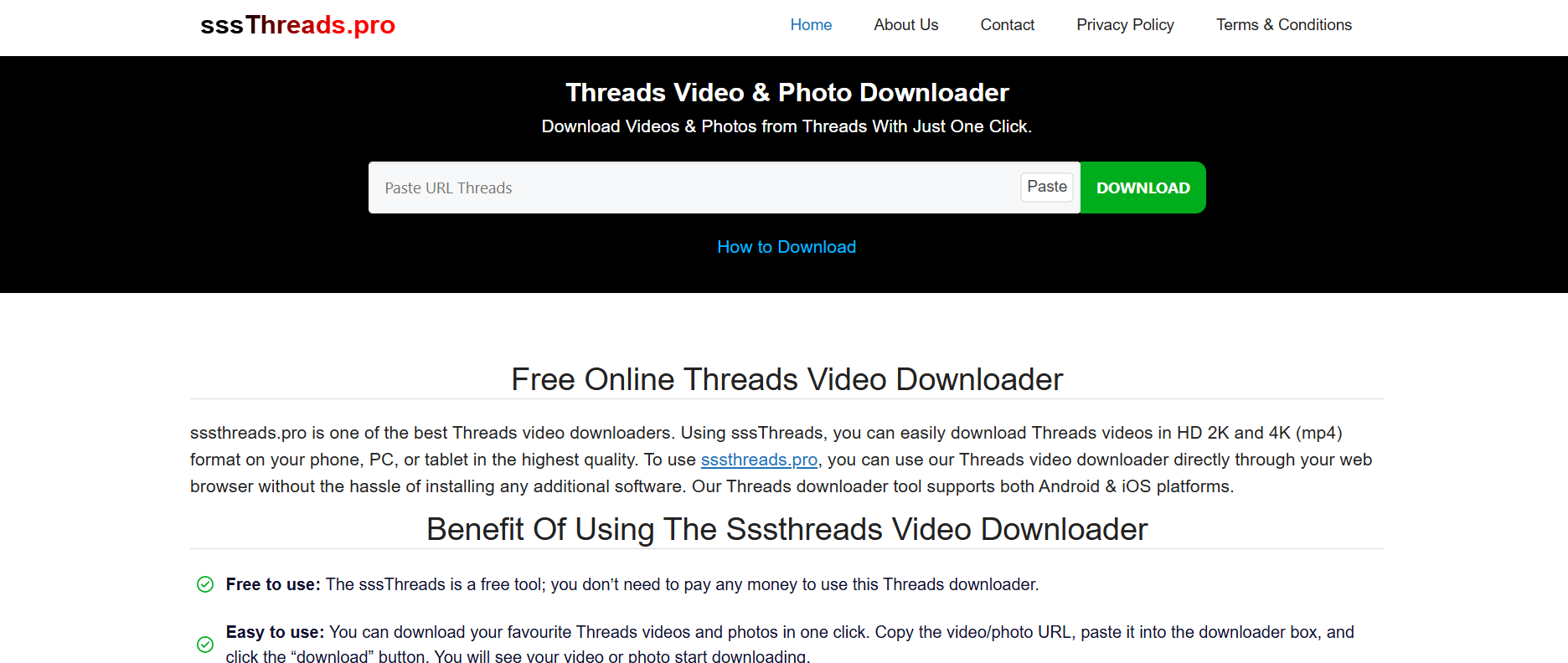
sssThreads.pro combines speed with simplicity, providing users with a quick way to download Threads videos and photos in HD, 2K, and 4K formats. While it runs entirely in your browser, it also supports Progressive Web App (PWA) technology, which means you can install it directly on your PC, Android, or iOS device for offline use without needing to visit the website every time. Despite its aggressive ad placement, the tool remains one of the most feature-rich options available for free.
Key Features
- The tool supports a wide range of video formats and resolutions.
- You don’t need to register or pay to download Threads videos.
- The platform supports all browsers and OS types and can be installed on your device.
6. SnapThreads
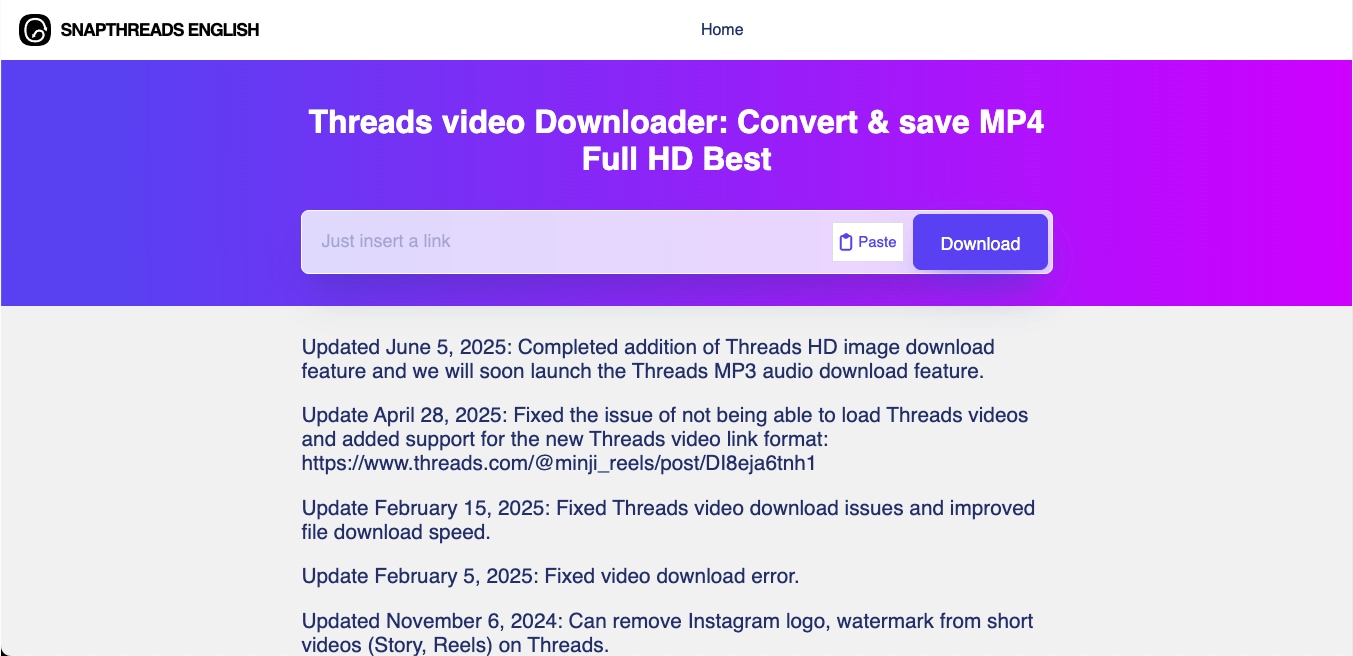
SnapThreads is a well-maintained web tool that specializes in converting and saving Threads videos in MP4 format within seconds. With recent updates that fix download bugs, support new Threads link formats, and even remove Instagram watermarks from short videos, it’s one of the most reliable tools available.
Key Features
- This website allows you to get the videos in full HD MP4 format.
- SnapThreads is regularly updated to support new Threads post structures.
- The tool works flawlessly on mobile devices, desktops, and across various operating systems.
- There’s no usage limit or premium wall.
7. ThreadSaver
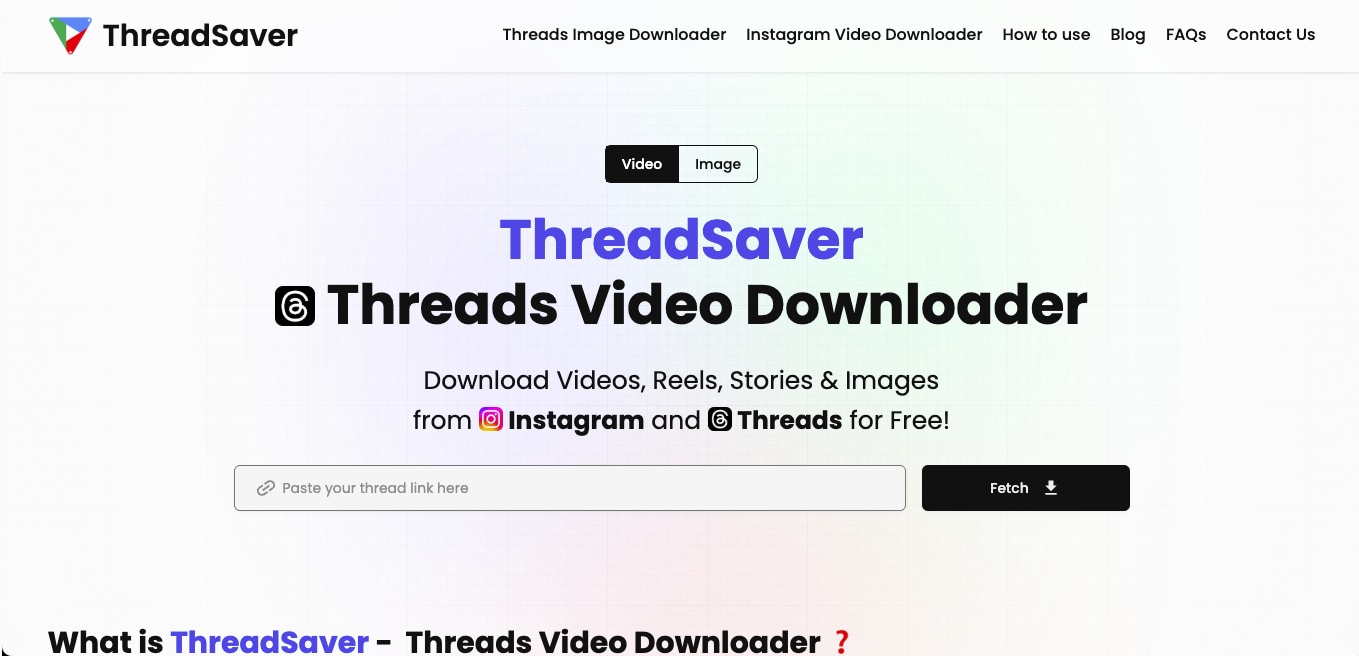
ThreadSaver is a minimal yet powerful downloader built for creators who frequently work across Threads and Instagram. With support for videos, stories, reels, and images, it provides a central solution for saving media in HD without quality drops. Its interface is optimized for speed, and no signup or installation is needed.
Key Features
- You can download not only Threads videos but also Instagram Reels, Stories, and posts.
- Your saved Threads videos retain the original resolution.
- There’s no need to create an account or use third-party extensions.
8. Snapvn
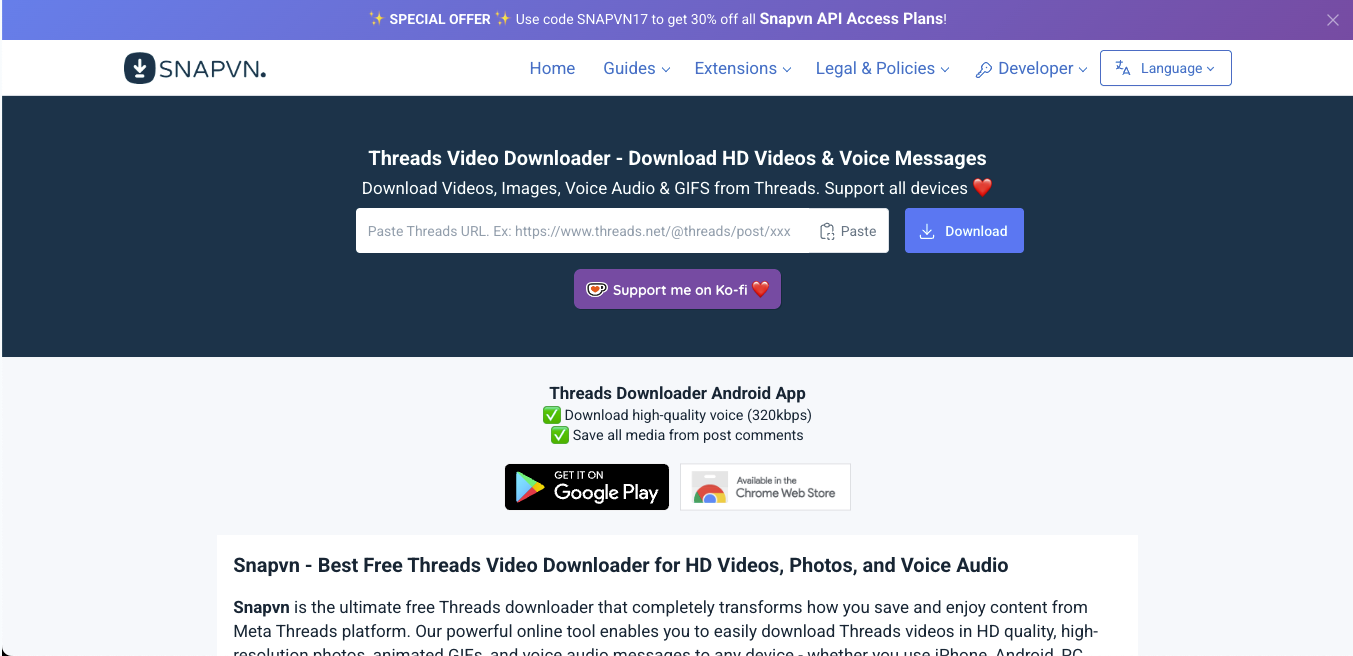
Snapvn is one of the few downloaders that go beyond just video, letting you extract and save voice messages, GIFs, photos, and entire comment threads from Threads. It supports high-definition formats and allows users to download audio in MP3 format (320 kbps).
Key Features
- Threads videos are downloaded in 720p, 1080p, and 4K when supported.
- Snapvn stands out as the only downloader that supports Threads' voice messages.
- It runs directly on the browser, and even the download is instant.
- Snapvn offers a mobile app and browser extension for quicker access.
9. iGram
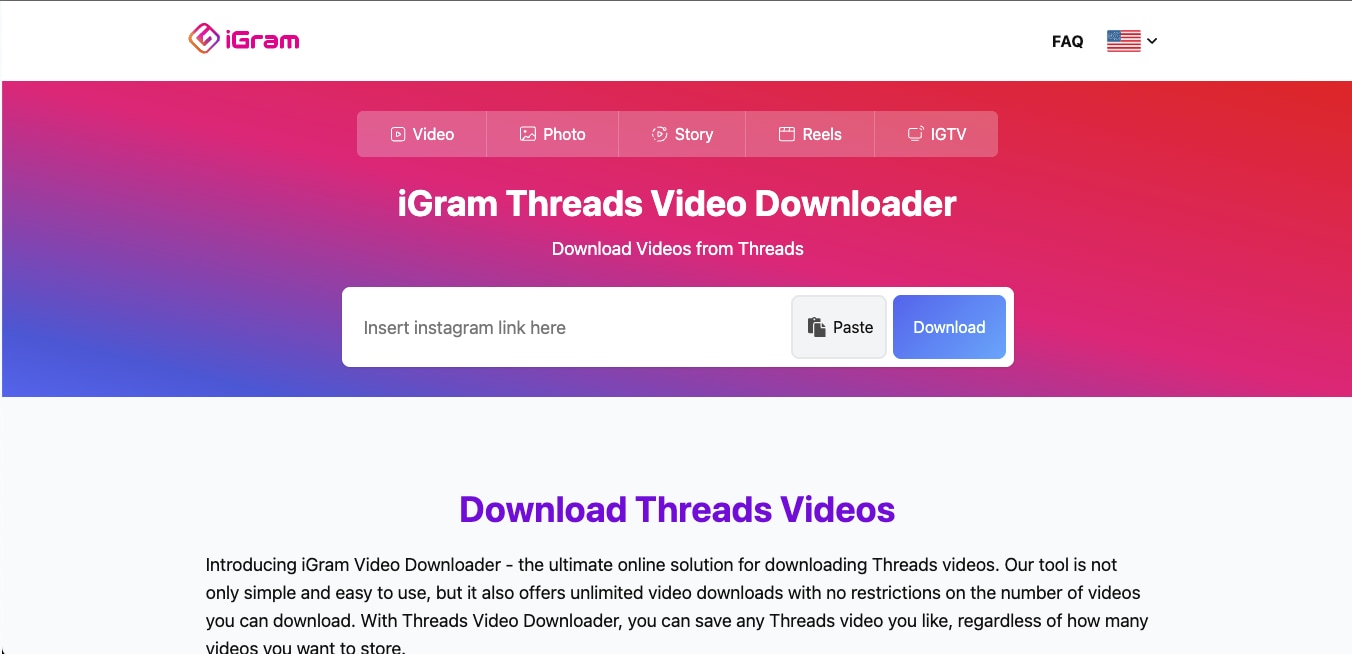
iGram is a long-standing downloader platform known for its support across Instagram formats, and now it also supports Threads. Whether it’s a video, reel, story, or IGTV-style content shared on Threads, iGram makes saving it hassle-free. If you want a reliable downloader with no cap on how many videos you save, iGram is worth checking.
Key Features
- Unlike some tools with daily limits, iGram allows you to download an unrestricted number of Threads videos.
- iGram is entirely free to use, with no need to register, subscribe, or install anything.
- iGram is compatible with Windows, macOS, Linux, Android, and iOS.
10. 4K Video Downloader
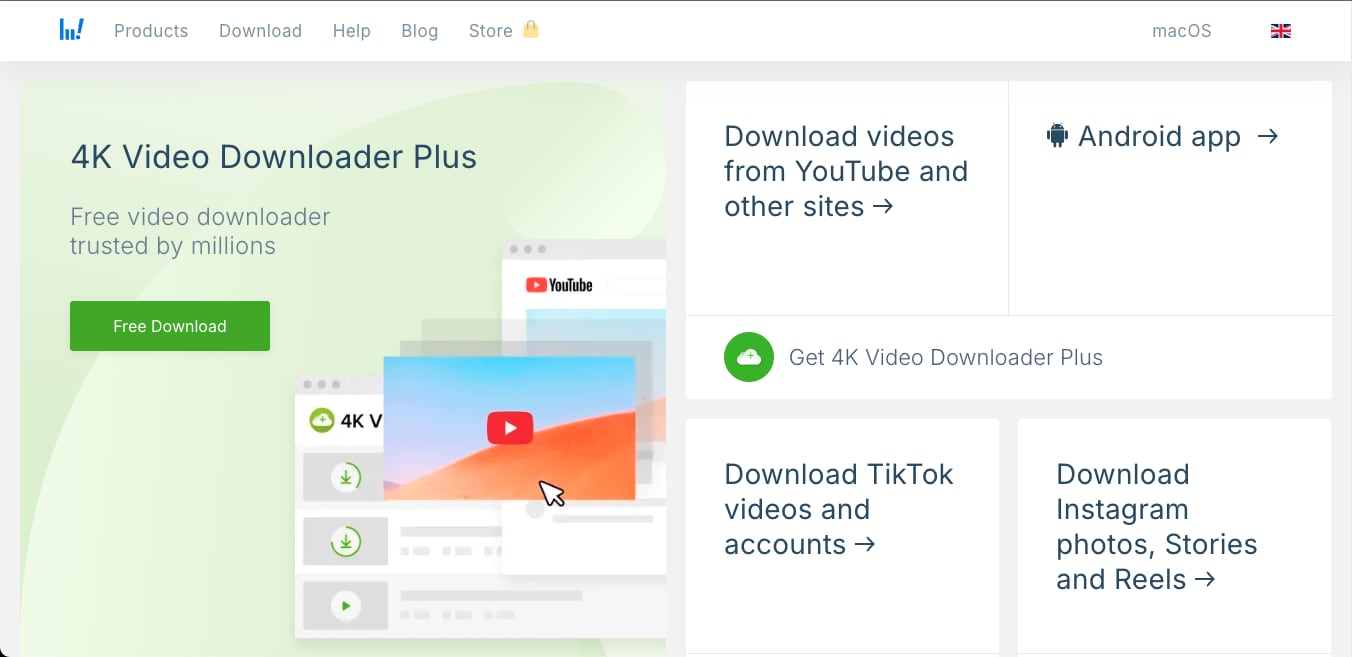
Unlike browser-based tools, 4K Video Downloader is a full-fledged desktop application, similar to Wondershare UniConverter, that allows you to download Threads videos in high resolution. It supports Instagram and Threads links, batch downloading, and even subtitles or metadata when available.
Key Features
- This downloader allows you to select the exact quality you need for downloading videos.
- This Threads video downloader also offers batch downloading.
- The paid plans allow you to store video captions, hashtags, and other post information for Threads.
Part 2. Which Threads video downloader is best for quality, speed, and fewer ads?
With dozens of Threads video downloaders available, we tested and compared the top 10 based on essential criteria like file quality, ease of use, ads, and device compatibility.
Here's a glance at how each one performed:
| Tool Name | HD Video Support | No Ads | Mobile Compatible | No Download Limit |
| Wondershare UniConverter | ✅ | ✅ | ❌ | ✅ |
| Threads Downloader | ✅ | ❌ | ✅ | ✅ |
| Threadster | ✅ | ✅ | ✅ | ✅ |
| ThreadsMate | ✅ | ✅ | ✅ | ✅ |
| sssThreads.pro | ✅ | ❌ | ✅ | ✅ |
| SnapThreads | ✅ | ✅ | ✅ | ✅ |
| ThreadSaver | ✅ | ✅ | ✅ | ✅ |
| Snapvn | ✅ | ❌ | ✅ | ✅ |
| iGram | ✅ | ❌ | ✅ | ✅ |
| 4K Video Downloader | ✅ | ✅ | ❌ | ✅ |
How We Tested Threads Video Downloader Tools
To build this guide, we reviewed Threads video downloader tools based on download quality, 4K or HD support, ad pressure, workflow speed, format flexibility, and overall usefulness for saving Threads videos safely.
Download quality
We checked whether each tool can preserve clear video quality instead of delivering overly compressed Threads downloads.
HD & 4K support
We reviewed whether the downloader supports higher-resolution saving for creators who want better repurposing results.
Ad & spam pressure
We gave extra weight to tools that avoid fake buttons, aggressive redirects, and cluttered download pages.
Workflow speed
We compared how quickly users can paste a Threads link, process it, and save the final file.
Format flexibility
We looked at file format choices and whether the tool works for both simple saving and later editing needs.
Practical value
We balanced ease, reliability, and quality to highlight the most practical Threads video downloaders.
This section helps readers understand our evaluation standards before they move into the Threads downloader comparison below.
Conclusion
While several tools are available for downloading Threads videos, most of them are limited in functionality. They might help you download, but they stop there. So, if you are a creator looking to do more than just save a video, you need more power, more control, and better quality. That’s where Wondershare UniConverter stands out.
With full offline functionality, AI-powered video enhancement, batch processing, and watermark removal, UniConverter goes beyond basic downloading, allowing you to transform your Threads videos into high-quality, publish-ready content.
FAQs
-
1. What are Threads videos?
Threads videos are short-form visual posts shared on Instagram's Threads platform, often used for opinions, announcements, reactions, or casual updates. -
2. How to download 4K videos from Threads?
To download Threads videos in 4K, use Wondershare UniConverter. Simply paste the video link into the software, select 4K resolution from the download settings, and start the download. -
3. How do I post a video in Threads?
Open the Threads app, tap the paperclip icon while composing a post, and select a video from your device. Ensure the video is in MP4 format and under 5 minutes in length for optimal compatibility. -
4. How to download Threads videos?
You can download Threads videos using tools like Wondershare UniConverter. It allows you to download videos in HD or 4K, remove watermarks, improve quality, and convert formats. -
5. What size are Threads videos?
The recommended video length for a Threads video is 5 minutes, the accepted resolution is 1920 x 1080 pixels, and the platform currently supports only MP4 video formats. Make sure your videos meet these requirements for smooth upload and playback on Threads.

