


Ever missed a live Twitch stream and wished you could watch it later without buffering or interruptions? Many viewers face this frustration, especially when favorite streams are deleted or expire after a few days. Content creators also struggle with saving their broadcasts efficiently for repurposing on social media or analyzing performance. With Twitch VODs disappearing quickly, finding a reliable downloader becomes essential.
This article addresses these challenges by highlighting the 10 best Twitch VOD downloaders for all devices in 2026, showing you how to save, archive, and batch download VODs easily while staying within legal and ethical boundaries.
In this article
Part 1: Why would someone need a Twitch VOD downloader?
For Viewers
A Twitch VOD downloader helps viewers enjoy streams without interruptions by allowing offline playback. You can archive iconic gaming moments or events to relive them anytime. It’s also useful for saving VODs before they are automatically deleted, which happens after 7–60 days for Partners and Affiliates.
For Creators
For content creators, a Twitch VOD downloader is essential for repurposing content into YouTube compilations, TikTok clips, or social media promotions. It helps maintain a personal archive of all broadcasts, ensuring no content is lost. Additionally, creators can analyze their own gameplay and performance to improve future streams and engage their audience more effectively.
Part 2: Best 10 Twitch VOD Downloaders For All Devices 2026
Quick Guide: Best Twitch VOD Downloader by Use Case
1. Wondershare UniConverter
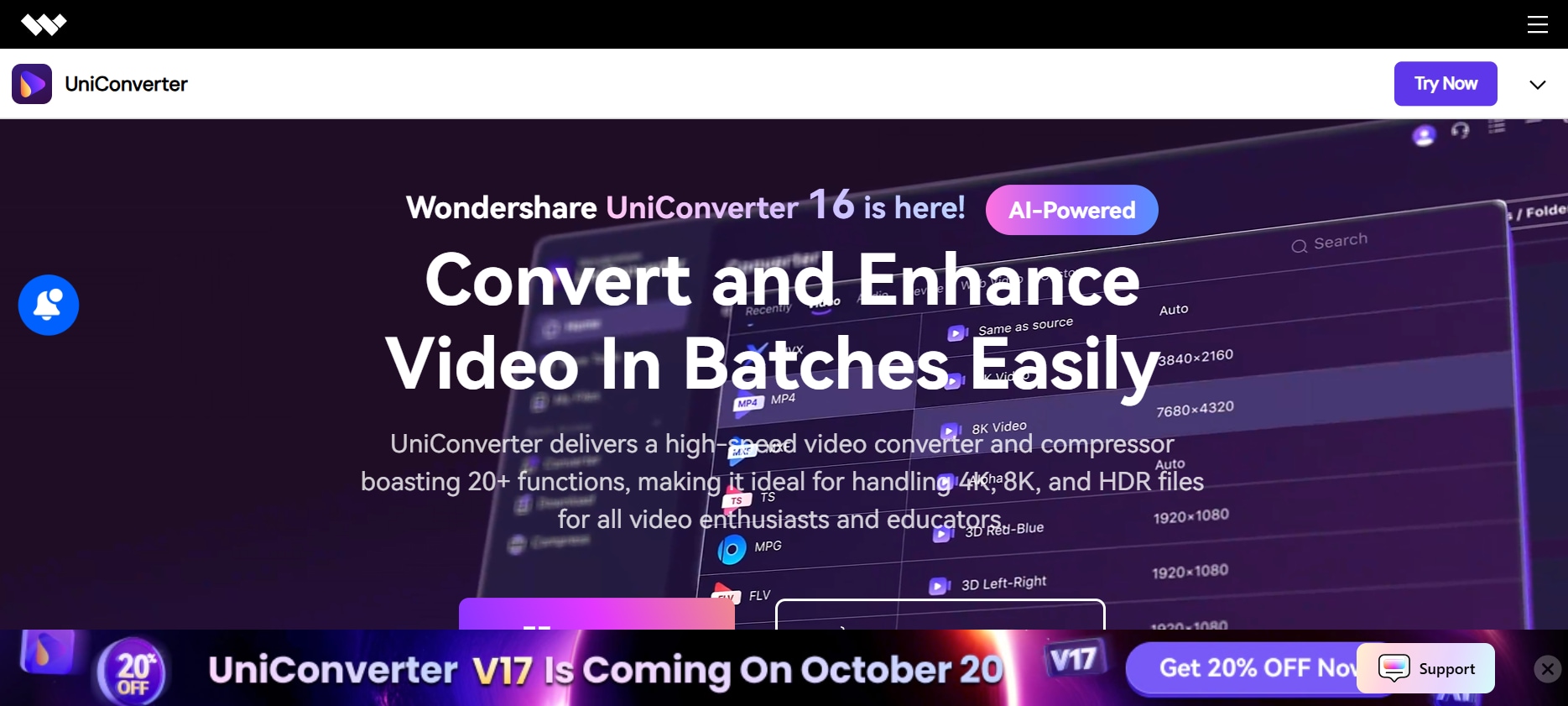
Wondershare UniConverter is a comprehensive video management suite that supports downloading Twitch VODs, along with a plethora of other features like video conversion, editing, and compression. It supports over 1,100 websites, including Twitch, and offers tools for batch downloading, video trimming, and direct URL downloads. The software is available for both Windows and macOS platforms. Beyond downloading, UniConverter provides functionalities such as screen recording, DVD burning, and AI-powered enhancements. Its user-friendly interface ensures that both beginners and professionals can navigate its features with ease. It also offers fast download speeds with minimal quality loss, making it ideal for large VOD files. Additionally, regular updates keep the software compatible with the latest streaming platforms and video formats.
Safety Review: 4/5
Starting Price: $79.99 (Lifetime License)
Product Type: Paid Software

Twitch VOD Downloader
2. CleverGet Twitch Downloader
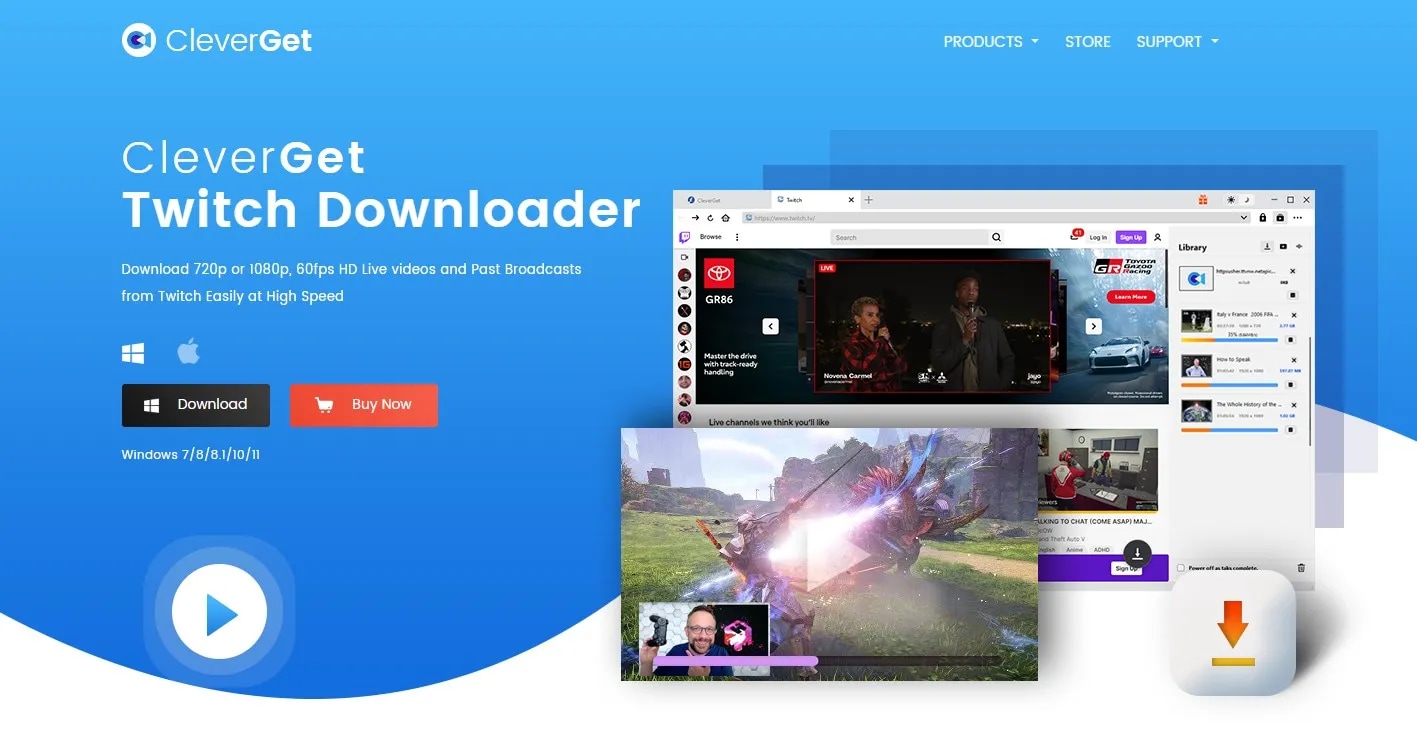
CleverGet Twitch Downloader is a specialized tool designed for downloading Twitch VODs, clips, and live streams in high quality. It supports resolutions up to 1080p and 4K, ensuring that your favorite content is preserved without quality loss. CleverGet features a built-in browser for quick navigation and easy video detection. The software also supports batch downloads, letting you save multiple VODs at once. Compatible with both Windows and macOS, it offers a simple interface suitable for both casual users and professional streamers. With CleverGet, you can easily manage your Twitch library, repurpose content for social media, and archive important streams before they expire.
Safety Review: 4/5
Starting Price: $19.95
Product Type: Paid Software
3. Twitch Leecher DX
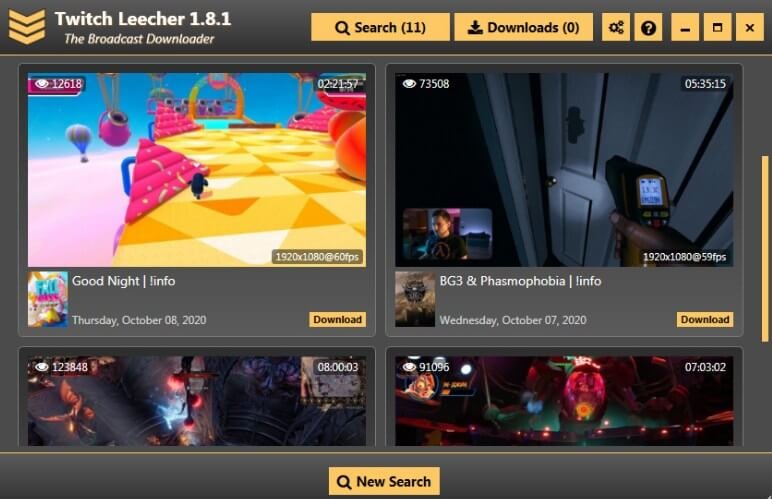
Twitch Leecher DX is a free, open-source Twitch VOD downloader designed for Windows users who want a straightforward way to save streams. It allows downloading in multiple formats and resolutions, making it highly flexible. The software’s user-friendly interface makes searching, selecting, and downloading VODs quick and easy. Twitch Leecher DX also supports batch downloads and can handle large video files without significant slowdowns. Although it is primarily for Windows, its simplicity and speed make it a favorite among gamers and content creators who need a reliable tool to archive streams or repurpose clips for social media. Updates continue to improve stability and usability.
Safety Review: 4/5
Starting Price: Free
Product Type: Open-source Software
4. UnTwitch
UnTwitch is a lightweight browser extension designed to make downloading Twitch VODs fast and convenient. Compatible with both Chrome and Firefox, it allows users to save videos directly from Twitch without the need for additional software. UnTwitch supports multiple video resolutions and formats, ensuring you can download clips or full streams according to your preference. The extension is ideal for casual viewers who want quick access to memorable moments or content creators seeking clips for editing. With its simple, intuitive interface, UnTwitch ensures an easy and hassle-free experience, while regular updates keep it compatible with Twitch’s evolving platform.
Safety Review: 4/5
Starting Price: Free
Product Type: Browser Extension
5. aTube Catcher
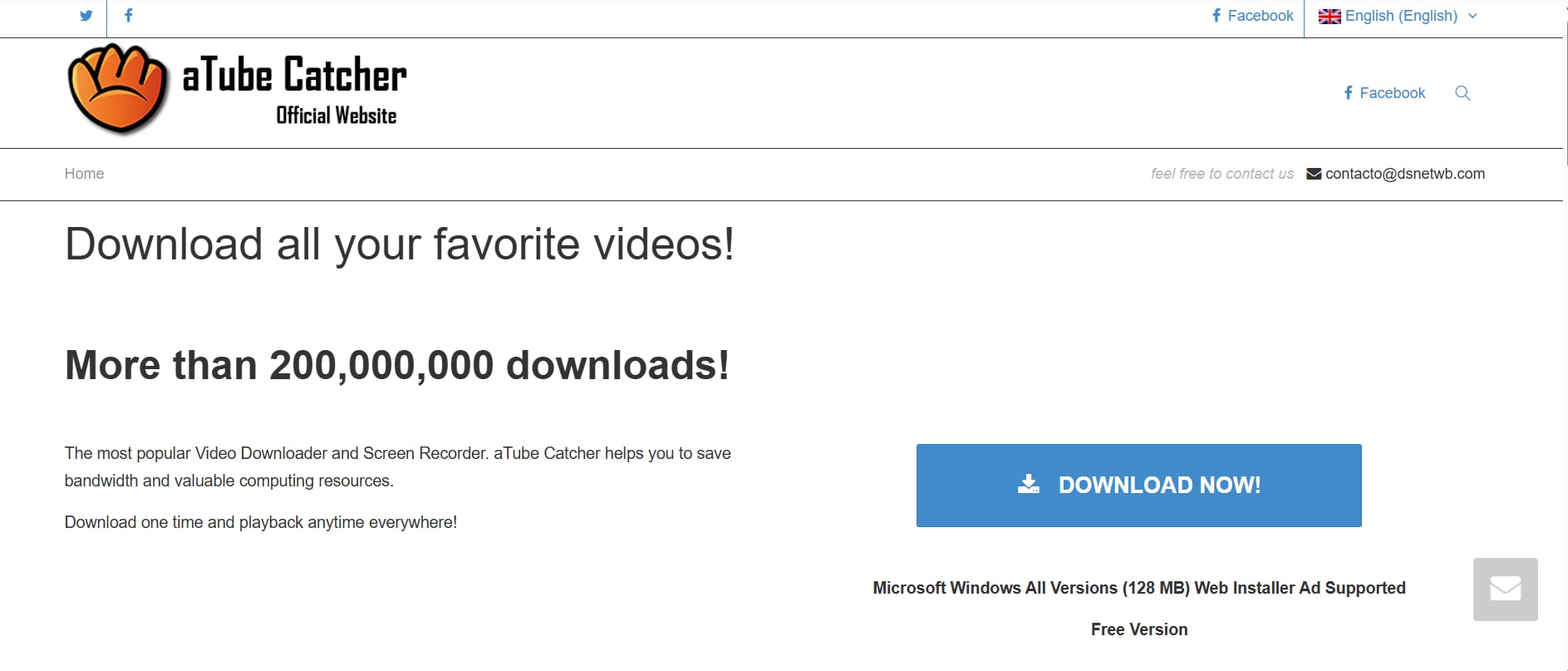
aTube Catcher is a versatile video downloader that allows users to download Twitch VODs along with content from other popular streaming sites. It offers multiple output formats and resolutions, catering to different devices and preferences. aTube Catcher also includes built-in tools for video conversion, recording, and DVD burning, making it a full-featured multimedia solution. The software is free, making it ideal for budget-conscious users. Its simple interface and step-by-step guides ensure even beginners can quickly start downloading videos. aTube Catcher is widely used for archiving streams, repurposing clips for social media, or saving content before it expires.
Safety Review: 3/5
Starting Price: Free
Product Type: Free Software
6. Video Download Capture
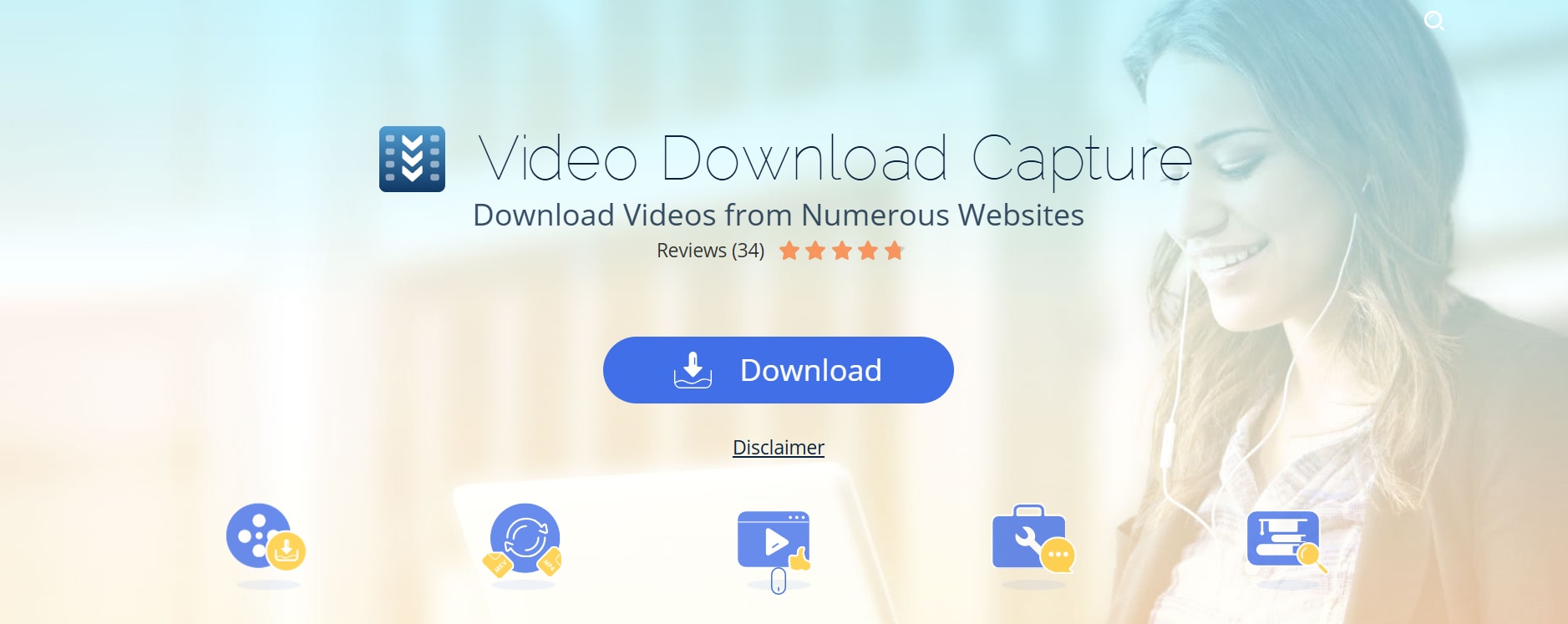
Video Download Capture is a powerful tool that allows users to download Twitch VODs, live streams, and other online videos efficiently. The software supports multiple formats and resolutions, including high-definition options. It also comes with a built-in video player to preview downloads and batch download capabilities for saving multiple VODs simultaneously. Compatible with both Windows and macOS, Video Download Capture is suitable for casual viewers and content creators alike. Its intuitive interface ensures quick access to all features, while additional options like video conversion, editing, and screen recording make it a versatile multimedia solution. Furthermore, the software supports direct URL downloads, making it easy to save videos from Twitch without browsing. Regular updates enhance performance and compatibility, ensuring smooth downloads even for the latest streaming formats.
Safety Review: 4/5
Starting Price: $29.95
Product Type: Paid Software
Twitch VOD Downloader
7. JDownloader
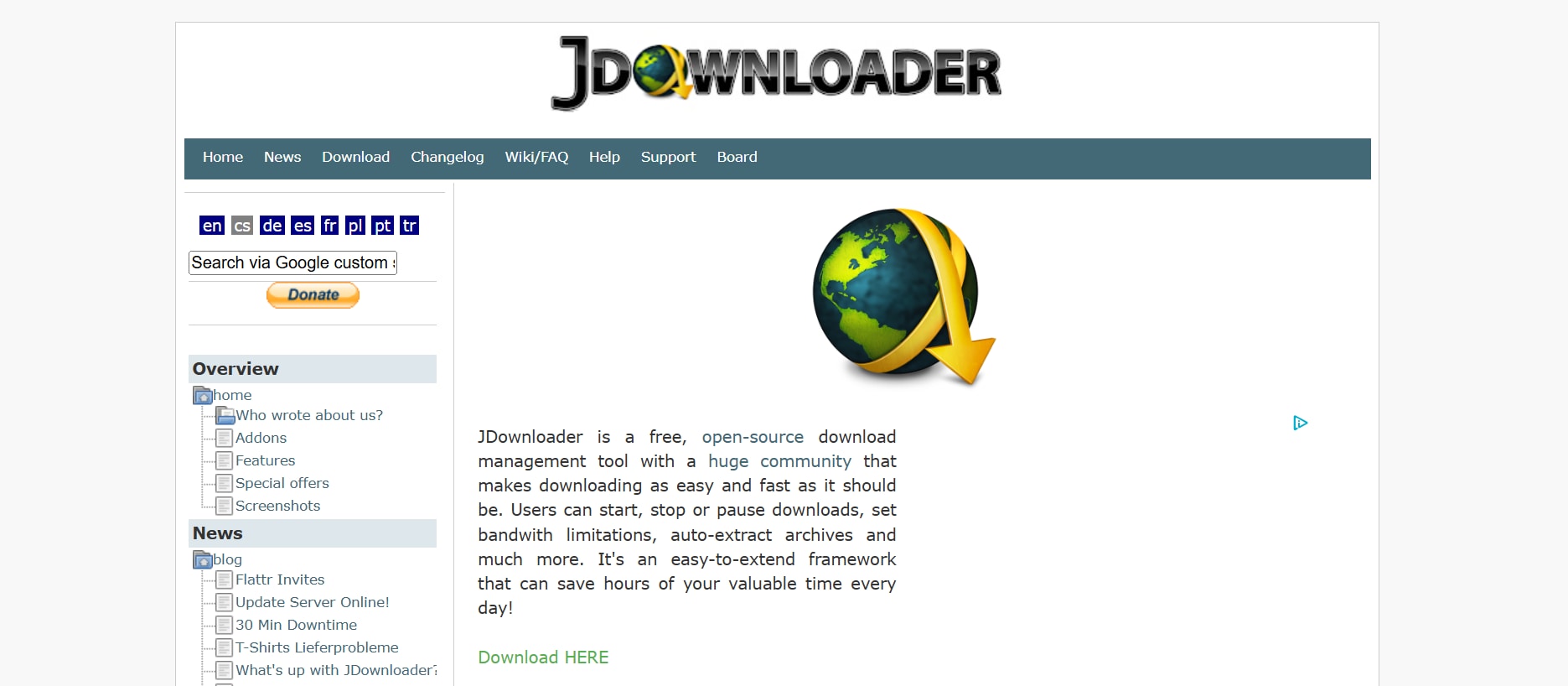
JDownloader is an open-source, cross-platform downloader that simplifies saving Twitch VODs and other online videos. It supports batch downloading, automatic extraction of video links, and multi-part downloads. Compatible with Windows, macOS, and Linux, it is highly versatile for different devices. JDownloader also integrates a captcha recognition system, helping automate downloads from multiple sites. While the interface may seem complex to beginners, its powerful features and regular updates make it a favorite for advanced users looking to archive Twitch streams, clips, or any online video content efficiently. JDownloader supports a wide range of file hosting services, making it an all-in-one solution for video downloads. Its plugin-based architecture ensures constant compatibility updates, while advanced users can customize settings for speed optimization and automated workflows.
Safety Review: 4/5
Starting Price: Free
Product Type: Open-source Software
8. Clipr
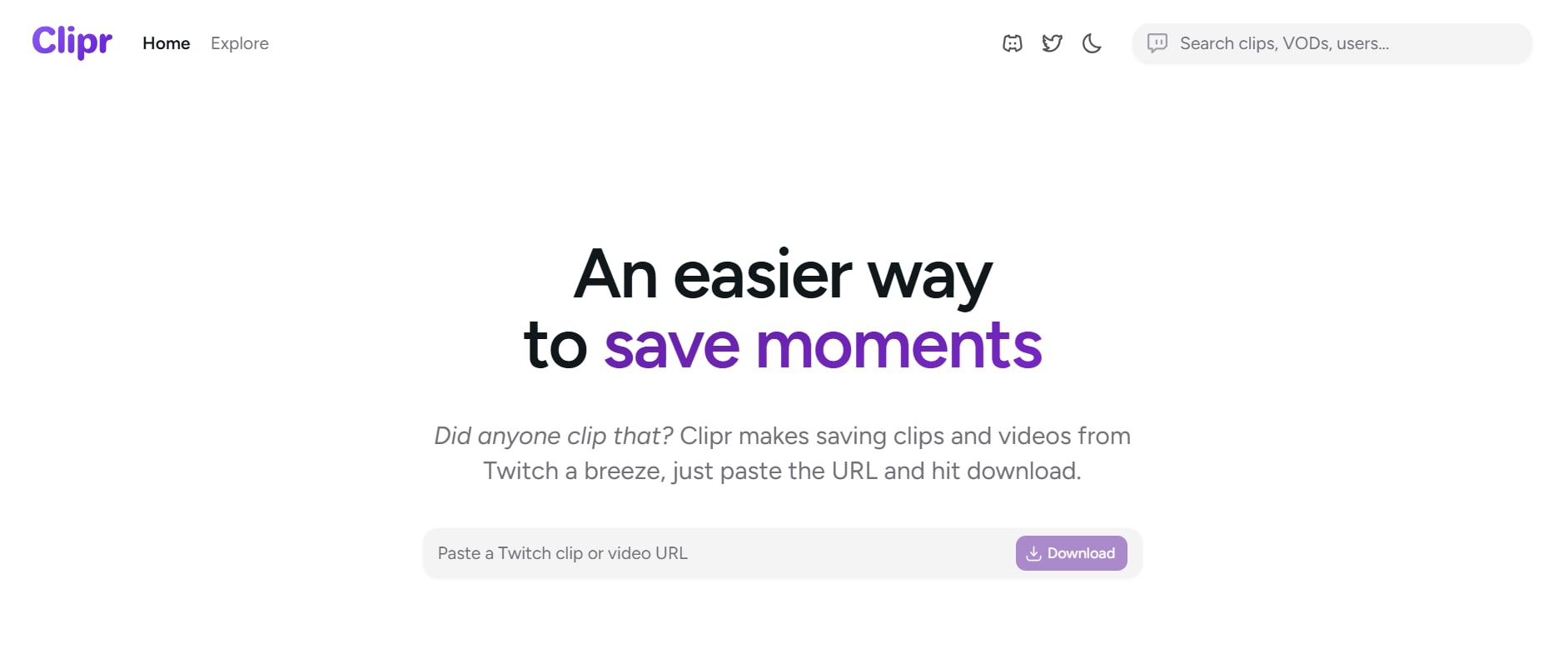
Clipr is a simple and fast tool for downloading Twitch VODs and clips directly to your device. The software supports multiple resolutions and formats, making it convenient for desktop and mobile use. Its clean interface ensures that even beginners can navigate downloads effortlessly. Clipr also offers batch download functionality, allowing users to save multiple clips at once. With Windows compatibility and frequent updates, Clipr remains a reliable choice for archiving memorable Twitch moments or repurposing content for social media projects. Additionally, Clipr allows users to preview videos before downloading, ensuring they save exactly the content they want. Its lightweight design ensures quick installation and minimal system resource usage, making it ideal for casual and frequent users alike.
Safety Review: 4/5
Starting Price: Free
Product Type: Free Software
9. Twiclips
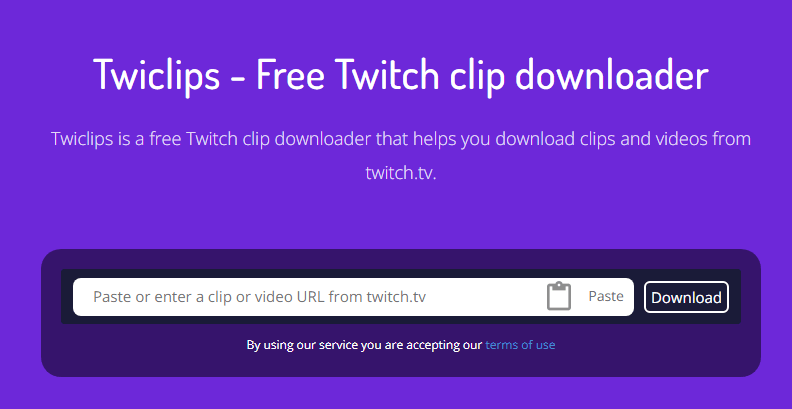
Twiclips is an online Twitch VOD and clip downloader that requires no installation. Accessible via any modern web browser, it allows users to download videos in different resolutions with ease. Twiclips is perfect for viewers who want quick access to clips without installing additional software. Its lightweight web interface ensures fast downloads and supports batch downloads for multiple videos at a time. Regular updates keep the service compatible with Twitch’s evolving streaming formats, making Twiclips a convenient, hassle-free solution for archiving or repurposing Twitch content. The platform also provides a simple link-based download process, making it accessible even for beginners. Additionally, Twiclips ensures video quality is preserved, allowing users to enjoy high-resolution content offline without any loss.
Safety Review: 4/5
Starting Price: Free
Product Type: Online Service
10. VEED.IO
VEED.IO is an online video platform that combines Twitch VOD downloading with editing capabilities. Users can save Twitch streams, clips, and even edit videos directly in the browser. VEED.IO supports multiple formats, resolutions, and includes tools like text overlay, filters, and subtitles. Its web-based interface makes it accessible from any device without installation. VEED.IO is ideal for content creators looking to download Twitch VODs and repurpose them for social media or video projects. The platform also offers free and premium plans, with premium unlocking higher resolution exports and watermark-free downloads. Additionally, VEED.IO provides collaboration features, allowing teams to work on the same video project in real-time. Its intuitive timeline editor makes trimming and merging clips effortless.

Safety Review: 4/5
Starting Price: Free with premium features available
Product Type: Online Service
Part 3: Quick Comparison Table of Best 10 Twitch VOD Downloaders For All Devices 2025
| Tool | Ease of Use | Batch Download | Unique Edge | Ad Density |
|---|---|---|---|---|
| Wondershare UniConverter | Very Easy | Yes | All-in-one video suite with AI enhancements | NIL |
| Twitch Leecher DX | Easy | Yes | Parallel downloads for faster speeds | Low |
| CleverGet | Easy | Yes | Supports multiple streaming platforms | Low |
| aTube Catcher | Moderate | Yes | Supports screen recording and DVD burning | Low |
| Video Download Capture | Easy | Yes | Built-in video player and screen recorder | Low |
| JDownloader | Moderate | Yes | Open-source with extensive plugin support | Low |
| Clipr | Very Easy | Yes | Simple, fast, and free with minimal ads | Low |
| Twiclips | Very Easy | Yes | Browser-based with no installation required | Low |
| VEED.IO | Easy | Yes | Integrated video editor for post-download edits | Low |
| UnTwitch | Very Easy | Yes | Browser extension for quick downloads | Low |
Twitch VOD Downloader
Part 4: How can I batch download Twitch VODs on PC?
Downloading multiple Twitch VODs can be time-consuming if done one by one. Wondershare UniConverter makes it simple to save several videos at once, ensuring you never miss your favorite streams.
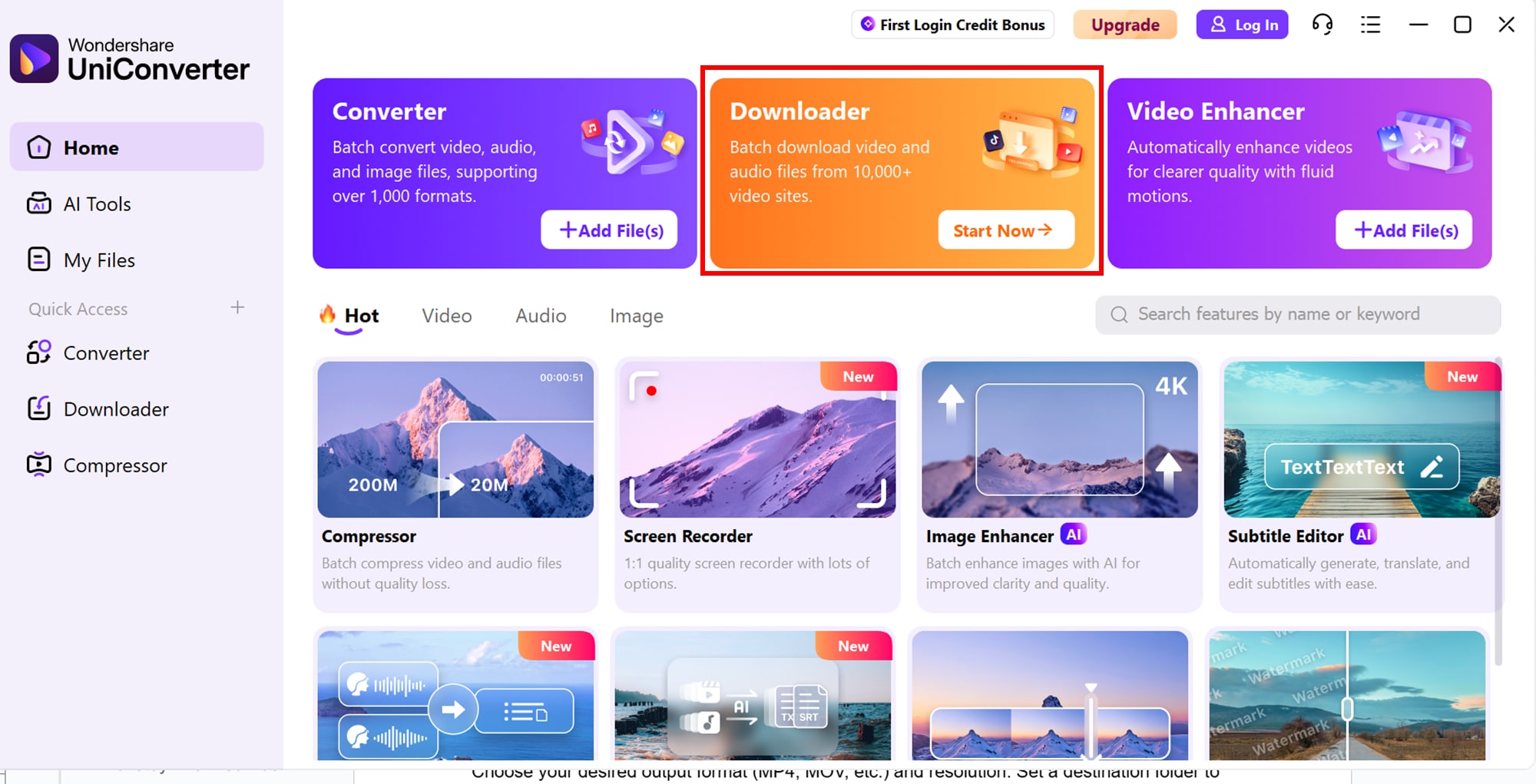
Step 1: Install and Open UniConverter
Download and install Wondershare UniConverter on your PC, then launch the software and navigate to the Downloader tab.
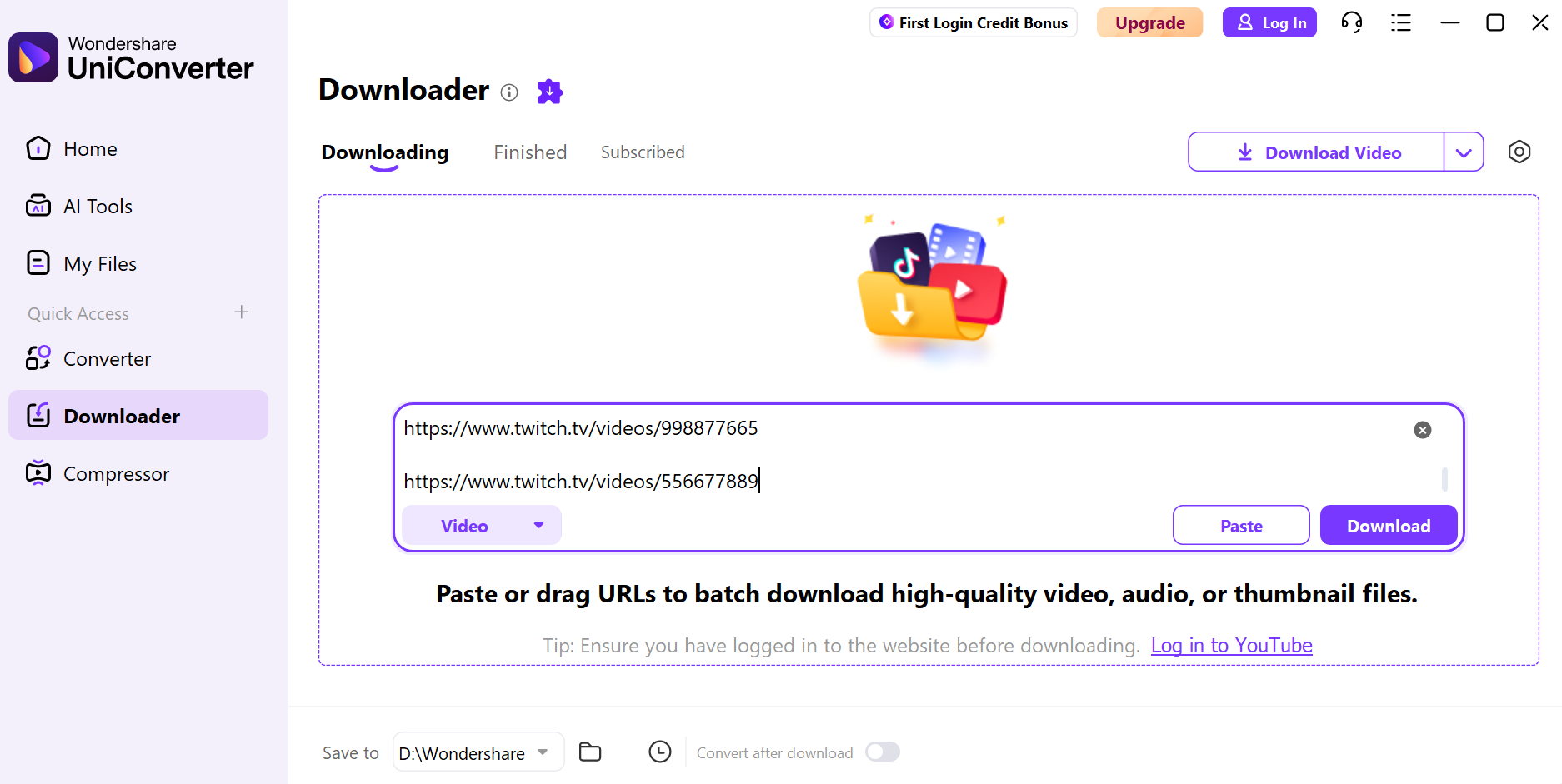
Step 2: Copy and Paste Twitch VOD URLs
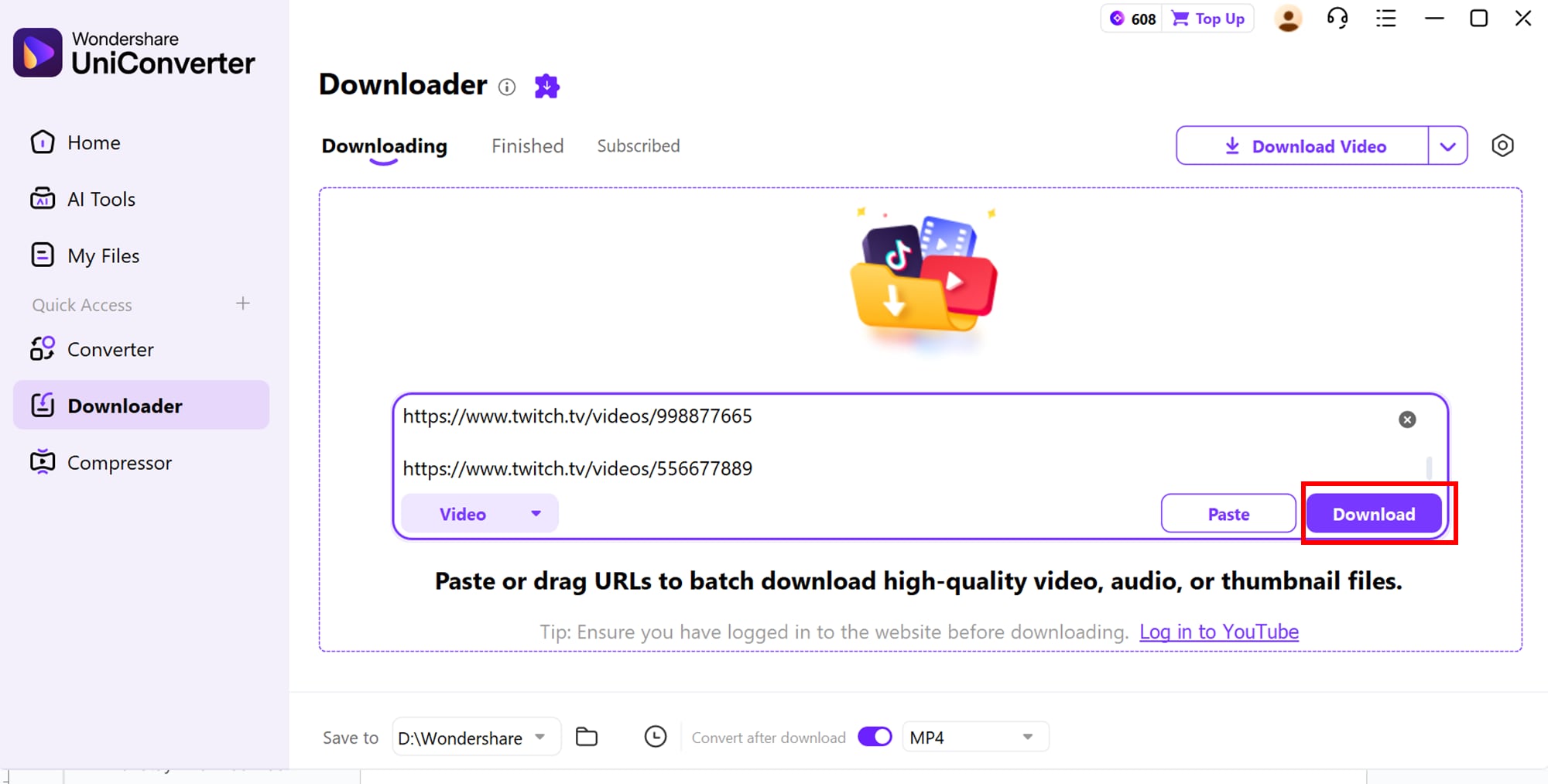
Next, copy the URLs of the VODs you want to download, and paste them into UniConverter’s downloader. Multiple URLs can be added for batch downloading.
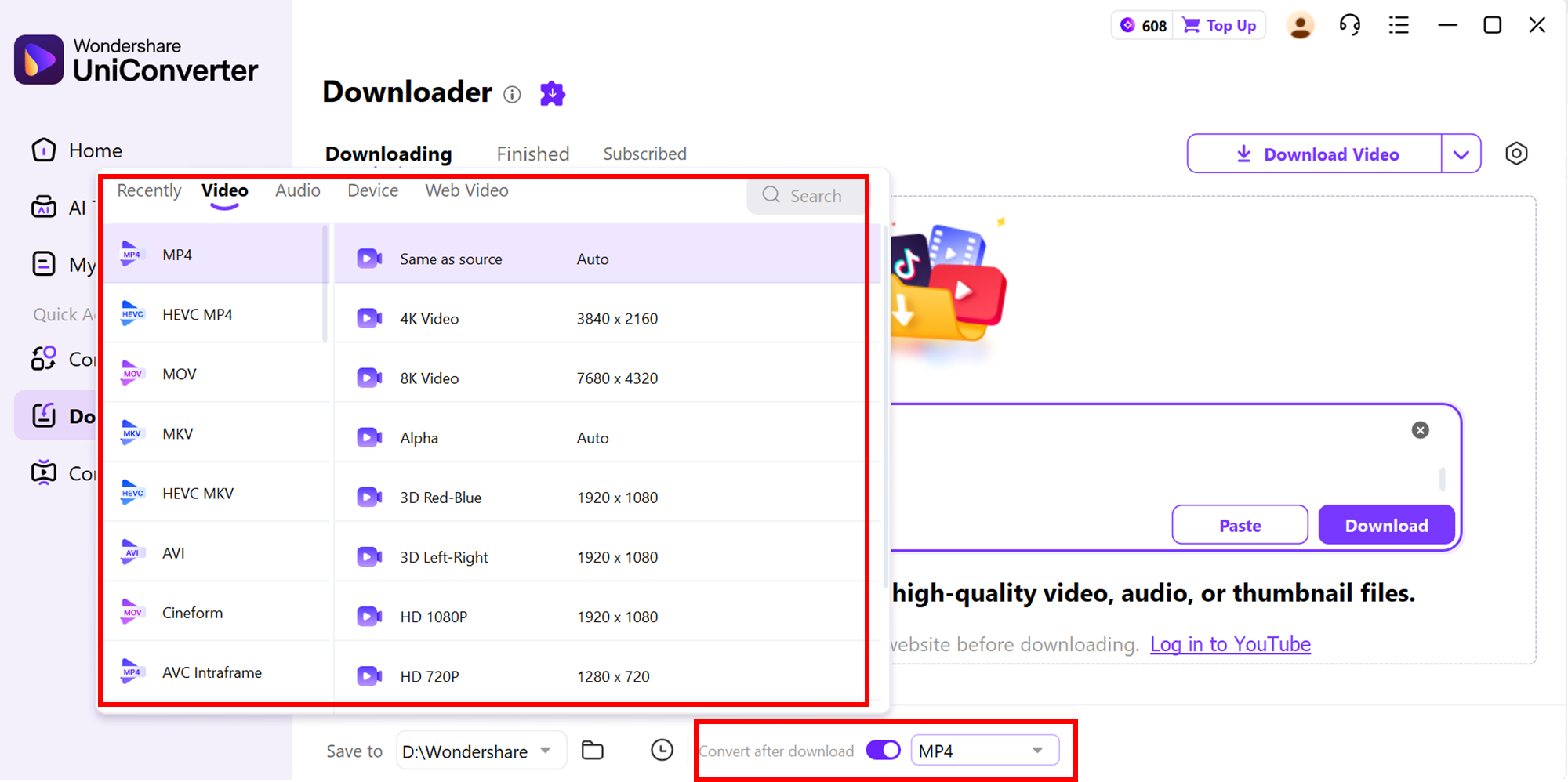
Step 3: Select Format and Quality
Choose your desired output format (MP4, MOV, etc.) and resolution. Set a destination folder to save all downloaded VODs.
Step 4: Start Batch Download
Click Download All to start the batch process. Once finished, access all videos in the Finished tab to play, edit, or convert as needed.
Part 5: Important Legal & Ethical Considerations
Downloading Twitch VODs can be incredibly useful for archiving, offline viewing, or content creation. However, it’s essential to follow legal and ethical guidelines to respect content creators and avoid potential issues:
1. Respect Copyright
Always download VODs that you either own or have explicit permission from the streamer. Unauthorized downloads can violate copyright laws and may result in legal consequences. Even with permission, avoid altering or distributing content in a way that misrepresents the original creator’s work.
2. Follow Twitch’s Terms of Service
Redistributing or monetizing content without permission may breach Twitch’s Terms of Service. Use downloaded VODs responsibly to avoid potential account suspensions or legal issues. Regularly reviewing Twitch’s guidelines can help ensure your downloads remain compliant with their rules.
3. Don’t Re-upload Without Permission
Avoid sharing or uploading downloaded content to other platforms without consent. The primary purpose of downloading should be for personal archiving, offline viewing, or fair use, such as commentary or educational purposes. Respecting these boundaries helps maintain a positive relationship with streamers and the Twitch community.
4. Ethical Use and Fair Credit
Always give proper credit when using clips for creative, educational, or social media projects. Ethical downloading supports content creators while letting you enjoy and archive favorite streams responsibly. Credit also demonstrates professionalism and encourages fair use practices among other viewers and creators.
5. Stay Informed About Local Laws
Make sure your use of downloaded VODs complies with copyright laws in your country. Following these guidelines protects you legally and fosters a respectful Twitch community. Laws may vary by region, so staying updated ensures your actions remain within legal boundaries.
Conclusion
Twitch VOD downloaders offer a convenient way for viewers and content creators to save, archive, and repurpose streams for offline viewing or social media use. Whether you want to preserve your favorite gaming moments, create clips for TikTok or YouTube, or analyze your own performance, the right downloader can make the process fast and seamless. Among the available tools, Wondershare UniConverter stands out as an all-in-one solution, offering high-speed downloads, batch processing, and additional video editing features, making it ideal for both beginners and advanced users.
While downloading VODs, it’s important to remain mindful of copyright, Twitch’s Terms of Service, and ethical use. Download responsibly, respect content creators, and only use content you have rights to or permission for.
FAQs
-
1. Can I schedule Twitch VOD downloads automatically?
Some advanced Twitch VOD downloaders allow you to set batch download schedules. This ensures you never miss a live stream or VOD, as the software can automatically fetch new content at specified intervals. Scheduled downloads are especially useful for popular streamers who post multiple VODs daily. -
2. Do Twitch VOD downloaders work on mobile devices?
Yes, many browser-based or lightweight downloaders such as Twiclips or Clipr are mobile-friendly. While full-featured desktop apps offer more options, mobile solutions make quick downloads convenient when you’re on the go. However, some advanced features like batch downloads may be limited on mobile versions. -
3. Can I extract audio from Twitch VODs separately?
Certain downloaders, including allow users to extract audio from VODs in MP3 or other formats. This is useful for podcasts, highlights, or background music from streams. Extracted audio files can also be edited or merged with other media for creative projects. -
4. Are there any file size limitations for Twitch VOD downloads?
Most modern downloaders support large VODs, including multi-hour streams. However, some free or browser-based tools may have limitations, so checking the software specifications is recommended before downloading very large videos. It’s a good idea to have sufficient storage space and a stable internet connection to avoid interruptions. -
5. How do downloaders handle Twitch clips with restricted access?
Private or subscriber-only VODs require proper login credentials to download. Tools like CleverGet can prompt for account authentication to access and save restricted content safely. Always ensure your login details are secure to prevent unauthorized access or account issues.

