


What are the best tools to download Behance videos?
If you want to download Behance videos, you can start with tools like Locoloader or Fetchpik because they are built for quick URL-based downloads across devices. You should choose the one that gives you clean downloads, good quality output, and simple browser access, and only use downloaded content for personal use unless you have the creator’s permission.
Downloading videos from Behance has become increasingly important for designers, creators, and digital enthusiasts. As Behance does not provide a built-in download button for most projects, users often rely on specialized third-party tools to save videos.
Nowadays, a range of downloaders is available to download from Behance, making downloads easy, secure, and accessible. Let's read the following article to the end to explore its details, including its strengths and weaknesses.
In this article
Part 1. Why Doesn’t Behance Let You Download Videos Directly?
Before exploring download methods, it’s essential to understand why Behance doesn’t allow direct downloads from its platform:
- Creator Control: Behance is primarily a portfolio platform where creators showcase their work and retain complete control over what they share.
- Platform: Direct downloads could facilitate content scraping and spam, thereby degrading the overall user experience.
- Analytics and Engagement: Behance tracks views, likes, and engagement metrics to provide valuable insights so users can’t download directly.
- Quality Control: The platform is designed to showcase creative projects in their best light and restrict direct downloads.


Part 2. Is It Okay to Download Behance Videos? What You Should Know First

Before proceeding further in the article, let's explore the importance of respecting artists’ rights and creative ownership:
- Copyright & Intellectual Property: Behance portfolios showcase original works that are protected by copyright and intellectual property laws.
- Fair & Personal Use: Downloading Behance content is strictly for personal inspiration, reference work, or offline viewing when internet access is unavailable.
- Support Creators: The best way to support creators is to interact with their work on Behance, showing appreciation for projects or comments.
- It is NOT for Reuploading: These videos are not meant to be re-uploaded on other social media websites without the creator’s consent.
Part 3. The Best 9 Behance Video Downloaders for All Devices 2025
Now that you understand the limits of direct downloads, let’s explore the best Behance video downloaders you can use across all devices in 2025:
1. Locoloader
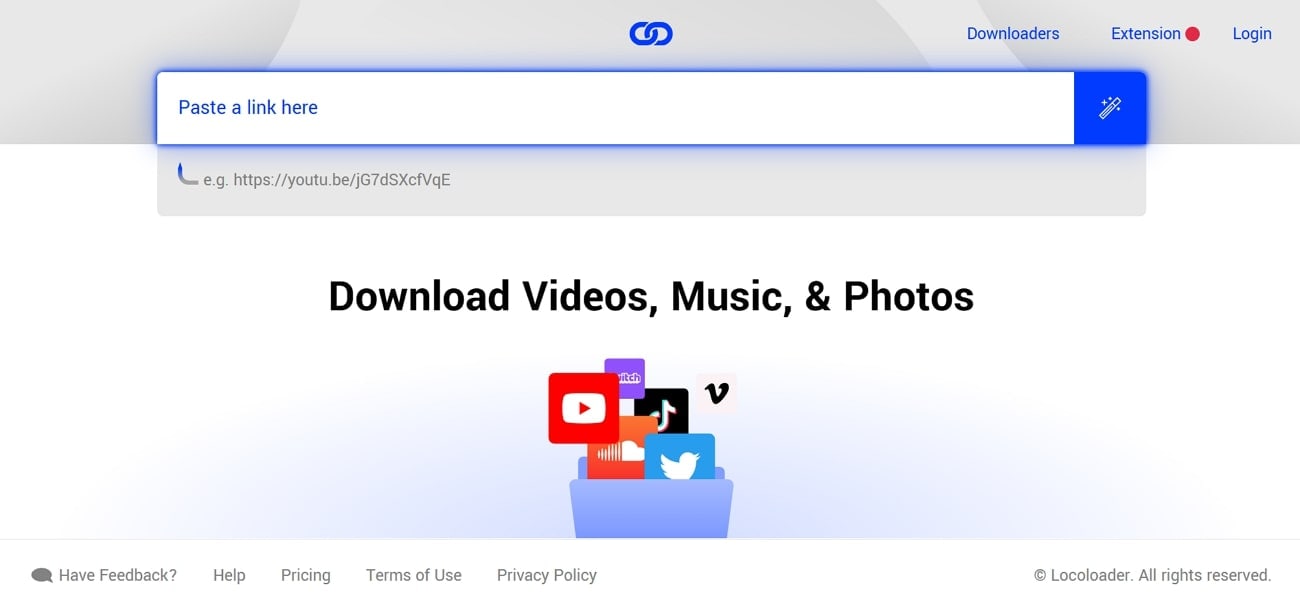
This is an entirely free tool that lets you download videos and images from Behance without any advertisements. It is compatible with desktop and mobile browsers, making it usable for any operating system. Users simply paste the Behance project URL and instantly get download buttons for all images and videos. These videos are automatically saved in MP4 format and the best available resolution for offline viewing.
Safety Review: 4/5
Starting Price: Free access with limited downloads
Supported Device: Online
2. Fetchpik
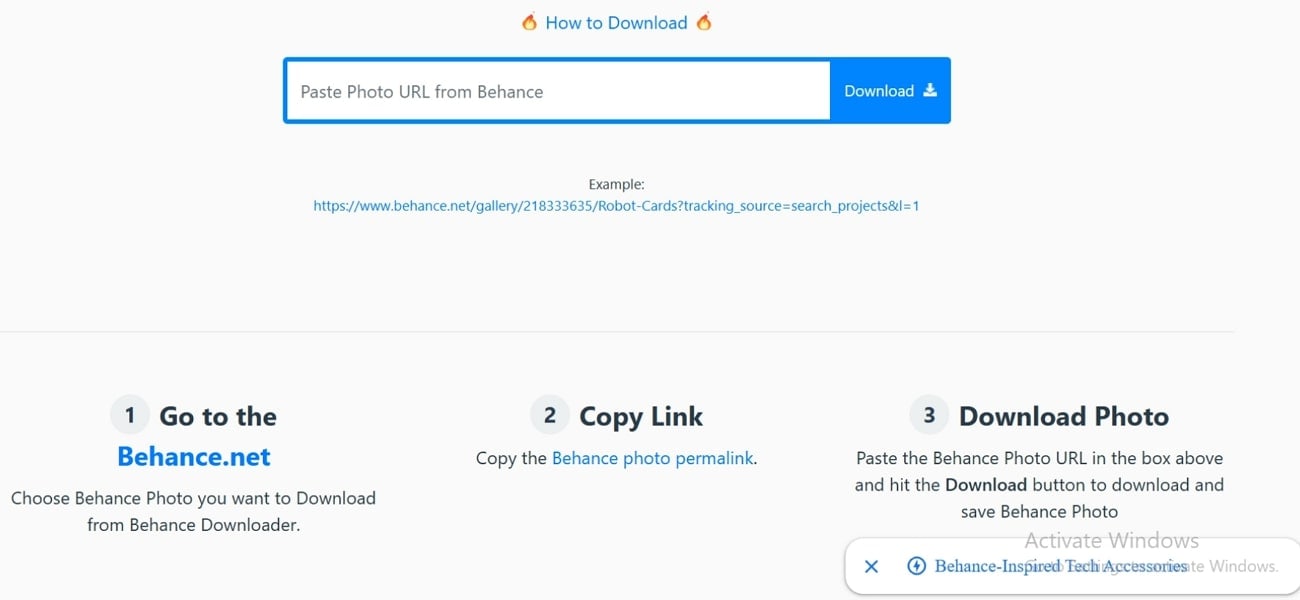
Fetchpik allows users to quickly download Behance videos while providing support to other major platforms. All the downloaded images and videos are watermark-free and are downloaded at the highest available quality. This website is specifically designed for users' ease of use and streamlines their whole downloading process with simple steps. Plus, it can efficiently work on any browser, including Chrome, Safari, Opera, and Firefox, making it easily accessible.
Safety Review: 3/5
Starting Price: Free
Supported Device: Online
3. Behance Saver
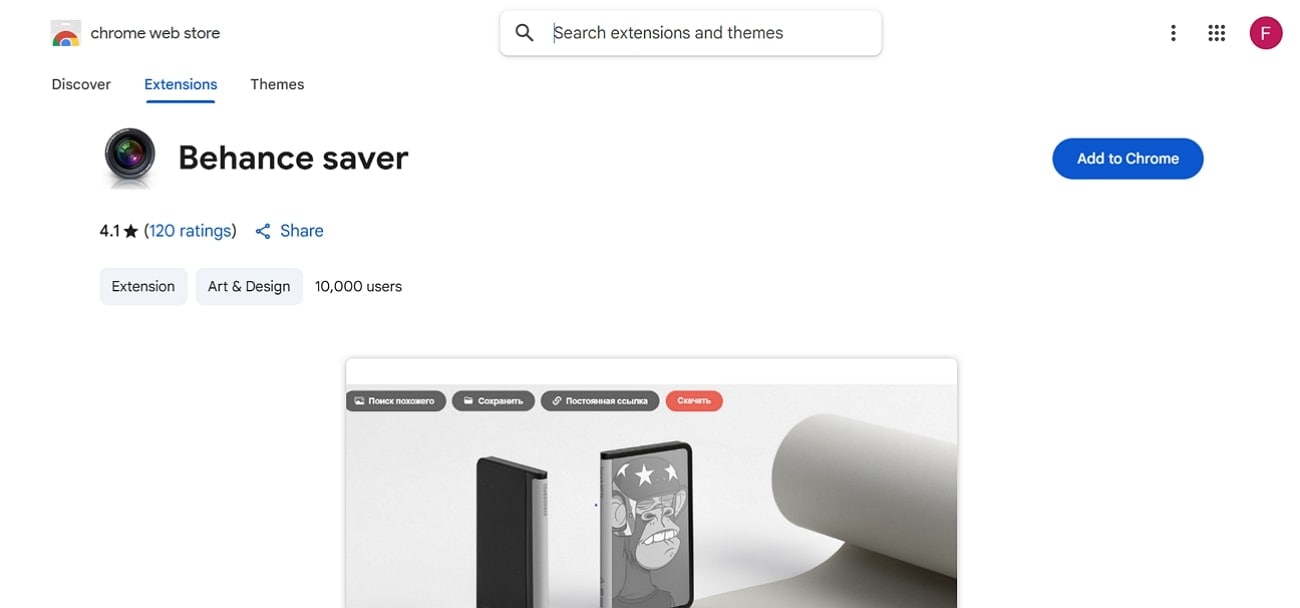
Adding this Behance downloader online extension adds a separate download button besides the website without leaving it. This specific tool makes saving inspiration and visual references from Behance fast and effortless. It is considered an ideal solution for frequent users who mostly work on mood boards and collections. The platform’s developer states that no data is collected, used, or sold, ensuring user privacy during use.
Safety Review: 4/5
Starting Price: Free
Supported Device: Chrome browsers for Windows and macOS
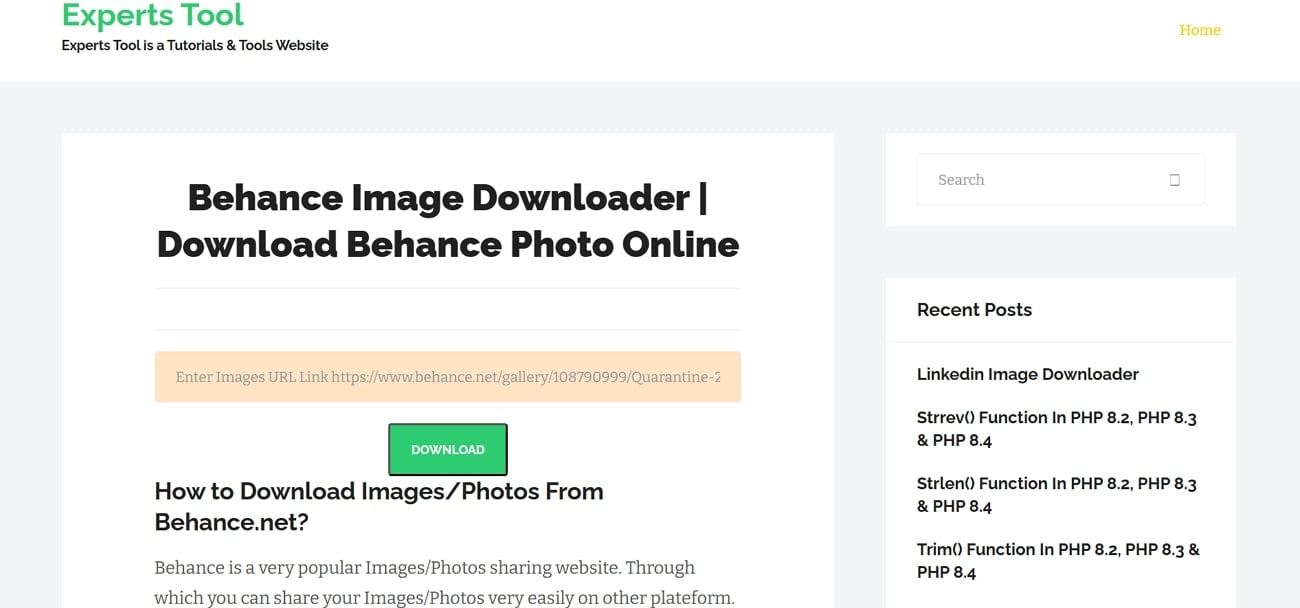
4. Experts Tool
Within this Behance video download online tool, users only need to paste the direct URL, and it will download it. It can download Behance images/photos in the highest HD quality to provide wider compatibility. This tool lets you convert those files to JPG or PNG formats to reach a broader audience. Being an entirely web-based tool, it doesn’t require you to download the software to download your favourite posts.
Safety Review: 4/5
Starting Price: Free
Supported Device: Online
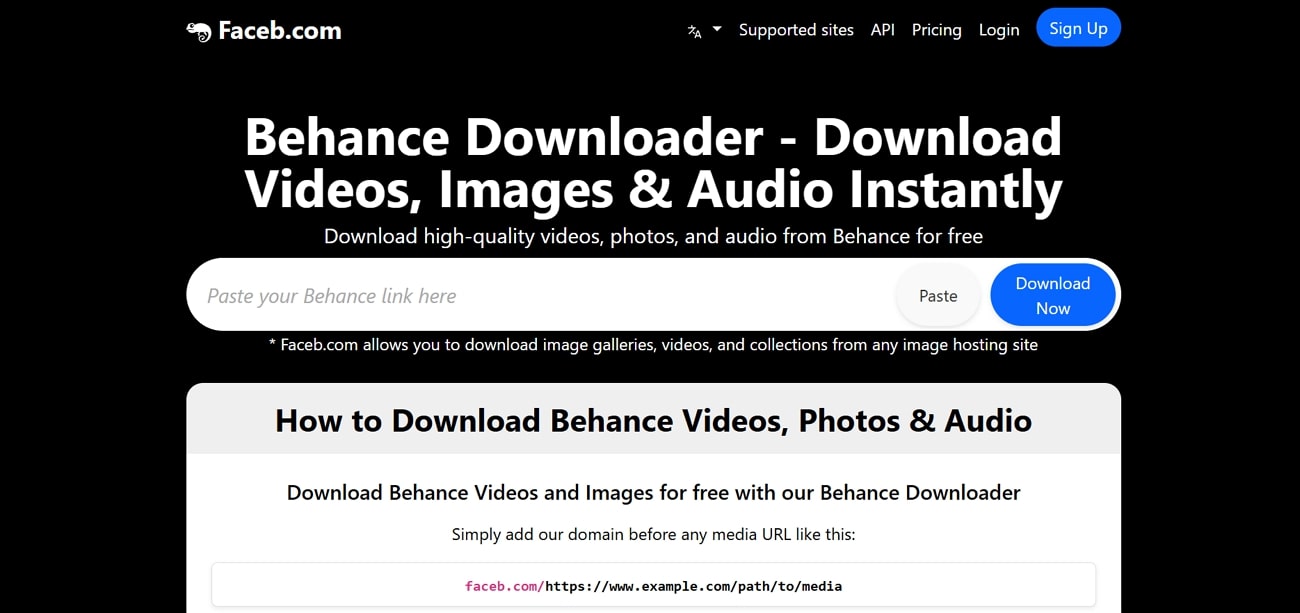
5. Faceb.com
Faceb.com lets you download videos, images, and audio from Behance and many other platforms. In this tool, users simply type "faceb.com/" before any URL to start downloading instantly. This web platform does not store your data, as files are processed directly in the browser. Being a free Behance downloader online tool, it is an ideal option for beginners.
Safety Review: 3/5
Starting Price: Free
Supported Device: Online
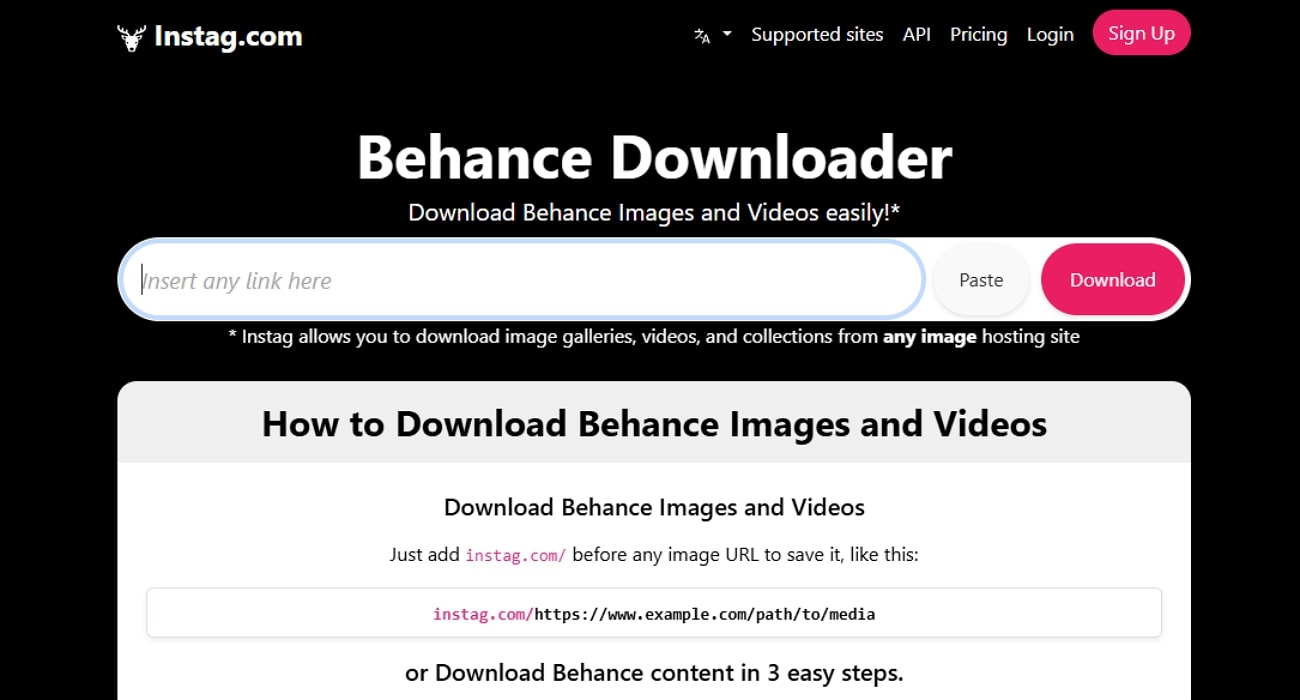
6. Instag.com
Instag.com lets you download videos, images, and audio from Behance by simply pasting the desired URL. It does not require any registration or log-in, which is a plus point for those who prefer data security. This tool automatically detects available file formats, JPG/PNG, and MP3, so users can get the best quality available. All the data is safe in its original quality without adding any watermark to it.
Safety Review: 3/5
Starting Price: Free
Supported Device: Online
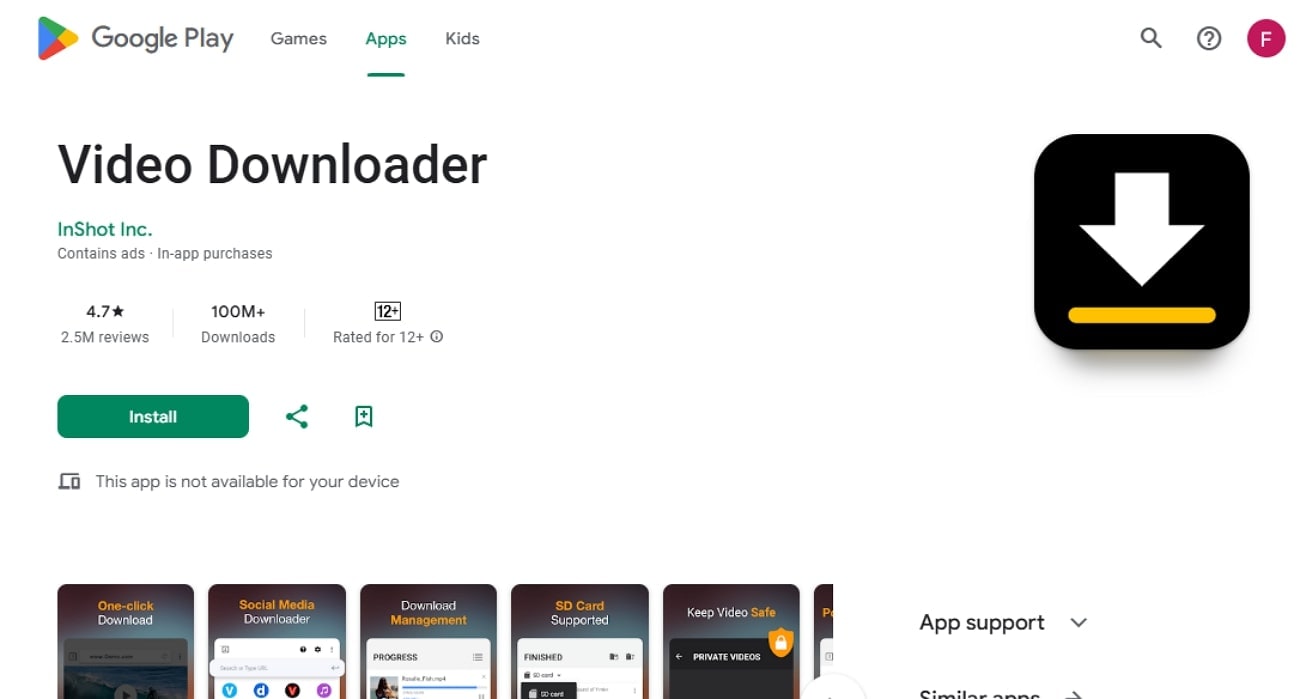
7. Video Downloader
Unlike other typical Behance downloader free tools, this app is designed to save videos from Behance projects and similar creative portfolios. It lets you paste the video URL or search within its built-in browser to search for required videos. Furthermore, videos get directly saved to your device without having any branding or watermark on them. Overall, it features an intuitive interface with a modern design for faster downloading.
Safety Review: 3/5
Starting Price: Free
Supported Device: Android
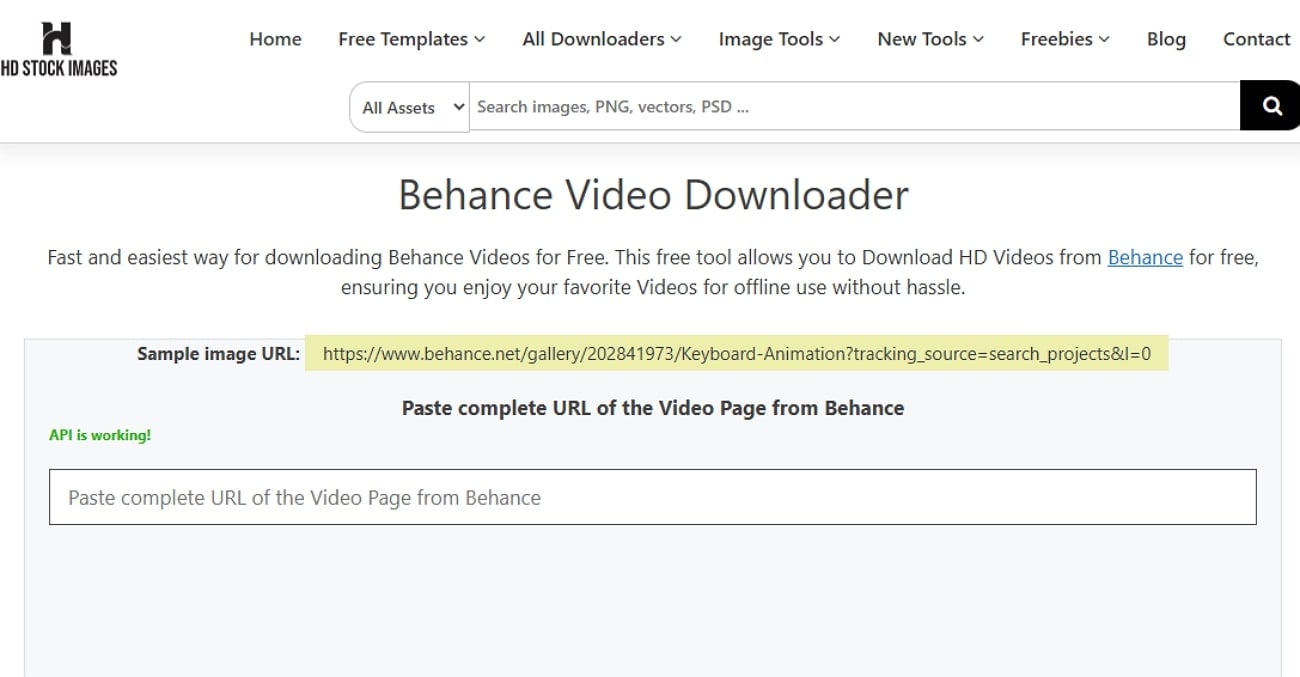
8. HD Stock Images
This Behance downloader online allows unlimited high-quality downloads from Behance without any login or payment. In this tool, all downloads are managed via cloud servers, ensuring faster access without taking up extra device storage. Videos are saved exactly as they appear on Behance, preserving original quality for offline viewing. Furthermore, this platform claims to prioritize user safety by not requesting personal details and not storing content.
Safety Review: 3/5
Starting Price: Free
Supported Device: Online
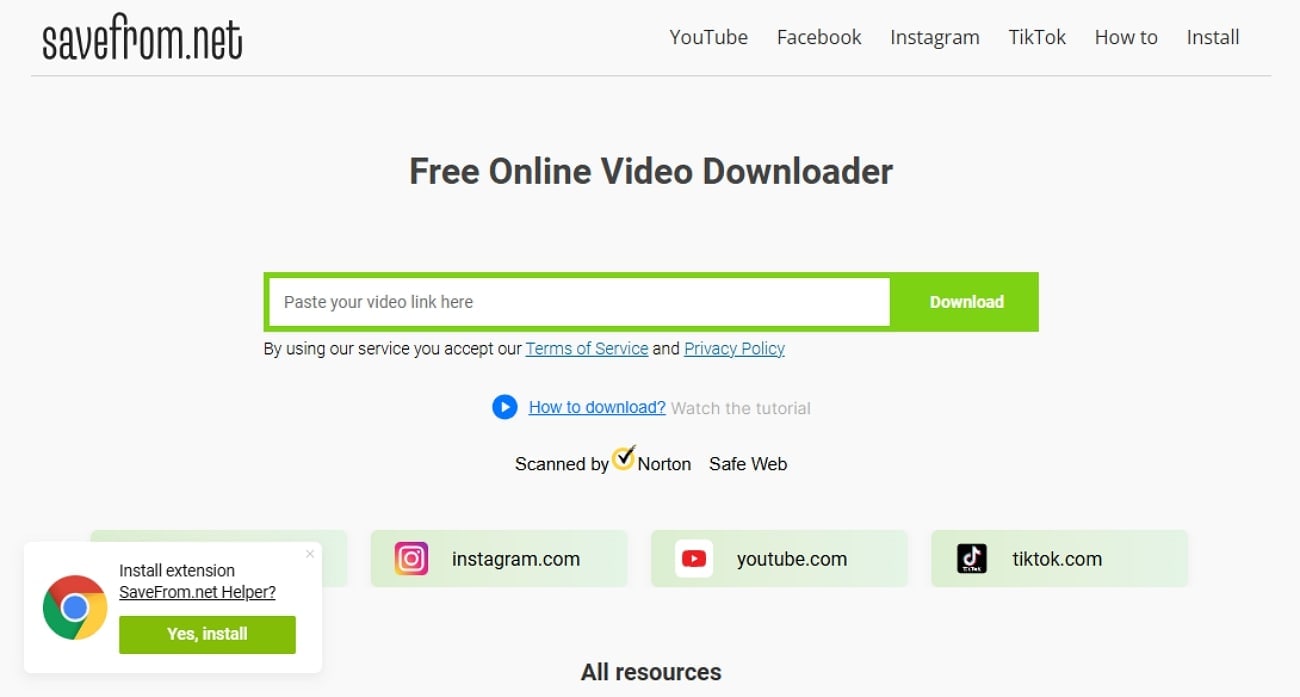
9. Savefrom.net
This Behance downloader free works across hundreds of popular video platforms, including Behance, YouTube, Vimeo, and more. It provides a Chrome extension that automatically adds a download button next to the desired videos, allowing them to be downloaded directly. One can easily download videos in various qualities and formats to preserve the original video resolution.
Safety Review: 3/5
Starting Price: Free
Supported Device: Online & Chrome Extension
Part 4. At-a-Glance Comparison Table for Top 9 Behance Video Downloaders
To help you quickly evaluate the options, here’s an at-a-glance comparison of the top Behance video downloaders free and their key features:
How We Tested Behance Video Downloaders
For this guide, we assessed Behance video downloaders based on download success, visual quality retention, ease of use, and how practical each tool is for saving creative portfolio videos for personal reference and offline viewing.
Download success rate
We checked whether each tool can consistently detect and download Behance-hosted videos without broken links, failed parsing, or incomplete files.
Output quality
We reviewed whether downloaded videos keep clear visual detail and usable playback quality, which matters for design references and portfolio inspiration.
Ease of access
We compared how quickly users can paste a project URL, get downloadable media, and finish the task across browser, desktop, or mobile workflows.
Practical creative use
We also considered whether each downloader feels useful for real-world creative browsing, mood-board collection, and offline review instead of being a one-time workaround.
This page gives extra weight to successful downloads and quality retention, since readers looking for Behance video downloaders usually want a simple way to save visual references cleanly without disrupting their creative workflow.
| App Name | Supported Format | Unique Edge | Best For |
|---|---|---|---|
| Locoloader | Video, Image (MP4, JPG/PNG) | Batch downloads, no watermark | Cross-platform HD downloads |
| Fetchpik | Video, Image, Audio | Multi-stock site support, AI tools | All-round bulk downloads |
| Behance Saver (Chrome Extension) | Image (JPG/PNG) | 1-click max-res download in-browser | Chrome image power users |
| Expert Tools | Image (JPG/PNG) | Fast conversion to JPG/PNG | Quick, no-login image saves |
| Faceb.com | Video, Image, Audio | Add a domain shortcut for instant download | Multi-format, cross-site use |
| Instag.com | Video, Image, Audio | Real-time piping, API for developers | Automated/scripted downloads |
| Video Downloader | Video (MP4/Story) | Status/story video specialization | Short, social-style videos |
| HD Stock Images | Video (MP4) | Cloud-based, multi-quality choice | HD Behance video downloads |
| SaveFrom.net | Video (MP4) | Multi-platform, browser extension | All-in-one casual downloads |
Conclusion
Summing up, thanks to the evolution of technology, there are numerous tools available to download from the Behance platform. In this article, we have narrowed down 9 of the most reliable and efficient tools, making it easy for you to choose. However, if you wish to download mainstream content such as YouTube or Instagram videos, Wondershare UniConverter features a dedicated downloading facility with variable options for quality downloads.
Frequently Asked Questions
-
1. Can I use these downloaders without installing anything?
Yes, there are many online web-browser tools available, like Locoloader, Fetchpik, and Expert Tools. These tools work entirely in your browser without any installation or sign-up required, which is a plus point for beginners and content creators. -
2. Which downloader supports bulk or batch video downloads from Behance?
Almost all online tools support bulk or batch video downloading to save the extra effort of manually downloading files individually. Tools like Locoloader, Fetchpik, and Android apps such as savefrom.net allow you to download multiple videos simultaneously without hassle. -
3. Do these tools download in HD or original quality?
Yes, reliable tools like Locoloader and HD Stock Images let you choose between HD quality and 4K quality. Ensure the tool provides quality options and any necessary editing features before downloading. -
4. Are these Behance downloaders compatible with mobile devices?
Yes, all web-based tools can be accessed using browsers on mobile devices, both Android and iOS. Additionally, SaveFrom.net and Fetchpik offer dedicated mobile apps for enhanced offline management. -
5. What formats do these downloaders support for Behance videos?
Most online Behance video downloaders let you download videos in MP4 format and support standard image formats like JPG and PNG. Some tools also allow conversion to other formats for versatile compatibility.

