


A 9GAG Video Downloader is a dedicated online assistant that allows individuals to effortlessly save popular 9GAG content in video format to their devices without any challenges. With these tools, you can copy the video URL and choose the format you prefer: MP4 or MP3.
In this article, we have enumerated the top 10 most efficient 9GAG video downloaders, including their advantages and disadvantages. Moreover, we will provide you with a quick comparison table to better understand the best suited option.
In this article
Part 1. Why You Might Need a Specific 9GAG Video Downloader
Before jumping into the best tools, it’s worth understanding why using a dedicated 9GAG downloader can make a big difference:
Can't Download Videos Directly: 9GAG’s platform restricts users from downloading videos directly, primarily due to copyright rules and platform terms of service.
Create Compilations or for Personal Use: Many users want to save 9GAG videos for personal collections, to make meme compilations, or for offline enjoyment.
Bypass App Limitations: It can be challenging to find a favorite video weeks later because of the app’s interface and frequent content updates.
Offline Viewing Anytime: Using the 9GAG downloader lets user download their videos offline and enjoy them at any time, even without an internet connection.
Part 2. Top 10 9GAG Video Downloaders 2025
Now that you know why a dedicated tool matters, let’s take a look at the top 9GAG video downloaders in 2025 that stand out:
1. UniConverter
Suppose you want to create a meme compilation for a birthday party slideshow, but the videos you need are scattered across 9GAG. However, the videos were posted weeks ago, and you are unable to find them again. In this situation, we recommend using Wondershare UniConverter, which lets you easily download videos directly to your computer.
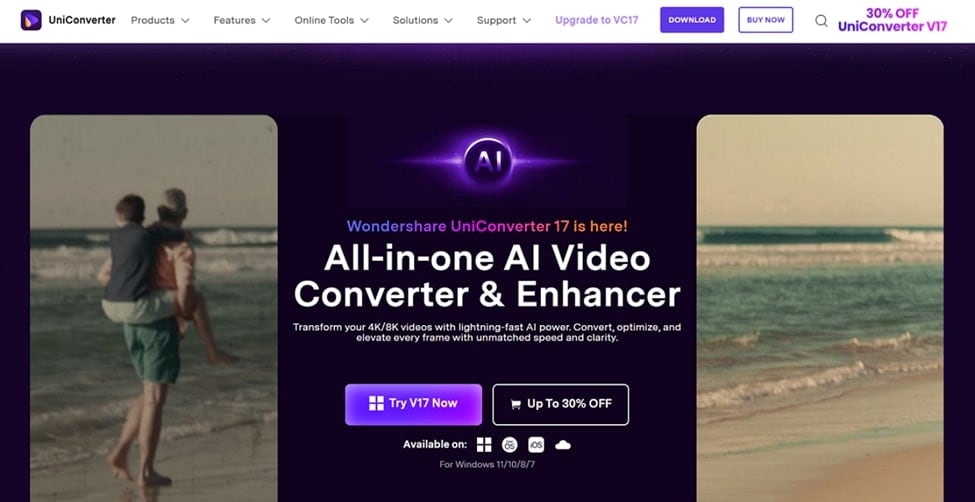
It supports a wide range of file formats, which include videos, audio, and thumbnails. After downloading, it also lets you convert the file format into the desired target formats. Moreover, this tool includes a Chrome extension that enables you to download the required videos directly from streaming services. Users can even preview the downloaded outcome to ensure its authenticity.
- Key Features
- Compressor: It provides a powerful compressor to reduce file sizes, making it easier to manage your storage.
- Screen Recorder: Users can even record their screen and further edit it as needed.
- Image Enhancer: UniConverter upscales your images to make them visually appealing without compromising their original quality.
Detailed Guide To Use UniConverter Downloader For 9GAG Videos
Upon hearing the key features of Uniconverter 9GAG downloader, let's explore its detailed guide below:
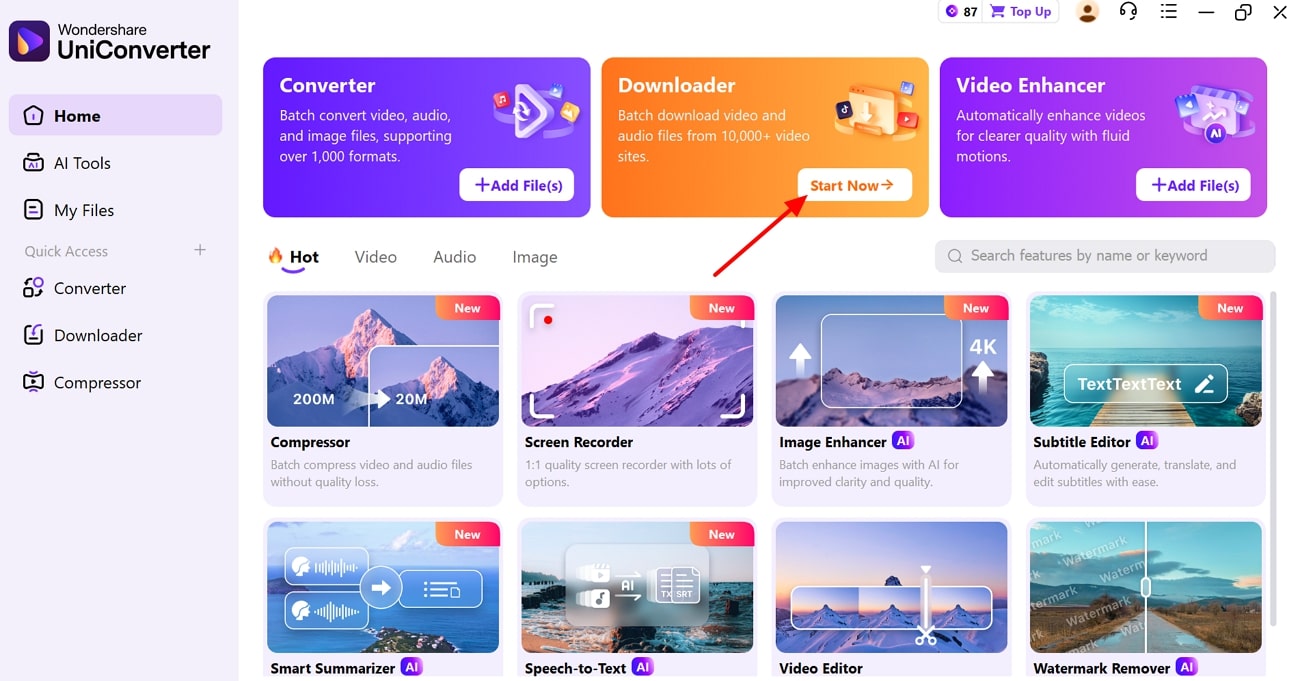
Step 1. Choose the Start Now button in Downloader
Initiate by selecting the “Start Now” button within the “Downloader” tab to enter the downloading interface.
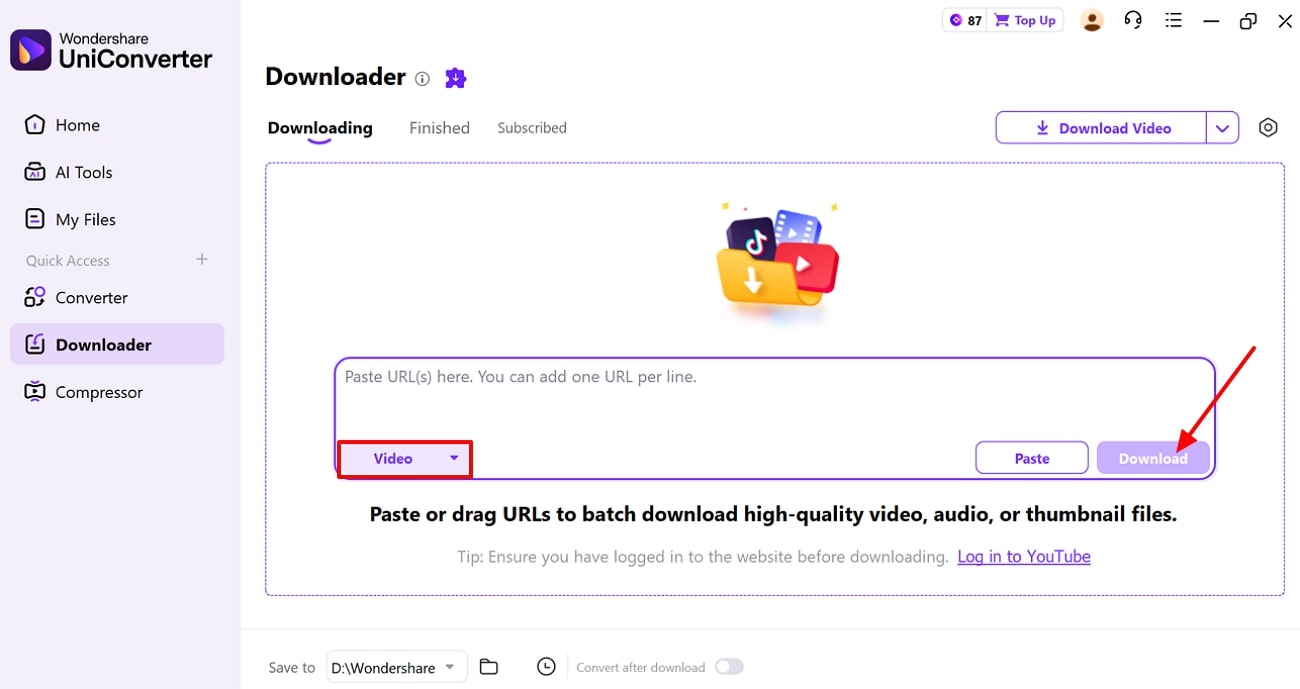
Step 2. Choose the Format and Insert its URL
Upon entering the interface, select the "Video" format, enter the video URL, and click the "Download" button to start the download. Here, you can add as many URLs to access the batch processing system efficiently.
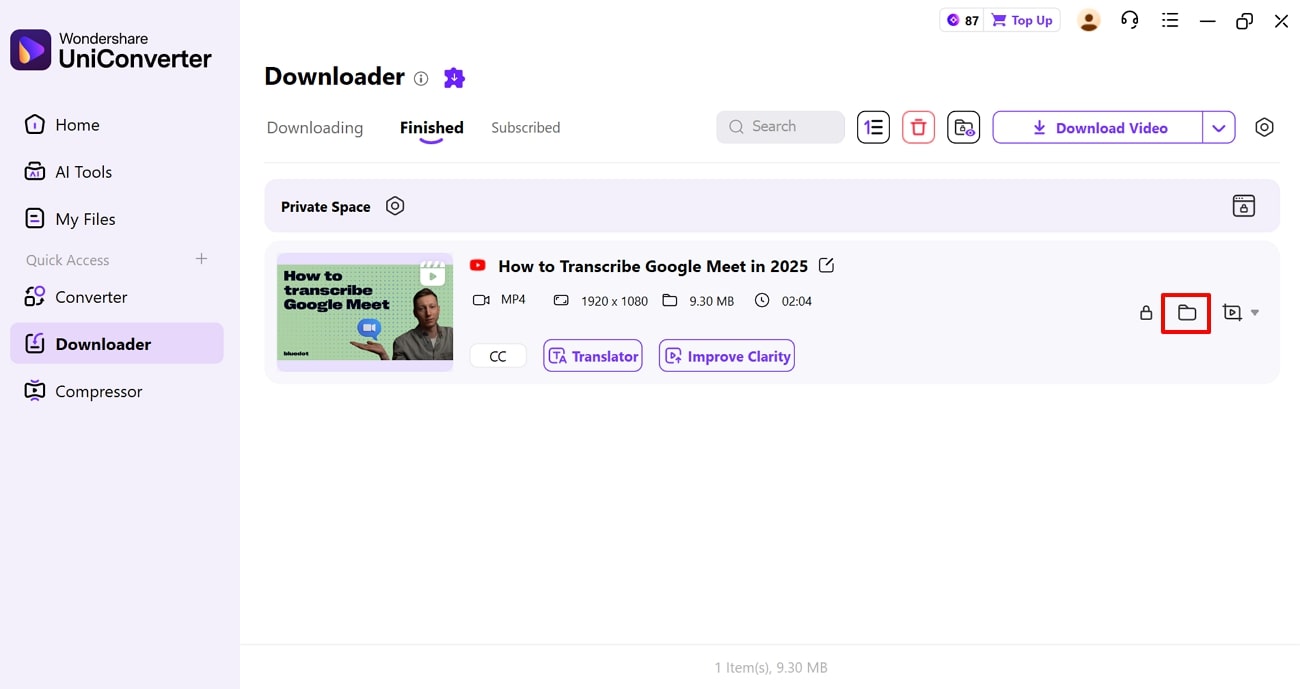
Step 3. Locate the Downloaded Video in the Device
Finally, your desired video has been downloaded and will be automatically saved to your device storage. However, if you want to locate it, then tap the “File” icon to access the downloaded video directly.
Safety Review: 5/5
Starting Price: Free and $9.99
Supported Device: Windows and macOS

Easy to Use 9GAG Video Downloader
2. Givefastlinke
It is a completely free 9GAG video downloader that provides unlimited usage without any hidden fees. Users simply paste their video URL, and it will be downloaded for them. Furthermore, it also lets you convert the downloaded video directly within the tool. This tool works on any device or operating system, including Android, iOS, Windows, Mac, tablets, and even smart TV browsers.

Safety Review: 4/5
Starting Price: Free
Supported Device: Online
3. Videomon
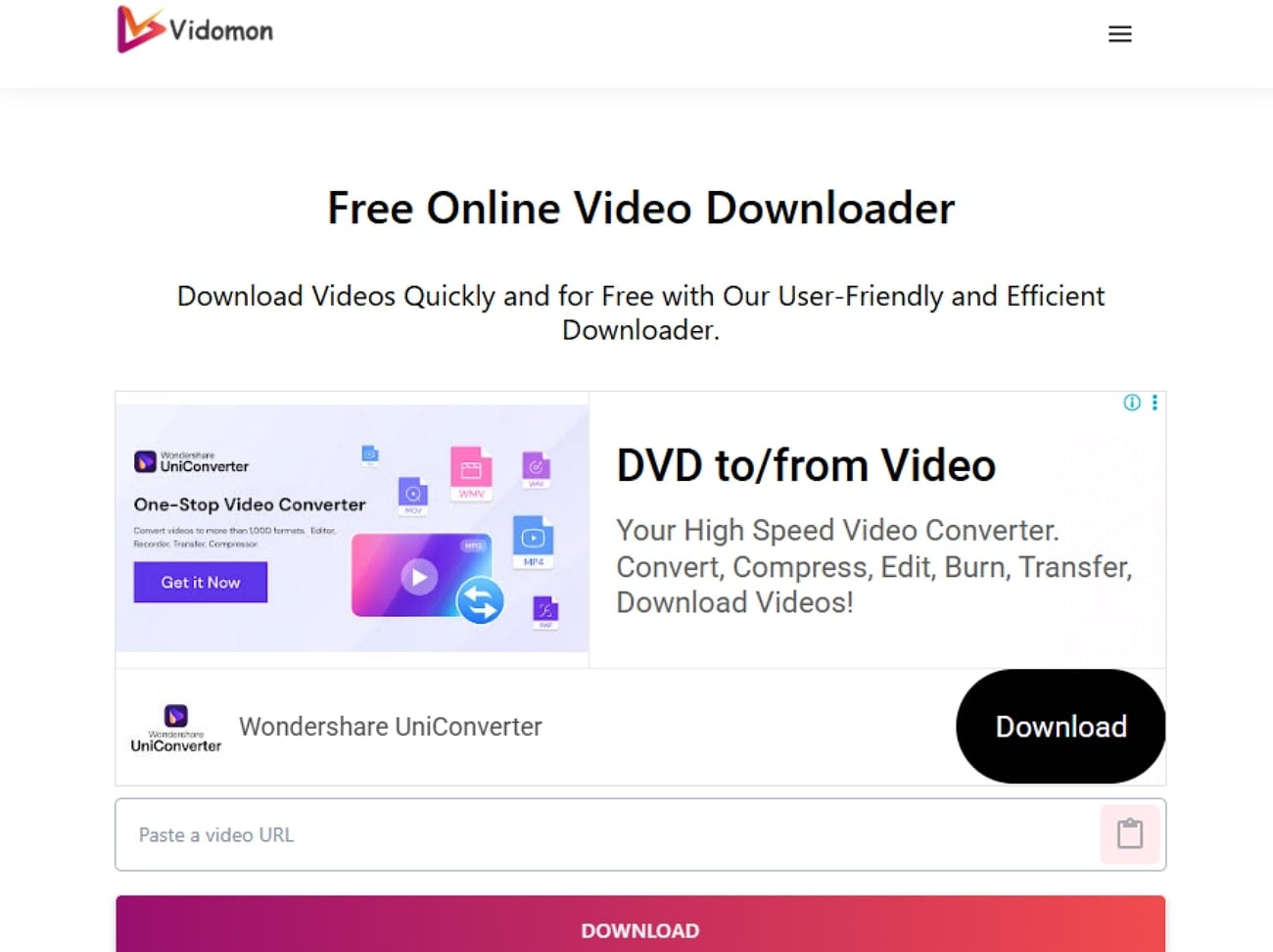
Vidomon 9GAG downloader lets you download as many videos as you want, with no restrictions. This tool works across all major devices, including Windows, Mac, Android, iOS, and smart TVs, and supports all major browsers. Users can download videos from any streaming service, including 9GAG, Bilibili, and Tumblr.
Safety Review: 4/5
Starting Price: Free
Supported Device: Online
4. Apify
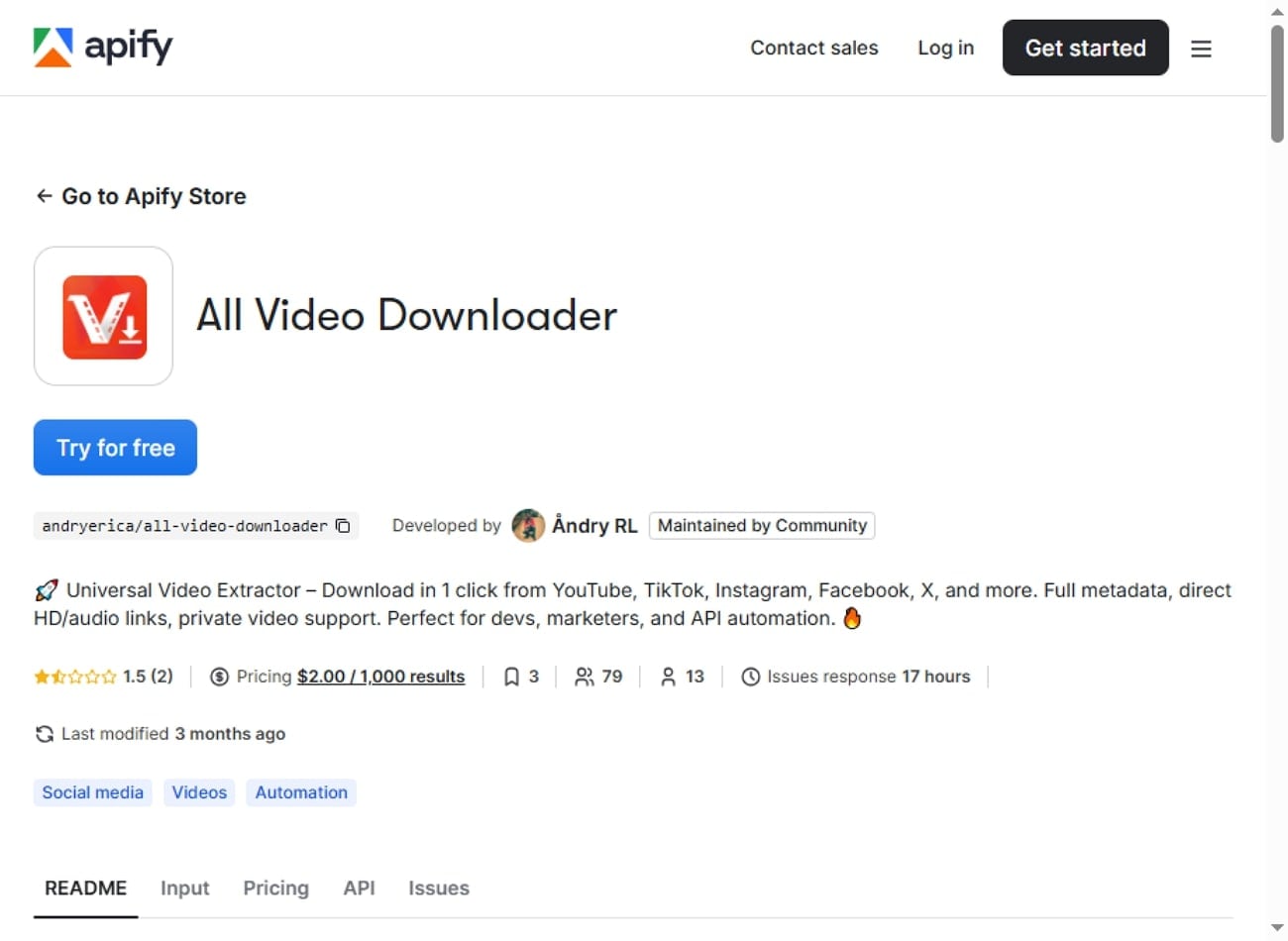
This tool provides universal video support by allowing users to download from major platforms such as YouTube, TikTok, and Facebook. Apify gives structured metadata to each video, including title, uploader, and upload date. It lets you extract both audio-only and video-audio files, with technical details such as codec, bitrate, and resolution.
Safety Review: 4/5
Starting Price: $3 per 1,000 formats returned
Supported Device: Windows, Mac, Linux, and server environments
5. X Downkloader & Video Player
This 9GAG downloader lets users download audio, videos, and photos from virtually any website or social media platform. Its browser automatically detects downloadable videos and images as you browse and saves them with a single tap. Moreover, Video Downloader supports multiple formats, including MP4 and MP3, and video resolutions up to 1080p HD.
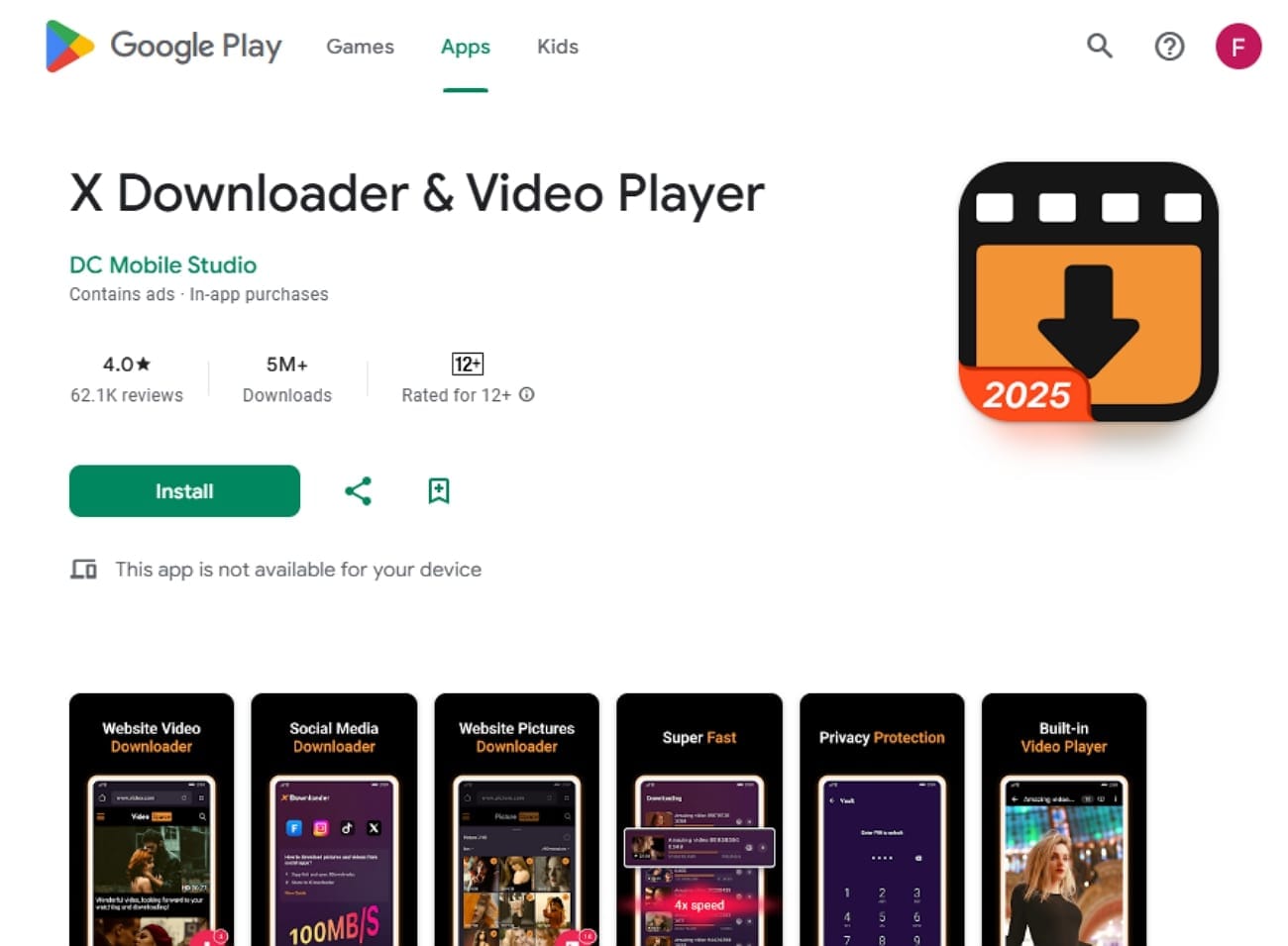
Safety Review: 3.5/5
Starting Price: Free
Supported Device: Android, Tablets, and Chromebooks
6. Save the Video
This 9GAG Downloader is a browser-based tool that requires no software installation, making your device lightweight. Within this tool, simply paste the copied URL and get instant download links for various available formats. The plus point is that users can download an unlimited number of videos without any restrictions.
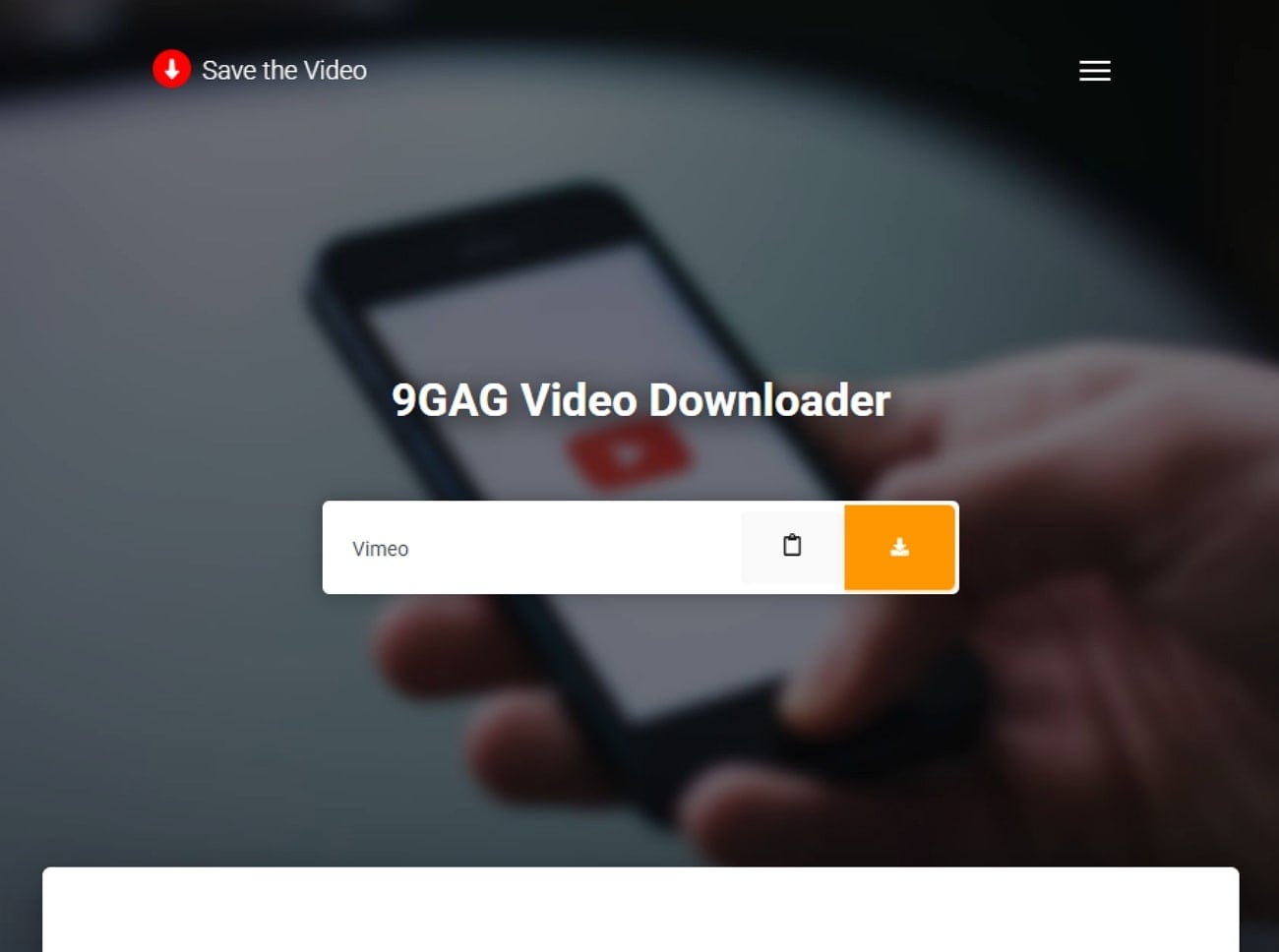
Safety Review: 4/5
Starting Price: Free
Supported Device: Online
Easy to Use 9GAG Video Downloader
7. VideoGrab
It lets users download an unlimited number of videos and audio files without cost or mandatory registration. Without signing in, users simply insert their social media website URLs, and it will download them instantly. Furthermore, it allows users to save videos in MP4 format and select from different resolution options.
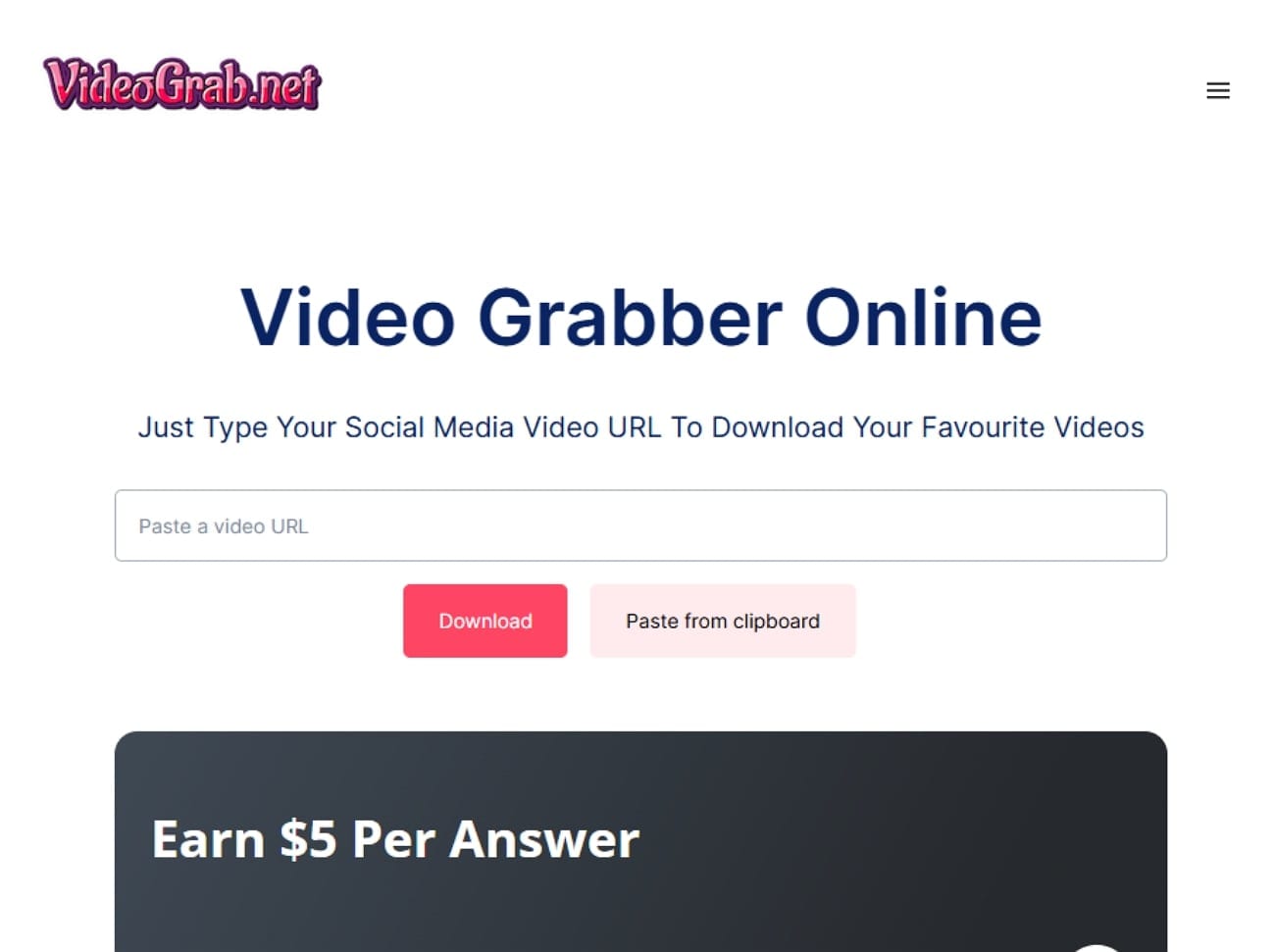
Safety Review: 4/5
Starting Price: Free
Supported Device: Online
8. Step to Down
Step to Down is well-known for its rapid downloads, enabling quick access to files even for large video content. It supports multiple resolutions, allowing users to select the preferred video quality, including HD, depending on availability. Moreover, it allows multiple downloads at once without waiting for one file to finish.
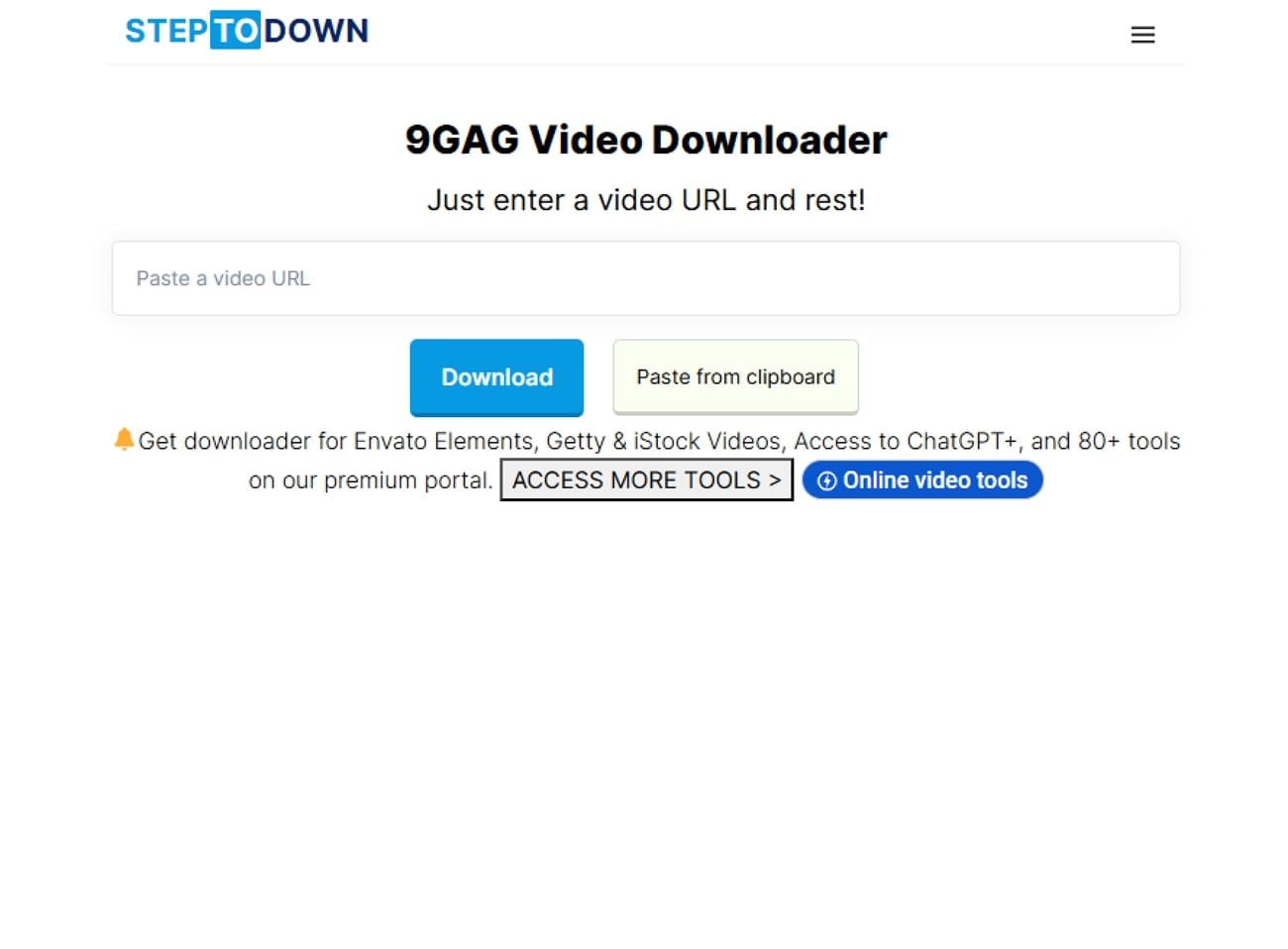
Safety Review: 4/5
Starting Price: Free
Supported Device: Online
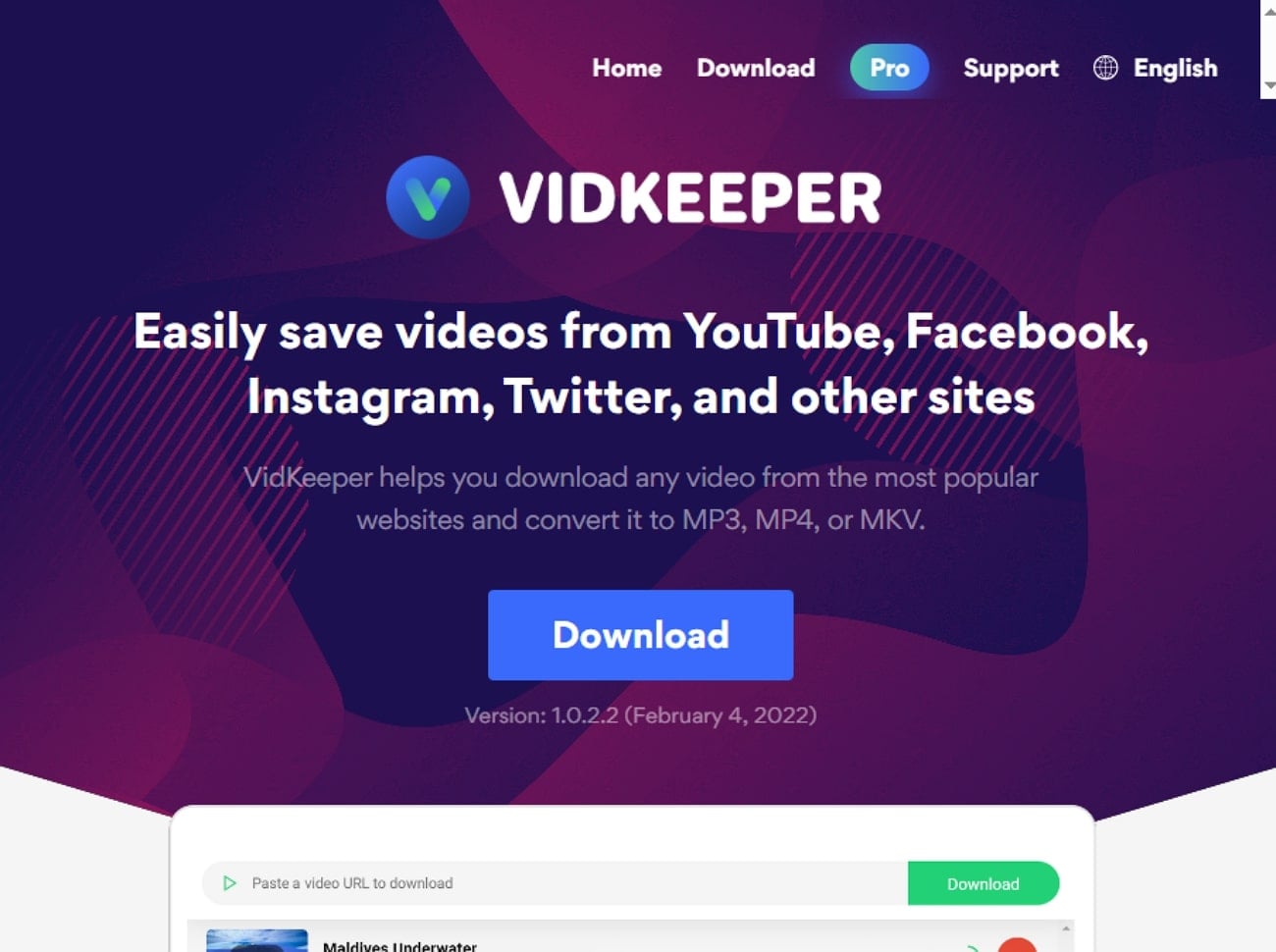
9. Vidkeeper
Being an advanced 9GAG downloader, it provides a wide support to numerous platforms, including YouTube, Facebook, Instagram, and more. This 9GAG downloader automatically downloads and converts downloaded videos to popular formats like MP3, MP4, and MKV. Furthermore, it lets you download videos with the highest quality available up to 8x.
Safety Review: 4/5
Starting Price: Free
Supported Device: Windows
10. AnyDownloader
This tool provides an intuitive way for users to simply 9GAG download videos by providing their video URL. After downloading, it allows you to play the desired video within the platform to make sure the downloaded content is accurate. Plus, the foremost advantage of this tool is that you can even select the desired location for your videos, including SD cards.

Safety Review: 3/5
Starting Price: Free (with in-app purchases or paid upgrades for premium features)
Supported Device: Android, Windows
Part 3. At-a-Glance Comparison Table of Top 9GAG Video Downloaders
To make your choice easier, here’s a quick at-a-glance comparison table highlighting the key features of each 9GAG downloaders:
| App Name | Supported Formats | Unique Edge | Best For |
| UniConverter | MP4, MOV, AVI, MKV, MP3, WAV, more | All-in-one solution: download, convert, record, edit, compress | Video editing & conversion |
| GiveFastLink | MP4, MP3, WebM, others | 100+ platforms, instant browser-based downloads | Quick anonymous downloads |
| Vidomon | MP4, M4A, 3GP, AVI, more | No sign-up, bulk save options, optimized mobile experience | Cross-device and mobile users |
| Apify Video Downloader | All available site formats | Dev-friendly API, robust metadata & automation capabilities | Developers & automation tasks |
| Video Downloader X | MP4, MP3, JPEG, PNG | Built-in browser, encrypted vault, multi-format social support | Android social video downloads |
| 9GAG Downloader | MP4, WebM, available resolutions | Direct 9GAG extraction, no install, multi-format support | Fast 9GAG video downloads |
| VideoGrab.net | MP4, WebM, MP3 | Unlimited free use, simple workflow, browser-only | Beginners & unlimited use |
| STEPTODOWN Downloader | MP4, various resolutions | Batch download, no sign-up, multi-platform social support | Downloading from socials |
| VidKeeper | MP3, MP4, MKV | Desktop app: auto-tag MP3s, multi-thread speed, playlist DL | Windows playlist & batch use |
| Anydownloader | MP4, MP3, AVI, more | Batch downloads, in-app browser & player, storage selection | Android batch & casual users |
Part 4. Important Tips & Safety Warnings
Before you opt for these 9GAG video downloaders, it is necessary to keep the following safety tips and ethical usage in mind:

Safety Tips
Suspicious Ads: Avoid clicking on suspicious ads or pop-ups found on downloader sites, as they may contain malware that can crash your computer.
AD Blocker: Make sure you have downloaded an ad blocker to avoid unnecessary ads for a cleaner and safer experience when using free downloaders.
Unnecessary Permissions: Always be aware of apps asking for unnecessary permissions, so never permit any data unrelated to video.
Use Reputable Sites: Ensure you use well-reputed, reliable sites and keep your device’s antivirus software up to date.
Legal and Ethical Usage
Respect Copyright Laws: Ensure you only download videos for personal, offline use and never use them commercially again.
Don’t Claim Your Own: Never claim those videos as your own after uploading them on social media platforms, as it is against 9GAG’s Terms of Service.
Credit Original Creators: Try to credit original creators whenever possible if sharing files privately for educational or review purposes.
Intend to Save Content: Downloads should always be intended to save the videos offline for later usage or easy access purposes only.
Easy to Use 9GAG Video Downloader
Conclusion
Summing up, anyone can download their 9GAG videos easily using their dedicated 9GAG video downloaders. In this article, we have narrowed down the 10 most efficient video downloaders along with their strengths and weaknesses for your better understanding. After comparing them, we recommend using UniConverter, which is an all-in-one solution for downloading, editing, and compressing videos.
FAQ
-
1. How do I use a 9GAG downloader?
Mostly, tools provide an intuitive interface where you simply paste the 9GAG video link, and the downloader fetches it instantly. We recommend using UniConverter, which offers an efficient downloader along with additional editing features. -
2. Can I choose what format or quality the video is saved in?
Absolutely. Modern tools allow you to choose the desired format or quality for the downloaded 9GAG video. However, most tools rely on the source platform’s streaming quality and cannot exceed the original resolution. -
3. Is it legal to download videos from 9GAG?
Downloading copyrighted content for personal offline use may be permitted in some regions. However, sharing, re-uploading, or using downloaded videos for commercial purposes violates copyright laws, so always respect the creator’s rights.

