


Turning videos from MP4 files into text isn't just about transcription but about saving time, improving accessibility, and making your content searchable. If you are a student, marketer, or business professional, an MP4 to text converter helps you quickly extract spoken words from videos into clean and editable text.
To keep you updated, in this guide, we have listed the top 10 MP4 to text converter that works seamlessly to streamline your workflow. First, let's understand what you should look for when choosing an online MP4 to text converter.
In this article
Part 1: What to Look for in an MP4 to Text Converter
Choosing the right transcription tool isn't just about converting audio to text. The right transcription tool should fit your specific workflow and requirements. Here's what matters most:
Accuracy
This is your top priority. Look for tools with a low Word Error Rate (WER), which essentially refers to how many mistakes the AI makes per 100 words. Professional-grade converters typically achieve 85-95% accuracy, though technical jargon or heavy accents can impact results.
Ease of Use
A clean, intuitive interface means you spend time reviewing transcripts, not figuring out complicated menus. Drag-and-drop uploading and one-click conversion are game-changers.
Speed
Modern converters should process videos near real-time or faster. A 60-minute video taking hours to transcribe defeats the purpose of automation.
Language Support
If you work with international content, verify the tool supports your required languages and regional accents; not all converters handle dialects equally well.
Export Flexibility
Different projects need different formats. Look for options like plain text (.txt), formatted documents (.docx), or subtitle files (.srt, .vtt) for video editing.
Security
For confidential content: legal depositions, medical records, business meetings, ensure the service encrypts files and doesn't store data permanently without your consent.

Easy to Use MP4 to Text
Part 2. Top 10 MP4 to Text Converters 2025
The top MP4 to text converters that you can rely on in 2025 are Wondershare UniConverter, Zamzar, MeowTXT, and more. Here is an explanation of each tool, along with key features, pros, and cons.
1. Wondershare UniConverter
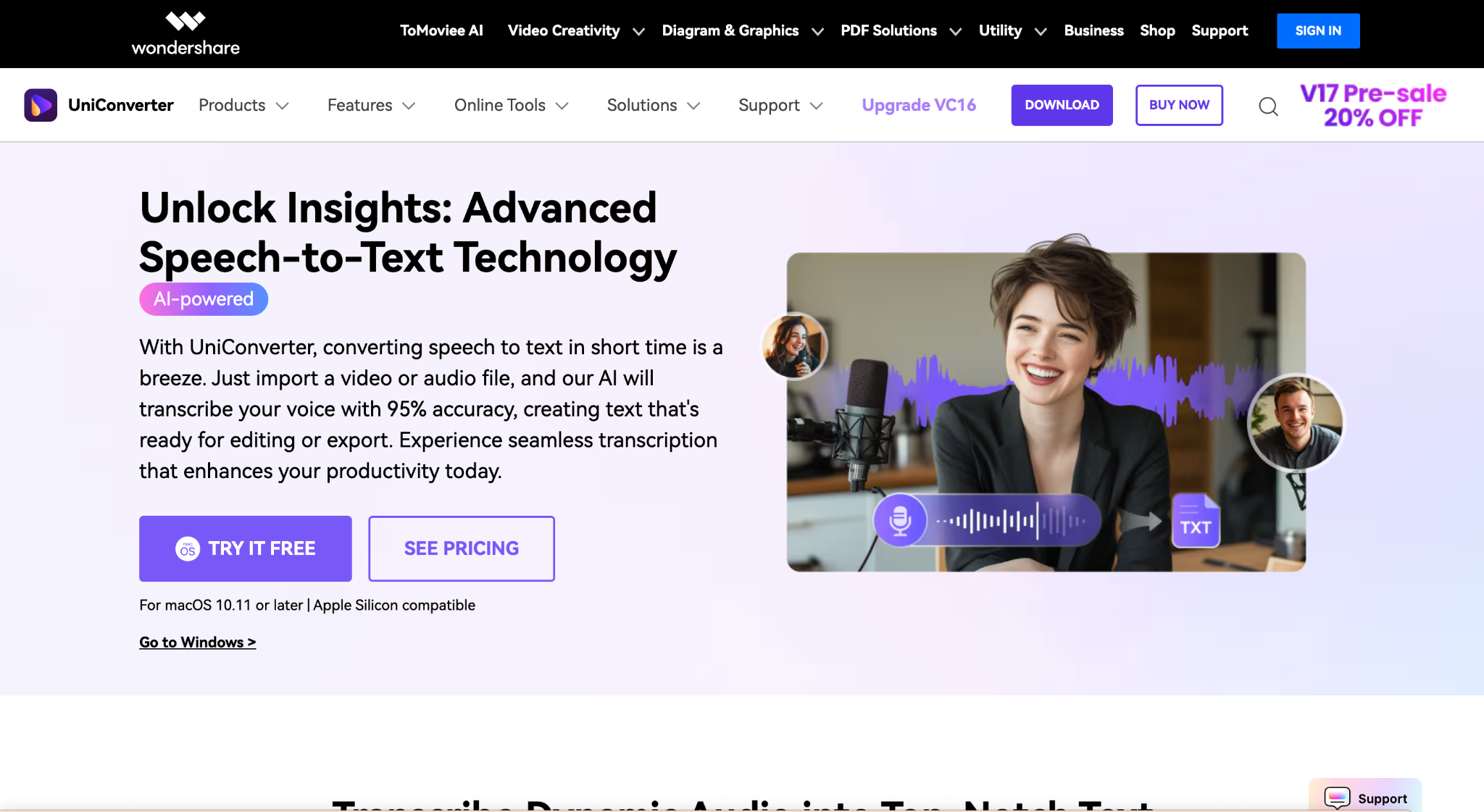
Wondershare UniConverter offers AI-powered MP4 to text conversion in multiple languages, making it accessible for global users who need to connect with multilingual clients or colleagues. What sets it apart is its comprehensive video toolbox approach, where transcription works seamlessly alongside video editing, compression, and conversion features all within one interface.
The tool processes audio from MP4 files quickly while maintaining accuracy, and users can download transcripts with just one click. UniConverter also handles 4K and 8K video files without performance issues, making it suitable for professional-grade content where high-resolution video meets transcription needs.
Key Features
- GPU acceleration for ultra-fast video processing and conversion
- Integrated subtitle editor allowing you to add animated subtitles directly to videos
- Noise remover helps you cut the noise and clean the audio
- MP3 audio cutter lets you edit the audio files effortlessly and accurately with AI.
Product Type: Desktop Software (Windows & Mac) with an online version available
Best For: Content creators and video editors who need an all-in-one solution combining MP4 to text conversion with professional video editing and format conversion capabilities.
Reddit Review: "Seriously, Wondershare UniConverter is hands down the BEST converter I've used so far. No competition."
2. Zamzar
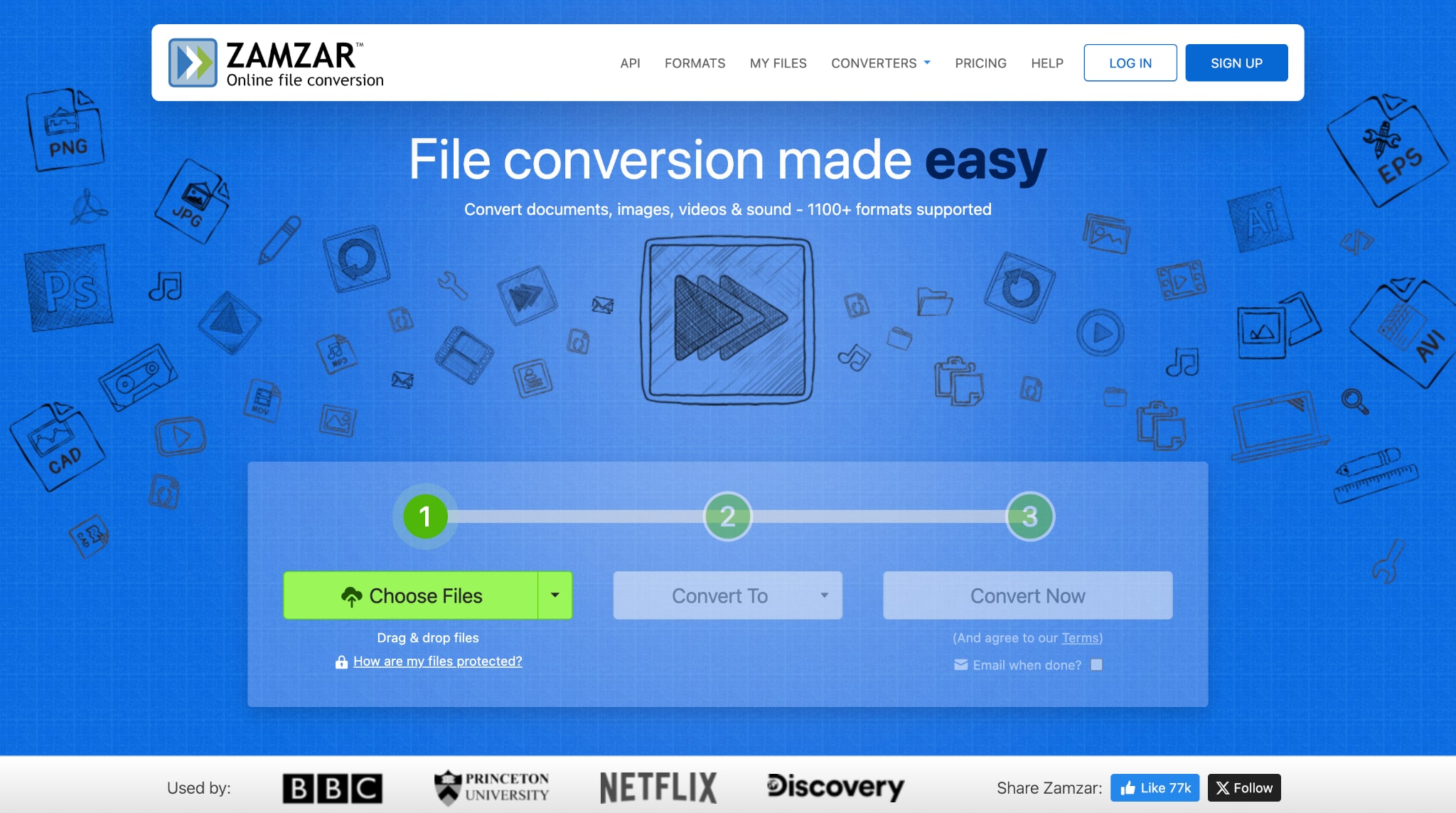
Zamzar operates as a straightforward online file conversion platform. Zamzar's strength lies in its simplicity and reliability for basic conversion tasks. The platform processes a wide range of different file formats and provides automatic speech recognition to convert spoken dialogue in MP4 files into written text within minutes. No software to download and no account needed for basic conversions, making it accessible for quick one-off transcription needs.
Key Features
- Browser-based operation with no software installation required
- Optional language selection for improved transcription accuracy
- Ad-free experience focused solely on file conversion
Product Type: Online Web Service
Best For: Users needing quick, occasional MP4 to text conversions without the commitment of software installation or account creation, ideal for students and casual users with basic transcription needs.
Reddit Review: "Super easy to use, simple drag and drop UI, and the files are converted. The kind of site you send a tech-confused relative to over the phone."
3. MeowTxt
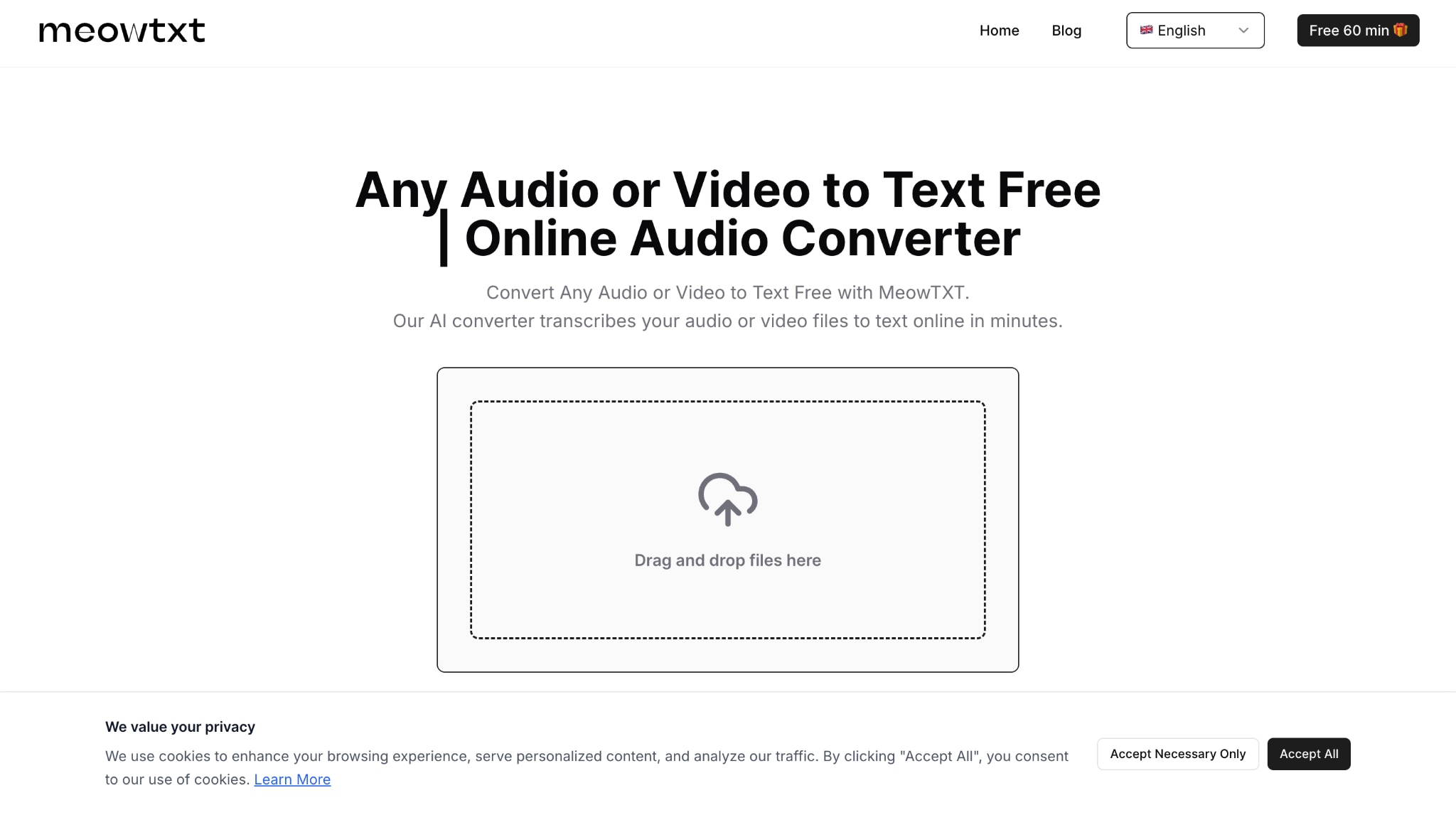
MeowTXT is a speed-focused transcription tool. The service processes audio and video files on ISO-certified servers with automatic deletion after 24 hours, addressing privacy concerns head-on. MeowTXT also offers AI-powered summaries and translation into 100+ languages directly from the transcript, adding significant value beyond basic transcription for content repurposing.
Key Features
- No registration required, with the first 60 minutes free, and an additional 60 minutes for registered users
- Multiple export formats, including TXT, DOCX, JSON, CSV, SRT, and VTT captions
- One-click translation to 100+ languages and AI summary generation
Product Type: Online Web Service (Cloud-based)
Best For: Developers, journalists, and content creators who value speed, privacy, and flexible pay-per-use pricing.
4. Vizard
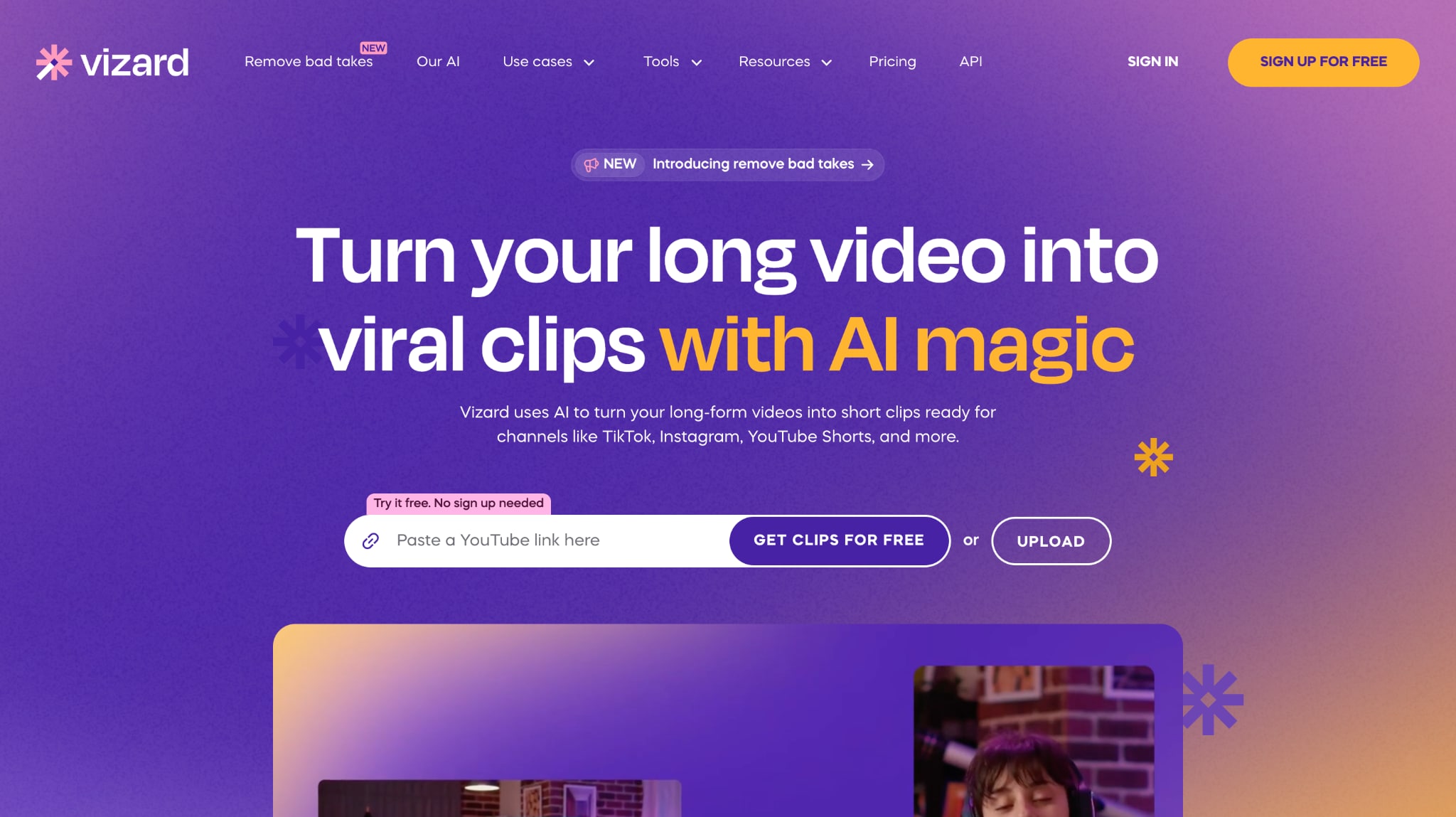
Vizard.ai combines video and audio transcription in 30+ languages with a moderate accuracy rate. After transcribing your MP4 file, Vizard automatically identifies highlights and creates short social media clips optimized for platforms like TikTok and YouTube Shorts. The AI detects speaker faces, keeps them centered, and even generates video virality scores to predict content performance.
Key Features
- Automatic speaker detection and isolation for multi-speaker videos
- Auto-generated titles, descriptions, hashtags tailored for each social media platform
- Real-time collaboration workspace for team editing and brand kit sharing
Product Type: Online Web Service with Team Workspace features
Best For: YouTubers, social media marketers, and content creators who need both accurate transcription and automated video repurposing for multi-platform distribution.
Reddit Review: "Just checked out Vizard.ai and it's super user-friendly. Love how it auto-transcribes and segments videos for quick highlights. Gonna give it a spin for sure!"
Easy to Use MP4 to Text
5. Maestra
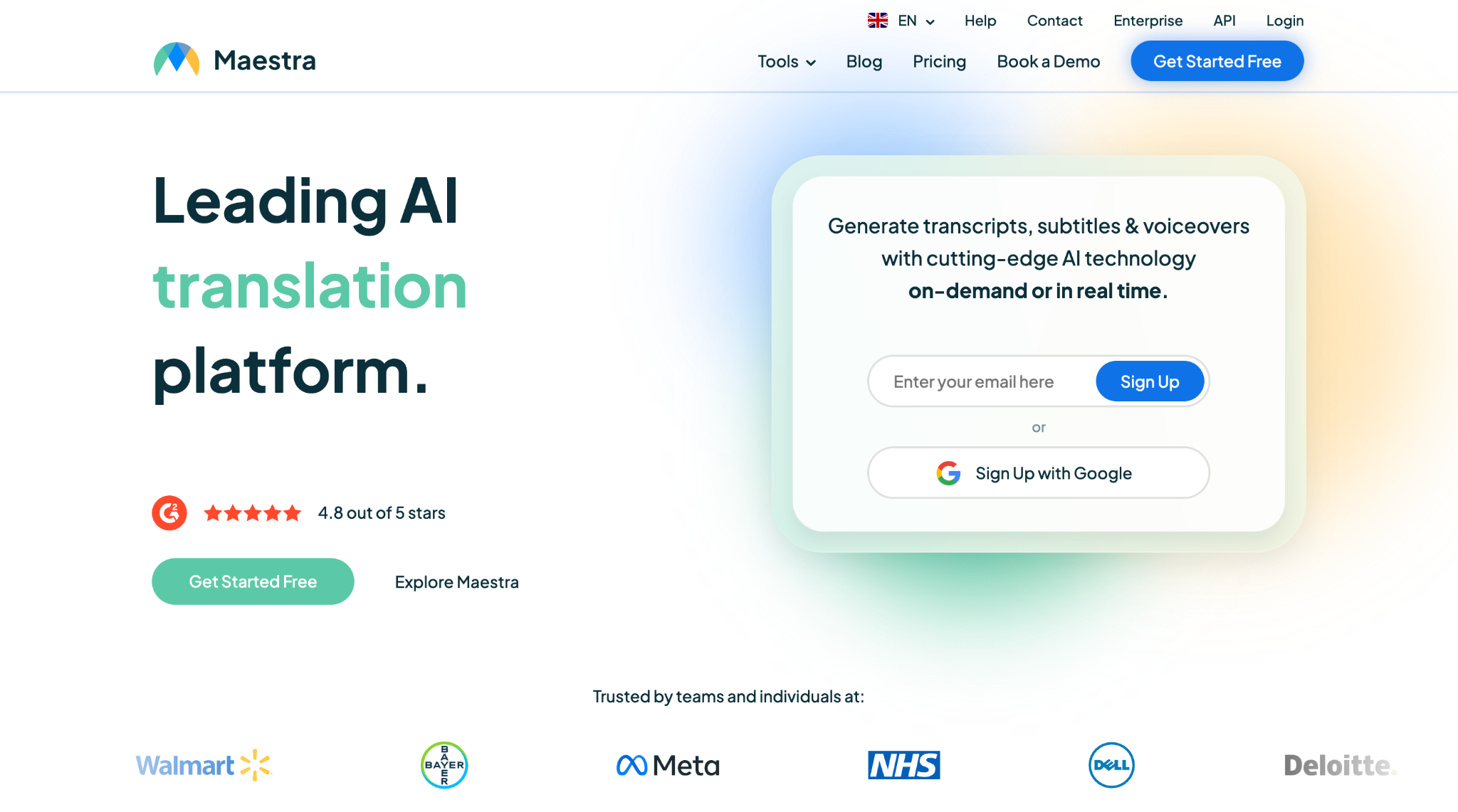
Maestra is an AI-first platform combining transcription, subtitle generation, and voiceover/dubbing tools under one roof. You can upload MP4 video files, then get transcripts, subtitles, and even dubbed voice tracks in over 125 languages. It supports live captioning, team collaboration, and integration with platforms like YouTube, Zoom, TikTok, Slack, etc.
Key Features
- The voice cloning feature allows users to speak in 29 languages using their own voice
- Advanced AI tools, including automatic summaries, chapter generation, and keyword extraction
- Seamless integrations with YouTube, TikTok, Slack, Zoom, OBS, and vMix
Product Type: Web-based SaaS/cloud tool with collaborative editing and real-time options.
Best for: Creators or teams seeking an all-in-one tool that goes beyond just "MP4 to text" to include subtitles, voiceovers, and global deployment.
Reddit Review: "The app is great, I have been using the 20-minute trial."
6. HappyScreibe
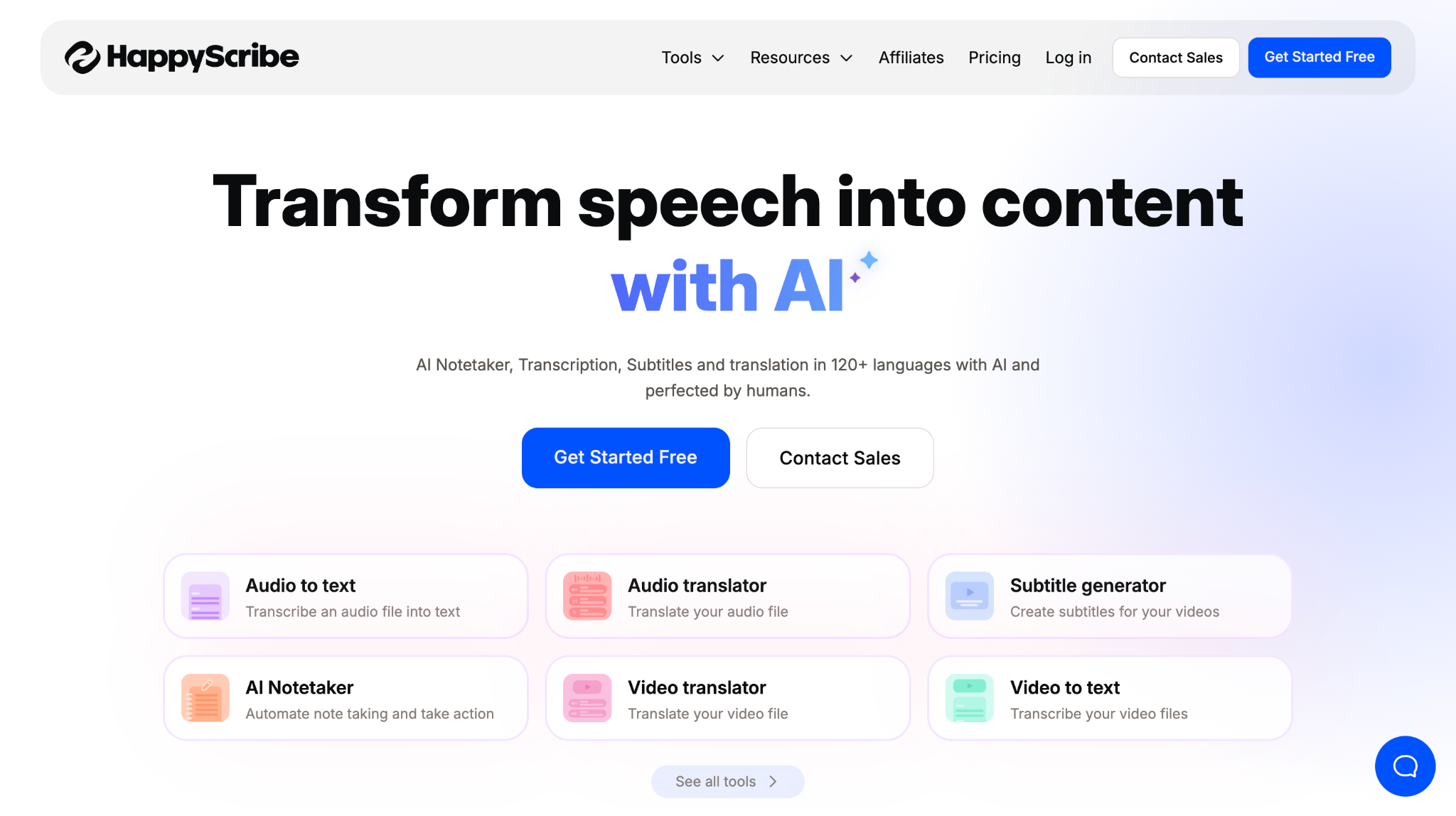
HappyScribe is a web transcription & subtitling service that offers both AI and human-corrected transcripts. You upload MP4 (or audio) files and choose whether to rely on AI or get a human-refined version. It emphasizes user-friendly editing, multi-language support, and export flexibility.
Key Features
- Interactive editor with synchronized playback for corrections
- Subtitle generation & export in multiple formats
- Integration with platforms like YouTube, cloud drives, and upload imports
Product Type: Online Web Service
Best For: Podcasters, journalists, and video producers who need flexible transcription options.
7. Flixier
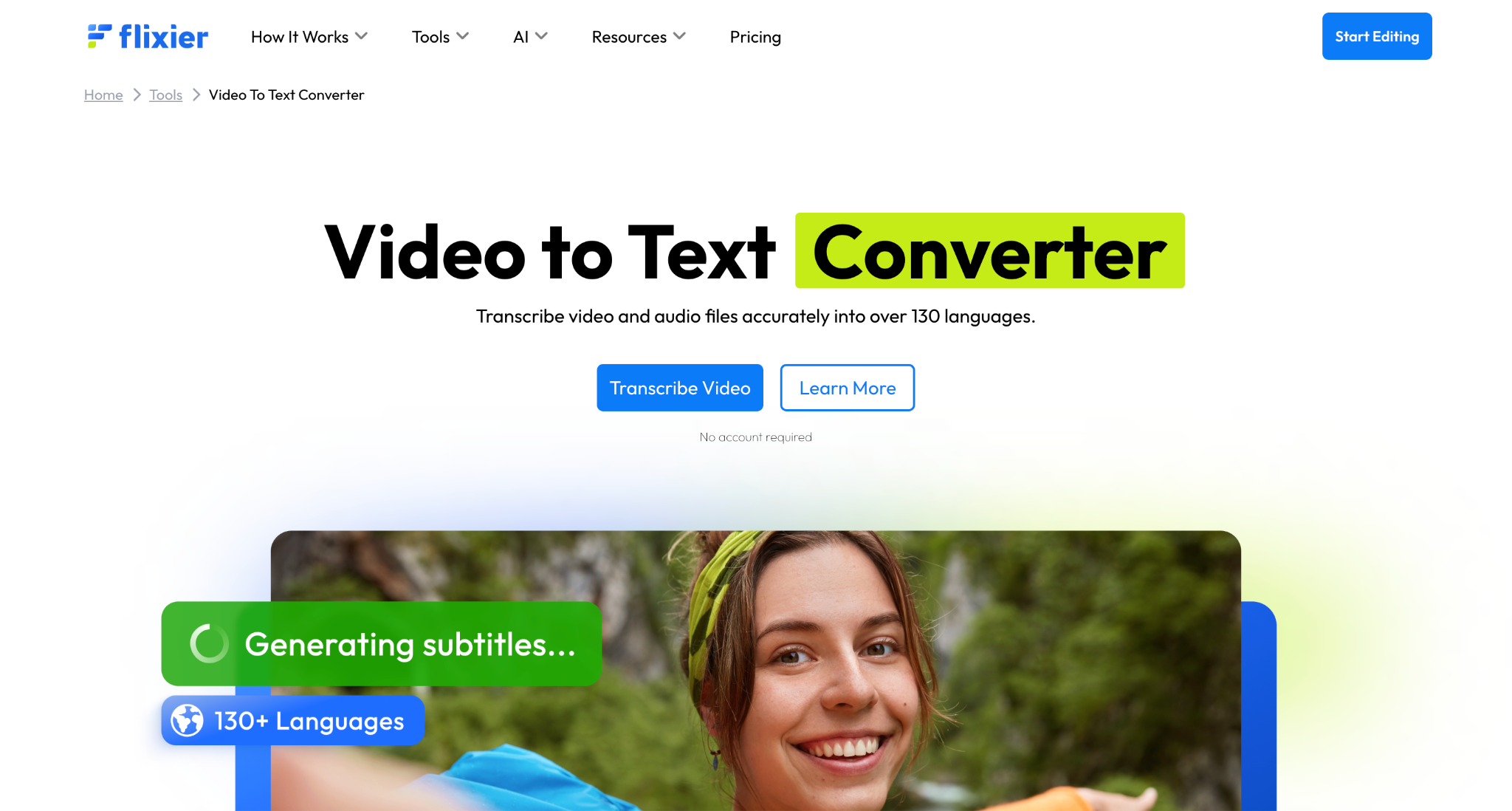
Flixier is a fully online video editor that lets you turn MP4 videos into text transcripts in your browser, no downloads needed. Just upload your video (or paste a YouTube link), and Flixier's AI generates an editable transcript in seconds. The platform supports over 130 languages and doubles as a video editor, making it easy to create subtitles, notes, or repurpose content for social media.
Key Features
- Instantly generate and edit transcripts or subtitles in your browser
- Transcribe YouTube videos by just pasting a link
- Video editing, captions, motion graphics, and translation built in
Product Type: Cloud-based Online Video Editor
Best For: Anyone who wants convenient, browser-based video transcription and editing, from creators and educators to small business teams.
Reddit Review: "You're high. Flixier is awesome. Way quicker and easier to video edit than the alternatives in my experience."
8. Convertio
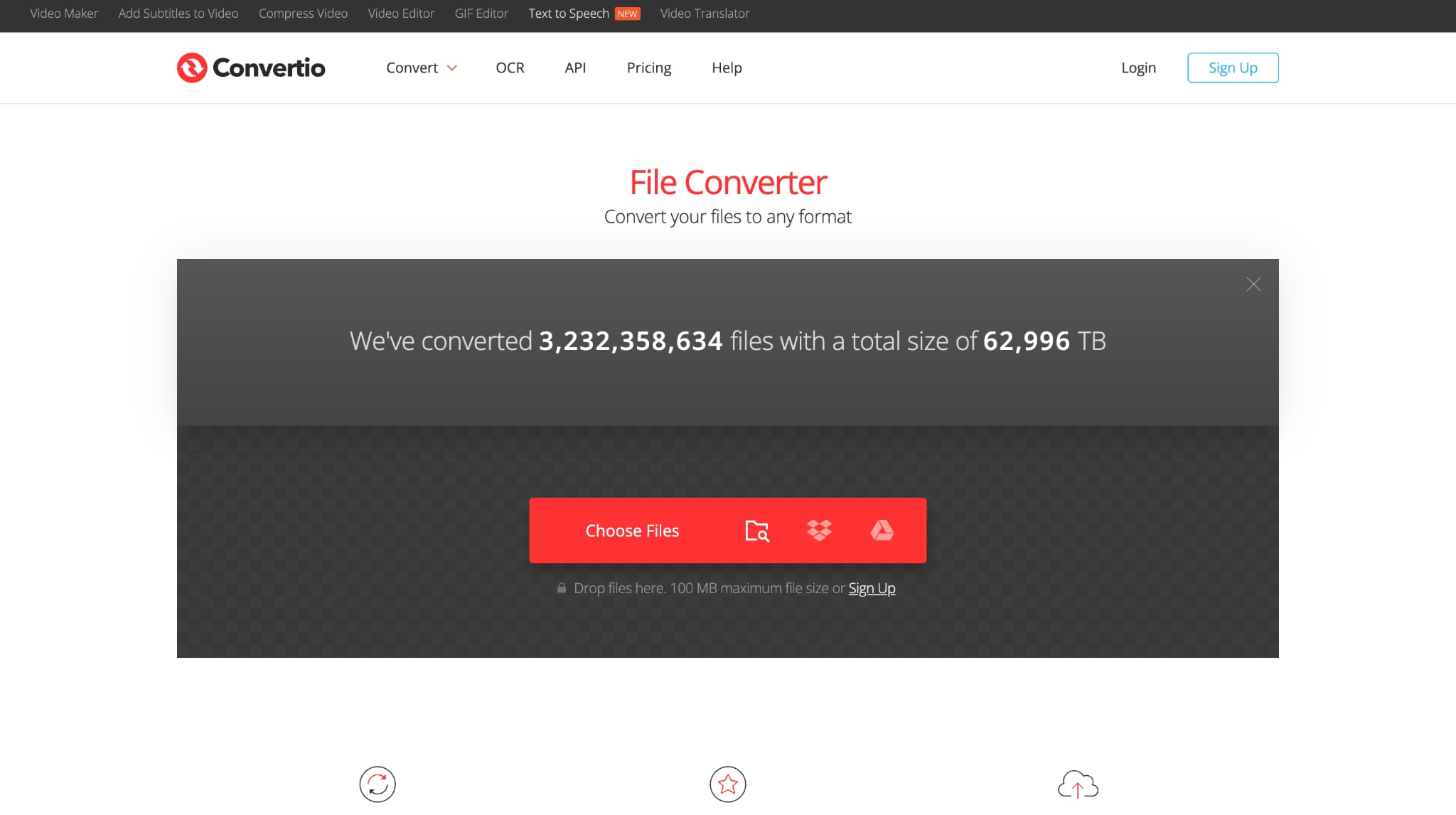
Convertio is an online converter that makes it quick to convert MP4 videos into text files and other file types. You just upload your file, pick the output format, and download your transcript once it's done. There's no app to install and no account required for most basic tasks, letting you handle small or occasional file conversions in a couple of clicks.
Key Features
- Runs completely in your browser
- Batch conversion tools for multiple files
- Integrates with Google Drive and Dropbox
Product Type: Online File Conversion Service
Best For: Users who occasionally need MP4 to text conversion with minimal setup, especially if they also need to convert other file types.
9. Sonix
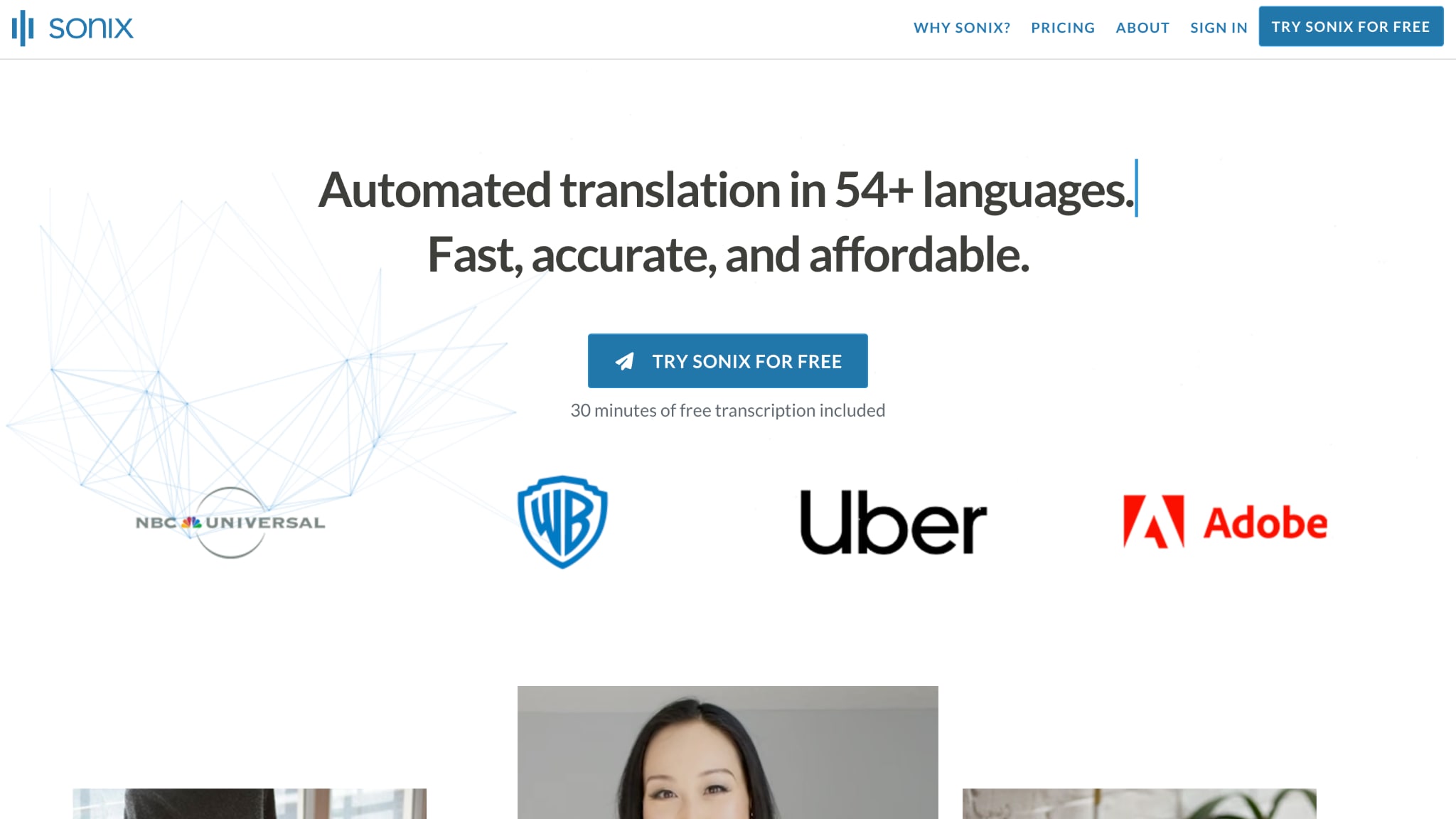
Sonix uses AI to transcribe and translate files in over 50 languages. You can upload an MP4, get a transcript in minutes, and edit everything right in your browser with playback synced to every word. Features like speaker detection (in beta), topic analysis, and support for multi-track audio help streamline even long, complex recordings. With strong API options, Sonix fits both solo users and larger businesses with regular transcription needs.
Key Features
- Transcription and translation in 53+ languages
- Edits in-browser with audio-to-text syncing
- Automated summaries and topic analysis
Product Type: Online Cloud Service with API
Best For: Researchers, journalists, and organizations that need dependable, secure, and fast MP4 to text transcription for lots of files.
Reddit Review: "I love the work they are doing at Sonix. Their webpage is really simple to use, and yet you get everything you need. Their transcripts are really accurate. I have tried them both in English and Spanish, and I can say that most of the time there is very little to no editing on the final text."
10. Soundwise.ai
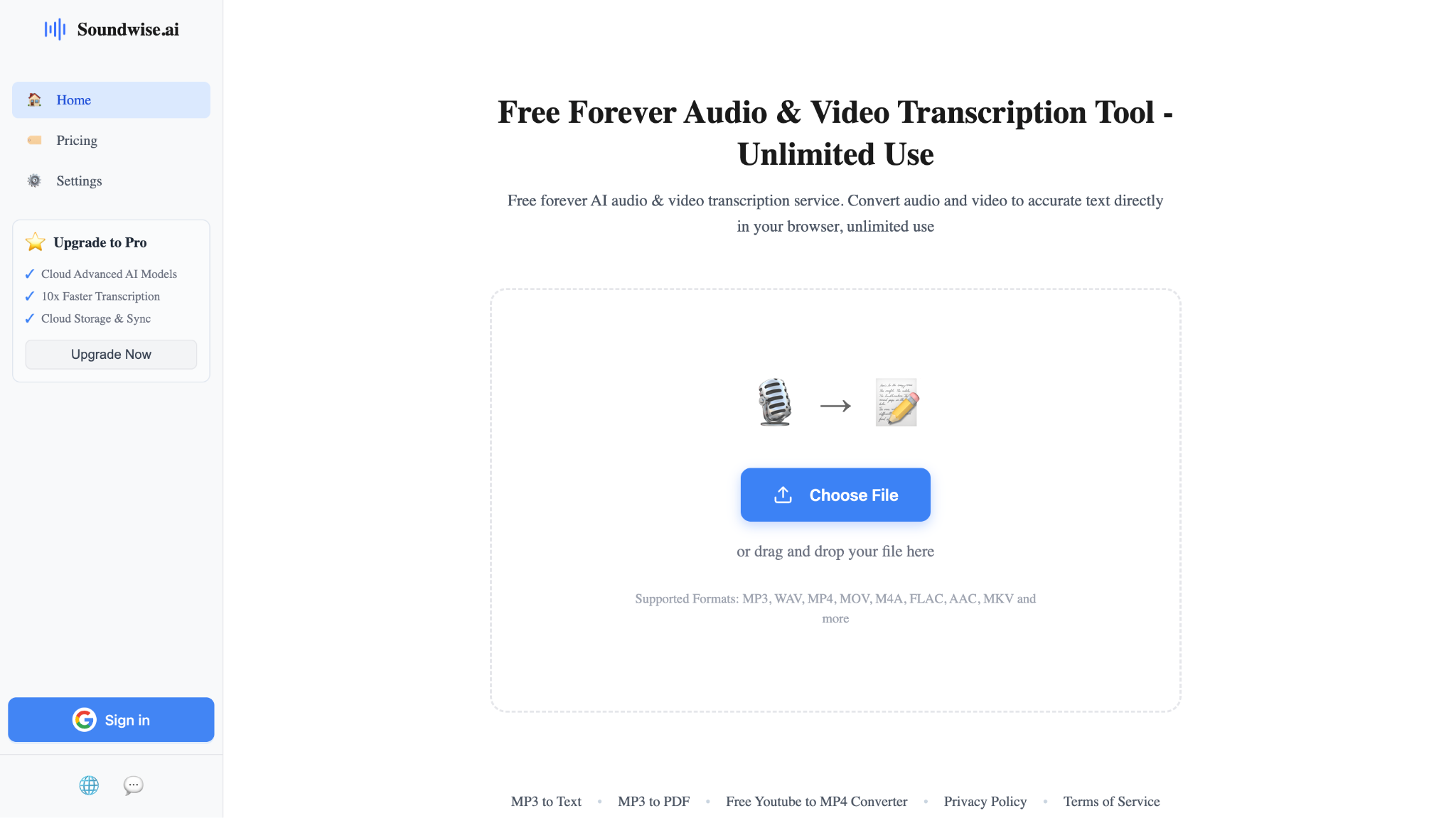
Soundwise.ai is a MP4 to text converter that runs everything right on your device, not in the cloud. No uploads, no storage on outside servers. Click on any word in your transcript, and the audio will play from that spot, which makes checking accuracy super quick. Soundwise.ai claims it works with 90+ languages and automatically adds timestamps and speaker labels where possible.
Key Features
- Unlimited free transcription for MP4 and more
- Click-to-play transcript for fast corrections
- Supports 90+ languages and speaker detection
Product Type: Browser-based, Local Processing
Best For: Anyone who wants free, private transcription without uploading files—great for students, researchers, and personal projects.
Easy to Use MP4 to Text
Part 3. Comparison Table: MP4 to Text Converters Free vs. Paid at a Glance
Choosing the right MP4 to text converter comes down to understanding what you're getting for free and what features unlock with paid plans. This quick reference table helps you compare key features across all ten tools.
| Tool | Multilingual Support | Free Tier | Starting Price | Batch Conversion |
|---|---|---|---|---|
| Wondershare UniConverter | ✅ Yes | ✅ Available | $9.99/month | ✅ Supported |
| Zamzar | ✅ Yes | ✅ Available | $12/month | ✅ Supported |
| MeowTXT | ✅ Yes | ✅ Available | $0.032/minute | ❌ Not Supported |
| Vizard.ai | ✅ Yes | ✅ Available | $14.5/month | ❌ Not Supported |
| Maestra | ✅ Yes | ✅ Available | $12/60 credits | ✅ Supported |
| HappyScribe | ✅ Yes | ✅ Available | $9/month | ❌ Not Supported |
| Flixier | ✅ Yes | ✅ Available | $14/month | ✅ Supported |
| Convertio | ✅ Yes | ✅ Available | $9.99/month | ✅ Supported |
| Sonix | ✅ Yes | ✅ Available | $22/seat/month | ❌ Not Supported |
| Soundwise.ai | ✅ Yes | ✅ Available | Free | ❌ Not Supported |
Part 4. How to Batch Convert MP4 to Text: A Quick Guide
Follow these quick steps to batch convert MP4 to text with UniConverter:
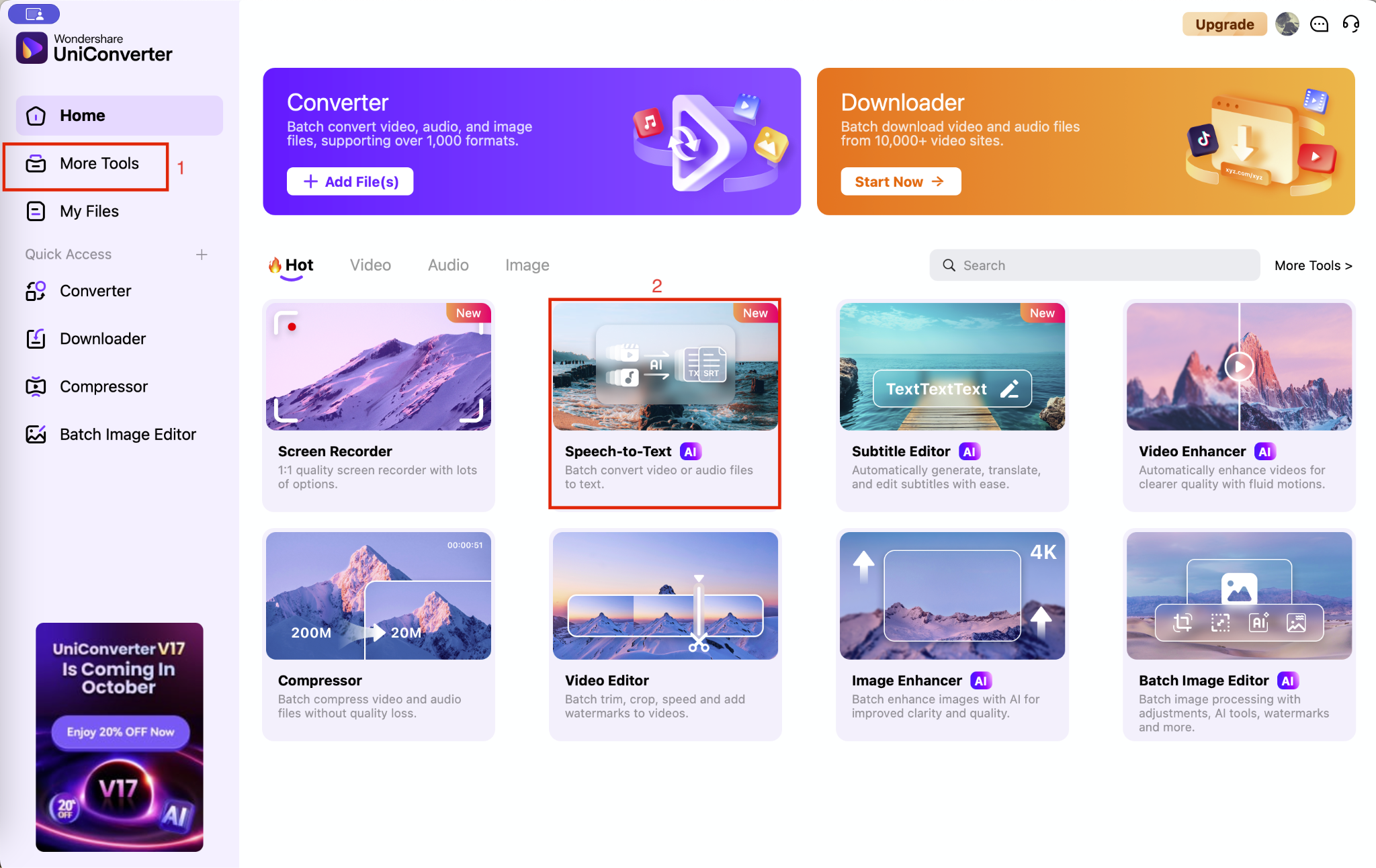
Step 1: From the UniConverter homepage, open the "More Tools" panel on the left and choose "Speech-to-Text."
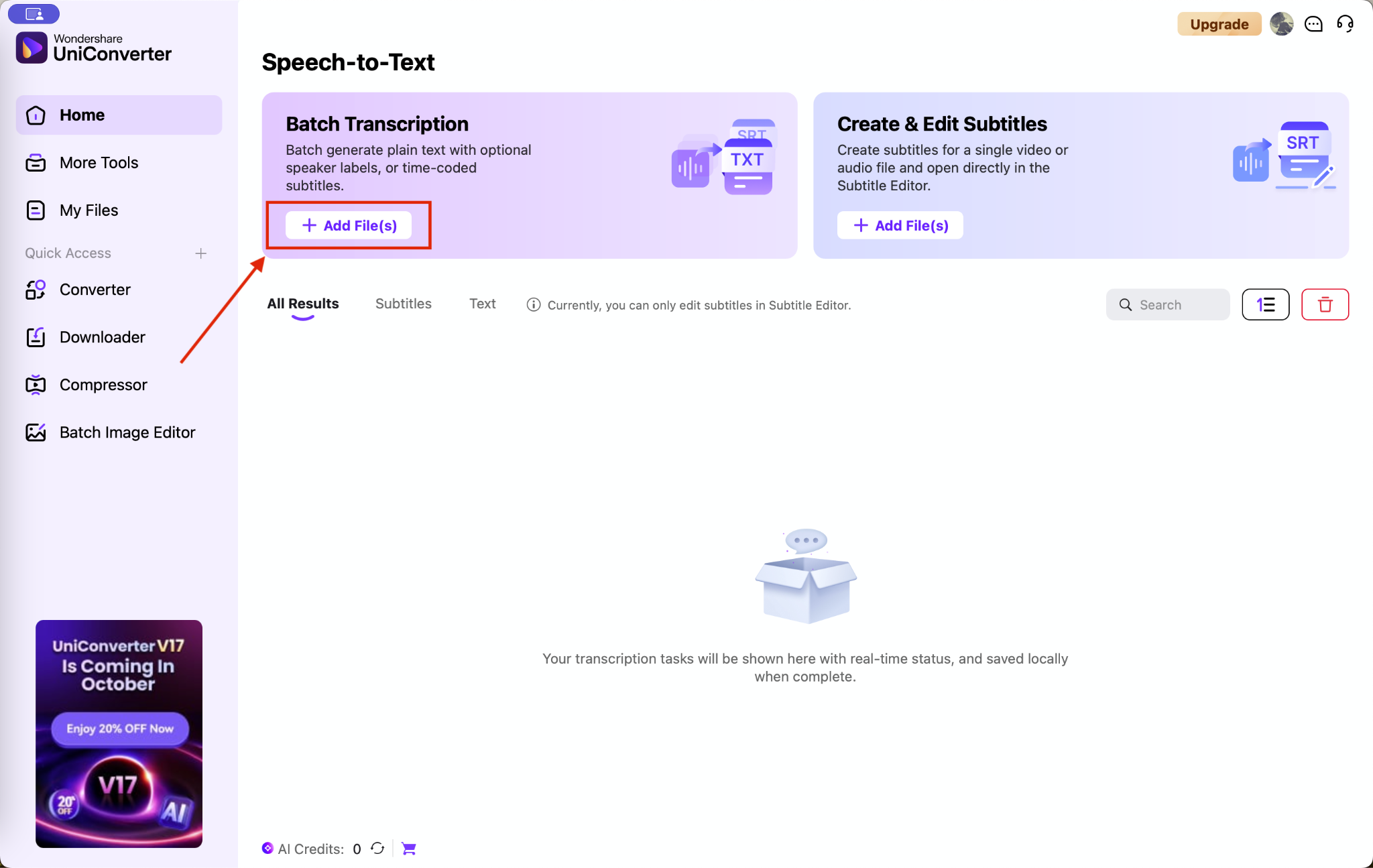
Step 2: Next, click on "Batch Transcription" and then select "Add File" to upload your MP4 audio.
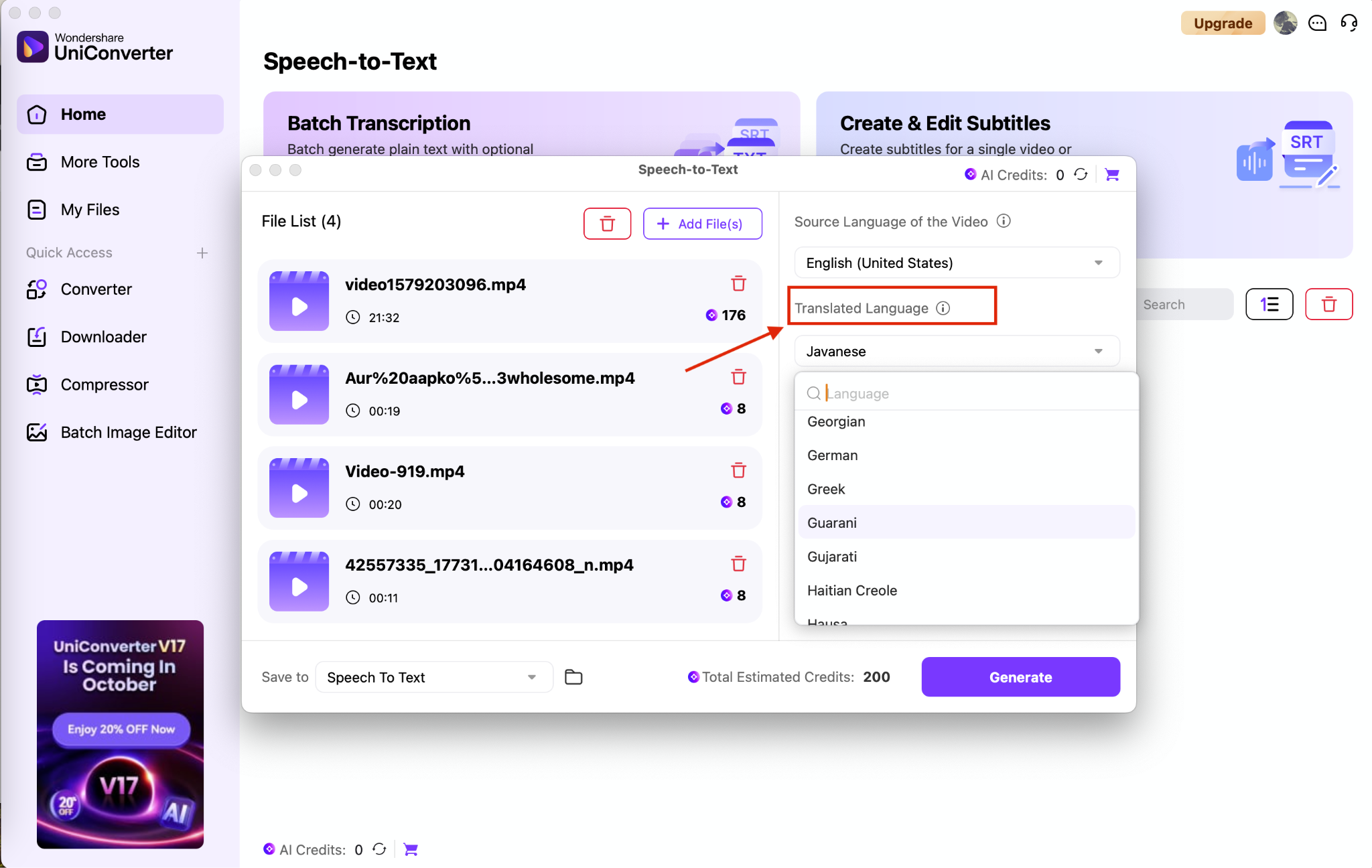
Step 3: You will see the original language of the audio. You can keep it the same or choose a target language for transcription.
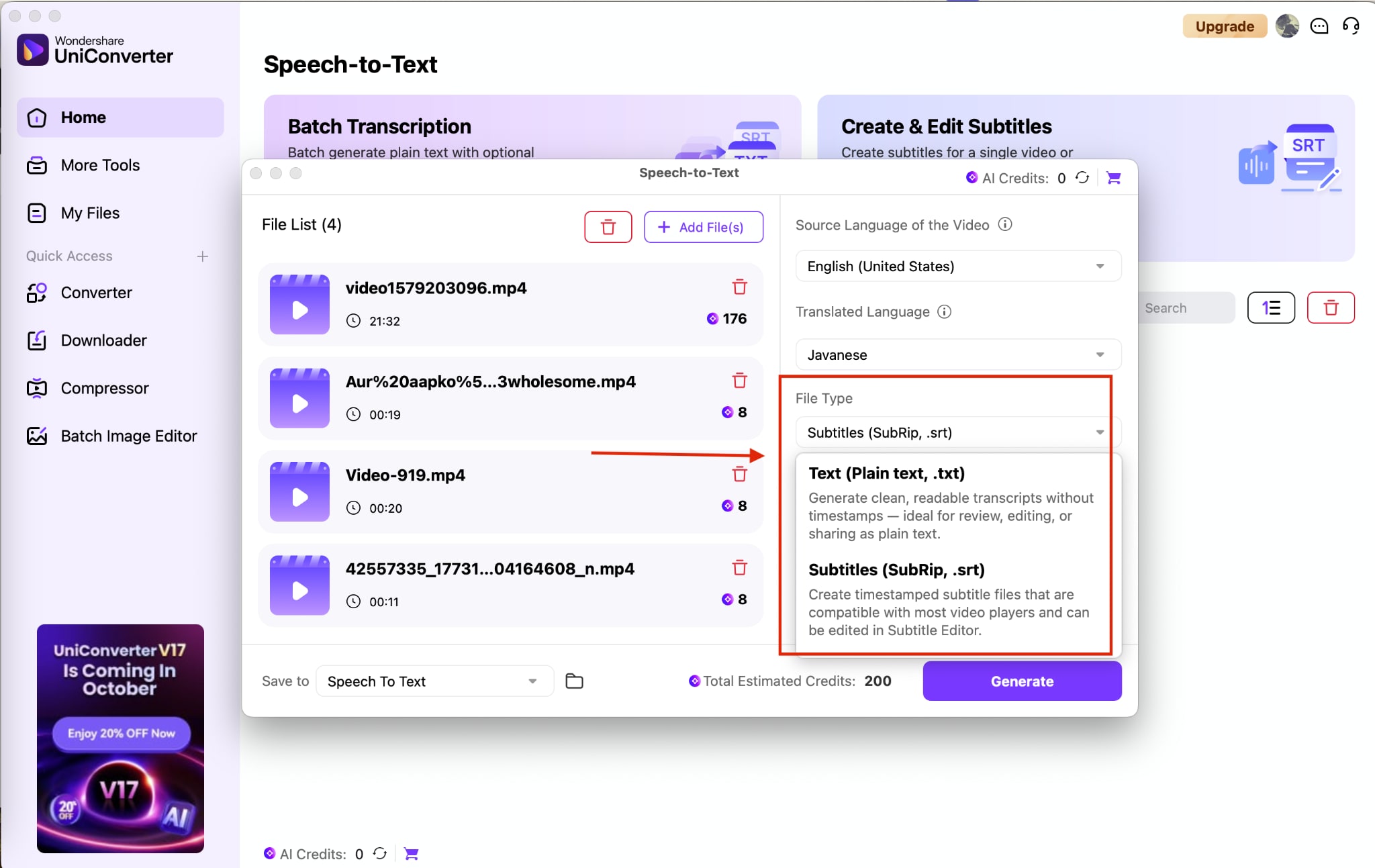
Step 4: Under "File Type," decide whether you'd like to export your transcript as a Text file or Subtitle file (SRT).
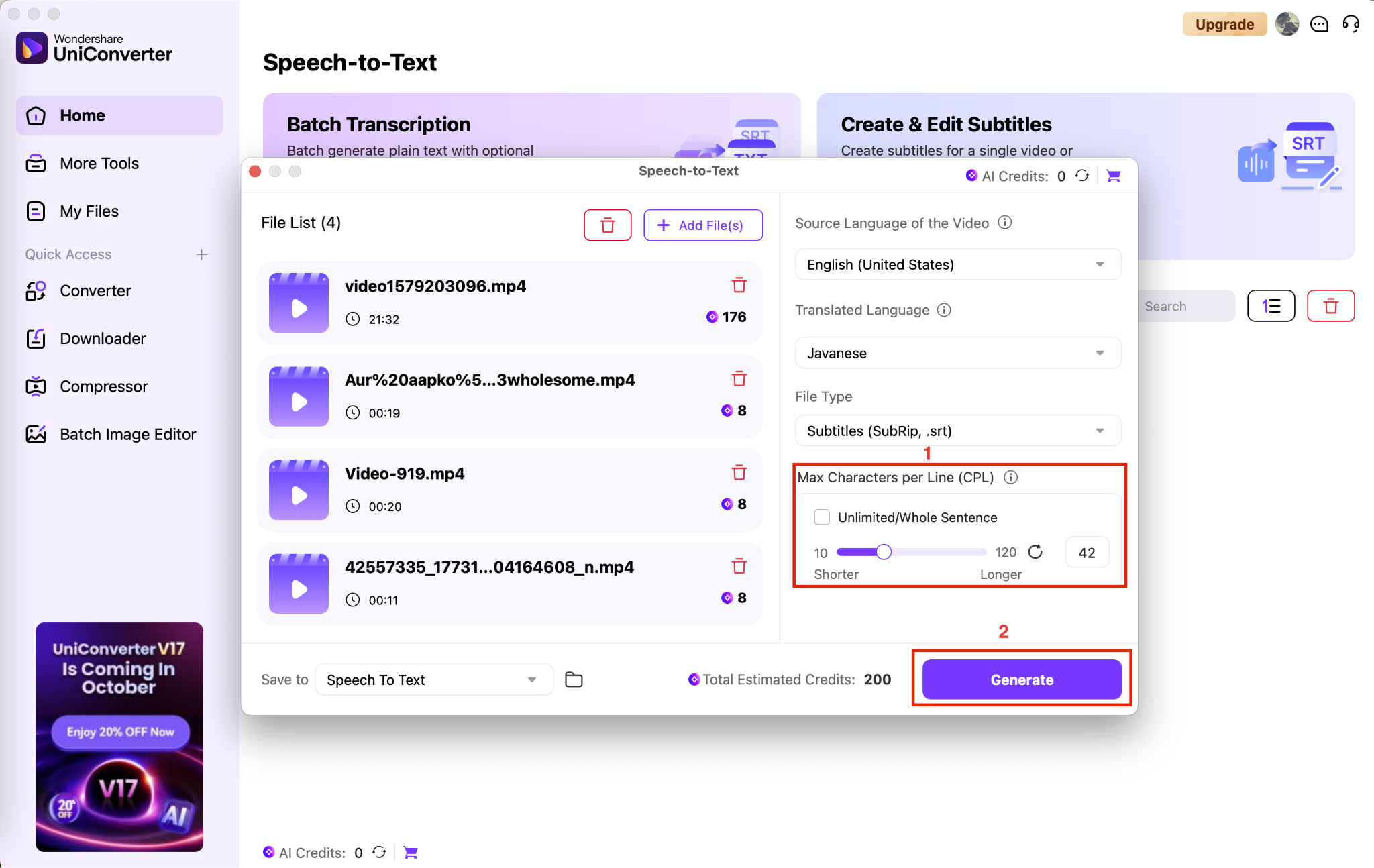
Step 5: Customize settings such as maximum characters per line (if choosing SRT file format), then hit the "Generate" button to create your AI-powered podcast summary.
Part 5. Common Use Cases of MP4 to Text Converters
MP4 to text converters fit seamlessly into daily workflows across industries:
Repurposing Video Content
Content creators and marketers use transcripts to generate blog posts, social media captions, and email newsletters from existing videos. A single YouTube tutorial can become three LinkedIn posts and a newsletter article, multiplying your content's reach without creating anything new from scratch.
Making Learning Accessible
Educators transcribe lectures so students can search for specific topics, review material at their own pace, or accommodate learning disabilities. International students particularly benefit when they can read along with videos in their second language, which significantly improves comprehension.
Professional Documentation
Businesses transcribe team meetings, client calls, and training sessions to create searchable records and onboarding materials. New employees can reference exact discussions instead of relying on memory or incomplete notes, accelerating their learning curve.
Personal Archiving
People transcribe family interviews, travel vlogs, and personal video diaries to create searchable life records. These text versions become invaluable for finding specific memories or creating written family histories that preserve stories for future generations.
Conclusion
AI transcription tools in 2025 make it easy to turn MP4 files into text, no matter your budget or needs. Free options like Soundwise.ai are great for small projects, while UniConverter and Sonix offer better accuracy and teamwork features for professionals. The best tool depends on what you value most: speed, cost, or language options. Try a few with your own videos to compare results, and remember: clear audio always means fewer edits later.
Easy to Use MP4 to Text
FAQs
-
Which MP4 to text converter is most accurate for accented speech?
Wondershare UniConverter is one of the most accurate for accented speech. If your MP4 audio is recorded in a clear environment without overlapping speech, it will capture every spoken word accurately and provide text with minimal editing requirements. -
Can I transcribe videos longer than one hour in a single batch?
Yes. Tools like Wondershare UniConverter support batch processing of multiple files or long recordings. You can upload more than one file at once to save time and streamline the workflow. -
How do these services protect confidential content?
Privacy-focused platforms like UniConverter process everything locally on your device. Cloud-based services such as Maestra use encryption in transit and at rest, with automatic deletion policies available on paid plans. -
What's the best way to improve transcription accuracy?
Record in a quiet environment with clear speaker distances. Use USB microphones or lapel mics, avoid background noise, and ensure speakers don't overlap. Many tools also let you upload a custom glossary for technical terms. -
How do I choose between pay-as-you-go and subscription plans?
If you transcribe occasionally or only short files, a pay-as-you-go model may be more cost-effective. For regular, high-volume needs, subscription plans often provide better per-minute rates and batch features.

