


Looking for a Rutube alternative? The right platform depends on what you want to watch, publish, or host. Some services offer broad libraries of long-form videos, while others focus on Russian-language content, professional hosting, live streams, or short-form discovery. Compare these 10 options to find the one that fits your viewing habits or creator goals.
This guide compares 10 Rutube alternatives, from Russian-language video communities to international video-sharing, hosting, and livestreaming platforms. If you also need to work with a Rutube video you own or are authorized to save, you can learn about the supported workflow in UniConverter's Rutube Video Downloader.
Quick Answer
For a broad mix of videos, start with YouTube. If Russian-language content is your priority, compare VK Video, Dzen, and Odnoklassniki. Dailymotion is another general video destination, while Vimeo is better suited to professional hosting and private sharing. Choose Bilibili for anime and interest-based communities, PeerTube for decentralized hosting, Twitch for live streams, or TikTok for short-form discovery.
Table of Contents:
Why Look for Rutube Alternatives?
Rutube combines video viewing, creator channels, and live content. You may still want another platform if you are looking for a different content mix, a larger international audience, or tools built around a specific type of video. Start by deciding what you want to replace: the content library, the creator experience, or a particular format such as live streaming.
- More international content: If you want videos from creators and publishers around the world, a global platform such as YouTube or Dailymotion may offer a wider range of topics and channels.
- A different Russian-language community: If you prefer Russian-language recommendations, creator channels, or social video sharing, VK Video, Dzen, and Odnoklassniki are worth comparing.
- A more specialized workflow: Vimeo focuses on professional hosting and privacy controls, PeerTube offers independently operated instances, and Twitch is built around live communities.
- Different video formats: TikTok emphasizes short clips, while YouTube combines long-form videos, Shorts, and live streams. Bilibili brings together creator videos, licensed entertainment, and interest-based communities.
Quick Comparison of the 10 Best Rutube Alternatives
Use this table to compare the platforms at a glance. It highlights each service's main strength and the trade-off to consider before you create an account or move your content.
| # | Platform | Best For | What You Can Do | What to Consider |
| 1 | YouTube | Broad video discovery | Watch and publish long-form videos, Shorts, and live streams; follow channels and use search and recommendations. | Creator features and monetization depend on account eligibility and platform policies. |
| 2 | VK Video | Russian-language video sharing | Browse videos, clips, and creator content within the VK ecosystem. | The experience is closely tied to VK and is most useful if you are comfortable with Russian-language content. |
| 3 | Dzen | Russian content discovery | Explore videos, short clips, articles, and other recommended posts in one feed. | It is a multi-format content platform rather than a video-only host. |
| 4 | Odnoklassniki | Social video communities | Watch and share videos within profiles and groups; browse recommendations and video categories. | Video is part of a wider social network, not a video-only service. |
| 5 | Dailymotion | General video sharing | Discover and publish news, sports, entertainment, music, and other on-demand videos. | Consumer video discovery and professional publisher tools serve different needs. |
| 6 | Vimeo | Professional video hosting | Host, organize, embed, privately share, and review videos. | Privacy, collaboration, and team options vary by plan. |
| 7 | Bilibili | Anime and interest communities | Explore anime, gaming, technology, lifestyle, creator videos, and live content. | Content availability and the community experience vary by region and language. |
| 8 | PeerTube | Decentralized video hosting | Watch and publish videos across independently operated, connected instances. | There is no single central catalog; rules and content vary by instance. |
| 9 | Twitch | Live streaming | Browse live channels by category, follow streamers, and use chat; some broadcasts are available on demand. | It is live-first rather than a direct replacement for a broad on-demand library. |
| 10 | TikTok | Short-form video discovery | Browse the For You and Following feeds, follow creators, and publish short videos. | It is designed around short-form viewing, not full-length video hosting. |
- Best overall video library: YouTube
- Best for Russian-language video sharing: VK Video
- Best for Russian content discovery: Dzen
- Best for social video communities: Odnoklassniki
- Best for general video sharing: Dailymotion
- Best for professional hosting: Vimeo
- Best for anime and interest communities: Bilibili
- Best for decentralized hosting: PeerTube
- Best for live streaming: Twitch
- Best for short-form discovery: TikTok
10 Best Rutube Alternatives in 2026
These platforms serve different audiences and video habits. The best fit depends on the content you want to find and the tools you need as a viewer or creator.
1. YouTube: best overall video-sharing alternative
YouTube is a practical first choice if you want one place for creator videos, entertainment, education, music, news, and more. It brings long-form videos, Shorts, live streams, channels, search, and recommendations together. Creators can manage uploads and channel details in YouTube Studio.
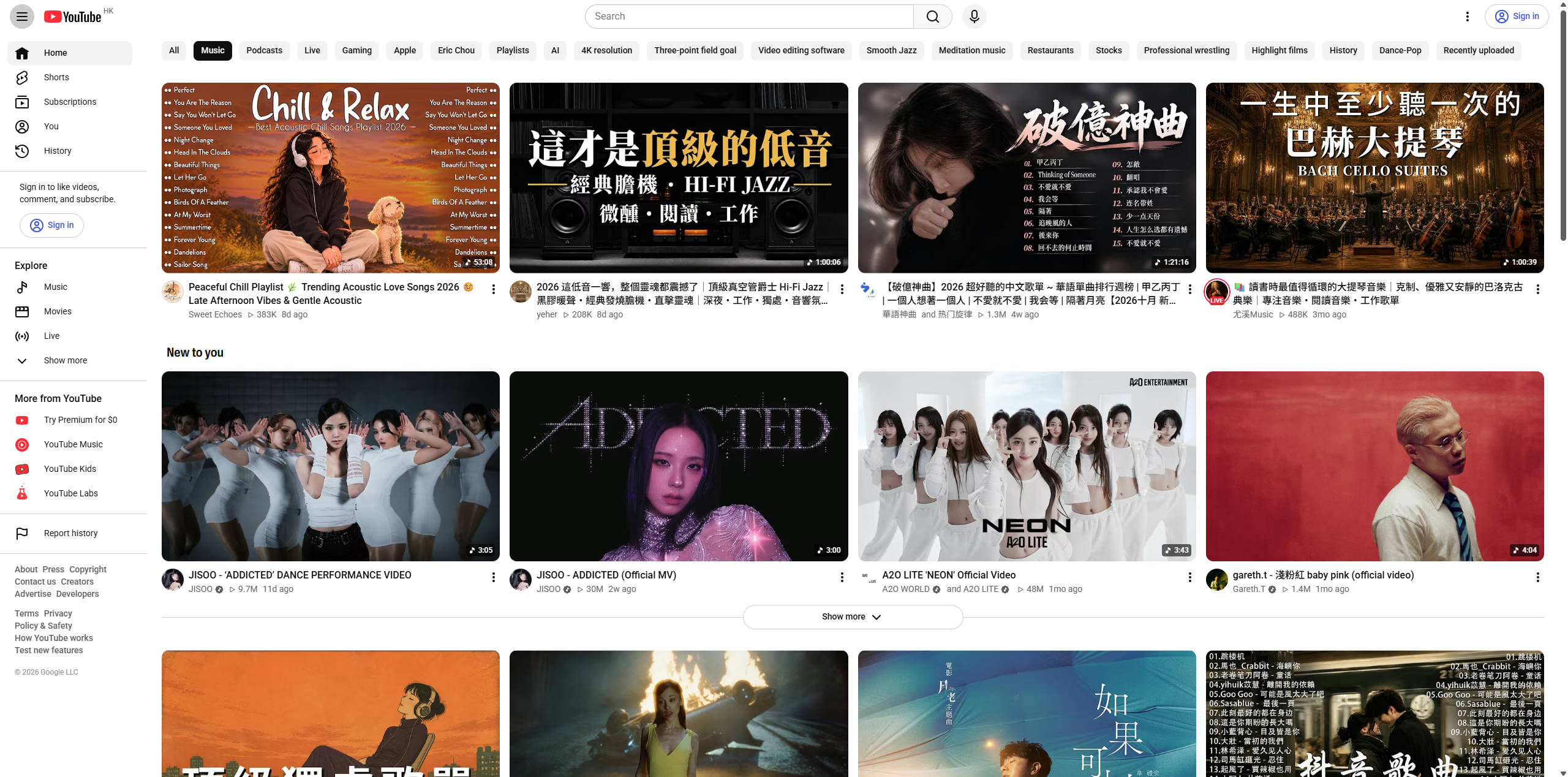
Best for: Viewers and creators who want a broad video library with several content formats in one place.
2. VK Video: best for Russian-language video sharing
VK Video is worth considering if Russian-language videos and creator communities are your priority. It sits within the wider VK ecosystem and brings video recommendations, clips, creator channels, and live content into a social platform. Topic navigation helps you browse areas such as interviews, music, travel, technology, and culture. If you already use VK, following creators and finding their videos in the same ecosystem can be convenient.
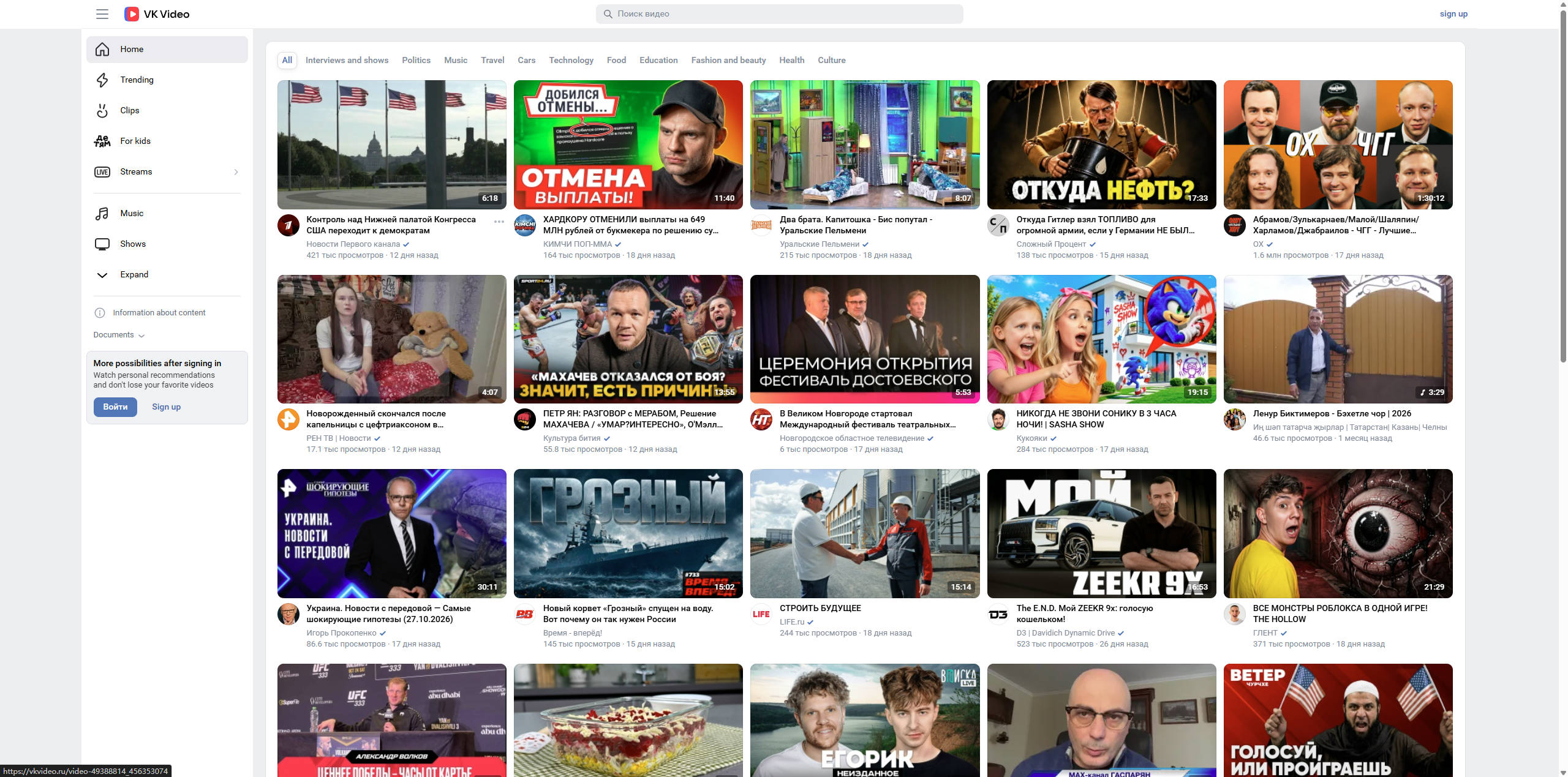
Best for: Viewers who want Russian-language video content, as well as creators who already have an audience in the VK ecosystem.
3. Dzen: best for Russian content discovery
Dzen is a Russian content-discovery service that brings together videos, short clips, articles, and other posts. Rather than acting only as a video library, it presents different formats in a recommendation-led feed. It may suit you if you want to watch a clip, read related coverage, and continue exploring Russian-language topics in one place. Think of it as a broader content platform, not a one-to-one replacement for a video-hosting site.
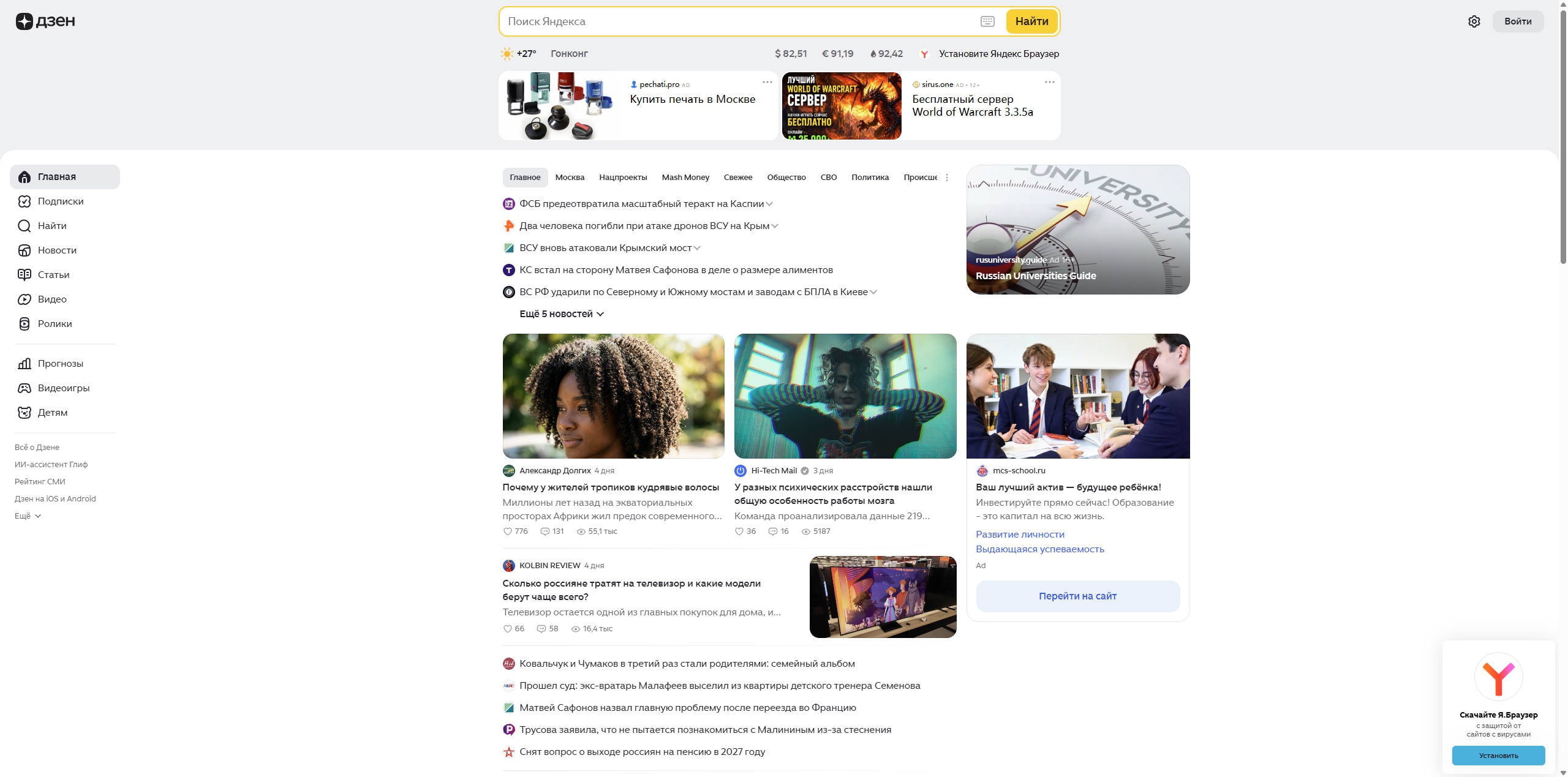
Best for: Users who want to discover Russian-language videos alongside articles and other recommended content.
4. Odnoklassniki: best for social video communities
Odnoklassniki combines video browsing with profiles, groups, and social interaction. Its Videos section lets you explore recommendations and categories, while the wider network gives you ways to share content and discuss it with friends or groups. It is worth considering if you want video as part of a social experience rather than a standalone video library.
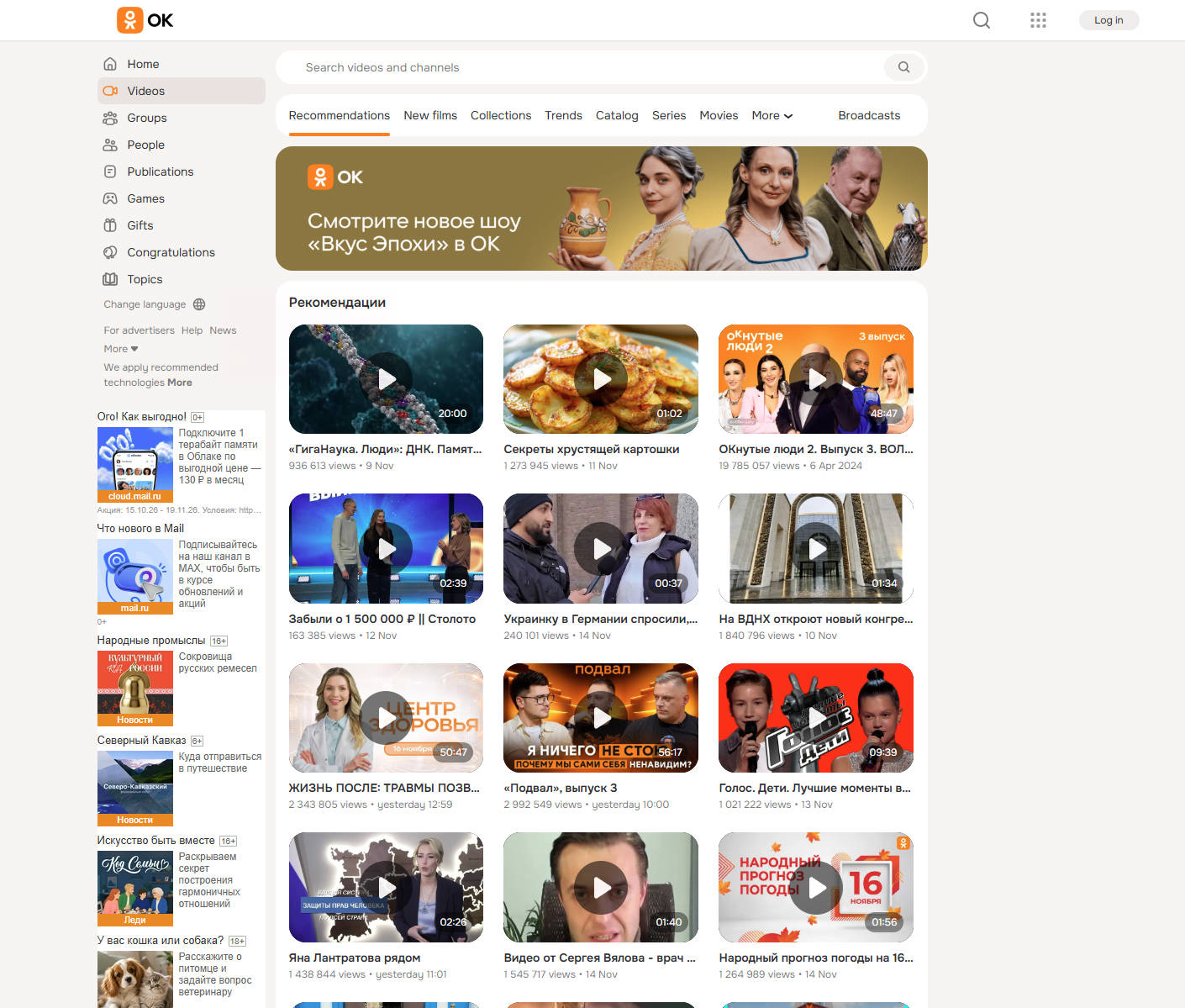
Best for: Viewers who want video content within a Russian-language social network, especially around friends, groups, and shared interests.
5. Dailymotion: best for general video sharing
Dailymotion offers on-demand videos across news, sports, music, entertainment, and other topics. You can browse recommendations and publisher channels; creators and media organizations can also use Dailymotion's publishing tools to distribute video. For professional publishers, Dailymotion provides separate video-management and live-streaming workflows, so it can serve more than casual viewing.
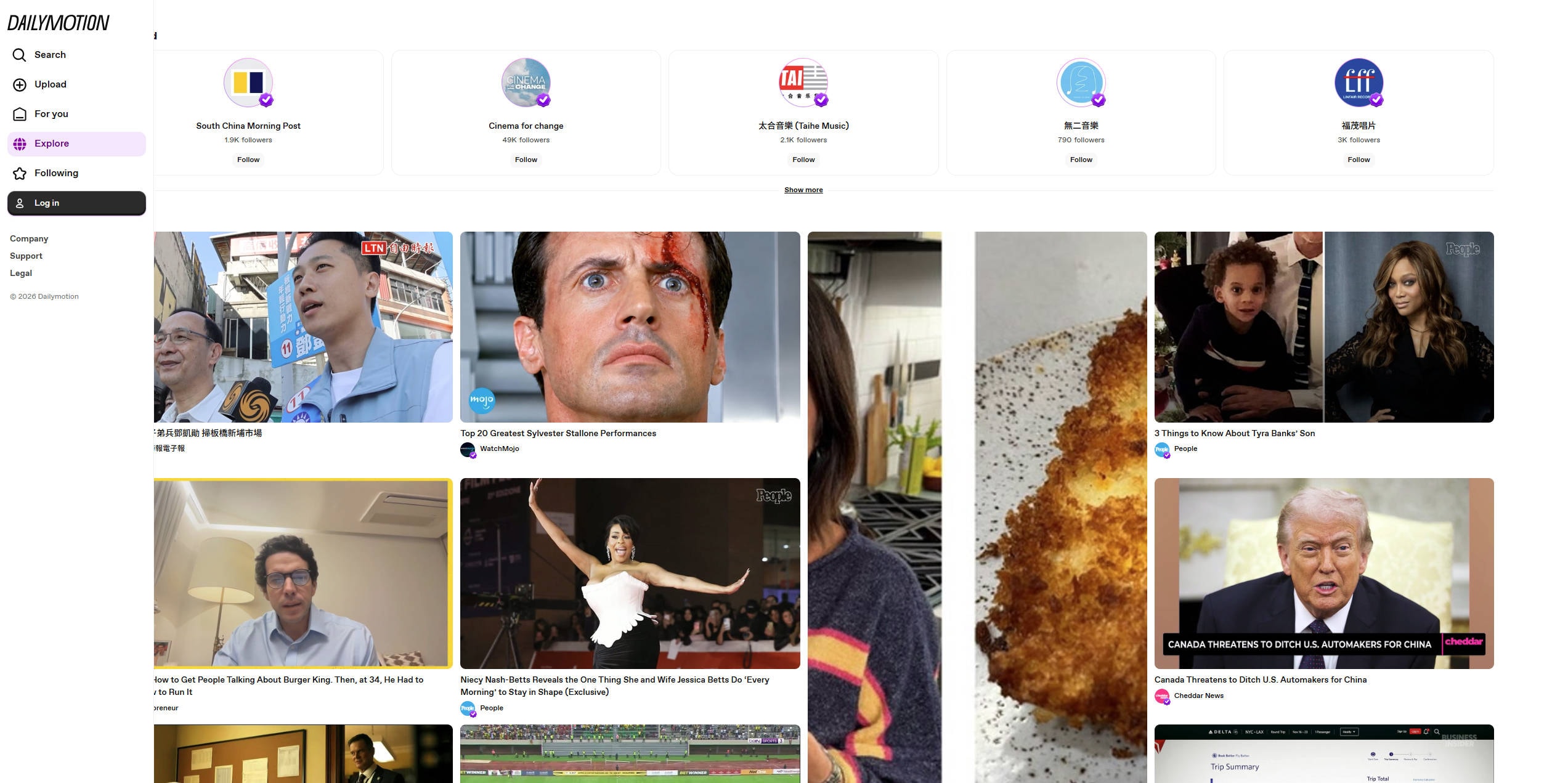
Best for: Viewers looking for general-interest videos and publisher content, or organizations that need a separate video-distribution service.
6. Vimeo: best for professional video hosting
Vimeo is geared more toward professional video hosting than an open social feed. It helps creators, teams, and businesses host, organize, embed, and share videos with controls over who can view them. Depending on your plan, privacy options include unlisted links, password protection, and embed-only access. Review and collaboration tools also make it useful for client presentations, portfolios, training, and internal video libraries.
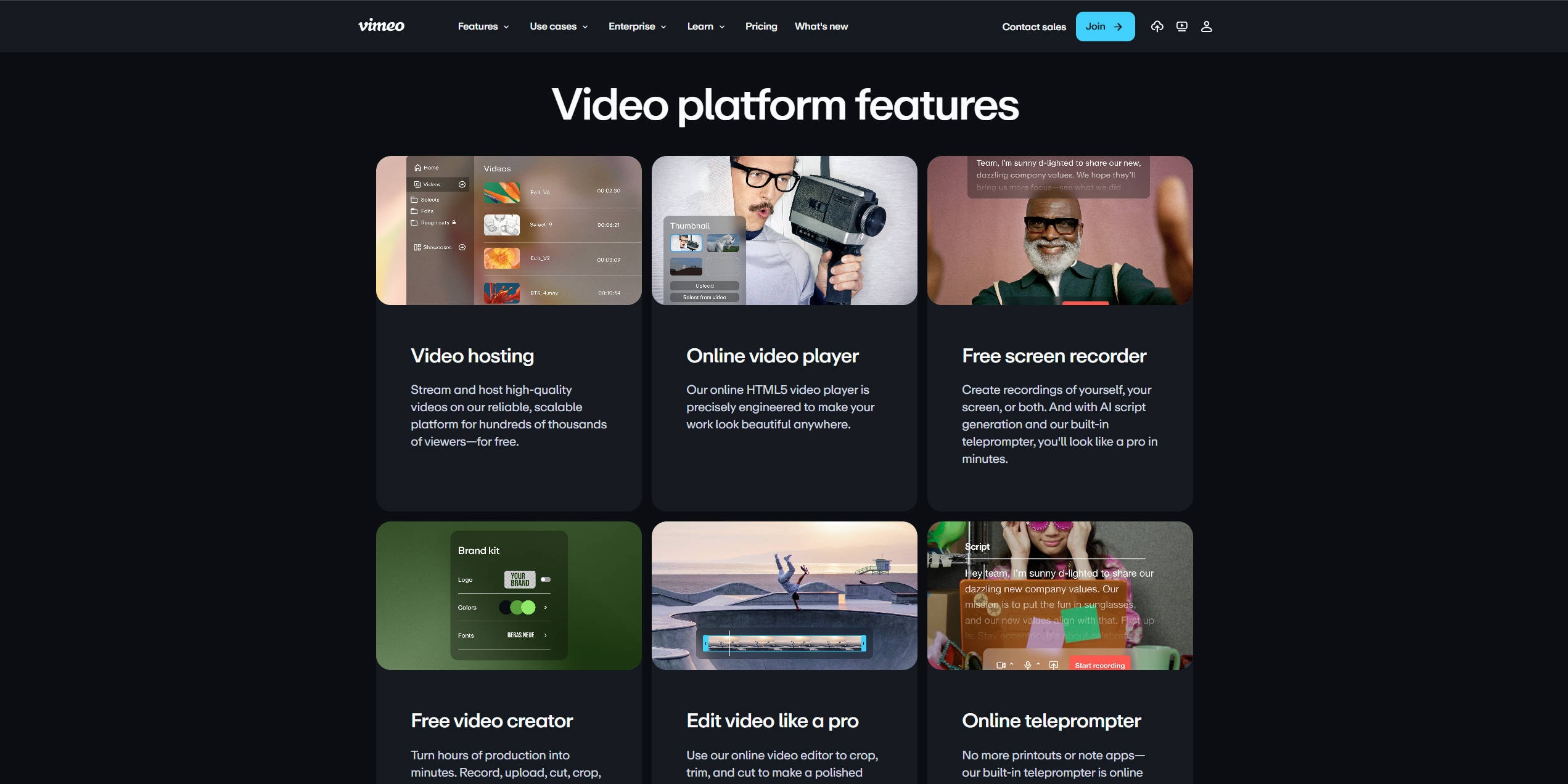
Best for: Filmmakers, businesses, educators, and teams that need controlled hosting, embedding, and video review.
7. Bilibili: best for anime and interest-based communities
Bilibili has grown from an anime, comics, and gaming community into a broader video and entertainment platform. Depending on your region, you can find creator uploads, anime and other licensed titles, gaming, technology, lifestyle, knowledge content, and live broadcasts. Its danmaku feature lets viewers post timed comments that appear over the video, giving some communities a shared viewing experience that differs from a conventional comment section.

Best for: Fans of anime, gaming, technology, and creator communities, particularly users interested in Chinese-language content.
8. PeerTube: best for decentralized video hosting
PeerTube takes a different approach from centralized video platforms. It is open-source software used to run independently managed video websites called instances. Each instance has its own administrator, community, and moderation rules. Instances can follow one another through federation, allowing videos from connected communities to appear across the network. You can join an existing instance or run one for your own community if you have the technical resources.
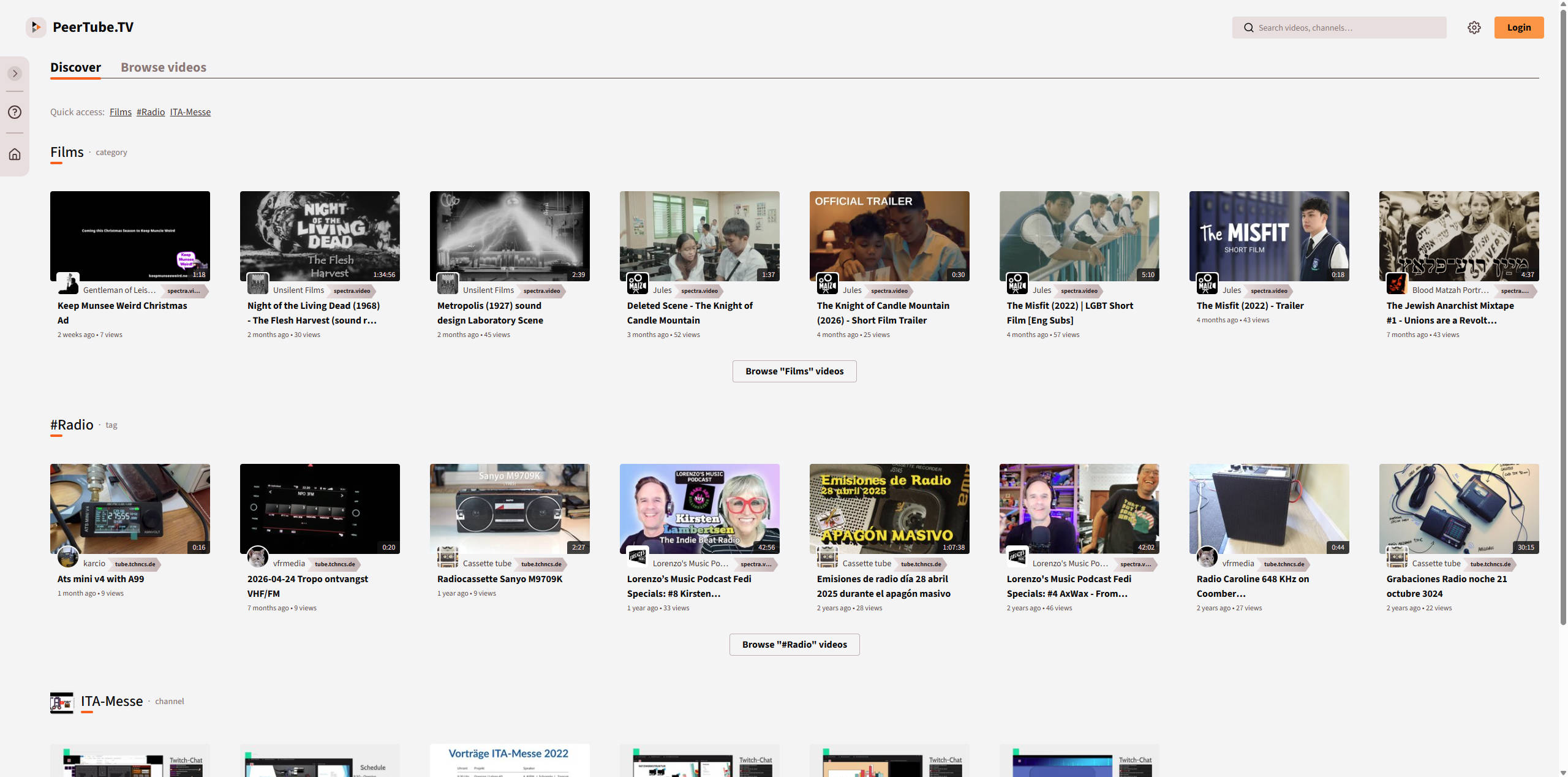
Best for: Communities, organizations, and technically confident creators who want more control over video hosting and moderation.
9. Twitch: best for live streaming and real-time chat
Twitch is built around live broadcasts and the communities that form around them. You can browse categories such as games, music, creative content, and IRL streams, then join chat to interact with streamers and viewers. Twitch also offers on-demand formats, including past broadcasts (VODs), clips, and highlights. Past-broadcast availability depends on whether storage is enabled and on account-specific retention rules.
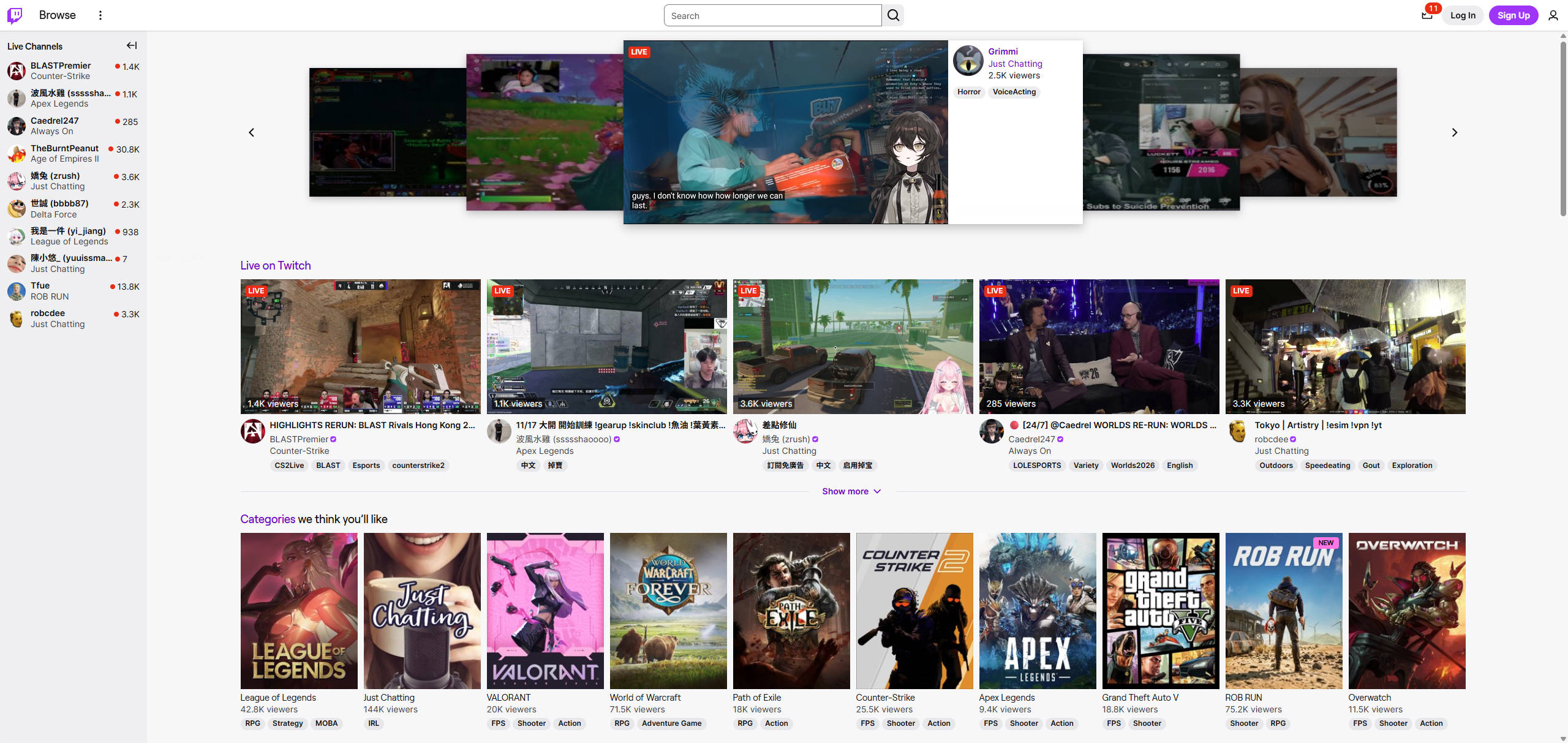
Best for: Viewers and creators who value live interaction, category-based discovery, and ongoing streamer communities.
10. TikTok: best for short-form video discovery
TikTok centers on short-form video discovery through its personalized For You feed. Recommendations can be influenced by what you watch, like, share, or comment on, as well as video details and account or device settings. You can follow creators, browse trends, and publish short videos with in-app creation tools. Eligible accounts may also use LIVE. TikTok is a better fit for quick, mobile-first discovery than for a traditional long-form video library.
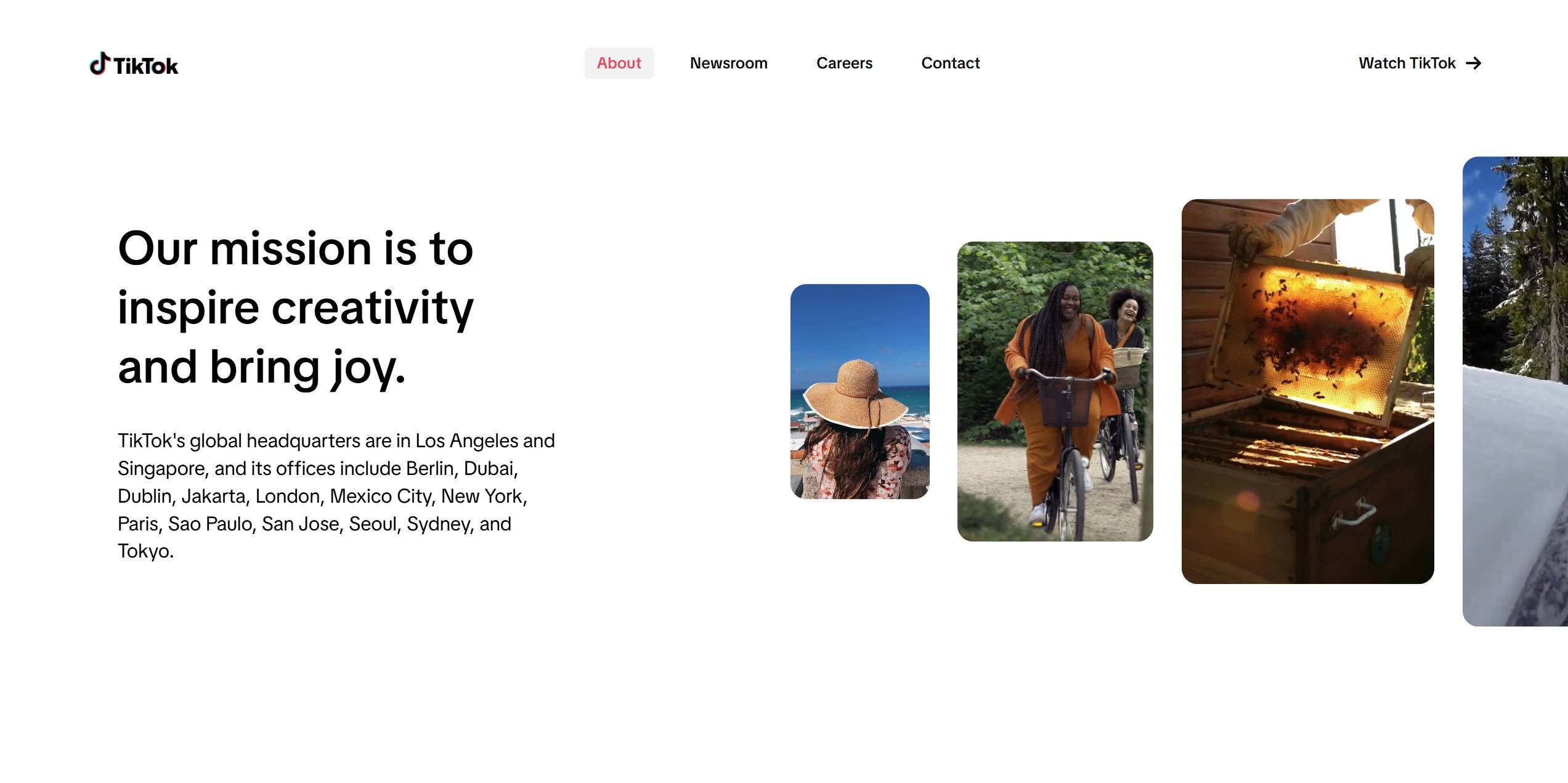
Best for: Viewers and creators who prioritize short videos, trends, and personalized discovery.
Using UniConverter with Supported Rutube Video URLs
UniConverter's desktop Downloader has been tested with some supported public Rutube video-page URLs. That is a statement about technical compatibility, not permission to copy a video. Rutube's current FAQ says it does not provide a general service for copying or downloading videos from its site and warns that unauthorized copying may violate its User Agreement. If you need a copy of your own upload, start with Rutube Studio and the creator-side options available to your account. Use a third-party workflow only if Rutube's current terms allow it for your specific situation. For compatibility details and limitations, see the Rutube Video Downloader page.
Important: A public URL or copyright ownership alone does not override Rutube's platform rules. Do not use a downloader to bypass private, paid, regional, or other access restrictions. If the current terms do not permit the method, use Rutube's official creator-side options or request an authorized copy through the platform.
How to Use UniConverter Downloader
The steps below explain where the Downloader controls are. Before starting a task, confirm that you have the necessary rights and that Rutube's current terms allow the method. A public video URL does not, by itself, grant permission to download or reuse the content.
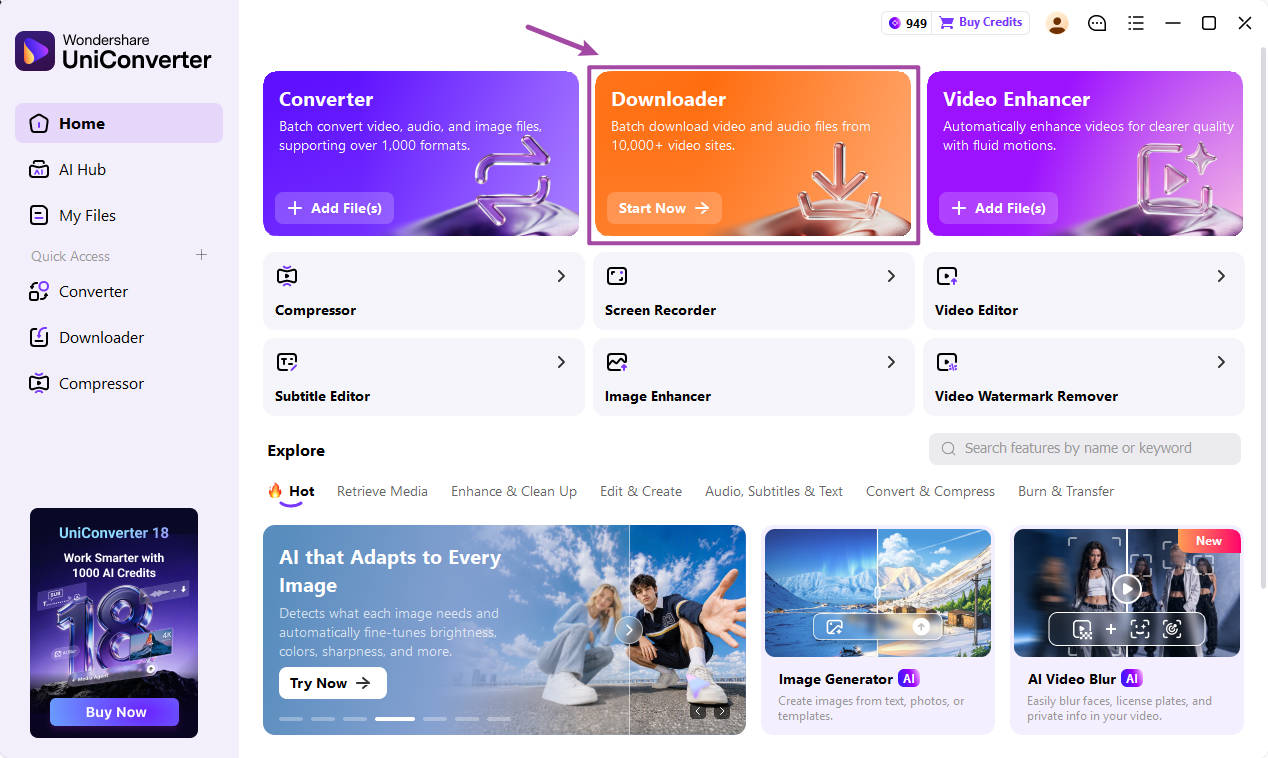
Step 1: Open Downloader in UniConverter
Open UniConverter 18 and select Downloader from the Home screen to enter the download workspace.
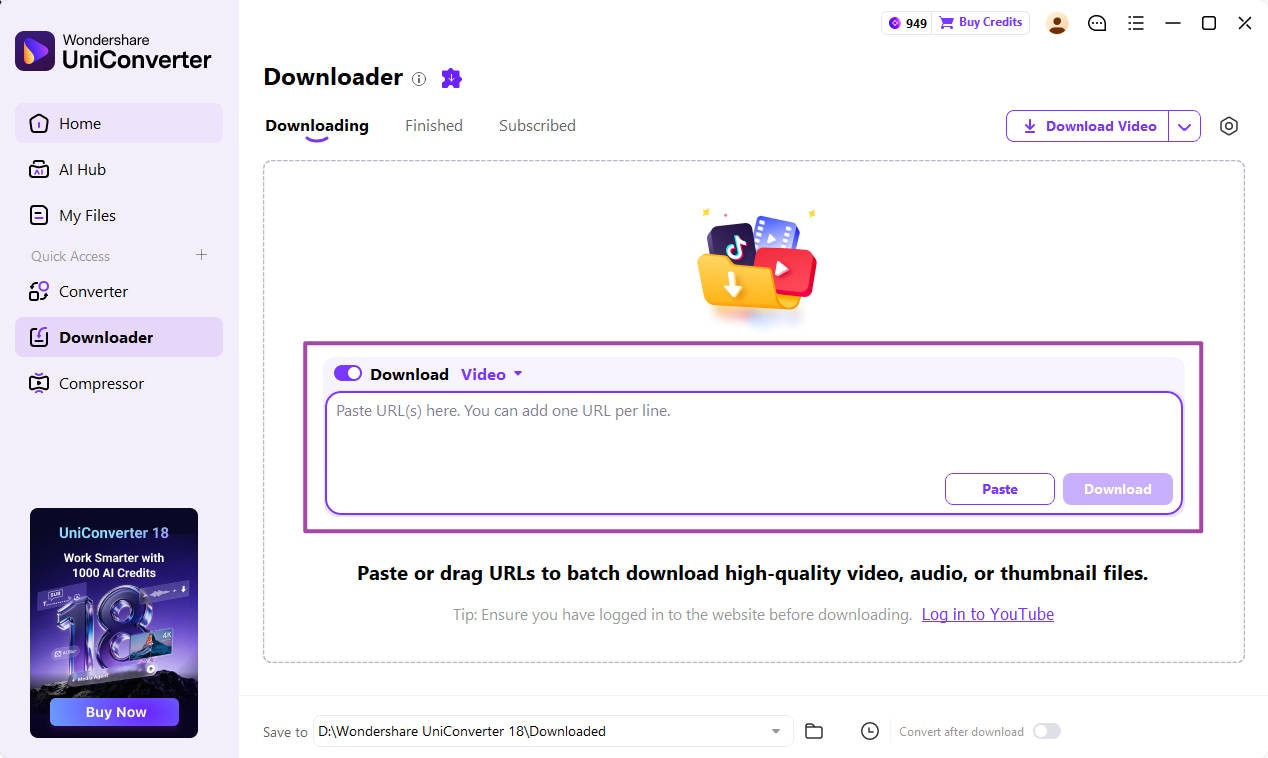
Step 2: Paste the Individual Rutube Video URL
Open the page for one specific Rutube video and copy its URL. In Downloader, paste the link into the input box. Use an individual video-page URL, not a channel page, search-results page, or extracted media address. If the source is restricted or the method is not permitted, do not continue.
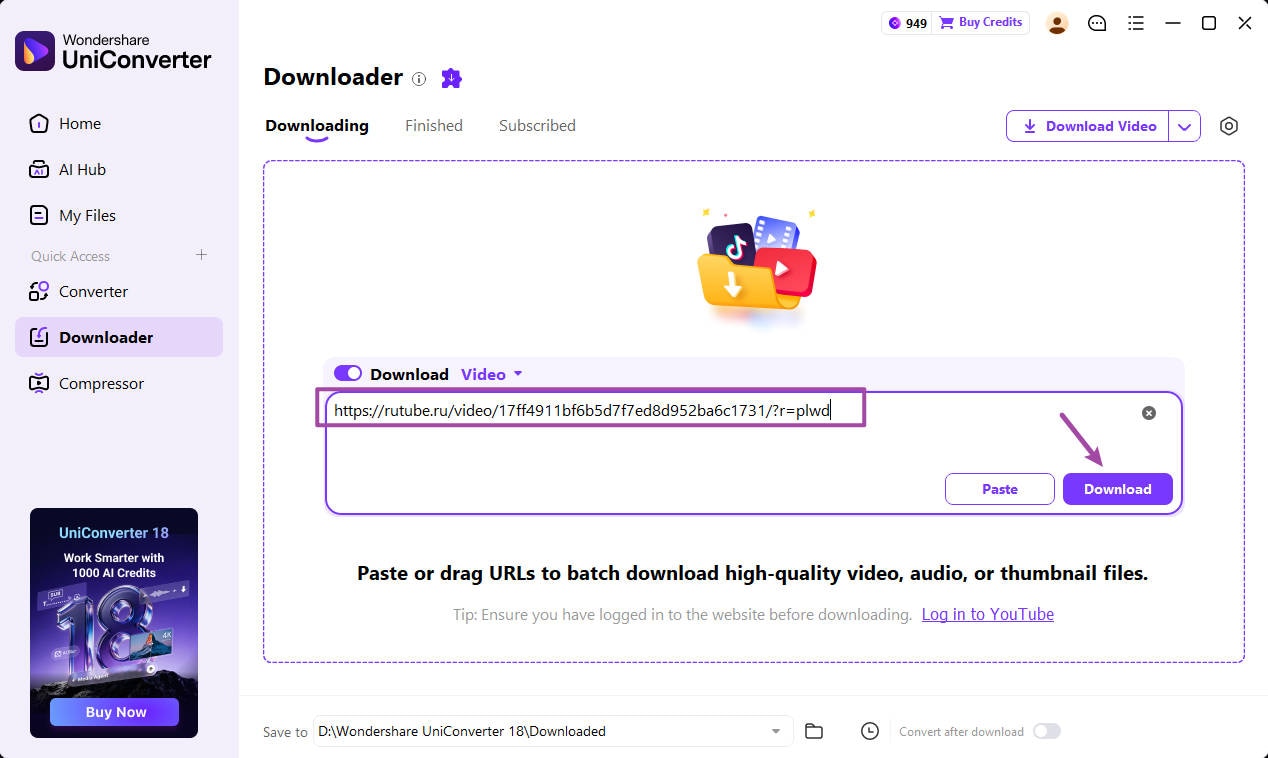
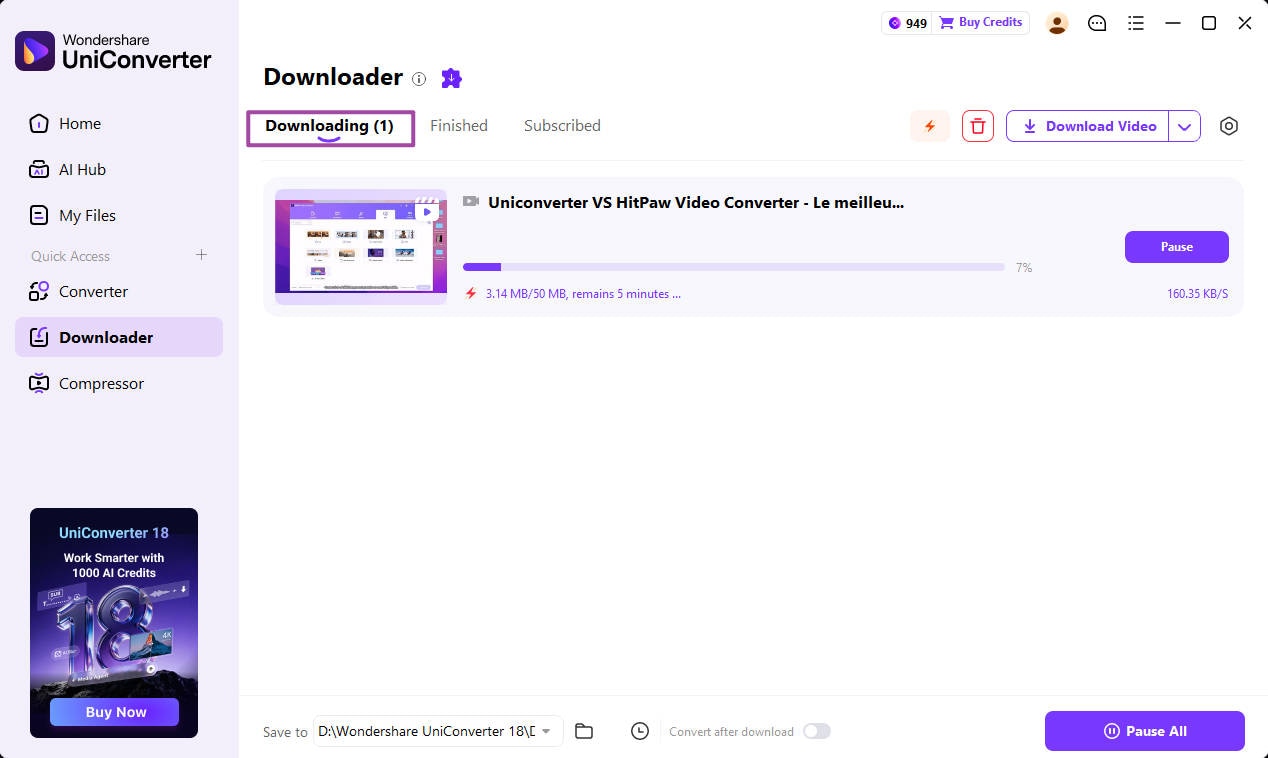
Step 3: Start the Download and Monitor Progress
If UniConverter recognizes the URL and the method is permitted, click Download to start the task. Open the Downloading tab to monitor its progress. Support depends on the source and current product version; an unsupported or restricted URL should not be forced through another route.
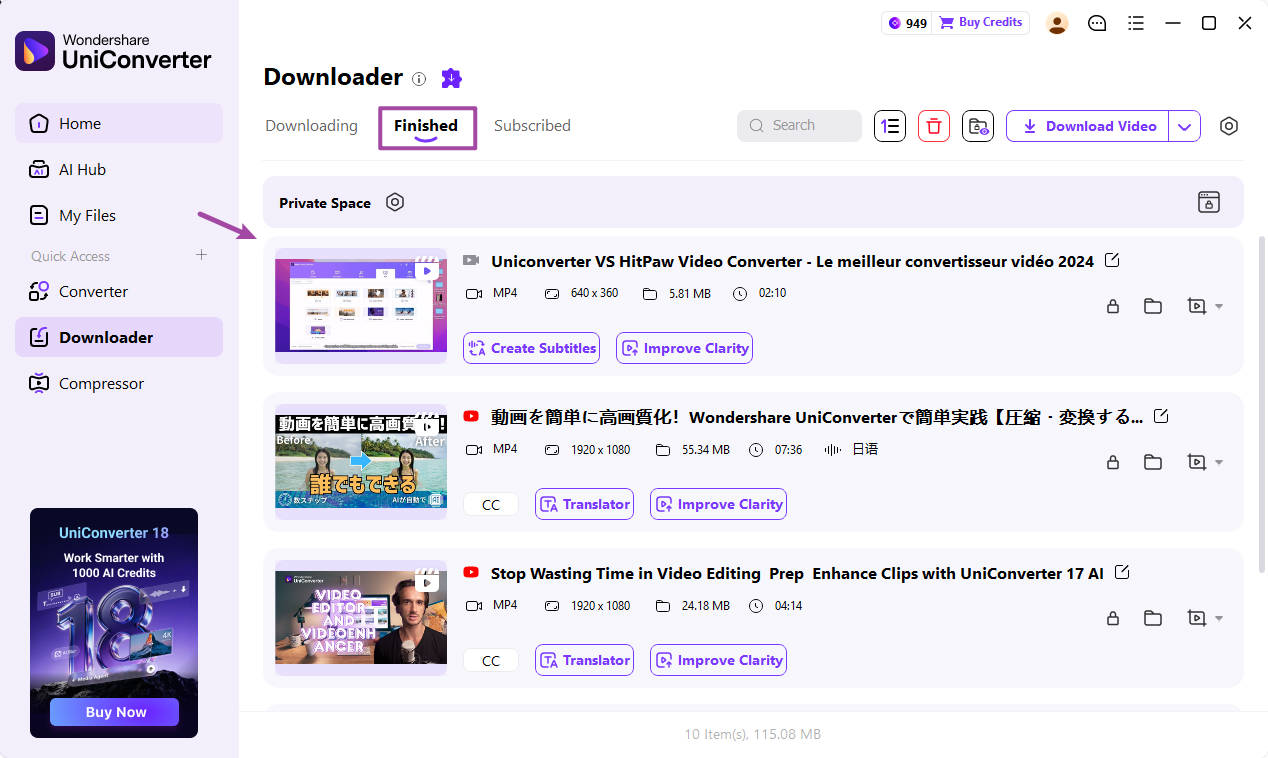
Step 4: Check the Finished File
When a task finishes, open Finished to locate the saved file. Check that the file opens and that its duration, picture, and sound are intact before using it in another project. The Finished list confirms that a task has completed; it does not change the rights or permissions attached to the source video.
For more video tools, formats, and editing options, visit Wondershare UniConverter.
How to Choose the Right Rutube Alternative
Choose based on how you use video. For Russian-language content, compare VK Video, Dzen, and Odnoklassniki. For a broad mix of global topics, look at YouTube or Dailymotion. If you need to host work for clients or a team, Vimeo offers more control over privacy and presentation. Choose PeerTube for community-run hosting, Twitch for live interaction, TikTok for short clips, or Bilibili for anime and interest-based communities.
Before moving a channel or signing up, check three things:
- Language and regional availability: Confirm that the platform, its content catalog, and account features are available in your country and in a language you are comfortable using.
- Publishing and audience tools: If you are a creator, review upload requirements, moderation rules, channel management, analytics, and monetization eligibility before moving your audience.
- Content rights and portability: Keep original video files, descriptions, thumbnails, and captions that you own. Check licenses and platform terms before re-uploading content to another service.
Conclusion
The best Rutube alternative depends on what you want to watch or create. VK Video, Dzen, and Odnoklassniki are worth comparing for Russian-language content; YouTube and Dailymotion offer broad video discovery; Vimeo suits professional hosting; and Twitch, TikTok, Bilibili, and PeerTube serve more specialized interests. Compare each platform's audience, content formats, and rules before making the switch.
FAQs
-
1. What is the best Rutube alternative for Russian-language videos?
For Russian-language video sharing, VK Video is a strong place to start. Dzen is useful if you want videos alongside articles and other recommended content, while Odnoklassniki combines video with profiles and social groups. The best fit depends on the type of content and community you want. -
2. Is VK Video similar to Rutube?
Both platforms offer video discovery and creator content for Russian-speaking audiences. The main difference is that VK Video is closely connected to VK’s wider social network, while Rutube has its own video-focused ecosystem. Compare their content categories, creator tools, and account requirements before choosing. -
3. Is Dzen a video-sharing platform?
Dzen includes videos and short clips, but it is broader than a dedicated video-sharing site. It also distributes articles and other creator content through a recommendation feed. Choose it if you want to discover different content formats in one place; choose a video-first platform if you mainly want a traditional video library. -
4. Which Rutube alternative is best for professional video hosting?
Vimeo is a better fit for professional hosting, private sharing, embedding, and video review. It is designed for creators, teams, and businesses that need control over how videos are presented and who can access them. Check the current plan details because some privacy and collaboration options vary by subscription. -
5. Which Rutube alternatives support live streaming?
YouTube, VK Video, Odnoklassniki, and Twitch offer live-oriented features. Twitch is the most live-first option on this list, while the others combine live content with video discovery or social features. Availability and creator eligibility can vary by region and account, so check each platform’s current requirements. -
6. Can UniConverter download any Rutube video?
UniConverter can recognize some supported public Rutube video-page URLs, but that does not mean every video can or may be downloaded. Rutube's FAQ says it does not provide a general copying or downloading service and warns that unauthorized copying may violate its User Agreement. Check the current rules and use an official creator-side option where available; do not bypass access restrictions. For product compatibility and the conditions that apply, read the Rutube Video Downloader guide. -
7. Does Rutube’s official offline feature save a portable MP4 file?
No. Rutube's official offline-viewing feature keeps eligible videos inside the Android app; saved items do not appear as regular files in the device gallery or other apps. If you need a copy of your own upload, check the creator-side options in Rutube Studio. Once you have an authorized local file, you can use UniConverter to convert a supported video to MP4 or another available format. See the UniConverter video conversion guide for the local-file workflow.