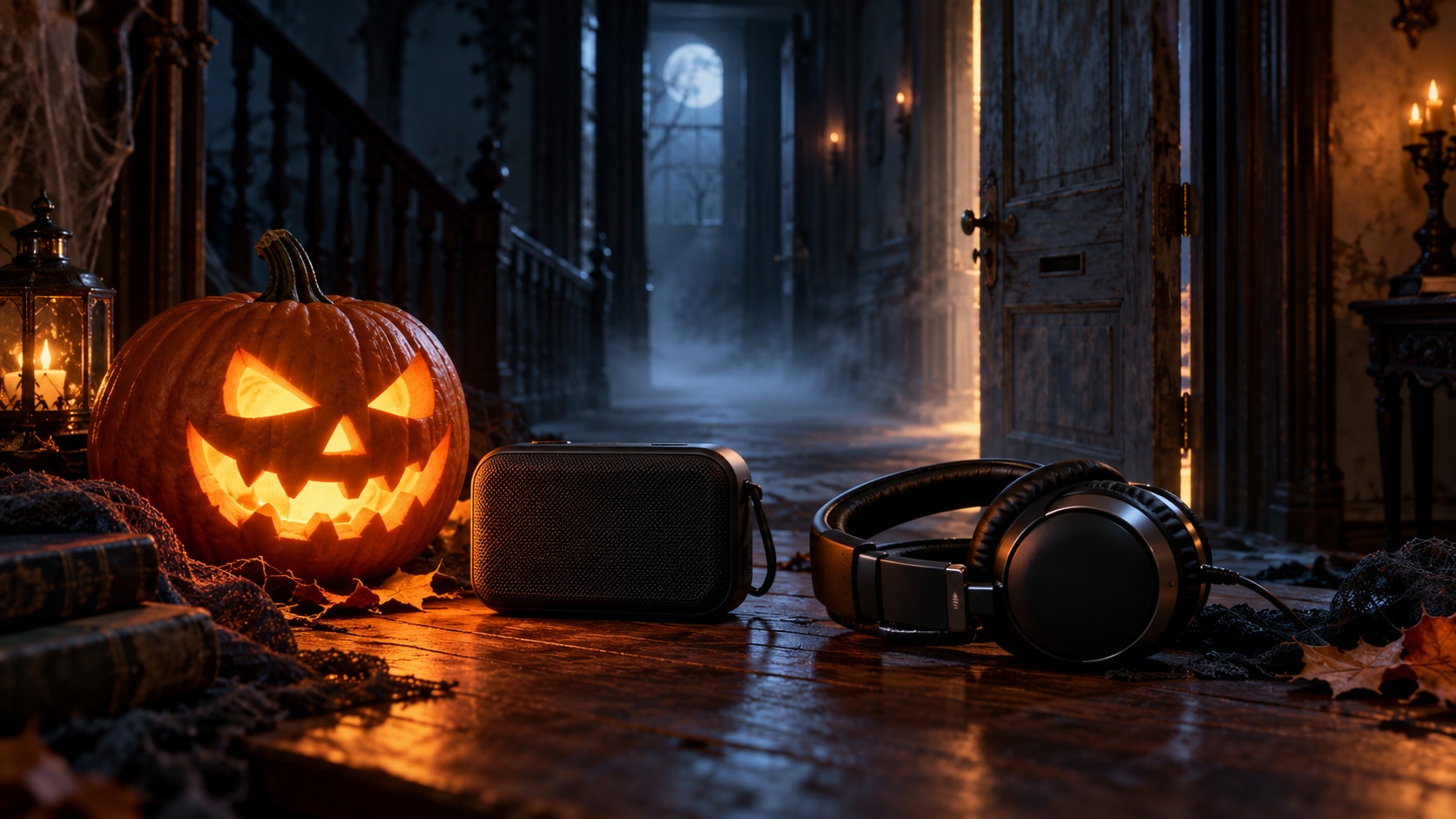
Looking for a spooky sounds download for a Halloween video, haunted hallway, or talking pumpkin? Start with a sound library that shows where the recording came from and how you can use it. Pixabay and Mixkit offer downloadable effects; DL Sounds also has a themed witch-and-forest collection. Choose the right cue, save the file, and test it before the visitors arrive.
In this article
- Sound Effect, Ambience, Music, or Soundboard?
- Where to Download Free Spooky Sounds
- Best Types of Spooky Sounds for Halloween
- Free Horror Sound Effects for Different Projects
- Spooky Sounds Download: How to Save MP3 or WAV Files
- Royalty-Free Halloween Music vs. Free Horror Sound Effects
- How to Prepare Downloaded Halloween Audio with UniConverter
- FAQs About Spooky Sounds Download
- Get Your Halloween Audio Ready
Sound Effect, Ambience, Music, or Soundboard?
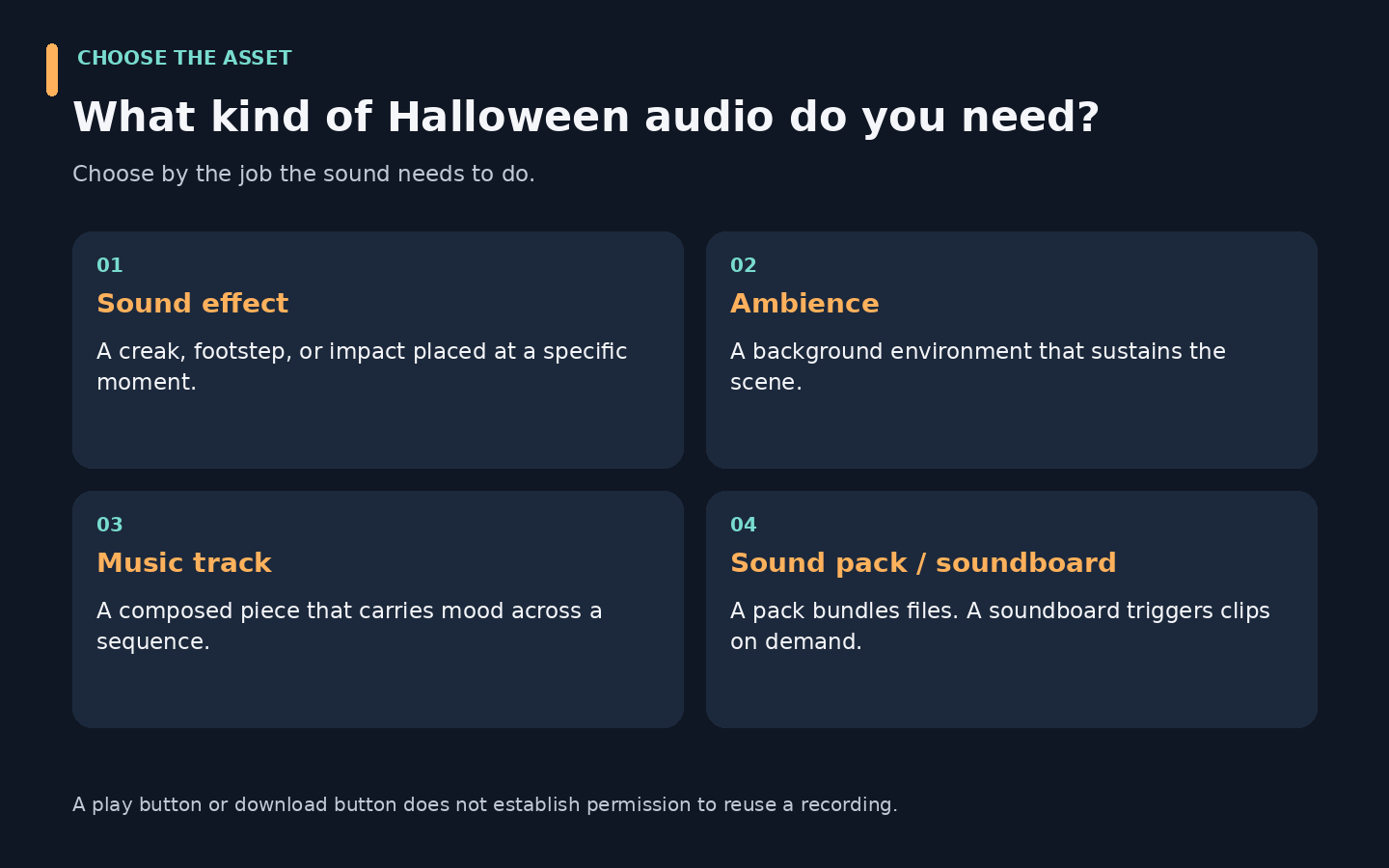
An effect punctuates a moment; ambience sustains a setting; music carries a sequence. A pack bundles related files, while a soundboard triggers clips on demand. For a door opening at a precise moment, choose an individual effect. For a haunted hallway, choose background ambience and check how it repeats.
Where to Download Free Spooky Sounds
Start with Pixabay for keyword searches or Mixkit for a focused horror collection. The links below lead to resource pages, where you can evaluate a sound before saving it.
| Resource | Useful starting point | Download guidance | Important check |
|---|---|---|---|
| Pixabay Halloween sound effects | Searching for Halloween audio by mood or subject | Preview a result and follow its download option; check the actual file format | Read the Content License and asset details |
| Mixkit horror sound effects | Browsing horror ambience, transitions, growls, and impacts | Preview a clip and choose Download Free SFX | Apply the Sound Effects Free License |
| DL Sounds witch and forest collection | Finding related witch, ghost, and forest sounds | Use the page’s individual preview and download controls | Review the specific free collection terms; do not assume other catalog terms apply |
| Myinstants scary soundboard | Triggering short scary sounds through sound buttons | Treat it as a soundboard; investigate the individual item before considering reuse | A playable button does not establish a stock-audio license |
Pixabay: Search for the Specific Sound You Need
Open the Halloween collection and narrow your search with terms such as “ghost whisper,” “creaking door,” or “night ambience.” These are suggested searches, not promises that a particular recording will always be available.
Listen to the entire preview. A clip that begins with wind may end with a loud impact, making it unsuitable for continuous background playback. Review the download options and save the original file alongside its source link.
Pixabay’s license summary permits free use, adaptation, and use without attribution, subject to restrictions. It prohibits standalone sale or distribution, and additional rights may apply. Downloading a sound for a video is different from republishing that sound in your own downloadable effects library.
Mixkit: Browse a Focused Horror Collection
Mixkit’s horror page includes ambience, cinematic sweeps, creature sounds, and short impacts. Compare duration as well as mood: a brief hit works for a reveal, while a longer atmospheric recording is better suited to a background bed.
Mixkit’s wider sound-effects library describes free WAV and MP3 downloads, with no required attribution or sign-up. Check the file you actually receive rather than assuming every effect has both formats available.
Its Sound Effects Free License allows commercial and noncommercial projects, subject to its terms. It does not allow redistributing the item by itself, as stock, or with source files. Use the effect within a larger production rather than handing out the original file.
DL Sounds: Find Sounds That Share a Theme
The official witch and forest collection provides individual previews and downloads for effects such as a witch laugh, a ghost whoosh, and rustling leaves. This is useful when a scene needs related sounds rather than a mix of unrelated clips.
Treat it as a themed collection, not a promise of a single ZIP pack or identical formats for every file. Review the collection’s stated permissions for your project and seek clarification if the intended use is unclear.
Myinstants: Separate Soundboard Playback from Production Use
A soundboard can be convenient when you want a short sound on cue. However, an uploaded movie, game, or meme excerpt should not be treated as cleared production audio simply because it has a play button. For a published Halloween video, choose a resource with an identifiable license that covers your intended use.
For broader year-round options, see this guide to free sound-effect libraries.
Best Types of Spooky Sounds for Halloween
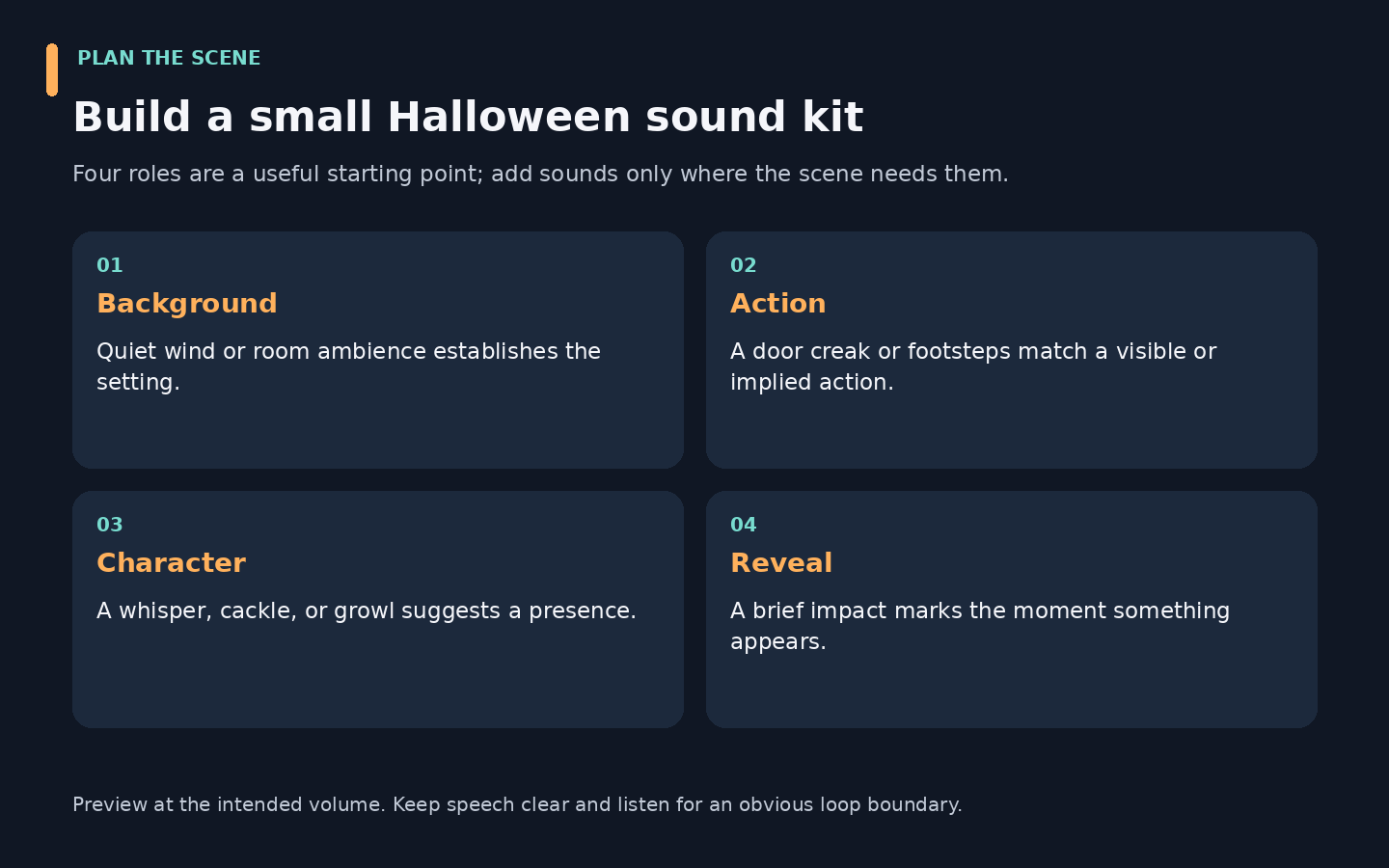
A distant footstep suggests someone is nearby; a sharp impact announces a reveal. Choose the sound’s job before choosing the file. Background ambience should leave space for conversation or dialogue, while a reveal cue needs a distinct accent.
| Sound type | Suggested search terms | Useful placement |
|---|---|---|
| Ghosts and eerie whispers | ghost whisper, spirit voice | A doorway reveal or quiet story moment |
| Haunted-house details | door creak, footsteps, chains | Matching an on-screen action or prop |
| Witches and monsters | witch cackle, monster growl | A costume reveal or creature entrance |
| Nighttime animals | owl, wolf howl, bats | Establishing an outdoor setting |
| Horror stingers | suspense hit, horror impact | A short jump scare or scene change |
| Background ambience | haunted wind, eerie drone | A room, entrance, or sustained scene |
| Horror music | suspense music, dark instrumental | A montage or longer narrative sequence |
A “Halloween soundtrack download” may mean a complete music track or a soundscape. Check which one you are getting. Cinematic risers and impacts can be sound effects; their dramatic style does not automatically make them music.
Free Horror Sound Effects for Different Projects
Halloween Parties and Haunted Houses
Use a restrained ambience track as the base, then trigger occasional accents. Preview the full sequence through the speakers you will use: an effect that sounds subtle on a laptop can become harsh in a small room. For a family event, choose playful creaks or cartoonish ghosts before intense screams.
Keep a local playback copy instead of relying on event Wi-Fi. Test repeat playback and listen where the end meets the beginning; a conspicuous cut can interrupt the atmosphere. Check the license for the event context, particularly if admission is charged or the installation is part of a business.
Halloween Videos and Social Clips
For a costume transition, start with one short cue that lands on the reveal. A sound that works at the right moment is more useful than a folder of unrelated screams. For a haunted-house walkthrough, combine a quiet atmosphere with occasional action sounds in your video editor. Keep dialogue intelligible and avoid a continuous stream of equally loud effects.
When searching for free horror sound effects, describe the action rather than only the genre. “Footsteps on wood” may be more useful than another page of generic horror results.
Games, Animations, and Storytelling
Look for variations of repeated actions so every footstep or monster response does not sound identical. Check how long a file continues after the main sound: a long reverberation tail may interfere with the next event. Verify that the license covers incorporation into a game or app, including how the audio is distributed.
Decorations and Themed Events
Test the actual playback device before preparing the whole collection. A prop controller may require a particular format or naming pattern. Download one suitable effect, confirm it works, and then prepare the remaining assets to the same requirements.
A practical starter set: one background ambience, one door creak, one creature cue, and one reveal impact. Add more only when a scene needs them.
Pairing your spooky sounds with window or wall projections? Explore our guide to free Halloween projection videos to prepare the visuals for your Halloween setup.
Spooky Sounds Download: How to Save MP3 or WAV Files
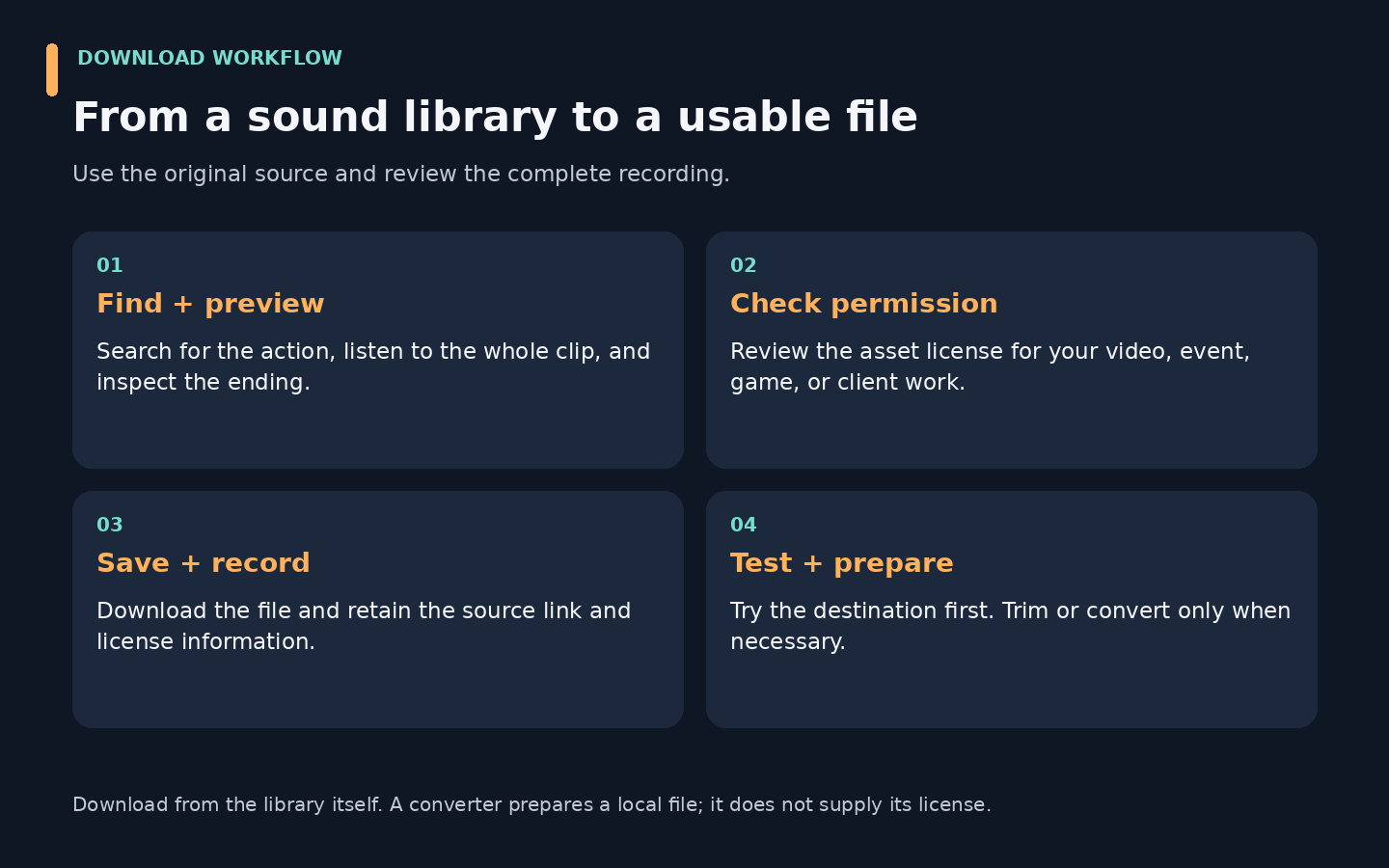
Download from the library first; convert afterward only if necessary. A converter is useful when the provided format does not suit your editor, player, or decoration controller.
- Open a reputable resource page. Use the library links above instead of an unrelated advertising download button.
- Search for a specific action or mood. Try a door, creature, weather, or suspense term.
- Preview the complete clip. Check the opening, ending, background noise, and sudden level changes.
- Review its license and available download. Confirm the use case and inspect the file format offered.
- Save the file and source information. Keep the title, creator details, source URL, and license record together.
- Test it in the target application. Convert only if the application requires another supported format.
Should You Choose MP3 or WAV?
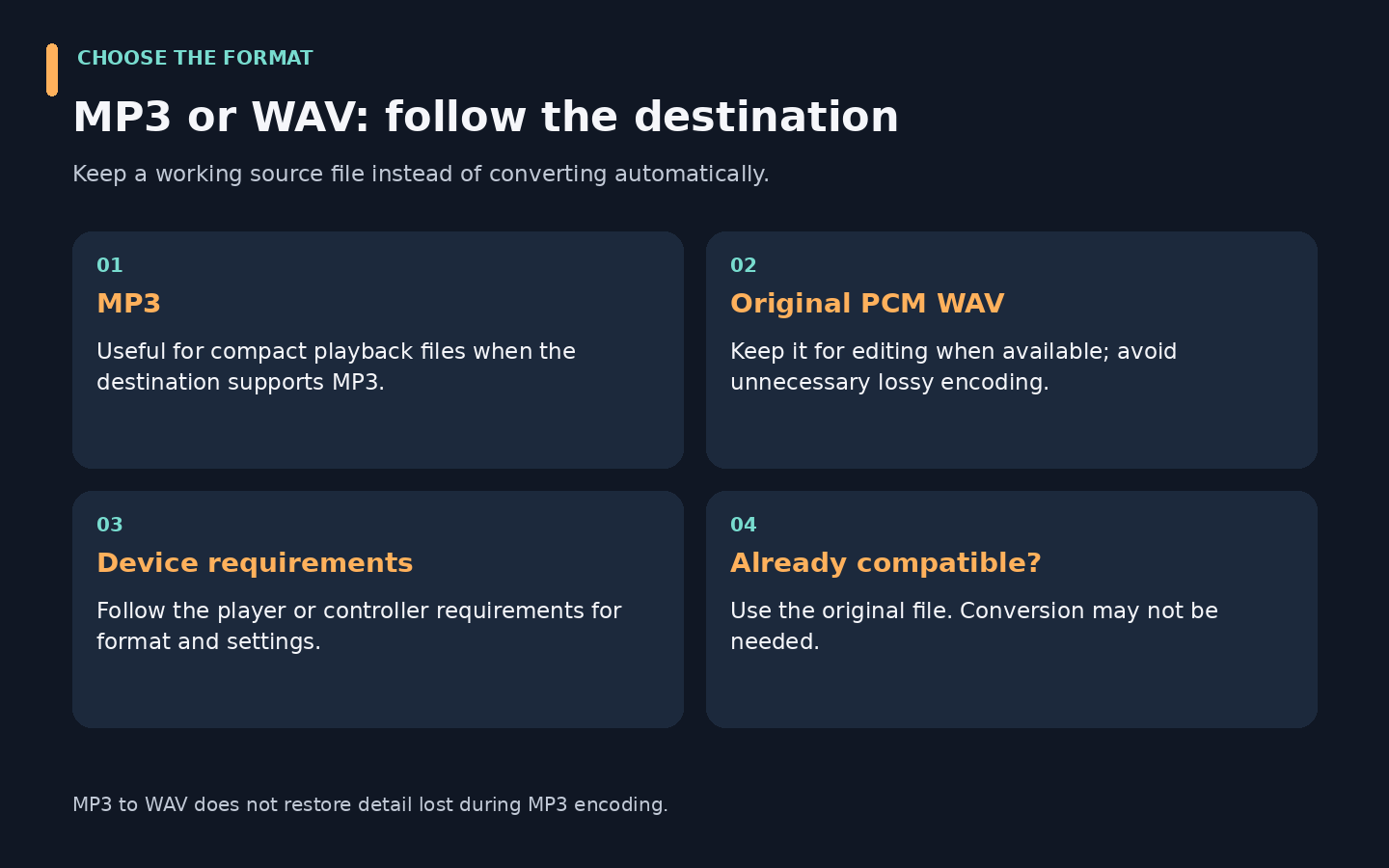
| Situation | Practical choice | Reason |
|---|---|---|
| Small playback file for a compatible player | MP3 | Compressed audio generally uses less space than uncompressed PCM WAV |
| Editing where an original PCM WAV is available | Keep that WAV | Avoid unnecessary lossy encoding during preparation |
| A controller accepts only a specified format | Follow the controller’s requirements | Compatibility determines the choice |
| The downloaded file already works | Keep the original | Conversion adds an unnecessary step |
Converting an MP3 to WAV does not restore detail discarded during MP3 encoding. Likewise, choosing a higher output bitrate cannot recover information missing from the source.
If a browser download fails, retry the library’s own download control. If a saved file will not play, check that it is an actual audio file rather than a saved webpage. Renaming its extension is not format conversion. For a file that needs a different format, follow this audio-to-MP3 conversion guide.
Royalty-Free Halloween Music vs. Free Horror Sound Effects
“Free” describes cost; the license describes permission. A search result labeled “no copyright horror music” does not establish who owns the recording or what you may do with it.
| Label | Meaning for your project |
|---|---|
| Free download | No download charge; reuse rights still need checking |
| Royalty-free | A license generally avoids recurring per-use royalties within its scope; it may still cost money and impose restrictions |
| Public domain or CC0 | Copyright restrictions may not apply, or the rights holder has used a public-domain dedication; check provenance and other applicable rights |
| Attribution required | Follow the stated credit conditions, including links and change notices where required |
| Personal use only | Do not assume it covers a client video, advertisement, or business event |
| Commercial use permitted | Read the allowed uses and restrictions; this does not mean unlimited redistribution |
Creative Commons explains public-domain tools. Its CC BY 4.0 terms illustrate a different model: reuse is allowed under conditions that include attribution and indicating changes.
When choosing royalty-free Halloween music or royalty-free spooky music, check the music license, even if you already checked the same website’s sound-effects license. Mixkit explicitly separates licenses by asset type. Permissions for an effect should not be transferred to a music track by assumption.
For royalty-free horror sound effects, save the source and license information with the project. Conversion changes the file, not its permissions.
How to Prepare Downloaded Halloween Audio with UniConverter
If the downloaded sound already plays correctly, use it as supplied. Wondershare UniConverter becomes useful when you need to convert several local files, extract audio from an authorized local video, or trim an unsuitable opening before conversion. It is a preparation tool in this workflow, rather than the source of the sound library.
For example, a prop player might reject the file your library supplies, or a collection of cues might need one consistent output format. UniConverter lets you prepare supported local audio files in a queue. If the sound is inside an authorized local video, the same conversion approach can produce an audio-only file; see the video-to-audio converter guide for other options.
Get Your Halloween Audio Ready to Play
Convert supported local files to a compatible audio format, trim selected cues before conversion, and prepare multiple files in one queue.
Step 1. Open Converter and Add Your Files
Open Converter from Home and use Add Files / Folder, or drag your supported audio or video files into the queue.
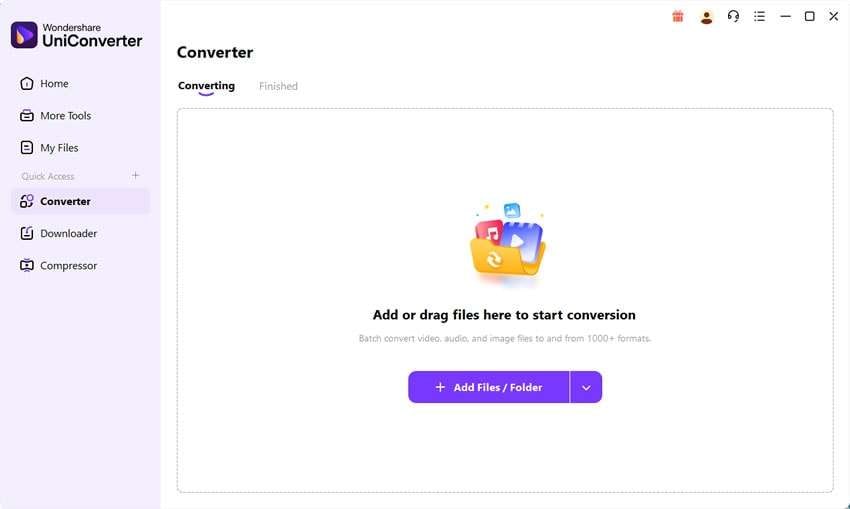
Official Windows guide screenshot. The interface may differ by installed version.
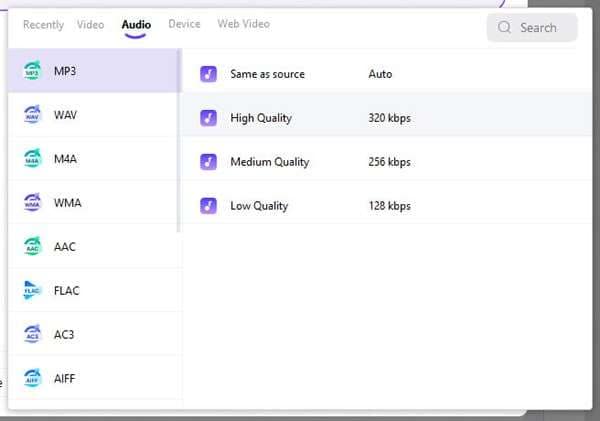
Step 2. Choose MP3 or Another Available Audio Format
Open Convert to, select Audio, and choose MP3 or another available format. Match the quality setting to your destination rather than assuming the highest setting restores the source.
Step 3. Prepare Exceptions, Then Convert
Trim unwanted silence from selected files where necessary and preview the result. Set the destination, select Convert All, and use the folder control beside File Location to locate the output. The official Windows guide documents the conversion controls.
For a mixed folder of Halloween cues, the batch audio converter workflow also describes selected Trim, Audio, and Speed preparation before conversion. Trim unwanted silence where appropriate, preview changes, and avoid applying one correction indiscriminately across different recordings.
Afterward, check three representative files: a quiet whisper, a loud impact, and a longer ambience. Confirm the format, beginning and ending, and playback on the destination device. Use a multitrack editor if you need to layer separate sounds into a complete soundtrack; format conversion alone does not perform that composition work.
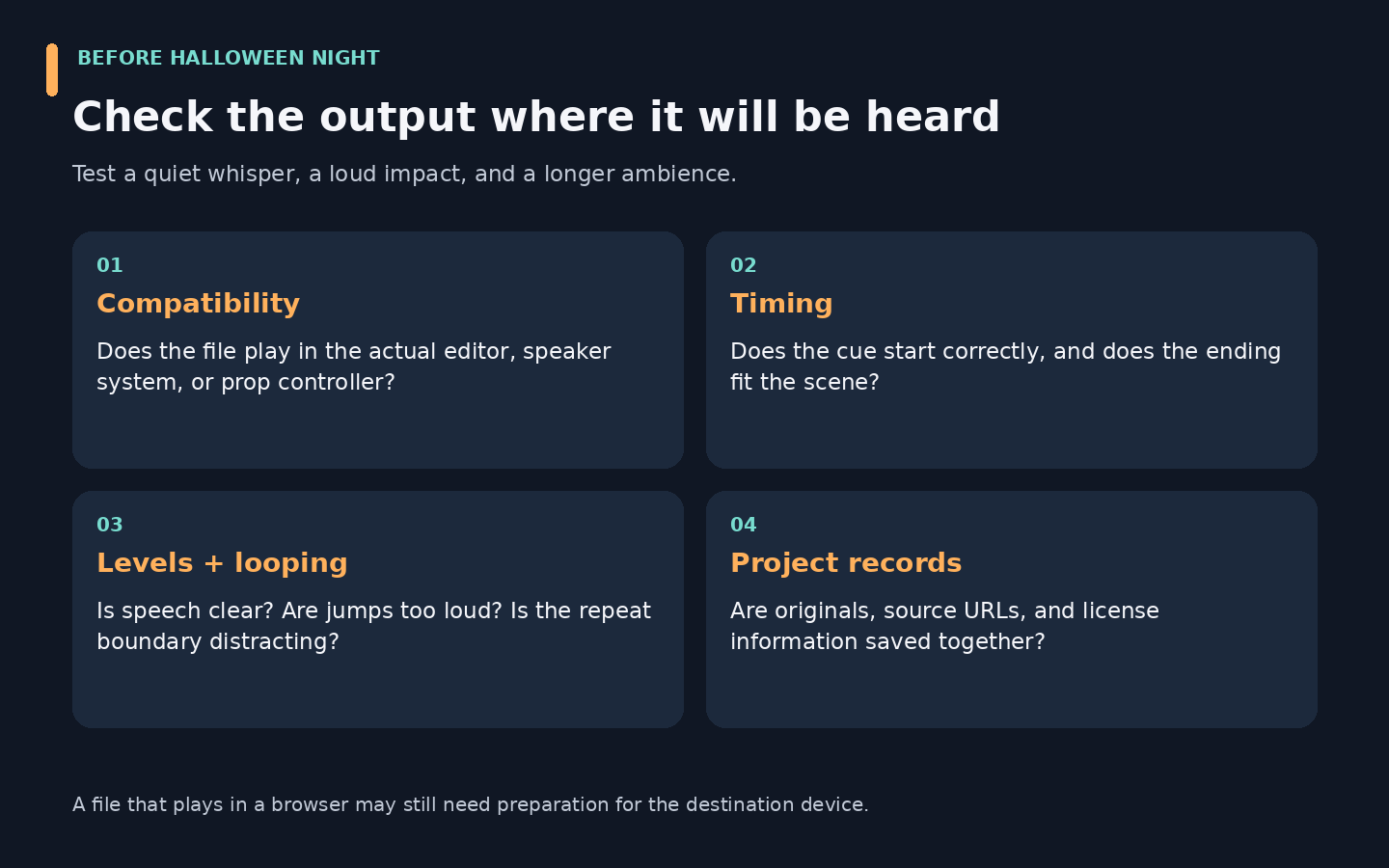
If one file works, test the rest before loading the complete set onto your playback system. For more queue options, see batch audio conversion.
FAQs About Spooky Sounds Download
-
Where can I download spooky sounds for free?
Start with Pixabay’s Halloween sound-effects collection or Mixkit’s horror category. Preview a clip, review its license, and use the library’s download option. Choose a short effect for a reveal or a longer ambience for background playback. Keep the source link with your saved file.
-
Where can I find free horror sound effects?
Mixkit’s horror collection is a useful starting point for impacts, eerie atmospheres, and creature sounds. Pixabay offers another searchable Halloween collection. Search for the scene’s action, such as a creaking door or approaching footsteps, rather than relying only on a broad horror query. Review each source’s terms before reuse.
-
How can I download scary sounds as MP3?
Use a library that offers an MP3 download for your selected clip, then save and test the file. If the available download is another format, a compatible converter can produce MP3 from the local file. Changing the filename extension to .mp3 does not convert the audio or make an unsupported file playable.
-
What is the difference between spooky sounds and horror sound effects?
“Spooky” usually describes an eerie mood, including playful ghosts, soft whispers, or haunted wind. Horror sound effects can also include intense impacts, screams, and disturbing textures. The terms overlap, so preview the recording rather than judging by its label. Match its intensity to the audience and scene.
-
Can I use free Halloween sound effects in YouTube videos?
Yes, when the license permits that use. For example, Mixkit’s Sound Effects Free License lists YouTube videos among its permitted uses, subject to its terms. Other recordings may require credit or have different restrictions. Keep a license record, especially for monetized or client work, and check music rights separately.
-
Does royalty-free horror music mean it is copyright-free?
No. Royalty-free music is generally still copyrighted and supplied under a license. The license determines where and how you can use it, whether payment or credit is required, and what is prohibited. A “no copyright” label in a title or description does not replace permission from an identifiable rights holder.
-
Where can I find creepy sounds for Halloween videos?
Browse the verified Pixabay and Mixkit collections linked above, then search for a sound that matches the picture. Footsteps suit an approaching character, a creak suits an opening door, and an impact suits a reveal. Preview effects against your dialogue so the atmosphere supports the scene without obscuring important speech.
-
How can I convert downloaded audio to another format?
Import a supported local file into UniConverter’s Converter, select an available audio output format, and run the conversion. Check the result in the destination player or editor. Keep the original so you can prepare another version later without repeatedly encoding an already compressed output. The original license still applies.
Get Your Halloween Audio Ready
For a useful spooky sounds download, choose the scene first, preview the entire recording, and save its license information. Test a single file on the destination device before preparing a larger set. If your Halloween audio needs a different format or selected trimming, UniConverter can help prepare the downloaded local files for the next stage.
Need a compatible set of Halloween audio files?
Download UniConverter for Windows Download UniConverter for Mac