Looking for a funny Merry Christmas animated GIF to send to a friend or share in a group chat? From a dancing Santa to a mischievous cat, these holiday ideas can add a little laughter to your message. You can also turn your own short video into a GIF with UniConverter.
In this article
8 Funny Christmas GIFs for Friends and Family
Choose a funny animated Christmas GIF to match your message. Santa dances work for festive greetings, while pets and reaction GIFs are great when you want something a little more playful.
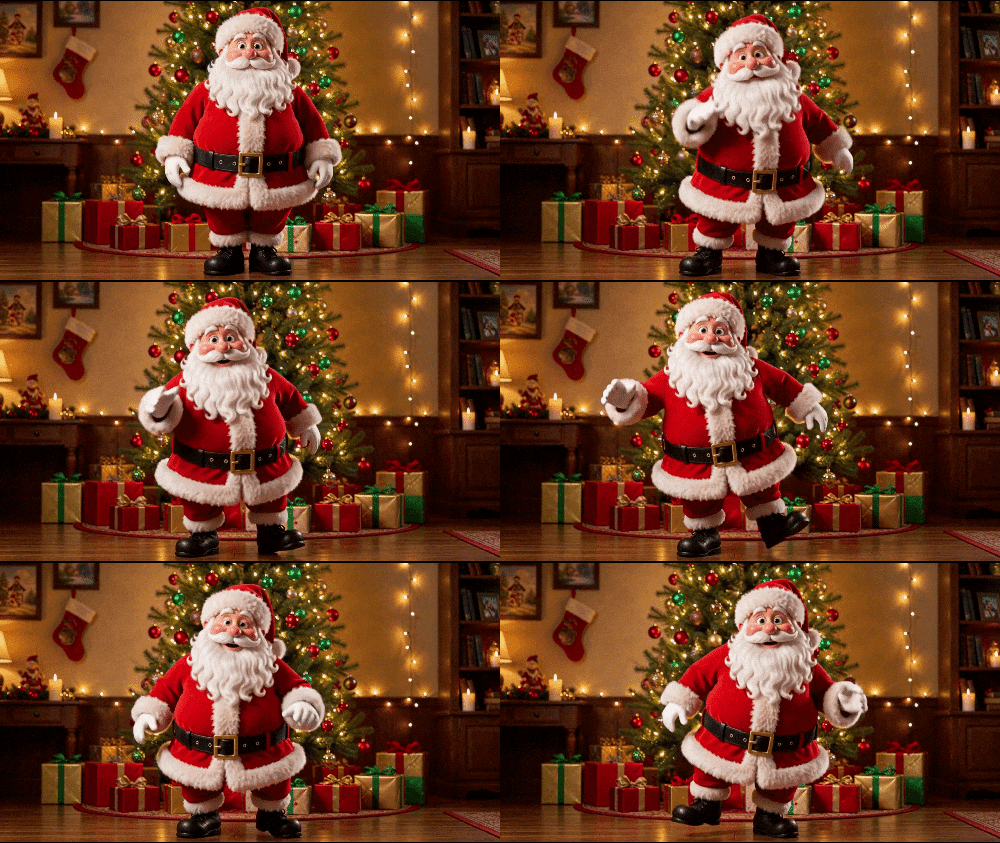
1. Dancing Santa Christmas GIF
A dancing Santa is a playful way to send holiday energy to a friend or group chat.
Best for: Christmas morning greetings and lively group chats.
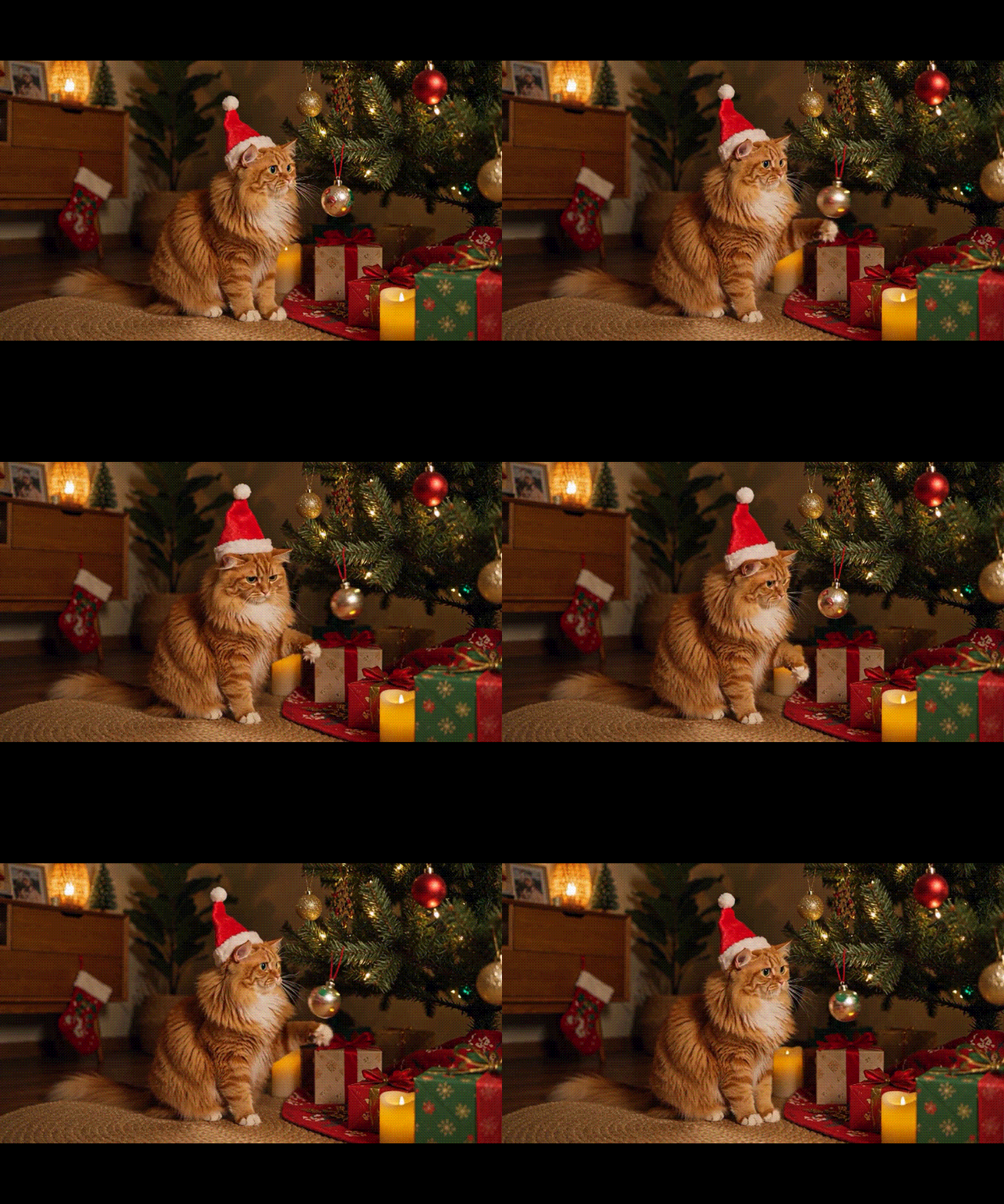
2. Funny Cat and Christmas Tree GIF
For the friend whose cat sees every ornament as a new toy, a Christmas cat reaction is a natural choice.
Best for: pet owners and holiday decorating conversations.
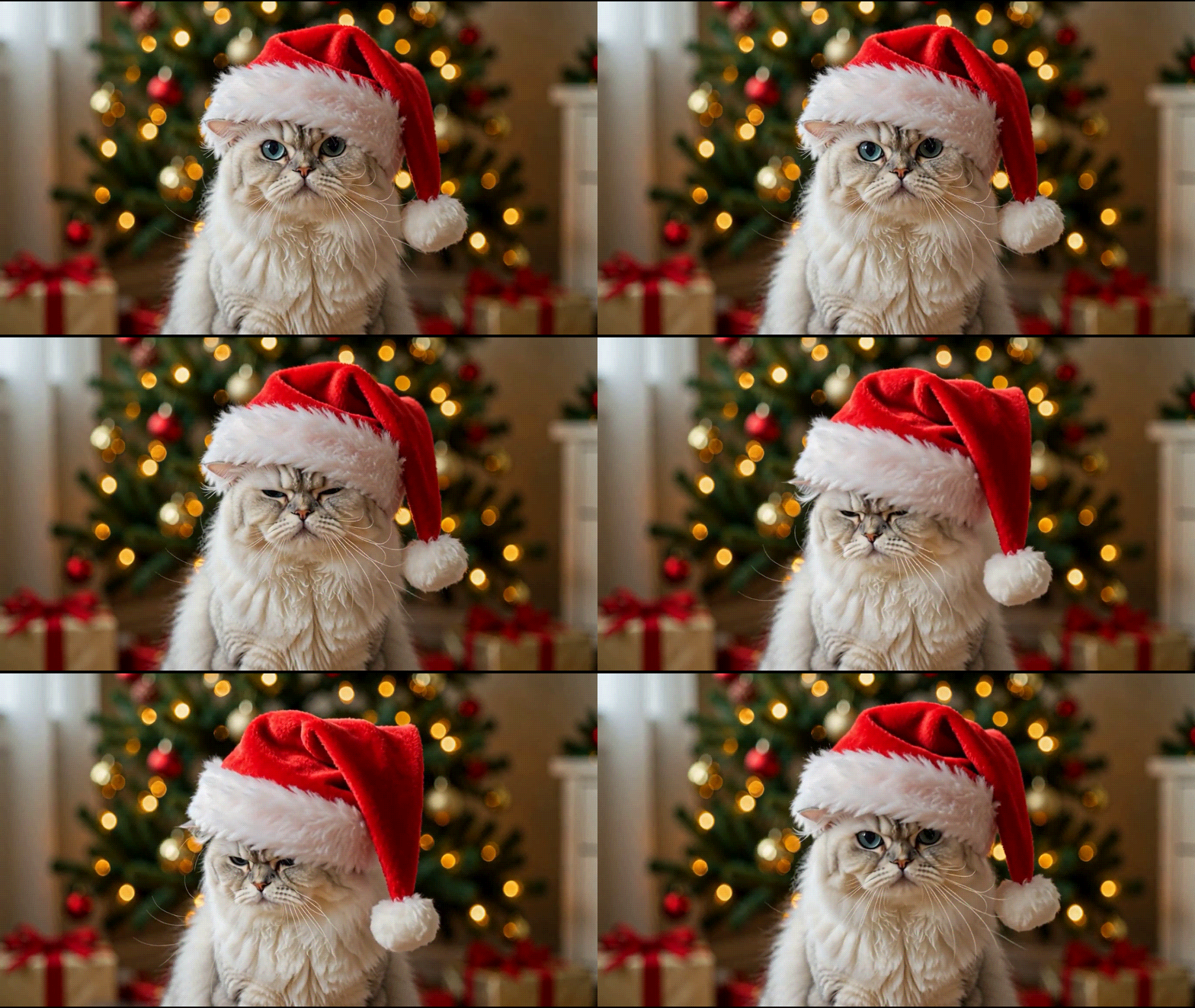
3. Santa Hat Cat GIF
A cat in a Santa hat makes a cute, funny Merry Christmas greeting for pet lovers.
Best for: cat lovers and playful Christmas wishes.
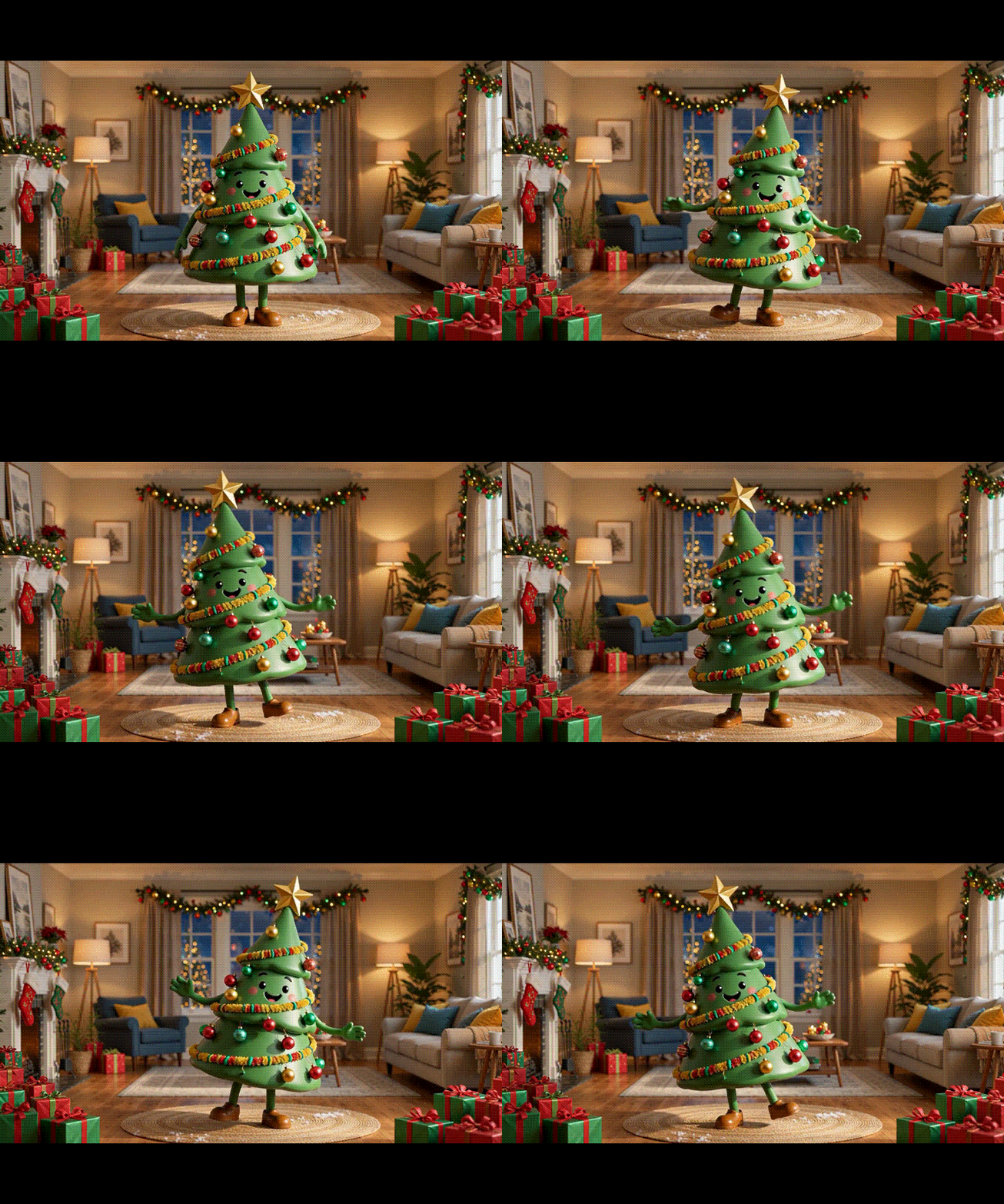
4. Dancing Christmas Tree GIF
Send a dancing Christmas tree when the group chat needs a little more holiday spirit.
Best for: holiday countdowns and festive group chats.
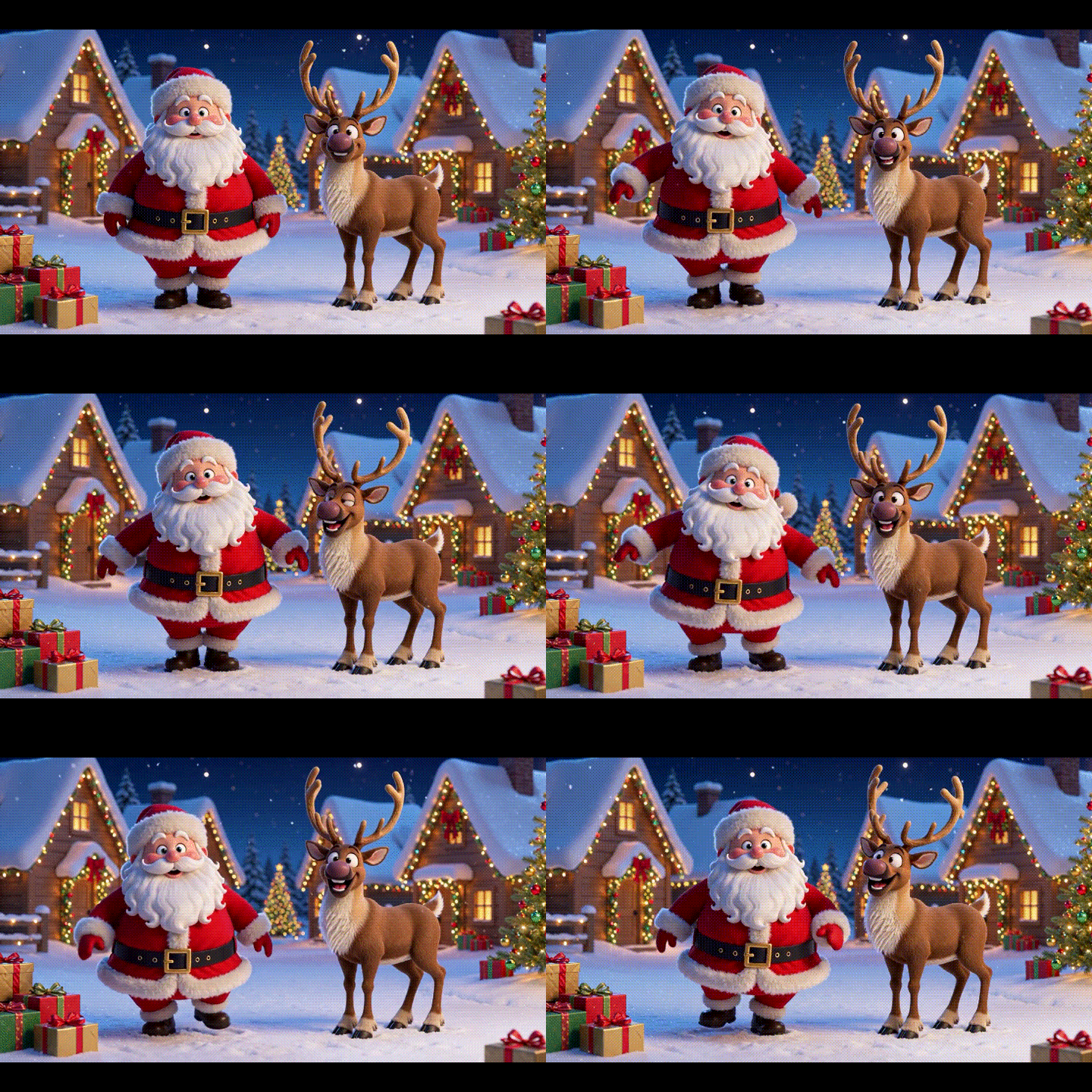
5. Santa and Reindeer Dance GIF
A Santa-and-reindeer dance brings two Christmas favorites together for a festive reaction.
Best for: family greetings and Christmas party messages.
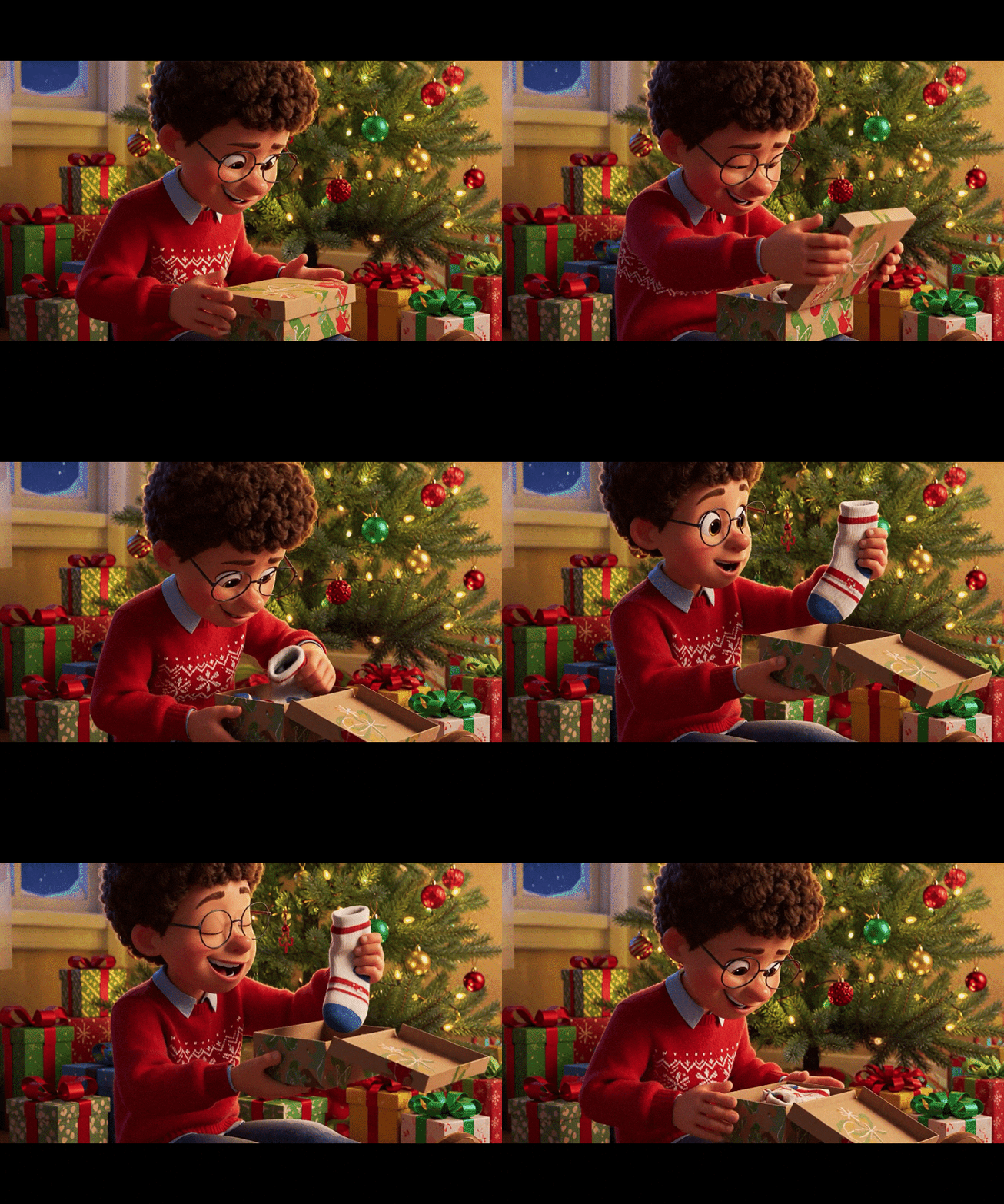
6. Funny Christmas Gift Reaction GIF
Use a gift reaction GIF when the present is surprising—or when the wrapping is more exciting than the contents.
Best for: a funny reaction to an unexpected present.
7. Funny Christmas Dog GIF
A dog in holiday accessories is a lighthearted greeting for friends, family, or the office pet channel.
Best for: pet lovers and friendly office chats.

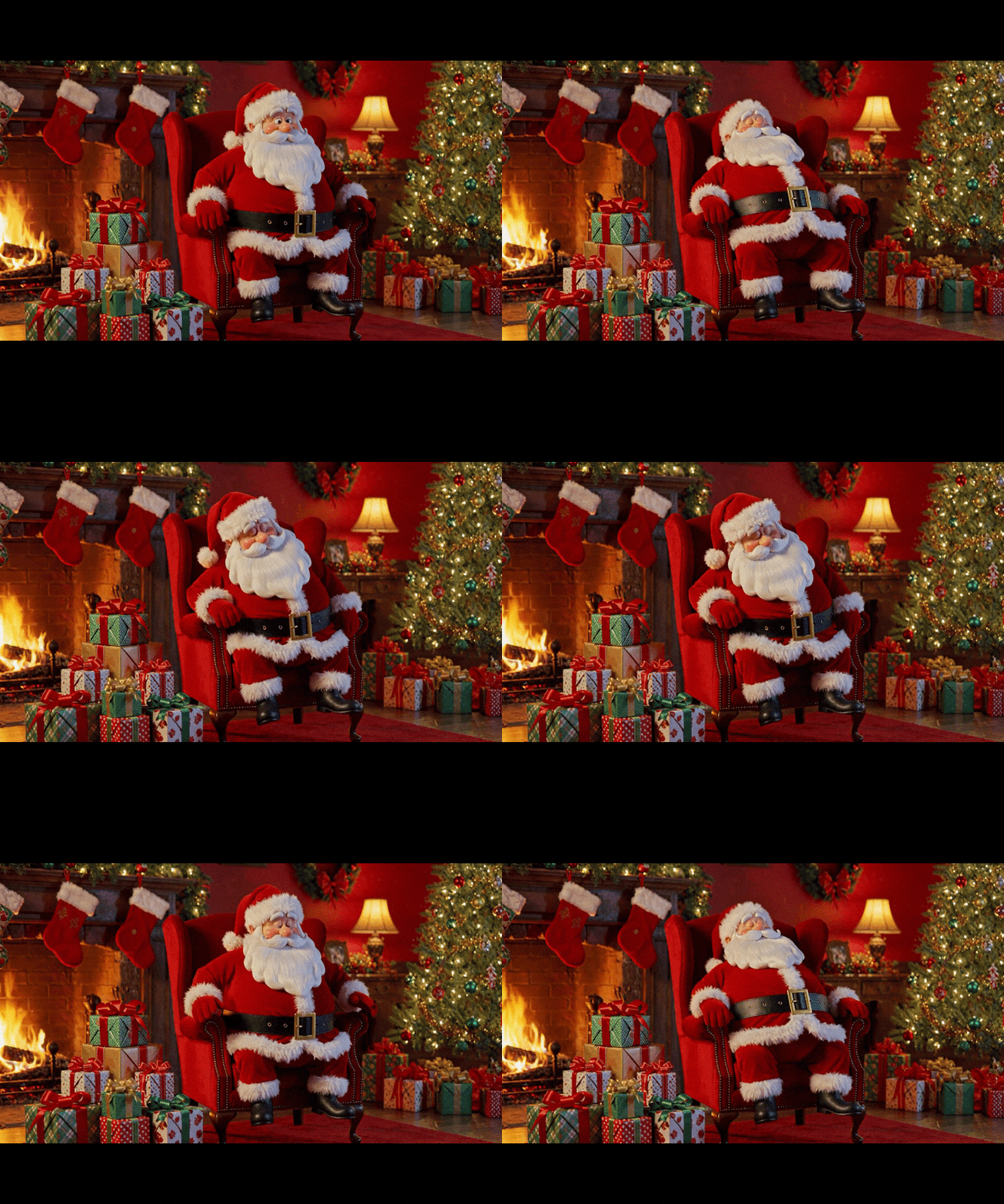
8. Sleepy Santa Christmas GIF
A sleepy Santa GIF is a relatable reaction after a long day of shopping, wrapping, and holiday preparations.
Best for: a relatable reply after holiday preparations.
Sending a funny Christmas GIF for adults? Try the gift-reaction or sleepy-Santa idea for a lighthearted holiday message that works for friends, family, or coworkers. Choose the tone that suits your recipient.
How to Make a Funny Christmas GIF from Your Own Video
Want a different expression, a personal pet moment, or a clip from your own holiday celebration? Wondershare UniConverter offers a desktop GIF Maker that can turn a video into a looping image. Use a video you created or have permission to use.
- Select the funniest part with start and end times.
- Adjust available output size and frame-rate settings.
- Preview the result and save it as a GIF to share.
Step 1. Open GIF Maker
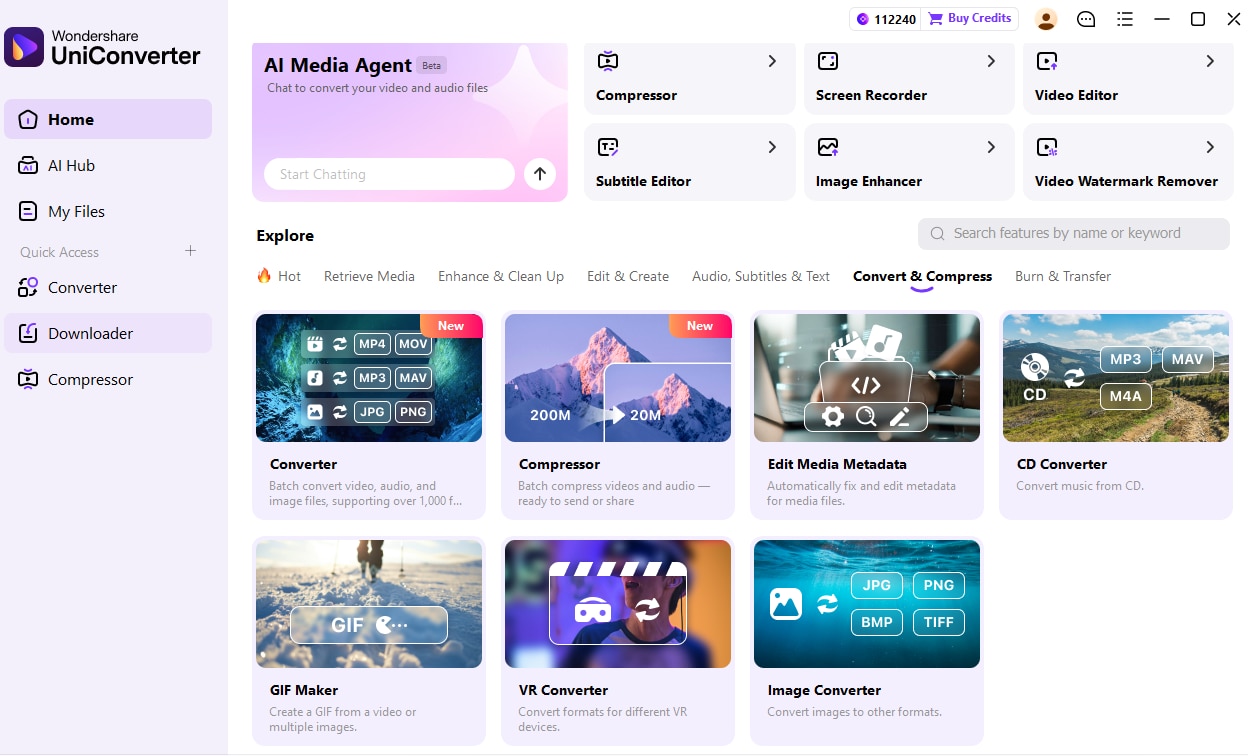
Launch UniConverter on your computer. On the Home screen, find GIF Maker under Convert & Compress and open it. The location and labels can vary with the app version.
Step 2. Add Your Christmas Video
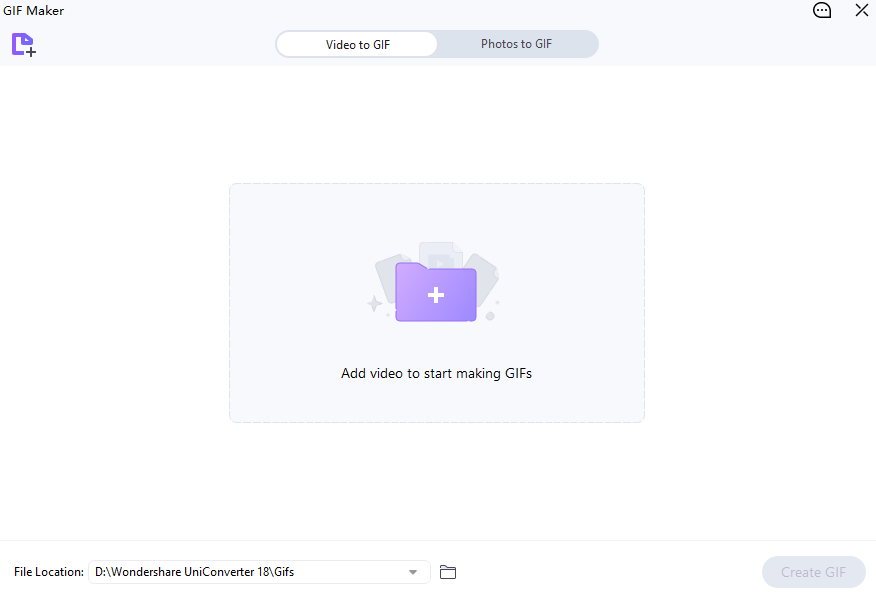
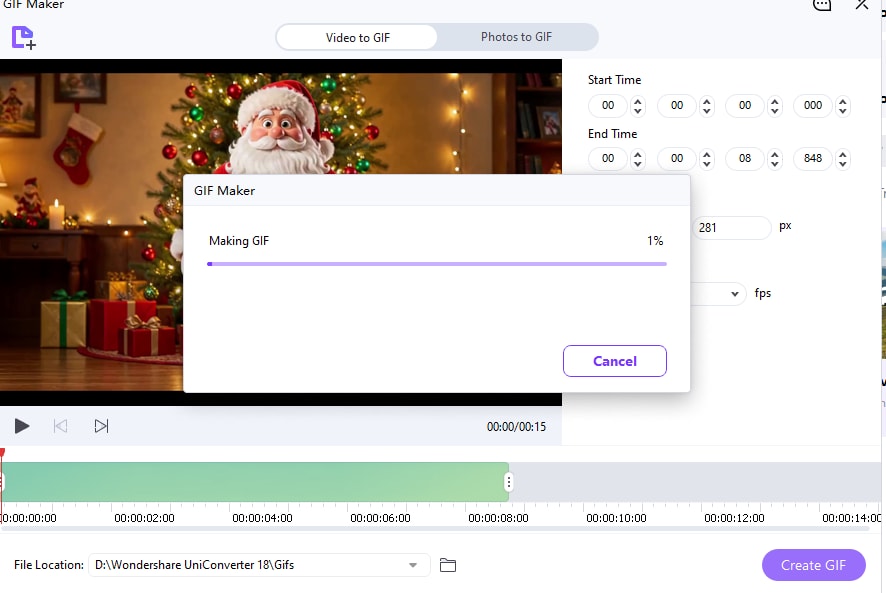
Choose Video to GIF, then add your holiday video from your computer. For example, use your own clip of a dancing Santa character or a pet in a Santa hat.
Step 3. Select the Funny Moment and Create the GIF
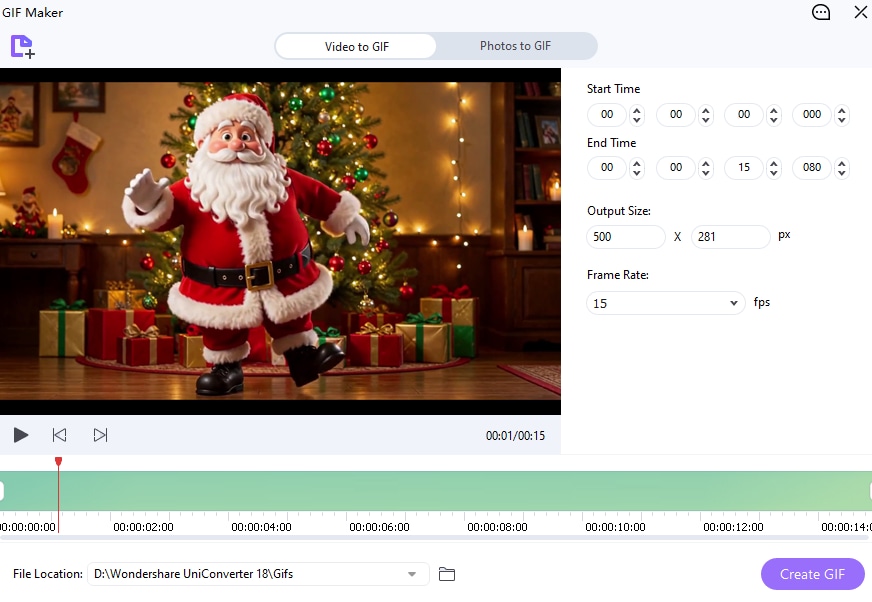
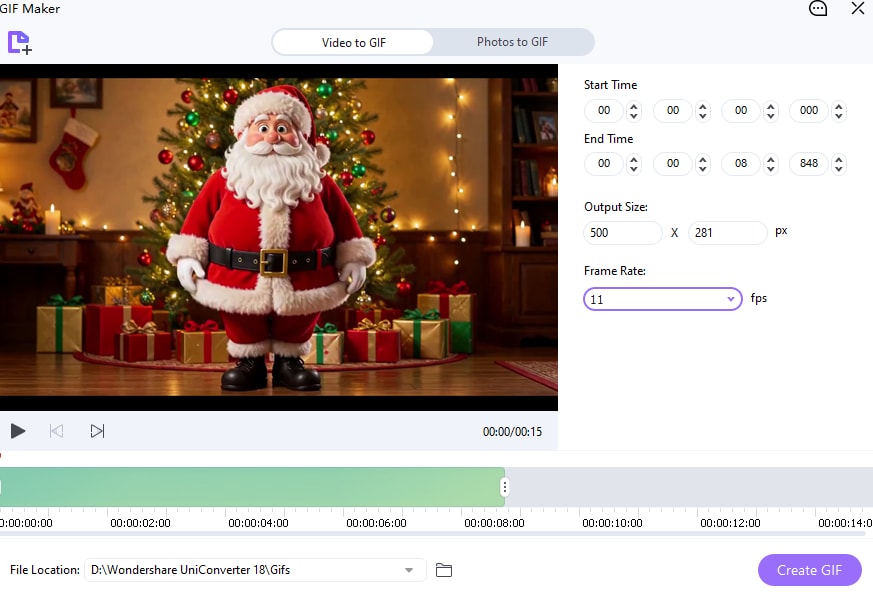
Adjust the Start Time and End Time to keep the best moment. Set the available output size and frame rate, choose a save location if shown, and select Create GIF. Open the saved file and check the loop before sharing.
For the full walkthrough, see how to turn a video into a GIF. If your animation is too large, our guide on how to make a GIF smaller covers more size-reduction options.
Where to Download Merry Christmas Animated GIFs
Looking for a ready-made funny Merry Christmas animated GIF? These collections are useful places to browse Santa animations, Christmas cats, holiday memes, and reaction GIFs. Sharing and download options vary by site and device.
1. GIPHY: Funny Christmas Reactions and Memes
GIPHY's funny Christmas GIF collection brings together seasonal reactions, animated greetings, and meme-style clips. Search for “funny Santa GIF,” “Christmas cat,” or “Merry Christmas funny” to narrow the results. Open a GIF to see the sharing options available for that item.
Best for: Finding a quick holiday reaction to share with friends.
2. Tenor: Merry Christmas GIFs for Messages
Browse Tenor's funny Merry Christmas GIFs for dancing Santas, animated wishes, and festive reactions. Choose a GIF and use the sharing options shown on its page. If you want to save a copy, check the options offered by your browser and device.
Best for: Finding a funny Xmas GIF for a personal greeting or group chat.
3. GIFDB: Downloadable Christmas GIFs
GIFDB's funny Merry Christmas collection offers a selection of seasonal animations. Open an individual GIF page to find its download and sharing options; check the saved file on your device before sending it.
Best for: Browsing themed collections and saving an individual GIF.
Before reusing a GIF: Sharing an animation through a platform is different from publishing it on your own website or using it in an advertisement. Check the creator's rights and the platform's terms for your intended use. For a more personal greeting, create a GIF from footage you own or have permission to use with UniConverter.
Tips for Sharing Funny Merry Christmas GIFs
- Pick the right reaction: try a dancing Santa for an enthusiastic greeting, or a gift reaction for a playful reply.
- Keep the loop short: a brief clip can be easier to watch and may reduce file size.
- Check the loop: play the saved GIF and look for an abrupt jump between the end and beginning.
- Test your destination: apps handle GIFs differently; check whether the animation plays as expected before sending it widely.
- Need sound? Send a video instead: the GIF image format does not include an audio track.
FAQs About Funny Christmas GIFs
-
What is a funny Christmas GIF?
A funny Christmas GIF is a short looping animation with a festive theme, such as a dancing Santa, a playful cat, or a humorous gift reaction.
-
Do Christmas GIFs have sound?
GIF files do not contain audio. For a holiday greeting with sound, share a video in a format supported by your chosen platform instead.
-
How can I make a funny Christmas GIF from a video?
Use UniConverter GIF Maker to add a video, select a short segment, choose the available output settings, and create a GIF.
-
Why is my Christmas GIF too large to share?
Longer duration, larger dimensions, and higher frame rates can increase GIF file size. Try shortening the clip or reducing available output settings, then check the result.
-
Can I share these GIFs with friends?
Save or share a GIF using the options available on your device or messaging app. Supported formats and file limits vary by platform.
Whether you prefer a dancing Santa or a funny Christmas cat, a short looping GIF can add personality to a holiday message. For your own videos, try UniConverter to create a GIF and choose the moment you want to share.