
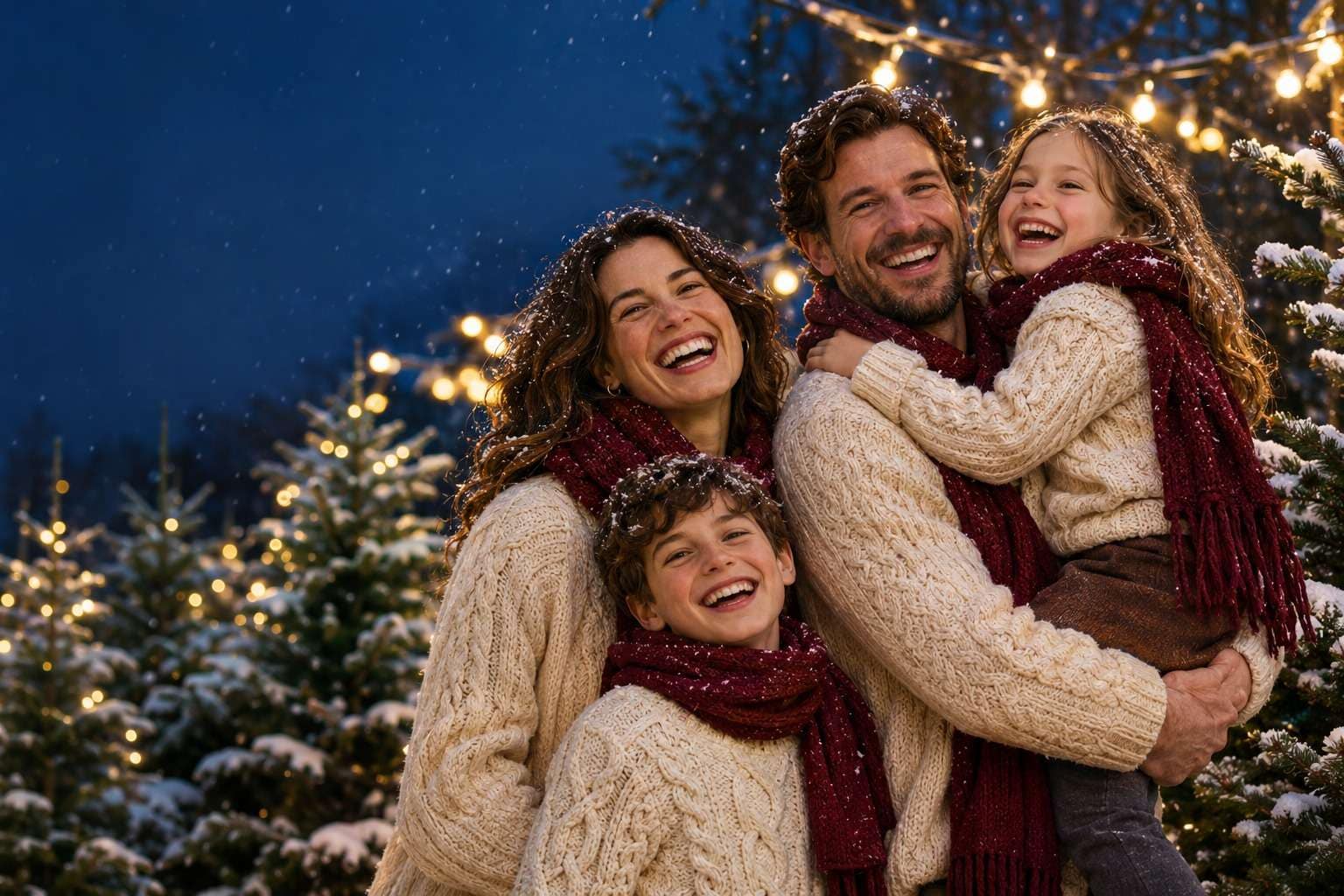
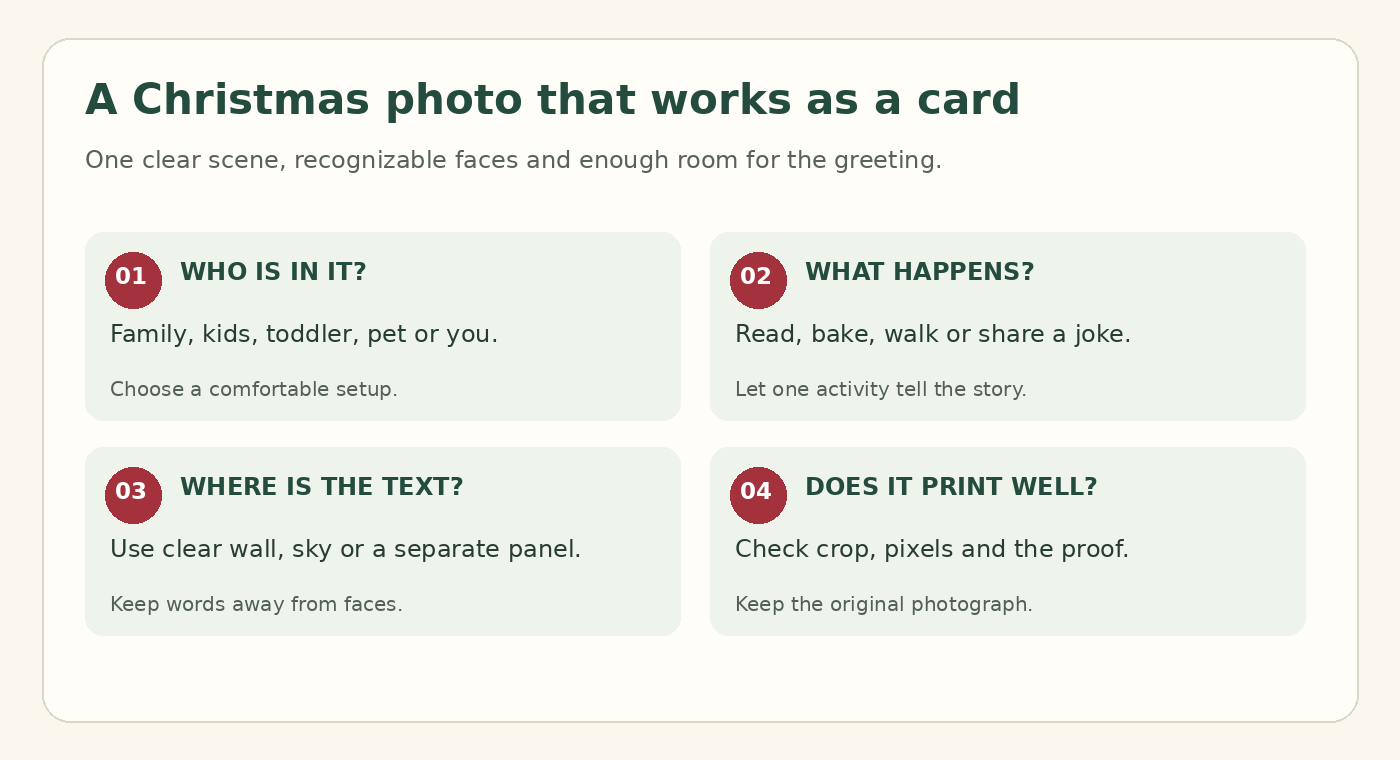
A photo can look lovely in your camera roll and still be awkward on a Christmas card: the greeting covers a face, the dog disappears in the crop, or the family is too small to recognize. Start with the card in mind. The 30 ideas below pair a scene you can recreate with a framing tip and a short message to make the design easier.
The styled concept photos in this guide are AI-generated illustrations. UniConverter screenshots are official interface examples, rather than results from these holiday photos.
In this article
- Choose Christmas Card Photo Ideas That Fit Your Household
- Christmas Card Family Photo Ideas
- Funny Christmas Card Photo Ideas
- Christmas Card Photo Ideas for Kids
- Toddler Christmas Card Photo Ideas
- Dog Christmas Card Photo Ideas
- Unique and DIY Christmas Card Photo Ideas
- Prepare Your Christmas Card Photo with UniConverter
- Turn Your Photo into a Christmas Card and Check the Print
- When to Skip AI Enhancement
- FAQs About Christmas Card Photos
Choose Christmas Card Photo Ideas That Fit Your Household
Choose a scene people can comfortably stay in, rather than a pose that needs everyone to cooperate at exactly the same instant. For a household with small children or pets, an activity gives you more opportunities to catch a natural expression.
| Your situation | Start with | What to prepare | Card layout |
|---|---|---|---|
| Family who wants a classic portrait | Pajamas or a sofa reading scene | Coordinated clothes and a clear background | One large photo with a separate greeting area |
| Family who enjoys a joke | Retro sweater portrait | One obvious visual gag | Simple frame and a short punch line |
| Kids who dislike posing | Cookie decorating or paper stars | One familiar activity | Wide image with room above the table |
| Toddler with a short attention span | Tissue paper or a picture book | A floor-level setup and a nearby adult | Close portrait with uncluttered edges |
| Dog who dislikes accessories | Pet beside gifts | A familiar spot and a reward | Eye-level portrait with text above |
| No time for a new photoshoot | One favorite photo from the year | The original file and a minimal design | Photo mounted on a plain card |
A simple setup: face a window, clear distracting objects and place the phone on a stable support. Take a test frame before bringing everyone in. Check that faces are bright enough; a glowing tree behind you cannot replace light on the people in front of it. Shoot both a wide and a closer version so you have more layout choices later.
Christmas Card Family Photo Ideas
The most useful Christmas card family photo ideas give everyone a place and a small action. Coordinate two or three colors, then let individual outfits vary so nobody has to buy an identical set.
1. A Pajama Huddle Beside the Tree
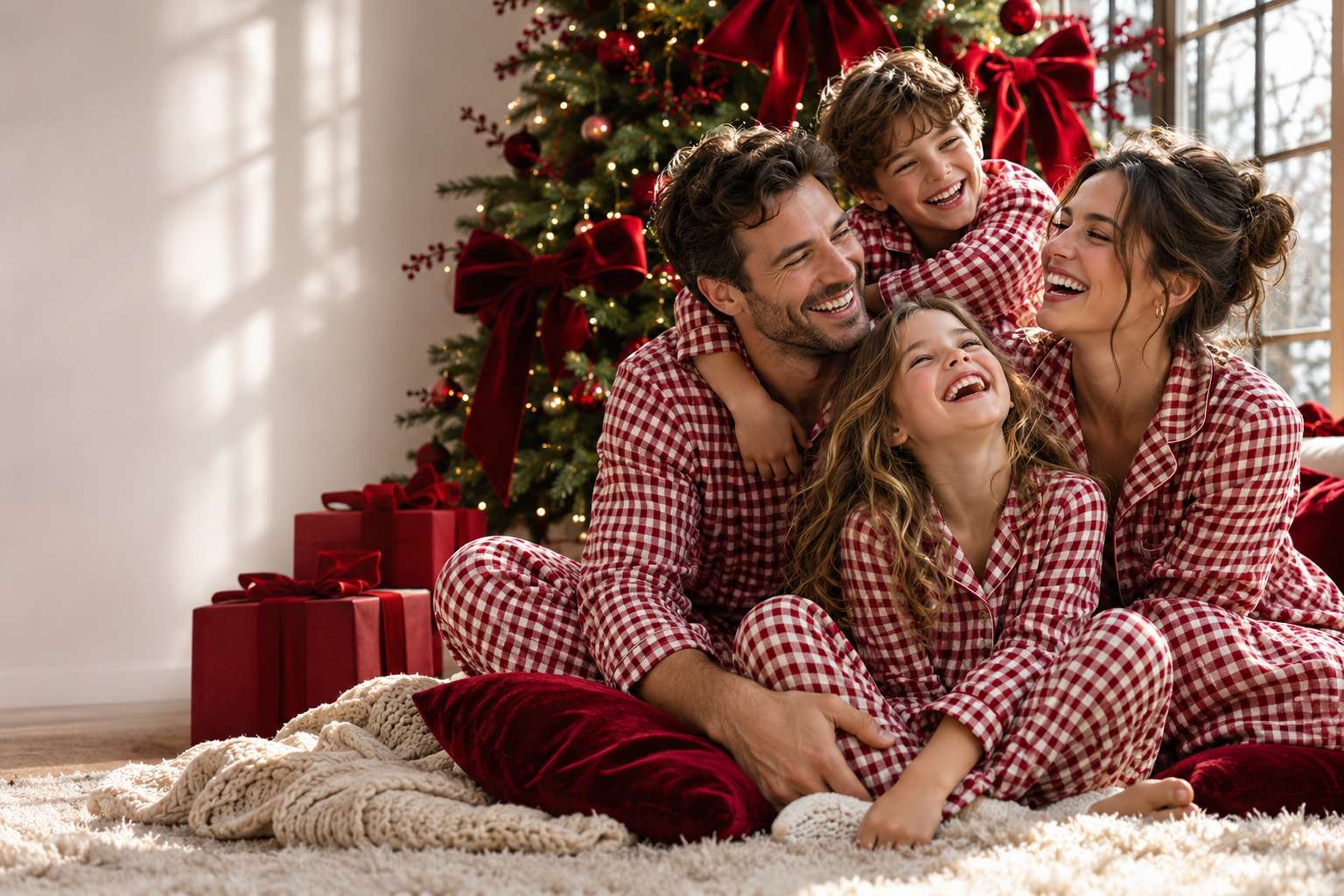
Gather on the rug with taller family members behind smaller ones. Give everyone a shared focus—ask who will wake up first on Christmas morning—and photograph the reactions. Position the group slightly to one side instead of filling the entire frame with people. This leaves a calm area for the message without shrinking the faces.
Card line: “Together is our favorite place to be.”
2. A Family Ornament Story
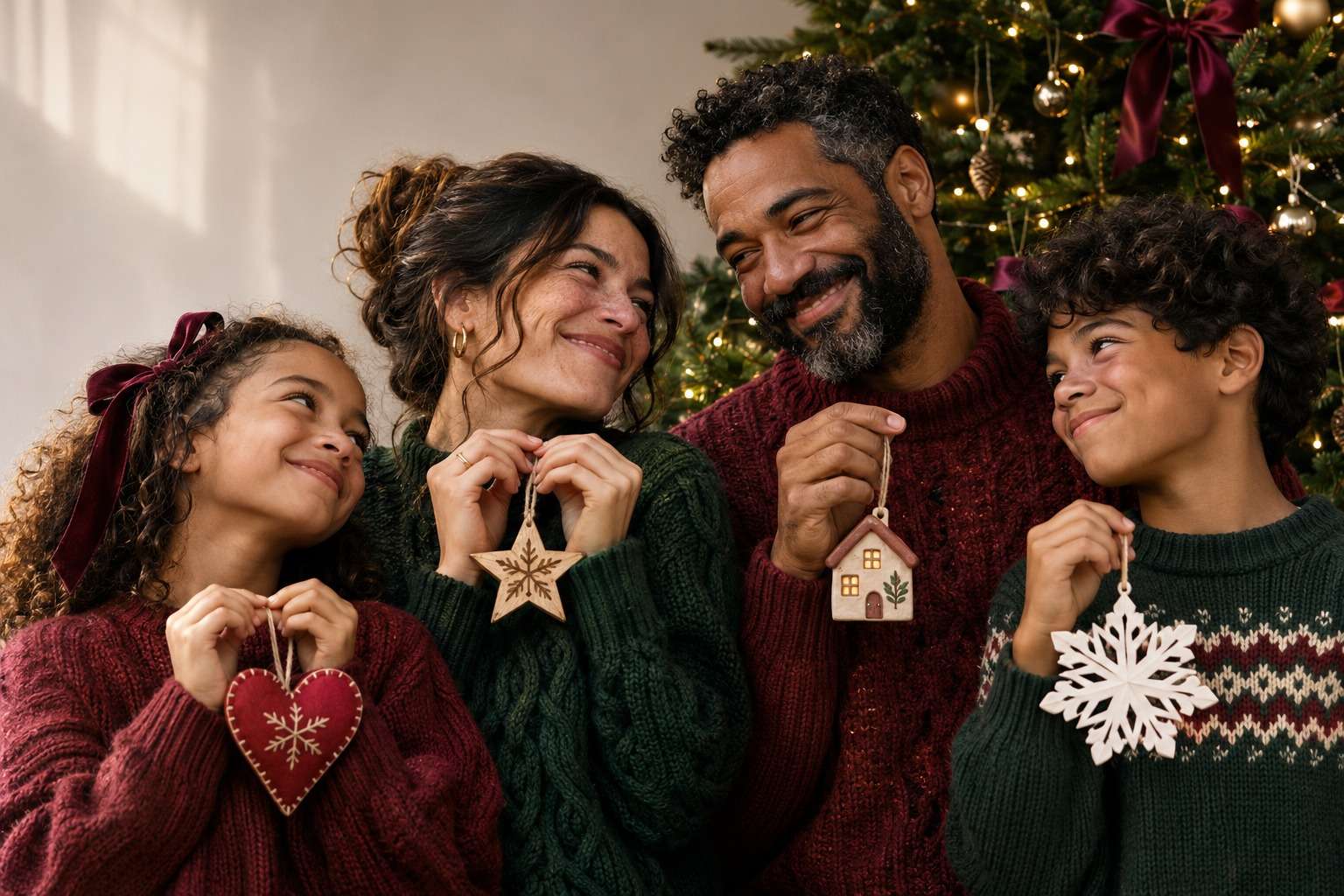
Have each person hold an ornament that means something to them. Arrange the group in a shallow arc so every face is visible, with the tree behind one shoulder. Photograph a frame where everyone looks at the camera, then another where they compare their choices. Keep the ornaments below chin level so the objects add context without hiding expressions.
Card line: “Another year of little things worth keeping.”
3. A Sofa Full of Storytellers
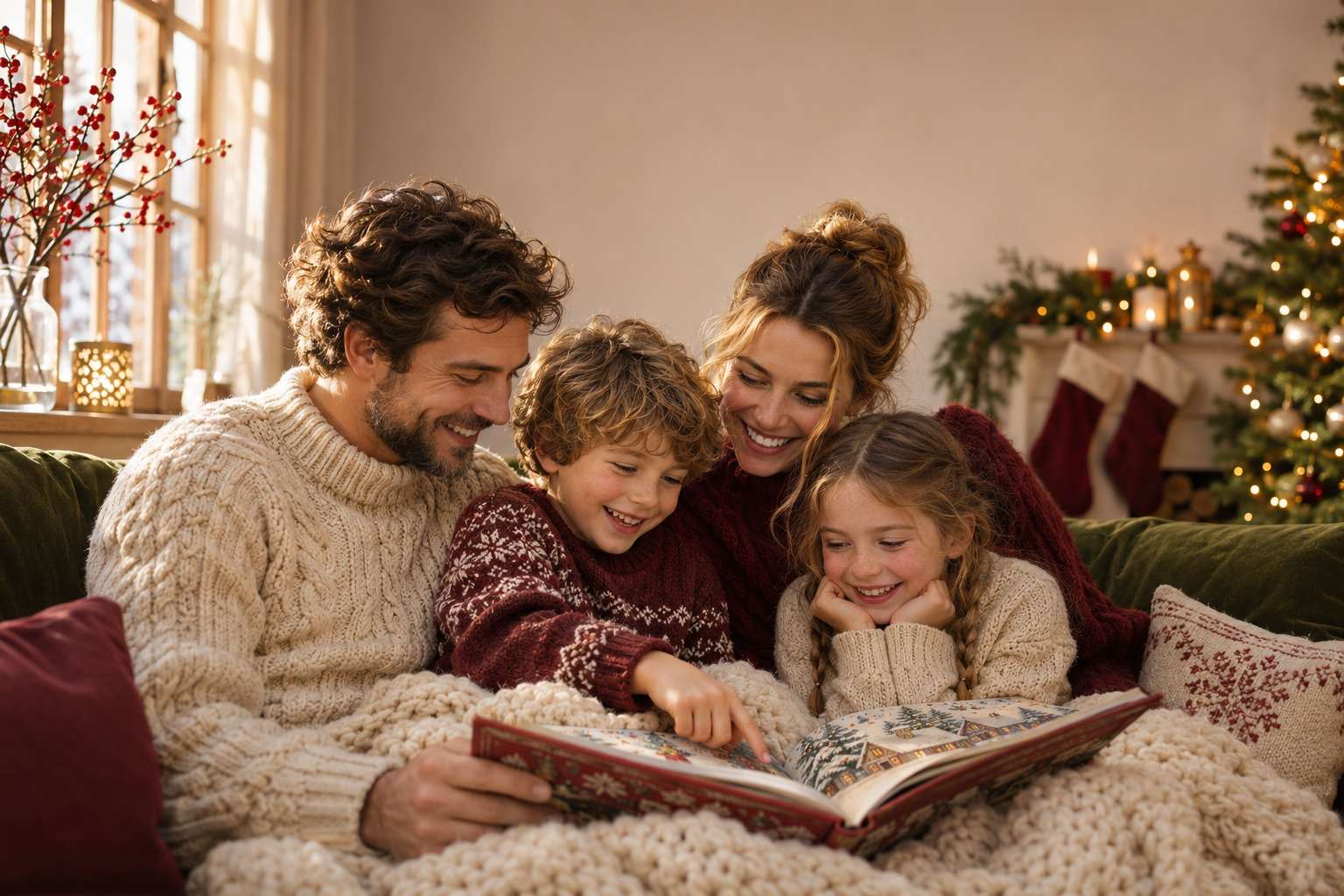
Open a holiday picture book in the center of the group and ask someone to read a favorite page. Bring people close enough that the scene feels connected, but keep their faces from overlapping. Shoot from a slight angle at seated eye level. A plain sofa and one blanket make a cleaner background than a room full of decorations.
Card line: “A little story, a lot of love.”
4. An Outdoor Winter Walk
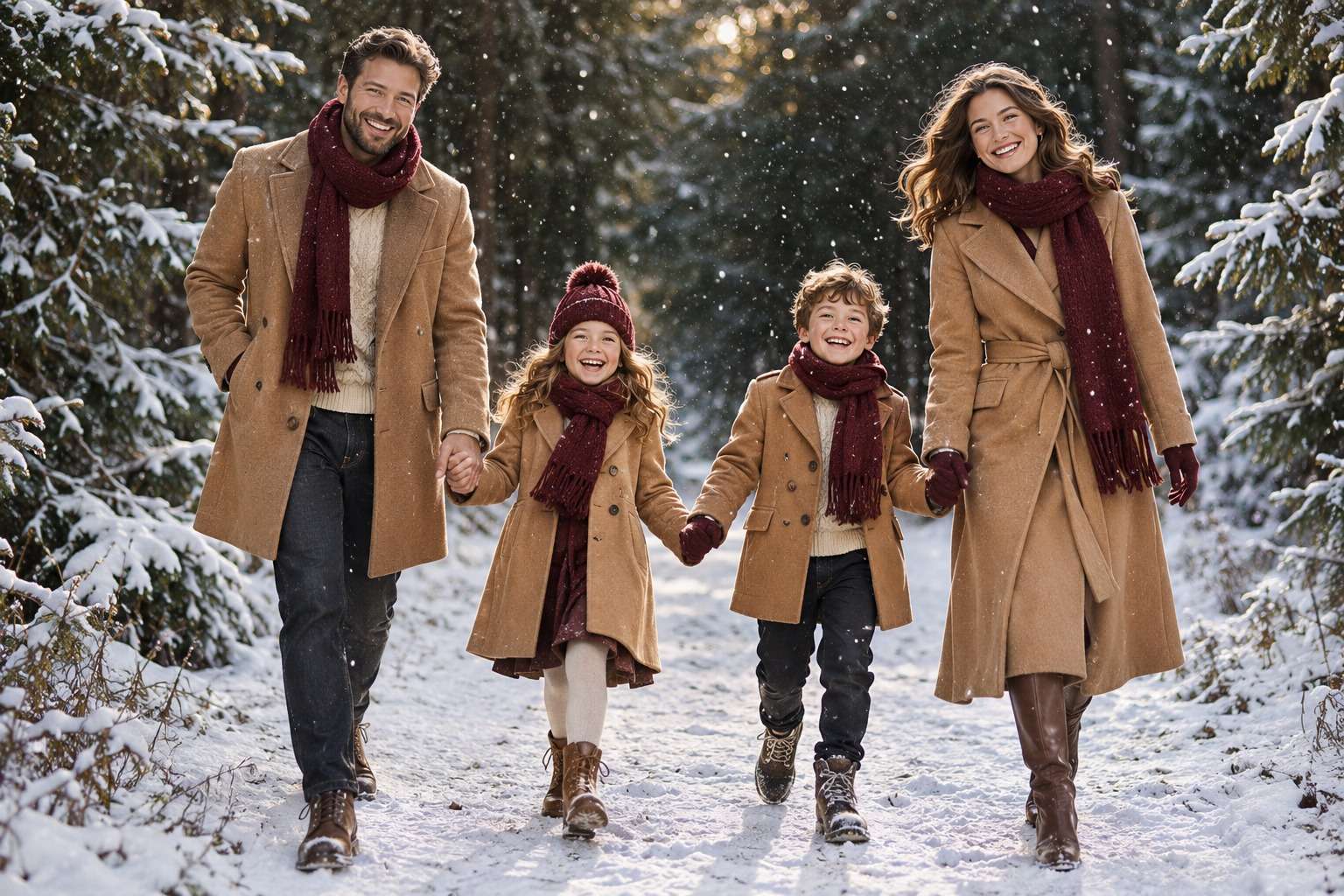
Use a familiar park or garden path; snow is optional. Walk slowly toward the camera, with adults adjusting their pace to the children. Photograph in open shade or gentle late-afternoon light and keep the group close together. Take a second frame while everyone stops and looks back so you have a clearer alternative to the moving shot.
Card line: “Good company, wherever the year takes us.”
5. Three Generations, One Favorite Chair
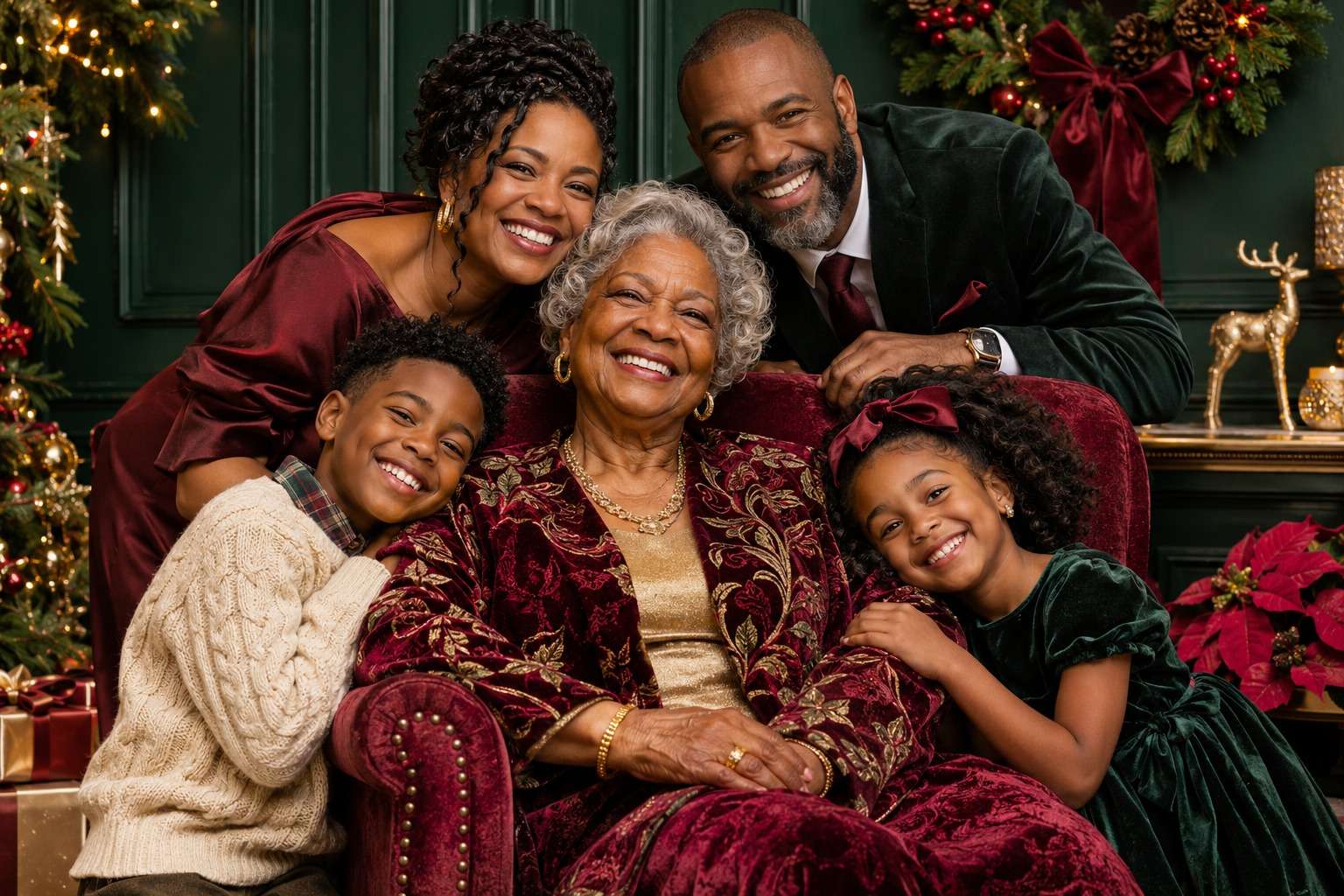
Seat a grandparent comfortably, then arrange the rest of the family nearby without blocking the seated person's face. Choose the location for access and comfort before thinking about decorations. A small sprig of greenery or a tree at the edge is enough. Frame closely enough that the connection between generations remains visible on a small printed card.
Card line: “The best traditions are the people.”
Funny Christmas Card Photo Ideas
For funny Christmas card ideas, make the joke readable without a long explanation. A strong expression or one absurd prop does more than a background packed with competing gags.
6. The Awkward Department-Store Portrait
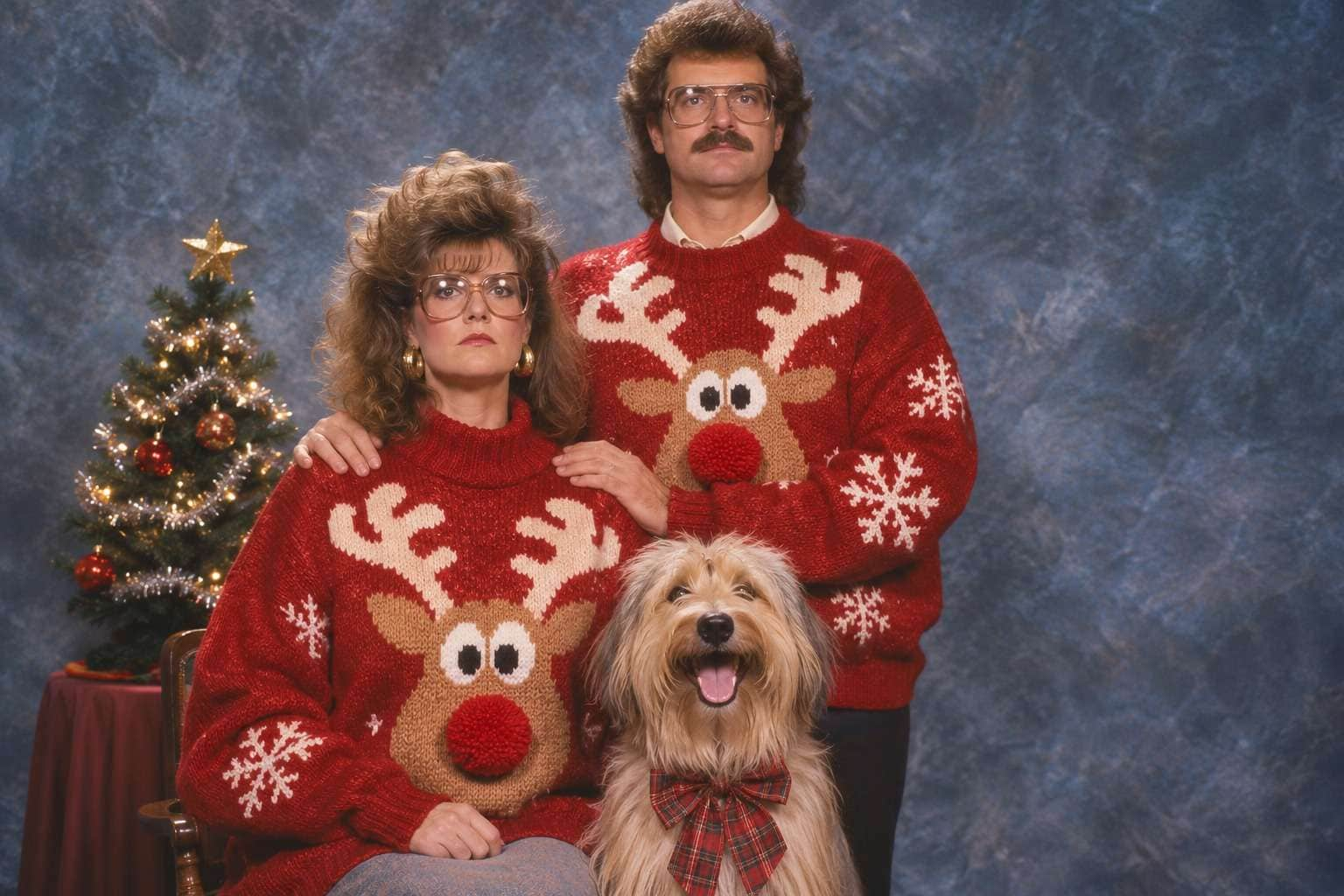
Stand against a plain curtain in your boldest holiday sweaters. Put one person on a chair and another just behind, then hold deliberately serious expressions. Keep hands visible and the pose simple. The stiff arrangement is the joke, so avoid adding lots of stickers later. A thin border and a small greeting complete the old-fashioned portrait feel.
Card line: “Season's greetings. We practiced this.”
7. The Last Piece of Wrapping Paper
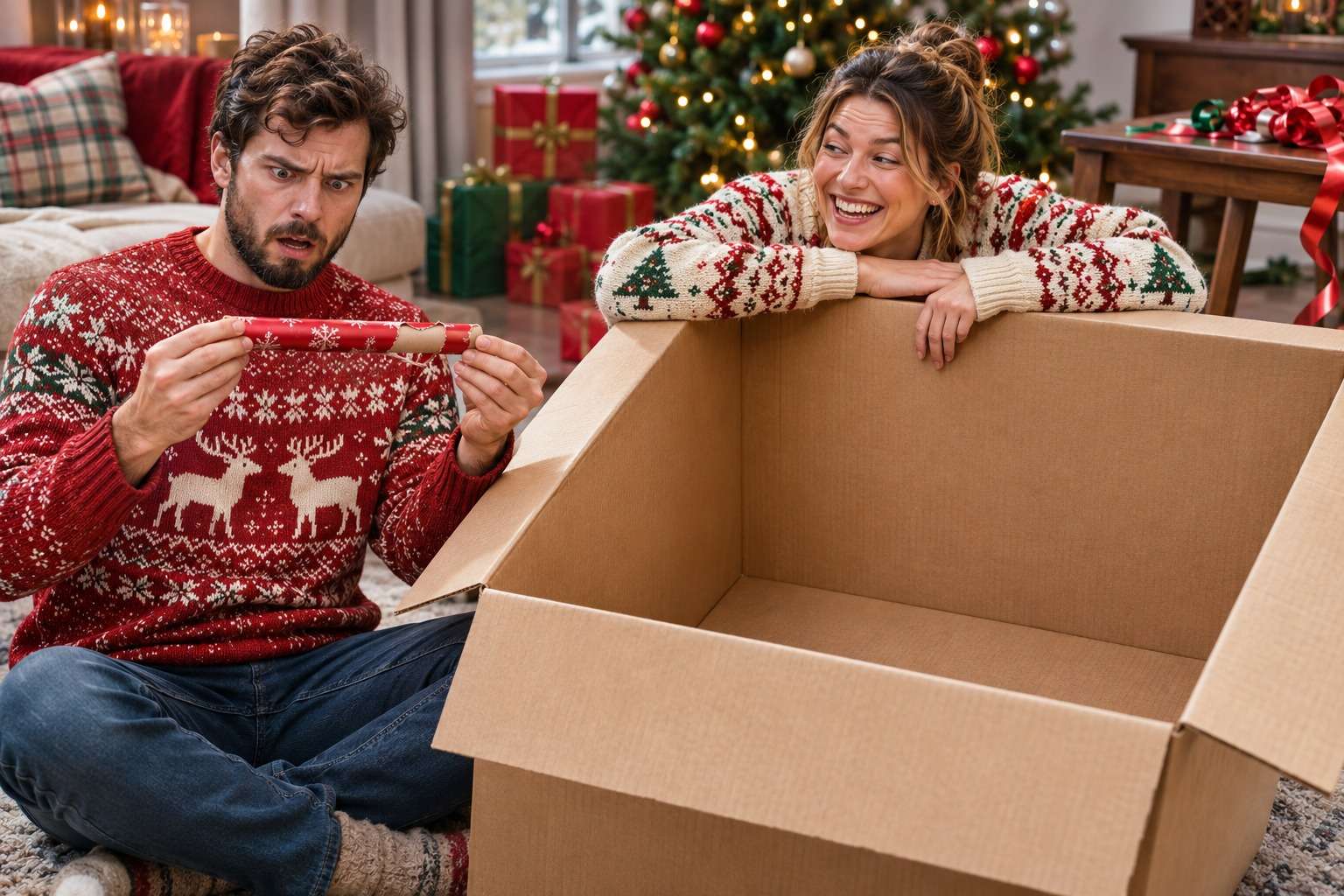
Show one adult holding an almost-empty roll while another presents an obviously oversized, empty gift box. Photograph the exchange from the side so both expressions are visible. Keep children and pets out of any paper pile, and use the floor around the box as a clear backdrop. The mismatch between roll and box should be obvious even at postcard size.
Card line: “We may have underestimated Christmas.”
8. The Holiday To-Do List Reaction
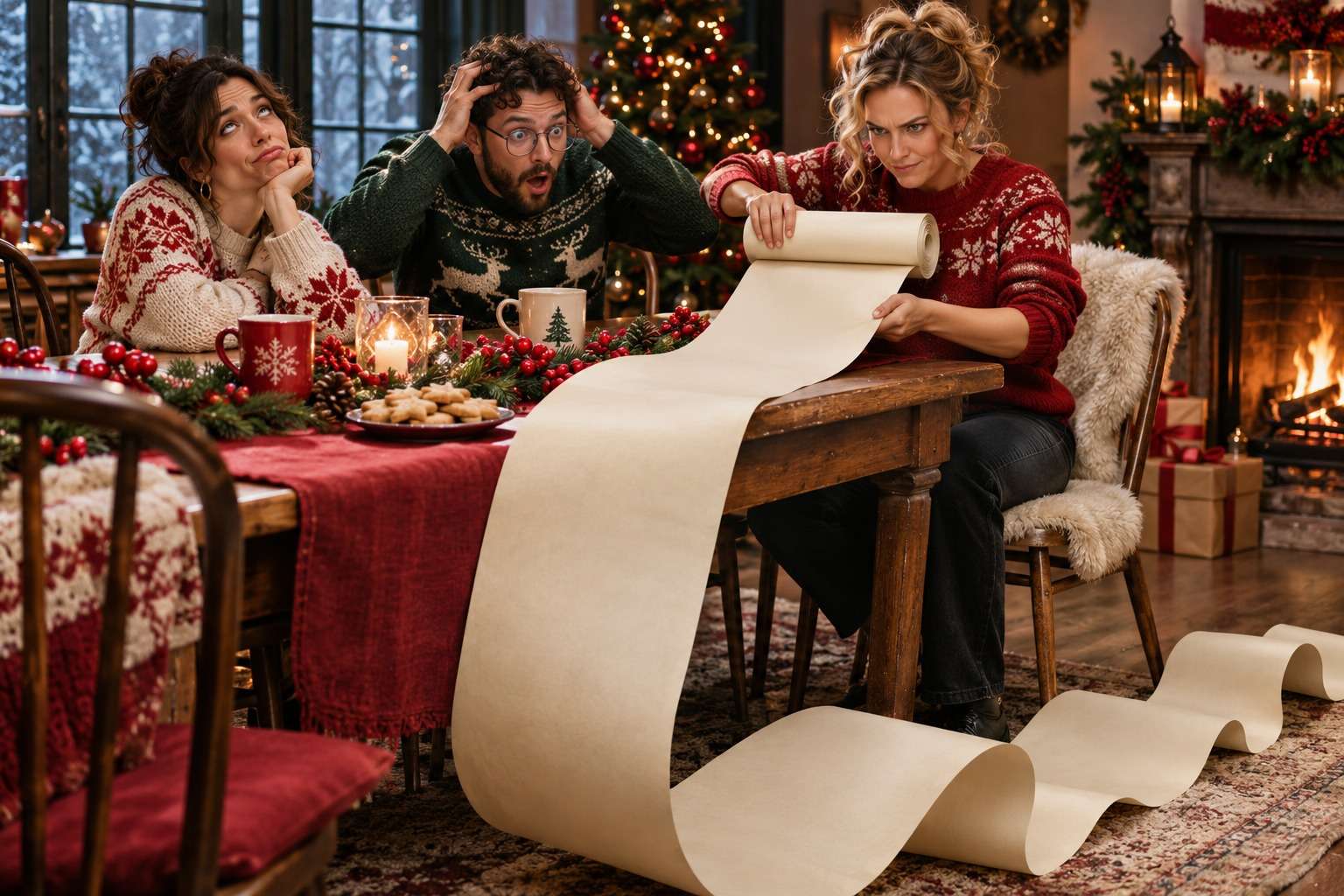
Seat everyone at a table and unroll a long strip of blank paper as if it were an endless task list. Ask each person to react differently: disbelief, determination or a dramatic sigh. Shoot wide enough to include the paper, while keeping faces large. Add the actual greeting in your card editor instead of relying on tiny handwriting inside the photo.
Card line: “Making a list. Taking a break.”
9. The Tiny Tree, Grand Celebration
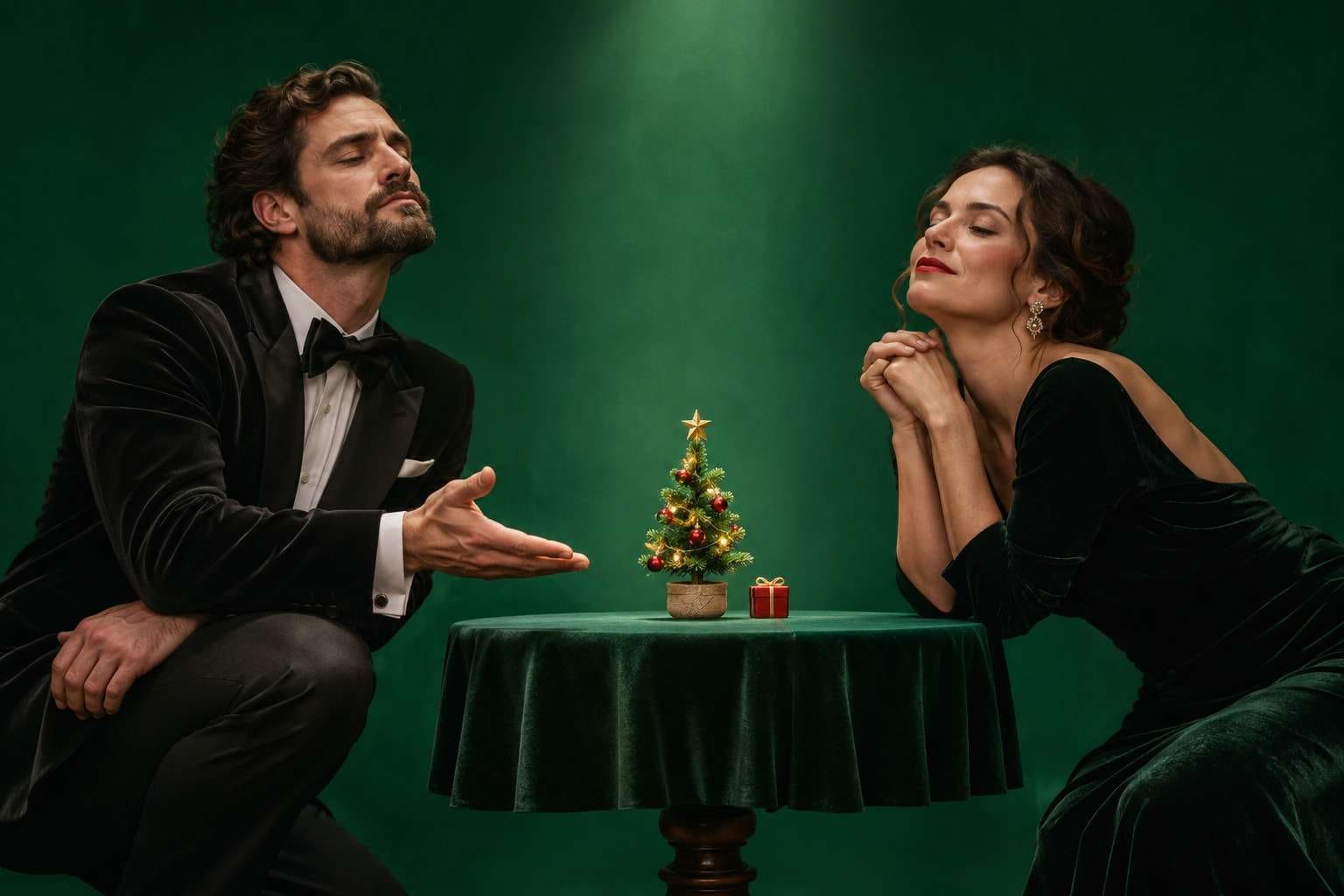
Place a small tabletop tree on a stable table and gather adults around it in their fanciest outfits. Everyone treats the little tree as the grand centerpiece. Photograph straight on, with enough surrounding space to show the playful difference in scale. Avoid a camera angle that makes the tree look full-sized and loses the point of the setup.
Card line: “Small tree. Very big Christmas.”
10. The Outtake That Deserves the Front
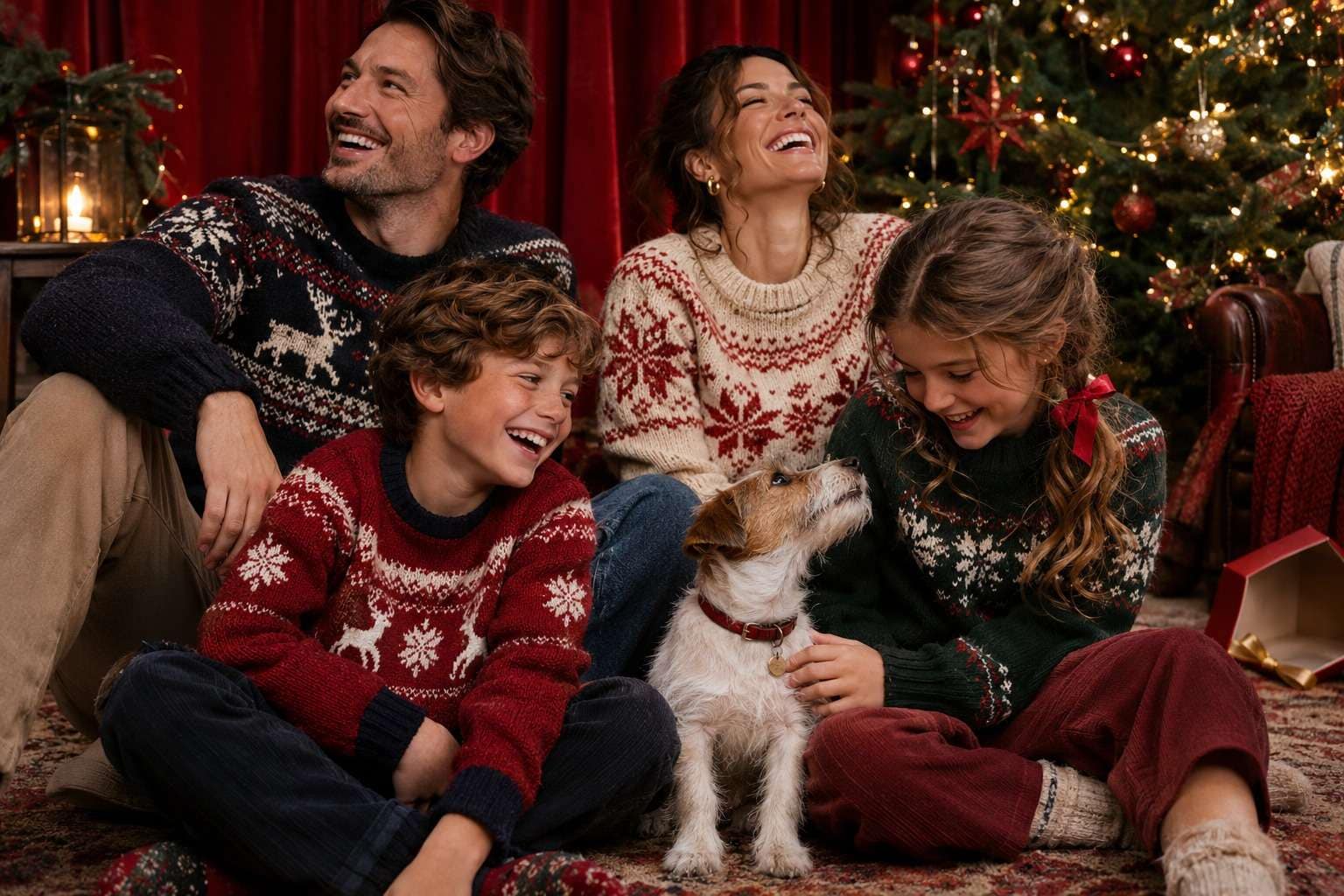
Choose an affectionate, harmless moment from the shoot: mismatched poses, a shared laugh or someone looking toward the dog. Check that everyone pictured is comfortable sharing it. For funny photo Christmas card ideas, an honest expression often needs less explanation than a staged scene. Make it the main image instead of squeezing it into an unreadably small corner.
Card line: “This one felt more like us.”
Christmas Card Photo Ideas for Kids
Good Christmas card photo ideas for kids start with something they enjoy doing. Let the activity create the expression, then use a clean background to keep the scene easy to read.
11. The Cookie Decorating Committee
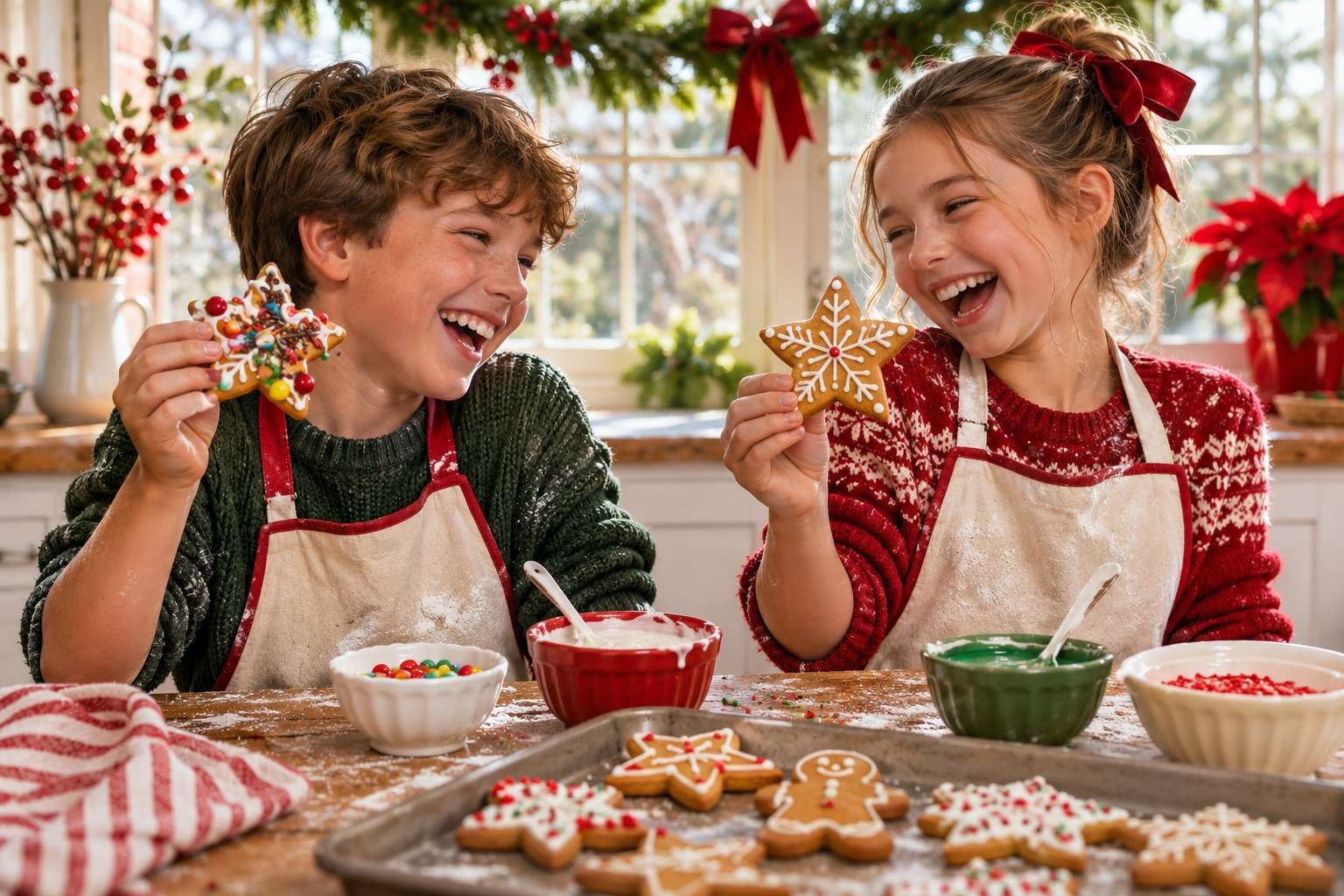
Set out already-baked cookies, icing and a few decorations on a low, clear table. Let the children show each other their creations while you photograph from the other side. Keep the oven and hot trays outside the scene. A slightly higher camera angle captures both the cookies and faces without letting the tabletop dominate the picture.
Card line: “Baked with love. Decorated with enthusiasm.”
12. A Paper-Star Window
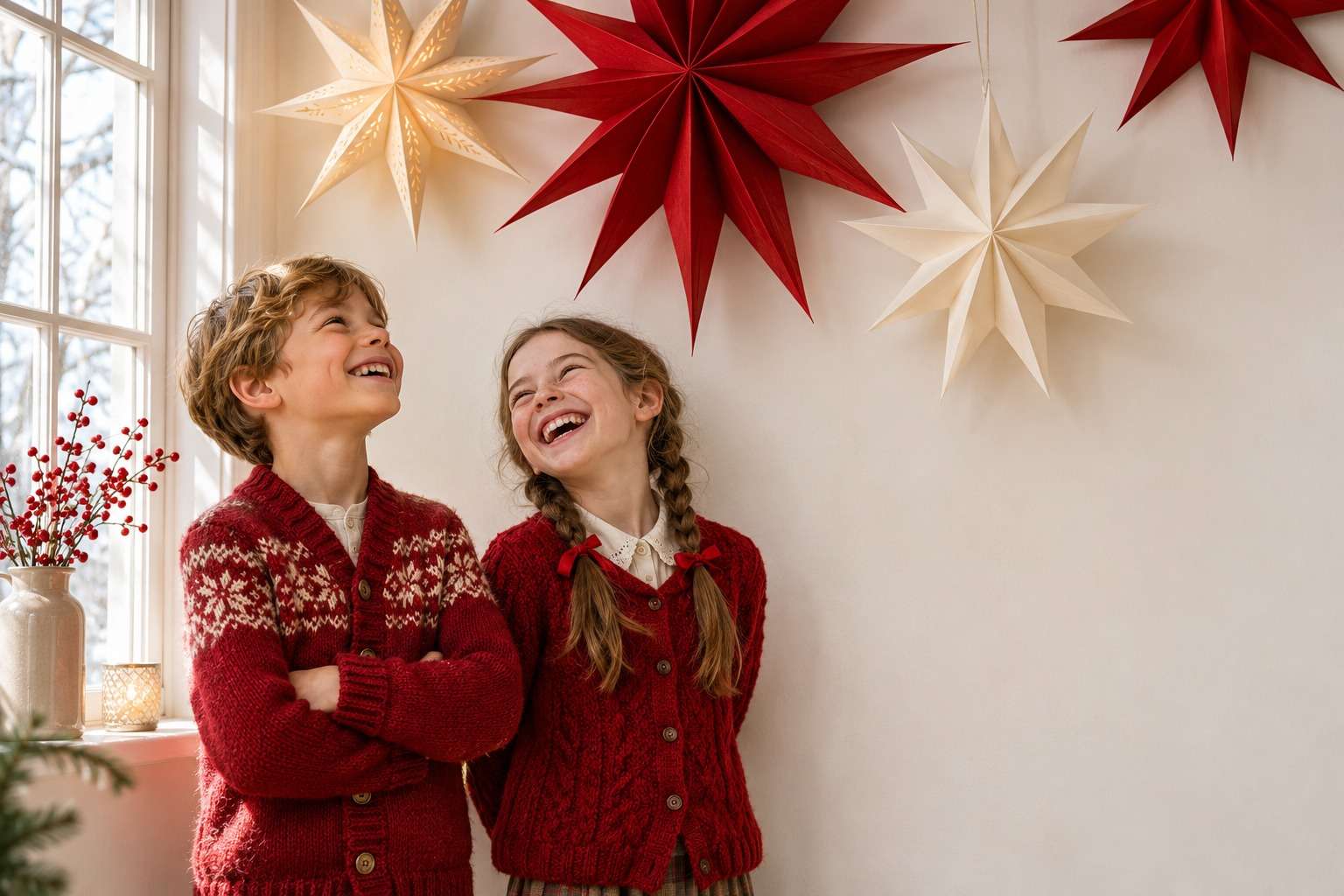
Let older children arrange paper stars on a window or plain wall, then photograph them admiring the finished display. If the window makes their faces too dark, turn them toward it and keep the stars at the edge of the frame. Avoid filling the background with so many shapes that there is nowhere left for your Christmas message.
Card line: “A little brighter because of you.”
13. The Secret Gift Exchange
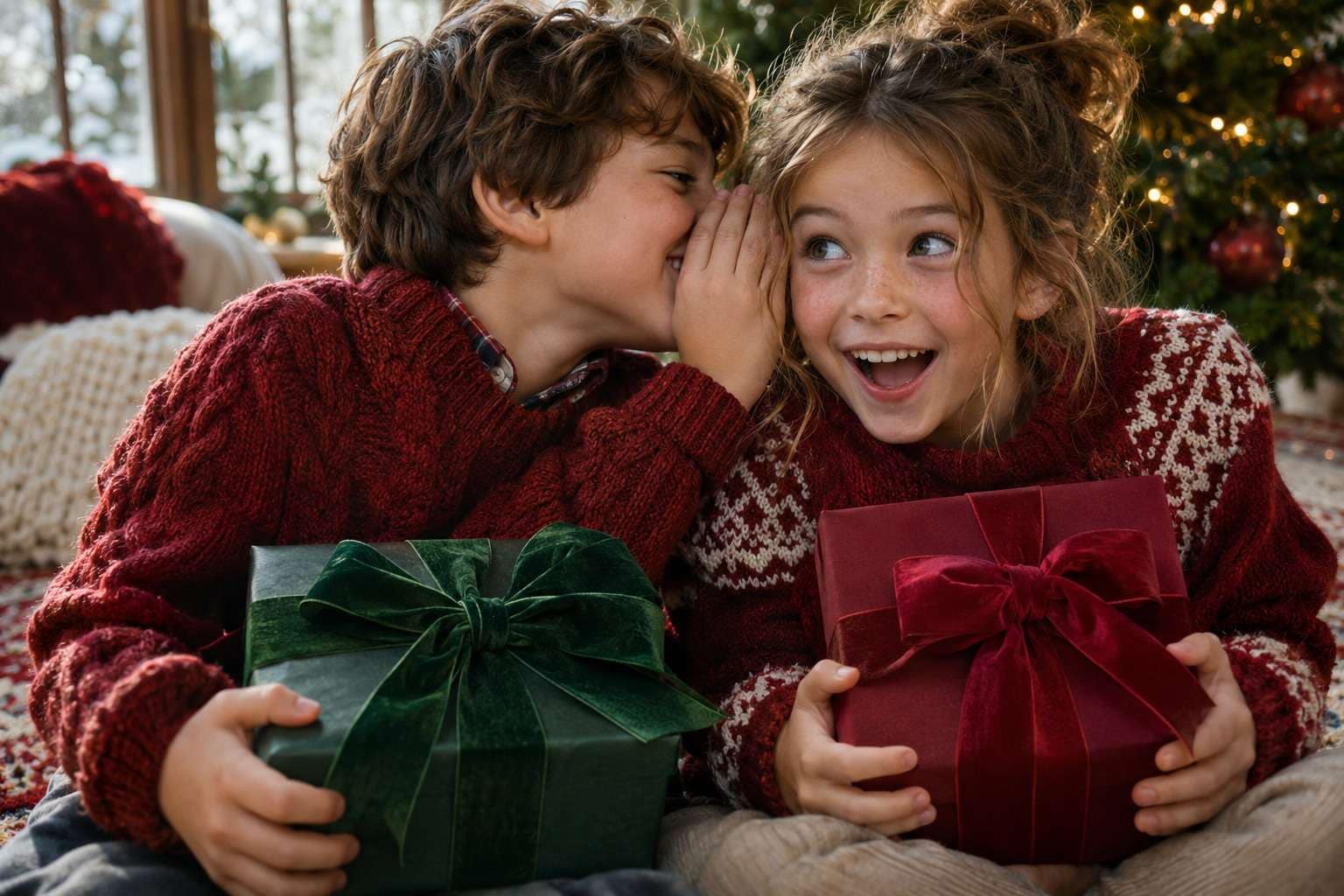
Give each child an empty wrapped box and ask them to guess what might be inside. Photograph the moment they exchange boxes or whisper their guesses. Place children side by side, with the gifts held below their faces. This works especially well for siblings who prefer talking to one another over looking directly into a camera.
Card line: “The secret is out: we love Christmas.”
14. A Homemade Christmas Band
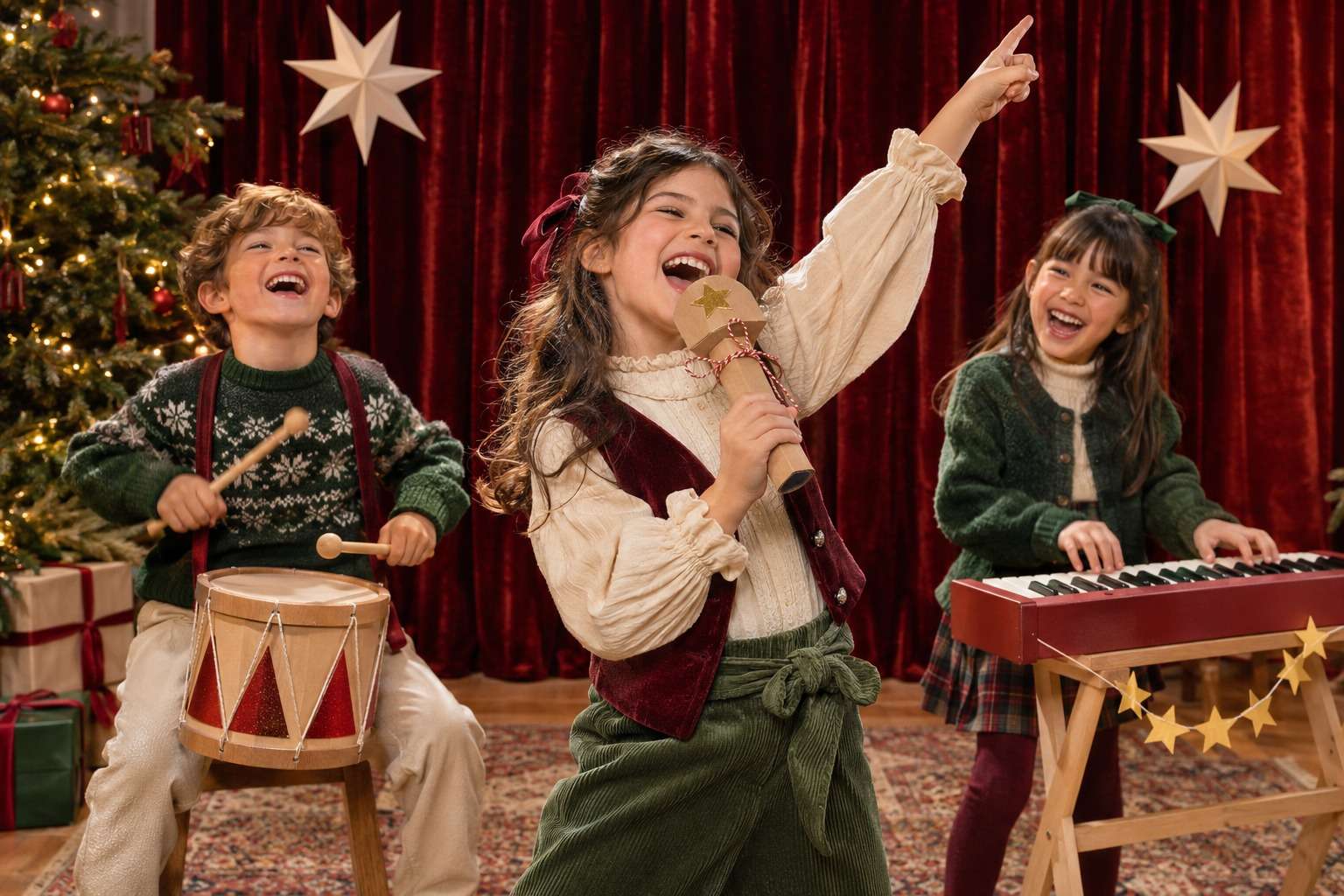
Use a toy drum, a small keyboard or simple pretend microphones and invite the children to perform one short song. Stand back far enough to include their gestures. Take a quieter portrait immediately afterward, while they are still smiling. Choose a card with a separate text panel if the instruments make the photograph too busy for overlaid lettering.
Card line: “Sending a little joy, at full volume.”
15. The Holiday Drawing Reveal
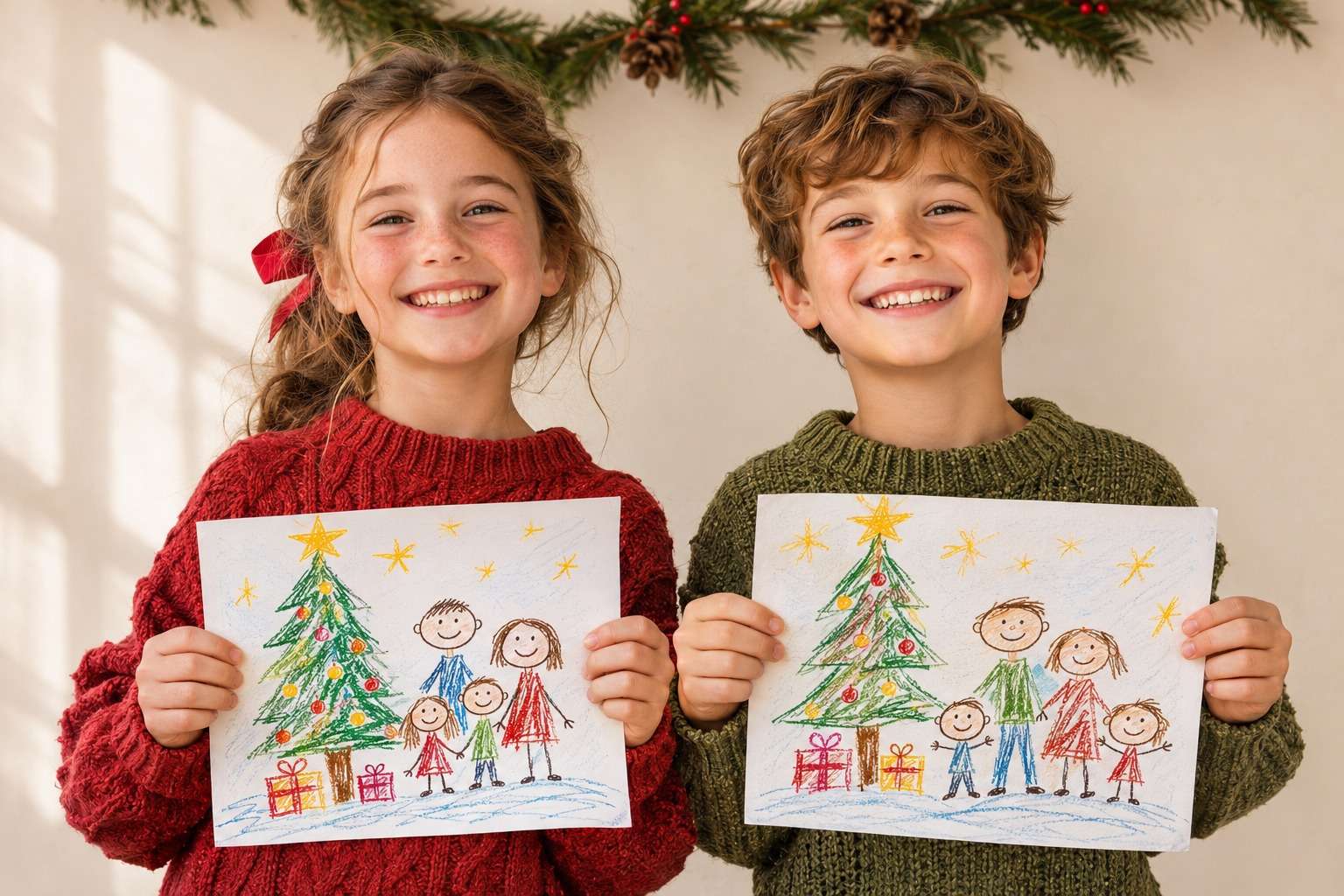
Ask each child to draw what Christmas means to them, then photograph them holding the finished pictures at chest height. A solid wall keeps the drawings readable. Take one close frame of the children and a separate detail shot of the art. Use the portrait on the front and the drawing inside if your chosen card supports that layout.
Card line: “Christmas, in our own little way.”
Toddler Christmas Card Photo Ideas
Plan toddler Christmas card photo ideas around a familiar object and a floor-level activity. Work when your child is rested, keep a caregiver close and finish before the activity stops being enjoyable.
16. The Tissue-Paper Discovery
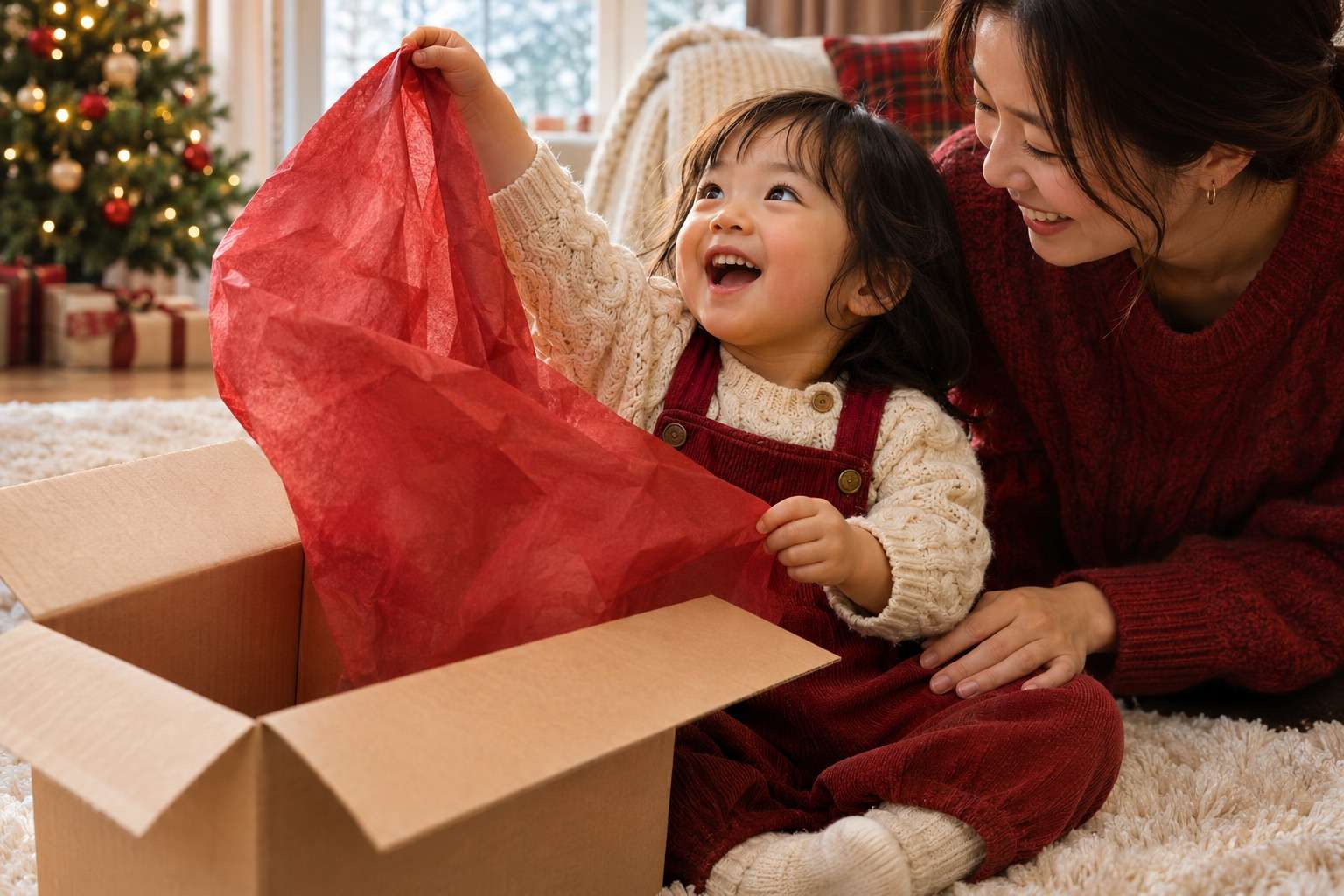
Place a large empty box on the rug beside your toddler and let them explore a sheet of soft tissue paper with an adult supervising. Photograph from the child's seated eye level. Keep the box open and remove staples, ties and loose decorations first. Watch the expression rather than asking for a smile; curiosity is enough to carry the card.
Card line: “The wonder is the gift.”
17. A Favorite Toy Meets Christmas
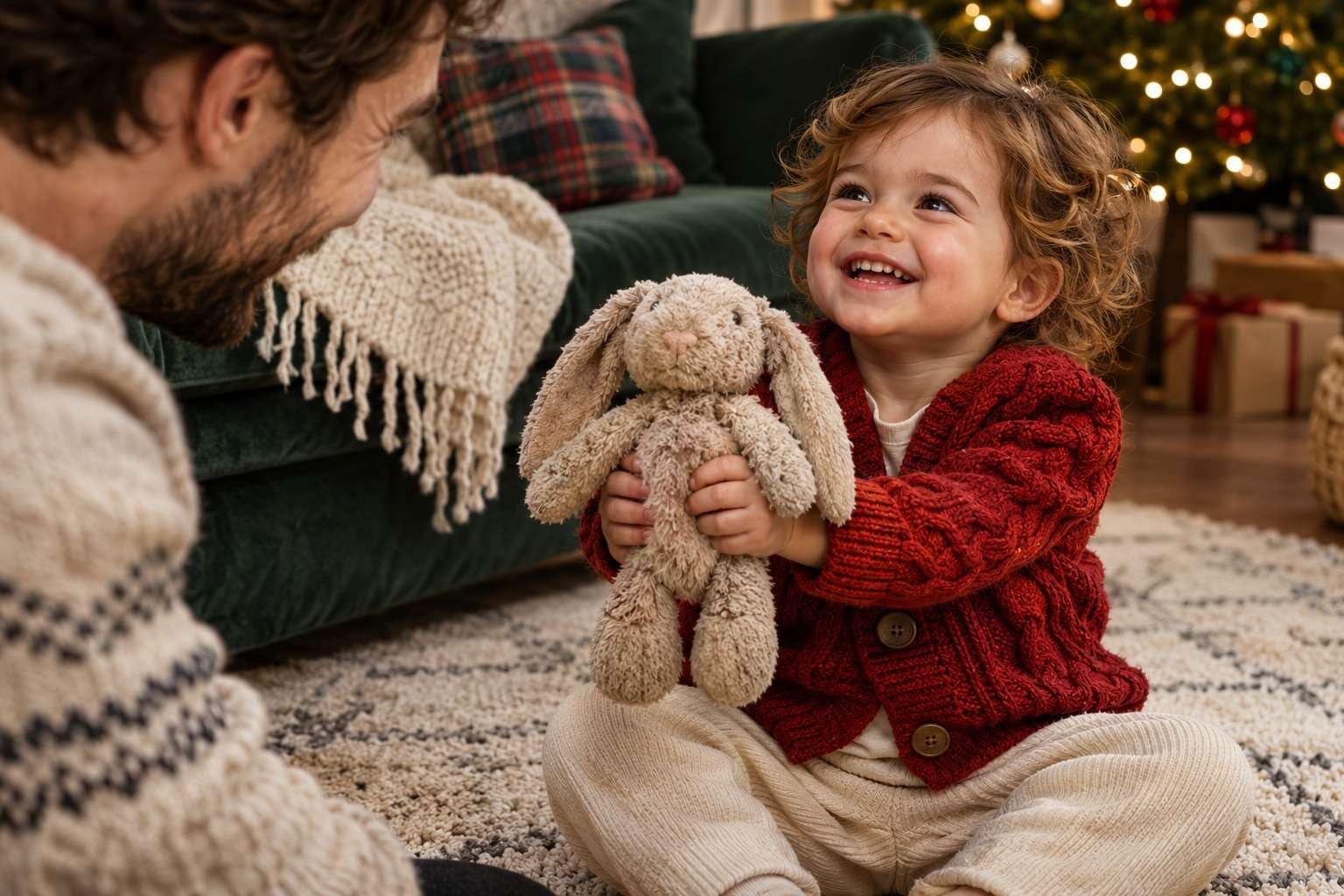
Include the toy your toddler already loves, with a festive tree or blanket in the background. Let the child show the toy to a parent sitting just beside the camera. You get a personal detail from this stage of life without introducing an unfamiliar costume or a complicated pose. Keep the toy low enough that the child's face stays visible.
Card line: “Our favorite little moments.”
18. A Parent-and-Toddler Reading Break
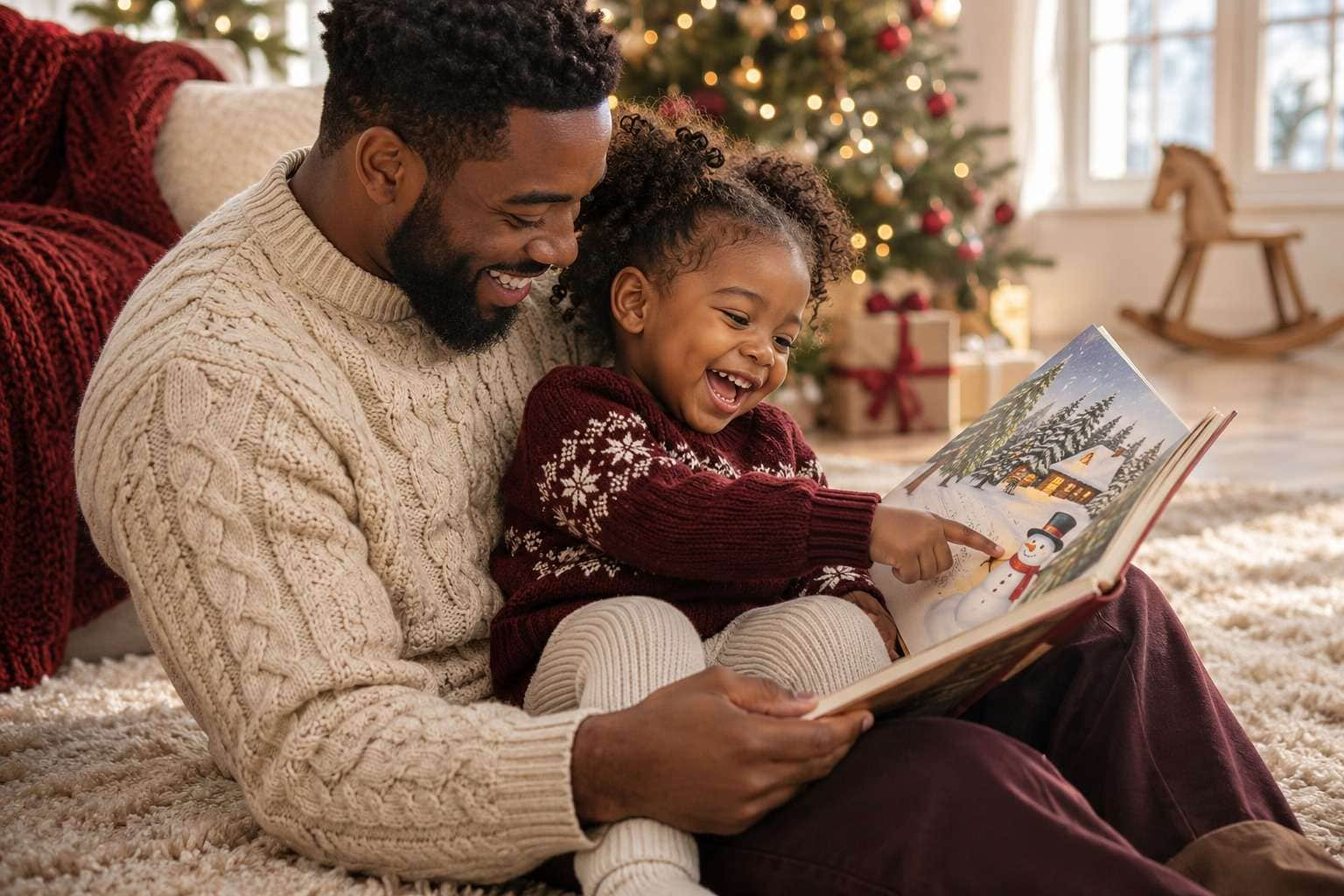
Have the adult sit on the floor and read a familiar picture book with the toddler beside them or comfortably on their lap. Photograph from the side that shows both faces. Let pointing, turning pages and giggles happen naturally. This is a useful choice when a solo toddler portrait is becoming frustrating, because the connection becomes the subject.
Card line: “One more story before Christmas.”
19. Little Feet, Big Holiday Socks
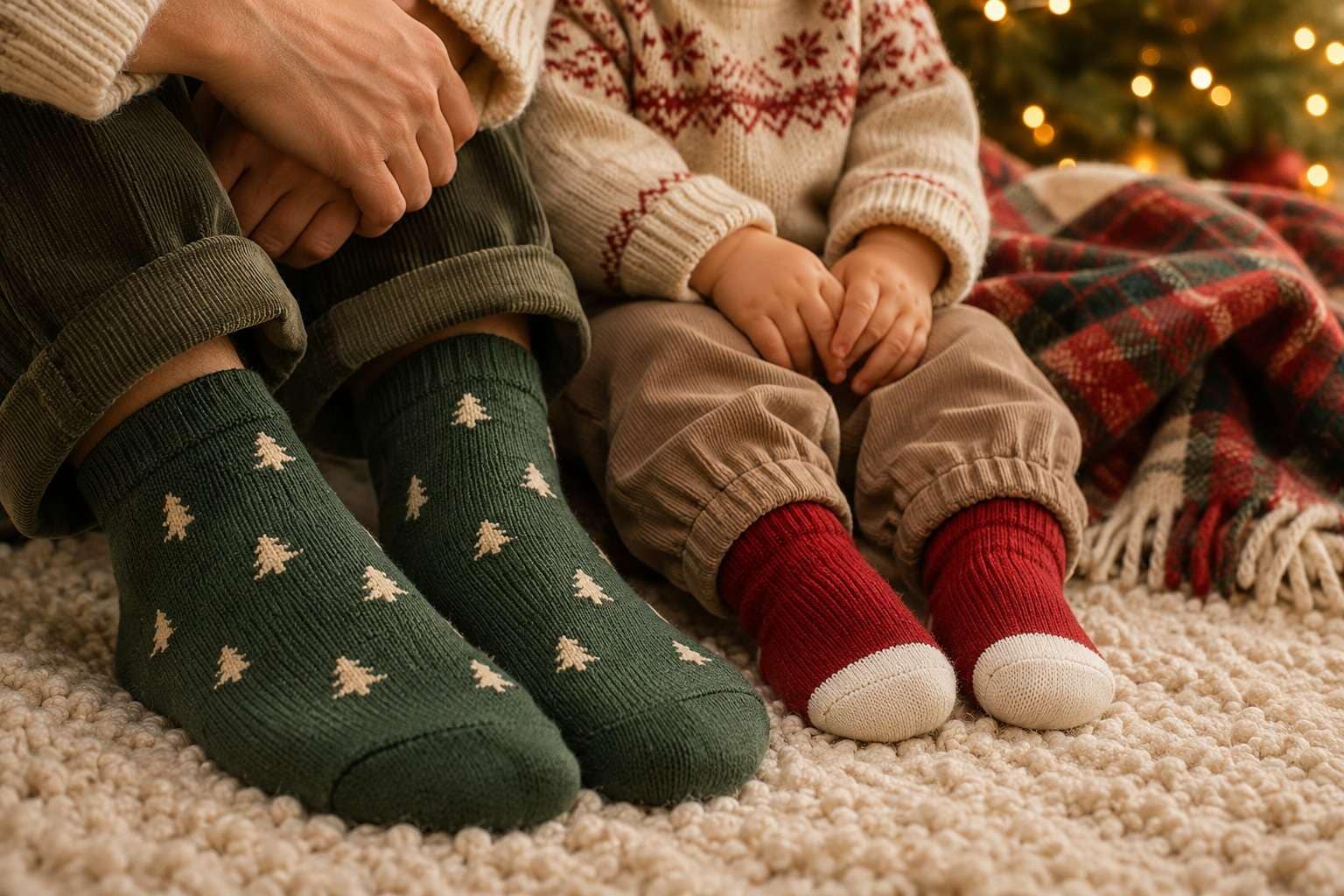
Seat a parent and toddler together on a rug and photograph their socked feet, with hands or part of a blanket visible for context. The child does not need to look at the camera. Keep the feet reasonably close to the same distance from the lens so one pair does not overwhelm the other. Add names in the card layout afterward.
Card line: “Growing into the season.”
20. A First-Christmas Cuddle
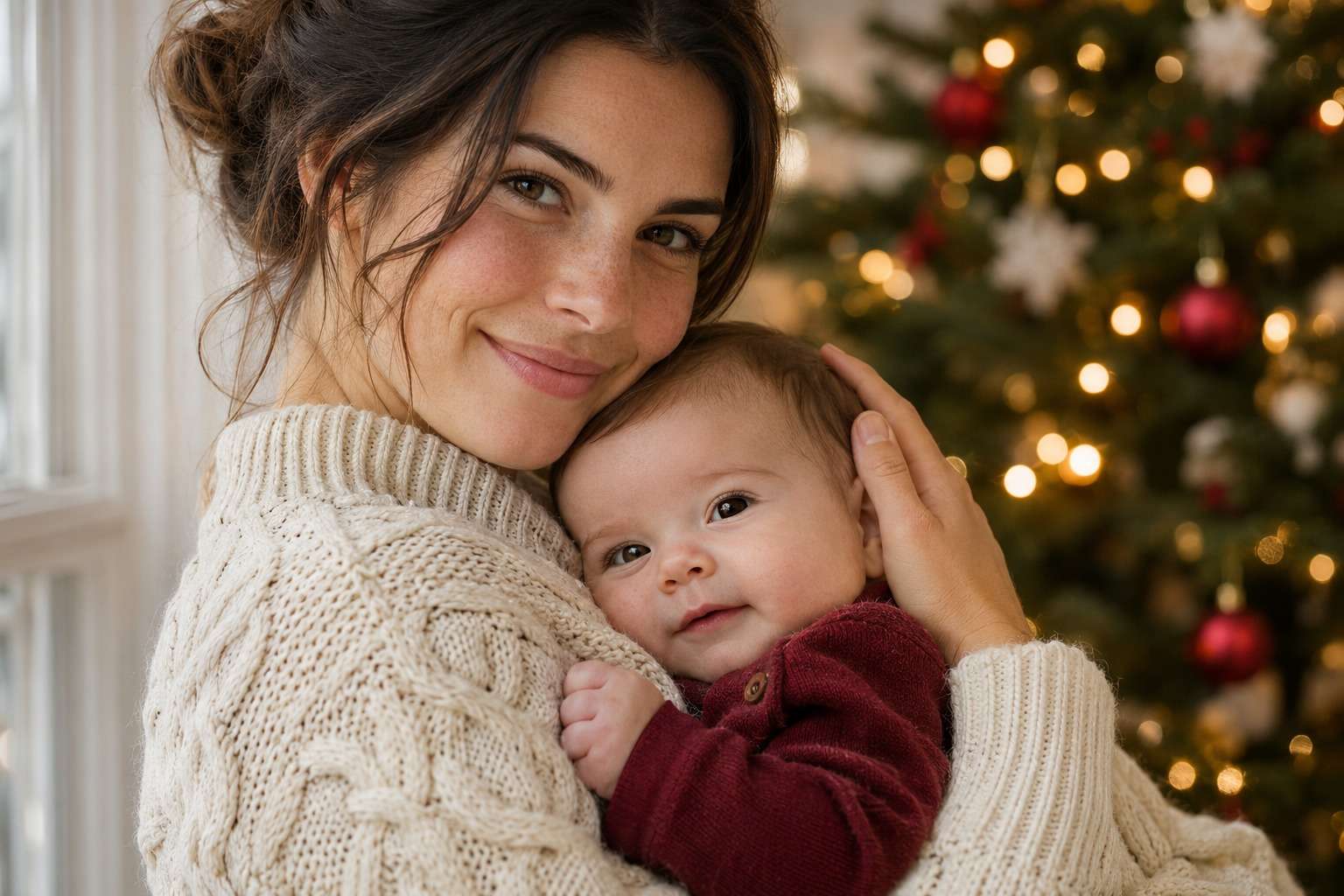
For younger babies, make the portrait about a cuddle with an awake, attentive adult. Place the tree well behind you and use soft daylight on both faces. A close crop can show the baby's expression without requiring an elaborate prop. Avoid unsupported sitting poses, suspended setups or decorations wrapped around a child for the sake of a photograph.
Card line: “Our smallest reason for the biggest smiles.”
Dog Christmas Card Photo Ideas
The easiest dog Christmas card photo ideas use your pet's usual resting spot and a holiday detail nearby. A comfortable dog and a low camera angle matter more than a costume.
21. The Gift Guardian
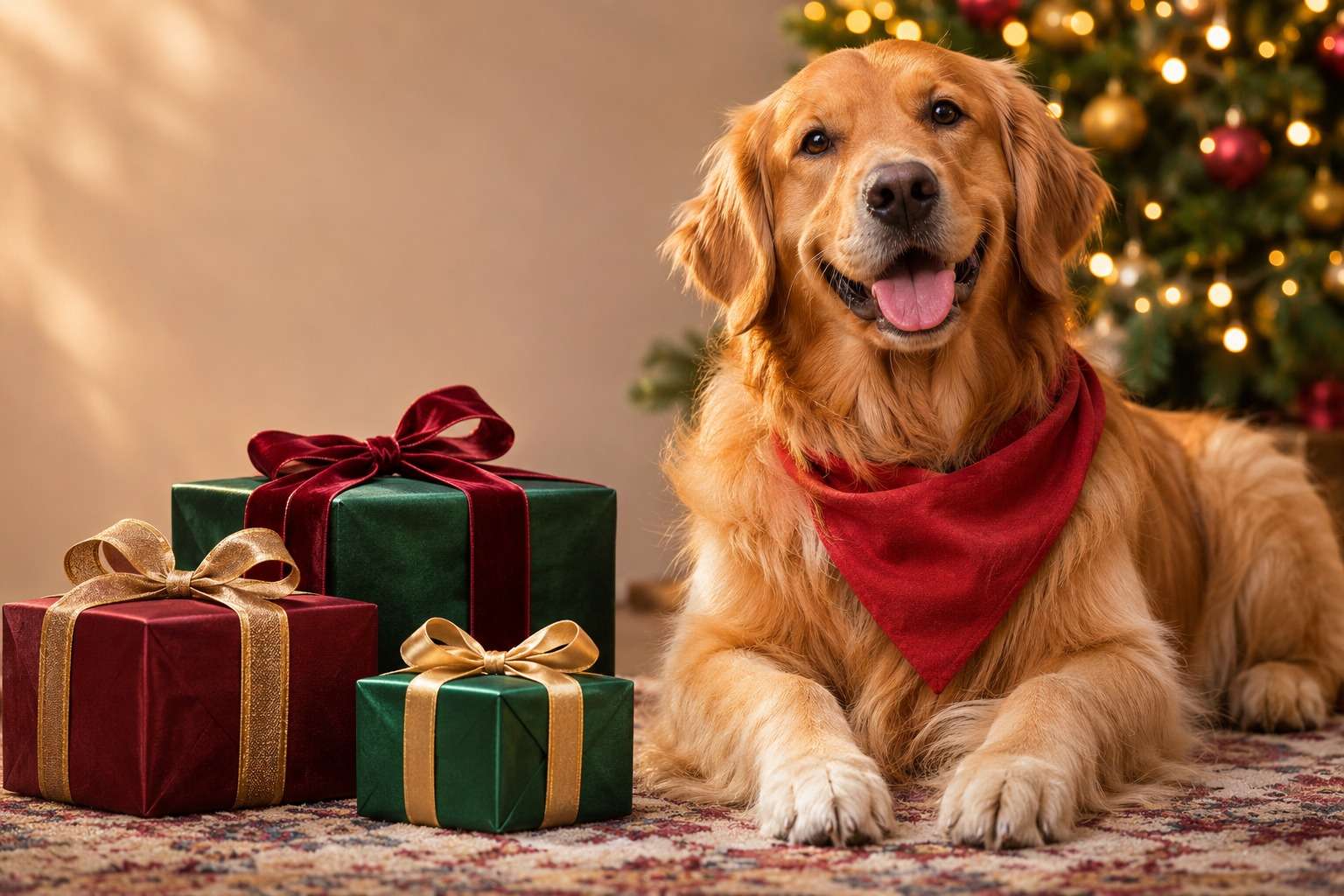
Place a few empty wrapped boxes near your dog's bed or usual sitting spot. If the dog comfortably wears a bandana, use one that does not interfere with movement; otherwise skip it. Ask someone to hold a reward near the camera while you take the picture. Keep ribbons, tree cords and anything the dog might chew outside reach.
Card line: “Special delivery from the goodest helper.”
22. Paws Beside the Family Boots
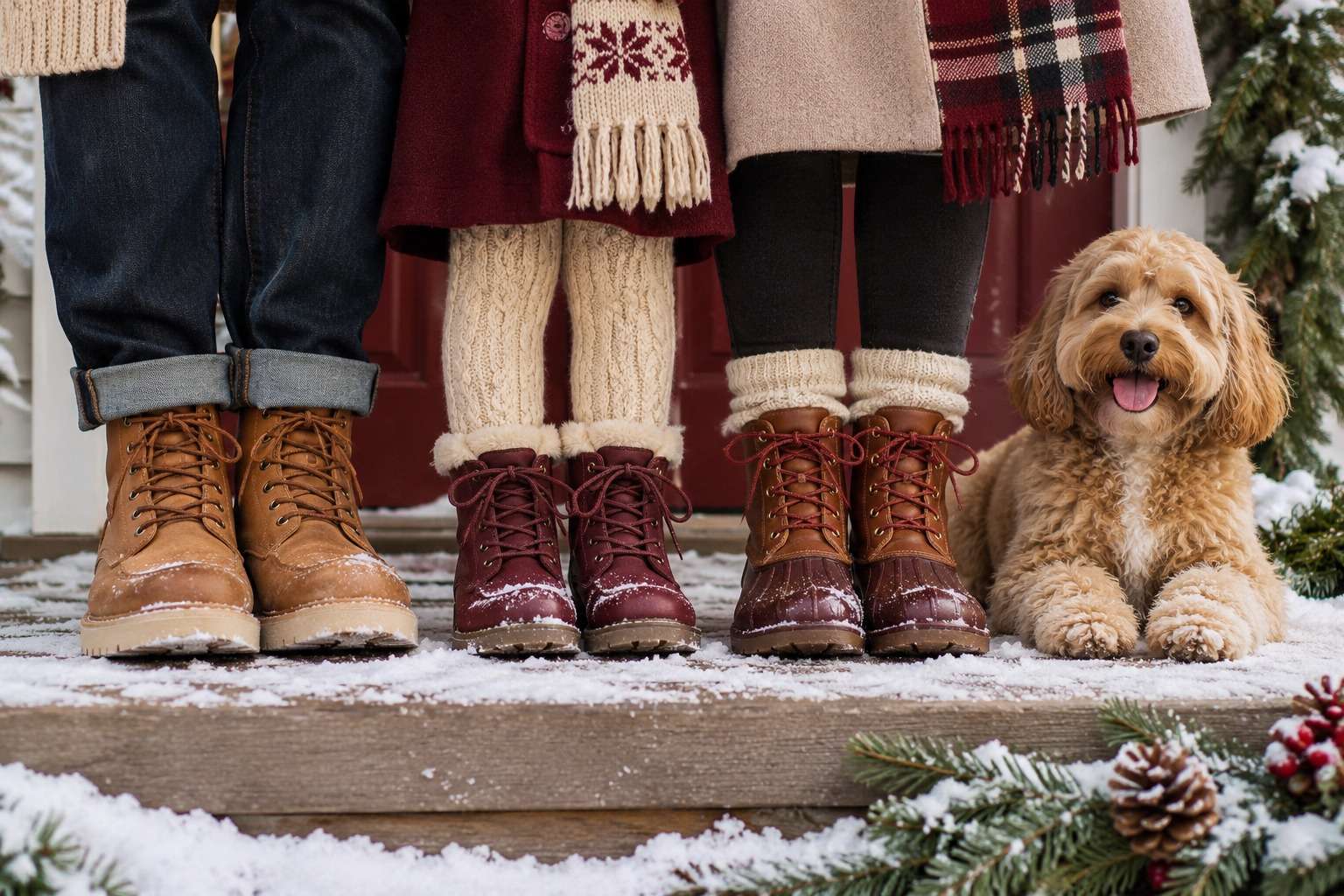
Line up family members in winter boots with the dog sitting comfortably beside them. Photograph from low down so the paws, boots and a little seasonal greenery tell the story. Include enough of the dog to make the portrait recognizable. This is a useful dog Christmas card idea when the people prefer staying out of a traditional face-forward photograph.
Card line: “Every step is better together.”
23. The Dog Gets the Center Seat
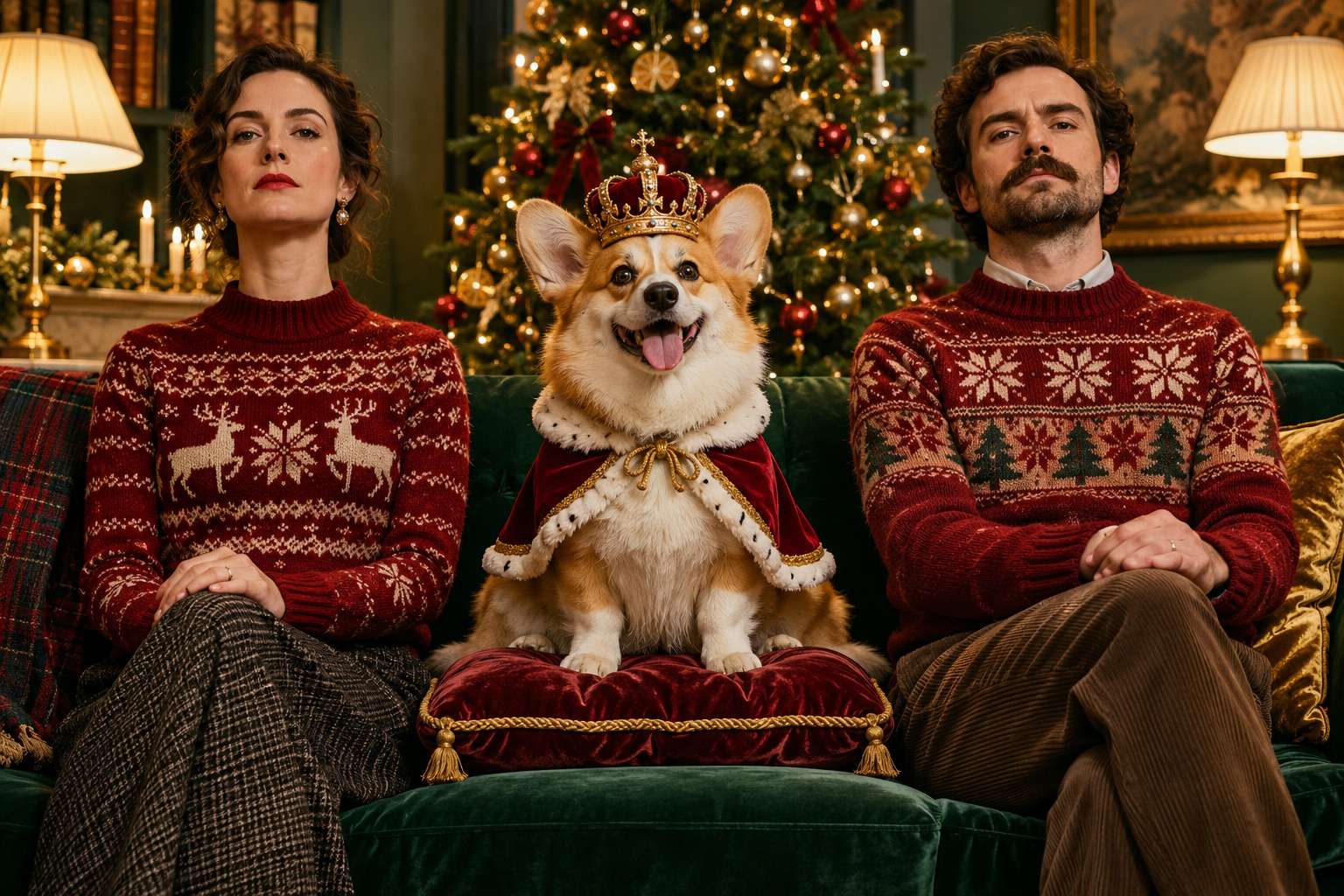
Let your dog occupy their usual place on the sofa while adults sit neatly on either side. Keep the humans almost formal and let the dog's expression do the work. Shoot at the dog's eye level, with faces arranged close enough to fit comfortably in one card crop. A straight-on photograph makes the playful family hierarchy easy to see.
Card line: “From our head of household.”
24. A Winter Walk with Your Best Friend
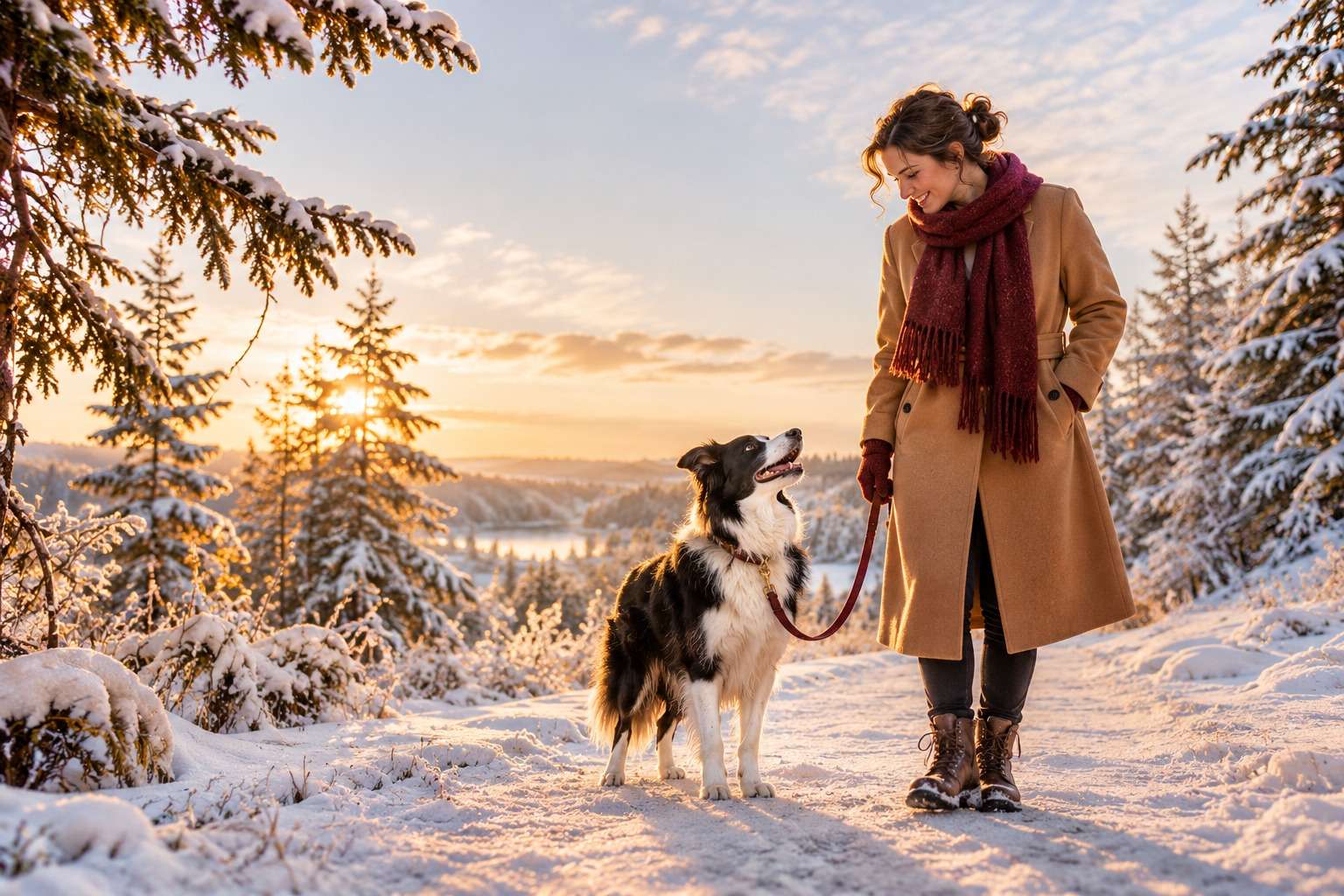
Photograph a dog and owner pausing on a familiar walking route. Keep the leash attached wherever needed, and use the pause rather than a fast run for a clearer portrait. Coordinate a scarf and jacket with the background instead of dressing the dog up. Leave part of the path visible to suggest the everyday ritual you share.
Card line: “Our favorite kind of holiday outing.”
25. The Pet's Portrait, Signed by Everyone
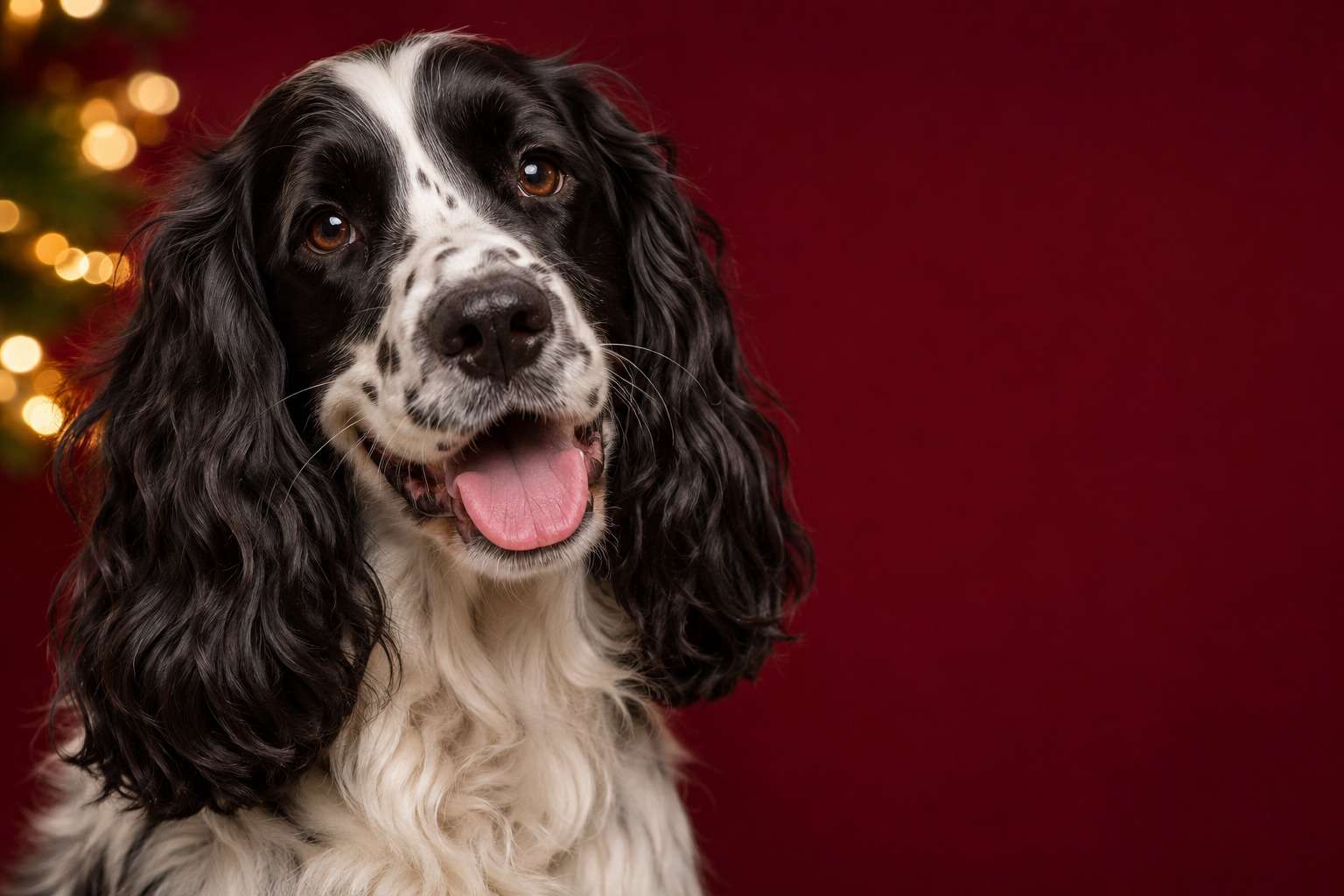
Use a close portrait of your dog as the only photo on the card. A plain wall or softly blurred tree is enough. Add the whole household's names in the design so it still feels like a family greeting. If you have several pets who dislike sitting together, take separate portraits and use a multi-photo card rather than forcing a group.
Card line: “A little fur, a lot of love.”
Unique and DIY Christmas Card Photo Ideas
Unique Christmas card photo ideas often come from a detail only your household would choose: a favorite place, a shared hobby or a photograph that captures this particular year. These DIY options also work without a professional shoot.
26. A Photo Mounted on a Paper-Tree Card
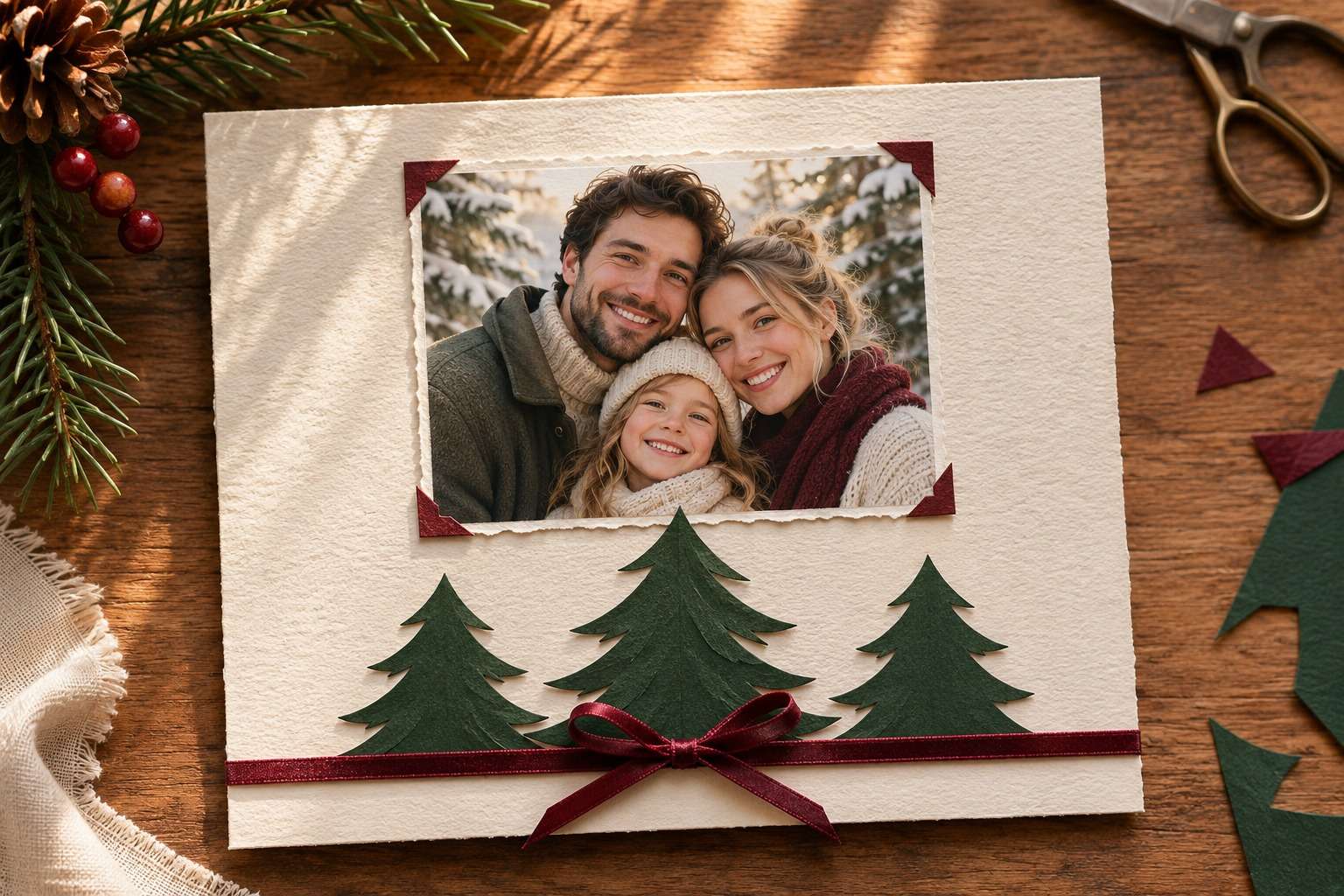
Print a favorite portrait, attach it to plain cardstock and add simple paper trees around the border. Keep the decoration outside the picture so it does not cover faces. For these DIY Christmas card photo ideas, a strong everyday photo is enough; it does not need to have been taken in December. Write a personal note inside.
Card line: “A small handmade hello.”
27. A Couple's Front-Porch Portrait
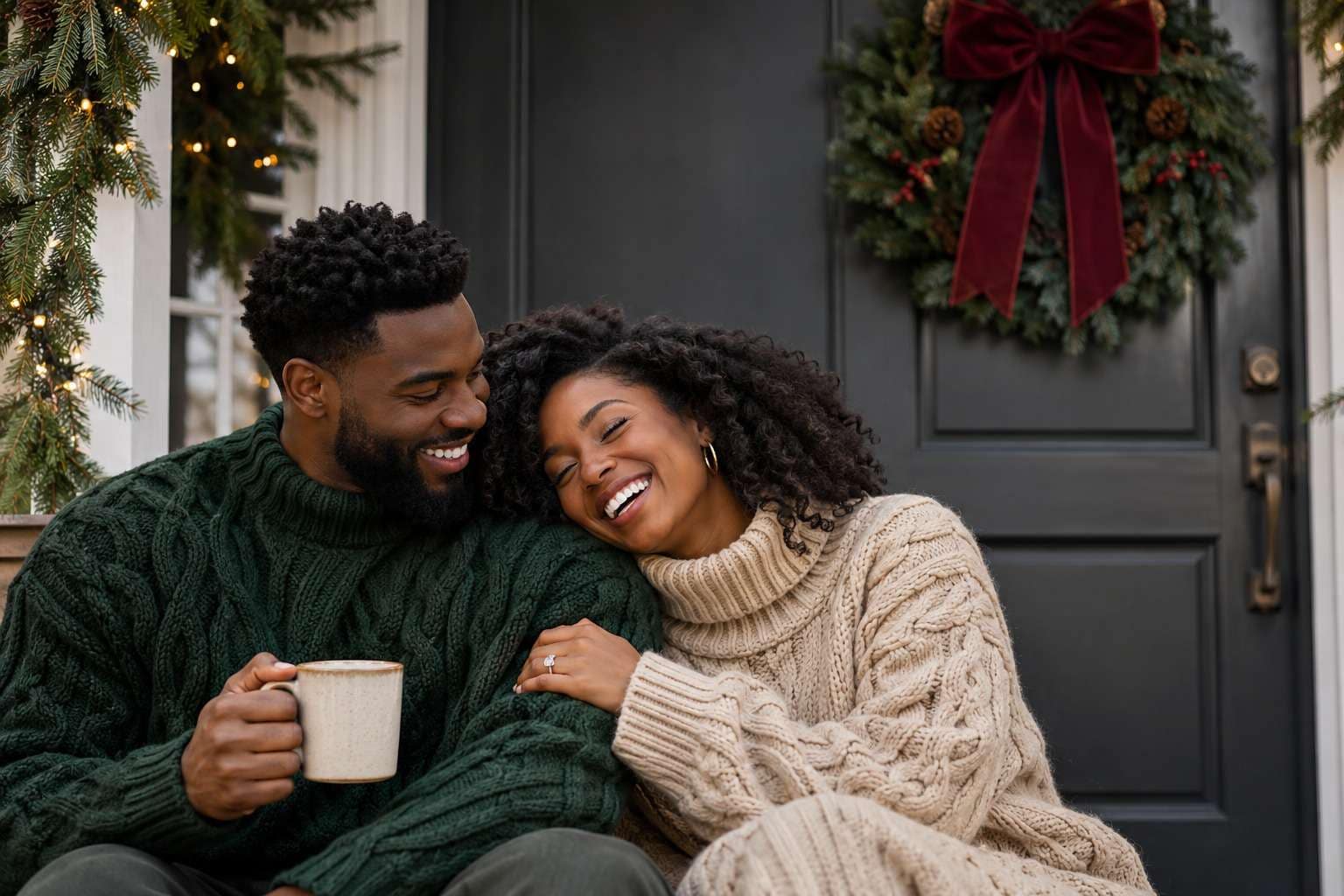
Sit together by your front door with a wreath behind you. Give your hands something natural to do, such as holding a mug or resting on a blanket. Keep the frame close enough to show the relationship rather than the entire house. Take one photo looking at the camera and one looking at each other.
Card line: “Home feels like this.”
28. A Hobby with a Holiday Twist
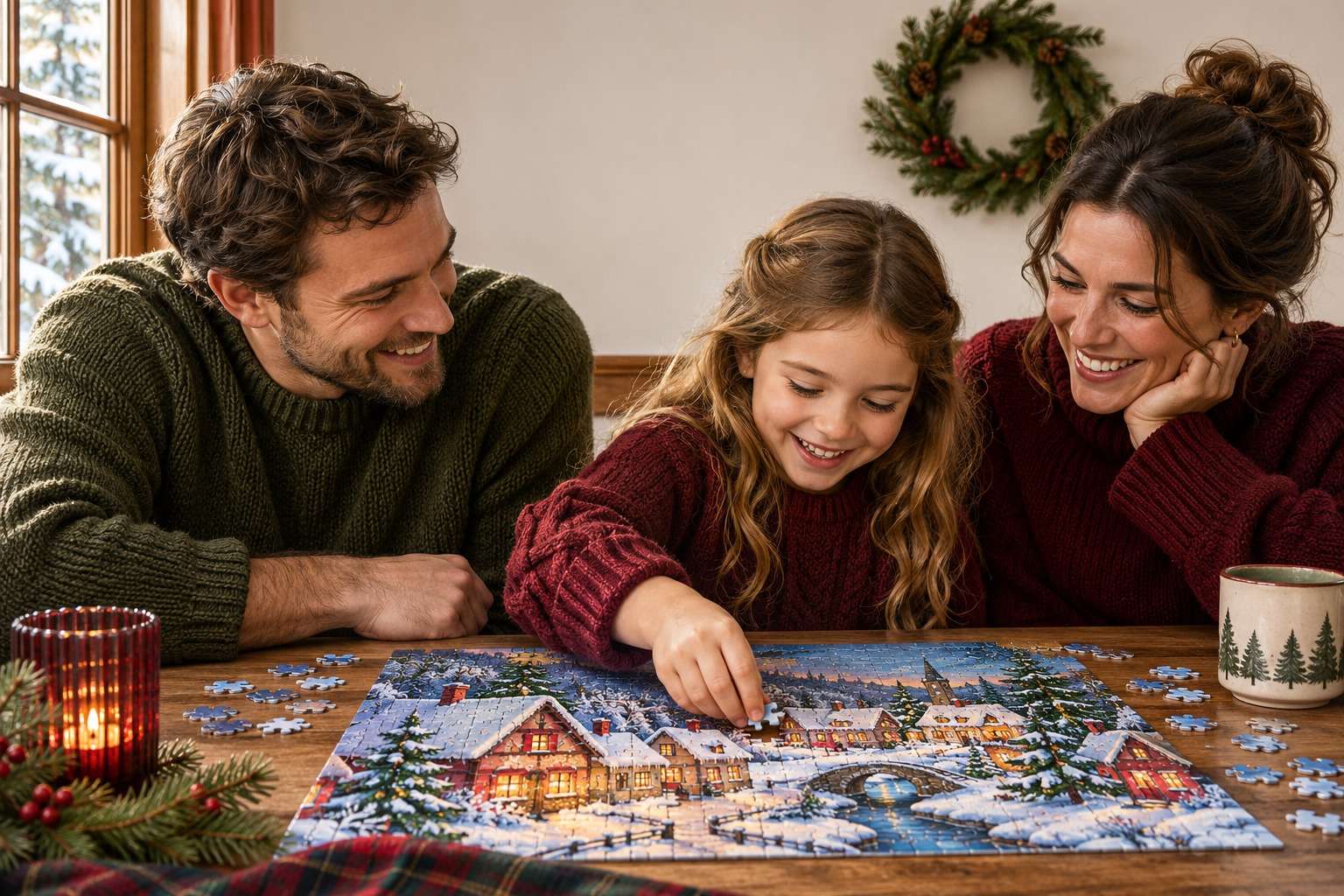
Bring Christmas into something you already do: gardening gloves beside a small evergreen, a family puzzle on the table or a favorite instrument near a wreath. Photograph the people using the objects instead of lining everything up as props. Choose one hobby so the scene tells a clear story. A short greeting can explain the seasonal connection.
Card line: “A year of doing what we love.”
29. One Photo for Each Season
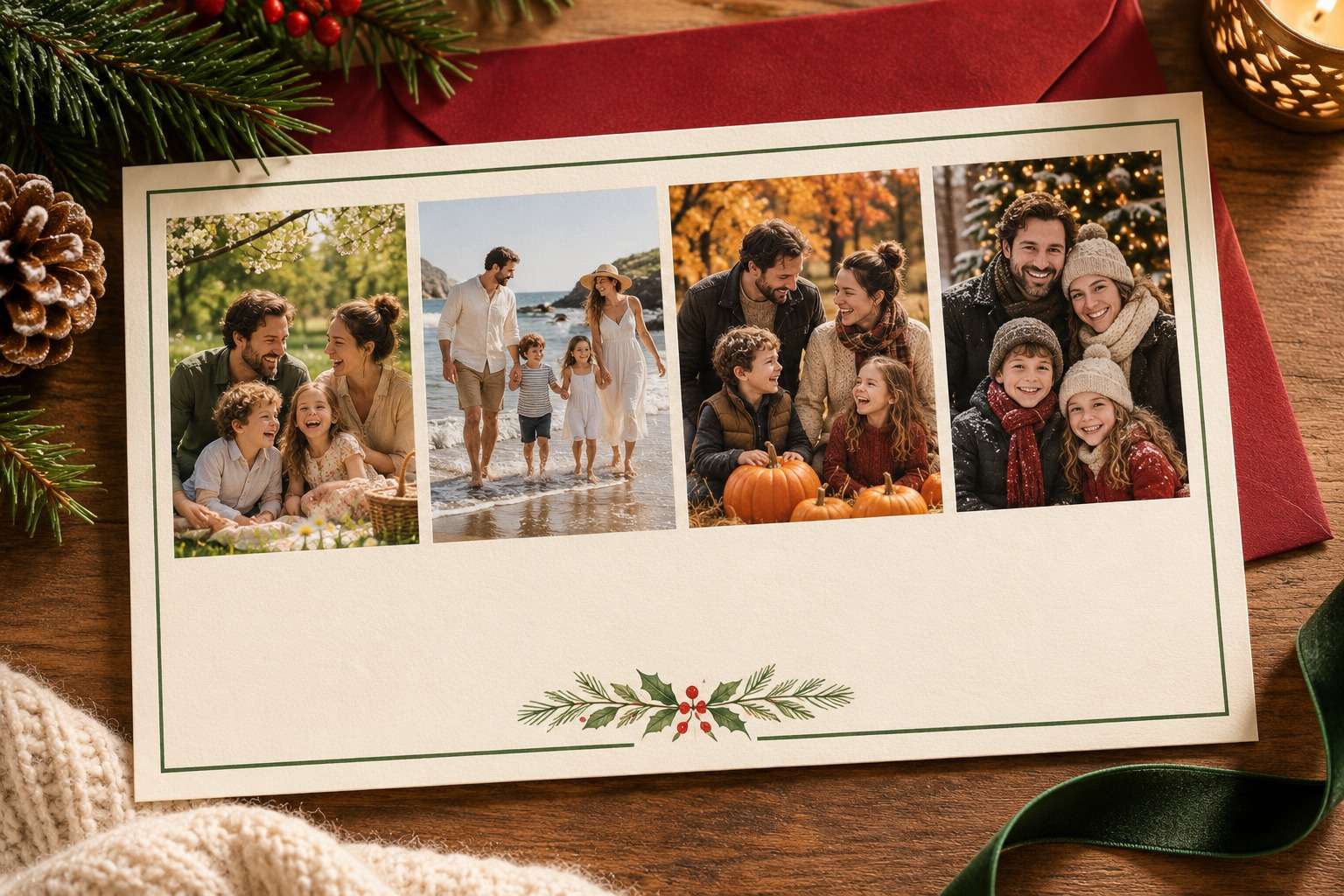
Choose four existing pictures, one from each season, and place them in a simple four-photo card. Pick images with recognizable faces and enough room for consistent crops. Avoid combining a tiny distant group with three close portraits, which makes the layout feel uneven. Keep the greeting outside the photo frames so none of the memories gets covered.
Card line: “Four seasons. One very full year.”
30. A Minimalist Solo Portrait

Wear a color you love, stand near a plain wall and hold one holiday detail, such as an unbreakable ornament or a sprig of greenery. Turn slightly toward a window and leave space to one side. For unique Christmas card ideas, your own style is enough: you do not need a large group or a room full of decorations.
Card line: “A little joy, from me to you.”
Prepare Your Christmas Card Photo with UniConverter
Once you have chosen the picture, inspect the original before adding borders or text. A greeting can hide a distracting corner, but it cannot fix a face that is too soft to recognize. If brightness and cropping are the only issues, start with your phone's photo editor. When the selected image needs more targeted quality work, UniConverter AI Image Enhancer offers a desktop route for enhancement and upscaling.
For this project, the useful benefits are specific: selecting a tool for the image's problem, comparing the processed picture with the original and saving a separate file for the card layout. Preserve the original so you can return to it if an edit changes someone's appearance.
-
Step 1. Add the original image. In the Windows interface shown here, open Image on the home screen and select Image Enhancer. Use Add Files in the workspace to add your full-resolution original.
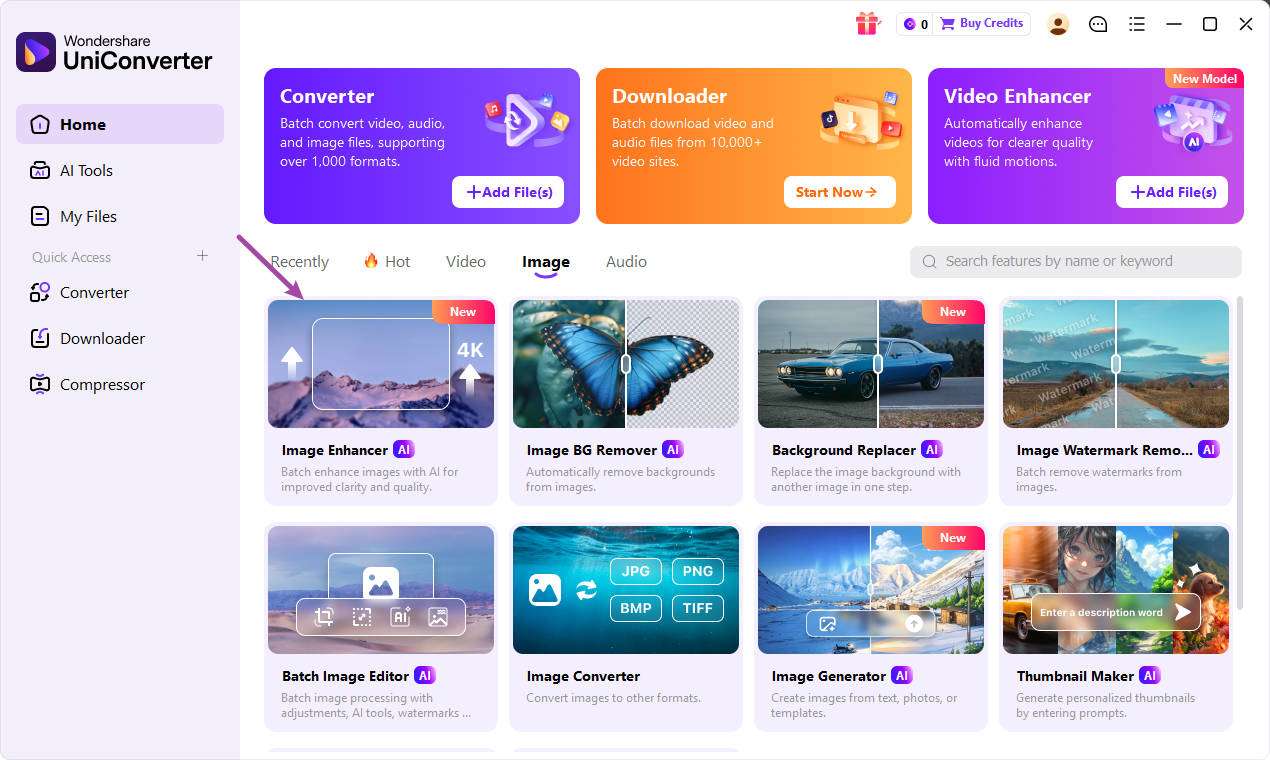
The Image tab on the home screen contains the Image Enhancer entry. -
Step 2. Choose one enhancement mode. Select Tools, Scenarios or AI Auto Fix. These modes are mutually exclusive. Use a targeted tool for a known issue, a scenario for a specific use case or automatic analysis when you need help choosing.
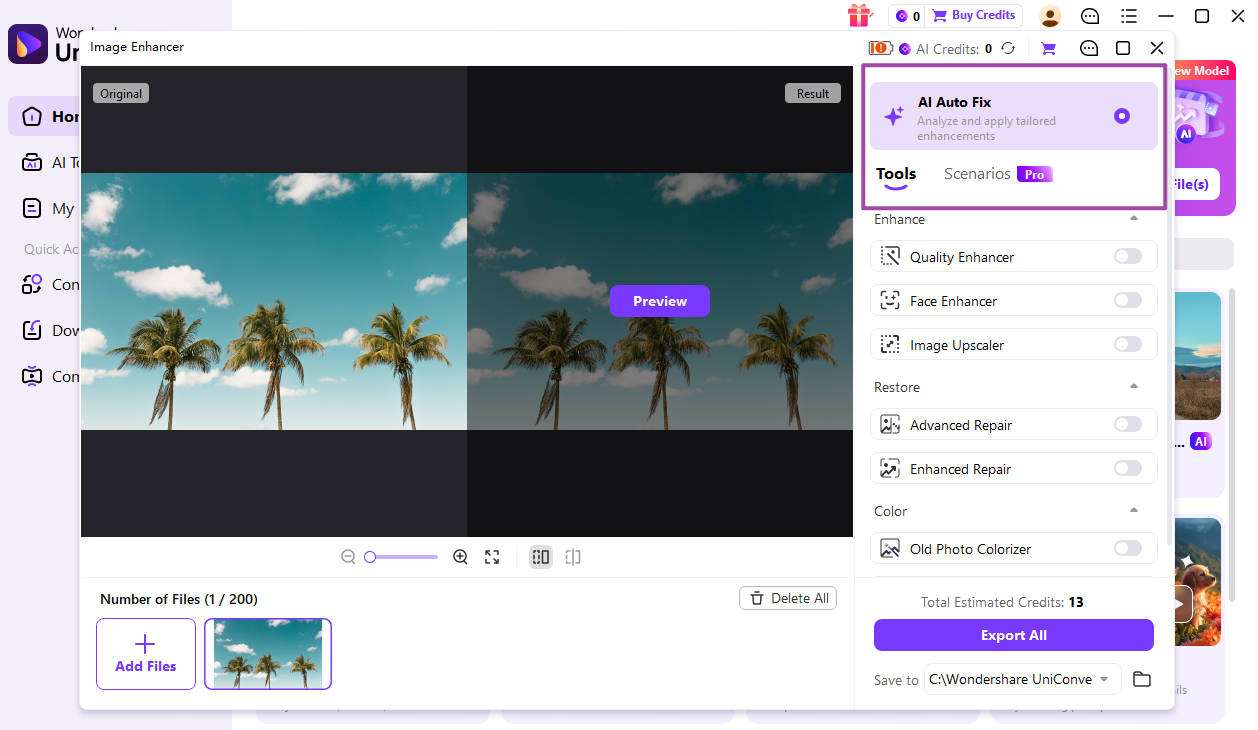
Select the mode that matches the image rather than applying every available treatment. -
Step 3. Preview the result. Click Preview and compare the output with the source. Inspect eyes, teeth, hair and patterned clothing; keep the version that preserves the person's appearance.
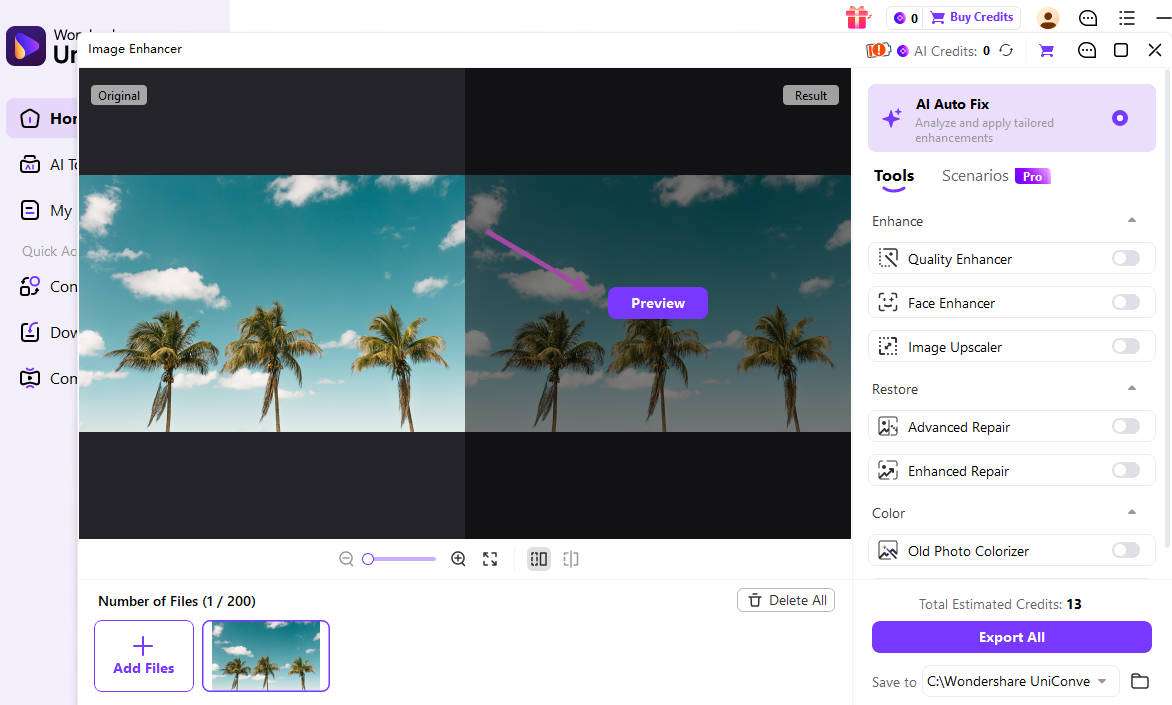
Click the highlighted Preview control before assessing the processed image. -
Step 4. Export the selected version. Click Export All, open the saved image and inspect it before placing it in your card design.
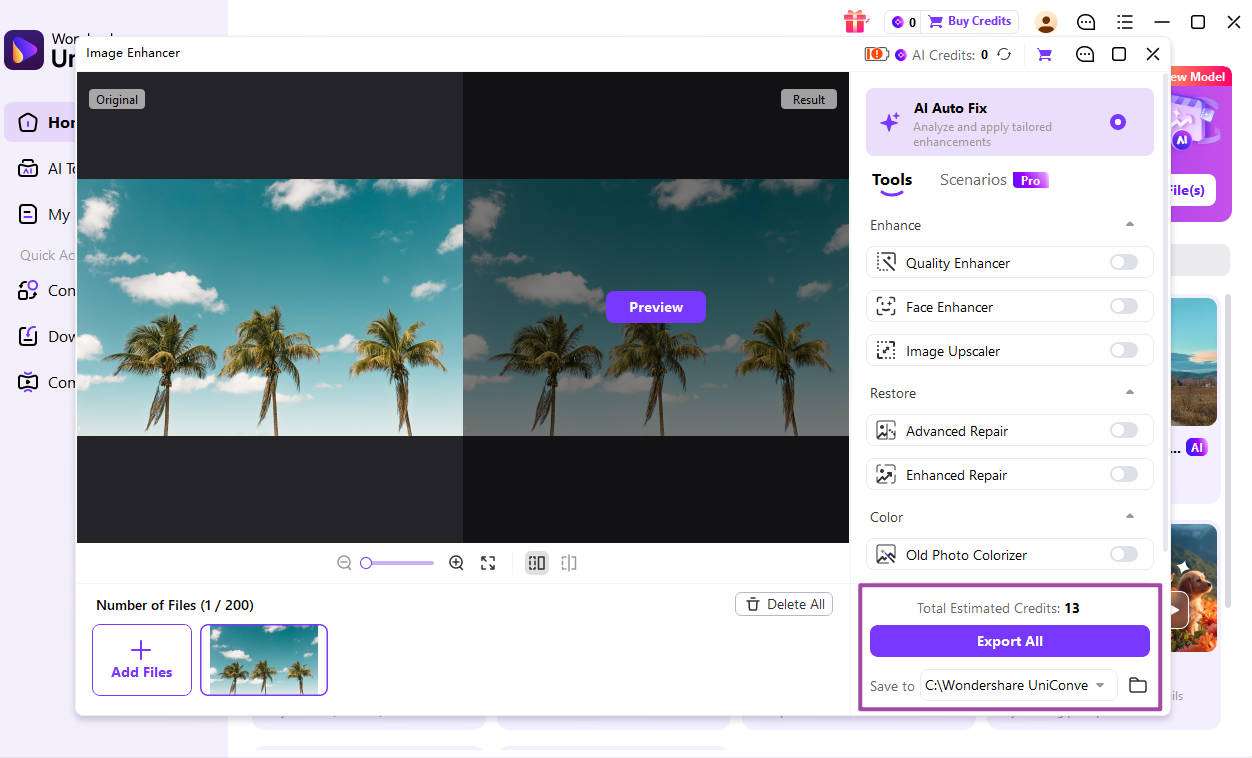
Export the photo first, then use that file in your chosen card layout.
The AI Image Enhancer guide shows the complete workflow. For a portrait where identity matters more than dramatic texture, start with Gentle enhancement. Detail (GenAI) reconstructs stronger texture and can introduce plausible detail rather than recover the exact missing information. For a small source file, see the desktop image upscaling options; a larger pixel count still needs a visual check.
To use the desktop workflow, open this page on your Windows PC or Mac.
| What the photo needs | Practical starting point | What to check |
|---|---|---|
| Only a better crop or brighter exposure | Your phone's existing photo editor | No clipped heads, washed-out skin or lost greeting space |
| Natural-looking detail improvement | Desktop Gentle enhancement | Faces and fine textures still look like the source |
| Larger pixel dimensions for the chosen layout | Desktop Image Upscaler | Output size after the final crop, plus visible face detail |
| No clear idea which issue to address | Desktop AI Auto Fix | Whether the suggested result suits this particular photograph |
| Border, greeting, collage or print order | Your card-design or printing service | Template fit and the final proof |
Desktop AI processing can require paid access or AI credits; review the current plan details before processing. The workflow above prepares the photograph; add your greeting and choose the printed card in a separate layout service.
Turn Your Photo into a Christmas Card and Check the Print
Match the photograph to the actual photo opening in your template, rather than stretching it to fit the card. A landscape image works well beside a text panel, while a close vertical portrait often suits a tall design. For a photo that fills the entire front, keep important details away from the trim and follow the printer's template guides.
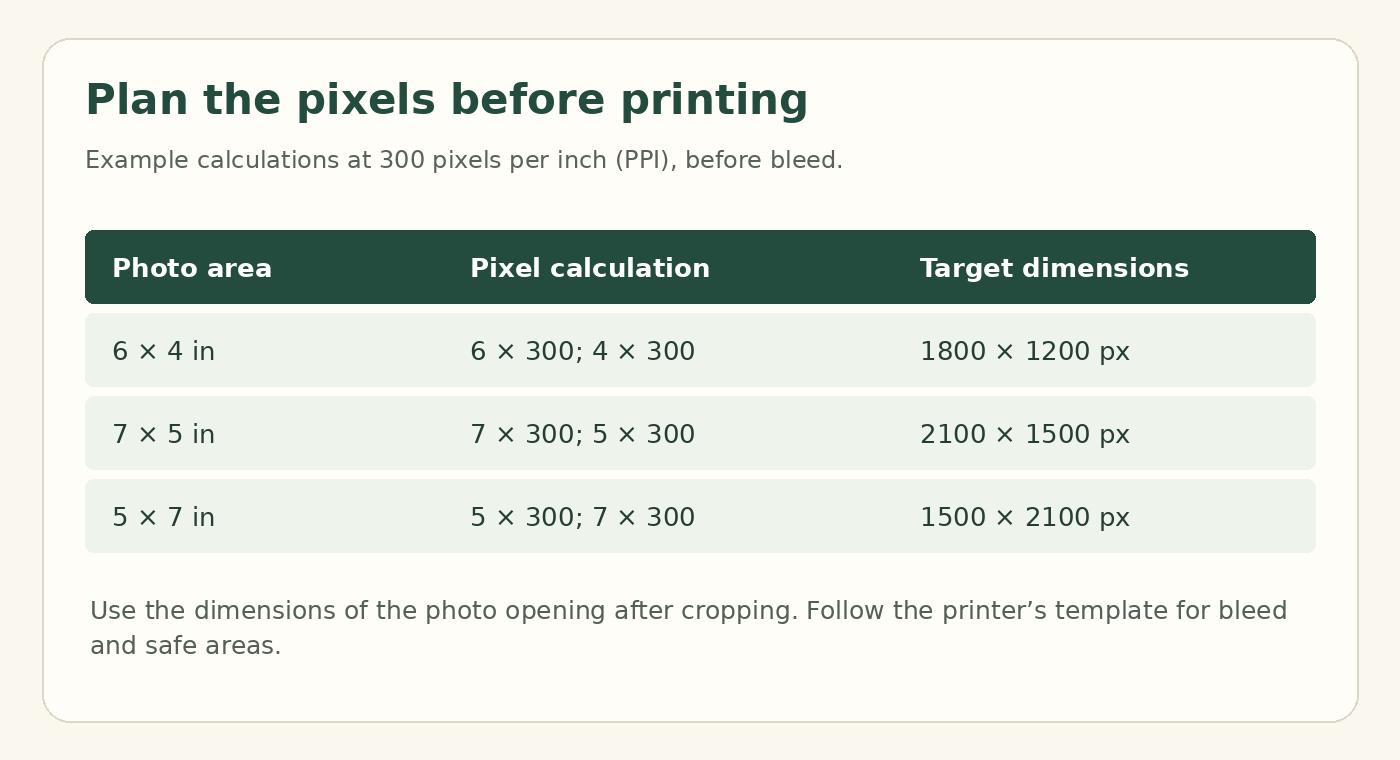
Check the Pixels After Cropping
For a planning example, a photo covering a 7 × 5-inch area at 300 pixels per inch needs 2100 × 1500 pixels: multiply each inch dimension by 300. This is arithmetic, not a guarantee of print quality or a universal printer requirement. A multi-photo design uses smaller image areas, and a full-bleed design can require extra pixels beyond the trim.
A 2400 × 1600-pixel landscape photo cropped to a 7:5 ratio can retain 2240 × 1600 pixels, enough for that planning target. A heavily cropped 900 × 600-pixel copy cannot. Find the original file before trying to enlarge a compressed copy. Changing a DPI label alone does not add image detail.
Use Walgreens Photo or Another Card Service for the Layout
If you plan to use Walgreens Photo, choose a card design that matches your picture's orientation and number of images. Place the finished photo, adjust the crop and add your greeting. Review the current product page for price, production and delivery options rather than assuming every card has the same turnaround.
- Read the greeting at the final size. A script font that looks attractive on a laptop can be difficult to read on a small card.
- Inspect all faces and edges. Check that the template has not cut off a person, a pet's ears or an important hand gesture.
- Check the actual photo warning. If the editor flags low resolution, try the original image, reduce the photo's printed area or choose a different picture.
- Proof the personal details. Read names, punctuation and any printed year separately from the design.
- Order a sample when practical. A physical proof helps you judge brightness and detail before a large order.
Fix the Problem That Survives the Preview
| Problem | Likely issue to check | Next action |
|---|---|---|
| The greeting covers a face | The photo has no quiet area for text | Choose a template with a separate text panel |
| The dog vanishes at the edge | The card's photo opening crops differently | Reposition the image or choose a wider opening |
| The tree glows but people look dark | The faces were not well lit | Try a gentle exposure edit; choose another frame if important facial detail remains absent |
| Faces look smooth or unfamiliar after editing | The enhancement reconstructed too much texture | Return to the original or a gentler result |
| The layout reports low resolution | The cropped file has too few pixels | Use the original, a smaller photo opening or a carefully inspected upscale |
If a favorite frame needs a quality check before it goes into the layout, use the desktop preview to compare it and keep the more natural version.
Use a Windows PC or Mac to follow the desktop steps.
When to Skip AI Enhancement
Keep a sharp, well-exposed original if it already works in the card proof. More processing adds no useful value when the photograph is clear and the crop is correct. If someone's face is completely hidden, out of frame or heavily blurred by movement, choose another shot rather than treating generated detail as a faithful record.
Use a layout editor for borders, lettering and multi-photo designs, and a printing service for the physical cards. For a traditional family keepsake, a slightly imperfect but recognizable expression can be a better choice than a dramatic reconstruction.
FAQs About Christmas Card Photos
-
Can I use a vacation photo for a Christmas card?
Yes. Choose a photograph in which the people are easy to recognize, then use the greeting and card design to supply the Christmas theme. A personal memory from the year can be more meaningful than arranging a new holiday shoot. Check that you have the original file and permission from anyone pictured before sharing it widely.
-
How do I include relatives who cannot join the photoshoot?
Use a multi-photo Christmas card with a separate portrait for each household. Agree on similar framing and a simple background so the design feels connected. This avoids trying to make photos taken under different lighting look like one authentic group portrait.
-
What should we wear if we do not want matching pajamas?
Choose a small shared color palette, such as cream, green and burgundy, and let everyone wear comfortable pieces they already own. Balance a patterned outfit with simpler clothes nearby. Check a quick group photo before the shoot to see whether one bright logo or busy print pulls attention away from the faces.
-
How can I take a group Christmas card photo without a photographer?
Place the phone on a stable support, frame the group and mark a place for yourself. Use the camera's available timer or remote trigger, then take several rounds. Keep everyone at roughly the same distance from the lens and review one enlarged frame for focus before changing the arrangement.
-
Should I print one large photo or several small photos?
Choose one large image when a single expression or moment tells the story. Choose several photos when different households, milestones or pets need their own space. Judge the design at the intended card size: if faces are difficult to recognize, reduce the number of images instead of squeezing in another frame.