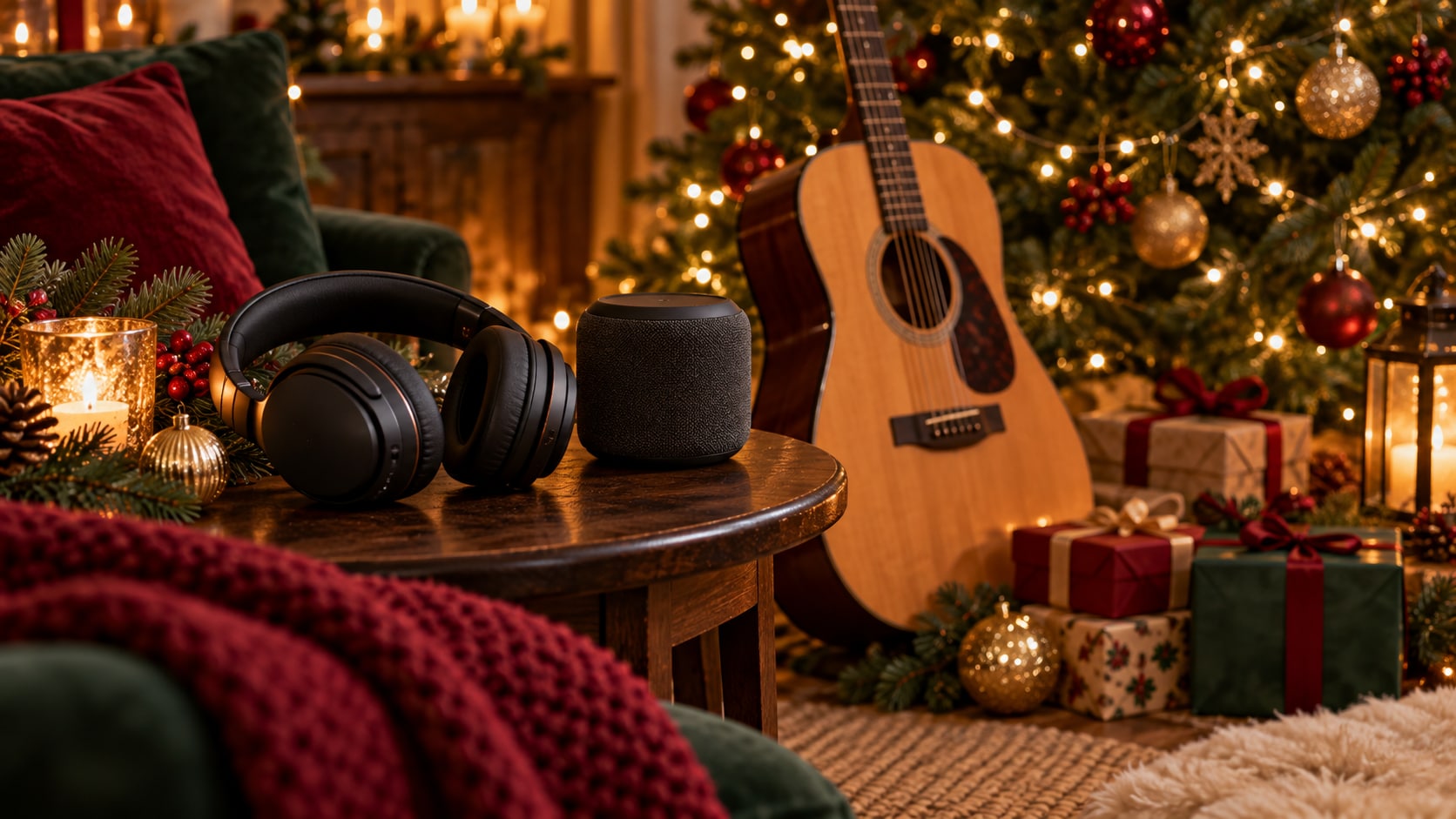
For a Christmas songs download, try Pixabay for festive background tracks, Baby Mozart for sing-along recordings, or Audio.com when the creator has enabled downloads. A useful Christmas music download depends on the job: personal listening, a children’s activity, or a soundtrack for your own project. Here is how to find the right recording, check its terms, and save a usable MP3 or another available format.
In this article
- Where to Download Free Christmas Songs
- Best Types of Christmas Music to Download
- Free Christmas Music Download: MP3 and Other Formats
- Royalty-Free Christmas Music vs. Copyrighted Recordings
- How to Download Christmas Songs Safely
- How to Convert Christmas Music with UniConverter
- Best Christmas Music Download Options for Different Needs
- FAQs About Christmas Songs Download
- Choose the Recording, Then Prepare the File
Where to Download Free Christmas Songs
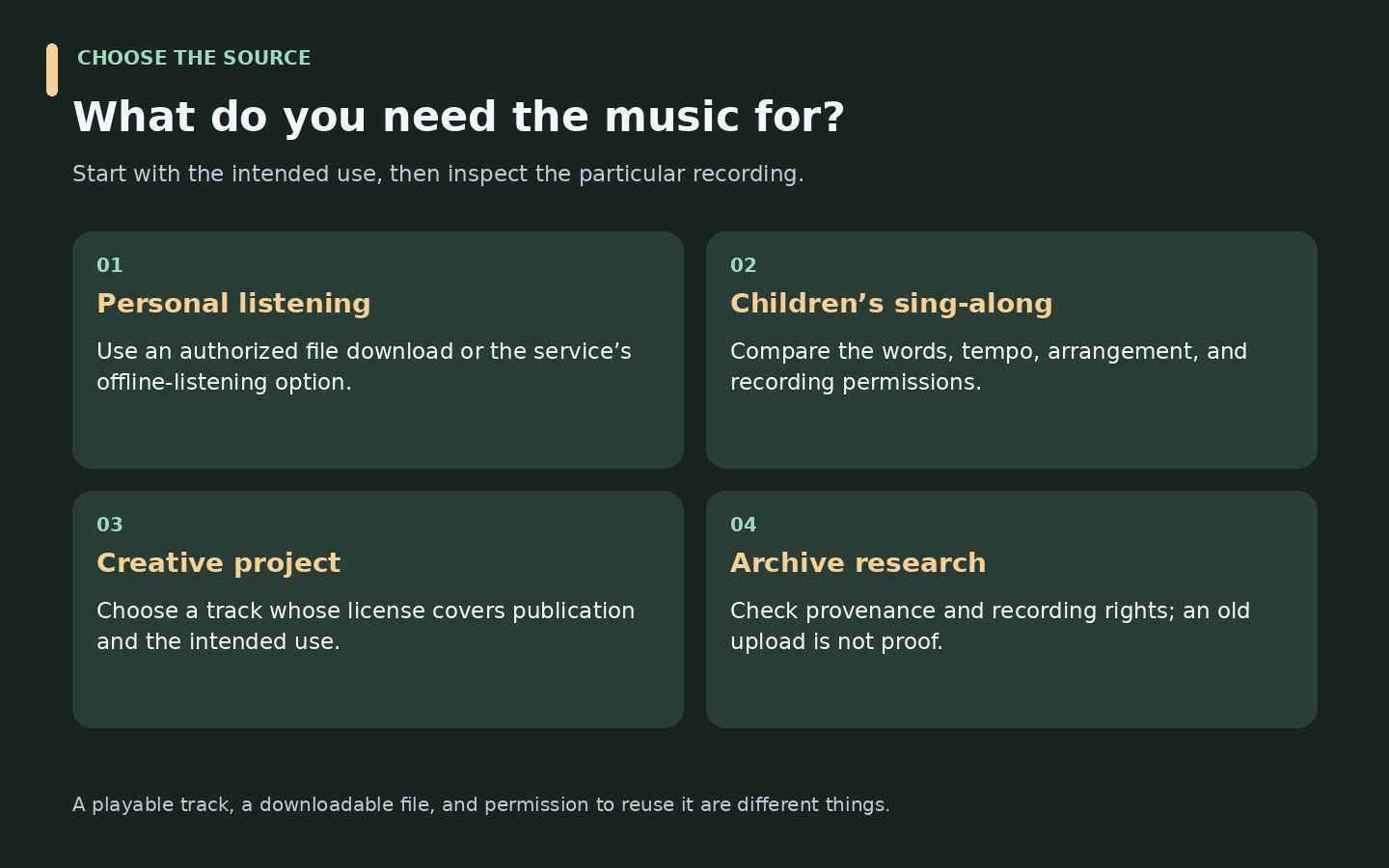
Choose by intended use, then inspect the individual recording. A library with clear reuse terms is a stronger starting point for a video soundtrack than a playlist made for listening.
| Resource | Useful for | Download route | Important check |
|---|---|---|---|
| Pixabay Christmas music | Instrumentals and holiday background tracks | Preview a track and open its download option | Content License and any Content ID information |
| Baby Mozart Christmas songs | Children’s songs and sing-alongs | Use the listed audio players and MP3 download links | Download access does not establish commercial reuse rights |
| Audio.com Christmas music | Discovering creator-uploaded recordings | Open an individual track and check whether downloads are enabled | Creator identity, license, and download availability |
| ccMixter holiday collection | Holiday music for creative projects | Follow the collection to individual tracks | Attribution and each track’s Creative Commons terms |
| Internet Archive Audio | Researching older recordings and collections | Search for Christmas audio and inspect the item’s files | Provenance and recording rights; the archive does not guarantee them |
Pixabay: Start with Background Music
Search for “Christmas piano,” “Christmas acoustic,” or a mood that fits the project. Preview the whole track, including its ending, then inspect the download option and file details.
The Pixabay Content License permits free use and adaptation without required attribution, subject to restrictions. You cannot redistribute its content on a standalone basis. Keep the source details with your project instead of relying on a search result’s “no copyright” label.
Baby Mozart: Browse Children’s Christmas Recordings
Baby Mozart lists players and MP3 download links for recordings including “Jingle Bells,” “Joy to the World,” and “Silent Night.” Preview the version before choosing it for a sing-along: tempo, words, and arrangement matter when children are following along.
The resource page establishes download availability, not a blanket commercial-use license. Confirm permission before incorporating a recording into a published video, advertisement, or distributed project.
Audio.com: Check the Creator’s Download Setting
Browse the Christmas category, then open a relevant track. Audio.com’s download-permissions guide says creators control whether their audio can be downloaded. A playable track is therefore not necessarily downloadable.
The service also supports Creative Commons license labels. Read the actual label and source information; download permission and permission to use a recording in your own production are different questions.
ccMixter and Internet Archive: Read the Track-Level Information
ccMixter’s holiday collection links to music for creative projects and instructs users to credit the creator and follow the license for each track. Check whether that license permits your particular use before choosing the music.
For older Christmas recordings, search Internet Archive’s audio collection and inspect each item’s provenance, rights information, and available files. Its rights guidance explicitly says the archive does not guarantee an item’s copyright status. An old recording or an archive listing alone is insufficient evidence of public-domain status.
Best Types of Christmas Music to Download
Traditional Christmas Carols
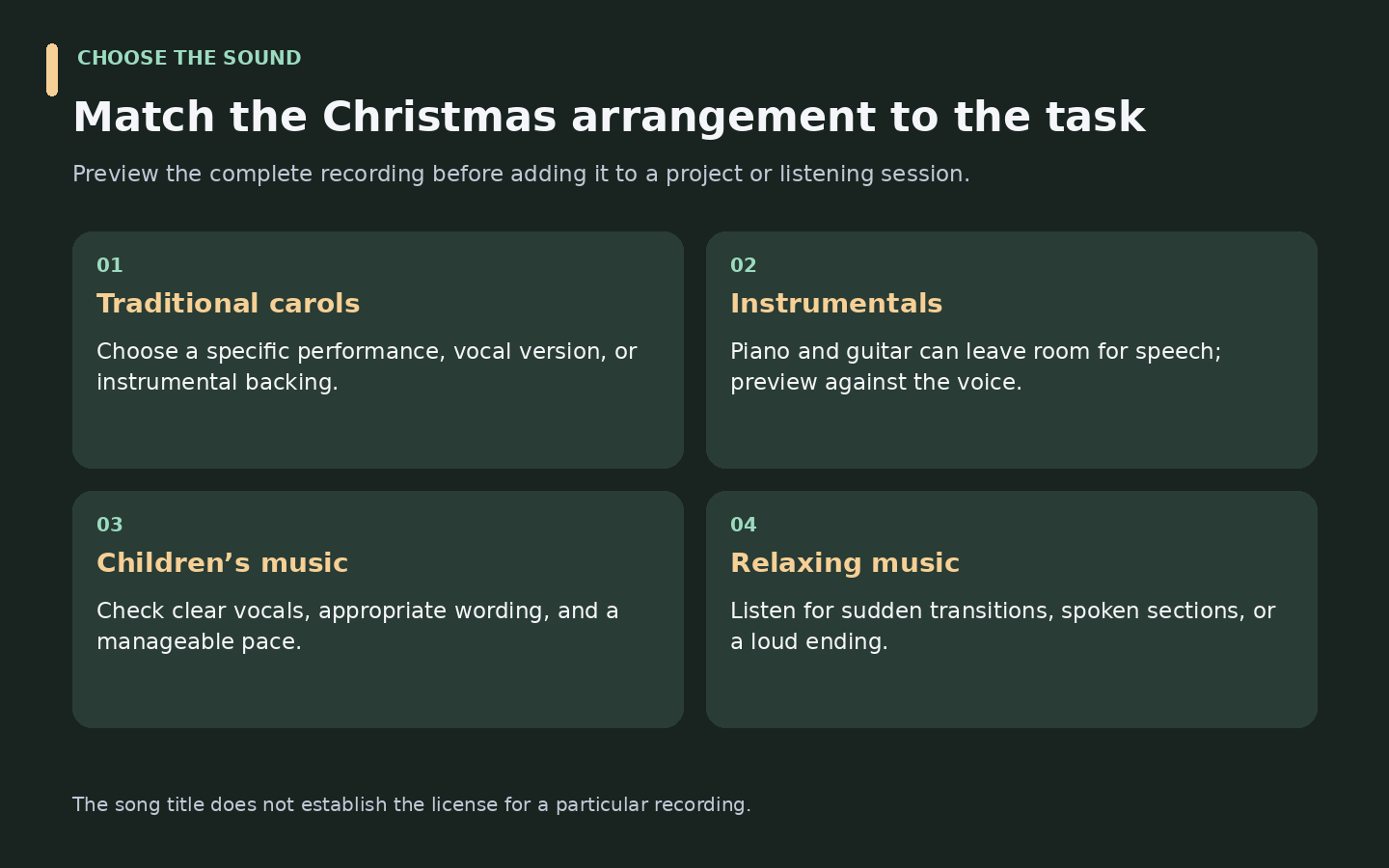
Search by the title you need: “Jingle Bells,” “Silent Night,” “Joy to the World,” “Deck the Halls,” or “We Wish You a Merry Christmas.” Then compare the actual version. A vocal recording, instrumental backing, translated lyric, and modern arrangement can serve different purposes and carry different rights.
For a “Jingle Bells download,” decide whether you want a performance to listen to, a sing-along backing, or a recording licensed for a project. The song name does not answer that question.
Christmas Instrumental Music
Piano and acoustic guitar can leave room for a spoken greeting. Orchestral tracks can carry a montage, while a lighter arrangement may fit a presentation. Listen against the voice or footage you intend to use; a pleasing solo track can still compete with speech.
Royalty-Free Christmas Background Music
For a greeting video, advertisement, or other creative project, choose a recording with terms that cover the intended publication. “Royalty-free” describes a licensing arrangement, not the absence of copyright. Verify the recording’s terms rather than using the phrase as a shortcut.
Children’s Songs and Relaxing Holiday Music
For children’s activities, prioritize clear vocals, suitable wording, and a manageable tempo. A recording offered for listening may still require permission for redistribution or publication.
For relaxing Christmas music, try soft piano, gentle guitar, or winter ambience. Check for abrupt transitions, spoken sections, and loud endings before adding a track to a longer listening session. A streaming playlist offers convenient playback; it is not the same as a folder of editable audio files.
Free Christmas Music Download: MP3 and Other Formats
Use the format the source actually offers. Baby Mozart’s listed links are MP3 files; other resources can provide different options depending on the recording. Do not assume every track is available in WAV.
| Situation | Practical choice | Why |
|---|---|---|
| Compact listening file for a compatible player | MP3 | Usually smaller than uncompressed PCM audio |
| Editing when an original PCM WAV is offered | Keep that original | Avoid an unnecessary lossy conversion before editing |
| A specific player or editor rejects the file | Convert to a supported output | Compatibility determines the format choice |
| The downloaded file already works | Leave it as supplied | Conversion adds no benefit merely by changing the extension |
A higher output bitrate does not restore detail absent from the source. Converting MP3 to WAV also does not recover information discarded during MP3 encoding.
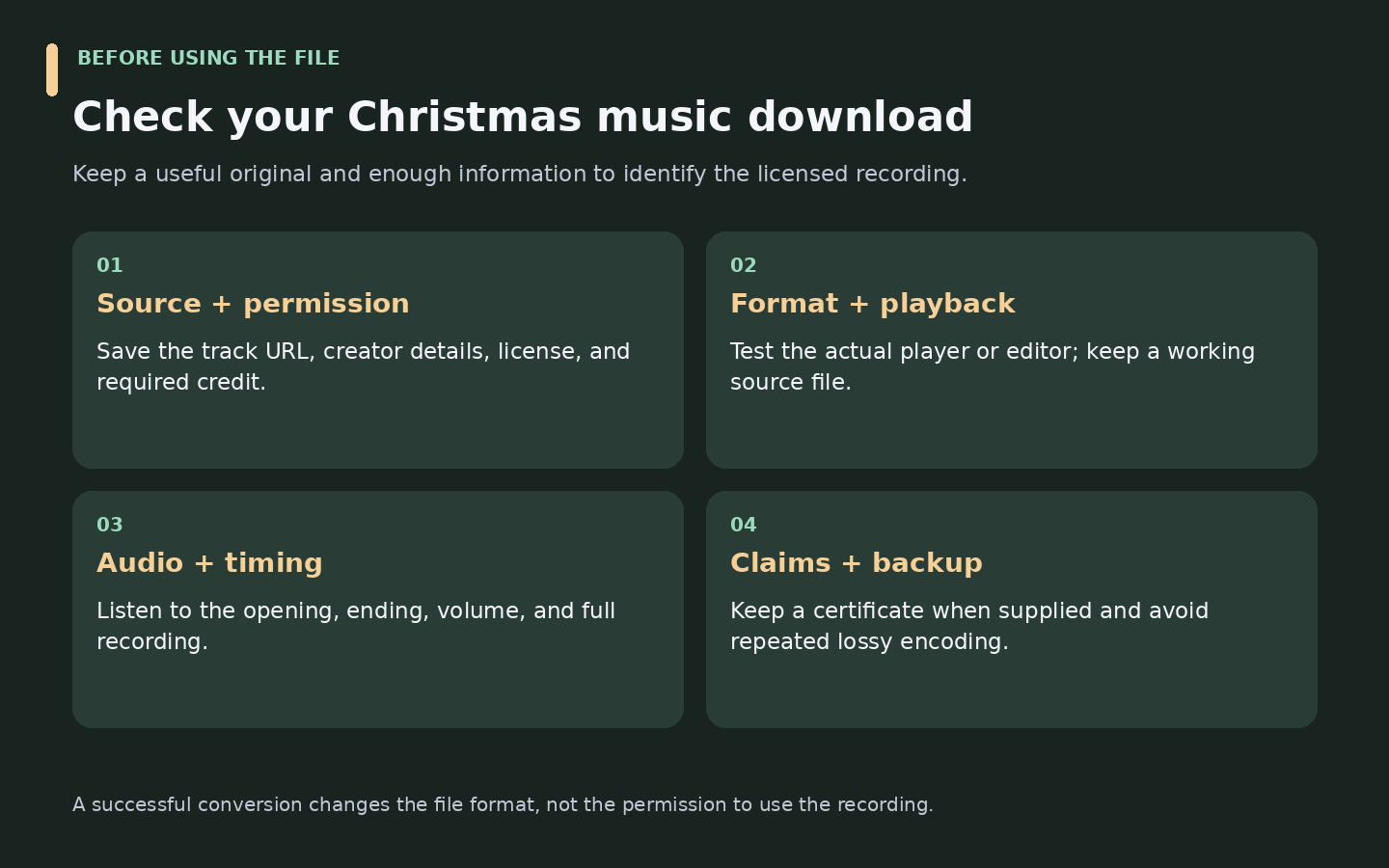
After saving a Christmas song, check its duration, ending, and playback volume. If it fails to open, confirm you downloaded audio rather than a webpage. Renaming a file to end in .mp3 does not convert it.
Royalty-Free Christmas Music vs. Copyrighted Recordings
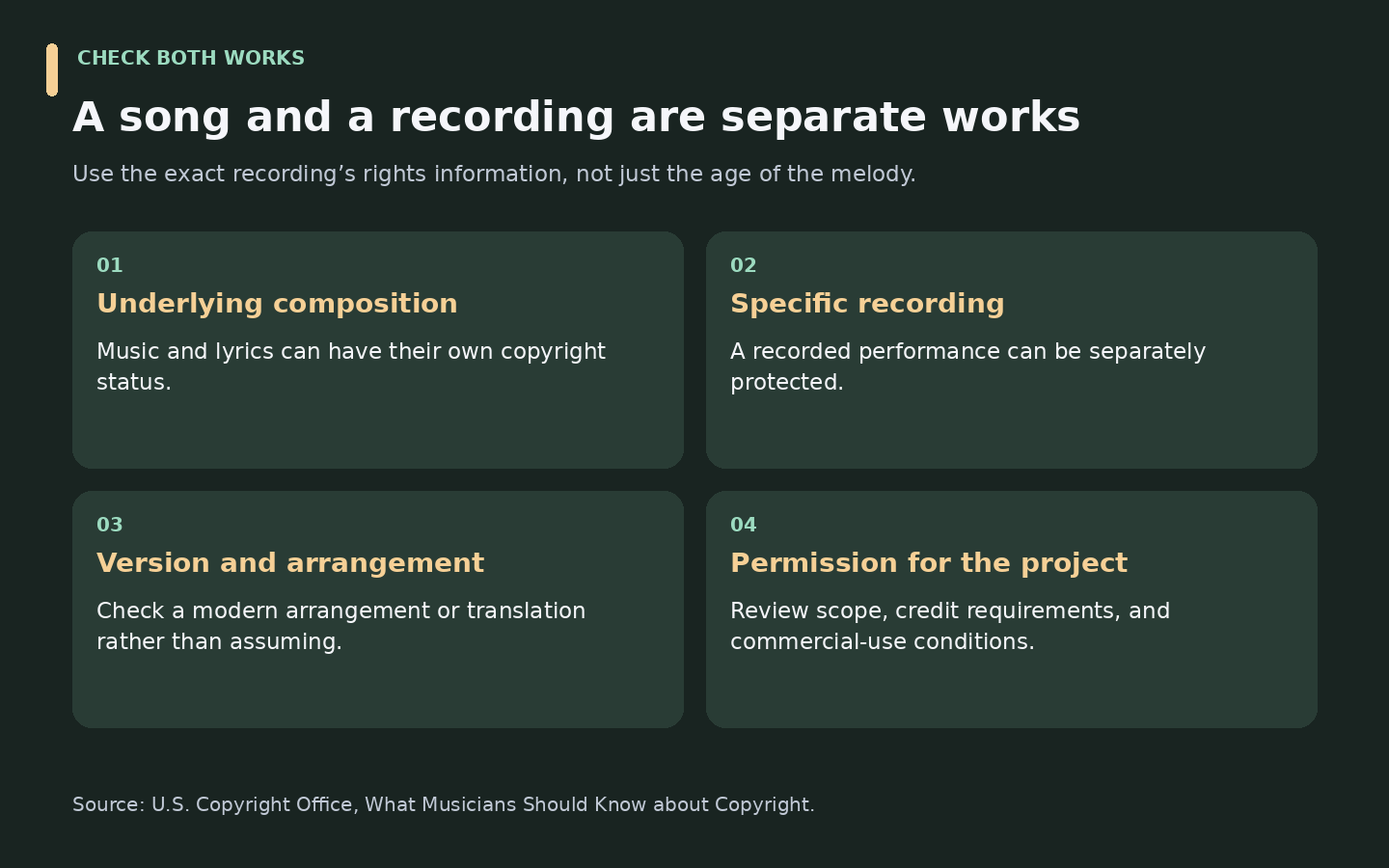
The composition and the sound recording are separate works. The U.S. Copyright Office explains that the underlying music and lyrics can be owned and licensed separately from a recorded performance. An older composition may be public domain while a recent recording or arrangement remains protected.
| Label | What it tells you | What to check |
|---|---|---|
| Free download | The file can be obtained without a download charge | Whether reuse is allowed |
| Royalty-free | Use is governed by a license with a particular royalty structure | Scope, restrictions, and attribution |
| Public-domain composition | The underlying work may be out of copyright in the relevant territory | The exact edition, arrangement, lyrics, and recording |
| CC BY | Reuse is allowed under attribution conditions | Credit, license link, and change notices |
| CC BY-NC | Noncommercial reuse is allowed under its conditions | Whether the planned use is commercial |
| Personal-use license | Permission is limited to the stated personal uses | Publication, advertising, and other excluded uses |
| Commercial-use permission | Certain business uses are permitted | Which projects, territories, and distribution methods are covered |
CC BY 4.0 permits commercial reuse subject to its conditions; CC BY-NC 4.0 excludes commercial use. “Creative Commons” without the specific license is not enough information.
What About Boney M and Wham! Christmas Songs?
Searching for Boney M Christmas songs, an album, or Wham! Christmas recordings is music discovery—not evidence of a free-download offer. Use an authorized store or the artist’s available official services. For example, Apple Music documents subscription-based offline listening; that feature is not presented as a reusable MP3 download for your own video project.
Why Can Licensed Background Music Still Receive a Claim?
Pixabay’s music FAQ explains that some contributors register recordings with Content ID, so automated claims can occur even when music is used under its license. Keep the download certificate when available, the track URL, and your license record. Review the claim and the provider’s current instructions; do not assume “royalty-free” means claim-free.
How to Download Christmas Songs Safely
- Choose by use. Decide whether you need listening audio, a sing-along, or music for a production.
- Open the original source. Search for the title, instrument, or mood and inspect the creator’s information.
- Preview the entire recording. Check vocals, version, length, and ending.
- Read the permission details. Confirm download availability, license, attribution, and the intended project.
- Save an offered format. Use the source’s own download control rather than an unrelated advertising button.
- Test and keep records. Play the local file and store its source and permission information alongside it.
For an Xmas songs download, the same distinction applies: a streaming playlist, an in-app offline copy, and a downloadable MP3 are different products. Use the option that actually meets the listening or editing task.
How to Convert Christmas Music with UniConverter
If the downloaded track already works in your player or editor, keep it. UniConverter is useful when a supported local audio file needs another format, several files need consistent outputs, or you need audio from an authorized local video.
Get Your Christmas Audio Ready to Play
Convert supported local recordings to an available audio format and prepare multiple approved files in one queue.
Step 1. Import the Local Audio or Video
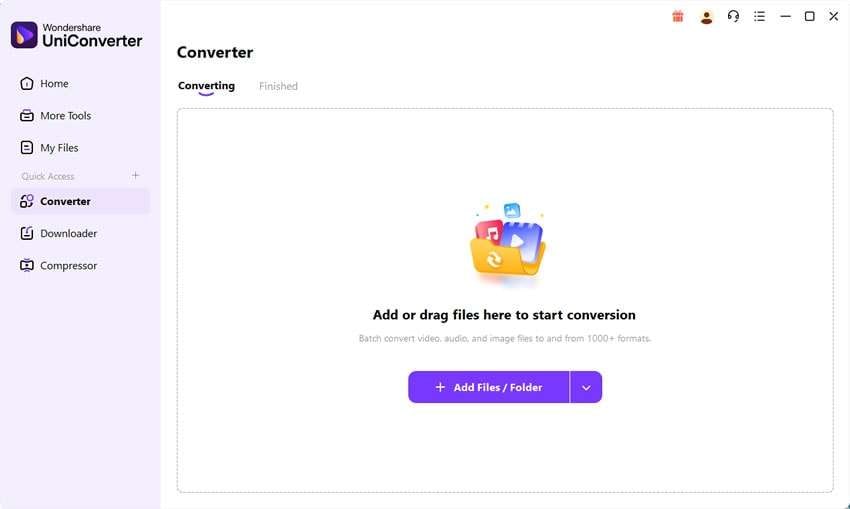
Open Converter and select Add Files / Folder, or drag supported files into the queue. Add only the files that need preparation; there is no need to re-encode an entire collection that already works.
Step 2. Choose an Available Audio Output
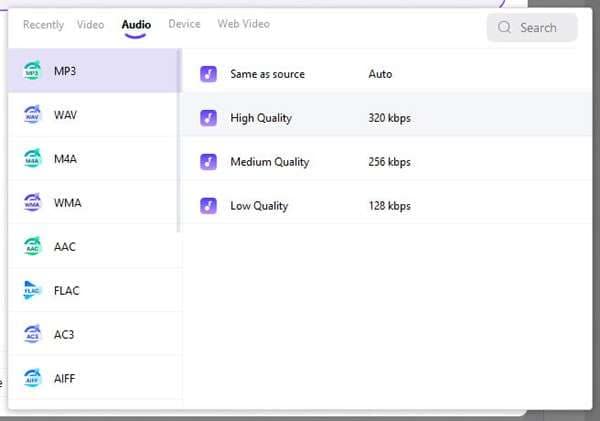
Open Convert to, select Audio, and choose MP3 or another available output. Match the quality setting to the destination and keep the original file. The illustration below comes from the official Windows guide; interfaces can vary by version.
Step 3. Convert, Then Test the Result
Select Convert All and locate the output using the folder control beside File Location. Confirm the start, ending, playback format, and sound in the actual destination. The official audio-conversion guide documents this workflow.
For a single compatibility problem, see how to convert audio files to MP3. For a folder of approved files, the batch audio converter workflow covers shared outputs and selected pre-conversion preparation. If your permitted soundtrack is inside a local video, see the video-to-audio conversion guide.
Can UniConverter Save Audio from a Link?
The official Downloader guide documents audio-download options for supported URLs. For a source you are allowed to save, open Downloader, paste the link, choose the available audio-download option, and check the completed task in Finished. Availability depends on the source and product version; this is not a verified promise of direct support for every music resource above.
Use a library’s own download button when it supplies the required file. UniConverter does not provide the Christmas music catalog, unlock protected streaming downloads, or change a recording’s license.
Best Christmas Music Download Options for Different Needs
| Need | Start with | Check before committing |
|---|---|---|
| A background track for a video | A music library with explicit reuse terms | Commercial scope, attribution, and claims information |
| A children’s sing-along | A children’s music collection | The recording’s wording, pace, and permissions |
| An older carol recording | An archive item with documented provenance | Composition and recording status separately |
| A favorite commercial artist | An authorized store or listening service | Purchase or subscription conditions and offline-access limits |
| A compatible file for an editor | A permitted original download, then conversion if needed | Input support, output format, and playback |
FAQs About Christmas Songs Download
-
Where can I download Christmas songs for free?
Start with Pixabay for festive background recordings, Baby Mozart for children’s carols, or Audio.com tracks whose creators have enabled downloads. ccMixter also links to holiday music with Creative Commons terms. Check the specific recording’s download availability and permission for your intended use rather than treating every result as commercially reusable.
-
Where can I find free Christmas music MP3 downloads?
Baby Mozart lists MP3 download links beside its Christmas recordings. For other libraries, open the individual track and inspect the file options actually offered. If a permitted local download uses another supported format, you can convert it to MP3. Keep the source file so you do not repeatedly encode an already compressed copy.
-
Is Christmas music available for free commercial use?
Yes, some recordings are licensed for commercial projects without a license fee. The Pixabay Content License permits use subject to restrictions, and some Creative Commons licenses allow commercial reuse with attribution. Check the exact license and rights information. A free download or familiar song title alone does not establish commercial permission.
-
What is the difference between royalty-free and copyright-free Christmas music?
Royalty-free music is generally supplied under a license and can remain copyrighted. “Copyright-free” is often used loosely in search results and titles. Verify whether the specific composition and recording are public domain, or whether a license permits the intended use. Read its restrictions and credit requirements instead of relying on the label.
-
Can I download traditional Christmas carols?
Yes, when a source provides an authorized download of a particular recording. Search by carol title, then inspect the version and license. The age of the underlying melody or lyrics does not establish the status of a modern arrangement, translation, or performance. Choose a recording with permissions that match listening or project use.
-
Are Jingle Bells recordings free to download?
Some sources offer downloadable recordings of Jingle Bells, including the Baby Mozart page linked above. That does not mean every performance is free to obtain or reuse. Check the source’s download permission and the recording’s license separately, particularly if you plan to publish it as part of a video or commercial project.
-
Can I use free Christmas music in my videos?
Yes, if the recording’s license covers your video and its distribution. Confirm commercial-use terms when appropriate and provide any required credit. Save the source and license record. Some licensed tracks may still receive automated claims, so retain a download certificate when provided and review the music provider’s current claim guidance.
-
How can I convert a downloaded Christmas song to MP3?
Import a supported local file into UniConverter’s Converter, choose Audio and MP3 from Convert to, and select an appropriate output quality. Run Convert All, locate the result, and test it in your player or editor. Conversion prepares the file format; it does not expand the permissions attached to the original recording.
-
Can I download Boney M or Wham! Christmas songs for free?
Do not assume an authorized free download exists because a search result offers one. Check the artist’s official channels, an authorized retailer, or a listening service’s current offer. Subscription offline listening is different from obtaining an unrestricted audio file, and neither automatically grants permission to use the recording in your own production.
Choose the Recording, Then Prepare the File
For a useful Christmas songs download, match the recording to the task, confirm its terms, and save the original with its source information. A good Christmas music download should work in the intended player or project. If the file needs a different format or a consistent batch output, UniConverter can handle that preparation step.
Need MP3 or consistent audio outputs for your holiday project?
Download UniConverter for Windows Download UniConverter for Mac