


Facebook Reels have exploded in popularity, offering a boundless stream of entertainment, quick tips, and viral moments. However, the platform's biggest limitation is the inability to watch these clips offline or share them outside the Meta ecosystem easily, driving millions of users to search for ways to convert Facebook Reels to MP4 for offline viewing, archiving, or editing. Whether you are a content creator looking to repurpose footage or a casual viewer wanting to save a funny clip, finding a reliable Facebook reel to MP4 converter is essential.
In this guide, we have tested and verified the top 10 tools for 2025 that allow you to download FB Reels to MP4 safely and efficiently on any device.
Table of Contents
Part 1. Common Challenges in Selecting a Trustable Facebook Reels to MP4 Converter
While a simple Google search for "convert FB Reels to MP4" yields thousands of results, not all tools are created equal. Users often face significant hurdles when trying to find a safe and effective Facebook reel MP4 downloader.
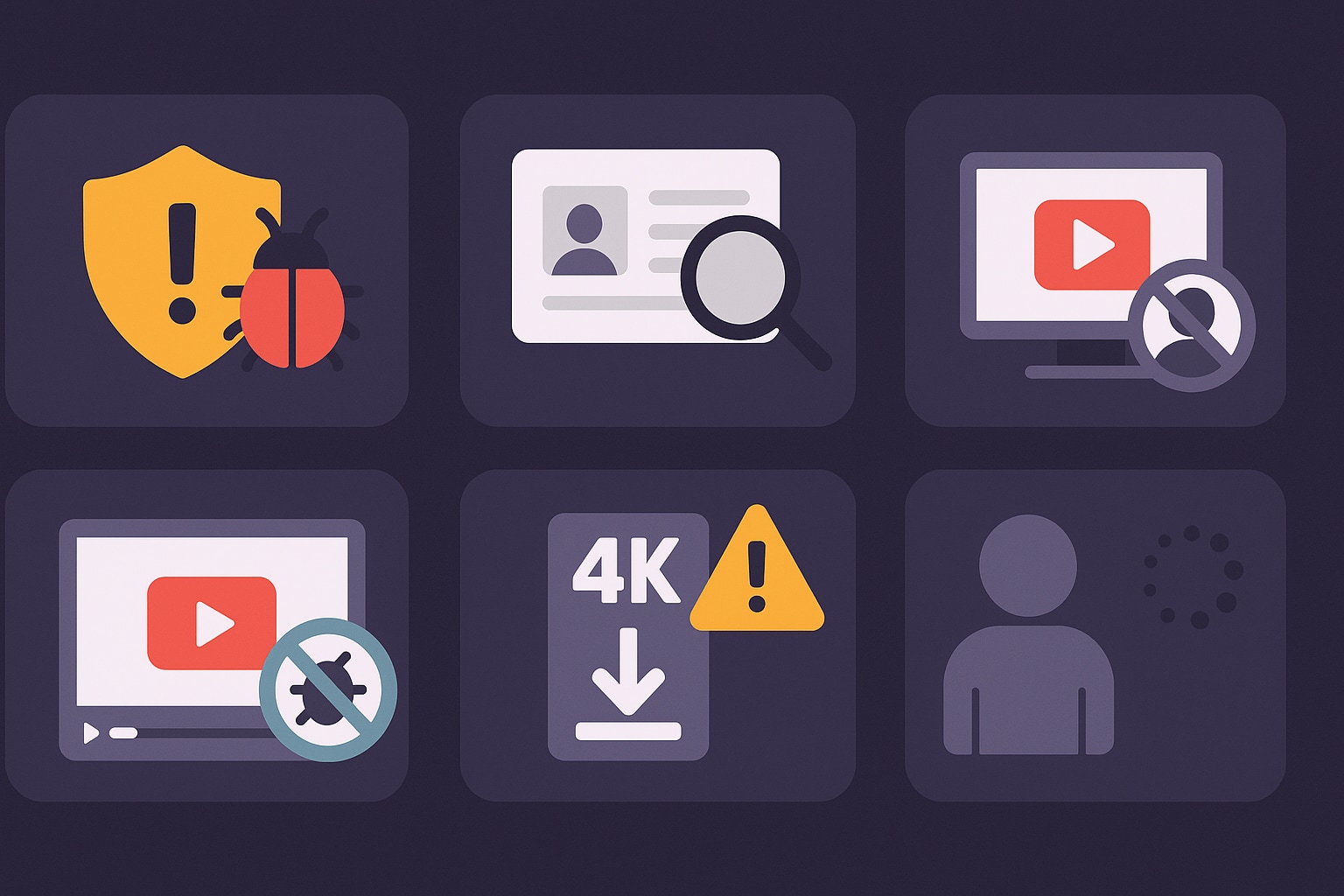
Security & Malware Risks: Many free online converters are riddled with malicious ads ("malvertising") that can infect your device with viruses or ransomware when you click the wrong "Download" button.
Privacy & Data Harvesting Concerns: Some suspicious sites may track your IP address or attempt to harvest your Facebook login credentials if they ask you to sign in to download private Reels.
Quality Degradation & Watermarks: A common frustration is downloading a reel only to find it pixelated or stamped with a large, intrusive watermark that ruins the viewing experience.
Feature Limitations & "Bait-and-Switch" Tactics: Many tools promise 4K or HD downloads but only deliver low-quality 480p files unless you pay for a premium subscription.
Device & Platform Compatibility Issues: A tool might work perfectly on a desktop Chrome browser but fail completely on an iPhone or Android device, frustrating mobile-first users.
Legal & Ethical Gray Areas: Users must be wary of tools that do not respect copyright laws or allow the downloading of protected content without permission.
Poor User Experience & Reliability: Broken links, slow download speeds, and confusing interfaces make many free converters a hassle to use.
Part 2. The Best 10 Facebook Reels to MP4 Converters for All Devices 2025
We have tested dozens of software and apps to bring you this curated list of the best tools to convert Facebook Reels to MP4. We have categorized them by their best use cases.
Desktop Software (Windows/Mac) - Best for Quality & Safety
1. Wondershare UniConverter
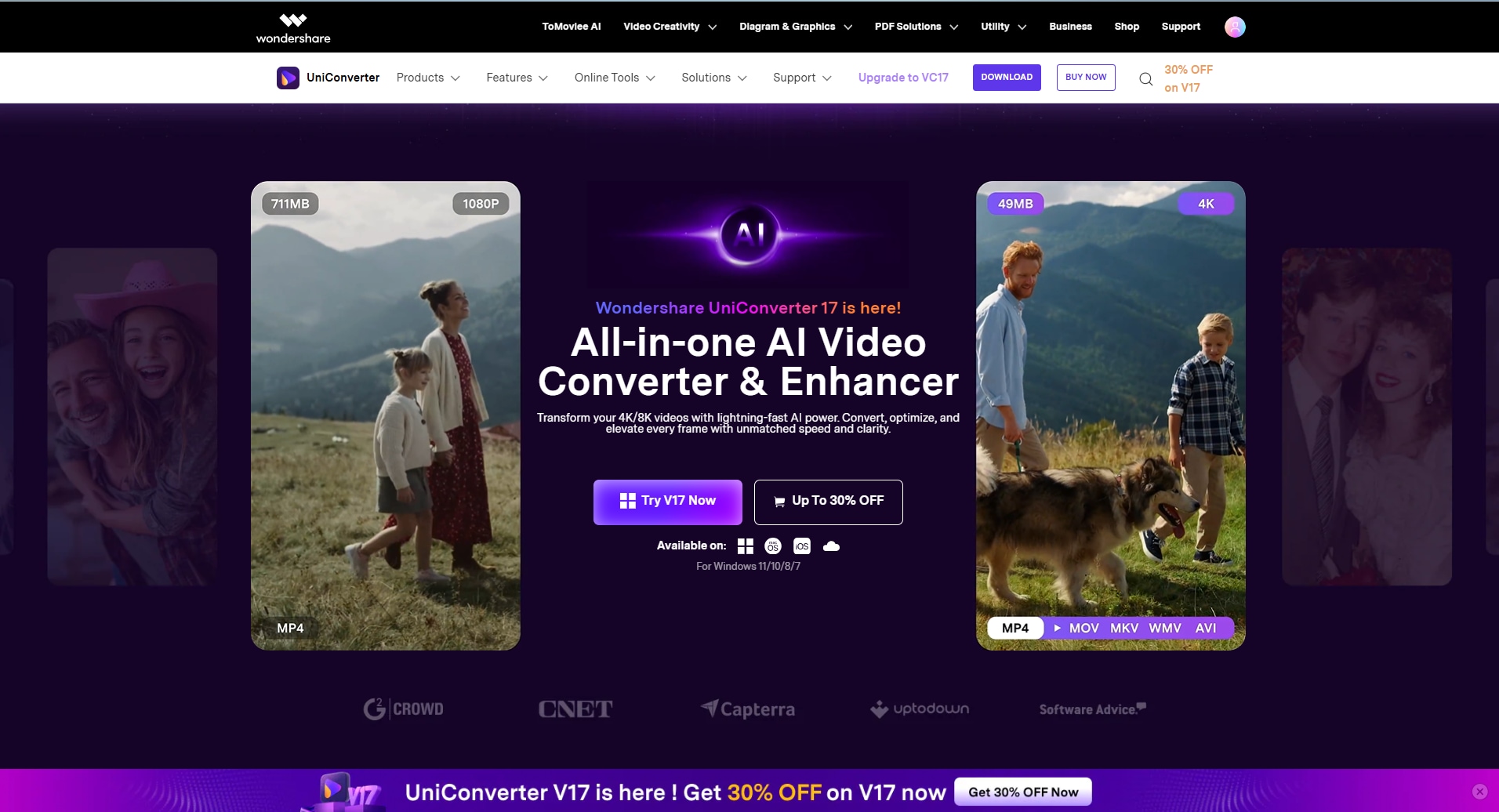
Wondershare UniConverter is the industry standard for media conversion and downloading. Unlike flimsy online tools, this is a robust desktop software that guarantees safety and high-quality results. It features a powerful "Downloader" module that can parse URLs from over 10,000 sites, including Facebook. It is the ideal solution to convert Facebook reel to MP4 because it supports batch downloading—you can queue up multiple Reels and download them all at once. It also offers built-in editing, allowing you to trim or merge Reels immediately after downloading. For users who prioritize security and want to avoid the "ad trap" of online sites, UniConverter is the verified top choice.
Safety Review: 5/5
Starting Price: Free Trial / $29.99 Quarterly
Supported Devices: Windows, macOS

Safe & Private Facebook Reels to MP4 Converter
2. 4K Video Downloader+
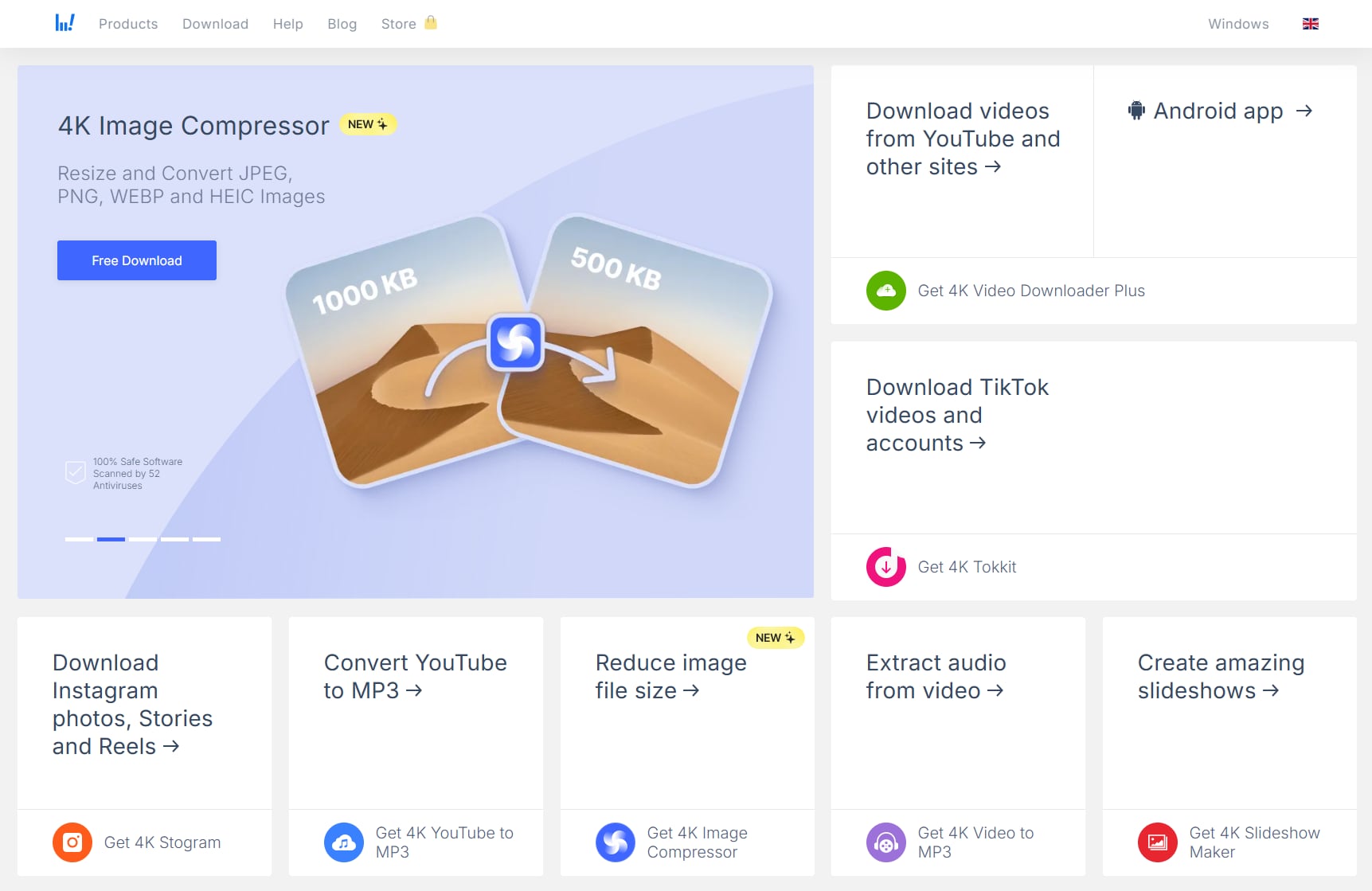
4K Video Downloader+ is a well-known desktop utility that focuses purely on downloading. It is a reliable Facebook reel to MP4 converter for users who want a simple, dedicated app. It handles 4K resolution well and can extract audio if you only need the sound from a reel. The "Smart Mode" feature allows you to set a preferred format and quality once and apply it to all future downloads automatically.
Safety Review: 4.5/5
Starting Price: Free / $15 (Lite)
Supported Devices: Windows, macOS, Linux
3. VideoProc Converter AI
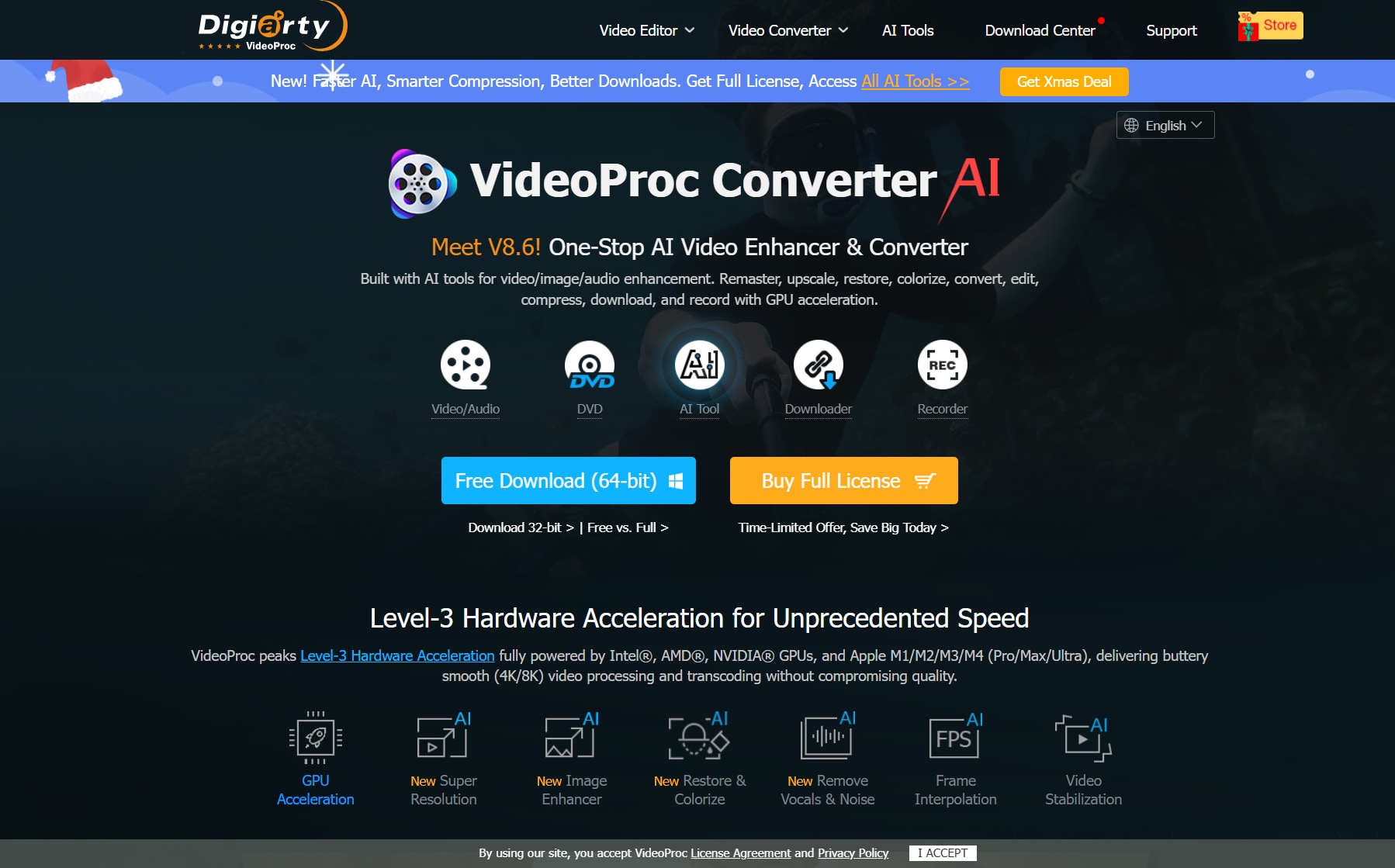
VideoProc is another GPU-accelerated software that excels at processing large video files. As a FB Reels download MP4 tool, it is incredibly fast. It uses Level-3 Hardware Acceleration to ensure that downloading and converting videos doesn't slow down your computer. It's a great choice if you are downloading long-form content from Facebook in addition to Reels.
Safety Review: 4.5/5
Starting Price: Free Trial / $25.95 Year
Supported Device: Windows, macOS
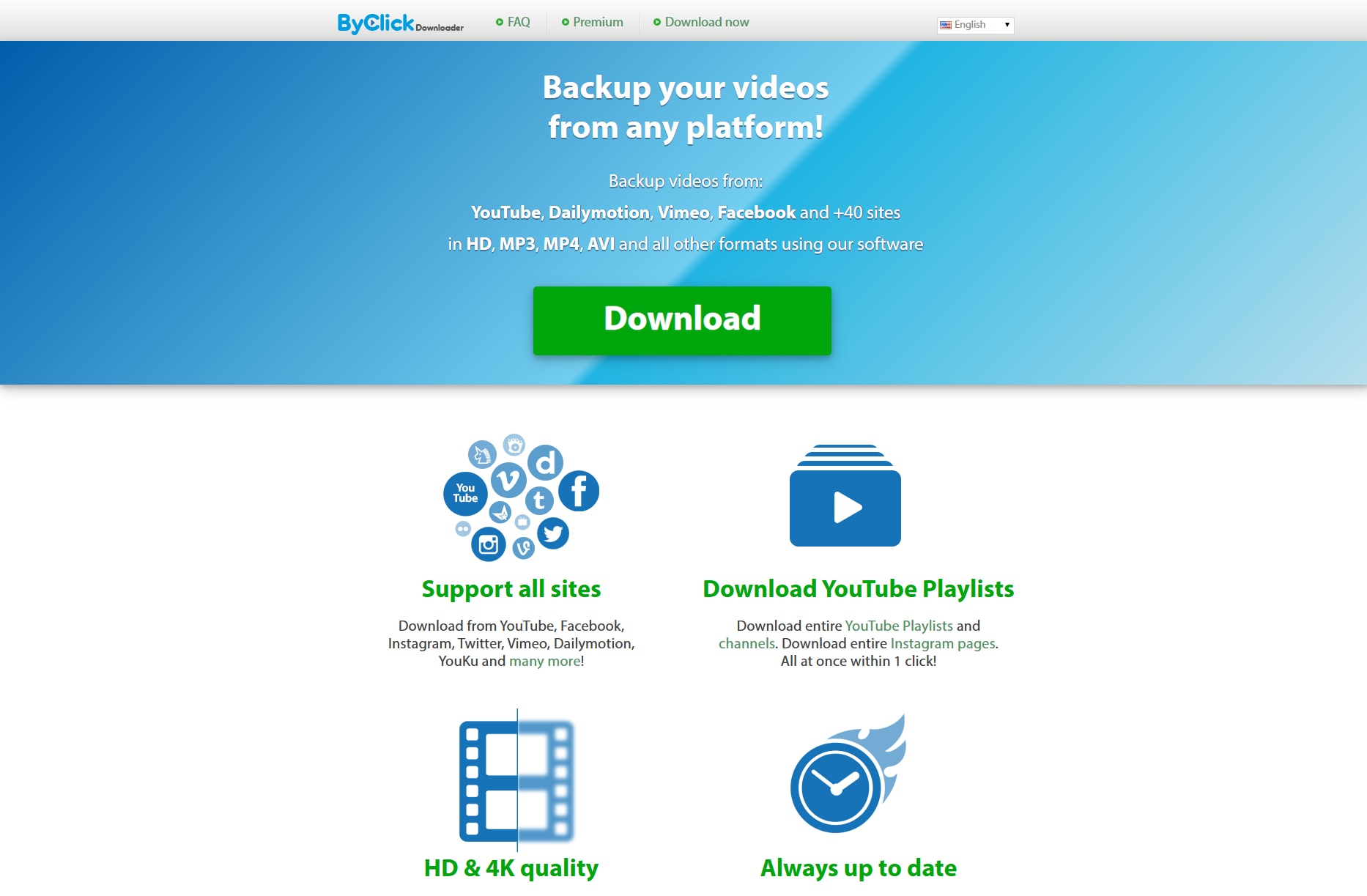
4. ByClick Downloader (Windows)
ByClick is a powerhouse for Windows users who want to download FB Reels to MP4 in bulk. Its unique feature is the "Auto-Detect" pop-up—when you copy a Facebook URL, a small pop-up asks if you want to download the video. It's excellent for archiving entire pages or large numbers of Reels.
Safety Review: 4/5
Starting Price: Free / $19.99 Premium
Supported Device: Windows
Online Tools (Browser-Based) - Best for Speed & Mobile
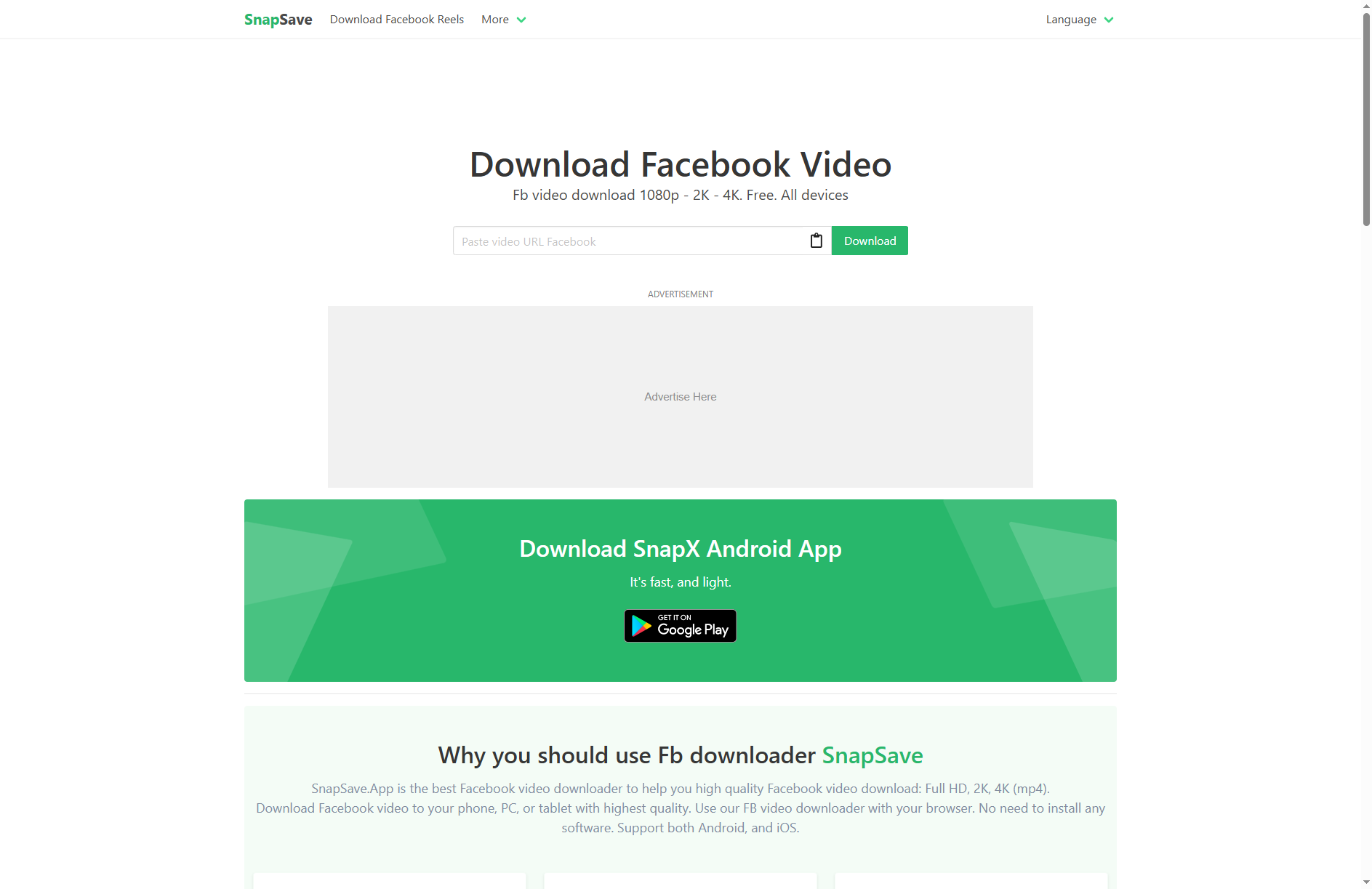
5. SnapSave
SnapSave is the most popular online MP4 Reels Facebook downloader currently available. It is purely web-based, meaning you don't need to install software. It is famous for its ability to render Facebook videos in high quality (HD/4K) rather than the standard SD quality that many online tools default to. It works smoothly on mobile browsers (Chrome/Safari), making it a favorite for phone users.
Safety Review: 3.5/5
Starting Price: Free
Supported Device: All (Web-based)
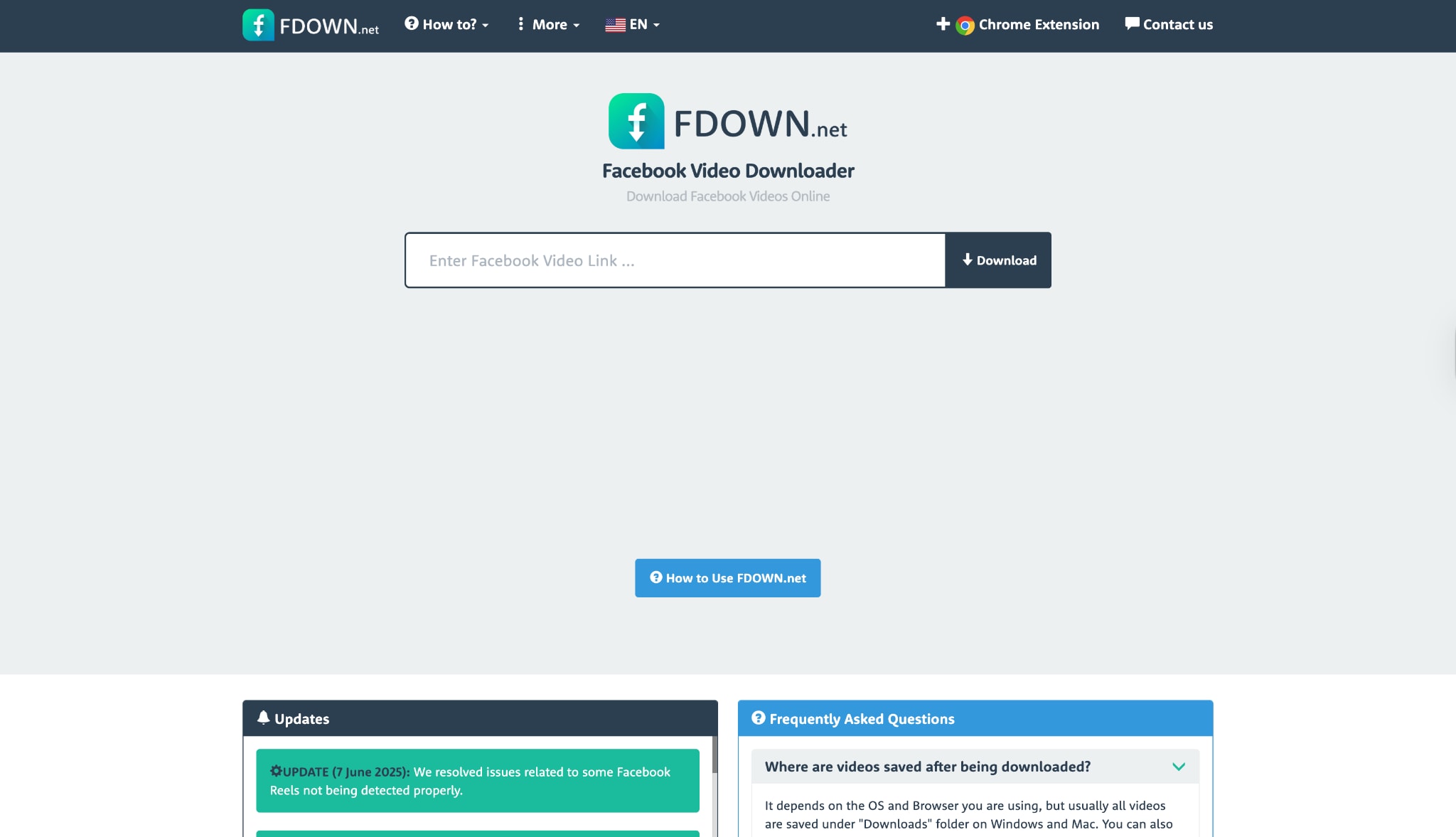
6. FDown (formerly FBDown)
A veteran in the game, FDown, is a classic FB MP4 reel downloader. It has a very simple interface: paste the link and choose "Normal Quality" or "HD Quality." It also offers a Chrome Extension, which detects video links on the page automatically, saving you the step of copying and pasting URLs.
Safety Review: 3/5
Starting Price: Free
Supported Device: Web, Chrome Extension
High-Quality Facebook Reels MP4 Downloader
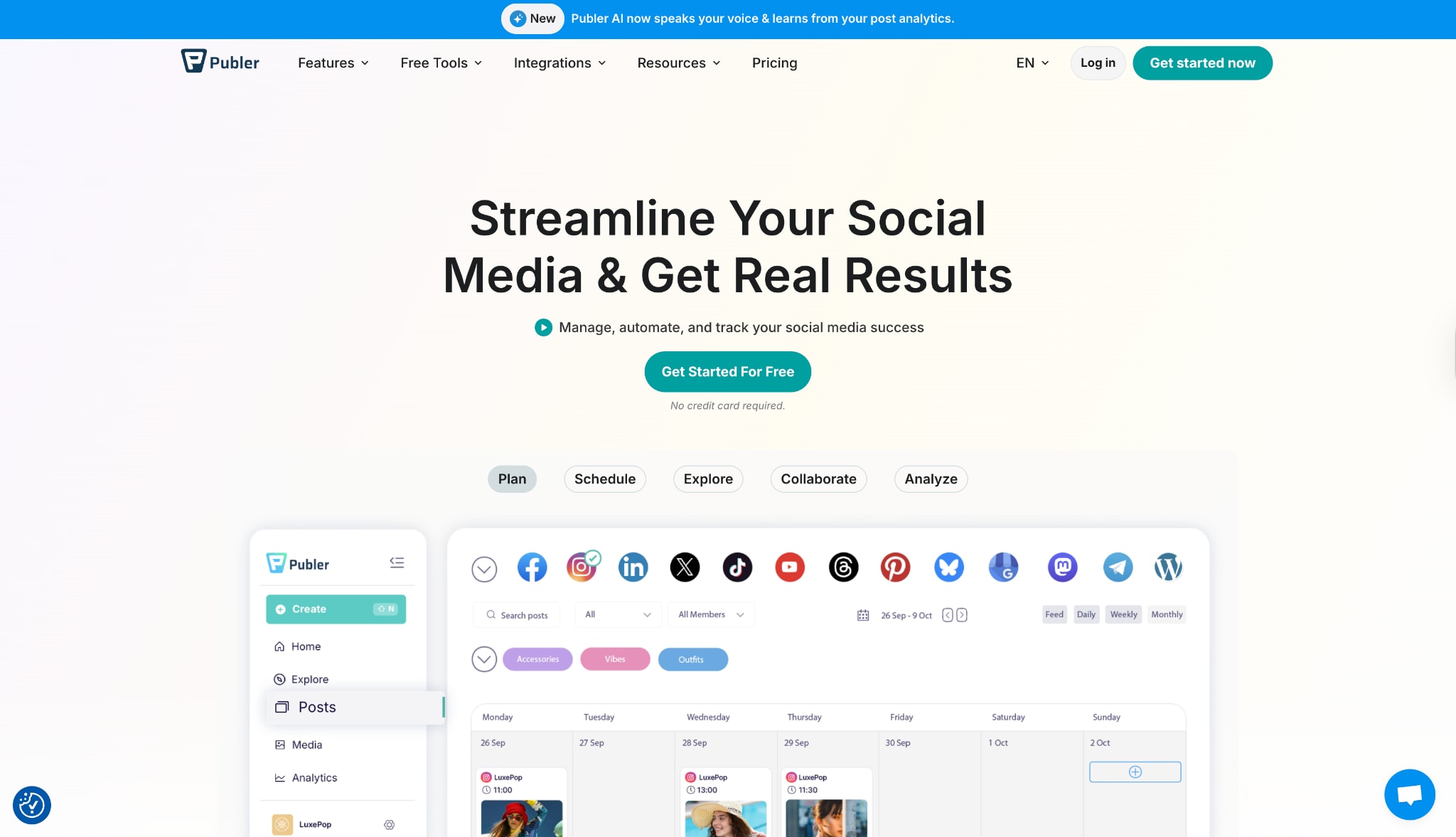
7.Publer
Publer is primarily a social media management tool, but it offers a free, high-quality "Social Media Downloader" tool on its site. It is surprisingly clean and professional compared to other online converters. If you want to convert Facebook Reels to MP4 without seeing gambling or adult ads, Publer is a safe web-based bet.
Safety Review: 4.5/5
Starting Price: Free (for the downloader tool)
Supported Device: Web
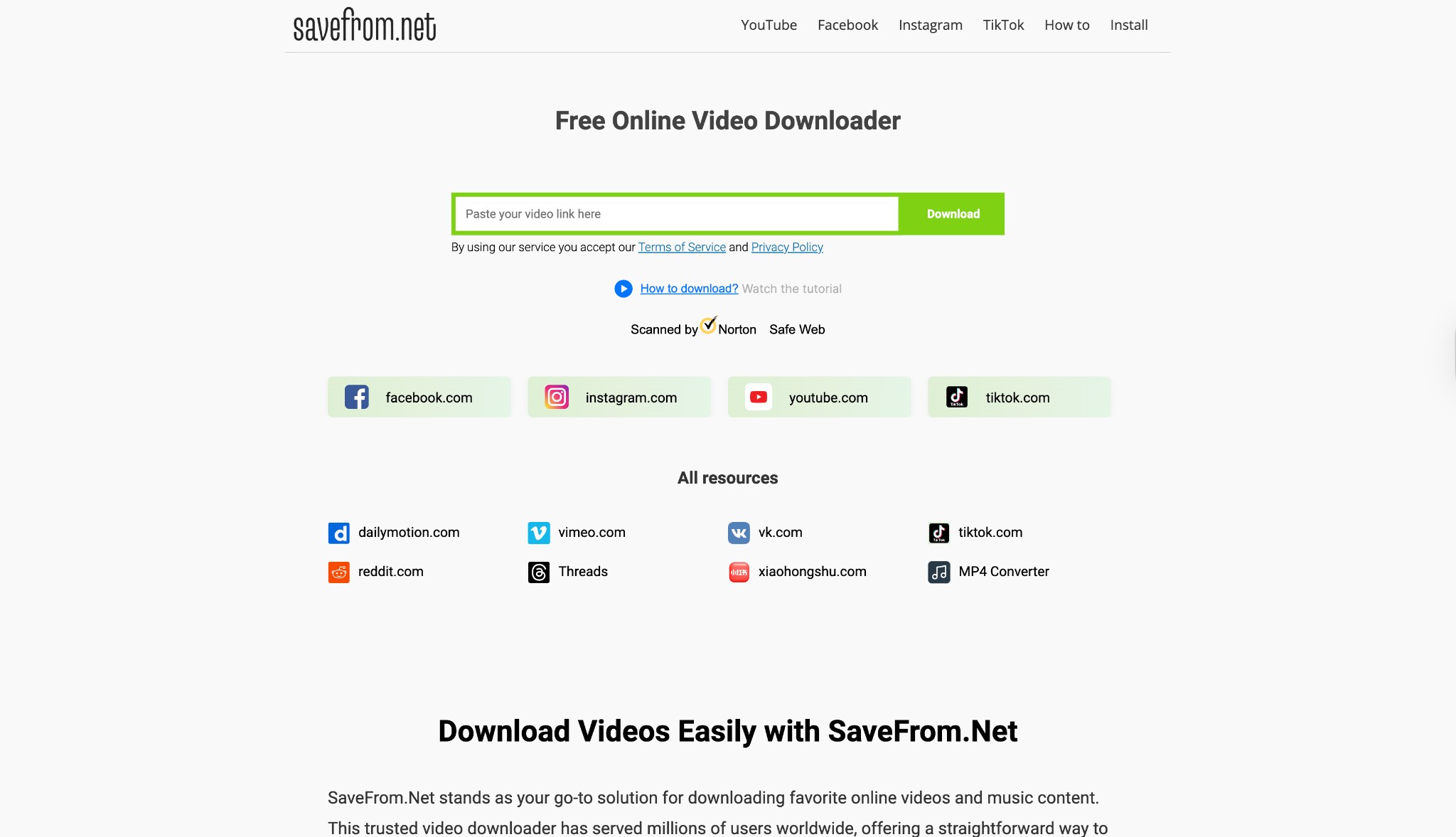
8. SaveFrom.net
SaveFrom is one of the oldest names in video downloading. While it is famous for YouTube, it handles Facebook Reels download MP4 requests effectively. It supports a wide range of formats and resolutions. However, users should be cautious of the "Helper" extension they push, as it can be intrusive. The web-based direct download works fine.
Safety Review: 2.5/5
Starting Price: Free
Supported Device: Web, Android
Mobile Apps (Android/iOS) - Best for On-the-Go
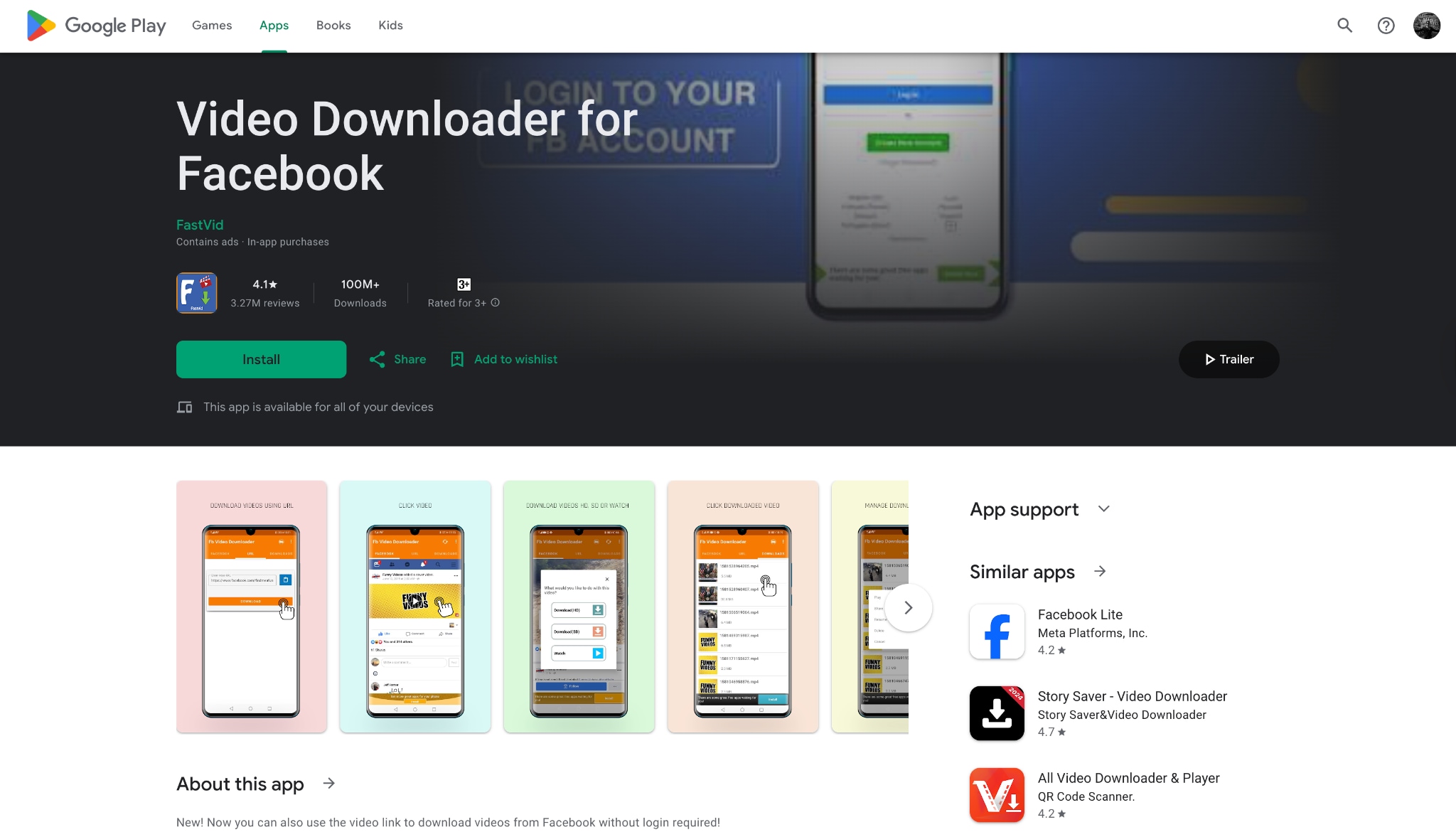
9. Video Downloader for Facebook (Android)
For Android users, Video Downloader for Facebook by FastVid is a dedicated app to convert FB Reels to MP4. It provides a built-in browser where you can log in to Facebook, browse your feed, and tap "Download" on any reel you see. This is often easier than copying links back and forth between apps.
Safety Review: 4/5
Starting Price: Free (Ads)
Supported Device: Android
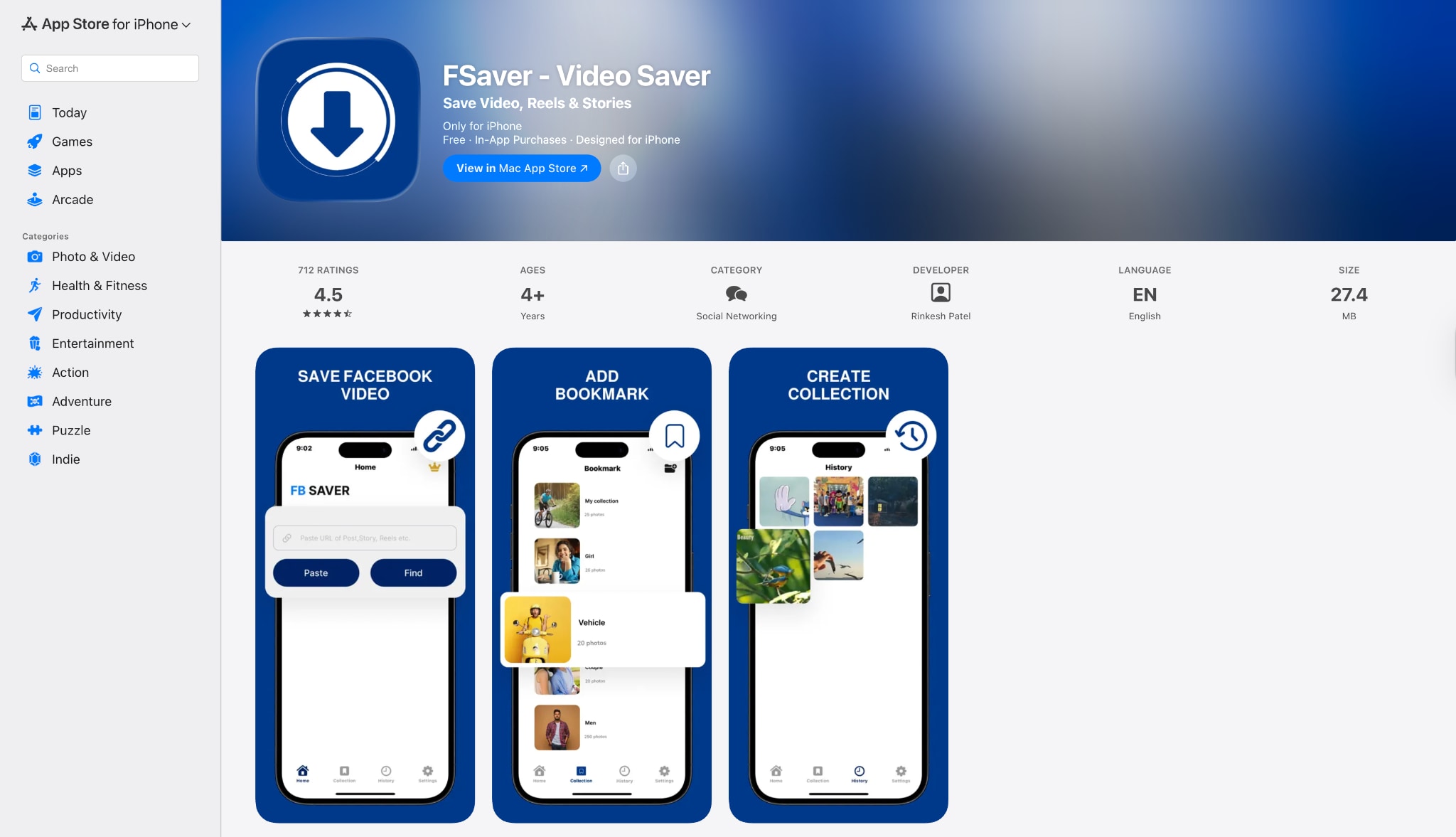
10. FSaver (iOS)
Downloading on iPhone is tricky due to Apple's file restrictions, but FSaver solves this. It acts as a file manager and a Facebook reel to MP4 converter. You paste the link, it processes the video, and then allows you to save it to your Camera Roll. It is one of the few apps on the App Store that is regularly updated to fix broken download methods.
Safety Review: 4/5
Starting Price: Free (In-app purchases)
Supported Device: iOS (iPhone/iPad)
Part 3. At-a-Glance Comparison Table for Top 10 Facebook Reels to MP4 Converters
| App Name | Supported Format | Unique Edge | Best For |
| Wondershare UniConverter | MP4, MP3, MOV, AVI + 1000 more | Batch Download & Editing | Overall Best / Safety |
| SnapSave | MP4 (SD/HD/4K) | No-install 4K rendering | Quick Online Use |
| 4K Video Downloader+ | MP4, MKV, MP3 | Smart Mode auto-settings | Playlist Downloads |
| ByClick | MP4, MP3 | Auto-detect Popup | Windows Power Users |
| FDown | MP4 (SD/HD) | Chrome Extension | Desktop Browser |
| VideoProc | MP4, MP3, iPhone, Android | GPU Acceleration | Slow PC / Large Files |
| Publer | MP4 | Clean, Ad-free UI | Marketing/Business |
| SaveFrom.net | MP4, WEBM | Multi-site support | Occasional Users |
| Video Downloader for Facebook | MP4 | Built-in FB Browser | Android Users |
| FSaver | MP4, MOV | iOS Camera Roll Saver | iPhone Users |
Part 4. How to Easily Batch Convert Facebook Reels to MP4 [Safest Choice]
When it comes to safety and reliability, Wondershare UniConverter is the superior choice. Unlike online tools that rely on server uptime and ad revenue, UniConverter runs locally on your machine, ensuring your data is private and downloads are lightning-fast.
How to use UniConverter to batch download Facebook Reels
Step 1: Access the Downloader Tool
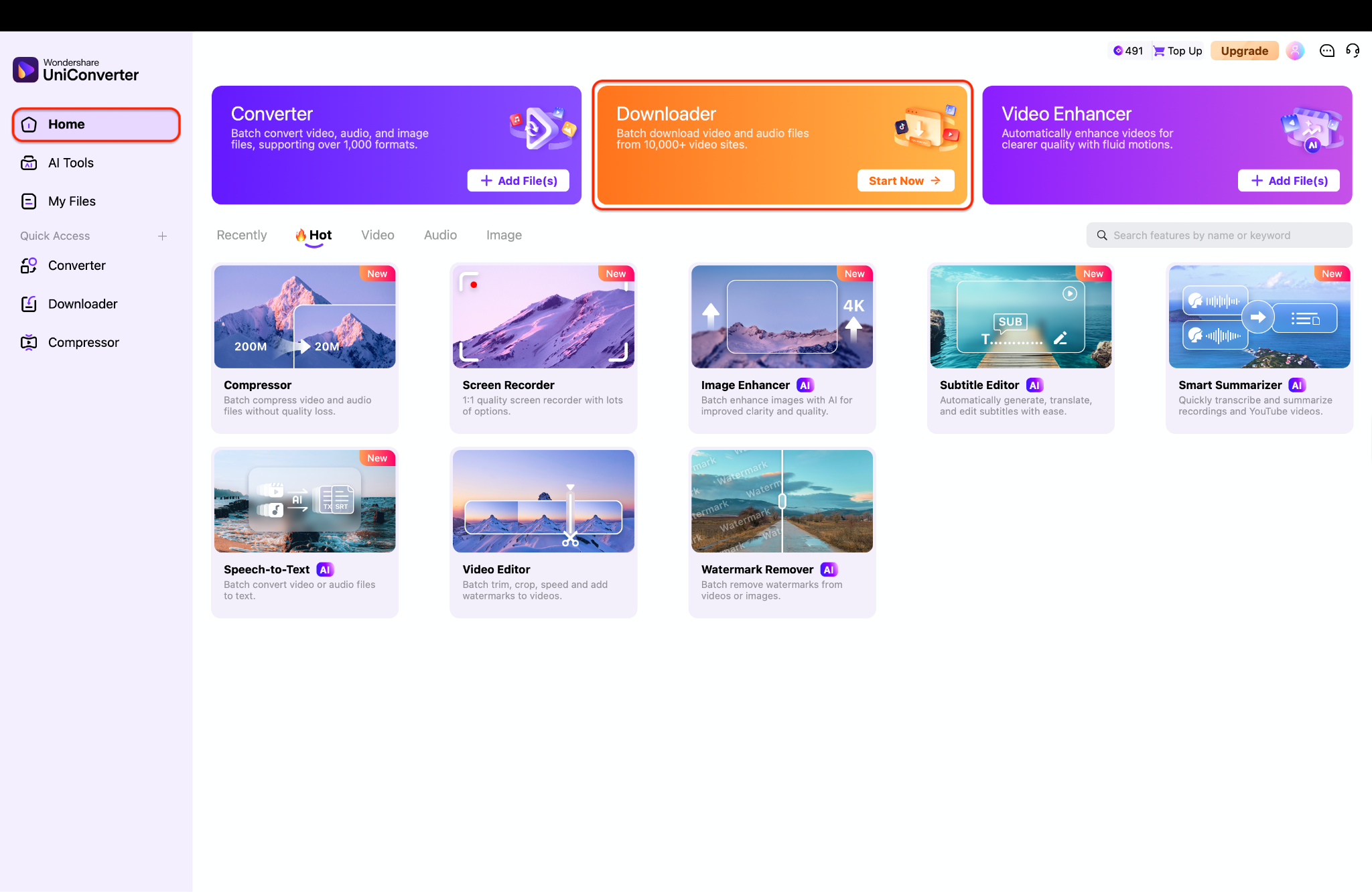
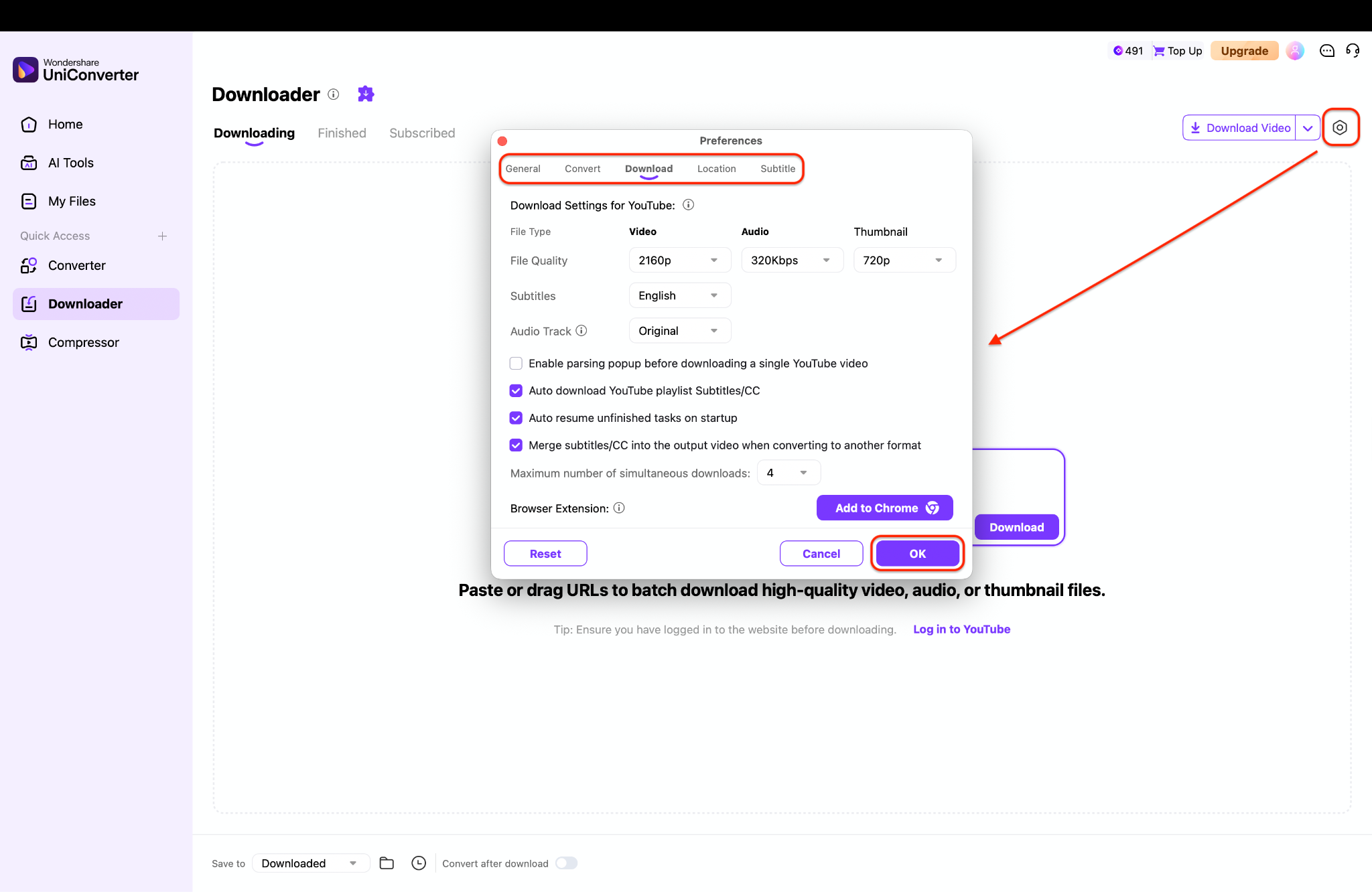
Step 2: Customize Download Quality Settings
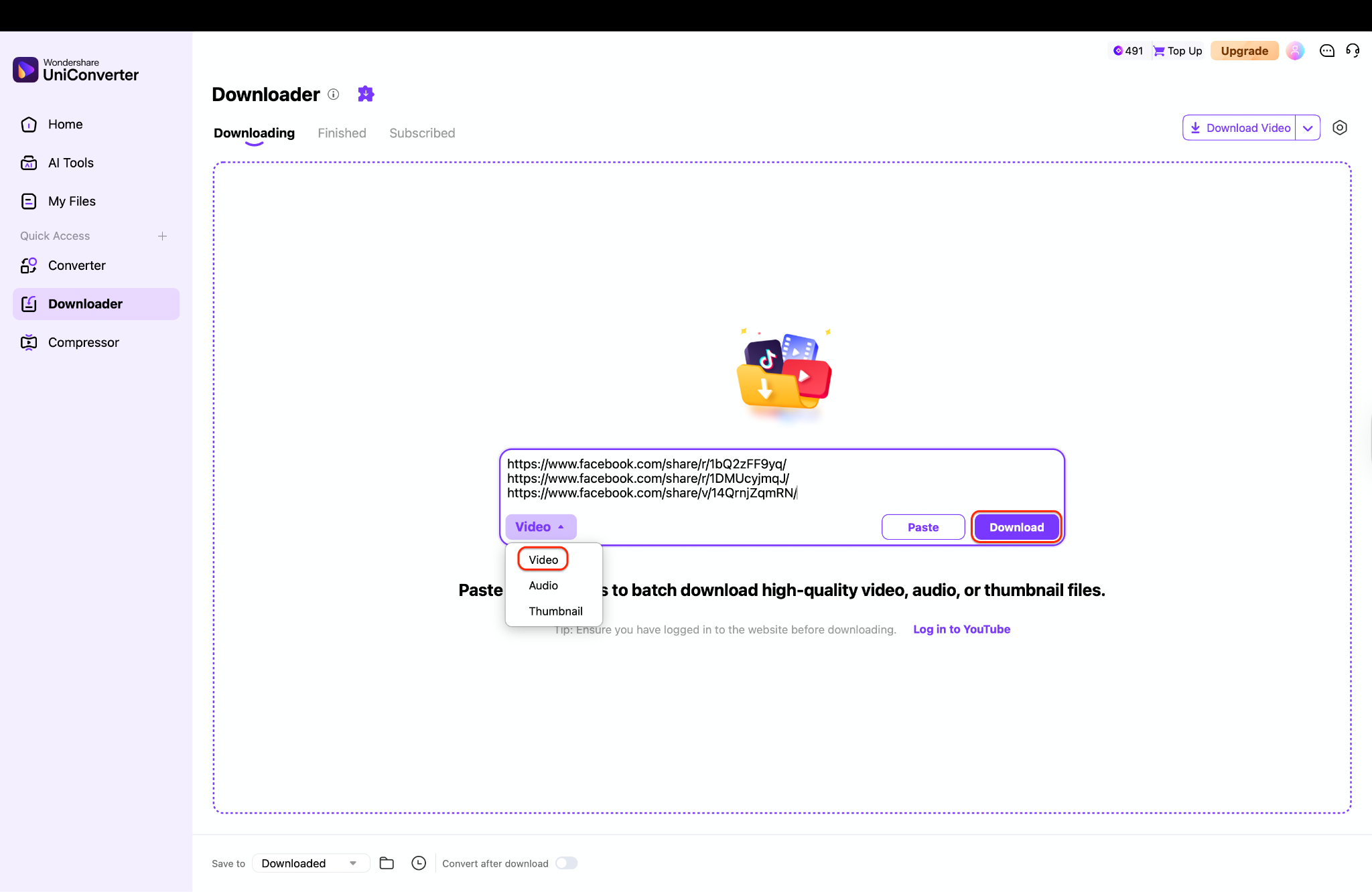
Step 3: Paste Multiple Reel Links and Download
Part 5. Troubleshooting Common Issues
Even with the best tools, you might encounter hiccups when trying to convert Facebook reel to MP4. Here are quick fixes:
"Video won't download" or Error 403: This usually happens with Private Reels. Most online converters cannot access Reels from private accounts or groups. You must use a desktop tool like UniConverter or 4K Video Downloader that allows you to log in to your FB account securely to verify permissions.
Quality Loss / Blurry Video: Ensure you are selecting "HD" or "720p/1080p" before hitting download. Some tools default to "SD" (Standard Definition) to save server bandwidth.
Audio Sync Problems: If the audio lags behind the video, the source file might have a variable frame rate. Import the downloaded file into UniConverter's Video Editor and re-export it; this process often fixes the sync automatically.
Download Button Missing: If you are using an extension and the button doesn't appear, Facebook may have updated its code. Clear your browser cache or try a direct URL copier tool like SnapSave instead.
Batch Facebook Reels to MP4 Converter
Conclusion
Downloading Facebook Reels doesn't have to be a gamble with your digital security. In this article, we've discovered the top 10 methods to convert Facebook Reels to MP4 for every device. From quick online fixes like SnapSave to robust desktop powerhouses, there is a tool for every scenario. However, many online options come with the trade-off of intrusive ads and potential privacy risks.
If you want a truly effective, secure, and user-friendly solution, Wondershare UniConverter stands out as an excellent choice. Its ability to batch download, edit, and convert files without quality loss makes it more than just a downloader— a complete trustable & efficient video toolkit.
FAQs
-
1. Is it legal to download Facebook Reels?
It is generally legal to download FB Reels to MP4 for personal offline viewing. However, re-uploading or using copyrighted music/content for commercial purposes without the creator's permission is a violation of copyright laws. -
2. Why do downloaded Reels sometimes have no sound?
This often happens with Reels that use copyrighted music. Facebook separates the audio and video tracks to protect rights. High-end tools like UniConverter can usually merge these tracks correctly, whereas simple online tools might fail. -
3. Can I download Facebook Reels in 1080p or 4K?
Yes, but the source video must be uploaded in that quality. Tools like SnapSave and UniConverter support Facebook Reels download MP4 in high definitions if available. -
4. How do I download a Reel from a private Facebook group?
You cannot use standard online links for private groups. You need a desktop downloader (like UniConverter or 4K Downloader) that has a built-in browser to log in to your account and access the private content you have permission to view. -
5. What is the safest way to convert FB Reels to MP4?
The safest method is using verified desktop software like Wondershare UniConverter. It avoids the risks of "malvertising," pop-ups, and data tracking common with free online converter websites.

