

If you're looking beyond Rumble, the right alternative depends on how you use video. You may want a larger library of on-demand content, a place to publish your own videos, a professional hosting service, or a platform built around live interaction. These services do not all work in the same way, so comparing them by purpose is more useful than treating them as direct replacements.
This guide compares 10 Rumble alternatives, including video-sharing sites, short-form platforms, professional hosts, and livestreaming communities. If you also need a local copy of a Rumble video you own or have permission to save, you'll find a step-by-step guide to using Wondershare UniConverter and its desktop Video Downloader.
Quick Answer
For a broad video library, start with YouTube; choose TikTok for short-form discovery or X for video alongside public conversation. Dailymotion offers another general video destination, while Vimeo is designed for professional hosting and sharing. Twitch and Kick focus on live communities. Odysee, BitChute, and PeerTube offer different approaches to independent or community-led publishing. The best choice depends on whether you mainly watch, publish, host, or stream.
Table of Contents:
Why Look for Rumble Alternatives?
Rumble combines public video sharing with livestreaming and creator-focused services. Still, the experience you want may call for a different kind of platform. Before switching, decide which part of Rumble you want to replace:
- More viewing choices: You may want a broader mix of entertainment, education, news, gaming, or creator channels.
- A different creator community: You may prefer a platform with a different audience, discovery system, or publishing culture.
- More control over hosting: Independent or federated services can offer a different approach to platform ownership and moderation.
- Professional video delivery: If you mainly need private sharing, embeds, or client review, a video-hosting service may suit you better than a public social feed.
- Live interaction: If real-time chat and livestream communities matter most, a live-first platform may be a better match.
Quick Comparison of 10 Rumble Alternatives
These platforms do not offer identical services. Compare their primary use, publishing model, and trade-offs before moving your channel or changing where you watch.
| # | Platform | Best For | What You Can Do | What to Consider |
| 1 | YouTube | Broad video discovery | Watch and publish long-form videos, Shorts, and live streams; follow channels and use search and recommendations. | Monetization, visibility, and some features depend on YouTube policies and eligibility. |
| 2 | TikTok | Short-form video discovery | Browse a personalized For You feed, publish short clips, follow creators, and use LIVE features when eligible. | Mobile- and short-video-first; LIVE access and creator tools depend on age, region, and account eligibility. |
| 3 | X | Video within public conversation | Post videos with text, images, and links; follow timely clips and watch live broadcasts from eligible public accounts. | A social network rather than a dedicated video library. Upload limits and features vary by account and subscription. |
| 4 | Twitch | Live streaming and chat | Browse live channels by category, follow streamers, and join real-time chat and community discussions. | Live-first rather than a like-for-like replacement for a broad on-demand video catalog. |
| 5 | Dailymotion | General video discovery | Watch and share on-demand videos across news, sports, entertainment, music, and publisher channels. | Its professional publisher tools are a separate offering from the consumer video experience. |
| 6 | Vimeo | Professional video hosting | Host, organize, share, embed, and review videos with privacy controls for different audiences. | Specific privacy, collaboration, and team options vary by plan. |
| 7 | Kick | Live creator communities | Watch live channels, browse categories, chat with streamers, and follow creators. | Focused on livestreaming; subscriptions and monetization require meeting platform eligibility rules. |
| 8 | Odysee | Independent video publishing | Discover and publish videos, written posts, audio, and photos through channels and its creator platform. | Its LBRY-related publishing model and current account requirements differ from centralized platforms. |
| 9 | BitChute | Alternative video communities | Browse, search, and publish user-generated videos through creator channels. | Content mix and moderation experience differ from mainstream platforms; review current community guidelines. |
| 10 | PeerTube | Federated video hosting | Watch videos across connected instances or choose a community-run instance to publish and host content. | There is no single central catalog; content, rules, and performance vary by instance. |
- Best overall video library: YouTube
- Best for short-form discovery: TikTok
- Best for video in public conversations: X
- Best for live streaming: Twitch
- Best for general on-demand video: Dailymotion
- Best for professional hosting: Vimeo
- Best for live creator communities: Kick
- Best for independent publishing: Odysee and BitChute
- Best for federated hosting: PeerTube
10 Best Rumble Alternatives for Different Video Needs
Some platforms on this list are close to Rumble's video-sharing model, while others replace only one part of the experience. Use the descriptions below to match a platform to the way you watch, publish, host, or stream.
1. YouTube: best overall video-sharing alternative
YouTube is the most familiar starting point if you want a broad video library and a mix of creator formats. You can browse long-form videos, Shorts, live streams, channels, and topic-based recommendations in one place. Its scale makes it useful for viewers who want variety and for creators who want access to an established discovery ecosystem.
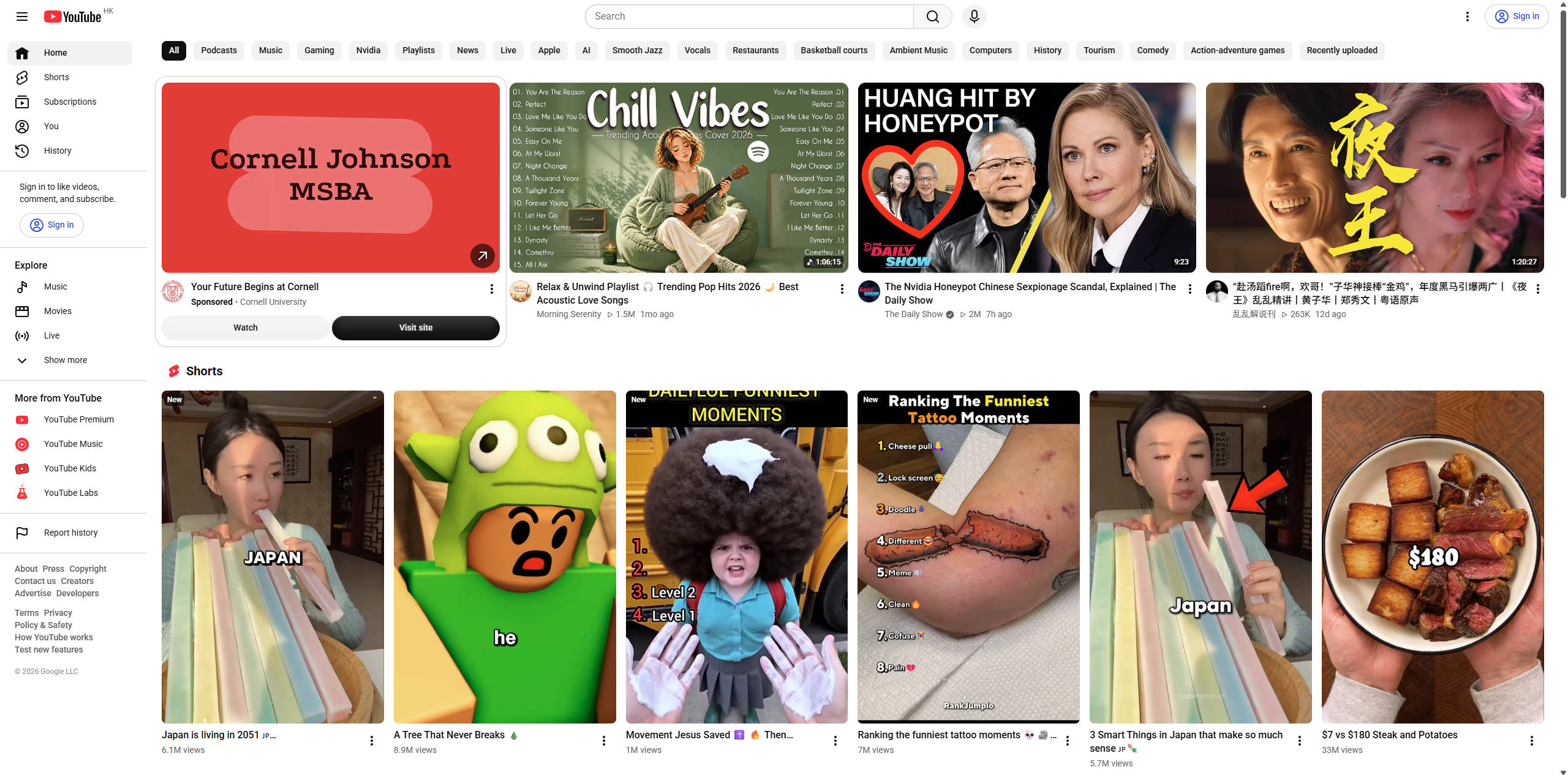
Best for: Viewers and creators who want long-form videos, Shorts, livestreams, channel subscriptions, and broad topic coverage in one place.
2. TikTok: best for short-form video discovery
TikTok is built around short-form video discovery. Its personalized feed helps viewers find clips from creators across entertainment, education, lifestyle, news, and other interests. The platform also offers creator publishing tools and LIVE features for eligible accounts, making it a different kind of alternative to Rumble than a traditional long-form video host.
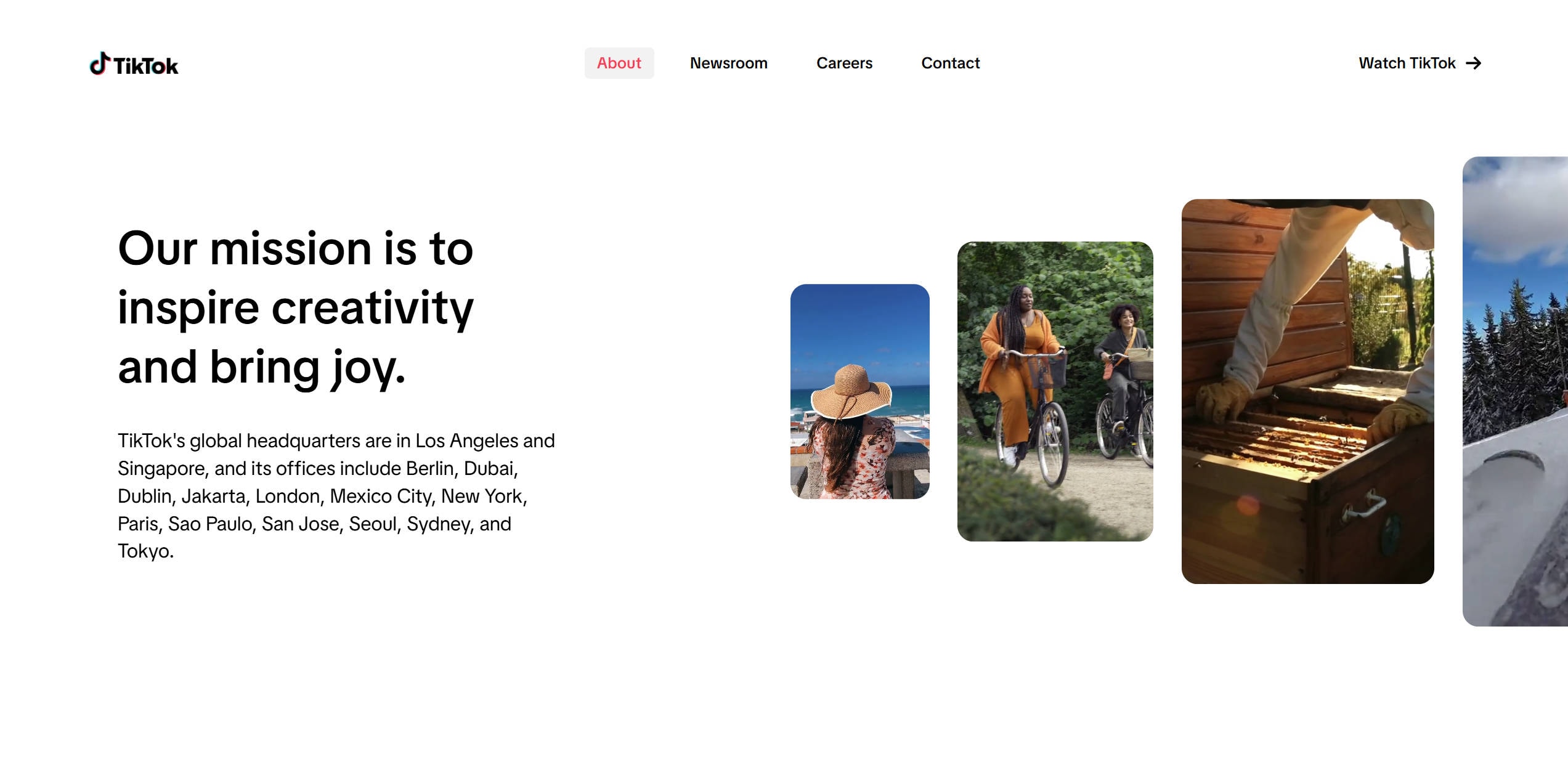
Best for: Creators and viewers focused on short clips, personalized discovery, and mobile-first video consumption.
3. X: best for social video sharing
X combines public conversation, news updates, and social video sharing. Users can post video alongside text, images, and links, while creators and organizations use the platform to share timely clips, announcements, and live updates. Its video experience is part of a broader social network rather than a dedicated video library.

Best for: People who want to share or follow videos as part of news updates, public discussion, and social conversations.
4. Twitch: best for live streaming
Twitch is built around live interaction. You can browse live channels, follow streamers, join chat, and discover communities organized around games and other interests. The platform is a natural alternative if the part of Rumble you use most is livestreaming rather than watching a general library of uploaded videos.
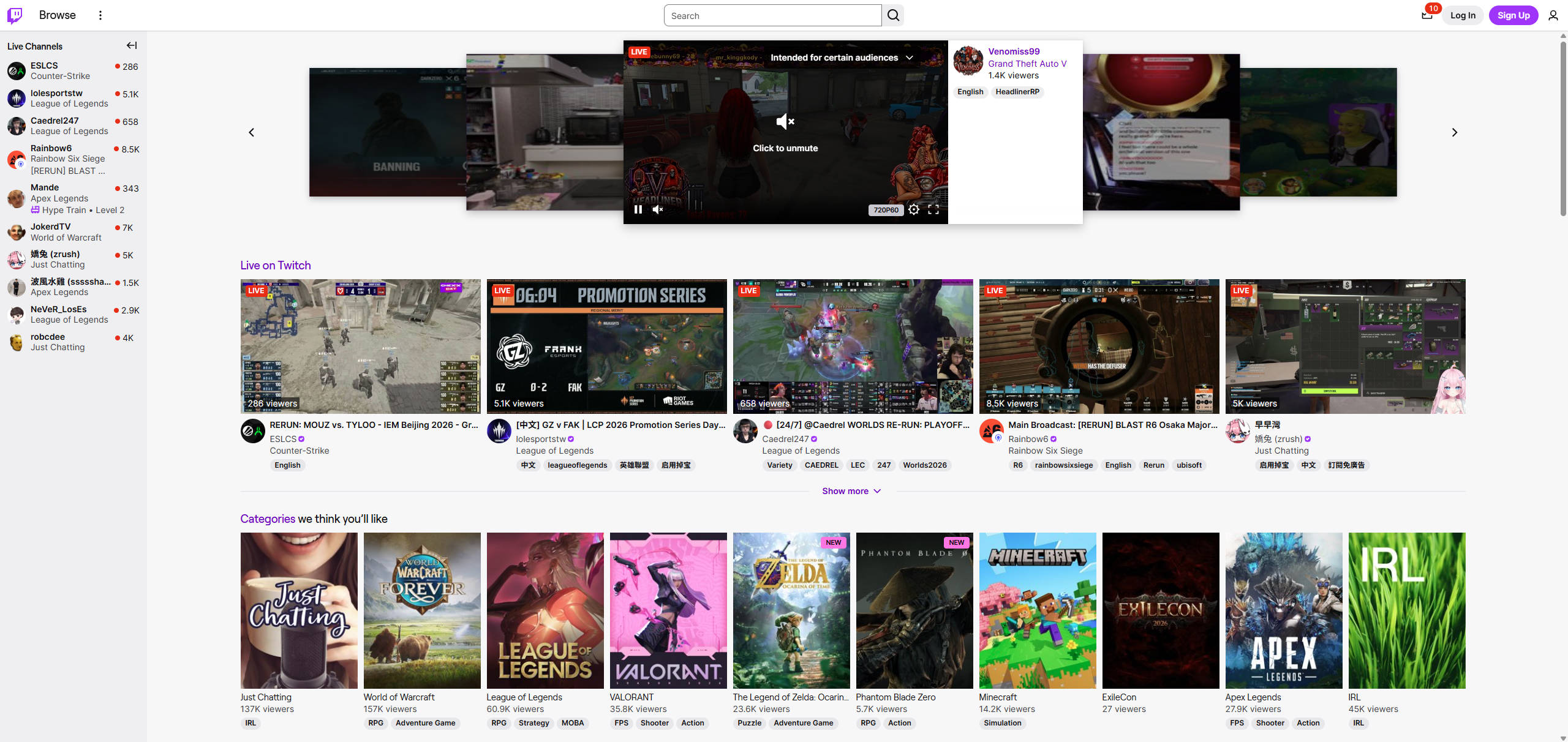
Best for: Streamers and viewers who prioritize live broadcasts, category-based discovery, and real-time chat.
5. Dailymotion: best for general video sharing
Dailymotion is a long-running video hosting and sharing platform where you can discover live and on-demand content across subjects such as sports, music, comedy, politics, news, fashion, and gaming. It also has professional offerings for publishers and businesses through Dailymotion Pro.
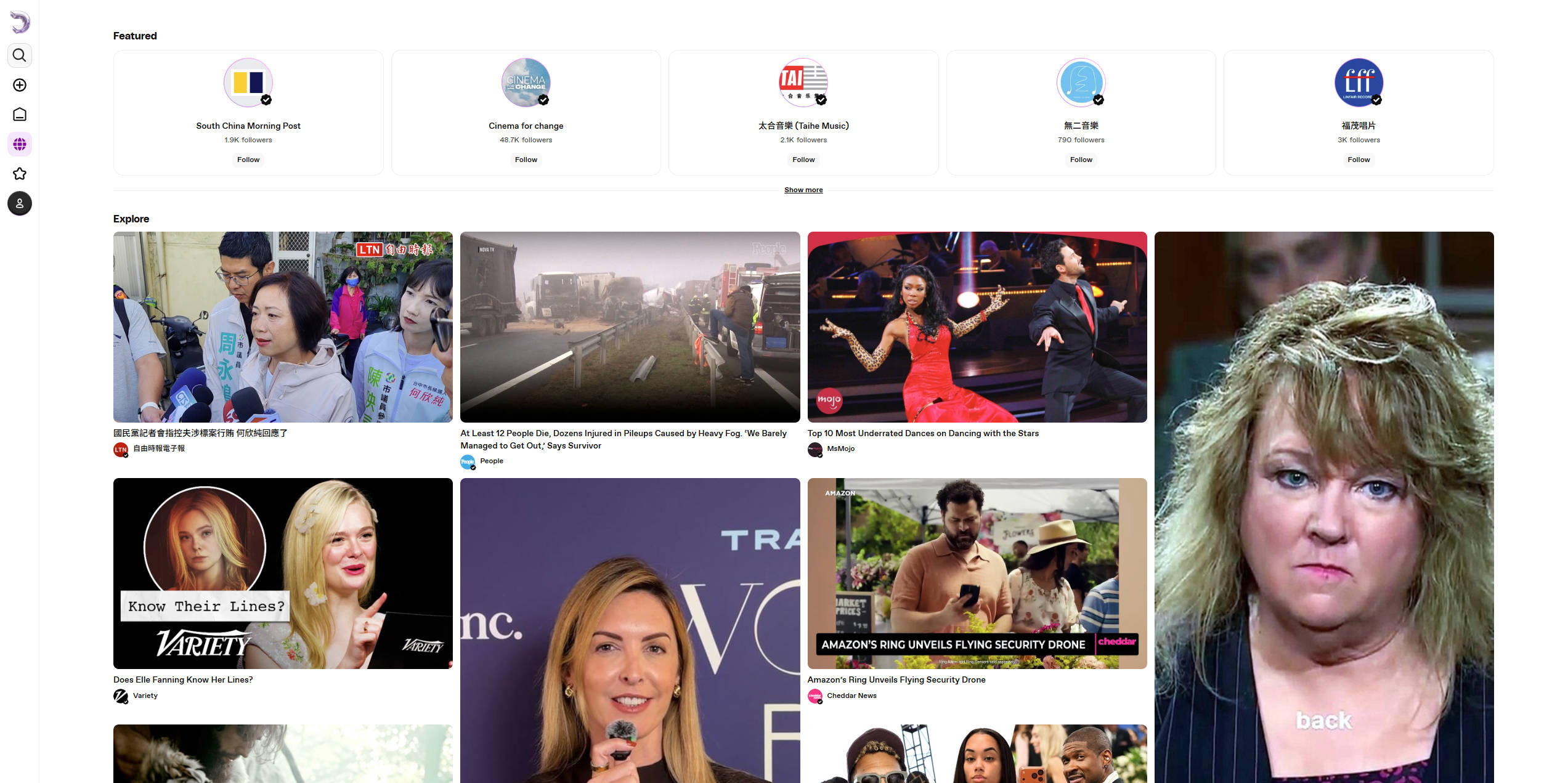
Best for: Viewers who want on-demand news, sports, entertainment, and videos from media publishers.
6. Vimeo: best for professional video hosting
Vimeo is more focused on professional video hosting than on an open social video feed. It is designed for creators, teams, and businesses that need to host, manage, share, and present videos. Privacy controls can help you decide who can view a video, whether it can be embedded, and how you share work with clients or collaborators.
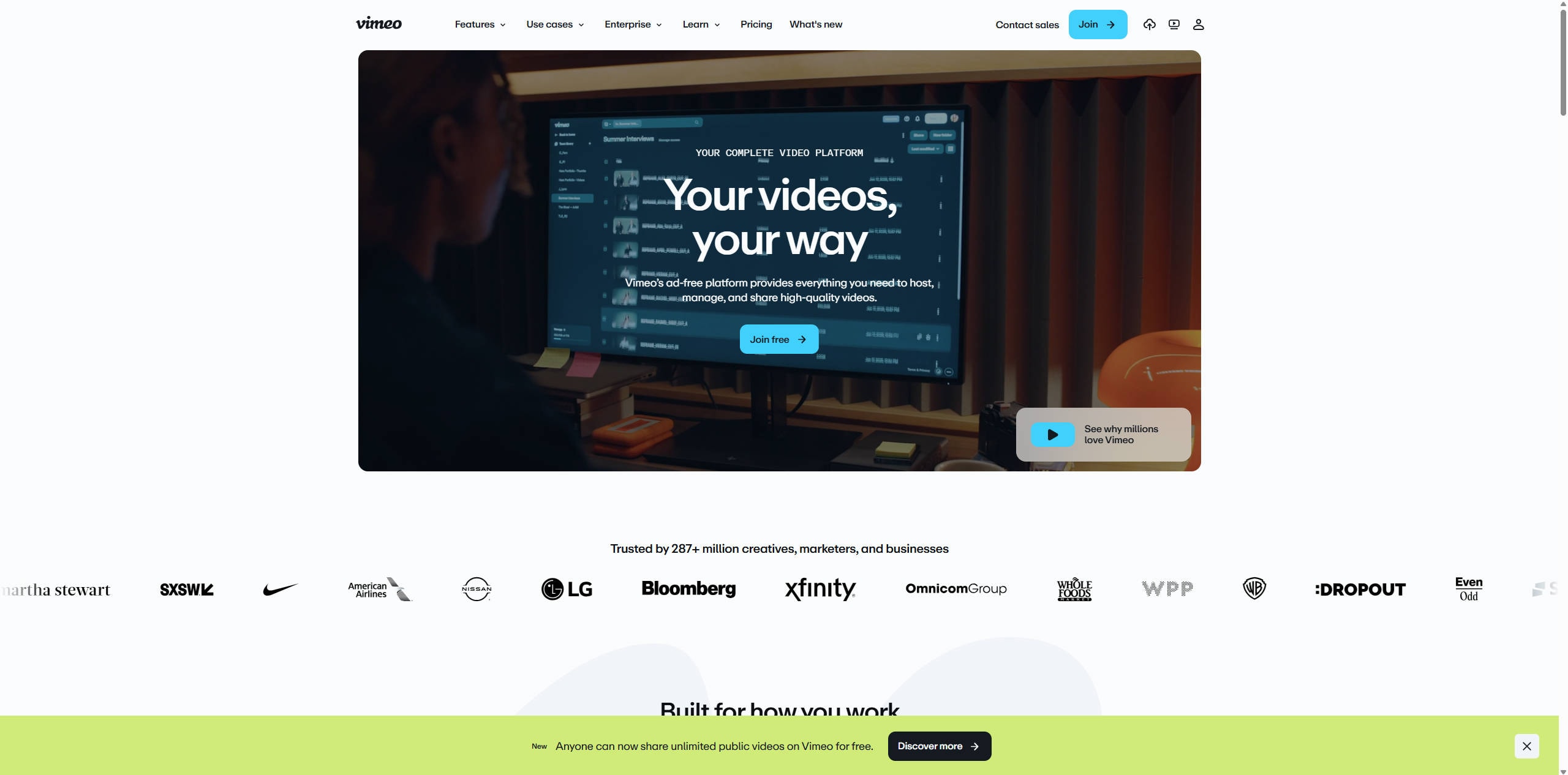
Best for: Filmmakers, businesses, and teams that need private sharing, embeds, and structured video review.
7. Kick: best for live creator communities
Kick is a live-streaming platform with browseable categories, featured channels, and real-time chat. Its creator-facing offering emphasizes streaming and subscriptions, making it relevant if you are looking for a live-first community rather than a conventional video library.
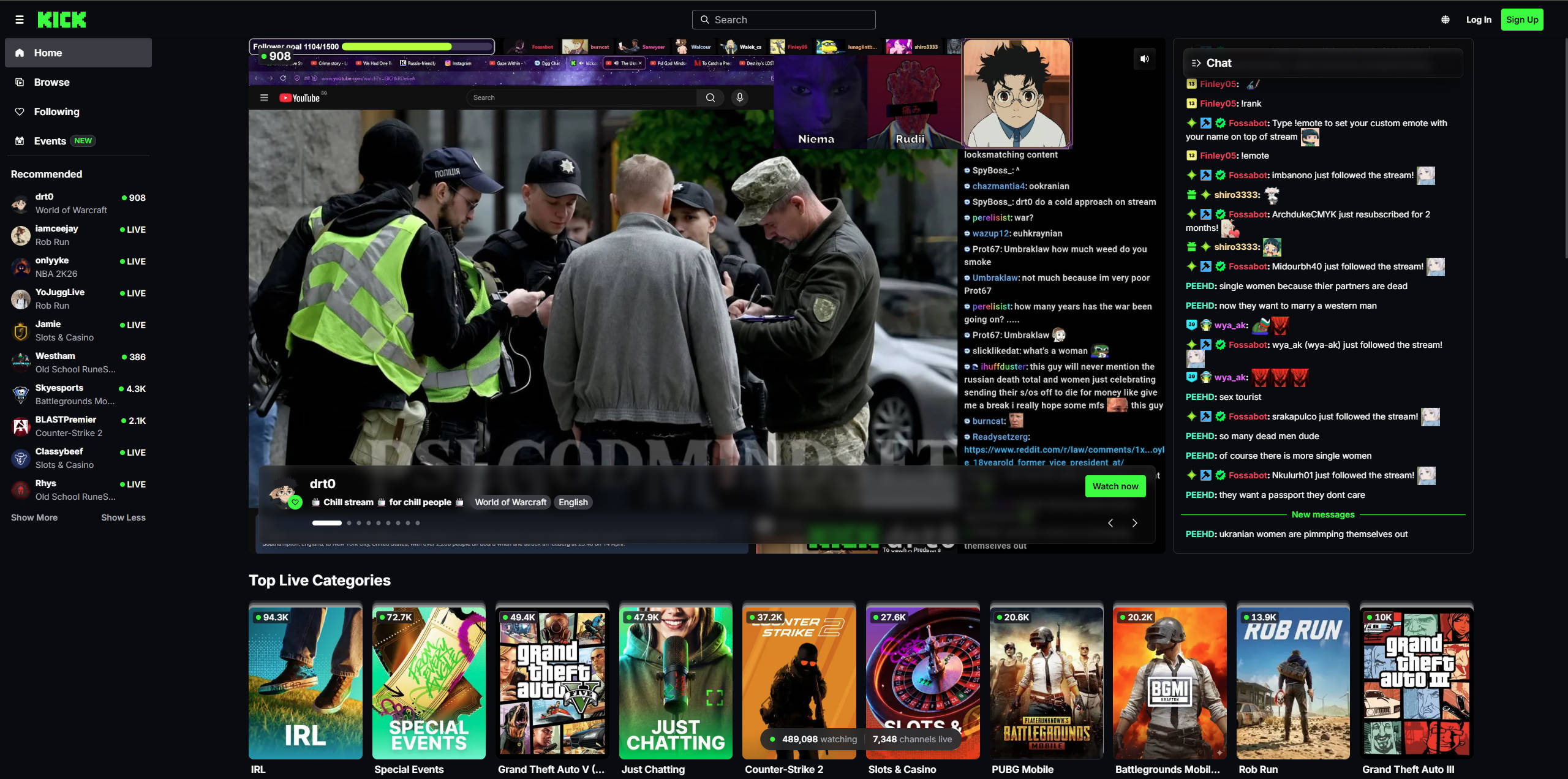
Best for: Live creators and viewers who want category-based streams, chat, and channel subscriptions.
8. Odysee: best for independent video publishing
Odysee is a creator platform for publishing and discovering videos as well as other media. Its history is connected to the LBRY protocol, which gives it a different publishing model from centralized video sites. You can explore channels and categories, follow creators, and find content across a range of subjects.
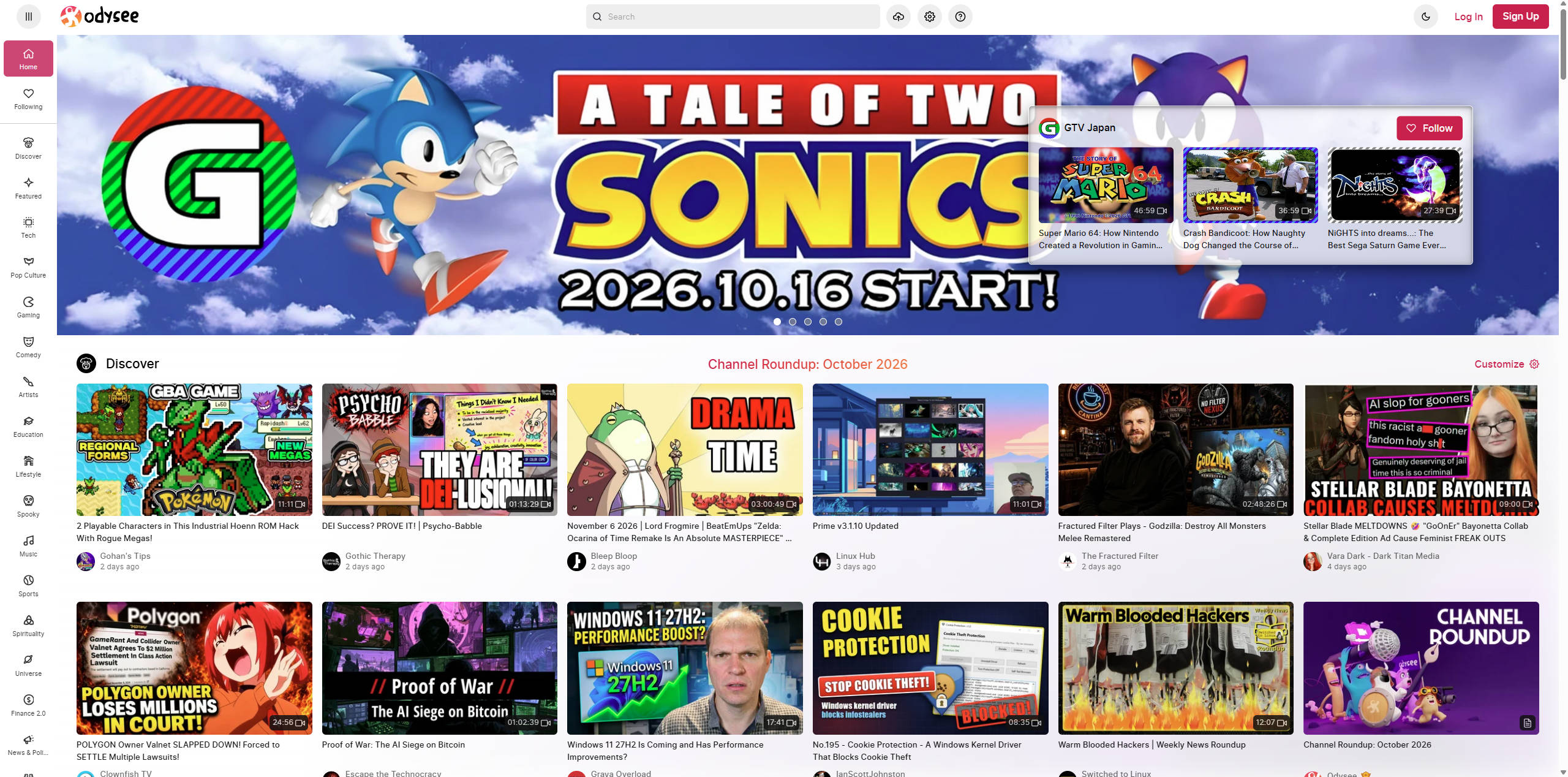
Best for: Creators and viewers who want to publish or discover video and other media outside centralized platforms.
9. BitChute: best for alternative video communities
BitChute is a video hosting and sharing service that describes itself as creator-focused and centered on user freedom and privacy. Its content includes commentary, gaming, and other creator-led videos. You can browse videos, search for channels, and publish content through an account.
Best for: Viewers interested in independent creator channels and a content mix that differs from mainstream video platforms.
10. PeerTube: best for decentralized video hosting
PeerTube takes a different route from centralized video platforms. It is free, open-source software for creating independently operated video platforms, known as instances. These instances can connect through a federated network, allowing communities to host and share videos while keeping their own administration and moderation.
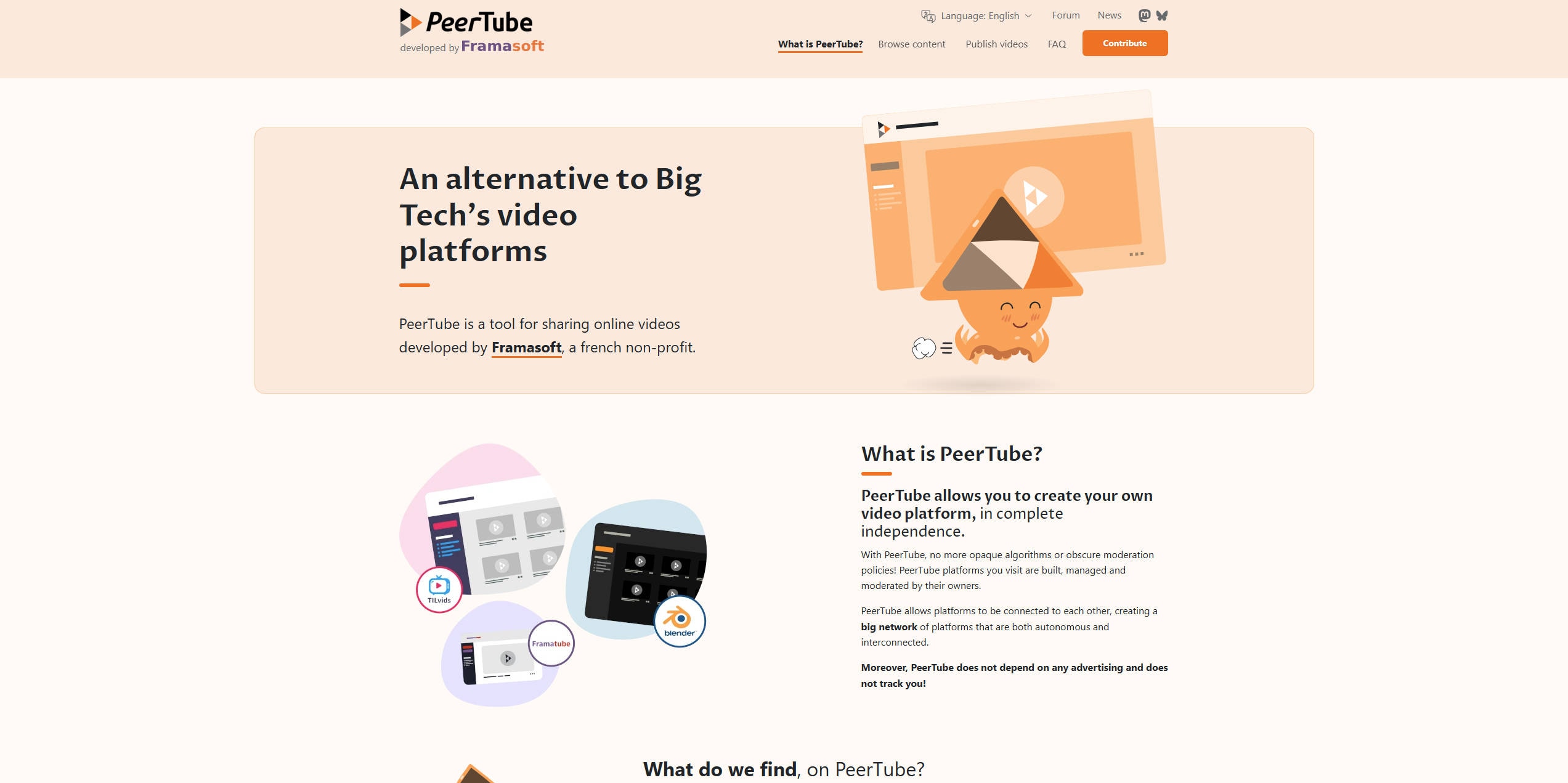
Best for: Communities, organizations, and creators who want to choose or operate an independently administered video instance.
Download a Rumble Video You Own with UniConverter
Found a Rumble video you want to keep? If it is your own upload or you have permission to save it, Wondershare UniConverter gives you a desktop Video Downloader for submitting an individual video-page URL, reviewing the options available for that source, and tracking the task. Compatibility and available formats or resolutions depend on the video and current product support.
Only save videos you own or are authorized to download. A public page does not automatically grant permission to copy, redistribute, or re-upload someone else's content.
Download a Rumble video with UniConverter step by step
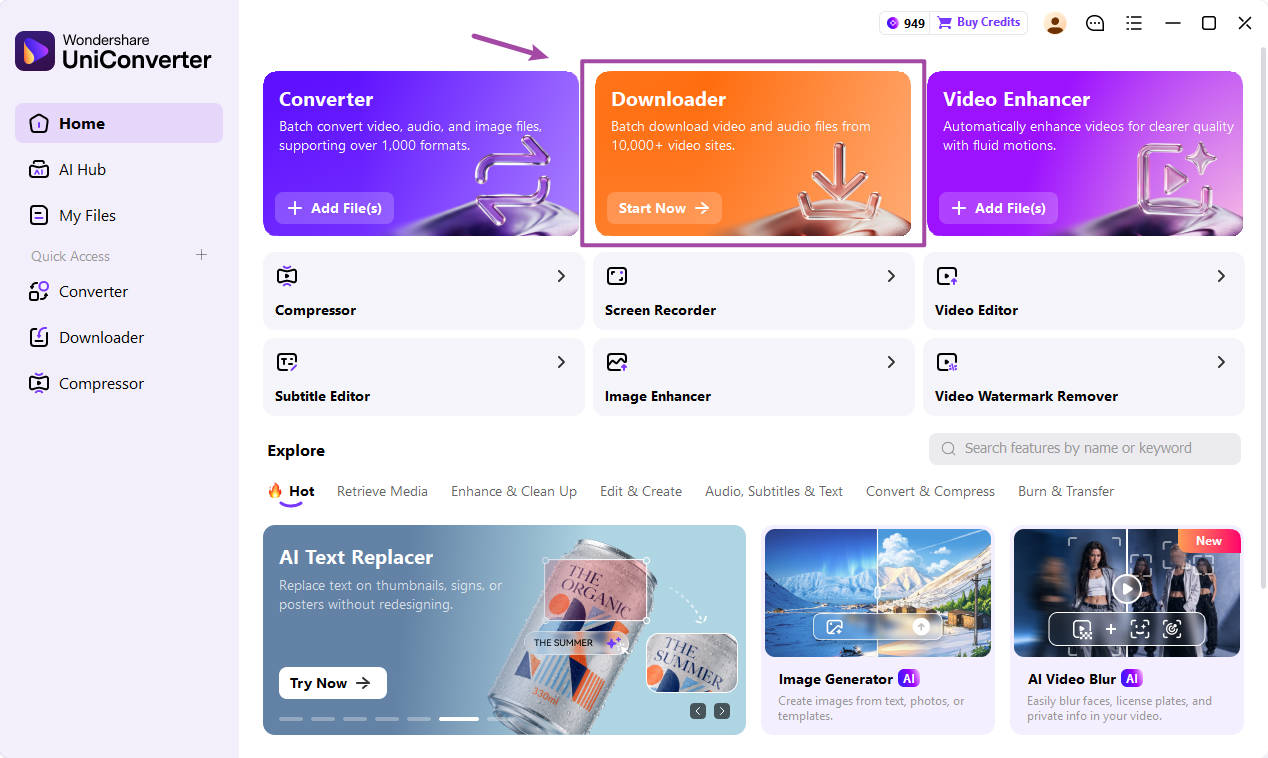
Step 1: Open Downloader in UniConverter
Open Wondershare UniConverter on your Windows PC or Mac. From the home screen, select Downloader to open the workspace for adding supported video links.
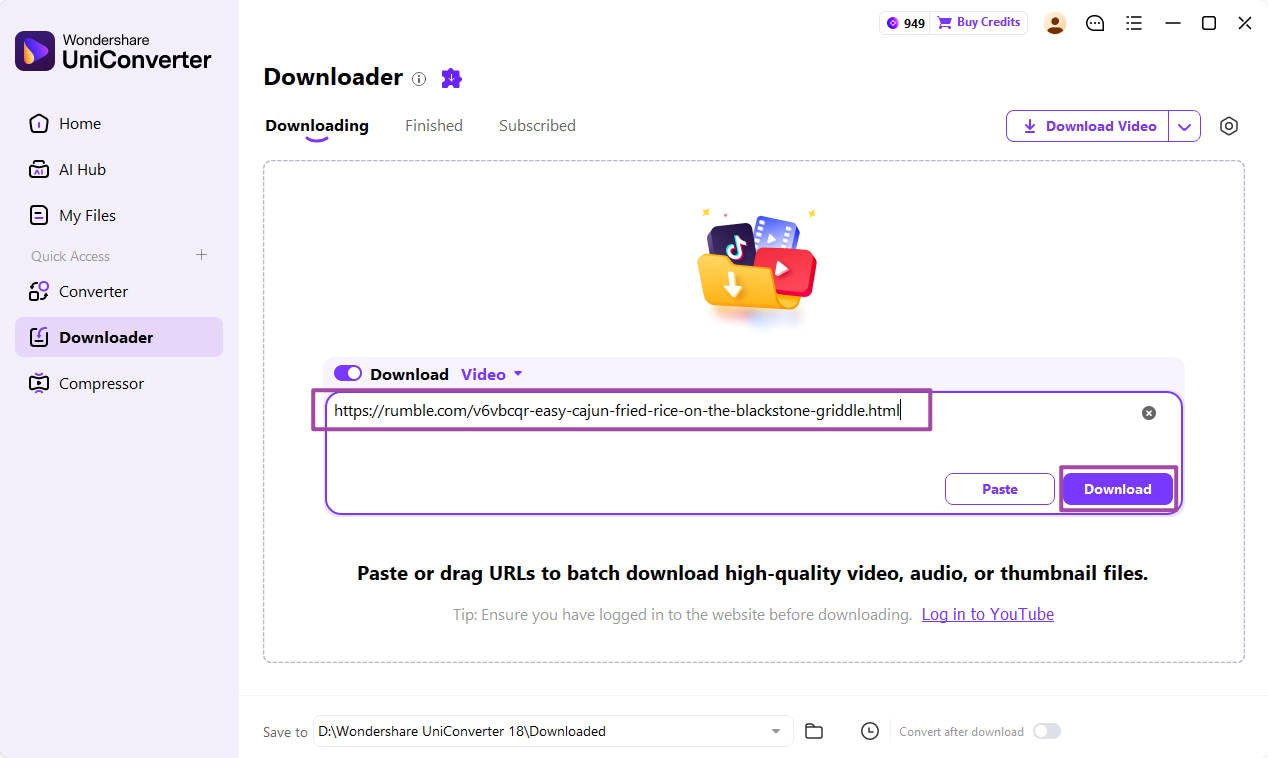
Step 2: Paste the Rumble video URL
Open the individual Rumble video page you are allowed to save and copy its URL. Paste the link into the Downloader input box, make sure Download Video is selected, and click Download. Use the video's own page URL—not a channel, search-results, or unrelated embed URL.
Step 3: Review download preferences
Select the Settings icon to review Downloader preferences. Available formats, resolutions, audio, and subtitle choices depend on the source. Some controls in the general preferences window are labeled for YouTube, so do not assume they apply to Rumble. Check the options detected for your own link before proceeding.
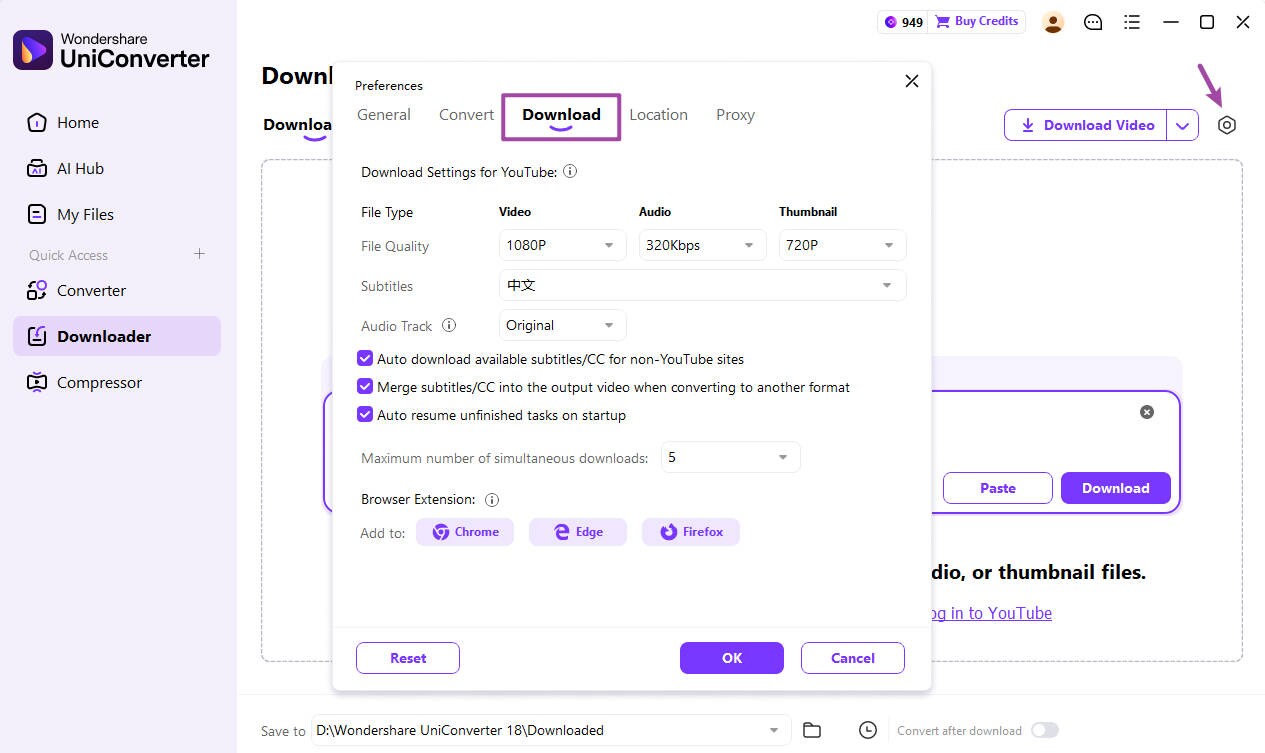
Step 4: Monitor the download task
Return to the Downloading tab to monitor the submitted URL and its status. When a supported task finishes, its result appears in the Finished tab. If the link cannot be analyzed, confirm that it is a public individual video page and that the source is currently supported.
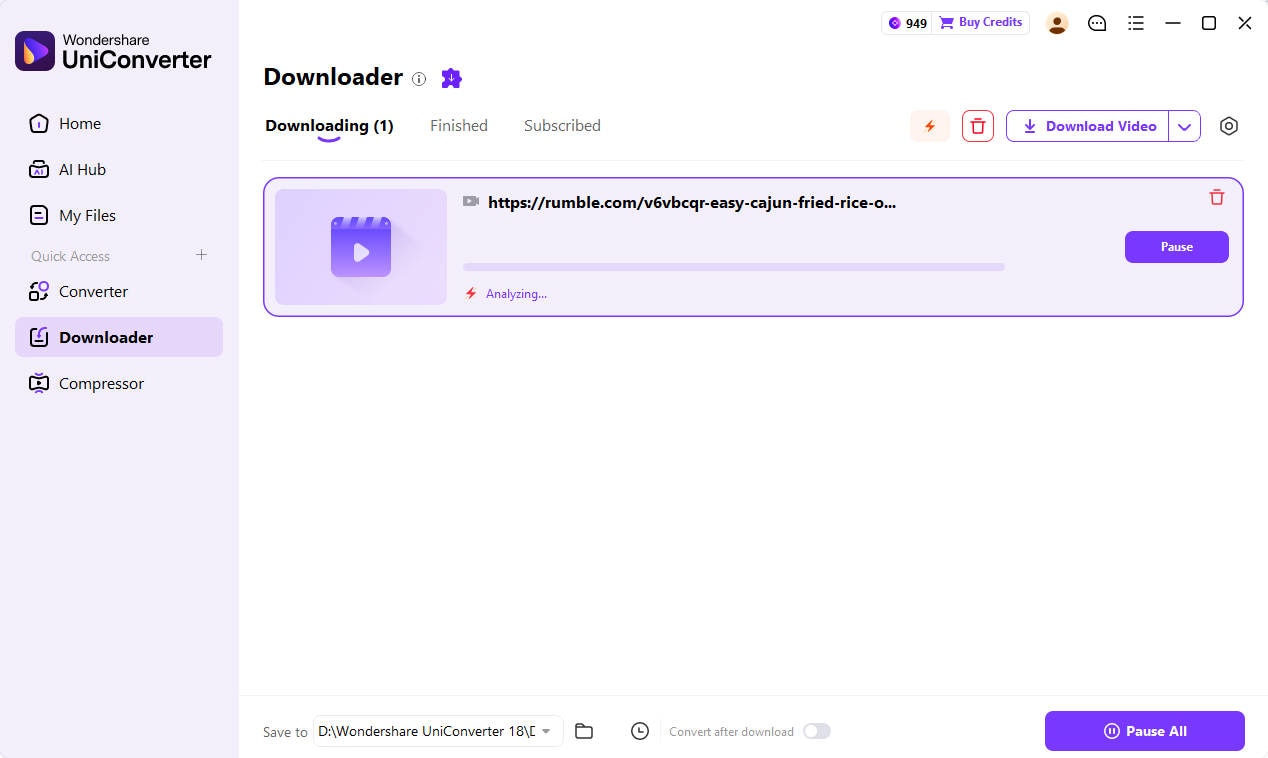
For more video tools, formats, and editing options, visit UniConverter.
How to Choose the Right Rumble Alternative
Start with your main use. Choose YouTube for a broad mix of video formats, TikTok for short clips, or X when conversation matters as much as the video itself. Dailymotion is another general video destination; Vimeo is better suited to controlled, professional hosting. Twitch and Kick are strongest for live communities, while Odysee, BitChute, and PeerTube offer alternative publishing models.
Before moving a channel, check the platform's current content rules, upload limits, audience, monetization eligibility, and account requirements. Also confirm whether you can export your original files and whether your existing licenses, music rights, or contributor permissions allow you to publish them elsewhere.
Conclusion
The best Rumble alternative depends on what you want from a video platform. YouTube and Dailymotion offer broad video discovery; TikTok focuses on short-form clips; X combines video with public conversation. Vimeo is built for professional hosting, Twitch and Kick center on livestreaming, and Odysee, BitChute, and PeerTube offer different approaches to independent or community-led publishing.
If you need a local copy of your own Rumble upload or a video you are authorized to save, try Wondershare UniConverter's desktop Downloader with the individual video-page URL. Review the options the source makes available and check the task status in the app. Support is source-dependent, so a public video is not guaranteed to be downloadable through every tool.
FAQs
-
1. What are the best alternatives to Rumble?
For broad video discovery, compare YouTube and Dailymotion. TikTok is better for short-form clips, X for video within public conversation, and Twitch or Kick for livestreaming. Vimeo suits professional hosting, while Odysee, BitChute, and PeerTube offer alternative publishing models. The best fit depends on whether you watch, publish, host, or stream. -
2. Which Rumble alternative is best for creators who want more control over hosting?
PeerTube is worth exploring if you want to choose or operate an independently administered instance. Its instances connect through a federated network, but each can set its own rules and moderation. Odysee is another independent publishing option, though its platform model is different. Review the setup and account requirements before moving a channel. -
3. Can I move my Rumble channel and videos to another platform?
Do not assume there is a one-click migration between Rumble and another service. Keep copies of your original video files, descriptions, thumbnails, and any captions you own; then check the destination platform's upload rules, file limits, and monetization requirements. Make sure you have rights to reuse every video, soundtrack, and image before republishing. -
4. Can UniConverter download any Rumble video link?
No. UniConverter's desktop Downloader is intended for supported, publicly accessible individual video-page URLs. Compatibility and the formats or resolutions offered depend on the source and current product support. Channel pages, search results, restricted videos, and unsupported delivery methods may not work. -
5. Why does a Rumble link play in my browser but fail in UniConverter?
Browser playback and third-party URL analysis use different delivery paths. The link may be a channel, search, or embed URL rather than an individual video page, or the source may use a delivery method the current Downloader does not support. Copy the original public video-page URL and retry only if you have permission to save it. Do not bypass access restrictions. -
6. Can I repost a Rumble video after downloading it?
Only when you own the video or have the necessary rights and permissions. A download does not transfer copyright or grant permission to edit, monetize, or repost the content. Check the creator's license, music and footage rights, and the destination platform's terms before publishing.