
Why Creators Choose UniConverter's AI Stem Splitter
Whether you need a quick split in your browser or a deeper workflow on desktop, UniConverter helps you create clean, useful stems on both platforms.
AI Stem Splitter for Clean Vocal and Instrumental Separation
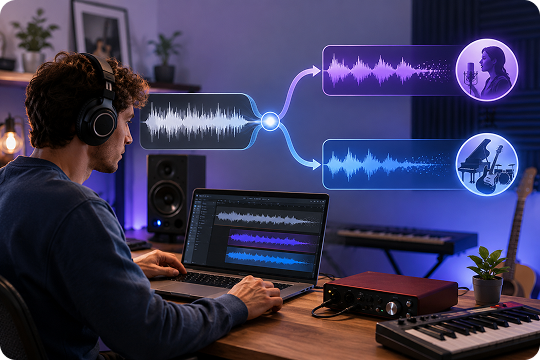
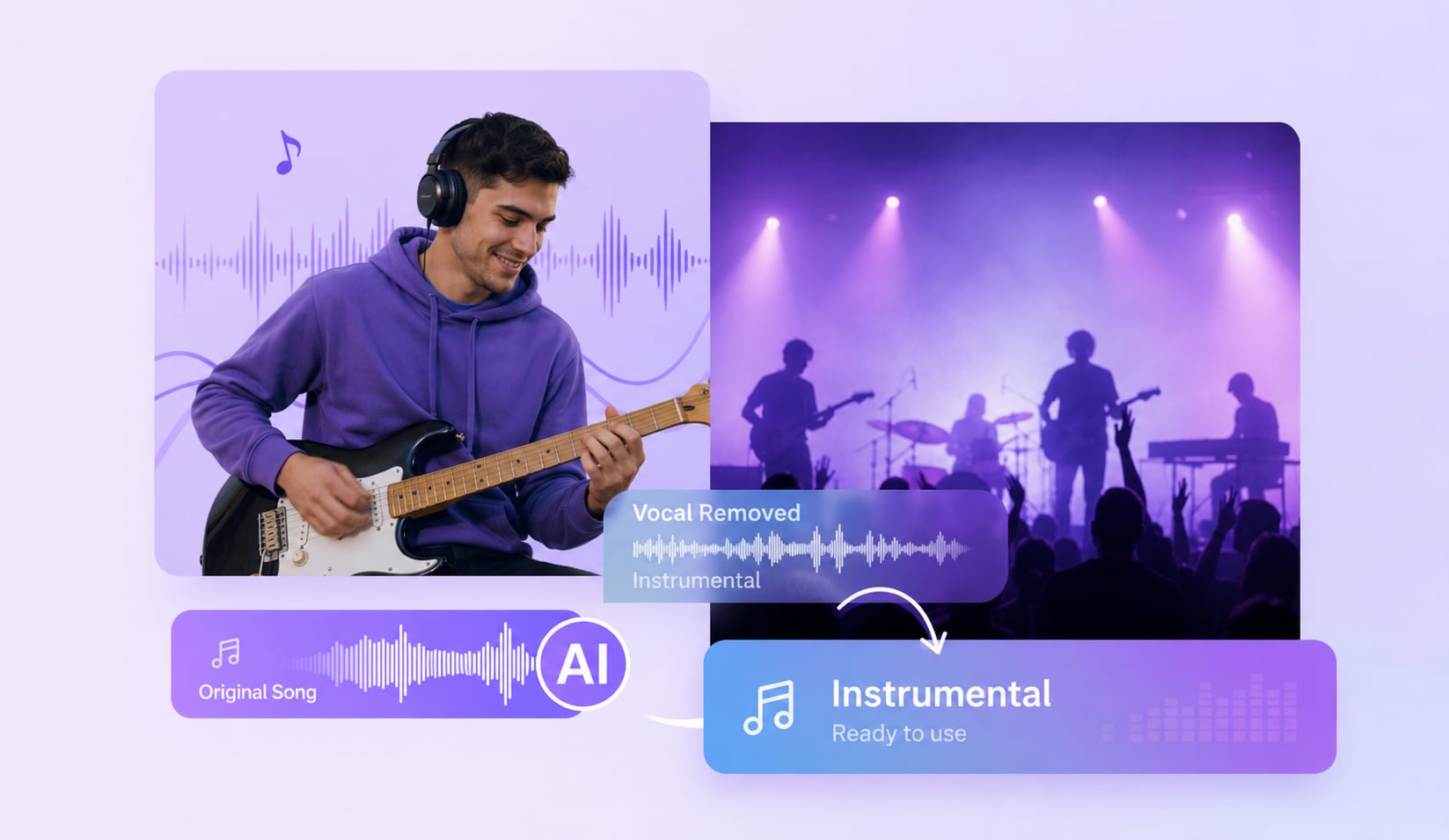
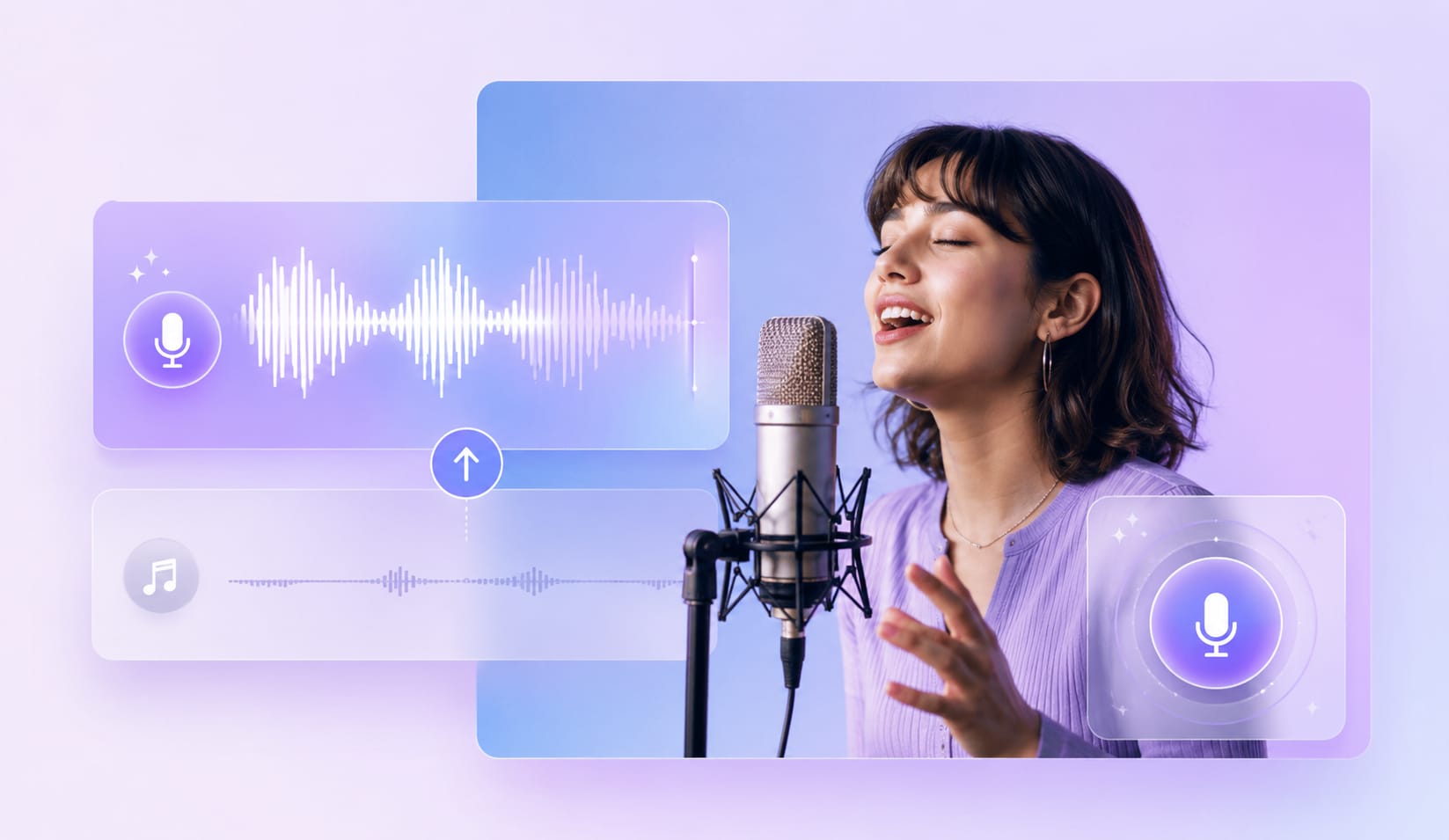
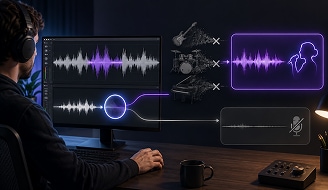
UniConverter’s AI stem splitter analyzes the frequency patterns in your audio, then separates vocals from the instrumental track. You get clear vocal stems and crisp instrumental stems with fewer harsh artifacts. Use it as a stem separator for covers, remixes, karaoke tracks, voice practice, or quick edit drafts before moving into a larger production workflow.
Free Online Stem Splitter for Quick Browser-Based Splits
Start with the free online stem splitter when you need a fast result. Open it in your browser, upload an MP3 or MP4, and let the AI audio splitter create two stems. There is no software to install, so you can test ideas on a laptop, tablet, or shared device whenever you need a quick split.

Desktop Stem Separation Software for Local Pro Workflows
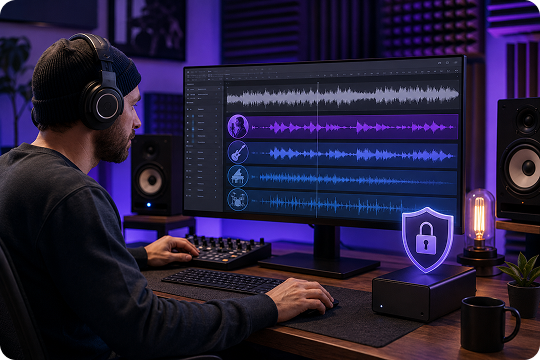
Choose the desktop stem separation software when you work with longer files or private projects. The Mac and Windows app processes media locally, so your audio stays on your device. It helps producers, DJs, and video editors build a repeatable stem separator software workflow without relying on a browser upload for every project.
AI Audio Splitter for Songs and Video Files
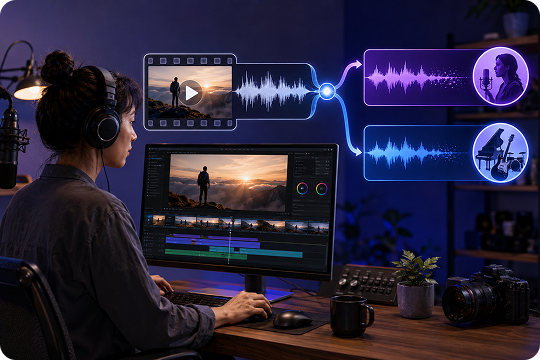
UniConverter works as an AI audio splitter for songs and a track splitter for video projects. Upload common video files like MP4, MOV, MKV, or AVI on desktop, then extract vocals and instrumentals from the mixed soundtrack. This saves time when your source audio is already inside a video file.
Audio Splitter with Popular Music and Video Format Support
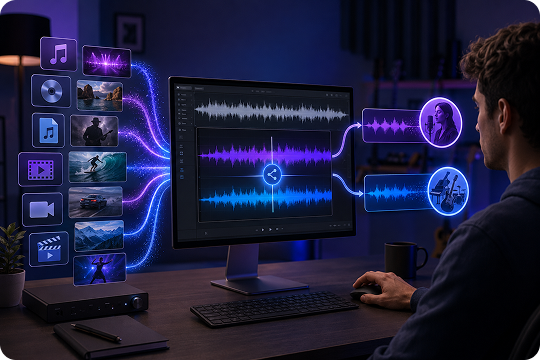
Work with the formats you already use in your audio splitter workflow. The desktop app supports MP3, M4A, WAV, OGG, FLAC, MP4, MOV, MKV, AVI, and more, while the online tool supports MP3 and MP4. You can move from upload to export without extra format preparation or manual conversion steps.
How to Split a Song into Stems with UniConverter
Create vocal and instrumental stems in three simple steps. You can use the online stem splitter for fast browser-based edits, or download the desktop stem separator for offline work.

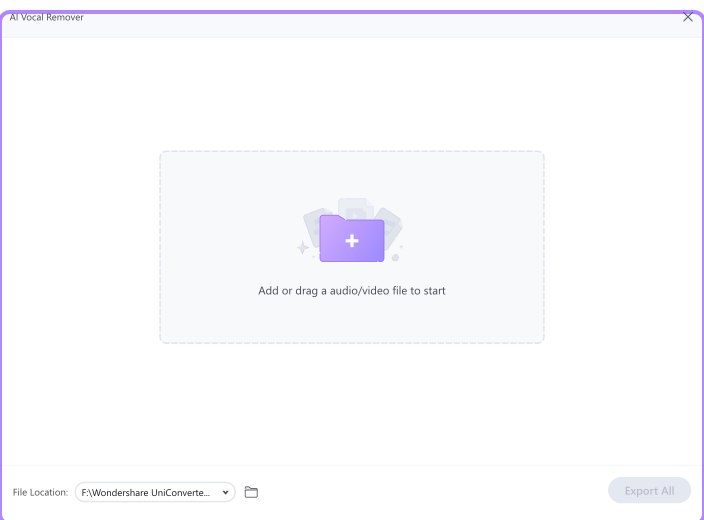
Upload an audio or video file, such as MP3, WAV, MP4, MOV, and more. UniConverter accepts common media formats, so you can start with the file you already have.

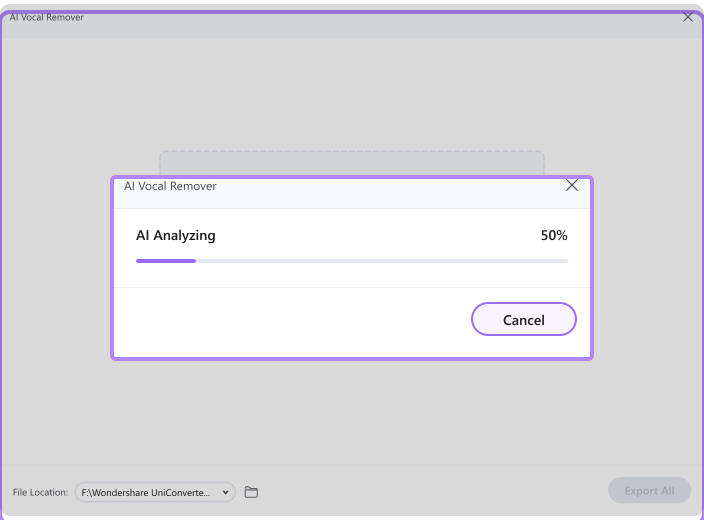
Click to start the split. UniConverter’s AI detects the vocal and instrumental parts, then separates them into two stems. Most songs finish in about 30–60 seconds, depending on file length.

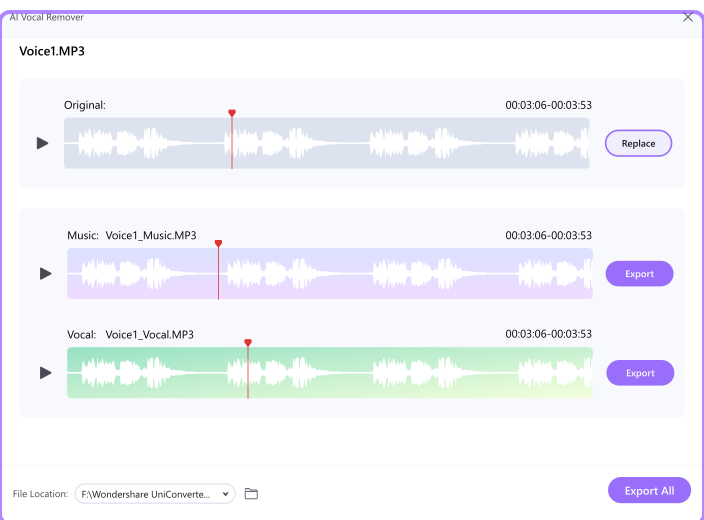
Listen to the vocal stem and the instrumental stem before export. Download the vocal track, the instrumental version, or both for karaoke, remixing, editing, or study.
AI Stem Splitter for Karaoke, Remixes, Video Editing, and Music Practice
UniConverter gives different creators a practical way to separate vocals from instrumental audio. Whether you sing, teach, remix, or edit video, you can create two clean stems without a complex setup.
Stem Splitter for Karaoke and Cover Practice
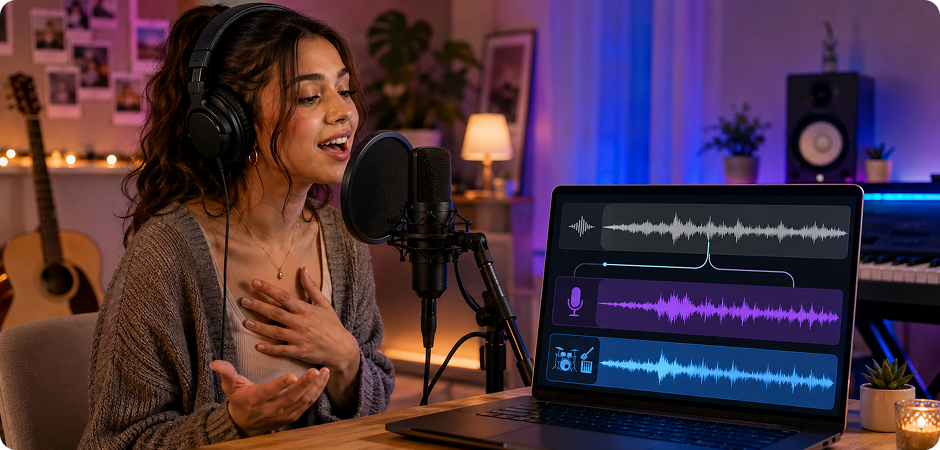
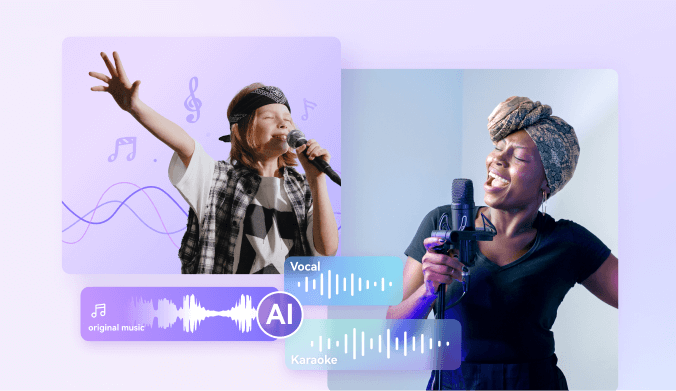
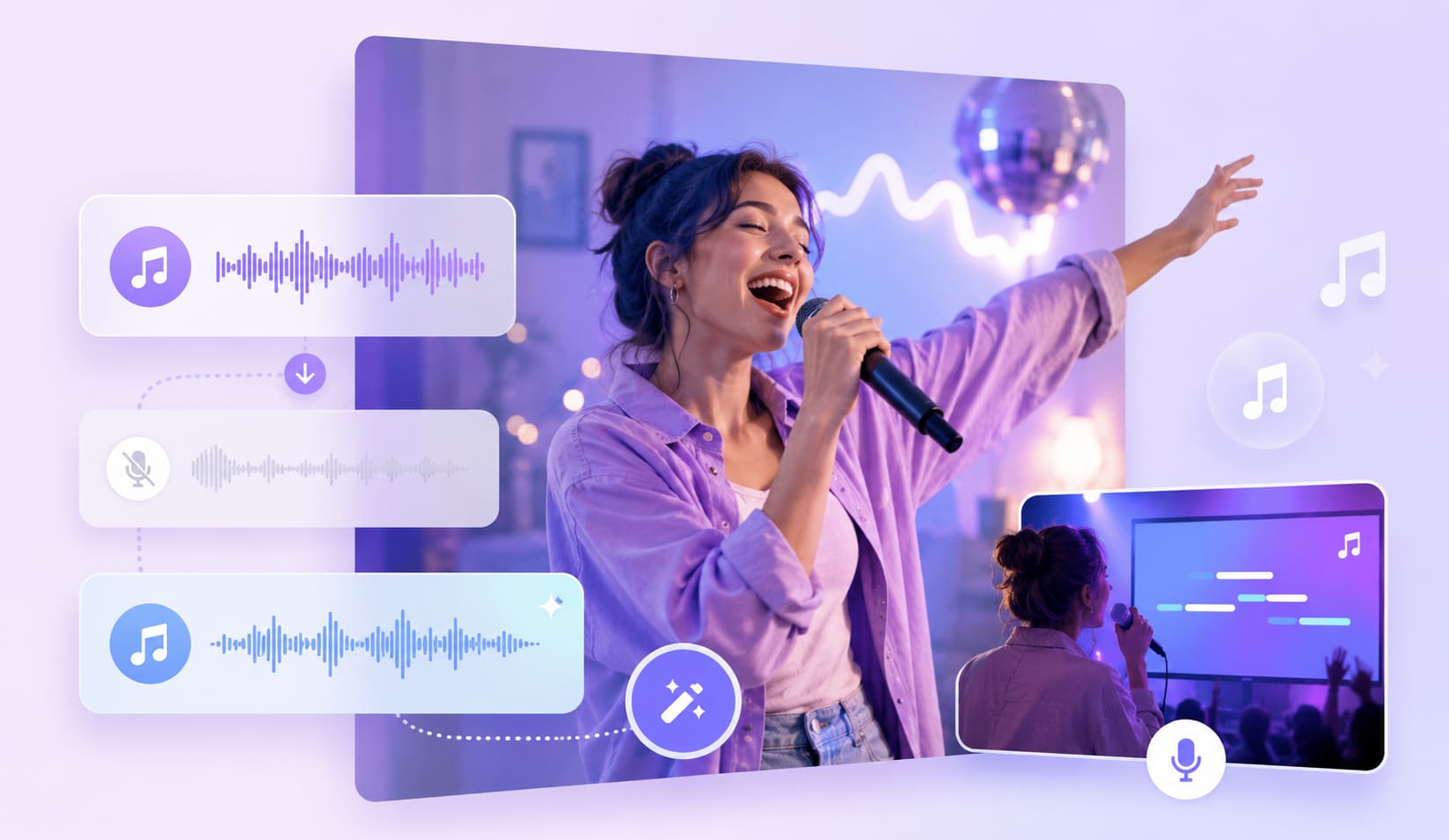
Use the stem splitter for karaoke to turn a favorite song into a sing-along track. Remove the lead vocal, keep the instrumental, and practice with the original rhythm and arrangement. You can also export the vocal stem to study timing, tone, and phrasing before recording your own cover. This vocal and instrumental splitter helps singers prepare faster without searching for a separate backing track. Use the online version for quick rehearsals, or desktop for longer sessions.
AI Vocal Splitter for Remixes, Mashups, and Live Sets
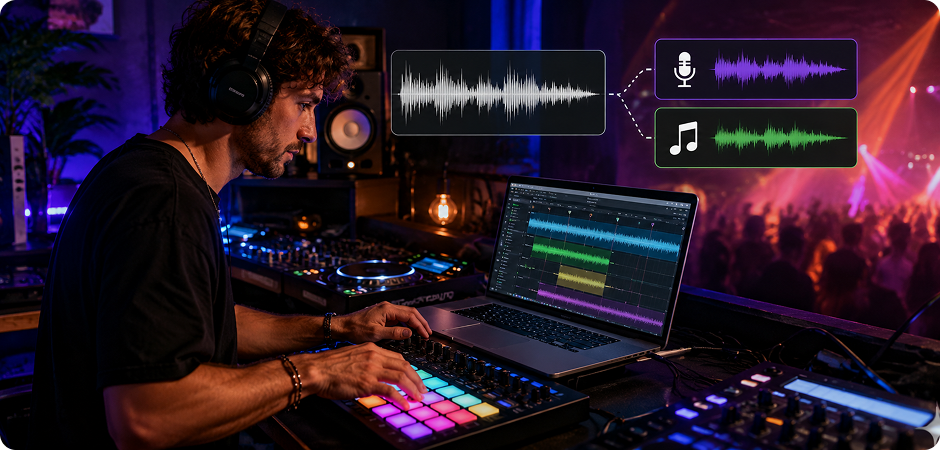
Build new ideas faster with an AI vocal splitter that extracts acapellas and instrumentals from mixed songs. DJs can test mashups, cue vocal hooks, or create transition edits for live sets. Producers can pull a reference vocal, sketch remix sections, or isolate a music bed for arrangement practice. The voice and music splitter gives you clean starting points while keeping the workflow simple. Export both stems and bring them into your DAW for further editing.
Stem Splitter for Video Voice and Music Separation
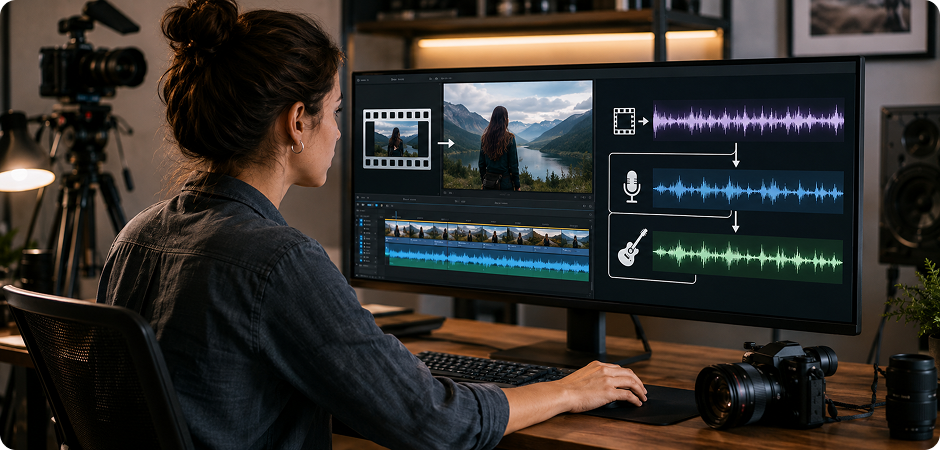
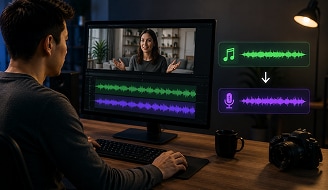
Use the stem splitter for video when your audio is locked inside a mixed soundtrack. Upload a video file, then separate the voice from background music for cleaner edits. You can keep a voiceover, remove distracting vocals from a music bed, or prepare alternate versions for social platforms. UniConverter works as a practical AI audio splitter for creators who edit both sound and picture. It supports common video inputs on desktop, including MP4, MOV, MKV, and AVI.
Music Splitter for Learners, Teachers, and Practice Sessions
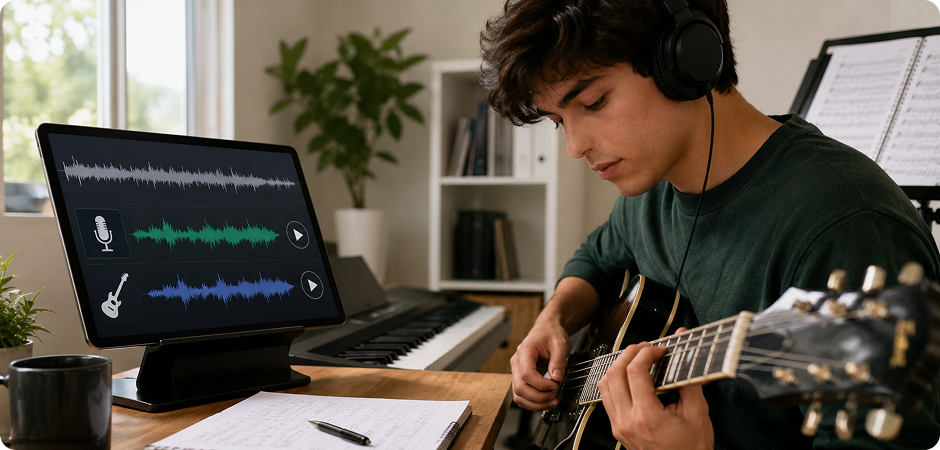
Turn a full mix into focused practice material with a music splitter that separates vocal and backing stems. Learners can study melody lines, timing, breath control, and phrasing without losing the feel of the original song. Teachers can prepare class examples, ear-training exercises, or simple accompaniment tracks. This track splitter supports lessons, rehearsals, and self-study with files students already have. Use preview before export to compare stems and guide practice goals.
Online vs Desktop Stem Splitter — Which One Should You Use?
Both versions use the same AI engine. The difference comes down to where and how you work. Use the online stem splitter for quick tests, or choose the desktop stem separation software for larger files and offline privacy.
| Feature | Online Stem Splitter | Desktop Stem Separator |
|---|---|---|
| Best for | Quick, one-off splits | Larger files and offline workflows |
| Install required | No — browser-based | Yes — Mac and Windows app |
| File size | Optimized for smaller files | Larger files supported |
| Video file input | MP4 | MP4, MOV, MKV, AVI |
| Audio formats | MP3 | MP3, M4A, WAV, OGG, FLAC |
| Offline and private | Cloud-based processing | 100% local — files never leave your device |
| Cost | Free to try in browser | Free trial, then full unlock |
| Best for users | Casual singers, students, quick karaoke | Producers, DJs, and video editors |
Stem Splitter FAQ
What is a stem splitter and how does it work?
Is UniConverter's stem splitter free?
How many stems can UniConverter split a song into?
What audio and video formats are supported?
Can I split stems from a video file?
How long does it take to split a song?
Is my audio file private?
Can I use the stems commercially?
What's the difference between a stem splitter and a vocal remover?
More Than a Stem Splitter
Explore More UniConverter Audio Tools
Keep improving your audio workflow with more UniConverter tools.



Ready to Split Your First Stem?
Create a vocal stem and an instrumental stem in seconds with UniConverter. Start online for a quick test, or download the desktop app for larger files, video input, and local processing.
★★★★★ 4.7 User Rating · Trusted by 10M+ Creators
