
How to Make a Song Instrumental in 3 Steps
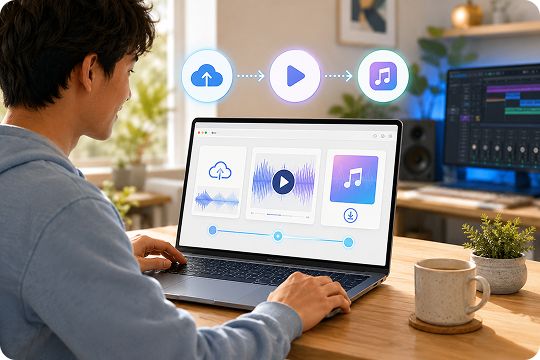
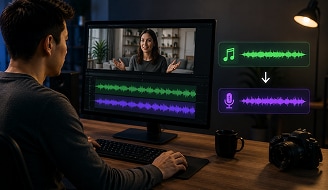
Learning how to make a song instrumental does not need a complex studio setup. With UniConverter’s AI instrumental maker, you can upload a song, separate the vocals, and download the backing track in a simple workflow.

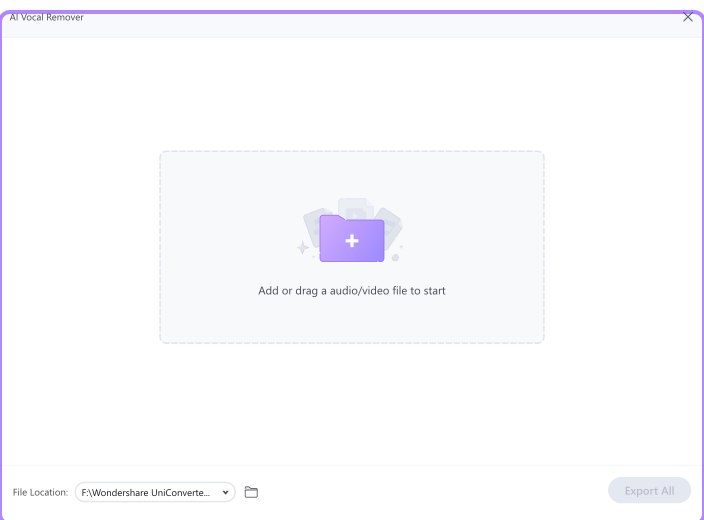
Add your audio or video file to UniConverter. You can start with common formats such as MP3, WAV, M4A, FLAC, MP4, MOV, MKV, and AVI. The online instrumental maker is useful for quick uploads, while the desktop app is better for larger or repeated tasks.

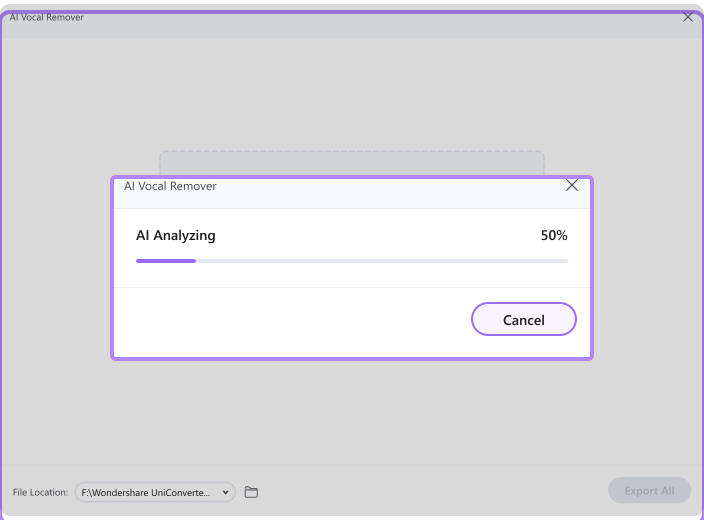
UniConverter analyzes the track and separates the vocal from the background music. The AI instrumental process helps reduce the lead voice while keeping drums, bass, guitar, piano, and other backing elements.

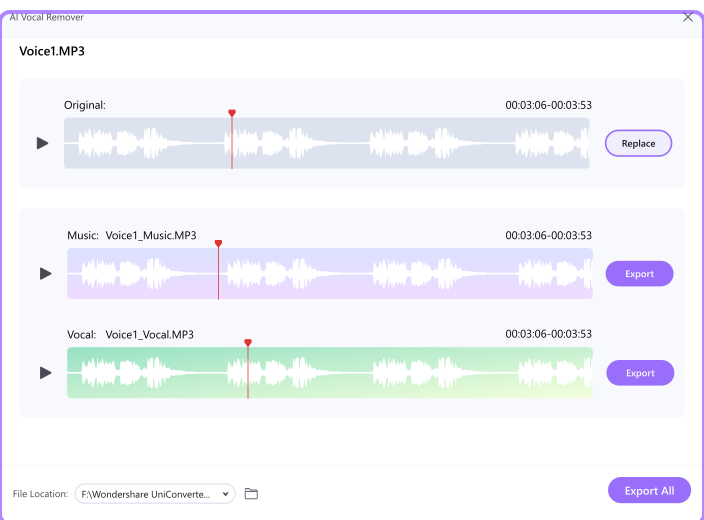
Listen to the result before exporting. When the instrumental sounds right for your project, download it and use it for practice, editing, remix planning, or content creation. You can also continue editing the file with other UniConverter audio tools.
Why UniConverter Is the Best Instrumental Music Maker
UniConverter combines an online tool for quick tasks with a desktop app for larger creative workflows. Whether you want to make instrumental from song files, video clips, or creator projects, it gives you a simple way to extract clean backing tracks without switching between multiple tools.
AI Instrumental Maker for Cleaner Vocal Separation
Create an AI instrumental in a few clicks with UniConverter’s AI Instrumental Maker. The tool detects vocals and backing audio, then helps extract a clean instrumental track for practice, editing, or remix planning. It supports MP3, WAV, M4A, FLAC, MP4, MOV, MKV, and AVI, so you can start from audio or video without changing tools.
Make a Song Instrumental with Studio-Quality Clarity
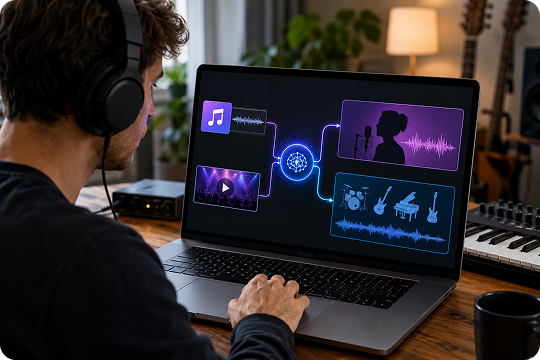
Make a song instrumental with the clarity you need for covers, karaoke, rehearsals, or content edits. UniConverter helps keep drums, bass, piano, guitar, and other backing elements crisp while reducing the lead vocal. You can preview the result before export, then download an instrumental track that fits your project with fewer extra editing steps.
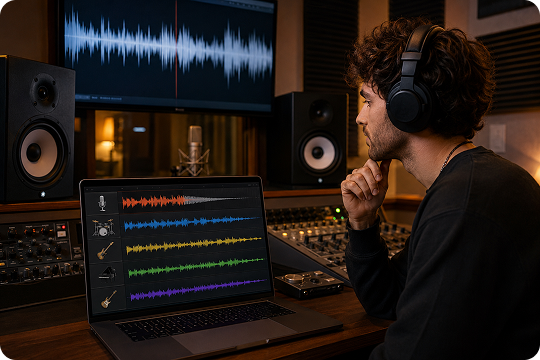
Instrumental Maker Online or Desktop — Work Your Way
Use UniConverter as an instrumental maker online when you need a quick browser workflow. Upload a file, extract the instrumental, and download the result without installing software. For larger files, batch tasks, or frequent music projects, the desktop app gives creators a more stable workspace on Windows and Mac.
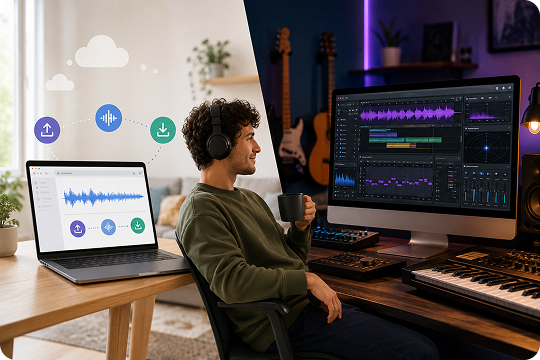
Instrumental Music Creator for Batch Song Processing
For creators handling many tracks, UniConverter works as an instrumental music creator built for repeat workflows. The desktop version supports batch processing, so you can import multiple songs and prepare practice tracks, remix materials, or video background audio with less manual work. It is especially useful for cover artists, teachers, editors, and social content teams.
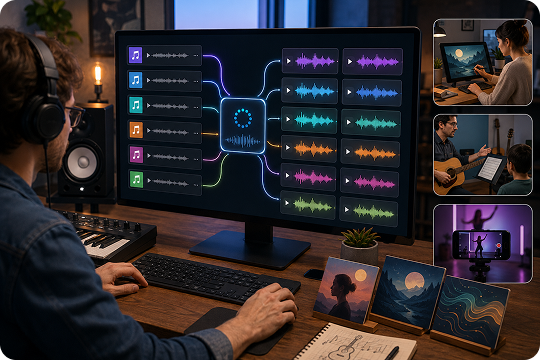
Song Instrumental Maker for Audio and Video Files
This song instrumental maker lets you start with more than standard audio files. Upload music videos, rehearsal clips, podcasts, or downloaded media in common formats, then extract the backing track from the source. After that, you can continue converting, trimming, or enhancing the file inside UniConverter for a smoother audio and video workflow.
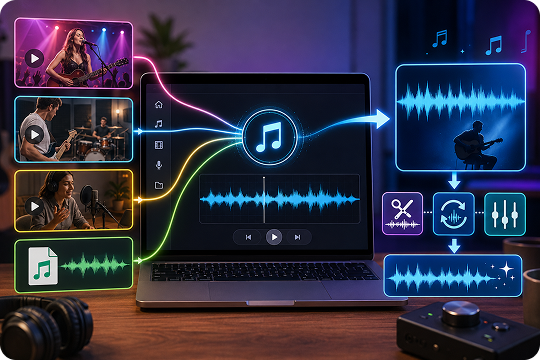
Free Instrumental Maker Online to Start Fast
Start with the free instrumental maker online when you want to test a song quickly. The browser tool lets you upload, process, preview, and download an instrumental without a complicated setup. When you need batch processing, desktop privacy, larger file handling, or more export options, you can move to UniConverter Desktop and continue with the same clear workflow.
Who Uses UniConverter's Instrumental Maker
UniConverter is built for creators who need practical audio separation, not a complicated production setup. Use it as an instrumental music maker for singing practice, lesson preparation, remix drafts, content editing, and sample planning.

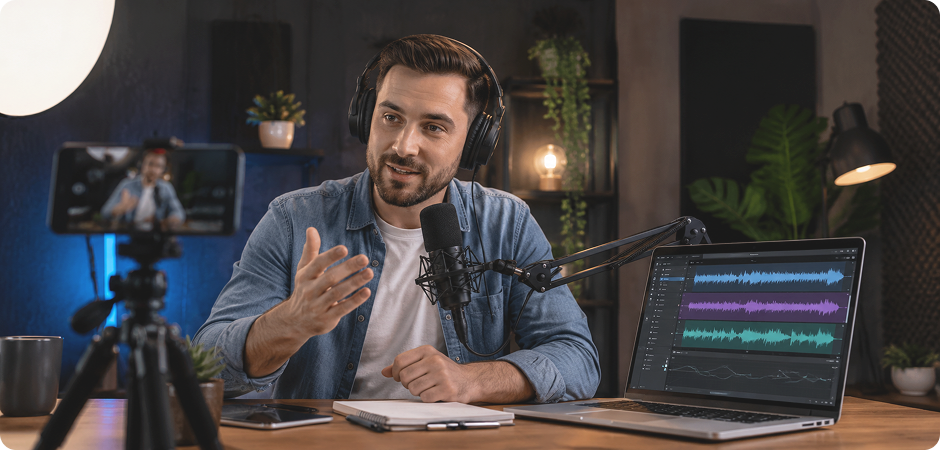
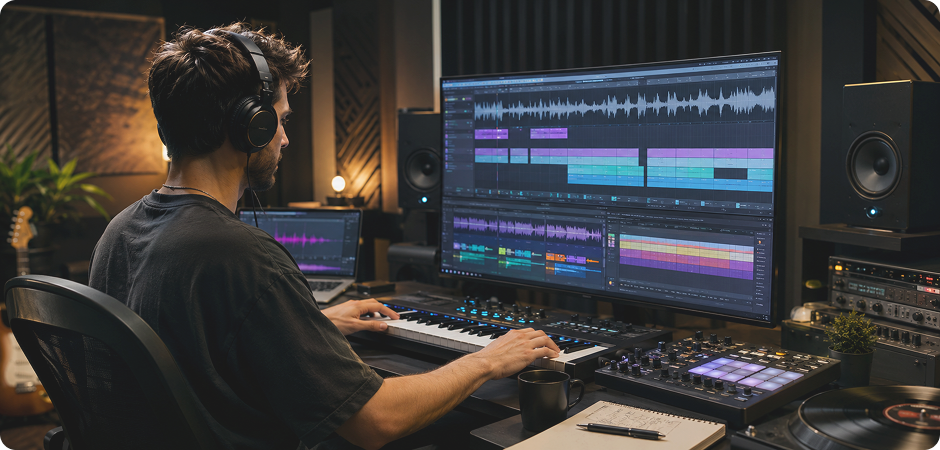
Make Instrumental from Songs for Sing-Alongs
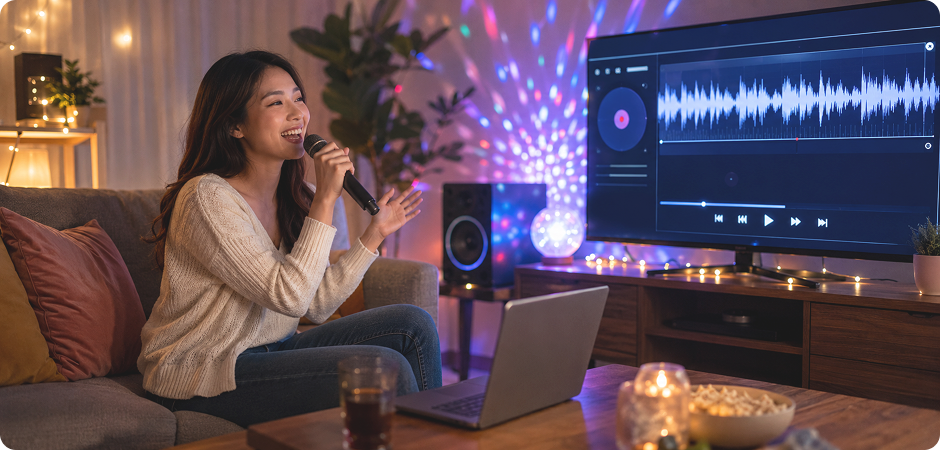
Use UniConverter’s instrumental maker to make instrumental from song files you already love. Upload an MP3 or music video, remove the lead vocal, and keep the backing track for karaoke practice. It works for home parties, solo rehearsal, and casual sing-alongs. You can also export the instrumental track and pair it with lyrics or timing tools for a complete karaoke setup without rebuilding the song from scratch.
Use an Instrumental Music Maker to Practice and Record
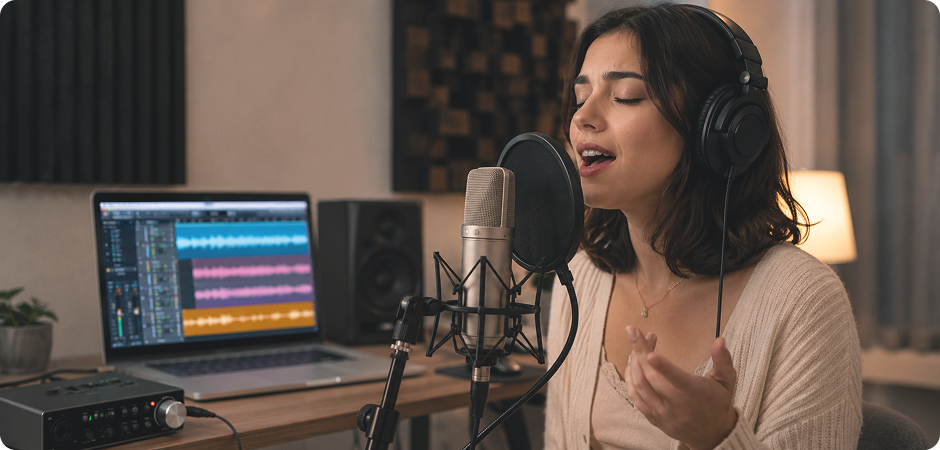
Cover artists can use this instrumental music maker to prepare clean practice tracks before recording vocals. Upload the original song, let AI reduce the vocal, and rehearse with the remaining instruments. You can refine timing, test your vocal delivery, or record a cover over the instrumental track. It gives singers a simple way to focus on pitch, phrasing, and confidence before publishing a cover or sharing a demo with collaborators.
Turn Songs into Instrumentals for Mashups and Edits
DJs and remixers can use UniConverter as a song instrumental maker when preparing mashups, live edits, and remix ideas. Extract the instrumental from one track, then combine it with acapellas, loops, or drum edits in your preferred DAW. This workflow helps you test transitions and arrangements faster before moving into deeper mixing, sound design, tempo matching, and final mastering.
Create Instrumental Music Online for Practice
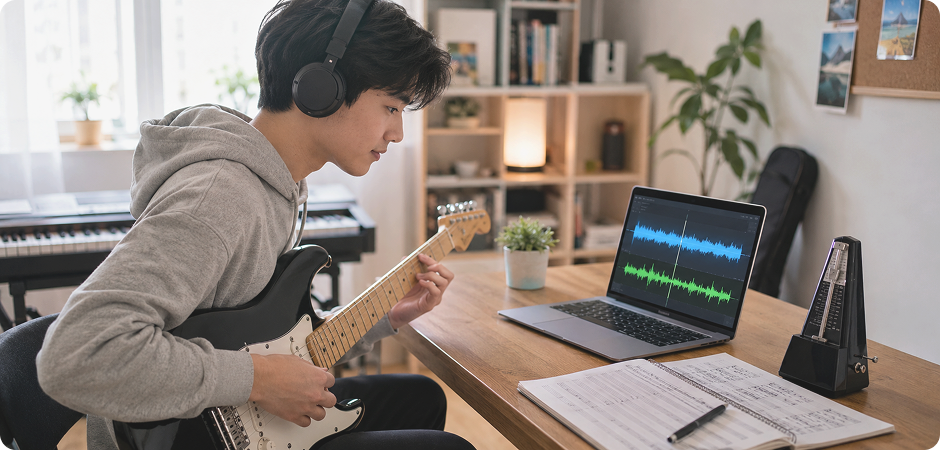
Music students can create instrumental music online to study timing, rhythm, and arrangement. Remove or reduce vocals from a song, then practice guitar, piano, drums, or other parts with the backing track. Teachers can also prepare lesson materials from familiar songs. This helps learners hear the structure clearly, repeat difficult sections, and build confidence without needing a separate band or studio session for daily practice.
Use an AI Instrumental Maker for Background Audio
YouTubers and podcasters often need cleaner background audio for intros, edits, demos, or commentary. UniConverter’s AI instrumental maker helps separate vocals from a source track, so you can evaluate whether the remaining music fits your video or podcast. Always check copyright and licensing before publishing. Use the tool for drafts, education, and production planning when you need cleaner audio for spoken content.
Build Ideas with an Instrumental Music Creator Workflow
Producers can use an instrumental music creator workflow to prepare ideas for sampling, reference tracks, or remix planning. Extract an instrumental, listen for usable hooks, and move the file into your DAW for slicing, layering, or arrangement. UniConverter helps with the first cleanup step, especially when the source is video. You still control the final mix, rights review, and creative direction from rough sketch to export-ready production.
Online vs Desktop Instrumental Maker — Which Should You Use?
Choose the workflow that matches your project. UniConverter Online is a good fit when you want to make instrumental online quickly from a single file. UniConverter Desktop is better for larger projects, batch processing, video files, and frequent creator workflows.
| Feature | UniConverter Online | UniConverter Desktop |
|---|---|---|
| Best for | Quick online instrumental extraction | Larger files, batch tasks, and advanced workflows |
| File size | Designed for simple browser uploads | Better for longer songs and larger media files |
| Batch processing | Best for one song at a time | Process multiple songs in one workflow |
| File privacy | Convenient online processing | More local control for desktop projects |
| Offline availability | Requires an internet connection | Better for stable desktop use after installation |
| Video format support | Supports common media uploads | Handles broader audio and video workflows |
| Processing speed | Fast for quick single-file tasks | More efficient for repeated creator workflows |
| Price | Free to start online | Desktop plan available for advanced use |
What Creators Say About
UniConverter's Instrumental Maker
Frequently Asked Questions about Song Instrumental Maker
How do I make a song instrumental for free?
How can you make a song instrumental without losing quality?
How do you make a song instrumental from YouTube or a URL?
Can I make an instrumental from any song?
What's the difference between an instrumental maker and an instrumental generator?
How long does it take to make a song instrumental?
Is the instrumental maker free to use online?
Can I use the instrumentals commercially?
Does UniConverter Instrumental Maker work on mobile or phone browsers?
How accurate is AI instrumental extraction?
Can I make an instrumental from a video file, such as MP4?
Do I need to install anything to use the online instrumental maker?
More Than an Instrumental Music Creator
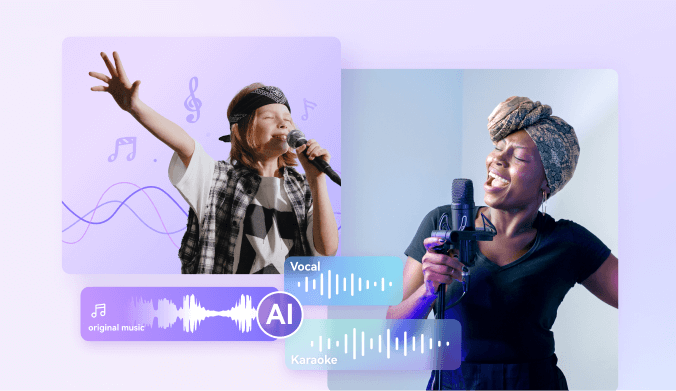
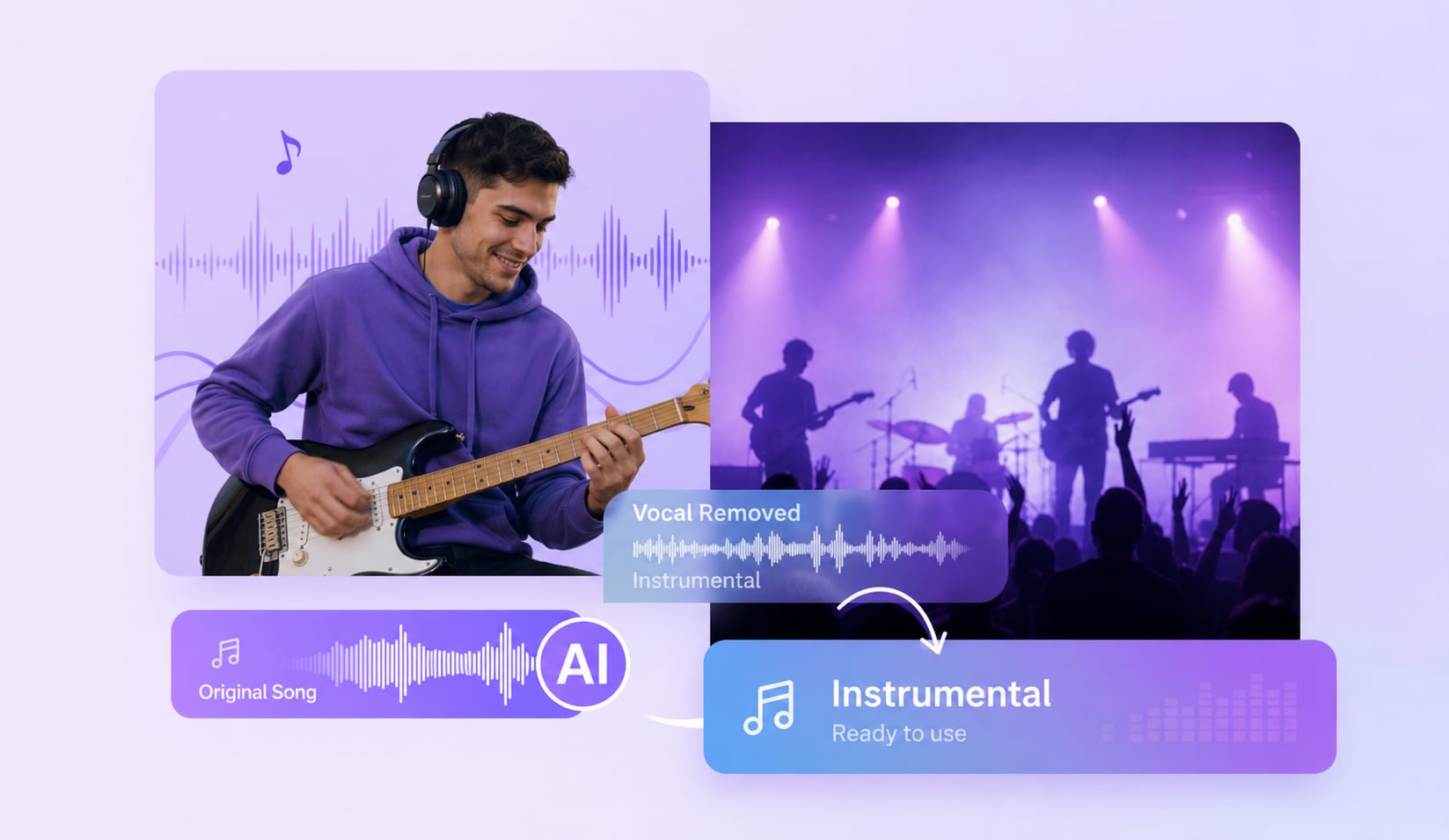



Start Making Your First Instrumental Now
Turn your song into an instrumental track with UniConverter. Use the online instrumental maker for quick edits, or download UniConverter Desktop when you need batch processing, larger files, and a more complete creator workflow.
