
Make an Acapella from Any Song in 3 Quick Steps

Add your audio or video file to start a fast MP3 to acapella, WAV to acapella, or video to acapella workflow.

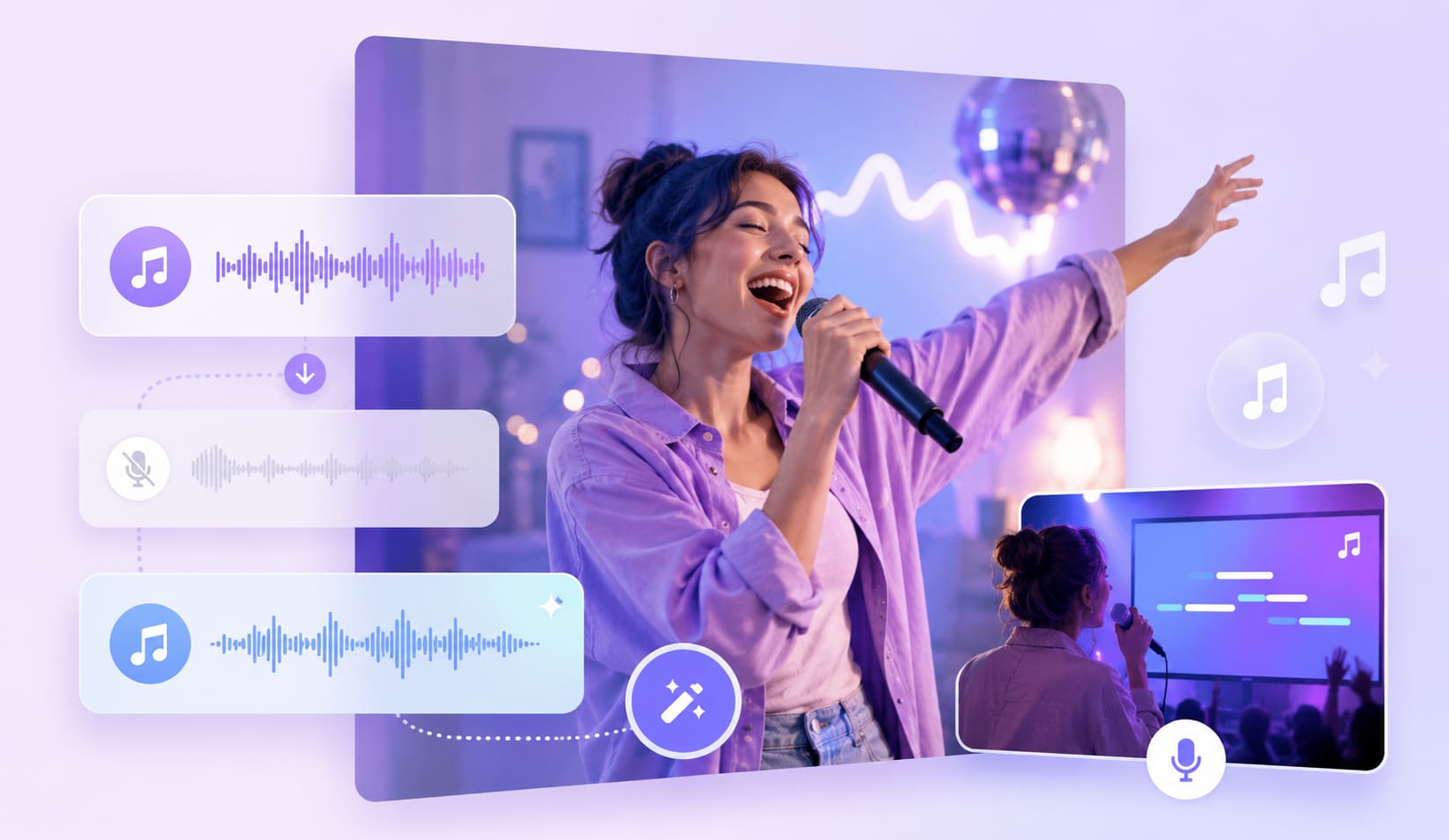
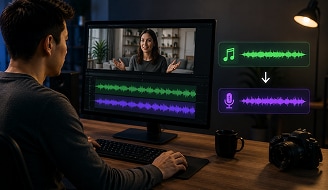
UniConverter uses vocal isolation AI to detect the vocal stem and separate vocals from music.

Check the result, then export your acapella with the free acapella extractor online or desktop app.
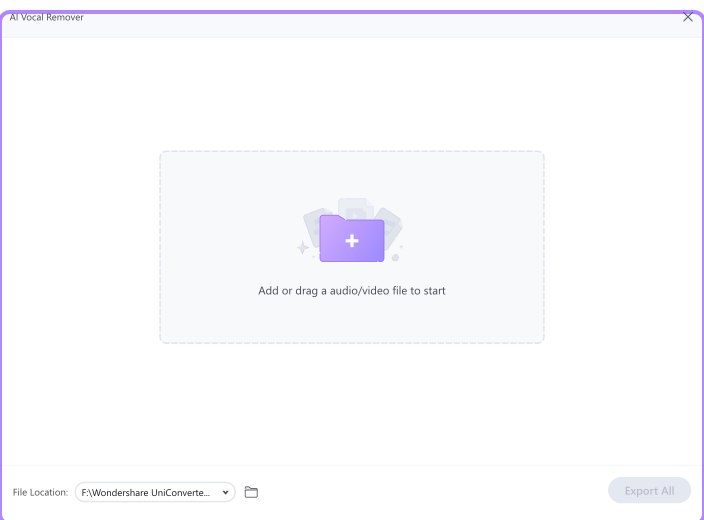
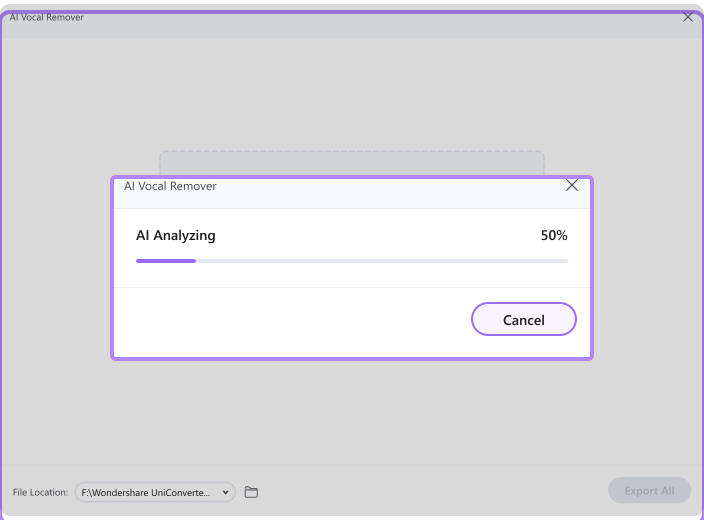
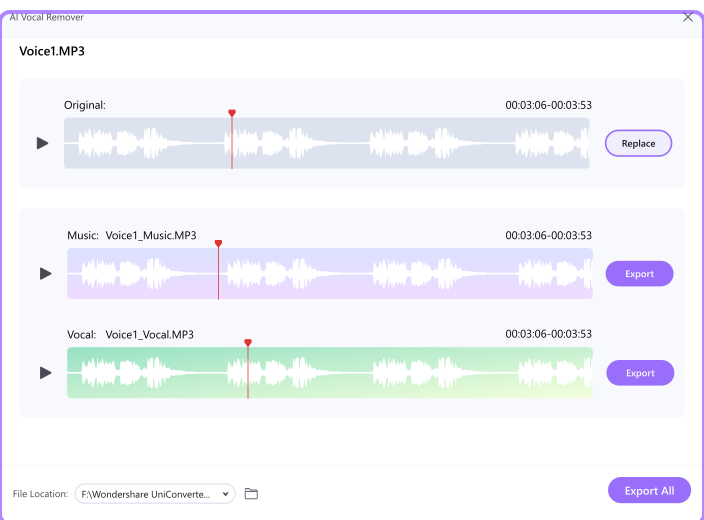
Create Clean Vocal Stems with a Smarter Acapella Generator
Studio-Grade AI Vocal Isolation for Clear Acapellas
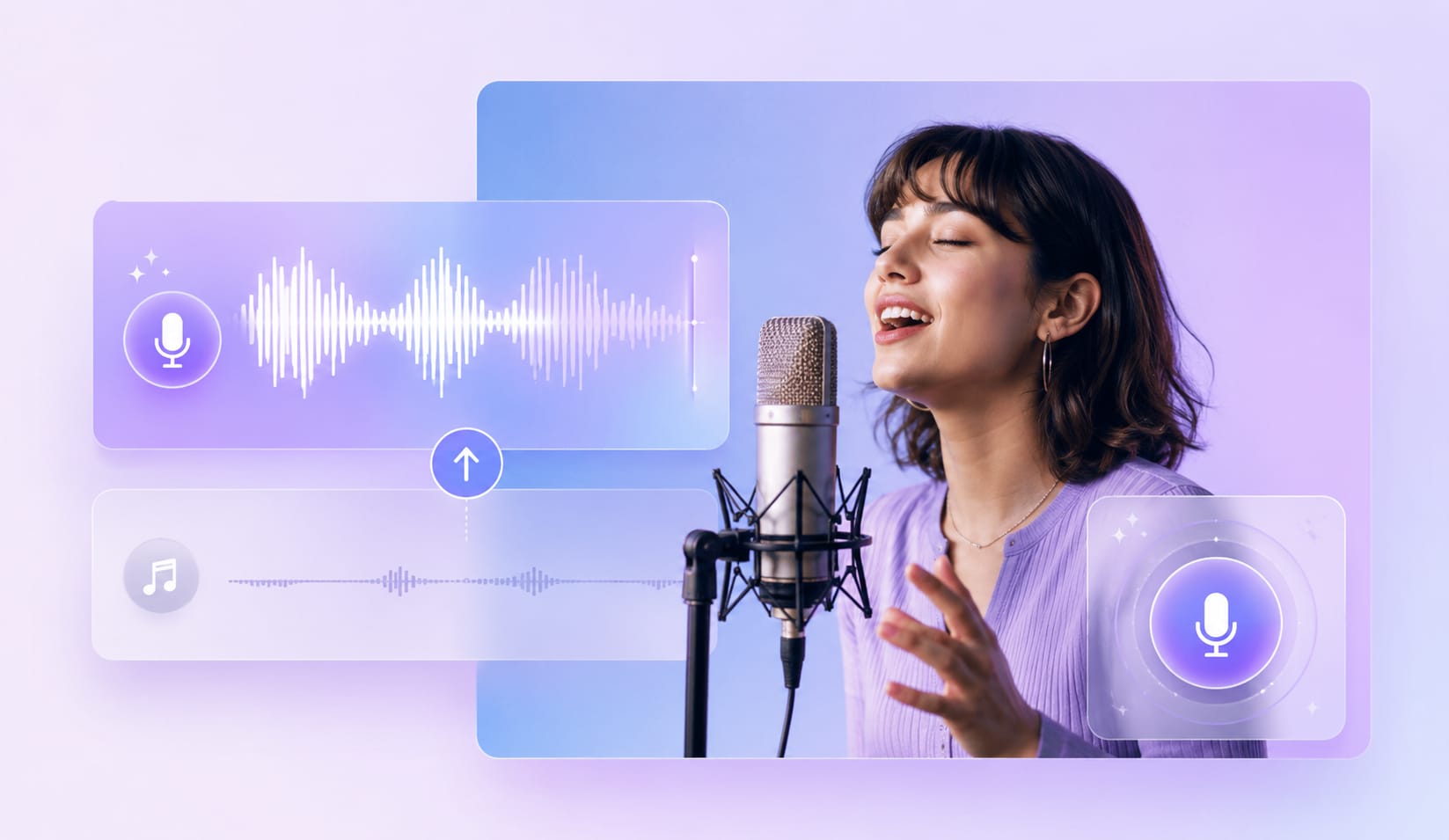
Use UniConverter as an AI acapella extractor to isolate vocals from song files with cleaner detail and less instrument bleed. The vocal isolation AI analyzes the full mix, detects the vocal stem, and separates vocals from music while keeping natural tone. It helps you create a reliable acapella for editing, remixing, or vocal review.
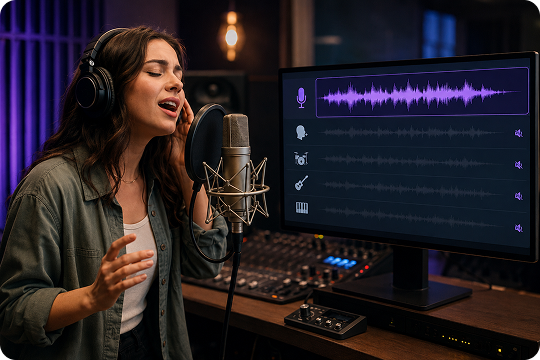
Wide Format Support for MP3 to Acapella Workflows
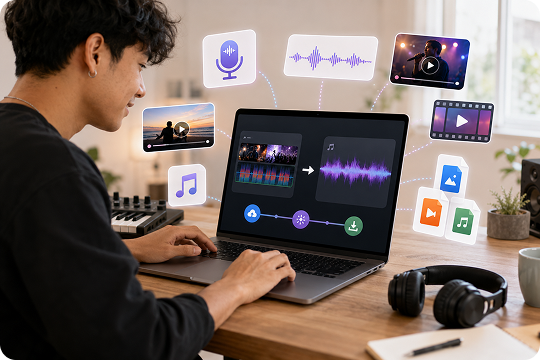
Start with the files you already have. The desktop acapella maker supports MP3, M4A, WAV, OGG, FLAC, MP4, MOV, MKV, and AVI, while the online acapella extractor supports MP3 and MP4. You can extract vocals from MP3, video recordings, or finished mixes without changing tools midway, which keeps your workflow simple from upload to export.
Batch Acapella Extraction for Desktop Projects
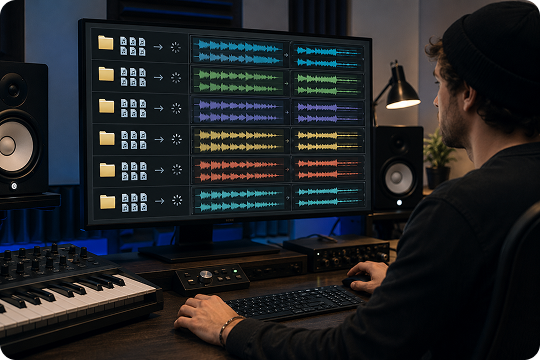
Process more than one track at a time with the desktop acapella generator. Drag in an album, demo folder, or group of reference songs, then let UniConverter handle multiple acapella extraction tasks in parallel. It saves time when you need vocal stems for a remix pack, client review, or production archive.
Private Offline Processing for Unreleased Music
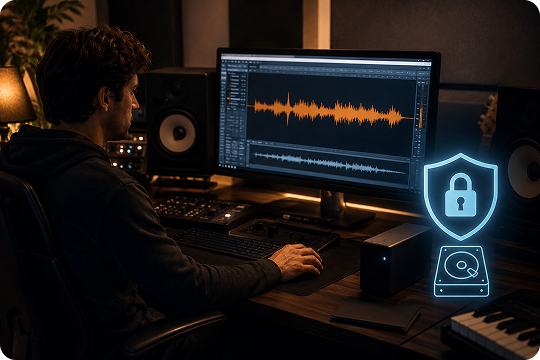
Keep sensitive tracks closer to your studio workflow. The desktop acapella extractor can process files locally, so unfinished demos, signed releases, and private sessions do not need to be uploaded for every job. It is a practical choice when you want vocal isolation AI support with more control over your source files.
Fast Online File Upload for Quick Acapella Creation
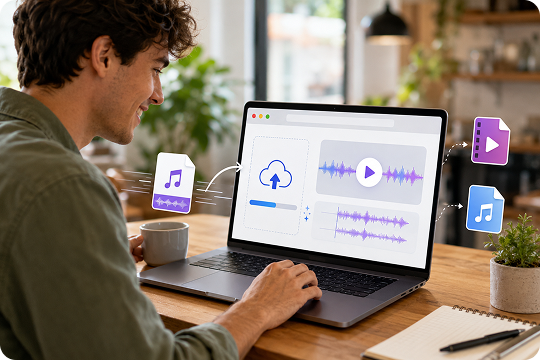
Use the online acapella extractor when you need a quick vocal stem from a local file. Upload an MP3 or MP4 file, let UniConverter separate vocals from music, and preview the result in your browser. This workflow is helpful for single-song tests, vocal practice, and fast creative ideas before moving into a desktop project.
Lossless WAV and FLAC Export for DAW Editing
Export your acapella in MP3 for quick sharing, or choose WAV and FLAC for lossless editing. UniConverter keeps the vocal stem ready for Ableton Live, FL Studio, Logic Pro, and other DAWs. Use it when you need a song to acapella converter that fits both fast drafts and detailed production sessions.
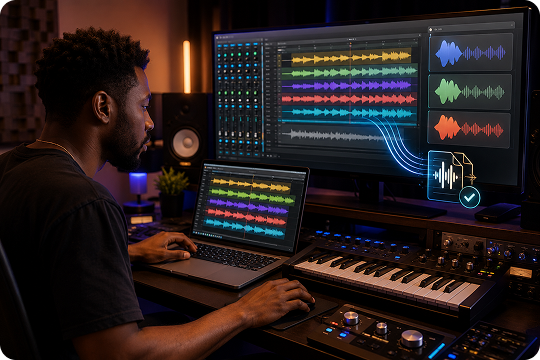
Choose the Best Acapella Extractor for Your Workflow
Use the acapella extractor online when you need a fast preview or a single vocal stem. Choose the desktop acapella maker when you need batch processing, more formats, local handling, or lossless export.
| Feature | Online Acapella Extractor | Desktop Acapella Extractor |
|---|---|---|
| Installation | Use it in your browser | Install on Windows or macOS |
| File size | Up to 50 MB | No practical file size limit |
| Supported formats | MP3, MP4 | MP3, M4A, WAV, OGG, FLAC, MP4, MOV, MKV, AVI, and More |
| Batch processing | Not supported | Process multiple files in parallel |
| Offline privacy | Requires upload | Process files locally |
| Best for | Quick previews and single-song tests | Albums, client projects, long videos, and commercial workflows |
Creative Ways to Use an AI Acapella Extractor in Real Projects

Make Acapella for Remix and Mashup Ideas
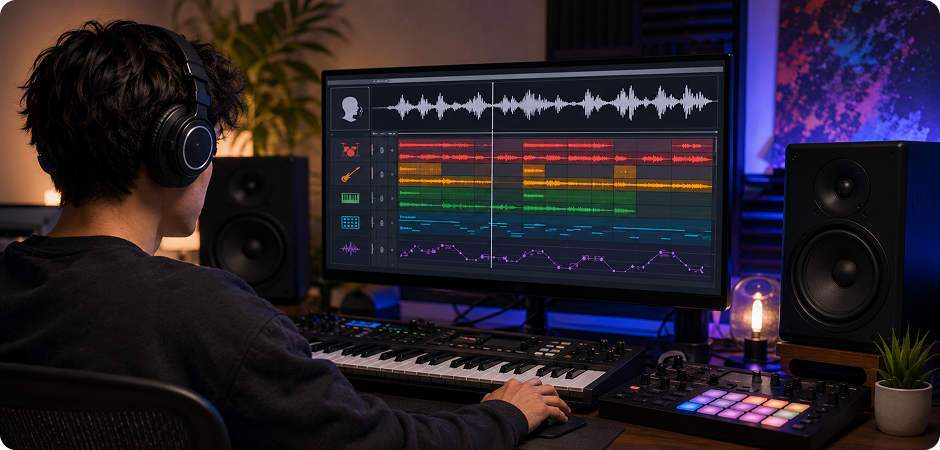
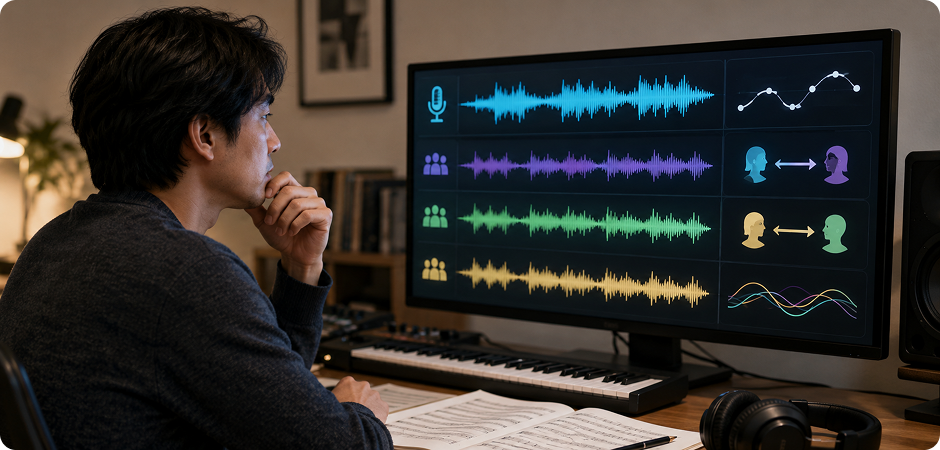
Build new versions of a track without rebuilding the whole arrangement. Use UniConverter to make acapella for remix sessions, then place the vocal over a new beat, chord progression, or genre idea. For an acapella for mashup workflow, match the extracted vocal with another instrumental or loop. The AI acapella extractor helps you separate vocals from music, export a clean vocal stem, and focus on timing, pitch, and creative edits.
Create Acapella for Sampling and Vocal Chops
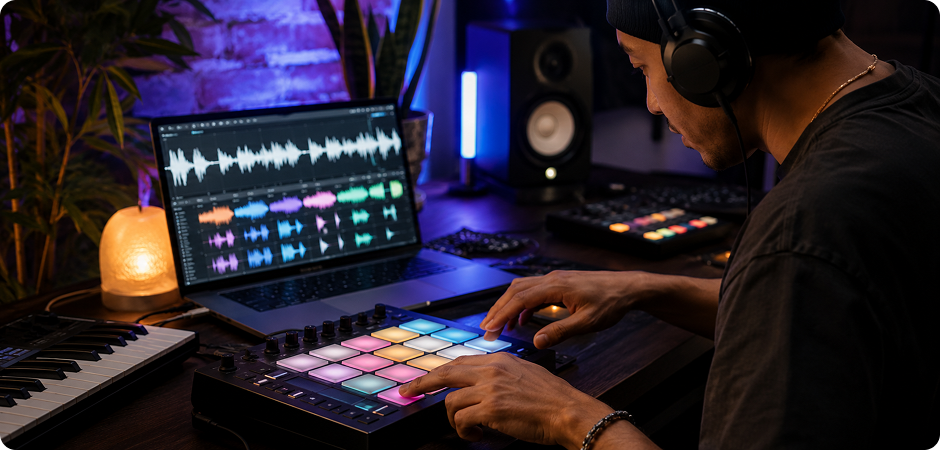
Turn a full song into source material for new beats. With the AI acapella generator, you can create acapella for sampling, then chop a vocal hook, phrase, or ad-lib into smaller parts. Export the vocal stem as WAV or FLAC for cleaner editing in your sampler. This workflow works well for hip-hop, EDM, pop remixes, and experimental production sketches where small vocal moments can shape the full groove.
Extract Acapella for Vocal Practice and Coaching
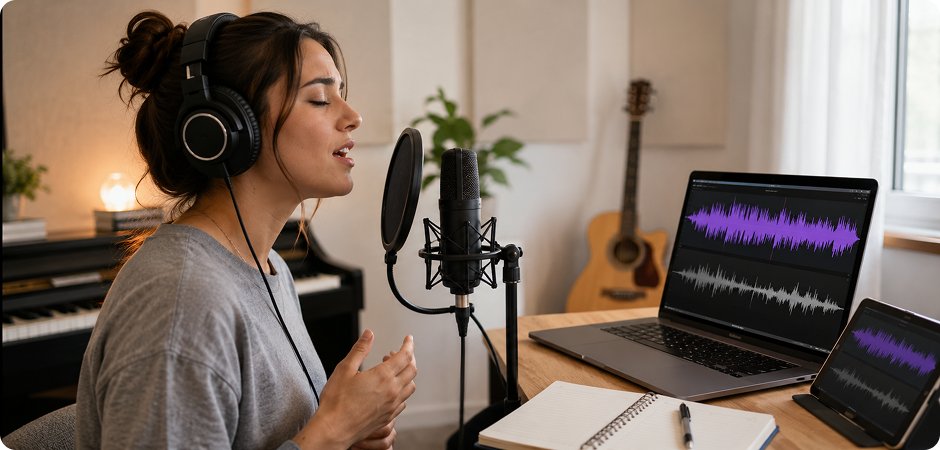
Vocal coaches and singers can use an acapella extractor online to study phrasing, pitch, and breath control. Extract acapella for vocal practice, slow it down in your practice tool, or compare it with a backing track. For lessons, the desktop version can help prepare a vocal coaching backing track from several songs. It gives students a clearer way to hear technique, tone, and timing without the full mix covering important details.
Prepare DJ Acapella Tracks for Live Sets
Use DJ acapella tracks to add familiar hooks, transitions, and live moments to your set. UniConverter can extract a vocal stem from MP3 or video files, so you can test vocal layers before a show. Export the result, organize it by key or BPM, and bring it into your DJ software. This helps you create cleaner blends, prepare backup options, and keep your set flexible across different crowd moments.
Analyze Vocal Arrangement with Isolated Acapellas
Teachers and students can use vocal isolation AI to hear how a vocal arrangement works inside a song. Extract the lead vocal, compare harmonies, or discuss phrasing without the rest of the mix taking over. The acapella maker also helps class projects where students need to identify melody, backing vocals, or call-and-response patterns. It turns a finished track into a clearer learning reference for arrangement, production, and performance lessons.
Create Clean Vocal Tracks for Reels and Podcasts
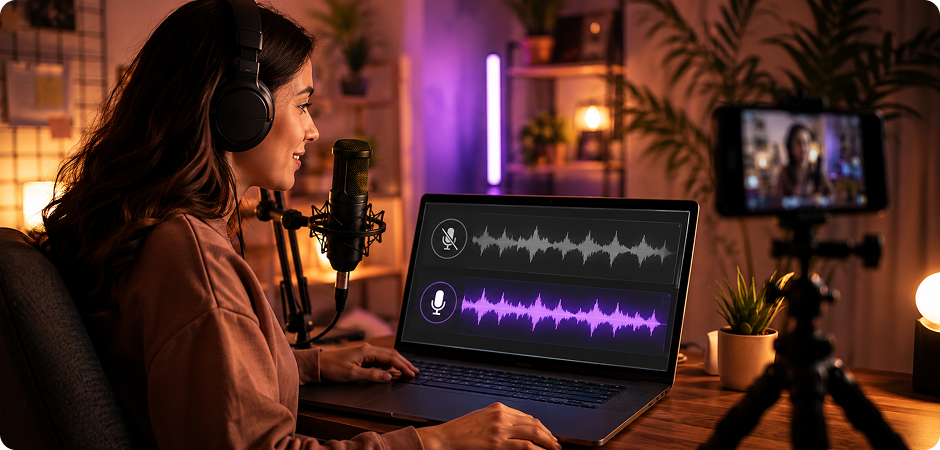
Content creators often need a clean vocal track for reels, podcasts, edits, or commentary. Use UniConverter as a vocals only extractor to separate the voice from background music, then export a file for editing. The online tool works for quick tests, while the desktop app suits longer videos and repeat projects. You can prepare clearer dialogue, highlight a lyric, or build social clips while checking usage rights before publishing copyrighted audio.
What Creators Say About
UniConverter AI Acapella Extractor
FAQs about Acapella Extractor
How do I extract an acapella from a song?
Is UniConverter's acapella extractor free?
Can I make an acapella from an MP3 or YouTube link?
What's the difference between an acapella extractor and a vocal remover?
How accurate is the AI vocal isolation?
Can I use extracted acapellas commercially?
Does the online version add a watermark?
What audio and video formats are supported?
Can I extract acapellas in batch?
How long does processing take?
More Than Acapella Extraction



Ready to Make Your First Acapella?
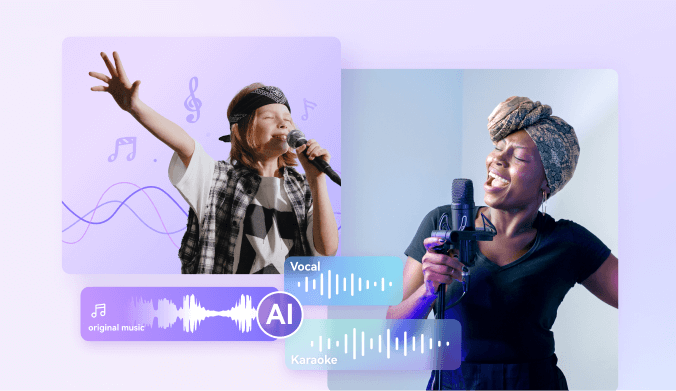
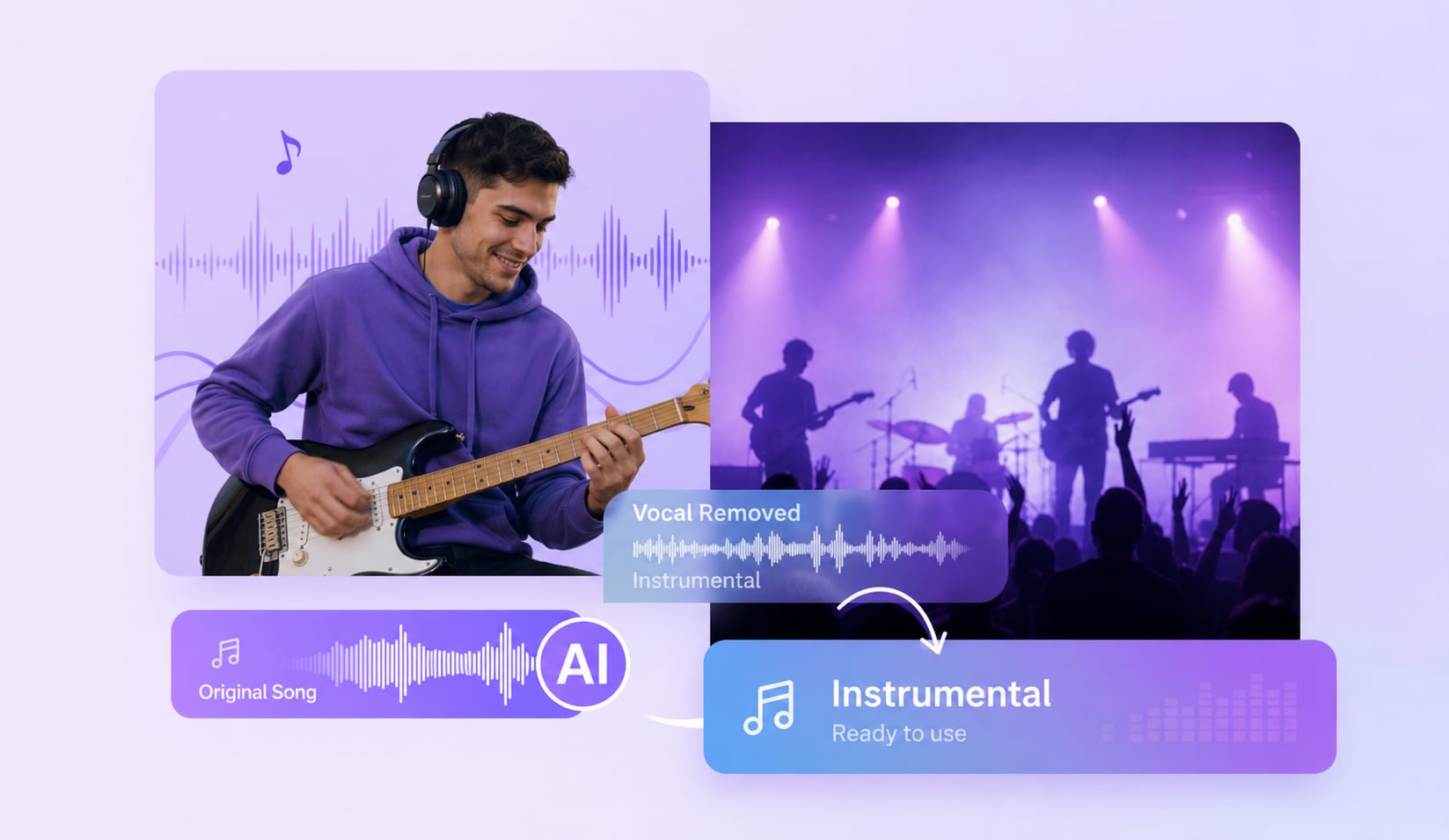
Turn a song, video, or URL into a clean vocal stem with UniConverter. Start online for a quick acapella preview, or download the desktop app for batch processing, private workflows, and lossless export.
