
Create Karaoke Online from Any Song in 3 Easy Steps
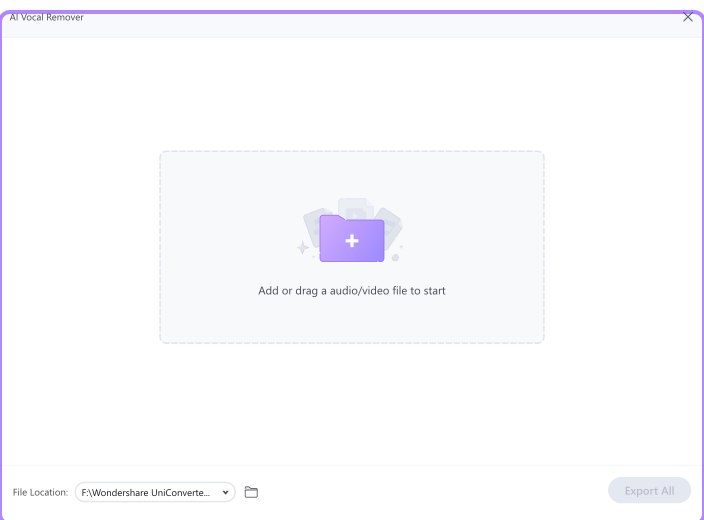
You can create karaoke online free without complex editing. Follow these three steps to make karaoke from any song and download your track.

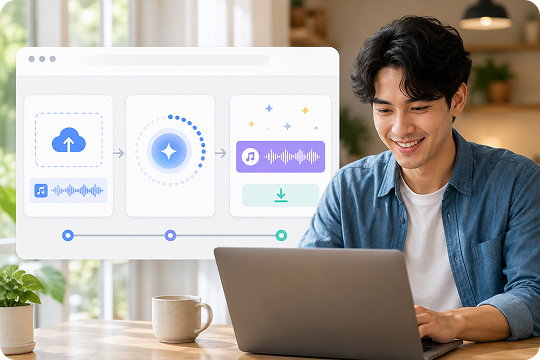
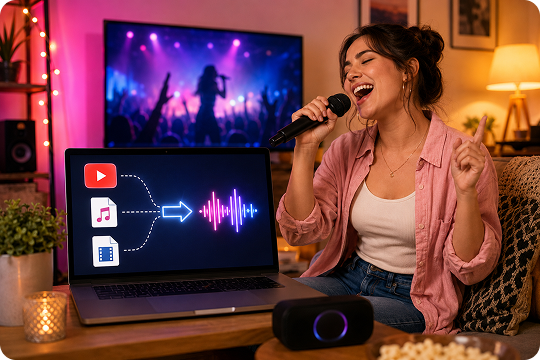
Add your song to UniConverter. You can upload common audio and video formats, including MP3, WAV, M4A, MP4, MOV, and more on desktop. For quick online tasks, upload an MP3 or MP4 file and start right away.

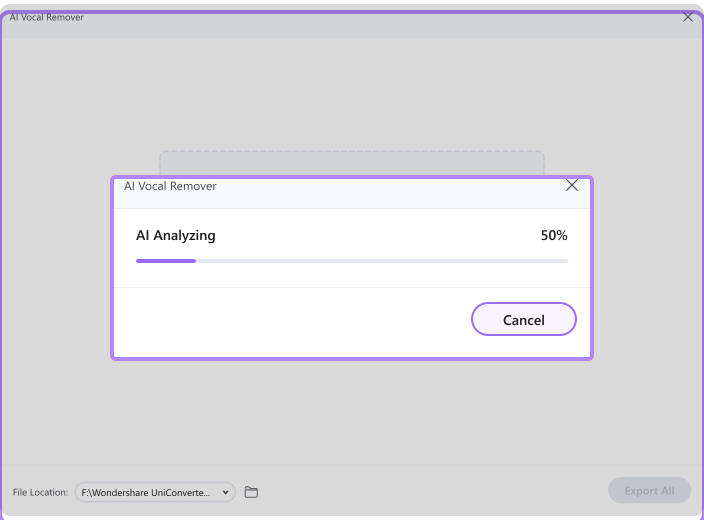
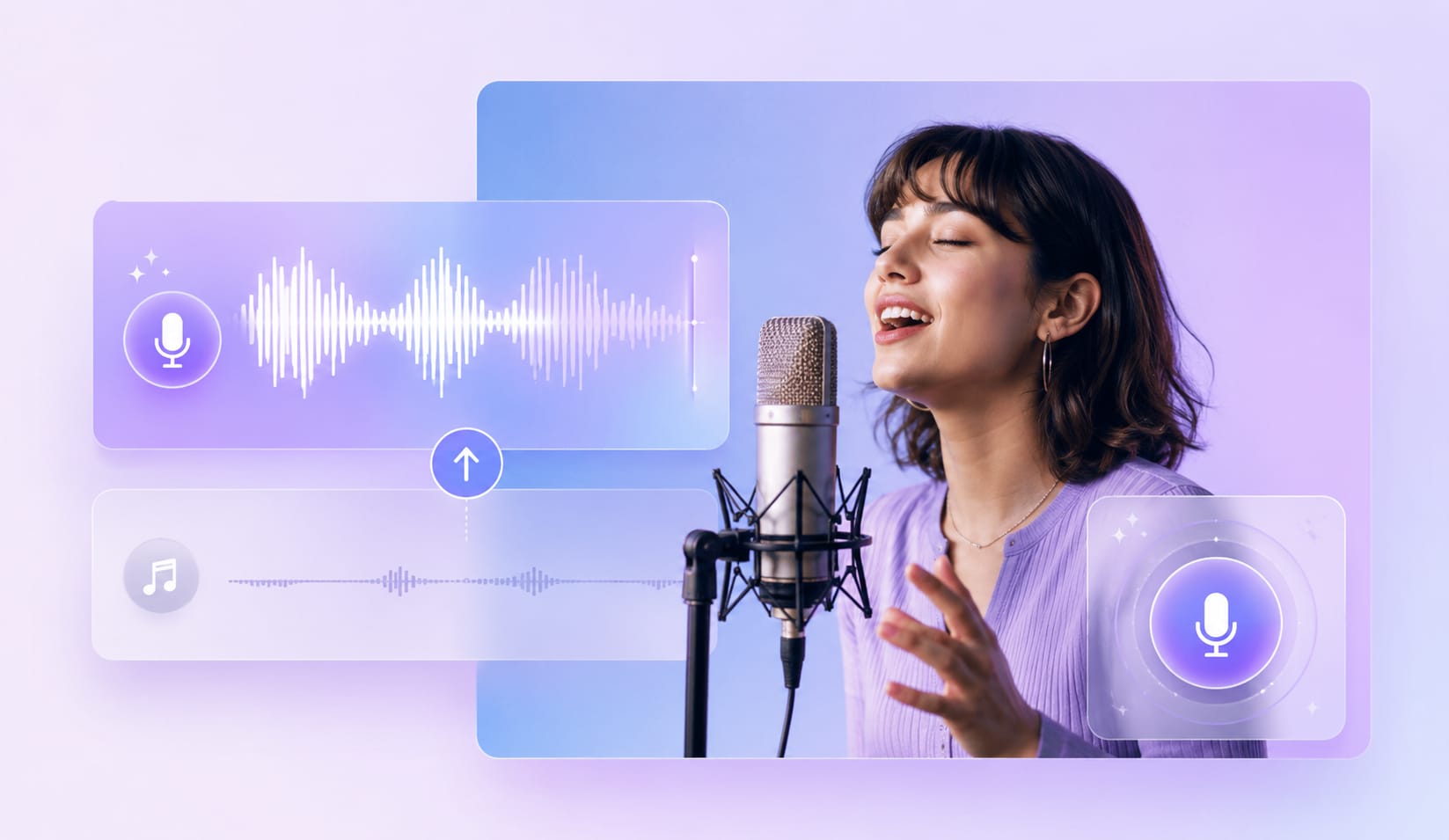
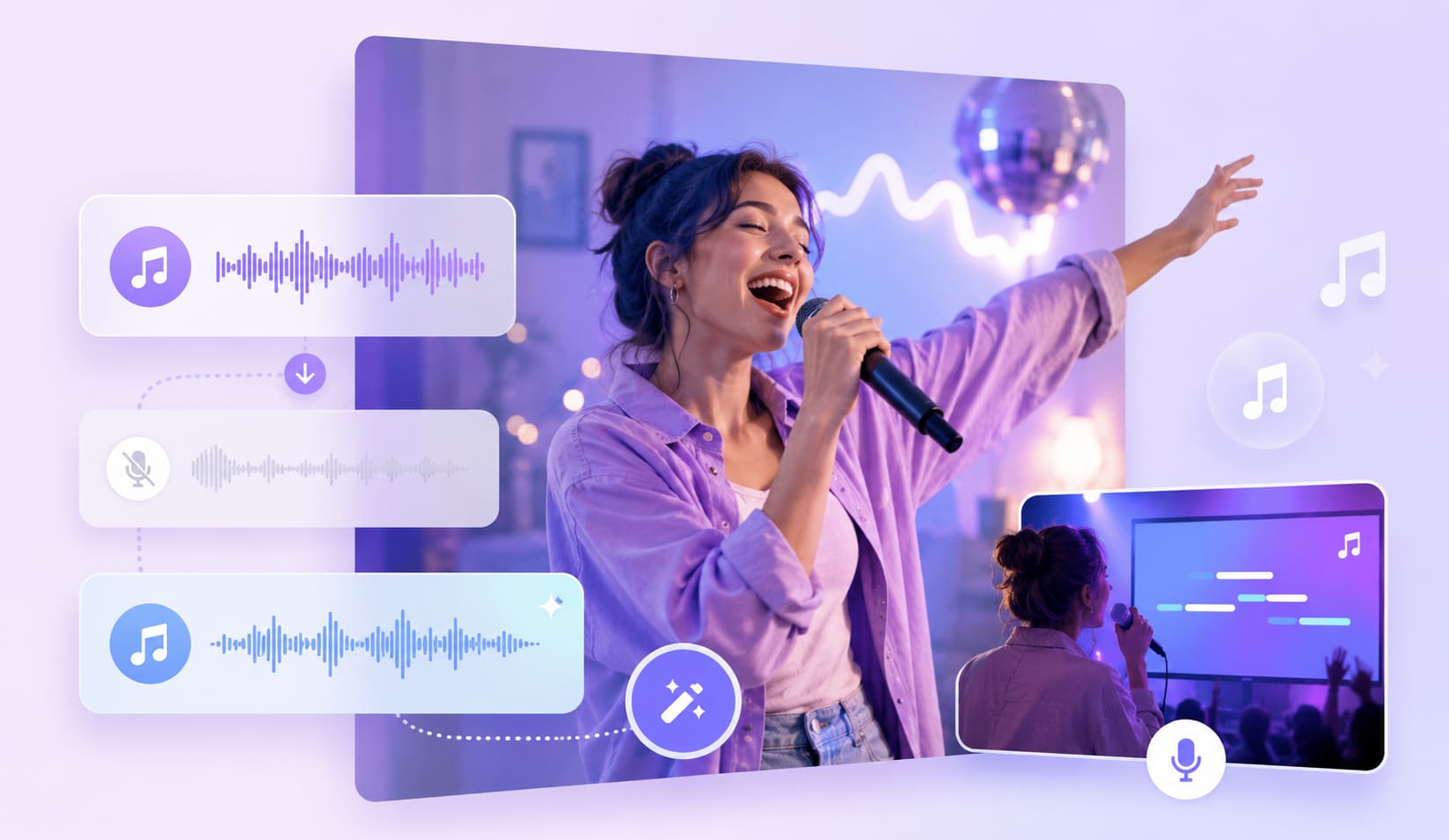
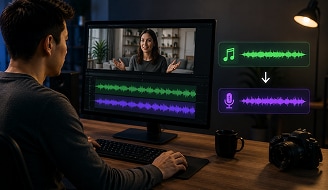
The karaoke generator analyzes your file and separates the lead vocal from the instrumental track. This AI vocal separation process helps you create a backing track for covers, parties, practice, and sing-along sessions.

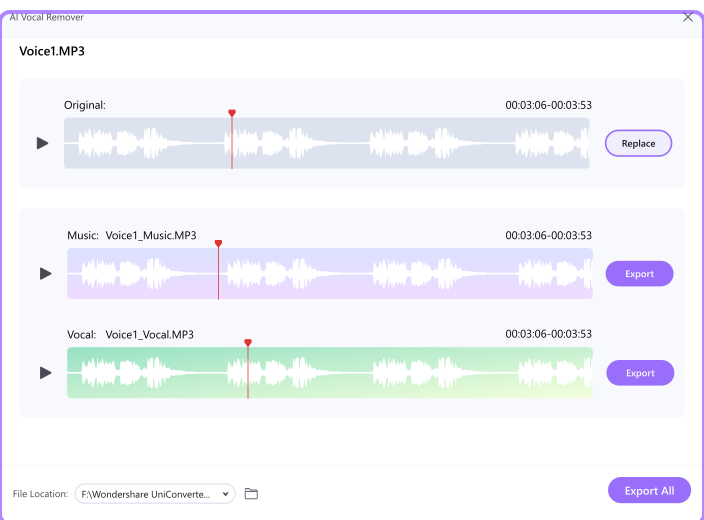
Preview the result before export. Then download your karaoke track as an audio file, or continue editing in UniConverter if you want to build a full karaoke video with lyrics.
Why UniConverter Is the Best AI Karaoke Maker for Singers, DJs, and Hosts
UniConverter gives you two ways to work. Use the online karaoke maker when you need a fast result. Use the desktop version when you need more formats, longer files, batch processing, or offline privacy.
Studio-Grade AI Vocal Separation
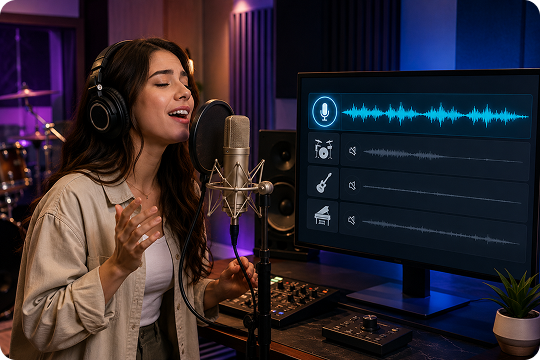
UniConverter’s AI karaoke maker uses AI vocal separation to reduce the lead vocal and keep a cleaner instrumental track. Upload a song, separate vocals, and export a karaoke track for practice, covers, or events. Pair it with Vocal Remover and Audio Enhancer when you need cleaner results from noisy audio.
Pair with AI Subtitle Generator to Build a Full Karaoke Video
Need a karaoke video with on-screen lyrics? Run your song through UniConverter’s AI Subtitle Generator to auto-transcribe and time-sync the lyrics. Then use the Karaoke Maker to strip vocals. Merge the subtitle file with the backing track and export an MP4 karaoke video with lyrics, without switching tools.
Visual idea: AI Subtitle Generator → Vocal Remover → Merged Karaoke MP4.
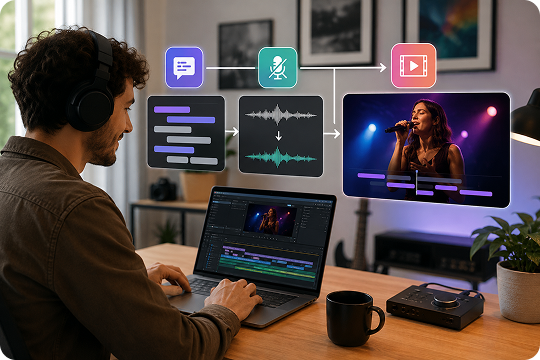
Music to Karaoke Converter for Audio and Video Files
Use UniConverter as a music to karaoke converter when you want to turn a song into a backing track. The desktop version supports MP3, WAV, FLAC, M4A, MP4, MOV, MKV, and more. It is helpful when your source file is not a standard audio track.
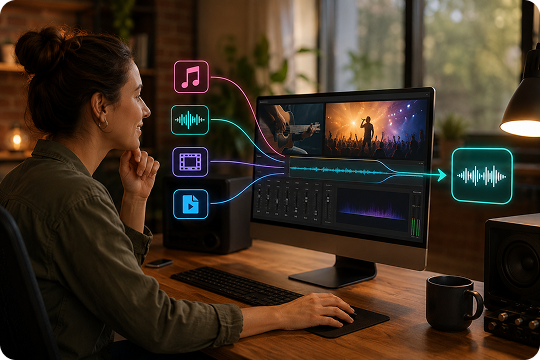
Online Karaoke Maker — No Sign-Up, No Install
The online karaoke maker is built for quick tasks. Upload a file, let the AI process it, and download the result. You do not need to install software or create an account. It works well when you want to create karaoke online from one short song.
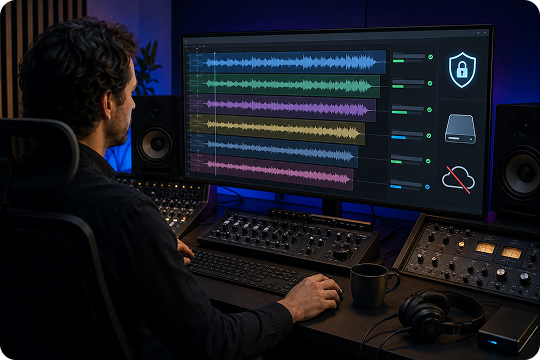
Desktop Karaoke Creator for Batch, Long Files, and Offline Privacy
The desktop karaoke creator is better for larger projects. You can process longer songs, convert multiple files, and work with more formats. It also supports offline workflows, which is useful when you handle private recordings, event music, choir tracks, or client audio.
Karaoke Converter for YouTube, MP3, and Video Files
UniConverter works as a karaoke converter for different source types. You can convert MP3 to karaoke, process video to karaoke, or prepare audio from downloaded YouTube content when you have the right to use it. It helps you turn song files into sing-along backing tracks.
What You Can Do with the UniConverter Karaoke Maker
Use UniConverter for practice, events, content creation, and music workflows. These examples show how different creators can use the karaoke maker in real projects.
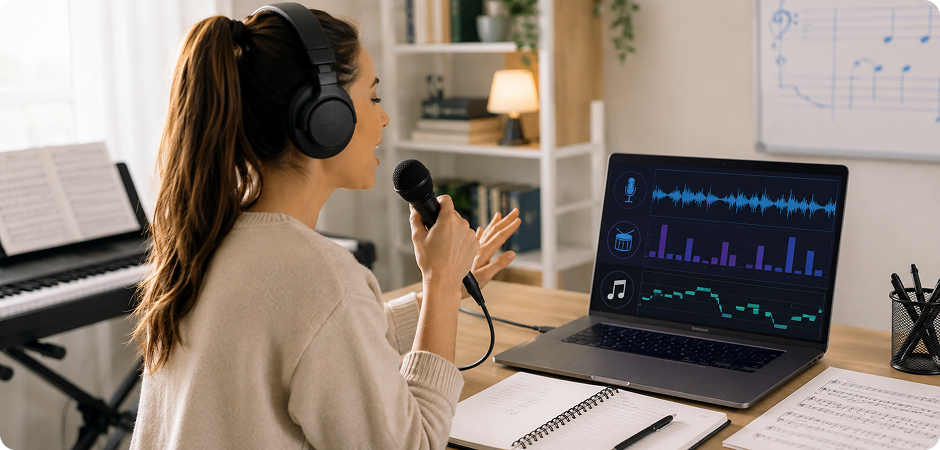

Make a Karaoke Track for Home Parties and Sing-Alongs
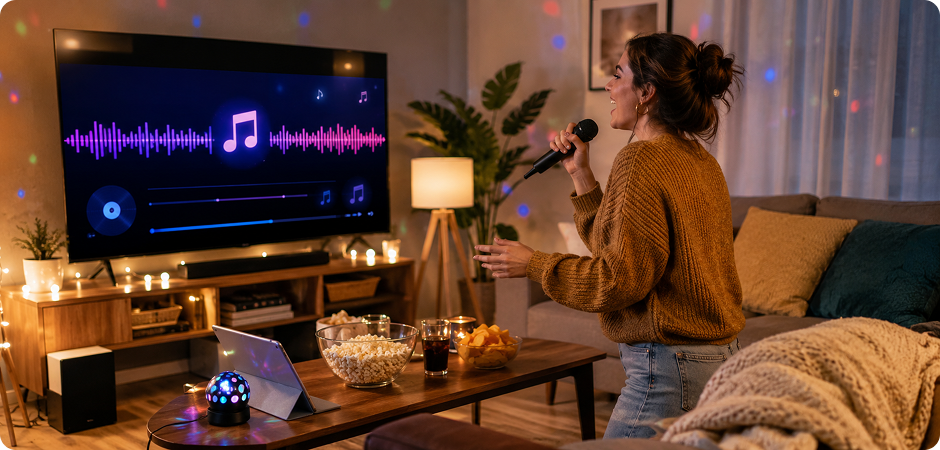
Use the karaoke song maker to prepare songs for birthdays, family nights, or casual home parties. Upload the original song, remove the lead vocal, and play the backing track during your sing-along. You can build a small playlist and keep the mood simple, familiar, and easy for everyone to join.
Create Karaoke Videos with Lyrics for Events and YouTube
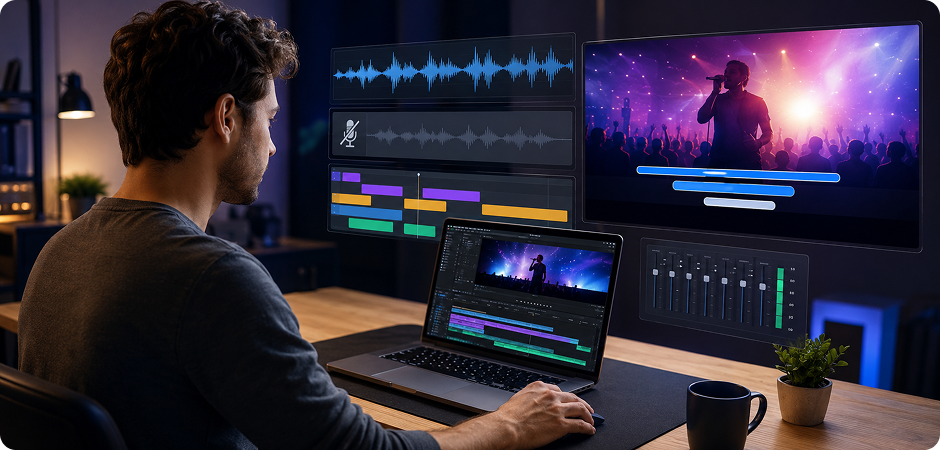
Create karaoke videos with lyrics by combining the Karaoke Maker with UniConverter’s AI Subtitle Generator. First, auto-generate lyrics and time them to the song. Then remove vocals and merge the lyrics with the backing track. This workflow helps event hosts, video creators, and small channels make karaoke video content faster.
Build Backing Tracks for Cover Songs with a Karaoke Track Maker
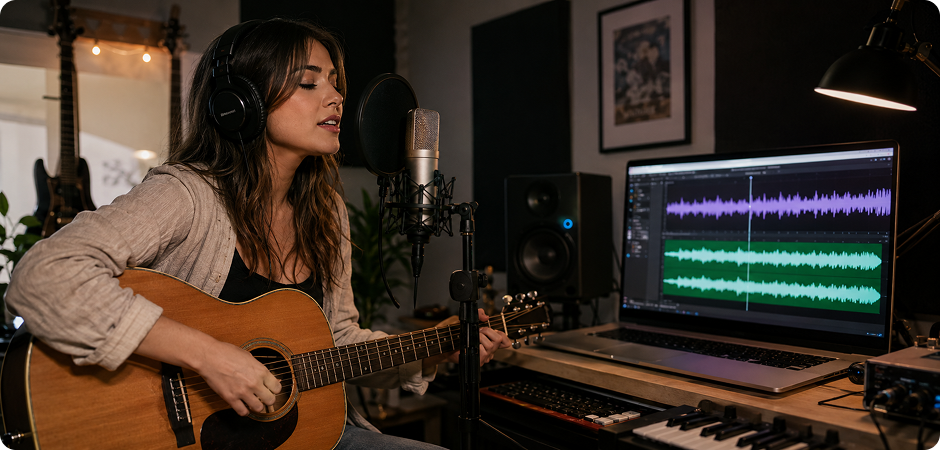
A karaoke track maker helps singers and musicians prepare backing tracks for cover songs. Remove vocals from the original file, keep the instrumental track, and use it for recording or rehearsal. You can also extract an acapella or backing track for arrangement ideas, depending on your project needs.
Prep Practice Tracks with a Free Karaoke Creator
Vocal coaches, teachers, and students can use a free karaoke creator to prepare practice tracks. Remove the original vocal so learners can focus on pitch, rhythm, and delivery. You can create different practice files for warm-ups, class exercises, choir parts, or solo training without rebuilding the song from scratch.
Extract Instrumentals for DJs, Mashups, and Live Sets
DJs can use the karaoke generator to extract instrumental tracks for mashups, transitions, and live sets. Remove vocals, keep the backing track, and continue editing in your audio workflow. For more flexible remix projects, you can also explore UniConverter’s Acapella Extractor for vocal-based edits.
Convert Music to Karaoke for Weddings, Bars, and Corporate Events
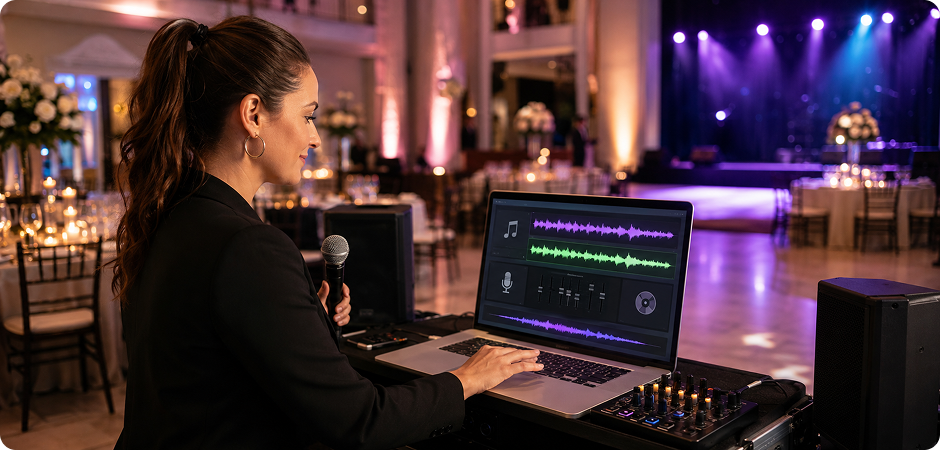
Event hosts can convert music to karaoke for weddings, bar nights, team parties, and company events. Prepare clean backing tracks before the show, test them in advance, and keep both online and desktop options ready. This helps you manage quick requests and planned playlists with less manual editing.
Desktop vs Online Karaoke Generator — Which One Is Right for You?
Choose the online karaoke maker for fast, simple tasks. Choose UniConverter Desktop when you need longer files, batch processing, more formats, or better privacy control.
| Feature | UniConverter Desktop | Online Karaoke Maker |
|---|---|---|
| Best for | Long files, batch tasks, private workflows | Quick karaoke without installation |
| Free to try | 7-day trial | Yes, free |
| Supported input formats | MP3, M4A, WAV, OGG, FLAC, MP4, MOV, MKV, AVI | MP3, MP4 |
| Max file size | No practical limit | 50 MB |
| Batch processing | Yes | No |
| Karaoke video workflow with AI Subtitle Generator | Full workflow | Partial |
| Offline / Privacy | Fully offline | Cloud-based |
| Sign-up required | No | No |
What Creators Say About
UniConverter Karaoke Maker
Karaoke Maker FAQs
How do I create a karaoke from any song online for free?
What’s the best AI karaoke maker for converting MP3 to karaoke?
Can I make a full karaoke video with synced lyrics in UniConverter?
How do I add lyrics to a karaoke track automatically?
Can I convert a YouTube video to a karaoke track?
Does UniConverter’s karaoke generator work without downloading software?
How is UniConverter different from a karaoke video maker like Youka or MyKaraoke?
What file formats can I upload to the karaoke maker?
How long does it take to convert a song to karaoke?
Is the desktop karaoke creator better than the online version?
Can I make karaoke tracks for commercial use?
Does the karaoke song generator work on Mac, Windows, iPhone, and Android?
How accurate is the AI vocal separation in the karaoke maker?
More Than a Karaoke Song Maker
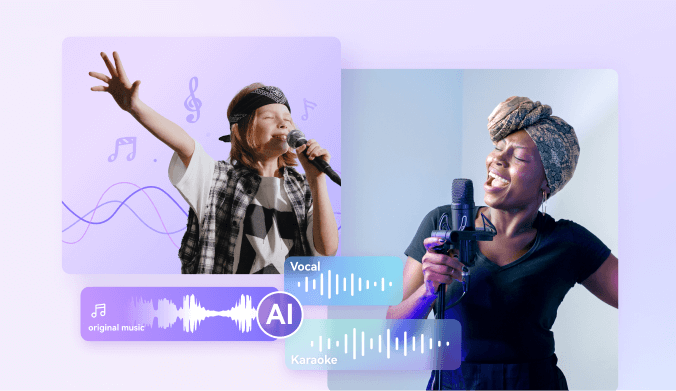
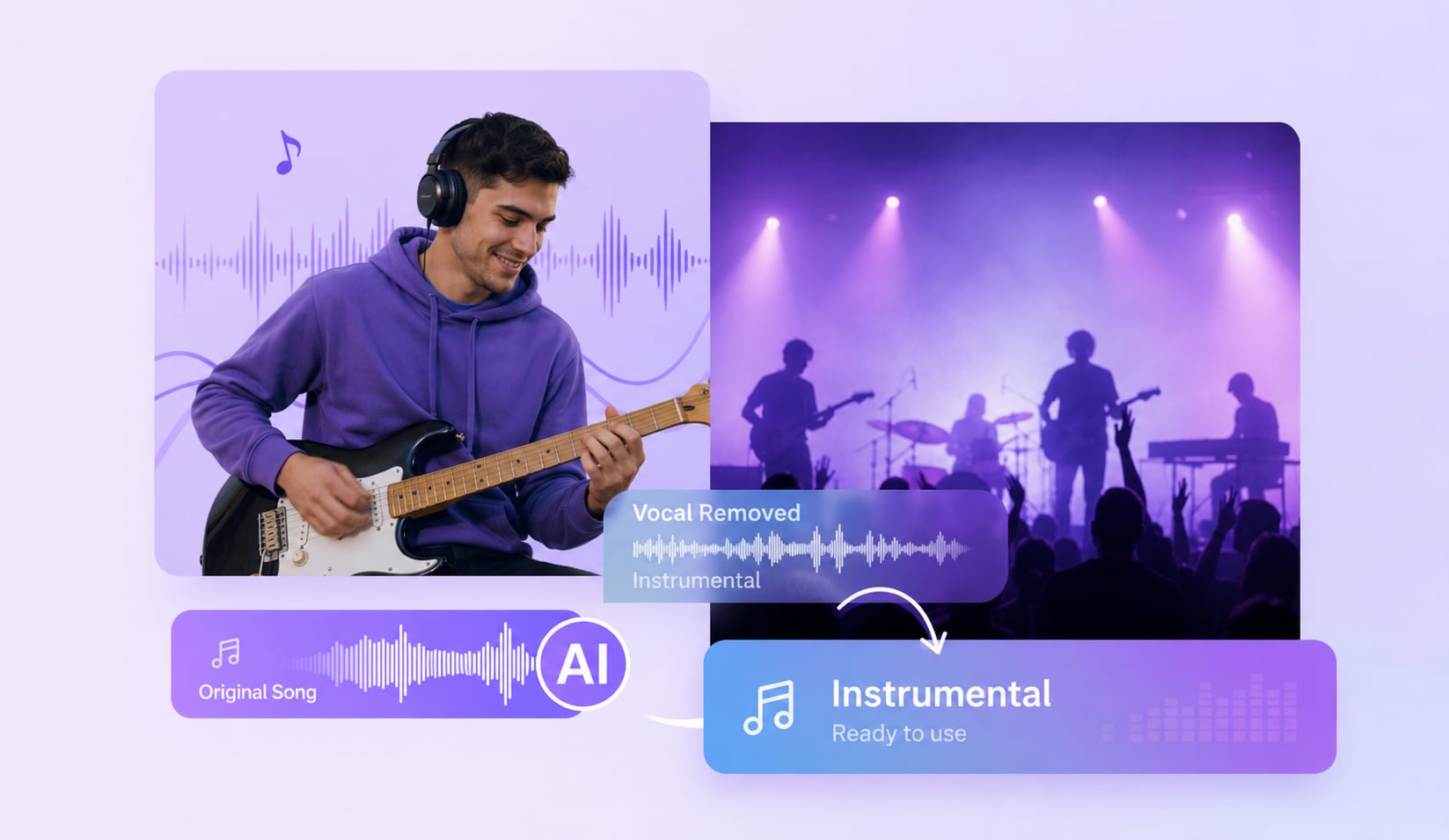



Ready to Create Your First Karaoke Track?
Turn your favorite song into a karaoke track in a few clicks. Try the online karaoke maker for a quick file, or download UniConverter Desktop for batch processing, long songs, offline privacy, and full karaoke video workflows.
