
How to Remove Instrumental from a Song in 3 Steps

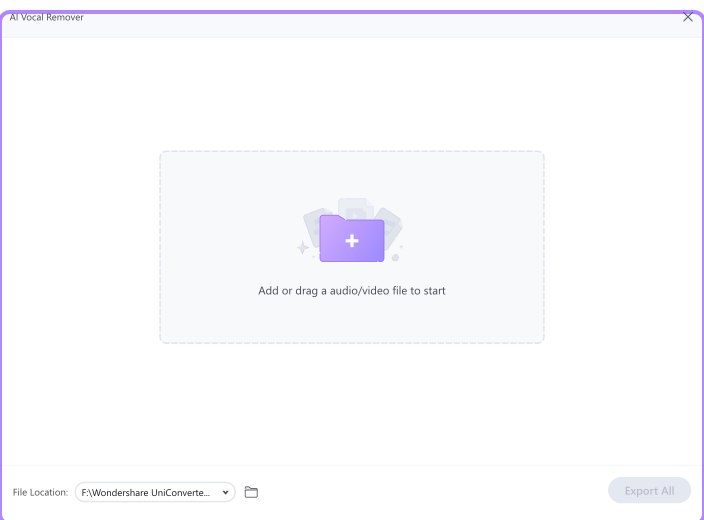
Open UniConverter’s instrumental remover and upload your audio or video file. You can use MP3, WAV, MP4, MOV, MKV, and other common media formats.

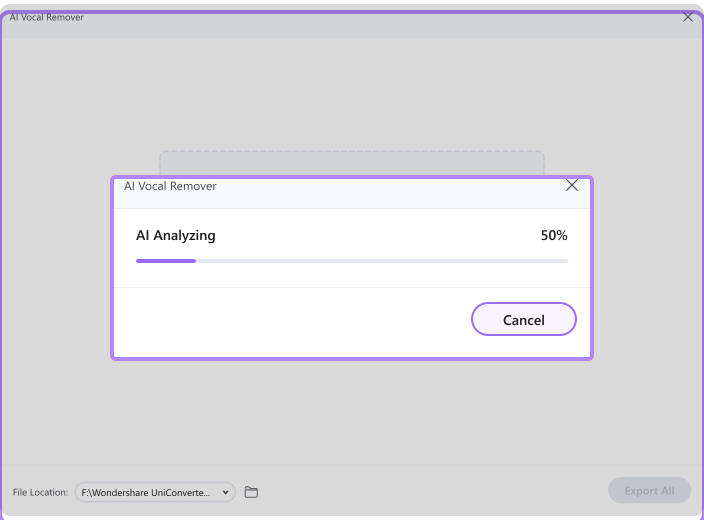
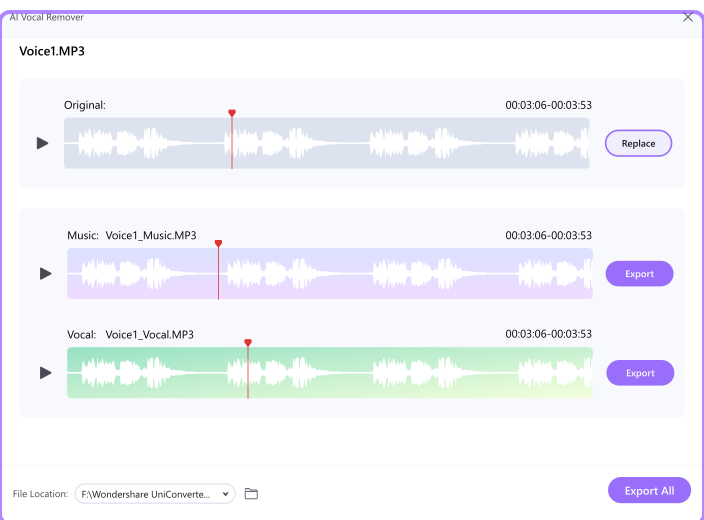
UniConverter analyzes the audio and separates the vocal and instrumental parts. You can preview the result before exporting.

Download the separated vocal or instrumental track in your preferred format. Use the output for karaoke, remixing, teaching, editing, or music practice.
Why Use UniConverter Instrumental Remover
AI-Powered Instrumental Remover for Clean Stem Separation
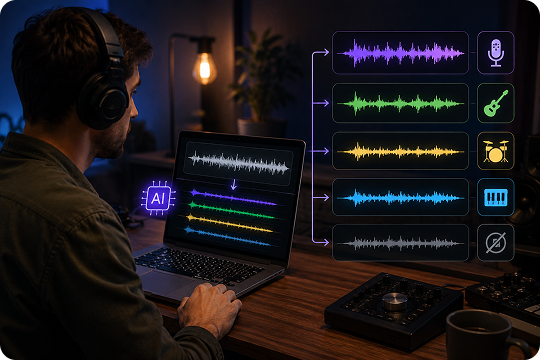
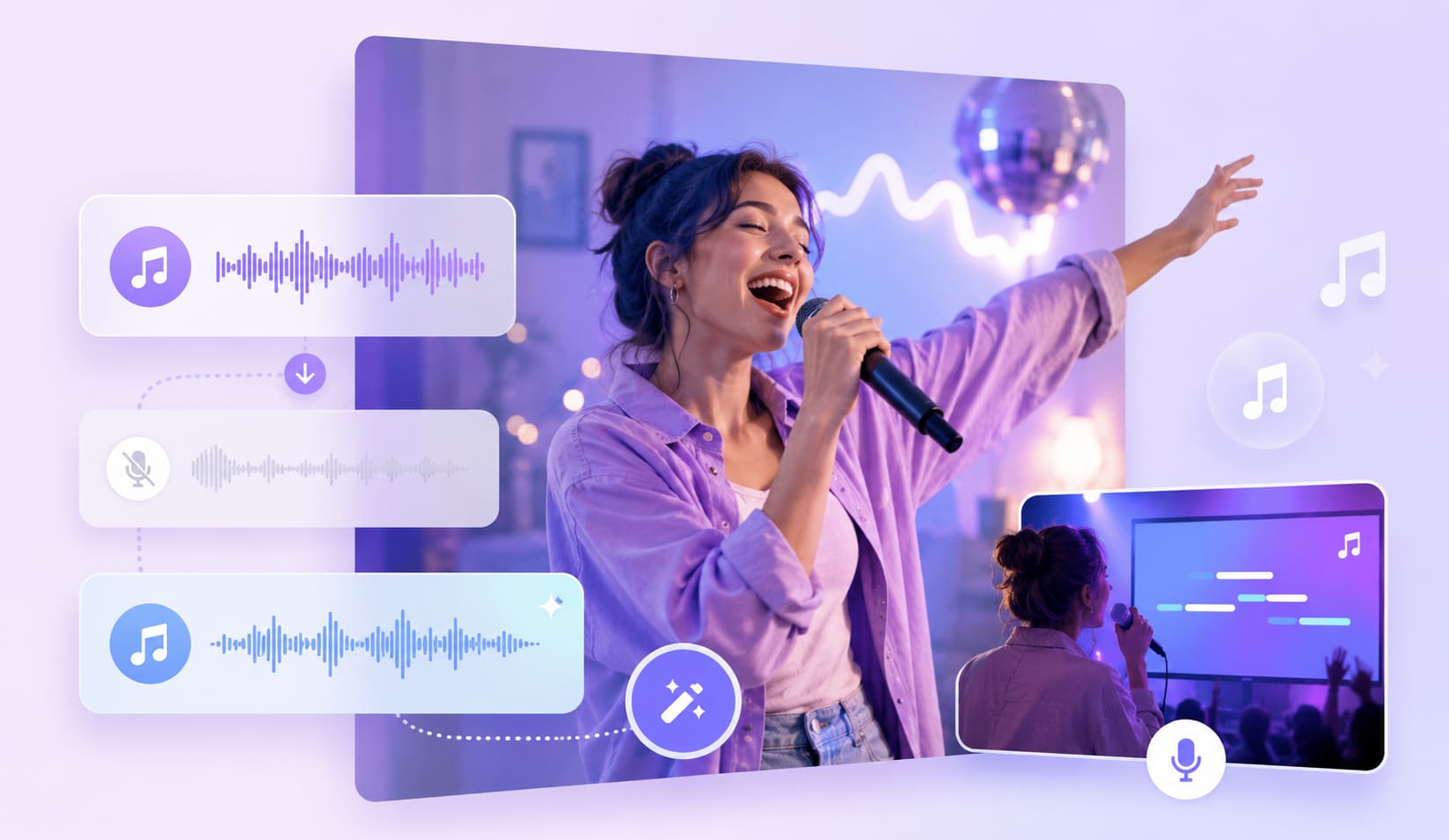
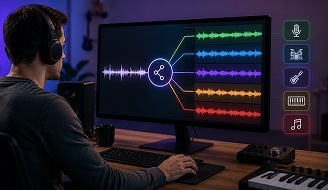
UniConverter uses AI stem separation to identify vocals, instruments, and background elements in your audio. Stem separation means splitting a mixed track into separate parts. With this AI instrumental remover, you can remove instrumental from a song and export a cleaner vocal track for practice, remixing, learning, or content creation.
Remove Instrumental from Song or Video Files
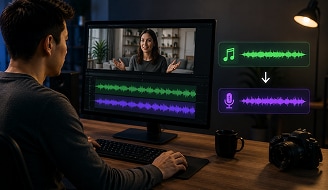
You can upload audio or video files and let UniConverter process the soundtrack. The tool supports common formats like MP3, WAV, MP4, MOV, and MKV. This makes it useful when you need to remove instrumental from video, extract vocals from a music clip, or prepare audio from a recorded performance.
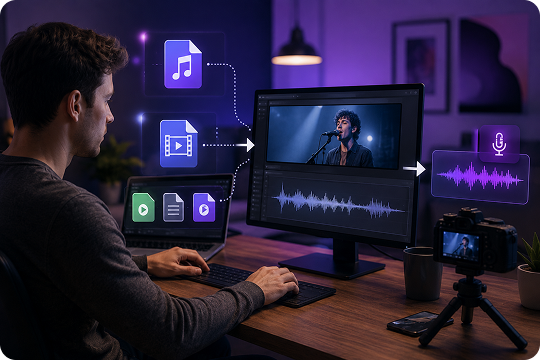
Extract Clean Acapella in Seconds
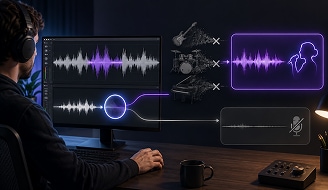
Need only the vocal part? UniConverter helps you extract clean acapella from songs without manual audio editing. Upload your file, let the AI analyze the track, and download the separated result. It works well for singers, teachers, DJs, editors, and creators who need fast vocal isolation for creative projects.
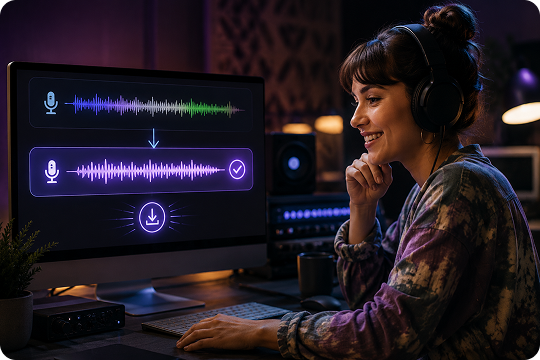
Free Online Instrumental Remover with No Signup
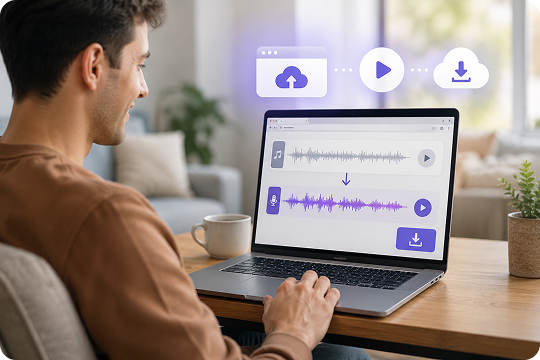
Use the free online instrumental remover when you want a quick result without installing software. You can upload a file, preview the output, and download the separated track from your browser. It is a simple choice for one-time tasks, small files, and users who want an instrumental remover online free.
Desktop Instrumental Remover for Offline and Private Processing
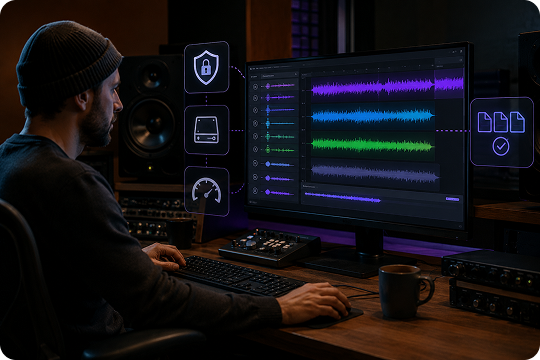
For larger projects, UniConverter Desktop gives you more control. You can process multiple files, work with bigger videos, and keep your media files on your own device. This desktop instrumental remover is helpful for DJs, music teachers, studios, and creators who care about privacy, speed, and repeat workflows.
What Can You Do with UniConverter Instrumental Remover

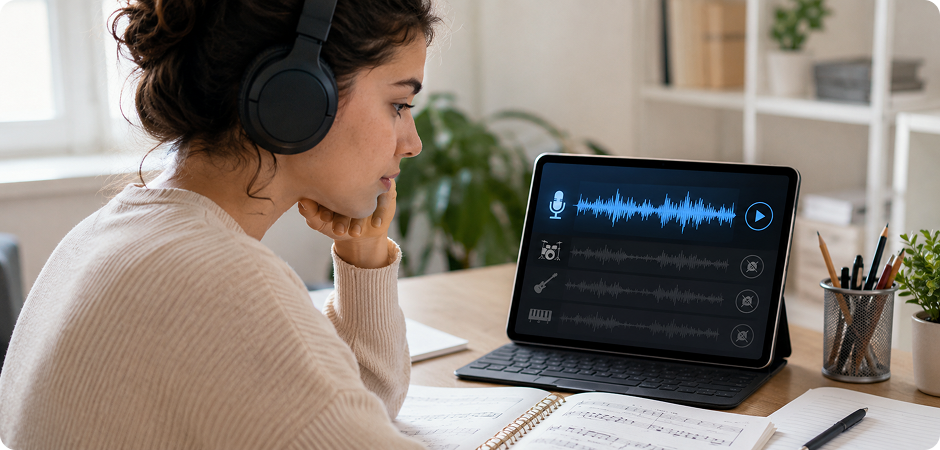
Song Instrumental Remover for Karaoke Tracks
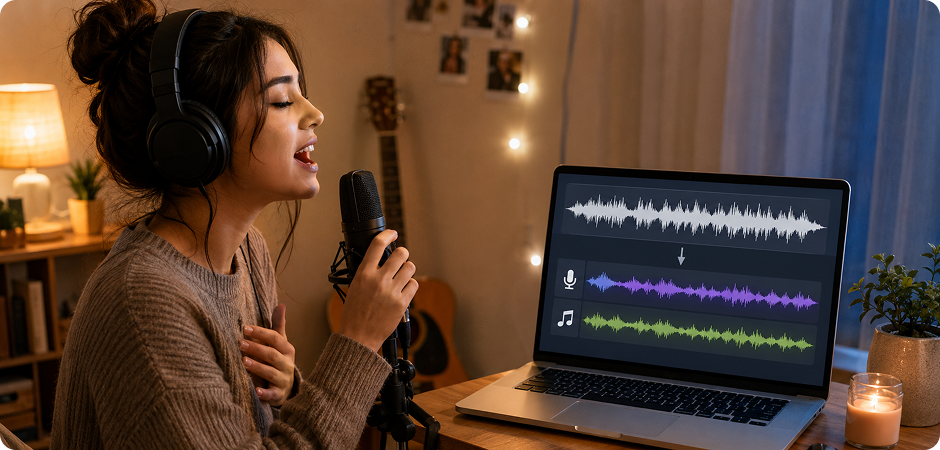
Use UniConverter as a song instrumental remover to create vocal-only or backing-track versions for singing practice. You can remove instrumental from a song, preview the result, and export a file that fits your project. It helps singers focus on pitch, timing, and delivery without searching for a separate karaoke version. Teachers can also prepare practice materials for students from familiar songs.
Music Instrumental Remover for DJ Remixes and Mashups
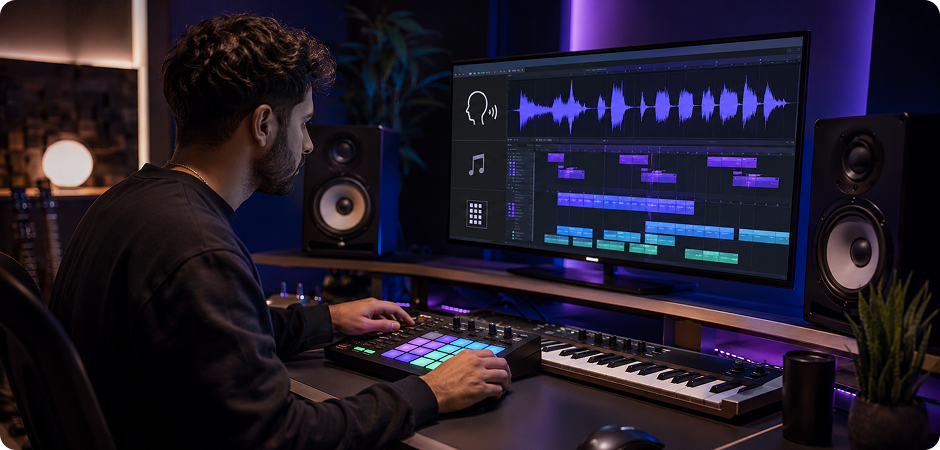
DJs can use the music instrumental remover to isolate vocals, test transitions, and build remix ideas faster. Instead of recreating a track from scratch, you can extract vocals or separate instrumental parts from an existing song. This makes it easier to plan mashups, sample hooks, or match vocals with a new beat. For repeated work, the desktop version supports a smoother batch workflow.
AI Instrumental Extractor for Cover Song Backing Tracks
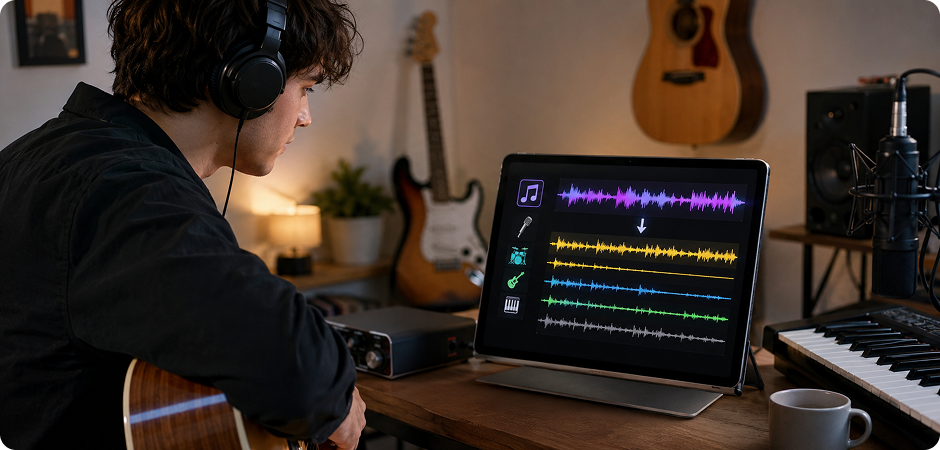
If you record covers, UniConverter can work as an AI instrumental extractor for building practice tracks. Remove or extract instrumental parts, then use the remaining audio to guide your performance. You can slow down your workflow, study the arrangement, and prepare your own version with more control. It is useful for singers, guitarists, pianists, and content creators who publish cover videos.
Remove Instrumental from Video Files Like MP4, MOV, and MKV
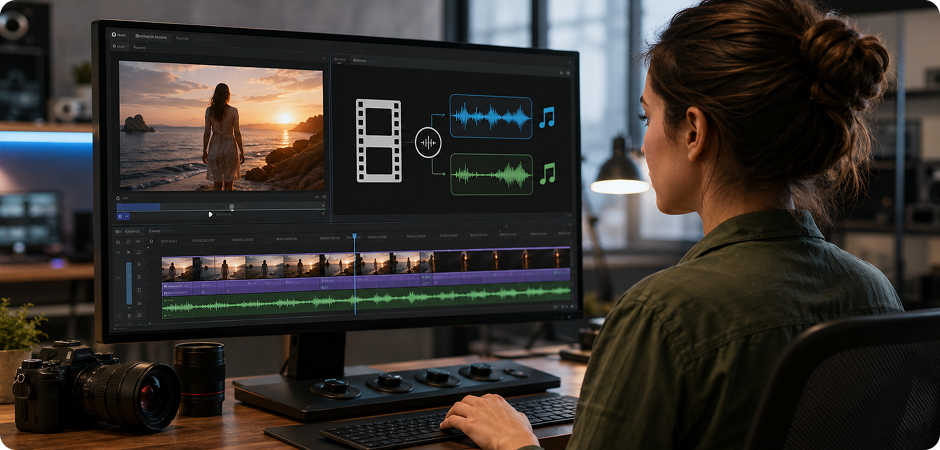
UniConverter supports more than audio files. You can remove instrumental from video files such as MP4, MOV, and MKV when the music is part of a clip. This helps video editors, educators, and creators separate vocals from recorded performances, lessons, interviews, or music videos. You can process the soundtrack, export the audio result, and bring it back into your editing workflow.
Isolate Vocals for Sampling and Music Production
Producers can isolate vocals from mixed tracks and use the result for sampling, arrangement study, or demo creation. UniConverter’s instrumental extractor helps you separate important vocal lines without complex audio software. You can test ideas quickly, compare different versions, and prepare stems for editing. Always check usage rights before using extracted audio in public or commercial projects.
Vocal Instrumental Remover for Acapella Practice Tracks
Use the vocal instrumental remover when you want to focus on the human voice. By removing instrumental parts, you can create acapella-only tracks for listening practice, vocal training, transcription, or language learning. Singers can study phrasing and tone more clearly. Teachers can also prepare focused audio examples for class, rehearsal, or online lessons without adding extra editing steps.
Instrumental Remover Online vs Desktop: Which Is Right for You?
Choose the online instrumental remover when you need a quick result in your browser. Choose UniConverter Desktop when you work with larger files, many songs, private projects, or video-based audio tasks.
| Feature | Online Instrumental Remover | UniConverter Desktop |
|---|---|---|
| Best for | Quick one-file tasks | Batch work and larger projects |
| Installation | No installation needed | Windows or Mac app |
| File size | Best for smaller files | Better for large audio and video files |
| Batch processing | Limited | Supported |
| Formats | Common audio and video formats | Wider media workflow support |
| Privacy | Browser-based processing | Local desktop workflow |
| Speed | Fast for small files | Better for repeat and heavy tasks |
UniConverter Instrumental Remover Reviews
from Creators and Educators
FAQs about AI Instrumental Remover
What is an instrumental remover and how does it work?
Is UniConverter’s instrumental remover free?
How do I remove instrumental from an MP3 file?
Can I extract instrumental from a YouTube video?
How do I remove instrumental from a video?
How accurate is AI instrumental separation?
What is the difference between vocal remover and instrumental remover?
Can I batch-process multiple songs?
Is it safe to use UniConverter instrumental remover?
What output formats does the tool support?
More Than an Instrumental Remover
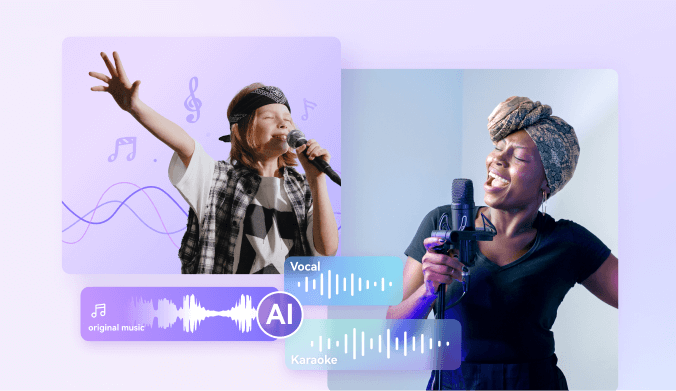
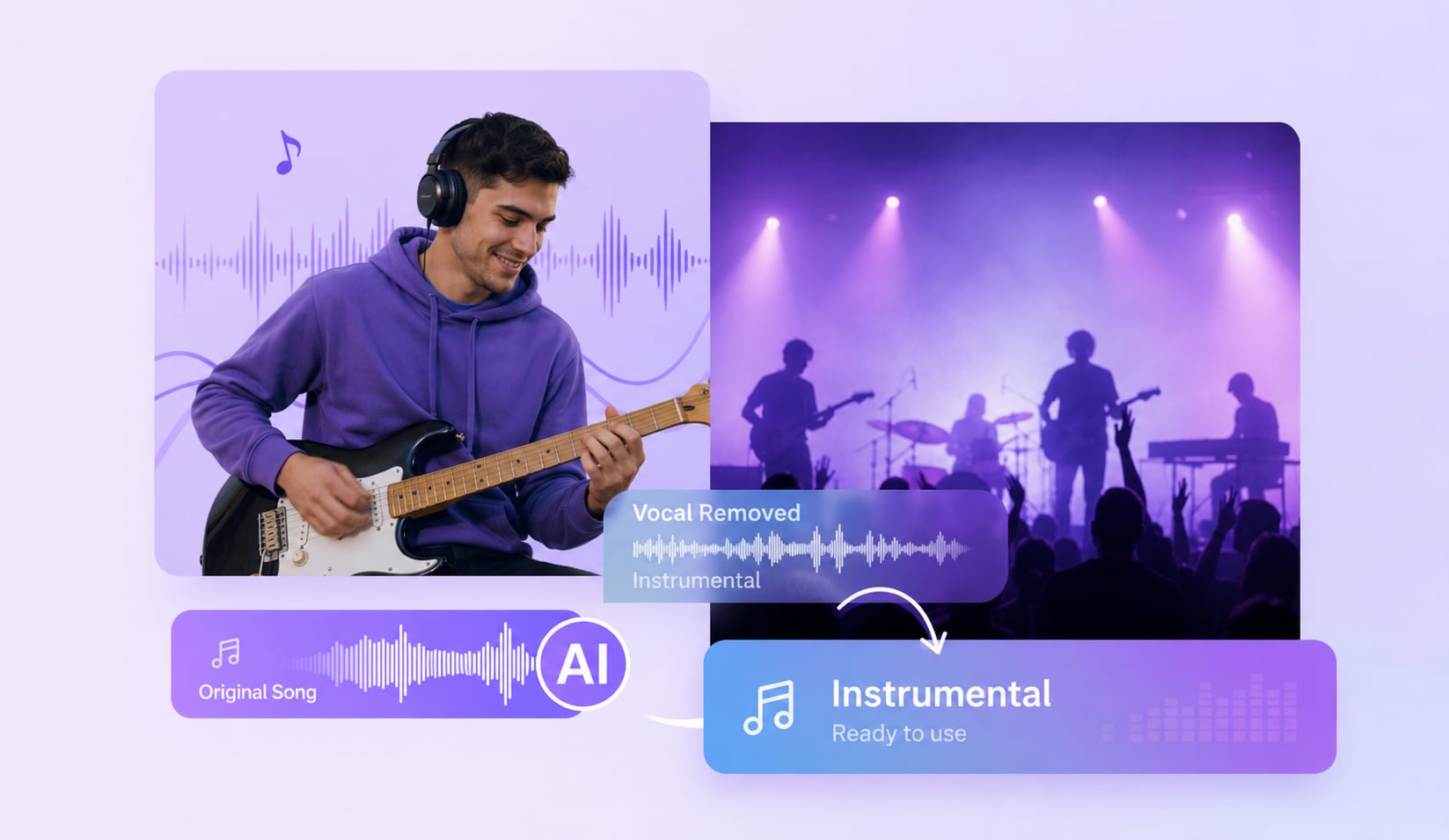
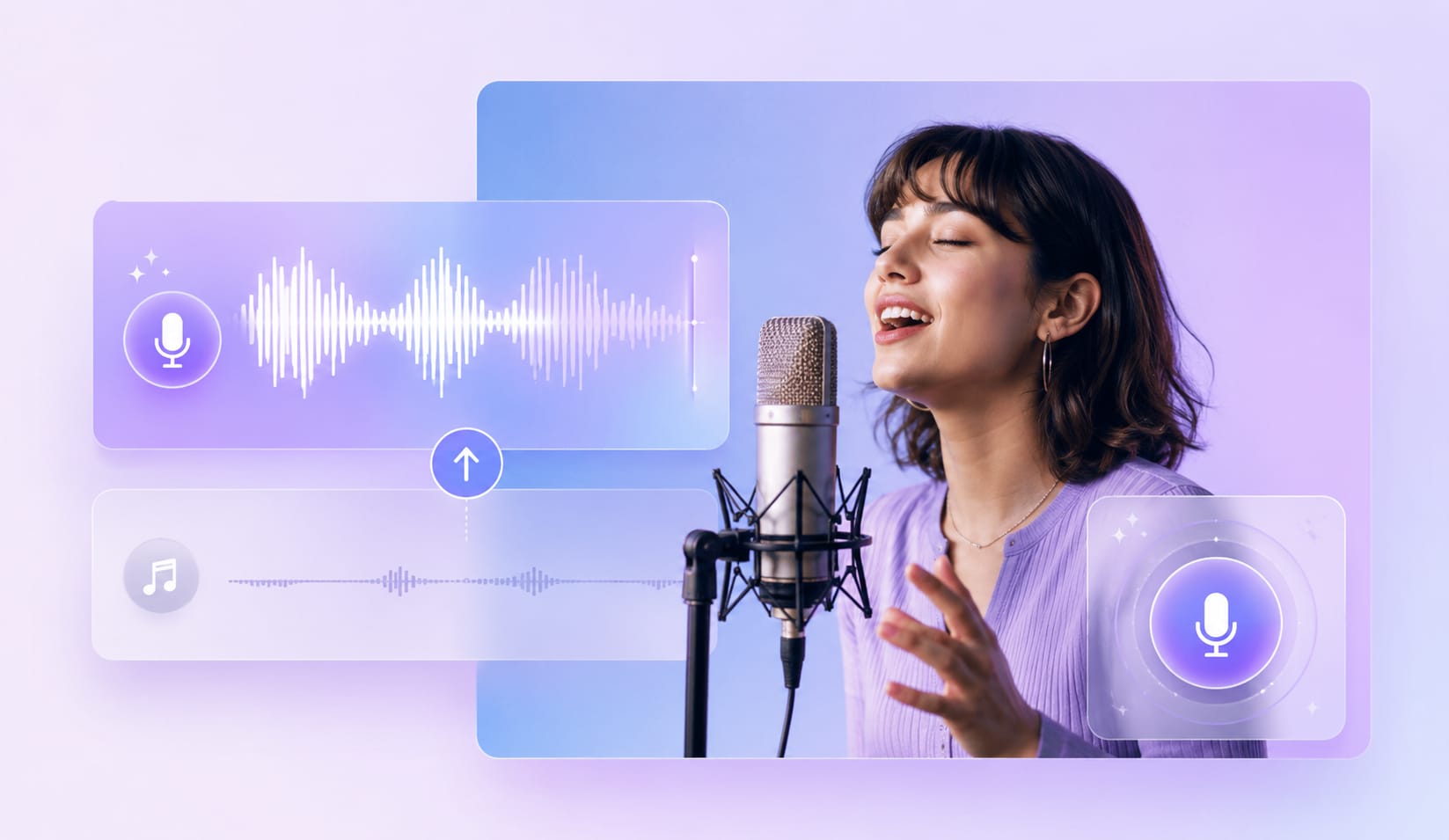
Explore More UniConverter Audio Tools
Keep improving your audio workflow with more UniConverter tools.



Ready to Extract Instrumental from Any Song?
Use UniConverter’s AI instrumental remover to remove instrumental from songs, extract vocals from videos, and prepare cleaner audio for your next project.
