Topaz Video AI vs. UniConverter: Compare the Workflow
Keep the legacy/current Topaz distinction in mind. Shared enhancement goals do not make the products or their model libraries interchangeable.
Compare by workflow
Media processing workflowUniConverter
Brand-specific workflowTopaz Video AI
Product focus
Enhancement within an all-in-one media application
Dedicated video enhancement and restoration
Quality workflow
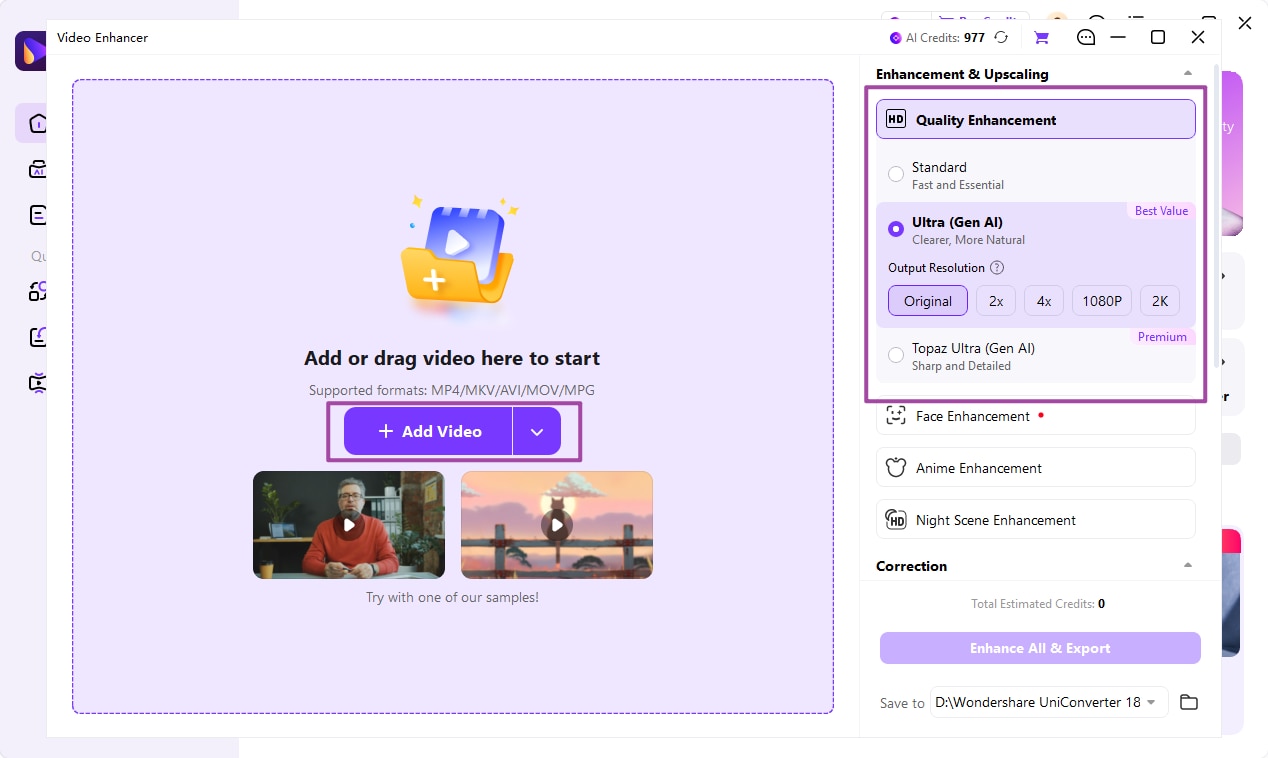
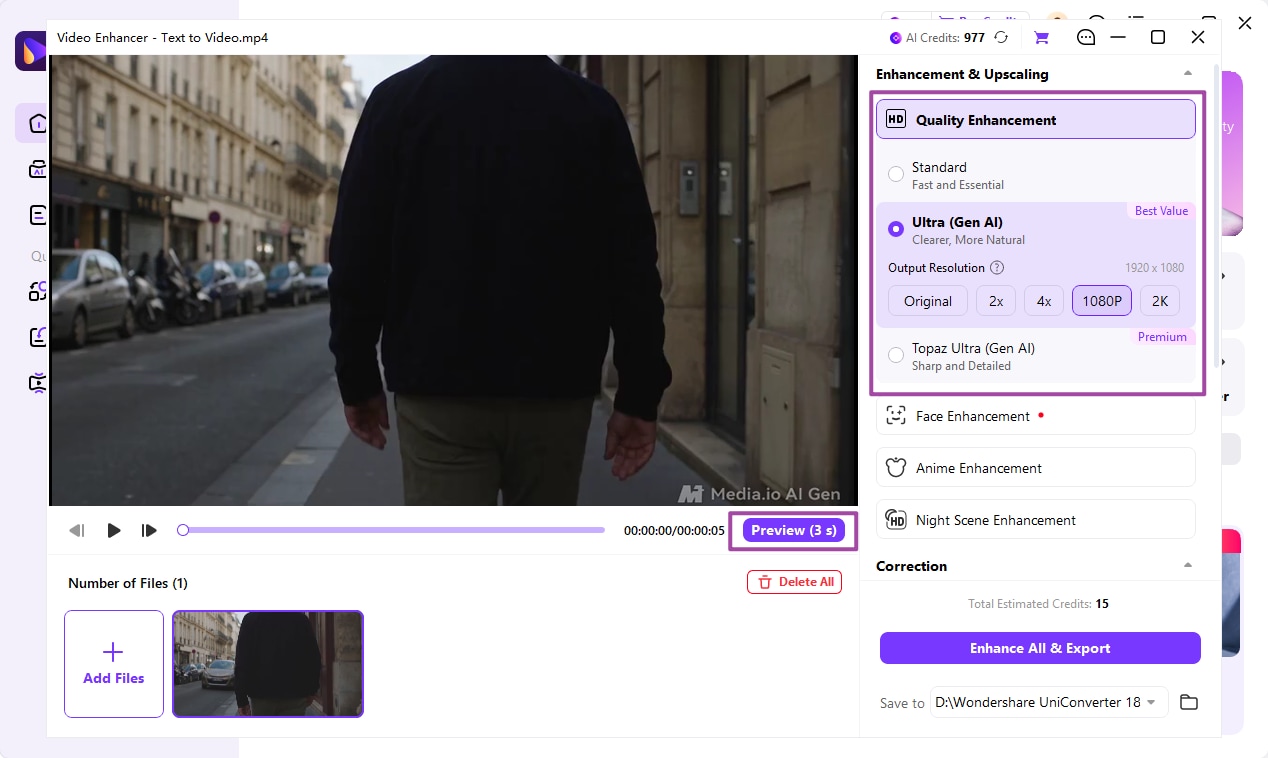
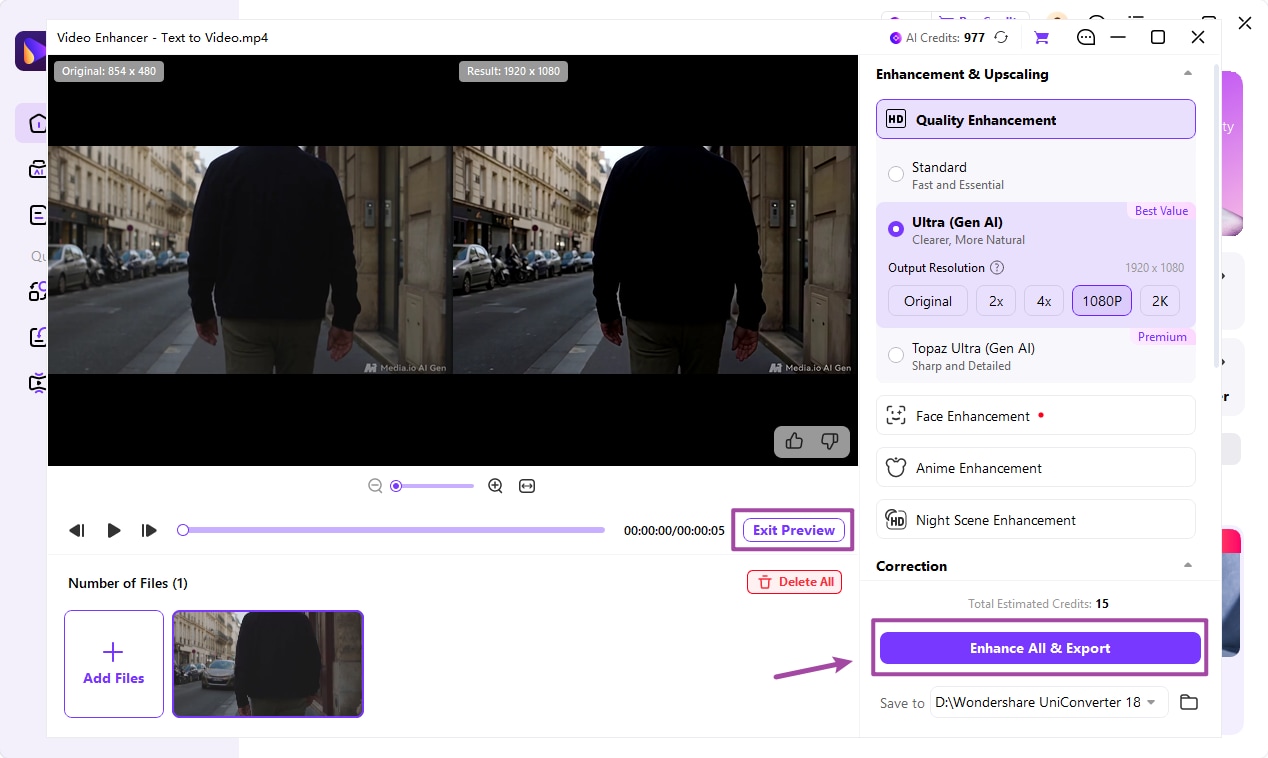
Standard, Ultra (Gen AI), and Topaz Ultra (Gen AI), plus preview
Specialist model and filter workflow
Content-specific work
Dedicated Face, Anime, and Night Scene Enhancement tools
Model selection depends on the legacy or current product
Motion and correction
Separate denoise, color, flicker, stabilization, and interpolation tools
Topaz documents interpolation, stabilization, and other filters
After enhancement
Separate Converter and Compressor tools in the same application
Primarily enhancement-focused rather than a general conversion toolkit
Cost model
Free download/trial; model access and exports may require license or credits
Legacy licenses differ from current Topaz Video subscriptions
Hardware and processing
Performance and processing requirements depend on tool, model, and source
Requirements vary by product and model; current Topaz Video excludes Intel Macs