Video Text Remover at a Glance
AI video text removal fills the selected text area with visual information generated from the surrounding frames. Choose the online video text removal tool for a fast, account-free MP4 edit, or use the desktop app when the job involves multiple files, moving text, complex backgrounds, or more control over the result.
| Workflow | Confirmed capabilities | Best for |
|---|---|---|
| UniConverter Online | MP4 files under 100MB; 3 free files; no registration or login required | Quick removal of fixed subtitles, timestamps, labels, and other text overlays |
| UniConverter Desktop | Up to 20 videos per import; multiple selected areas; 4 removal modes; 5-second preview; moving-object tracking; 14 input formats | Batch jobs, moving text, complex backgrounds, larger workflows, and higher-control editing |
What Text Can You Remove from a Video?
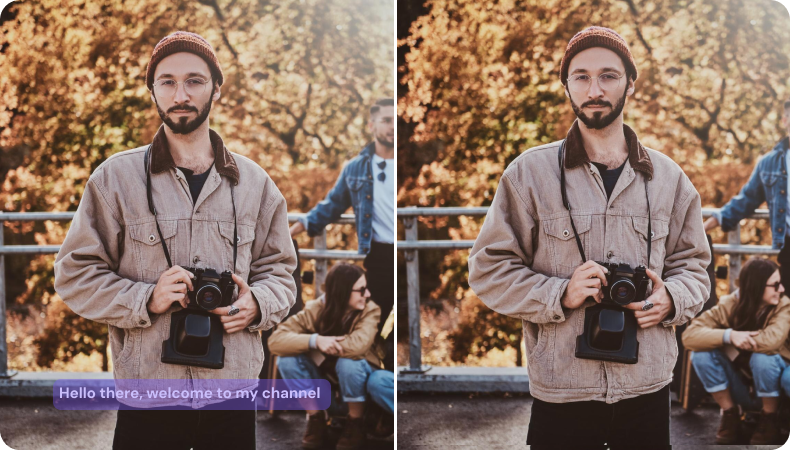




Subtitles
Watermark Text
Logo Text
Timestamps
Overlay Text
Why Choose UniConverter for Video Text Removal
Remove Text from Video without Blur
UniConverter's AI removal modes do more than cover text with blur. They use surrounding visual information to generate the missing area after you select the subtitle, timestamp, logo text, or overlay. Basic AI prioritizes speed on simple backgrounds, Advanced AI handles more complex scenes, and Ultra AI (Beta) focuses on higher-quality background completion and temporal stability. Results can vary when text overlaps faces, important subjects, fine textures, or complex geometric lines, so previewing the selected area is recommended.
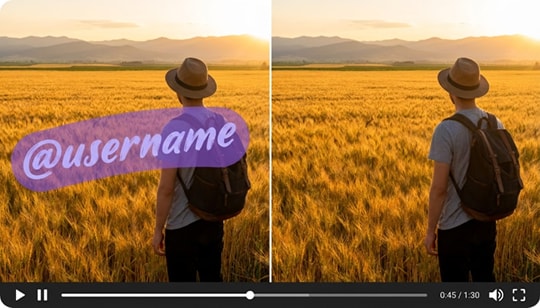

Select Fixed or Moving Text
Use Remove Watermark to draw one or more selection boxes around fixed subtitles, captions, logo text, dates, corner labels, or other static overlays. When the text moves across the frame, switch to Remove Object and select the target so dynamic tracking can follow it through the video. This avoids implying automatic text detection when the desktop workflow gives you direct control over the removal area.
Remove Text from Video Online or on Desktop
Use UniConverter Online for up to 3 free MP4 files under 100MB, with no registration or login required. Choose UniConverter desktop when you need to import up to 20 videos, select multiple text areas, track moving text, compare removal approaches, preview 5 seconds before full processing, or work with AVI, MOV, MKV, MTS, TS, and other formats beyond MP4.

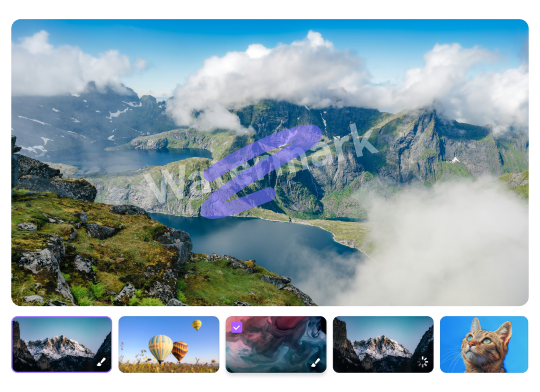
Batch Video Text Removal for Repetitive Tasks
UniConverter desktop lets you import up to 20 videos in one batch. This is useful when content teams, online sellers, localization teams, or social media managers need to clean repeated subtitles, dates, price labels, or branded text from a series of clips instead of uploading and processing each file in a browser.
Dynamic Tracking for Moving Text
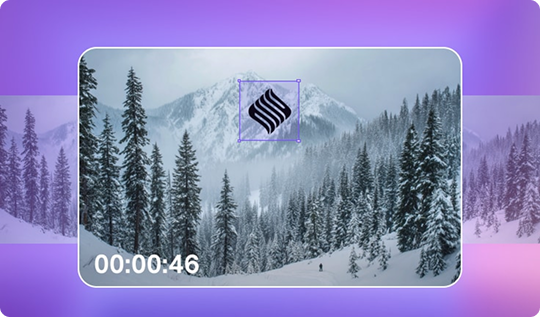
Moving subtitles, stickers, labels, or logo text need a different workflow from fixed overlays. In UniConverter desktop, Remove Object uses target selection and dynamic tracking so the selected area follows the moving text across frames, reducing the need for manual frame-by-frame adjustment. Ultra AI fixed-area removal applies the selected region to the full video and does not support a separate active time range for each selected area.

14 Input Formats and Model-Specific Limits
UniConverter desktop accepts AVI, MP4, MPG, MPEG, 3GP, WMV, ASF, RMVB, MOV, FLV, M4V, MKV, MTS, and TS. For Ultra AI, the current processing limit is up to 1080p, 3 minutes, and 60fps. Videos outside those Ultra AI limits can be trimmed or processed with another available removal mode. Basic AI is suited to simple, small text areas; Advanced AI is better for more complex backgrounds; Ultra AI prioritizes repair quality over processing speed.
How to Remove Text from a Video in 3 Steps

Step 1. Upload your MP4 video
Add an MP4 video under 100MB. You can process up to 3 files free without creating an account or signing in.

Step 2. Select the text area
Mark the subtitle, caption, watermark text, date stamp, or overlay text you want to remove from the video.

Step 3. Export your edited video
Let the online AI repair the selected area, then export the cleaned video. For moving text, multiple files, or more removal controls, continue with UniConverter desktop.
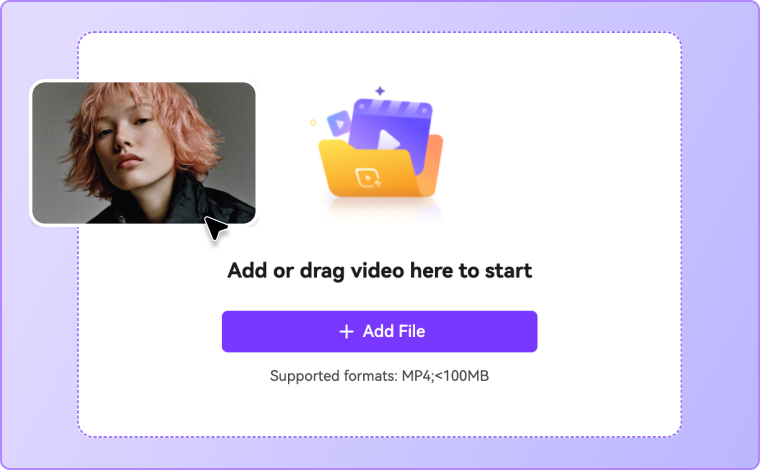


Step 1. Import one or more videos
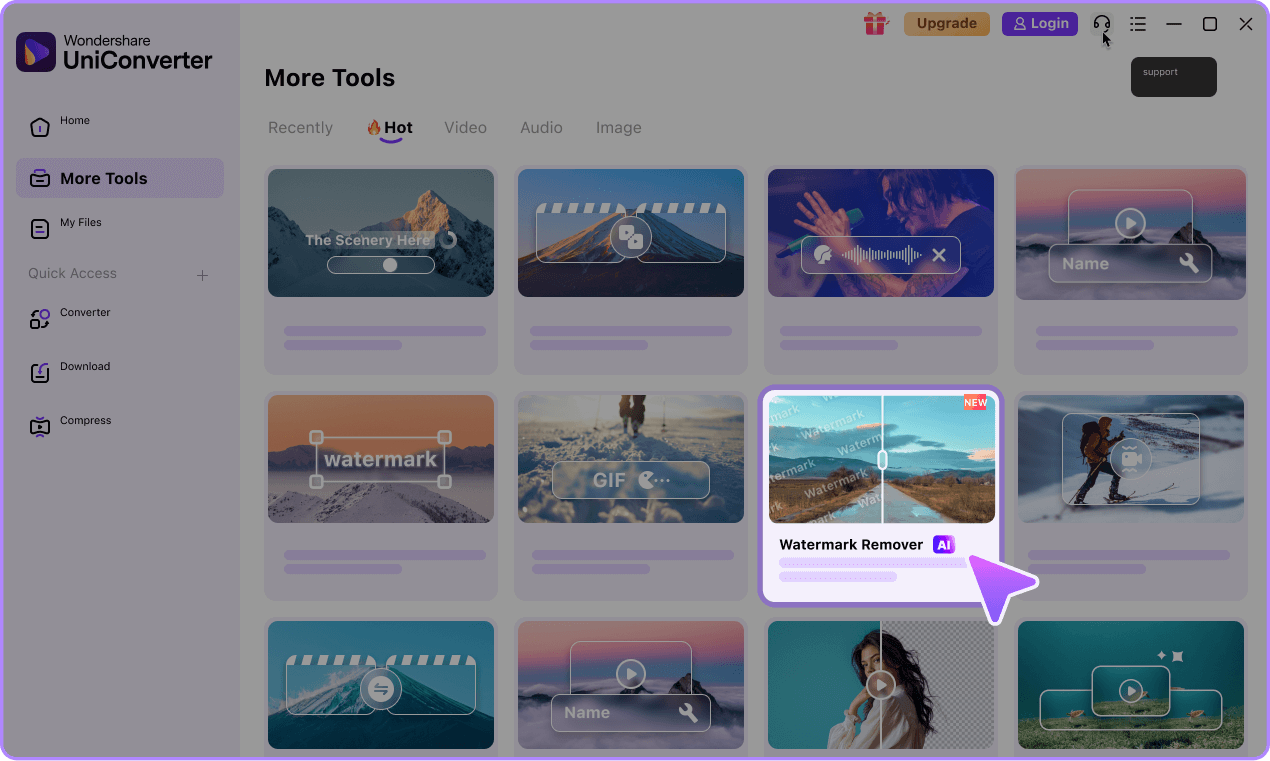
Open Video Watermark Remover and import up to 20 videos. Supported inputs include AVI, MP4, MPG, MPEG, 3GP, WMV, ASF, RMVB, MOV, FLV, M4V, MKV, MTS, and TS.
Step 2. Select the text and removal mode
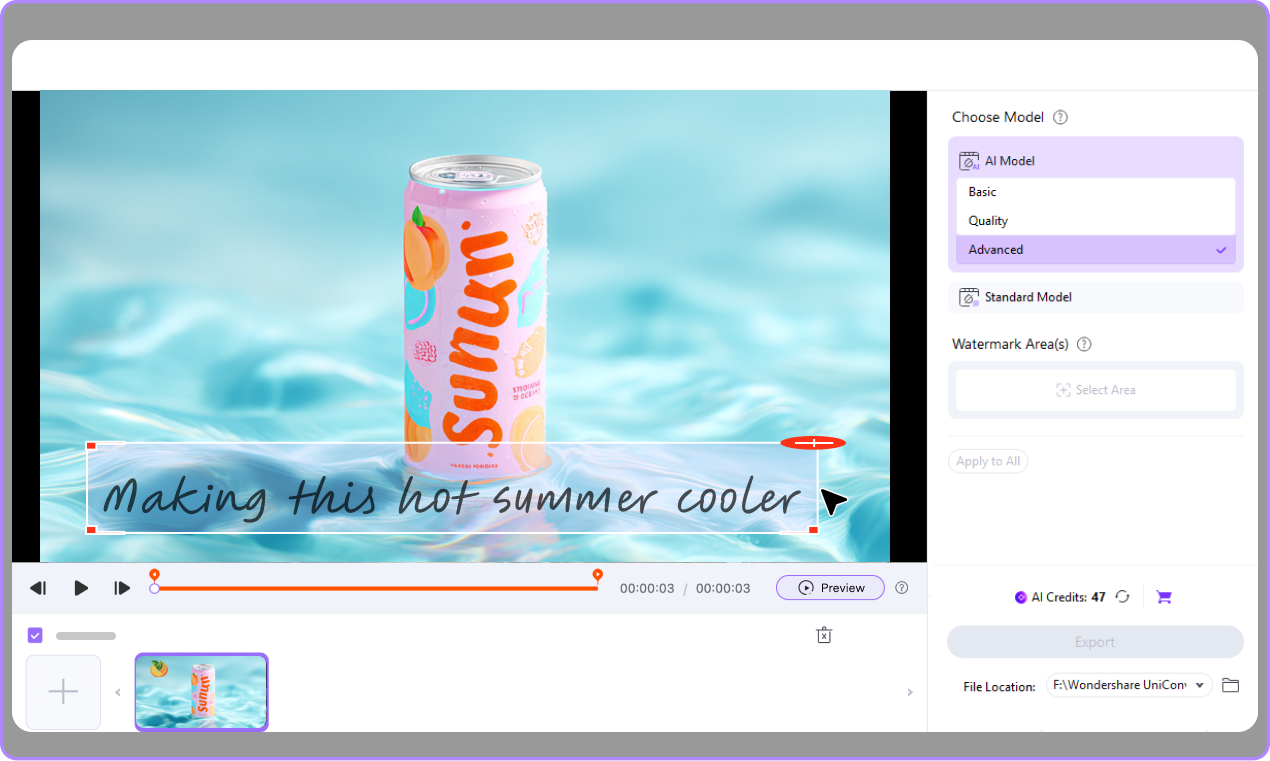
Use Remove Watermark to create one or more boxes around fixed text, then choose Basic AI, Advanced AI, Ultra AI, or Gaussian Blur. For moving text, use Remove Object and dynamic tracking.
Step 3. Preview 5 seconds and export
Preview about 5 seconds to check background completion, stability, and subject edges. Exit Preview to adjust the selection or change modes, then click Remove & Export.

Use Cases for Removing Text from Video

Remove Text from Social Media Videos
Remove text from video clips made for TikTok, Reels, Shorts, and other platforms when you want to reuse content across channels. UniConverter helps you delete text from video, including platform labels, stickers, and embedded captions. This makes it easier to republish your best content with a cleaner and more flexible format. If you’re cleaning downloaded short-form clips, you may also need a TikTok watermark remover or Instagram watermark remover for saved videos and reels.

Clean Up Product Videos and Promo Clips
Product videos often include old prices, discount labels, or temporary promotional text. UniConverter helps you remove overlay text from video so you can refresh visuals without reshooting. This is useful for e-commerce teams, marketers, and creators who need to update listings, campaigns, or seasonal materials quickly.

Remove Subtitles and Captions for New Language Versions
When you want to localize content, you may need to remove subtitles from video before adding a new translation. UniConverter helps you erase text on video, including hardcoded subtitles and captions, so the footage is ready for a new audience. This supports cleaner multilingual workflows and easier content adaptation.

Update Old Brand Assets Without Starting Over
Older videos may contain outdated logos, event text, dates, or brand labels. UniConverter helps you remove watermark text from video and refresh clips for new campaigns or internal use. Instead of rebuilding content from scratch, you can keep the footage, remove the old text, and make it relevant again.
Online Text Remover vs Desktop Video Text Removal
Use the online remover when you want a fast MP4 cleanup with no account. Move to UniConverter Desktop when you need batch import, multiple selected areas, moving-text tracking, model choice, preview, or broader format support.
| Feature |
Online Text Remover
Best for quick browser edits
|
UniConverter Desktop
Best for batch, moving text, and complex scenes
|
|---|---|---|
| Access | No registration or login required | Desktop app installation required |
| Input support | MP4 under 100MB | 14 formats, including MP4, MOV, AVI, MKV, MTS, and TS |
| Free allowance / batch import | 3 free files | Up to 20 videos |
| Removal choices | Fast online AI removal | Basic AI, Advanced AI, Ultra AI, or Gaussian Blur |
| Multiple fixed text areas | Designed for quick selections | Add multiple selection boxes |
| Moving text | Best for fixed text | Remove Object with dynamic tracking |
| Preview before full processing | No separate 5-second preview | Preview about 5 seconds |
| Best fit | Fast, account-free MP4 cleanup | Batch work, moving targets, complex backgrounds, and model control |
Have More Than 3 Files or Text That Moves?
Download UniConverter desktop to import up to 20 videos, add multiple fixed-text selections, track moving overlays, choose the removal mode, and preview 5 seconds before processing the full file.
Text Remover, Watermark Remover, Object Remover, or Blur?
Choose the workflow by what you need to hide and whether the target stays fixed or moves. This keeps text removal distinct from broader watermark, object-removal, and privacy-blur tasks.
| Your editing goal | Recommended workflow | Why |
|---|---|---|
| Remove fixed subtitles, timestamps, prices, or text labels | Video Text Remover / Remove Watermark | Draw one or more boxes around fixed text and let AI fill the selected areas |
| Remove a moving caption, sticker, or logo text | Remove Object | Dynamic tracking follows the selected target across frames |
| Remove graphical logos or other watermark elements | Video Watermark Remover | Covers both text-based and graphical watermark regions |
| Hide private information without rebuilding the background | AI Video Blur | Gaussian blur quickly conceals the selected area when restoration is unnecessary |
FAQs about Deleting Text from Video
How do I remove text from a video without blurring it?
Can I remove subtitles from video online for free?
What is the best AI video text remover?
Can I delete text from MP4, MOV, and AVI videos?
How do I remove hardcoded subtitles from a video?
Can I remove moving text or timestamps from video?
Is it legal to remove text or watermarks from a video?
Can I remove text from video on Windows and Mac?
More Than a Video Text Remover



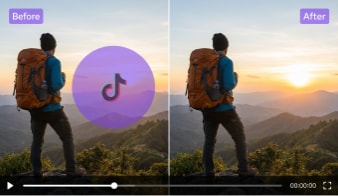



One Quick MP4 or 20 Videos at Once?
Remove text from video online free with no login. For a larger job, download UniConverter desktop to import up to 20 videos at once, select multiple text areas, track moving overlays, choose from 4 removal modes, and preview the result before full processing.