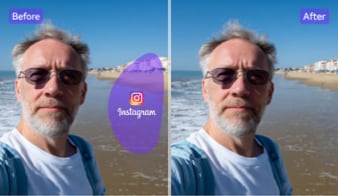
Why UniConverter Is a Better Subtitle Remover
UniConverter gives you a more practical way to remove subtitles, captions, and other visible text from video while keeping the frame cleaner and more natural-looking. You can work online for quick edits or on desktop for larger files, batch tasks, and more precise subtitle cleanup. For visible labels, dates, and on-screen words beyond subtitle bars, you can also remove text from video with AI.
Remove Subtitles from Video Without Blur
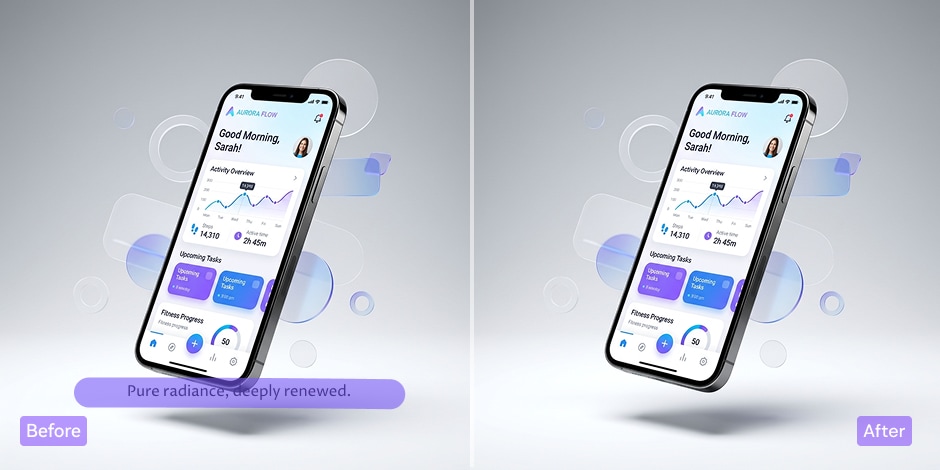
UniConverter helps you remove subtitles from video without covering the area with heavy blur. Its AI subtitle remover is designed to clear hardcoded subtitles, embedded captions, and other visible text while keeping the frame natural. If you need a subtitle remover from video for cleaner reposts, client work, or tutorials, this gives you a more polished result.
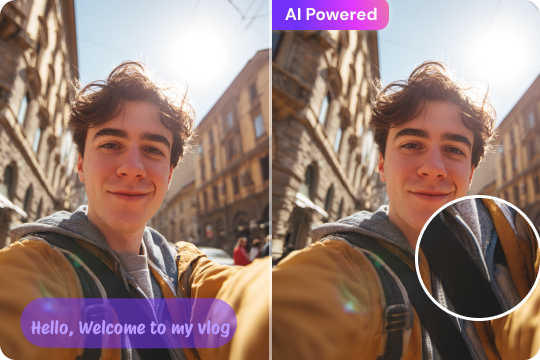
AI Caption Remover With Smart Background Reconstruction
When you remove captions from video, the background behind the text matters. UniConverter uses AI to rebuild the subtitle area so the edited frame looks more consistent. This makes it useful as an AI caption remover for videos with moving scenes, textured backgrounds, or detailed visuals where simple blur, crop, or cover methods often look obvious.

Batch Remove Captions From Multiple Videos
If you work with many files, UniConverter makes batch subtitle removal easier on desktop. You can remove captions from video clips in one workflow instead of editing each file by hand. This is helpful for marketers, educators, and content teams who need a reliable subtitle remover for video series, training materials, product demos, or social media assets.

Remove Appearing Subtitles With Time-Based Editing
Some subtitles or captions do not stay on screen for the whole video. UniConverter lets you target the time range where the text appears, so you can remove subtitles from video only when needed. This is useful when you want to delete subtitle overlays, lower-third text, or short caption segments without changing clean parts of the original footage.

Supports MP4, MKV, MOV, AVI, and More
A good subtitle remover should work with the formats you already use. UniConverter supports MP4, MKV, MOV, AVI, and many other file types, so you can remove subtitles from MP4 videos, edit MOV clips, or clean MKV files in one place. That flexibility helps when you handle content from phones, cameras, screen recordings, or downloaded media.

Online and Desktop Subtitle Remover for Different Workflows
UniConverter gives you both an online subtitle remover and a desktop subtitle remover, so you can choose the right workflow for each project. Use the online tool for quick edits and simple jobs. Choose the desktop version when you need batch processing, more control, and support for larger files. This setup also helps cover remove subtitles from video online free search intent naturally.
How to Remove Subtitles from Video Online or on Desktop
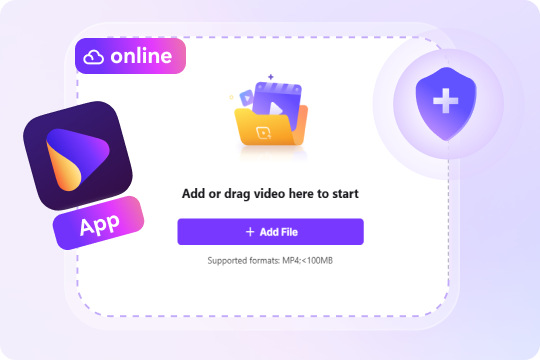
Choose the method that fits your workflow best. Use the online subtitle remover for quick browser edits, or switch to the desktop version when you need batch processing, more control, and support for larger files.

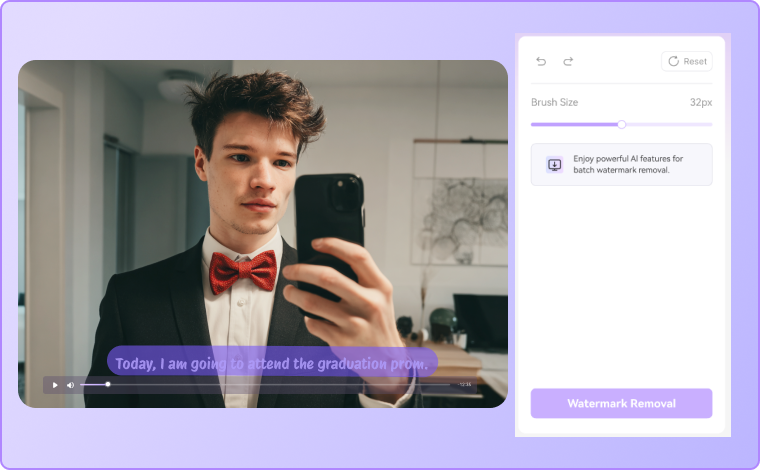
Open the online subtitle remover and import your video file. You can upload common formats such as MP4 to start removing subtitles from video online without installing software.

Choose the unwanted subtitle, caption, or text area on the screen. The tool helps you mark the section you want to clear so you can remove captions from video more accurately.

Export the edited video and save a cleaner version for sharing, reposting, or further editing.
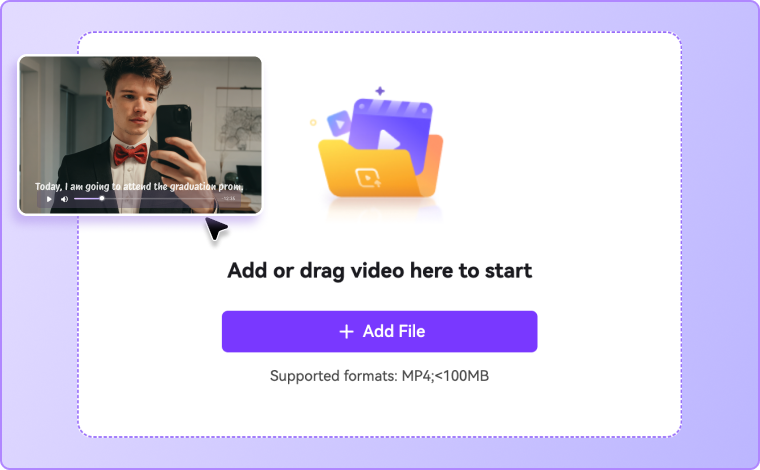

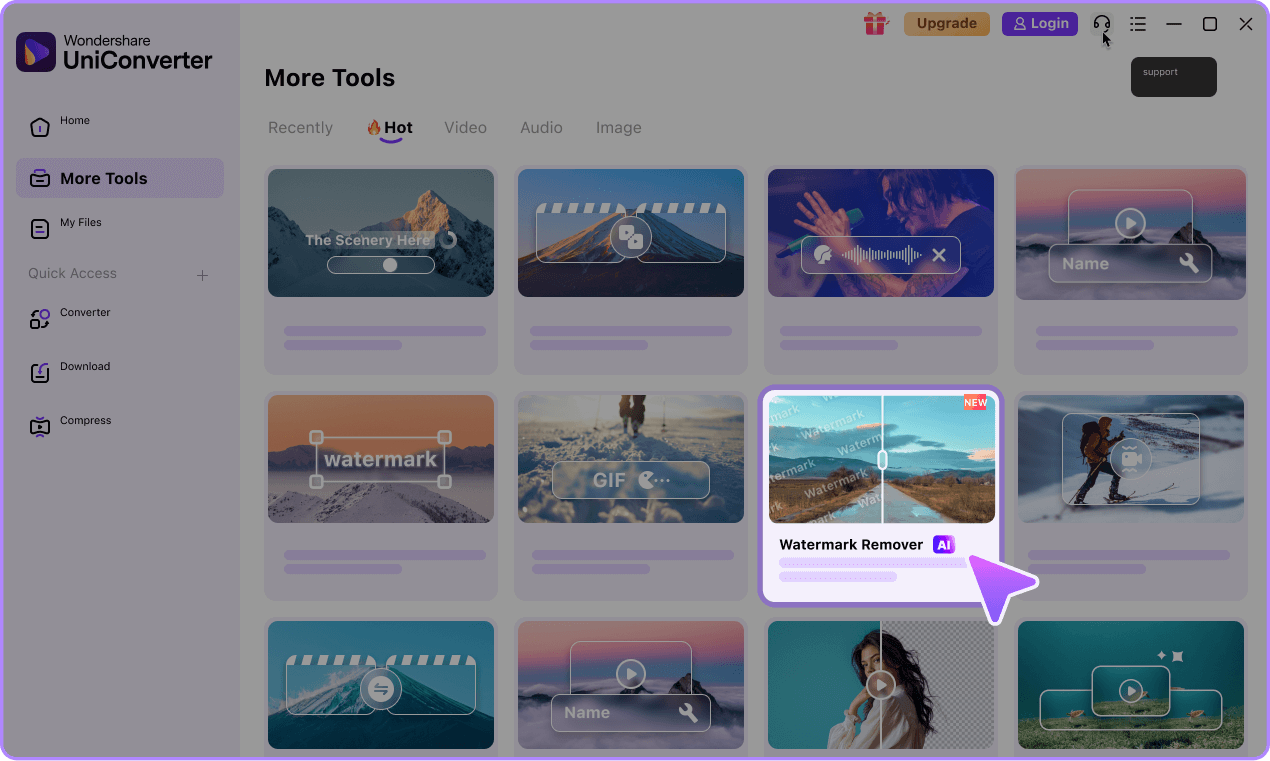
Launch UniConverter on your computer, head to Watermark Remover, and import the file you want to edit. The desktop subtitle remover is a better choice if you need to process larger videos or work with several files at once.
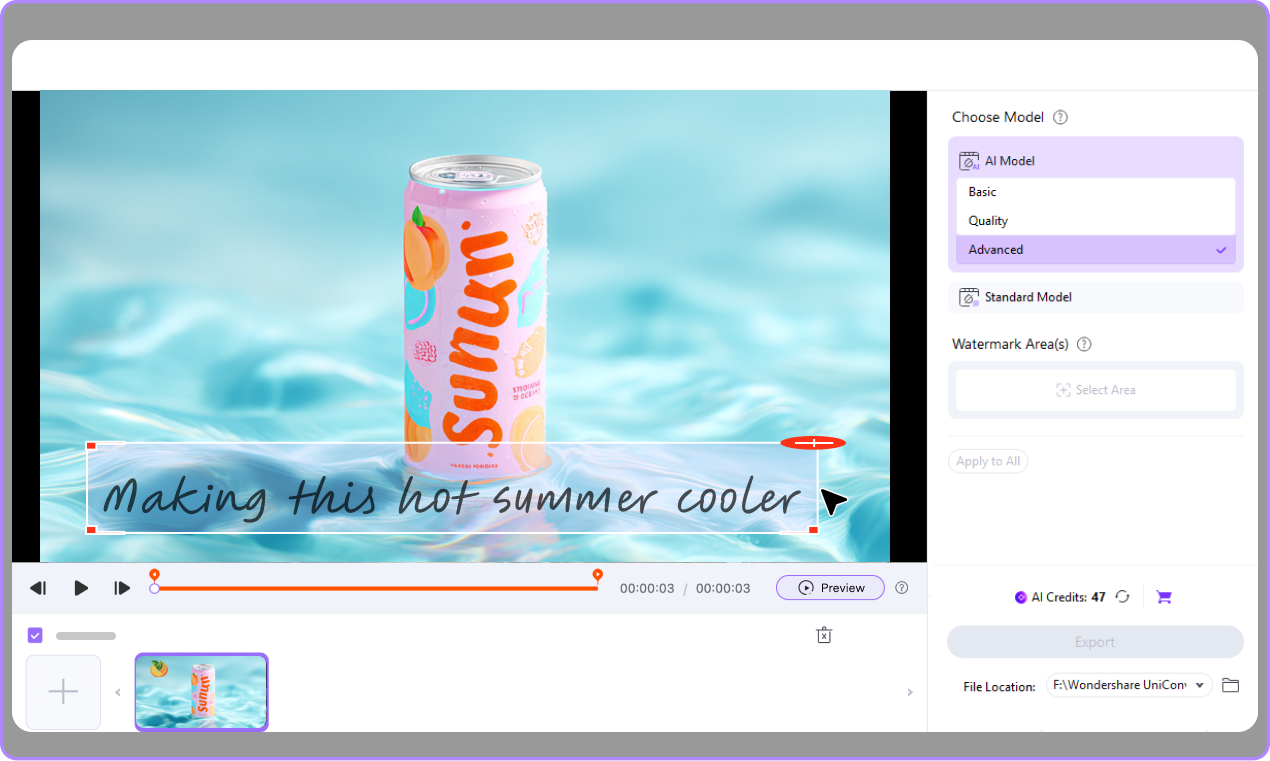
Select the subtitle area or set the time range where captions appear. You can choose different models based on your needs. This helps you remove video subtitles with more control, especially for hardcoded subtitles or repeated text overlays.
Preview the edited video to make sure the subtitle removal looks clean. If needed, refine the selection area, then export your file in the format you want. You can also use the desktop version for batch subtitle removal across multiple videos.

Best Ways to Use a Video Subtitle Remover



Remove Subtitles From Video for Social Media Reposting
A video subtitle remover is useful when you want to repost clips across different platforms with a cleaner look. You may need to remove subtitles from video before adding new on-screen text, changing the layout, or matching another platform’s style. This is common for short-form videos, ads, and creator content. By removing old captions first, you get more space for localized text, fresh branding, or platform-specific edits. For downloaded short-form clips with both captions and platform marks, explore our TikTok watermark remover and Instagram watermark remover pages.
Replace Old Captions With New Language Versions
If you localize content, you often need to remove captions from video before adding subtitles in another language. This workflow helps when old captions are burned into the file and cannot be turned off. A subtitle remover from video lets you clean the frame first, then add updated subtitles for new markets. It is a practical option for training videos, product explainers, course materials, and multilingual promotional content.
Clean Up Client Videos and Promotional Clips
Agencies, freelancers, and in-house teams often receive video files with unwanted captions, outdated subtitles, or embedded text. In these cases, you may need to remove video subtitles before reusing the footage in a new campaign. A reliable caption remover helps you prepare cleaner promo clips, client presentations, and branded assets without starting the edit from scratch. It also saves time when you need to refresh older content for current campaigns.
Remove Captions From Tutorials and Presentation Videos
Tutorials and presentation recordings often include subtitles, notes, or text overlays that do not fit a new audience or purpose. You can remove subtitles from video to simplify the screen, update the message, or prepare the file for internal training. This is especially helpful when teams want to reuse webinar clips, software demos, or onboarding videos. After removing captions, you can add clearer instructions, updated labels, or translated subtitles as needed.
What users say about
UniConverter subtitle removal
FAQs About Removing Subtitles From Video
What is the difference between hardcoded subtitles and soft subtitles?
Why can some subtitles be turned off, while others cannot?
Can I remove subtitles from video without cropping it?
What is the difference between turning off subtitles and removing subtitles from a video?
Can UniConverter remove captions as well as subtitles?
Should I use the online tool or the desktop version?
What video formats are supported for subtitle removal?
Will removing subtitles affect video quality?
More Than a Subtitle Remover