How to Remove an Instagram Reel Watermark Online in 3 Steps

Step 1. Upload Your Instagram Reel or Video
Open the online tool above and upload an MP4 video saved on your device, smaller than 100 MB. Use a Reel you own or have permission to edit. An Instagram post URL is not a video file; if you have a MOV or MKV instead, use the desktop app or convert your saved copy to MP4.

Step 2. Select the Instagram Watermark Area
Mark the fixed Instagram logo, username, ID, or text overlay. Include all visible edges of the mark while keeping the selection close to it. Avoid selecting nearby faces, product details, or subtitles you want to keep. If the mark changes position, switch to the desktop workflow for moving overlays.

Step 3. Preview and Export a Clean Video
Process the selected area and download the edited copy with no added export watermark. Play it from beginning to end: check for remaining letters, flickering textures, or changes near the subject. Keep the source file so you can refine the selection or try the desktop app if the repair is distracting.
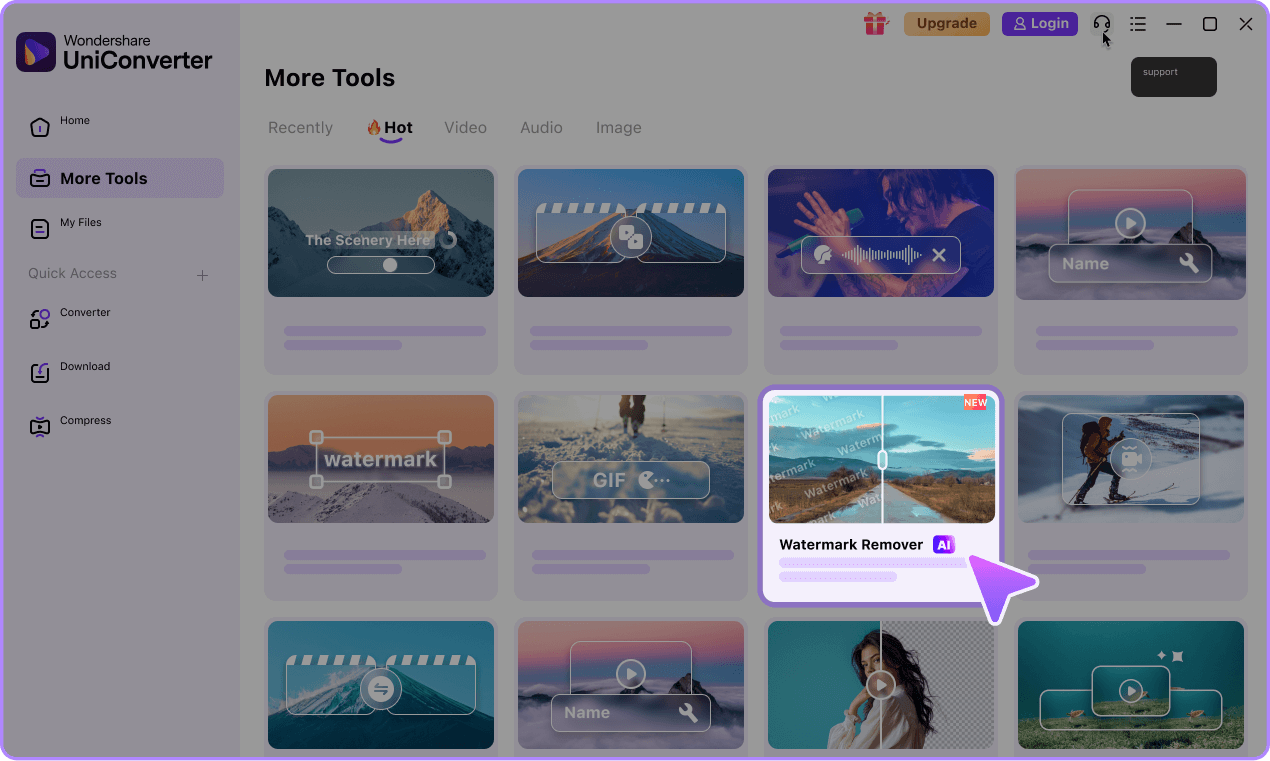
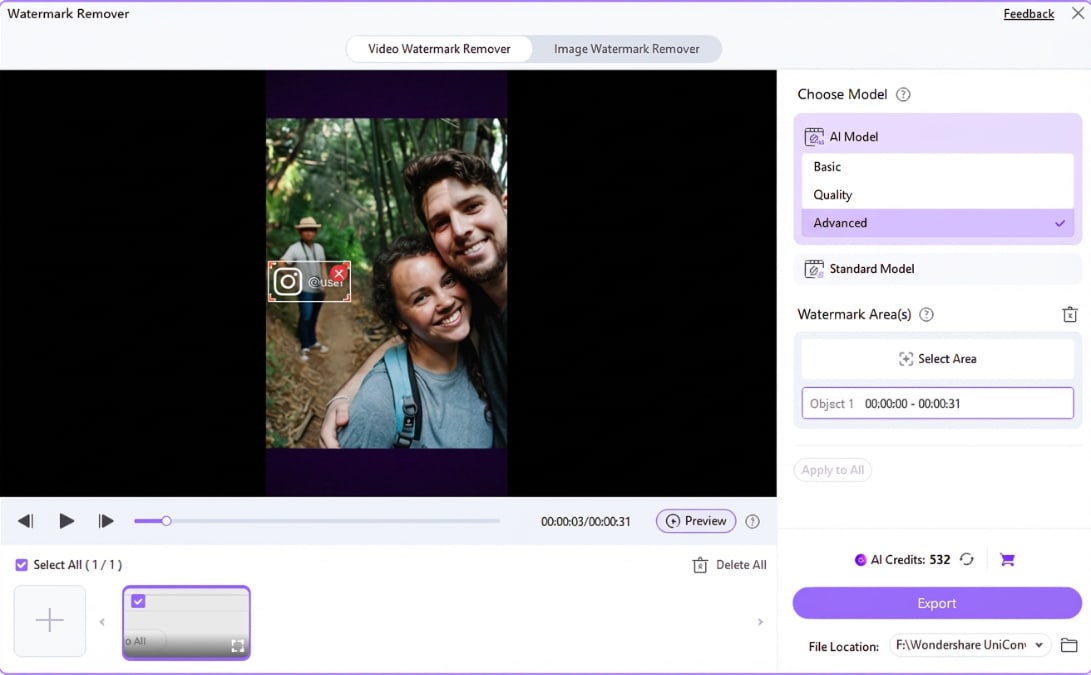
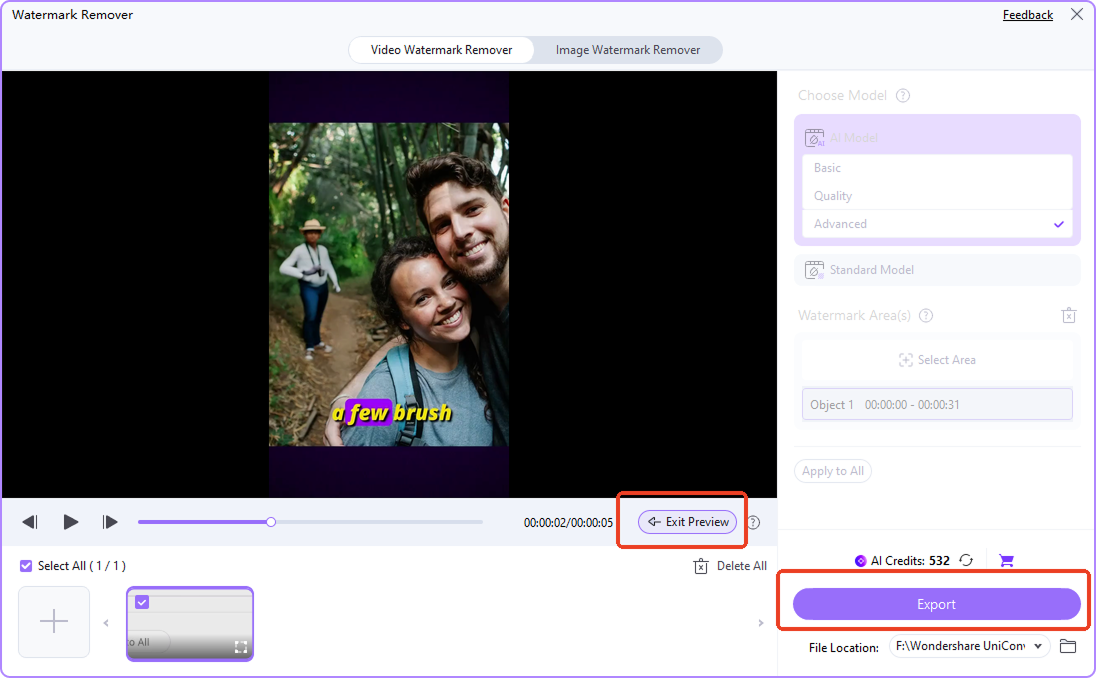
Instagram Watermark Remover: Free Online vs. Desktop
Use the online Instagram video watermark remover for one saved MP4 with a fixed overlay. Choose UniConverter desktop when you have a series of Reels, a moving username, or files outside the online format and size limits. Free online access and desktop removal controls are different workflows.
| Feature | Free Online Tool | UniConverter Desktop |
|---|---|---|
| Best for | A quick edit to a saved Instagram Reel or video | Batch cleanup, moving watermarks, and more editing control |
| Video formats | MP4 | MP4, MOV, MKV, and other supported formats |
| Usage | Under 100 MB per video; up to 3 free uses | Import up to 20 videos at once; desktop access is separate from the online free allowance |
| Access | Use in your browser; no registration or login | Install the app on Windows or Mac |
| Removal and output | Select a fixed watermark area; export with no added watermark | Multiple selections, moving-object tracking, repair modes, and an approximately 5-second preview |
Before you edit: Only use videos you own or have permission to edit. Removal quality depends on the background, motion, and selected area; visible artifacts may remain.
Why Is My Instagram Watermark Removal Not Working?
- The upload is rejected: Confirm that you selected an MP4 file under 100 MB rather than a post link. Changing a filename extension does not convert a video. For a larger or differently formatted source, continue in UniConverter desktop.
- The free allowance is used: The online offer is up to 3 free uses. Downloading the desktop app provides another workflow; it does not reset that online allowance or promise unlimited free processing.
- Some letters or logo edges remain: Refine the selection to include the whole overlay without covering more of the scene than necessary. Check the first frame, middle, and end after processing.
- The watermark moves: A fixed selection can miss it in later frames. Use the desktop controls for moving marks, and check transitions where the logo jumps to a new location.
- The repaired area flickers or looks smeared: Try a tighter selection or another available desktop repair mode. If the overlay hides a face or important product detail, a source copy without the overlay is the better starting point.
Removing an overlay vs. cropping: Cropping can discard a corner mark but also cuts away part of the frame. AI removal keeps the composition and estimates what belongs inside the selection; it cannot recover the exact original pixels hidden beneath a watermark.
What Can UniConverter Remove from Instagram Reels?

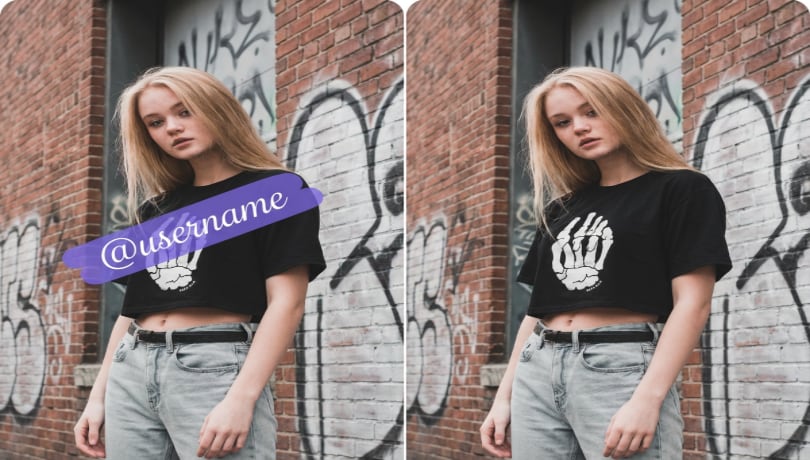


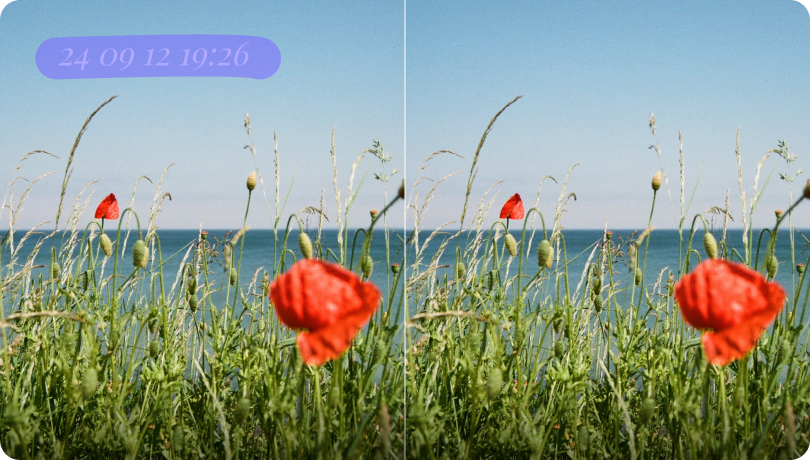
Logo
Username
Text
Sticker
Date
Remove Instagram Reel Watermarks with More Control
Remove Instagram Watermarks without Cropping the Frame
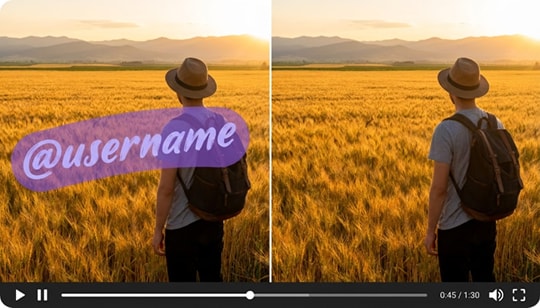
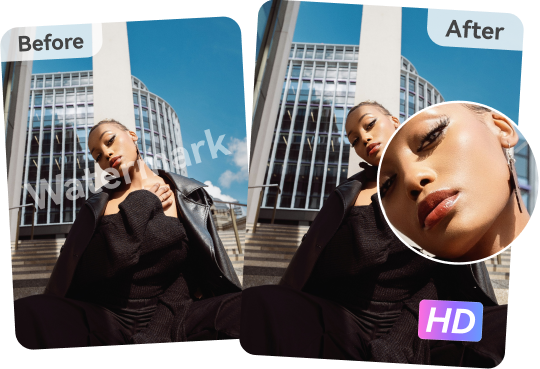
Keep the full composition of your Reel while targeting the unwanted logo, username, or label. AI-assisted removal reconstructs the selected area instead of cutting it out of the frame. The result depends on the background and motion, so review the processed area before using the video.
Check Your Cleaned Reel before You Export
Check the cleaned area while the video plays, not only in a still frame. Look for remaining username letters, texture flicker, and changes to faces or objects near the selection. UniConverter desktop provides an approximately 5-second preview for an initial check; also review the entire exported Reel before posting.
Batch Remove Watermarks from Multiple Instagram Reels
Working with several Instagram Reels? UniConverter desktop lets you import up to 20 videos at once, configure the watermark areas for each clip, and export the selected files. Check each selection separately: a username may appear in a different corner or at a different size in the next video. Batch import does not mean one selection automatically fits every Reel.
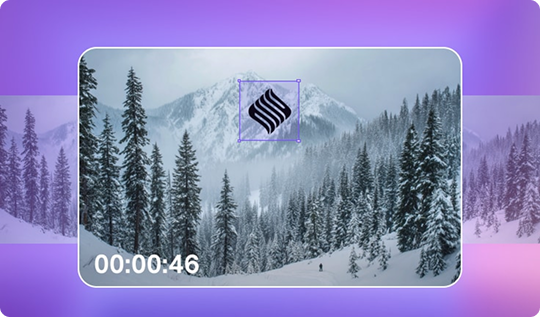
Track Moving Watermarks in Instagram Videos
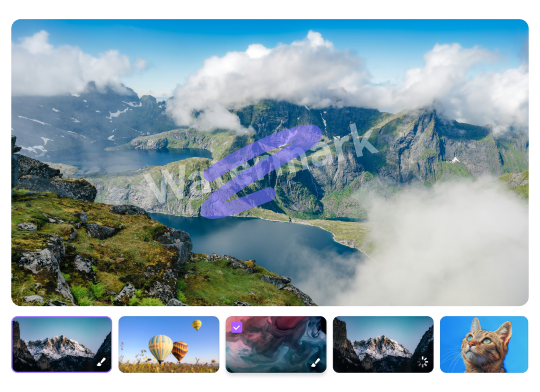
If a logo, username, or sticker changes position, use Remove Object in UniConverter desktop to select and track the target. Review the full path, especially when the mark changes corners, disappears, or crosses a face. If tracking loses the target, refine the selection and preview again rather than assuming every frame is clean.
Need More Editing Control? Continue on Desktop
Choose UniConverter for Windows or Mac when your Reel needs multiple selections, moving-object tracking, batch processing, or support for MOV and MKV. For a fixed overlay, start with Basic AI on a simple background; compare Advanced AI for a more complex area. Gaussian Blur covers the selected region with blur rather than rebuilding its background.
How to Remove Instagram Watermarks on Desktop
- Import: Open Video Watermark Remover in UniConverter and add your saved Reel or a batch of up to 20 clips.
- Select: Mark a fixed logo or username in Remove Watermark. For a changing position, use Remove Object and review the tracked target.
- Choose a mode: Compare the available repair modes for your footage. Ultra AI supports up to 1080p, 3 minutes, and 60 fps; its fixed selections apply across the full video rather than separate time ranges per area.
- Preview: Inspect the short preview for leftover edges and changes to nearby details. Adjust the selection or mode before processing the full clip.
- Export and review: Save the processed videos, then play each complete export. Keep the original copies until you have checked the result.
For a longer or higher-resolution source, choose another applicable removal mode instead of assuming the Ultra AI limits apply to every desktop mode. Read the video text-removal workflow for fixed and moving labels. Download UniConverter below to continue with desktop controls.

Edit, Convert, Compress, and Reuse Videos in One Place
After removing an Instagram Reel watermark, continue preparing the video for its next use. UniConverter desktop brings trimming, conversion, compression, and resizing into the same app, so you can finish your edit and adapt the file for another platform.
Clean Up Instagram Reels for Your Next Edit

Remove Instagram Reel Watermarks for Cross-Platform Posting
For your own Reels, start with the original export from your video editor if it is available without the Instagram overlay. If only the saved Reel remains, select the unwanted logo or username and inspect the repair before adapting the clip for TikTok, YouTube Shorts, or Facebook Reels.

Remove Old Instagram Usernames and Brand Labels
Updating a video after an account rename or campaign change? Remove the old Instagram handle, date, or brand label from the saved clip before adding the current information. For several labels in one video, use multiple selections in UniConverter desktop.

Remove Watermarks from Downloaded Instagram Reels
To remove an Instagram watermark from a downloaded Reel, upload the saved MP4 and select the logo, username, or ID before processing. If you only have a copied link, obtain an authorized video file first; the watermark editor needs that file. Review the entire cleaned copy before reusing it. For other editing approaches, see ways to remove Instagram watermarks.

Batch Remove Instagram Watermarks from a Video Series
Clean up a set of product clips, tutorials, or campaign Reels in UniConverter desktop. Import up to 20 videos at once and set the necessary selections for each clip, then export the selected files for the next stage of editing.
FAQ About Instagram Watermark Remover
How do I remove Instagram watermark from a video?
How can I remove an Instagram Reel watermark online for free?
Can I remove an Instagram Reel watermark without blurring or cropping?
How do I remove an Instagram username or ID from a downloaded Reel?
How can I remove an Instagram Reel watermark with a link?
Can I batch remove Instagram watermarks from multiple videos?
When should I use the desktop Instagram watermark remover?
Can I remove moving watermarks or text from Instagram videos?
More Than an Instagram Reel Watermark Remover



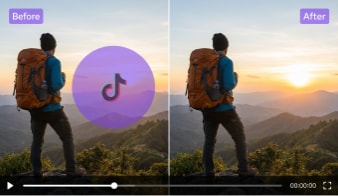



Remove Instagram Watermarks from Your Next Reel
Start with a saved MP4 under 100 MB for up to 3 free online uses. For batch cleanup, moving marks, or more removal controls, download UniConverter for Windows or Mac.