Why UniConverter Works Well for Sora Watermark Removal
UniConverter helps remove Sora watermark elements more cleanly across different editing needs. You can handle static or moving marks, preserve better visual quality, and choose between quick online cleanup or more flexible desktop editing. Whether you need a free Sora watermark remover online or more control for larger files, it gives you a practical workflow from cleanup to export.
Remove Static or Moving Sora Watermarks More Cleanly
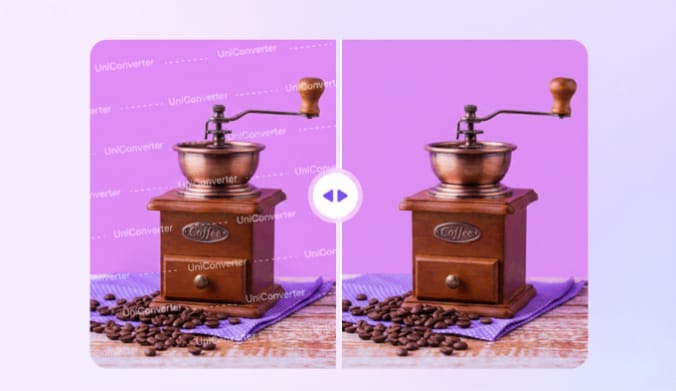
A Sora watermark remover needs to do more than cover a logo. UniConverter helps remove Sora watermark areas that stay fixed or shift during playback, so your video looks cleaner without relying on rough crops. It is a practical option when you want to remove Sora 2 watermark elements while keeping the frame usable and natural-looking.
Keep Video Quality After Sora Watermark Removal
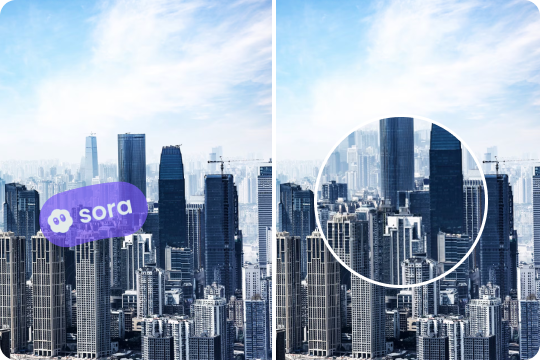
When you remove a Sora watermark, quality matters just as much as speed. UniConverter is designed to reduce heavy blur, harsh patches, and obvious edits, so the final result looks more consistent. If you are looking for a Sora watermark remover that keeps HD or 4K output more watchable, this workflow gives you a cleaner starting point.
Use a Free Sora Watermark Remover Online or Edit on PC
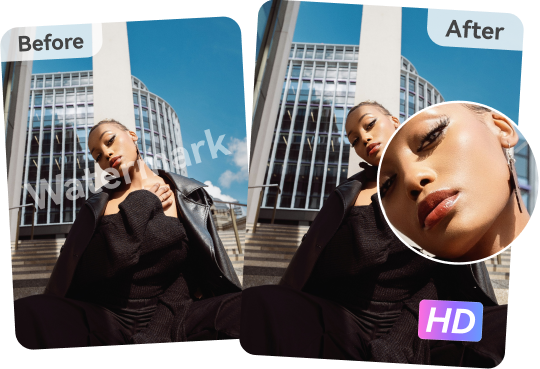
Some users want to remove Sora watermark online in a few clicks. Others need a desktop tool for larger files or repeated edits. UniConverter supports both workflows, so you can choose the right method for your project. This makes it easier to use one Sora watermark remover for quick cleanup, test edits, or more advanced desktop work.

Handle More Than Just a Basic Sora Logo Remover Task
A good Sora logo remover should still be useful after one edit. UniConverter can also help remove other unwanted elements, such as text, date stamps, or extra marks in video. When your clip includes multiple distractions, try remove object from video to clean extra marks more naturally. Moreover, it allows to enhance Sora2 videos, edit, convert, compress, and more. That means you are not limited to one narrow use case. It is a more flexible Sora watermark removal solution for real editing needs.

Get More Control for Larger Files and Repeated Edits
If you often remove Sora watermark clips for presentations, social posts, or internal drafts, desktop editing gives you more room to work. UniConverter on PC is better suited for repeated edits, larger files, and more precise adjustments. It is a useful upgrade when a free Sora watermark remover online is not enough for your normal workflow.
How to Remove a Sora Watermark
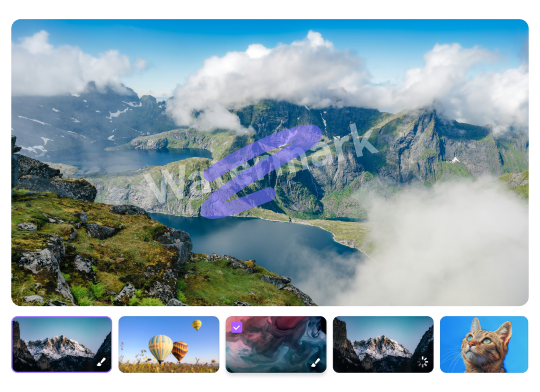
Choose the method that fits your workflow best. Use the online remover for quick edits in your browser, or use the desktop watermark editor when you want more control over timing, file size, and output quality.

Open UniConverter’s online tool and upload the Sora video you want to clean.

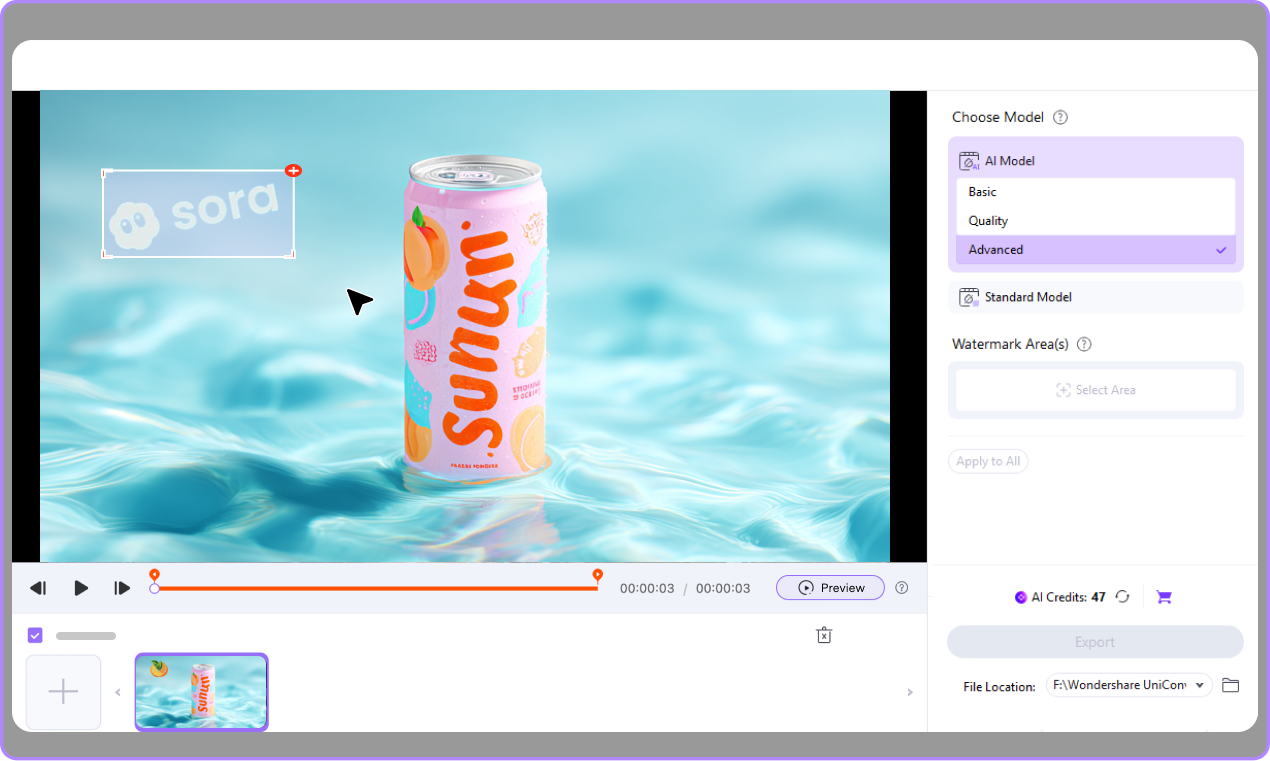
Mark the Sora logo or watermark area in the video frame, then let the tool process the selected area and remove the visible watermark.

Check the result, then export your cleaned video when it looks right.



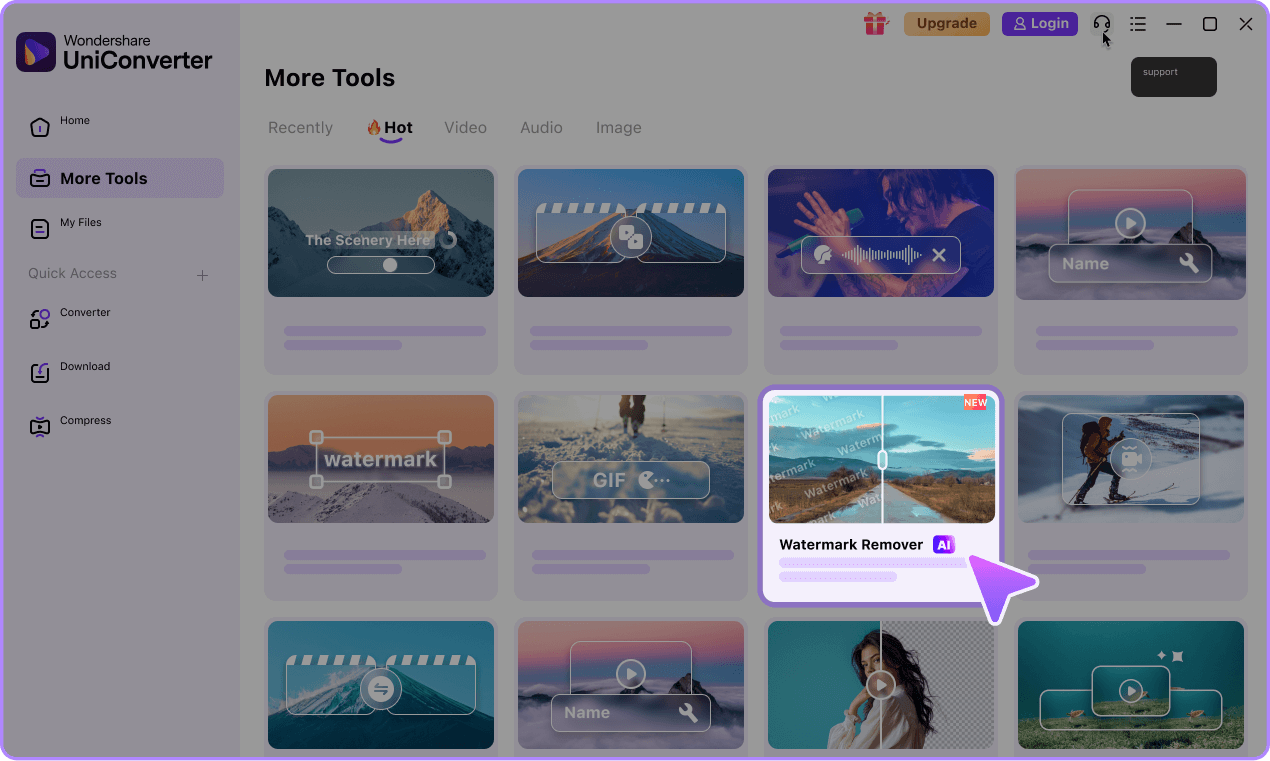
Launch UniConverter on your PC and import the Sora video file.
Select the watermark removal option, highlight the logo area, and refine the timing if the watermark only appears in certain sections.
Preview the cleaned result and save your video in HD or 4K.

Best Scenarios for Removing Sora Watermarks




Remove Sora Watermark for Presentations and Demo Videos
If you use AI-generated clips in slides, product demos, internal reviews, or concept presentations, a visible Sora watermark can distract from the main message. UniConverter gives you a practical way to remove Sora watermark elements before you share the video with teammates, clients, or stakeholders. It is especially useful when you want cleaner visuals for short demo assets without spending extra time on more complicated editing software.
Use a Sora Watermark Remover Before Further Video Editing
Many users want to remove Sora watermark marks before trimming, captioning, resizing, or combining clips in a larger project. Starting with a cleaner file makes the next editing steps easier and helps the final output look more polished. If you need a Sora watermark remover for regular editing workflows, UniConverter works well as a first cleanup step before you move into full production or repurposing.
Remove Sora Watermark Online for Quick Social Media Repurposing
When you need fast turnaround, being able to remove Sora watermark online is often the easiest option. This is useful for short-form content, quick drafts, and test versions prepared for different platforms or formats. UniConverter gives you a simple browser-based route when speed matters most. For users searching for a free Sora watermark remover online, this kind of workflow is often the fastest way to get a cleaner video ready.
Choose Desktop Sora Watermark Removal for Larger or Repeated Projects
If you handle multiple clips, larger files, or repeated edits, desktop Sora watermark removal usually makes more sense than a lighter web workflow. UniConverter on PC gives you better control for ongoing work, including more precise editing and higher-quality exports. It is a stronger fit when you need a Sora 2 watermark remover for several assets at once or when your team needs a more stable editing setup for regular use.
Online vs Desktop: Which Sora Watermark Remover Should You Choose?
Choose the workflow that matches your editing needs best. Use the online tool for fast browser-based cleanup, or switch to the desktop editor when you need more control over file size, timing, and export quality.
Online Sora Watermark Remover
Fastest OptionQuick edits, short clips, and browser-based workflows
- • Fast and simple to use
- • No installation needed
- • Easy for quick cleanup and short-form tasks
Better for lighter tasks and faster turnarounds rather than repeated heavy editing work.
Desktop Watermark Editor
More ControlLarger files, repeated edits, and workflows that need higher control
- • More flexible editing workflow
- • Better control over timing and file handling
- • High-quality export for HD or 4K results
Requires installation on PC, but it is the better fit for ongoing or more demanding projects.
Pick the Tool Based on Speed vs Control
Choose the online tool if you want the fastest way to remove Sora watermark online. Choose the desktop editor if you need more control, larger file handling, or a better long-term workflow for repeated Sora watermark removal.
FAQs About Sora Watermark Removal
How do I remove a Sora watermark from a video?
Can I remove a moving Sora watermark?
How do I remove a Sora 2 watermark without blur?
Is there a free Sora watermark remover online?
Can I remove a Sora watermark on PC?
Will removing a Sora watermark reduce video quality?
What is the best way to remove Sora watermark clips?
Is it legal to remove a watermark from a video?
More Than a Sora2 Watermark Remover