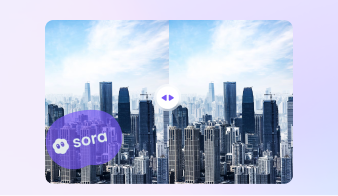
Why Use UniConverter as a Kling Watermark Remover
UniConverter helps you remove Kling AI watermarks with a cleaner workflow on desktop or online. Whether you need quick browser-based cleanup or more control for larger files, it gives you a practical way to clean, edit, and export videos in one place. When the frame includes more than a watermark, try remove object from video to clean extra visual distractions naturally.
Remove Kling Watermark without Blur
UniConverter helps you remove Kling watermark areas while keeping your video as clear as possible. Its AI-powered video watermark remover is designed to reduce visible marks without creating heavy blur or distracting patches. If you need a Kling watermark remover for cleaner exports, it gives you a practical way to improve video quality for reuse and sharing.
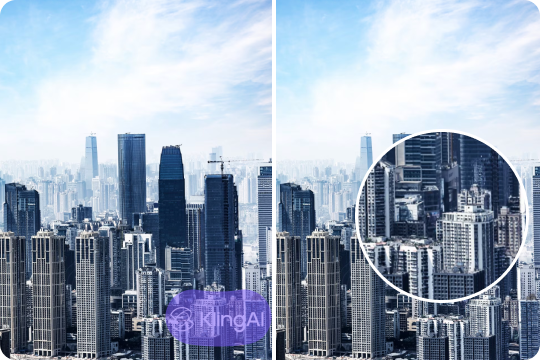
Use Kling Watermark Remover Online or on Desktop
You can use UniConverter as a Kling watermark remover online for quick edits in your browser. You can also switch to the desktop version when you need more control, larger file support, or a smoother workflow. This flexibility makes it easier to remove Kling watermark content in the way that fits your project best.
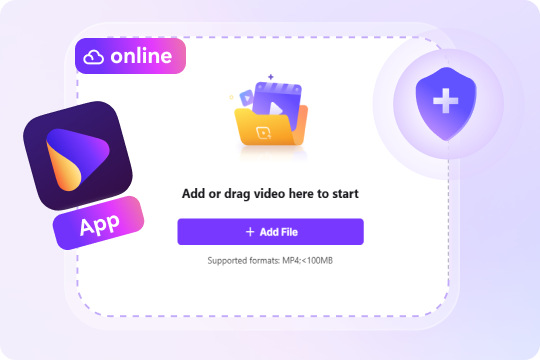
Remove Logos, Text, and Unwanted Marks with AI
A Kling AI watermark remover should do more than cover one fixed logo. UniConverter helps you remove logos, text overlays, and other unwanted marks from video with AI support and simple controls. If you want to remove Kling AI watermark elements from your clips, you can clean up the frame without going through a long editing process.

Batch Process More Videos on PC
If you manage multiple files, the desktop version gives you a more efficient way to work. You can use it as a Kling watermark remover for PC when you need to handle larger videos or process several clips in one session. This is useful for creators, marketers, and teams that need faster batch workflows with fewer manual steps.

Edit, Convert, and Polish Videos After Watermark Removal
UniConverter does more than act as a basic Kling video watermark remover. After you remove Kling watermark areas, you can trim clips, convert formats, compress file sizes, or enhance video quality in the same workflow. This helps you move from watermark removal to final delivery without jumping between different tools or platforms.

How to Remove Kling Watermark from Video Online or on Desktop
UniConverter gives you two ways to remove Kling watermark from video based on your editing needs. Use the online tool for quick cleanup on simple clips, or choose desktop when you need more control over preview, supported formats, and the exact time range for watermark removal.

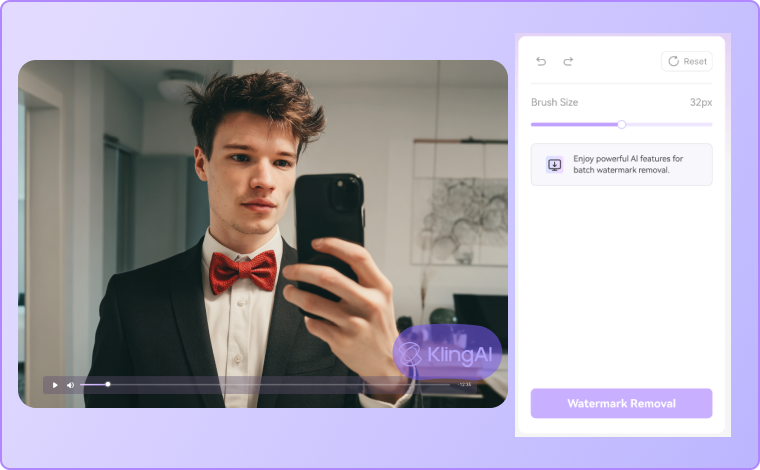
Open the online tool and upload your Kling AI video in the browser. This workflow is best for short clips and simple editing tasks when you want to use a Kling watermark remover online without installing software.

Mark the Kling watermark area in the frame, such as a logo, text overlay, or other fixed distraction. The online Kling watermark remover is designed for simple watermark cleanup in relatively stable scenes.

After processing, you can export the cleaned video directly for sharing or reuse.
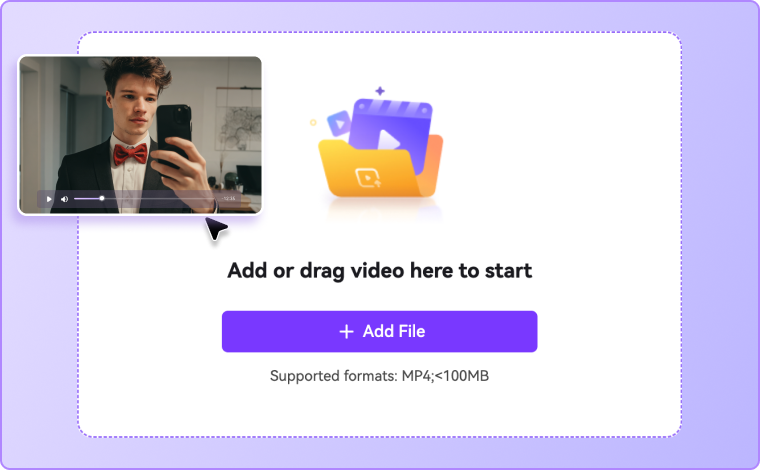

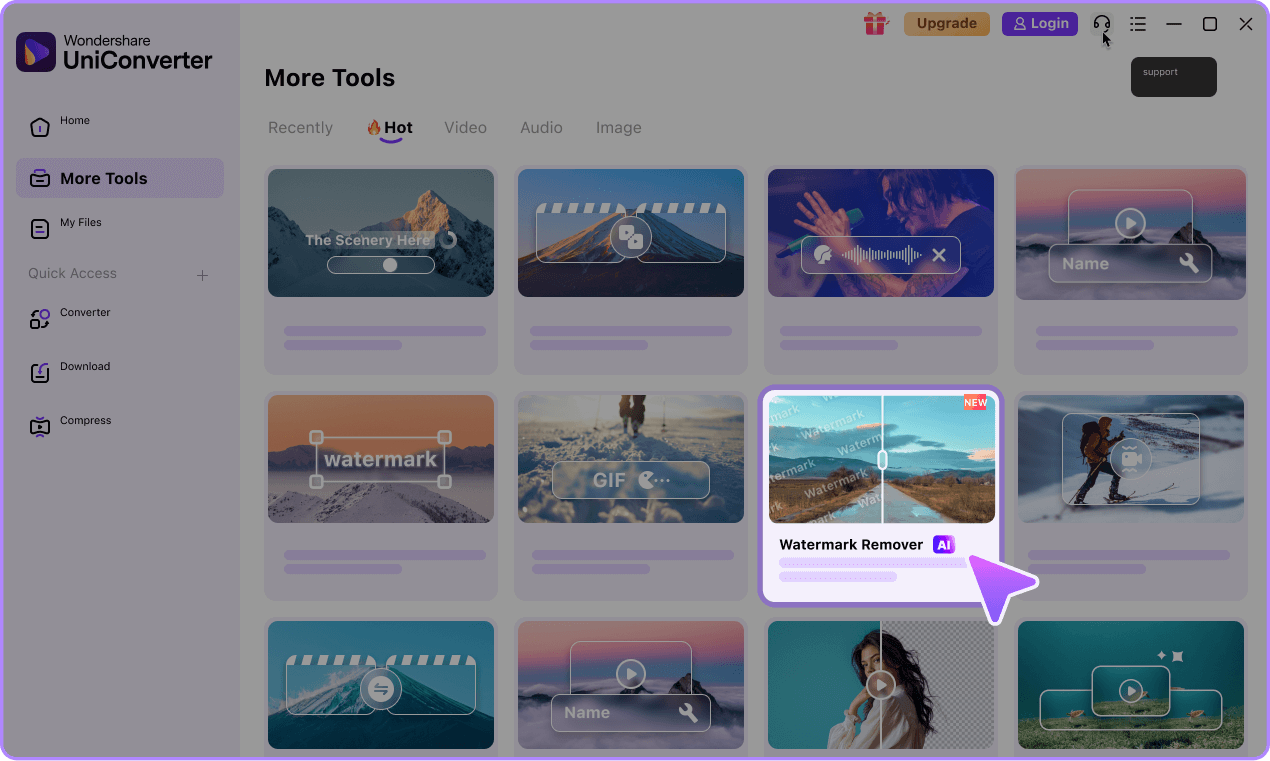
Launch UniConverter on your computer, go to Watermark Remover, and import the video you want to edit. The desktop version supports more input formats and works better for larger or more complex videos.
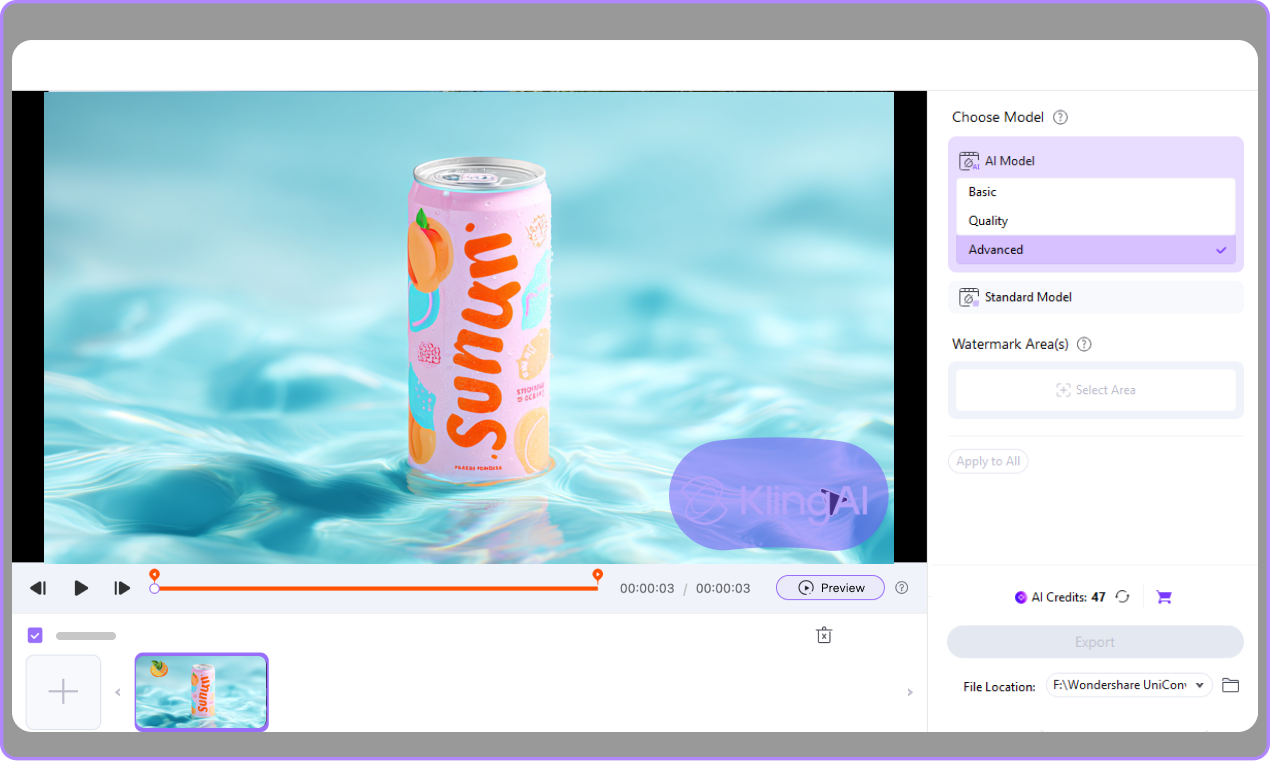
Select AI model based on your needs, and choose the Kling watermark you want to remove, then adjust the removal area as needed. You can also set the exact time range for watermark removal, which is useful when the watermark only appears in part of the video.
Preview the edited result before export to check whether the watermark removal looks clean and natural. Then export your video for sharing, publishing, or further editing.

Remove Kling AI Watermark for Every Need



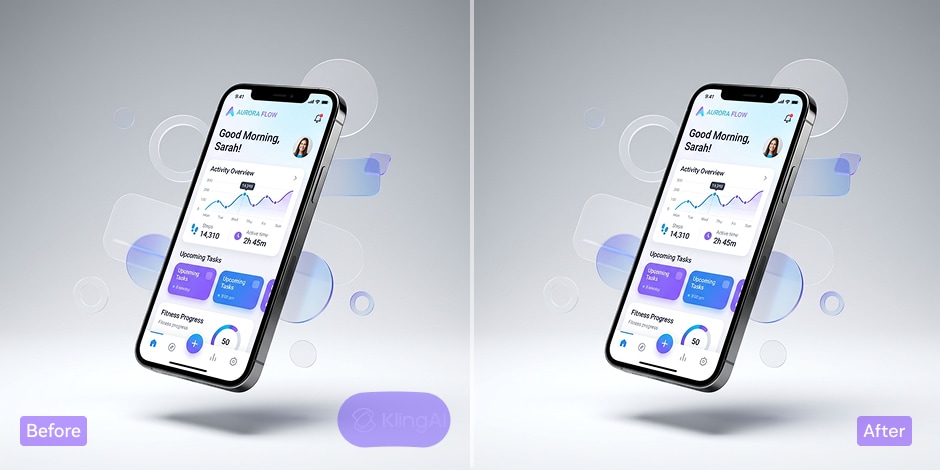
Remove Kling Watermark for Creative Content
If you create short videos for YouTube Shorts, TikTok, or Reels, clean visuals help your content look more polished. UniConverter works as a practical Kling watermark remover for creators who want to clean up AI-generated clips before posting or editing. You can remove Kling watermark areas, then trim, compress, or convert the video for different platforms. This gives you a simpler way to turn draft content into ready-to-share social videos.
Use a Kling AI Watermark Remover for Marketing Videos
Marketing videos need a clean and consistent look across ads, product demos, landing pages, and campaign assets. UniConverter helps you use a Kling AI watermark remover to remove visible logos, text, or unwanted marks before sharing content with your audience. After you remove Kling AI watermark elements, you can continue editing the same file in one workflow. This saves time and helps your team prepare clearer video materials for promotion and review.
Clean Up Client Assets with a Kling Watermark Remover for PC
Agencies and freelance editors often manage multiple clips across different client projects. UniConverter is a useful Kling watermark remover for PC when you need more control, better file handling, and support for repeat work. You can remove Kling watermark marks from video files, review the output, and move on to editing or export without switching tools. This makes the desktop workflow more efficient for teams that care about speed, consistency, and delivery quality.
Remove Kling Watermark from Videos for Team Sharing
Internal teams often use AI-generated videos for training, planning, presentations, and reviews. A reliable Kling video watermark remover helps make those files cleaner and easier to share across departments. UniConverter lets you remove Kling watermark distractions, then export the video in the right format for meetings, documents, or cloud sharing. It is a practical option for teams that want clearer video assets without adding a complicated editing process to everyday work.
Online or Desktop: Choose the Right Kling Watermark Remover
Different projects need different tools. UniConverter gives you two ways to remove Kling watermark content, so you can choose what fits your task.
| Feature | Online Kling Watermark Remover | Desktop Kling Watermark Remover |
|---|---|---|
| Best for | Quick edits and short video tasks | Larger projects and repeat work |
| Access | Works in your browser | Installed on your PC |
| File size handling | Better for lighter tasks | Better for larger files |
| Batch processing | Limited | Better for multiple videos |
| Editing control | Simple and direct | More precise and flexible |
| Post-removal tools | No | Trim, convert, compress, and enhance in one place |
| Workflow type | Good for fast cleanup | Better for full editing workflow |
FAQ About Kling Watermark Removal
How do I remove a Kling watermark from a video?
Can I use a Kling watermark remover online?
Can I remove Kling AI watermark marks on PC?
Will removing a Kling watermark reduce quality?
Can I remove logos and text, not just one watermark?
Is UniConverter a good choice for batch watermark removal?
What should I use: online or desktop?
Can I edit my video after I remove the Kling watermark?
More Than a Kling Watermark Remover