Select the Collection and Open Batch Edit
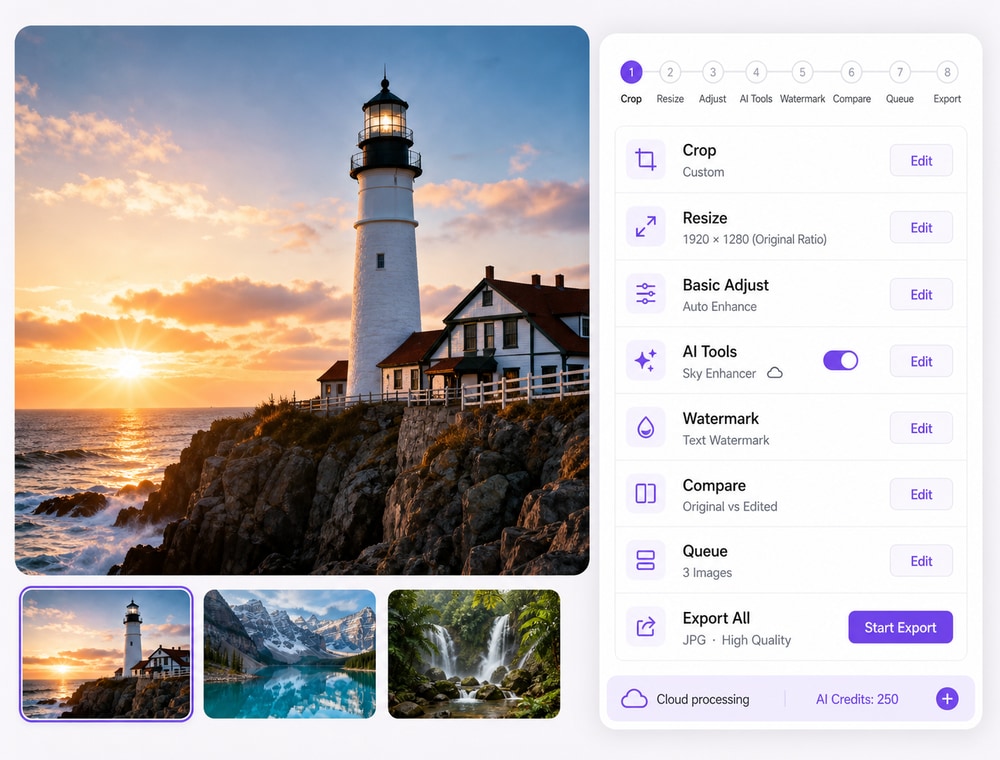
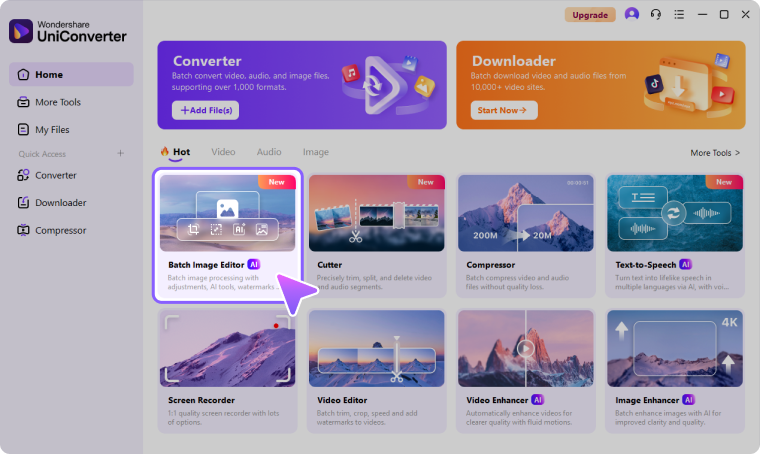
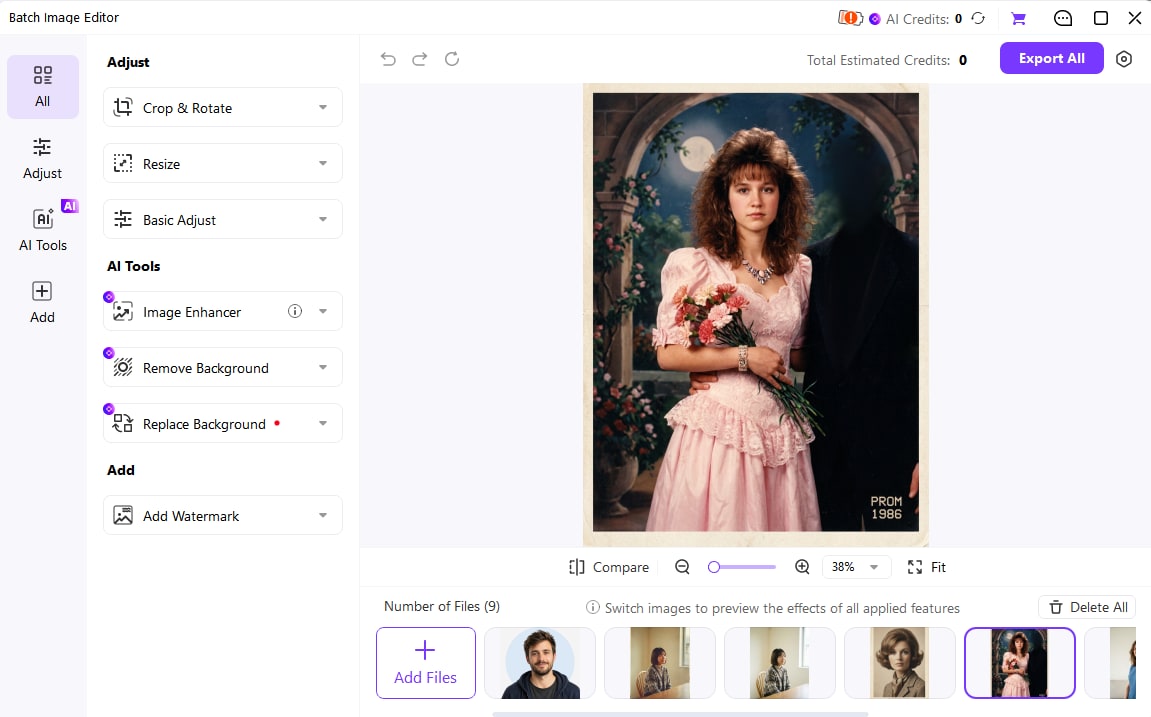
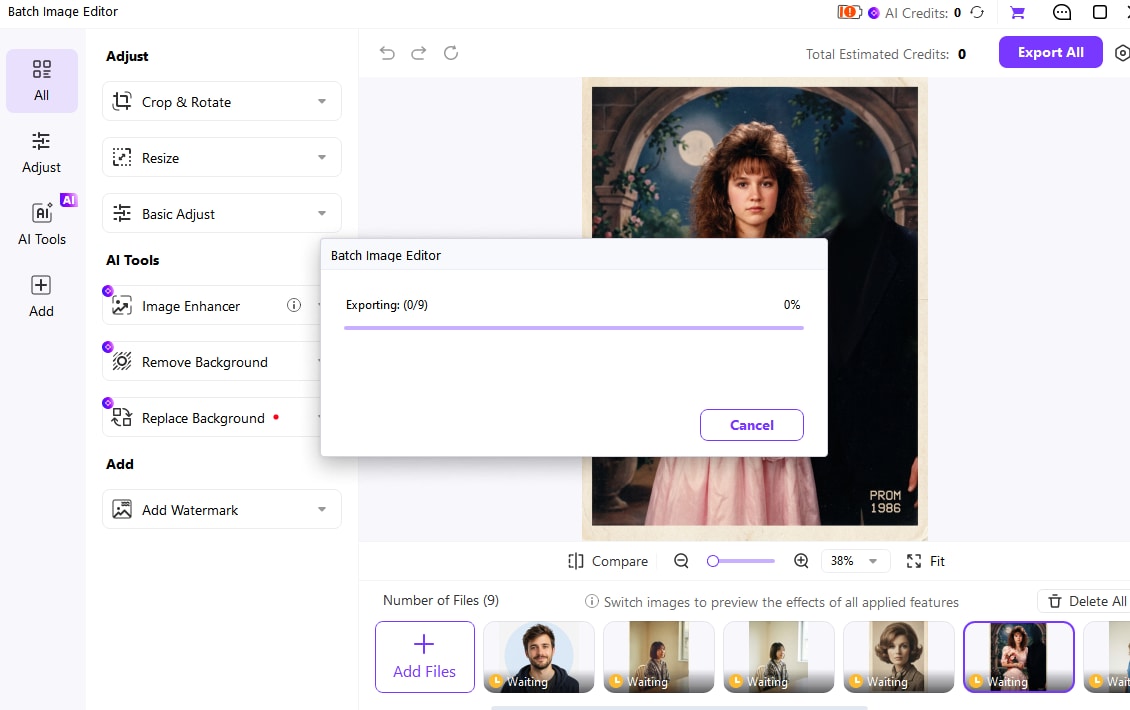
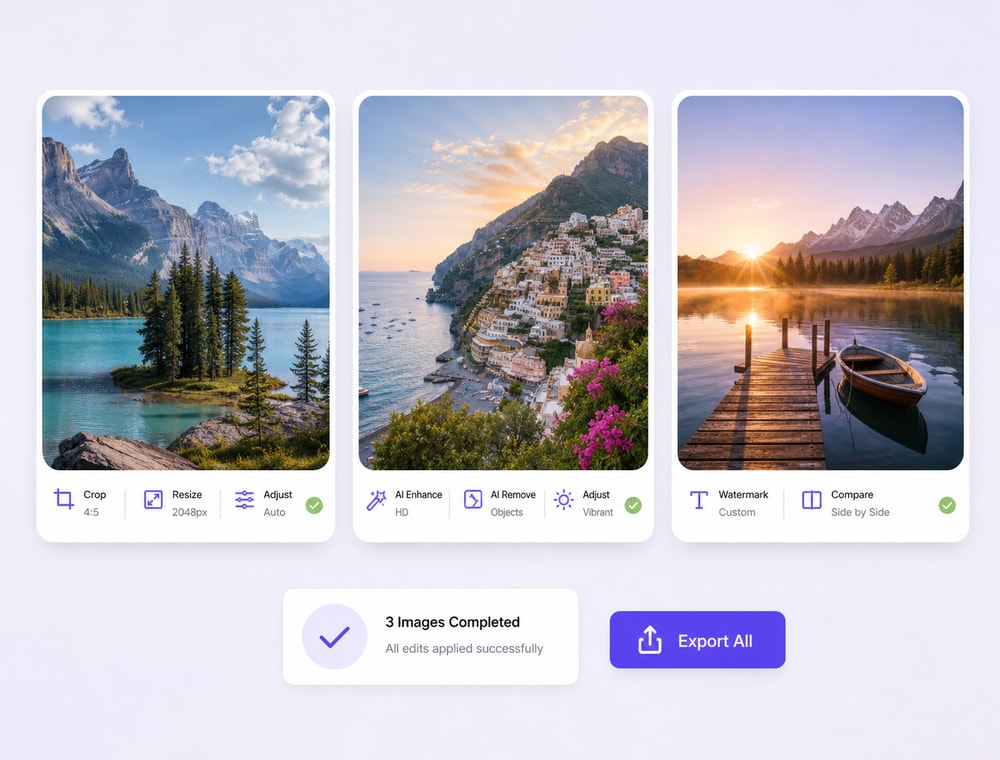
In Manage mode, select the photos you intend to edit and open Tools > Batch > Batch Edit. On the Processing Profile tab, choose the operations needed for the job. The Image List can add or remove sources as you refine the selection. Do not assume every ACDSee edition uses the same menu path.
- Group images with a shared destination and editing requirement.
- Avoid adding unrelated operations to an otherwise simple job.
- Consider ACDSee Actions when a reusable recorded sequence better fits the task.