


Pinterest is a popular media sharing platform, with almost a billion visits every day. From fashion and fitness tutorials to home decor, it is a creative playground for marketers, influencers, and content creators. However, like Instagram, there’s no direct Pinterest video download option. Consequently, the demand for Pinterest video downloaders is ever-increasing, particularly among users who wish to save and share videos on social media platforms.
Although several tools claim to download Pinterest videos, most of them are filled with spammy ads. This guide lists the top 10 Pinterest video downloaders that actually work.
In this article
Part 1. Safety Tips for Using Pinterest Video Downloaders
Not all Pinterest video downloaders are safe, so you must consider several factors before selecting one. Or else, you risk encountering malware or viruses, privacy invasion, or legal issues.
Malware Risks: Many third-party websites or browser extensions may redirect you to malicious sites or contain malicious code and potentially compromise your passwords or personal data. Besides, some apps might install backdoors, providing attackers with an entry point to your system.
Data Theft: Some websites or apps may ask for unnecessary permissions and gain access to your personal information.
Legal Issues: Many videos on Pinterest are copyright-protected, and downloading them without permission can be considered a violation of copyright laws.
You should not risk your personal data while downloading Pinterest videos. So, here are a few tips you must follow:
Install Antivirus: Antivirus software protects your device from malware and phishing links, so always install it. Also, make sure to update it periodically and scan downloaded files to detect potential risks.
Check Access Permissions: Avoid downloaders that request unnecessary access to your device. Before installing, review the permission requests the app might make and grant the ones needed to download a Pinterest video.
Copyright Compliance: When downloading a Pinterest video, check that the video doesn’t violate copyright regulations and intellectual property rights. You can download and use the video for personal purposes, but don’t distribute or use it commercially.
Part 2. Best 10 Pinterest Video Downloaders Reviewed
When it comes to Pinterest video downloads, not every third-party app is reliable, delivers offline flexibility, or supports compatible file formats. Many are suitable for one-time use, while others redirect you to websites filled with spammy ads. So, here’s a list of the best Pinterest video downloaders that provide a reliable way to download videos
1. Wondershare UniConverter
Wondershare UniConverter is more than just a Pinterest video downloader, and it contains every tool a creator might need. Its offline compatibility lets you batch download videos at any time from Pinterest and other platforms like Instagram, Facebook, Snapchat, and more. It enables you to remove watermarks from a video, and it supports most video formats like MP4, MOV, AVI, and MKV.
Not only that, but its post-download features are impressive. Its AI features let you upscale the video, convert it into other formats, and edit it, if needed.
Key Features
- Its AI video enhancer automatically enhances video quality and resolution without any loss of quality.
- Its AI Subtitle Translator translates video subtitles in 120+ languages, while you can edit the subtitles with its Subtitle editor.
- The AI watermark remover feature removes any watermarks from your videos with a single click.
2. Klickpin
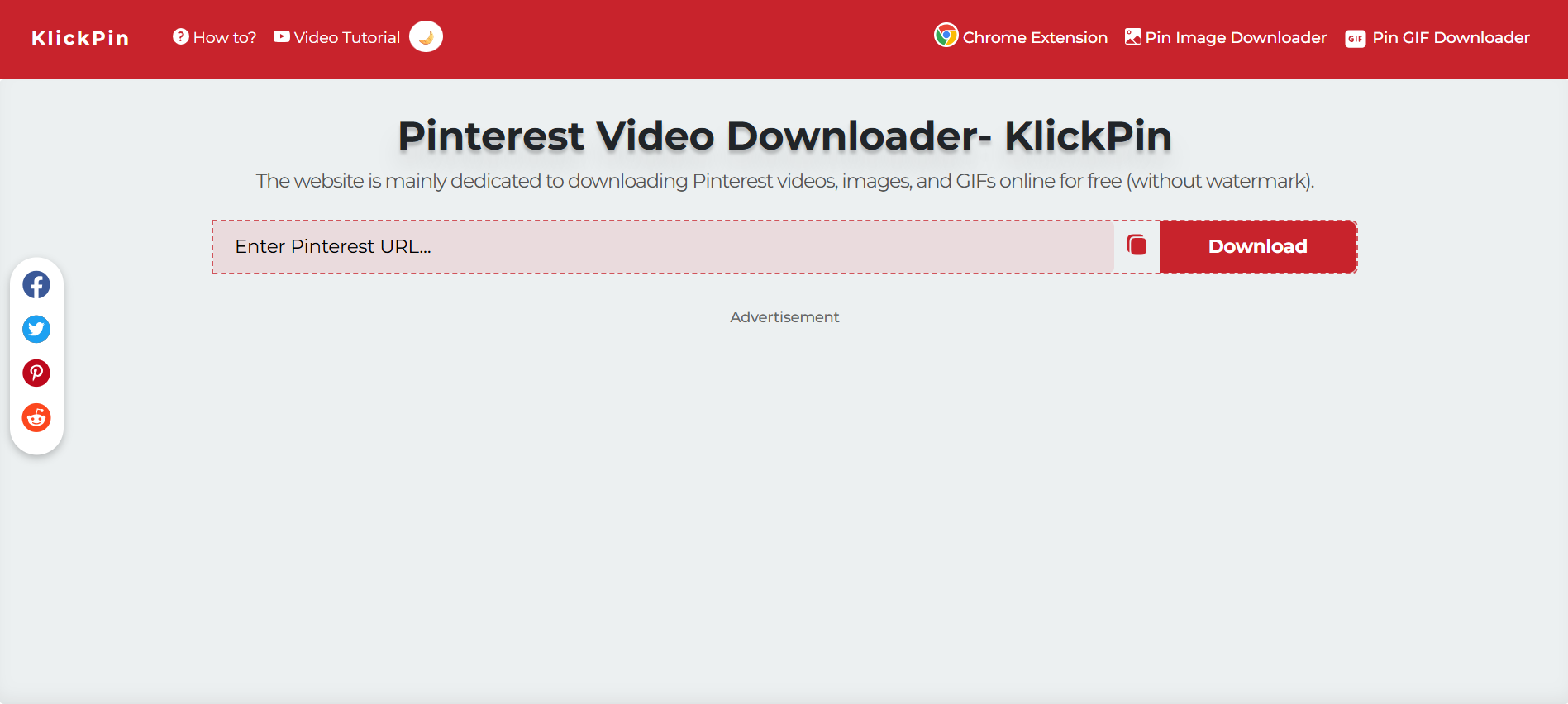
If you're looking for a reliable and simple way to download Pinterest videos, give KlickPin a try. Just access the website, paste the video link, and click on Download. Despite its simple interface, the online tool doesn’t require a login, so you aren’t putting your device at risk of compromising your personal information. Besides, it supports up to 4K video downloads and works on Android, iOS, desktop, and even as a Chrome extension.
Key Features
- It supports downloads in HD, 2K, and even 4K.
- Its MP3 converter is suitable for those who just want the audio.
- There’s an Android and iOS app available.
- It can download Pinterest reels, GIFs, idea pins, and audio tracks.
3. PinDown
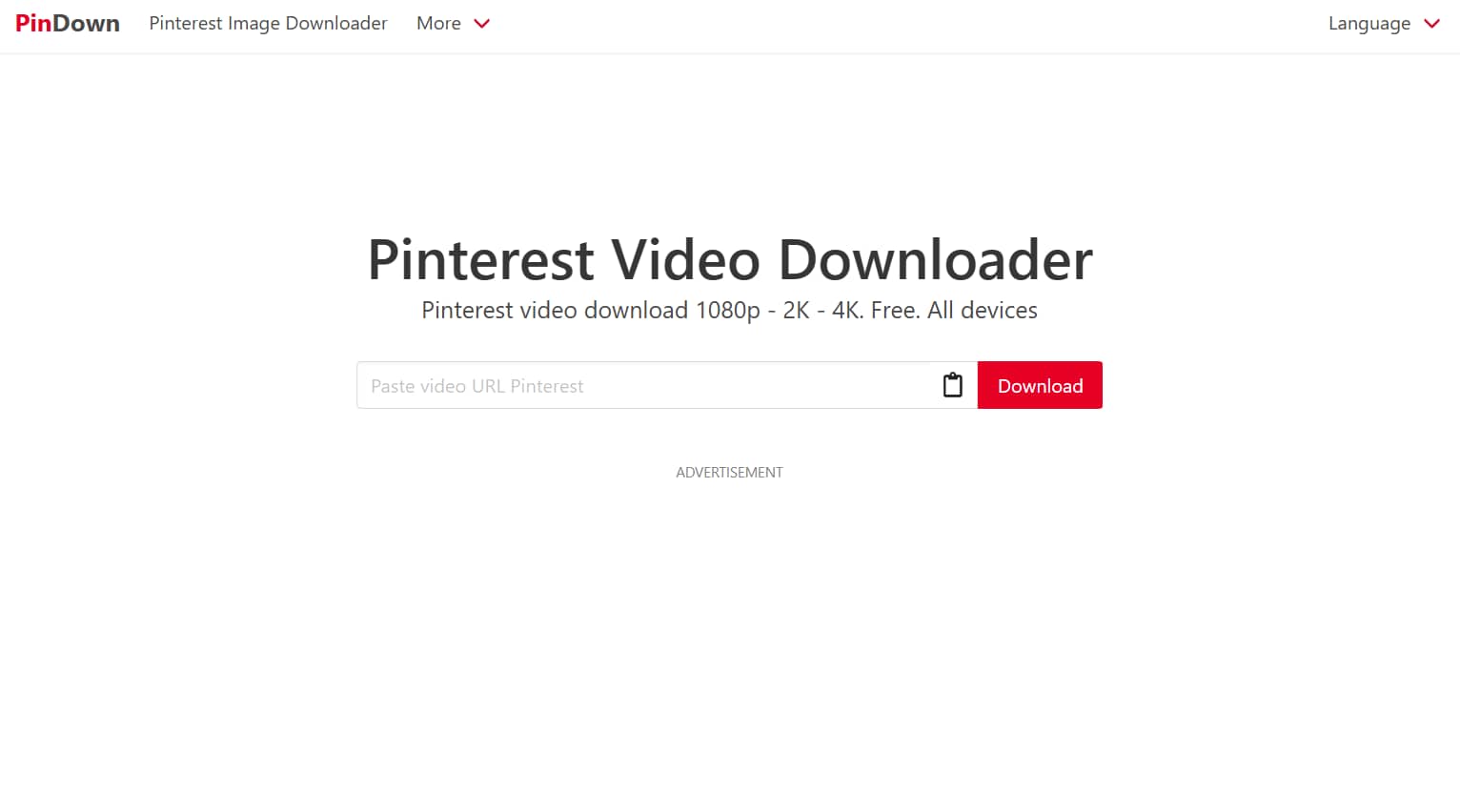
PinDown is a popular online Pinterest video downloader that can download videos in any prescribed resolution (from 144p to 4K), complete with sound. It seamlessly works on almost every device, be it Android or iOS, and its straightforward interface allows easy downloads. Also, similar to the previous recommendation, it’s free to use.
Some ads might appear, but you don’t need to watch them to complete the video download. It’s, however, crucial to stay cautious and not click on any pop-ups.
Key Features
- Supports many video resolutions like 144p, 240p, 360p, 720p, 1080p, and 4K.
- The tool allows Pinterest video downloads on all types of mobile devices, PCs, and tablets.
- The tool fetches video links from Pinterest servers without storing any information.
4. InDown.io
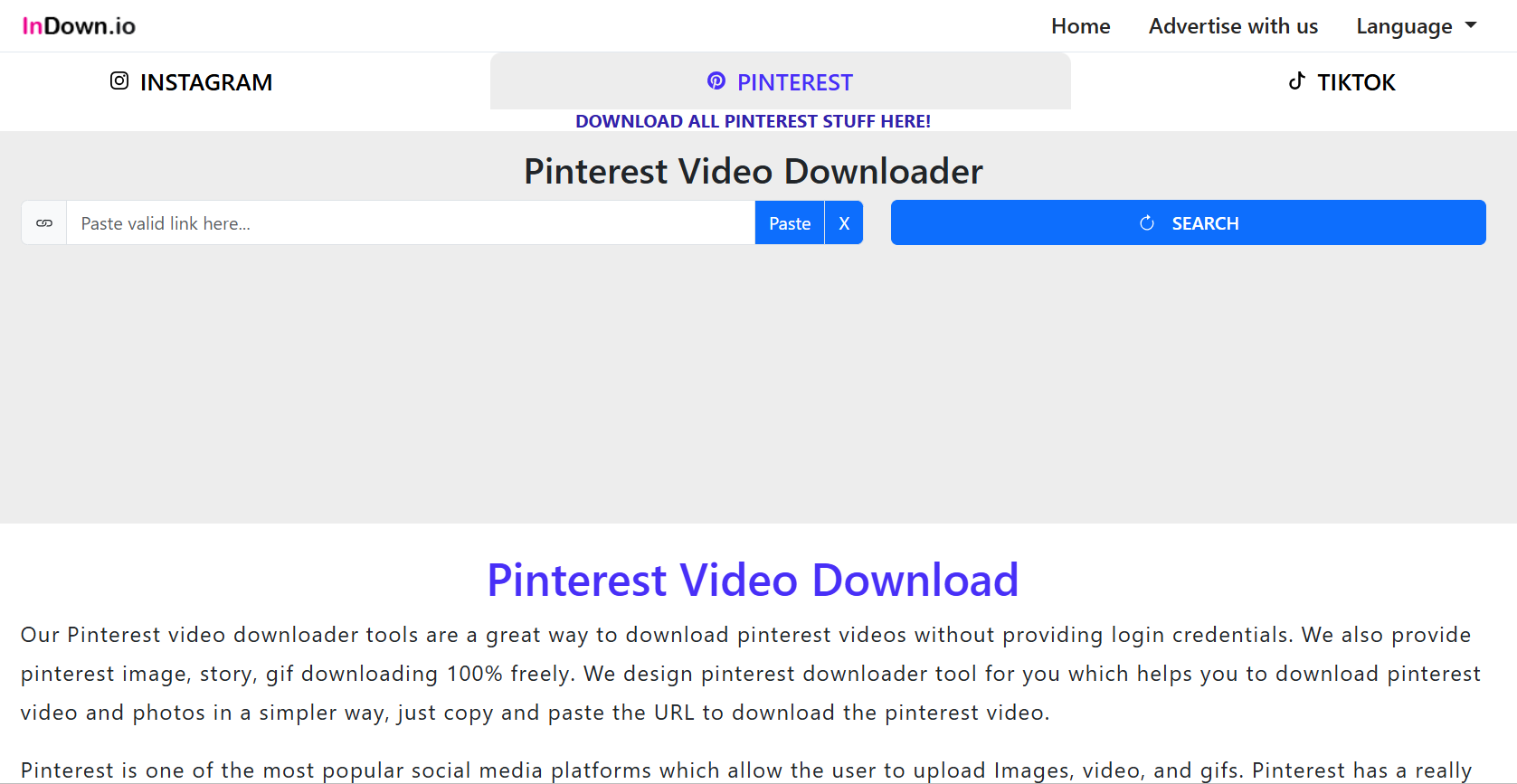
InDown.io is designed to download Pinterest videos for free, but unlike the previous two options, it supports Instagram and TikTok downloads. The interface is minimal, and the goal is clear: to let you download Pinterest videos without any issues. With no login requirements, InDown provides a safe and fast way to download Pinterest videos, GIFs, audio, and more.
Key Features
- Paste any Pinterest videos and GIFs links and download them in HD.
- It can download Instagram reels, photos, stories, highlights, and profile pictures, alongside TikTok videos.
- InDown is entirely free, with no hidden limitations.

Easy to Use Batch Pinterest Video Downloader
5. Pastedownload
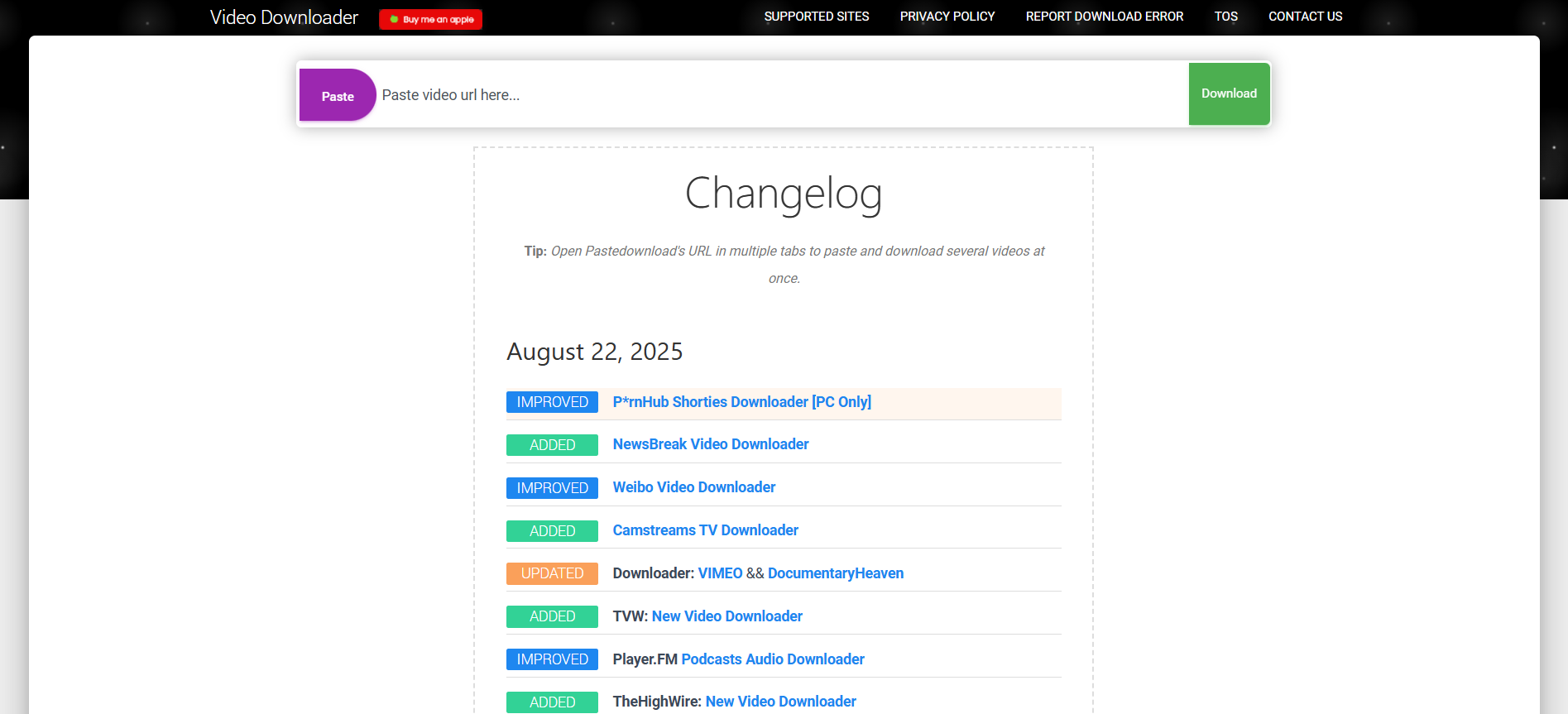
PasteDownload is another free online video downloader with compatibility to download videos or audio from almost every popular website. This even includes social media platforms like Instagram, Twitter, Facebook, and YouTube. The tool is designed for efficiency, so download as many Pinterest videos for free.
Key Features
- PasteDownload allows downloads in various video qualities and formats.
- It supports downloads from hundreds of sites, aside from Instagram, Facebook, YouTube, and TikTok.
- The tool works on your browser and requires no additional app downloads.
6. CatchTube

Catch.Tube works similarly to most tools mentioned in the list. Just paste the Pinterest link, and download the video in your preferred resolution. You can use it on any of your preferred platforms (Android, iOS, or desktop) and download videos from various websites like Instagram, Facebook, DailyMotion, TikTok, Twitter, and more. It also has a Chrome Extension, which lets you download your favorite videos without accessing any website.
Key Features
- It’s an interactive website that lets you download Pinterest videos from Android, iOS, or desktop.
- The tool can convert videos to audio.
- You don’t need to register or pay to download Pinterest videos.
7. Pincase
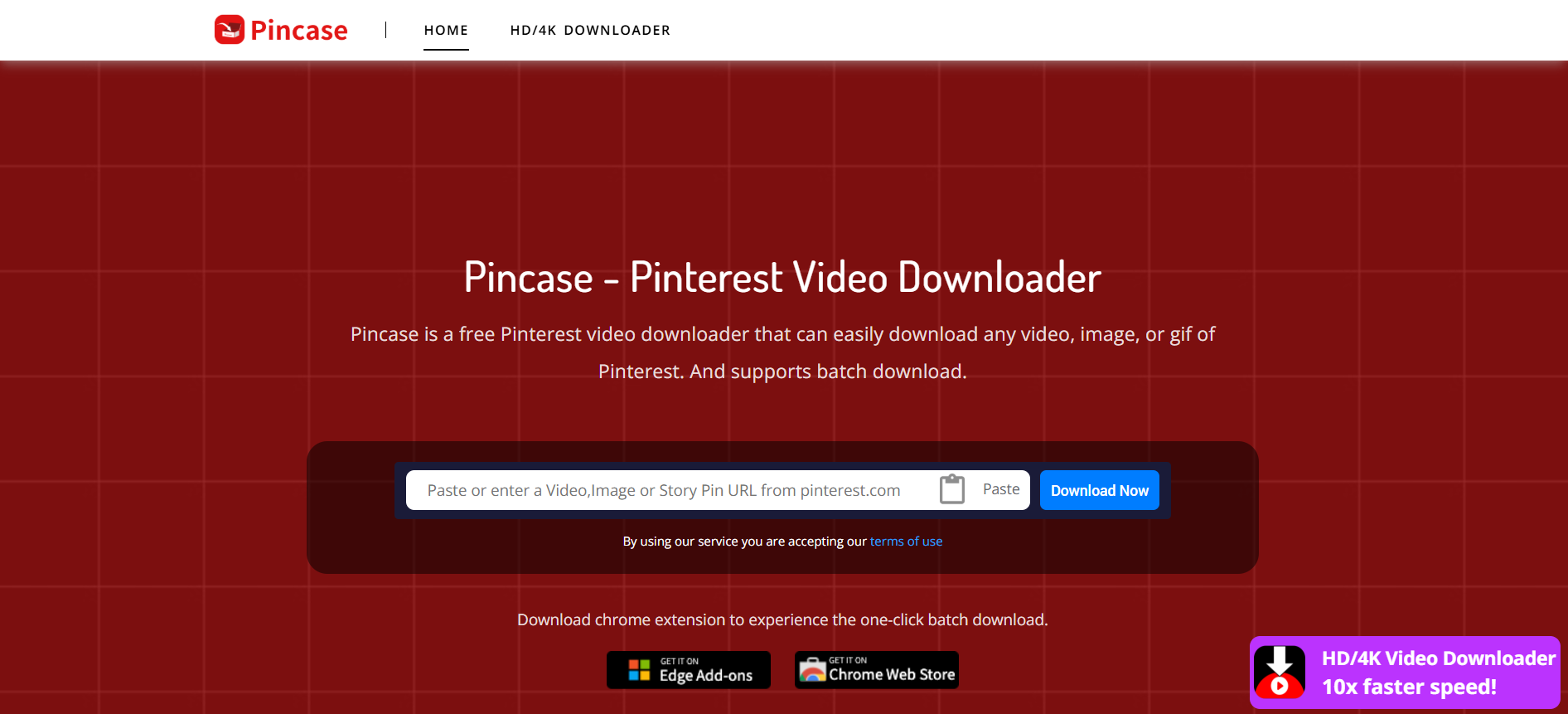
Pincase is one of the better options when downloading videos, images, GIFs, and narrative pins from Pinterest. While it runs entirely on browsers, there’s a Chrome extension that saves the hassle of copying and pasting the video. Click the download button that the Chrome extension embeds in a video. Besides, what’s unique is that it supports batch media downloads for free.
What’s concerning here is that the tool often downloads unwanted duplicate images, including thumbnails. So, you must scan the files using the antivirus software and clean them up manually.
Key Features
- The tool supports a variety of video formats and resolutions.
- You don’t need to register or pay to download Pinterest videos.
- The platform supports batch downloads.
8. Video Downloader for Pinterest
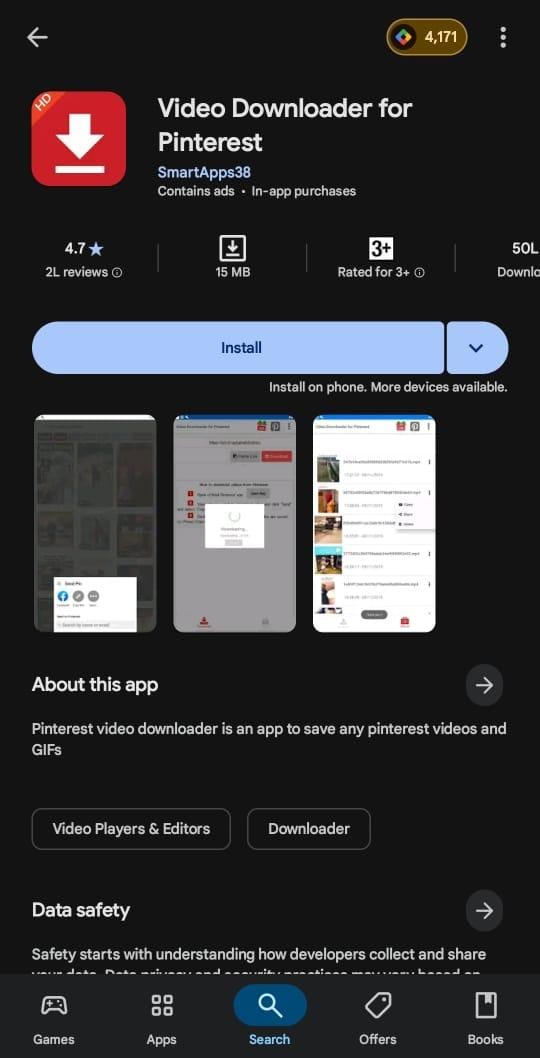
If you want to download Pinterest videos on the go, then Video Downloader for Pinterest can be a decent pick. The app is exclusively designed for downloading Pinterest videos, images, and GIFs in a stress-free and straightforward manner. Its interface is optimized for speed and maintains video quality while transferring from different sources. However, its ads are unskippable, which can get annoying at times.
Key Features
- The app lets you download Instagram videos in full HD MP4 format.
- There’s no usage limit or premium wall.
- Aside from videos, you can download Pinterest images and GIFs.
9. ExpertsPHP
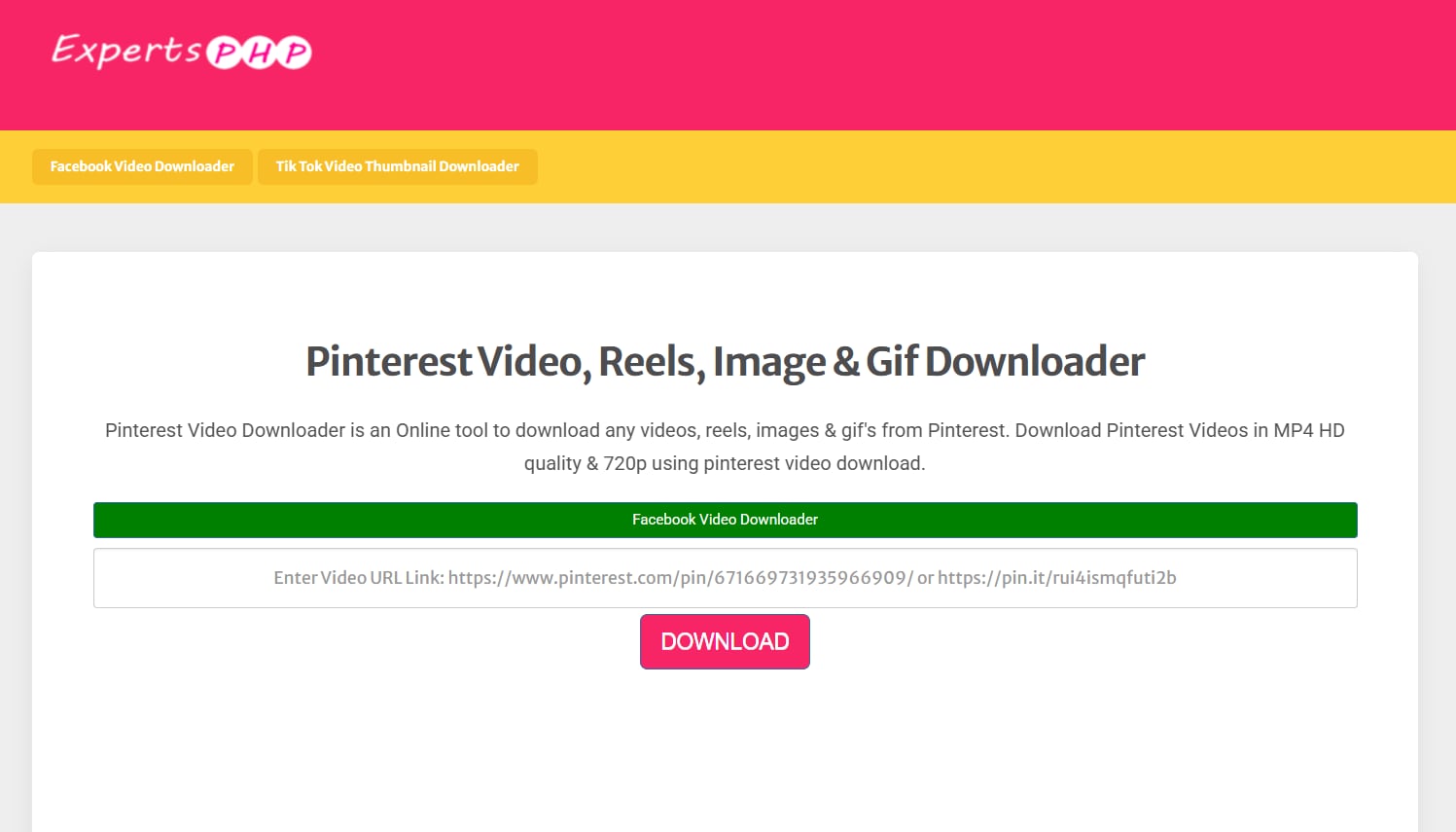
ExpertsPHP is a minimal yet powerful video downloader for creators who frequently work across Pinterest. With support for videos, images, and GIFs, it provides a central solution to download your media in high quality without quality drops. Also, it works with most devices, including desktop, Android, and iOS devices.
Key Features
- Your saved Pinterest media files retain the original resolution.
- This tool supports the download of Pinterest videos, images, and GIFs.
- There is no need to create an account or use any third-party extensions.
10. TapTik
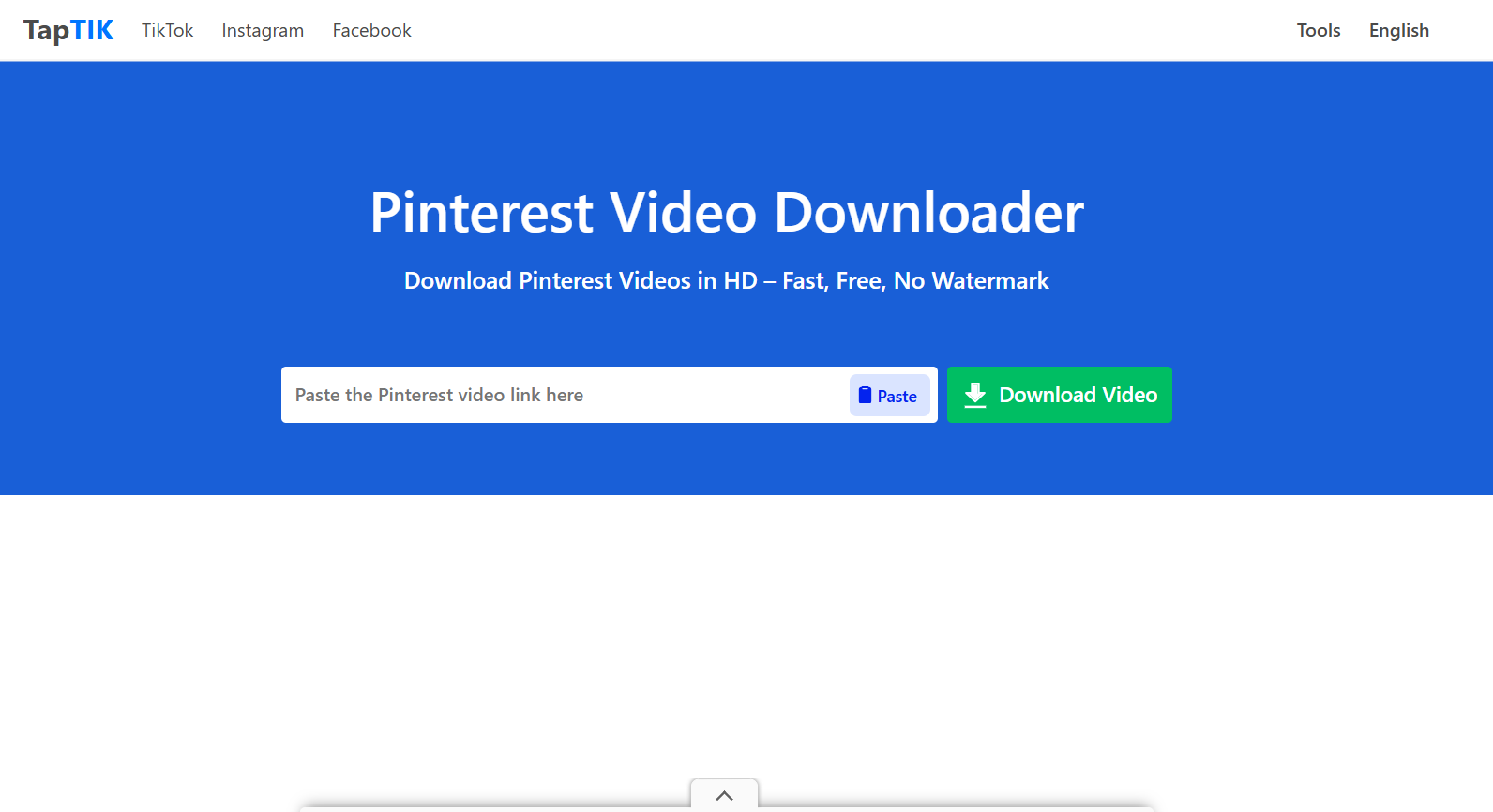
Last but not least is a well-liked website for downloading Pinterest videos called TapTIK. Its one-click download feature lets you download photos and GIFs from the platforms. It also doubles up as a converter, as you can convert your videos into MP3. All things considered, it’s a free internet utility that lets you download Pinterest media as often without any restrictions.
Key Features
- It has a one-click download functionality for easy and fast downloads.
- You can download Pinterest images and GIFs.
- It can also convert your videos into MP3.
Easy to Use Batch Pinterest Video Downloader
Part 3. Quick Comparison Table for the Best 10 Pinterest Video Downloaders
With a dozen Pinterest video downloaders available, this guide compares the top 10 based on criteria like ease of use, HD video downloads, ads, and device compatibility.
Here’s a glance at how each tool performed:
| Tool | HD Video Support | Ads Density | No Download Limit | Batch Download Support |
| Wondershare Uniconverter | ✅ | No ads | ✅ | ✅ |
| KlickPin | ✅ | No ads | ✅ | ❌ |
| PinDown | ✅ | Minimal | ✅ | ❌ |
| InDown.io | ✅ | Minimal | ✅ | ❌ |
| PasteDownload | ✅ | High | ✅ | ❌ |
| Catch.Tube | ✅ | Minimal | ✅ | ❌ |
| Pincase | ✅ | Minimal | ✅ | ✅ |
| Video Downloader for Pinterest | ✅ | No Ads | ✅ | ❌ |
| ExpertsPHP | ✅ | No Ads | ✅ | ❌ |
| TapTIK | ✅ | No Ads | ✅ | ❌ |
Part 4. Bonus: How to Easily Batch Download Video Clips From Social Media
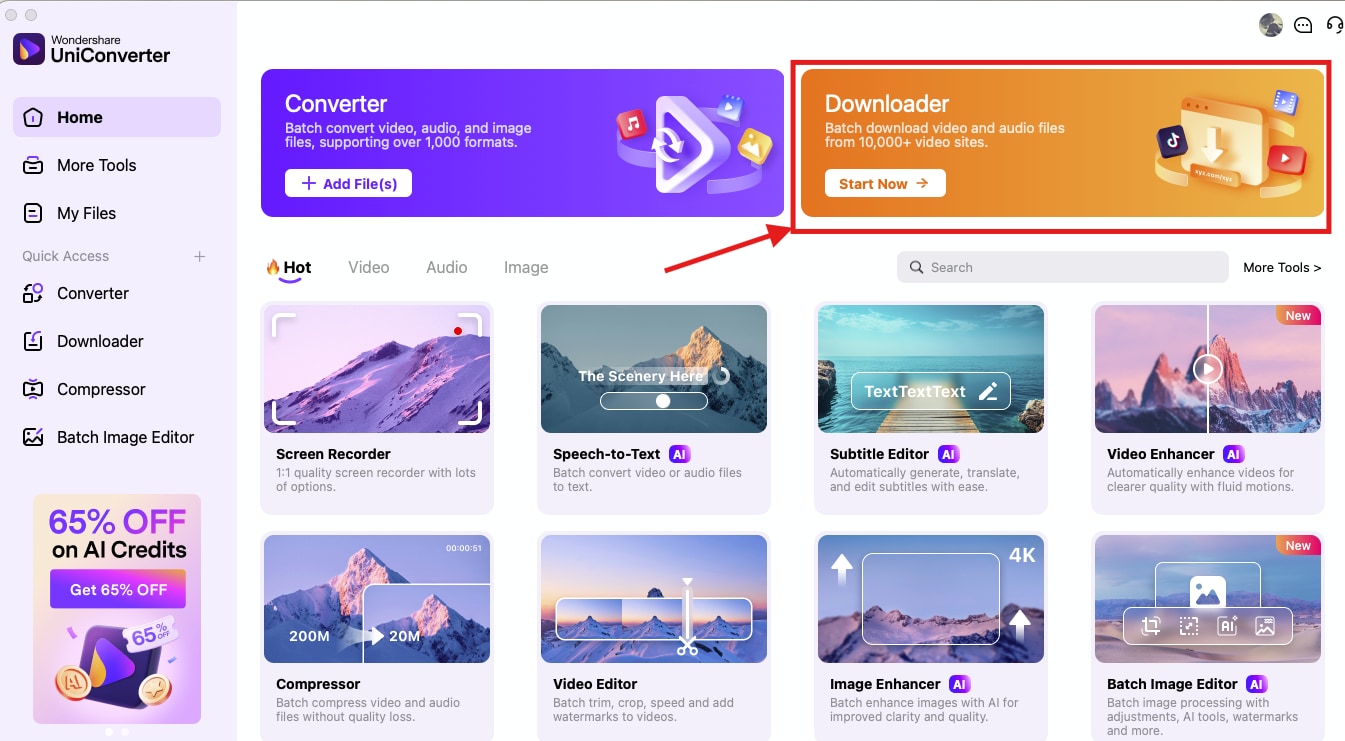
Wondershare UniConverter comes across as a comprehensive tool that can download videos from Pinterest, Instagram, Facebook, and other social media platforms. Here are a few simple steps to download your videos:
Step 1: Launch UniConverter on your desktop and navigate to the “Downloader” option.
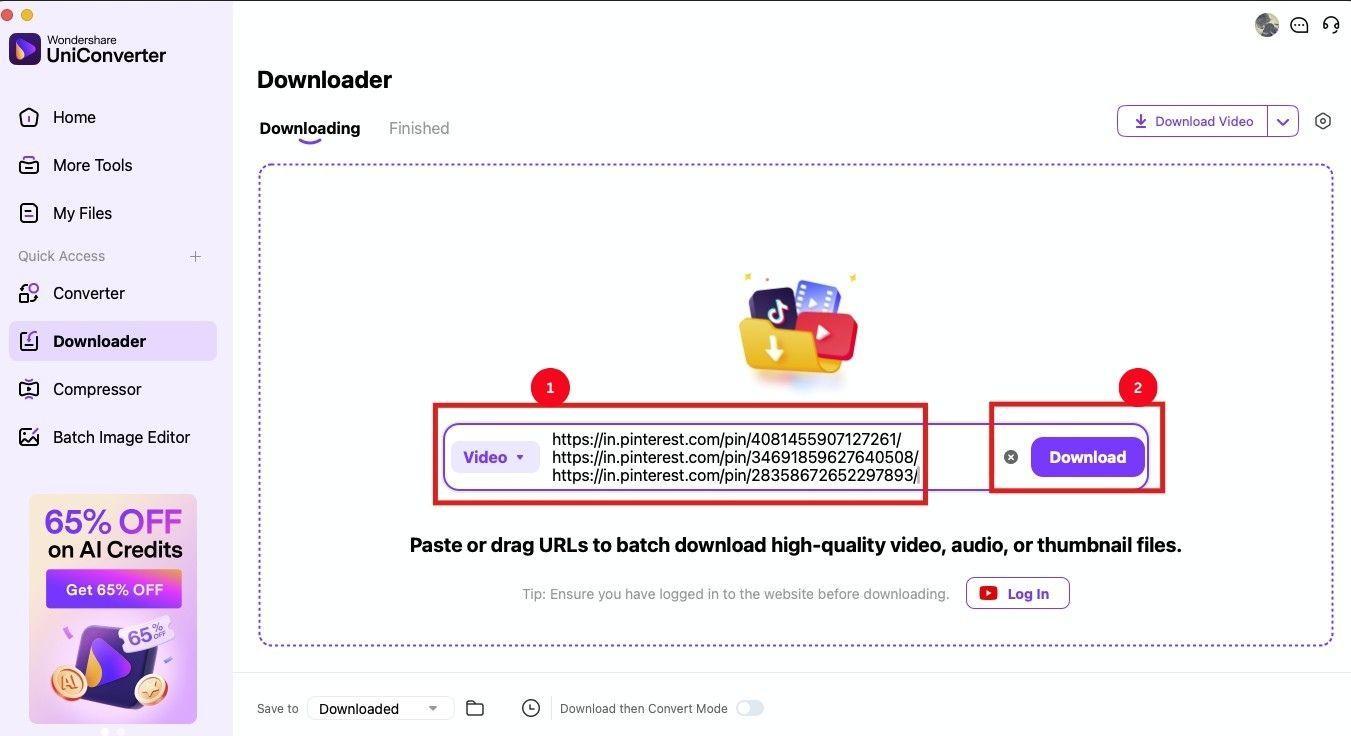
Step 2: Paste the Pinterest video links and click the “Download” button.
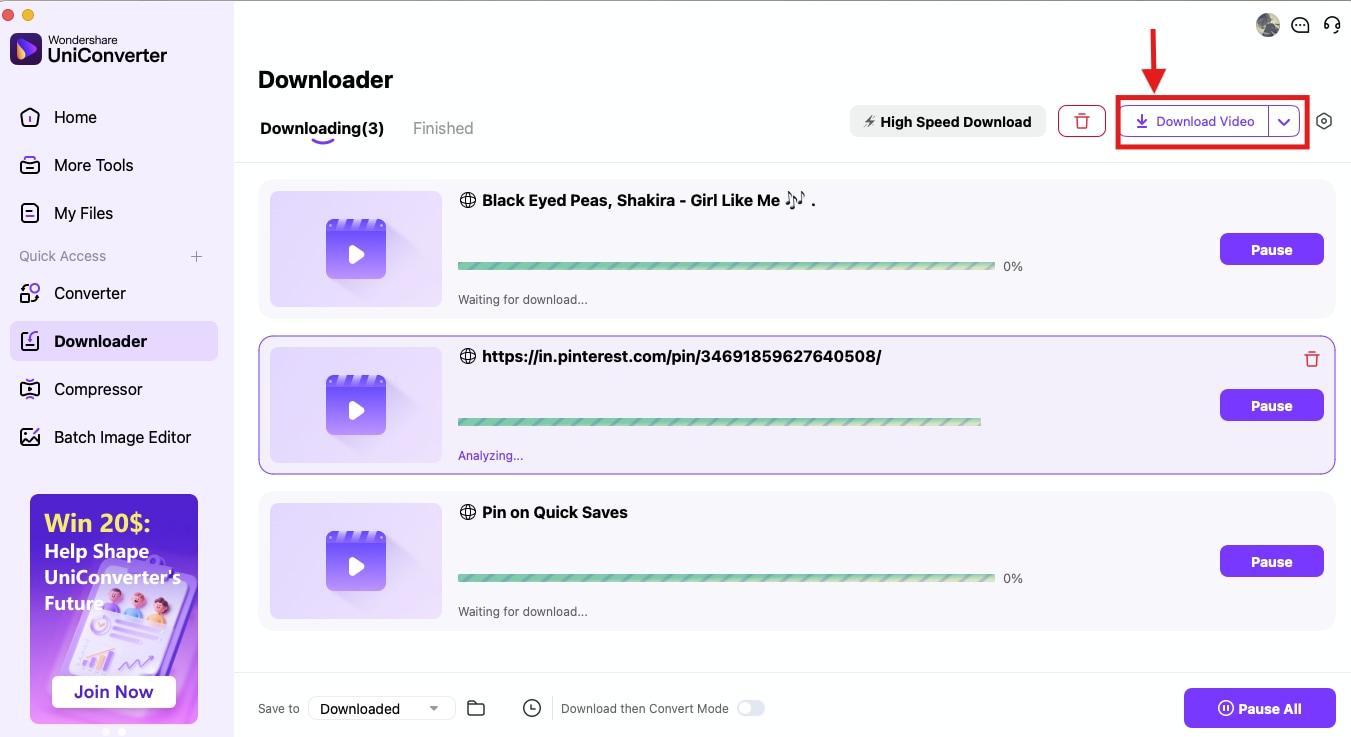
Step 3: It takes some time to process the videos. Once done, click “Download Video” to save the videos.
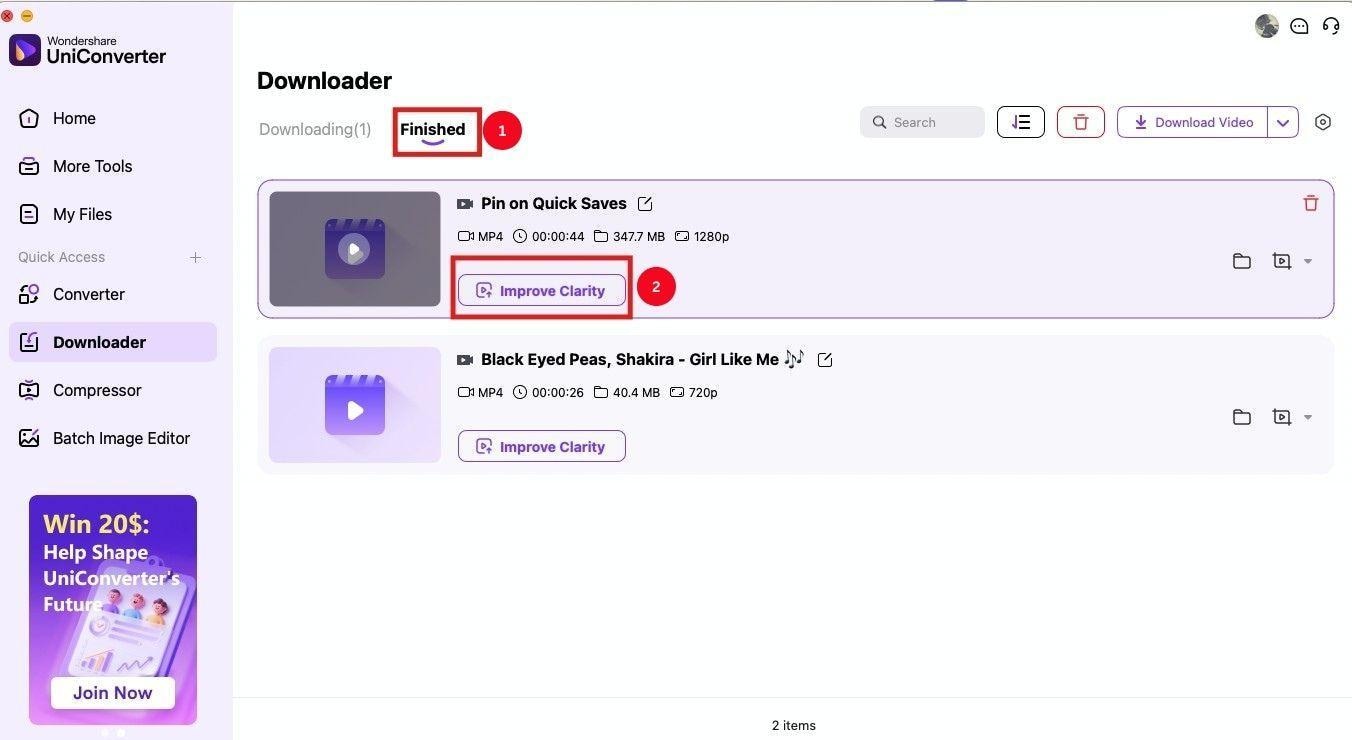
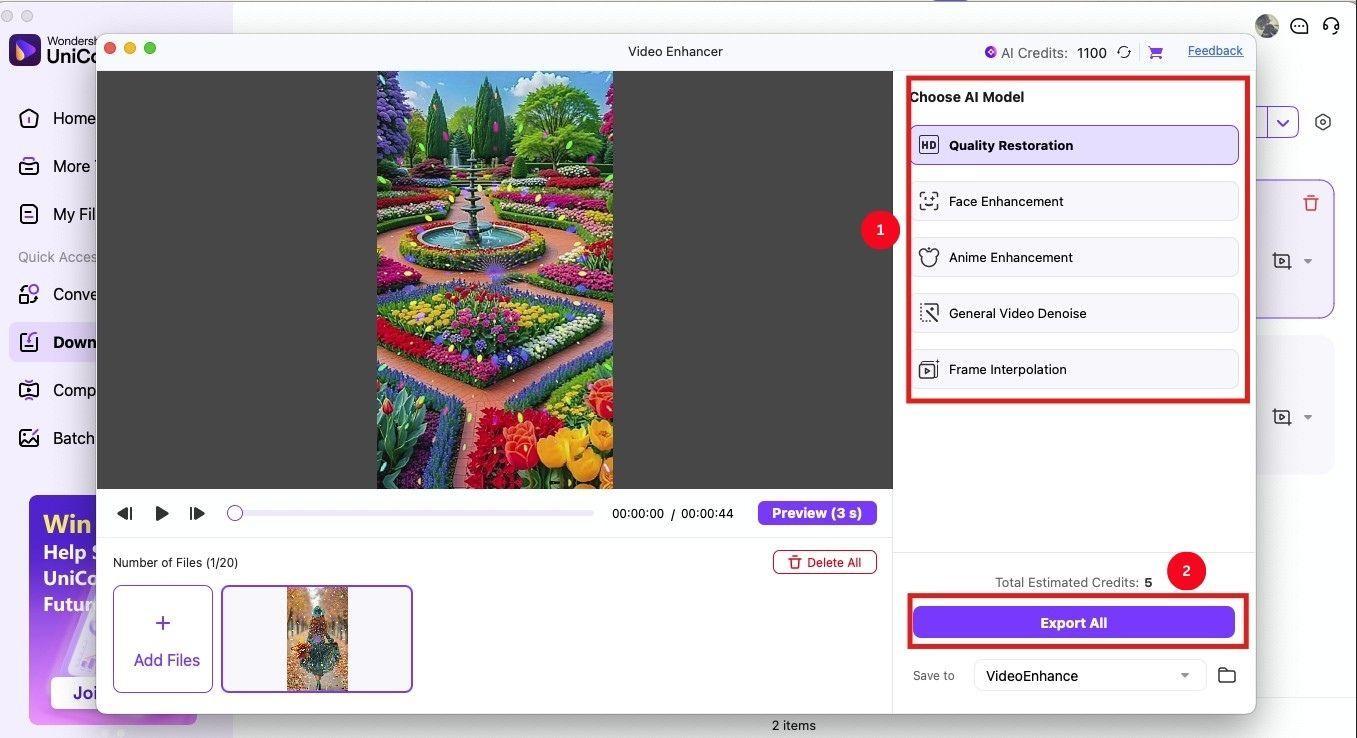
Step 4: Now, click the “Finished” tab at the top, followed by the “Improve Clarity” option.
Step 5: Here, you have multiple options, such as “Quality Restoration,” “Face Enhancement,” and others. Access the options to improve the video, and once done, click “Export All” to save the videos in your local storage.
Conclusion
Pinterest video download might not be straightforward due to the lack of a native feature, but many third-party tools make it easy. With the reliable Pinterest downloaders mentioned in the list, you can download your favorite content for sharing, offline viewing, and inspiration. But most of these are limited to Pinterest downloads, while others have ads. So, the best tool of the lot is Wondershare UniConverter. Its standout features include a simple interface, a batch download feature, high-quality downloads, and editing features. Use it now and enjoy your favorite content hassle-free!
Easy to Use Batch Pinterest Video Downloader
FAQs
-
1. How do I download Pinterest videos and images?
There’s no built-in download feature for Pinterest videos and images, so you need to use a third-party app. Copy the video link, find a reliable Pinterest video downloader like Wondershare UniConverter, paste it, and download. -
2. Is it legal to download Pinterest videos?
Yes, it’s legal to download Pinterest videos, as long as you respect copyright. You cannot use a copyrighted video for distribution or commercial purposes, and if you do, you’ll be liable for legal issues. -
3. Are Pinterest video downloaders safe to use?
Yes, many legitimate Pinterest video downloaders allow you to save your favorite content without any issue. However, many contain malware, display intrusive ads, and may share your data with third parties. It’s crucial to exercise caution, keep your antivirus software on, and avoid giving the app too many permissions. -
4. What are common technical issues when downloading?
Occasional problems include failed downloads, login requirements, needing to import cookies, unsupported file formats, or site outages. -
5. What’s the solution for poor video quality downloads?
Select higher video resolution if available, or switch to a downloader like UniConverter that specifically mentions HD or 4K support to avoid pixelation or blurriness.

