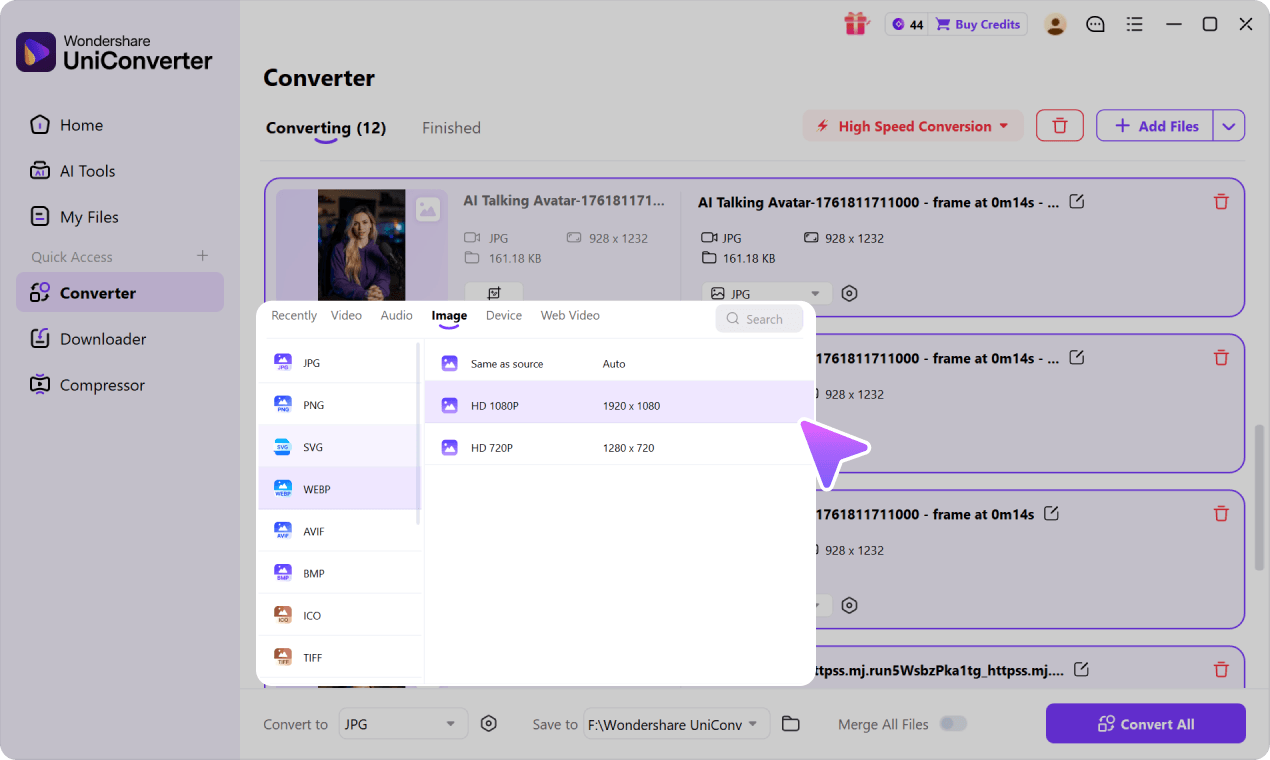
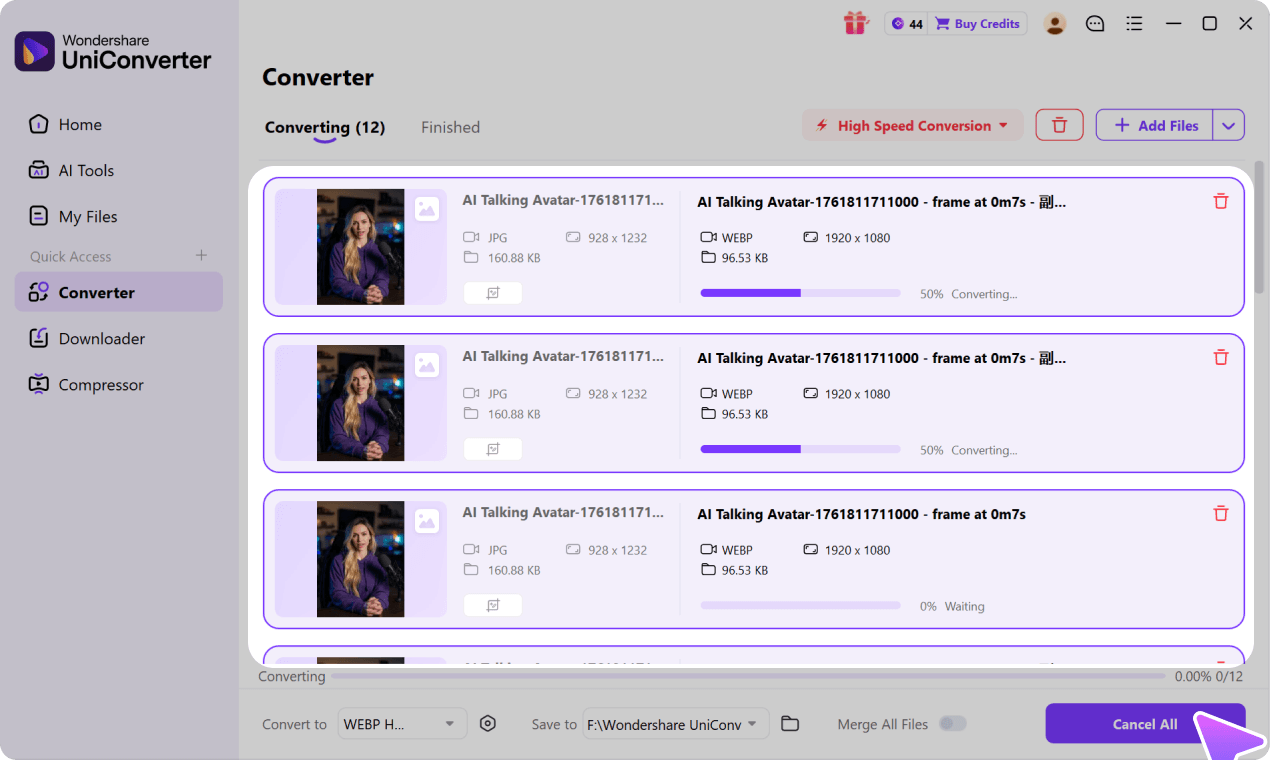
Searching for "aha convert"? AhaConvert is a free online file converter covering 300+ formats. If you need a proven AhaConvert alternative, UniConverter lets you convert video, audio, and image files online free with no signup - plus a desktop app for batch jobs and large files.
When you need more than a browser-based conversion, UniConverter Desktop adds a dedicated local media workflow:
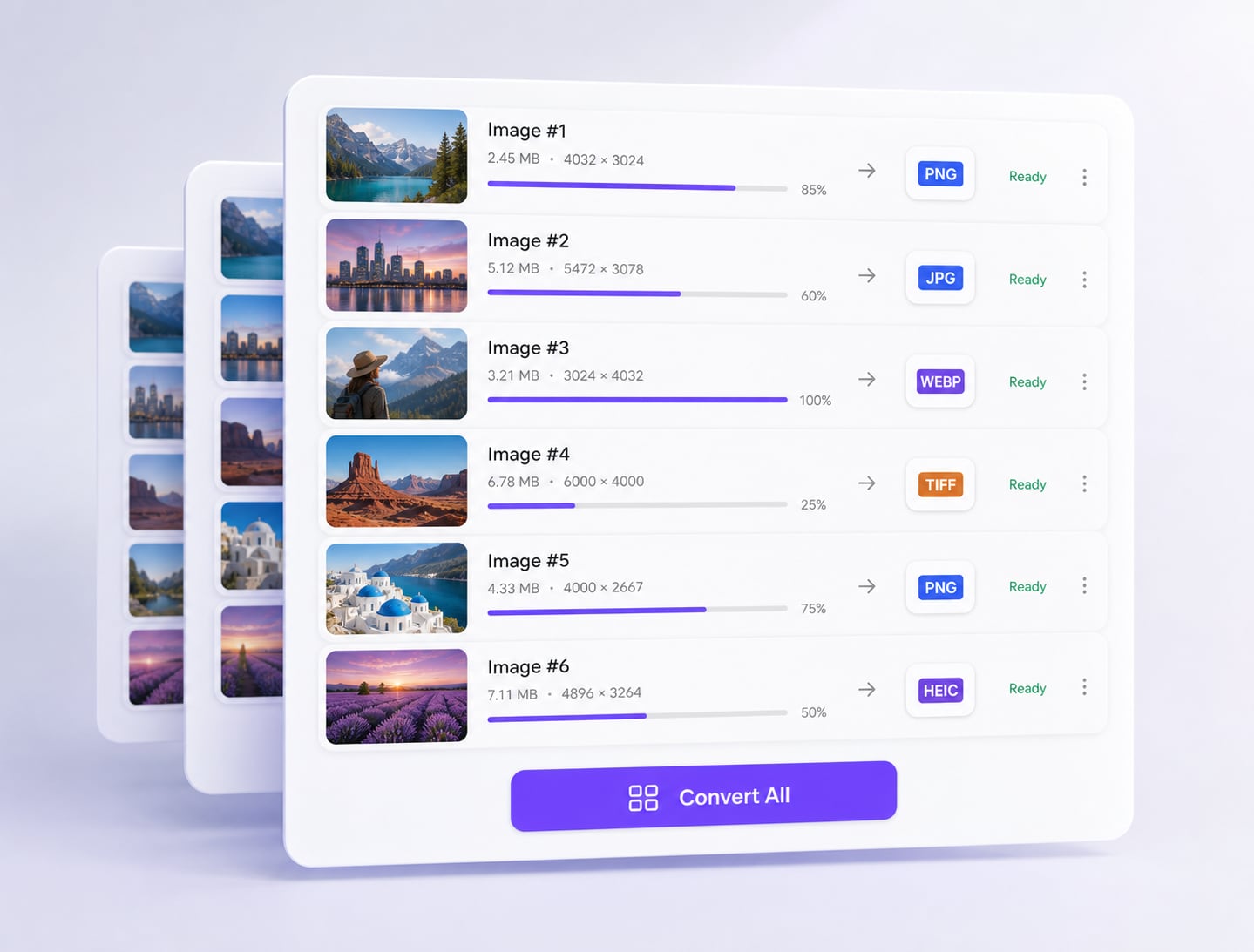
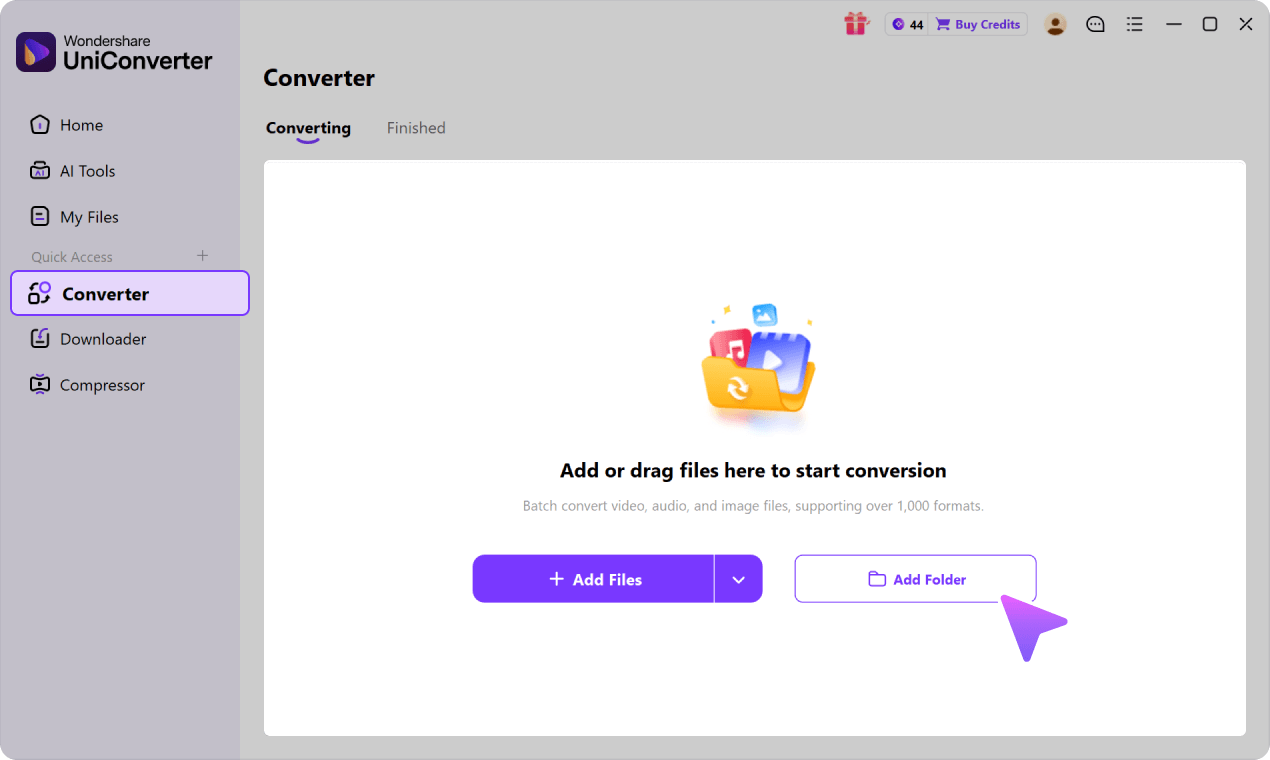
Convert files in batch and save time on large local jobs
Use hardware-accelerated local conversion in supported workflows
Access 1,000+ marketed video, audio, and image formats across the Desktop product
An all-in-one toolkit with editing, compression, AI enhancement, and more
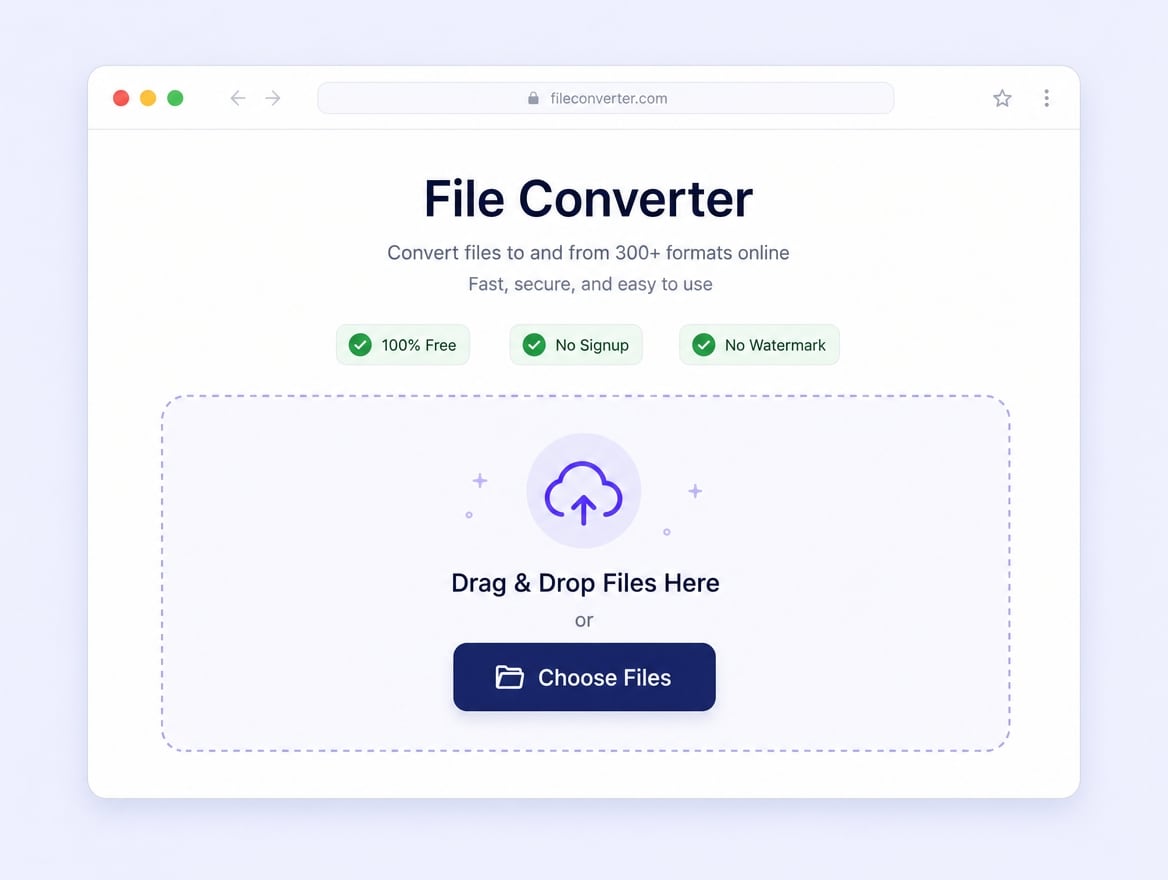
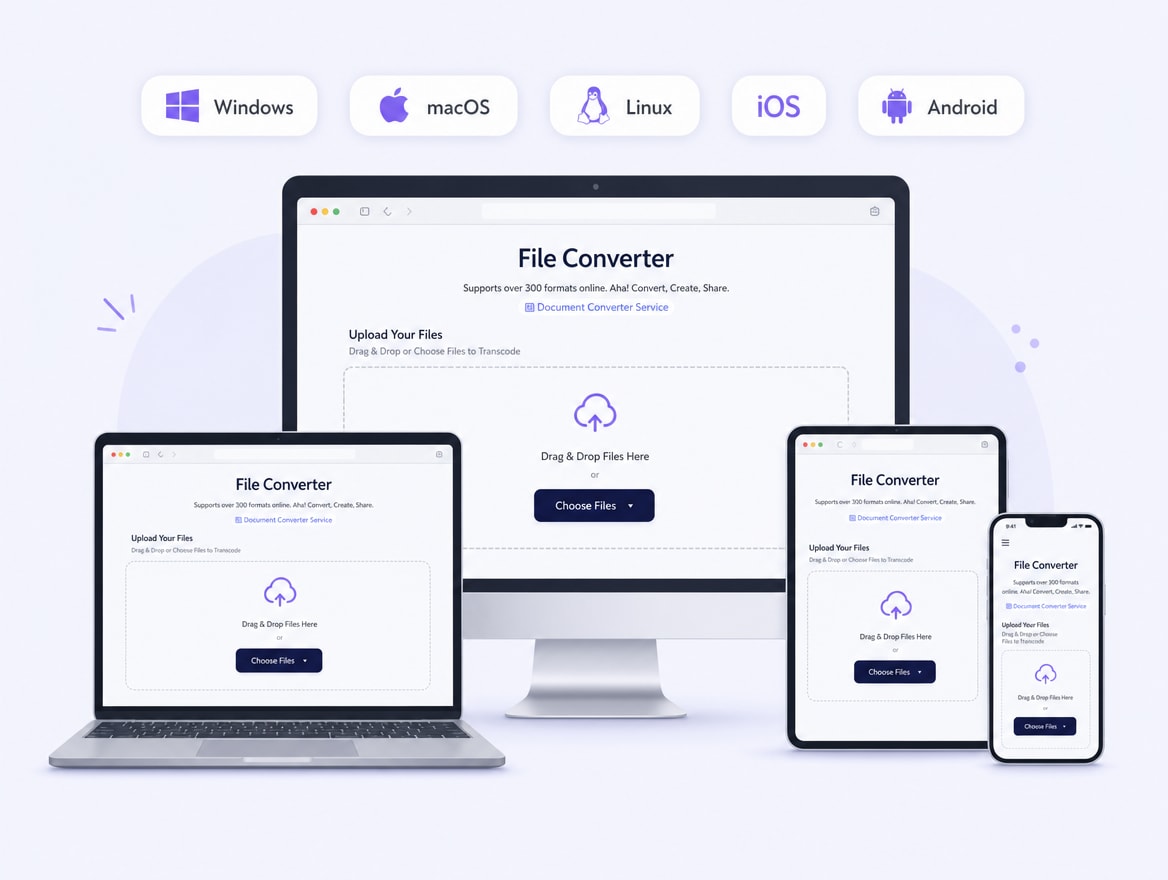
AhaConvert - often searched as "aha convert" - is a free, browser-based online file converter. According to its official website, it supports 300+ file types, including videos, images, audio files, documents, and e-books, and works entirely online across Windows, macOS, Linux, iOS, and Android with no installation, registration, or watermark.
Because AhaConvert runs in the browser, its conversions use an upload → server processing → download flow. The service also advertises browser-based batch conversion, while UniConverter provides a separate Desktop workspace for managed local queues and recurring media jobs.
Disclosure: this comparison guide is published by Wondershare UniConverter. This page is not the official AhaConvert website, and AhaConvert is not affiliated with or endorsed by Wondershare.
Main AhaConvert Features
Based on the official AhaConvert website, these are the platform's headline capabilities - a broad, free, browser-based conversion workflow.
300+ file types in one online tool
AhaConvert supports over 300 file types in a single browser tool, which is broader file-type coverage than many conversion-only sites.
Convert videos, audio files, and images online.
Handle documents and e-books in the same place.
Pick the target format and convert in a few clicks.
Free browser conversion with premium options
AhaConvert promotes free browser conversion with no signup or watermark, while its website also lists premium plans and premium tools.
No account, registration, or login required.
No watermark on output files.
Premium options and advanced settings are available for users who need additional controls.
Online batch conversion and cross-platform access
AhaConvert runs entirely online and advertises browser-based batch conversion, so the service is accessible on desktop and mobile devices without a dedicated app.
Works on Windows, macOS, and Linux through the browser.
Also usable on iOS and Android mobile browsers.
Convert from anywhere with an internet connection.
Because processing is server-based, large files depend on upload and download speed.
AhaConvert Pros and Limitations
Pros
Completely free with no signup, no login, and no watermark on output files.
Supports 300+ file types, including documents and e-books - wider than conversion-only tools.
Works in any modern browser on desktop and mobile, with nothing to install.
Offers online batch conversion and advanced settings for supported conversion tasks.
Publishes SSL transfer protection and automatic file-deletion commitments, although its official pages currently list different retention windows.
Limitations
100% online: every file must be uploaded, processed on a server, and downloaded, so large files depend heavily on connection speed.
No dedicated desktop workspace: online batch and repeated jobs still depend on uploading files, server processing, and downloading the results.
Conversion-focused only: no editing, compression, or AI enhancement toolkit around the conversion step.
Not ideal for confidential files you would rather keep on your own device.
Premium-plan boundaries and current free-use conditions should be checked before larger or repeated jobs.
Is AhaConvert Safe to Use?
AhaConvert states that it protects file transfers with SSL encryption and automatically deletes uploaded files. However, its official pages currently describe different deletion windows, including two hours and 24 hours. Users handling sensitive material should review the latest privacy terms on the official AhaConvert website before uploading.
As with any online converter, files leave your device for server-side processing. That can be convenient for everyday, non-sensitive files. For confidential business media, unreleased projects, or recurring local libraries, a Desktop workflow may be preferable because supported conversion tasks can be completed without repeatedly uploading files.
Practical takeaway: use an online converter for low-risk, occasional files, and consider a local Desktop workflow when privacy, repeatability, or file volume matters more.
AhaConvert vs. UniConverter
AhaConvert is a capable free online converter for quick tasks. UniConverter combines free online tools with a desktop app built for batch jobs, large files, and an all-in-one media workflow.
Compare the two tools
Free online + desktop appUniConverter
Free online converterAhaConvert
Price
✓Free online converter; desktop version with free trial and paid plans
Free browser conversion; premium plans and tools are also listed
Supported Formats
✓1,000+ video, audio, and image formats across the product
300+ file types, also covering documents and e-books
Quick One-off Conversion
✓Free online tools in the browser, no signup required
Free in-browser conversion, no signup required
Batch Conversion
✓Desktop batch queue with shared output settings for whole folders
Browser-based batch conversion is advertised; no dedicated Desktop app
Speed and Large Files
✓Local Desktop processing with hardware acceleration in supported workflows
Server-based; total time includes upload, queue, processing, and download
Editing and AI Tools
✓All-in-one toolkit: editing, compression, AI enhancement, watermark removal, and more
Conversion-focused, without a surrounding editing or AI toolkit
Privacy for Sensitive Files
✓Desktop mode processes files locally - nothing leaves your device
Files are uploaded to the cloud; auto-deleted within 24 hours (official claim)
Why Choose UniConverter as an AhaConvert Alternative?
Keep the same free, no-signup online convenience for quick tasks - and gain a desktop workflow when the job gets bigger.
Free online for quick tasks
Like AhaConvert, UniConverter offers free online conversion in the browser with no signup, making it suitable for a quick, low-friction media conversion.
Desktop batch processing and local speed
When a job becomes larger or more repetitive, UniConverter Desktop provides a managed local batch queue and hardware acceleration for supported workflows, reducing repeated browser upload and download steps.
1,000+ formats and an all-in-one AI toolkit
UniConverter supports 1,000+ video, audio, and image formats and surrounds conversion with editing, compression, AI enhancement, watermark removal, and more - a complete media workflow rather than a single conversion step.
“Wondershare Video Converter is hands down one of the best tools I’ve added to my creative
toolkit. It’s fast, easy to use, and incredibly powerful. Whether I need to convert large video
files into different formats, compress them without losing quality, or even edit and trim clips,
this software handles it all with ease.”
— TG
“I have been using Wondershare UniConverter for many years. It has been one of the best ways to
download, screen capture and convert videos. It has been my go to for video download and
conversion.”
— Alan Horner
“Wondershare has so many assets, not just for downloading media. You can convert to other
formats.
You can create GIFs and clean up videos. There are way too many assets you can use with
WonderShare UniConverter that it's a MUST for any video editor or graphics designer. It's worth
every penny.”
— P.rajotte
“Simple to use, music, pic, video, all can edit or convert, Make my work faster and easy”
— gyn
“Over the years, Wondershare Uniconverter has really transformed into a powerhouse of tools. You
can download, convert, crop, compress, enhance the quality, remove the background and do ton of
other useful ops. We can do it for Video, Audio, and images, either individually or in batches.”
—
Sura Mukkavilli
“Wondershare UniConverter has completely exceeded my expectations! The software is incredibly
fast, easy to use, and supports a wide range of file formats. I was able to convert large videos
in just minutes without losing quality. The interface is clean and intuitive, making it
beginner-friendly while still offering advanced features for power users. ”
— CHEUNG SIN LIM
“Wondershare Video Converter is hands down one of the best tools I’ve added to my creative
toolkit. It’s fast, easy to use, and incredibly powerful. Whether I need to convert large video
files into different formats, compress them without losing quality, or even edit and trim clips,
this software handles it all with ease.”
— TG
“I have been using Wondershare UniConverter for many years. It has been one of the best ways to
download, screen capture and convert videos. It has been my go to for video download and
conversion.”
— Alan Horner
What Users Say About UniConverter
These customer comments describe the broader UniConverter product and do not represent reviews of AhaConvert or this comparison page.
★ ★ ★ ★ ★
Rated 4.7/5
Final Verdict: Is AhaConvert Worth Using?
Both services can handle quick browser-based conversion. The better choice depends on the file categories you work with and whether you need an ongoing Desktop media workflow.
Choose AhaConvert When
You need a broad browser-based file converter
You occasionally convert files without installing software.
You work across mixed categories such as documents, e-books, images, audio, and video.
You are comfortable using an upload, server-processing, and download workflow.
Choose UniConverter When
You need a repeatable video, audio, and image workflow
You want a managed Desktop batch queue for recurring local jobs.
You need richer output controls and supported hardware acceleration.
You also use editing, compression, enhancement, or other media tools.
AhaConvert is convenient for occasional browser conversion across broad file categories. UniConverter is the more complete option for recurring media workflows that benefit from Desktop batch processing, local file handling, and additional video, audio, and image tools.
AhaConvert, often searched as "aha convert", is a free browser-based online file converter that supports 300+ file types, including videos, images, audio, documents, and e-books. It requires no installation, registration, or watermark.
02
Is AhaConvert free to use?
AhaConvert promotes free browser conversion with no signup or watermark, while its website also lists premium plans and premium tools. UniConverter likewise provides free online conversion tools, plus a Desktop app for larger and recurring media workloads.
03
Is AhaConvert safe?
AhaConvert states that it protects transfers with SSL encryption and automatically deletes uploaded files, although its official pages currently list different retention windows. Avoid uploading highly sensitive material to any online converter when a local Desktop workflow is more appropriate.
04
Does AhaConvert add a watermark to converted files?
No. AhaConvert officially claims watermark-free output on its free conversions. UniConverter's free online tools also let you convert without a watermark for quick tasks.
05
What is the best AhaConvert alternative?
For quick online media conversion plus a path to recurring Desktop work, UniConverter is a strong AhaConvert alternative: the broader product markets 1,000+ formats, provides managed local batch queues, and includes editing, compression, and AI media tools.
06
Can I batch convert files with AhaConvert?
AhaConvert advertises browser-based batch conversion. UniConverter Desktop is the stronger fit when you need a dedicated local queue, recurring folder-based jobs, and shared output controls for supported media workflows.
Try UniConverter - A Free AhaConvert Alternative
Convert files online free with no signup for a quick result, or choose UniConverter Desktop for batch conversion, larger local jobs, and stronger output control.