What You Can Control in a Batch Image Compression Workflow
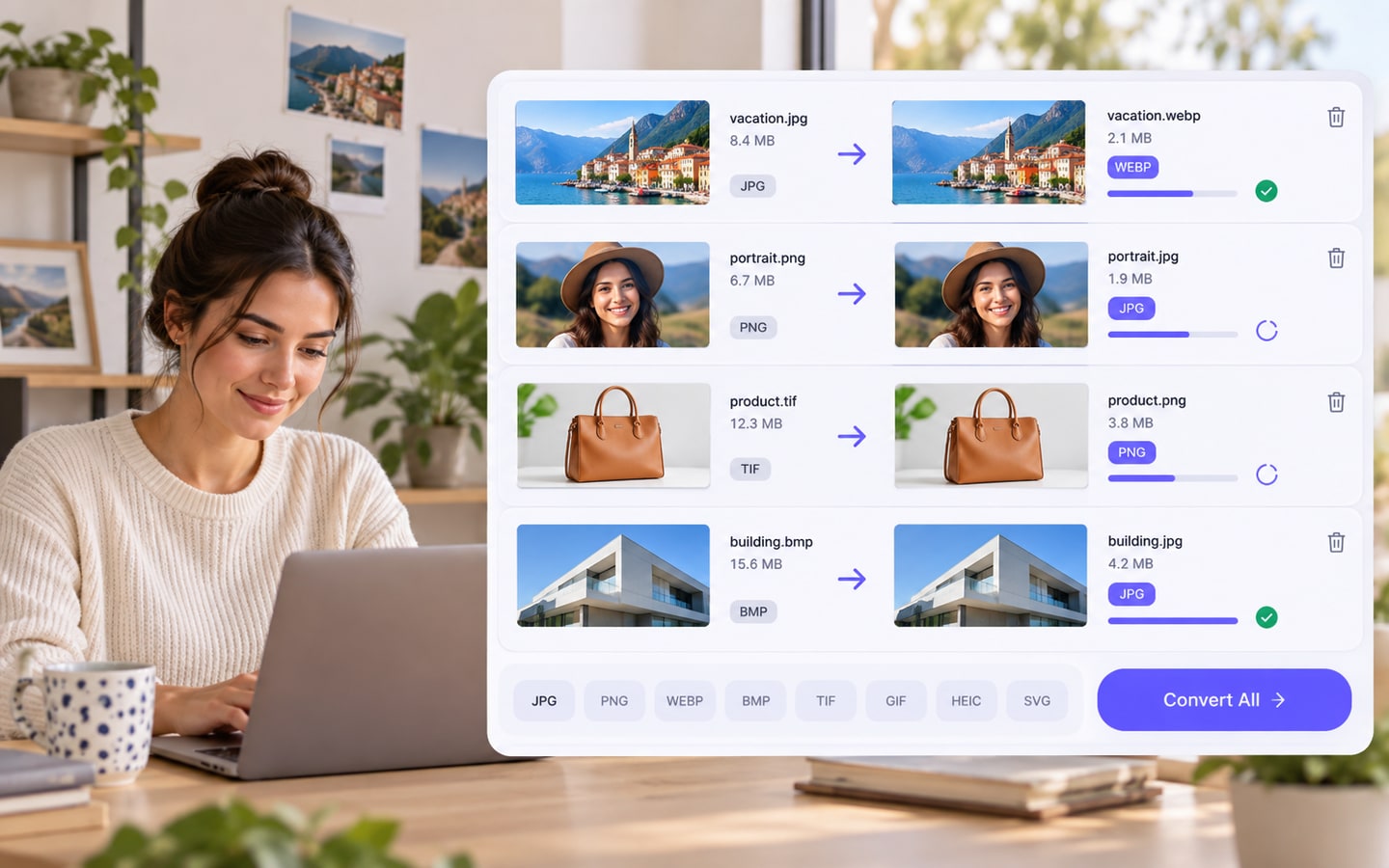
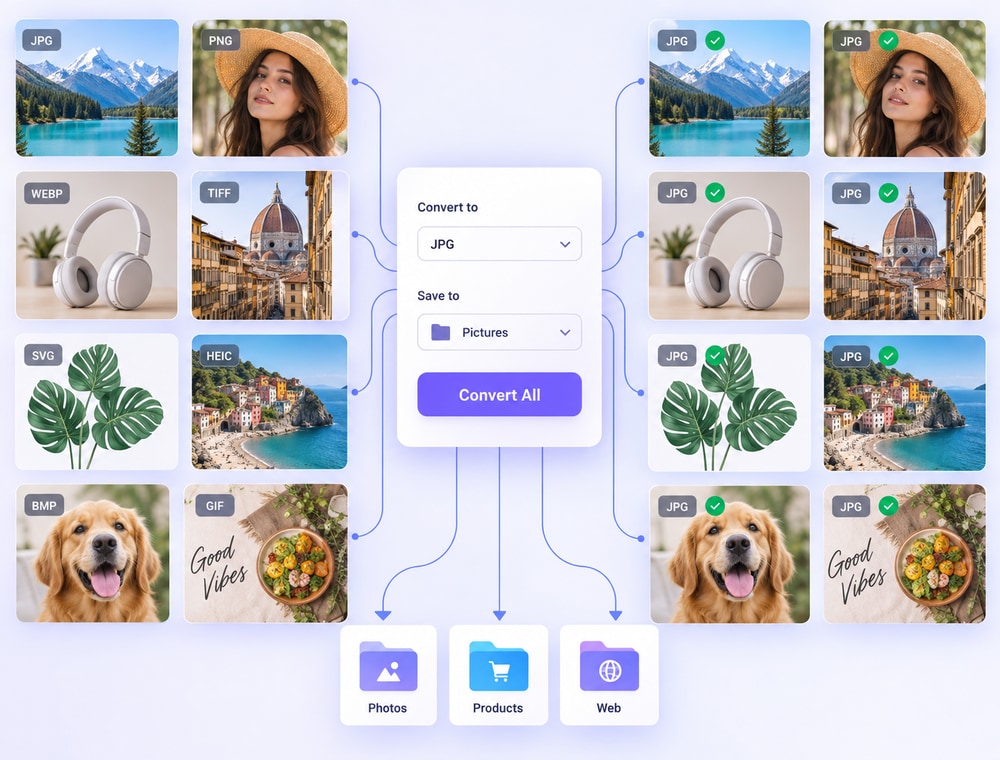
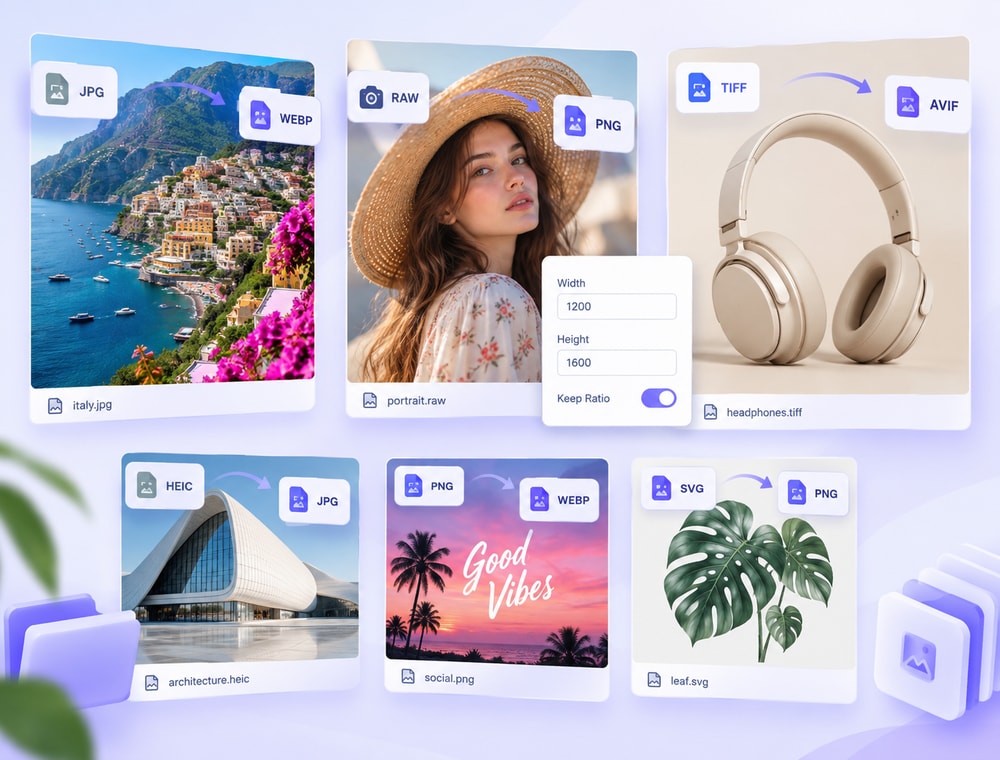
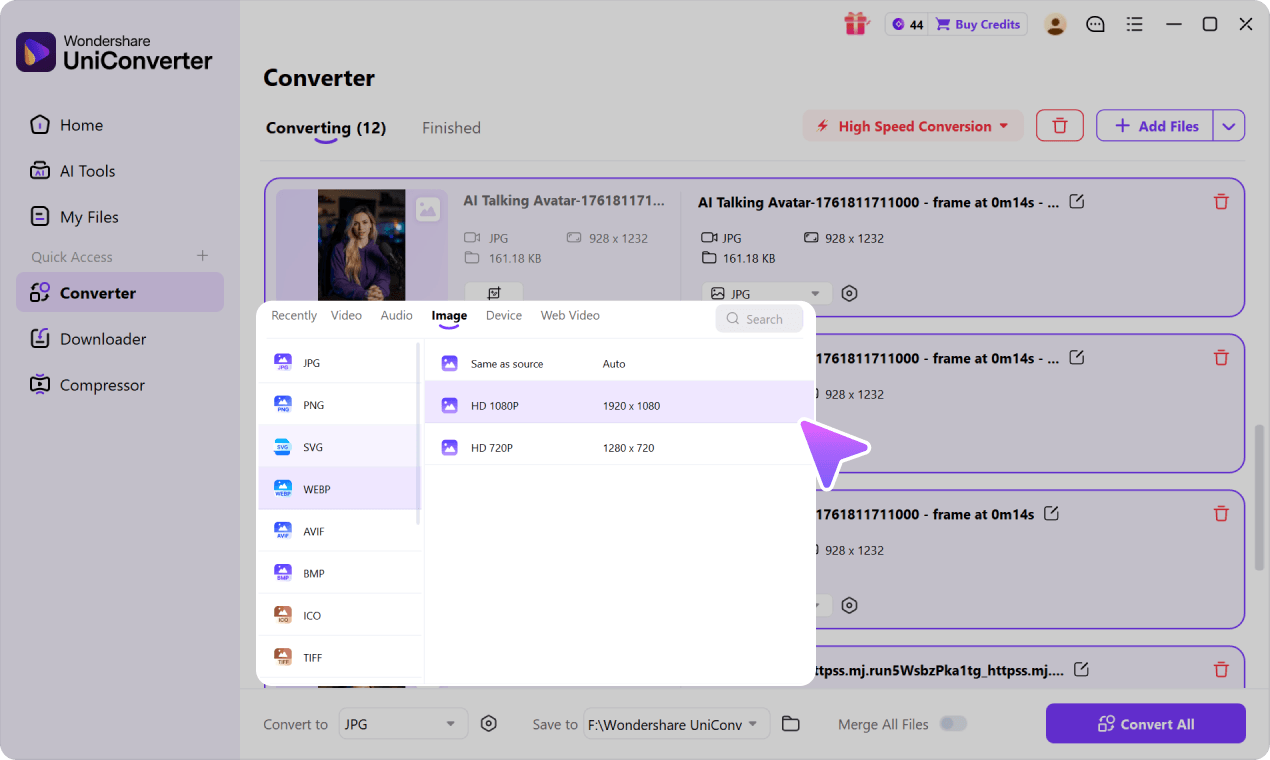
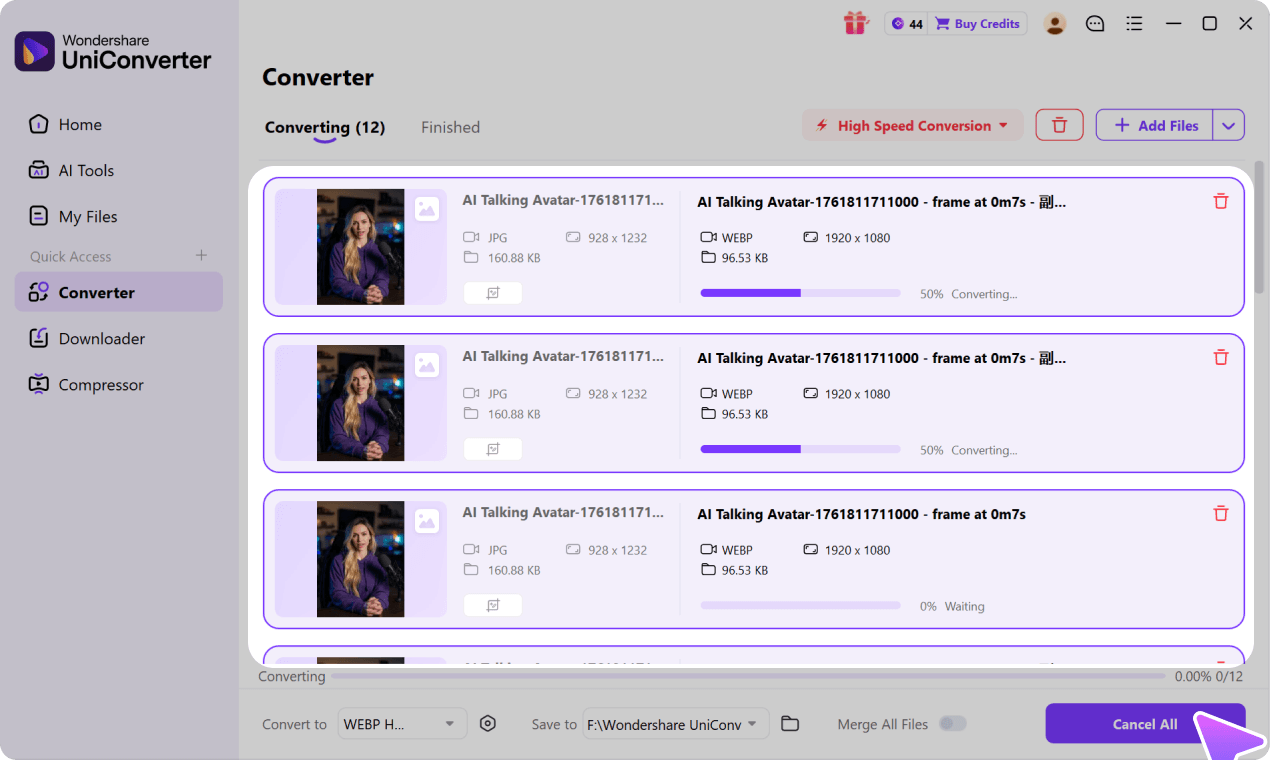
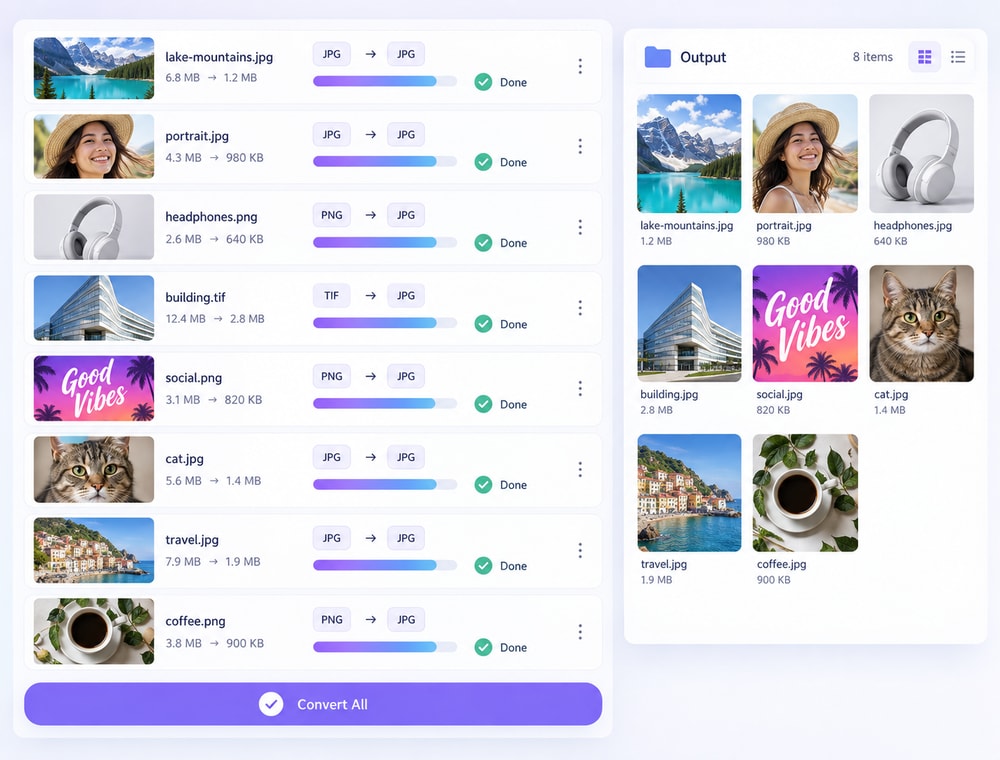
UniConverter Desktop lets you choose a shared output format with Convert to and a destination folder with Save to for the queue. Individual images can also use available per-file output choices, custom pixel dimensions, Keep original size, Keep aspect ratio, and JPG quality settings. JPG quality adjustment is verified for JPG output and should not be treated as a universal PNG or WebP control. File-size results depend on the source image and selected settings, so review processed copies instead of expecting an identical reduction or exact target size for every image. Image Converter can adjust output dimensions during conversion; for dedicated batch resizing, background work, and broader editing, use Batch Image Editor.
Format availability may vary by operating system and UniConverter version. See the
UniConverter Tech Specs
for current image format support and system requirements.