
How to Transcribe Audio to Text in 3 Steps
Convert spoken audio into text without typing everything by hand. UniConverter helps you transcribe audio to text in a simple workflow, whether you work with voice notes, interviews, lectures, meetings, podcasts, or recordings.

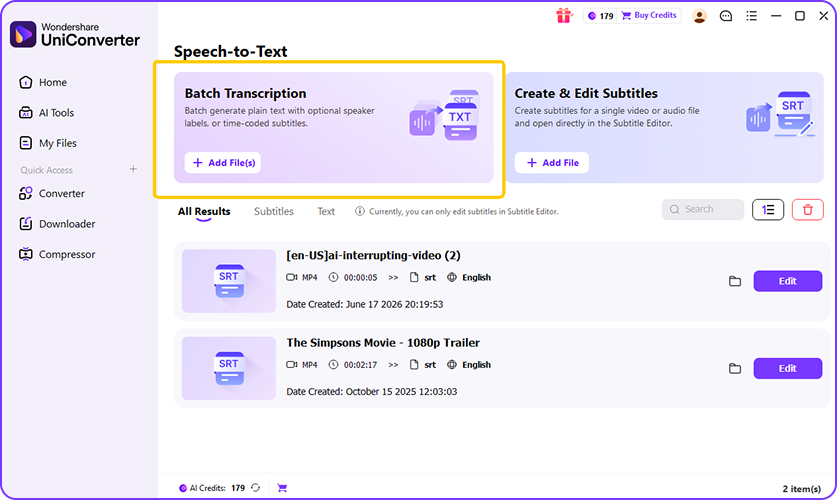
Open UniConverter’s audio to text tool and upload your file. You can add MP3, WAV, M4A, AAC, FLAC, OGG, and other common audio formats for quick or repeated transcription work.

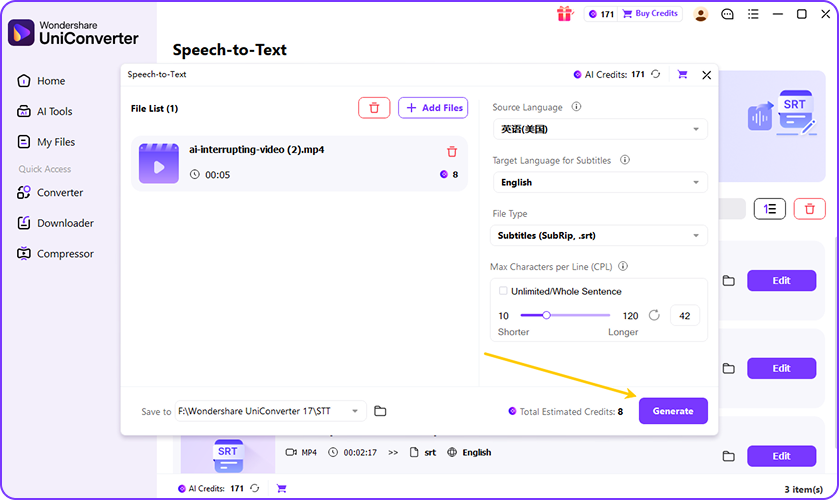
UniConverter analyzes the speech in your recording and turns it into readable text. The AI audio to text engine detects spoken words, builds a transcript, and reduces time spent on manual typing.

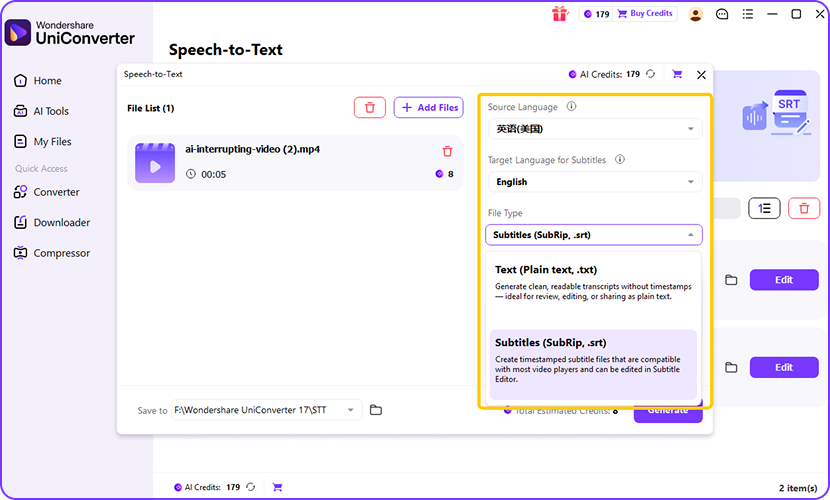
Review the transcript, correct names or terms, and prepare it for your project. Export the result as TXT for notes or SRT for subtitles, depending on your workflow.
Why Choose UniConverter as Your Audio to Text Converter
UniConverter is designed for users who need a practical audio to text converter, not just a simple recorder. You can start with free audio to text online, then move to desktop when your files are longer, private, or repeated.
Up to 99% Accurate AI Audio to Text Transcription
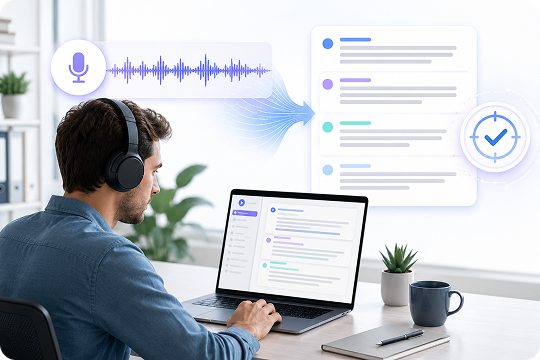
UniConverter uses AI speech recognition to turn spoken audio into clean, editable text. You can transcribe audio files from meetings, lessons, voice notes, or interviews with clear sentence flow. The audio to text converter helps reduce manual typing and gives you a transcript you can review, polish, and export for later use.
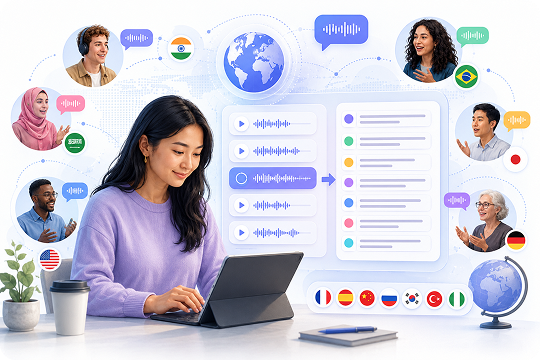
Transcribe Audio to Text in 20+ Languages
Need to work with multilingual recordings? UniConverter helps transcribe audio to text in 20+ languages, so you can handle English lectures, Spanish interviews, Japanese voice notes, and more. Use it as a multilingual voice to text converter when your audio files come from different speakers, regions, courses, or content teams.
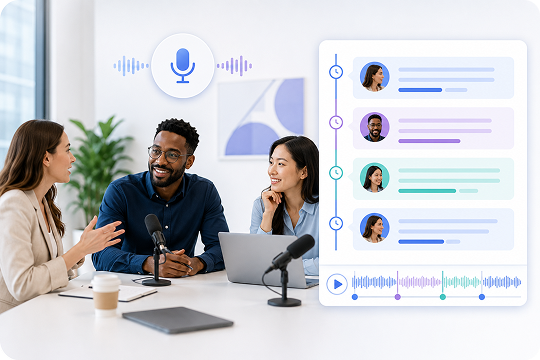
Speaker Labels and Timestamps for Clear Transcripts
Long recordings are easier to review when the transcript has speaker labels and timestamps. UniConverter helps you follow who said what and when it happened. This is useful for meeting notes, interview transcription, podcast editing, and audio to text transcription projects that need structure beyond plain paragraphs.
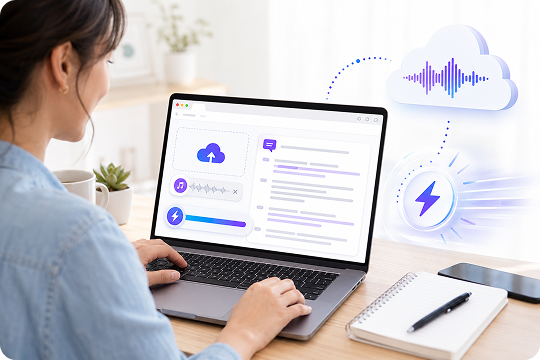
Free Audio to Text Online for Quick Tasks
Use UniConverter’s free audio to text converter online when you need a fast transcript from one recording. Open the tool in your browser, upload the file, and let AI transcribe audio to text automatically. It works well for short voice notes, quick interviews, class clips, and simple sound to text online tasks.
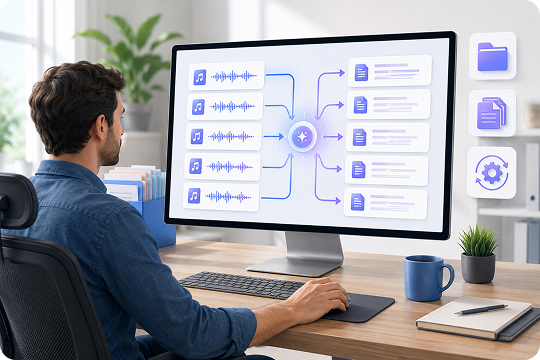
Batch Audio File to Text Conversion on Desktop
When you handle many recordings, desktop batch transcription can save time. UniConverter desktop lets you convert multiple audio files to text in one workflow, instead of uploading each file one by one. It is a better fit for content teams, educators, podcasters, and professionals who process audio recordings every week.
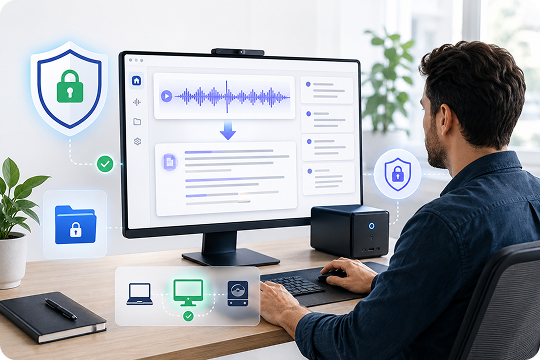
Privacy-Focused Desktop Workflow for Local Projects
Some audio files contain private discussions, client interviews, class recordings, or internal meetings. UniConverter desktop gives you a more controlled workflow for sensitive transcription tasks. You can manage files on your computer, review the transcript before sharing, and keep your audio to text process closer to your regular production environment.
Online vs Desktop — Pick Your Audio to Text Tool
Choose the audio to text tool that matches your file size, privacy needs, and production rhythm. The online version works well for fast browser-based transcription. The desktop version is better for batch work, longer files, and recurring projects.
| Feature | UniConverter Desktop | UniConverter Online |
|---|---|---|
| Best for | Larger and repeated transcription work | Quick audio to text online tasks |
| Setup | One-time download | No installation, browser-based |
| File handling | Better for long files and local projects | Good for short or one-off files |
| Batch processing | Supports batch transcription | Not ideal for batch work |
| Privacy workflow | Better for private desktop workflows | Suitable for quick uploads |
| Export | TXT / SRT | TXT |
| Recommended users | Podcasters, teams, educators, professionals | Students, creators, quick note users |
Who Uses UniConverter to Convert Audio to Text
UniConverter supports different audio to text workflows, from quick voice notes to structured transcripts. Each use case has different needs, so the page should connect keywords with real user scenarios.
Podcasters Who Need Audio to Text Transcription for Episodes
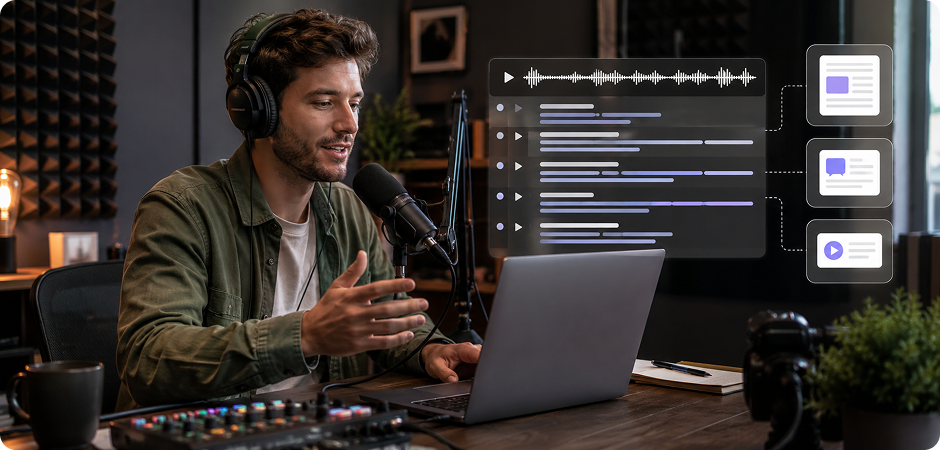
Podcasters can use UniConverter to turn recorded episodes into editable transcripts, show notes, and subtitle files. An audio transcript helps you repurpose long episodes into blog posts, social captions, and quote cards. You can transcribe podcast recordings after editing, review names or sponsor terms, and export TXT or SRT for your publishing workflow.
Voicemail to Text Converter for Business and Personal Messages
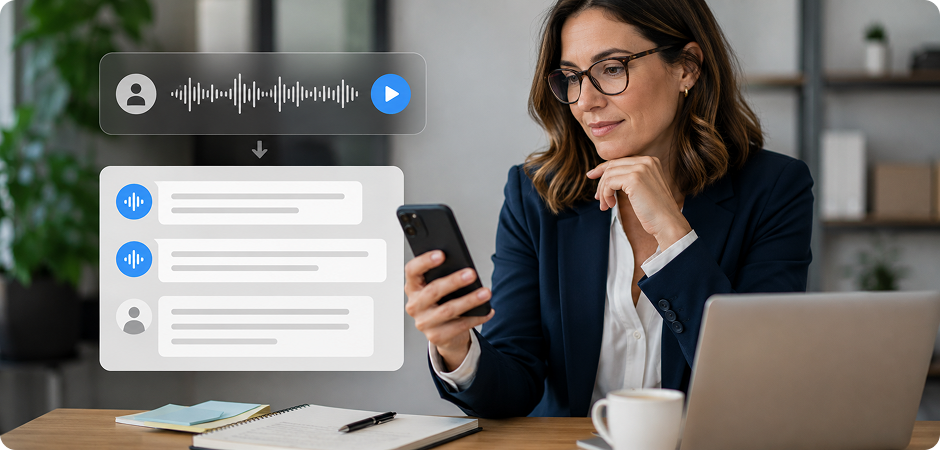
Use UniConverter as a voicemail to text converter when you need to read messages instead of replaying them. This helps with client callbacks, service requests, sales leads, and personal voice messages. Convert voicemail audio to text, scan the key points, and save the transcript for follow-up notes, CRM records, or team communication.
Voice Recordings to Text for Notes, Ideas, and Field Work
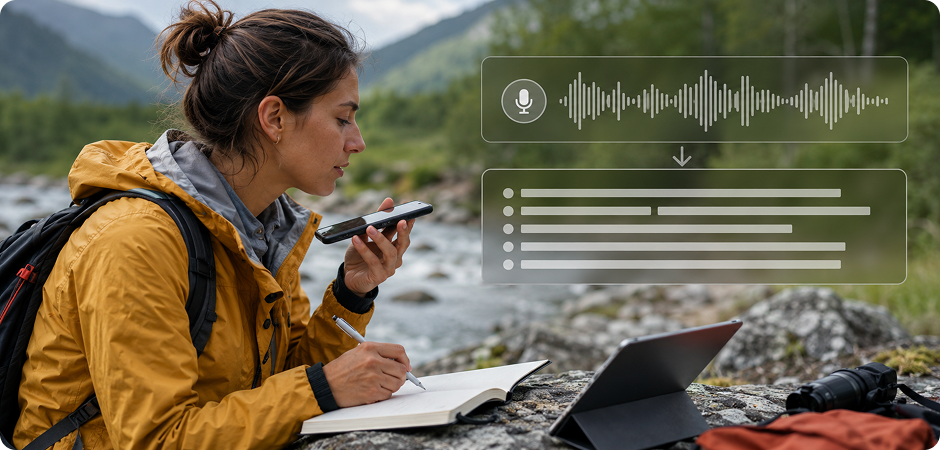
If you often record ideas, reminders, or field notes, UniConverter can help convert voice recordings to text. Upload a memo, interview clip, or phone recording, then turn it into a readable transcript. This is useful when you need to transcribe a voice recording for planning, reporting, research, or content drafting.
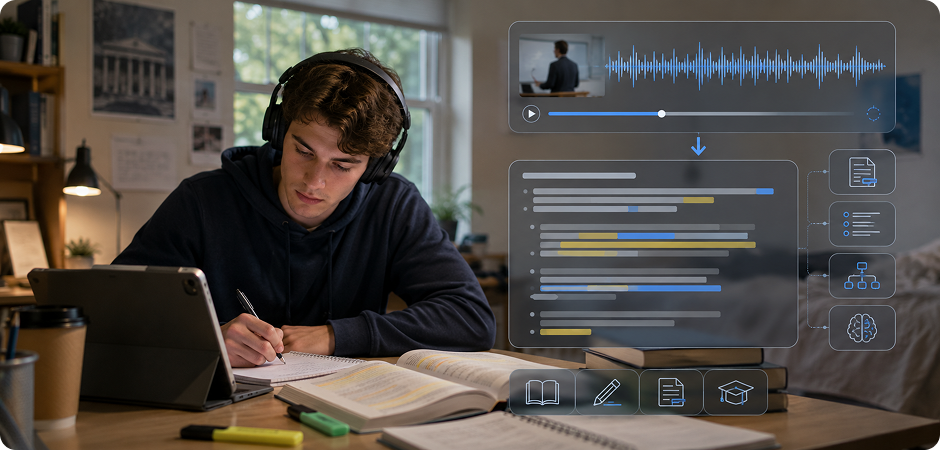
Lectures and Students Who Need Audio to Script Workflows
Students can use UniConverter to convert lecture recordings into text for review, summaries, and study notes. Instead of replaying the same audio many times, you can scan the transcript and highlight important ideas. This audio to script workflow works well for classes, online courses, webinars, language practice, and revision before exams.
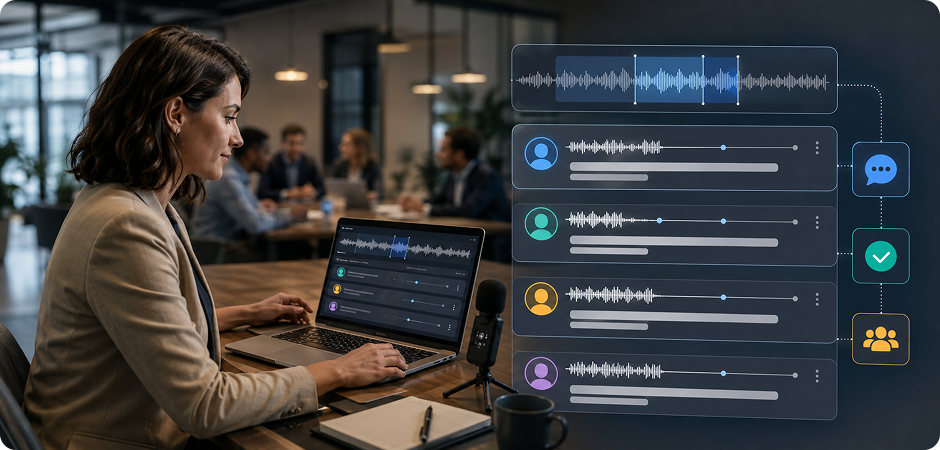
Meetings and Interviews That Need an Audio Transcript Generator
Teams, researchers, and journalists can use UniConverter as an audio transcript generator for meetings and interviews. Transcribe audio to text after a discussion, then review decisions, quotes, action items, and timestamps. It helps you organize long conversations into a searchable record without typing every sentence from the recording manually.
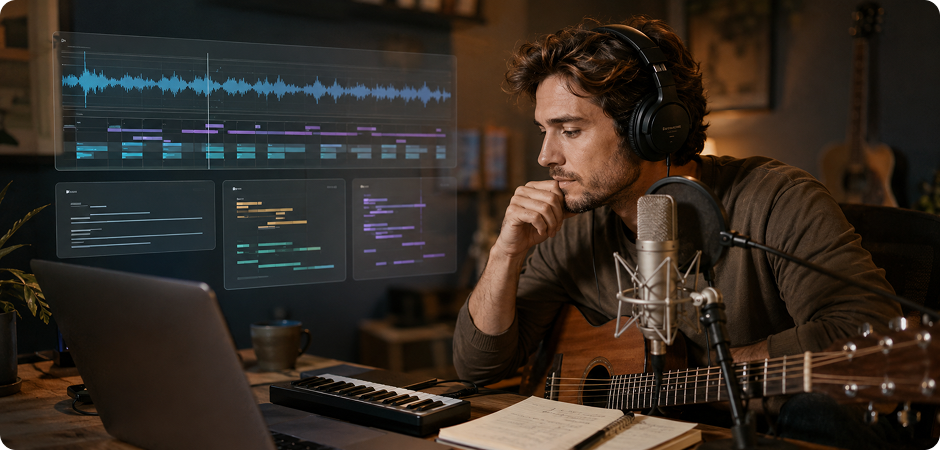
Songs to Lyrics Converter for Draft Lyrics and Music Notes
Creators can use UniConverter as a song to lyrics converter for personal, authorized, or original audio files. Upload a demo, rehearsal recording, or vocal track, then generate a draft lyric transcript for review. AI transcription may need manual correction, especially with music, accents, or background sound, but it can speed up lyric drafting and editing.
FAQs about Audio to Text
How do I convert audio to text for free?
What makes a good audio to text converter?
How accurate is AI audio to text transcription?
Can I transcribe audio recordings on my computer offline?
What audio file formats are supported?
Can UniConverter transcribe voicemails to text?
Can I translate audio to text in another language?
Is my audio data private and secure?
How long does it take to convert an audio file to text?
Can I transcribe songs to lyrics?



Convert Audio to Text with UniConverter
Turn recordings, voice notes, lectures, meetings, podcasts, and voicemails into editable text. Start with the free audio to text converter online, or download UniConverter desktop for larger files, batch transcription, and regular production work.
