
Why UniConverter Is the Best Podcast Transcript Generator
Create accurate transcripts, organize speakers, and turn every episode into useful content. UniConverter helps you manage podcast transcription from the first audio file to the final TXT, SRT, VTT, DOCX, or PDF export.
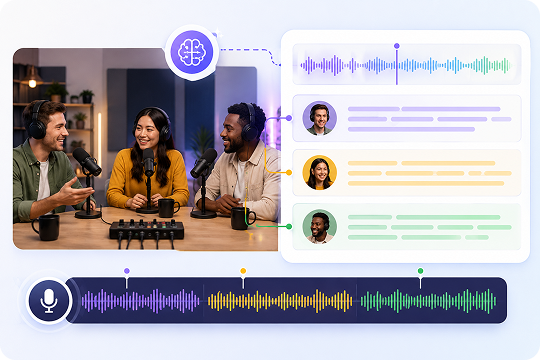
Accurate AI Podcast Transcription with Multi-Speaker Labels
Turn long episodes into a clean podcast transcript with AI speech-to-text technology built for real conversations. UniConverter detects different voices and adds speaker labels, such as Host, Guest 1, and Guest 2. You can review, edit, and reuse the transcript for interviews, panel shows, educational podcasts, and branded audio content.
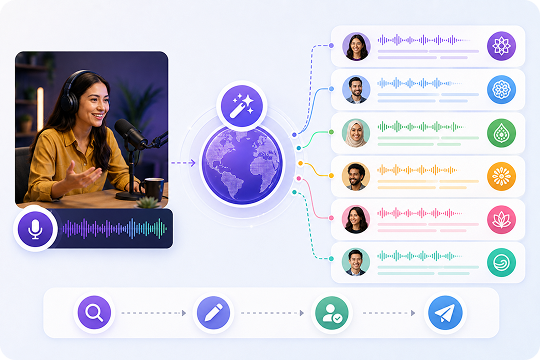
Transcribe Podcasts in 20+ Languages with Auto-Detection
Reach more listeners with podcast transcription that supports 20+ languages. UniConverter can auto-detect the spoken language or let you choose one before processing. Use it to transcribe podcasts in English, Spanish, French, German, Japanese, Chinese, Korean, Portuguese, and more, while keeping your podcast transcript easy to search, edit, and publish.
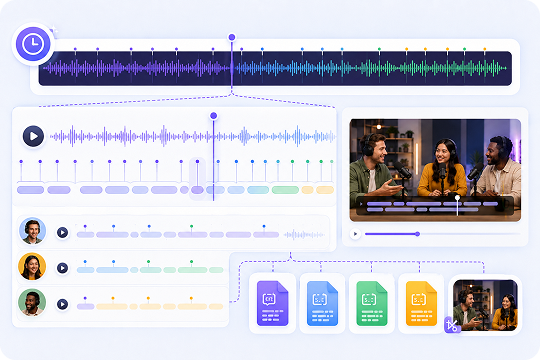
Word-Level Timestamps for Subtitle-Ready Podcast Transcripts
Create a podcast transcript with timestamps that helps you find, quote, and repurpose every key moment. UniConverter tags words with precise timing, so you can export SRT or VTT files for YouTube, TikTok, or video podcasts. It also makes podcast to text workflows easier for editors, creators, and content teams.
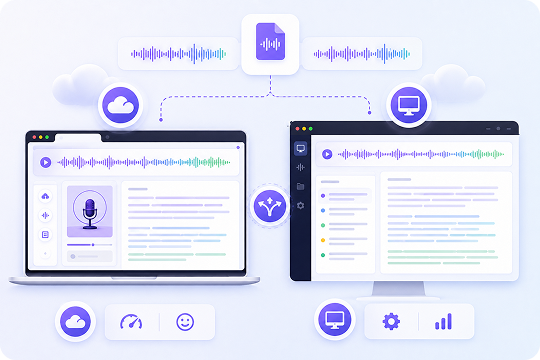
Desktop and Online Podcast Transcription, Your Choice
Choose the podcast transcription tool that fits your workflow. Use UniConverter Online for quick free podcast transcription in your browser, or download the desktop app for larger files and regular production work. Whether you need one podcast transcript or a full archive, UniConverter gives you a flexible way to transcribe podcast audio.
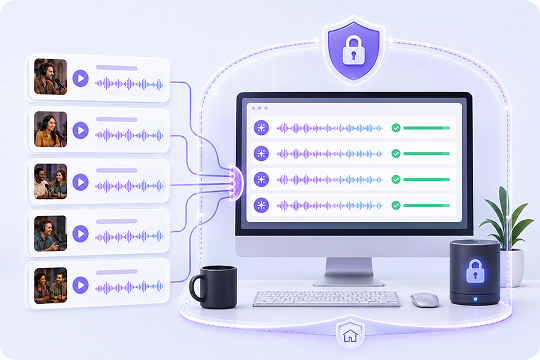
Batch Podcast Transcription with Local Privacy
Process multiple episodes at once with desktop podcast transcription. Add a full season, run batch speech-to-text, and export each podcast transcript in the format you need. When you use the desktop app, files can be processed locally, which helps protect unreleased interviews, internal recordings, and sensitive podcast audio files safely.
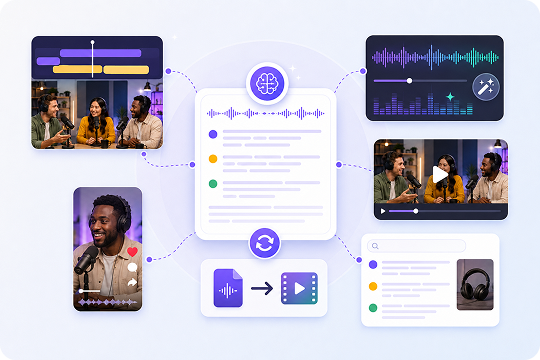
More Than a Podcast Transcript Generator
Keep your workflow moving after transcription. UniConverter connects podcast transcripts with subtitle editing, audio enhancement, video conversion, and social clip creation. You can turn one episode into TXT notes, SRT subtitles, short videos, and searchable content without switching between tools.
How to Transcribe a Podcast in 3 Steps
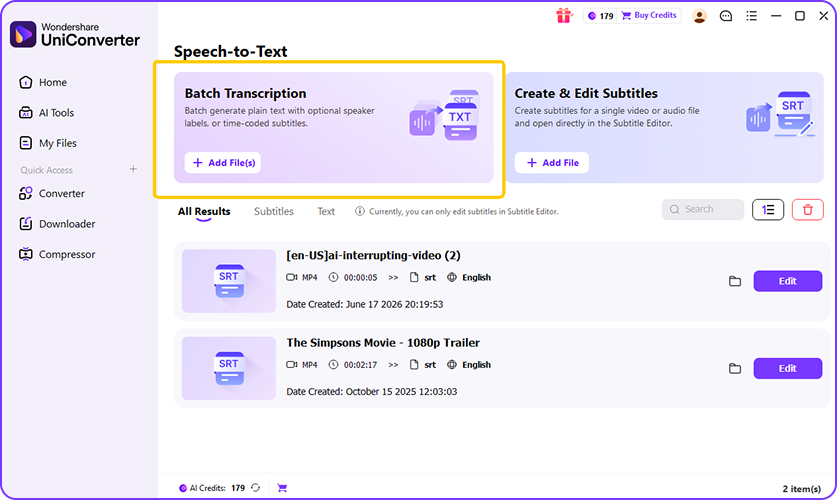
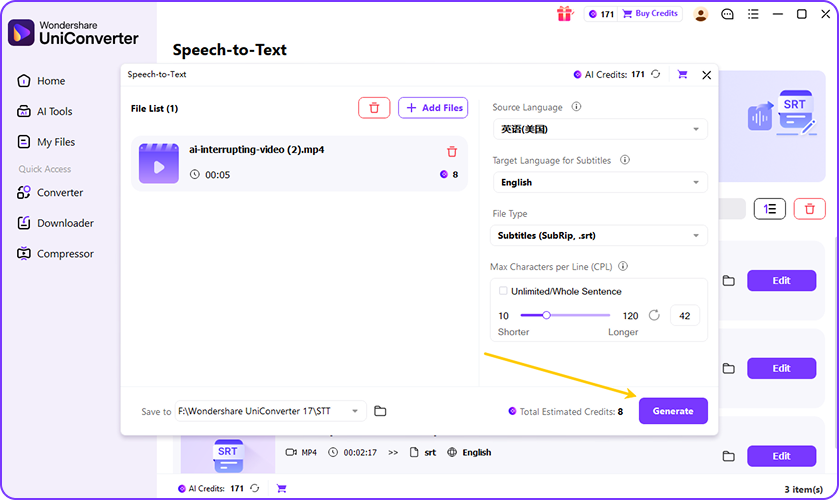
Use UniConverter to transcribe podcast to text in a simple workflow: import your file, choose language and format, then generate or edit your podcast transcript.

Open UniConverter’s Speech to Text feature. Import your podcast audio or video file from your device, including MP3, WAV, M4A, MP4, AAC, OGG, FLAC, and more.

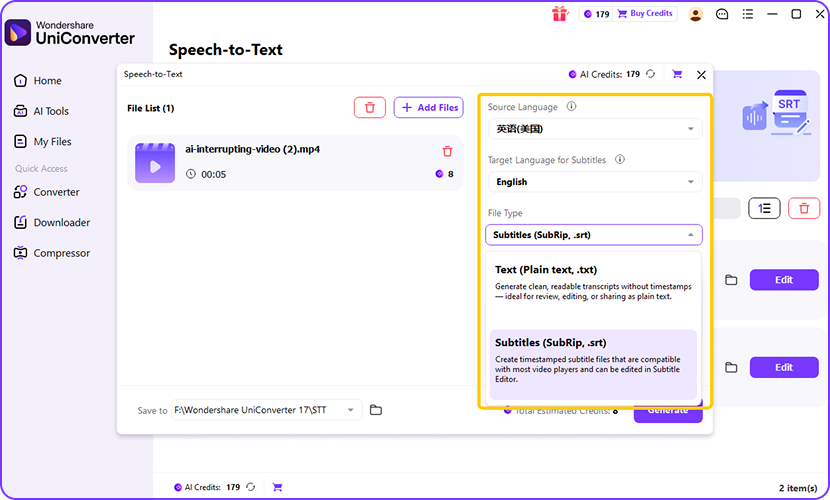
Select the spoken language, or let UniConverter detect it automatically. Then choose the target language if needed, and set the output format as TXT for text transcripts or SRT for subtitles.

Click Generate to create your podcast transcript. Export it as TXT or SRT, or continue editing in UniConverter’s subtitle editor to adjust text, timing, and subtitle details.
Choose the Right Podcast Transcription Tool for You
UniConverter gives you two ways to get podcast transcripts. Use the online tool for quick browser-based transcription, or choose the desktop app for larger files, batch jobs, and local workflows.
| Feature | UniConverter Desktop | UniConverter Online |
|---|---|---|
| Best for | Full podcast production, teams, agencies | Quick one-off podcast transcripts |
| Workflow | Desktop podcast transcription | Browser-based podcast transcription |
| File handling | Larger files and batch jobs | Single-file uploads |
| Batch transcription | Yes, ideal for full seasons | Best for individual episodes |
| Offline workflow | Available on desktop | Requires internet access |
| Export formats | TXT, SRT | TXT |
| Extra tools | Subtitle editor, converter, enhancer | Fast podcast to text conversion |
Who Uses UniConverter to Transcribe Podcasts to Text
Podcast transcription is useful for creators, marketers, accessibility teams, video editors, researchers, and anyone who needs searchable audio content.
Transcribe Podcasts to Create Show Notes Faster
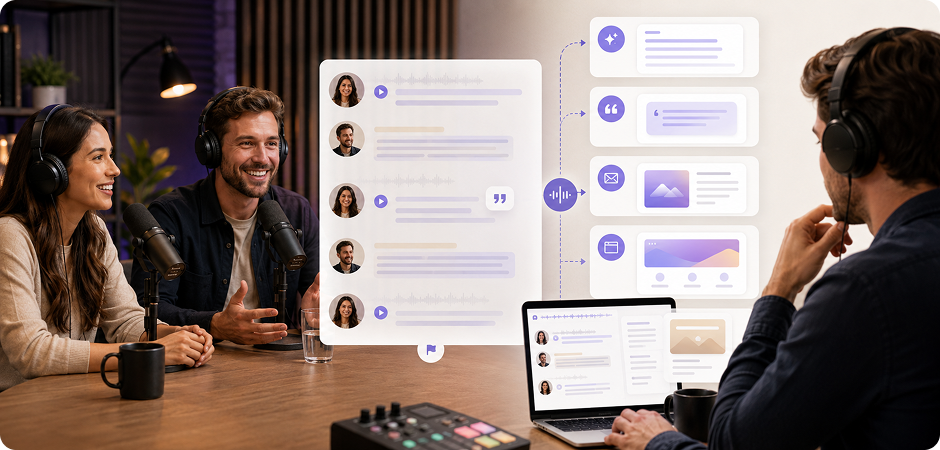
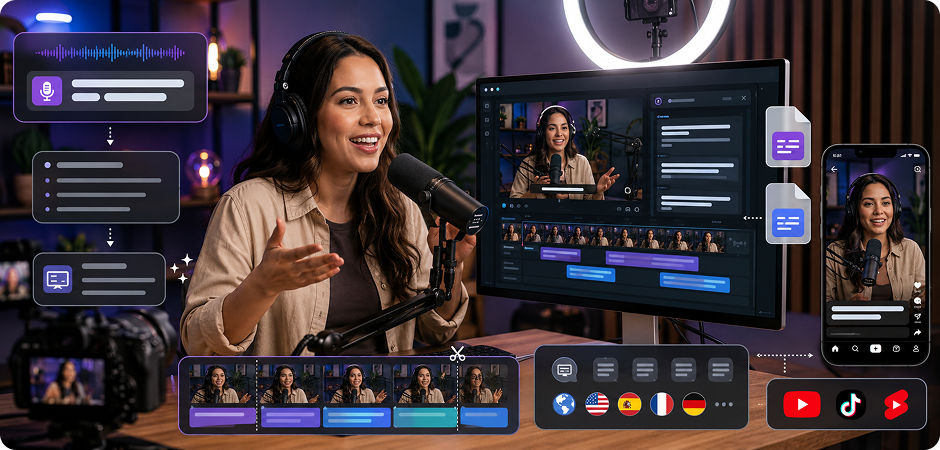
Use UniConverter to turn every episode into a clear podcast transcript you can edit, search, and share. After you transcribe podcast audio, pull out key quotes, guest insights, chapter markers, and episode summaries in less time. This helps you create show notes that support listeners before and after they press play. It also gives your team a reliable text source for newsletters, landing pages, follow-up content, and sponsor recap materials.
Turn Podcast Transcripts into SEO Blog Content
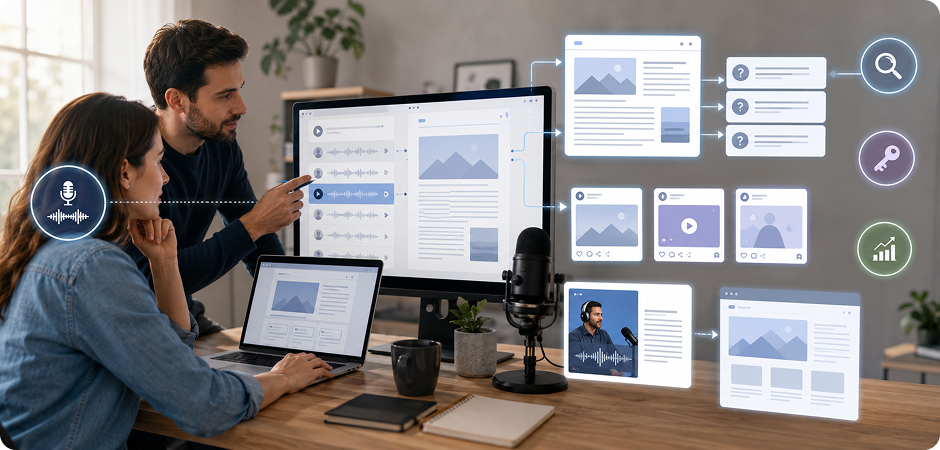
A podcast transcript gives search engines text they can understand. UniConverter helps you convert podcast to text, then reshape the transcript into blog posts, article outlines, FAQs, and social captions. Use important terms, guest quotes, and topic sections to build content from each episode. This makes podcast transcription useful for SEO teams that want more reach without starting every article from a blank page or losing the original conversation context.
Create Podcast Transcripts for Accessible Listening
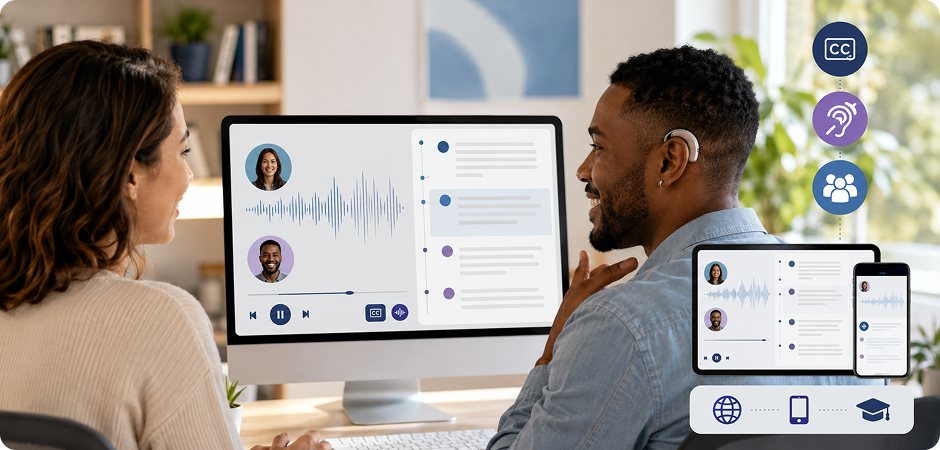
Podcast transcripts help more people access your audio content, including deaf and hard-of-hearing listeners. With UniConverter, you can create readable text versions of episodes and provide them beside your audio player or video podcast. Timestamps and speaker labels make the transcript easier to follow. This supports accessibility goals, improves the listener experience, and helps teams prepare content for WCAG-friendly publishing workflows across websites, apps, and course pages.
Generate Podcast Subtitles from Podcast to Text Output
If you publish episodes on YouTube, TikTok, or other video platforms, UniConverter can turn your podcast transcript into subtitle-ready files. Export SRT or VTT after you transcribe podcast to text, then review timing in the subtitle editor. This helps viewers follow the conversation without sound. It also supports short clips, highlight reels, trailers, and multilingual video podcast publishing for audiences who watch on mobile and need captions.
Search Podcast Transcripts for Quotes and Insights
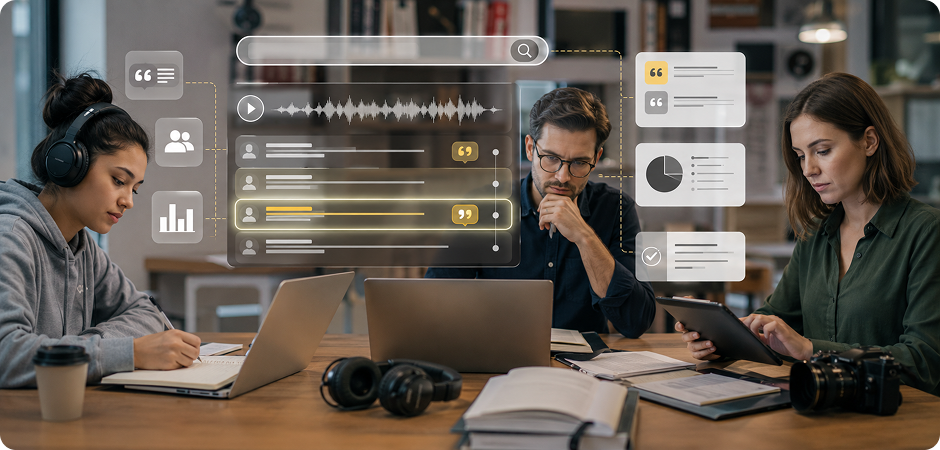
Long episodes are hard to scan by ear. UniConverter creates a searchable podcast transcript that helps you find names, data points, claims, and quotes faster. Researchers can organize interview material, students can review lecture-style podcasts, and journalists can check guest statements with timestamps. Instead of replaying the same audio again, you can work from accurate podcast to text output and focus on analysis, writing, citation, or reporting tasks.
Trusted by Podcasters, Creators,
and Content Teams
FAQs about Podcast Transcription
How do I get a transcript of a podcast?
How do I transcribe a podcast for free?
How accurate is the AI podcast transcript generator?
Can I transcribe a Spotify or Apple Podcasts episode?
What languages are supported for podcast transcription?
Can UniConverter identify multiple speakers in a podcast?
What export formats are available?
Is the desktop version offline and secure?
How long can my podcast file be?
Can I export the transcript as subtitles for YouTube?



Start Transcribing Your Podcast Free Today
Turn your next episode into an editable podcast transcript in minutes. Use UniConverter to transcribe podcast audio, create subtitles, build show notes, and repurpose your content across channels.
