UniConverter
UniConverter Online Free
Converter video, audio & image free
Free Try

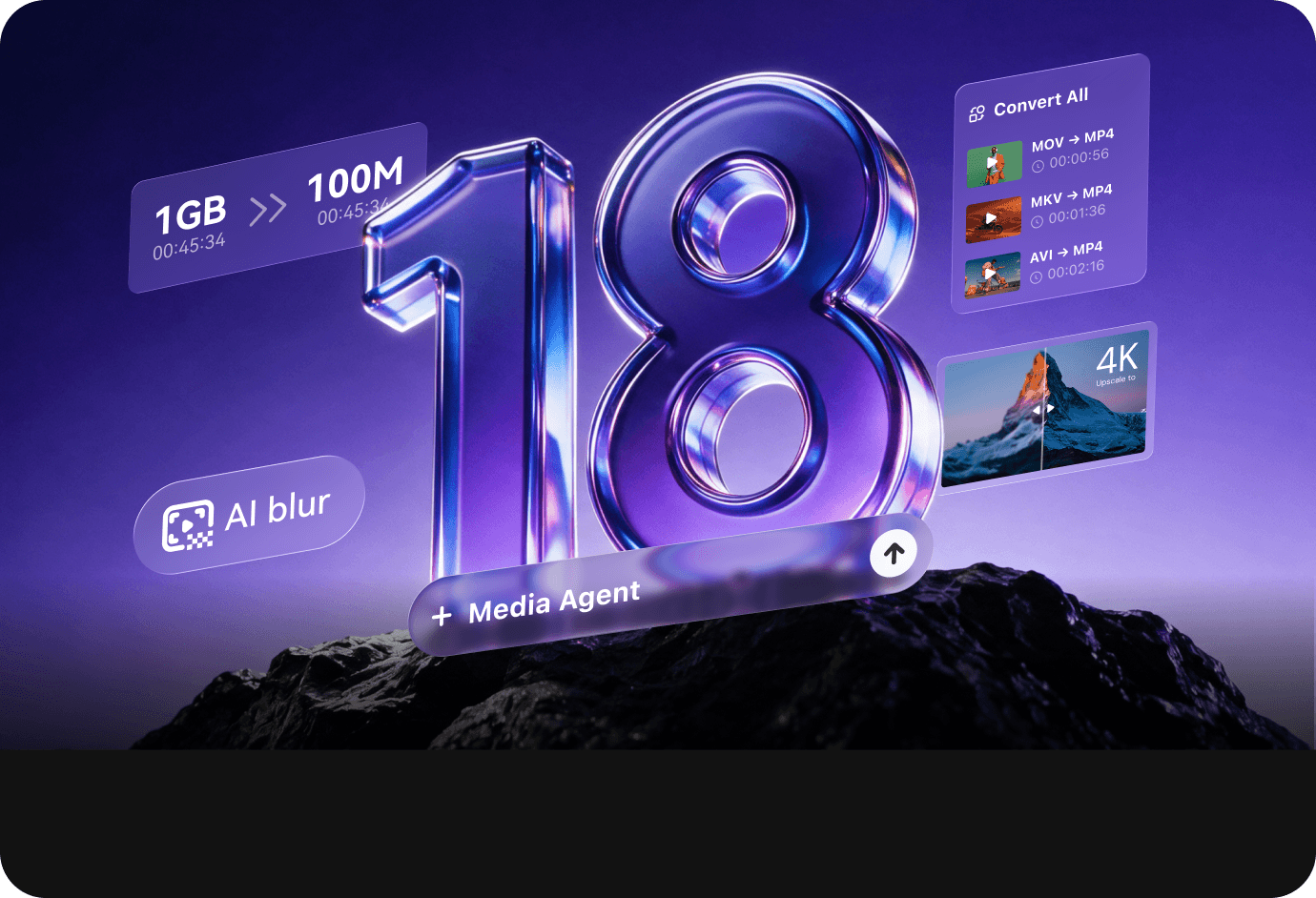
Wondershare UniConverter 18

Wondershare UniConverter 18NEW
Convert, Compress, Enhance Made Simple with AI

Your all-in-one AI-powered toolkit for video, audio, and images. Process files in batches, automate repetitive tasks, and prepare your media for playback, sharing, or editing.

Available on:
1,000+media formats
130×faster lossless conversion
Batchprocessing + Watch Folder
20 Yearsof media expertise
Wondershare UniConverter 18

New & improved in V18.

UniConverter 18 brings faster, higher-fidelity 4K/8K conversion, better control over compression size and quality, and upgraded AI video and image enhancement
—with smarter batch automation to reduce repetitive work.

Wondershare UniConverter new feature ai media agent
NEW · AI MEDIA AGENT

Describe your goal.
Let Agent plan.

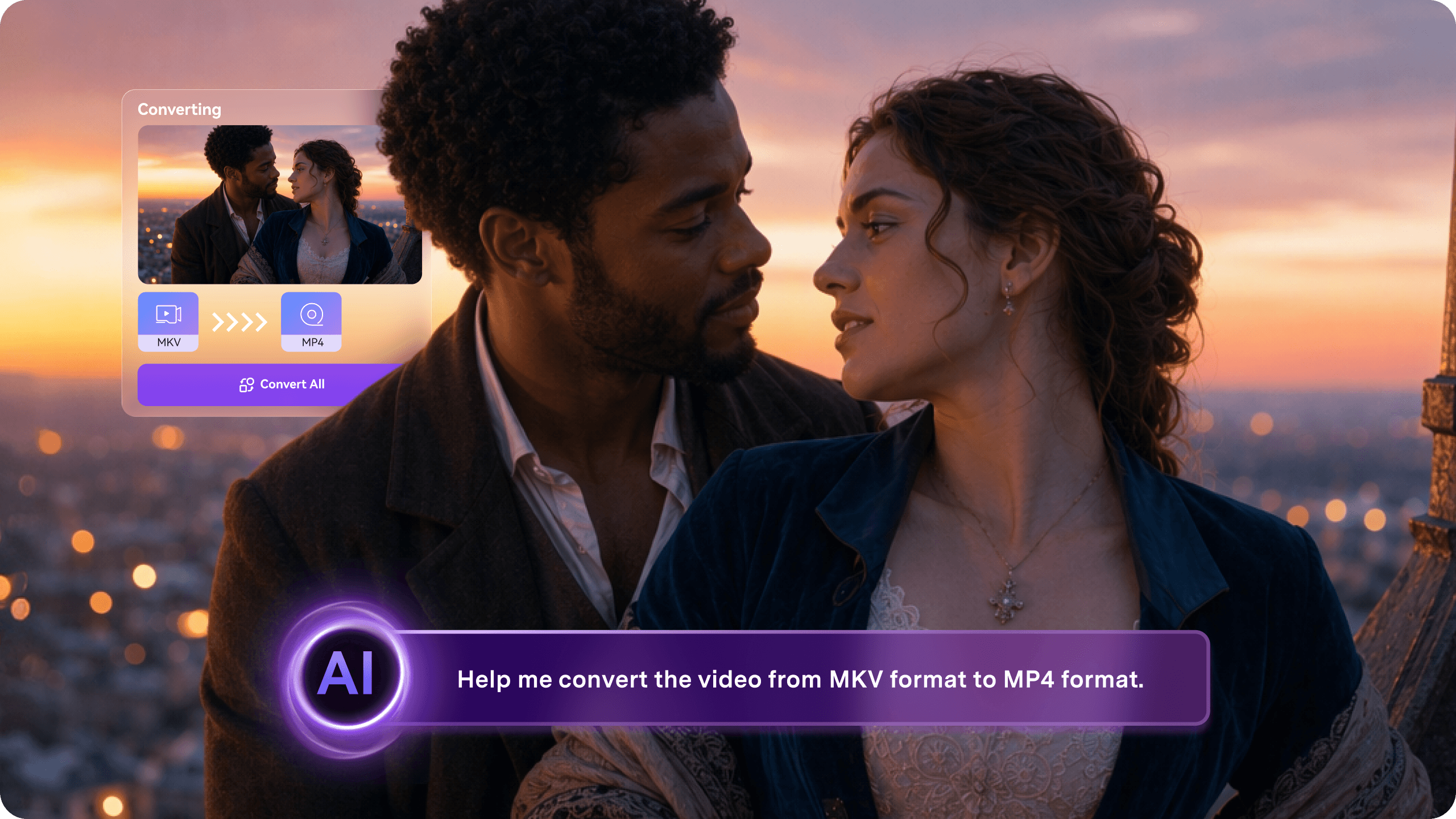
Give AI Agent your media and a prompt describing the use, platform, or delivery limit. It interprets the intent, plans conversion steps, and adapts the settings when different files need different treatment.

Intent to settingsPer-file adaptationConditional batch planning
Wondershare UniConverter upgraded feature audio pass through in video conversion
CONVERSION INTEGRITY

Change the format—not the original sound.

New audio pass-through keeps high-quality streams in their original codec while subtitles, chapters, metadata, and multi-track structure stay with the file.

Audio pass-throughMetadata preservedMulti-track output
Wondershare UniConverter upgraded feature target size video compression
TARGET-SIZE COMPRESSION

More accurate size.
More quality left.

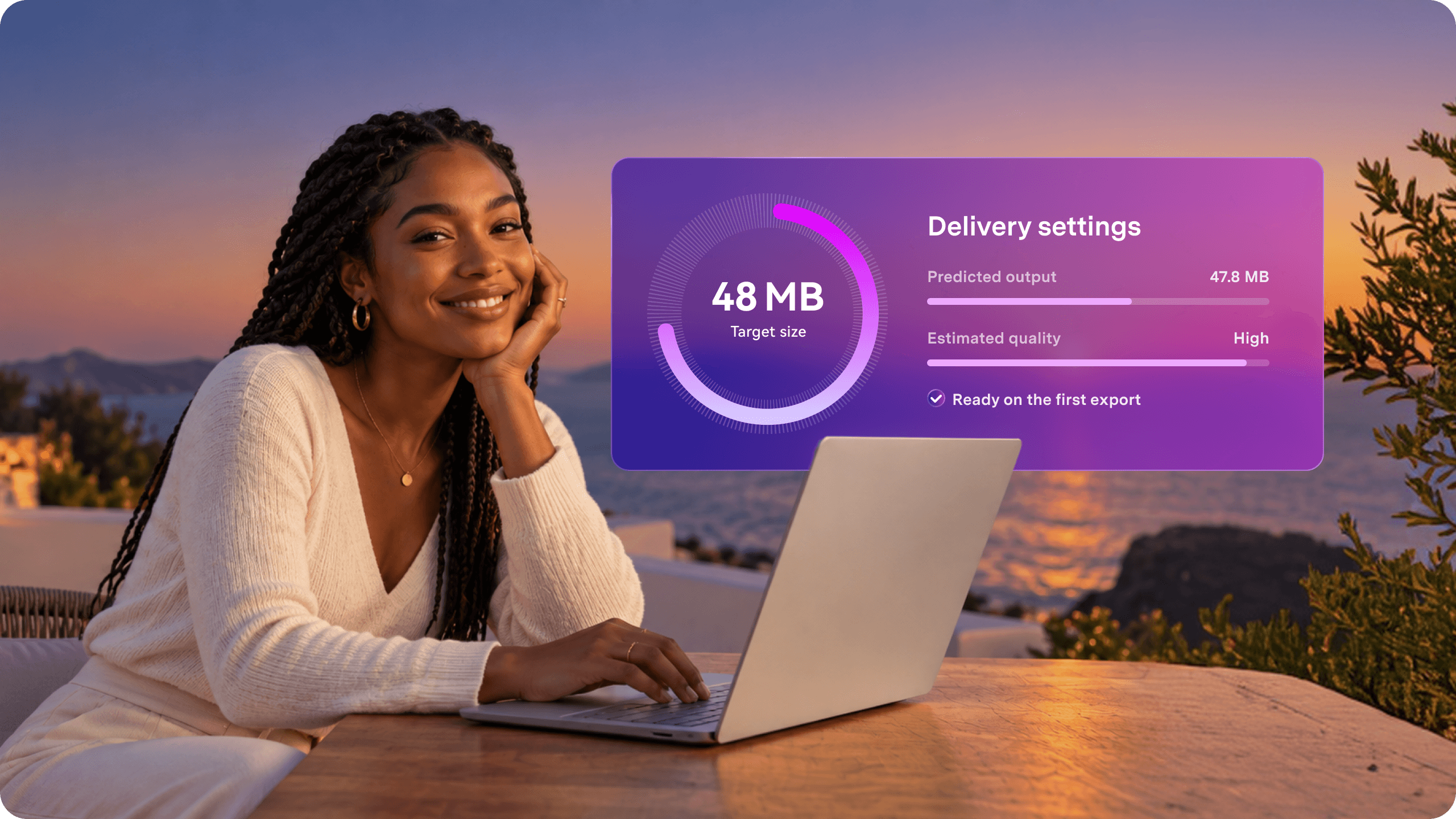
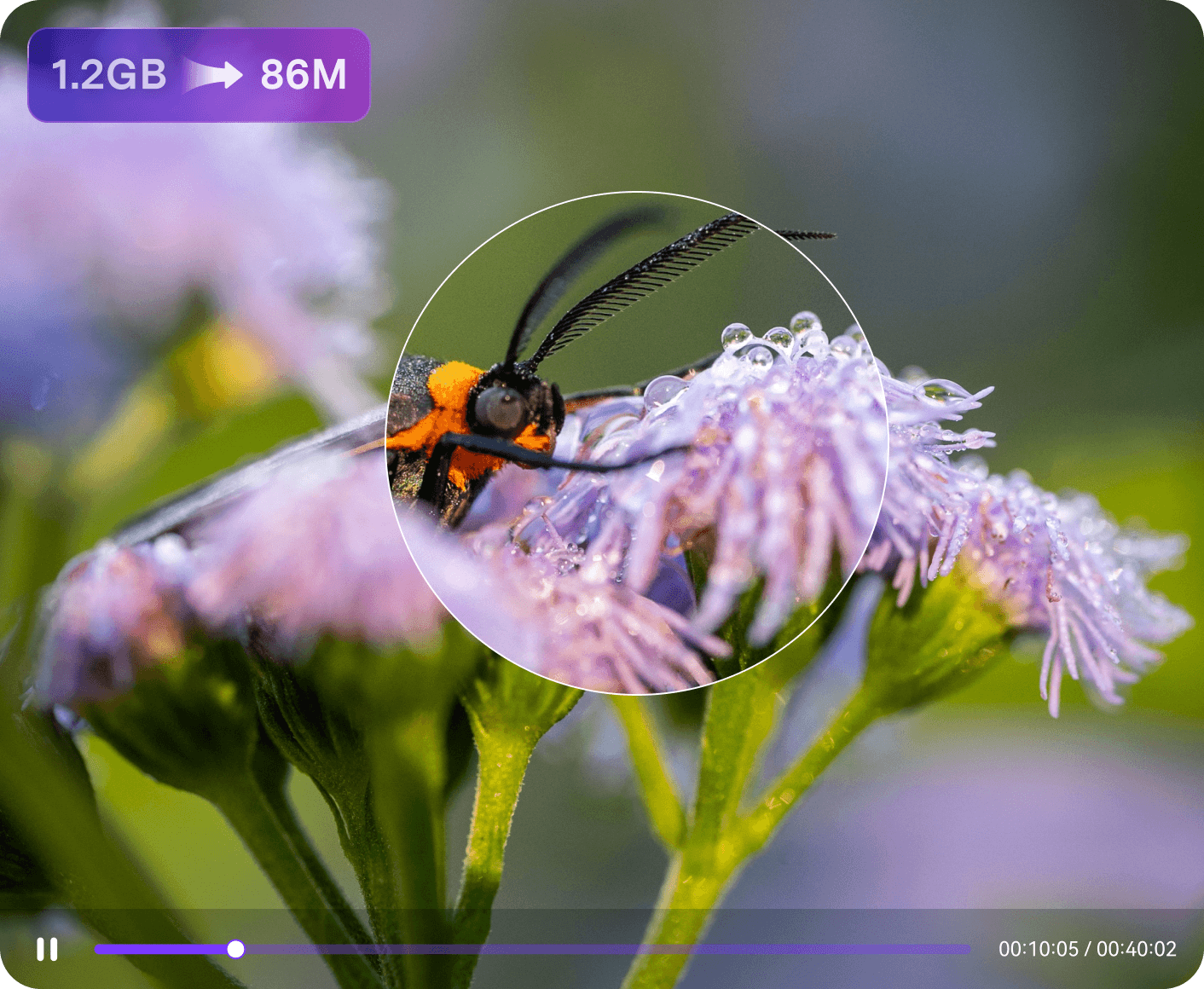
The upgraded model predicts the final file size more accurately and improves visual quality at the same compression ratio, reducing repeat exports.

More accurate predictionHigher quality at equal ratioFewer repeat exports
Wondershare UniConverter upgraded feature AI video and image enhancement
VIDEO & IMAGE ENHANCEMENT

Diagnose the photo.
Rebuild the face.

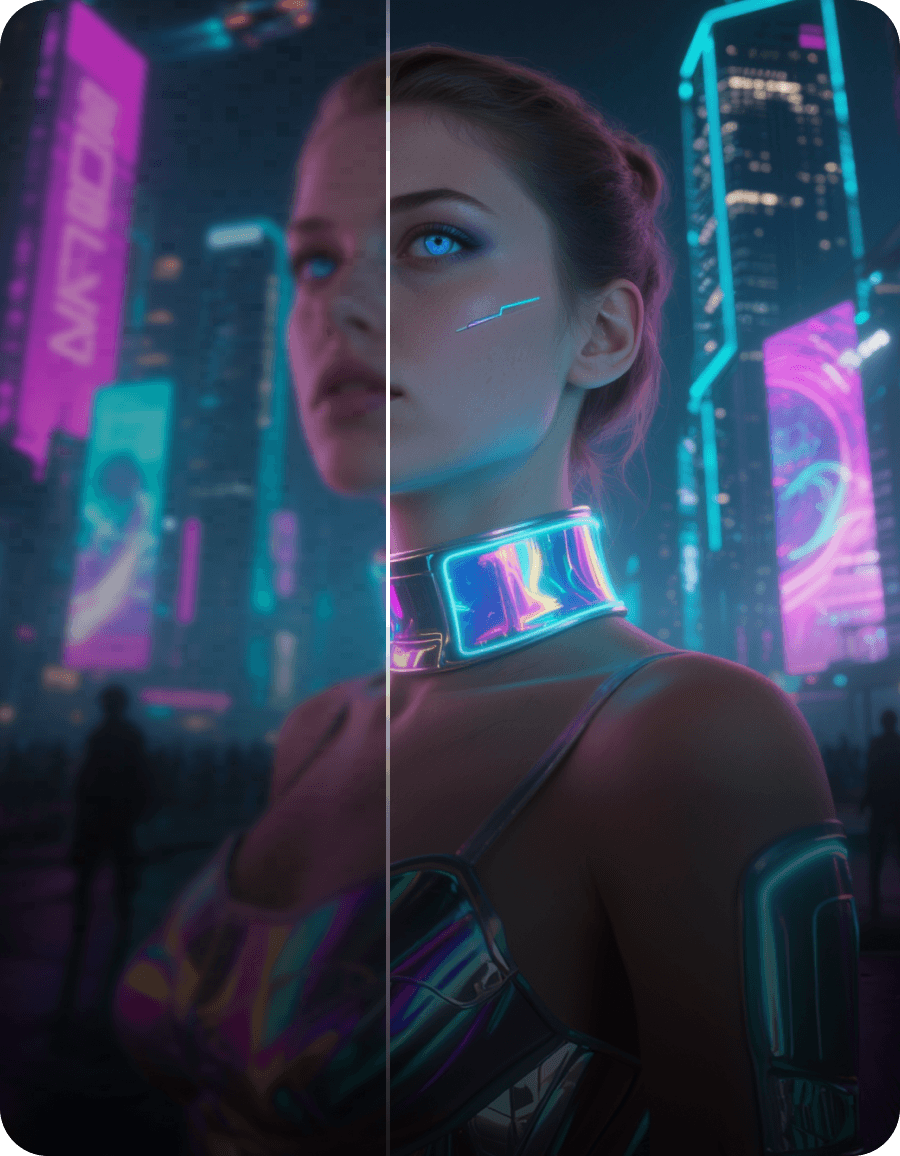
AI Auto Fix chooses a tailored image repair and Photo Straightener corrects photographed scans. Face Enhancement-Ultra brings clearer, more natural portrait detail without requiring a specific GPU.

AI Auto FixPhoto StraightenerFace Enhancement-Ultra
Wondershare UniConverter new feature watch folder
NEW · WATCH FOLDER

A folder can start
the workflow.

Watch Folder applies saved rules as files arrive. Custom CPU allocation lets long queues continue without taking over foreground work.

Watch FolderSaved processing rulesCustom CPU allocation
Wondershare UniConverter upgraded feature AI object remover
AI OBJECT REMOVAL

A few strokes can
find the whole object.

AI Brush recognizes complete boundaries from a rough mark. V18 also adds one-click fixed-subtitle removal and upgrades static-watermark and moving-object erasure.

AI Brush selectionOne-click subtitle removalAdvanced erasure models
Wondershare UniConverter new feature AI video blur
NEW · AI VIDEO BLUR

Track identities and
details—not frames.

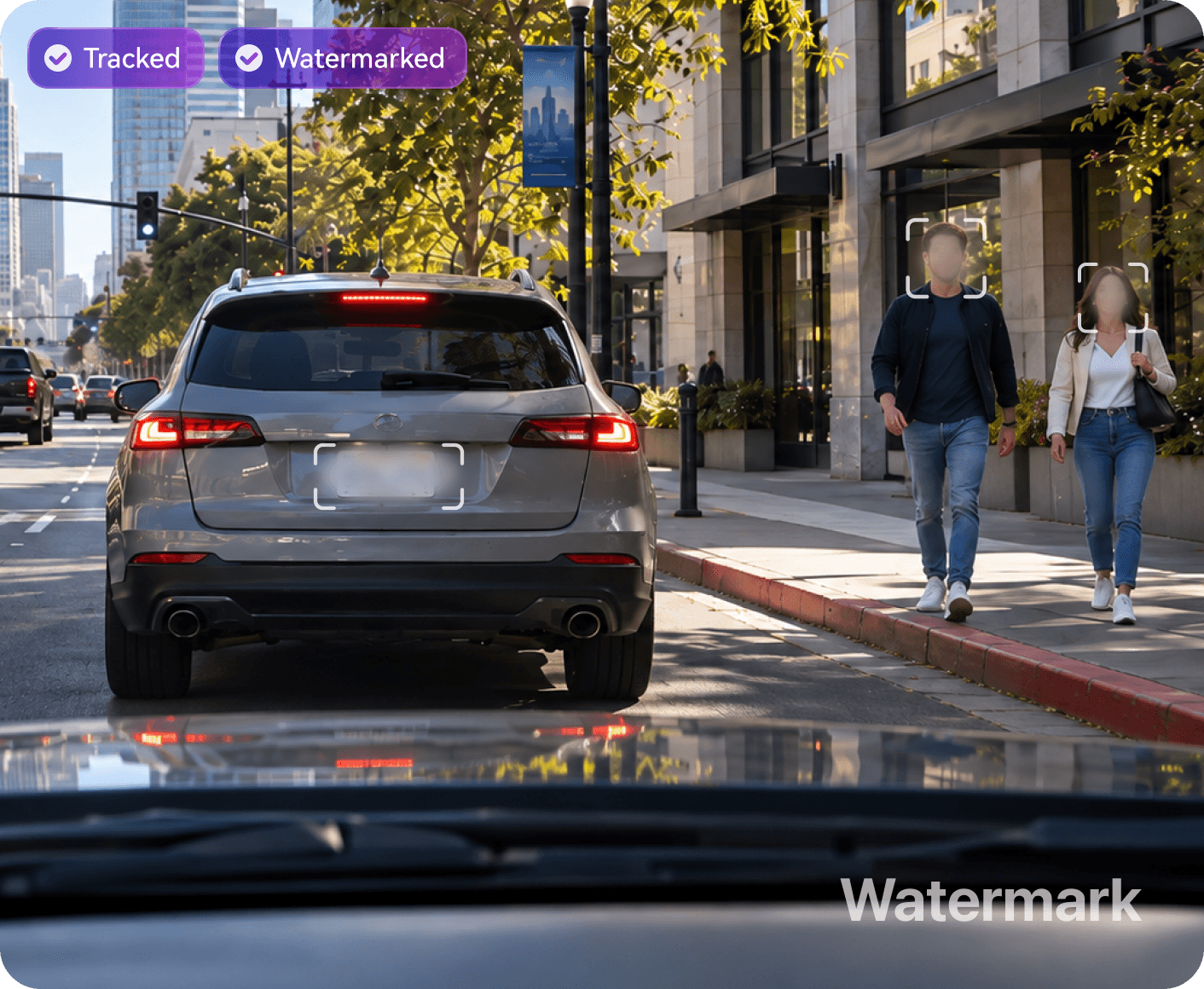
Select detected faces or draw around any moving plate, logo, or screen. Apply blur or mosaic to multiple targets, or invert the mask to soften the background.

Face detectionObject trackingBackground blur
Have media UniConverter media previewUniConverter media previewUniConverter media previewUniConverter media previewUniConverter media preview waiting to be finished? UniConverter media previewUniConverter media previewUniConverter media previewUniConverter media preview UniConverter media preview
One simple media workspace

All your media tools.
One simple workflow.

Convert, enhance, remove, protect, compress, record, and edit in one place—from first import to final export.

Convert
Format-ready

Keep quality.
Change anything else.

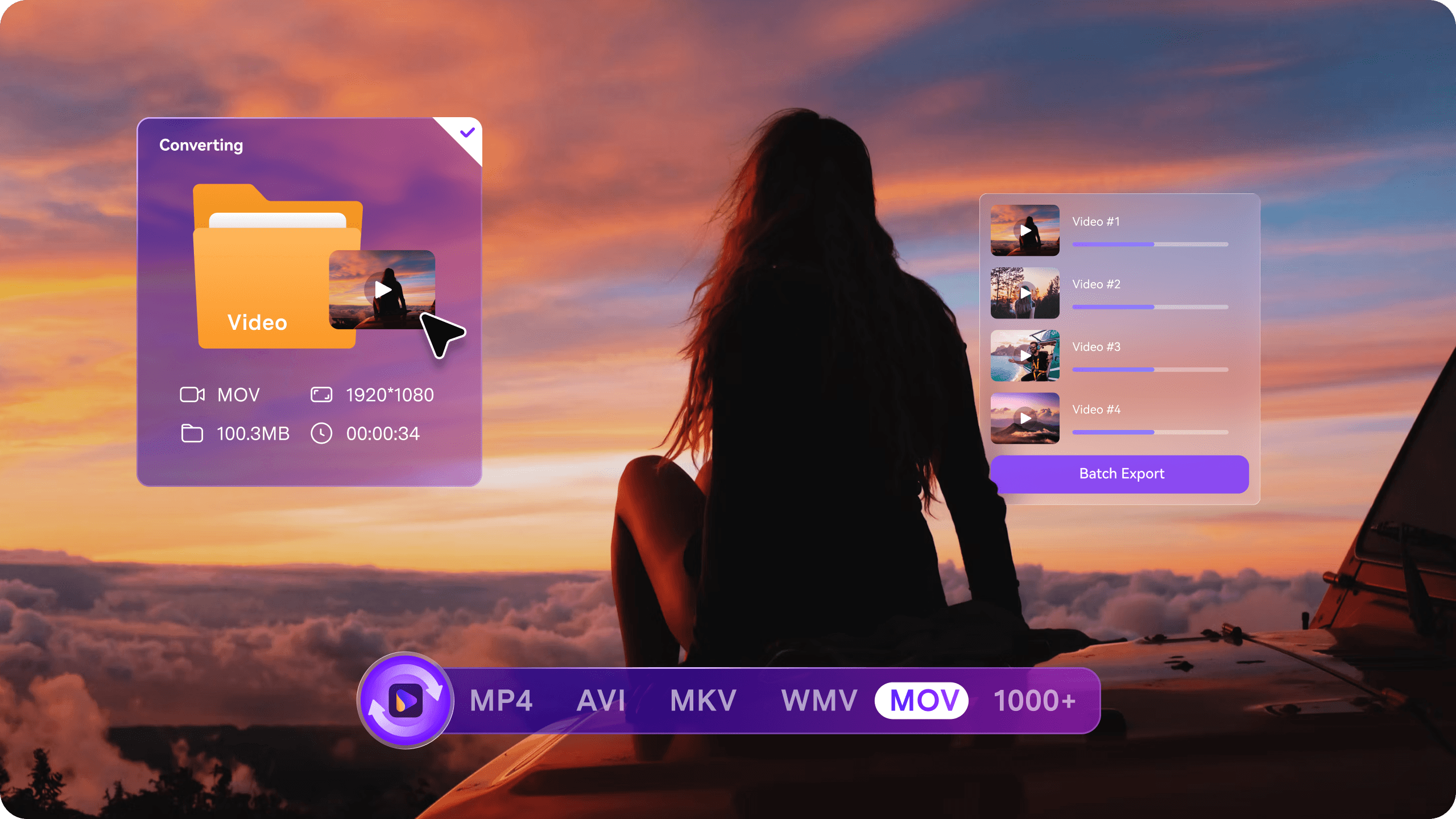
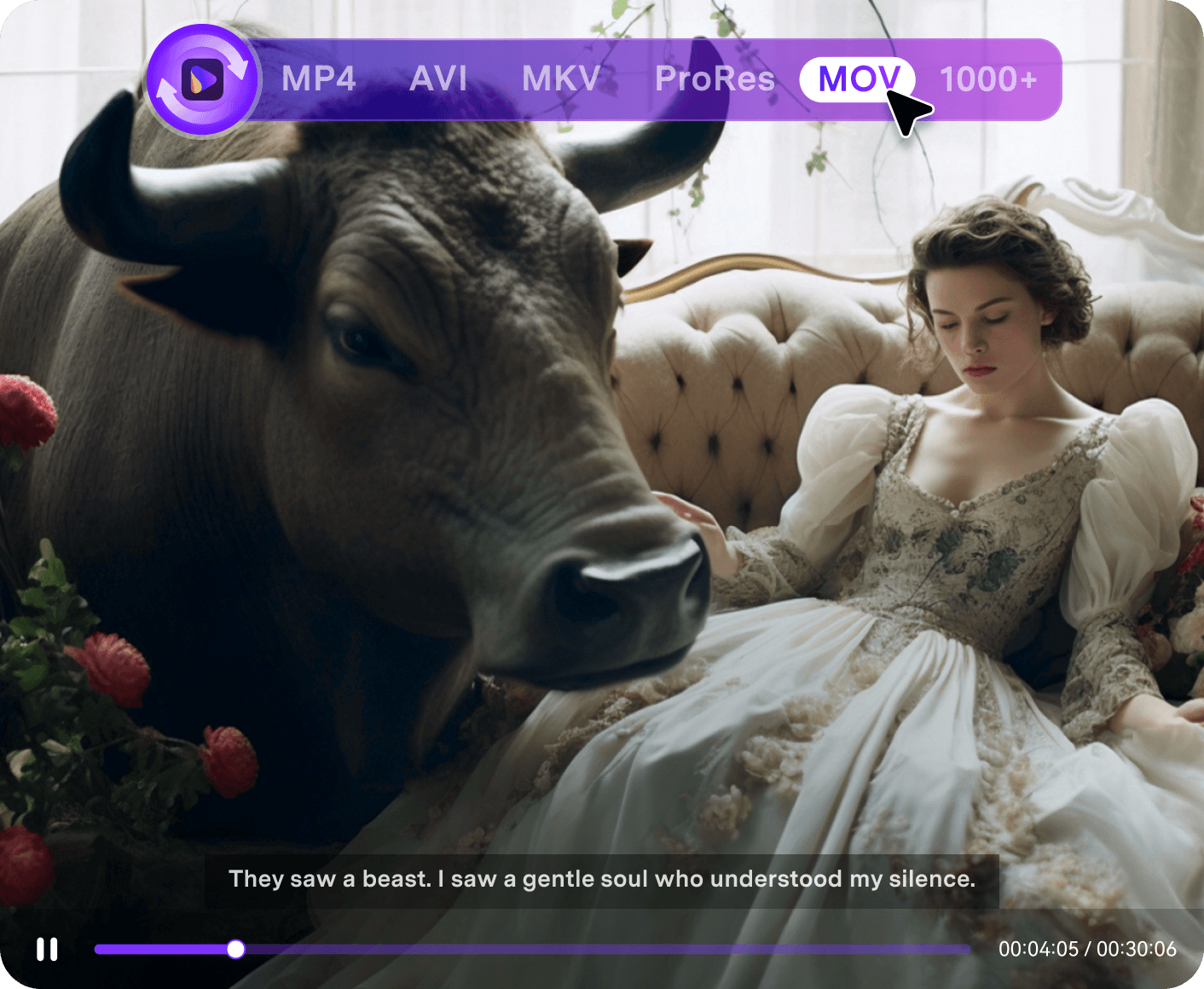
Batch-convert video, audio, and images across 1,000+ formats for playback, editing, sharing, or archiving. Preserve metadata, audio tracks, and subtitles in supported formats while preparing multiple files in one go.

Enhance
Quality-ready

Bring useful detail
back into view.

Upscale videos to HD, 4K, or 8K and bring sharper detail to images with AI. Recover natural-looking facial detail, reduce noise and blur, and smooth motion in videos—giving old footage and treasured photos a clearer, more polished look.

Remove
Frame-ready

Remove distractions.
Keep the story.

Remove unwanted watermarks, fixed subtitles, and distracting objects from your footage, with AI Brush making object selection quicker and easier. Additional tools help remove image backgrounds and reduce audio noise, so your media is ready to reuse.

Compress
Delivery-ready

Hit the size limit.
Not the quality.

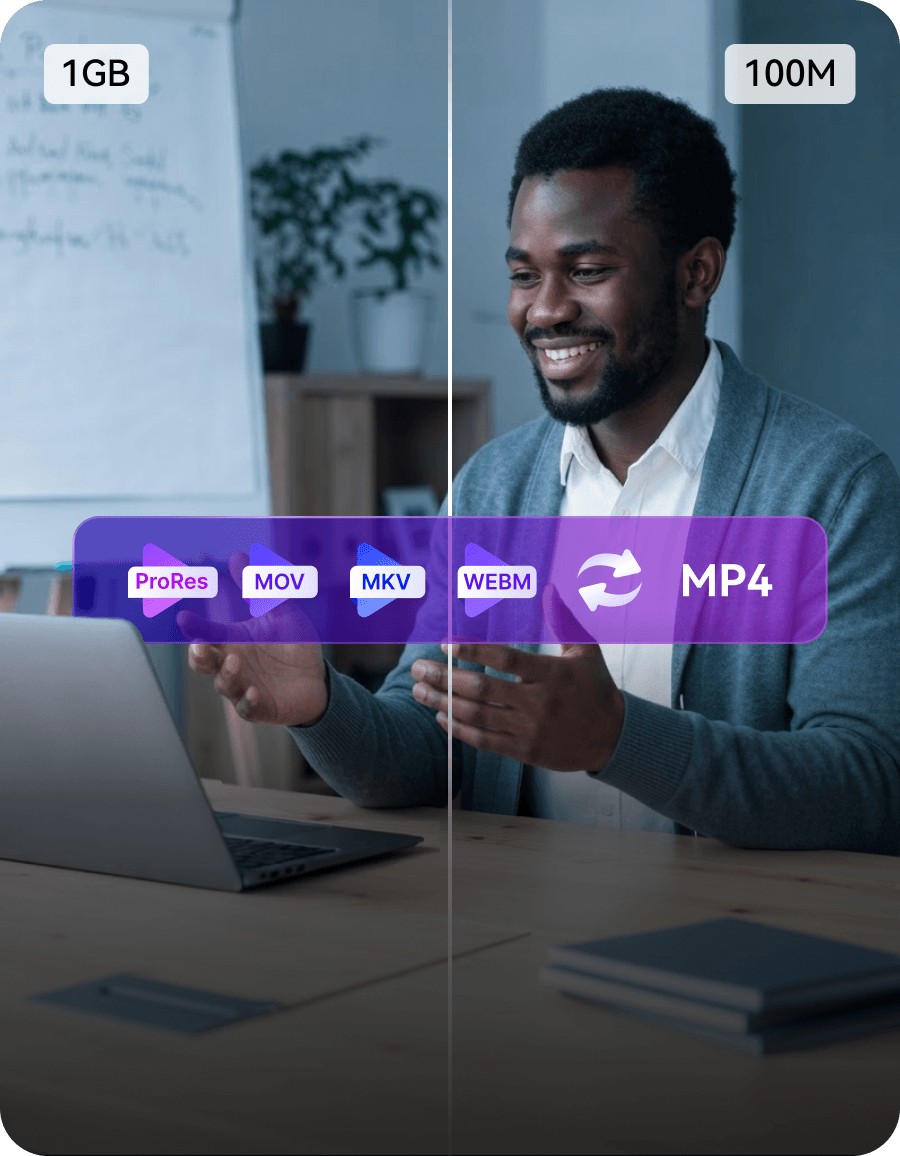
Reduce video size for email, cloud storage, social platforms, or client delivery while balancing file size and picture quality. Set your target size, check the estimated output, and save presets to simplify repeat jobs.

Protect
Share-ready

Hide private details.
Mark what is yours.

Automatically detect and blur faces, or track selected moving objects to hide sensitive details throughout your video. Add text or image watermarks to identify your work and make your ownership visible when sharing.

Powerful media engine

Every detail preserved.
Every export dependable.

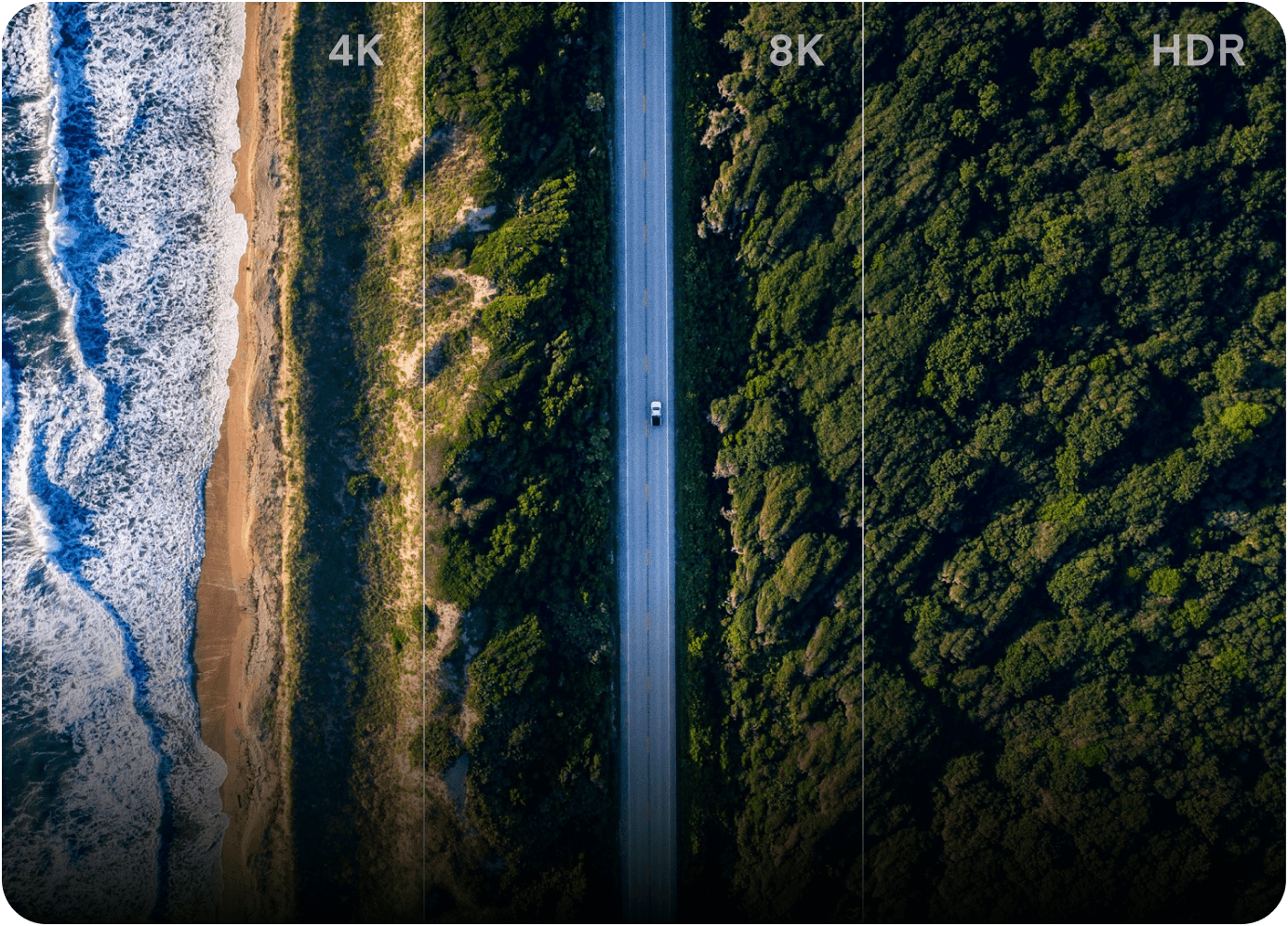
Convert large 4K/8K/HDR movies and TV episodes faster with GPU acceleration. Handle mixed codecs while preserving original audio,
multiple tracks, subtitles, and metadata in compatible output formats.

Preserve audio, subtitle tracks and metadata information

Preserve what matters

Keep original audio, subtitles, metadata, chapters, and HDR information, with multiple tracks preserved in compatible output formats.

convert 4k, 8k, hdr files with high speed

Move large files faster

Handle 4K, 8K, and HDR files with hardware acceleration, so large projects finish in minutes instead of hours.

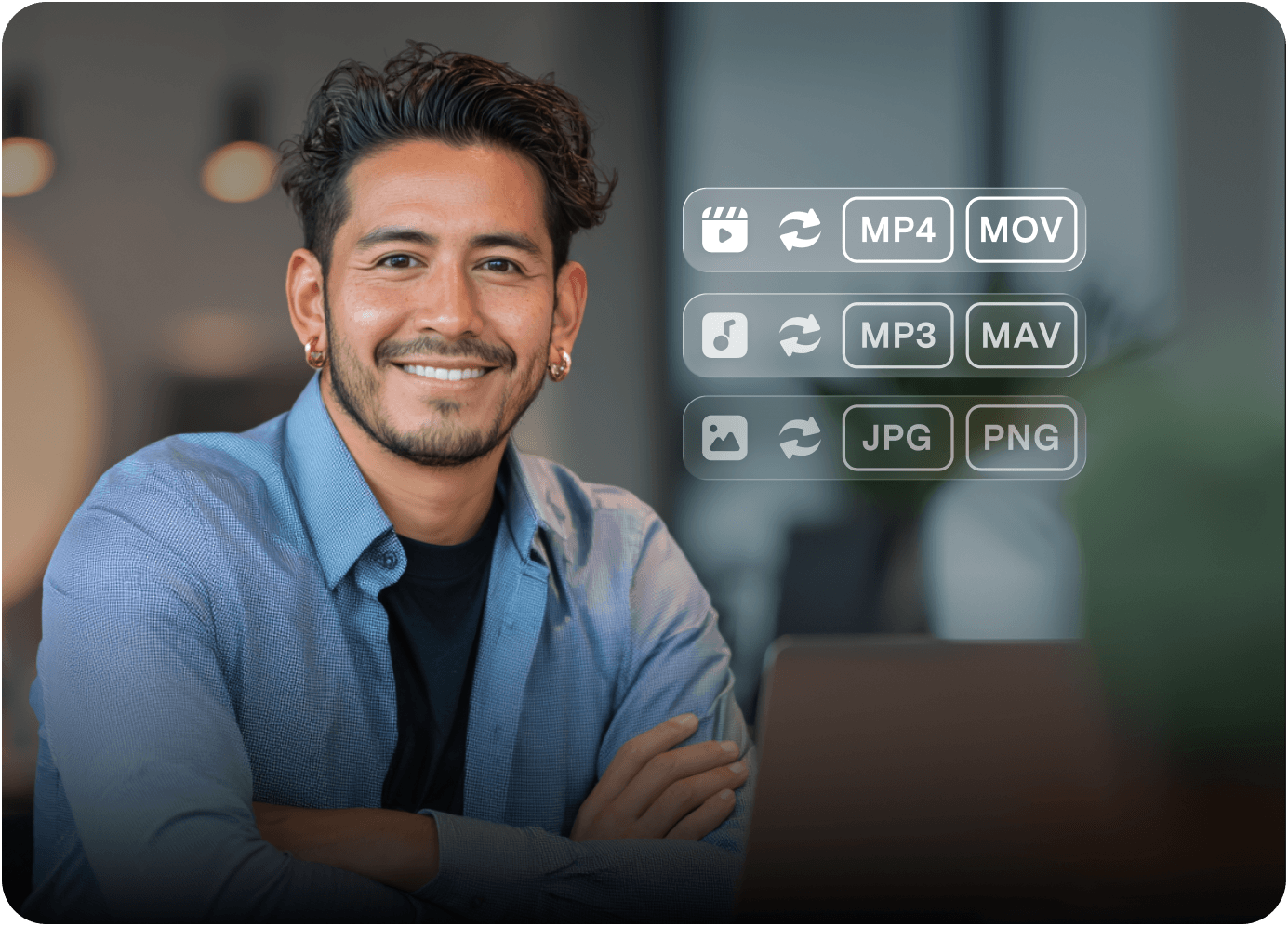
1000+ formats supported

1000 + Formats Supported

Convert video, audio, and images into formats suited to your devices, players, and editing apps.

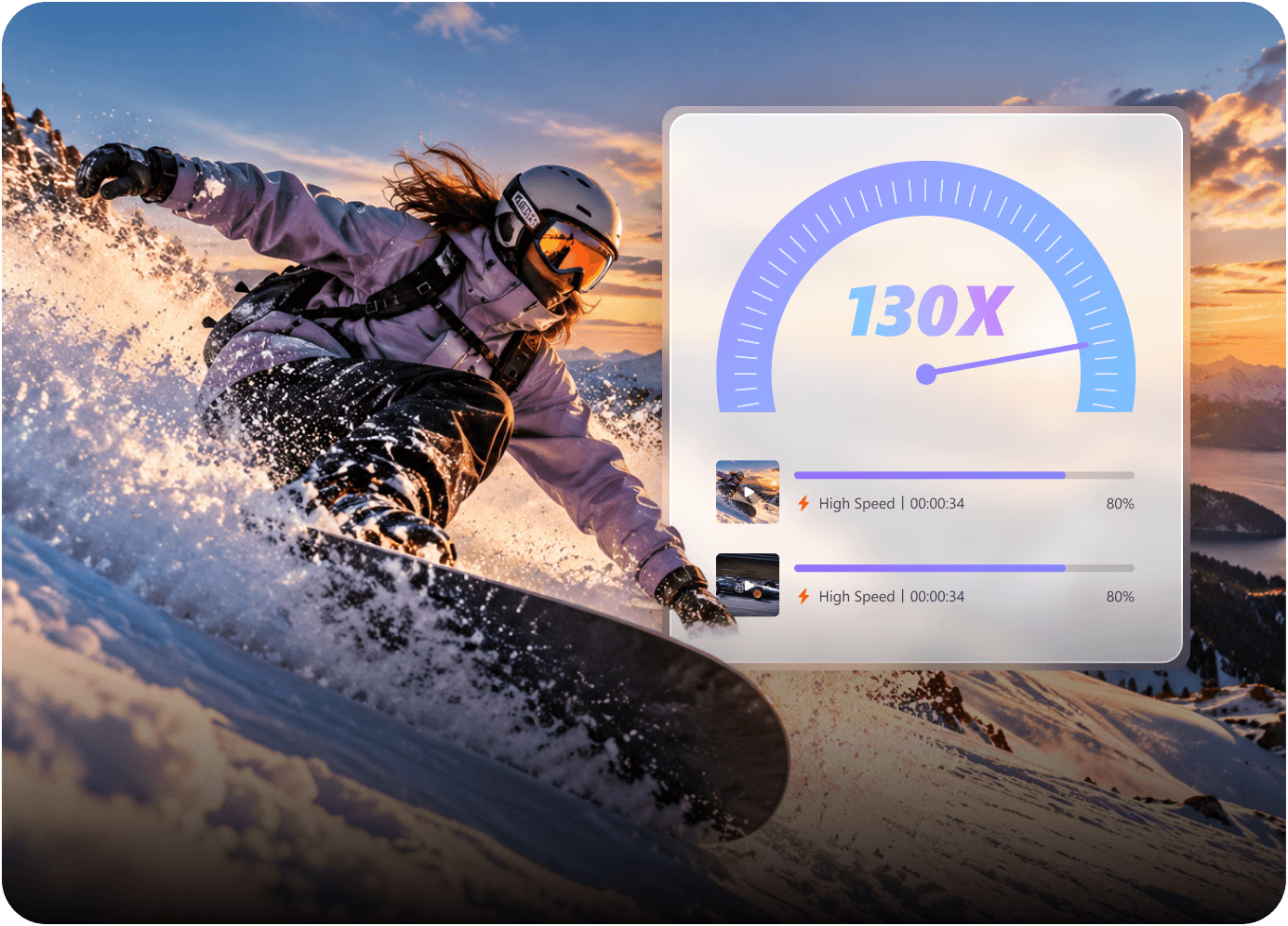
130x faster lossless conversion

130× faster lossless conversion

Convert compatible formats up to 130× faster without re-encoding, keeping the original picture and audio quality intact.

Batch + Agent automation

Repeat less. Let the workflow run.

Process files in batches, automate repeat jobs with Watch Folder and presets, or let AI Media Agent turn a natural-language goal into per-file Convert settings.

batch processing icon

Batch processing

Import files or folders, then apply tasks and export settings across the queue.

Watch Folder icon

Watch Folder + presets

Run known workflows automatically as new files arrive.

AI Media Agent icon

AI Media Agent

Turn a natural-language goal into per-file conversion settings.

CPU Control icon

CPU Control

Balance processing speed with the work you are doing now.

More ways to work with AI

Beyond better pixels.

Wondershare UniConverter also helps you understand, translate, voice, separate, generate, and reframe content across video, audio, and images.

AI Subtitle Editor Learn more
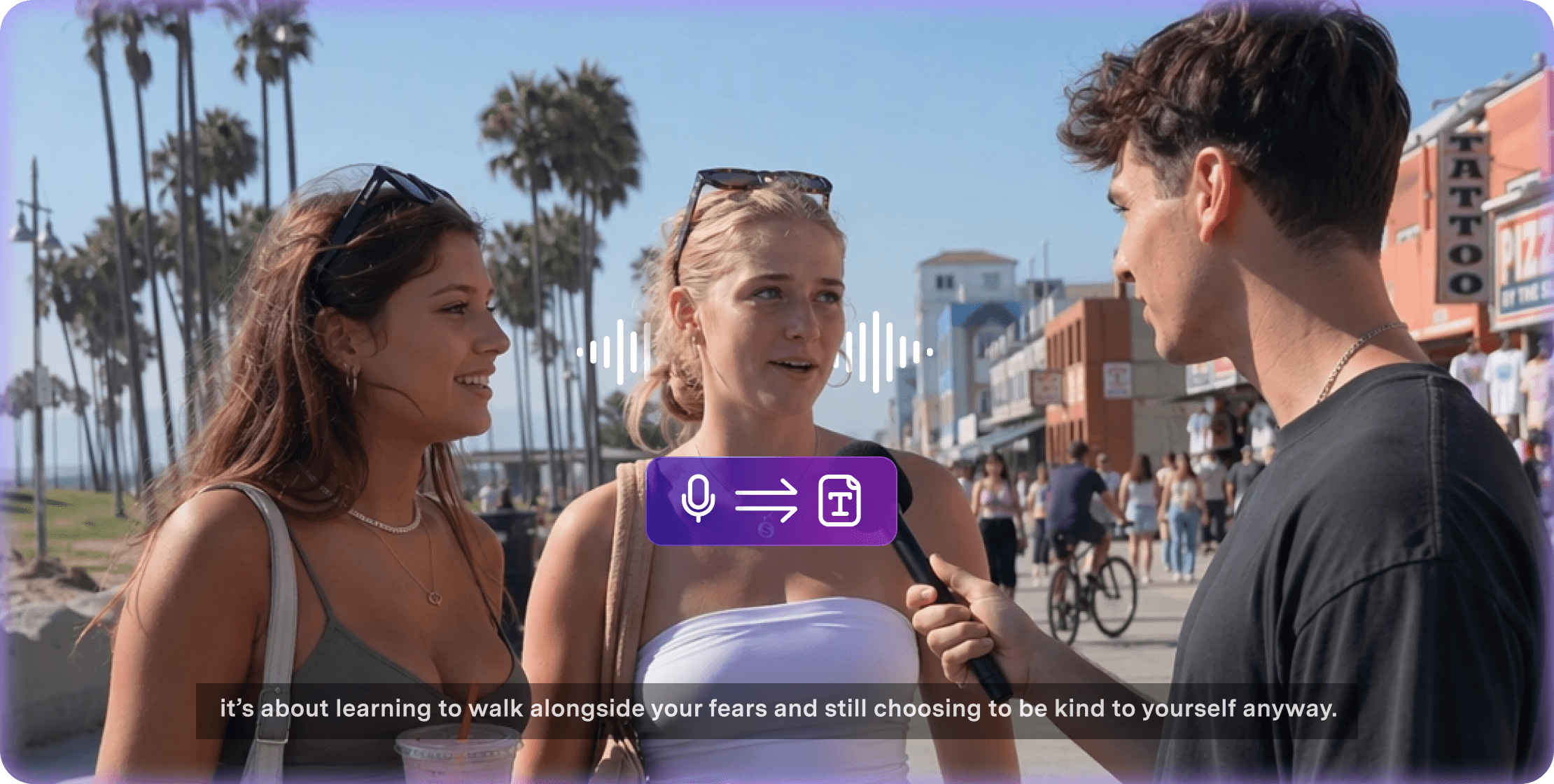
Speech to Text Learn more
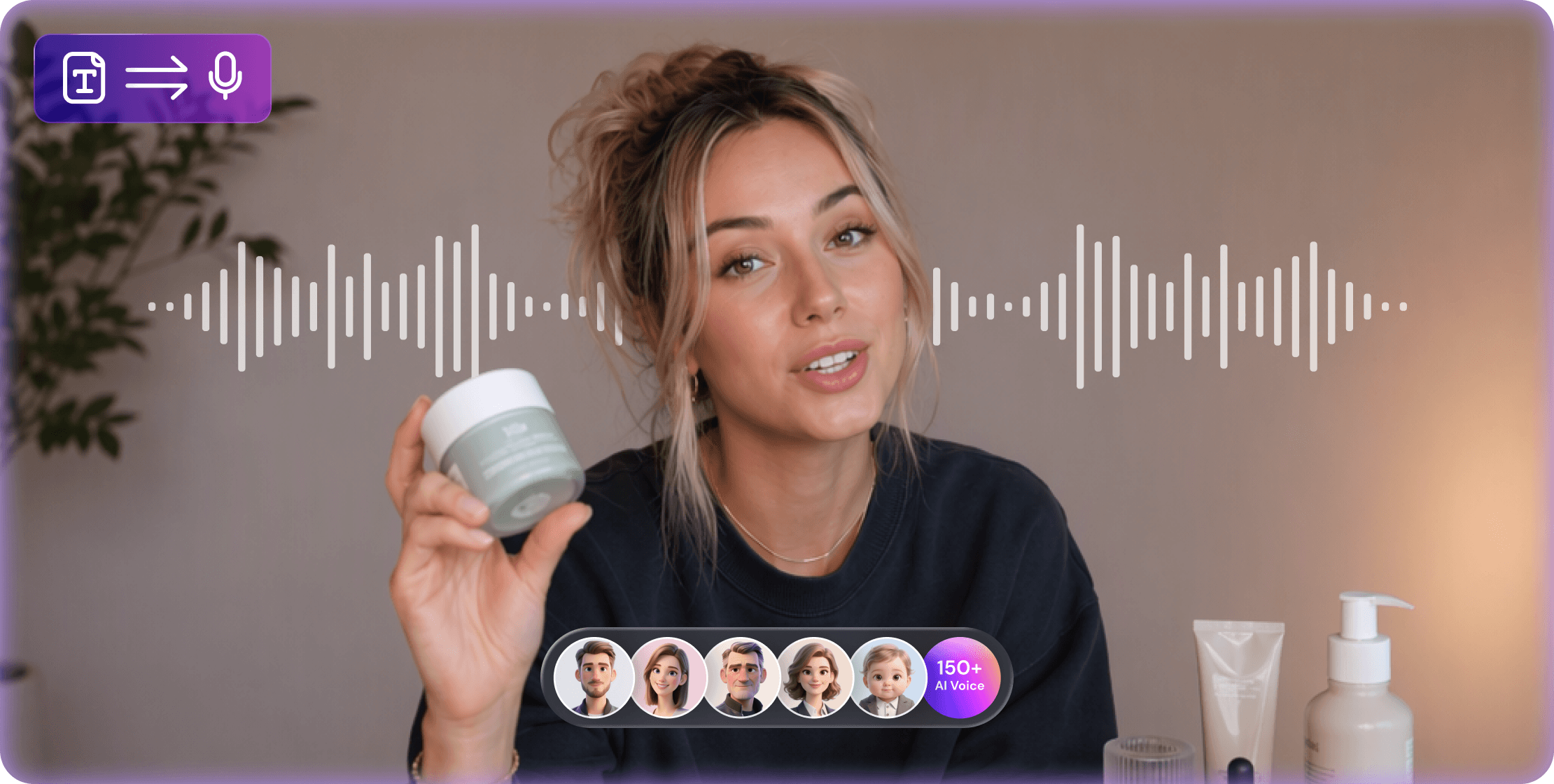
Text to Speech Learn more
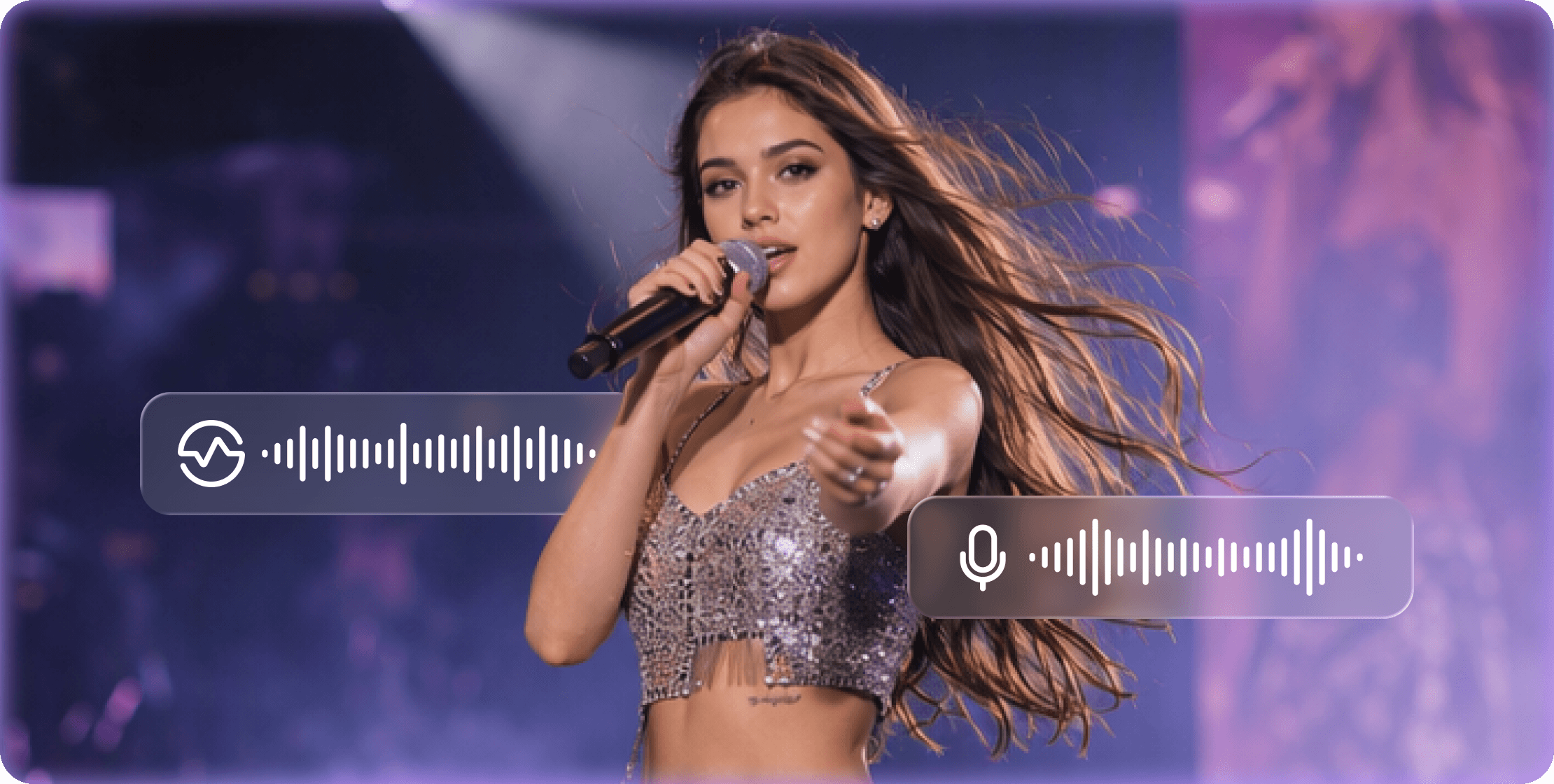
Vocal Remover Learn more
Noise Remover Learn more
Summarizer Learn more
BG Remover Learn more
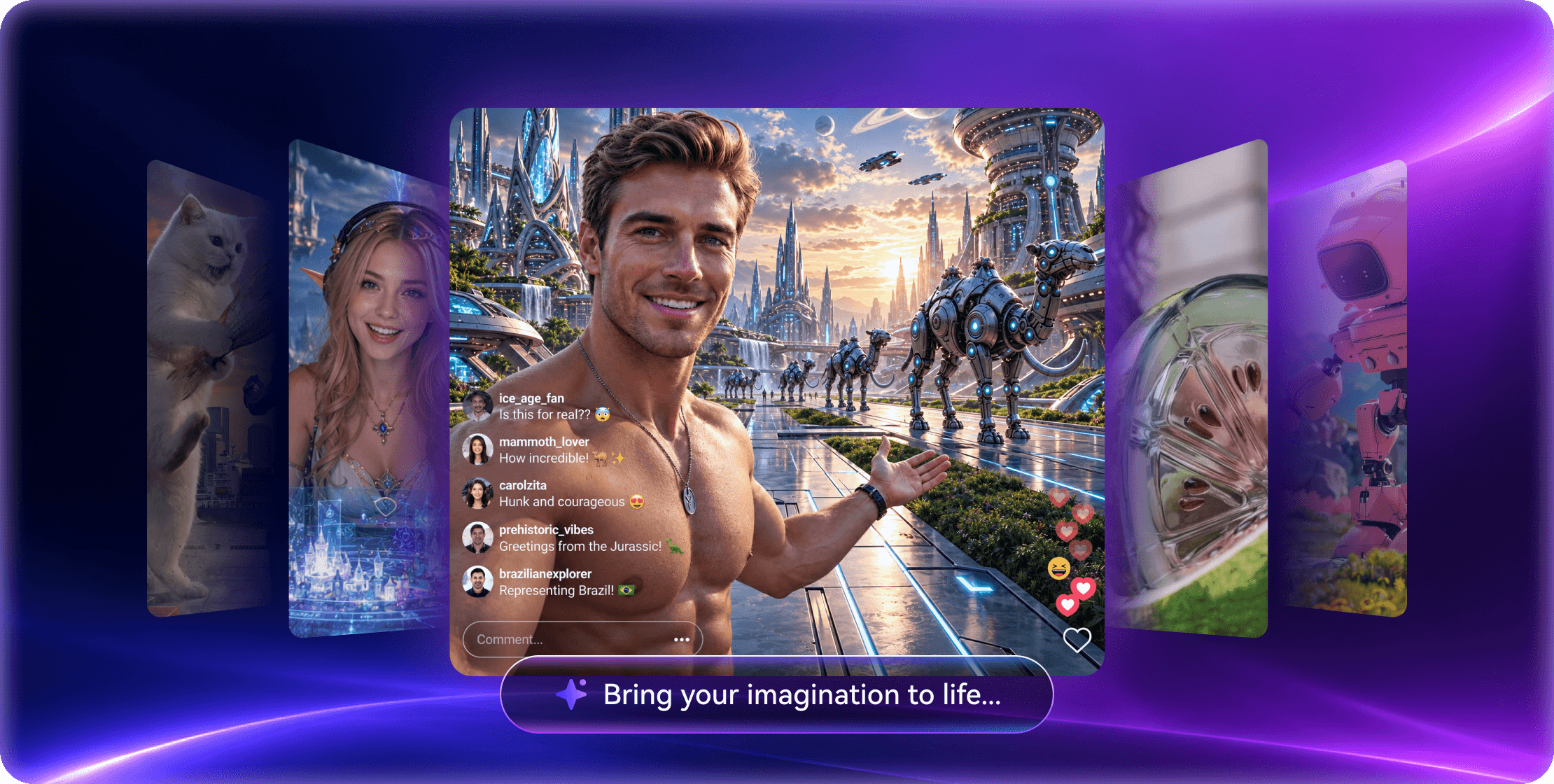
Image Generator Learn more

AI Subtitle Editor

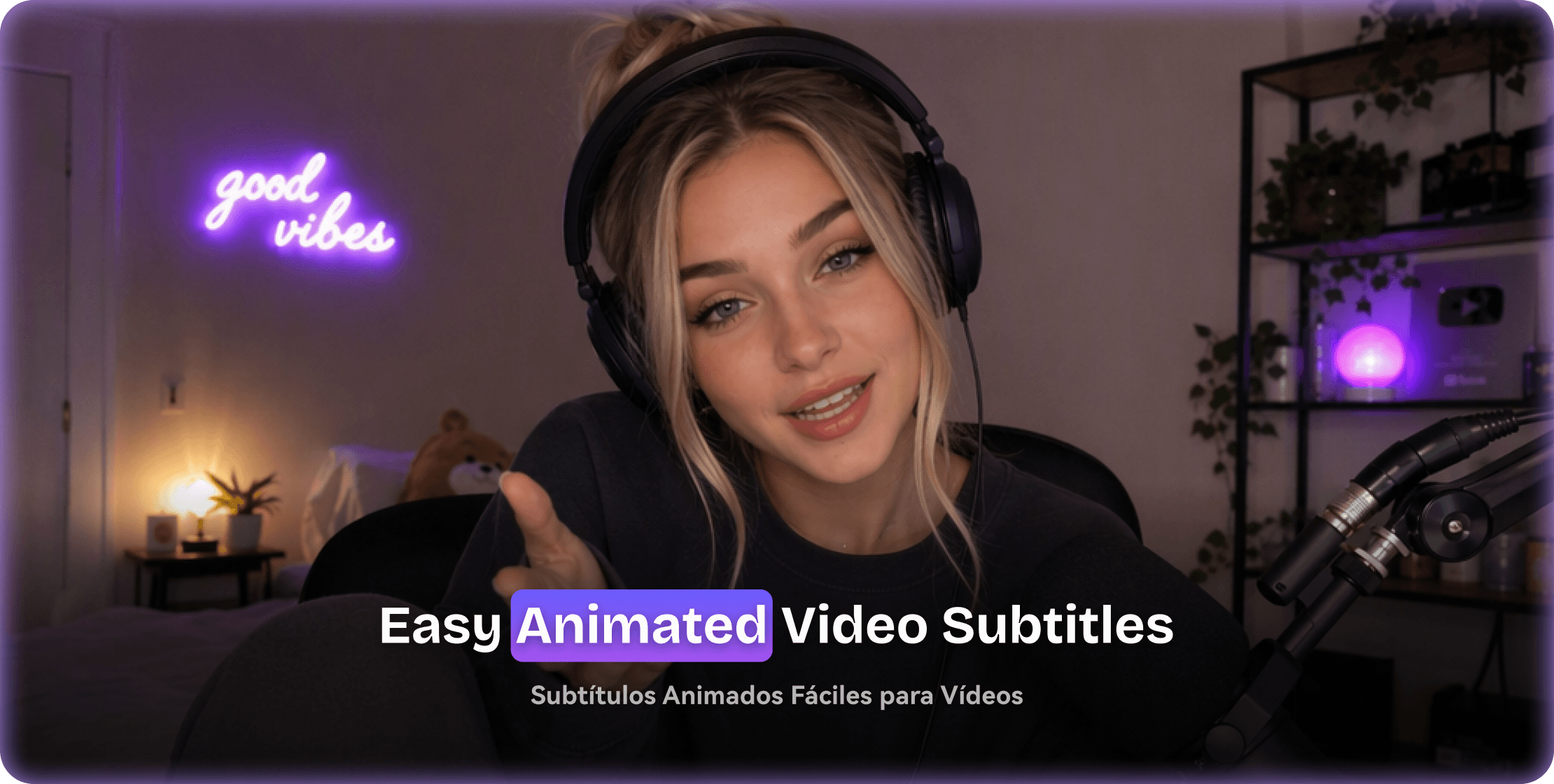
Generate, time, edit, translate, and style subtitles across 145+ languages.

AI Speech to Text

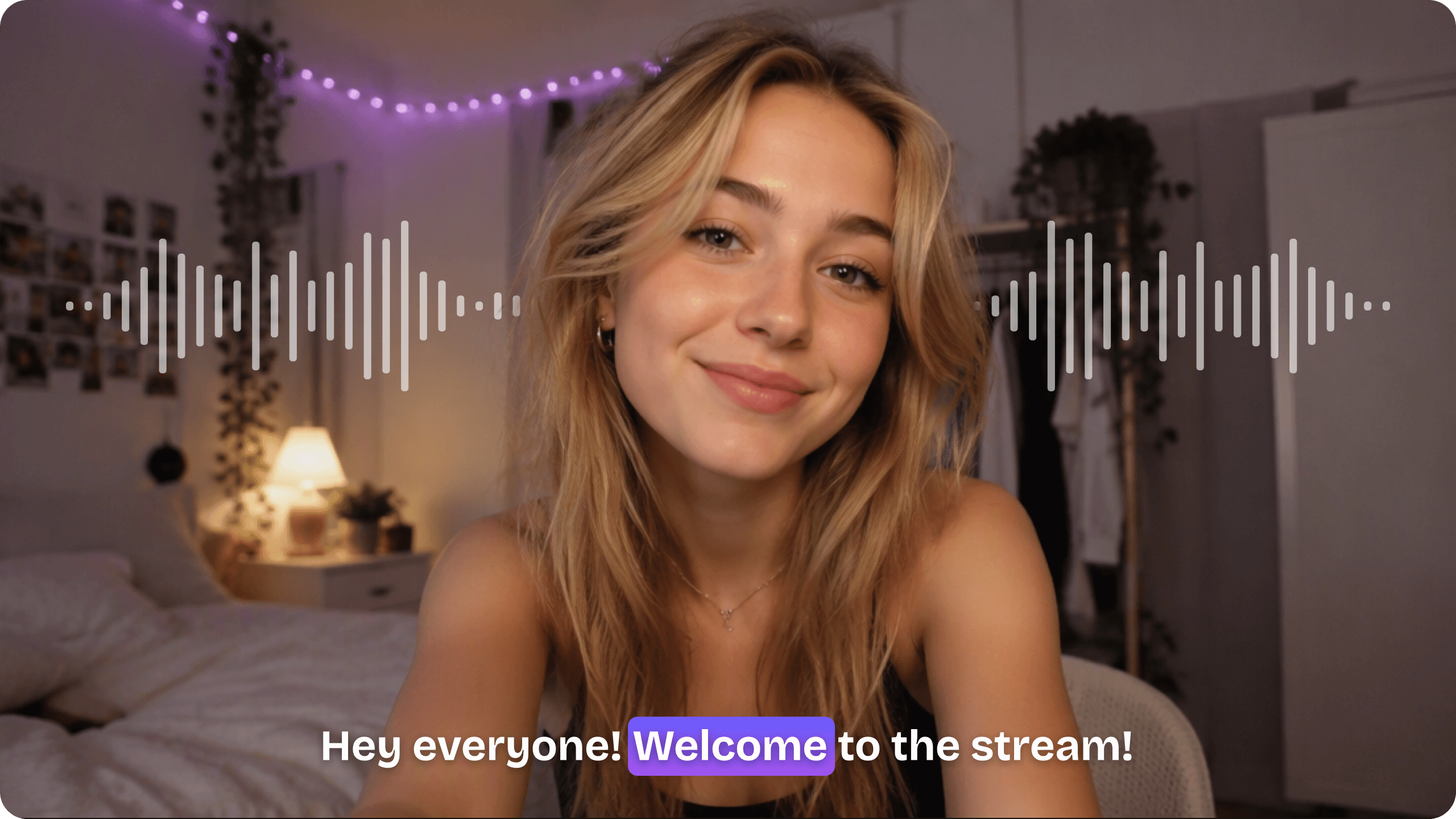
Turn spoken video or audio into editable transcripts, captions, notes, and searchable text.

AI Text to Speech

Create multilingual voiceovers with 150+ voices, emotions, and speed controls.

AI Vocal Remover

Separate vocals and instrumentals for karaoke, remixing, editing, and content reuse.

AI Noise Remover

Reduce wind, hum, echo, static, and room noise while keeping voices natural.

AI Video Summarizer

Condense long videos, meetings, and courses into editable key points and chapters.

AI BG Remover

Isolate people, products, and complex edges for transparent or replaced backgrounds.

AI Image Generator

Create thumbnails, product visuals, posters, and social assets from focused prompts.

Built around real media work

Where UniConverter 18
fits into your day.

From smoother movie playback to AI-generated footage and client delivery, choose a starting point and finish the media without rebuilding your process.

Enjoy movies without format limits

Enjoy movies without format limits

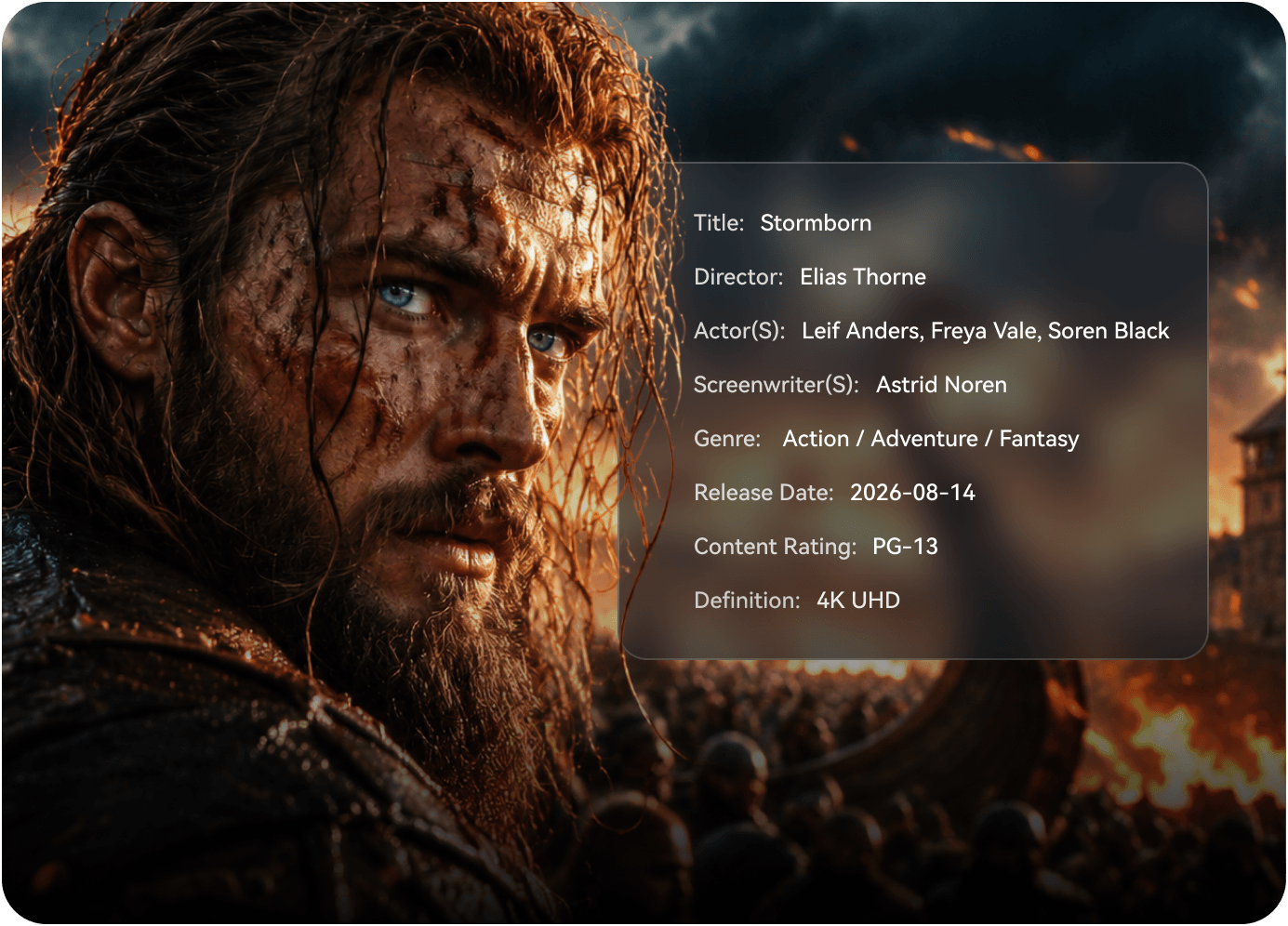
Convert films and episodes for smooth playback while keeping subtitle tracks, audio streams, chapters, HDR information, and metadata intact.

ConvertPreservePlay
Finish AI-generated content

Finish AI-generated content

Improve soft detail, remove unwanted marks, resize, and prepare generated clips for publishing.

EnhanceRemoveResizeExport
Publish across social platforms

Publish across social platforms

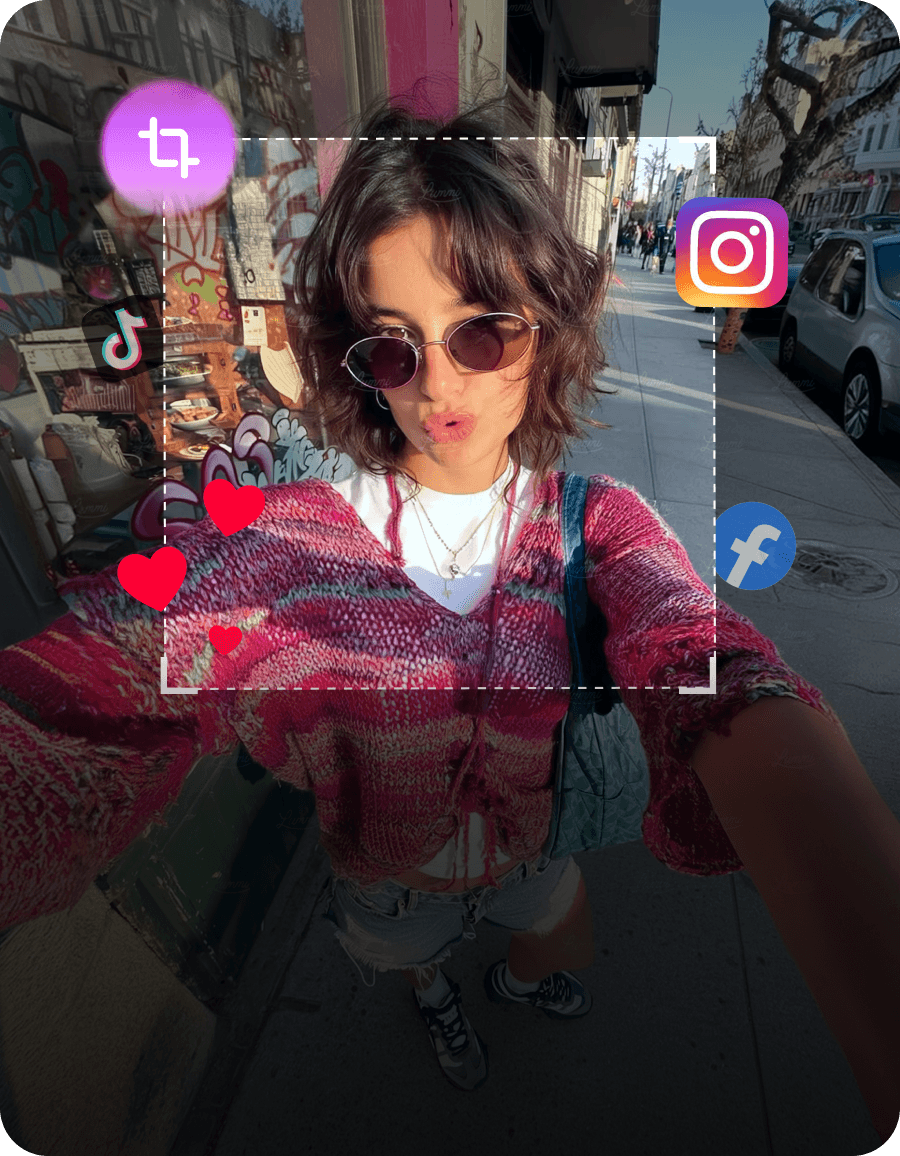
Trim, caption, translate, resize, and compress one source for different channels and limits.
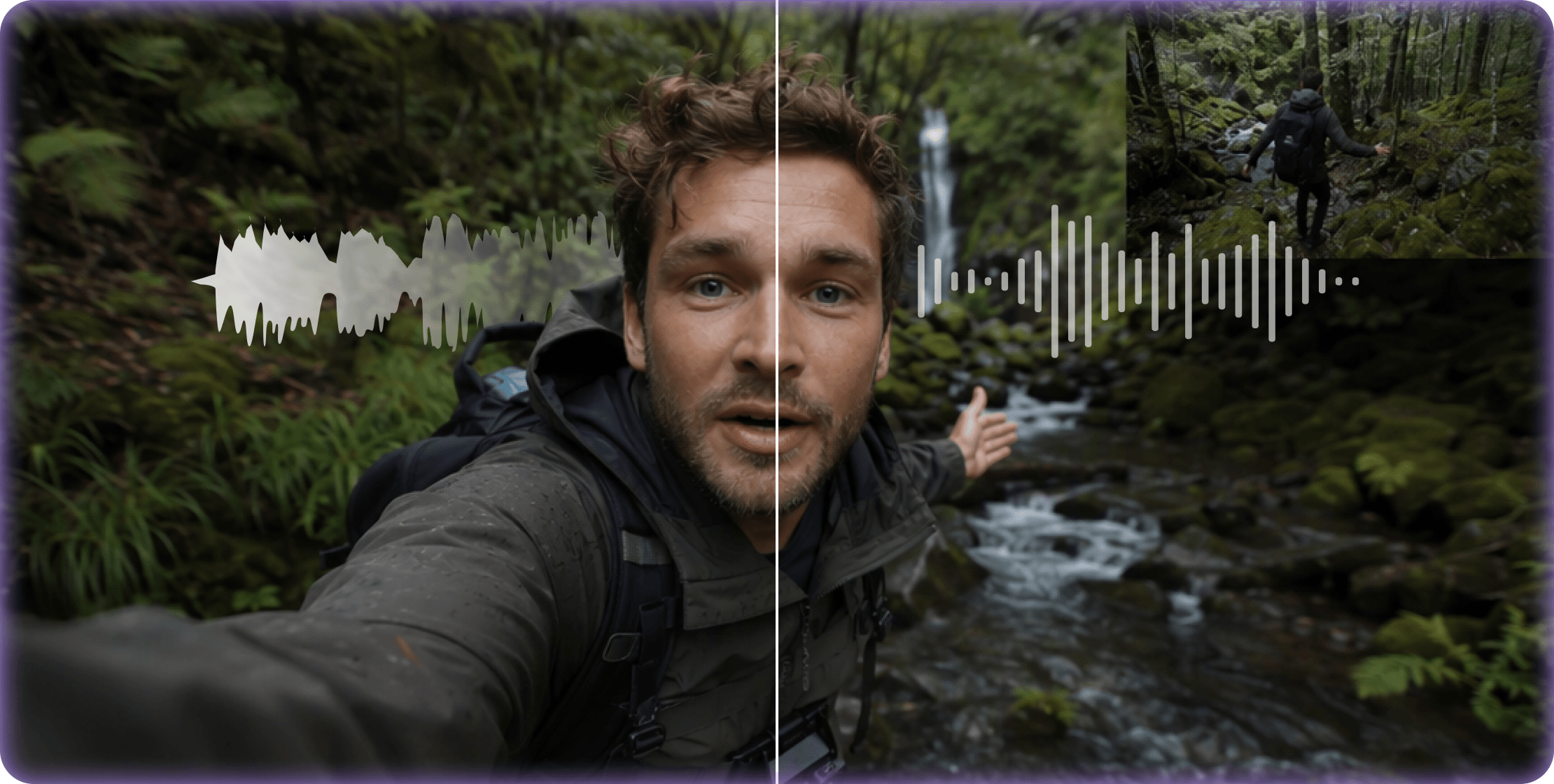
EditSubtitleCompressBatch
Restore memories and archives

Restore memories and archives

Repair aging video and photos, improve clarity, convert legacy formats, and organize metadata.

RepairColorizeConvert
Publish across social platforms

Protect private information

Track and blur faces, plates, screens, labels, or documents before footage is shared.

DetectTrackBlur
Restore memories and archives

Prepare client-ready deliverables

Standardize mixed footage, preserve tracks, hit target sizes, and create dependable handoff files.
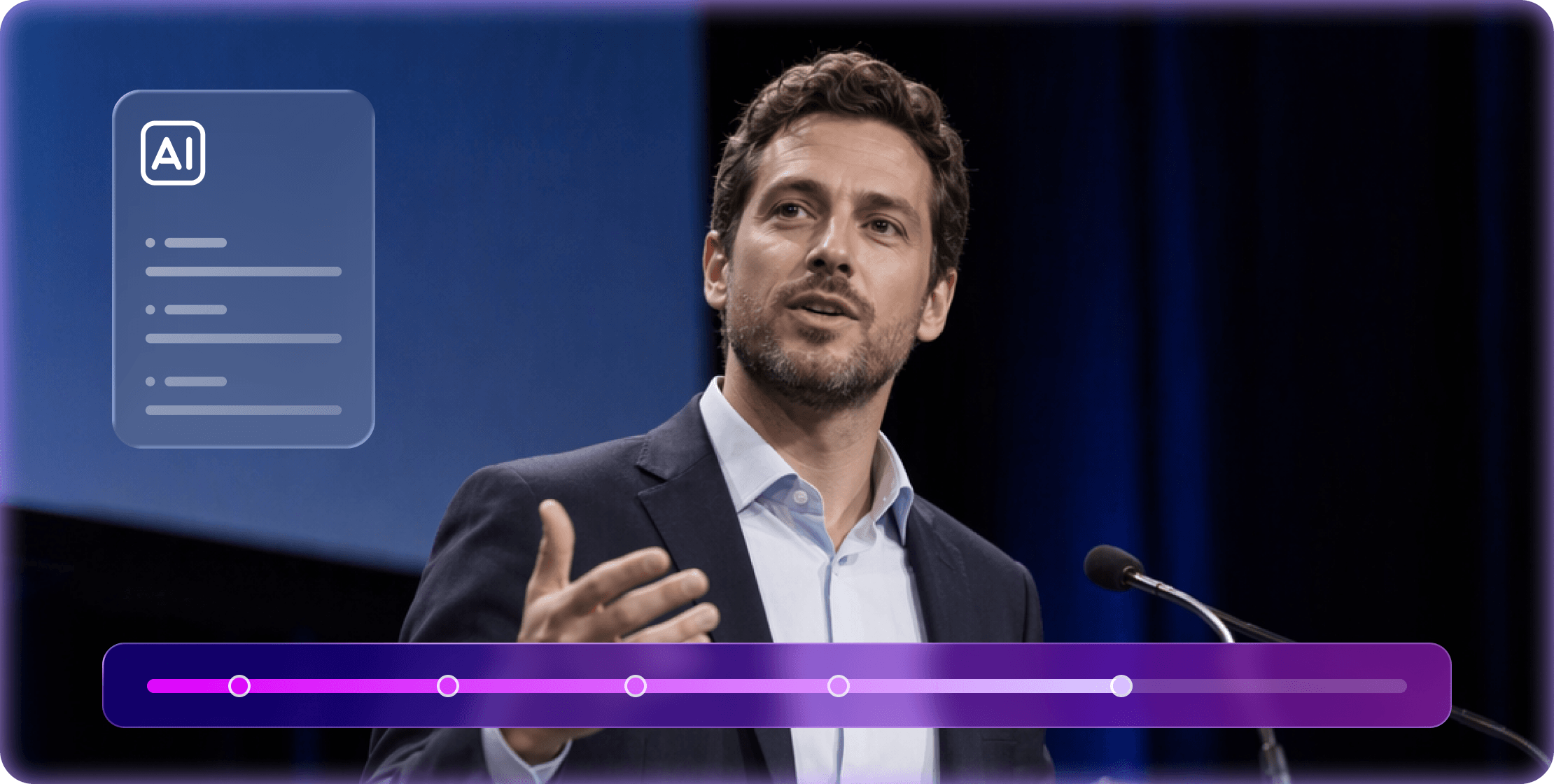
ConvertCompressPreserve
Work your way

Start where
the task starts.

Choose the Wondershare UniConverter experience that fits the file and job in front of you.

UniConverter 18 for desktop

UniConverter 18 for Desktop

For large files, advanced AI processing, batch queues, Watch Folder, and precise export control.

UniConverter Online

UniConverter Online

Use video, audio, and image tools in your browser—free, no registration, and with watermark-free exports.

Learn More
Learn with the community

Learn and grow in the
UniConverter community!

video play icon
Convert & Compress Video
Convert between formats and shrink file size while keeping the quality you need.
video play icon
UniConverter for Creators
See how a creator uses UniConverter's AI tools to simplify everyday video tasks.
video play icon
Upscale AI Videos to 4K
Turn low-resolution AI clips into clearer 4K videos, then refine subtitles and clean up audio.
video play icon
The Best Video Converter
See why creators choose UniConverter for fast, lossless conversion.
video play icon
Convert 4K Video to 1080p
Downscale large 4K footage for smooth playback on any device.
video play icon
Enhance Old Family Videos
Restore color, reduce noise, and bring older home videos back to life.
video play icon
One Toolkit. Less Work.
Compress, caption, and create thumbnails in one app.
video play icon
Polish Your AI Content
Enhance, clean up, and caption with UniConverter before sharing.
Trustpilot logo Trustpilot StarStarStarStarHalf star 4.7 out of 5
G2 Crowd logo G2 Crowd StarStarStarStarHalf star 4.3 out of 5
Software Advice logo Software Advice StarStarStarStarHalf star 4.3 out of 5
Capterra logo Capterra StarStarStarStarHalf star 4.3 out of 5
TrustRadius logo TrustRadius StarStarStarStarHalf star 9.1 out of 10
Trusted media expertise

20 Years of Wondershare
media innovation

Independent software communities consistently recognize UniConverter for ease of use, format coverage, and dependable everyday media work.

Customer review 1

Usually I don't write review for any product I use, but this will be my first review for this software, powerful, smart, easy to use and gets more advanced by time.

Customer review 2

Wondershare UniConverter makes converting 4K and 8K video files a breeze, ensuring high-speed performance. Additionally, it simplifies video compression, all while offering an intuitive and user-friendly interface for seamless navigation.

TG · G2Trustpilot rating, 4.5 out of 5 stars
Customer review 3

Getting the files converted was the first step and Uniconverter came through for me. I was also impressed that Uniconverter did it fast but also preserved the metadata, even cover artwork, on files I had updated prior to converting.

Customer review 4

We use Uniconverter for more than 10 years as Video Converter in our daily work. Also the former version some years ago, which was called Video Converter Ultimate was in constant use to convert videos, cut videos and edit them. On the other hand, we work as reseller of Wondershare Uniconverter and it is one of the best products of Wondershare.

Customer review 5

Not cheap, to be honest. But I'm very impressed with the quality of the product. The video compression is top-notch, allowing me to quickly convert videos to any format I need. The user interface is also intuitive, making it easy for me to quickly figure out how to use the different features.

TG · CapterraTrustpilot rating, 4.5 out of 5 stars
Customer review 6

Wondershare software is awesome and their support is equally as awesome. They worked with me to get the issues resolved. Highly recommend Wondershare UniConverter.

Customer review 7

The price is fair. The user interace is actually pleasant (I like the dark aesthetic). It's easy to queue up a large batch of conversions and leave them running in the background. Everything is generally pretty fast and snappy.

TG · CapterraTrustpilot rating, 4.5 out of 5 stars
Frequently asked questions

Before you start.

Quick answers about Wondershare UniConverter, supported platforms, and the free experience.

What is Wondershare UniConverter 18?

Wondershare UniConverter 18 is an all-in-one AI-powered toolkit for video, audio, and images. Convert formats, compress large files, and improve video and photo quality, with additional tools for recording, light editing, subtitles, and more. Batch processing a

Can I use UniConverter without installing software?

Yes. UniConverter Online lets you use core video, audio, and image tools directly in your browser, so quick everyday jobs need no installation.

Which operating systems does UniConverter support?

UniConverter is available for Windows and Mac. Supported systems include Windows 11, 10, 8, and 7, and macOS 10.13 or later, including macOS 26 Tahoe. The Mac version supports both Apple silicon and Intel processors. AI features and hardware acceleration may require newer systems or specific hardware. Check the technical specifications for requirements and differences between platforms.

Can I use UniConverter online, or do I need the desktop app?

Both options are available. UniConverter Online offers three free uses without registration or login, with watermark-free exports. It has file-size, format, and feature limits and does not support batch processing. Choose the desktop app for larger files, broader format support, batch processing, advanced AI tools, and more control over output settings.

What’s new in UniConverter 18?

UniConverter 18 brings faster GPU-accelerated conversion, original audio passthrough, and smarter compression with better control over file size and quality. Upgraded AI tools improve video and photo detail, remove unwanted elements, and blur private information. AI Auto Fix identifies photo issues and selects suitable enhancements, while Watch Folder and AI Media Agent Beta simplify recurring and custom conversion tasks.

Can I convert or compress videos without losing quality or important details?

Lossless conversion preserves original quality by changing compatible formats without re-encoding. Audio Passthrough can also keep the original audio while the video is converted. Compression balances smaller files with picture quality, using size or quality targets and AI Detail Preservation. Audio tracks, subtitles, metadata, and other details can be retained where the selected tool and output format support them.

Can UniConverter process multiple files and automate repetitive tasks?

Yes. Import multiple files or a folder and process them in batches. For recurring conversions, Watch Folder automatically adds new files to the queue and applies your saved settings. For custom requirements, describe your goal to AI Media Agent Beta—for example, preparing a folder of videos for a specific device—and let it plan and run the conversion tasks. CPU usage control helps keep other apps responsive.

Can I try UniConverter 18 for free? Do AI features require credits?

Yes. Download the free trial to explore UniConverter before purchasing. Trial access and export limits vary by feature. AI features may require credits, and purchasing a software plan does not mean unlimited AI usage. Check your selected plan for included credits and the in-app credit requirement before running an AI task.

How do I upgrade from an earlier version to UniConverter 18?

If you have a perpetual license for an earlier version, visit the Upgrade to V18 page and verify your purchase email to check your eligibility and upgrade offer. Free or paid upgrade eligibility depends on your licensed version and purchase date. If you have an active subscription that includes version upgrades, sign in with your licensed Wondershare account to access the upgrade.

vc 16

Convert, Compress, Enhance - Made Simple with AI

Your all-in-one AI media toolkit. Process files in batches, automate repetitive tasks, and get more done with less effort.