
Why Choose UniConverter for Spanish Text to Speech
Turn Spanish text into audio for creators, educators, marketers, and teams that need fast voice generation, flexible accents, and a practical online-to-desktop workflow.
20+ Natural Spanish Voices for Different Accents
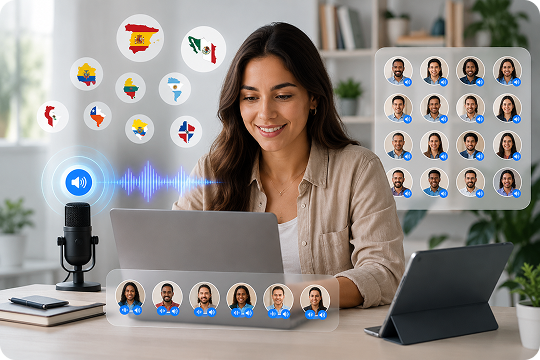
UniConverter gives you 20+ natural Spanish text to speech voices for different listening needs. You can choose Castilian Spanish text to speech, Mexican Spanish text to speech, or Latin American Spanish TTS styles in one workflow. This makes it easier to create Spanish text to audio that fits your audience, your script, and your regional voice preference.
One-Click MP3 Export for Spanish Text to Audio
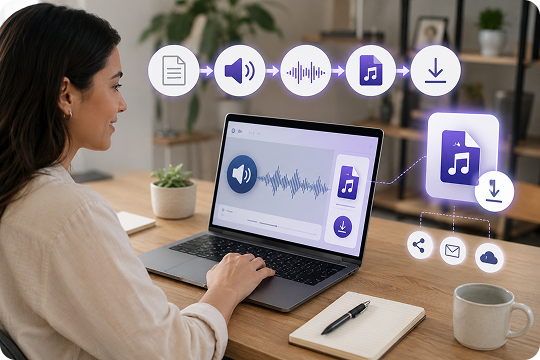
Convert Spanish text to audio and download it in just a few clicks. UniConverter makes it easy to turn Spanish text to voice for videos, lessons, ads, and everyday content. If you need a Spanish text to speech MP3 download workflow, you can generate natural-sounding audio quickly and save it as MP3 for simple sharing and reuse.
Sync Spanish Voiceover into Your Video Workflow
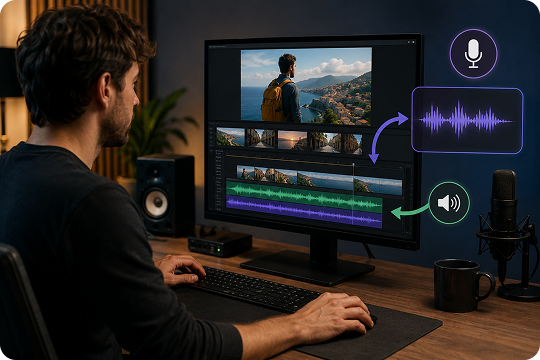
UniConverter does more than generate Spanish text to speech audio. On desktop, you can add your Spanish voiceover directly into a wider video workflow, which helps creators save time. If you need a Spanish voice generator for YouTube, explainers, or training videos, you can create audio and manage media in one place.
Online vs Desktop: Pick the Right Spanish Text to Voice Workflow
UniConverter gives you two flexible ways to create Spanish text to audio. The online version works well for quick clips, short scripts, and instant testing in your browser. The desktop version is better for longer content, batch production, offline use, and advanced output control. If you only need a fast Spanish text to speech online tool, start in your browser. If you create voiceovers regularly, desktop gives you more room to scale.
| Feature | UniConverter Online (Free) | UniConverter Desktop |
|---|---|---|
| Character limit per conversion | 3,000 | Unlimited |
| Batch text-to-audio | No | Yes |
| Offline use & privacy | No | Yes |
| Direct video voiceover sync | No | Yes |
| Voice cloning | No | Yes |
| Export formats | MP3 | MP3, WAV, M4A, AAC |
| Best for | Quick one-off audio clips | Creators, agencies, and e-learning batch production |
How to Convert Spanish Text to Audio in 3 Steps

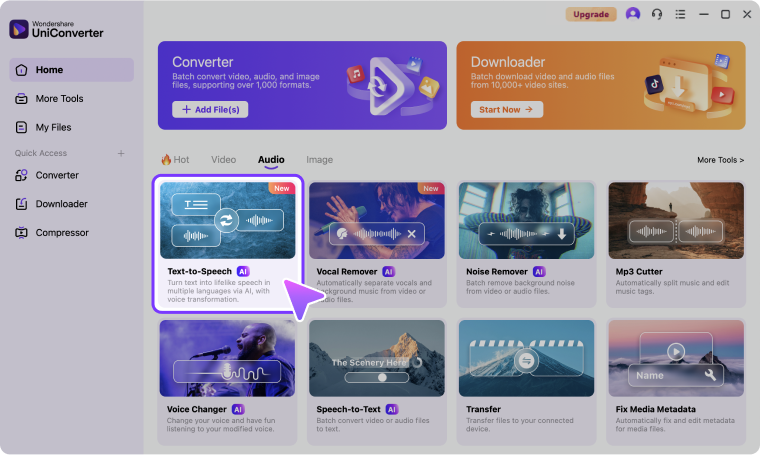
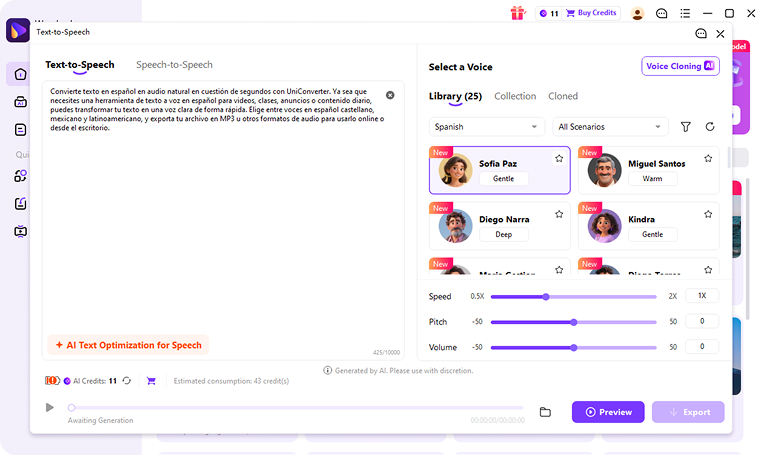
Paste your script or import Spanish content into UniConverter to get started. You can use short lines for quick online generation or longer text for desktop workflows. This makes it easy to create text to audio Spanish output for lessons, videos, marketing copy, or daily voiceover tasks.

Select the voice that fits your project best. UniConverter lets you choose from Castilian, Mexican, and Latin American Spanish options based on various scenarios, so you can create text to voice Spanish audio for different regions and audiences. You can also adjust voice settings to better match your content style and listening needs.

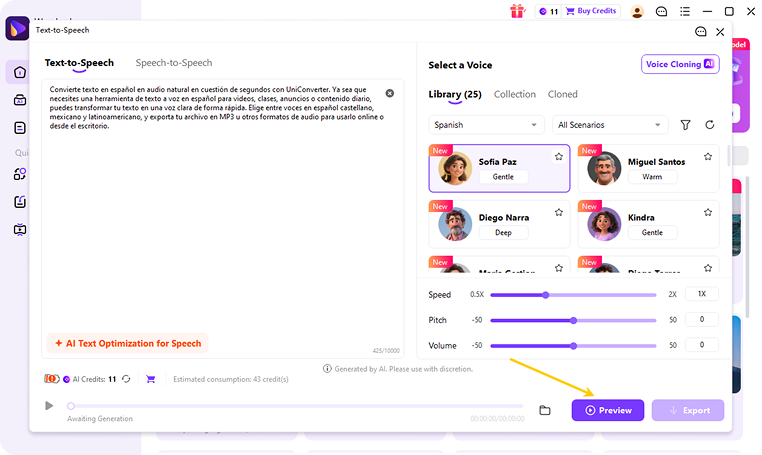
Create your Spanish audio in seconds, then listen to the result before saving it. Once you're happy with the output, download your file as MP3 or place it into your wider content workflow. This final step helps you turn Spanish text to speech into ready-to-use audio for video, e-learning, podcasts, or promotional content.
Use Cases: Text to Spanish Speech for Every Scenario
Spanish Text to Speech for YouTube and Social Media Voiceovers
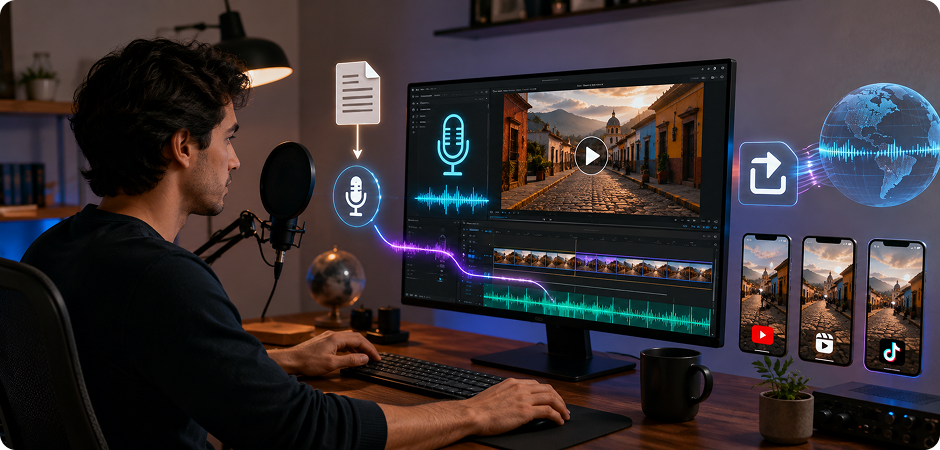
Creators can use UniConverter to turn scripts into clear Spanish voiceover for YouTube videos, Reels, Shorts, and other social content. If you need Spanish text to speech for YouTube, this tool helps you move from draft to audio faster without recording every line yourself. You can create text to Spanish speech for tutorials, product clips, explainers, or promos, then export the voice track and place it into your editing workflow.
Spanish Audiobook and Podcast Text to Audio Production
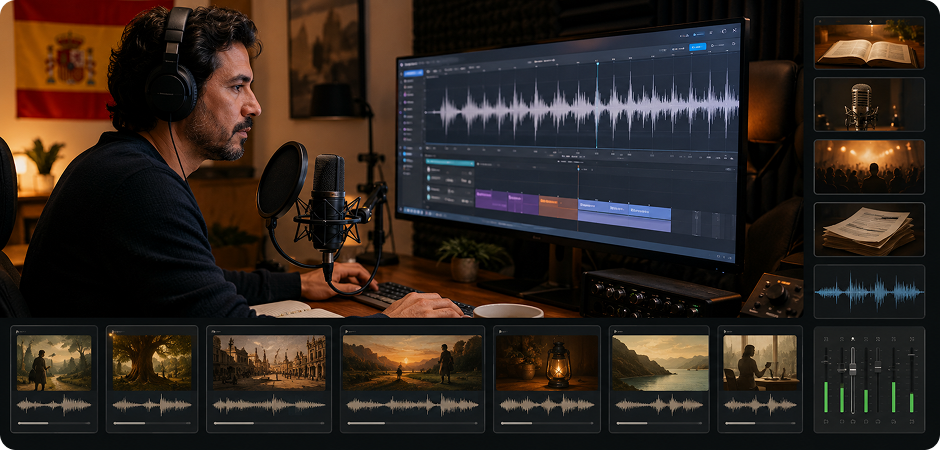
UniConverter is useful for longer Spanish text to audio projects such as audiobook drafts, podcast narration, and spoken article content. Instead of generating one short clip at a time, you can build a smoother workflow for longer scripts and structured episodes. This is especially helpful when you need a Spanish text to voice tool for repeat production, chapter-based narration, or audio versions of written content for listeners on different platforms.
E-Learning and Language Practice with Spanish Text to Voice
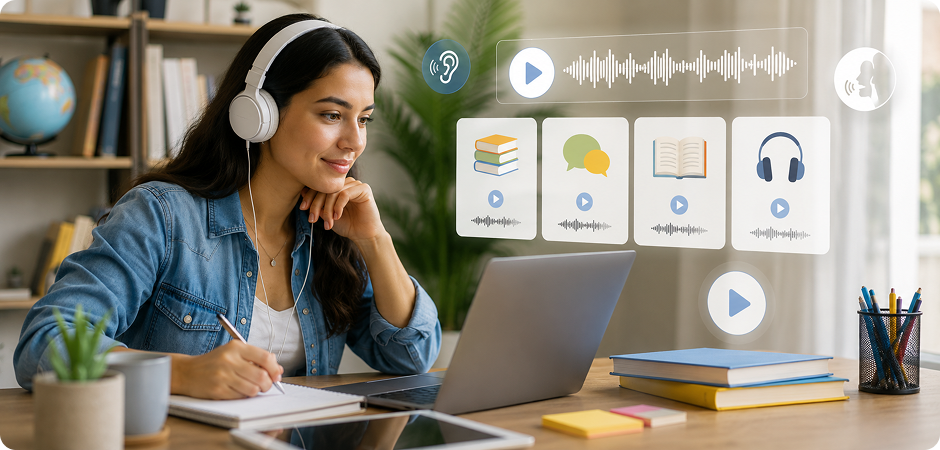
Teachers, students, and course creators can use UniConverter to create Spanish text to speech audio for lessons, pronunciation practice, and listening exercises. If you need text to speech in Spanish for learning content, you can turn vocabulary lists, dialogues, or short readings into playable audio. This makes Spanish text to audio more practical for classroom materials, online learning modules, and self-study routines that depend on repeat listening and clear pronunciation.
Spanish Voice Generator for IVR, Ads, and Marketing Campaigns
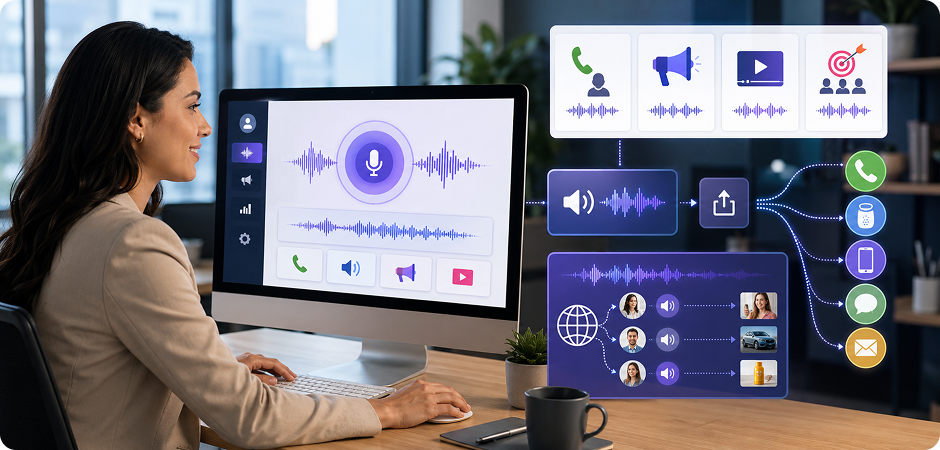
Marketing teams and businesses can use UniConverter as a Spanish voice generator for IVR prompts, paid ads, product messaging, and campaign assets. When you need Spanish text to voice output for customer-facing audio, speed and consistency matter. You can create localized Spanish text to speech for phone systems, brand videos, promo clips, or regional ads, then export the audio quickly and adapt it for different channels or market segments.
FAQ – Spanish Text to Speech
What is the best free Spanish text to speech tool?
Can I convert Spanish text to audio MP3 for free?
What's the difference between Castilian and Latin American Spanish voices?
Can I use UniConverter Spanish TTS audio commercially on YouTube?
Does UniConverter support Mexican Spanish text to speech?
What's the character limit for Spanish text to audio conversion?
Online vs Desktop: which UniConverter Spanish TTS should I choose?
Can I clone my own voice to speak Spanish?
Related Tools You May Like



Start Converting Spanish Text to Audio for Free
Whether you need a quick Spanish text to speech online tool or a more flexible desktop workflow, UniConverter helps you turn written Spanish into usable audio fast. Create voiceovers, learning materials, audiobook drafts, and marketing audio in a few simple steps.
