
Why Choose UniConverter for French Text to Speech
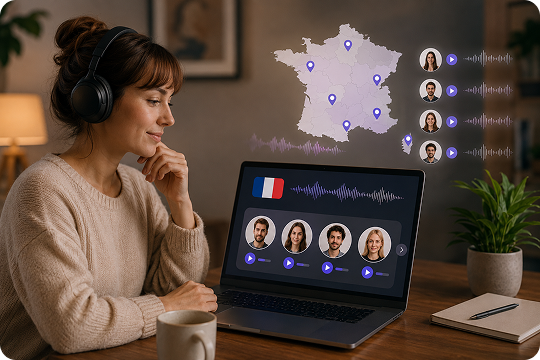
20+ Natural French Voices with Regional Accents
UniConverter helps you create French text to speech with natural voices designed for different listening needs. You can build clearer French text to audio for lessons, social clips, and business content while matching a more suitable regional tone. This makes the tool useful for teams looking for a practical French accent generator workflow, not just a basic text reader.
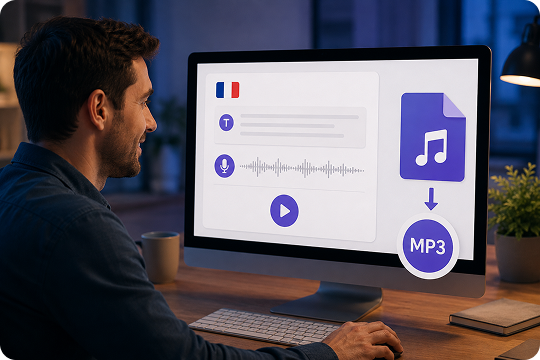
One-Click MP3 Export for French Text to Audio
When you need French text to speech MP3 output fast, UniConverter keeps the workflow simple. Paste your script, generate the voice, and download French text to audio in a format that is easy to review, share, and reuse. It works well for quick previews, lightweight edits, and short-form content that needs a clean French TTS export path.
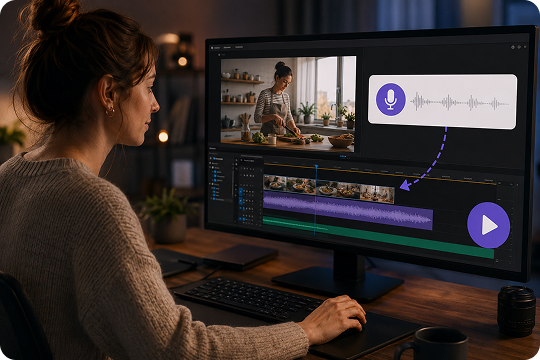
Sync French Voiceover Directly into Your Video
UniConverter does more than convert French text to voice. It also fits naturally into a broader video workflow, which is helpful when you need French voiceover for YouTube, explainers, tutorials, or ads. Instead of moving between too many tools, you can generate French text to speech and prepare the audio for video production in one more connected process.
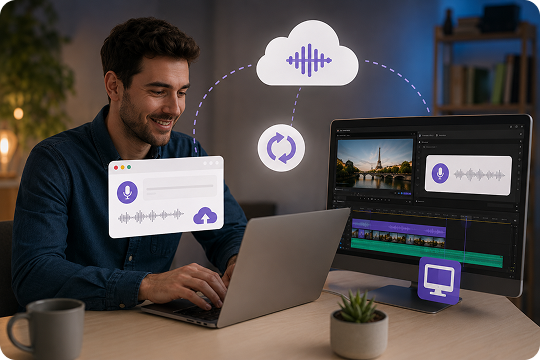
Free Online, Powerful Desktop — One Ecosystem
If you need French text to speech free for short scripts, the online tool is the easiest place to start. When your projects grow, UniConverter Desktop gives you a stronger French TTS workflow for longer text, repeated production, offline use, and wider media editing needs. This online-to-desktop structure makes the tool more practical than a one-mode solution.
Online vs Desktop: Pick the Right French Text to Voice Workflow
UniConverter gives you two clear ways to handle French text to speech. Use the online tool for fast previews, short scripts, and quick MP3 output. Choose the desktop app when you need a stronger text to voice French workflow for longer production, repeat tasks, offline privacy, and broader media editing.
| Feature | UniConverter Online | UniConverter Desktop |
|---|---|---|
| Character limit per conversion | 3,000 | Unlimited |
| Batch text-to-audio | No | Yes |
| Offline use & privacy | No | Yes |
| Direct video voiceover sync | No | Yes |
| Voice cloning | No | Yes |
| Export formats | MP3 | MP3, WAV, M4A, AAC |
| Best for | Quick clips, previews | Creators, agencies, and e-learning batch work |
How to Convert French Text to Audio in 3 Steps

Paste your script, lesson notes, product copy, or narration draft into UniConverter. This is a simple way to begin any French text to speech task, whether you need a short preview online or a larger text to voice French workflow on desktop.

Pick the French voice that fits your audience and content type. This step helps you create French text to voice output for social media, training, ads, or longer narration while keeping the audio more natural and easier to use.

Create your French text to audio, listen to the result, and download the file when it sounds right. You can use the online version for quick MP3 output or move to desktop for longer French TTS production and repeat editing tasks.
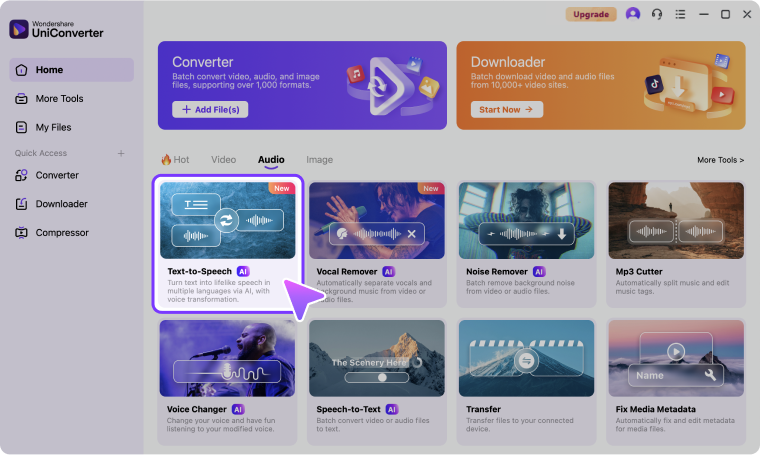
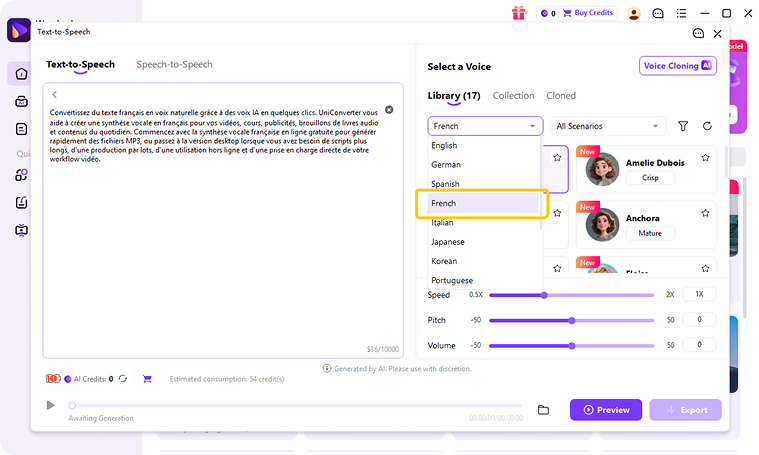
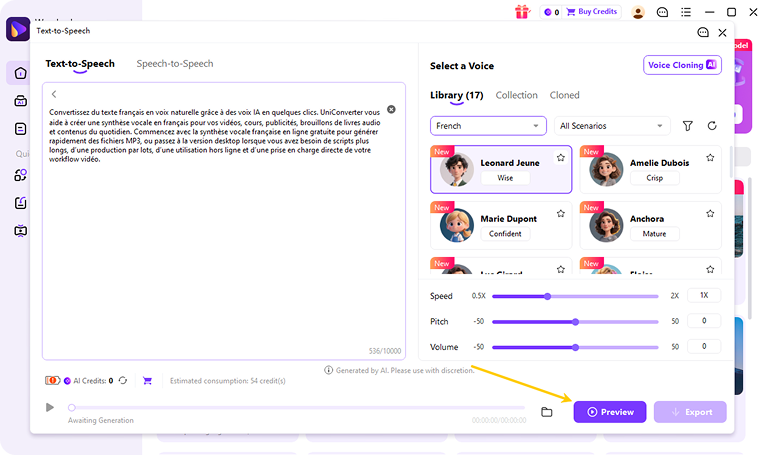
Use Cases: French Text to Speech for Every Scenario
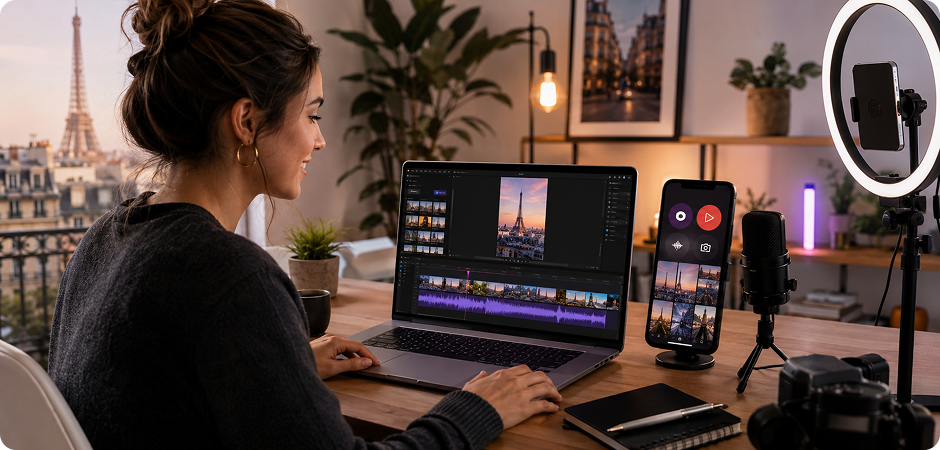
French Text to Speech for YouTube, TikTok, and Reels Voiceovers
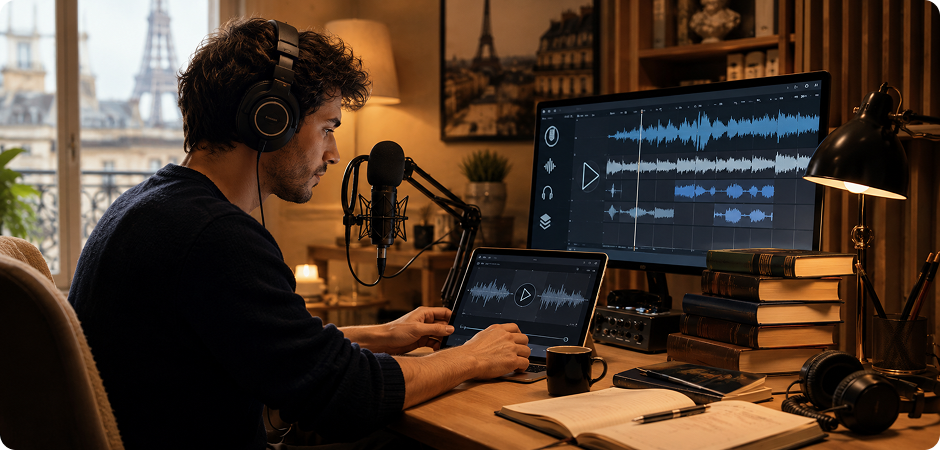
Creators can use French text to speech to turn scripts into audio for YouTube explainers, TikTok clips, Reels, Shorts, tutorials, and product videos without recording every update by hand. This French voiceover for YouTube workflow is useful when you need faster publishing, easier script testing, and cleaner version control. It also helps teams create French text to speech for TikTok and short-form content that fits a repeatable social media production process.
French Audiobook and Podcast Text to Audio Production
French audiobook text to speech workflows are useful for draft narration, chapter previews, spoken articles, and podcast intros that need quick turnaround. Instead of recording each line manually, you can use French text to audio tools to review pacing, test script clarity, and prepare narration earlier in production. This makes French TTS a practical option for creators, editors, and teams handling repeat long-form audio work.
E-Learning and Language Practice with French Text to Voice
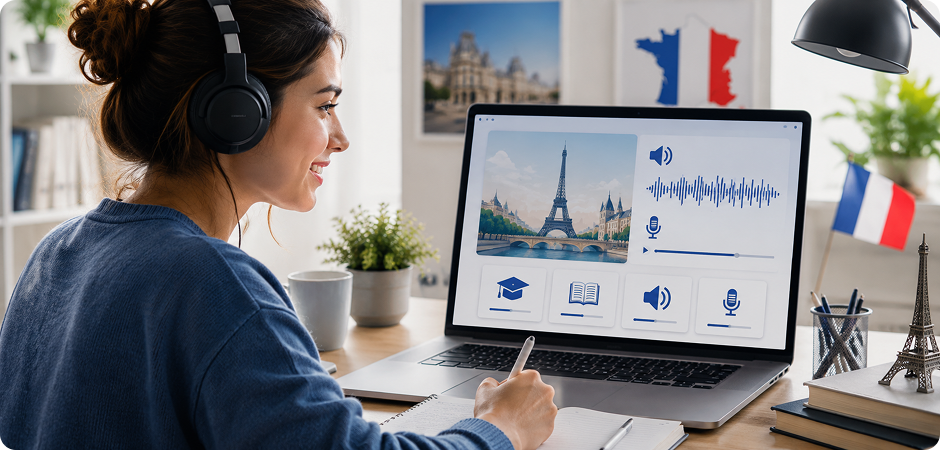
Teachers, students, and course teams can use French text to voice tools to create lesson narration, listening exercises, onboarding material, and study support audio more efficiently. This makes French text to speech for elearning a practical choice for short modules and repeat updates. It also helps you build clearer learning content when you need reusable French text to audio for online courses, internal training, or language practice.
French Voice Generator for IVR, Ads, and Marketing
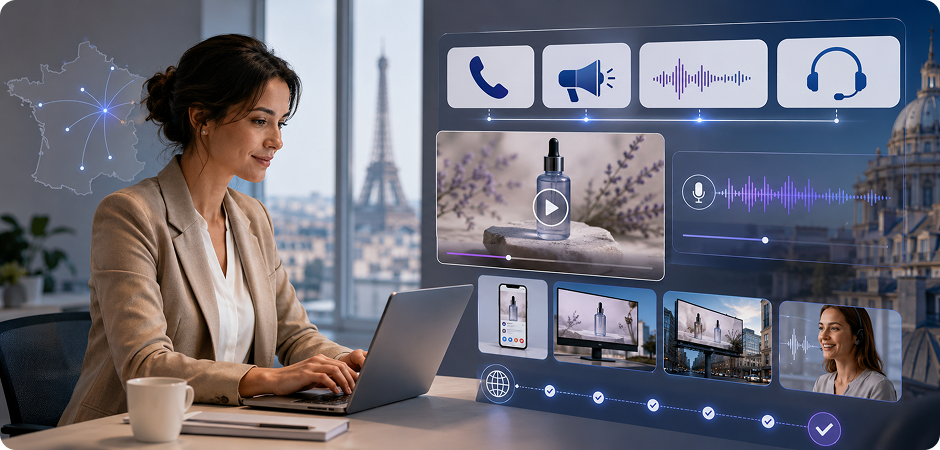
Marketing and support teams can use a French voice generator to build campaign audio, ad narration, IVR prompts, product explainers, and customer messaging across different channels. This workflow helps you update copy faster, test multiple lines, and localize content without a long recording process. It gives teams a more flexible way to create French text to speech for ads and practical business communication that needs speed and consistency.
Trusted by Creators,
Educators, and Marketing Teams
FAQ — French Text to Speech
What is the best free French text to speech tool?
Can I convert French text to audio MP3 for free?
What’s the difference between France French and Canadian French voices?
Can I convert English text to French voice with UniConverter?
Can I use UniConverter French TTS audio commercially on YouTube?
Does UniConverter support Canadian French or Quebec French text to speech?
What’s the character limit for French text to audio conversion?
Online vs Desktop: which UniConverter French TTS should I choose?
Can I clone my own voice to speak French?
What audio formats does UniConverter French TTS support?
Related Tools You May Like



Start Converting French Text to Audio for Free
Create French voiceovers for videos, lessons, audiobook drafts, ads, and more. Try French text to speech online for quick results, or download UniConverter Desktop for longer scripts, batch production, and a more complete media workflow.
