
Hear the Difference: From Echoey Audio to Clear Voice
Echo can make a voice sound distant, hollow, or hard to understand. UniConverter helps reduce echo in audio, clean room reverb, and improve voice clarity for common recording situations.
Enhanced: Clearer voice after AI echo reduction
Echoey Room Recording
00:00:00


Use the before-and-after player to compare the original file with the enhanced version. This helps you hear how the echo remover reduces reflections while keeping the voice natural.
How to Remove Echo from Audio with UniConverter
Removing echo does not need a complex audio setup. With UniConverter, you can clean echoey audio or video in three simple steps, whether you start online or use the desktop version for larger projects.

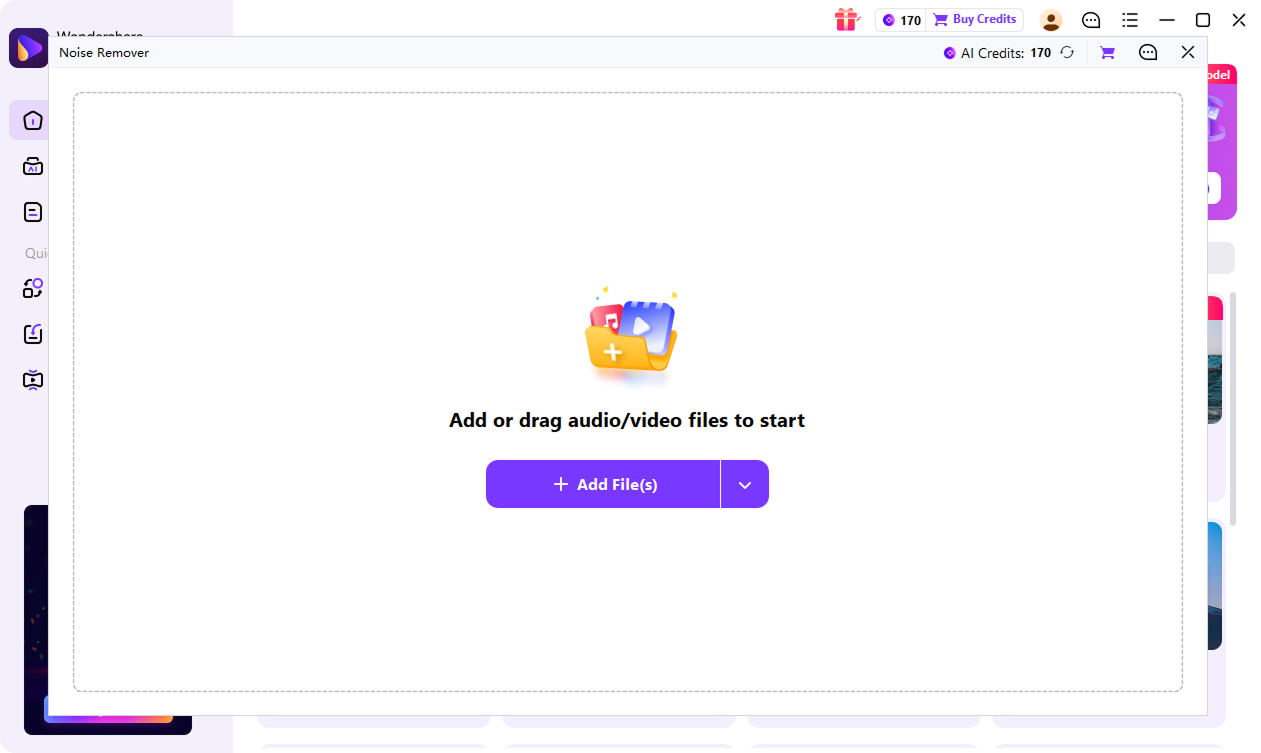
Start by adding the file you want to clean. Upload a short audio or video file to UniConverter Online Echo Remover for a quick preview, or open UniConverter desktop for longer recordings, private files, and batch tasks.

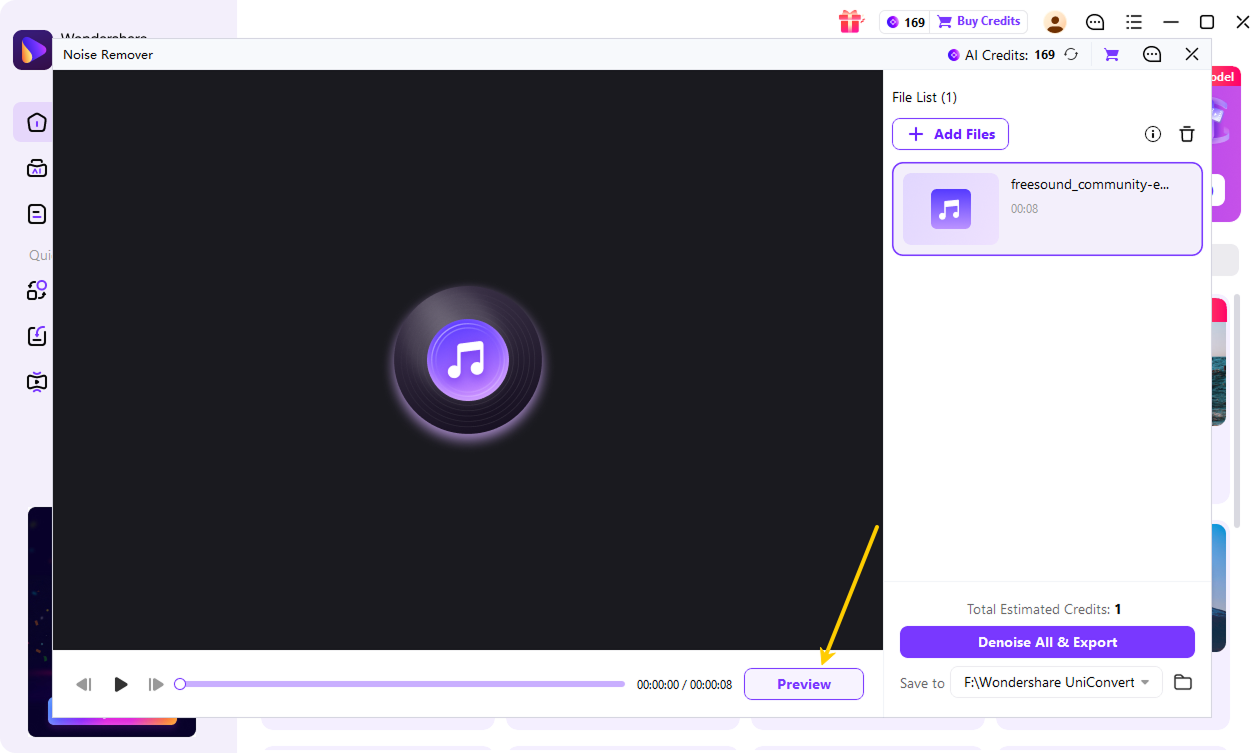
Preview the cleaned result before export. UniConverter detects echo, room reverb, delayed reflections, and hollow voice, then reduces unwanted room sound while keeping speech clear.

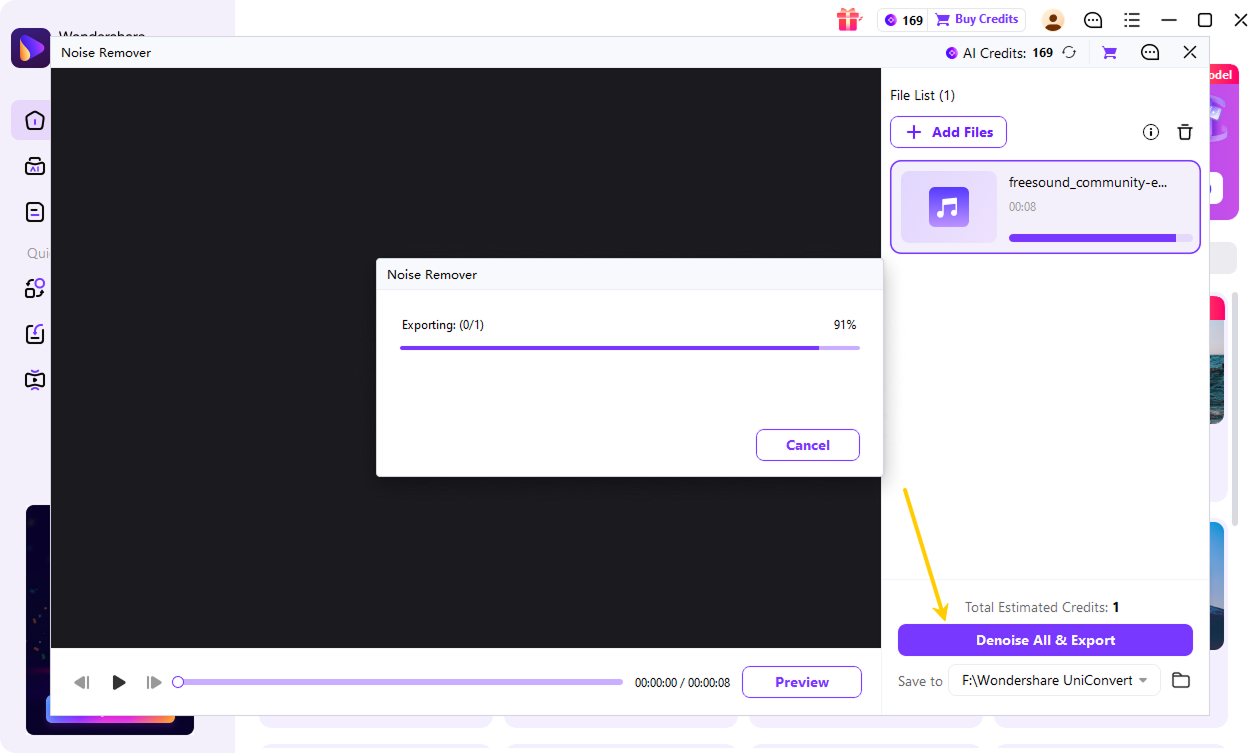
Click “Denoise All & Export” and let AI analyze the recording. Download the enhanced file online, or use UniConverter desktop to export the cleaned audio or video and continue working with other media tools in the same workflow.
One Echo Remover for Audio, Video, Podcasts, and Meetings
UniConverter AI Echo Remover fits different recording needs. Use it to remove echo from audio, clean echo from video, and improve voice clarity in podcasts, meetings, interviews, voiceovers, and demos.

Podcast Echo Remover for Clearer Voice Recordings
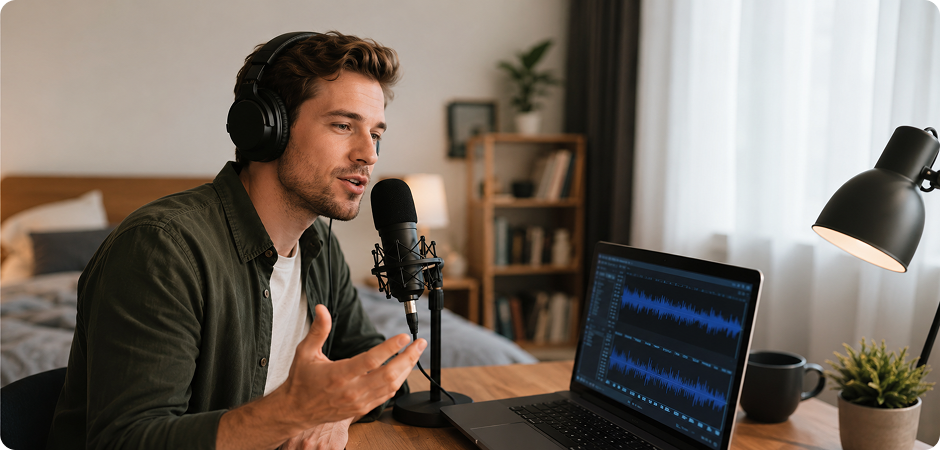
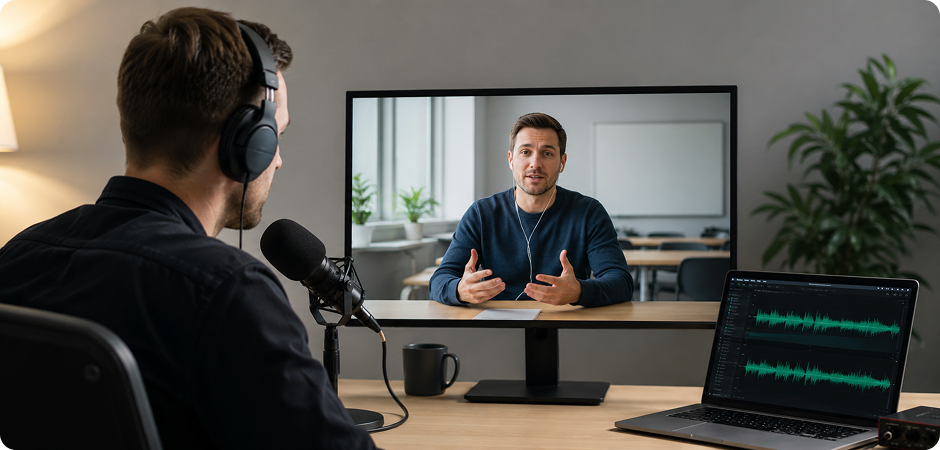
Record a podcast in a bedroom, office, or untreated studio, and your voice may sound distant or thin. UniConverter AI Echo Remover helps remove echo from podcast audio by reducing room reflections and hollow sound. Upload your episode, preview the cleaner voice, and export audio that feels closer to the microphone. It is useful for solo shows, remote interviews, and guest recordings where you need better clarity without rebuilding your edit.
Video Echo Remover for MP4, MOV, and Creator Clips
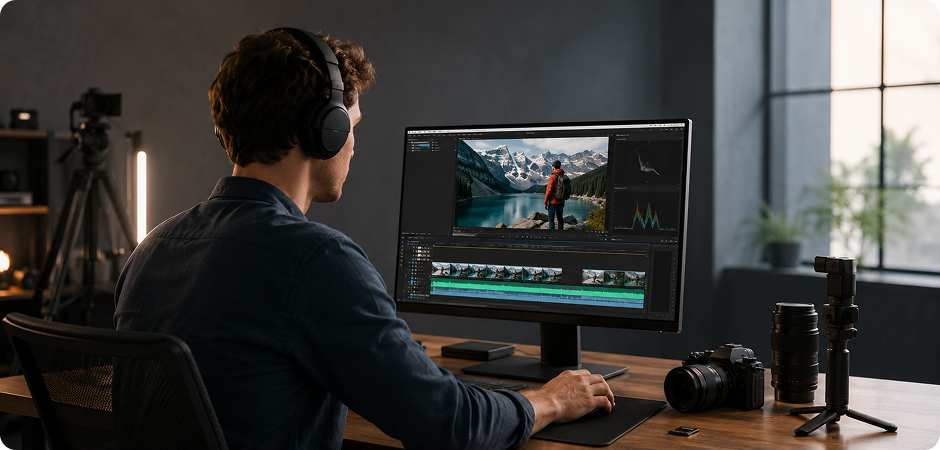
Use UniConverter as a video echo remover when your MP4, MOV, or camera recording has echo in the audio track. You do not need to separate the audio manually before cleanup. Import the video, let AI reduce echo from video audio, and export a cleaner file for YouTube, courses, social clips, or client reviews. This workflow helps creators save time when the picture is ready, but the sound still needs attention.
Meeting Recording Echo Remover for Zoom and Teams Audio
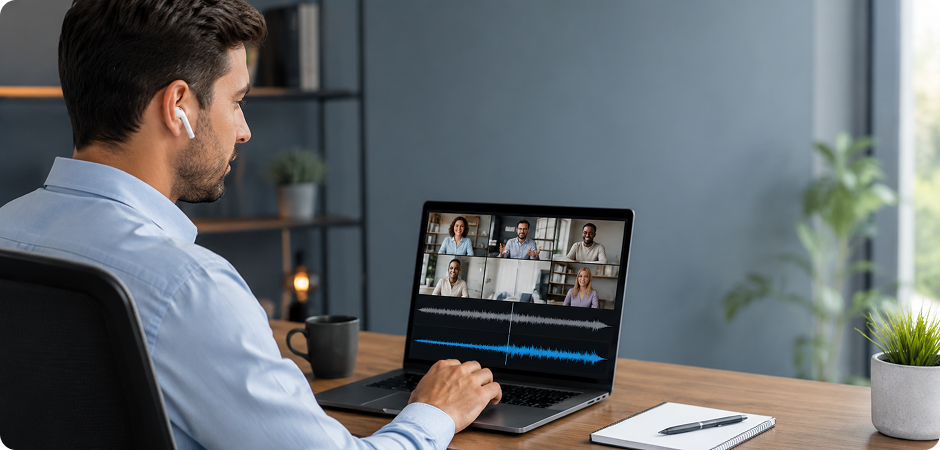
Zoom, Teams, webinar, and training recordings often capture speakers in large rooms or through poor microphones. UniConverter helps remove echo from meeting recordings so voices sound less hollow and easier to follow. Clean internal calls, online lessons, product demos, and client interviews before sharing them with your team. The desktop workflow is helpful when you handle private files, long sessions, or multiple recordings from the same event.
Voice Echo Remover for Narration and Training Videos
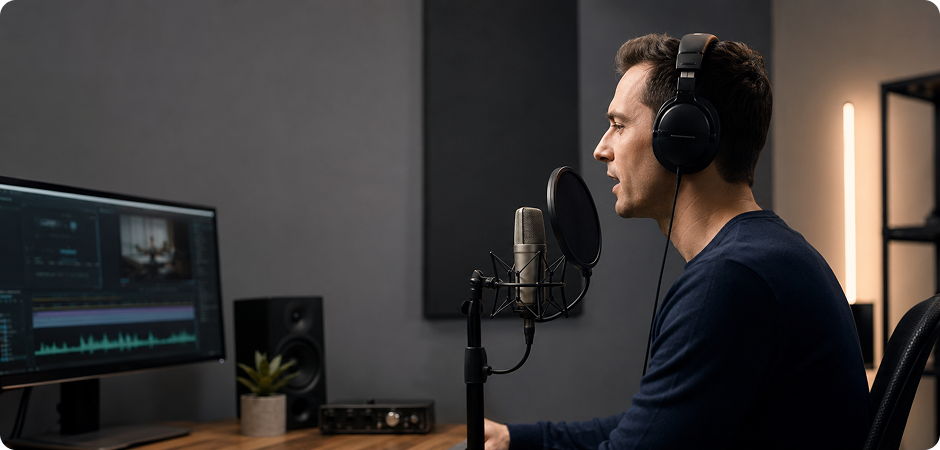
A voiceover should sound close, clear, and natural. If your narration was recorded near walls, windows, or a hard desk, it may include delayed reflections. UniConverter voice echo remover helps clean hollow voice and make narration easier to hear in tutorials, ads, product videos, and training content. Use it to reduce echo in audio while keeping the voice tone steady for a more polished listening experience.
Interview Audio Echo Remover for Guest and Client Recordings
Guest interviews can be hard to control, especially when people record in offices, classrooms, or meeting rooms. UniConverter helps clean echo from interview audio by reducing room reverb and distant voice effects. Use it for customer stories, expert interviews, research calls, or podcast guests. You can process audio or video files, preview the result, and keep the conversation clear enough for editing, sharing, or publishing.
Room Reverb Remover for Vocal Demos and Music Ideas
Rough vocal demos and music ideas often capture extra room sound from untreated spaces. UniConverter can reduce unwanted room reflections while helping preserve natural vocal clarity. Use it to make audio less echoey before sharing demos with collaborators, teachers, or clients. It is not a replacement for studio mixing, but it gives you a cleaner starting point when room echo distracts from the performance, lyrics, or message.
Why Use UniConverter to Remove Echo?
UniConverter combines AI echo reduction with practical media workflows. You can clean echoey audio, remove echo from video, and process private or large files with more control.
AI Echo Remover for Echo, Reverb, and Room Reflections
UniConverter AI Echo Remover detects echo, reverb, and delayed reflections in your recording automatically. You do not need to adjust complex audio settings before cleanup. The tool focuses on echoey audio, hollow voice, and room reflections, helping you remove echo from audio with fewer manual steps and a clearer preview before export.
Echo Remover for Audio and Video Files
Use one echo remover for audio and video files. UniConverter helps clean sound directly from common recordings, videos, podcasts, meetings, and voiceovers. You can remove echo from video audio without extracting the track first, which keeps the workflow simple when you need a cleaner MP4, MOV, or voice recording for publishing.
Desktop Echo Remover for Private Local Processing
Some recordings should not be uploaded to a browser. UniConverter desktop gives you a local workflow for client interviews, internal meetings, training videos, and unreleased content. Use it when you need to reduce echo in audio while keeping files on your device, especially for sensitive projects or team materials that require privacy.
Batch Echo Removal for Multiple Audio and Video Files
When you have several recordings, manual cleanup takes time. UniConverter supports batch echo removal, so you can import multiple audio or video files and process them in one workflow. This helps podcast editors, course creators, and marketing teams clean echoey audio across episodes, lessons, or asset libraries more efficiently and with fewer repeated steps.
Large File Echo Remover for Long Videos and Recordings
Browser tools may feel limited when you work with long meetings, full webinars, or large video files. UniConverter desktop is designed for larger media workflows, giving you a more stable way to remove echo from video and audio. It is useful when files are too large for quick online cleanup.
Natural Voice Echo Reduction for Clearer Speech
Echo removal should make speech clearer without making it sound harsh or thin. UniConverter helps reduce hollow sound, room reverb, and distant voice effects while keeping the voice natural. Preview the result before export, then choose the version that fits your podcast, meeting, lesson, or video project workflow with confidence.
Online Echo Remover or Desktop Echo Remover: Which One Should You Use?
Both options help you reduce echo in audio. The right choice depends on your file size, privacy needs, and workflow. Start online for a quick file, or download UniConverter for private recordings, large videos, and multiple files.
| Need | UniConverter Online Echo Remover | UniConverter Desktop |
|---|---|---|
| Quick echo preview | Yes | Yes |
| No installation | Yes | No |
| Batch echo removal | Limited | Yes |
| Large audio or video projects | Basic | Better for longer workflows |
| Local processing | No | Yes |
| Remove echo from video | Basic export | Built into a wider media toolkit |
| Private meeting or client recordings | Not recommended for sensitive files | Better for local processing |
| Best for | Fast tests and short files | Regular creators, teams, and longer projects |
FAQs about Echo Remover
Related Tools
Explore more UniConverter tools to improve your audio and video workflow.



Make Echoey Audio Clearer with UniConverter
Make echoey audio easier to hear with UniConverter AI Echo Remover. Try the online tool for quick cleanup, or download UniConverter for private desktop processing, large files, and batch echo removal.
