FAQFrequently Asked Questions About Facebook Video Downloaders
Answers about downloading Facebook videos, using UniConverter, available quality, MP4 conversion and common download issues.
How do I download a video from Facebook?
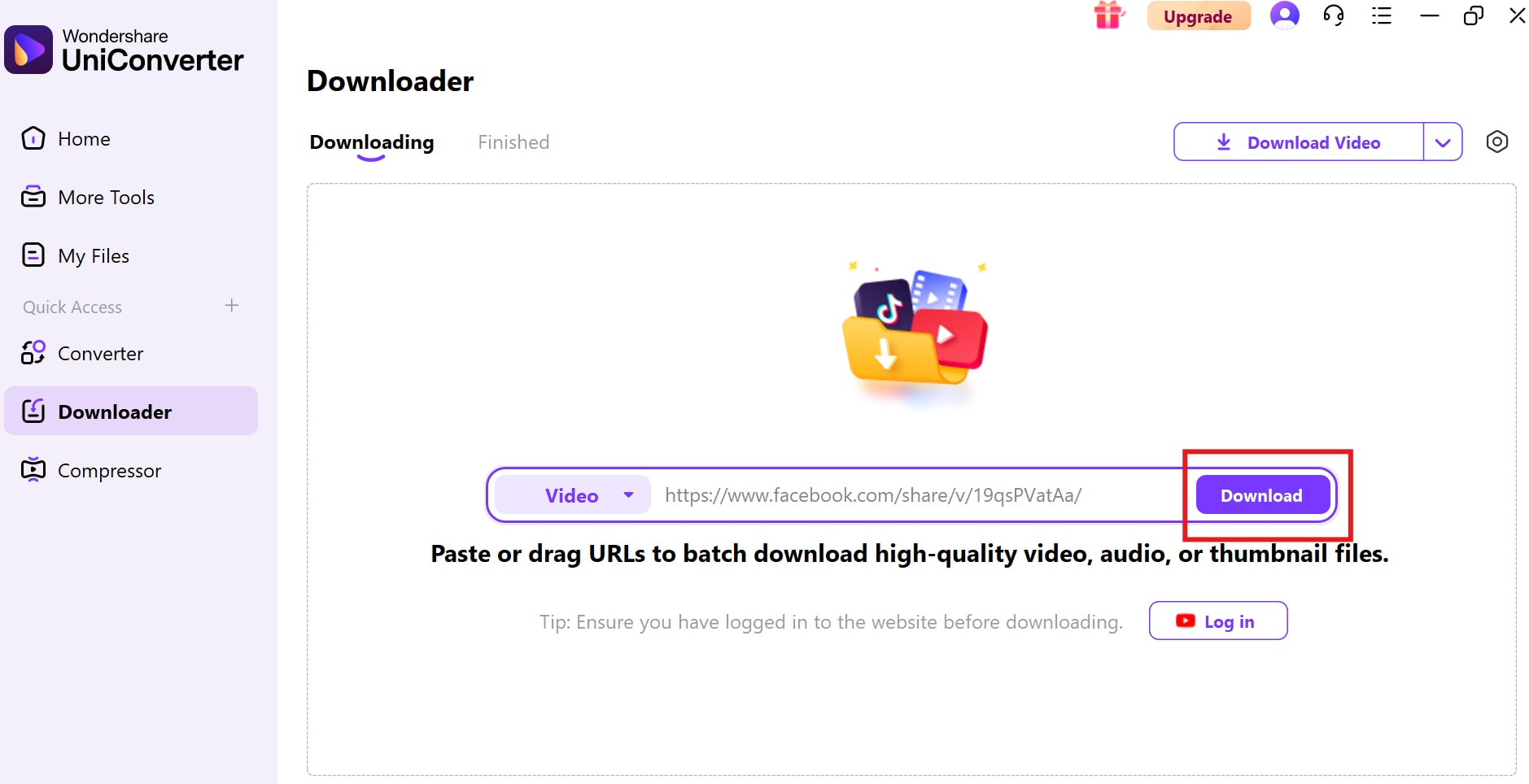
For your own video, check Facebook's post menu or account download tools for an official Download option. For an eligible public video you have permission to save, copy its URL, paste it into a supported downloader such as UniConverter's desktop Downloader, review the available quality and start the download.
Is there a Facebook video downloader for Windows and Mac?
Wondershare UniConverter is a desktop media tool for Windows and macOS. Its Downloader can process supported video URLs, show available quality options and manage completed files. The source must be accessible and the download must be permitted; not every Facebook link is supported.
Can I use UniConverter to download Facebook videos in 4K?
UniConverter can show high-resolution options when a supported source provides them. A 4K download is possible only when the original Facebook video and the available stream support 4K. If the source offers only HD or 1080p, selecting 4K cannot create native 4K detail.
Can I download multiple Facebook videos at once?
The existing UniConverter materials describe a batch-download workflow for multiple supported URLs. Add eligible links to the download queue and manage the tasks there. Each link is processed according to its own source availability and support; batch processing does not bypass privacy or access restrictions.
How do I download my own Facebook videos?
Sign in to the Facebook account that published or manages the video. Open the video or post and check its options menu for Download. If that option is unavailable, use Facebook's account information and download tools to request an export of your content. The exact interface can vary.
Can I download private Facebook videos?
This page does not provide instructions for bypassing private, group-only or access-controlled videos. Use Facebook's own export options for content in your account, or ask the owner to provide a copy or permission through an official method.
How do I convert a downloaded Facebook video to MP4?
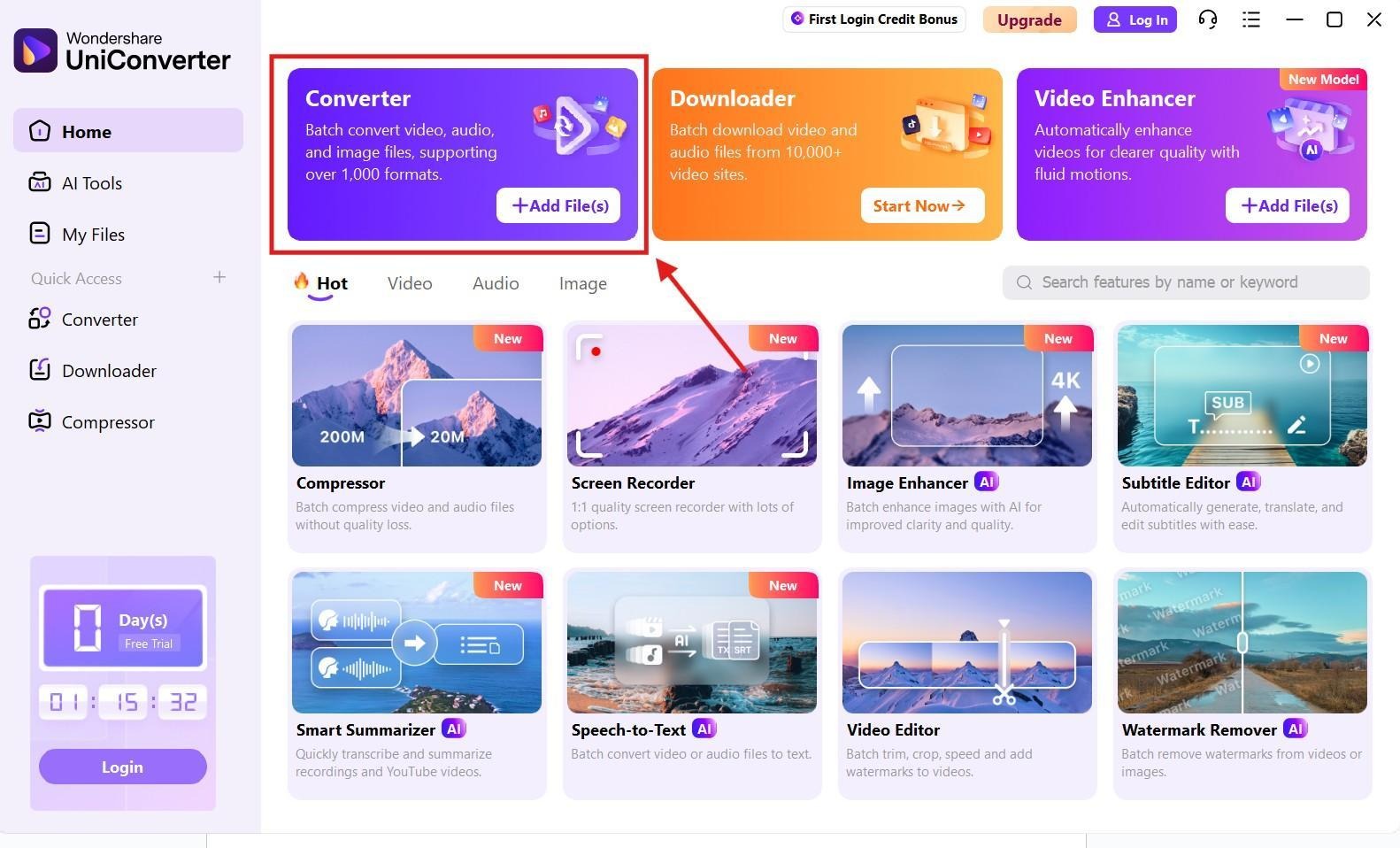
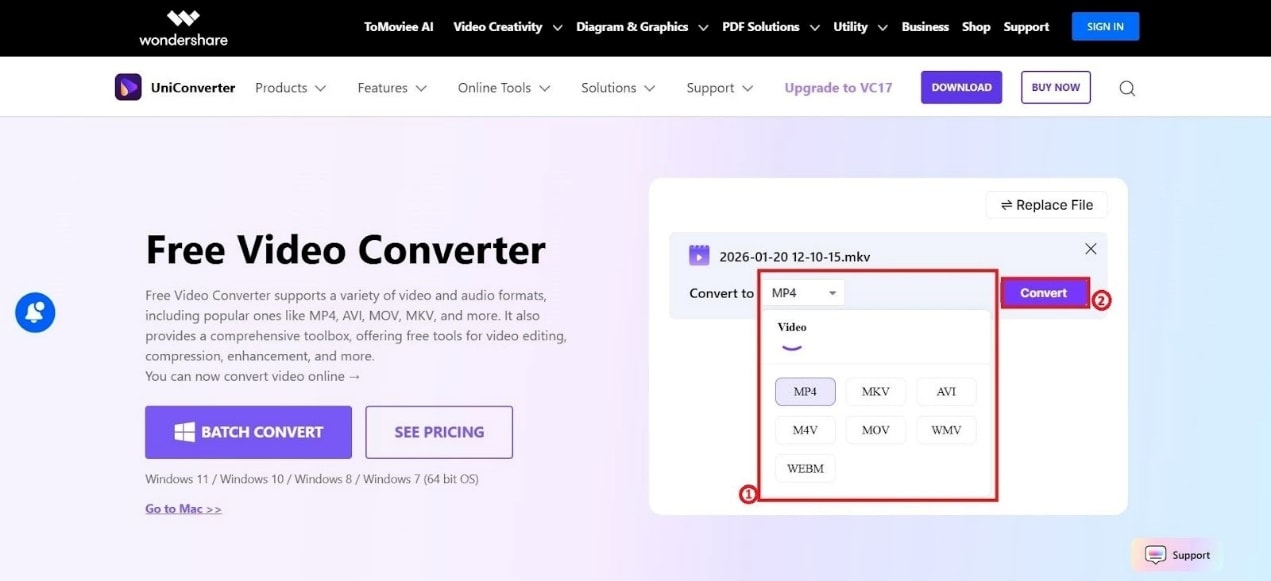
Open UniConverter Converter, add the local video file, choose MP4 as the output format and select a suitable profile. Start the conversion, then play the exported file and check its video, audio, resolution and duration. Conversion may re-encode the file and change quality or size.
Why does my Facebook video downloader not work?
Check that you copied the exact video URL, that the video is accessible, and that the downloader currently supports its source format. Private or restricted content, changed source delivery, expired links and unavailable streams can prevent a download. Do not try to bypass access controls.
Can I download Facebook Reels with a video downloader?
Some tools may process a Reel when its URL is publicly accessible and supported, but support is not guaranteed for every Reel. Use Facebook's own save or download options where available, and only save content you own or have permission to use.
Does converting a Facebook video to MP4 reduce quality?
It can, depending on the source, output codec, bitrate, resolution and encoder settings. If the source is already MP4 and compatible with your device, conversion may not be necessary. When you do convert, choose suitable settings and verify the exported file.