
Why Choose UniConverter for Chinese Text to Speech
Create clear Chinese voice output for videos, e-learning, spoken drafts, and everyday content with a workflow that stays simple from script to export.
Natural Chinese and Mandarin Voices for Clear Everyday Audio
UniConverter makes Chinese text to speech practical for real content by offering natural-sounding voice output for short scripts, tutorials, and spoken drafts. Whether you need Mandarin text to speech for video narration, training materials, or daily communication, the workflow helps you create smoother audio with better listening clarity than flat, robotic speech. It is a useful Chinese voice generator for creators and teams.

Fast MP3 Export for Chinese Text to Audio Workflows
If you need a quick way to turn Chinese text to audio, UniConverter helps you generate and download speech in a simple workflow. This is useful for short-form content, draft voiceovers, learning materials, and everyday production tasks. For users looking for Chinese text to speech free online, it offers a fast path from script to audio without adding unnecessary steps.
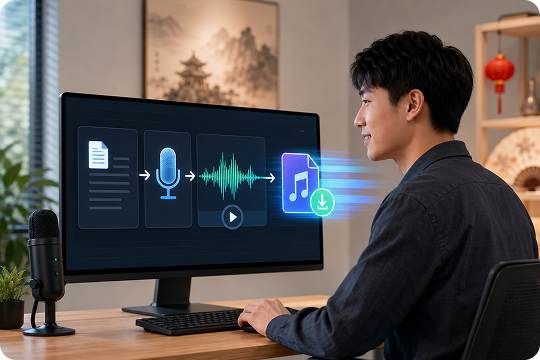
Chinese Text to Voice That Fits Video and Media Projects
UniConverter does more than convert Chinese text to voice. It fits naturally into a wider content workflow for video creation, editing, and media production. If you need Chinese voiceover for tutorials, explainers, product videos, or social content, you can create spoken audio and connect it more easily to the rest of your project. That makes it a more practical Chinese AI voice solution.
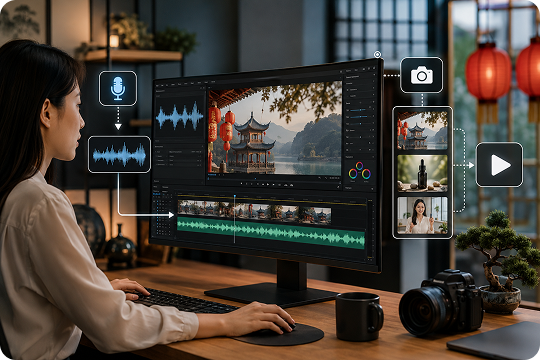
Free Chinese TTS Online Plus a Stronger Desktop Workflow
UniConverter gives you two ways to work with Chinese text to speech. You can start with Chinese text to speech online for fast browser-based generation, then move to desktop when your workflow becomes longer or more production-focused. This helps users who want a simple Chinese TTS free option first, but also need stronger desktop support for repeat content and offline work later.
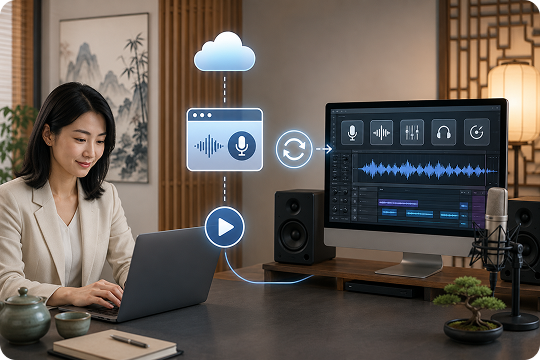
Online vs Desktop: Pick the Right Chinese Text to Voice Workflow
UniConverter gives you two flexible ways to handle Chinese text to voice projects. The online version is best for quick previews, short scripts, and instant browser-based generation. The desktop version is better for longer scripts, repeat production, offline use, and broader media workflows. If you only need Chinese text to speech online, the browser version is a fast place to start. If you create voice content often, desktop gives you more room to scale.
| Feature | UniConverter Online | UniConverter Desktop |
|---|---|---|
| Best for | Quick browser-based Chinese TTS tasks | Longer production and repeat workflows |
| Script length | Better for shorter text | Better for longer scripts |
| Batch workflow | Limited | Better for repeat production |
| Offline use | No | Yes |
| Media workflow | Basic | Stronger editing workflow |
| Export flexibility | Simple audio export | More production-oriented output options |
How to Convert Chinese Text to Audio in 3 Steps

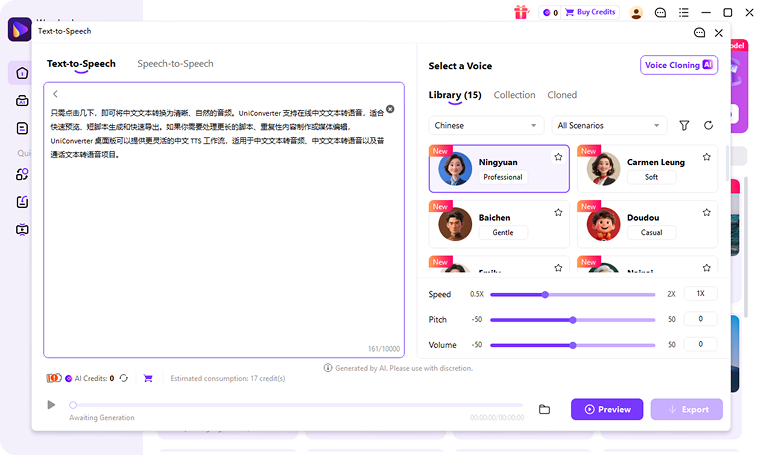
Enter your content into UniConverter to get started. You can paste short lines for fast online generation or prepare longer text for desktop workflows. This makes it easy to create Chinese text to audio for lessons, voiceovers, business scripts, or social media content.

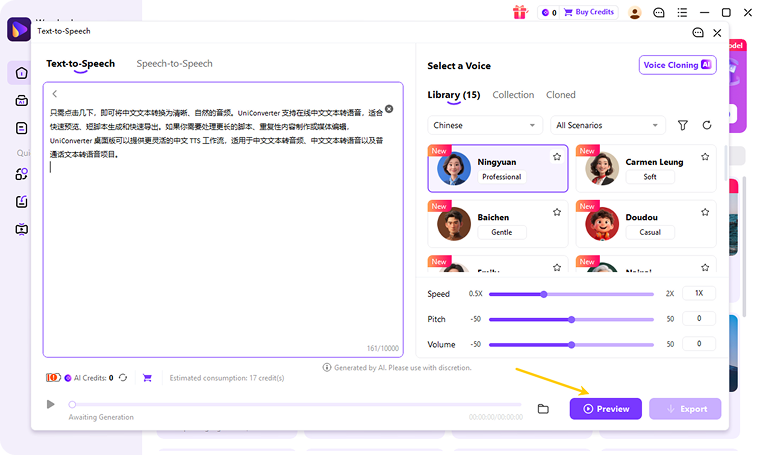
Pick the voice that fits your content, audience, and delivery style. UniConverter supports a smoother Mandarin TTS workflow for users who need clear listening output for presentations, creator content, e-learning materials, and spoken drafts.

Create your audio in seconds, then preview the result before saving it. Once you are satisfied, download the file and use it for video narration, training content, accessibility support, or other Chinese text to speech needs.
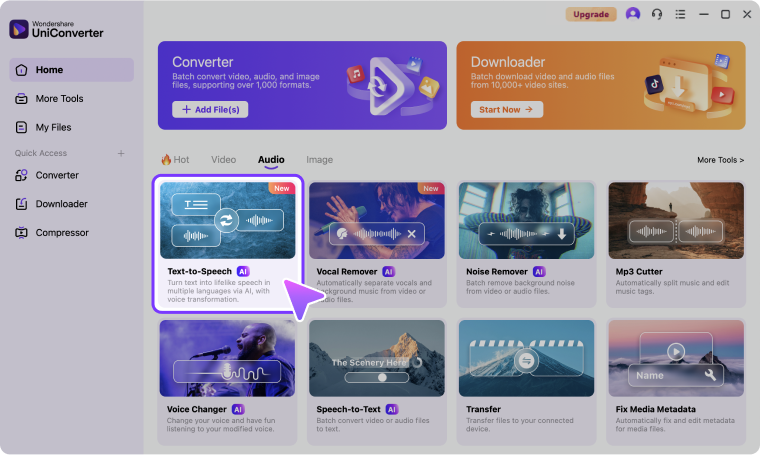
Use Cases: Chinese Text to Speech for Real Projects


Chinese Text to Speech for YouTube and Social Video Voiceovers
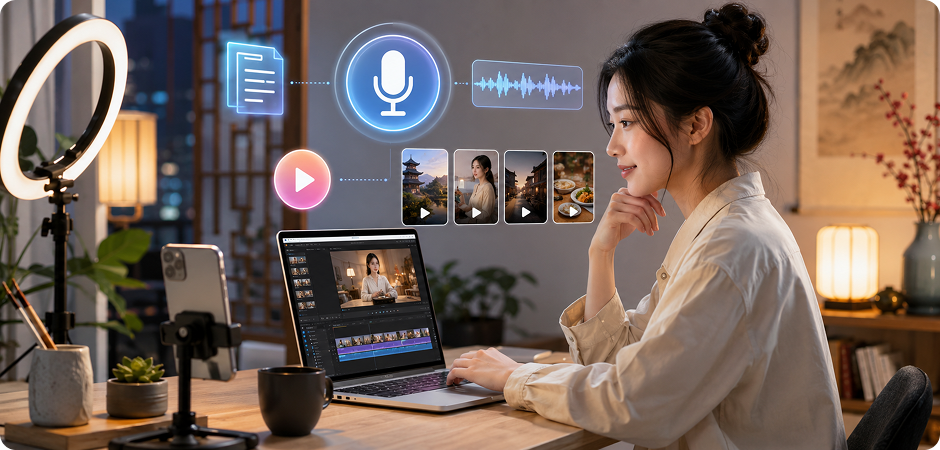
Creators can use Chinese text to speech to turn scripts into ready-to-use voice tracks for YouTube videos, Shorts, Reels, and other social content. If you need Chinese voiceover for video, UniConverter helps you move faster without recording every line yourself. It works well for tutorials, product explainers, social promos, and short educational clips, especially when you want to test audio quickly online before moving into a larger desktop editing workflow.
Chinese Text to Audio for E-Learning and Training Content
UniConverter is a practical choice for Chinese text to speech for e-learning, lesson support, corporate training, and course narration. Teachers, trainers, and content teams can turn written scripts into playable audio for repeat listening and smoother delivery. If you need Chinese text to audio for slides, online modules, internal learning, or spoken exercises, this workflow helps reduce recording time while making audio content easier to update and reuse.
Chinese Audiobook Text to Speech for Spoken Drafts and Narration
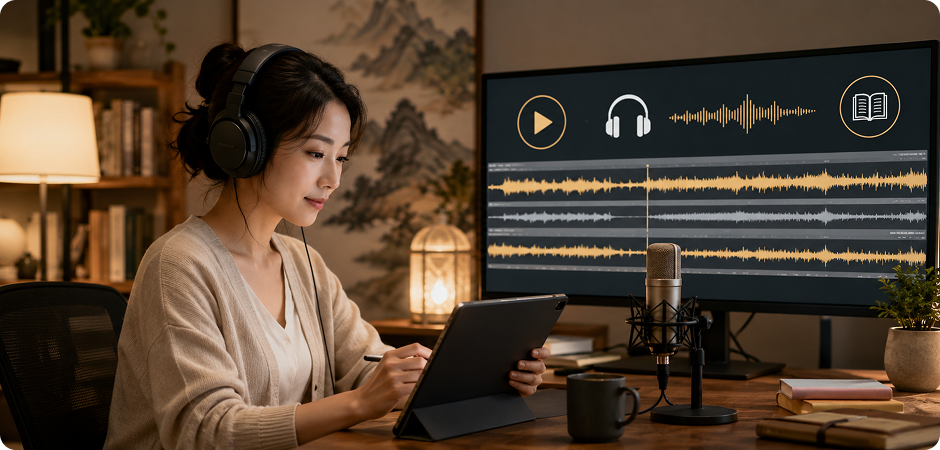
For longer written content, UniConverter can support Chinese audiobook text to speech workflows for spoken drafts, narrated articles, and audio-first content testing. Instead of reading every section aloud manually, you can convert text into usable listening drafts to review pacing, structure, and flow. This is especially useful for publishers, educators, and creators who need Chinese text to voice output before moving into more polished production or final narration work.
Chinese Voice Generator for Ads, IVR, and Marketing Audio
Teams can use UniConverter as a Chinese voice generator for ad scripts, IVR prompts, product messaging, and campaign content. When brands need Chinese text to voice output for customer-facing audio, speed and consistency matter. UniConverter helps create spoken content for promotional videos, support systems, product explainers, and localized campaigns, making it easier to adapt the same message across multiple channels while keeping the workflow efficient and production-friendly.
Chinese Accent Generator Trusted by Creators,
Educators, and Teams
FAQs about Chinese Text to Speech
What is the best free Chinese text to speech tool?
Can I convert Chinese text to audio MP3 for free?
What is the difference between Chinese text to speech and Mandarin text to speech?
Can I use Chinese text to speech for YouTube videos?
Is Chinese text to speech useful for e-learning?
Can I choose different Chinese AI voices?
When should I use desktop instead of online Chinese text to speech?
Does UniConverter support longer Chinese scripts?
Can I adjust speed or pitch after generation?
What audio formats can I export?
Related Tools You May Like



Start Converting Chinese Text to Audio for Free
Whether you need a quick Chinese text to speech online tool for short scripts or a more flexible desktop workflow for larger production needs, UniConverter helps you turn written content into usable audio fast. Create Chinese voiceover for videos, learning materials, spoken drafts, and marketing content with a workflow built for real projects.
