Method 1: Use UniConverter for a Multi-Link Audio Queue
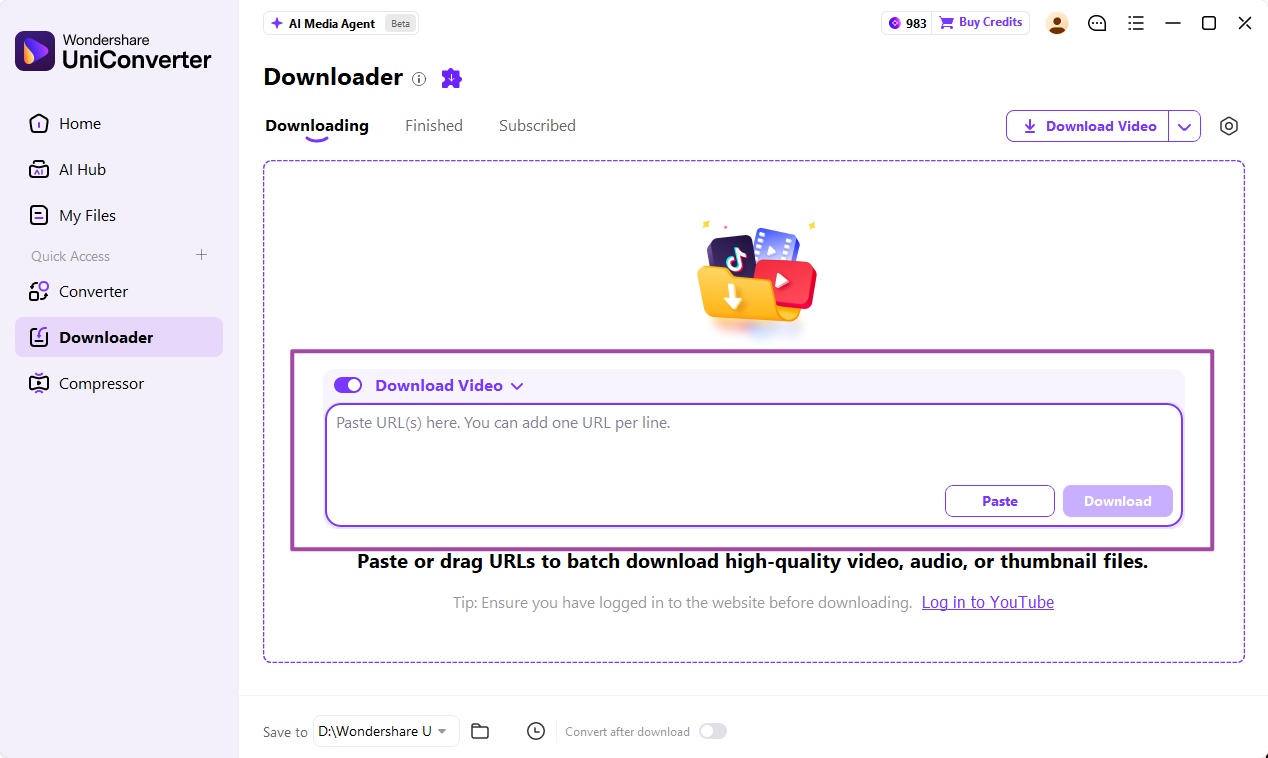
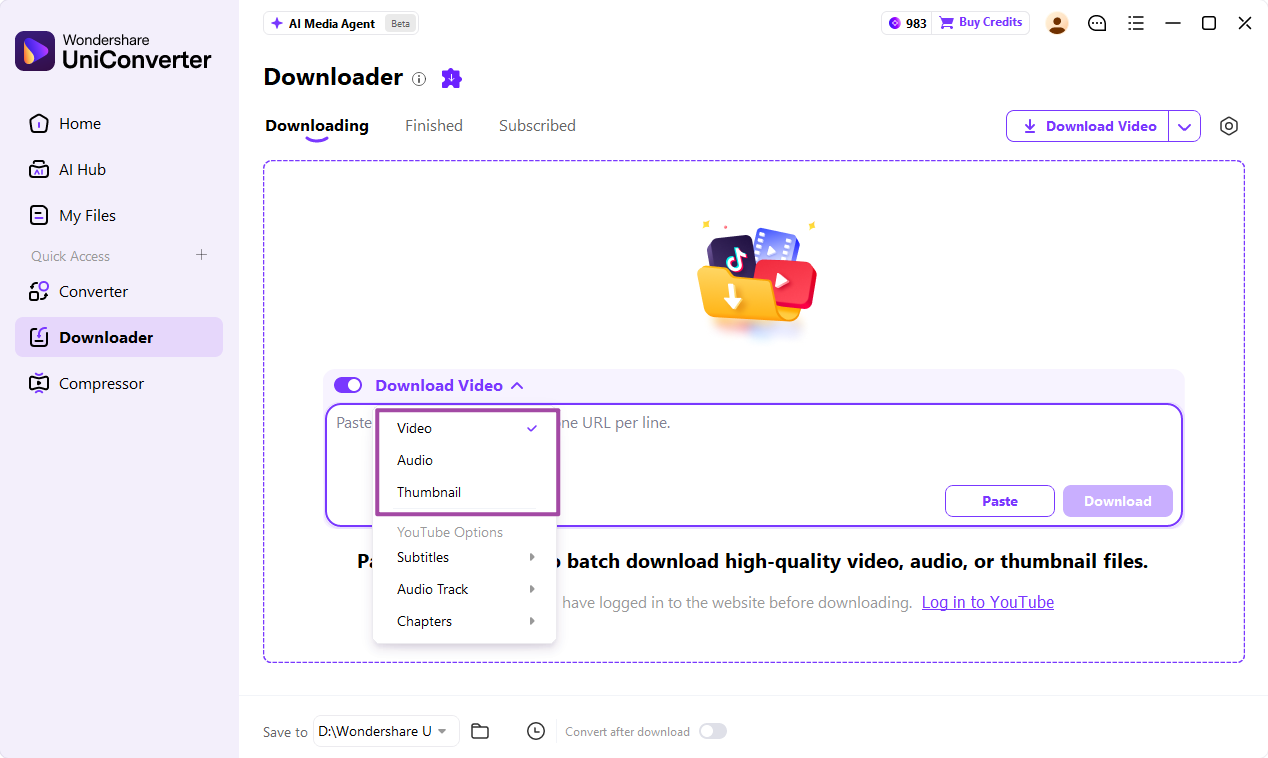
Open UniConverter Downloader, paste the supported YouTube video links one per line, and choose Audio from the download-type menu. Set Save to and start Download. The queue lets you review Downloading and Finished tasks before preparing the delivery files.
- Use individual video links for a predictable list; test a representative link before a large job.
- If the downloaded audio is already MP3, keep it rather than re-encoding unnecessarily.
- For another saved audio format, add the local files to Converter, select Convert to > Audio > MP3 and an appropriate quality, then click Convert All.