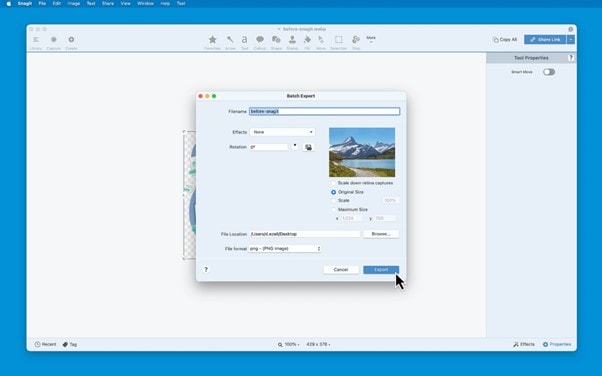
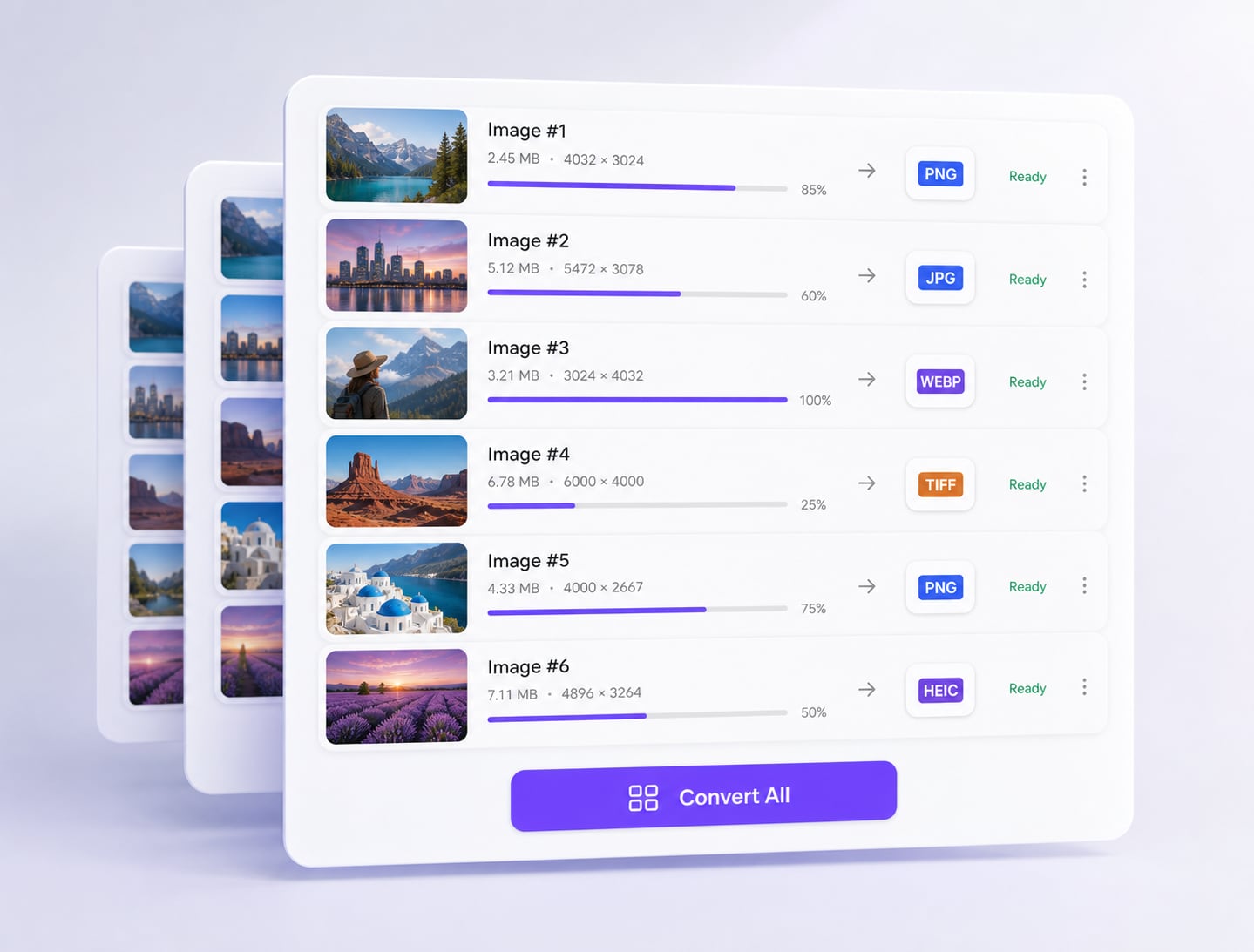
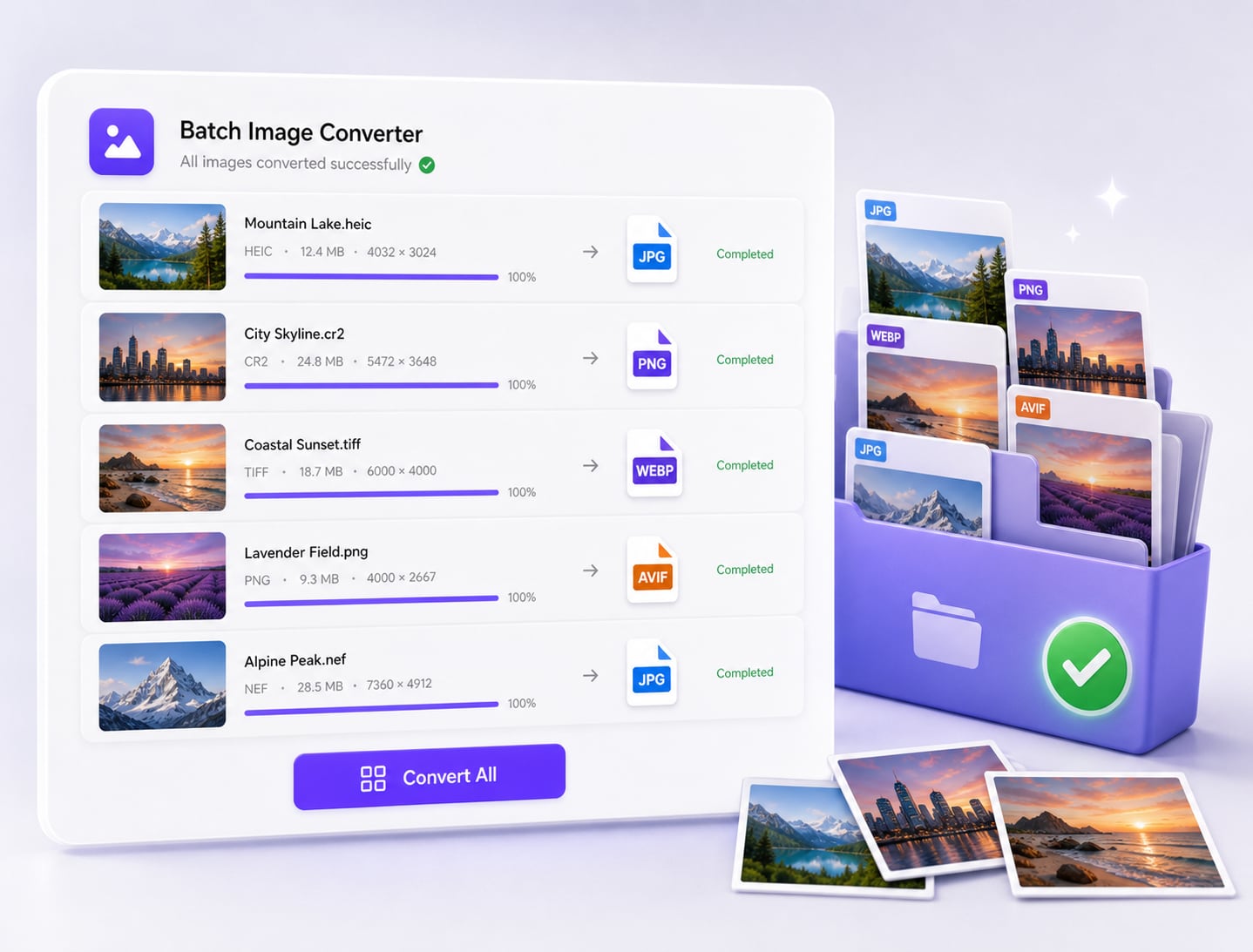
Select the Captures and Open Batch Export
Choose the captures that share the same delivery requirement, then open the Batch Convert Images or Batch Export workflow in Snagit Editor. Follow the entry point shown in your installed version; menu labels can vary by platform and release. Review the selection before advancing through the wizard.
- Check the selected file count.
- Keep source projects available in the library.
- Separate screenshots that need individual edits.